Customer Ratings & Reviews
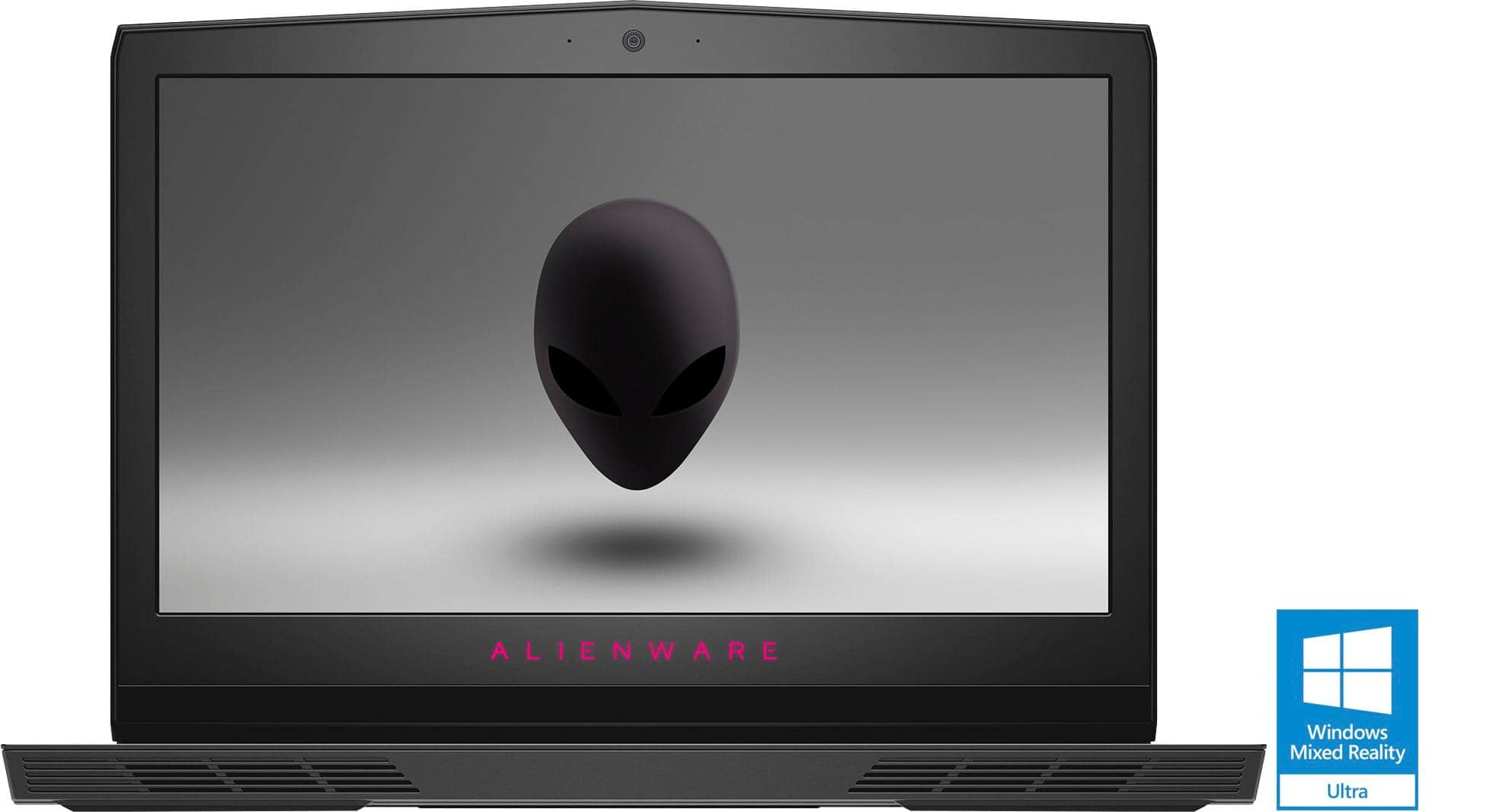
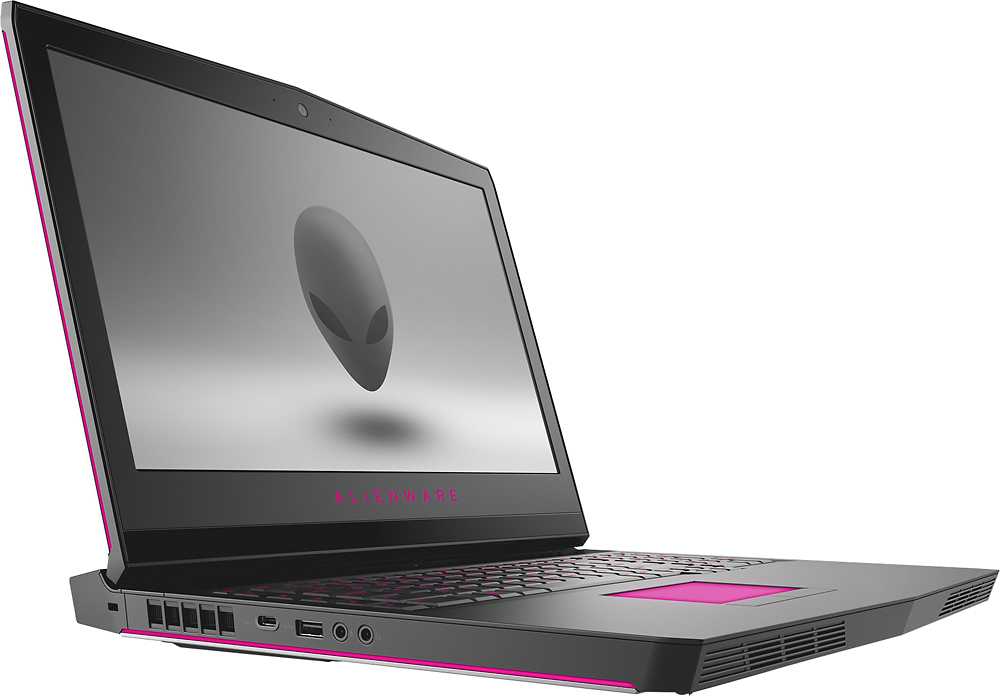
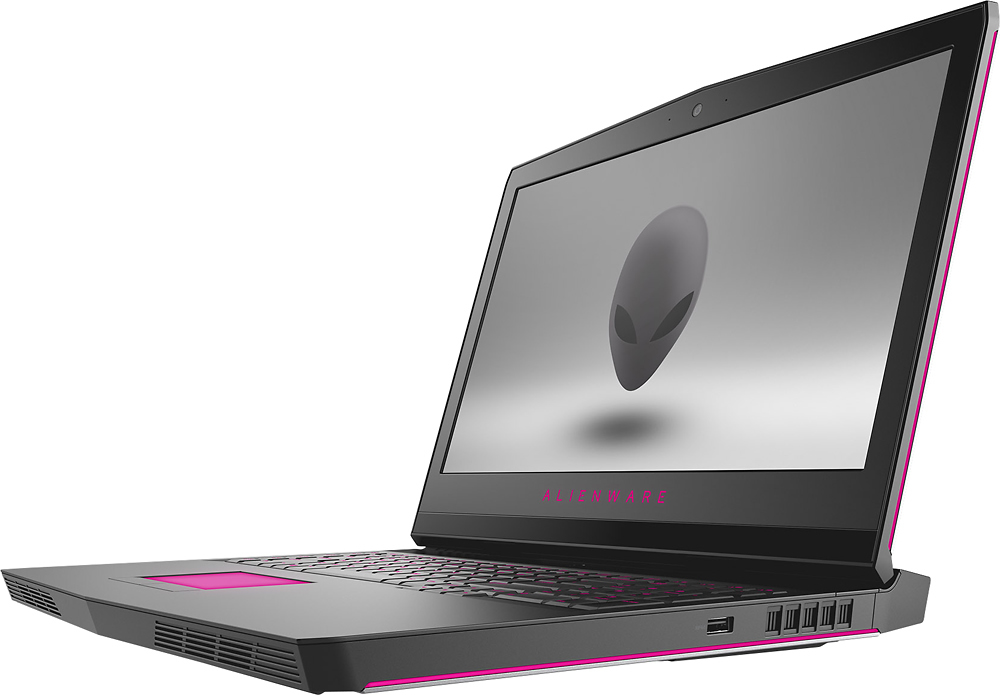
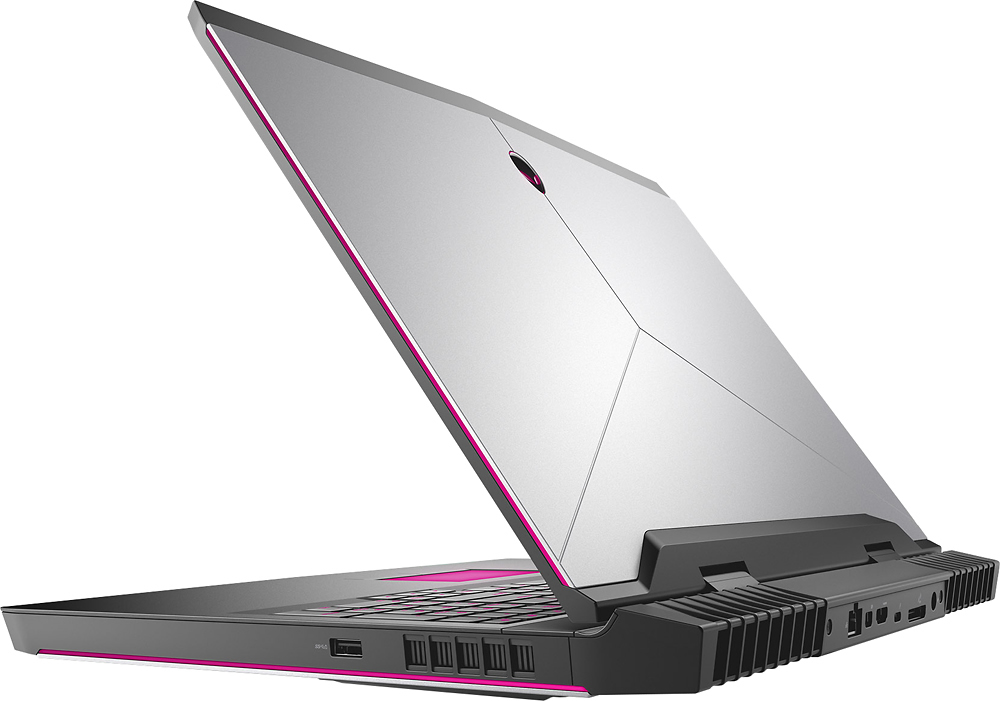
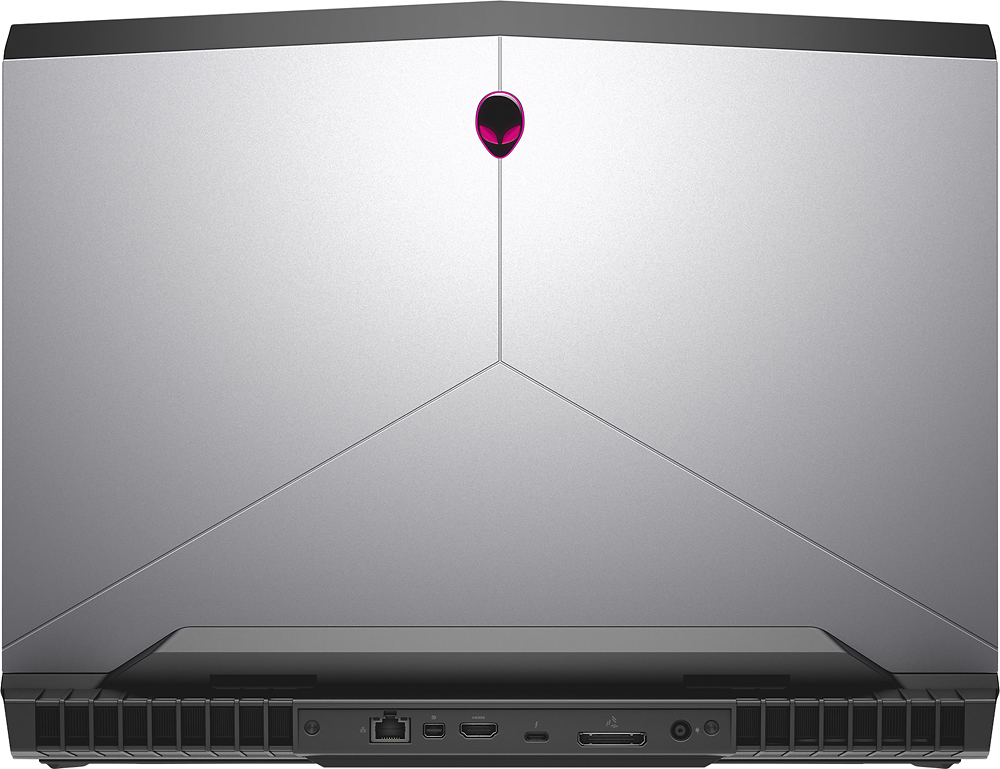
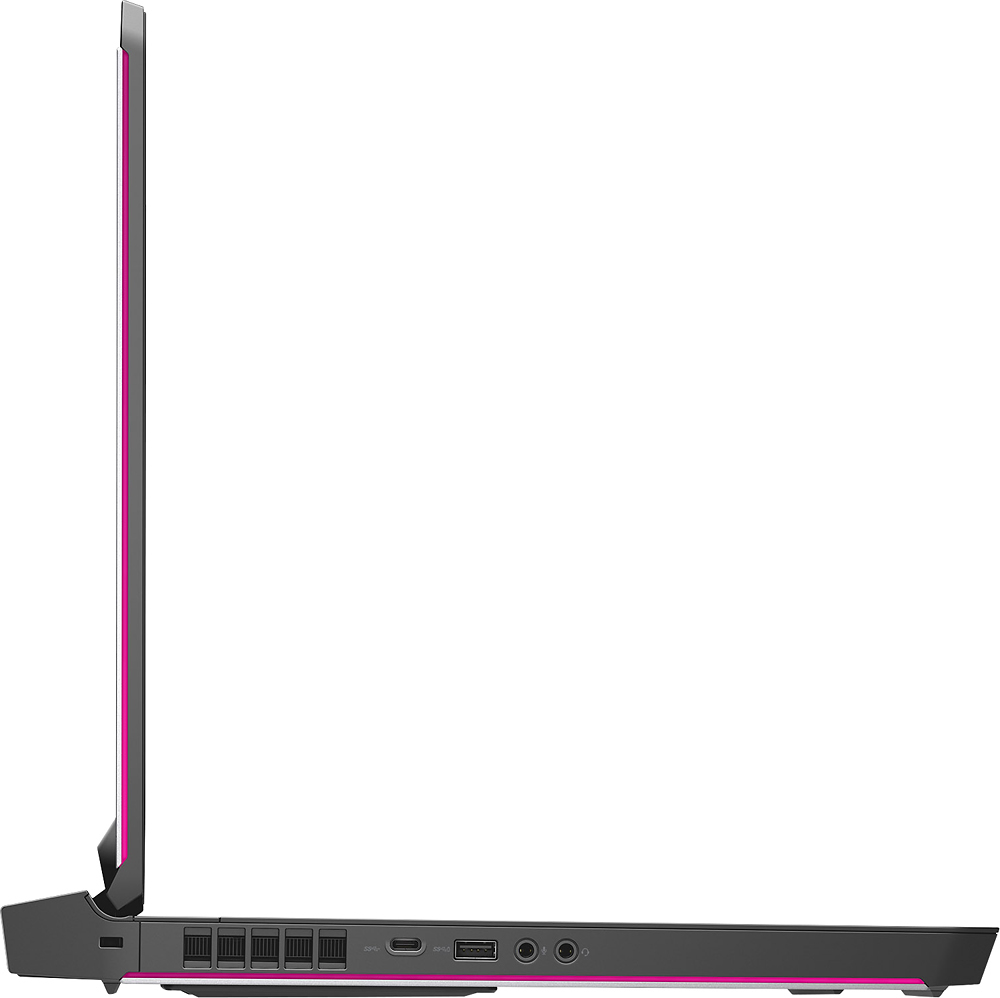
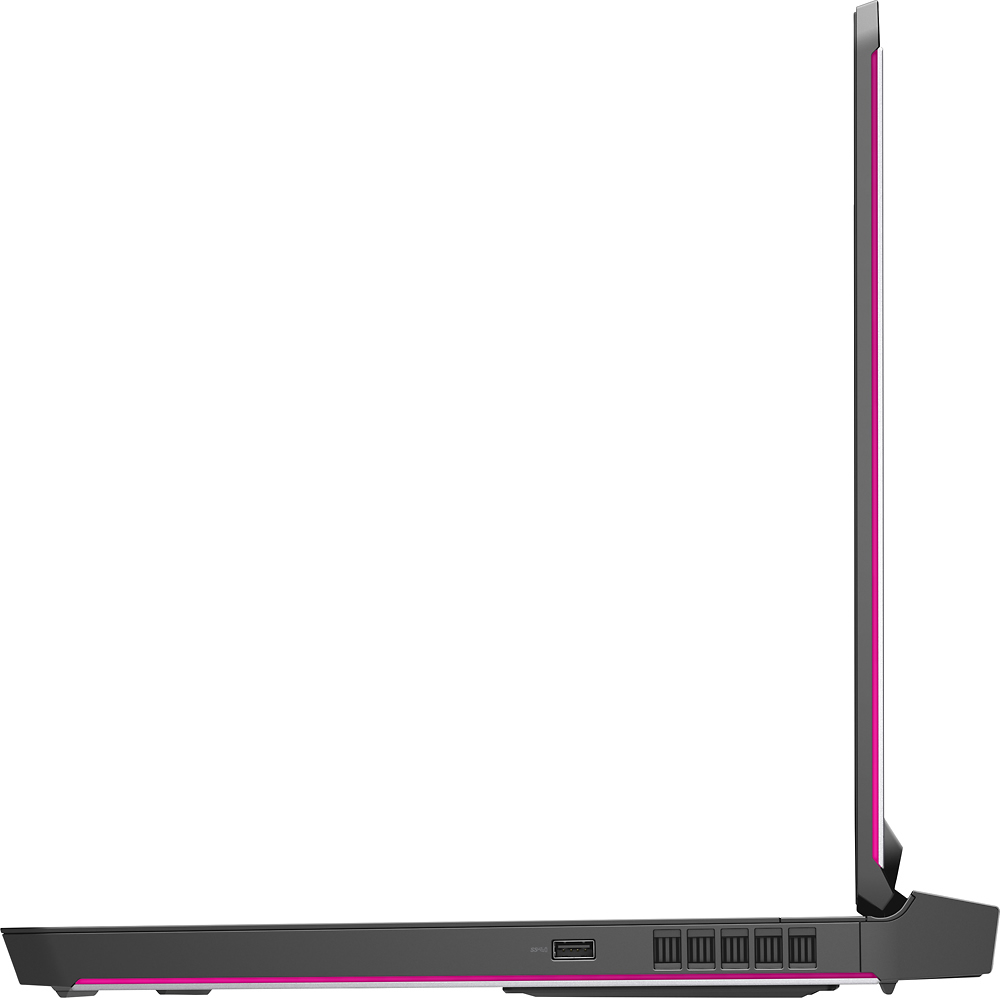
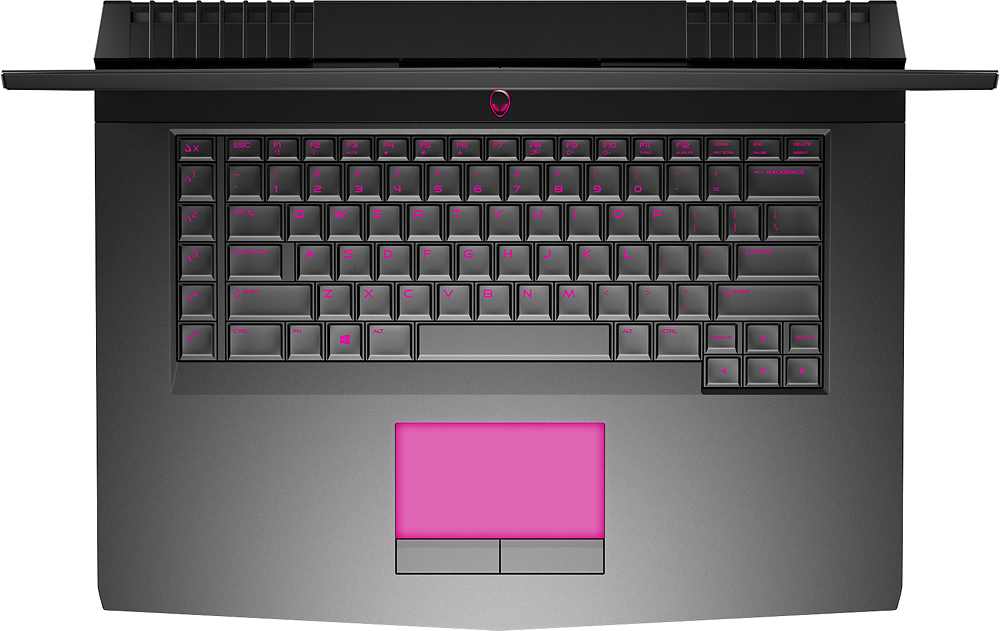
- Model:
- AW17R4-7001SLV-PUS
- SKU:
- 5713010
Rating by feature
- Value
Rating 4.3 out of 5 stars
- Quality
Rating 4.4 out of 5 stars
- Ease of Use
Rating 4.5 out of 5 stars
Customers are saying
Customers appreciate the gaming capabilities, display quality, and overall performance of the laptop. They also value the build quality and power of the device. However, some customers find the laptop to be heavy and have a short battery life, making it less portable.
This summary was generated by AI based on customer reviews.
love alien
||Posted .This reviewer received promo considerations or sweepstakes entry for writing a review.game perfect computer, i want 1 for me. graphics are perfect
I would recommend this to a friendbest laptop I've ever used
||Posted .This reviewer received promo considerations or sweepstakes entry for writing a review.Best laptop I have ever used EVERY BIT WORTH THE COST
I would recommend this to a friendAmazing Graphics
||Posted .This reviewer received promo considerations or sweepstakes entry for writing a review.This is an expensive computer but definetly worth it.
I would recommend this to a friendgood item
||Posted .This reviewer received promo considerations or sweepstakes entry for writing a review.very good item. I love the laptop, will buy again.
I would recommend this to a friendExcellent gaming laptop
||Posted .This reviewer received promo considerations or sweepstakes entry for writing a review.i love this laptop so much, one of the best laptop :)
I would recommend this to a friendNice machine except for TN Panel
||Posted .This reviewer received promo considerations or sweepstakes entry for writing a review.Truly wanted to like this machine. The only (and most serious) flaw, was the decision to use a TN panel for the display. If another panel is available, I'd suggest you investigate that configuration.
No, I would not recommend this to a friendI tried with 3 seperate laptops
||Posted .This reviewer received promo considerations or sweepstakes entry for writing a review.I bought this laptop 3 separate times, 1st time it was open box and the laptop came not wiped out with the previous owners very personal info left. The 1st one's display would not turn on sometimes without the battery plugged in and it froze multiple times within the first week of use so I definitely didn't want to keep it at almost $2,000. The second one (bought brand new) arrived with the spacebar sticking and would not work properly so I took it to get fixed and didn't intend on returning because I figured it'd take 5 mins to pop out the key and reapply it. However, Bestbuy said it'd have to be sent to Dell which would take weeks to fix any hardware issue so they said I could just return and repurchase. The third I bought brand new as well and seemed great first few days then the battery started dying while plugged in and BIOS error came up saying that the battery was at dangerously high temperatures when it wasn't at all (felt room temp to touch) so I'm guessing it was the same problem alot of people have with a bad motherboard. Anyways that's pretty terrible that 3/3 were all defective in one way or another I must of had extremely bad luck because this model has mostly good reviews. It's disappointing it was a beautiful laptop that I really wanted but ended up just buying a pc because I really wanted 2k resolution and 4k laptops are not there yet unless you spend $5-6k.
No, I would not recommend this to a friendBrand response from YourDellTeam
Posted .Kyle,
Thanks for your honest feedback on your new Alienware laptop. We're sorry to hear about the issues that you have faced so far. We'd recommend that you download the latest drivers and software to your computer to make sure that everything is up to date. Here is where you can check for the latest updates for your computer - http://dell.to/2zSV49P.
We'd also recommend the following tips for keeping your computer at a cool temperature:
Tips for Proper Usage:
1. Dell does not recommend placing portable systems directly on your lap. Due to reductions in the thickness of modern portable systems, heat transfer can be an issue.
2. Using a portable system (Laptop) on a hard, flat, non-cloth surface will increase airflow and reduce heat from underneath and inside the system.
Using the portable system on a blanket, pillow, or other types of cloth will cover up the fan cause the computer to overheat and can cause permanent damage.
3. It is recommended to use the portable system in a Room temperature of 0°C to 35°C (32°F to 95°F) with a Humidity level no greater than 90%.
4. Use compressed air to clean the vents on a regular basis.
5. Using a cooling pad can decrease heat and increase performance.
6. If you want to know the temperature limitations for your system, go to the Dell Support Website, look up your system model then open the user guide under the manuals link.
You can read the full article here - http://dell.to/2uJ8AdG.
Lastly, if you'd like to reach out to a member of our Alienware Support Team you can Email them at - [email protected]. Please use your username from this review as the subject line for your Email.
We hope these tips help your computer perform the way you'd like it to.
Best,
Bryan
1-800-254-3692
Heavy
||Posted .This reviewer received promo considerations or sweepstakes entry for writing a review.Laptop is heavy. Plays games well. I use it for photoshop. This is my second. My first died. I can't say it's worth the full price. I caught it on sale.
I would recommend this to a friendBrand response from YourDellTeam
Posted .Granddaddy33055 - Thanks for your recent Alienware purchase. We're glad to see that the device is meeting your needs but we're sorry to hear it's a little heavier than you had hoped for. If there's anything that you need to troubleshoot with your device you can always visit your product support page here - http://dell.to/2xhf9oQ.
New motherboard
||Posted .This reviewer received promo considerations or sweepstakes entry for writing a review.I bought the laptop on 2/20/18 and within the first week the keyboard lights were flickering. It only happened once, at first, and I thought it was due to the video game I was loading. So, I didn’t pay attention to the flickering. After 2 more weeks, the flickering was no longer random, but sustained. I called dell support and after two hours of troubleshooting, I was told I needed a new motherboard. No, thank you. I returned the item.
No, I would not recommend this to a friendKeeps crashing
||Posted .This reviewer received promo considerations or sweepstakes entry for writing a review.The video drive keeps cutting out and any type of video playback is just horrible. This laptop is suppose to have the best screen and it keeps freezing and crashing
No, I would not recommend this to a friendBrand response from YourDellTeam
Posted .Jamesalley, Thanks so much for your recent Alienware purchase. We're so sorry to hear that the video playback is not performing the way you expected it to. We'd like to suggest that you follow these steps to troubleshoot your issue and hopefully improve the playback on your laptop.
1. Verify that the BIOS and Video Drivers are installed. For more information refer to How to Use the Drivers and Downloads Website - http://dell.to/2wepi1s.
2. Test the LCD in the System Setup (BIOS).
3. Run the Laptop LCD Built-In Self Test (LCD BIST).
4. Set or Change your Video Settings.
5. Connect to an external monitor (if available), for more information on the different types of external monitor ports that may be available on your computer refer to Dell Support Website.
6. Check for visible damage to the LCD.
We hope that these tips help you but you can read the full troubleshooting article here - http://dell.to/2gRMAYR.
If you are continuing to experience freezing and lock-up issues please try the following:
1. Run a Computer Diagnostic. To determine if your computer is experiencing a hardware problem, run the Dell Preboot System Assessment (PSA) Diagnostics. For information on how to run Diagnostics, and to determine the issue, refer to Dell Knowledge Base Article: http://dell.to/2iaiujA.
2. Check Safe Mode for Symptoms. To boot into safe mode, please follow the instructions below: 1) Start the computer. 2) Tap 'F8' on the keyboard immediately and every one second until the Dell logo screen disappears. From there you will see the Windows Advanced Options Menu on the screen. (If the Windows Advanced Options Menu does not appear, restart the system and try again.) 3) Select Safe mode with Networking and press Enter. 4) Log on as the administrator or as a user with administrative access. 5) Open applications and test the computer in safe mode. If the symptoms exist in safe mode, please continue the troubleshooting steps in this article. If the symptoms do not exist in safe mode, the issue is likely related to a driver or software and you may wish to complete steps 6 and 7 to see if you are able to resolve the lock ups or freezing.
3. Check for Malware. Malware (Virus, Spyware, etc.) can definitely cause a Windows system to lock up or appear to hang. To check for malware on your system and to ensure that your computer is up to date on security software, visit Dell Knowledge Base Article: http://dell.to/2wWP1zI.
It crashed
||Posted .This reviewer received promo considerations or sweepstakes entry for writing a review.I bought 2 Alienwares for video editing and the first one crashed after 30 days and was never able to booted back up. I returned both.
No, I would not recommend this to a friend- Pros mentioned:Gaming
Awesome
Posted .This reviewer received promo considerations or sweepstakes entry for writing a review.Amazing computer to game runs smoothly and quietly
I would recommend this to a friend Decent Laptop, Poor Serivice from DELL
Posted .This reviewer received promo considerations or sweepstakes entry for writing a review.My Alienware 17 R4 motherboard died on Oct 20th. Dell Service shipped a replacement due to an over 1 month wait on backordered part and received an exchange( they told me to back up the dead computer, but didn't say how I could do that with a dead motherboard). The replacement was a refurbished unit. It was DOA, after looking up its service history it was refurbished due to bad video memory. On Dec 4th They had the replacement back in their service depot. Its now 12/27/207 and I got a service summary saying the refurbished unit that I sent for repair needed, new LCD, power cord, and hard drive. It stated they installed the fall creators update version of the OS and 'drivers' . The video driver was dated 7/2016, as soon as it connected to the internet the driver updated and the LCD once again stopped working as before still DOA. I have had to break down and purchase another computer but after talking to the staff at Best Buy, I was warned Dell and Alienware are having huge service quality problems and not to go with that brand again at this time. I have also been told this by several engineering students that have had similar problems as I have had, its endemic at Dell, the G-Sync panels were bad in the R4's and it was over 5 months before Dell had any replacement solution available. If you owned one, you had to wait for the fix if it was over the return date.
No, I would not recommend this to a friend- Pros mentioned:Speed
Incredible Laptop - Fast and Up-to-date
Posted .This reviewer received promo considerations or sweepstakes entry for writing a review.I replaced my 10 year old Dell Desktop with this fantastic laptop. Alienware is a fully owned subsidiary of Dell. It has all the features I was looking for including facial recognition and VR Ready. The install went well, it takes a little time for all the updated Windows 10 to load but all my installs went well. Love everything about this laptop and it is worth the money. I am not a gamer but probably will become one. I am using this as my Small Home Business Computer. I went with a laptop rather than a desktop because I can take it with me if I need to. It is heavy, so I am buying a 17" laptop backpack to carry it. Every application and browser is lightening fast. Windows 10 wants you to use Microsoft Edge Browser but I really like the Chrome Browser on this laptop. Will be adding a docking station so I can use my larger HDMI monitor. So far this laptop blows me away with it's speed and features, highly recommended. I started using laptops and desktops in the 1980's and I am retired from the computer industry. Dell made an incredible acquisition when they bought Alienware.
I would recommend this to a friend - Cons mentioned:Customer service
The laptop stopped working in 2 1/2 weeks
Posted .This reviewer received promo considerations or sweepstakes entry for writing a review.The laptop stopped working in like 2 1/2 weeks. I was suppose to have a dell tech come fix it in 2 days, noone showed up so I called to find out my parts were on back order, ok whatever, said the parts would be available on Dec. 4th. Just got an email saying they won't be ready to do the repair for another week or two! I highly recommend never buying any Dell products!
No, I would not recommend this to a friend - Pros mentioned:Build quality, Performance
After 2.5 years of usage
Posted .This reviewer received promo considerations or sweepstakes entry for writing a review.I love Alienware computers. They look great. After 2.5 years of usage, still running strong. It is heavy and not very portable, but then it is a powerhouse. Would recommend and will buy again.
I would recommend this to a friend - Pros mentioned:DisplayCons mentioned:Battery life
Mediocre for the price
Posted .This reviewer received promo considerations or sweepstakes entry for writing a review.Pros: -When it works, it plays MMOs, FPS, MOBA games all on high settings, high fps -The display is one of the best -Wonderful full keyboard -RGB lights are really nice, especially on the side panels -Facial Recognition to log onto the computer Cons: -I went through one green screen (horizontal lines across the screen) ON STARTUP of a "brand new" model, the 2nd one is faring better. My con's below are mainly of the 2nd AW17. -When it doesn't work, it freezes, the speakers blare up -4-5 times now, when left alone and it auto-sleeps, the AW17 will stay on but the display won't return no matter what you do (hard reset being the only option) -TINY TINY SSD, 128GB for a $1600+ laptop? Serious? -The worst battery life I've ever had, after 6 months of ownership, regular use, the battery not plugged in lasts about 45 minutes of gaming, and non-gaming such as web browsing it lasts about 3 hours.
No, I would not recommend this to a friendBrand response from YourDellTeam
Posted .Hello Shin,
Thanks for your review. We're disappointed to hear that your computer has been freezing on you. We'd recommend the following tips to help when your computer freezes:
1. Run a Computer Diagnostic. To determine if your computer is experiencing a hardware problem, run the Dell Preboot System Assessment (PSA) Diagnostics. For information on how to run Diagnostics, and to determine the issue, refer to Dell Knowledge Base Article: http://dell.to/2iaiujA.
2. Check Safe Mode for Symptoms. To boot into safe mode, please follow the instructions below:
a) Start the computer.
b) Tap 'F8' on the keyboard immediately and every one second until the Dell logo screen disappears. From there you will see the Windows Advanced Options Menu on the screen. (If the Windows Advanced Options Menu does not appear, restart the system and try again.)
c) Select Safe mode with Networking and press Enter.
d) Log on as the administrator or as a user with administrative access.
e) Open applications and test the computer in safe mode. If the symptoms exist in safe mode, please continue the troubleshooting steps in this article. If the symptoms do not exist in safe mode, the issue is likely related to a driver or software and you may wish to complete steps 6 to see if you are able to resolve the lockups or freezing.
6. Check for Malware. Malware (Virus, Spyware, etc.) can definitely cause a Windows system to lock up or appear to hang. To check for malware on your system and to ensure that your computer is up to date on security software, visit Dell Knowledge Base Article: http://dell.to/2wWP1zI.
You can read the full article here - http://dell.to/2tW5m33.
If you'd like some help with the battery life of your computer we'd recommend these tips:
Change the Power Plan:
1. On the notification area of the taskbar, right-click the Battery icon.
2. On the options list, click Power Options.
3. Select a power plan on the battery meter, such as Power Saver or Balanced. Windows 10 has a built in 'Battery Saver' mode that can be activated to extend your system's battery life. The Battery Saver mode will monitor and limit background activity and other features such as push notifications. You do have the option to enable or disable this mode within settings or within advanced Battery Saver settings, you can customize the mode to best suit your needs.
a) Click on the Action Center icon in the taskbar and select the tile for Battery Saver.
b) If running Cortana then type Battery Saver into the search box and select from the results.
Within the Battery Saver settings page, you will be able to turn on and off the feature and customize the feature to best meet your needs.
c) Turn Battery Saver On or Off.
d) Additional settings available via the Battery use and Battery saver settings links.
e) Battery use shows further info on apps and their power usage.
f) Battery Saver Settings screen allows you to customize further Battery Saver feature.
You can read the full article here - http://dell.to/2vfXWf4.
If you'd like to reach out to our Alienware Support Team you can contact them via Email here - [email protected]. Please use your username from this review as the subject line of your Email.
Best,
Bryan
1-800-254-3692
Great HARDWARE , CONFLICTING OS
Posted .This reviewer received promo considerations or sweepstakes entry for writing a review.I use my laptop to stream games online, and this is rather a demanding task. This machine however, had no problem streaming high def using only 25% of its power. The hardware is perfect, the problem is in the OS which in more than one occasion caused application to conflict. As an example was the keyboard lighting sowftware that wouldn't work because you had to unistal Skype... Who would've thought of that? took me come research to find the solution. another instance the NUMLOCK was activating a message that said the thunderbolt dock was on. Had to download more sowftware to fix the problem.
I would recommend this to a friend- Pros mentioned:Gaming
Great gaming PC everything I wanted in 1 computer.
Posted .This reviewer received promo considerations or sweepstakes entry for writing a review.Great PC I have had mine for two weeks so far. If you are in the market for a great gaming PC that will last years, with a option to add a graphics amplifier choose this one.
I would recommend this to a friend - Pros mentioned:Gaming
Laptop
Posted .This reviewer received promo considerations or sweepstakes entry for writing a review.Excellent gaming laptop. I have ised this for 5 years without issue
I would recommend this to a friend