Customer Ratings & Reviews
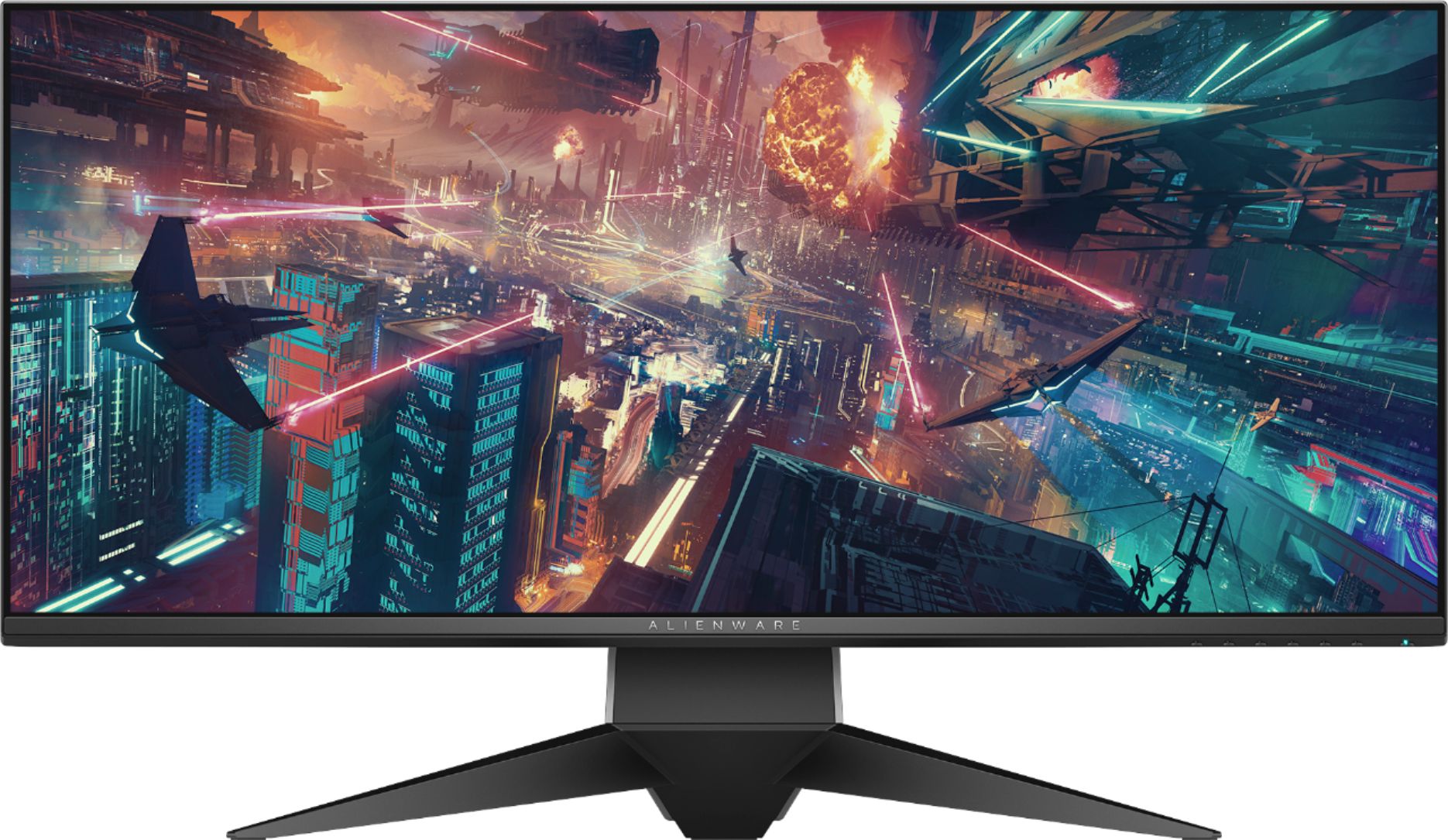
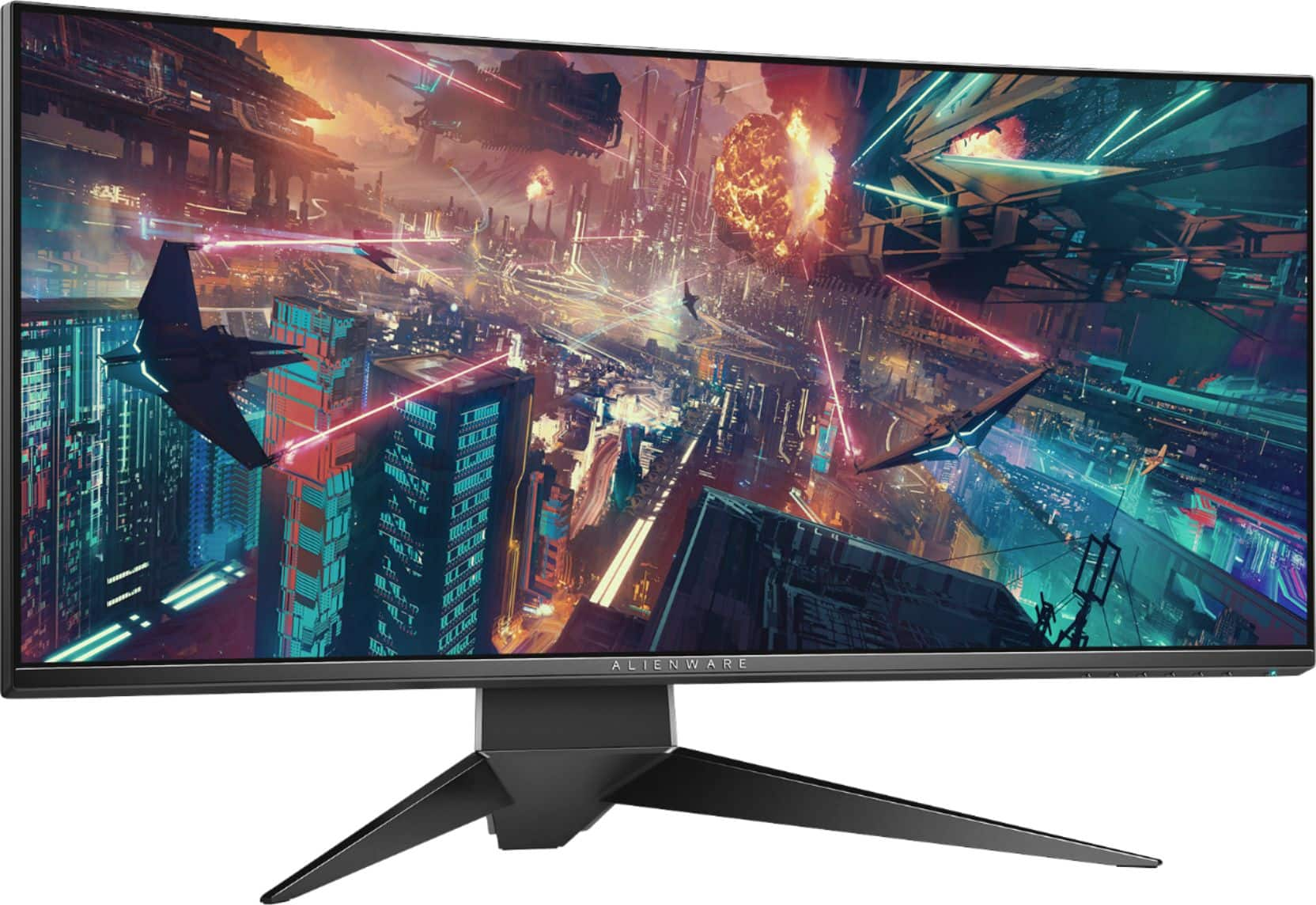
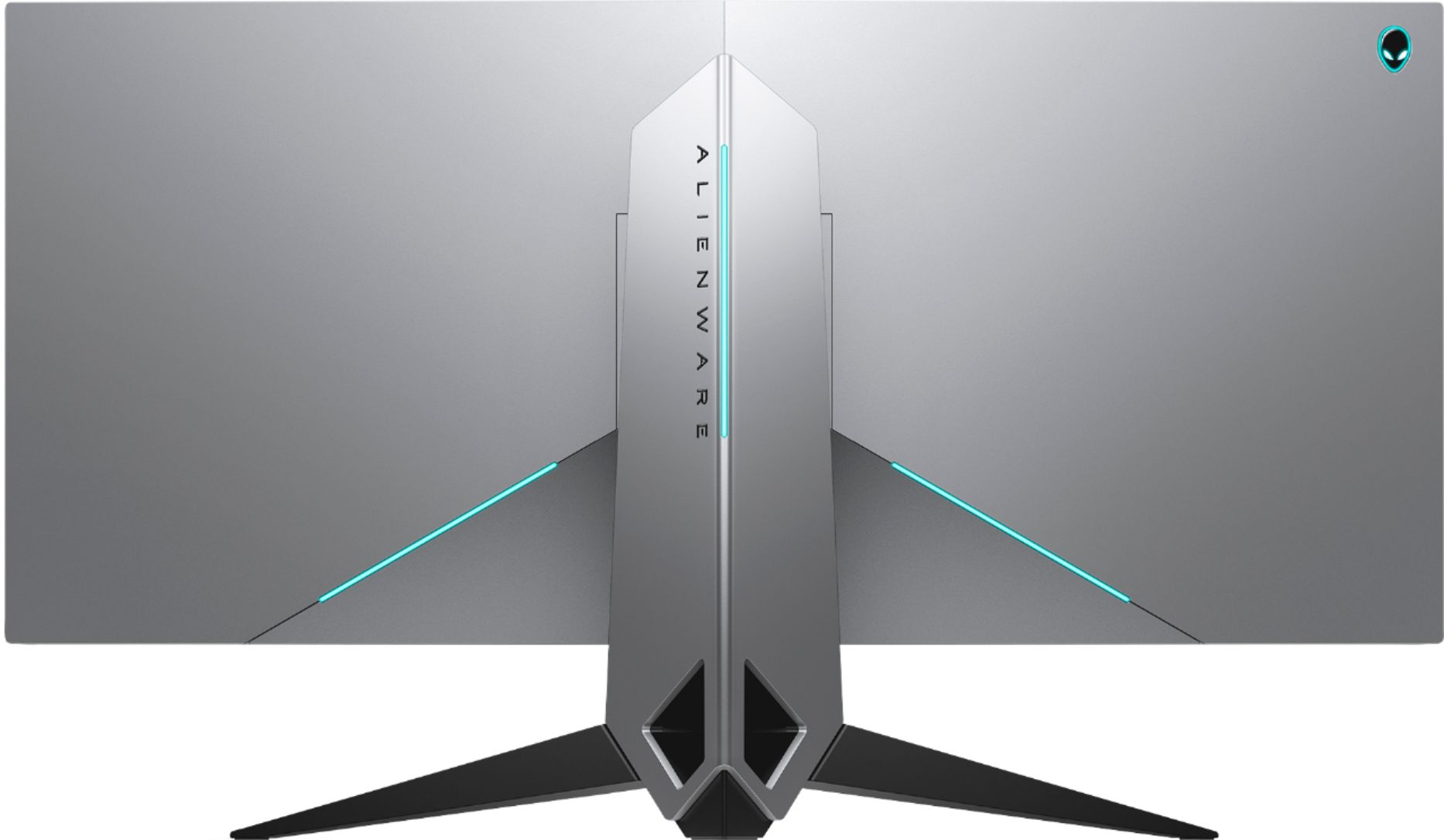
- Model:
- AW3418DW
- |
- SKU:
- 6147408
Customer reviews
Rating 4.6 out of 5 stars with 216 reviews
(216 customer reviews)Rating by feature
- Ease of Use4.8
Rating 4.8 out of 5 stars
- Value4.3
Rating 4.3 out of 5 stars
- Quality4.6
Rating 4.6 out of 5 stars
Customers are saying
Customers express satisfaction with the AW3418DW monitor's refresh rate, screen size, and G-SYNC capabilities, frequently citing its excellent performance in games and overall smooth experience. Many appreciate the high resolution and build quality, along with the sturdy stand. However, some customers note backlight bleed as a common issue, and others mention the high price point as a drawback. A few also comment on IPS glow and glare, though experiences vary.
This summary was generated by AI based on customer reviews.
- Pros mentioned:Refresh rateCons mentioned:Backlight bleed
Rated 5 out of 5 stars
Excellent Monitor That Doesn't Get Enough Praise
||Posted .This reviewer received promo considerations or sweepstakes entry for writing a review.If looking for a monitor perfect for gaming, creative and everything in between (and you have the cash) look no further than the Alienware AW3418DW. Combine the 3440x1440 Ultrawide screen, G-Sync, IPS panel AND 120hz refresh rate and you have not only the best gaming monitor on the market, but a heck of an all-around monitor for everyday productivity. The design (in my opinion) is the best on the market for ultrawides, business in the front and party in the back (but a very classy party to say the least). My only negative when it comes to this monitor is the backlight bleed is noticeable, but you will only notice it in EXTREMELY dark situations. It would have been nicer if it was a bit less noticeable for this price level. I cannot say enough about how much I love this monitor, very glad I purchased!
I would recommend this to a friend - Pros mentioned:Gaming, Resolution
Rated 5 out of 5 stars
Great Monitor!
||Posted . Owned for 3 weeks when reviewed.This reviewer received promo considerations or sweepstakes entry for writing a review.I had an old Asus 27” for 3D gaming but developers never really fleshed it out right. I wanted something in the 2K range to push my 2080. The image quality is great GSync is solid and playing Civ6, Destiny 2, WoW, All scale wonderfully and fill that peripheral vision space while moving the HUD elements out of the center space bolstering the immersion aspects of gaming. The curve is slight but don’t feel like more would be necessary as it would just reduce visual field fill. No regrets on this purchase even if on the pricey side.
I would recommend this to a friend - Pros mentioned:Gaming
Rated 4 out of 5 stars
All around gamming Monitor
||Posted .This reviewer received promo considerations or sweepstakes entry for writing a review.I chose this monitor because I researched other monitors including asus 34 inch and the big monitor 49 inches fron Samsung. The resolution in slightly less than 4k which I didn't need but I needed the 120hz. frame rate for gamming. I use this monitor for web browsing ,video editing ,photo editing and of course last but not least Gamming. Im proud to have bought it from best buy because the have a one month trial for elite members. this is one monitor have no intension of returning. That's why I always shop at bestbuy instore or online. Thank for putting customers first.
I would recommend this to a friend - Pros mentioned:Resolution
Rated 5 out of 5 stars
Awesome display. Owned it for a year, runs great.
||Posted . Owned for more than 2 years when reviewed.This reviewer received promo considerations or sweepstakes entry for writing a review.I've been using this monitor for just over a year and it runs great. I have had no dead pixels. It runs at 3440x1440 at 120hz so make sure you have a good video card to run it. My RTX 2070 isn't really powerful enough to essentially run some games on this 2K display on ultra settings. It has two USB ports on the front under the edge that is great for docking USB drives and peripherals. The input change from HDMI to DP take some getting used to. It looks great.
I would recommend this to a friend Rated 5 out of 5 stars
Awesome Ultrawide Gsync Display
||Posted .This reviewer received promo considerations or sweepstakes entry for writing a review.This monitor is a beast! I've owned it since it was first released. I did have to exchange one because of stuck red pixels, that developed months after ownership. Other than that, it's a great display for the price.
I would recommend this to a friendRated 5 out of 5 stars
Best monitor
||Posted .This reviewer received promo considerations or sweepstakes entry for writing a review.Best monitor for 1440p minimal backlight bleed and no flaws whatsoever, I recommend you guys get the protection plan bestbuy offers well worth the money.
I would recommend this to a friendRated 5 out of 5 stars
Amazing
||Posted .This reviewer received promo considerations or sweepstakes entry for writing a review.By far the nest gaming monitor I’ve ever used. 120hz 1440p ultra wide? Yes please!!!
I would recommend this to a friendRated 5 out of 5 stars
Quality!!
||Posted .This reviewer received promo considerations or sweepstakes entry for writing a review.Got this on sale for a great price. Amazing quality worth every penny!
I would recommend this to a friendRated 5 out of 5 stars
Love it
||Posted . Owned for 1 month when reviewed.This reviewer received promo considerations or sweepstakes entry for writing a review.This is an amazing monitor. I would recommend!!!!!
I would recommend this to a friendRated 4 out of 5 stars
Good
||Posted . Owned for 2 weeks when reviewed.This reviewer received promo considerations or sweepstakes entry for writing a review.I like it .colors take alittle work but overall good
I would recommend this to a friend- Pros mentioned:Refresh rateCons mentioned:Backlight bleed, Speakers
Rated 5 out of 5 stars
Big, Bold, and King amongst Ultrawides
||Posted .This reviewer received promo considerations or sweepstakes entry for writing a review.I'm personally convinced that as of early 2018 this is the king of the 34" Ultrawide market. There are some new interesting models to come this year, particularly from Asus, but they are not out as of Feb. 2018 and are likely to be upwards of $2000 when they do arrive, and will sport 200hz refresh rates. Id been toying with the idea of going to the ultrawide format for a couple of months before I pulled the trigger. I went back and forth on whether to go with a 27" standard Gsync monitor for around the ~$700 mark or jump head first into an entirely different pool and go ultrawide, and pay double the cash. The main hesitation for me was always the cost. After letting it rest in my mind for a couple months, I decided I wanted to make the big jump and go all out. Deciding to take the plunge, I then had to decide which brand to go with. I have been a PC enthusiast, Overclocker, and gamer for over 15 years. I'm no stranger to PC hardware and their specs. Needless to say, I spent a lot of time considering each of the options in the 34" Ultrawide Market. The main specs I was looking for was 3440x1440 resolution, As high a refresh rate as possible, and good overall panel quality. The options are a bit slim in the ultrawide 1440p landscape, so I started off looking at perhaps the 2 most popular options: The Asus ROG Swift PG348Q and the Acer predator models, particularly the Z35p. I entered the Alienware here into my options a little later on. Ive never been a fan of alienware computers, so I was kinda lukewarm on them as a brand. However, I entered this decision with no bias, and was determined to buy the best monitor of the options available, irrespective of brand. To make a long story short, in the end, the Alienware was a cut above the Acer and Asus offerings. The Acer Z35P uses a VA panel, while the Asus and Alienware sport LG IP panels. VA panels are a middle ground between TN and IPS panels typically, but an suffer from ghosting issues. In my research I noted several instances of ghosting being a problem on the z35p. It also has a bit of a history with QA (quality assurance) issues. The Asus also had some QA issues the more I dug into it. While all 3 monitors have majority positive reviews everywhere, if you dig deeper, into reddit and other places you can get a better picture of the issues people have, and I saw the same couple of issues come up over and over again with folks to lost the "panel lottery" as it is called. I was not able to find similar types of issues regarding the Alienware, though it is not as popular as the Acer and Asus either, so I kept that in mind. I ruled out the Acer first, and focused in on the Asus and Alienware. In the end though, I could never find any reason to put the asus over the alienware, but found several reasons to put the alienware over the asus. Most importantly is the alienware uses the newer LG LM340UW4 panel, over the Asus's LG LM340UW2 panel. The most important difference between these two panels is the native refresh rate. The panel in the Alienware is a 100hz native refresh rate, that can overclock to 120hz. The Asus's panel is a 60hz native refresh rate that overclocks to 100hz. What it boils down to is that the Alienware is the only 34" 3440 x 1440 ultrawide IPS that sports a 120hz refresh rate. While the Acer also achieved 120hz, it does it on a VA Panel. Ive had the monitor now for about 5 days and have put it through the ringer, testing it and feeling it out. I have been thoroughly impressed. Not a single dead pixel. Light bleed is present in the bottom left and right corner but its very minimal and only visible on a totally black screen. There is a very light shading, almost like a little vignette affect across the top half inch of the screen; it is just barely noticeable. I wonder if they took some measure to try and avoid light bleed. One reviewer on youtube noted this light shading as well. You really do not notice it though unless you really focus on it, and you have a white backdrop. I dont feel it detracts at all from the screens display, which is really gorgeous. Color, clarity, sharpness all look fantastic. Gaming performance is fantastic. I've tested it out in about 8 popular games and it has impressed in every instance. No ghosting, artifacts, or noticable input lag. Its just big, bold, and beautiful. The stand the monitor sits on is largely metal and is incredibly sturdy and well built. The integrated lighting is a great little addition and offers a soft glow of your preferred color to your desk for night time gaming sessions. If you want the lights off they are easily toggled off. The only feature it doesn't have that I do wish it had, is a center crosshair, which would be useful in some games. Also worth noting is that this was the only monitor of the 3 considered which has no built in speakers. This was a complete non issue to me, but worth noting. This one gets a 5/5 from me. It has impressed me all around. Bestbuy also price matched it for me online, which was quick and painless.
I would recommend this to a friend - Pros mentioned:Refresh rateCons mentioned:Backlight bleed
Rated 4 out of 5 stars
Ultra wide is fantastic
||Posted .This reviewer received promo considerations or sweepstakes entry for writing a review.Oh man where to start. This monitor is great in so many ways. Coming from a Asus VG248QE which is a 1080p TN monitor @144hz refresh rate with no g-sync, while that monitor was amazing this Alienware AW3418DW took gaming monitor to the next level. The pros: This is simple. IPS display, ultra wide, curved, 120hz overclocked refresh rate, G-sync, 21:9, and 34" @1440p. The cons: Price since this monitor came out in August it's going to be very rare that this will go under $1,000. Since it is an IPS panel it does have "IPS glow" only noticeable on a black screen or when my computer is off but the monitor is still on. Another can be "blacklight bleed" which has plagued the Asus ROG swift. As I don't have it with my mine both these are possible with other orders. I would suggest contacting Dell NOT best buy if this were to happen since they will just geek squad it out and it will cost you way more money then just getting an RMA from Dell and just paying for a box. People will tell you that you shouldn't get a ultra wide or a 21:9 monitor since "no games support it" as in there will be black box's on the sides of the screen forcing you into 1080p or giving you a weird scaling issue. This couldn't be less true though. Playerunknown battle grounds, World of Warcraft, Battlefront, Battlefield, Call of duty, ARK, and Path of Exiles all support 21:9 and there are a ton more honestly the only game I know that doesn't work on it is overwatch and blizzard won't fix it since they think of it as having an unfair advantage. All and all this monitor is an amazing upgrade and dell has amazing quality control. I'm running a GTX 970 on this for now and it runs fine g-sync keeps the frames smooth if it ever dips below 60 fps which has only happened on battlegrounds. I would recommend this fully if you can deal with the black bars on YouTube, Netflix, Hulu, ect.
I would recommend this to a friend - Pros mentioned:Refresh rate, Ultrawide
Rated 5 out of 5 stars
Best Reasonably Priced Ultrawide Available!
||Posted . Owned for less than 1 week when reviewed.This reviewer received promo considerations or sweepstakes entry for writing a review.This is actually the second time I have purchased this superb ultrawide monitor. And so that means I actually have many months of experience using it with my gaming PC. In summary, it is superb and well worth your money, particularly if you can get it for $750-$900, which seems to be the going price. First, the build quality of this monitor is exceptional. The panel and stand have a solid, heavy feel to them that exude quality. I have no concerns that something will break or crack. Second, the panel is an IPS, which means you get colors that pop quite nicely. I have not noticed any of the dreaded backlight bleed, although there is a small amount of shadowing at the top of the screen. The resolution is 3440 X 1440, which is a great middle ground between 1080p and 4k. Its a noticeable step up from 1080p but not a huge departure from 4k. The curvature is 1900R, which is a little more than some of the other curved monitors I have owned. The curvature helps with immersion in gaming but in desktop use, its sometimes noticeable if I am doing split screen work. Its not a problem, just something I noticed. I have run PS4 Pro games using the HDMI 1.4 port and although the resolution is only 1080p with supersampling, the image is quite nice, with colors that pop. Third, the monitor is loaded with gamer friendly features, including a higher refresh rate of 120 hz and Gsync, so long as you connect via a DisplayPort cable, one of which comes with the monitor. This means that the action is silky smooth, even when it drops to lower FPS. This makes a difference even if you are not playing FPS games such as Counter Strike. Witcher 3, Call of Duty World War II, Gears 5, etc. all look exceptional. The monitor also has RGB on the back and underside, but that is not important to me. YMMV. The controls are push button on the right underside. The buttons have a nice click and shape to them and they feel high quality. You can customize four of the buttons for whatever you want, such as an FPS counter that appears in the upper left of the screen. The only downside of this monitor is price, it can be very expensive. I personally got it most recently for $769 with a price match. I view that as a great deal considering what you get. If you can get it for $900 or less, jump on it. Buy with confidence!!!
I would recommend this to a friend - Pros mentioned:Refresh rate, Resolution
Rated 5 out of 5 stars
The Best 34" Ultrawide on the Market
||Posted .This reviewer received promo considerations or sweepstakes entry for writing a review.This uses the new LG 100hz native refresh panel and allows you to overclock to 120. It is the only IPS panel like this right now. Add G-Sync and its 1440 res and you have a unique product. It hands down blows the Acer and Asus 60hz (OC to 100) out of the water. Plus dell has been quality control and the backlight bleed here is very minimal. I cannot see it at all in anything but tests. Even there it is only in the bottom right and left corners. Gaming on this panel has been flawless running with a 1080 ti. I was able to hit 120 with zero issues. Input lag is non-existent. I checked a couple places and they confirm that this panel has lower input lag then just about every gaming panel on the market today. Really amazing. Using this for work. I am a software developer. It took me no time at all to get used to the size. I do find myself moving things to the center when I do a lot of typing. When I am doing compares though the extra side space is great. Most websites are around 1024 wide natively so you can pull up 3 side by side by side and they show with no shrinkage. Other sites like Amazon just scale so whatever you want works there. I came from a 1440p 27" Asus and this is a night and day upgrade. If you want the best monitor currently on the market then this should be on your list. Yes its expensive, but no more so then other 34" g-sync 1440 models. This one is better than those so I find it to be a value win as well.
I would recommend this to a friend - Pros mentioned:Ultrawide
Rated 5 out of 5 stars
Absolutely the best!
Posted .This reviewer received promo considerations or sweepstakes entry for writing a review.Has a 34" IPS Gsync 120hz(native 100hz, 120hz overclockable) 3440x1440 Ultra Wide display made by LG. Great color. No backlight bleed noticeable to the human eye. Amazing viewing angles! Best Ultra Wide at the moment!
I would recommend this to a friend Rated 5 out of 5 stars
The new love of my life
Posted .This reviewer received promo considerations or sweepstakes entry for writing a review.I didnt even shop around much, I knew i wanted this from the very moment I saw it. It is absolutely worth every penny I paid for it. If your considering buying this then you already know whats up and I dont need to explain things but I promise this monitor delivers. Just to give you an idea, not that I got it for this reason, but I went from playing battlefield 5 at 90 fov to 55 fov, without loosing any peripheral vision, which means every shot I take seems like its 50 yards closer. I got it for the immersion, but thats a nice bonus. My only advice to you is that make sure you have enough desk, the stand is very sturdy and large and the monitor itself is very heavy.
I would recommend this to a friend- Pros mentioned:Refresh rate, Resolution
Rated 5 out of 5 stars
Very wide, crisp and clean
||Posted .This reviewer received promo considerations or sweepstakes entry for writing a review.Prior to purchasing this monitor I was using two 27 inch 1080p monitors. They were decent monitors but ate up a lot of desk real estate. As I was having a new computer built for me I decided it was time for an update. I'm very pleased with the purchase. I've had zero issues thus far. Zero dead pixels. Hopeful that will continue to be the case. I will discuss the features that were important to me: 1. Resolution: The dot resolution of the screen is definitely a step up from what I had. 3440x1440 looks much sharper and cleaner. 2. Brightness: Better than my old screens and definitely bright enough for a normally lit office or bedroom. 3. Color accuracy: I do a lot of work with photoshop in the photography field so color accuracy is important to me however at this point I am still in the process of moving stuff from my old computer to the new one (where this monitor is used) and have not yet done a monitor calibration so I can not yet speak to the color accuracy but based on images I looked at from my photo library it looks pretty good straight out the box. 4. Refresh rate: I have it running at 120Hz and it's doing fine. I see no flashing or other anomalous behavior. 5. I've played a few games with this monitor and it is a real joy to have some sense of peripheral vision. The screen is large enough to give a sense of it. 6. Large screen space with no dividing line down the middle: The overall screen space is not a much as my 2-27 inch monitors but I really don't need that much horizontal space. It's nice to look at large pictures and games with 34 inches of screen and not see a big blob of nothing down the middle. 7. The lighting on the back and bottom of the monitor is scarcely noticeable in normal room lighting. In a dark room you can kind of see it but again not a major feature. I would say if you're looking for this to be a main feature you will be disappointed. Overall, I'm very pleased with the monitor and I do recommend it to others.
I would recommend this to a friend Rated 4 out of 5 stars
Good gaming, not so good photo/video
||Posted .This reviewer received promo considerations or sweepstakes entry for writing a review.I received my panel today and concur with reviewer "MITCH" observations, however, I will rate it at 4 stars... for now. 1) Left portion of screen is cooler than right. My panel starts to get a slightly warmer color temp around the "RE" in the ALIENWARE logo. I got some time to return so I investigate my options. I'll see if it's common and consider keeping or RMA/return for replacement. I used eizo-test to do a quick check of all my panels out-of-box. Quick and easy tool. Need to see if this slight gradient temp change will start to irritate me. I used a reference white background or browser with BB website with two windows side-by-side. Straight on viewing, you'll see a gradient change. When I move my viewing angle toward the right offset, it starts to balance out. Some quirks in this curved panel. It may not bother many people, but if you are picky, you'll need to try it out or pass on it. 2) Some corner BLB on lower left and right using default. I had bad BLB/dead-lit pixels and had to return (4) PG270Q from A******n. QC on those were bad. I used tftcentral's X-rite calibration of 37 brightness, 73 contrast and their RGB settings and the BLB is minimal and tolerable on the Dell AW3418DW. 3) Yes, there is "ghosting" on anything above normal response at 120Hz OC, but this has been mentioned and tftcentral cited this in their review, too. Did some speed runs of Doom levels using G-Sync 120Hz normal response at 3440x1440p and got solid 113fps with max-ultra settings. Will try battlefield, CoD, and Wolfenstein later. I have playable framerates using 1080ti SLI using surrround triple 1440 displays, but the Dell AW3418DW has solid framerates at max-settings. It's a compromise since I hate TN and VA panels. Triple 1440p is hard at max settings. This monitor has good framerates at the max settings and the effects are nice for a wide screen. WARNING: You'll need a very good Intel/Ryzen CPU and high-end video card to drive this display at max settings. This is an all-around good UW for general purpose and good for gaming, but may not be right for serious graphics and video user. At the current price, it's a little high. At <$1000, it'll be one of the top UW gaming monitors for a the next quarter or so. At $1299, it's a little pricey.
I would recommend this to a friendRated 5 out of 5 stars
Fantastic hardware, ultrawide still quite niche
||Posted .This reviewer received promo considerations or sweepstakes entry for writing a review.I'm not going to pretend to be an AV expert. I'm far from it. This is my first ultrawide monitor and it's a drastic upgrade from my previous ASUS VG278HV. I can only comment on the basics. Here are the preconditions necessary for you to be able to fully enjoy this monitor (for gaming): * You're a gamer primarily. This is NOT the monitor for viewing content, especially with multiple users. Viewing angle is narrow and ultra-wides themselves are designed to fully immerse one guy or gal in games. The backlight bleed & glare are less obvious and impactful when you are gaming close to the monitor. Your eyes may suffer for it; if you are concerned invest in computer glasses (for the average distance from eyes to a monitor screen) and/or glasses that block high-intensity blue light. * You have a high-end graphics card, preferably Pascal. 980 should be OK. You need to be able to drive this monitor at desired (ultra-wide) resolutions while not sacrificing settings in games too much, otherwise you will have bought the monitor only to display crap. Do your research! While HDMI input is supported, for all practical purposes DisplayPort is a necessity to fully utilize the monitor's capabilities. I have an RTX 2070 which is sufficient. * You're not playing games in a bright room or during the day. The glare is hardly noticeable in a low-lit environment or at night. When subject to bright light it's hard to see stuff, especially in shooters that have huge zones and/or camouflage. * You are interested in playing newer titles that explicitly support ultra-wide resolutions, such as Destiny 2 and Battlefield V. There are many but take note that ultra-wide gaming is still quite niche; not every recent game fully supports it in the sense that they will both run well and have crisp interfaces. Don't be thinking Baldur's Gate or Diablo 2 will be supreme on this monitor. Legacy games are more unpredictable on ultra-wide resolutions. * You edge on the side of enjoying first-person shooters (or FPS RPGs) more than real-time strategy and isometric RPGs. While strategy games are awesome on an ultra-wide, the titles that will knock your socks off and take full advantage of this hardware's support for both GSYNC and decently high refresh rates are first-person shooters. You might be overbuying if you have zero interest in first-person shooters or any game that provides competitive benefits from GSYNC and/or a high refresh-rate. Furthermore, if you're just looking to play super competitively in games like Overwatch, Counter-Strike and CoD you may be better off aiming for something smaller and 144HZ capable. I've given Total War: Warhammer 2 a try and while the battles are incredible on an ultra-wide, the campaign map looks somewhat funky. Assess what your needs are with respect to your favorite games and future purchases beforehand so you are not confused or disappointed. * You have a decently sized desk. This monitor is constructed to be sturdy at the expense of space. Somewhere between 10-14 inches of clearance are needed. Yes, this could easily take up over one third of a normal-sized desk. If you meet those preconditions, this monitor is a beast. The build quality is superb and the display is crisp. The colors out of the box are OK, but can quickly be fixed with calibration. The presets are much better than the default scheme. The monitor is huge; only actually experiencing a 34 inch ultra-wide will allow you to appreciate the hardware and technological advancement that has occurred in displays. I've been frequenting Battlefield V and it is absolutely surreal with this monitor. You will need to give your mind time to acclimate to the awesomeness of ultrawide resolutions. You do pay a premium for GSYNC (the so-called intellectual property tax from Nvidia) but if you have the right setup it is amazing technology. You can always default it to off for games that do not run well with it. If you can find this monitor on sale you are basically not paying the IP tax. I've found GSYNC to be pretty awesome at totally eliminating tear and maintaining a stable framerate, but your mileage will vary (especially since every single driver release seems to affect GSYNC either positively or negatively across various games). Nvidia is quickly becoming known for having unreliable driver releases. Keep in mind that there have been multiple revisions of this monitor that (as far as we can tell) have improved reliability and quality. Rev 5 from September '18 is the most recent. Just know that owning this monitor is a commitment. Keep and store the box and packaging so if you have an issue an RMA is easier and cheaper. I have the box in-tact and Alienware is known for pretty good support. Overall, I don't know what else I can ask for here. My expectations were greatly exceeded. Just make sure ultra-wide + 100 to 120hz + 4ms response suits your needs before investing in this setup. I'm not a super competitive gamer so I don't have those particular needs. In terms of being awestruck at recent games, this monitor delivers.
I would recommend this to a friend- Pros mentioned:Refresh rate, Resolution, Ultrawide
Rated 5 out of 5 stars
Ultimate high end gaming accessory
||Posted .This reviewer received promo considerations or sweepstakes entry for writing a review.Ultrawide gaming is quite a luxury. Although this panel isnt quite 4k, the resolution and wide format monitor is unbeatable for both gaming and productivity offering sharp text at 3440x1440p. The monitor tops at at 120hz refresh rate overclocked and it's a great upgrade for anyone moving up from a 60hz 24 inch panel. Just be sure you have an Nvidia 1070 or greater to drive your games at this resolution.
I would recommend this to a friend