Black Friday is hereShop new DoorbustersShop now

Skip to content
Gift Ideas
26 Cypress St
Williston, VT 05495
Open until 9 pm
Find Another Store
Main Content

Customer Ratings & Reviews

Your price for this item is $699.99
The comparable value price is $799.99

Customer reviews

Rating 4.9 out of 5 stars with 136 reviews

Rating Filter

Rating by feature

  • Display Quality

    Rating 4.9 out of 5 stars

  • Ease of Use

    Rating 4.9 out of 5 stars

  • Features

    Rating 4.8 out of 5 stars

Pros mentioned filter

Cons mentioned filter

99%would recommend to a friend

Customers are saying

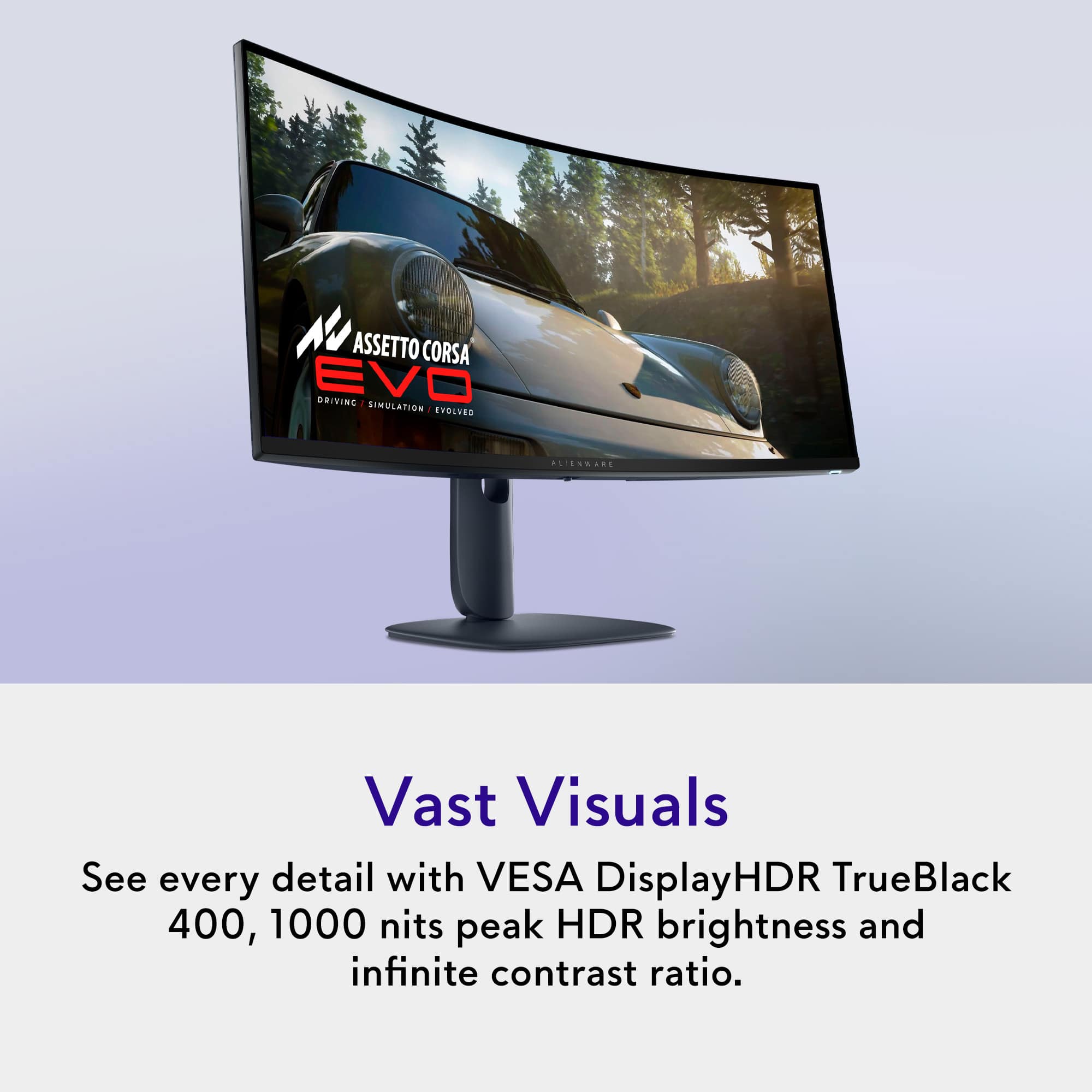
Customers are satisfied with the AW3425DW 34" gaming monitor, particularly the exceptional image quality and the smooth 240Hz refresh rate. The monitor's connectivity options, including HDMI, DisplayPort, and USB ports, are also appreciated. Additionally, users have noted the solid HDR performance and the impressive contrast with deep blacks that OLED technology provides.

This summary was generated by AI based on customer reviews.

The vast majority of our reviews come from verified purchases. Reviews from customers may include My Best Buy members, employees, and Tech Insider Network members (as tagged). Select reviewers may receive discounted products, promotional considerations or entries into drawings for honest, helpful reviews.
Page 7 Showing 121-136 of 136 reviews
  • Rated 5 out of 5 stars

    Awesome momitor

    |
    |
    Posted . Owned for 3 weeks when reviewed.
    This reviewer received promo considerations or sweepstakes entry for writing a review.

    I didn’t know Alienware made monitors. But this thing is a best for the price.

    I would recommend this to a friend
  • Rated 5 out of 5 stars

    Good choice

    |
    |
    Posted .
    This reviewer received promo considerations or sweepstakes entry for writing a review.

    Real nice monitor for the $$$$$$ looks and works great

    I would recommend this to a friend
  • Rated 5 out of 5 stars

    I love it

    |
    |
    Posted . Owned for 3 weeks when reviewed.
    This reviewer received promo considerations or sweepstakes entry for writing a review.

    Love it i want to buy another one but its spendsib

    I would recommend this to a friend
  • Rated 5 out of 5 stars

    Amazing

    |
    |
    Posted . Owned for 2 weeks when reviewed.
    This reviewer received promo considerations or sweepstakes entry for writing a review.

    Perfect, it's an improvement over it's predecesor.

    I would recommend this to a friend
  • Pros mentioned:
    Color quality, Contrast, Hdr performance
    Tech Insider Network Member

    Rated 5 out of 5 stars

    Strong QD-OLED Monitor for Gaming and Work

    |
    Tech Insider Network Member
    Posted .
    This reviewer received promo considerations or sweepstakes entry for writing a review.

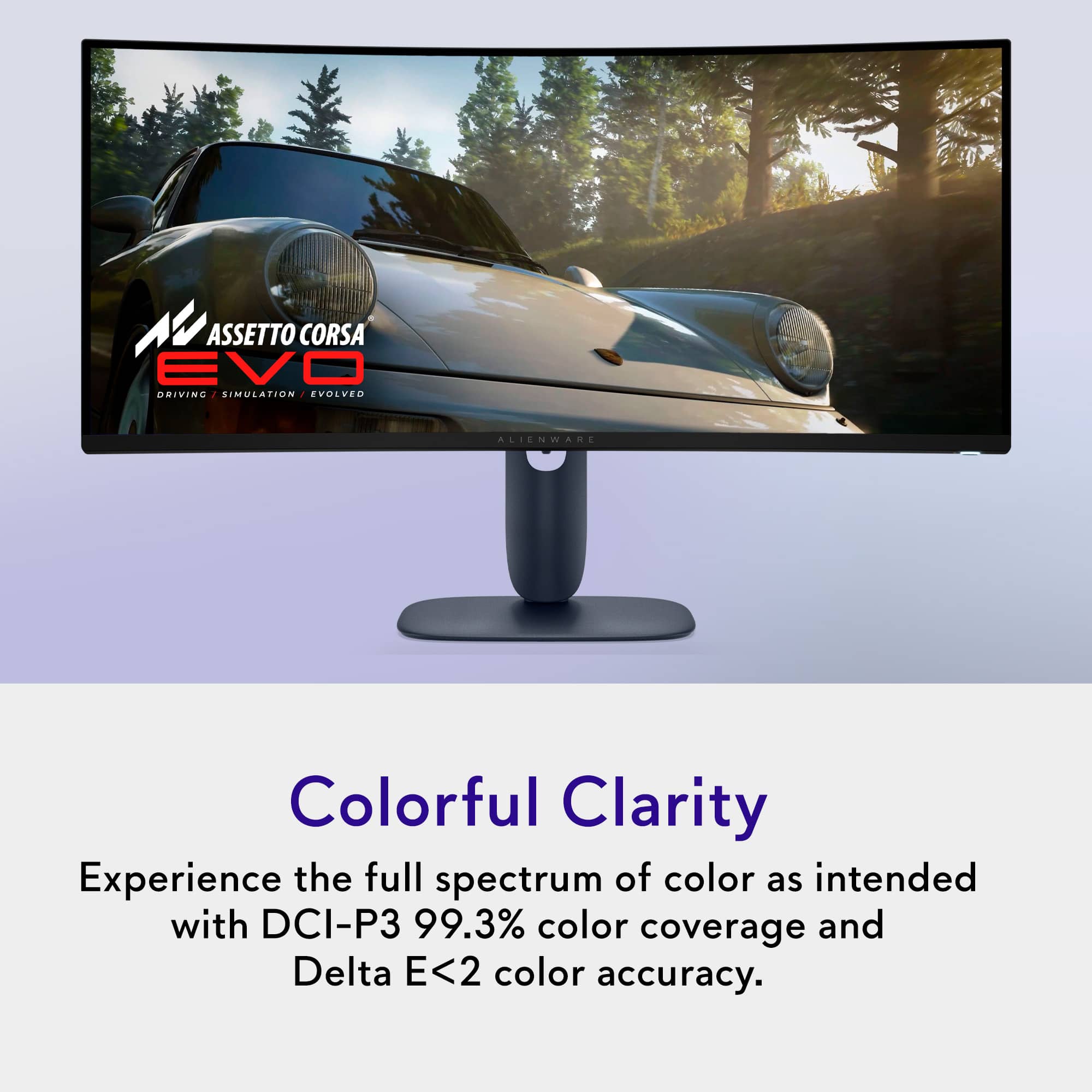
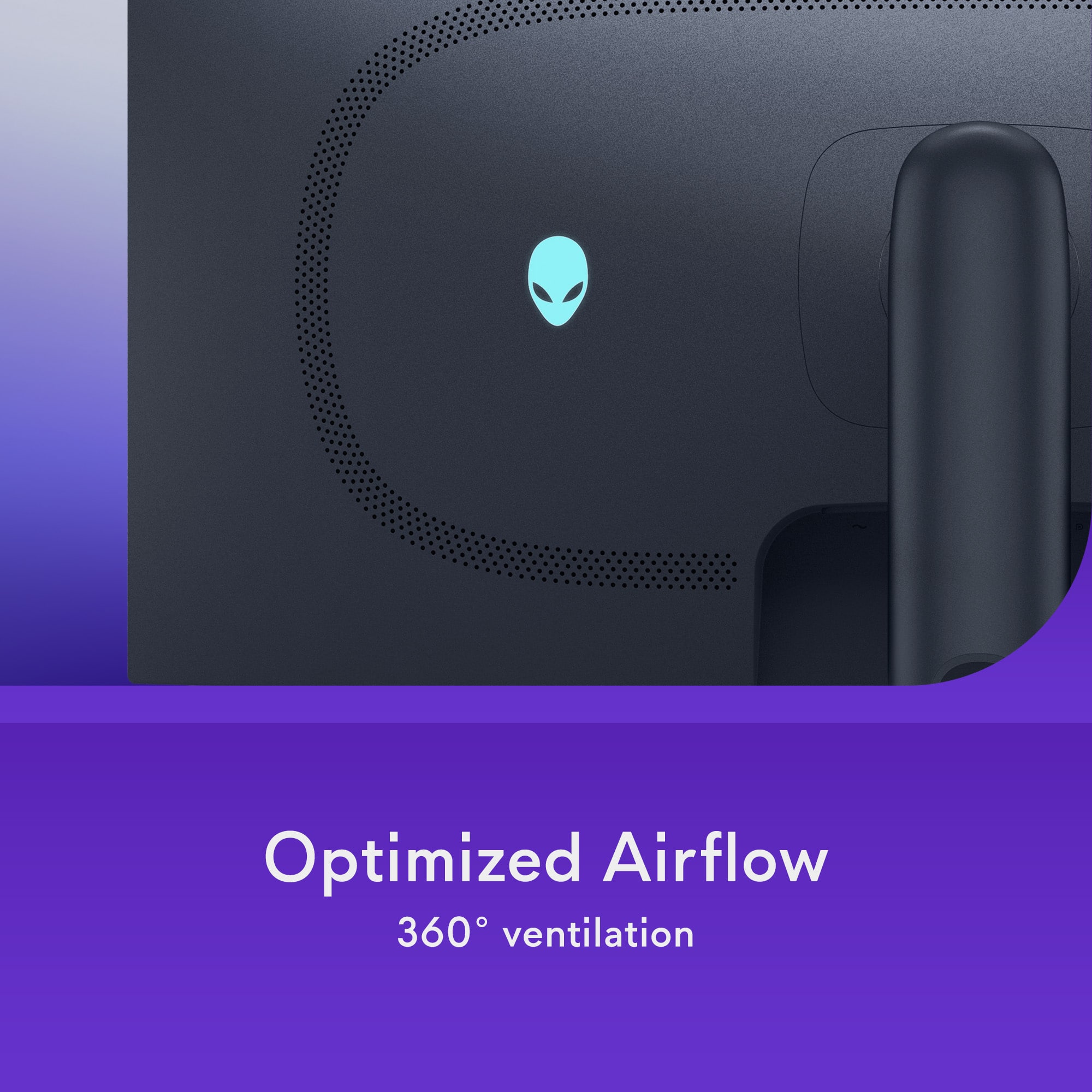
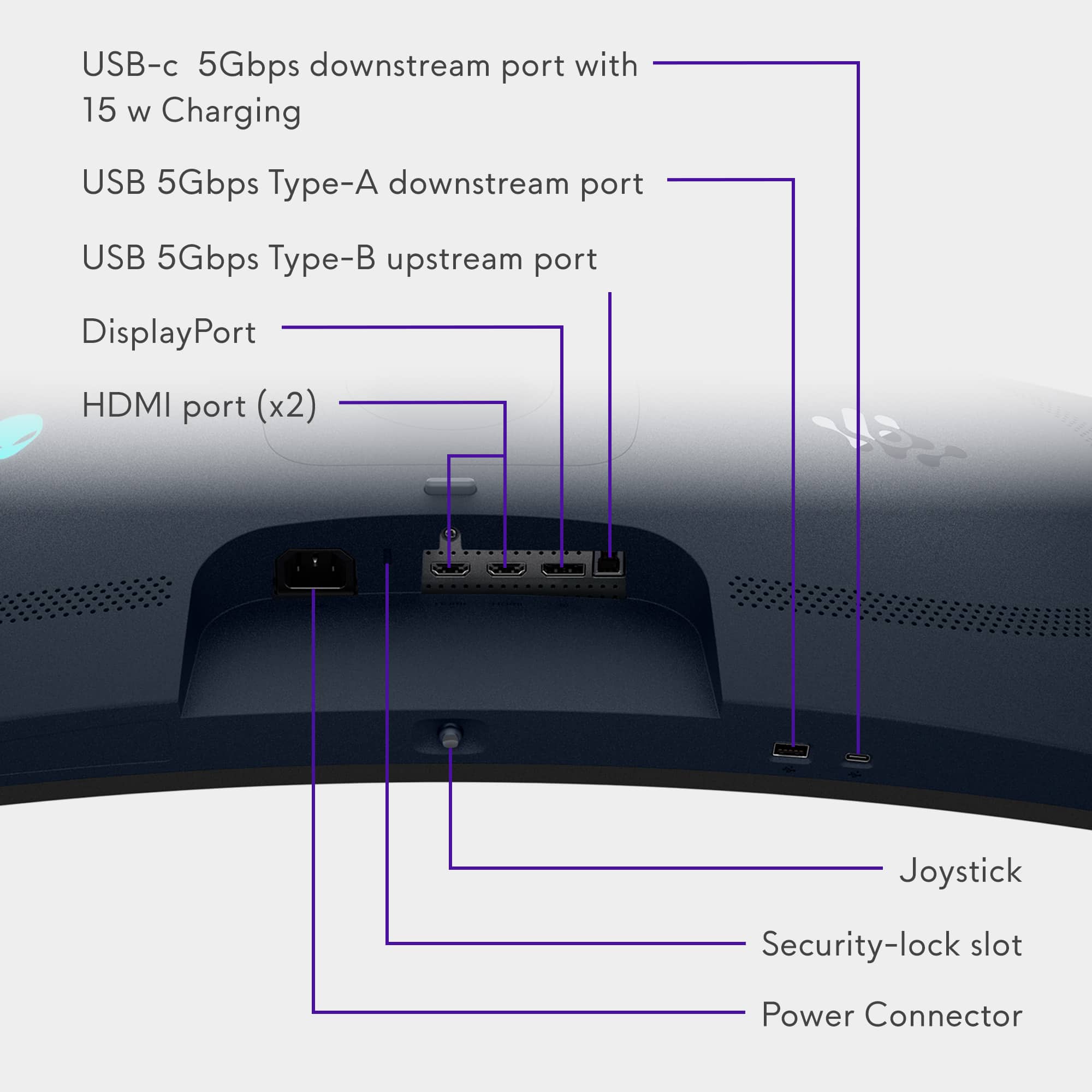
    After spending time with the Alienware AW3425DW, it’s clear this monitor strikes a solid balance between performance, image quality, and value. It’s a revamp of Dell’s older 34” ultrawide OLED monitor, but now with an improved (and much smaller) stand and 240hz refresh rate, all at a lower price point, and while it isn’t without tradeoffs, it delivers where it matters most. First off, and this shouldn’t come as a surprise, the display quality is excellent. The OLED panel offers deep blacks, wide color coverage, and strong contrast—great for gaming, content creation, or general use. Color accuracy is impressive right out of the box, covering close to 100% of DCI-P3 and AdobeRGB, making it a good option for creators who need reliable color performance. I used this for some comparative work with the Alienware 32” 4K OLED monitor (one that I use for photo and video editing) and, while the resolution is lower on the 34”, colors were practically identical. This is always good to see. In terms of gaming, the AW3425DW is built for speed. It has a 240Hz refresh rate and a 0.03ms response time, which translates to smooth, responsive gameplay. Whether in fast-paced shooters or open-world titles, motion stays clear and input lag is practically unnoticeable. G-Sync compatibility and FreeSync Premium Pro support keep things tear-free across different setups. I never felt or had any issues with lag or being able to push 240hz. That said, just note that 34” 240hz at 1440p will be harder to drive than your standard 1440p at 240hz. HDR performance is solid in highlight areas, with peak brightness approaching 1,000 nits in small zones. However, full-screen brightness is closer to 250–260 nits, which is fine in controlled lighting but may feel dim in very bright environments. One limitation: HDR brightness is fixed—you can’t manually adjust it other than the few picture modes that are included. The screen is also glossy, which is something to note. Some monitors use a matte panel, and while I believe the glossy helps colors pop, it performs worse in bright environments and produces more glare. Design-wise, the monitor has a clean, modern look, which is supposed to be due to Alienware’s 30th anniversary. The stand, completely reworked and with a lot smaller profile, is sturdy and offers full adjustability (height, tilt, swivel), and the setup is tool-free. This is what I hope Dell uses in all its Alienware monitors moving forward. RGB lighting is minimal, limited to a logo and subtle lighting on the power button. It fits nicely in both gaming and work-focused setups. Connectivity is where the monitor is a bit limited. It lacks a USB-C video input, there’s no built-in KVM, and the USB hub is basic (just one USB-A and one USB-C port for peripherals). There are also no built-in speakers or audio jack. All that said, the new AW3425DW excels in visual quality and fast-paced gaming performance—offering perfect contrast, a better refresh rate, and accurate color at an appealing price. Its trade‑offs are modest HDR brightness and pared‑down connectivity. If you prioritize immersive gameplay and image fidelity over bells and whistles, it's one of the most compelling ultrawides available today though.

    I would recommend this to a friend
  • Pros mentioned:
    Color quality, Connectivity, Refresh rate
    Tech Insider Network Member

    Rated 5 out of 5 stars

    A solid refresh of the AW3423DWF

    |
    Tech Insider Network Member
    Posted .
    This reviewer received promo considerations or sweepstakes entry for writing a review.

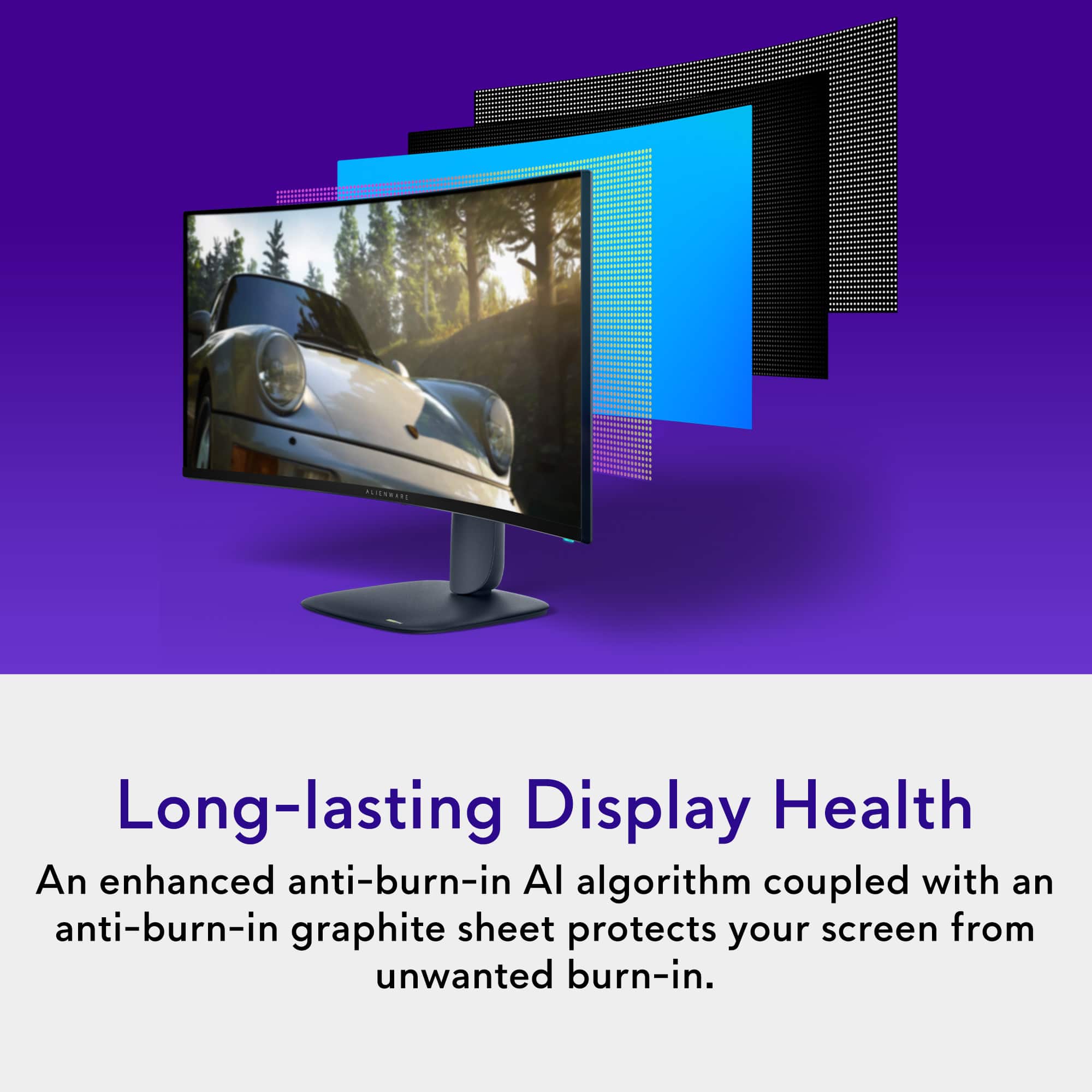
    The AW3425DW is Alienware’s refresh of the AW3423DWF. What did Alienware refresh? First, the panel refresh has been increased from 165hz with a .1ms response to 240hz with a .03ms response. The HDMI ports have been increased from one to two ports. And both now support HDMI 2.1. One of the two Display ports was removed. The specification remains at 1.4. The number of high-speed USB ports has also been reduced from four to two. One port is USB A and the other is USB C. The monitor still has the USB B input and includes a cable to connect to your computer. The RGB “34” on the back of the AW3423DWF monitor has been replaced with a pictogram molding of Alien speaker for…something… The RGB Alien head remains the same. The display panel itself is thinner and lighter than the older AW3423DWF. And finally, Alienware updated the stand from the strange pitchfork design of old to a more traditional, space saving foot. Overall, if you loved the older monitor, or was priced out of the older monitor, then this refresh is an excellent entry point for anyone looking to upgrade their system to 1440 OLED goodness. Gaming: Gaming is amazing! Period. Colors are vibrant, the screen is fast, and graphics are smooth. If you are coming from the AW3423DWF, then you will be happy with the improved screen refresh and pixel response. The monitor controls allow quick transition from multiple screen performance presets including three customizable Gaming presets. All the presets are customizable. But having dedicated modes expands the options beyond the factory presets. It also allows me to the factory optimized presets while I optimize specific presets for specific games. I played Mechwarior Online, Mechwarrior: Clans, Call of Duty Black Ops 6, Diablo IV, and Forza. I played these games using two different computers: The Asus ROG Strix G18 2025 gaming laptop sporting an Intel Core 9 275HX Processor with an RTX 5080 graphics card, and a home-built gaming desktop consisting of an Asus TUF Gaming X870-Plus with an AMD Ryzen 7 9800X3D processor supporting an RTX 4070 GPU. The laptop was connected via HDMI 2.1 and the desktop was connected via Display Port 1.4. Cables for both ship with the AW3425DW. Performance, including variable refresh rate via G-Sync compatibility in the RTX driver, was fantastic in almost every circumstance except one. I found, on both the HDMI and Display Port, that a variable refresh rate applied to a game or gaming screen FPS locked to 60 FPS caused a lot of screen flicker. This is the kind of flicker that can trigger a eye strain or a headache. The solution was to turn off G-Sync in the Nvidia driver. Thankfully, this was only true on a small number of older games that benefited more from a static screen refresh than from a variable refresh. Hopefully, Alienware can look into this and resolve the issue via a drive update. Would I recommend the AW3425DW for gaming? Yes! Absolutely YES! I love this monitor for gaming! I loved it predecessor and, thus far, everything I loved about it is present in the AW3425DW. Daily mundane stuff: Gaming is probably 10% or less of my use for this monitor. Meaning, at least 90% of my monitor use is either Work related, web browsing, YouTube and Netflix, personal finance, Word, and Excel. My work laptop is connected to the AW3425DW for 8 to 10 hours a day, 5-6 days a week, in a dual Monitor/Laptop screen configuration. The laptop is a low-end business Dell Laptop that is absolutely nothing special. The connection is handled via the Alienware included HDMI cable. The laptop drives both displays, at full resolution, without any issues. A white background with black text will bring color fringing to the forefront in things like webpages, Word, Excel, and other similar circumstances. This is a symptom of the screen’s pixel layout. I also found that thin and small text suffer from aliasing, or jagged edges. It is not terrible but not as clean as one would see from a tightly packed LCD screen or a higher resolution 4K monitor. The solution, least for me, is Windows Dark Mode. How does Windows Dark Mode save the day? First, white text on a black, or dark grey, prevents color fringing along the top and bottom of letters and lines. It also addresses any jaggies that the white screen with black text may exhibit. It is not perfect, but the results are much cleaner and clearer text. Second, dark mode saves my eyes from unnecessary eye strain related to blasting myself with bright white light all day. It really helps! Finally, Dark Mode reduces power consumption. A black pixel is off and there is no backlight to worry about. Less electricity also lowers heat. Finally, I use one of the monitor presets to reduce both brightness and contrast to a comfortable, non-gaming level. All of which are important to me since my employer does not pay for, or even supplement, any of my electrical bills. The only thing I do not like with white text on black is the illusion that the text is ghosting as I scroll up and down the page. This is not the case with black text on a white background. Essentially, it is a tradeoff. Glare: Glare is not much of a concern for me. My home office has a window that faces the sun for most of the morning and into the early afternoon hours. The sun may hit the monitor from the side which does not cause an issue for me. Closing my shade is typically in response to the sun bother me specifically rather than indirectly via glare on the monitor screen. My overhead room lights also do not cause any issue for me. Burn In Concerns: As mentioned earlier, I used the AW3423DWF as a daily, fulltime monitor for two years without any burn-in issues. After using the AW3425DW for a week, I am confident that burn-in will not be an issue going forward. I employ a few best practices to offset burn-in issue including Windows Dark Mode, lowering brightness/contrast for office work, and auto hiding the Task Bar. The Task Bar can be of particular concern because, by default, it is the most static item on the screen and will eventually cause burn in issues if left alone. Like the AW3423DWF, the AW3425DW will run a pixel refresh algorithm after every eight hours of continuous use. Alienware also devised a way to keep this feature from being a nag. At the end of my work day, after I power off my laptop, I allow the monitor to slip into sleep mode. This is about five minutes of no signal to the monitor. The pixel refresh process will run right before the monitor goes to sleep. The power button will turn green during this process. To check monitor health, press the monitor joystick. There will be information boxes at the top of the screen including a monitor health indicator: Green, Yellow, or Red. If you are gaming for 2 days straight, or continue to turn off the monitor after use, then eventually monitor health will slip to red. If this happens, you will then get a pop-up asking to run the pixel refresh. And the monitor does not care at this point what you are doing. You can still skip it. My recommendation is to manually kick off a refresh at your earliest convenience. Keep your monitor healthy and you will be rewarded with the best gaming visuals available. Setup: Finally, the monitor stand. The old one took up a lot of space on the desktop. The new one takes up less space and works with your space instead of against it. The AW3425DW will also easily work with a monitor arm or third-party monitor mounting system. Mine is suspended over my desk with a monitor arm. The screws are provided by Alienware. Conclusion: First, I loved the original AW3423DWF. The AW3425DW is the same great monitor with updated specs, updated aesthetics, and in a lighter weight and thinner chassis. The monitor looks and performs amazingly with any game I threw at it. If you are into graphic design work, then I would avoid this monitor and look for either a 4K monitor or an OLED with a different pixel layout. The AW3425DW is excellent for my day-to-day office work when properly configured. And the automatic pixel refresh will keep the panel in top shape and working at peak performance for a good long time.

    I would recommend this to a friend
  • Pros mentioned:
    Color quality, Connectivity, Refresh rate
    Tech Insider Network Member

    Rated 5 out of 5 stars

    Alienware HUGE Monitor is Amazing!

    |
    Tech Insider Network Member
    Posted .
    This reviewer received promo considerations or sweepstakes entry for writing a review.

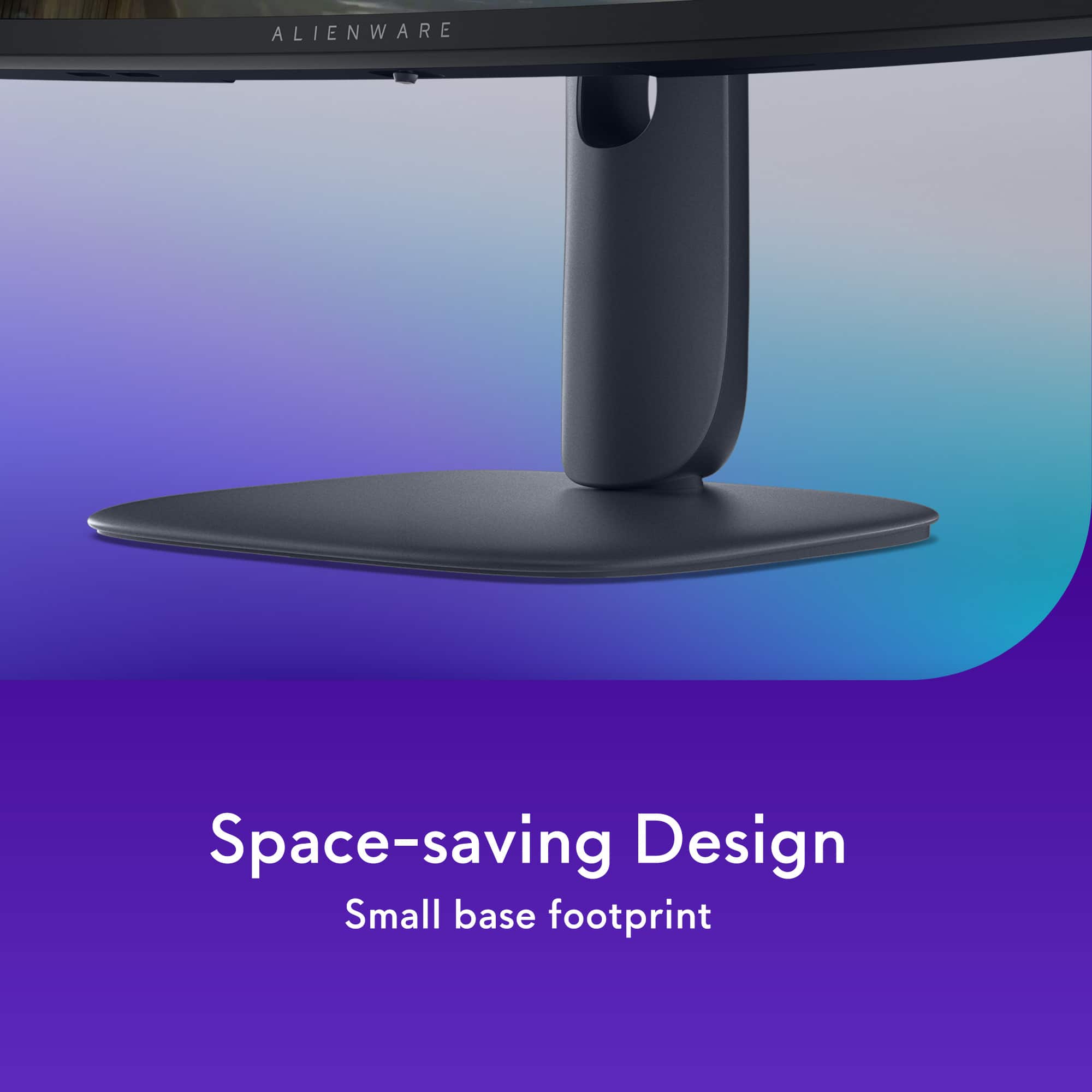
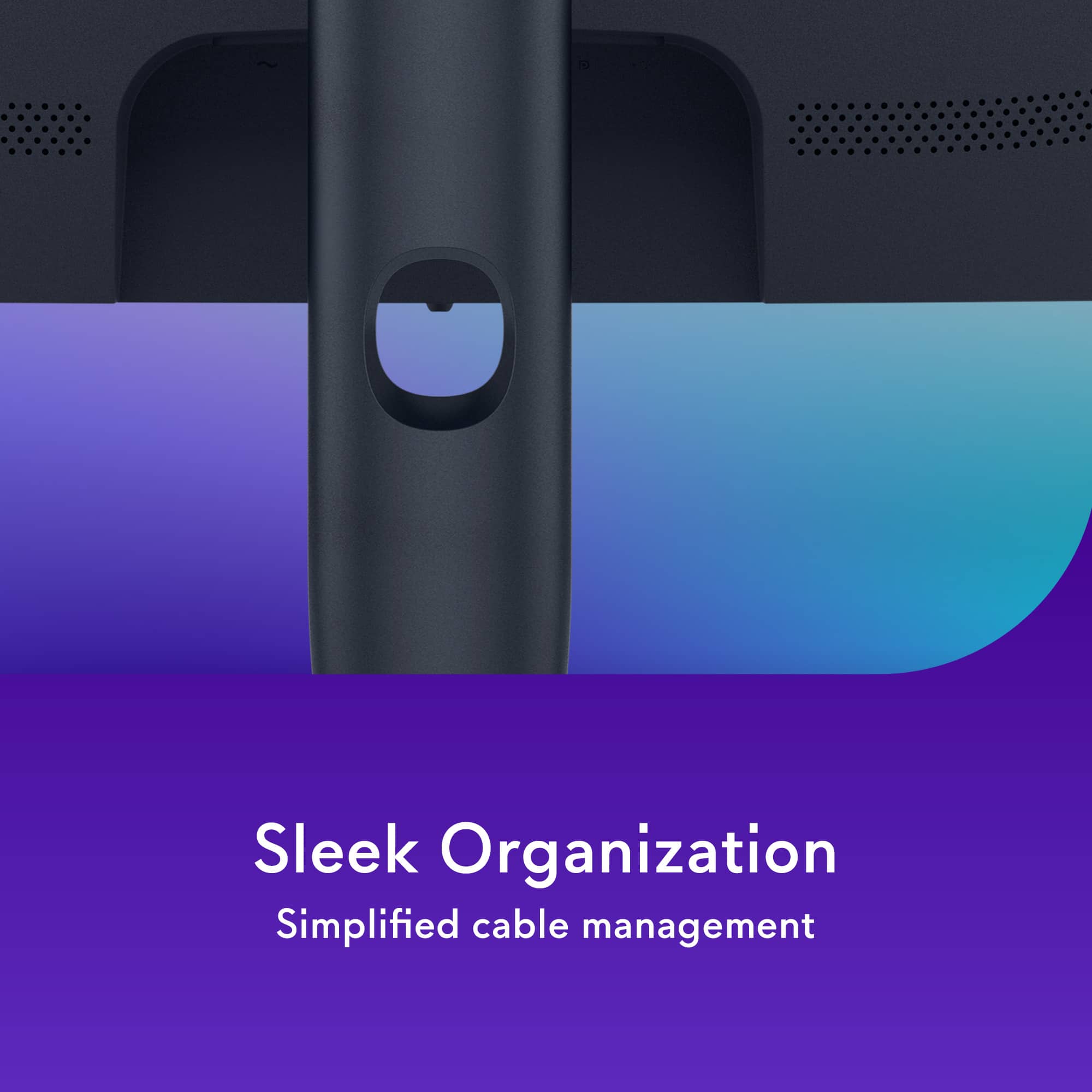
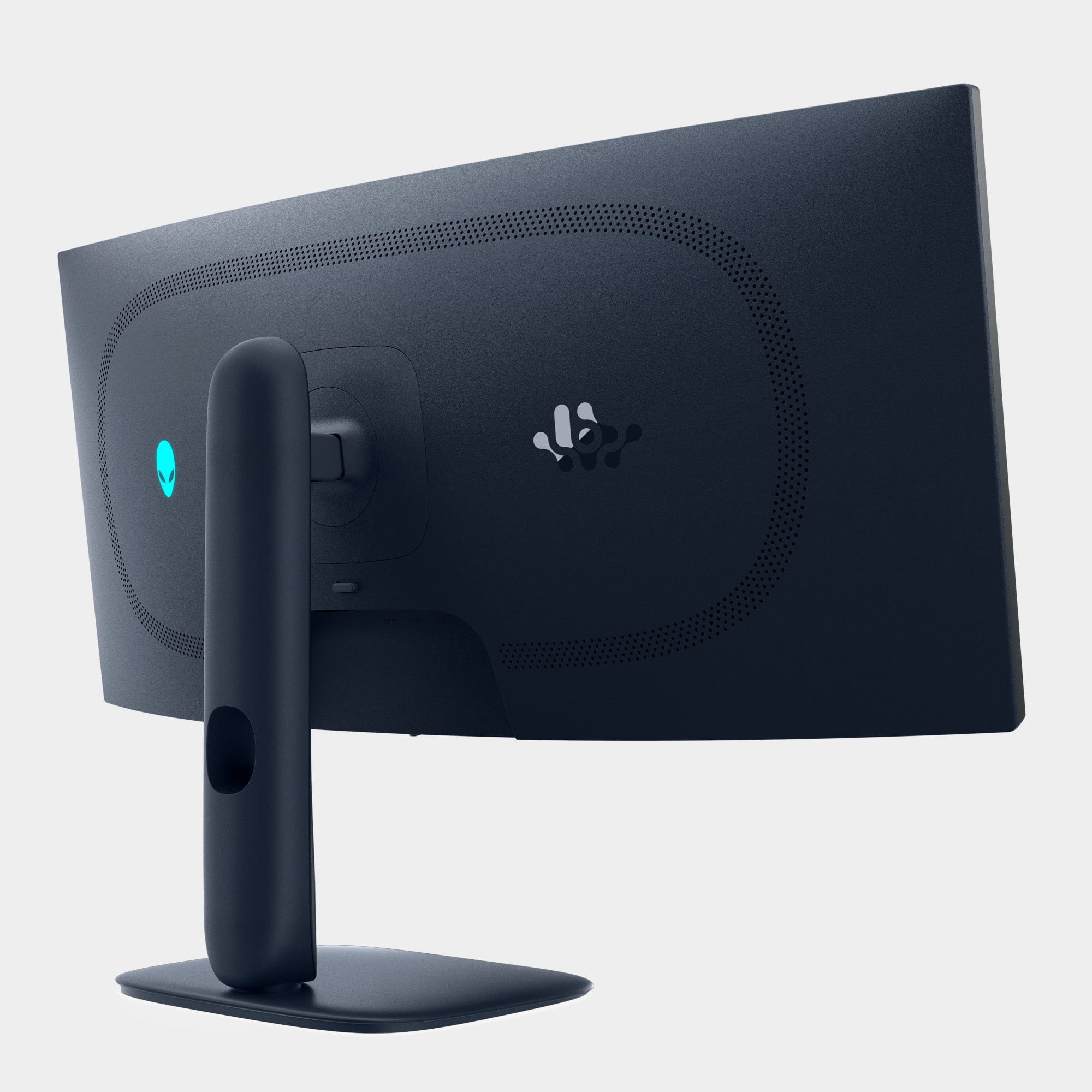
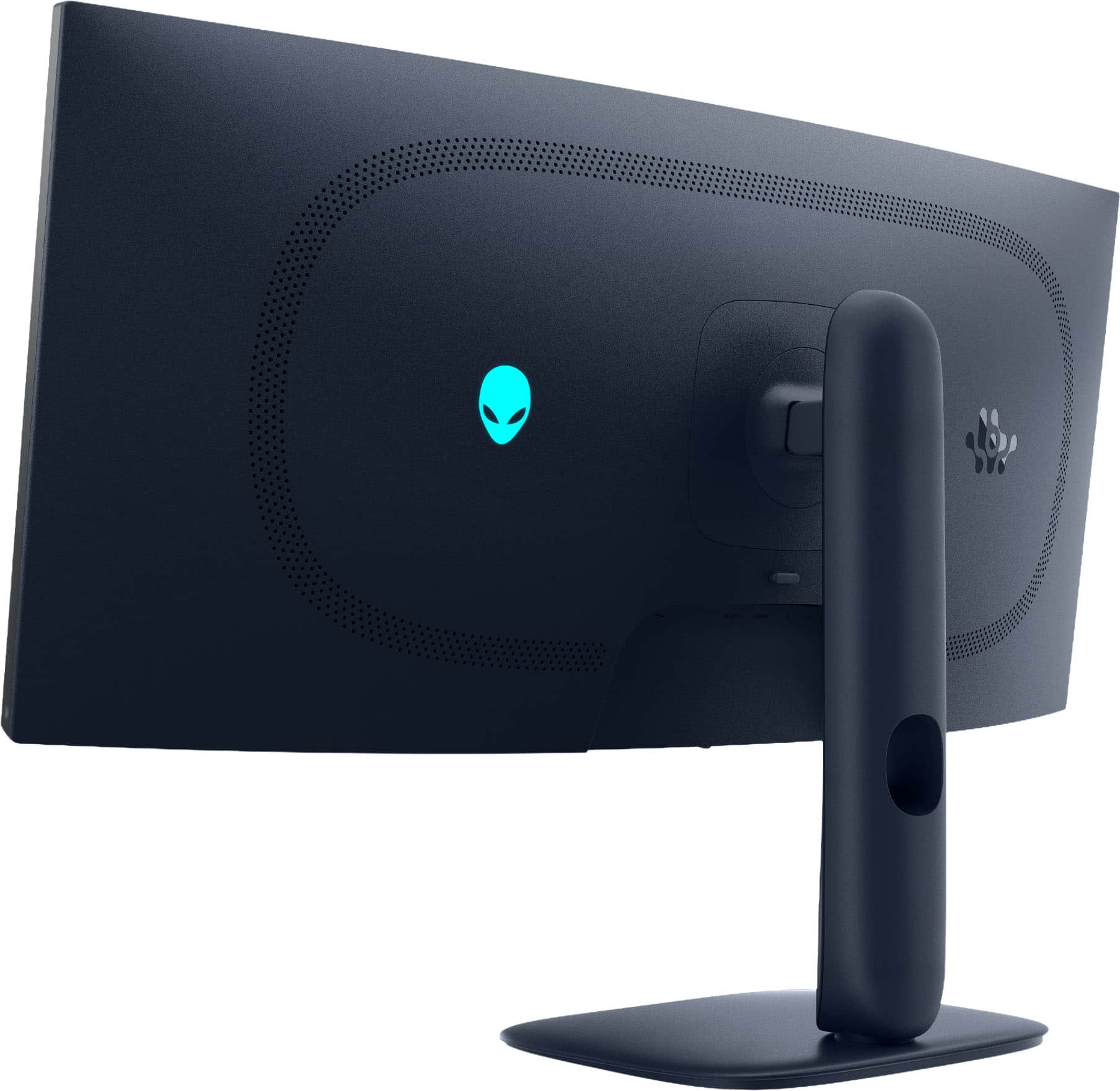
    The Alienware 34-inch 240Hz Gaming Monitor is a stunning monitor packed with features and benefits you wouldn't think about at first glance. Here are the pros and cons I have experienced while using this monitor exclusively for gaming and everyday activities. Pros: The assembly process out of the box was extremely straightforward. The monitor is extremely easy to assemble and is lightweight once fully constructed. The stand is fully adjustable in height, allowing you to angle, raise, and lower the screen. Along with this, the stand has a space for cable routing, making loose cables less of an eyesore and allowing for simple cable management. The back of the display is also fully interchangeable with swingarms and other brackets one might have from previous monitors, allowing for seamless transitions into a gaming setup, rather than buying new hardware. As for the experience while using the monitor, the connection to the PC is straightforward. Ports allow you to charge devices with up to 15 watts of power, and the USB Type-B cable grants you the ability to connect devices from the bottom of the monitor to your PC without the need for an external USB hub. The glossy QD-OLED display looks stunning, and the inky blacks and vibrant colors are pleasant. The screen is 3440x1440 and has a 21:9 aspect ratio, giving you plenty of real estate for applications and games while keeping visuals crisp. When gaming, the 240Hz is immediately noticeable if coming from a 60Hz or 144Hz display, and it makes everything look smooth and fluent. Let's now look at the pricing for the monitor, which is $799.99, compared to other brands and similar options out there. This price range for the specs offered is a steal of a deal, and worth it for the quality you will receive from the display. Cons: While there are not many to add, there are certainly always flaws in one way or another. As the panel is an OLED display, the risk of screen burn-in is always present, so being aware of the display is a top priority for longevity's sake. Along with this, the display has rather significant bezels on the left, right, and bottom, which could very easily be reduced in the future, but I have not been bothered by them too much. Overall, I love this monitor and what it brings to the table, and I hope others can come to the same conclusion while rocking this awesome display.

    I would recommend this to a friend
  • Pros mentioned:
    Color quality, Refresh rate
    Tech Insider Network Member

    Rated 5 out of 5 stars

    Buttery smooth visuals

    |
    Tech Insider Network Member
    Posted .
    This reviewer received promo considerations or sweepstakes entry for writing a review.

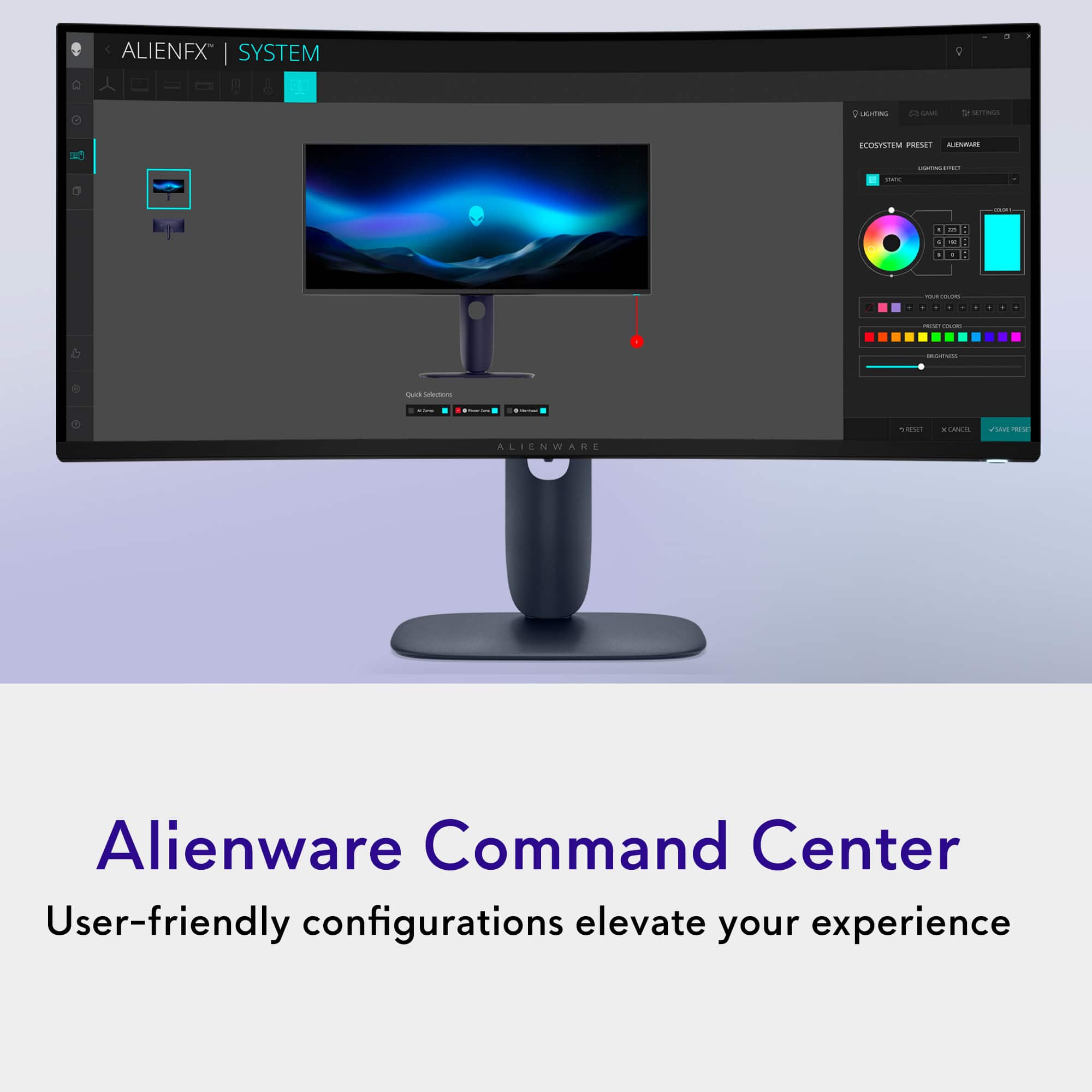
    Summary: This monitor has a high-end high refresh rate OLED panel which produces beautiful HDR visuals, is physically well built, and comes with a great warranty. If you have an older 60Hz monitor and have a graphics card that supports higher refresh rates, this upgrade is a no-brainer. Up until recently I was in the camp of not believing that a 240 Hz monitor would make a huge difference, but I now admit that I was wrong. I had the ability to directly compare a 4K 60 Hz monitor to the QHD Alienware and I am blown away by just how fluid simple things like scrolling appear on this display. Pair that with a superior OLED panel and nothing even comes close in my opinion. Dell has been making monitors forever and they are extremely good at what they do and these OLED panels are no different. They include a 3-year premium panel replacement with the purchase of these particular model so if there is any issue with even a single pixel they will replace it. This is exactly the kind of support I would expect to receive from a premium product. Overall, the monitor looks sharp. The stand and monitor is a super dark blue and feels sturdy. It all has this sort of curve floating alien ship esthetic that you would expect from an Alienware product. The RGB is there but feels subdued compared to other Alienware products. It’s not flashy, but gives you the ability to customize the RBG power button and alien head on the back of the monitor. Frankly you aren’t going to be looking at the RGB as you’ll be completely immersed in the picture! To make the most use of this monitor you’re going to want to make sure you’re using a GPU from the latest 2 generations. In my case I’m using a Radeon 7900XT. But no matter whether you choose a card from team green or red, this monitor supports both G-Sync and FreeSync Premium Pro, so you won’t have any screen tear and will be able to experience HDR visuals regardless of where your loyalty lies. I tested Call of Duty Warzone with everything set to max and was able to achieve a pretty stable 210-240 Hz without issue and the game looks so much smoother than I had ever experienced it before. It’s truly hard to describe how fluid and how much more connected to the game I feel compared to a monitor at 60 Hz.

    I would recommend this to a friend
  • Pros mentioned:
    Color quality, Connectivity
    Tech Insider Network Member

    Rated 5 out of 5 stars

    To be honest, its curved.

    |
    Tech Insider Network Member
    Posted .
    This reviewer received promo considerations or sweepstakes entry for writing a review.

    Ok, so first time curved monitor user here and honestly there is really only one thing I can say and that is... once you go curved you never go back!. Seriously, this is not only the largest monitor I've ever owned but it is the first curved monitor experience I've ever had and let me tell you, from "working" to gaming it's made everything so much better. I'm able to utilize all three inputs and have my work PC, personal MacBook Pro and Gaming station all connected via HDMI 1, HDMI2 and DP connectivity. The intuitive switching between sources is wonderful and the resolution across all three is immaculate. My spreadsheets have never popped as much as they do on this thing and for gaming...DON'T GET ME STARTED. I'm currently playing GTA V, COD 6, Flight Sim 24, Indiana Jones and Minecraft and THEY ALL LOOK SPECTACULAR. In all seriousness, I cannot say enough good things about this monitor. The build quality is what you come to expect from Alienware from the packaging, to the unboxing to the quality of the image. And while the image quality is by far the best on my 8K Alienware Aurora R13, I have no doubt it would look insane on any halfway decent gaming rig. If you can afford it...buy it.

    I would recommend this to a friend
  • Pros mentioned:
    Refresh rate
    Tech Insider Network Member

    Rated 5 out of 5 stars

    Amazing value

    |
    Tech Insider Network Member
    Posted .
    This reviewer received promo considerations or sweepstakes entry for writing a review.

    The Alienware AW3425DW is a worthy update to the OLED gaming monitor line that improves a lot of things while asking a lower price. It’s not expensive per se, but the value proposition is superb; while not aiming to be the most cutting edge or the best of the best, Alienware has delivered a very attractive package that has exceeded my expectations. The 34-inch QD-OLED panel, which is curved (1800R to be precise), has an aspect ratio and resolution that hits a sweet spot for gaming. The curvature could have been better, but it still provides an enhanced view for FPS and adventure games. And mating a 3440 x 1440 resolution with a 240 Hz refresh rate is a good balance, as the GPU is not overly taxed for demanding applications. I’d rather have good frame rates and HDR over 4k resolution any day of the week, especially since the size is only 34”. The OLED panel is a Gen. 2 one from what I could gather and seems to be the same for the last couple of years, but it provides enough vividness to still create mesmerizing visuals. The panel has a lot of capabilities including VESA HDR Trueblack 400 which I typically use, and can reach brightness close to 1000 nits according to Dell. Color accuracy is supposed to be 99.3% DCI-P3, but for gaming purposes, which is my primary use case, is not the most significant. Performance is really good as mentioned. Fed from a capable GPU, and using the correct HDMI 2.1 or DisplayPort 1.4 cable, the display shines from a smoothness and responsiveness standpoint. It supports both NVIDIA G-Sync and AMD FreeSync Premium Pro which makes most visuals tear free. The display itself is glossy, but very much usable in brightly lit rooms. There’s some tint that makes the reflections fade out a bit, and the curved structure helps a lot as well. OLEDs always has potential to suffer from burn in, but according to Dell they have implemented multiple methods to take care of that. It’s something that’s hard to comment on unless a couple of years pass, but the 3-year burn-in warranty should bring some bit of confidence. Connectivity options are very good - there’s a DisplayPort 1.4 which is my default input. 2x HDMI 2.1 ports are there as well, which is especially helpful for console applications. There’s a builtin USB hub via a USB-B port (which seems to be rated for 5 Gbps), and 2 downstream ports on the lower bezel - 1 USB-A and type-C. The type-C port supports power delivery, but is only rated for 15 W. The stand is minimal, but well balanced and properly built, with integrated cable management. Adjustments include tilt, swivel, and slant, and the height can also be adjusted. The power button color, as well as the Alienware logo on the back, can be changed which is a nice touch. A 4 way joystick type switch on the bottom bezel helps navigate a very useful UI. Most of the options are very useful and once I configured everything it was like a done deal. The only option I found not useful for me was Alienvision, which does not align with the gaming genre I’m more inclined towards, but that’s a very subjective matter. It’s still nice to have these options. Overall, this a gaming monitor that’s packed with performance, and has a great value in the current market. I moved from a 27” 120 Hz flat monitor, and I was really impressed by the display quality. I guess this will be a new standard to judge against in 2025.

    I would recommend this to a friend
  • Pros mentioned:
    Connectivity
    Tech Insider Network Member

    Rated 5 out of 5 stars

    Great Monitor

    |
    Tech Insider Network Member
    Posted .
    This reviewer received promo considerations or sweepstakes entry for writing a review.

    Oh, This is next level! I was never crazy about anything curved. I always stuck with flat panels, however, I thought I would see what the fuss was all about. Now I know. Especially this 34" curved monitor. My experience has been absolutely amazing. Also the QD-OLED screen certainly brings things to life. Shadowing and such, 240 motion is all incredible. Low latency, but I did have to make a few adjustments and there are plenty of options. I changed the lighting in the room which made quite the difference. One thing I did run into, the oem pc software saw the monitor and suggested a graphics update? I let it happen and found unwanted operation. The screen size narrowed quite a bit, so I rolled back the driver and all is good again. I love the design aesthetics with the dark blue (almost black) color and the stand having a nice cable route and low profile footprint on my desk. I am still expermenting with all the features "so many" I do like the 2 usb ports tucked just under left side front. The monitor also has a easy height, rotation and tilt adjust. This has been an exciting monitor for gaming! It will also be ok for everyday use, but not recommended for that putpose. Compare what is available and you will quickly see at this price point, you will do well to purchase this monitor.

    I would recommend this to a friend
  • Pros mentioned:
    Refresh rate
    Tech Insider Network Member

    Rated 4 out of 5 stars

    Good !

    |
    Tech Insider Network Member
    Posted .
    This reviewer received promo considerations or sweepstakes entry for writing a review.

    This is a 34" curved QD-LED display monitor. Unboxing was relatively simply. The monitor is curved with the middle section being thicker in the back at the connection points. It is a definite curve and does make you feel 'wrapped' with the screen. It has multiple USB C ports in the back, including a 15w charging port. Set up was simple and quick. The monitor feels much bigger than expected but it gives a nice wrap around view. The refresh rate is 240hz and the response in 0.03ms. The display is fluid and awesome with no lag. I do wish it was brighter as, especially in a brightly lit room, it looks dimmer than I would like. The stand is sturdy to handle the size and weight of the monitor. The stand has a small footprint in comparison which help with location on my desk. Visuals are excellent and games, videos and drone footage look excellent and almost feels real. Again, I mention, I wish it was brighter but all in all, its an excellent monitor and definitely gets the job done. Graphics are excellent and videos feel like they are jumping out at you with the vivid screen. I have no regrets as I have enjoyed using this monitor.

    I would recommend this to a friend
  • Tech Insider Network Member

    Rated 5 out of 5 stars

    Great OLED Gaming Kit, High Hz, Low Response Time

    |
    Tech Insider Network Member
    Posted .
    This reviewer received promo considerations or sweepstakes entry for writing a review.

    Wow, this is a gorgeous gaming monitor. It has good brightness for an OLED display, dark dark blacks and great contrast as you would except for an OLED panel. The QD quantum dots certainly do help out with the brightness. This is seriously pointed at the gamer crowd, but the curve is also slight enough that I can put 3 pages side to side to side on the 34 inch expanse and do some good productivity work on it as well. It does come with one of each type of cable you might use with this monitor, that is 1 HDMI cable, one DisplayPort cable, and one USB cable so that you can use the monitor as a USB hub from your computer, although it only has one USB-A connector and one USB-C connector both 5Gbps, the USB-C is only good for 15 watts of charging, but that is good enough to charge your cell phone or slow charge your tablet. Gaming on this monitor is gorgeous. I tried it with a laptop with Nvidia 5000 series graphics and G-Sync worked seamlessly on it. I also tried it with a desktop using an AMD 7000 series graphics card and Freesync Premium Pro worked very well. This is the best widescreen monitor I have used for gaming period. Its features are laser focused on gaming and it shows. I would recommend this to any gamers with powerful mid and upper range gaming laptops and desktops.

    I would recommend this to a friend
  • Pros mentioned:
    Color quality

    Rated 5 out of 5 stars

    Best Priced Oled!

    Posted .
    This reviewer received promo considerations or sweepstakes entry for writing a review.

    Great priced Oled! I will never go back to lcd now! Complete game changer for gaming all the way to watch YouTube! The price even beats Amazon!

    I would recommend this to a friend
  • Rated 5 out of 5 stars

    Insane value and picture

    Posted .
    This reviewer received promo considerations or sweepstakes entry for writing a review.

    This thing is pretty nuts for the price point, The fact it has a glossy finish instead of a matte finish drew me in and for $750 i just had to compared to its competitors at around the $1299 territory. You just cant go wrong with an OLED panel, the colors and deep blacks alomg with the insanely low input latency is a game changer. Once you go OLED you dont go back, HIGHLY recommend!

    I would recommend this to a friend
  • Rated 5 out of 5 stars

    Alienware

    Posted .
    This reviewer received promo considerations or sweepstakes entry for writing a review.

    Awesome monitor would recommend to anyone try it won’t regret it

    I would recommend this to a friend
Sponsored