Alienware - AW3425DW 34" QD-OLED UWQHD 240Hz 0.03ms FreeSync Premium Pro Curved Gaming Monitor with HDR (HDMI, DisplayPort, USB) - Interstellar Indigo
Customers are saying
Customers praise the product's excellent color quality and perfect refresh rate. Its HDR performance is also highlighted as solid in bright areas. However, some customers note the absence of built-in speakers and raise concerns about its connectivity, specifically mentioning DP1.4 with DSC compensation.
Highlights
Ultrawide immersion for elite gameplay
Our expansive 34" QD-OLED monitor delivers seamless speed, and super smooth motion with intuitive function and connectivity.
Sweeping visuals and color
Evolve your field of view with WQHD and an 1800R curve, combined with QD-OLED's incredible color range and clarity that easily immerses you in any world.
Colorful clarity
Experience the full spectrum of color as intended with DCI-P3 99.3% color coverage and Delta E<2 color accuracy.
Vast visuals
See every detail with VESA DisplayHDR TrueBlack 400, 1000 nits peak HDR brightness and infinite contrast ratio.
Unrivaled speed
Adaptive sync technologies like NVIDIA G-SYNC Compatible, AMD FreeSync Premium Pro and VESA AdaptiveSync make games feel effortlessly smooth.
- Refresh Rate240HzMaximum Resolution3440 x 1440Response Time0.03 millisecondsSynchronization TechnologyFreeSync Premium Pro (AMD Adaptive Sync), G-SYNC Compatible (NVIDIA Adaptive Sync)Screen Size34 inches
Reviews
Rating 4.8 out of 5 stars with 308 reviews
- Color Quality (84)
- Refresh Rate (53)
- HDR Performance (11)
- Speakers (5)
- Connectivity (4)
Customer Images
The vast majority of our reviews come from verified purchases. Reviews from customers may include My Best Buy members, employees, and Tech Insider Network members (as tagged). Select reviewers may receive discounted products, promotional considerations or entries into drawings for honest, helpful reviews.
Compare similar products

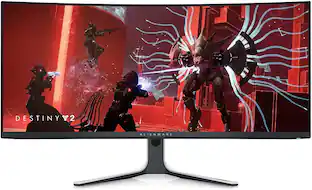
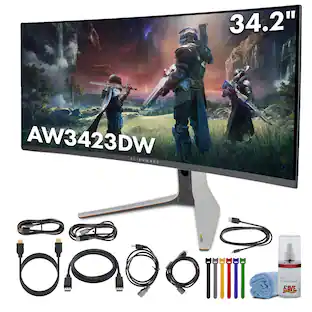
Alienware 34 240Hz QD-OLED Gaming Monitor - AW3425DW. Meet unmatched immersion with an ultrawide 34" QD-OLED, delivering greater speed and a striking new design.
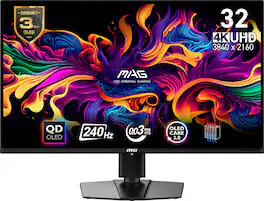
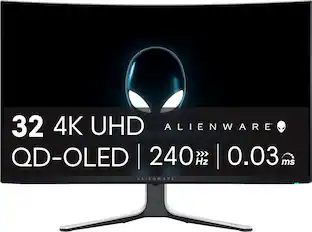
Visualize your victory with the MAG 321UPXB QD-OLED gaming monitor. It boasts a 3840x2160 (UHD) next-gen QD-OLED panel, 240Hz refresh rate, and rapid 0.03ms(GtG) response time. VESA certification for ClearMR 13000 and DisplayHDR True Black 400 ensures exceptionally vivid images and mitigates motion blur. OLED Care 2.0 reduces OLED burn-in risks. For console gamers, the MAG 321UPXB QD-OLED provide HDMI 2.1 ports with 48Gbps bandwidth, 120Hz support, VRR, and ALLM.
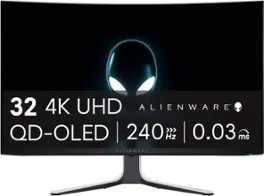
The world’s first 4K QD-OLED gaming monitor has arrived. The AW3225QF delivers ultimate visual fidelity with 4K resolution, Dolby Vision, a 240Hz refresh rate, and 0.03 ms minimum response time, plus superb color performance.
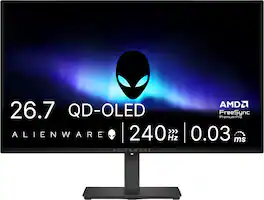
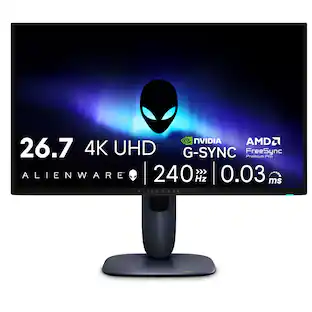
Alienware 27 240Hz QD-OLED Gaming Monitor. Take in superb QD-OLED visuals and fluid gameplay on the 27" flat panel monitor featuring a fast 240Hz refresh rate.
| Pros for Alienware - AW3425DW 34" QD-OLED UWQHD 240Hz 0.03ms FreeSync Premium Pro Curved Gaming Monitor with HDR (HDMI, DisplayPort, USB) - Interstellar Indigo | |||
|---|---|---|---|
| Refresh Rate, Color Quality, HDR Performance | There were no pros for this product— | OLED Quality, Refresh Rate, Picture Quality, Color, HDR | OLED Quality, Refresh Rate, Overall Performance, Stand Adjustability |
| Cons for Alienware - AW3425DW 34" QD-OLED UWQHD 240Hz 0.03ms FreeSync Premium Pro Curved Gaming Monitor with HDR (HDMI, DisplayPort, USB) - Interstellar Indigo | |||
| Connectivity, Speakers | There were no cons for this product— | Connectivity, Audio, Price, Ghosting | Brightness, Built-in Speakers, USB Ports |
Specs
This is a tft panel, like lcd?
Answered by YourDellTeamNo, It is a QD‑OLED display, which is vastly superior to LCD/TFT in brightness, contrast, response time, and color performance. All modern displays technically use TFT as the transistor layer (including OLED panels). The “TFT” label does not mean it is an LCD panel. It's merely that it uses thin‑film transistors for pixel control.
Hey does this have a stretch mode or zoom to fill screen if wanted to
Answered by YourDellTeamYes, The monitor supports aspect ratio control through its on-screen display (OSD) settings. This typically includes options like Full, Aspect, and 1:1, which can affect how content is scaled on the screen. If you're using a source with a different aspect ratio (e.g., 16:9 content on a 21:9 screen), selecting the "Full" mode in the OSD will stretch the image to fill the entire screen, which is similar to a zoom/stretch effect. The actual behavior can also depend on your graphics card settings. NVIDIA and AMD drivers often allow you to control scaling behavior, including stretching or maintaining aspect ratio.
Is the stand height of this monitor adjustable?
Yes, the stand height of this monitor is adjustable.
This question and answer was generated by AI based on customer and product data.What is the response time of this monitor?
The response time of this monitor is 0.03 milliseconds.
This question and answer was generated by AI based on customer and product data.Is the screen on this monitor curved?
Yes, the screen is curved with 1800R curve.
This question and answer was generated by AI based on customer and product data.

Customers often buy these together
Computer Keyboards
![ESC F1 F2 F3 F4 F5 F6 F7 F8 F9 F10 F11 F12 DEL P 1! 2@ 3# 4$ 5% 6^ 7& 8* 9( 0) - = INS TAB Q W E R T Y U I O P [ ] \ CAPS A S D F G H J K L : ; SHIFT Z X C V B N M , . / SHIFT CTRL ALT FN CTRL](https://pisces.bbystatic.com/image2/BestBuy_US/images/products/a461b628-0685-428f-963d-842b42a12fff.jpg;maxHeight=232;maxWidth=233?format=webp)
Alienware - Pro 75% Wireless Mechanical Gaming Keyboard with RGB Back Lighting - Lunar Light
$179.99The price was $199.99![Sure, here is the corrected and grouped text from the image:
**Top Row:**
- ESC
- F1
- F2
- F3
- F4
- F5
- F6
- F7
- F8
- F9
- F10
- F11
- F12
- PRTSC
- DEL
**Number Row:**
- 1
- 2
- 3
- 4
- 5
- 6
- 7
- 8
- 9
- 0
- -
- =
- \
**Letter Row:**
- TAB
- Q
- W
- E
- R
- T
- Y
- U
- I
- O
- P
- [
- ]
- \
**Letter Row:**
- CAPS
- A
- S
- D
- F
- G
- H
- J
- K
- L
- ;
- '
**Letter Row:**
- SHIFT
- Z
- X
- C
- V
- B
- N
- M
- ,
- .
- /
**Function Row:**
-](https://pisces.bbystatic.com/image2/BestBuy_US/images/products/9be10b95-8e90-4a5d-b85f-cbc6a7d8e8df.png;maxHeight=232;maxWidth=233?format=webp)
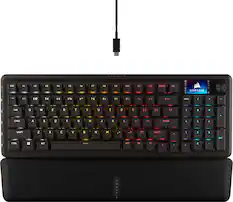
CORSAIR - VANGUARD 96 RGB Wired MLX Quantum Linear Mechanical Switch 96% Gaming Keyboard with FlashTap SOCD - Dual Tone
Top Deal$139.99The price was $179.99
![USC F1 F2 F3 F4 F5 F6 F7 F8 F9 F10 F11 F12 prt SC scr lk pause HH PE PM M5 1 ! 2 @ 3 # 4 $ 5 % 6 ^ 7 & 8 * 9 ( 0 ) - + ins home pg up num / MG tab Q W E R T Y U I O P [ { ] } \ del end pg dn 7 8 9 + EM caps A S D F G H J K L : - enter C 1 2 3 4 5 6 > M2 shift Z X C V B N M - / ? shift 1 2 3 M1 ctri alt alt fn ctrl 0 ins del enter](https://pisces.bbystatic.com/image2/BestBuy_US/images/products/db34a04d-e8cb-4a6c-b0e8-8cb5450ca606.jpg;maxHeight=232;maxWidth=233?format=webp)
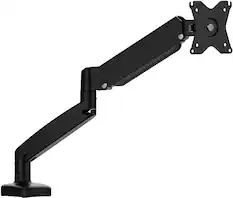
Monitor Stands

More recommended items
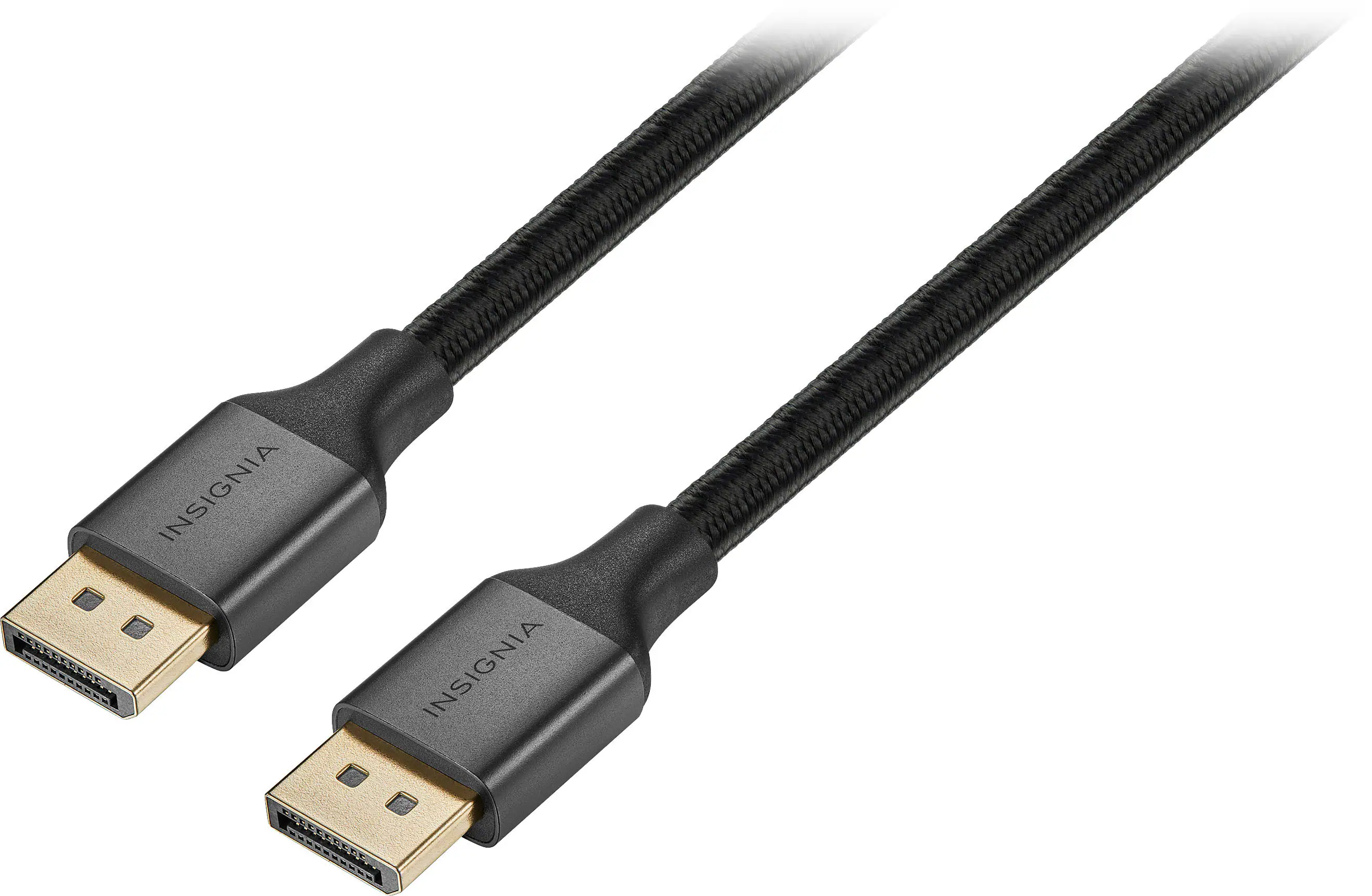 Monitor and Video Cables
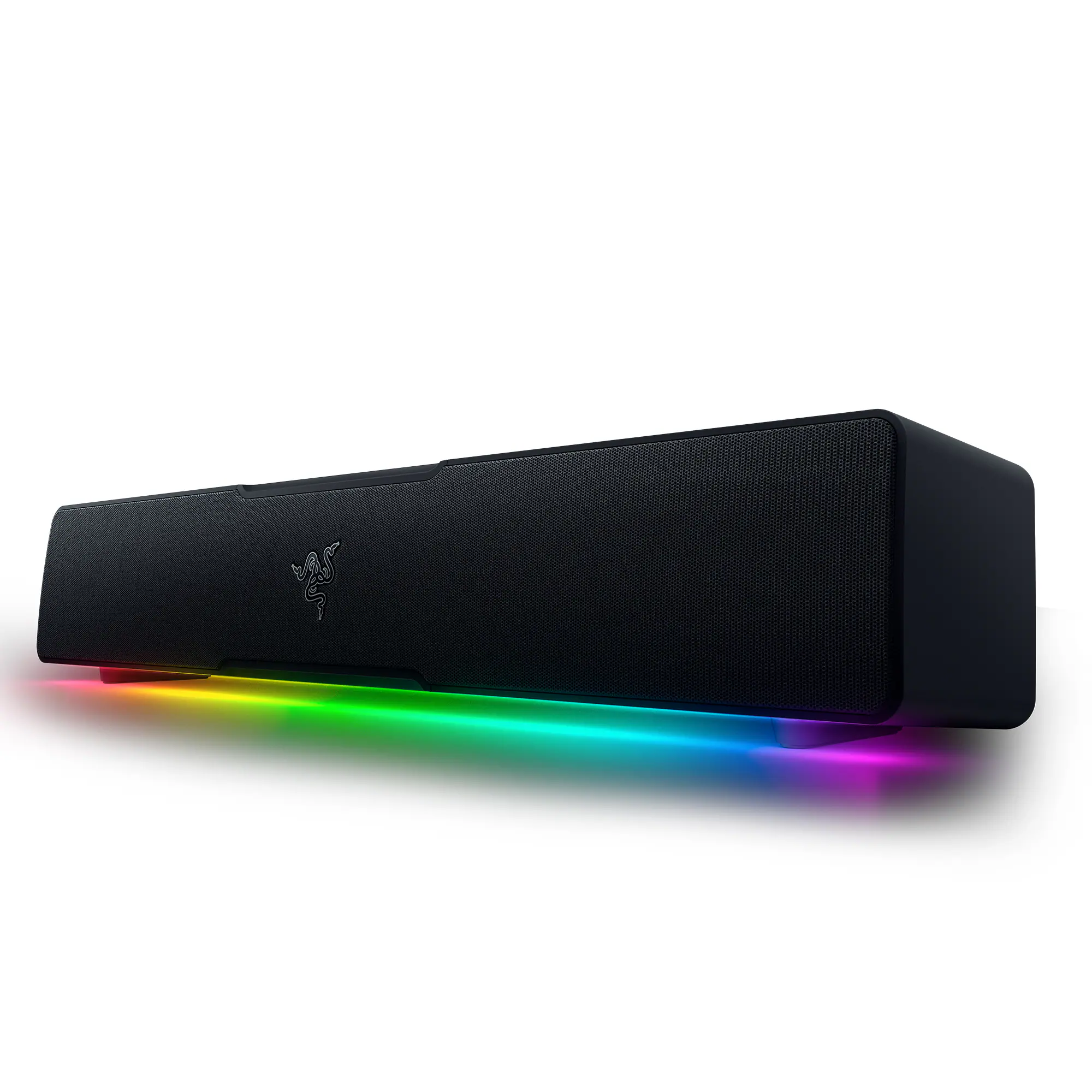 Computer Speakers
 Mice
Mice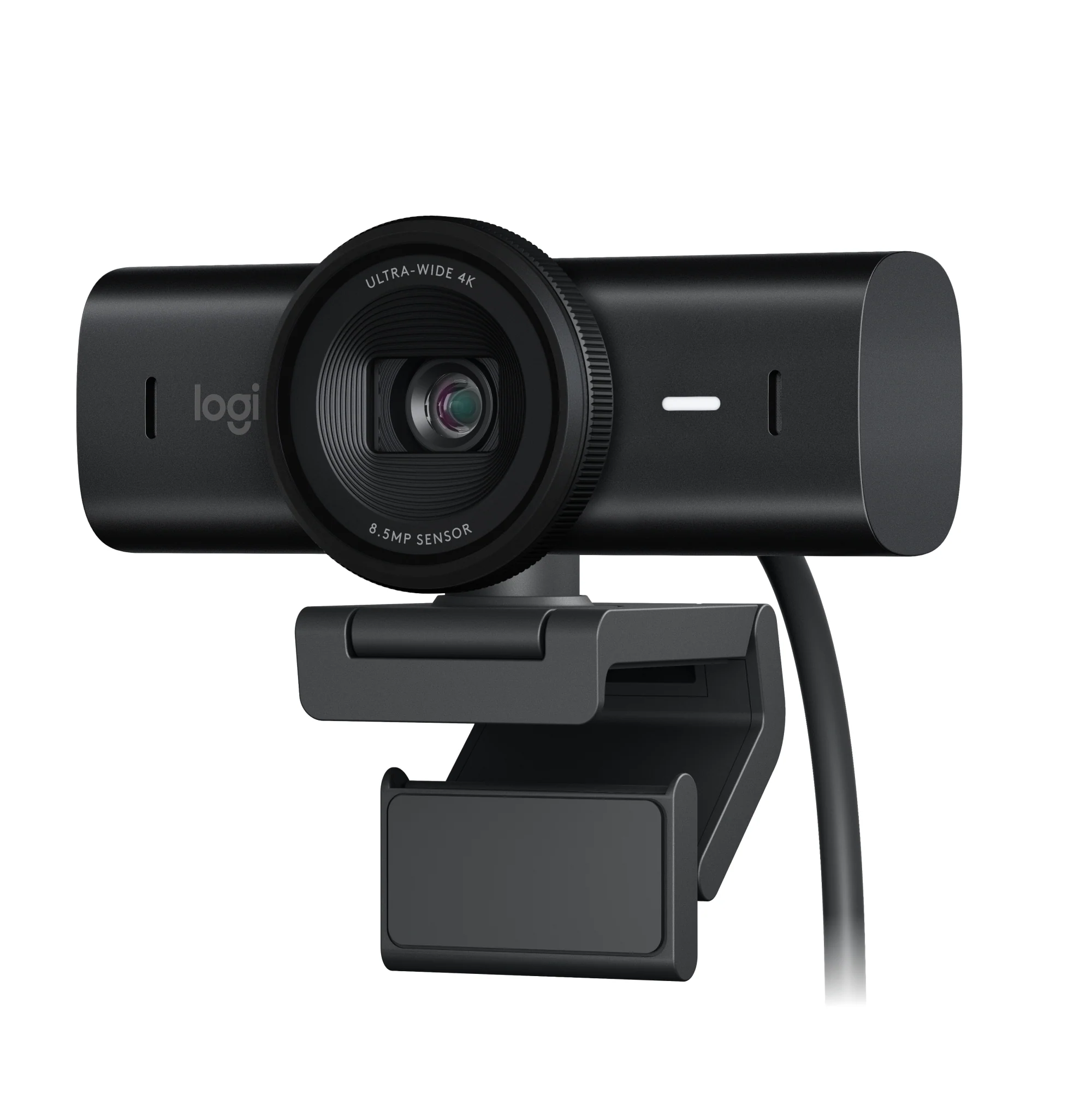 Web Cameras
 Mouse Pads
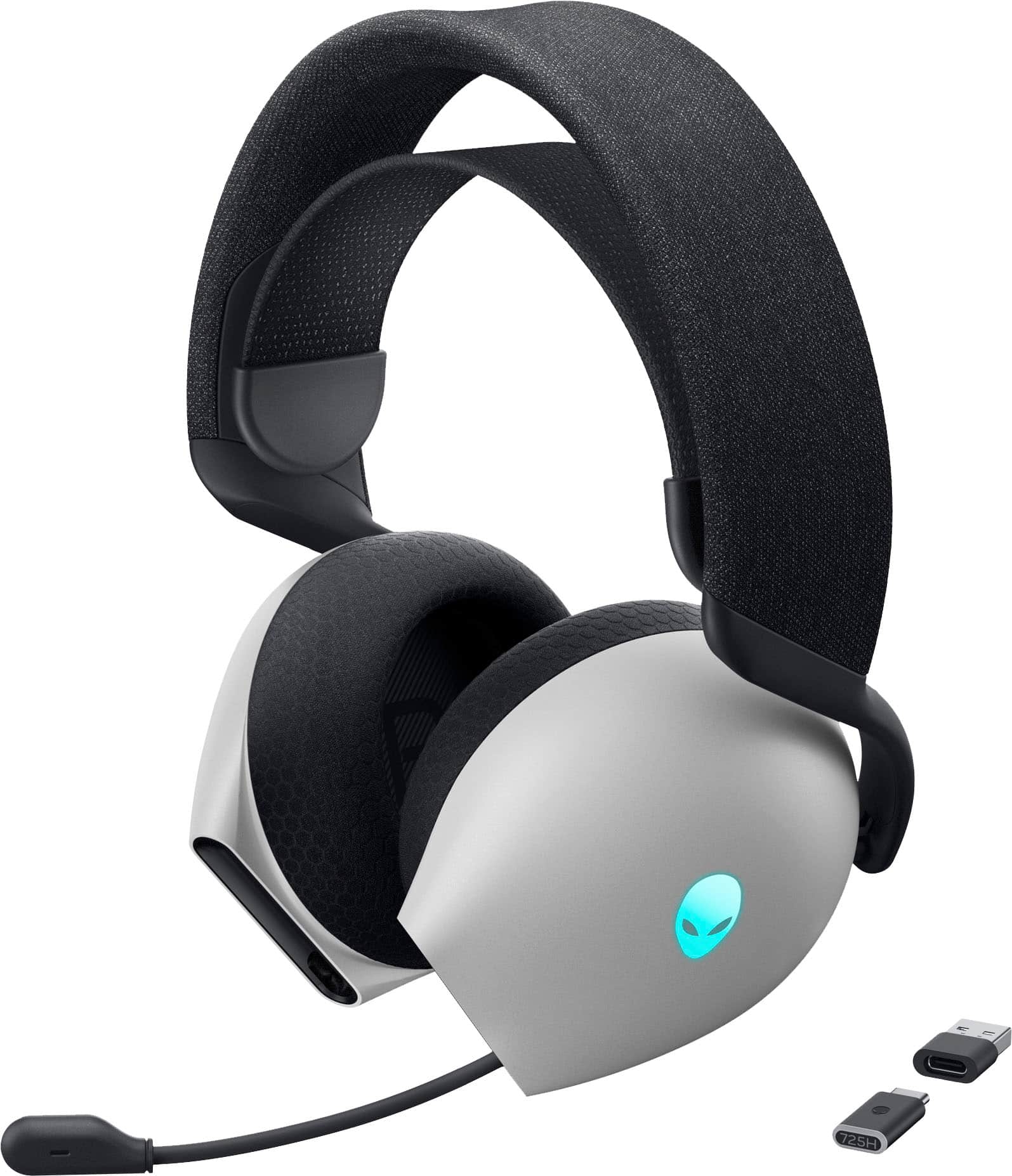 PC Gaming Headsets
More to consider
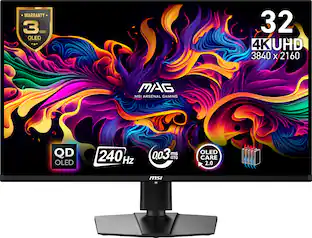 Top Deal$649.99The price was $729.99
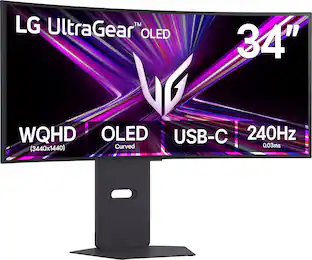 Top Deal$699.99The price was $1,199.99
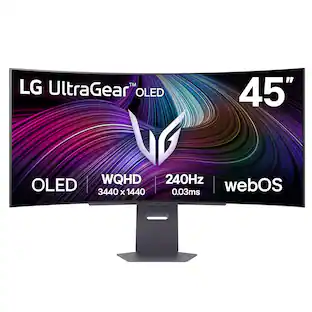 $999.99The price was $1,699.99
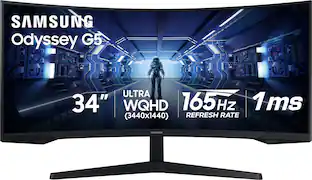 $379.00The price was $399.99
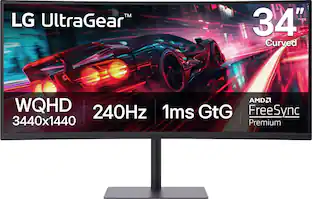 Top Deal$349.99The price was $499.99
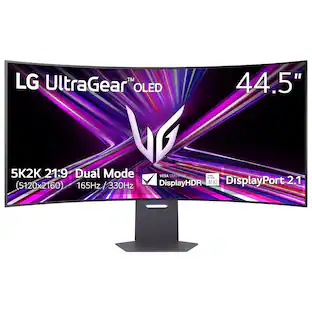 $1,499.99The price was $1,999.99


Explore tech essentials Sponsored
 Top Deal$999.99The price was $1,699.99
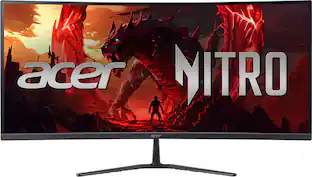 Top Deal$269.99The price was $349.99
- Top Deal$349.99The price was $499.99
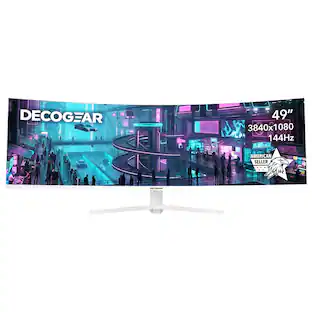
Discover related products
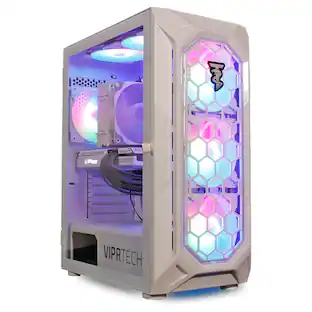 $649.99The price was $669.99
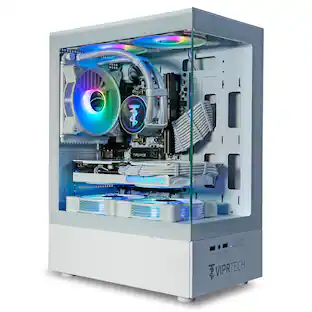 $999.99The price was $1,049.99
Plugable - USB 3.0 and USB-C Universal Laptop Docking Station for Windows, Mac, ChromeOS | Dual HDMI
$112.95The price was $135.35





Keep exploring
 $229.99The price was $323.99
 $862.99The price was $999.00
 $999.00The price was $1,058.49
 $499.99The price was $519.99
 $299.99The price was $349.99