Customer Ratings & Reviews
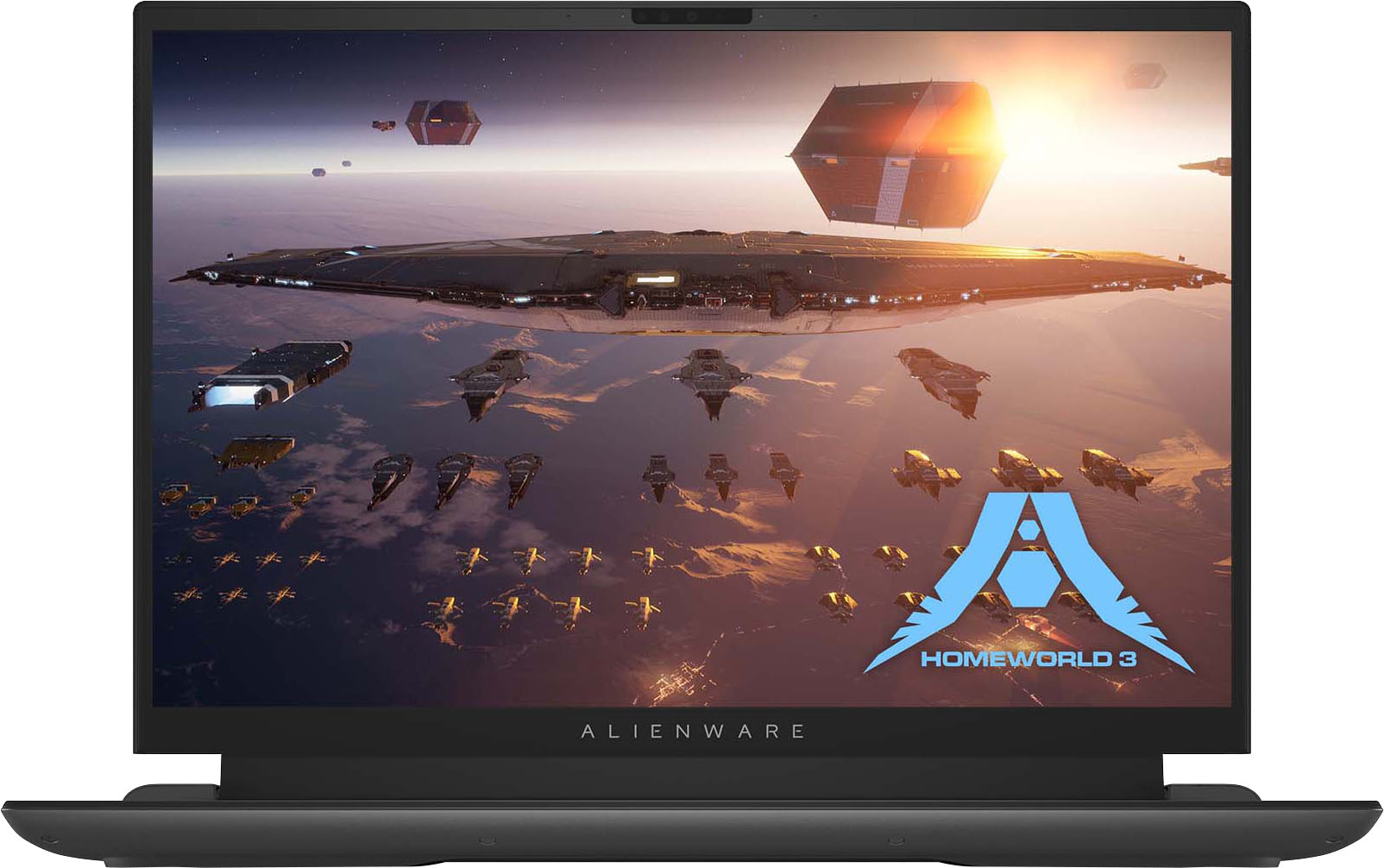

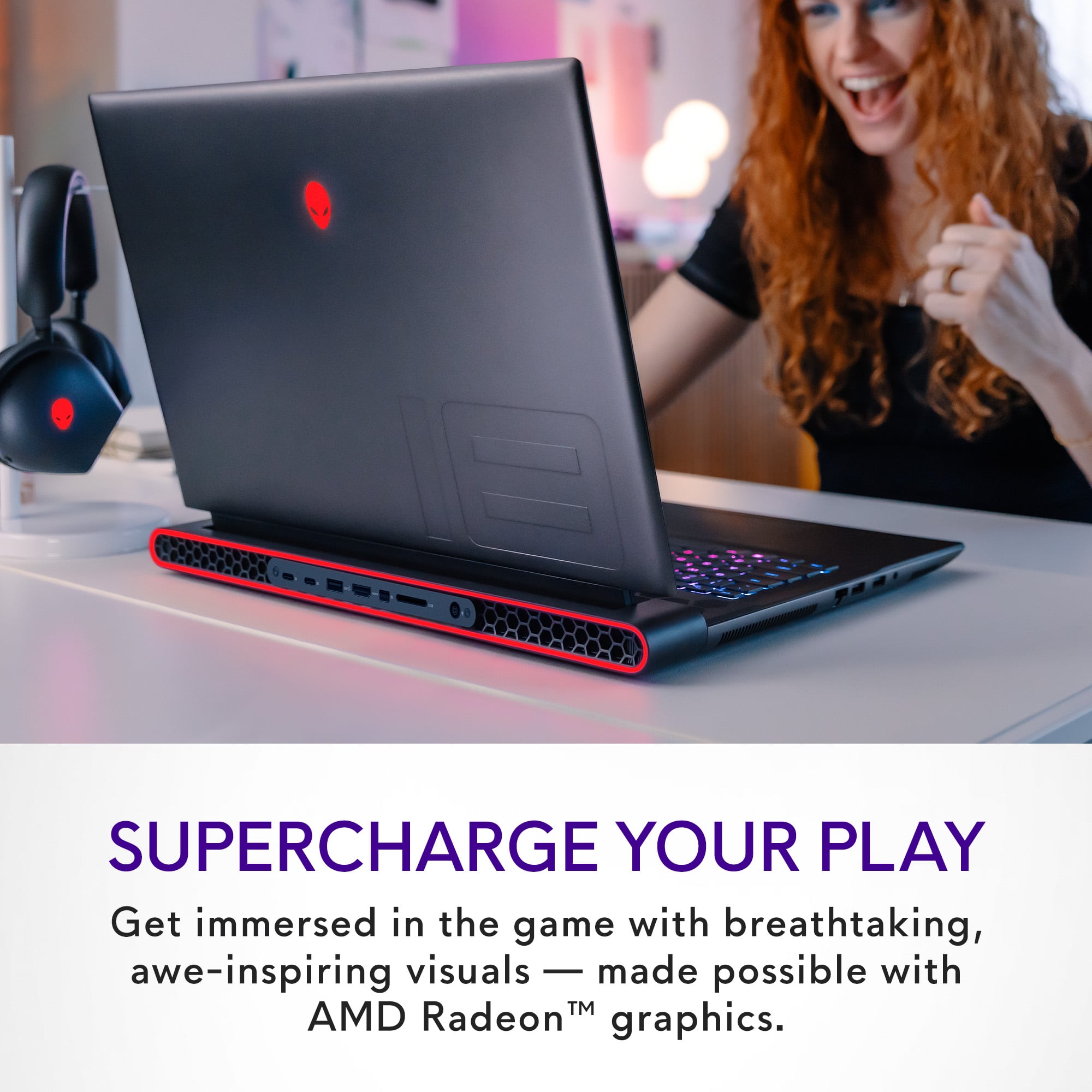
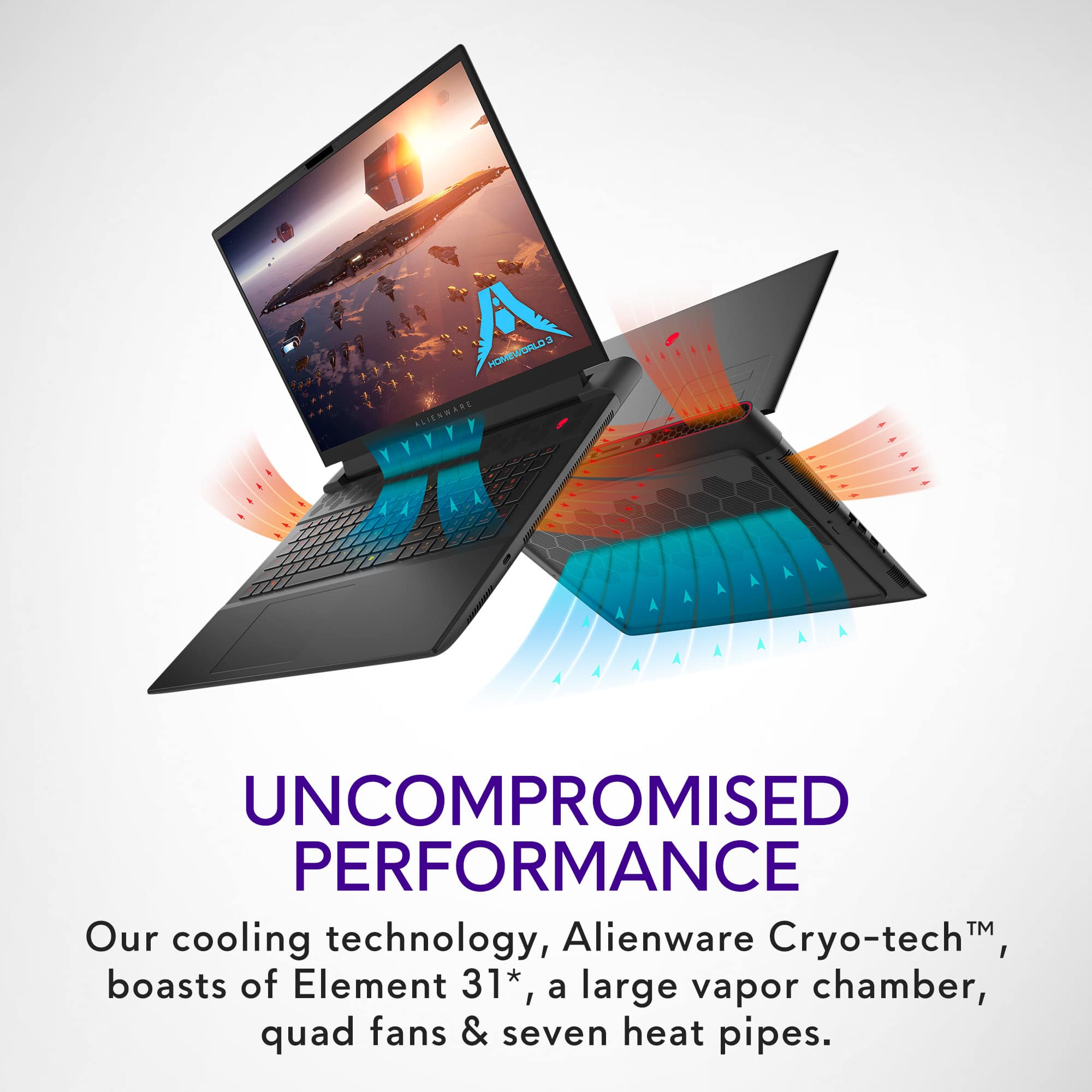





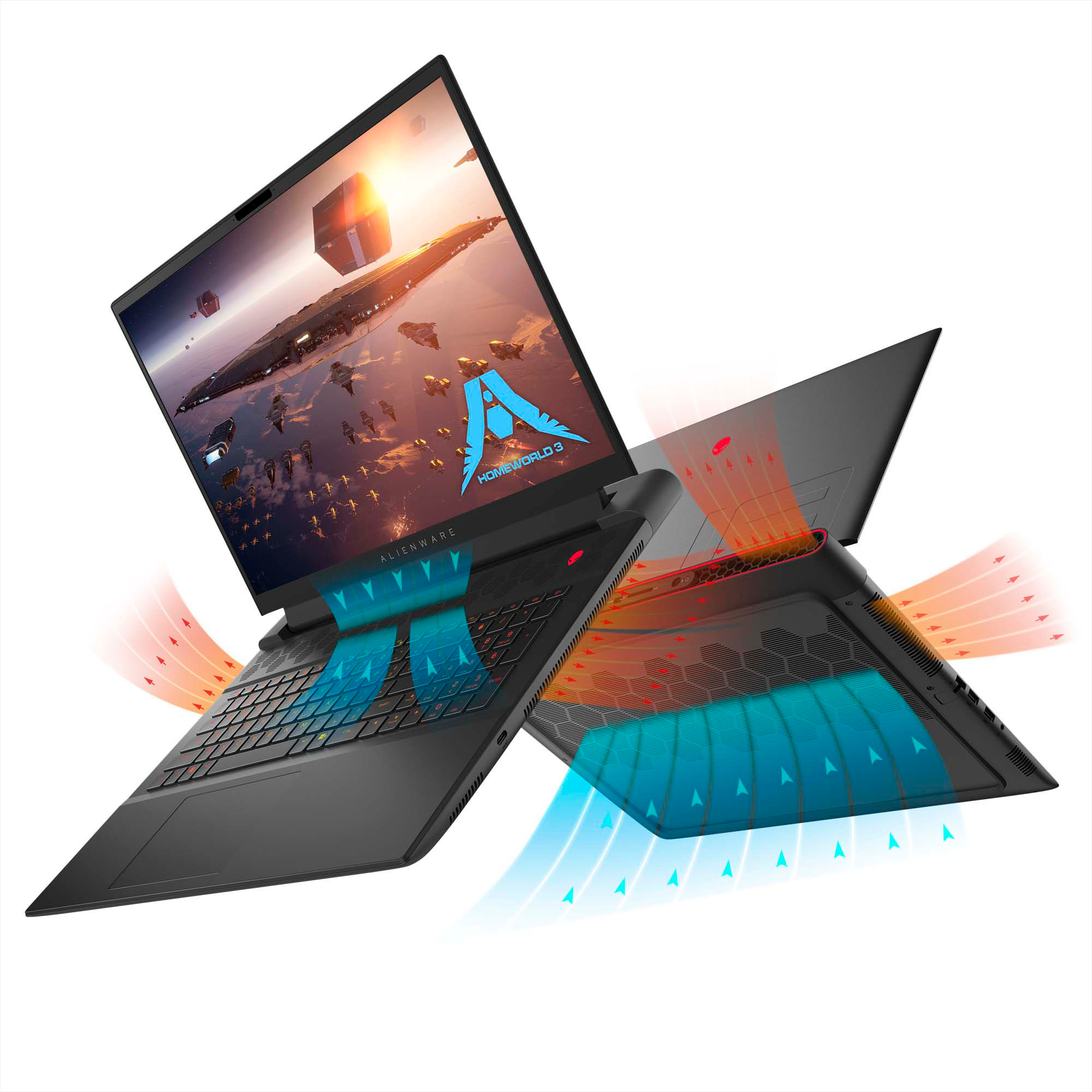

- Model:
- AWM18-A537BLK-PUS
- SKU:
- 6563727
Rating by feature
- Battery Life
Rating 2.9 out of 5 stars
- Speed
Rating 4.4 out of 5 stars
- Display
Rating 3.5 out of 5 stars
Customers are saying
Customers are satisfied with the m18 18" 480Hz Gaming Laptop's performance, high refresh rate, and fast SSD, praising its build quality and excellent keyboard. However, some users noted concerns regarding battery life, display quality, and the laptop's substantial size and weight. Cooling performance was also mentioned as an area needing improvement.
This summary was generated by AI based on customer reviews.
- Pros mentioned:Speed, SsdCons mentioned:Battery life, Display
Top of the Line
||Posted . Owned for 1 week when reviewed.This reviewer received promo considerations or sweepstakes entry for writing a review.(I got this one Open Box) just $680 (steal deal). First time using a AMD Pc and i Love it. Ryzen 9 7945hx, Radeon rx 7900m gpu. Fastest and best PC I've had, i added a 2 tb samsung pro ssd, feels very pro, very quiet fans even in maximum setting (overload), i didn't give a 5 star cause the screen resolution is not so great when browsing looks a little bit like blurry. Premier Pro runs great and fast, Photoshop too, transferring files is super-fast, i transfer 3 games data from C: To D: in 1 minute. I had to download drivers from AMD Site and a few from Dell. I ran Call of duty at 230 fps, Read Dead Red at 80fps, Battery life is short, but it supposed to as is a desktop replacement as powerful, could last like 45min aprox.
I would recommend this to a friend - Pros mentioned:Performance, Refresh rateCons mentioned:Battery life
13 year old me thanks 30 year old me every day.
||Posted . Owned for 3 weeks when reviewed.This reviewer received promo considerations or sweepstakes entry for writing a review.This laptop blows my mind. Super fast at everything 480hz for all my esports games. Has entirely replaced my desktop and old laptop for 95% of purposes. The price is high but look out for open box deals / discounts. Only true complaint is battery life BUT if you are just web browsing you can disable the discrete GPU in alien command center to improve this greatly. Runs every game easily, even does ray tracing on for some games really well (Portal RTX was messy still but Nvidia anyhow)
I would recommend this to a friend - Pros mentioned:Refresh rateCons mentioned:Display
Great Laptop
||Posted . Owned for 2 weeks when reviewed.This reviewer received promo considerations or sweepstakes entry for writing a review.No complaints on the hardware, while the display is its weakpoint the 480hz is great for competitive gaming. Alienware command center is a no go
I would recommend this to a friend - Pros mentioned:Performance
good
||Posted . Owned for 1 month when reviewed.This reviewer received promo considerations or sweepstakes entry for writing a review.The game notebook is very good, the performance is very strong, and it can play most games, which is very suitable for players who play games.
I would recommend this to a friend - Cons mentioned:Display
Had to pay an extra $500 for it to work.
||Posted . Owned for 1 week when reviewed.This reviewer received promo considerations or sweepstakes entry for writing a review.Came nonfuntional, the screen would go off about every 5-10 minutes in use. I used the warrenty I bought for $450 to have it fixed. Came back just as broken but without the charger, box, and manuals I gave with it. I had to buy a new one with credit from turning in this laptop which costed me an extra $500. The only good part is they gave me the warranty I bought from this one on the new one. However seeing how the warrenty was pointless here I'm not even sure that it was worth it. I also attached an image of how the laptop would bug out with the screen sometimes instead of just going black.
No, I would not recommend this to a friendBrand response from YourDellTeam
Posted .Hello Craig,
Thank you for taking the time to leave us your review. We sincerely apologize for the trouble you have encountered with your Alienware m18 FHD+ 480Hz Gaming Laptop. This is certainly not the type of feedback we like to hear from our valued customers, or the type of product Dell intends to deliver.
Furthermore, we always strive to get better and reviews like yours help us develop products and services our customers love. Your feedback will be shared with our quality team for consideration in future enhancements in products and services.
With a little more information from you, we would like to help you resolve issues you may be facing to your satisfaction. Please do not hesitate to get in touch with a Dell representative using the information provided below.
Chat or call: https://bit.ly/DellSupportTeam
Phone number to Dell: 1-800-624-9896
Best,
Minhaj@Dell
- Cons mentioned:Display
Horrible quality
||Posted . Owned for 2 weeks when reviewed.This reviewer received promo considerations or sweepstakes entry for writing a review.I had high hopes but I was very let down by the horrible yellow light bleed on the display. Alienware has gone to the dogs as far as quality control.
No, I would not recommend this to a friendBrand response from YourDellTeam
Posted .Hello Whiskey,
We appreciate you taking the time to leave us your review. We are sorry you are experiencing display issues with your Alienware m18 Gaming Laptop. It's important for us to hear about discrepancies in our products for consideration of future development. To help you with the display that you are experiencing, I have provided troubleshooting steps with the full article that can resolve the issue.
Here's the steps to help resolve your issue:
1. Verify display or video issues on an external monitor.
2. Check for physical damage on the LCD screen.
3. Run hardware diagnostics on the LCD screen.
4. Verify the display or video issue in Windows Safe Mode.
5. Update the video card (GPU) driver, monitor driver, chipset driver, and BIOS.
6. Download and install Microsoft Windows Updates.
7. Change the video or display settings, and adjust the brightness.
8. Touch screen troubleshooting.
9. Run a Video Stress Test using Dell SupportAssist.
10. Perform a Windows System Restore.
11. Restore the computer to factory defaults.
You can read the full article on solving display issues here: https://dell.to/2Sx1VkZ
If you need further assistance, please reach out to Dell Support directly by using the information provided below.
Chat or call: https://bit.ly/DellSupportTeam
Phone number to Dell: 1-800-624-9896
Best,
Summer@Dell
- Pros mentioned:Build quality, Refresh rate, SsdCons mentioned:Weight

The m18 Aliens have Arrived Dominate the Game Grid
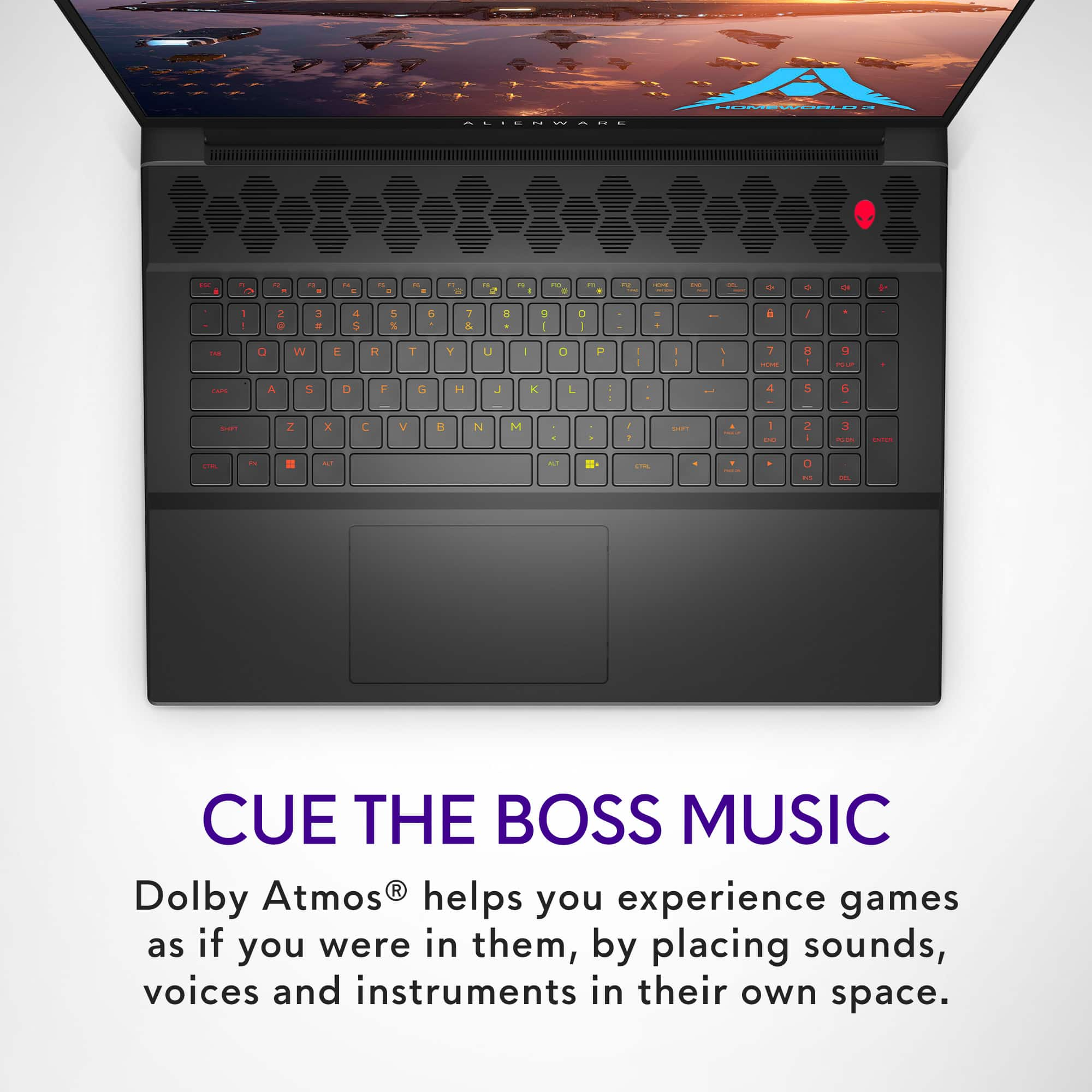
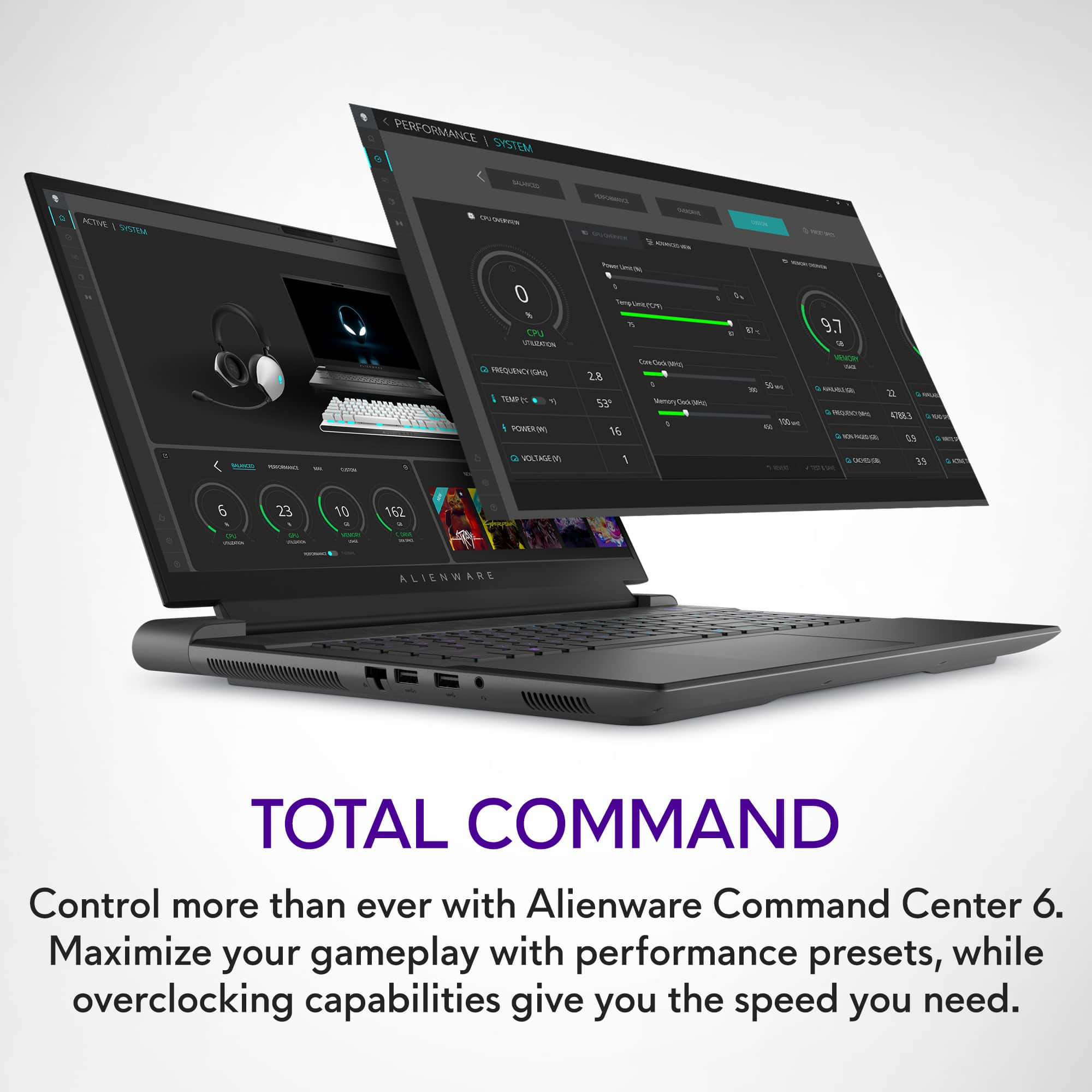
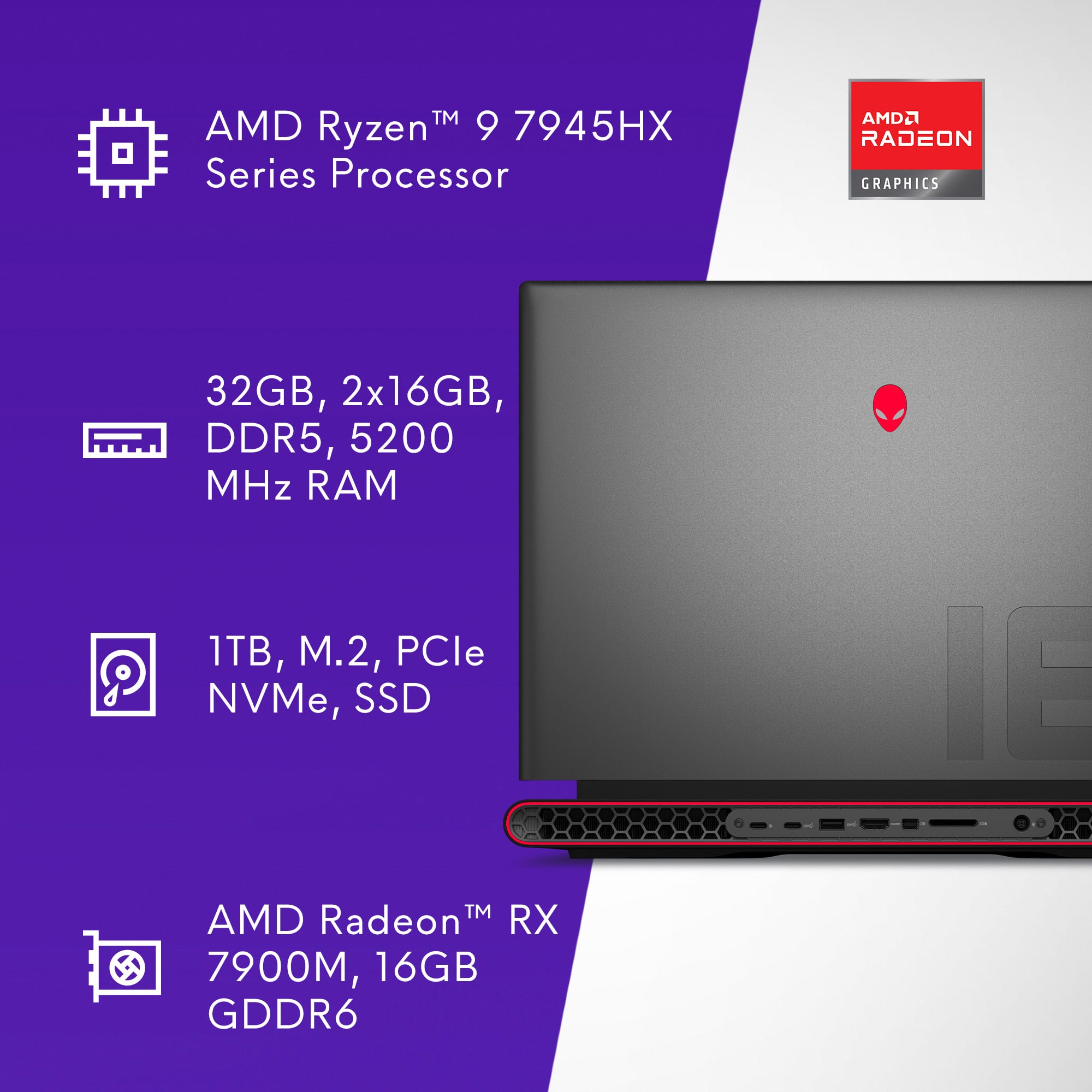
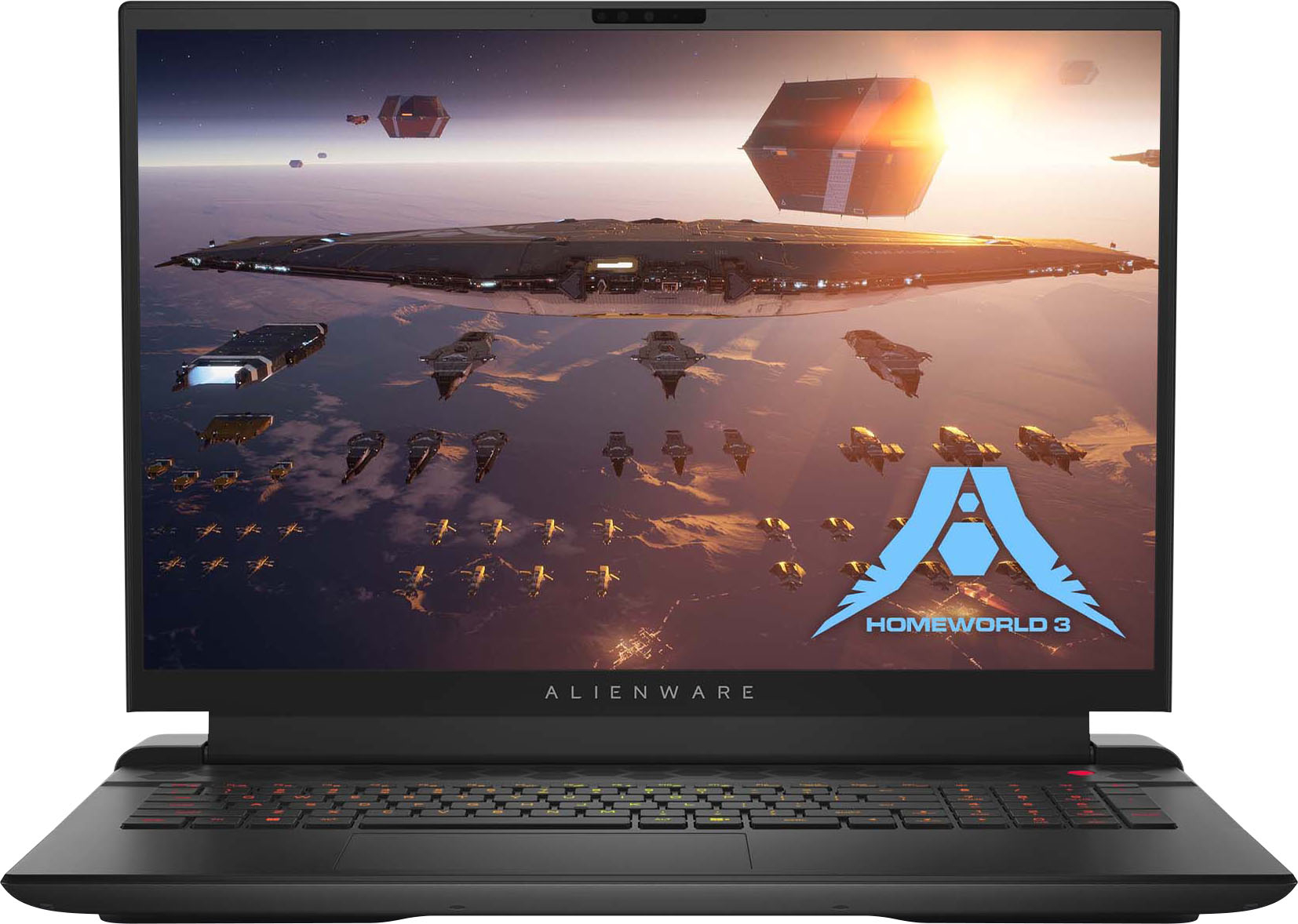
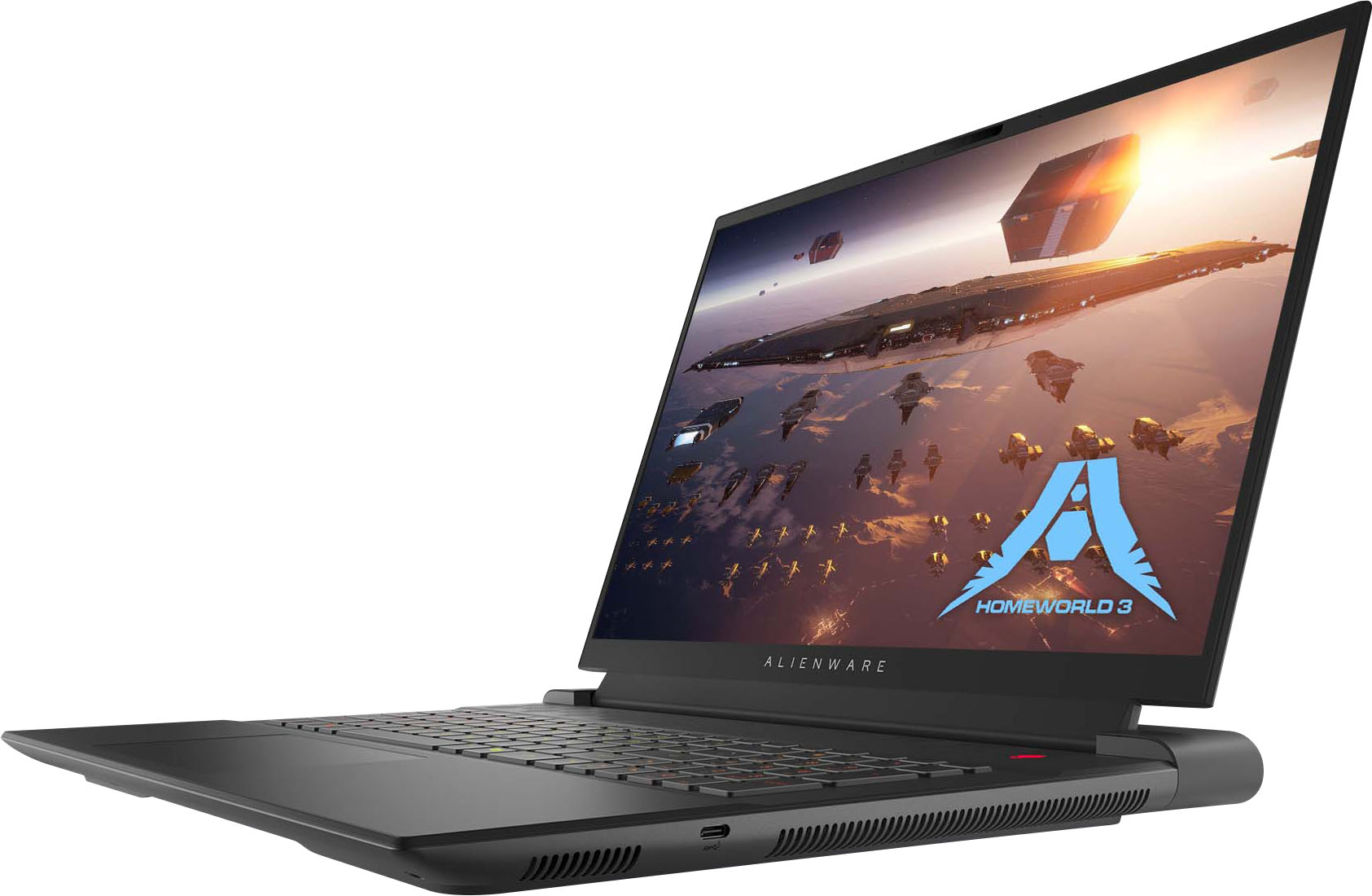
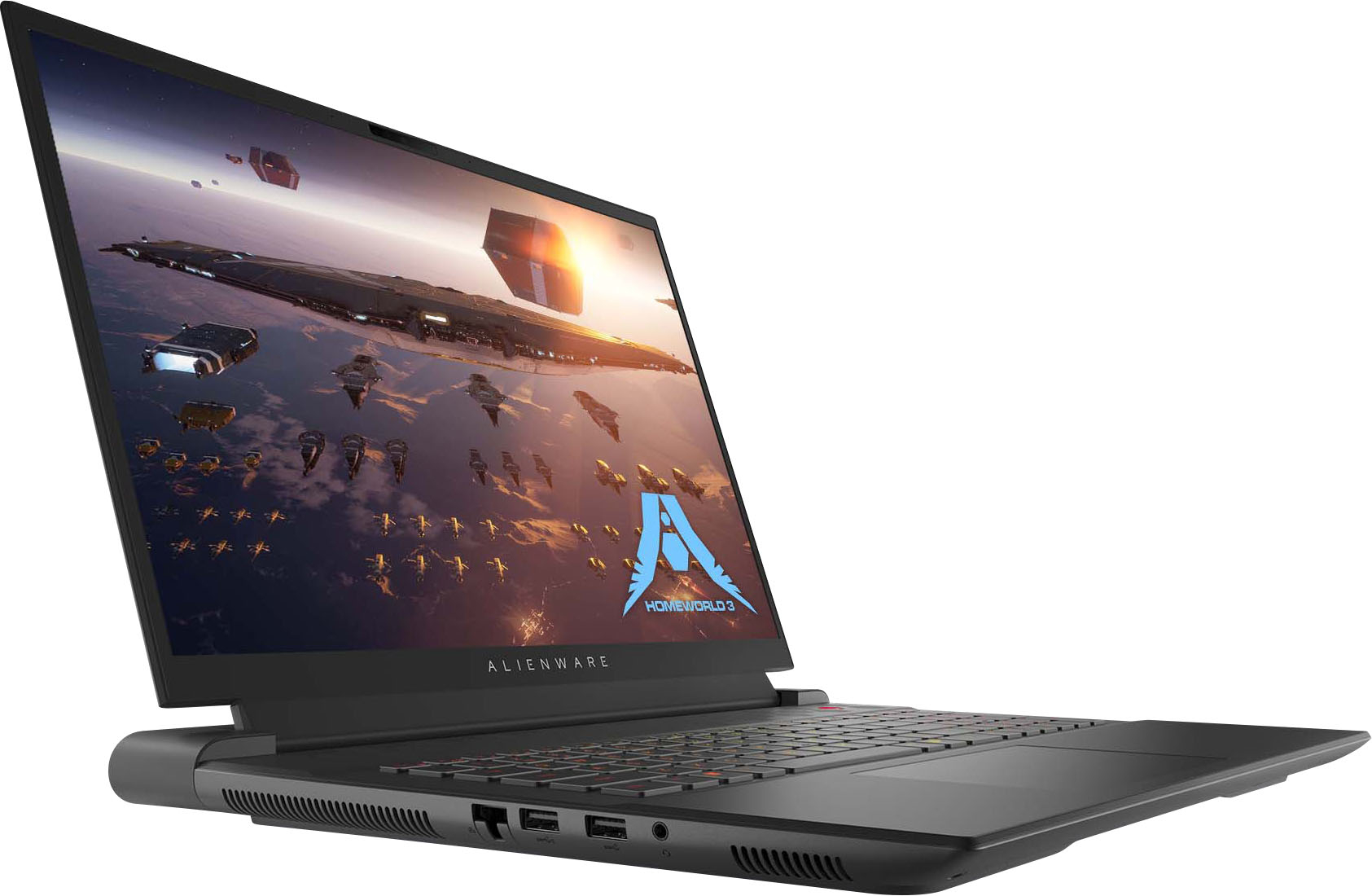
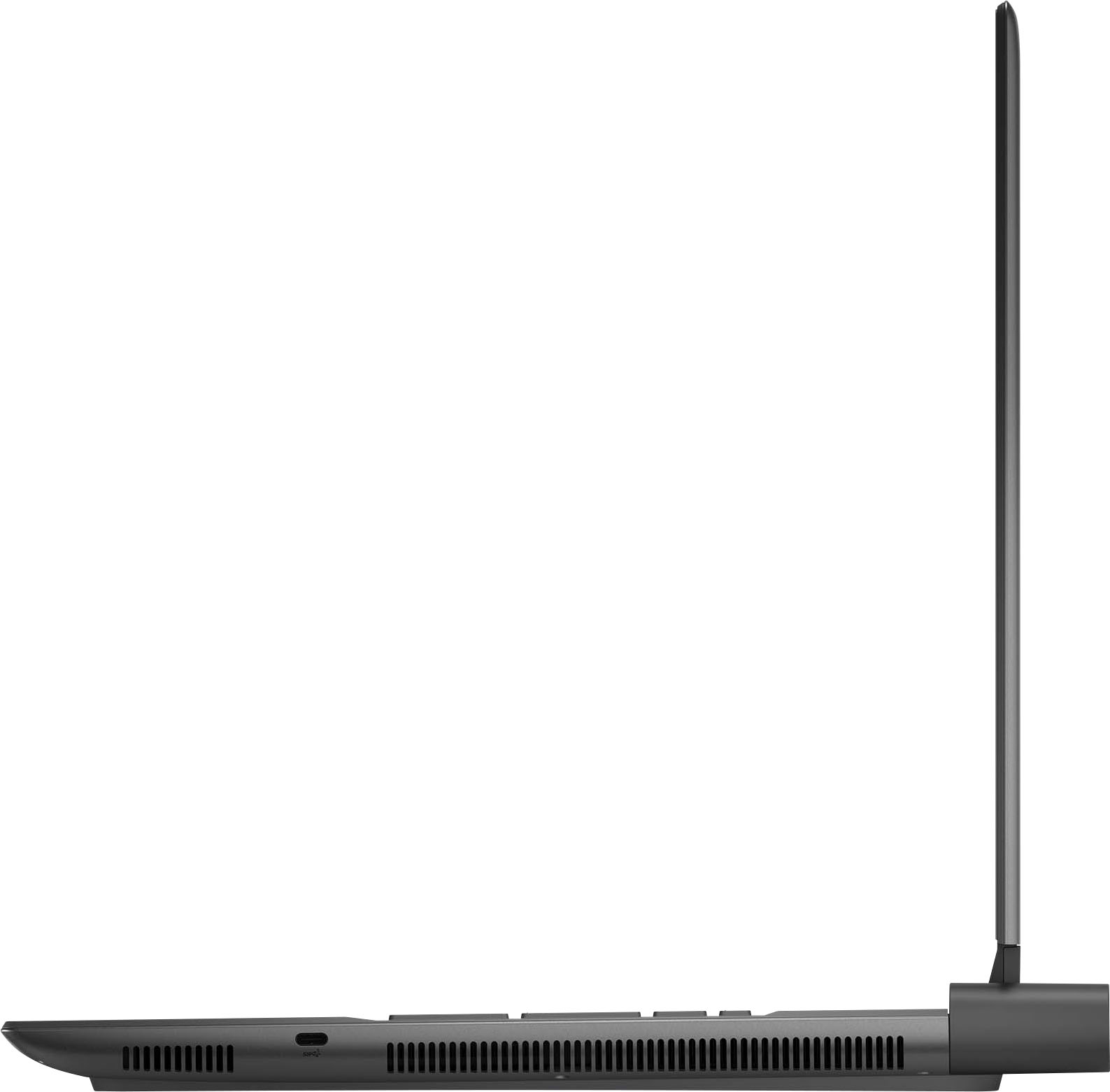
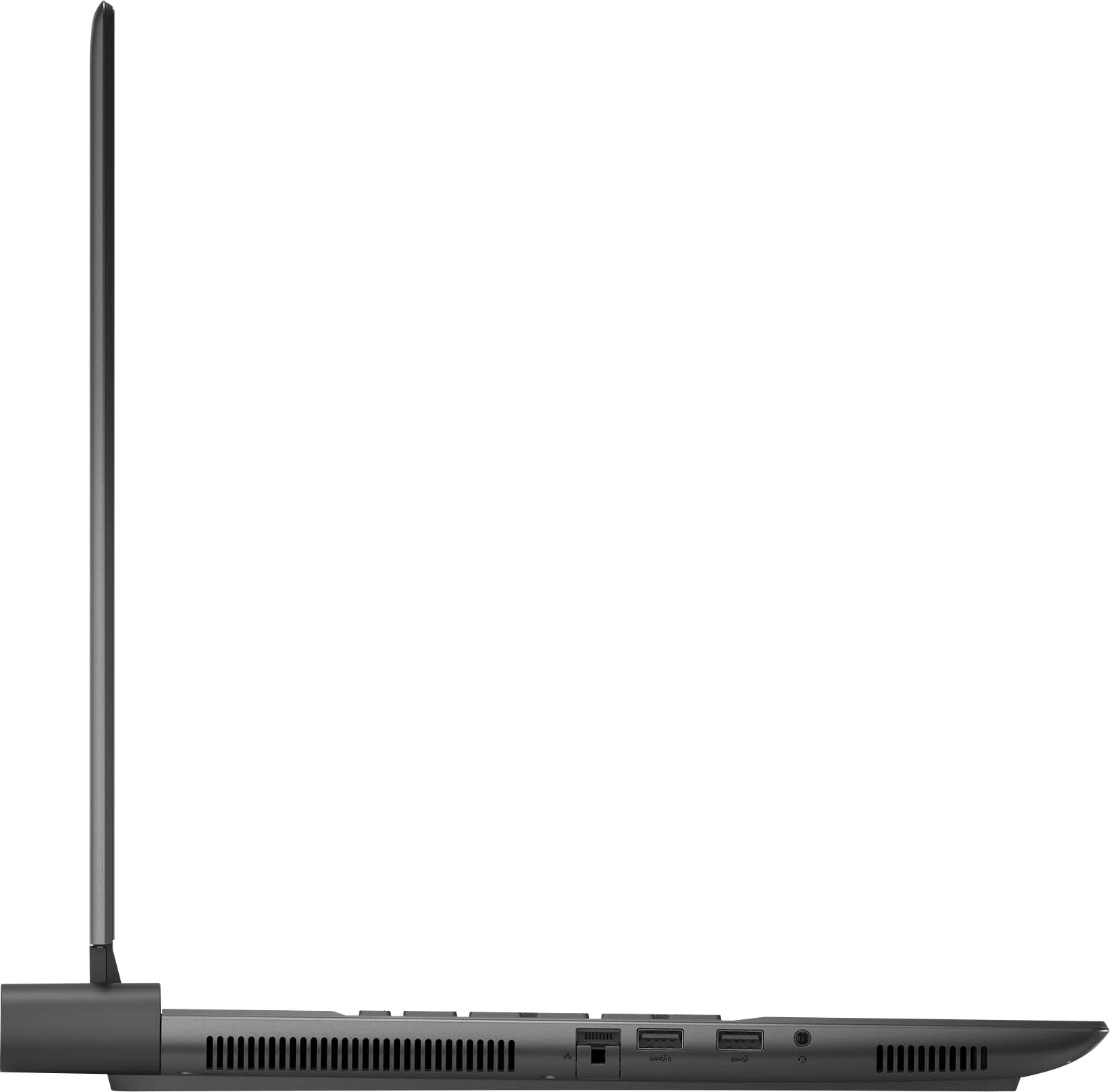
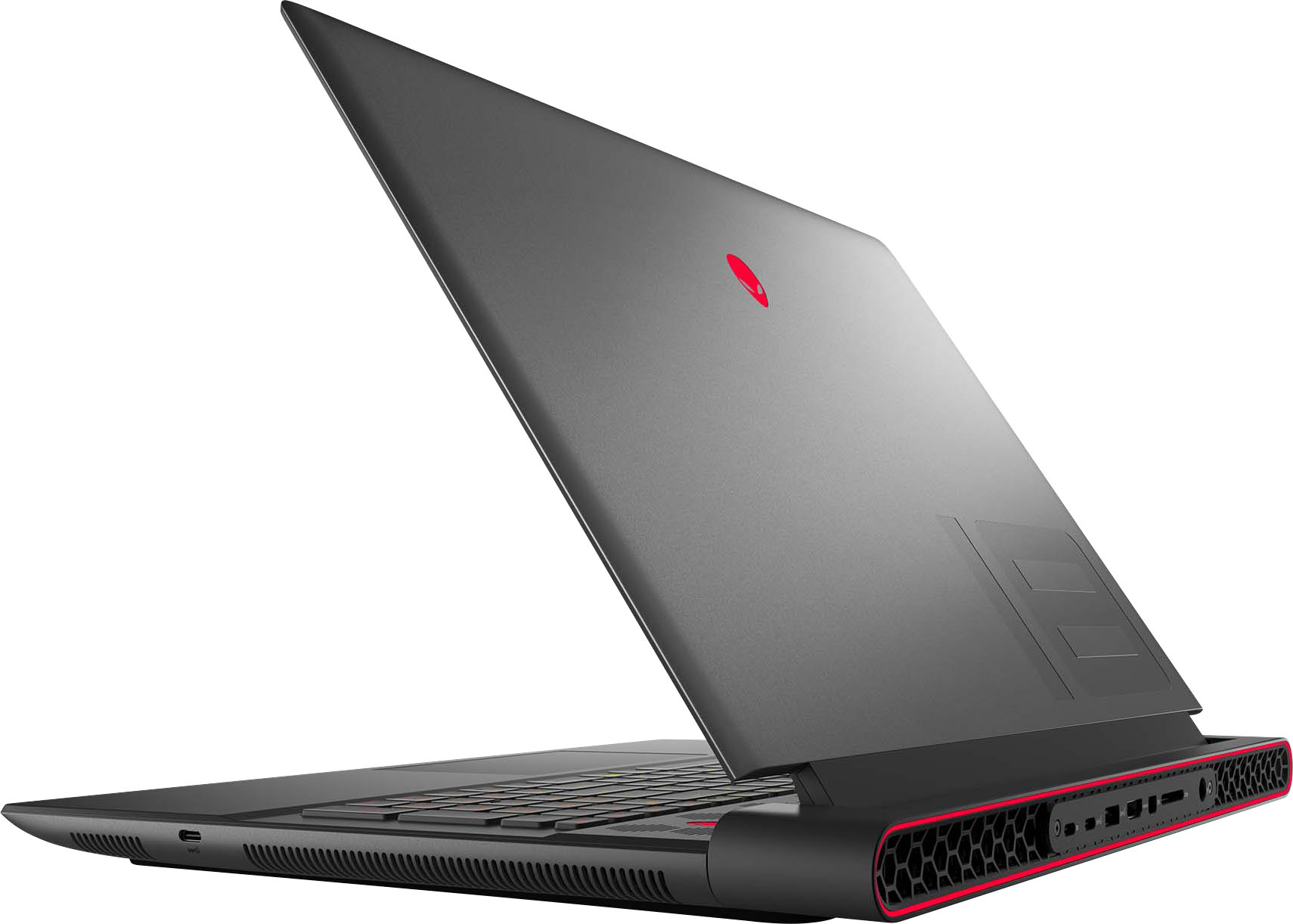
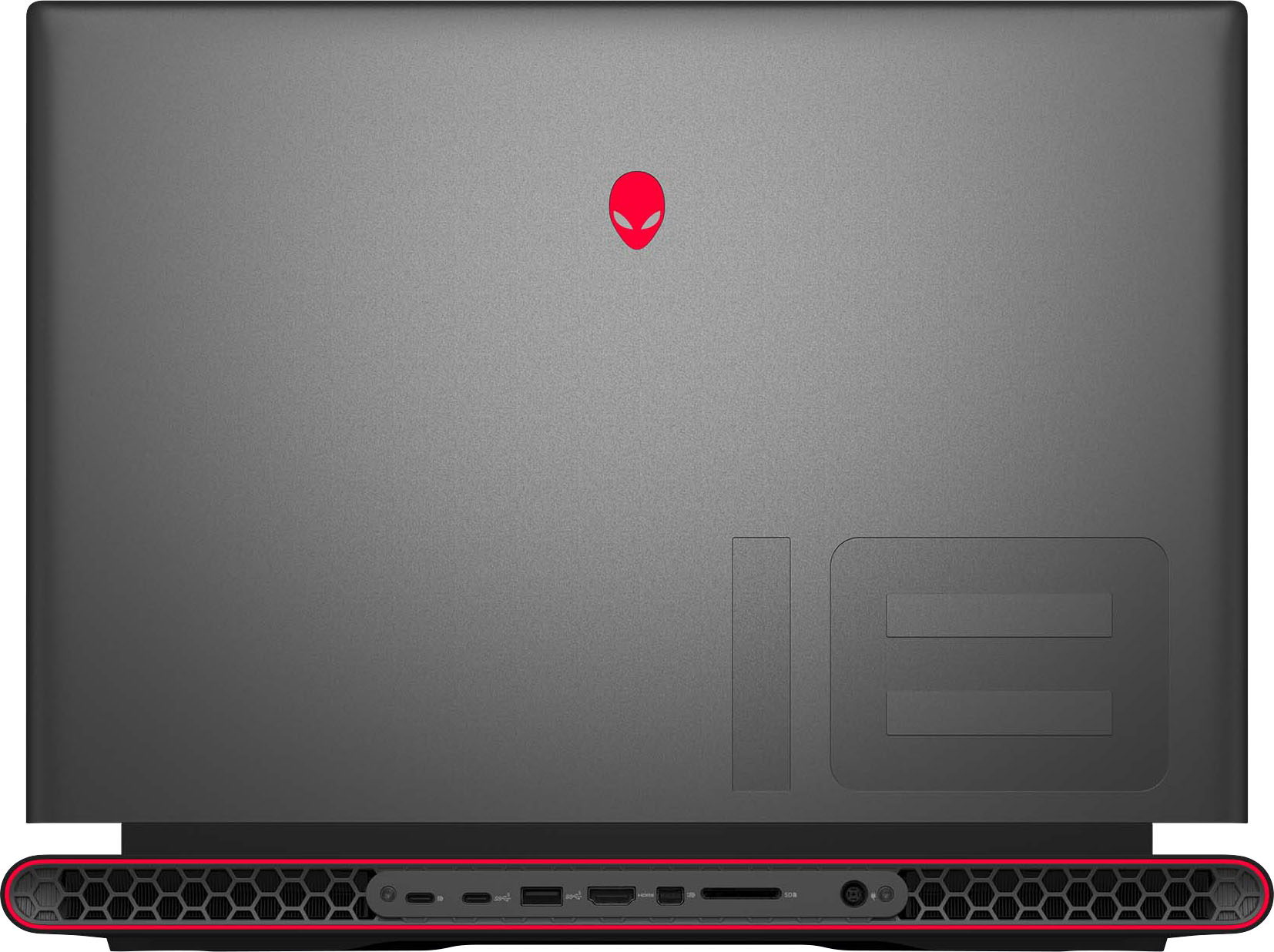
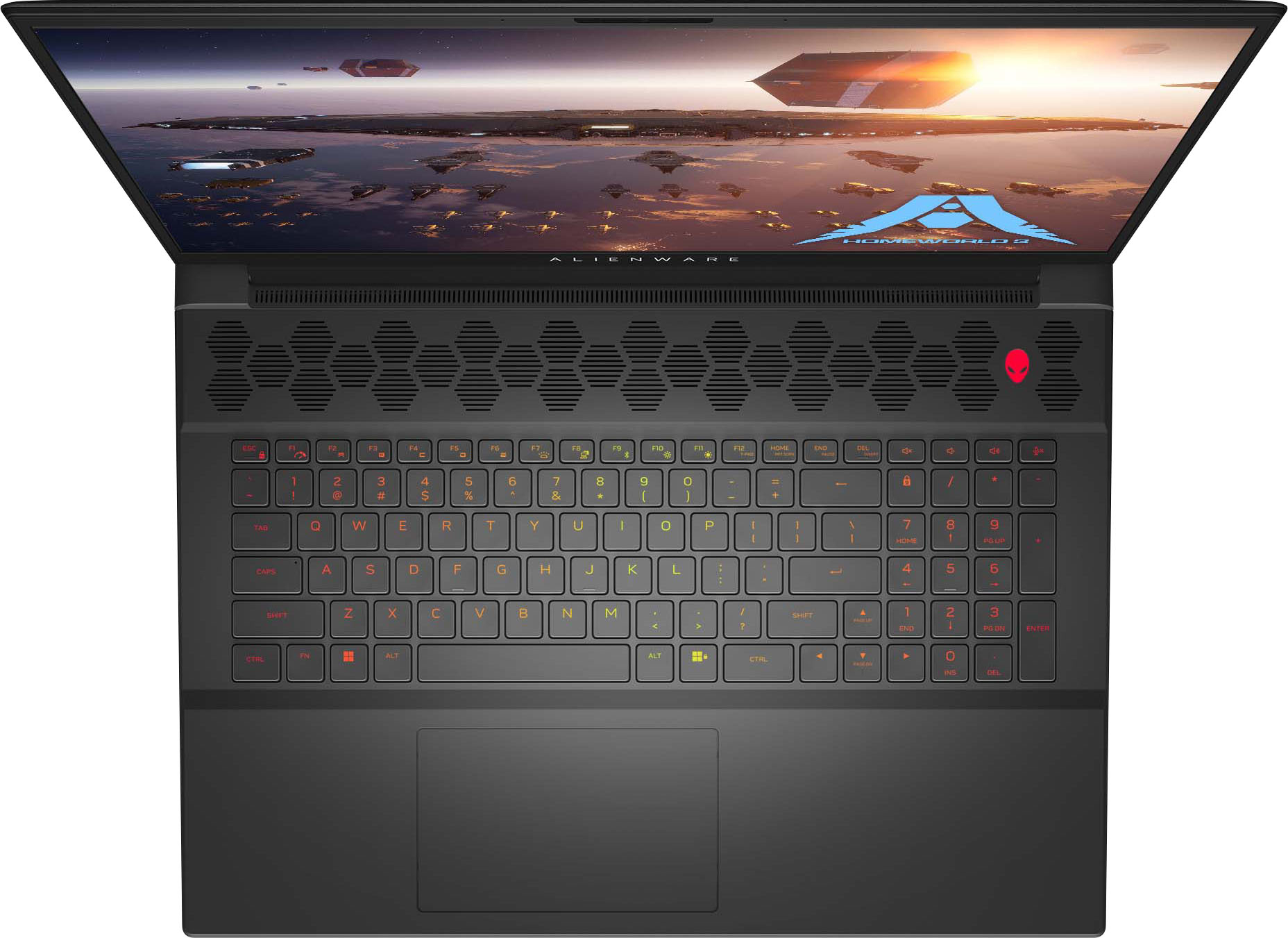
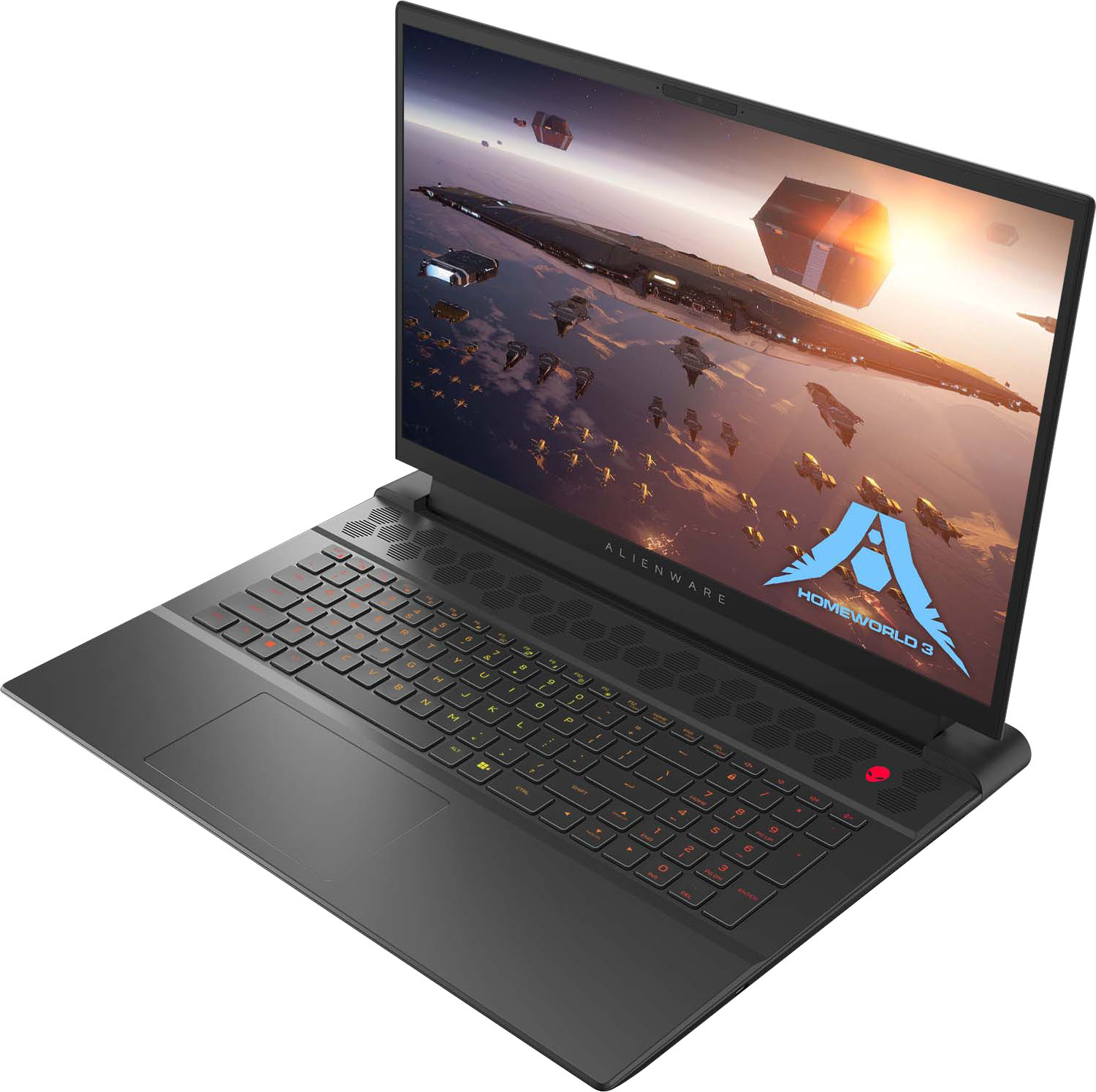
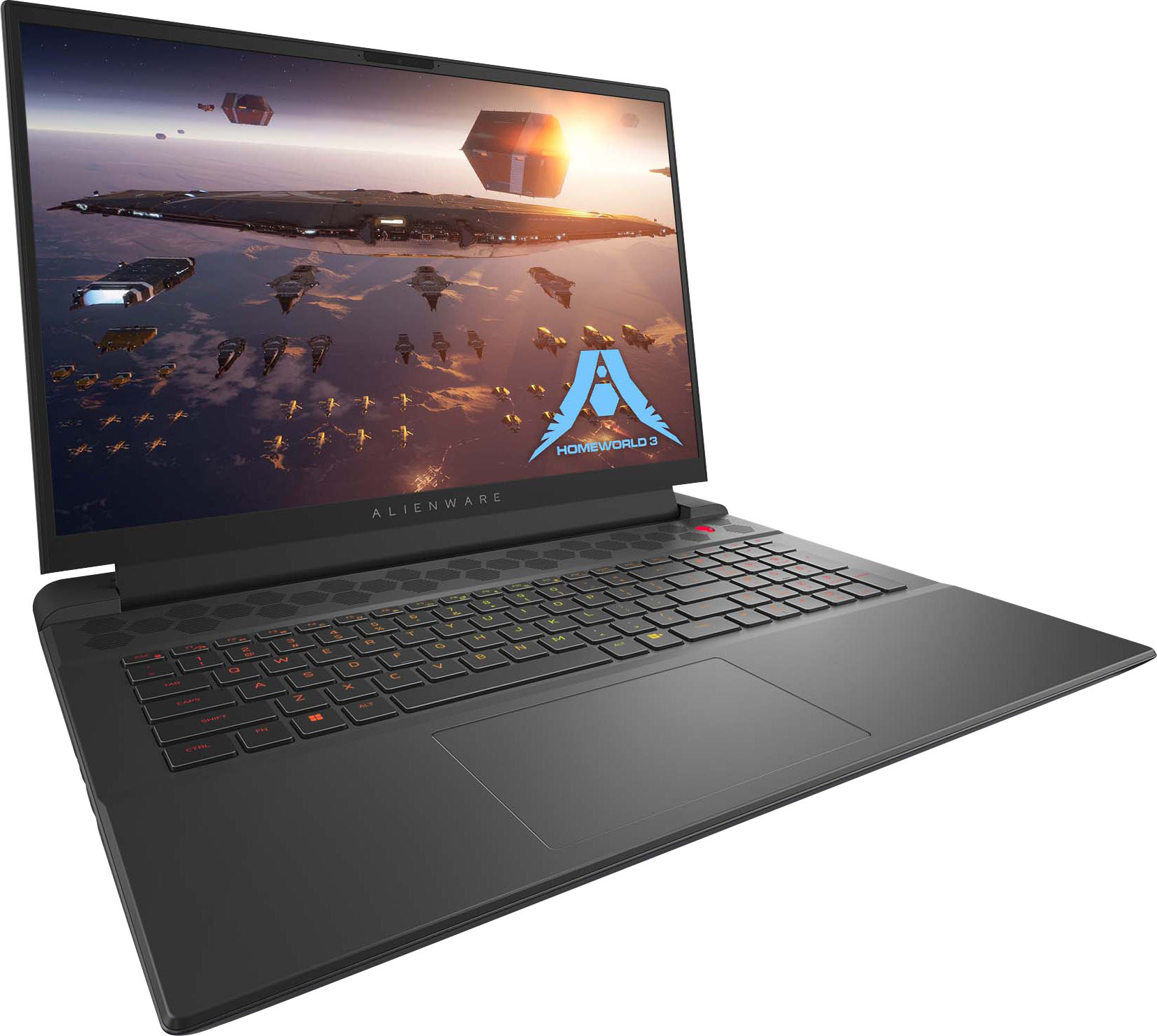
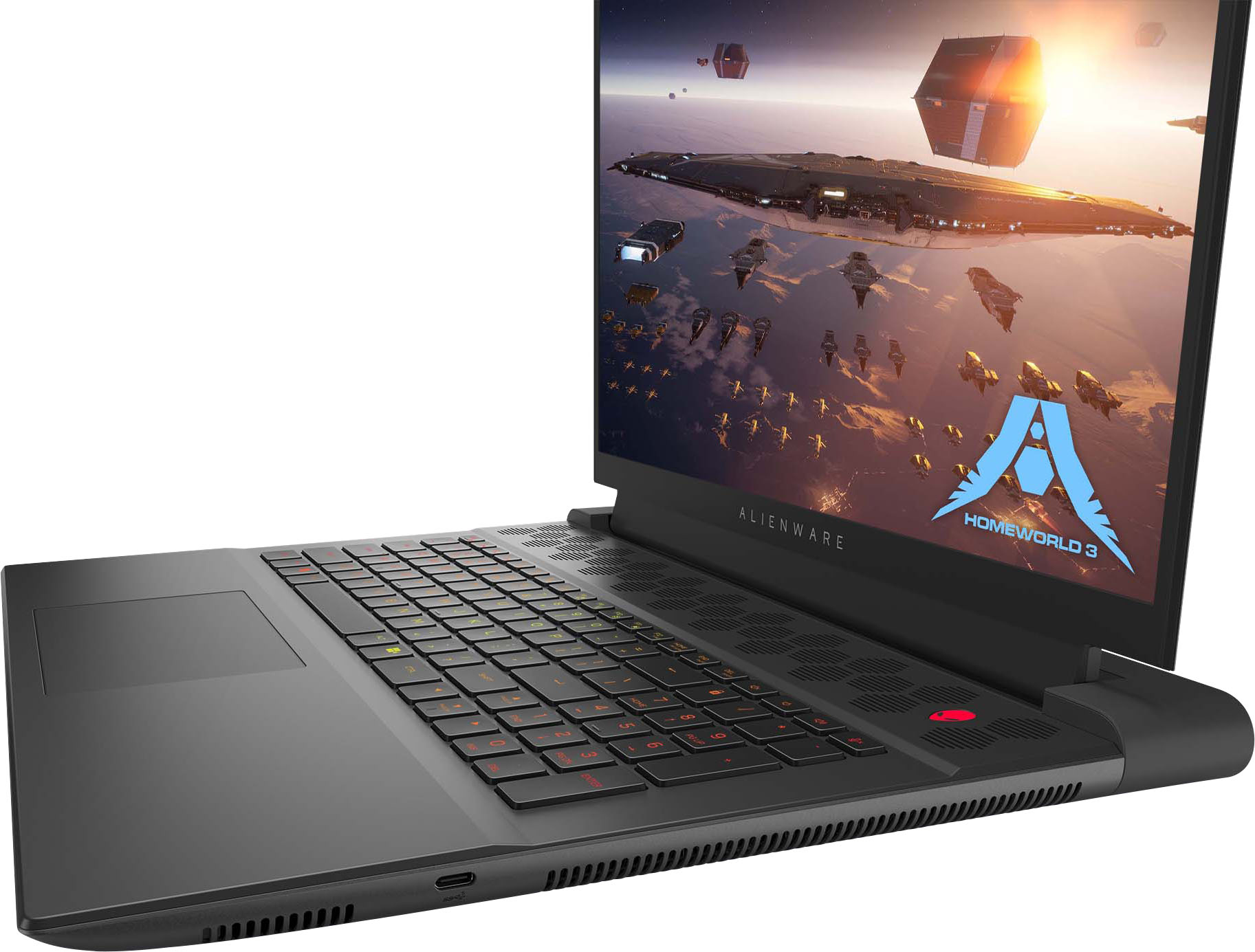
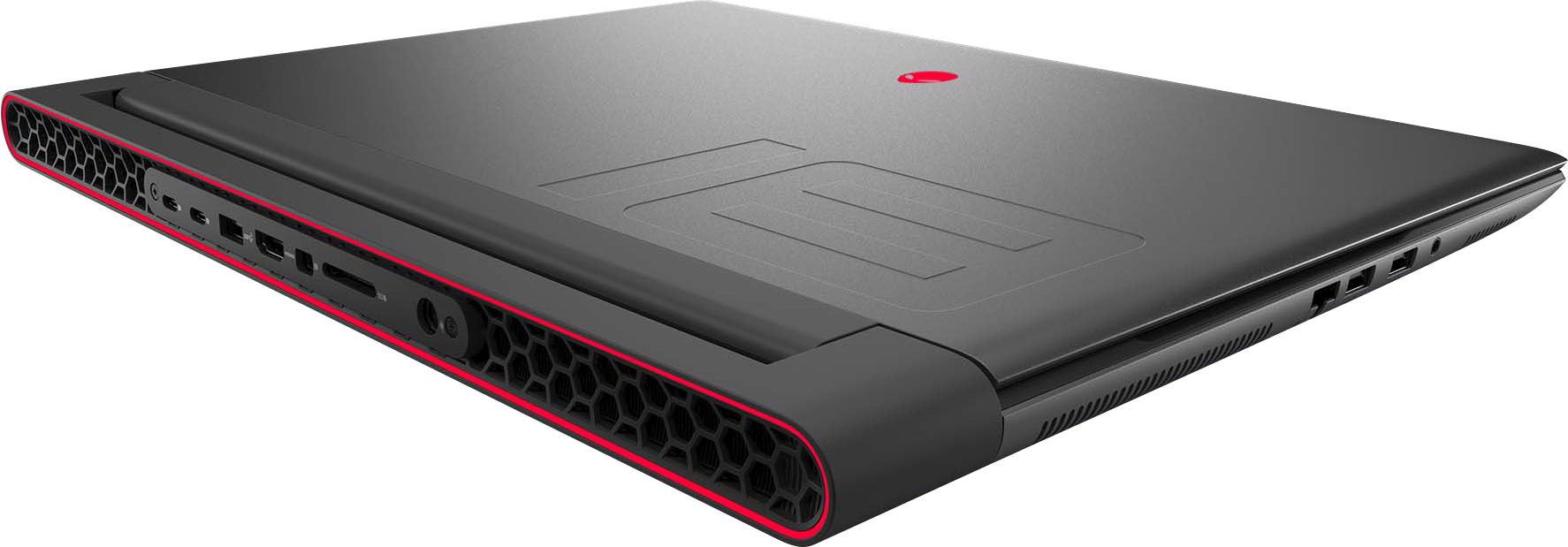
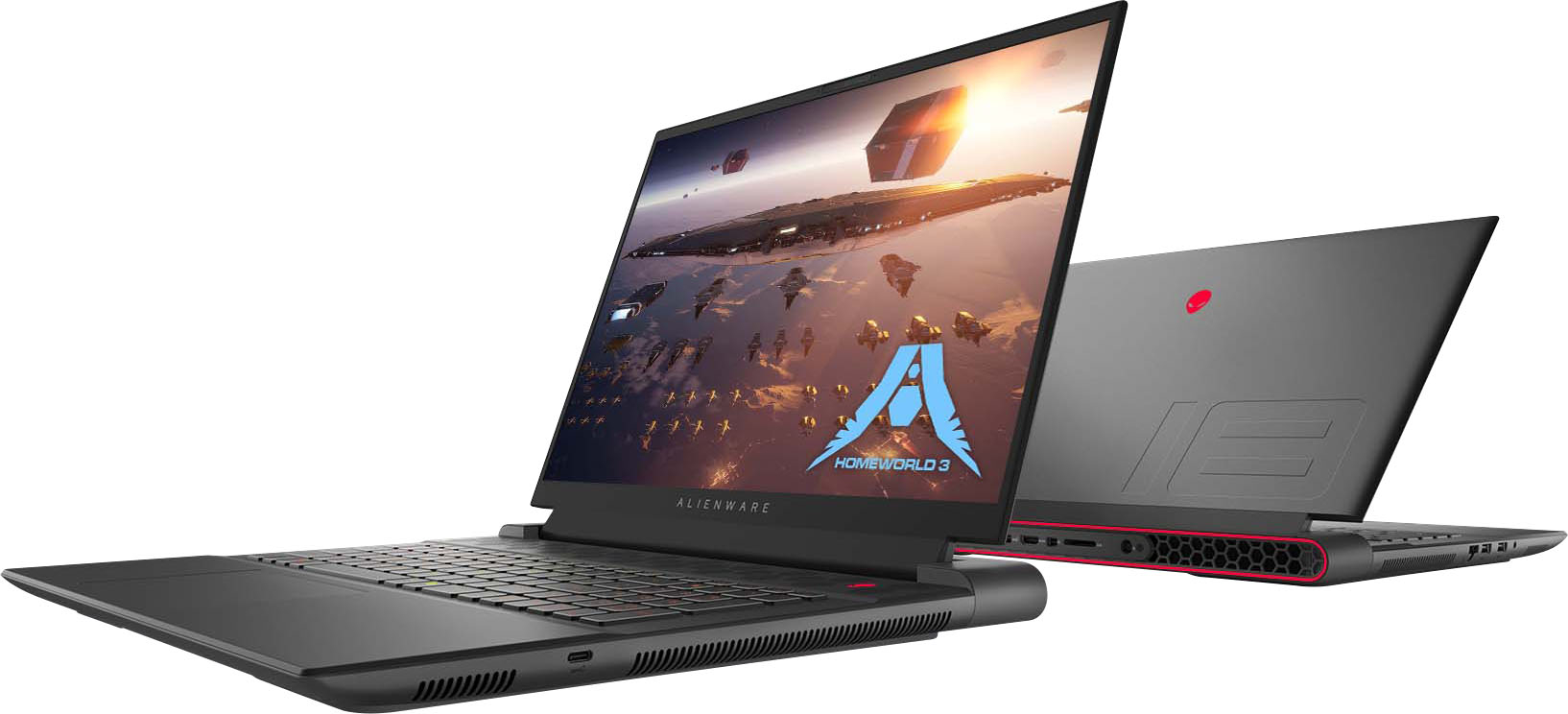
|Posted .This reviewer received promo considerations or sweepstakes entry for writing a review.The Alienware m18 R1 AMD is the zero-compromise gaming laptop from the future. Included in the box is the 18-inch laptop itself, the power cable, quick start guide and 2 metallic Alienware stickers. Although only a quick start guide is included in the box, extensive documentation including a 94-page service manual is readily available on Dell’s website. The first thing I noticed when unboxing the m18 is the weight. Clocking in at 8.9lbs this laptop is no featherweight; however, this is expected for performance of this caliber. Reflecting the weight, aluminum construction is rugged with no deck flex whatsoever. On first boot, Alienware SupportAssist program prompts to register for the 1-year premium warranty and automatically prompts for a driver update. The SupportAssist program also can automatically optimize performance, network, and clean files. SupportAssist is a first-rate maintenance program provided for their line of computers. 330-watt power brick is huge yet necessary for powering this beast of a laptop as I measured peak CPU power draw of 100 watts and peak GPU draw of 266 watts during testing. RGB keyboard is tactile and has superb key stabilization on all keys. Keyboard includes a number pad. Per-key RGB is controllable through the Alienware Command Center app. Large “glass” trackpad is superb. The large 18-inch screen has a matte finish which I prefer as it cuts down on glare. 1080p display has exceptional color, a 3ms response time, and a mind-boggling 480hz refresh rate. Display covers 100% of the DCI-P3 color gamut which is 25% wider than SRGB. Additionally, the display supports adaptive sync technologies and has exceptionally wide viewing angles. 300 nits peak brightness is on par with many higher end laptops. Even with all this tech, the bezels on this laptop are remarkably thin. One thing which I find most impressive is how quiet the laptop stays under load. The keyboard and deck stay relatively cool as hot air is exhausted out the rear and sides of the laptop. Benchmark Scores: • 3DMark Time Spy Extreme: o Overall Score: 9212 (Legendary) o GPU: 9013 o CPU: 10535 • Unigine Superposition (1080p Extreme): o Score: 10965 o Avg FPS: 82.02 • BMW27 Blender Render: o CPU: 01:11:10 o GPU: 00:20:13 • Crystal Disk Mark (NVME SSD Profile): o Sequential 1MiB read: 7043.78 MB/s o Sequential 1MiB write: 5739.13 MB/s o Random 4KiB read: 3757.69 MB/s o Random 4KiB write: 2659.74 MB/s • GTA V Benchmark: o Average Framerate: 125 o Average Frametime: 8 MS • CS:2 Simple FPS Benchmark: o Average Framerate: 360 The numbers speak for themselves. Benchmarks and in-game performance blow all other gaming laptops I have seen out of the water. Ryzen 9 7945HX and Radeon RX 7900M are an unstoppable duo in terms of computational power and raw gaming performance. Paired with 32 GB DDR5 4800 of ram (upgradeable to 64 GB), this laptop is well suited for workstation use, video editing and rendering as is evident with the blazing fast Blender render results. It even beat my 9th Gen Intel i9 equipped desktop in CPU rendering. Although CPU temps reached 100 degrees Celsius during certain tests, fans never ramped up and thermal throttling was not recorded. Kioxia 1TB NVME SSD is blazing fast as well. There is a second slot in the laptop to install an additional NVME SSD too. BIOS is basic yet does allow for 2 levels of CPU overclocking. This option is vague yet in testing it seems to boost the base clock speed. Alienware Command Center allows for different performance levels to be selected which corresponds to the OC levels found in the bios. I/O: • Rear: o Barrel Charger Port o Full Sized SD Card Reader o Mini DisplayPort o Full Sized HDMI 2.1 o 2x USB 3.2 Type-C w/ DisplayPort o USB 3.2 Type-A w/ PowerShare • Sides: o Slim Ethernet Port o 2x USB 3.2 Type-A Ports o USB 3.2 Type-C Port I/O is impressive. Appreciate the Full-size SD card slot as it is useful for offloading pictures from cameras. Stereo 2-watt speakers sound adequate for laptop speakers, yet I would recommend wearing headphones for any serious gaming. Alienware Command Center integrates with Dolby Atmos too. 1080p webcam and integrated dual-array microphones are sufficient for video calls and include Windows Hello facial recognition. Hello is a huge plus as you are logged right into Windows upon opening the laptop. Overall, the Alienware m18 R1 AMD is the ultimate, somewhat portable, gaming powerhouse. Have been reviewing performance gaming laptops for years and am genuinely impressed by the capabilities of this machine. Truly desktop level performance in a laptop form-factor.
I would recommend this to a friend - Pros mentioned:Build quality, PerformanceCons mentioned:Battery life, Display, Weight
Know what you purchased=you won't be disappointed
||Posted . Owned for less than 1 week when reviewed.This reviewer received promo considerations or sweepstakes entry for writing a review.I pretty much knew all of the cons I listed below before purchasing and at the clearance price it was still worth it. No other laptop or tower (built or bought) could match the performance for the money. Mine was an open box return and listed as "good" with a comment about minor scratches. I'm observant about that kind of thing and there are NO scratches or any other blemishes on this beast. It also included the retail box and pamphlets. Pros: - Not much better performance can be found in a gaming laptop at the time of this review - Build quality is wonderful(aside from one con) - Overall look and layout is excellent (my opinion, of course) - Large screen that still looks good even with the FHD+ resolution Cons: - Driver issue which will cause black screen, so don't update to the latest. At this point I'm not holding my breath it'll ever get fixed. - Display has light bleed, but only noticeable on a dark screen, and since this is a desktop replacement, I'll RARELY ever use the screen. - Weight, but again, mine stays put - At default, fans can get pretty loud while gaming and the laptop becomes a mini space heater with all the warm air it's pushing out - I haven't had it off wall power yet, but battery life will be terrible
I would recommend this to a friend - Pros mentioned:Refresh rate
Gaming Laptop that is future proof to the max!
|Posted .This reviewer received promo considerations or sweepstakes entry for writing a review.Alienware has made a name for itself has a top tier provider of computer gaming tech for those who want what can give them a competitive edge. Their latest m18 gaming laptop not only does that but it goes above and beyond in so many areas that a gamer would want! PROS: - The Alienware unboxing is fantastic. Great presentation and showcases all the elegance yet modern design this laptop has to showcase. The setup afterwards is easy and straightforward as Windows 11 has really made that process nice. - The immediate attention on this laptop is the screen. Its aspect ratio is prefect, it’s a huge immersive screen for a laptop, and of course it has the 480hz refresh rate which is truly next level! This is something that not only gives you an edge now but helps future proof as the boundaries of games continue to give us better and better refresh rate. And having a fantastic screen is important! - On top of the screen, the processors power is very speedy on this! Not only did I find this could easily handle my games without lag or boot up issues, it did a great job being able to handle multiple applications at once and even some more heavy duty processing from some work applications I used on it. Perfect for business or pleasure! - The keyboard is another great part of this laptop. It is built with that premiere design you would expect and has nice sharp response to your typing. Also has a full number keypad as well has a nice large touchpad for your use as well. - Another thing to point out, is this does not have a disc drive on it. This is something I personally welcome! Downloaded games run much smoother to me and the disc drive adds unneeded weight and noise/overheating that are not needed anymore! - Lastly, the m18 is packed with ports for you. Has nicely placed ports on the sides and back for easy hookups for your accessories or even for docking into a different setup you might want to use. Regardless, it has great flexibility and provides that ability to adapt to how you want to play. CONS: - I really can’t think of anything! It is of course a big and heavy laptop, but considering its an 18” screen and is a gaming laptop, this is actually the best design and weight I have seen. BOTTOM LINE: - The Alienware m18 gaming laptop is simply the best you can get right now. Its screen is truly brilliant, the specs are phenomenal, and it’s all in a portable device that gives you flexibility to game wherever suits you best. You will not be disappointed and instead be delighted every time you use this laptop.
I would recommend this to a friend Epic performance from this massive beast
|Posted .This reviewer received promo considerations or sweepstakes entry for writing a review.Title explains it all. That's it , go buy one. In all seriousness, this Alienware is one POWERFUL behemoth that will play anything you throw at it and not even break a sweat. I am used to the 14-16" range, but this 18" laptop is superbly built and looks soooo beautiful housing all the hardware needing to be called a King of gaming laptops. If I were to warn anyone going in on looking at this beast is to make 100% sure you know this is basically a DESKTOP REPLACEMENT. Unless your destination is like a 45 minute roundtrip, you are not gonna have a good time. Packaging is nice, simple and straight to the point. The m18 is well protected in the box along with it's massive (not a lie) 330w power brick and a quick start guide. By the way, this bad boy weighs 8-9lbs and is HEAVY. Setup is your standard Windows 11 welcome. Good thing I like about Dell is they barely put any bloatware that you will want to uninstall to free up some space on the included 1 TB NVMe boot drive. They RGB is nice a touch on the keyboard and full programable within the Alienware software. Keyboard has a very nice tactile click and feel for even people like me with large hands. No discomfort what so ever leaving my wrists on the laptop. The trackpad is off center to the left and feels natural to use. Great and responsive and avoids accidental clicking and movement. Being a laptop, don't go thinking the sound is going to blow your mind. It's passible at best and lacks bass. Use either headphones or an external speaker system. Performance is what you will expect in not only in the price range, but also the great specs/hardware included. If only using the laptop itself for gaming and anything else, the included Ryzen 9 and RX 7900M is beyond overkill in my opinion. Reason is the max resolution for the screen isn't FHD but not quite 1440p either. It's FHD+(?) running at 1920x1200. In my gaming benchmarks, average FPS was over 200 and buttery smooth. Shadow of the Tomb Raider, GTA V, Baldur's Gate III, Diablo IV, Resident Evil, etc. All settings maxed at High or Ultra (expect motion blur, worthless). If you're like me and hook this up to an external monitor (mine is a 3440 x 1440 UW OLED), you will have an even better time. Games looked so nice and my averages depending on the game either maxed my monitor @ 165hz or was still well over 100. With great performance comes some annoyances. When playing demanding games, the cooling kicks in and I mean kicks in. The fans become little jet engines and are LOUD (but can be drowned out) but they do their job. Another thing to note is what I jokingly brought up earlier. This laptop NEEDS to be plugged in at all times. I tested the battery for fun, but it will only lasted me ~50 minutes to a little over an hour before the warning came on to charge it up. Upgrading was made easy by Dell. On the bottom you can remove 6 screws and loosen 2 of the corner capture screws (these don't come out) and I used my fingernails to pop off the bottom shroud. Once off, you have easy access to the NVMe and to add other if you wish. Under the center black sticker is the removable DDR5 RAM and can be upgraded to 64GB from the included 32GB but not really worth doing except for bragging rights? You're probably wondering why I rated this a 4 instead of a 5 after literally praising the m18 to death. I guess it's a YMMV situation, but if you look at the pics I uploaded, you will see one where I paused on a dark/black screen and can see the crazy amount of light bleed. I mean, wow, it's super crazy and should have had a slightly better QC on that but if you aren't playing dark games, you'll never notice. 2nd reason is the obnoxious sounding fans. 3rd is a personal preference, if you have so much amazing hardware and using an 18" screen, would it really have hurt to make it at least a 1440p aspect ratio? Tests prove it could easily handle it and still beg for more. In the end, the Alienware m18 is a beast and proves it's might. It will handle AAA gaming with ease for a long while. Performance is top tier for the price point and worth it.
I would recommend this to a friend- Cons mentioned:Display
A Muscle Car with Ferrari's Pickiness
||Posted . Owned for 1 week when reviewed.This reviewer received promo considerations or sweepstakes entry for writing a review.I've experimented with this laptop for a couple weeks to see if I liked it and half expected to return it based upon the terrible reviews. In a strange turn of events, this computer has managed to convince me to keep it despite a couple of its short comings. Before reading the rest of this review, keep in mind I got this as an OPEN BOX at $1893.00 and am reviewing it with that price in mind. The tone and finality of this summary would change had I ordered at its $2800 asking price - I never would have done that anyways. In accordance with this, I simply CANNOT recommend this product for the price. Pros: -The CPU has 32 threads and 16 cores, twice my previous laptop's and chews through Adobe encoding for videos that I make easily. -The 7900M has 16GB of VRAM - excellent for higher resolution games and newer games. The fact that this computer's Nvidia competitor only comes with 8GB for the 4070 or 12GB for the 4080 made a factor in my decision making. -It's absolutely enormous and has a number pad - a shrinking feature on many laptops that I still find incredibly useful. -Per key RGB. -32 GB of memory pre-installed. An additional matching 32GB set would cost an additional $130 or so. -A mux switch that is switchable in the BIOS. -Mostly stable. New machines can be weird sometimes before one knows how to navigate and handle them. My previous ASUS G15 was great for years before dying but the first month or so had me questioning the system's stability before drivers settled in. Now for the cons: -FHD screen. Ugh, this is my biggest gripe. No reason a laptop this large and expensive should be coming with a FHD screen. QHD minimum or even 4k. A screen swap is something I am going to be considering in the future, but it really shouldn't be. I don't (and I don't think many others do) play Valorant or Counter Strike esports at a billion frames per second on a laptop. It's simply not the right use case for this display. At least it's bright enough and the colors seem decent. -Integrated graphics driver woes. I will say I haven't had much time to trouble shoot this because I didn't even want the headache. But when I first got the laptop I went to run TimeSpy and it didn't want to run. I immediately shut integrated GPU off in the BIOS and it has been fine ever since. (Did so according to forum answers addressing this very issue.) Downside is now its power hungry all the time. Whatever. This laptop will spend 99% of its time plugged in anyways. But just a heads up, you will most likely need to use the MUX switch indefinitely. -Alienware Control Center. Manufacturer controls for laptop features are typically hated unilaterally. ASUS Armory Crate sucks, MSI's isn't the best, They're bloated and usually less powerful and buggy than they're worth and it proves to be the case here as well. Fortunately, there's a program called AlienFX control on GitHub that's both safe and tested throughout the AW community that controls everything AWCC does and more. It's complicated and takes some getting used to, but it's worth the effort and, more importantly, it works and takes up 500KB worth of space vs 550MB - which is mostly just spyware and poorly written code anyways, lol. -No undervolting ability. BIG BIG downer here. This laptop runs HOT. You wouldn't think so because of its size and huge cooler, but it does. Easily 99C+ when running benchmarks on the CPU. As usual, manufactures crank up the voltage for the most silicon stability across all laptops and that causes heat to rise unnecessarily for individuals who don't need that voltage. The option for it in the BIOS is greyed out. So at one point it WAS in there or at least considered and they removed it. Also, the BIOS editor popular for these does not work. Smokeless_UMAF Github bootable USB does not reveal hidden undervolting features as it does other M18s. This means the only hard ability one has to keep temps to a minimum (other than fan control through AlienFX) is the temperature offset - I have mine at 15 which brings max temps down to 85C, but then your processor isn't running at its full potential - which it might be able to do if one was able to under volt a bit. I guess it's good that we are at least able to set the temp offset but geez, people who buy these laptops are wanting to tailor their experience. To tease someone with a greyed out undervolting option in the BIOS is plain evil. -There are virtually no backpacks big enough to fit this laptop in the laptop sleeve. Even bags advertised to fit 17.3" are not big enough due to the 16:10 AR of this computer. You're going to be under arming this to work till you find one on amazon either cheap enough to fit your budget or bite the bullet (and your pride) and buy one of Alienware's super tacky ones. -Inverted motherboard. Blegh. Just another way Alienware shows their lack of connectivity with the PC community. Repasting a year or so down the road or cleaning out fans is going to be quite the affair. At least the RAM, M.2 and wifi slots are under the easily removal rear cover - that I will recognize. In summary, it sounds like I hate this computer. I don't. In fact, I like it so much I'm keeping it, but only because other ;aptops don't meet my expectation for the price (looking at you 4070m with 8GB of VRAM) and because some of the cons can be overcome with workarounds. You will have to be prepared to do some forum searching for answers and solutions, so I would not say that it's an "out of the box" ready experience. But after two weeks, I'm not ready to give it back and risk doing all this over again with another computer.
No, I would not recommend this to a friend - Pros mentioned:SpeedCons mentioned:Cooling, Weight
Fast heavy gaming laptop.
||Posted . Owned for 1 month when reviewed.This reviewer received promo considerations or sweepstakes entry for writing a review.this is a fast gaming laptop with AMD 7900M GPU. It can handle anything you throw at. It is heavy and runs hot though.
I would recommend this to a friend - Pros mentioned:Performance, Refresh rate
Great when it works. Suggest replacing 480Hz LCD
||Posted . Owned for 1 week when reviewed.This reviewer received promo considerations or sweepstakes entry for writing a review.When it works, it is an amazing machine. AMD GPU drivers continue to be an issue with the 480Hz screen. When running at 240Hz, the latest AMD drivers work. As soon as you switch to 480, black screen returns. The Dell GPU drivers fixes the black screen issue at 480Hz but it crashes randomly and will not run 3DMarks. At this point, replacing the useless 480Hz LCD with the QHD+ 165Hz is the best solution. System also runs hot but no issue with performance or throttling.
No, I would not recommend this to a friendBrand response from YourDellTeam
Posted .Hello TimC,
We would like to thank you for taking the time to leave us your review. We regret to learn that you are not best pleased with the Alienware m18 FHD+ 480Hz Gaming Laptop. This is certainly not the experience we like to hear from our valued customers. We strive to ensure that all our customers have a positive experience with both our products. Your feedback is valuable to us and will be used to improve our offerings and service.
We really hope that you will give Dell an opportunity so that we can help you resolve the issue to your satisfaction. If you are still experiencing any issues or have any concerns or questions, please do not hesitate to get in touch with a Dell representative using the information provided below.
Chat or call: https://bit.ly/DellSupportTeam
Phone number to Dell: 1-800-624-9896
Best,
Minhaj@Dell
Otherworldly
|Posted .This reviewer received promo considerations or sweepstakes entry for writing a review.The new "2024" DELL Alienware m18 "ALL AMD" gaming laptop is absolutely a King Kong size unearthly being from another galaxy that I swear is one of those classified Area 51 secrets that has escaped. This thing is as close to a premium desktop rig that I thing could possibly exist in laptop form, I've been truly amazed by it in the week that I have been blessed to call it mine. From the very minute that I opened the door after a knock from the UPS driver I felt my eyes bulging in my forehead from the sheer size, I reached out to grab it and knew from the substantial weight that Dell was not playing around. The M18 reminds me of one of those armored SWAT vehicles, pure muscle, tough looks and you know there is nothing but seriousness inside. I personally think the design is beautiful and love the all metal aspects. The M18 currently has the fastest AMD (Ryzen 9 7945X) processor, the fastest AMD (RX 7900M gpu) graphics chip, a whopping 32G of high speed RAM as well as quality NVMe SSD with the capability to add more and a 480hz refresh rate 18" FHD+ monitor which has impressed. I decided to see if I would be able to make this machine blink and threw just about every GPU intensive game that I have access to at it as well as Solidworks 3D CAD, all it did was laugh at me. I have been truly amazed by the performance, she is also fairly quiet and has remained relatively cool no matter what. Below I have listed the wonderful assortment of I/O, Rear of unit: - Charger Port - Mini DP - Full Size SD Reader - Full Sized HDMI 2.1 - x2 USB 3.2 Type-C / DP - USB 3.2 Type-A w/ Power Side of unit: - Locking Ethernet - x2 USB-A 3.2 - USB-C 3.2 In summary I love everything about my new prized possesion and look forward to every time I get to use it!
I would recommend this to a friend- Pros mentioned:Performance
Great after
||Posted . Owned for 1 month when reviewed.This reviewer received promo considerations or sweepstakes entry for writing a review.Great gaming Laptop if you have some know technical no how. Be ready to spend time fiddling with drivers, registry files and BIOS settings before getting the full experience you are buying this for. As of July 2024 there is no way to get Alienware Control Center working on this PC that I have found. With this you cannot change basic things such as fan speed and the LEDs. CPU also runs extremely hot (can reach 100+ degrees Celsius while gaming) so it’s best to have a laptop cooling fan to save you a couple of degrees. Once you work through the initial headache of getting it working properly it’s an absolute beast of a unit. Even an unoptimized and chaotic game like Helldivers 2 at max settings is pulling 60 FPS with very limited drops in intense action. Would recommend on sale all day if you have the patience or computer savvy to get it going. Got mine open box for $1700 and it’s an absolute steal!
I would recommend this to a friend My Dream Machine
Posted .This reviewer received promo considerations or sweepstakes entry for writing a review.This is the 1st high-end laptop I have ever purchased. I am very happy with everything except for the fact that Alienware has used the minimum wattage settings for the Nvidia GTX 4070. They are using the 45watt setting instead of the 95 to 115 setting. Why i dont know. If i could go back and change it. I would opt for the AMD 7000 Gpu instead. Other than that, i couldn't be happier!
I would recommend this to a friend- Cons mentioned:Battery life
Top tier
||Posted . Owned for 1 month when reviewed.This reviewer received promo considerations or sweepstakes entry for writing a review.Alienware has had its ups and downs. It's on one of its ups right now. Being a two-time (now; also, not two-timing) Alienware laptop owner, they are good to great; it's just the prices. This m18 is high end compute at a price that is actually competitive with other brands' top gaming laptop models. With the open box discount, it was a deal I couldn't pass up. The Good: -The screen is beautiful. Brightness is good. This is the lower resolution screen. Good FPS due to the beefy CPU/GPU combo. That 16GB of VRAM is boss. -Atmos surround sound does its job well. -Cooling has been well thought out. -Keyboard RGB is very customizable, if that's your thing. Trackpad is large and has all the features you'd expect for a laptop at this tier. -The hinge feels solid. The Meh: -The battery life is not impressive; this should be considered a desktop replacement, in terms of portability and untethered usage. I mean, it has an 18" screen. That being said, it's a little lighter than the older m15, and the battery will last more than an hour with light usage. -I wish it had 64GB of ram, for reasons, but 32 is perfectly serviceable for a normal person's needs. It'll be easy to upgrade when I feel the need. -I wanted the mechanical keyboard option, but I compromised when I found this deal. The "Bad": -Windows 11 is not a great OS. There's not much we can do about that though. -The keyboard is a bit squished, especially for an 18" laptop.
I would recommend this to a friend - Cons mentioned:Display, Weight
Black screen
||Posted . Owned for 1 month when reviewed.This reviewer received promo considerations or sweepstakes entry for writing a review.The laptop was fine, huge and heavy, but is would black screen pretty much the second time I ever powered it on. From then on i had to cycle the power 2-3 times before it would actually work. Had to replace it
No, I would not recommend this to a friendBrand response from YourDellTeam
Posted .Dear Hozoki,
We value your feedback and want to thank you for taking the time to leave a review of your Dell Alienware m18 Gaming Laptop. We sincerely apologize for the issues you have encountered with your laptop due to which you decided to get a replacement. This is not the type of feedback we like to hear from our customers, or the type of product Dell intends to deliver. Feedback like yours helps us improve our current and future products.
We would love the opportunity to help you but will need a little more information. Please take a moment to call or chat to speak with a Dell representative at your earliest convenience using the information provided below so that we can help you resolve the issue to your satisfaction.
Chat or call: https://bit.ly/DellSupportTeam
Phone number to Dell, 1-800-624-9896
Best,
Minhaj@Dell
AMD is in a terrible state right now....
||Posted . Owned for less than 1 week when reviewed.This reviewer received promo considerations or sweepstakes entry for writing a review.I wasn't aware of the serious issues that AMD is having with their GPU drivers before buying this Laptop. Please do your research about the current state of AMD and their processors/drivers before getting this. For the last year apparently, their drivers have had serious bugs. I can't even run a game like World of Warcraft on this thing, which, that game is not that demanding on the hardware. Ray tracing is not supported by their current drivers. People all over are having their games/applications crash left and right. I wish I read the current news and reviews about AMD. I'm returning this and getting an M18 with the Intel setup. I don't understand in this day-of-age that AMD would have bugs like this..
No, I would not recommend this to a friendBrand response from YourDellTeam
Posted .Greetings AndrewL,
We value your feedback and want to thank you for taking the time to leave a review of your Alienware m18 gaming laptop. We are sorry to hear that you are not completely satisfied with your device. That is not the type of feedback we like to hear from our customers, or the type of product Dell intends to deliver. We have noted the details of your statement and will use them to improve current and future products.
If you continue to experience issues, please reach out to Dell Support directly by using the toll-free number or chat link provided below.
Chat or call: https://bit.ly/DellSupportTeam
Phone number to Dell: 1-800-624-9896
Best,
Summer@Dell
- Cons mentioned:Battery life
Replacement for desktop/ Non portable Laptop
||Posted . Owned for 3 weeks when reviewed.This reviewer received promo considerations or sweepstakes entry for writing a review.Great if you know what your buying. Alienware has some irritating software issues HOWEVER if you can fix them it becomes a replacement for a home computer. Its not super portable and has a bad battery life. But if your working or gaming at home near a plug your set.
I would recommend this to a friend