Customer Ratings & Reviews






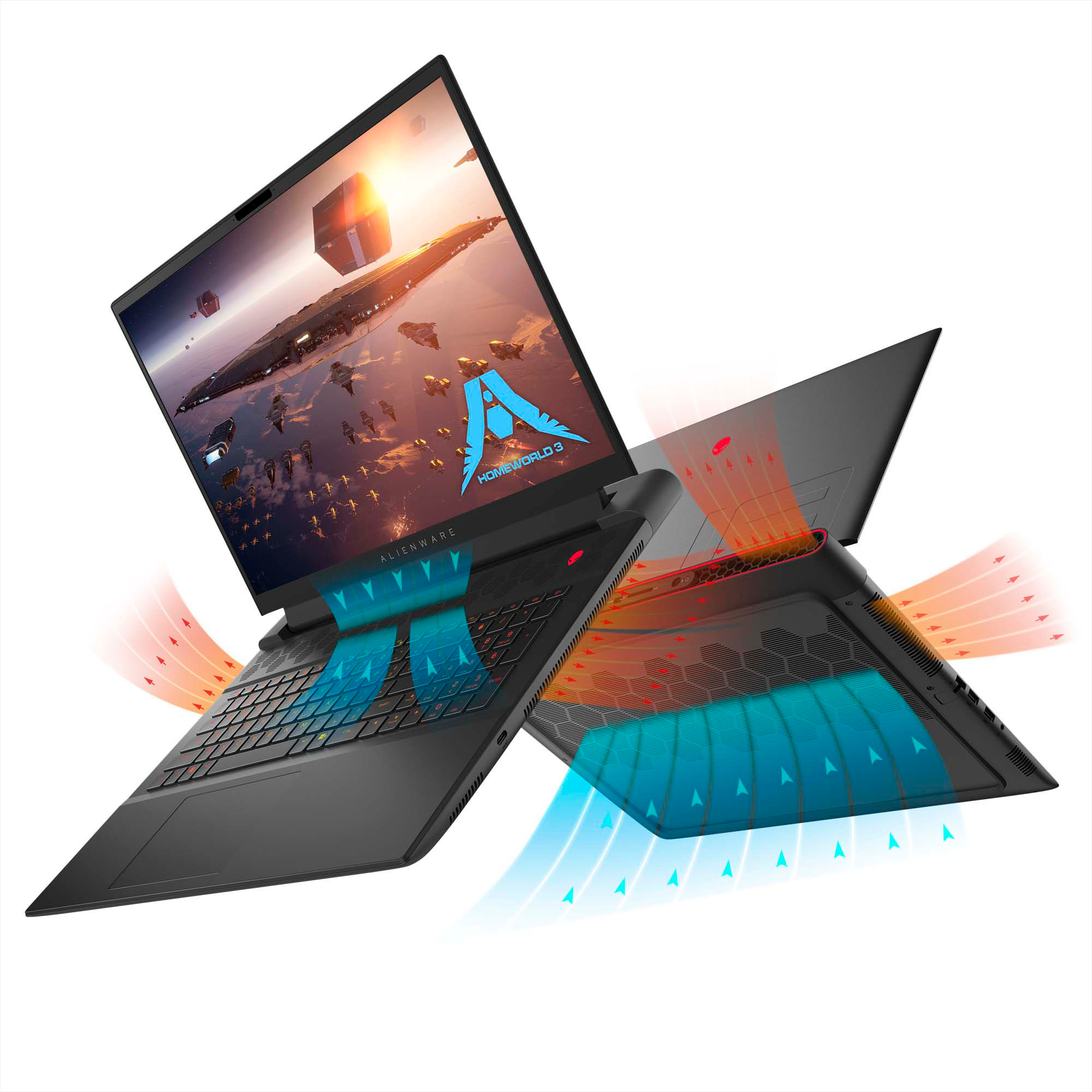

- Model:
- AWM18-A537BLK-PUS
- SKU:
- 6563727
Rating by feature
- Battery Life
Rating 2.9 out of 5 stars
- Speed
Rating 4.4 out of 5 stars
- Display
Rating 3.5 out of 5 stars
Customers are saying
Customers are satisfied with the m18 18" 480Hz Gaming Laptop's performance, high refresh rate, and fast SSD, praising its build quality and excellent keyboard. However, some users noted concerns regarding battery life, display quality, and the laptop's substantial size and weight. Cooling performance was also mentioned as an area needing improvement.
This summary was generated by AI based on customer reviews.
Beast of a laptop with a few quirks.
||Posted . Owned for 1 week when reviewed.This reviewer received promo considerations or sweepstakes entry for writing a review.This laptop is a beast, but it does have a few quirks. To prevent the screen from being stuck black, you need to disable smartmux in the BIOS. You then can log into Windows, go to display settings, and change your screen refresh rate from 480hz to 240 hz. You can now restart the laptop, enter the BIOS, and re-enable smartmux. The issue is that the integrated GPU does not recognize the 480hz setting on the laptop screen, causing it to just display black. If you're like me, you can't tell the difference between the 240 and 480. Once this is done, you are off to the races and can enjoy your super powerful laptop.
I would recommend this to a friend- Pros mentioned:Performance
Not bad
||Posted .This reviewer received promo considerations or sweepstakes entry for writing a review.Has some quirks but overall a pretty good laptop for the price.
I would recommend this to a friend Lag issue fix
||Posted . Owned for less than 1 week when reviewed.This reviewer received promo considerations or sweepstakes entry for writing a review.lag issue fix I bought new and it is starting lag like crazy so bad so i found a issue with amd and ryzen graphics card, when it tern on in Amd smart access graphics. Go to AMD Game perfomance Monitoring it is red icon schould be, over here go to gaming and switch amd smart graphics to "Hybrid Graphics Mode" .it schould stop lag like crazy when you open a any game even a some application. Good powerfull chip, overal gaming good but display 2k which is bad, very bad.
No, I would not recommend this to a friendBrand response from YourDellTeam
Posted .Hi Archi,
We want to thank you for taking the time to leave us your review. We are sorry to hear that your Alienware m18 is not performing as expected. Feedback like yours helps us improve our current and future products. To help maximize the gaming performance of your desktop, I have provided steps below with the full article that can guide you with the process.
Here's the steps to help improve gaming performance:
1. Keep the drivers updated for your graphics card/chip and processor.
2. Adjust your settings in Windows.
3. Disable Windows visual effects.
•In the search bar, type "performance" and select Adjust the appearance and performance of Windows from the results.
•In the Visual Effects tab, select Adjust for best performance. Alternately, select Custom and choose which effects you want to disable.
•Click Apply.
4. Adjust your Settings In-Game.
Maximizing your Gaming Performance: https://dell.to/3tANyt6
If you continue to experience issues or need further assistance, please reach out to Dell Support directly by using the information provided below.
Chat or call: https://bit.ly/DellSupportTeam
Phone number to Dell: 1-800-624-9896
Best,
Jay@Dell
- Cons mentioned:Battery life
Getting Better
||Posted . Owned for 3 weeks when reviewed.This reviewer received promo considerations or sweepstakes entry for writing a review.Have not had any issues using this laptop other than most websites are not secure enough to use with Windows 11. Very quick to start up and use without waiting, If you are tired of waiting for you laptop to think get rid of it. The only thing that I do not like is the battery life only last a few hours and the advertising for this laptop claimed that it would last almost all work day.
I would recommend this to a friend - Pros mentioned:Performance
Alienware m17
||Posted . Owned for 2 weeks when reviewed.This reviewer received promo considerations or sweepstakes entry for writing a review.This laptop is one of the best I bought it open box but the quality and performance is as is brand new I was finally able to play a game that I’ve always wanted to play and it played very well with graphics the 18 inch screen makes playing games so much better
I would recommend this to a friend - Cons mentioned:Battery life, Display
Horrible Battery Life
||Posted . Owned for 2 weeks when reviewed.This reviewer received promo considerations or sweepstakes entry for writing a review.Let me begin with the battery life sucks lasted me maybe 30-40 min tops and that was just using it for work no gaming involved. 2 weeks in my screen just went black and and nothing don’t waste you money it!
No, I would not recommend this to a friendBrand response from YourDellTeam
Posted .Hello MayGtz,
Thank you for taking the time to us your review. We are sorry you are having issues with the battery performance and the display of your Alienware m18 FHD+ 480Hz Gaming Laptop. It's important for us to hear about inconsistencies in our products for consideration of future development. We can assure you that Dell takes pride in manufacturing quality products. Battery operating time varies depending on operating conditions and can significantly reduce under certain power-intensive conditions. Below I have provided steps with the full article that can help you improve the battery performance of your laptop.
Here's the steps to help improve the battery performance of your laptop:
1. On the notification area of the taskbar, right-click the Battery icon.
2. On the options list, click Power Options.
3. Select a power plan on the battery meter, such as Power Saver or Balanced. Windows 11 has a built in 'Battery Saver' mode that can be activated to extend your system's battery life. The Battery Saver mode will monitor and limit background activity and other features such as push notifications. You do have the option to enable or disable this mode within settings or within advanced Battery Saver settings, you can customize the mode to best suit your needs.
a) Click on the Action Center icon in the taskbar and select the tile for Battery Saver.
b) If running Cortana then type Battery Saver into the search box and select from the results.
Within the Battery Saver settings page, you will be able to turn on and off the feature and customize the feature to best meet your needs.
c) Turn Battery Saver On or Off.
d) Additional settings available via the Battery use and Battery saver settings links.
e) Battery use shows further info on apps and their power usage.
f) Battery Saver Settings screen allows you to customize further Battery Saver feature.
How to Improve the Performance of a Dell Laptop Battery: http://dell.to/2vfXWf4
If you are still experiencing issues, we will need more information to help you resolve these problems to your satisfaction. Please do not hesitate to get in touch with Dell using the information provided below.
Chat or call: https://bit.ly/DellSupportTeam
Phone number to Dell 1-800-624-9896
Best,
Minhaj@Dell
Open Box condition ratings LIE
||Posted . Owned for less than 1 week when reviewed.This reviewer received promo considerations or sweepstakes entry for writing a review.After reading Best Buy's online explanation of an excellent open box laptop, i decided to pull the trigger and make the large purchase. Unfortunately, the laptop i received was in "fair" condition at best, as it didn't come with anything stated in the explanation at all. The laptop was merely placed in a generic box with one sheet of bubble wrap and the power block just thrown in on top of it all tangled up. In addition, when I took the laptop out of the box, it had scuff marks all over it, grime from the last person who returned it, and 3 nickel sized DENTS on the lid, directly behind the screen. It also didn't come with any of the original paperwork, inserts, packaging, or box. Best Buy gave me a refund, but the Manager told me that they get these complaints ALL THE TIME because the website basically lies about the conditions of the items and will automatically assign an excellent rating to an open box item as long as it meets 2 conditions. 1) It functions like normal, like new. 2) The screen isn't cracked or scratched. That's it folks! So buyer beware and know that you're taking a roll of the dice with Open Box items. You might luck out and get an item that's actually in excellent condition, but that is the exception and not the norm. You're really just rolling the dice as to what Best Buy ships you after you make the purchase.
No, I would not recommend this to a friend- Pros mentioned:PerformanceCons mentioned:Battery life, Cooling, Size

A lap sized desktop computer
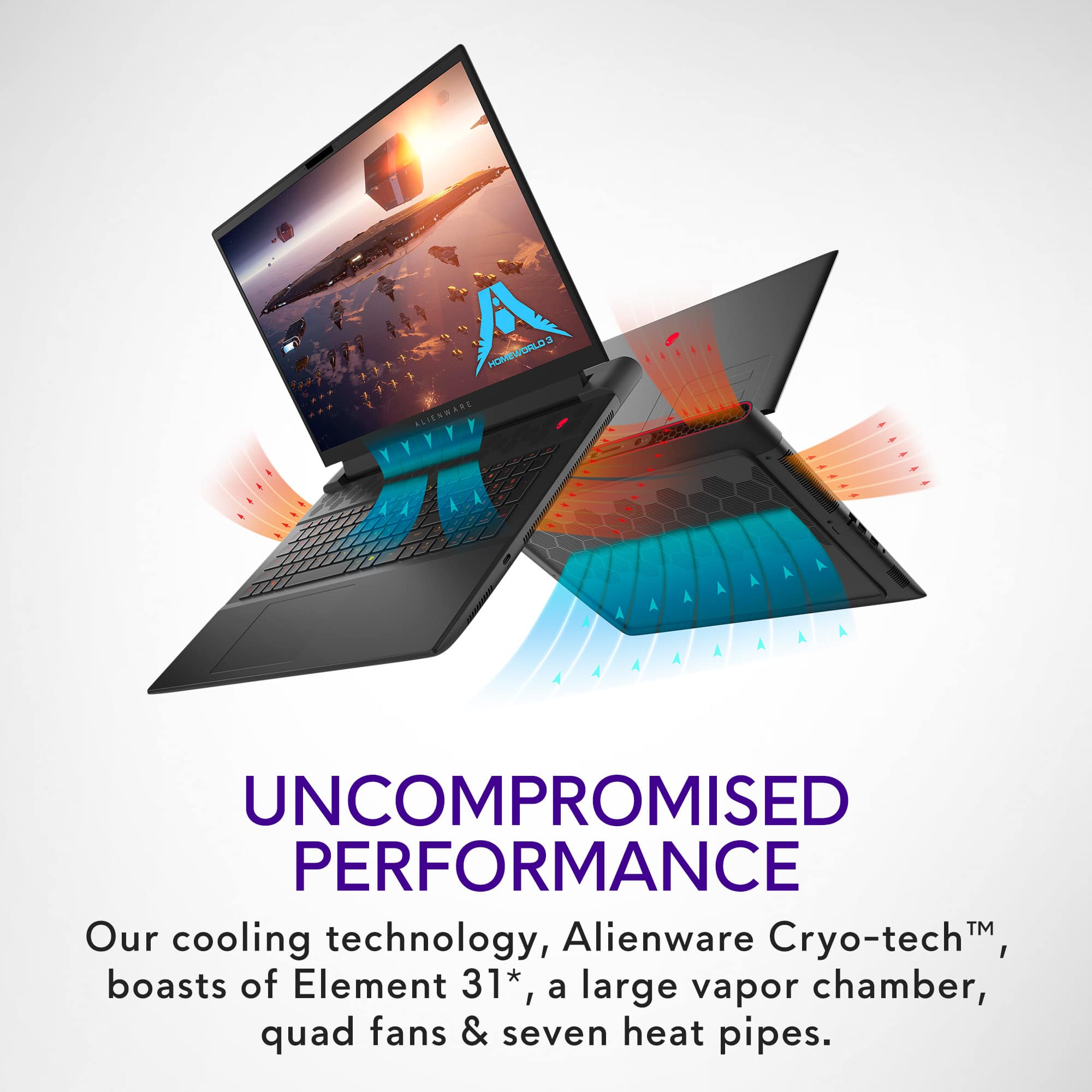
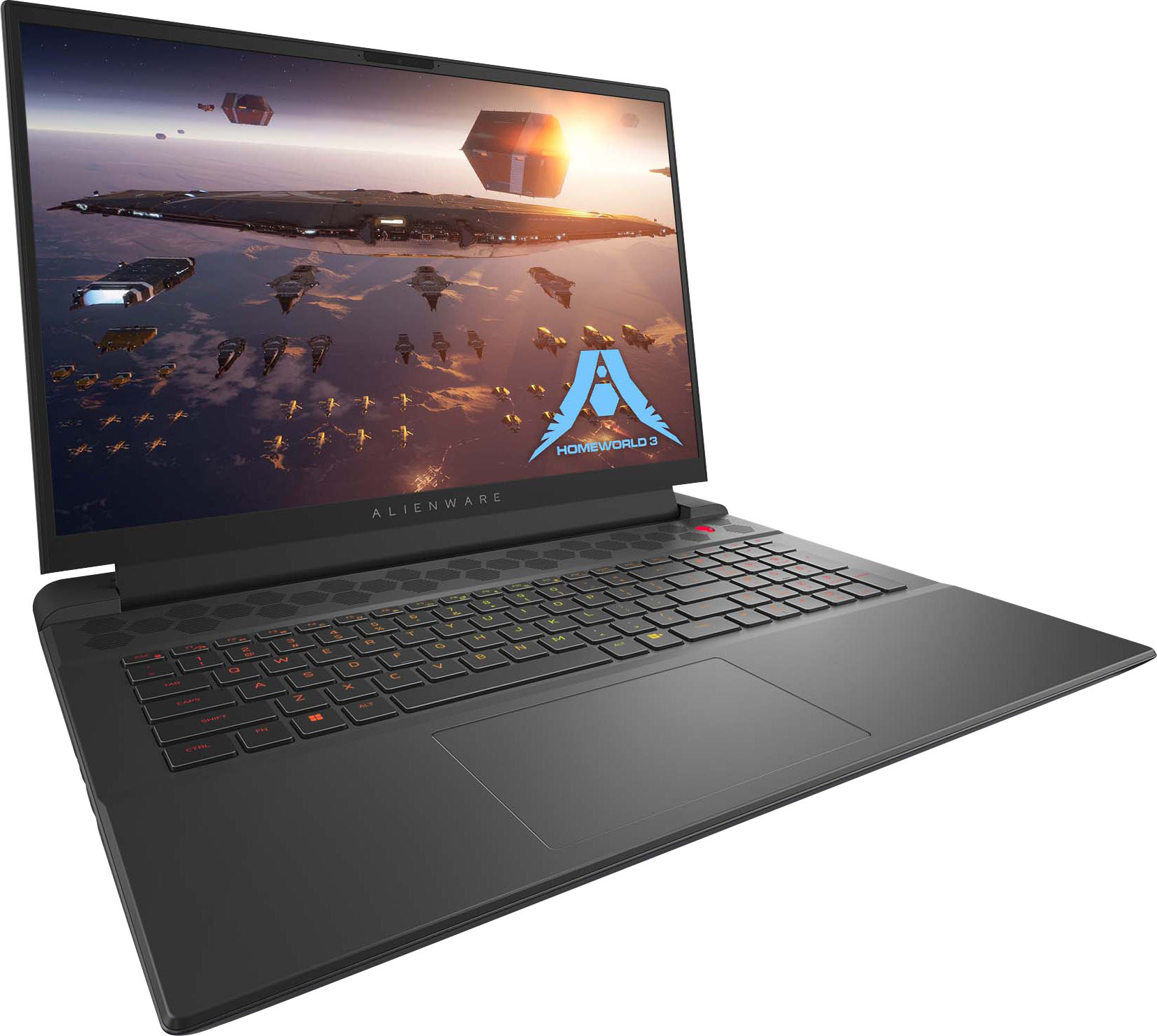
|Posted .This reviewer received promo considerations or sweepstakes entry for writing a review.It is humongous to the point where even thinking your going to use it in a mobile fashion is laughable. Carrying this around will ensure you never miss leg day at the gym again. You are also married to the power brick, might be able to get 1hr of use out of it doing any sort of gaming and it'll be time to recharge. The power brick is also massive and heavy like the laptop itself as it is rated for 330watts. This laptop without the power adapter factored in is a solid 10lbs so again don't fall into the trap of thinking you'll be out in the middle of the woods gaming it up for hours on end with your personal starlink satellite by your side, at least not without a diesel generator. Overall the lap sized desktop PC that is the M18 R1 performs fairly well. I clocked about 31,000 points in Cinebench R23 which is higher than a 2nd gen threadripper with twice the number of cores. It runs destiny 2 at 1080p high settings around 120fps average and Alan Wake II was a range from about 60-110fps. Very few games will get to take advantage of the 480hz capable display but it does look impressively smooth all around. I do have one major concern and I have not been able to pin down if it is a result of the processor itself or the cooling solution used on this laptop but the 7945HX runs HOT. I didn't expect it to be frosty with 16-cores/32-threads of compute power but at idle pulling 25-30w it is sitting around 55-60c. As soon as you put it under any load I see it exceed temperature limit (which is 100c for reference) and begin to try and throttle itself to survive. This thing runs seriously hot, to the point where there is no chance you are using it comfortably in your lap, it needs to be on a desk surface. The GPU, AMD 7900M, stays at a more reasonable temperature around 75c. The factory fan curve seems terrible but I cant for the life of me find how to change it in all the stupid software Dell/Alienware always pre-load on the computer for you. I don't think changing the curve will completely resolve the issues with cooling that I am seeing. Unfortunately have not had the opportunity to try undervolting the CPU/GPU to improve temperatures but that is something i'll be diving into soon in hopes to see something more reasonable. Ultimately im not sure exactly who or what this is for. At the price point you can get a nice desktop system which will outperform a laptop dollar for dollar, with the weight and battery life factored into the equation that seems like the most logical choice if you need something with this much power. Also concerns about the CPU cooling on this one, not sure what to expect from the lifespan with temps so high so consistently. So even if you do need something "mobile" with this many cores be wary of the thermal performance from this system.
No, I would not recommend this to a friendBrand response from YourDellTeam
Posted .Greetings Alex,
We appreciate you taking the time to leave us your review. Your feedback is valuable to us at Dell. We are sorry to hear that your Alienware m18 gaming laptop is running warmer than you expected. It's important for us to hear about inconsistencies in our products for consideration of future development. To help you with the heating issues that you are having, I have provided troubleshooting steps with the full article below that can resolve the issue.
Here are the steps to troubleshoot your heating issue:
1. Update the system BIOS.
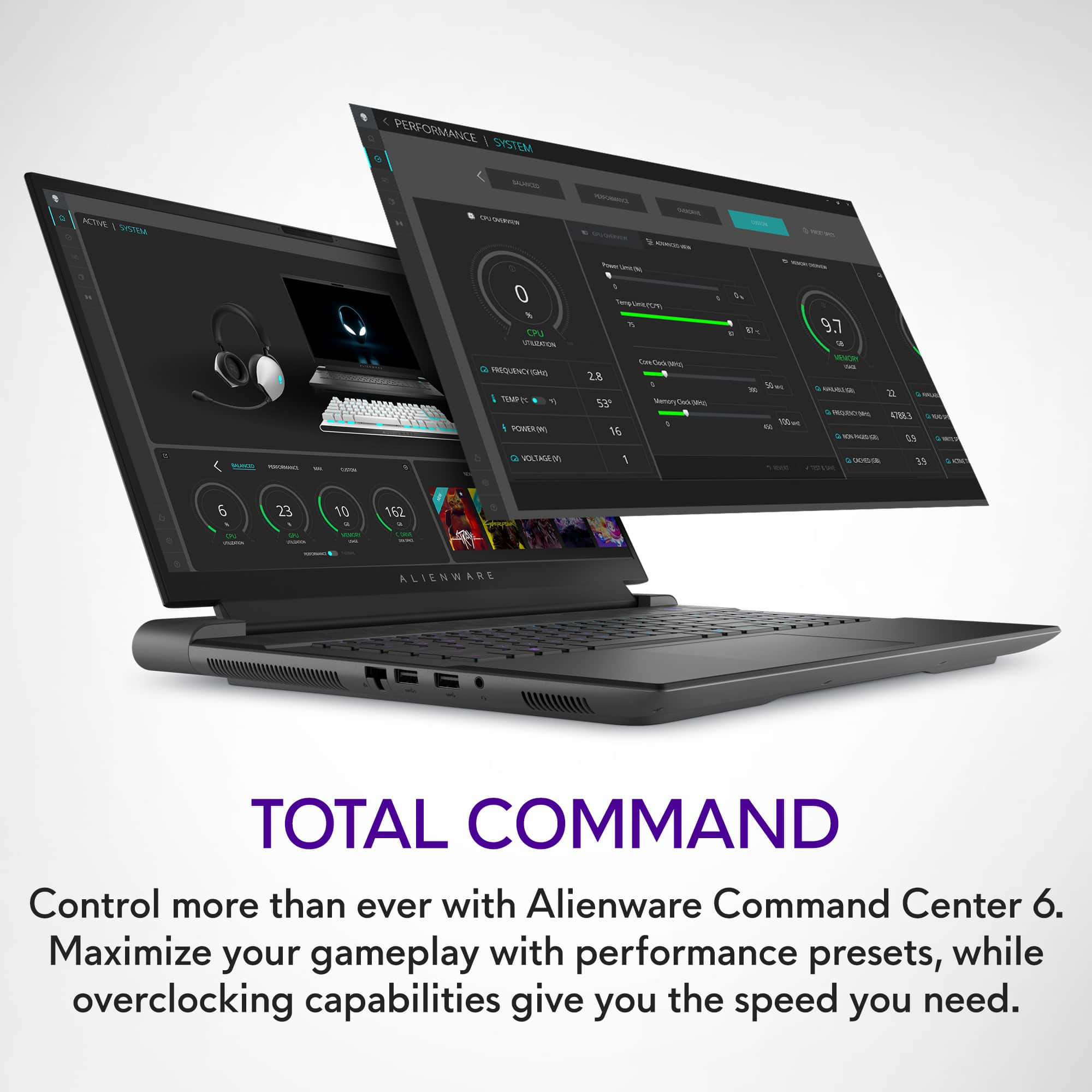
2. Configure Alienware Command Center.
• Open Alienware Command Center
• Set the Active System Theme - Thermal as Performance Mode
3. When the system boots up, using the preinstalled software Dell SupportAssist run the stress test.
• Dell SupportAssist > Hardware Checkup > CPU > CPU stress test
4. Launch the Alienware Command Center, go to Fusion, and monitor the CPU frequency.
• The CPU peak temperature should be less than or equal to (≤) 100 ℃
• When under high stress, the system average temperature can be expected to be less than (≤) 100 ℃
• Note: The CPU average temperature can be expected to reach 95 ℃ under cool mode for the Alienware m15, m17, and x17 systems
Resolving a high temperature or overheating issue: https://dell.to/3F25rqN
If you still experience any issues after you have finished troubleshooting your laptop using the steps above, please reach out to us at: https://bit.ly/DellSupportTeam
If you continue to experience issues, please reach out to Dell Support directly by using the information provided below.
Chat or call: https://bit.ly/DellSupportTeam
Phone number to Dell: 1-800-624-9896
Best,
Summer@Dell
Screen freezes
||Posted .This reviewer received promo considerations or sweepstakes entry for writing a review.Screen would freeze up. Supposedly common problem for Alienware laptops
No, I would not recommend this to a friendA Completely Defective Product
||Posted .This reviewer received promo considerations or sweepstakes entry for writing a review.I recently purchased an open-box Alienware m18 from Best Buy, and unfortunately, it was a completely defective item. When turned on, the screen stayed black and the laptop wouldn’t work at all. I immediately brought it to Geek Squad, who confirmed it was beyond repair, and I had to return the laptop. However, the most frustrating part was the trade-in experience. I traded in a device with a market value of around $400, but I was only given $112 for it. This feels unfair, especially considering I ended up with a defective product in return. I have been trying to get in touch with the store regarding my trade-in and refund, but they have been unresponsive. Overall, the combination of the defective product, undervalued trade-in, and unhelpful customer service has made this a very disappointing experience. I hope Best Buy improves how they handle both product quality and customer concerns.
No, I would not recommend this to a friendAlmost perfect.
||Posted . Owned for 1 month when reviewed.This reviewer received promo considerations or sweepstakes entry for writing a review.Pretty awesome computer. Has some glitches in the display when I attempt to "un-sleep" the computer which causes it to crash and force restart. Need to get it looked at which sucks for a 2k+ $ laptop. Other than that, runs great.
I would recommend this to a friendAmd drivers are trash
||Posted . Owned for 1 week when reviewed.This reviewer received promo considerations or sweepstakes entry for writing a review.I have had this laptop for a little over a week. And in that time it has been unusable due to drivers. DO NOT get this until amd fixes their drivers. They know and are doing nothing about it. I got the machine and started doing updates like anybody else would. I noticed the drivers gpu drivers needed updating. I updated and the screen turned off. Nothing fixes it... I am stubborn i have tried for over a week and got it to run one time. It was sweet for 15 minutes.
No, I would not recommend this to a friendBrand response from YourDellTeam
Posted .Hi Amdbrokemahscreen,
We appreciate you taking the time to leave us your review. We apologize for the issues you are experiencing with your Alienware m18 gaming laptop. Feedback like yours helps us improve our future products and services. Below I have provided troubleshooting instructions with the full article that can help resolve Windows update issues and two articles that can help you with Dell update issues.
Windows Update – General Issue Fixes
1. A basic restart will always be a good first step for many situations.
2. Cancel the current update process and click "Check for Updates" again.
3. Reboot the computer in clean boot and reattempt the updates.
4. Note down the KB numbers for the updates that are having issues installing, boot into safe mode, and search for them on Microsoft’s site.
5. Repair your Windows installation and try again.
6. Delete all partially or fully downloaded Windows Update files.
Windows Update – General Issue Fixes: https://dell.to/3y5Y4ds
Dell Update - Overview and common questions: https://dell.to/3CQWGhL
Dell Update User's Guide: https://dell.to/3Gnmrb5
If you continue to experience issues, please reach out to Dell Support directly by using the information provided below.
If you continue to experience an issue and need further assistance, we recommend using the toll-free number or chat link below to reach a member of our Dell Support Team.
Chat or call: https://bit.ly/DellSupportTeam
Phone number to Dell: 1-800-624-9896
Best,
Summer@Dell
Buyer beware
||Posted . Owned for 2 weeks when reviewed.This reviewer received promo considerations or sweepstakes entry for writing a review.Great laptop but amd drivers suck . When it works its the best gaming laptop you can buy . When it doesn't its horrible fps & crash
I would recommend this to a friendGet Best Buy Protection! I'm not Kidding!!
||Posted . Owned for 5 months when reviewed.This reviewer received promo considerations or sweepstakes entry for writing a review.IF you purchase a Dell computer be sure to get the Best Buy additional protection/trade in, etc. I usually avoid these but my Alienware M18 was defective the day I bought it. I SHOULD have returned it, but I thought working with Dell customer support I could address the sound/audio interface issues I was having. Well, just over 5 months later and after repeated calls and exchanges with Dell customer/technical support that involved my having to reinstall the Windows 11 system reload all my software, the issue persisted. Having jumped though all their hoops, Dell agreed to have my computer shipped to their repair facility in Texas--where it has been for a month awaiting back-ordered parts. I finally had enough and demanded they send me a new computer. The very best Dell could do after going through several layers of approval was to agree to send me a "refurbished" computer of equal or greater performance. Huh? I was reassured that "refurbished" does not equal "Used." Since this is a new model of computer, I reluctantly agreed since it will come with a full 1 year warranty and 30 day return policy. Dell's online customer service is excellent and everyone I spoke with was professional and polite. That's a plus. But their policies and access to replacement parts makes spending a few more dollars on a Best Buy no-questions-asked return good choice.
No, I would not recommend this to a friend- Pros mentioned:Build quality, Refresh rate, SpeedCons mentioned:Battery life, Display, Weight
Fast Desktop Replacement/Gaming Laptop
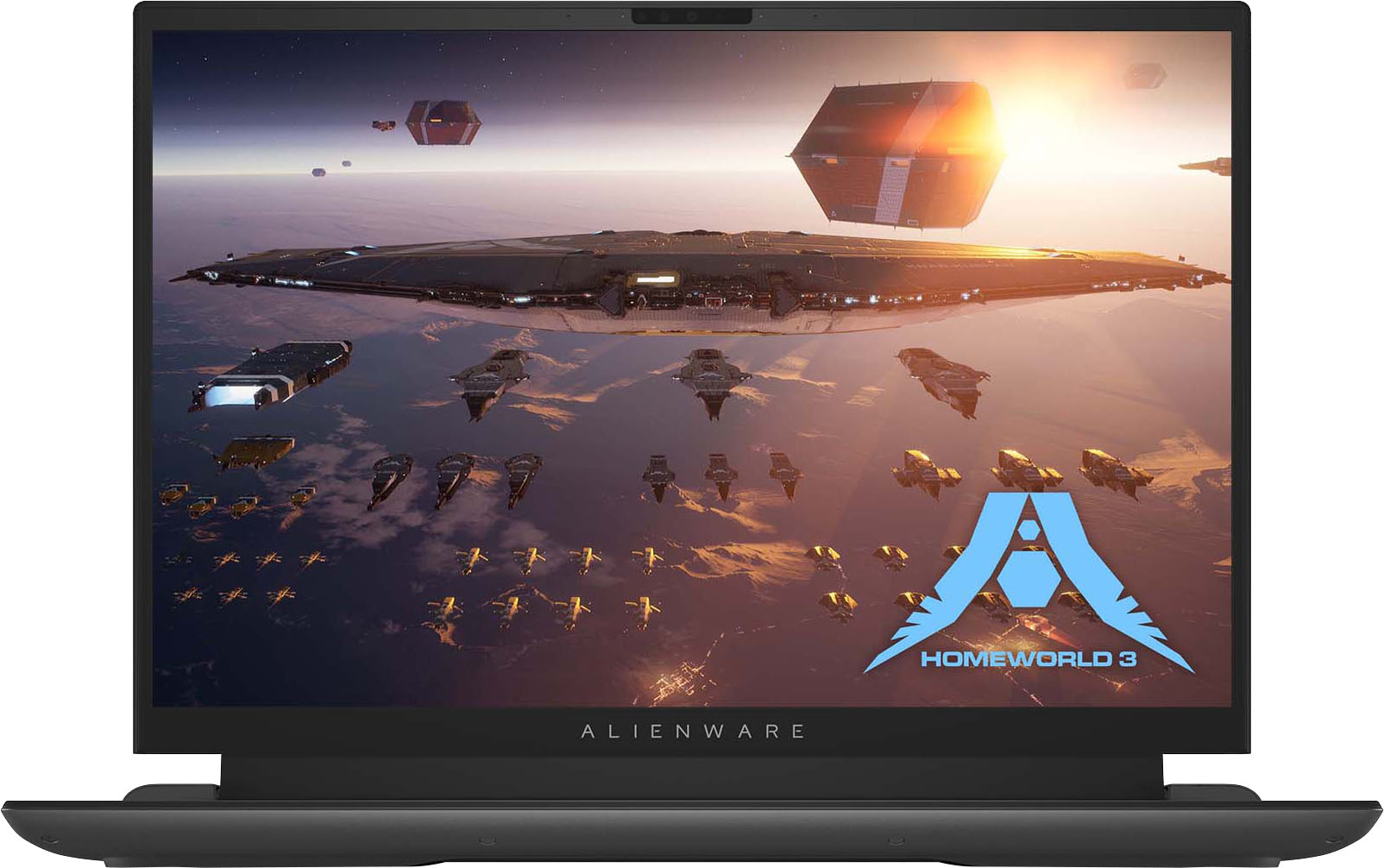
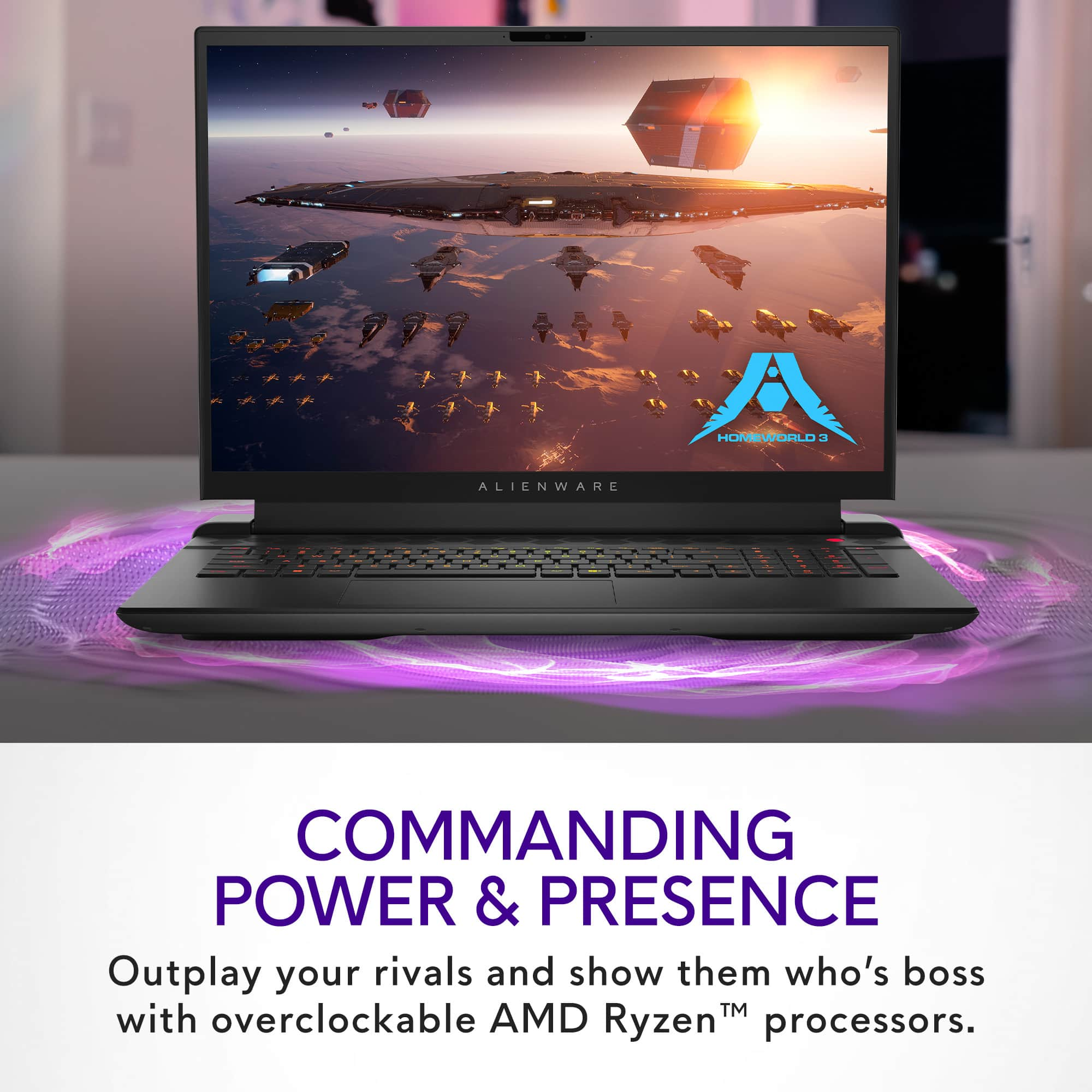
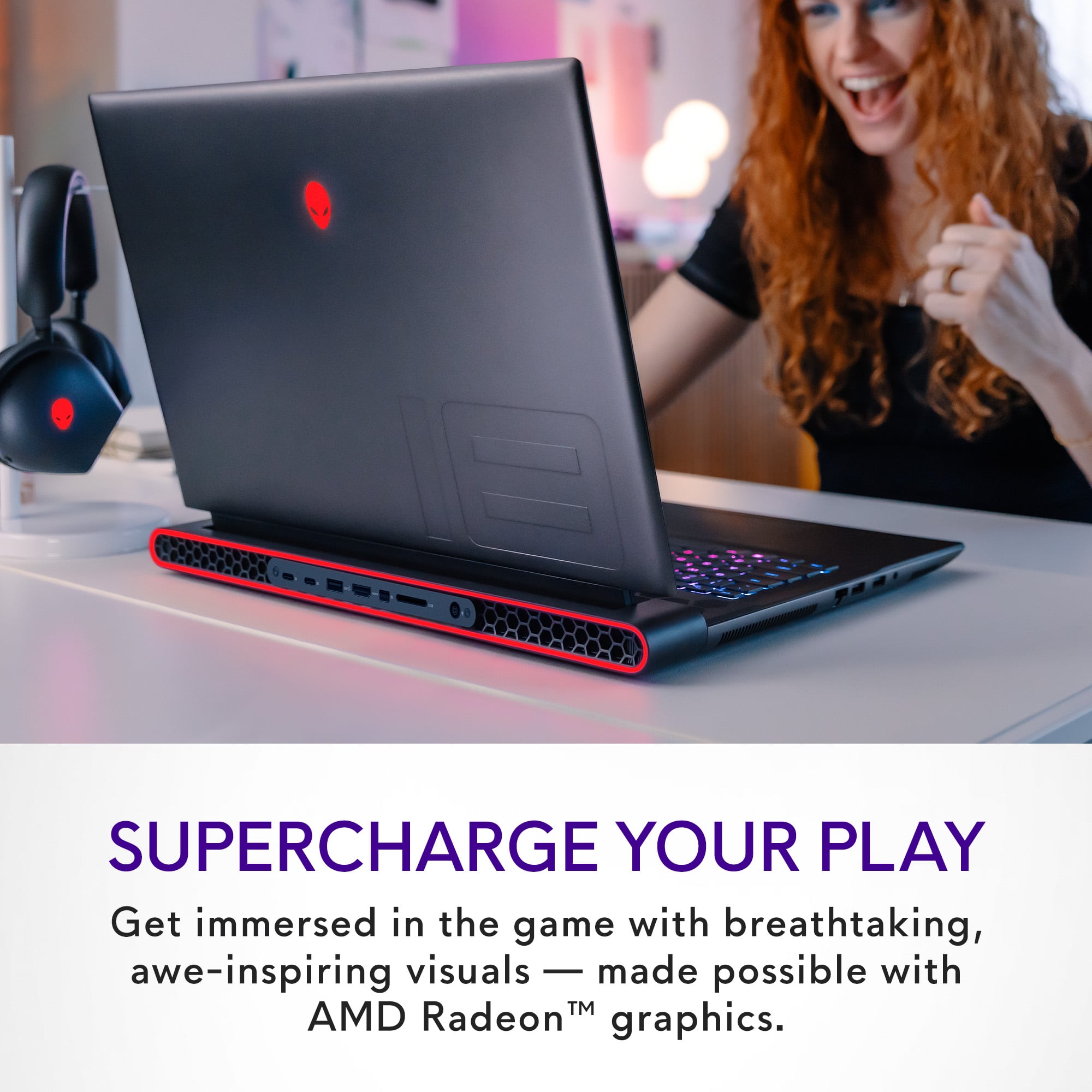
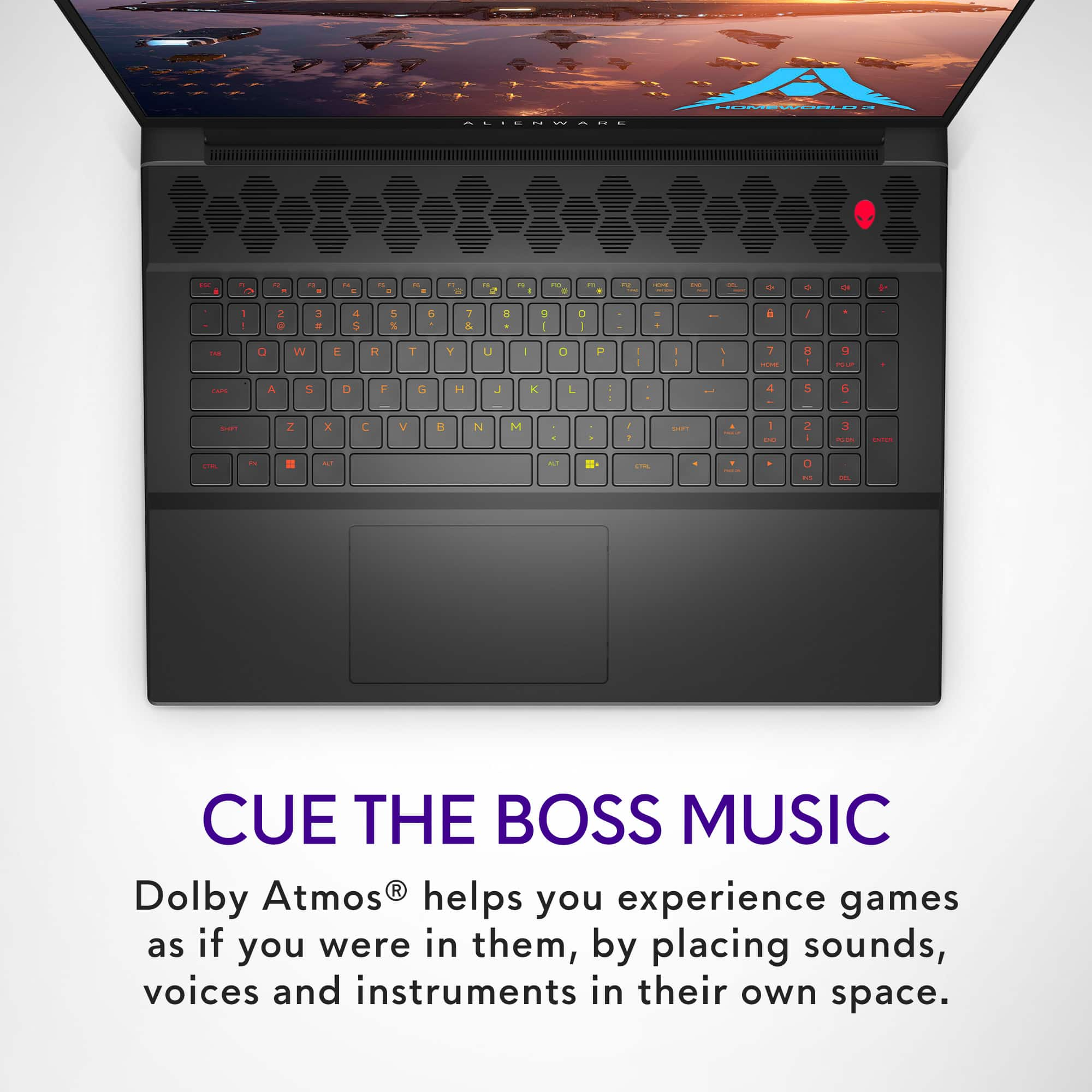
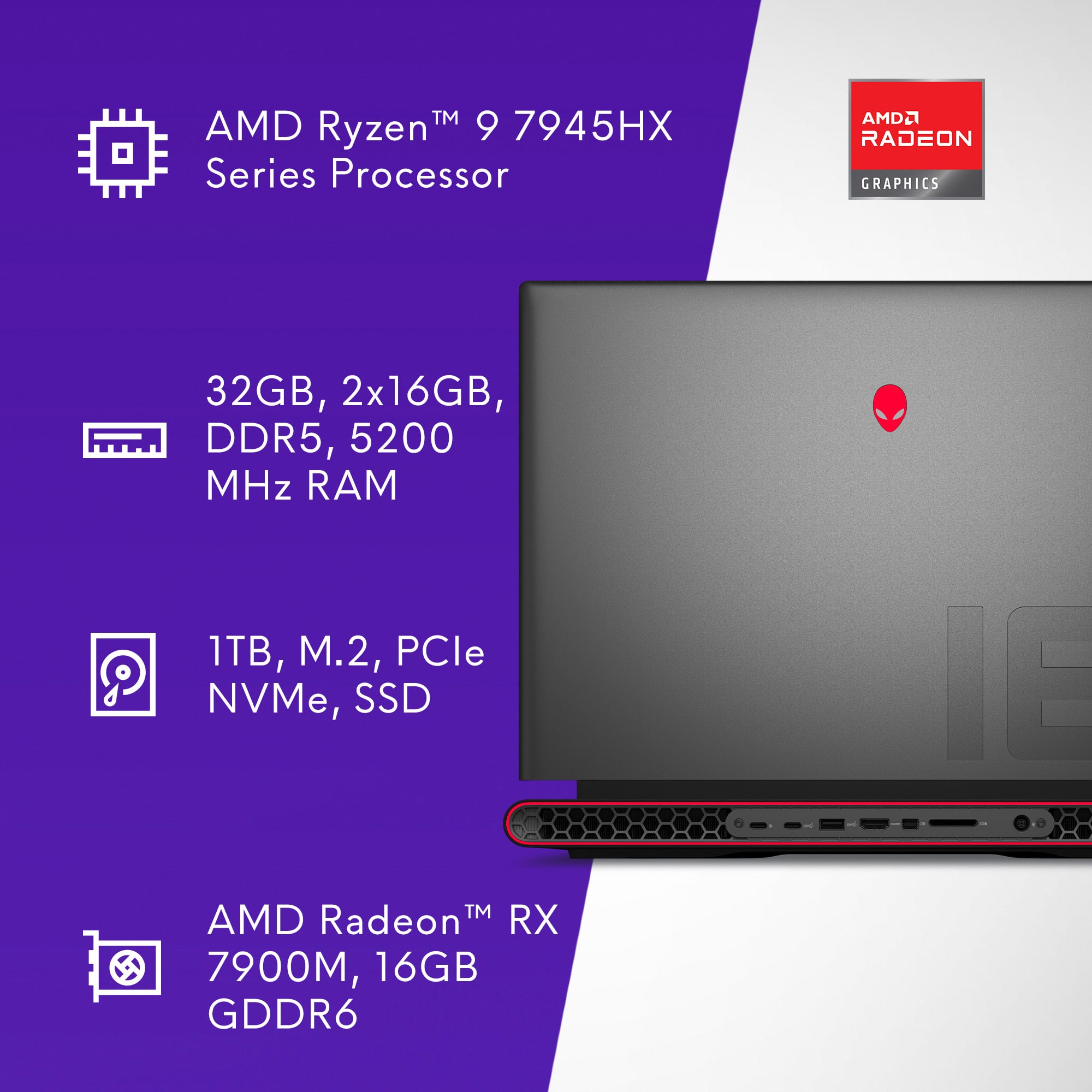
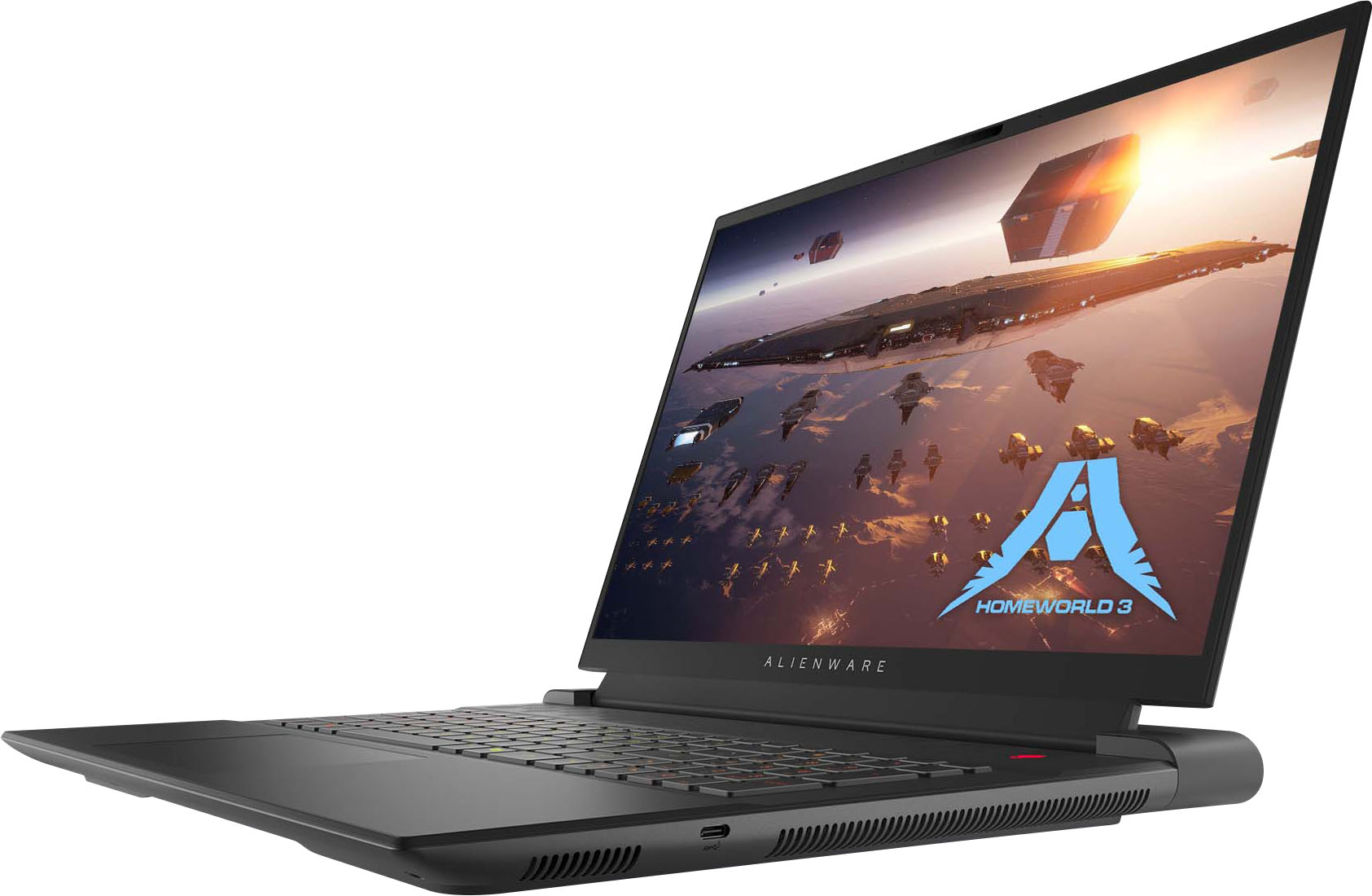
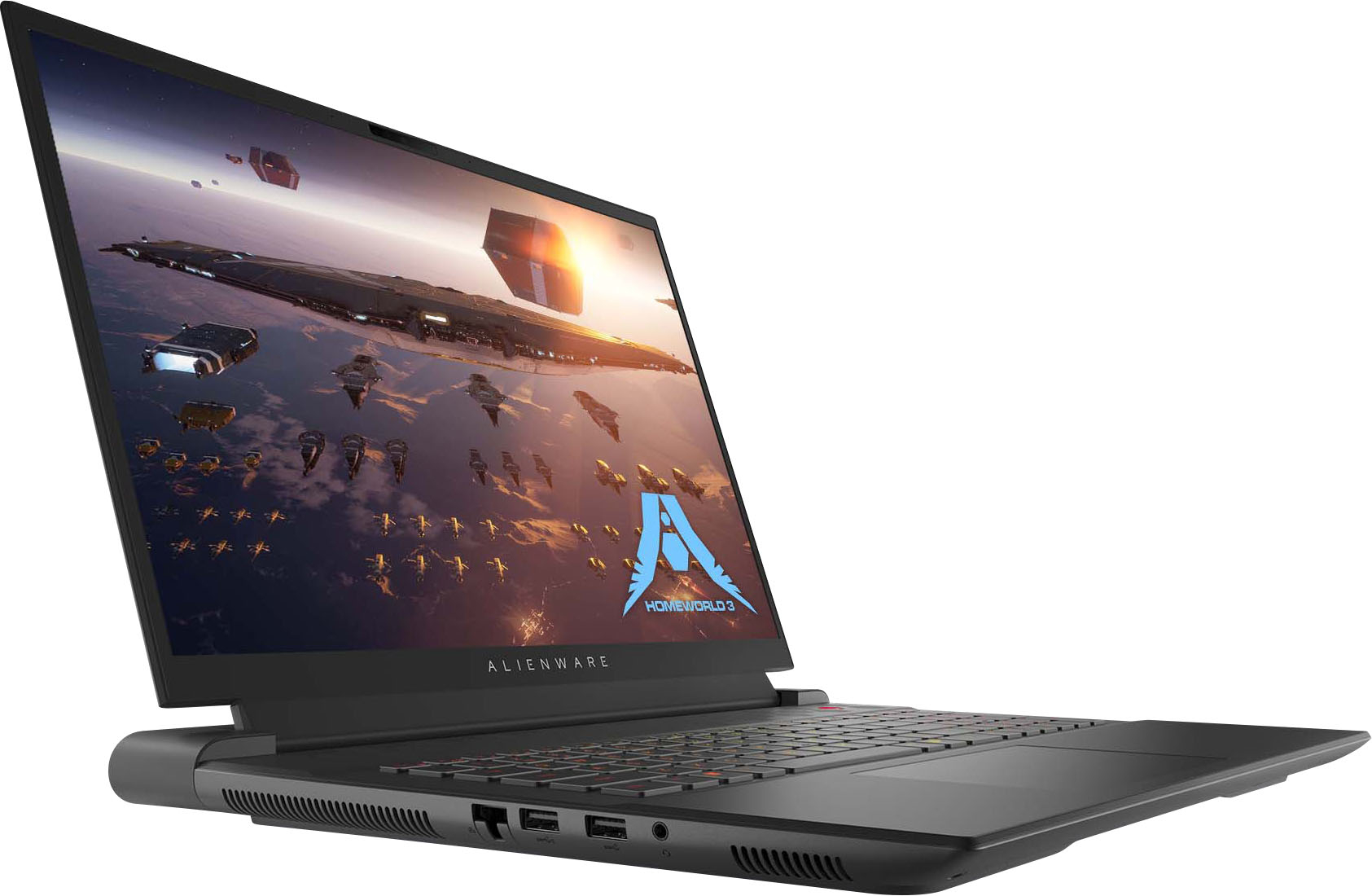
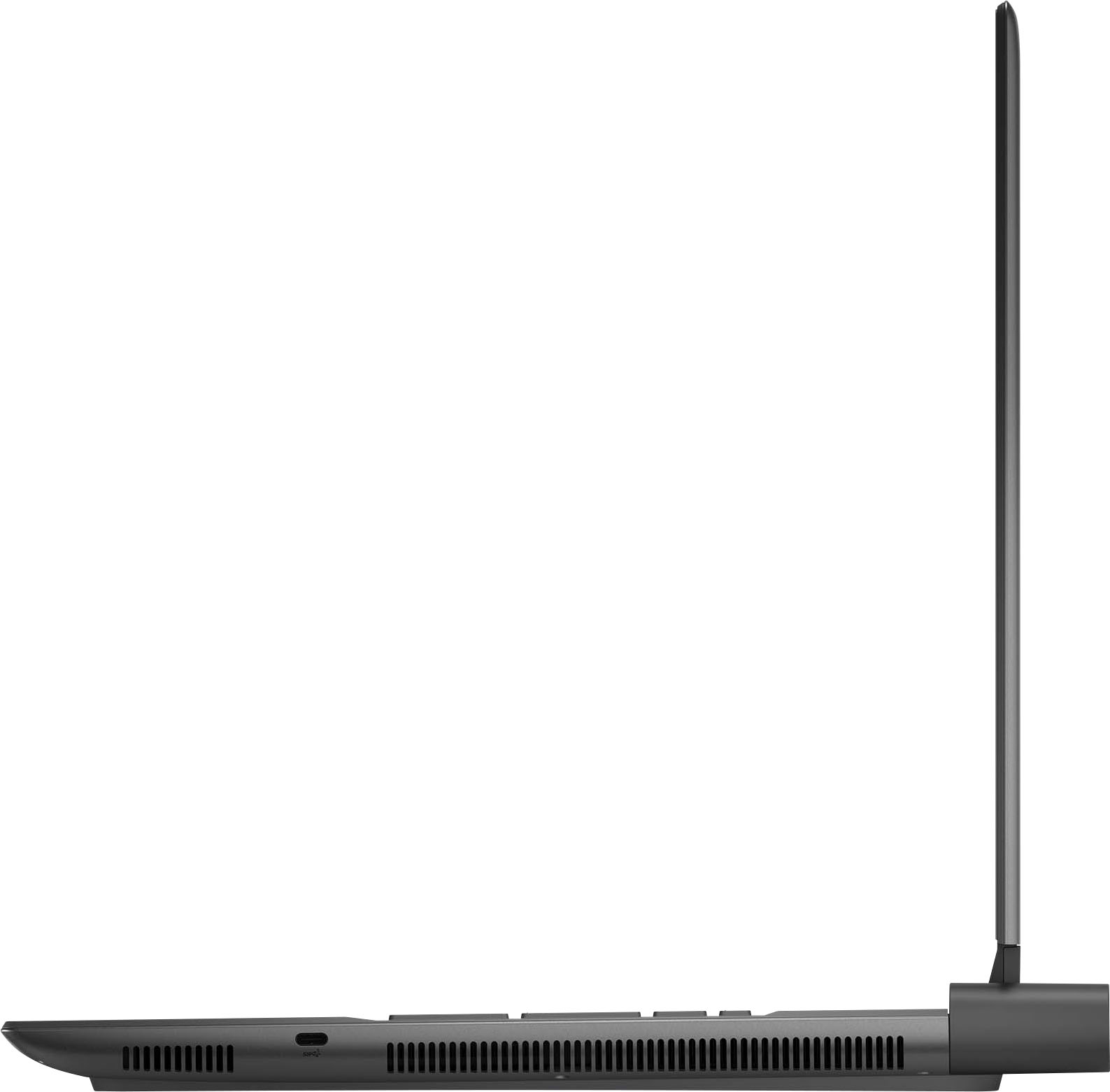
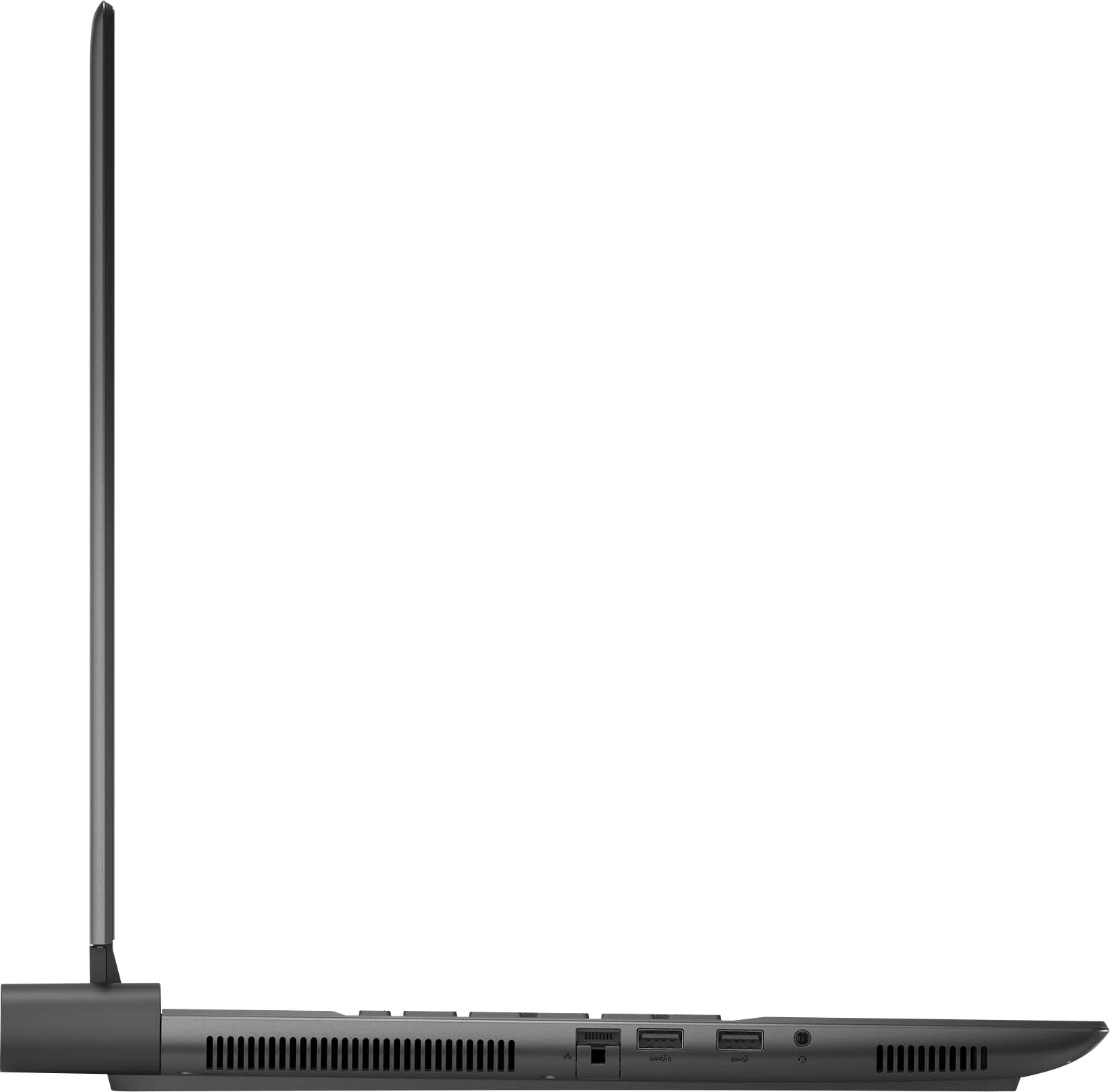
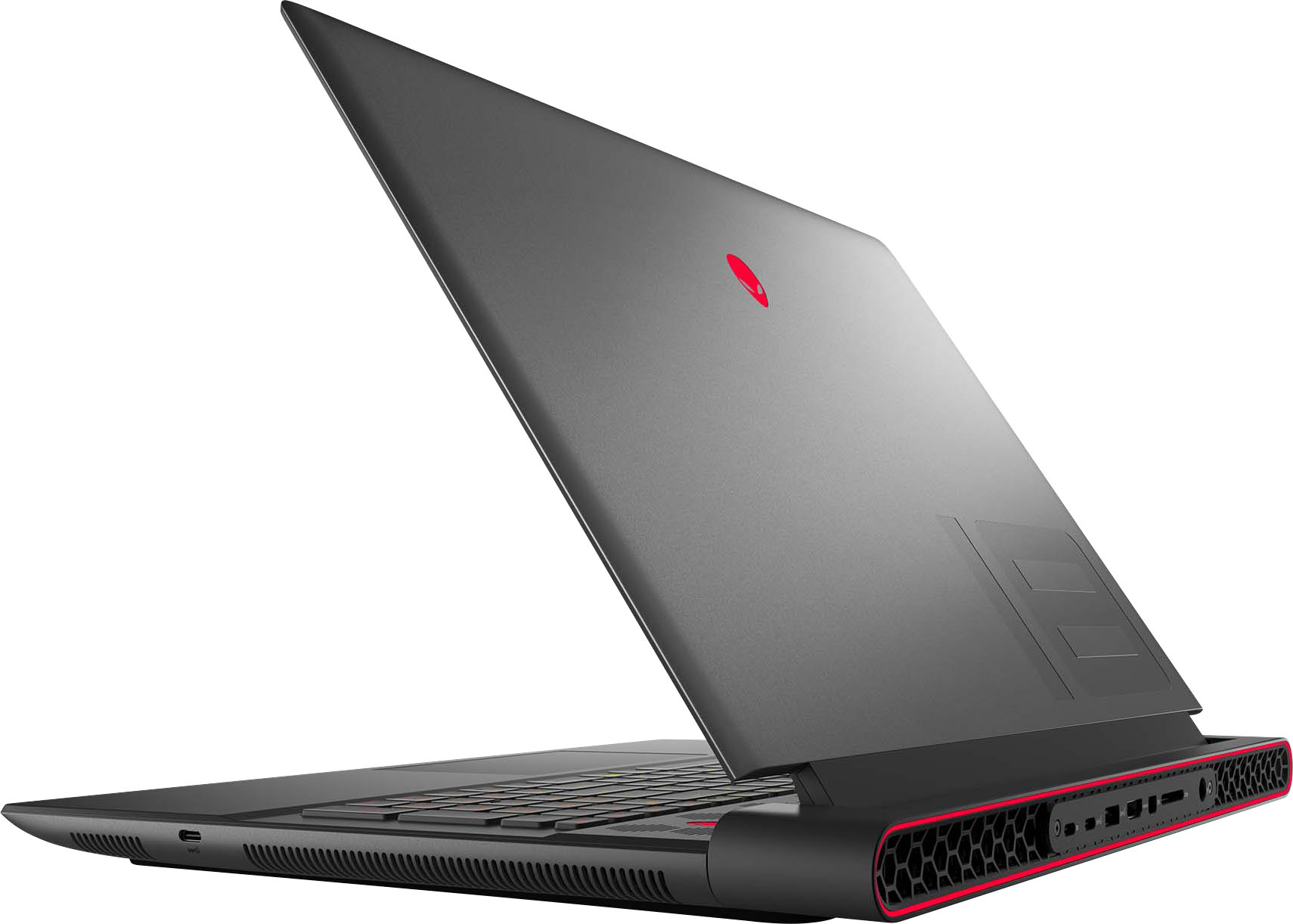
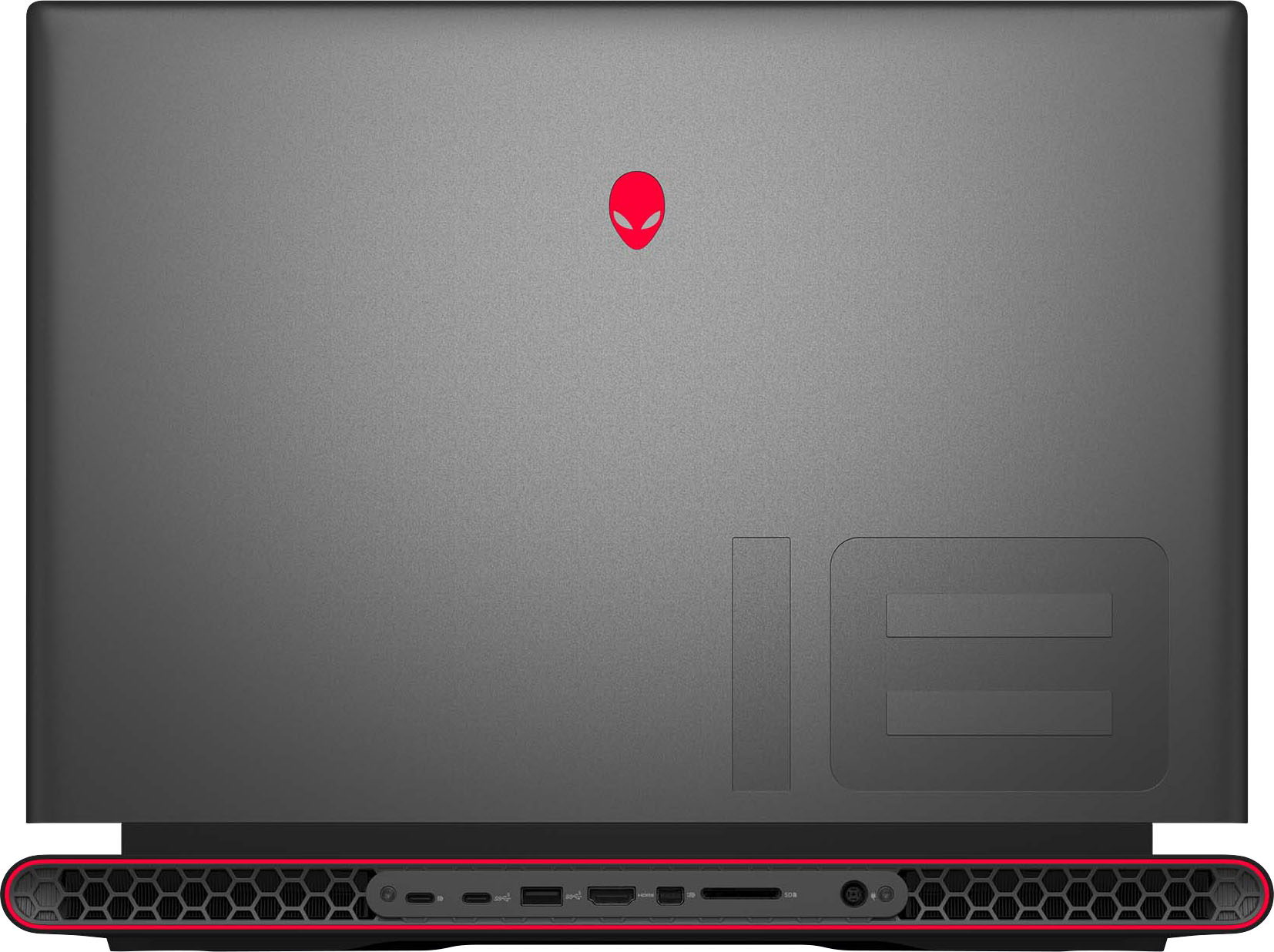
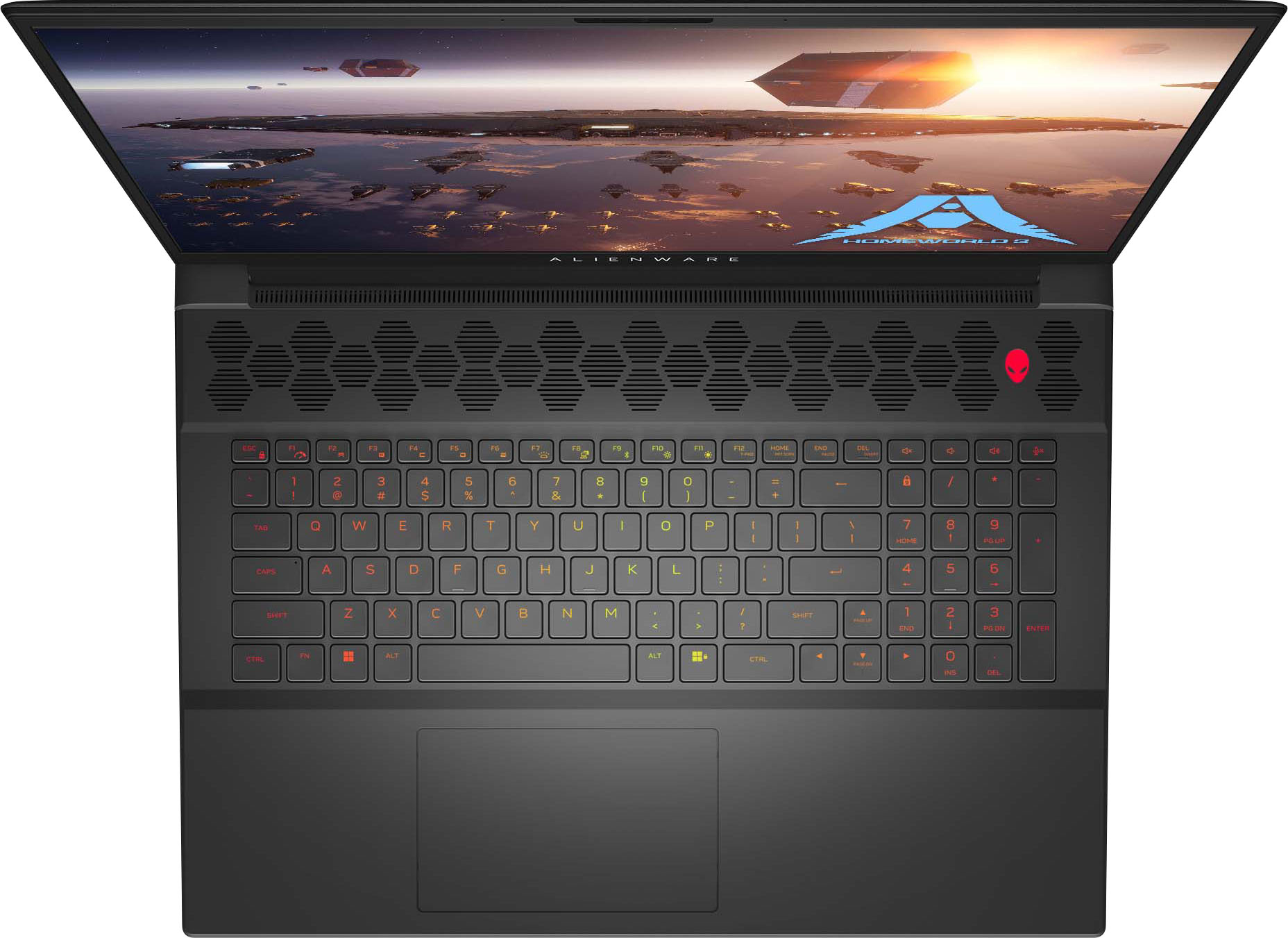
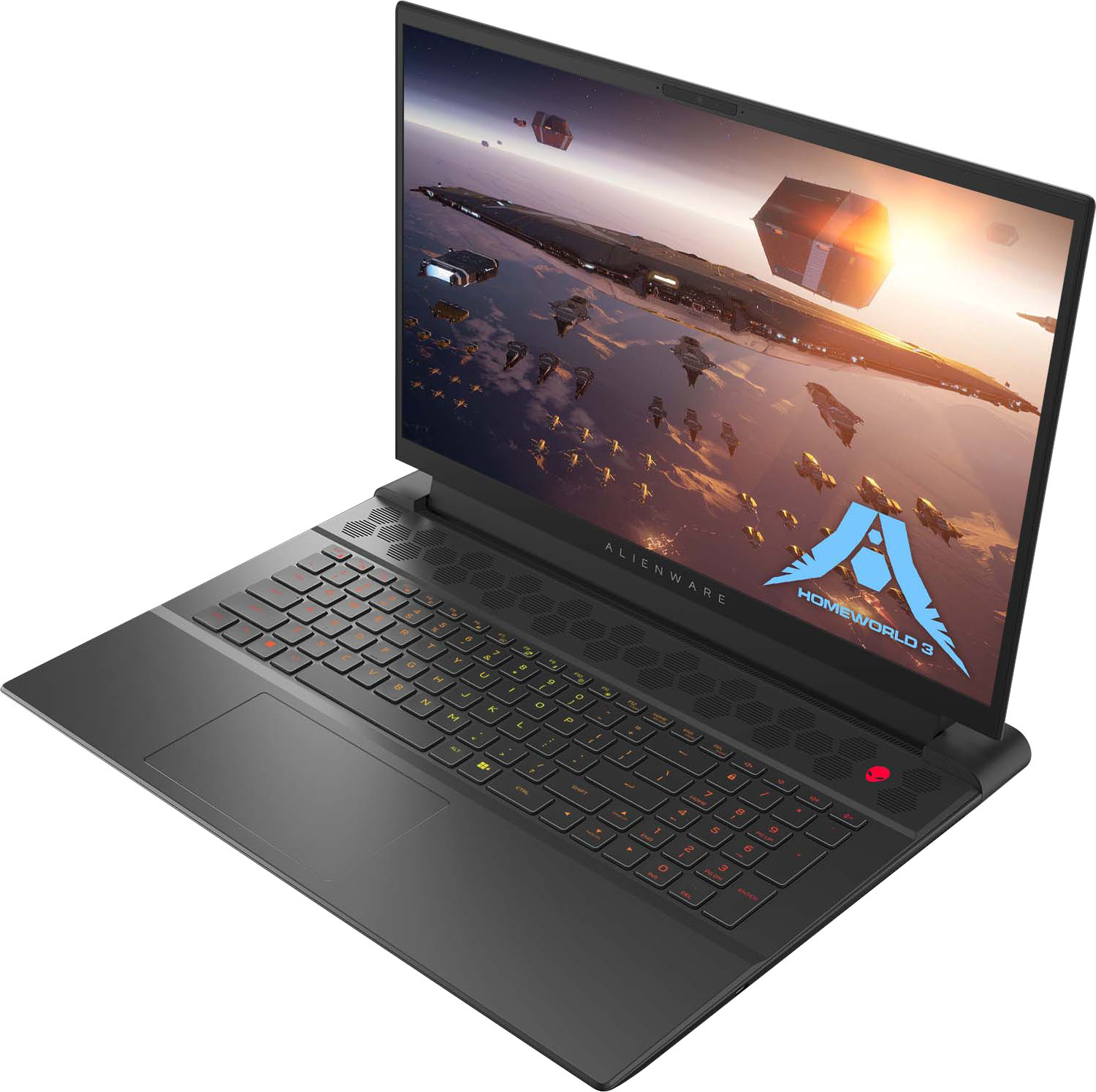
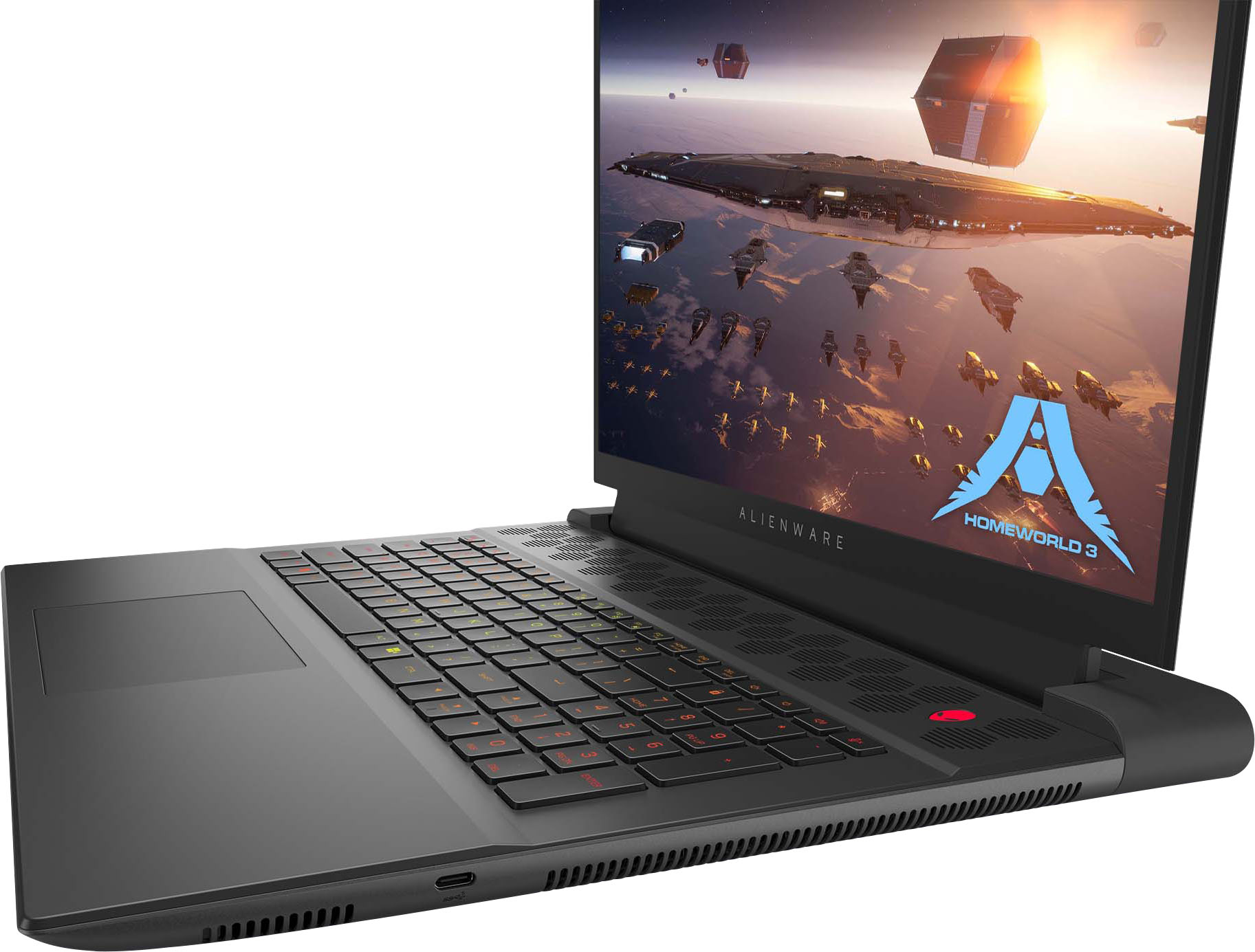
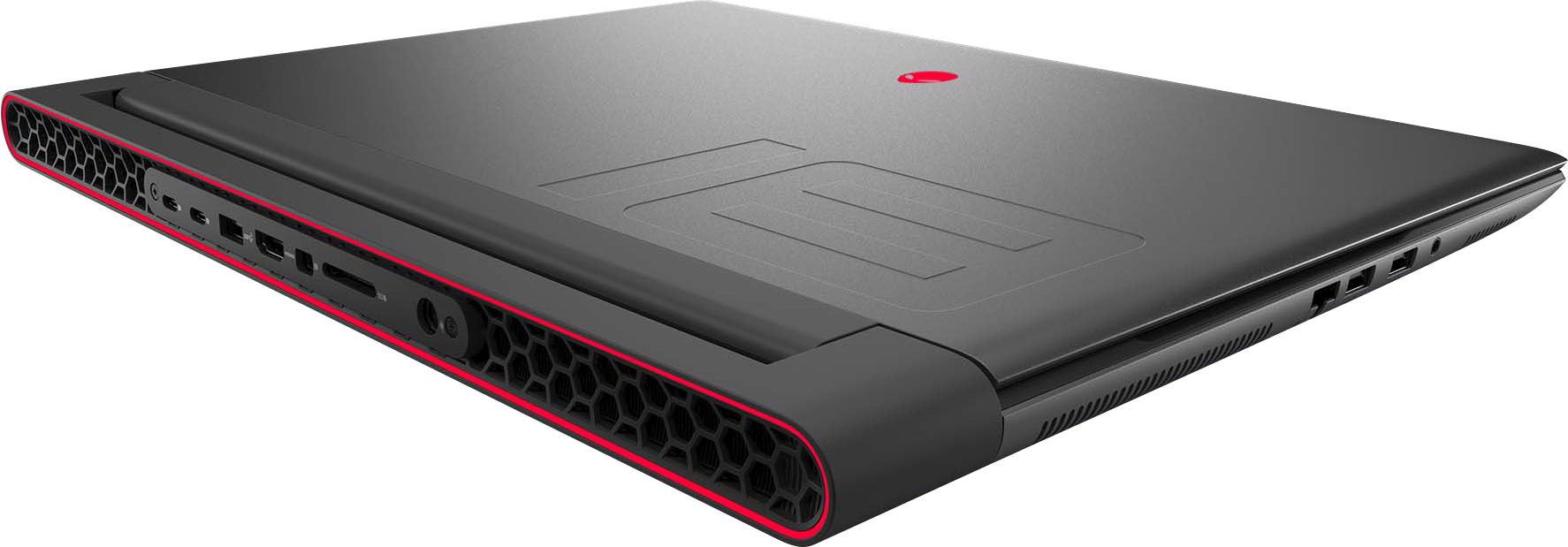
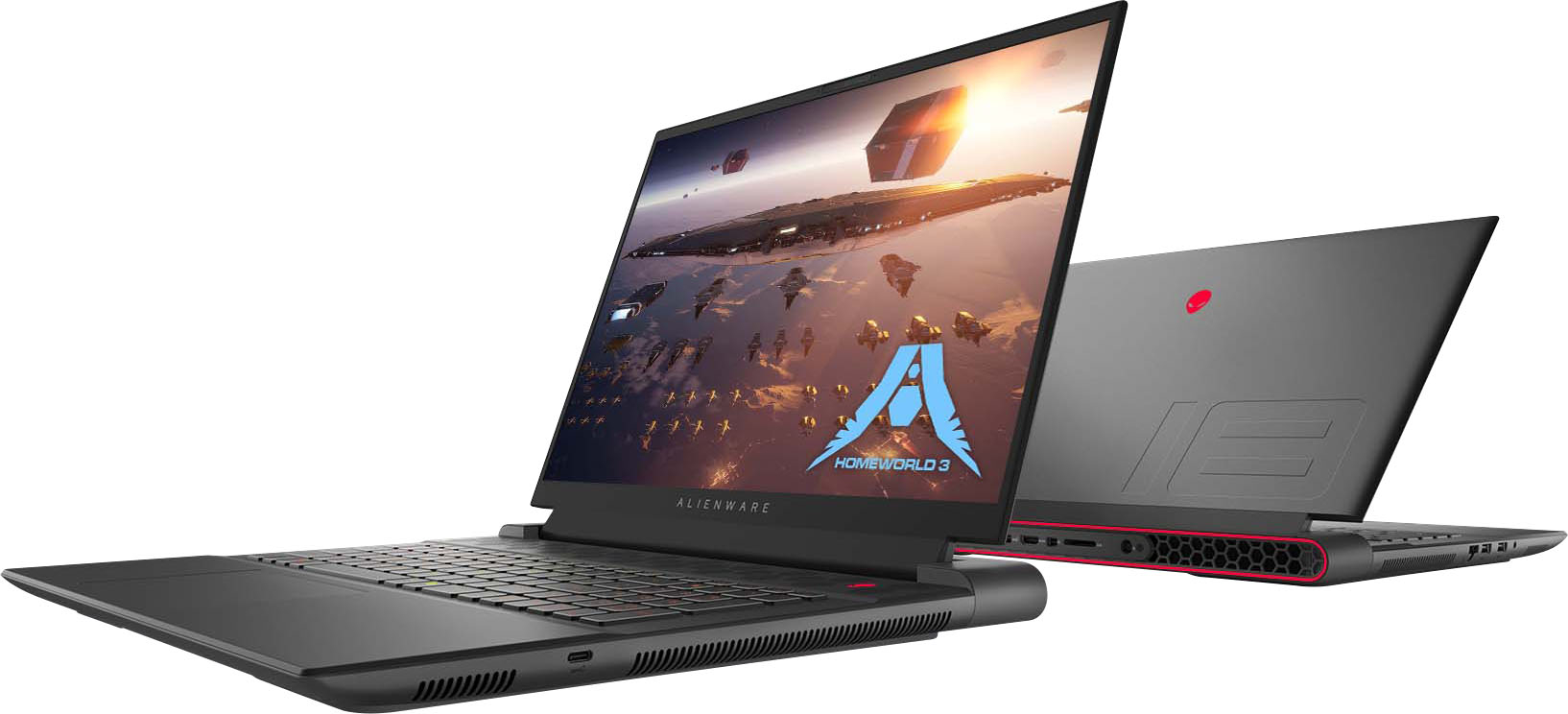
|Posted .This reviewer received promo considerations or sweepstakes entry for writing a review.The Alienware m18 gaming laptop is a well built, high end gaming laptop featuring an AMD Ryzen 9 7945X cpu, an AMD Radeon RX 7900M gpu and a 480Hz, 18 inch FHD+ screen. It also has 32GB of memory, a 1TB SSD, and multiple ports mostly on the rear of the laptop. The first thing that you will notice about the laptop is the size and weight. At over 8 lbs. and with a large brick power supple, this is definitely a desktop replacement and not a portable laptop. This is further emphasized by the battery life which I found to be very poor at 480Hz and around 3 hrs. for general use if you drop the screen refresh rate to 120Hz. The overall build quality is excellent and the keyboard is one of the best that I have used. The screen, however, is only fair with maximum brightness of around 300 nits and an adequate contrast ratio. Sound is also only adequate and you will probably want to use headphones for better quality. The FHD+ resolution is also adequate but it would be nicer to have a higher resolution for an 18 inch screen. The refresh rate of 480Hz is excellent and useful in first person games because of the blazingly fast hardware. As I mentioned, this laptop is fast. Before testing the laptop, I downloaded the latest Windows updates, updates from My Alienware, and the latest AMD drivers. I did this because some of the reviews on YouTube had mentioned blue screens and other potential driver related issues. After doing this, I did not experience any issues or conditions where the laptop was not operating properly. To give you an idea of the speed of the laptop, here are the results from several benchmarks. in Performance mode. These scores are better than my 2 year old desktop using a RTX3080. Heaven 4.0 10,765 score, Average 427.4fps high settings 3Dmark 17,043 Timespy score In summary, I recommend the Alienware m18 to anyone looking for a desktop replacement/gaming laptop that will primarily be in one location or infrequently moved from room to room. The 480Hz screen and the excellent hardware allow gaming at the highest level.
I would recommend this to a friend Great Product
||Posted .This reviewer received promo considerations or sweepstakes entry for writing a review.No complaints this is a great laptop. I’ve used it for two years almost with no problems. It doesn’t overheat or anything. Easy to clean as well.
I would recommend this to a friendBroken
||Posted .This reviewer received promo considerations or sweepstakes entry for writing a review.Completely broken within 1.5 years. Constantly crashed and overheated. Can't even use the bios.
No, I would not recommend this to a friend- Cons mentioned:Display
Didn't last 24 Hours
||Posted . Owned for less than 1 week when reviewed.This reviewer received promo considerations or sweepstakes entry for writing a review.Bought the Alienware M18 at my local Best Buy. Out of stock but only took 1 day to deliver. Received my laptop at 3 PM yesterday. Downloaded my game that evening. Went to play this afternoon and the screen goes blank within a minute. Read several 1 Star reviews and they have similar issues. Don't buy this laptop.
No, I would not recommend this to a friendBrand response from YourDellTeam
Posted .Hello AlexanderG,
Thank you for taking the time to leave us your review. We sincerely apologize for the trouble you have encountered with your Alienware m18 FHD+ 480Hz Gaming Laptop. This is certainly not the type of feedback we like to hear from our valued customers, or the type of product Dell intends to deliver.
Furthermore, we always strive to get better and reviews like yours help us develop products our customers love. Your feedback will be shared with our quality team for consideration in future enhancements in products.
To help you with the blank or black screen issue that you are experiencing, I have provided troubleshooting steps with the full article that can resolve the issue.
1. Verify display or video issues on an external monitor.
2. Check for physical damage on the LCD screen.
3. Run hardware diagnostics on the LCD screen.
4. Verify the display or video issue in Windows Safe Mode.
5. Update the video card (GPU) driver, monitor driver, chipset driver, and BIOS.
6. Download and install Microsoft Windows Updates.
7. Change the video or display settings, and adjust the brightness.
8. Touch screen troubleshooting.
9. Run a Video Stress Test using Dell SupportAssist.
10. Perform a Windows System Restore.
11. Restore the computer to factory defaults.
How to Troubleshoot Display or Video Issues: https://dell.to/2Sx1VkZ
If you are still experiencing issues, with a little more information from you, we would like to help you resolve issues you may be facing to your satisfaction. Please do not hesitate to get in touch with a Dell representative using the information provided below.
Chat or call: https://bit.ly/DellSupportTeam
Phone number to Dell: 1-800-624-9896
Best,
Minhaj@Dell
Expensive brick
||Posted . Owned for 2 weeks when reviewed.This reviewer received promo considerations or sweepstakes entry for writing a review.This is my 2nd Alienware m18. The first one lasted 6 years. This one didnt even make it a day. It gets one star because it actually booted up. After logging in and updating I got the flashing lights for bios issues on each start up. Windows 11 took minutes to load and even then I had to restart it multiple times. When I tried playing games the CPU thermal throttling caused constant 1% lows stuttering even on low settings. It couldn't handle 7 days to die or shadow of doubt. Neither of which should give this graphics card issues. The Bios needs a serious overhau and the GPU drivers need to be updated as well. I would have loved to see an all AMD laptop compete with Intel and Nvidia. Unfortunately this thing is just a very expensive brick. A brick that I returned.
No, I would not recommend this to a friendBrand response from YourDellTeam
Posted .Hi MC98,
We appreciate you taking the time to leave a review of your Alienware m18 gaming laptop. We are sorry to hear that you experienced several issues with your device and made the decision to return it. That is not the type of feedback we like to hear from our customers, or the type of product Dell intends to deliver. We have noted the details of your statement and will use them to improve current and future products.
If you continue to experience issues, please reach out to Dell Support directly by using the toll-free number or chat link provided below.
Chat or call: https://bit.ly/DellSupportTeam
Phone number to Dell: 1-800-624-9896
Best,
Summer@Dell
- Cons mentioned:Cooling
Worth the money
||Posted . Owned for 4 months when reviewed.This reviewer received promo considerations or sweepstakes entry for writing a review.Works as youd expect, definitely get a fan or cooling pad/system to use with this as it does heat up
I would recommend this to a friend