Customer Ratings & Reviews




- Model:
- AWX15R1-7958WHT-PUS
- SKU:
- 6464984
Rating by feature
- Battery Life
Rating 3.8 out of 5 stars
- Speed
Rating 4.6 out of 5 stars
- Display
Rating 4.5 out of 5 stars
Customers are saying
Customers recognize the x15 R1's exceptional performance and sleek design as major strengths, frequently praising its high refresh rate display and smooth graphics. However, some users express concerns regarding battery life, heat generation, and the non-upgradable RAM. While some found the keyboard satisfactory, others reported issues with keystrokes.
This summary was generated by AI based on customer reviews.

Powerful Laptop, Unique Design
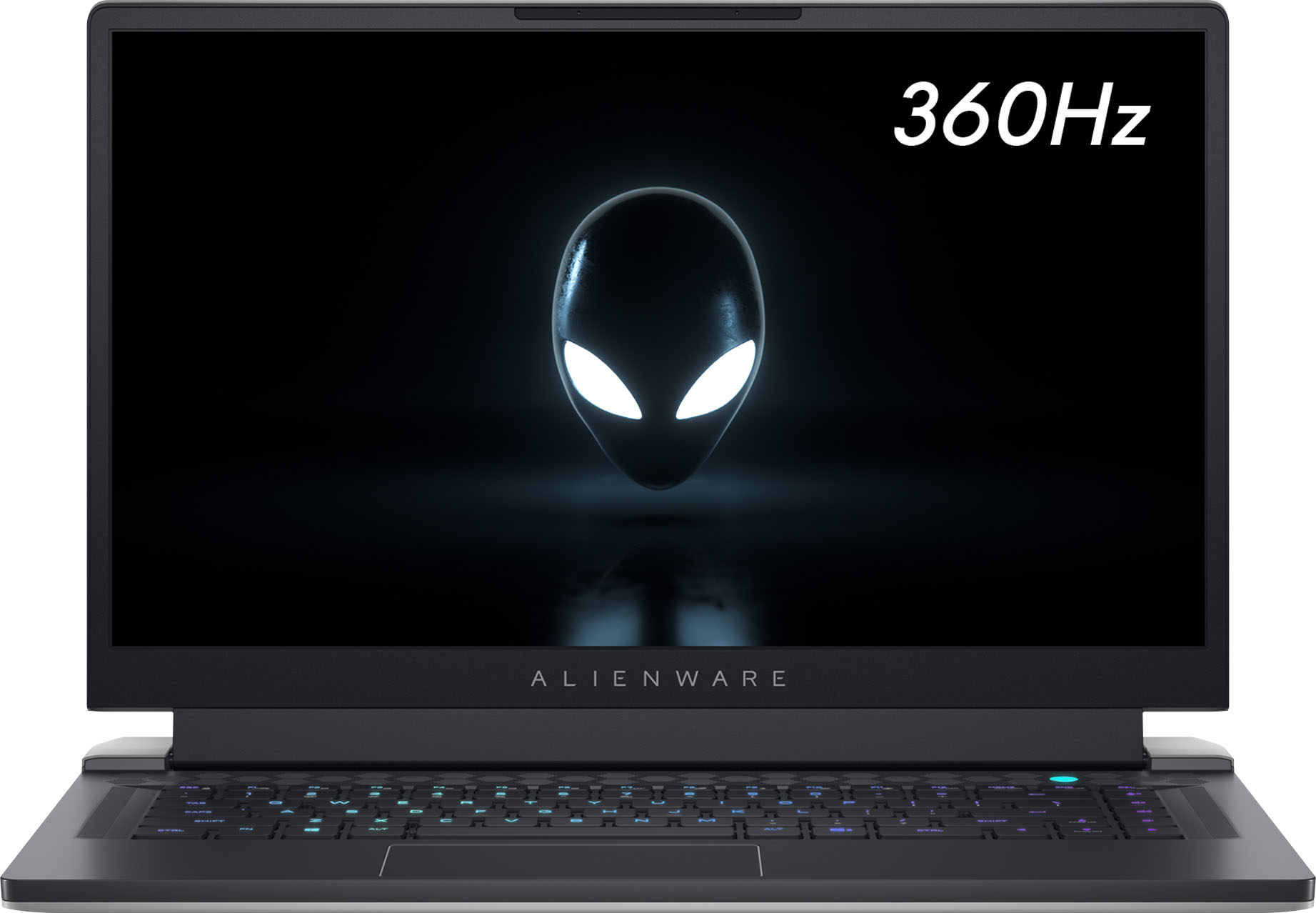
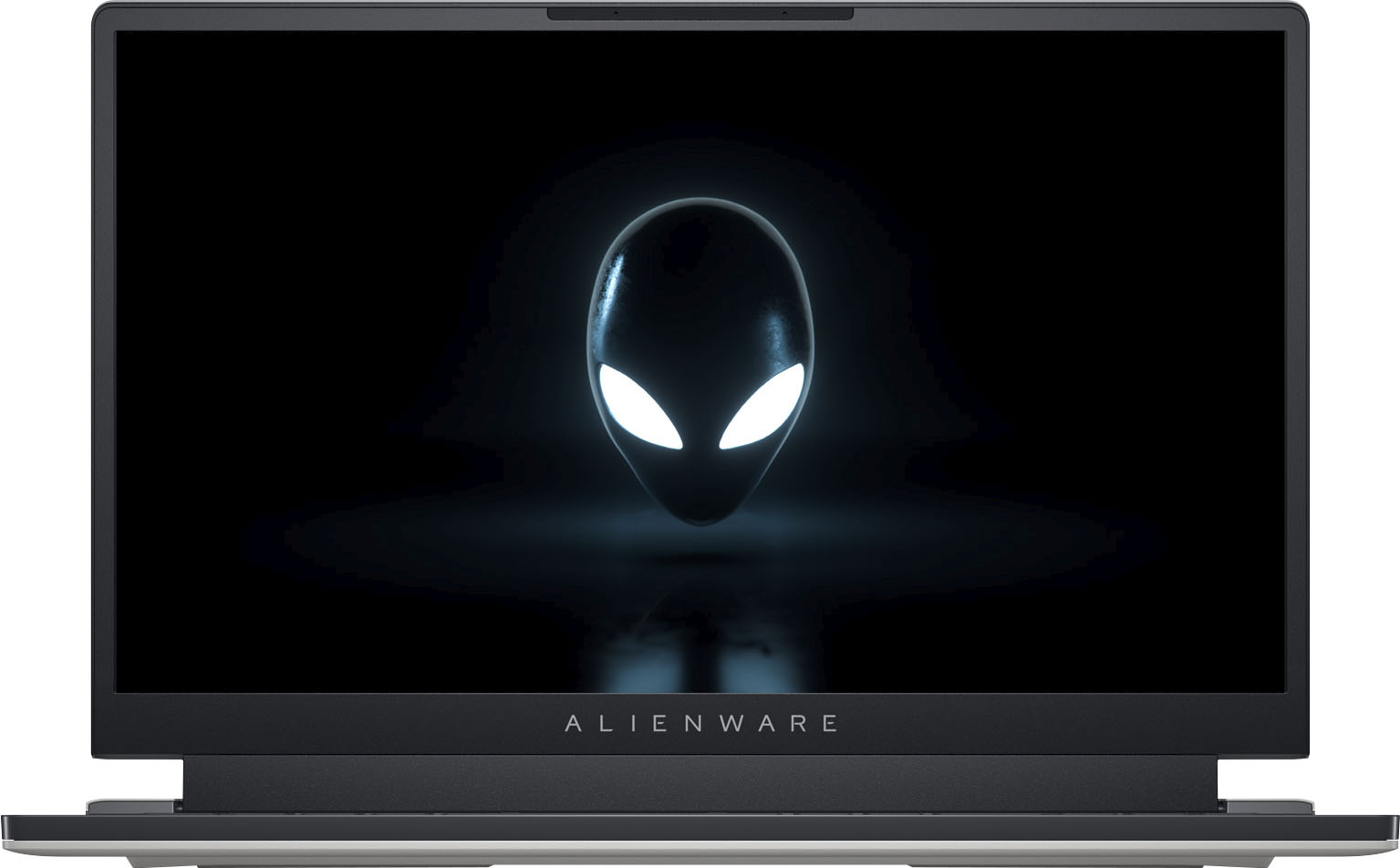
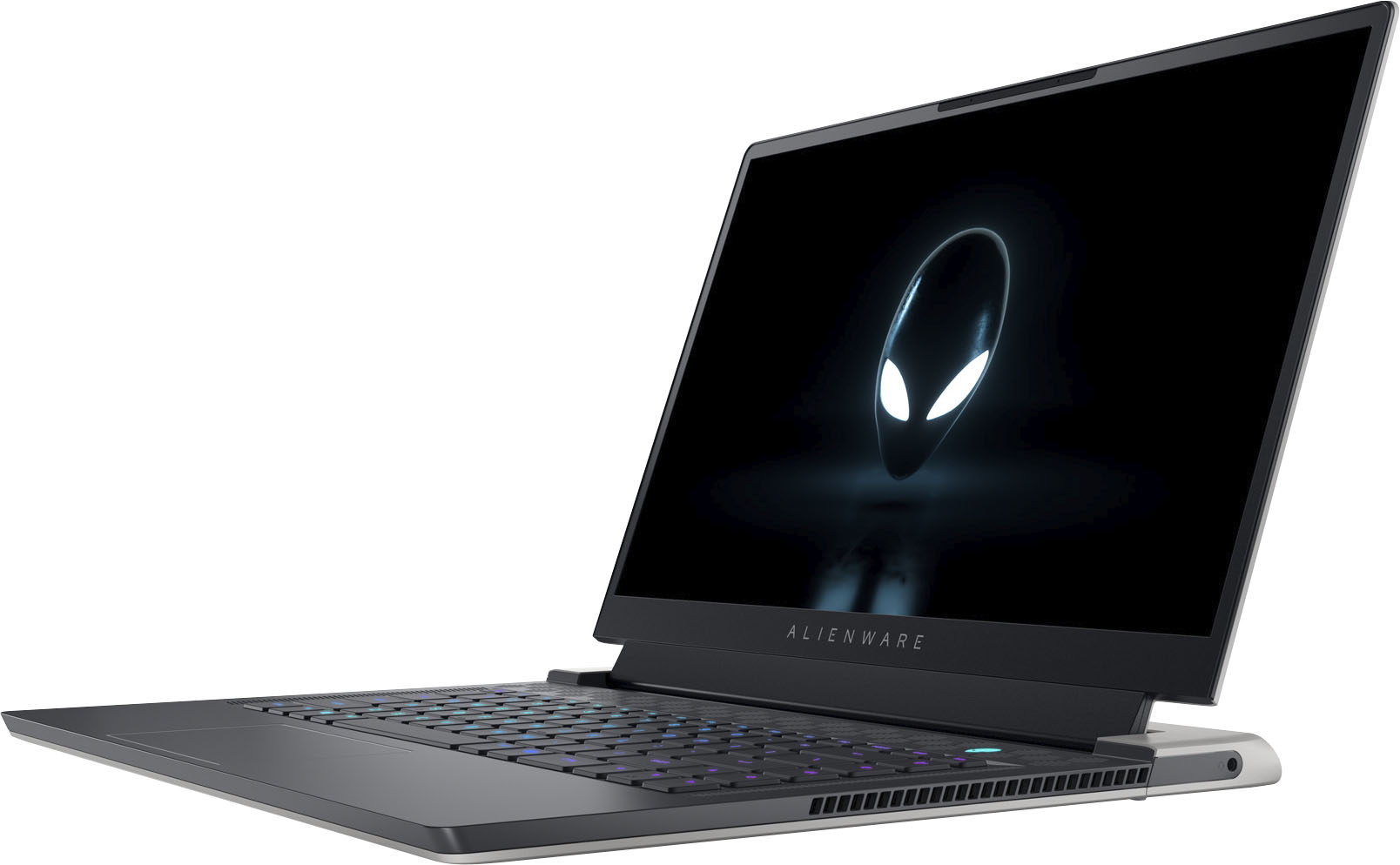
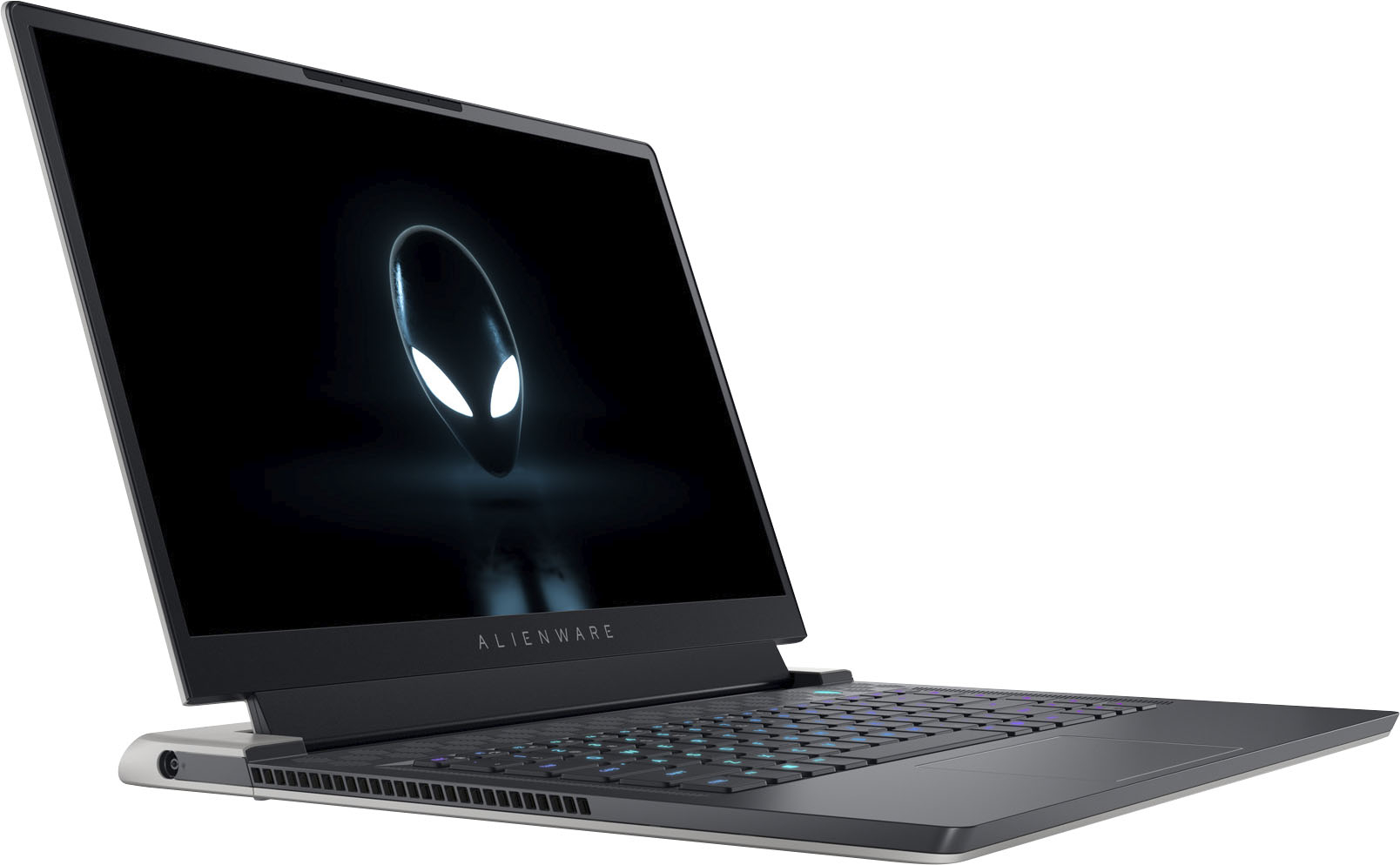
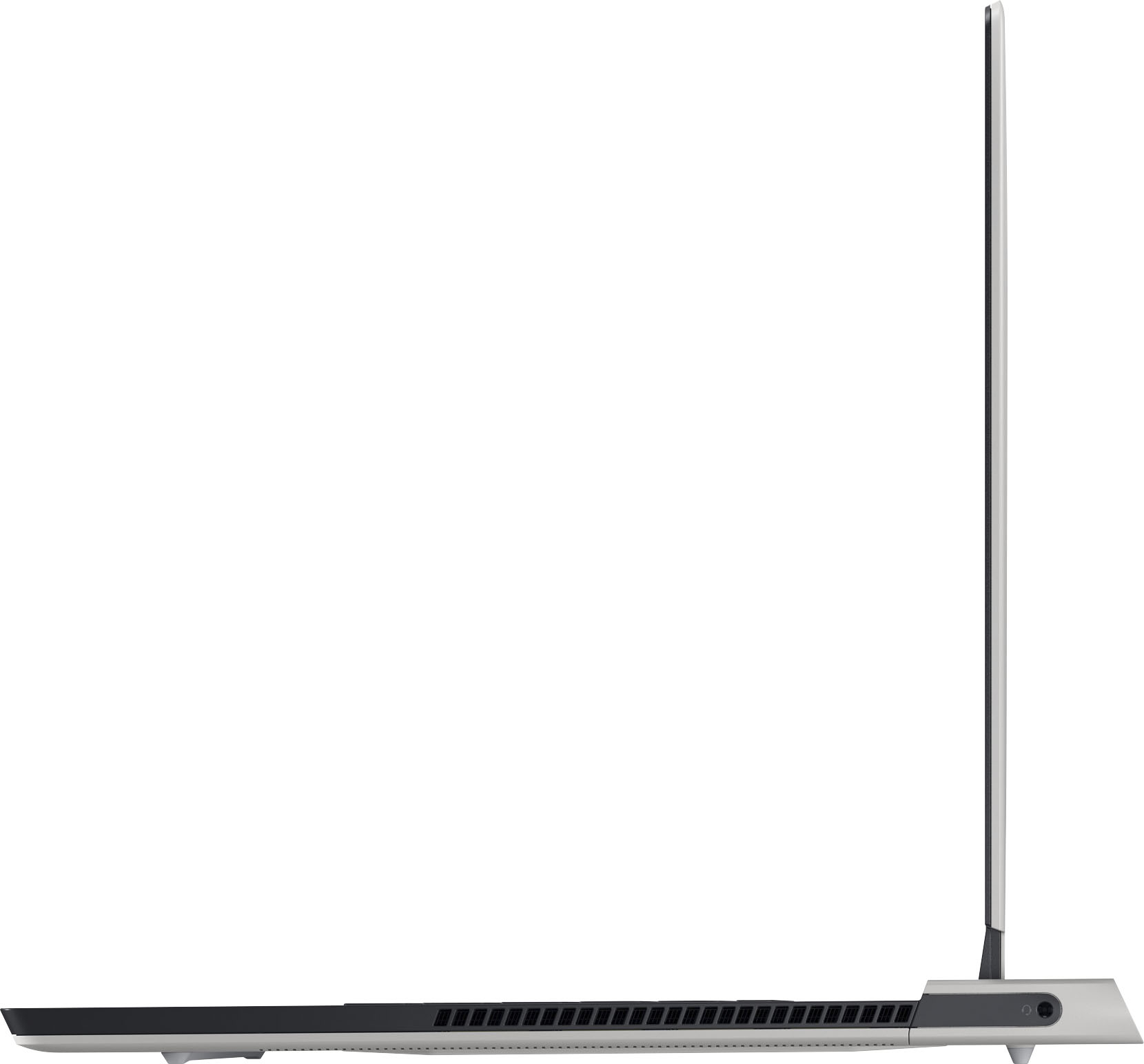
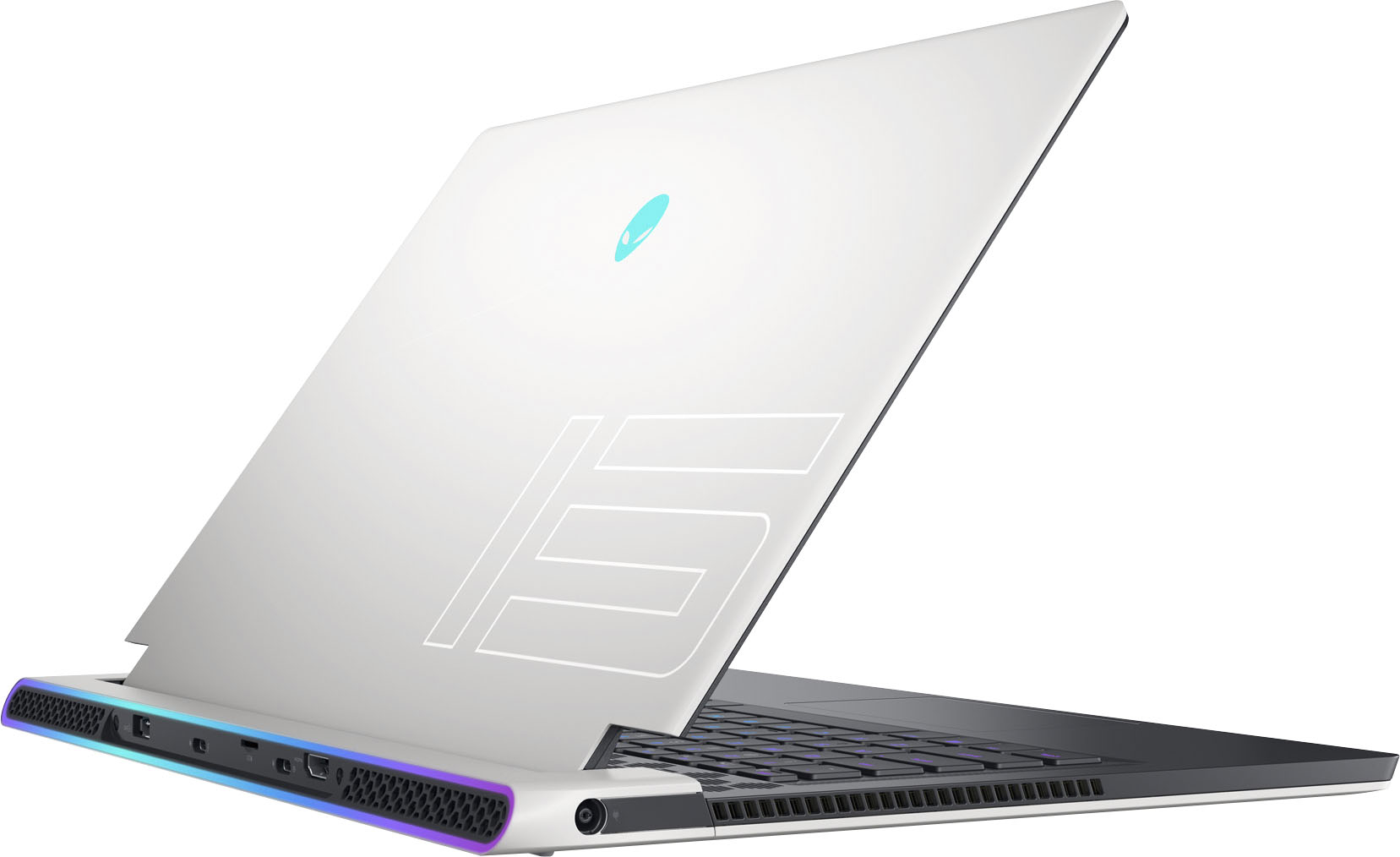
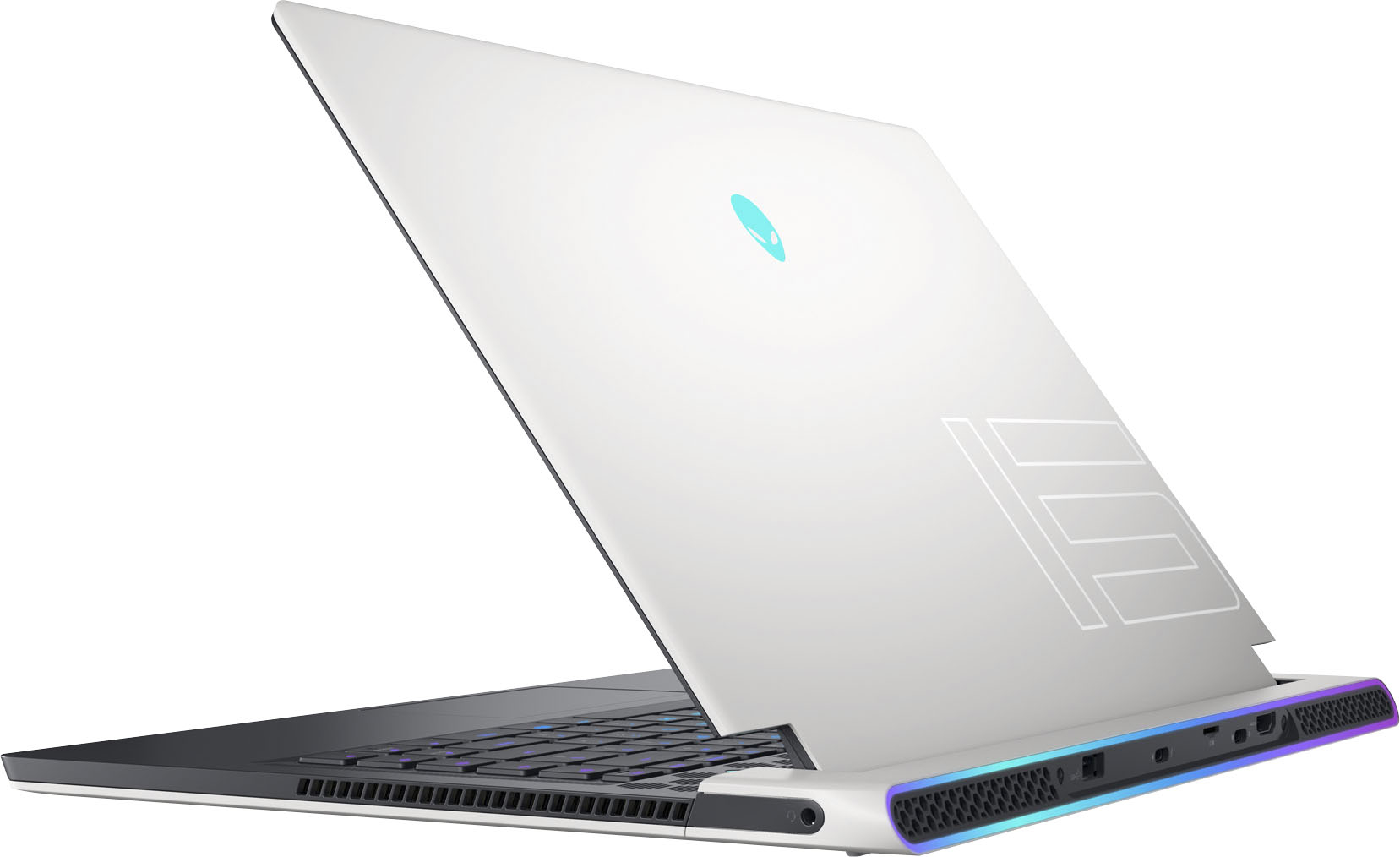
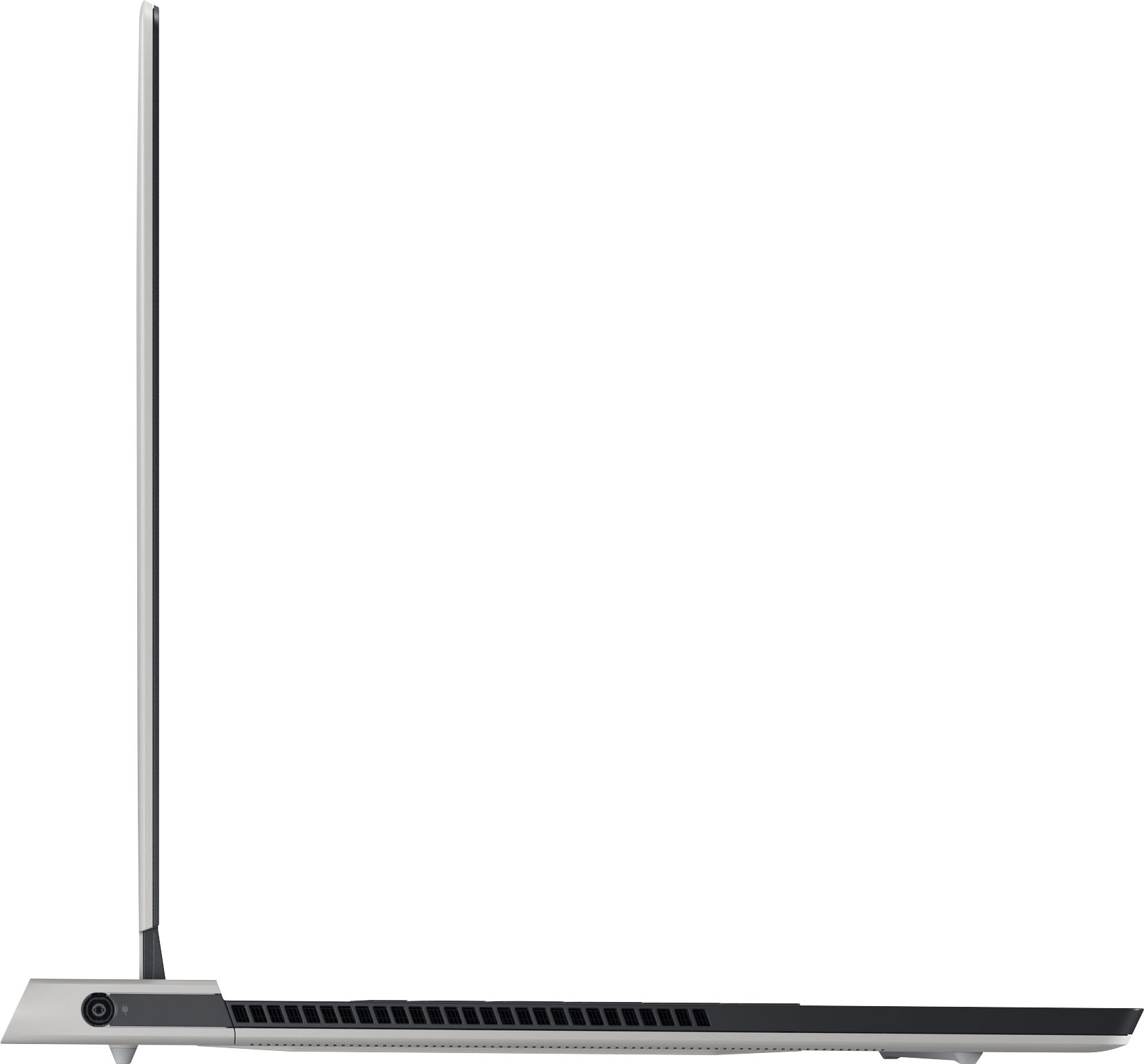
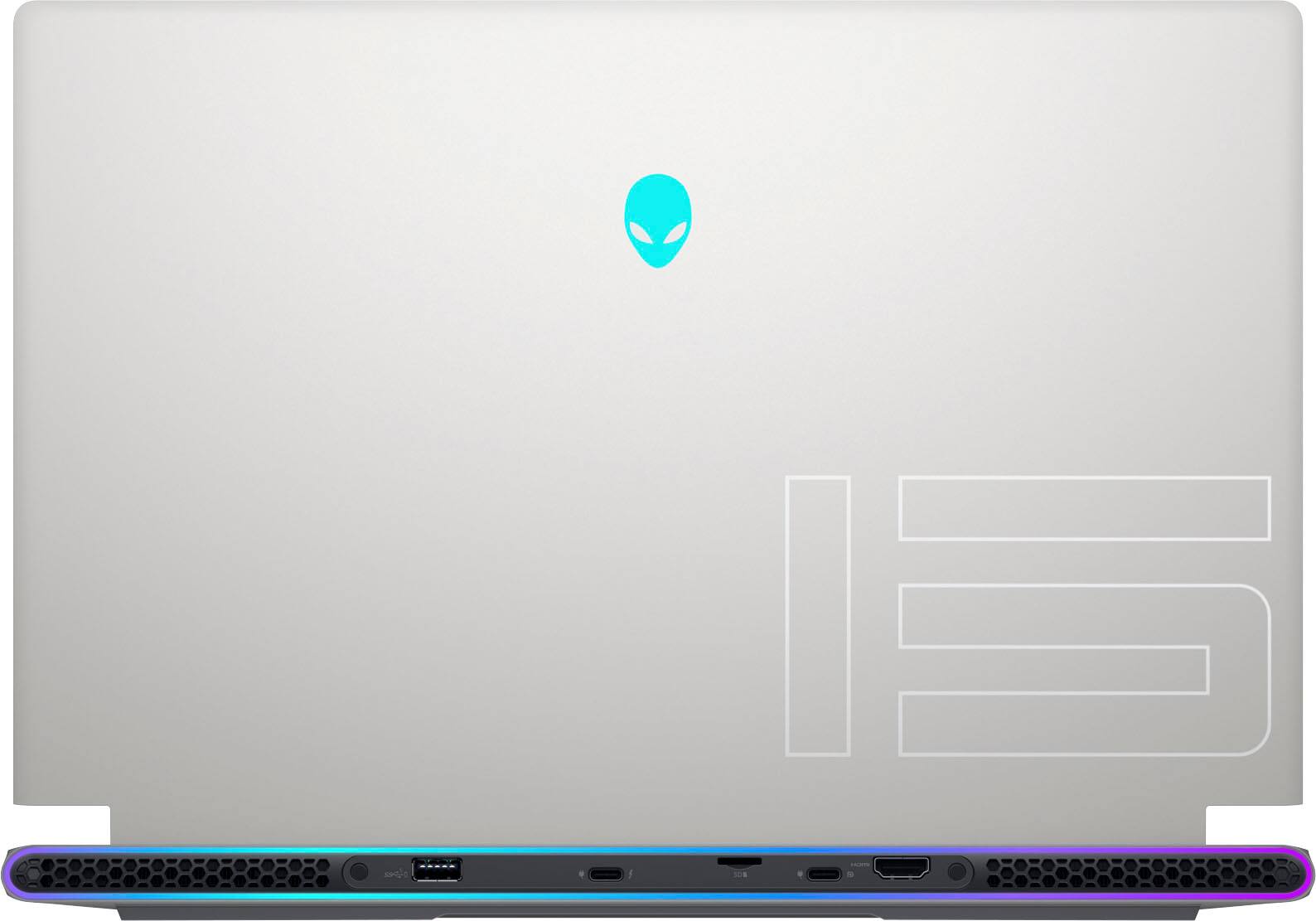
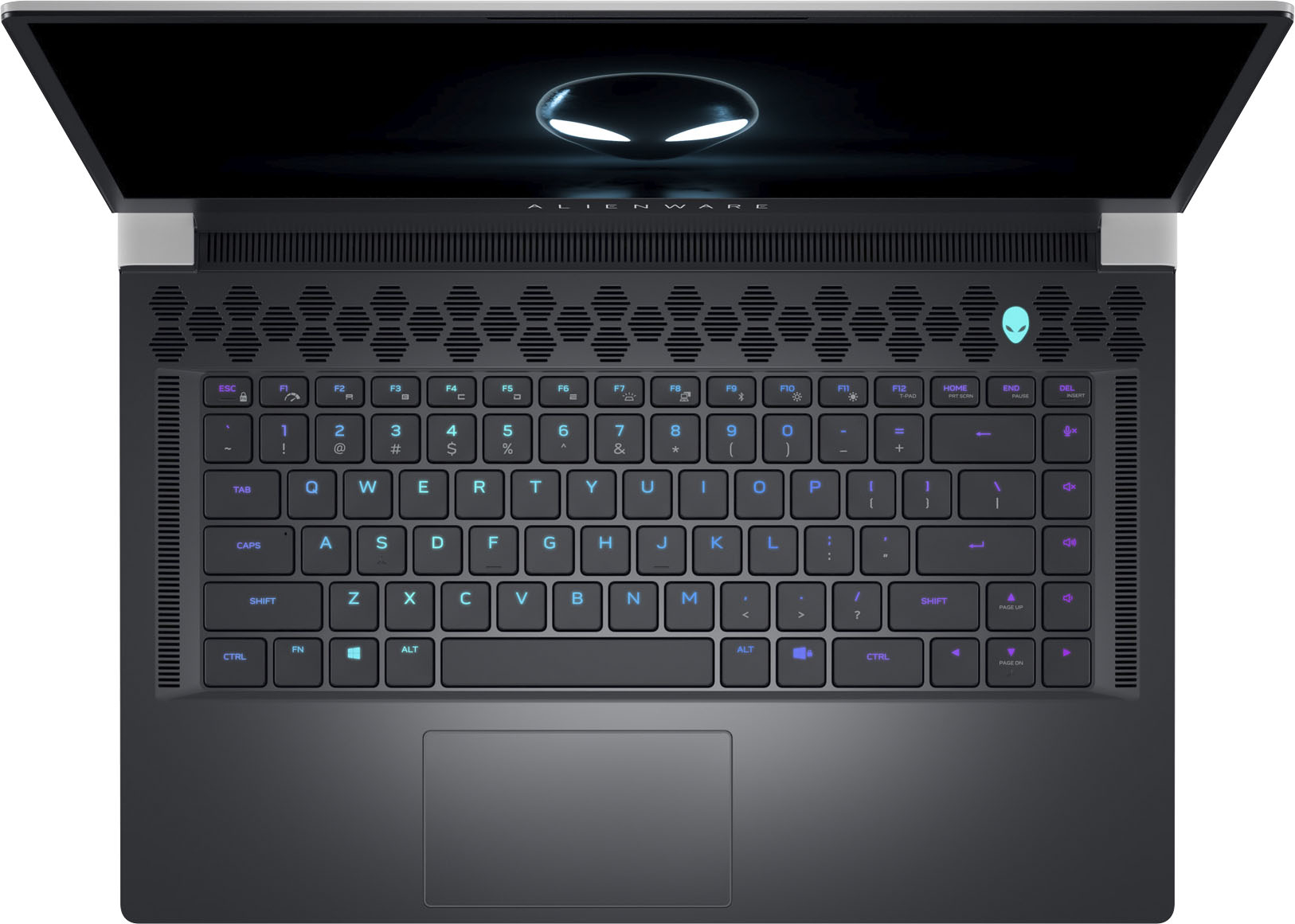
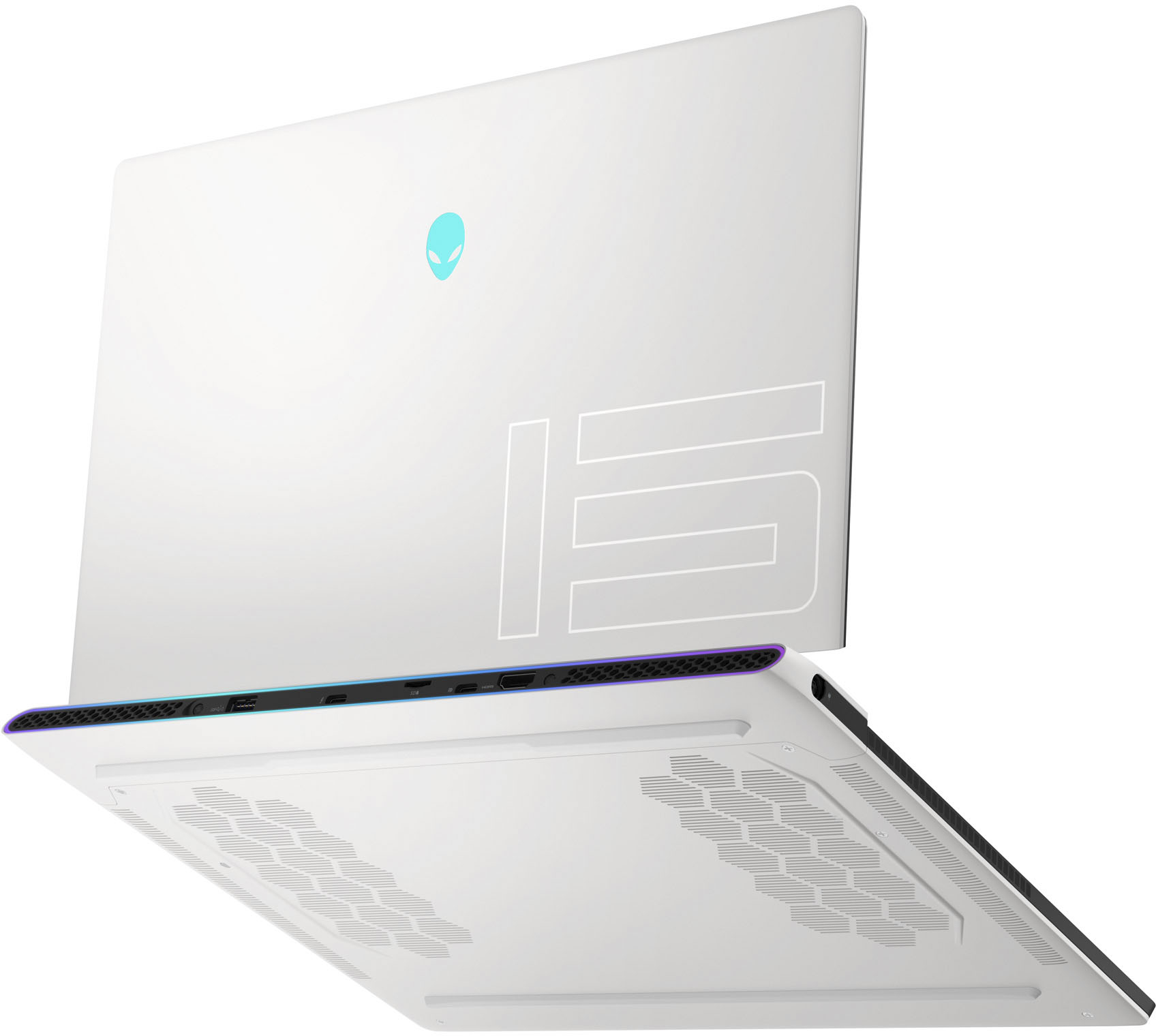
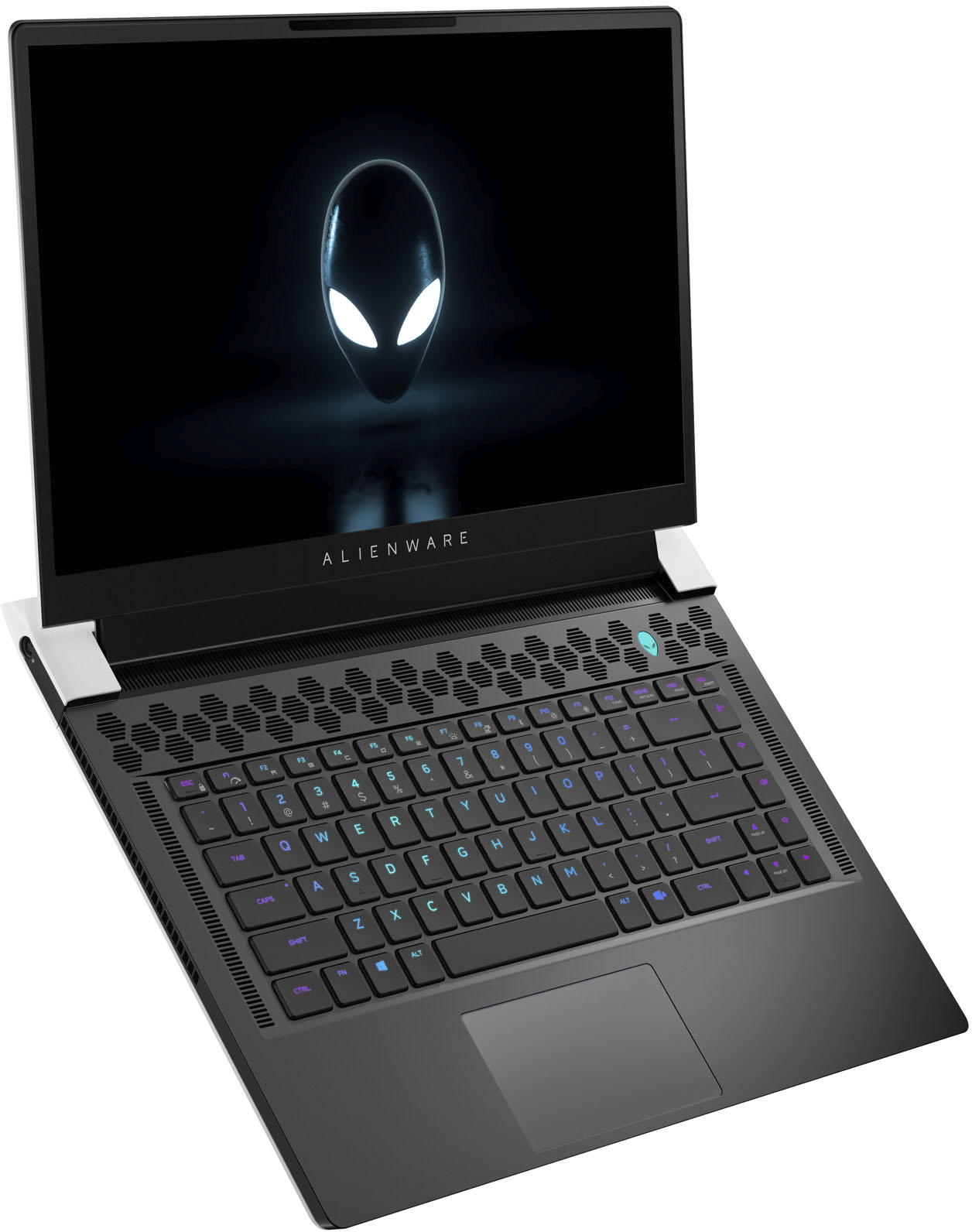
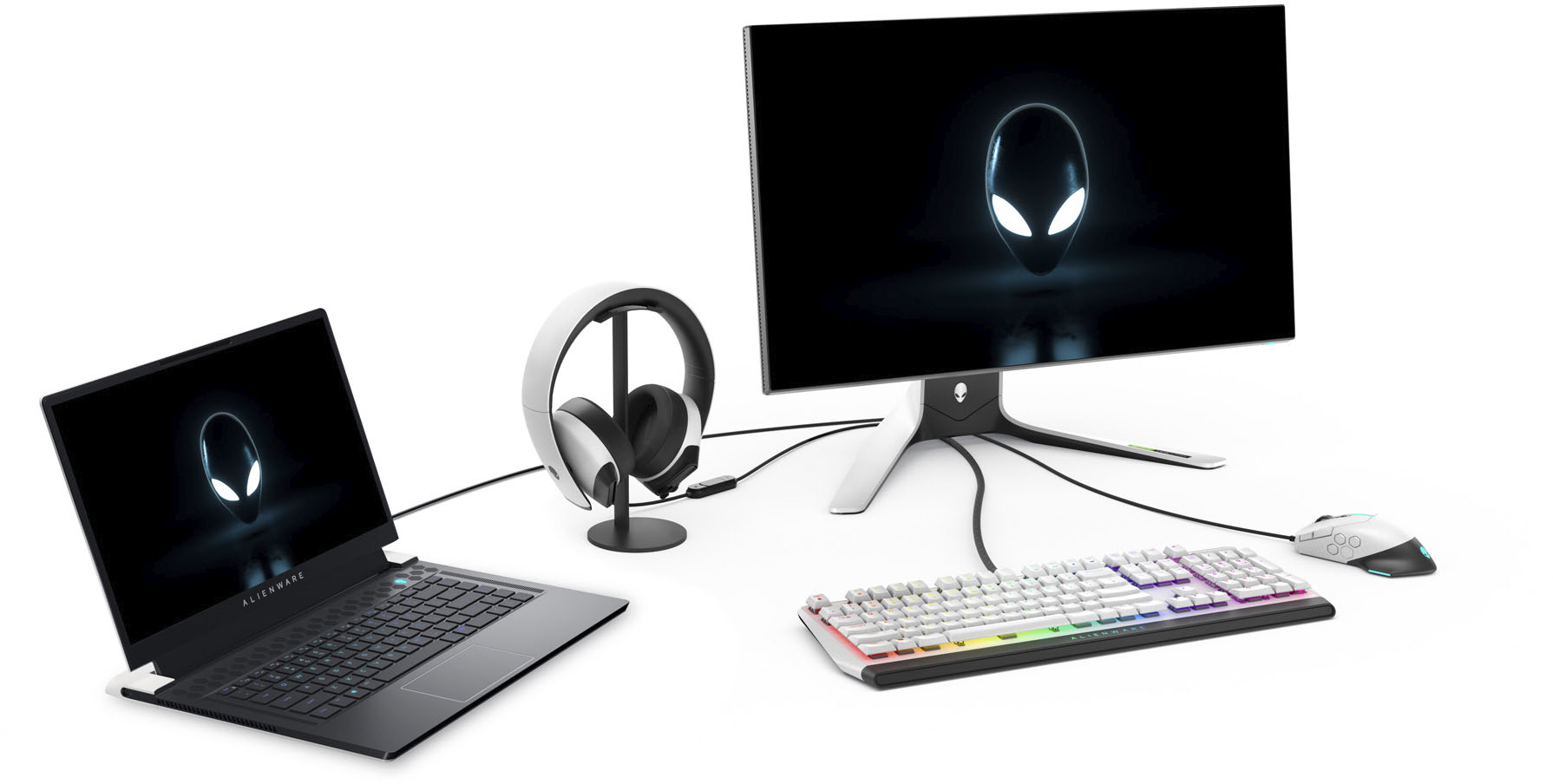
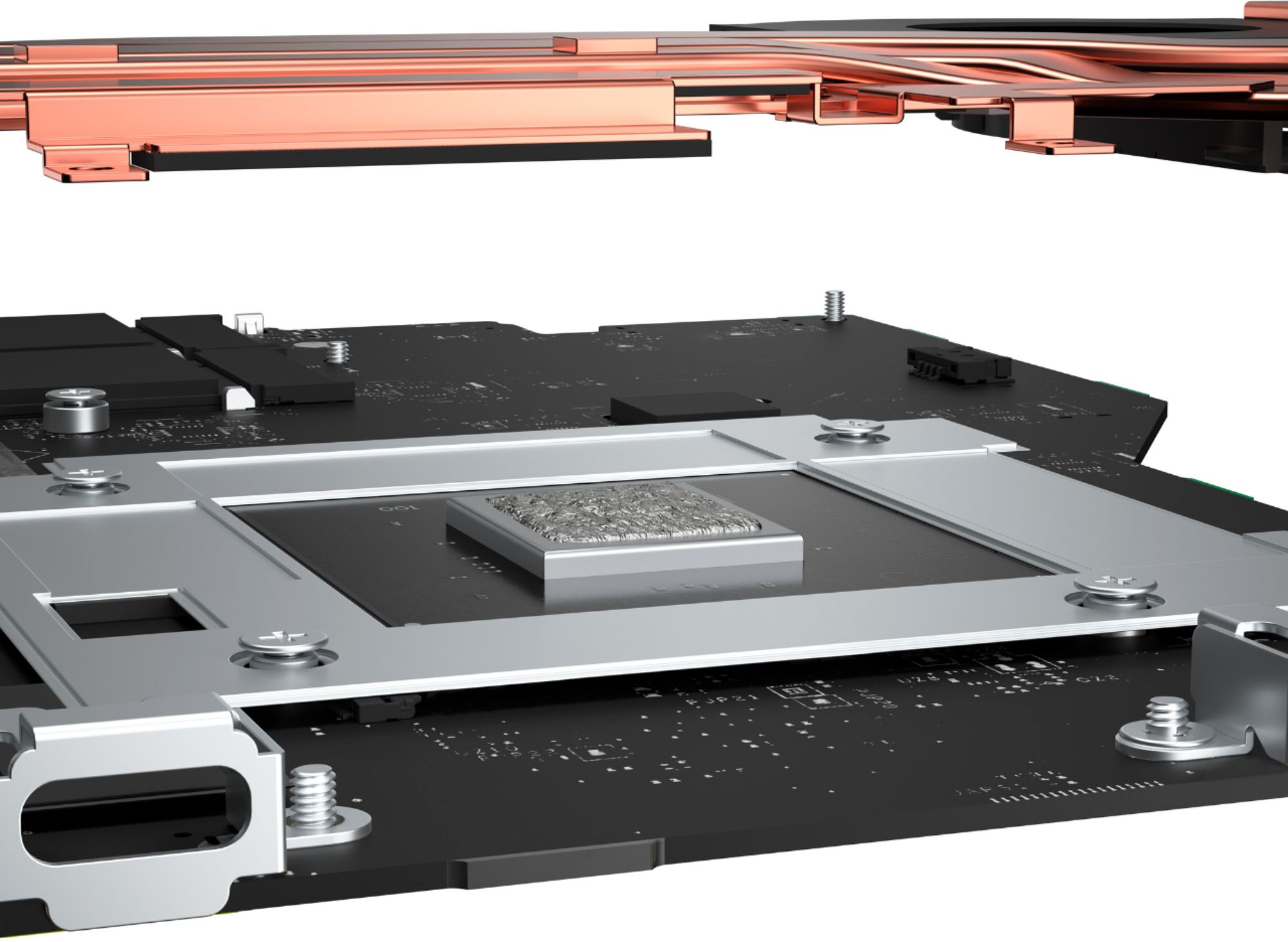
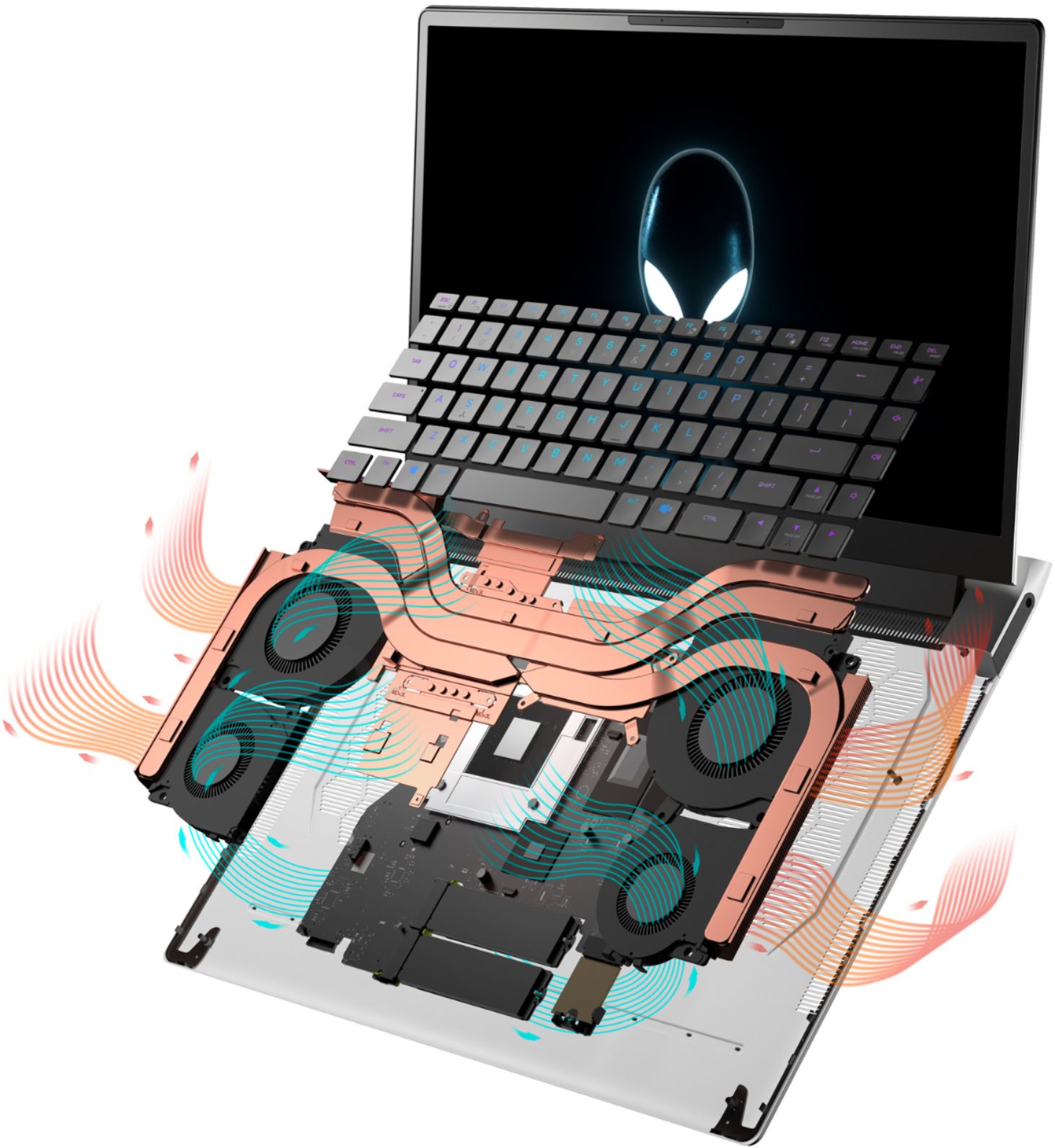
|Posted .This reviewer received promo considerations or sweepstakes entry for writing a review.Very thin 15.6” laptop packing a lot of power in an Alienware design. I’m pleasantly surprised at how well it handles heat for as thin and powerful as it is. Things I like: Performance – I was surprised at how powerful this laptop is. Rocking an Intel i7 11800H, coupled with an RTX 3070 GPU, they managed to cram both in a small form factor. Even though it is very thin it still manages to dissipate heat well and without being obnoxious. In Cinebench I was hovering around 13,900’s with a high of 14,005 which I was really impressed with. Got great scores too with 3DMark. Got steady marks at around 10,000 with a high of 10,039. Gaming wasn’t a problem. Hovered around 100 FPS with Destiny 2. GTA V Online did well too with averages around 74 fps. Everything runs butter smooth with 360hz refresh rate coming from the display. You can also use the function button to turn on high performance mode which kicks the fans in at max speed allowing the processor to turbo boost for longer. Temperatures did get up in the 90’s but modern chips can handle the hotter temperatures. Windows Hello – ‘Nuff said. More laptops should have this as it’s an effortless way to sign in and just requires your gaze. Design – If you get an Alienware part of the allure is the design. The pale white on the back and the midnight black on the inside creates nice contrast. The base extends out just beyond the hinge which is a little different than most designs giving it a unique look. The screen, which comes in at the aforementioned 360hz, disappears into the black bezels, especially in a darker environment. It wouldn’t be a gaming PC without RGB either. Per key lighting, a ring around the I/O on the back, power button and alien logo on the lid are all individually controllable. They even rethought the power brick by making it smaller and more portable without sacrificing power. Most of the I/O is in the back with the power and headphone jack being on the sides. I/O – Thunderbolt 4, USB C 3.2 Gen 2, USB A 3.2 Gen 1, HDMI, SD Card Slot. With power delivery, power share, support of 2 4k monitors or 1 8k monitor, you’re left with options. Heat Management – The fans do a really good job of keeping thermals under control. While running in performance mode through Alienware Command Center (AWCC), the fans will start to ramp up as the system gets hotter. There are 4 fans which move air out of the system. During normal, non-gaming use, you can comfortably browse the internet, watch videos, listen to music and don’t really even notice the fans or heat. It’s only when you’re gaming when the heat and fans become noticeable. I don’t recommend putting the laptop in your lap when gaming as it does get warm. As far as the keyboard goes, you don’t really ever notice the heat. Alienware does a great job of directing temperature away from the keys. They use a thermal compound called Element 31 which I’m assuming is some of the magic behind thermal control. Middle of the Road: Going to quickfire off a few things that are just average. Nothing special about the trackpad, keyboard, camera, or speakers. Seems like they’re off the shelf hardware. Keys are a little stiff, but I do like the layout and everything seems easy to use. Sound profiles are adjustable and I found the music setting in AWCC to be the better sounding EQ setting. The “OC” setting in AWCC limits how much you can OC the GPU. This makes sense in a thin gaming laptop but kind of makes me wonder why it’s there in the first place. I would have liked to see just one more USB type A port. The world hasn’t quite moved to purely USB C (although I wish they would) and I found myself wanting one more. I use a USB dongle for my mouse and had to unplug it to use a flash drive. What to Watch Out For: 512 GB of storage isn’t a lot for a gaming laptop. Although I haven’t filled it up yet, I can see how over time you’ll find yourself wanting more. The RAM is soldered on the motherboard so you’ll want to get what RAM you want from the get go. This is likely done as a space saver. Finally, it’s a tad bit heavy, which some may have a problem with, but considering the 4 internal fans and chunky heat pipes/sinks, it’s a necessary tradeoff for heat management. Final Thoughts: Alienware has clearly been pulling out all the stops and making some new ones, to try and get the most performance out of a thin form factor while keeping the Alienware style and finesse. With innovation in thermal performance with their Element 31 thermal compound and 4 fan design, you check all the boxes of power, design, and build quality that gamers look for in a portable gaming machine.
I would recommend this to a friendHigh-End Performance, Great Video Display, Noisy
|Posted .This reviewer received promo considerations or sweepstakes entry for writing a review.The new Alienware 15 is a capable and powerful gaming laptop in a reasonable size. Its white case and LCD bevel on the back side of the laptop makes the device stand out in a sea of other gaming laptops, while its speed and display put this well above others I have used. With a 15.6” monitor, which comes at the sacrifice of a numeric keypad (fine with me), the Alienware comes in smaller and lighter than many of its 17” LCD competitors. And since many people use an external monitor the majority of the time, this doesn’t take away from the laptop at all. The display itself is 360 Hz full HD, which is bright with great blacks and color depth. The panel is responsive and had no discernable flicker at all, even with high-end games. In a word, the display is “beautiful”. The CPUs, Intel i7’s, add incredible speed to the device, with a boot up time of less than 10 seconds from power on to login screen, with apps and games launching just as fast. Temperature of the CPUs depends on the load of the game, of course, with one of the highest end games I use (MS Flight Simulator) running the CPUs at around 83° C each. Each are cooled with dual fans (which are supposed to be quieter than other laptops, but I found that to be the opposite – more on that later), with the fans running at varying speeds depending on the load on the processors, of course. The graphics are driven by an NVIDIA GeForce RTX3070 card with its own cooling, and stayed pegged at 100% utilization on high-end games (which is fine, means it’s doing its job) and ran substantially cooler than the CPUs, around 59° C again for high-end games. FPS were extremely good, though come at the cost of the bezel getting extremely hot and the fans going into overdrive. For example, RocketLeague, set to “uncapped” FPS, capped out at around 88 FPS with the fans running north of 90% consistently. The fans and temperature didn’t do the same with the game set to max out at 30 or 60 FPS. MSFS came in at 70 FPS with the detail levels set to “high”, but the fans again running overtime. As noted, the edges of the bezel around the keyboard also got hot to the touch, as did the underside of the laptop, when running at higher FPS rates, almost shockingly high. The keyboard is responsive, though felt like a standard Dell keyboard. It is lit with individual RGB lights, meaning you can configure any variety of key colors or themes. The Alien on the lid, Alien power button, and back bezel can also be individually colored in the control panel. The power adapter is quite large, and also heavy, clocking in at 23 oz (nearly 2 pounds), one of the heaviest adapters I’ve ever encountered. The Alienware control panel allows you to monitor various components (temperature, utilization, fans, etc.), as well as control them. For example, you can choose a “quiet” mode for the fans, but will result in slower running speeds leading to higher component temps. You can also overclock the device with a couple of built-in modes or create your own. And as with any Dell laptop, it does come with a number of pieces of bloatware you’ll want to remove. Cons: As mentioned, the fans are loud. Very loud. This despite Dell/Alienware saying they have improved the fan’s sound profile. Also as noted, the bezel gets quite hot to the touch when high-end games are running; not to the point where you’re going to burn yourself, but high to the point of wondering how the temps long-term will affect the internal components. The Alienware control panel is full of useless features, and takes a couple of clicks to get to the thing most people are looking for, which are the monitors for temperature and settings to control performance. Also, there appears to be a bug in the software when setting the keyboard colors where it will initially show you controls for the outside (bezel and lid) and inside (keyboard), but once you start changing the keyboard colors it never allows you to get back to the external RGB settings, acting like they don’t exist. The NVIDIA card, when set the “Automatically Set” mode (default), will change the resolution and performance of the card depending on whether you’re playing a game or just using it for normal laptop things. While it did pick up on every game launched and switched modes, it often fails to set itself back to a higher resolution once the game is closed. Overall: Aside from the fan noise, which isn’t a factor on every game – just the very high-end, high FPS games – this is a very, very nice gaming laptop. The display is beautiful and responsive, and the overall performance of the laptop is superb compared to other gaming laptops I’ve used. The price may be a turn off to some, as Alienware computers often come in well above its competitors, but makes up for that in its overall performance.
I would recommend this to a friendGreat Gaming Laptop
|Posted .This reviewer received promo considerations or sweepstakes entry for writing a review.This is overall a very solid laptop. its specs are pretty much top of the line with some of the best tech inside that is out right now including an Intel core i7, 16GB of RAM, a 512GB SSD and NVIDIA GE-Force RTX 3070 GPU. I expected this machine to have the power and speed for gaming. Visually it looks really good, games run smoothly on it, and the audio sounds as good as you’d expect for a laptop. The keyboard feels solid and has a nice bounce to the keys. But some gamers may prefer a separate Keyboard which can be plugged in to the USB port on the back. One of the few cons of this laptop is a single USB port. So if you like to have a separate keyboard and mouse to fame with, you’re going to need a USB hub. After some time playing League of Legends to test this unit out, the laptop was warming up but the vents on the bottom do a good job circulating the air and a laptop fan pad is always an option. The build design is solid and sleek and you can tell that there is a good amount of structural integrity with this laptop.
I would recommend this to a friendSleek and powerful! You will not be disappointed.
|Posted .This reviewer received promo considerations or sweepstakes entry for writing a review.Alienware really outdid themselves with this laptop. Top of the line graphics card paired with a powerful 11 Gen i7 processor (i7-11800H) makes for an excellent gaming experience. This system is a powerhouse easily produced on average 200FPS on Doom Eternal (Ultra Nightmare). Initially, I noticed some stuttering during play, but a quick update to the graphics driver resolved the issue. This system does run a bit hotter than I typically like to see, but like another reviewer stated within spec. Just note that when the system is running at full speed, it is quite loud, but I guess that's the price we pay for portability. I only have three, albeit minor, issues with this system. The first is the location of the charging port. It's positioned on the left side of the system, this in and of itself is not too big of an issue, but I would have liked to see a right-angle connector to make it less obtrusive. The second issue I have is the single USB A port. Don't get me wrong, having two USB-C ports is nice, but as it stands I have to decide between my mouse and headset, a second USB-A would have been great. My last issue is the lack of a dedicated display port, the system has does offer Thunderbolt 4, which with an adaptor, can be used as a display port, but with the limited peripheral connections available I hate sacrificing another port. Glancing at the rear connection panel, its there clearly is pleanty of space to incorporate these missing connections. Alienware this is an excellent system, so please consider adding these options in future builds. All in all, this is an excellent gaming system; by far the best I've seen. If you're in the market for a portable, yet powerful gaming system, then this definitely is one to consider.
I would recommend this to a friendPhenomenal!
|Posted .This reviewer received promo considerations or sweepstakes entry for writing a review.This laptop is amazing. Fastest laptop I've ever owned, by far.... First the screen. Perfect size 15.6" 360Hz native 1080p display. Stunning picture quality and color. This display is simply gorgeous and super responsive. Super thin bezel and integrated webcam are great attributes. Next the 512GB M.2 ssd. Super fast, silent, cool, fantastic. I added an additional M.2 ssd in the available upgrade slot making mine system 1 terabyte total. Data transfer rates between the 2 ssd's is a mind blowing 1.5GB/s!!!! 16GB of super fast DDR4 Ram handles what I'm doing just fine but it's not upgradable so be aware. NVIDIA GeForce RTX 3070 graphics is just absolutely insane in a laptop!!!! This is backed by 8GB GDDR6 dedicated video memory to powerhouse through the most graphically intense everything there is out there. The 11th Generation Intel Core i7-11800H is once again is simply insane. Blazing fast and a perfect match to the RTX 3070 GPU. Programmable cryo-tech fan management system is fantastic and entirely customizable for a perfect all around setup for fan speed depending on your usage. I also really like the simple "function+F1" to go straight to max mode and full fans. This entire laptop is absolutely beautiful too. Programmable multi color keyboard, backlights are stellar and make for a really beautiful and unique look. I'm very pleased with this laptop, best one I've ever owned and blows everything else out of the water in all categories, really amazing rig... LOVE THIS!!!!!
I would recommend this to a friend- Pros mentioned:Performance
Problems, compromises, and overpriced
Posted .This reviewer received promo considerations or sweepstakes entry for writing a review.I bought an open box Excellent condition X15 so saved over $800 (current list is $2399.99) on the particular open box i received. -Complaints (many): The device rattled like a baby rattle ever time I typed or used the keyboard. Turned out to be the SSD does not properly fit into the motherboard and has enough room to rattle in the chassis when typing. I resolved this problem with extra 2 mil thermal pads under the M.3 SSD - acting as space filers and shock absorbers. yes the bottom is the wrong side for a thermal pad on an M.3 SSD... but it solved my rattling. Screen is not as good (not as bright not as clear clear) as my previous M15 R3. I can make out my reflection in this X15 screen despite it being a "matte" screen. Only one USB type A. Grrrr!!!! Now I gotta go out and buy an adapter A to C adapter if i want to connect something besides my mouse. Under full load this things is loud. Alienware software is pretty cumbersome as expected. -The good: Quiet!!! when not working. the mux switch allows integrated graphics This is only a 110W mobile 3070 (not the 140W like the M15) but wow is it powerful. I'm super impressed with avg of 85 fps running RDR2 at optimized settings. I would not recommend this device at its current cost. I think I even over paid. Needs to come down to $1500 before I would say jump on this.
No, I would not recommend this to a friend Given two laptops with horrible WiFi instability
Posted .This reviewer received promo considerations or sweepstakes entry for writing a review.Purchased on another account, i was given my first laptop and it came with a card which had terrible WiFi performance and range to which no fixes would through software would fix- when getting ir replaced due to it’s extreme instability i was given another obe that ended up havung the same wxactly problems a few months into using it. Bringing it back to Best Buy and explaining the situation they had accepted zero responsibility in hellojg me with it— no room for replacement, switching to a different brand, etc. even with a Totaltech membership. You drop 2k for a laptop it should work PROPERLY and if you pay for totaltech the least that could be done is provide some decent assistance rather than just denying ant faults and refusing to provide any slternatives other than just buying another one— complete BS.
No, I would not recommend this to a friendBrand response from YourDellTeam
Posted .Hi There Disappointment,
Thank you for taking the time to leave a review of your Alienware x15 Gaming Laptop. We are sorry to hear that you are experiencing an issue with the performance of your Wi-Fi. That is not the type of feedback we like to hear from our customers. We will escalate the details of your statement to our quality team to improve current and future products. Below I have provided steps to help resolve your issue.
If you are receiving a Windows 10 Home Activation Error you can follow these steps: 1. Verify that the system has an active internet connection (open a web browser and navigate to Microsoft.com)
NOTE: Follow standard network troubleshooting if the system cannot connect to the internet.
2. Select Start > Settings > Update & Security > Activation , and then select Troubleshoot.
3. The system should now activate and the error message should disappear automatically.
You can read the full article here: https://dell.to/2PKUhQ8.
Should you need further assistance; we recommend that you contact Dell directly with the information below.
Chat or call: https://bit.ly/DellSupportTeam
Phone number to Dell: 1-800-624-9896.
Regards,
Summer@Dell
Outstanding PC overall, terrible WiFi card.
Posted .This reviewer received promo considerations or sweepstakes entry for writing a review.This laptop is outstanding in an overall aspect. However- the WiFi card in this laptop is absolutely horrendous, it's got to be the worst performing card I have *ever* seen. I 100% recommend finding a good replacement card before getting this laptop. It's not worth the headaches to get it and wait for a card- not an issue if you're wired- but wireless stability is more unstable than the US Economy.
I would recommend this to a friendUSB ports came apart
Posted .This reviewer received promo considerations or sweepstakes entry for writing a review.Computer is good. After 4 months of owning the computer, both usb ports on the side came loose. I called customer support and they were of no assisitance. Would not help at all.
No, I would not recommend this to a friendBrand response from YourDellTeam
Posted .Dear Valued Customer,
We would like to thank you for taking the time to provide us with your feedback. We are sorry to hear that you have come across some troubles with your Alienware x15 gaming laptop because its USB ports came apart. This is certainly not what we like to hear from our valued customers. We will share your comment with our quality team, so future improvements can be made.
Please contact the Dell Support Team at the information provided below at your earliest convenience so we can help you to resolve this issue.
Best,
Katarina@Dell
Should you need further assistance, you can contact Dell directly with the information below.
Chat or call: https://bit.ly/DellSupportTeam
Phone number to Dell 1-800-624-9896
can not upgrade ram on R4
Posted .This reviewer received promo considerations or sweepstakes entry for writing a review.I recently purchased the 17" R4 version of this laptop, only to later discover that the Memory is soldered onto the motherboard, not upgradeable. Be careful when purchasing.
No, I would not recommend this to a friendBrand response from YourDellTeam
Posted .Hello RRM3,
Thank you very much for your valued feedback. We are sorry to hear that you are not too happy with your Alienware x15 gaming laptop, because you are not able to upgrade its RAM.
We will share your comments with our quality team so improvements can be made now and in the future.
If you come across any questions or have concerns about this product, please don’t hesitate to contact Dell Support Team at the information provided below.
Best,
Katarina@Dell
Should you need further assistance, you can contact Dell directly with the information below.
Chat or call: https://bit.ly/DellSupportTeam
Phone number to Dell 1-800-624-9896