Customer Ratings & Reviews
- Model:
- B09RX4HKTD
- |
- SKU:
- 6522378
Customer reviews
Rating 4.8 out of 5 stars with 819 reviews
(819 customer reviews)Rating by feature
- Value4.7
Rating 4.7 out of 5 stars
- Quality4.8
Rating 4.8 out of 5 stars
- Ease of Use4.8
Rating 4.8 out of 5 stars
Customers are saying
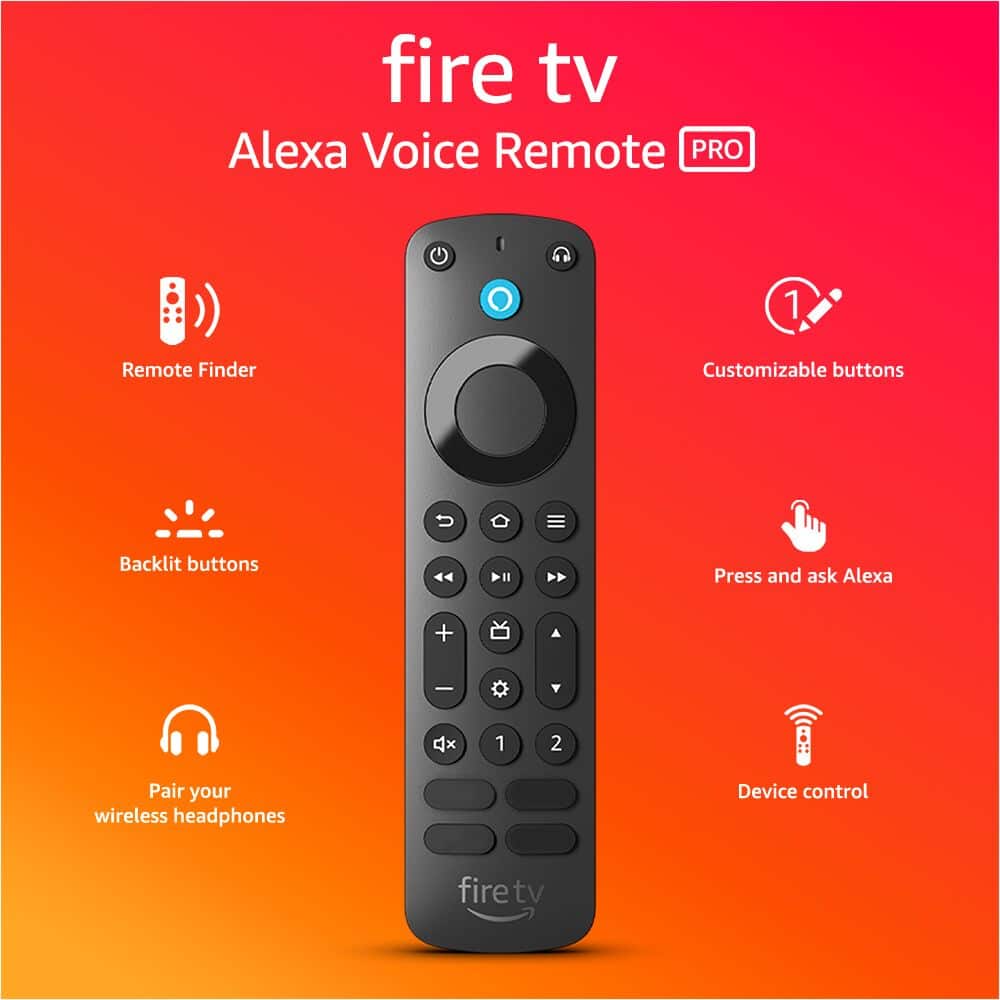
Customers appreciate the Alexa Voice Remote Pro for its helpful features such as the remote finder and backlit buttons. Users find it easy to use, with quick setup and reliable connectivity, and praise its overall performance as an upgrade. While the voice control is a liked feature, some customers have expressed concerns about the battery life and price point.
This summary was generated by AI based on customer reviews.
Rated 5 out of 5 stars
Remote
||Posted . Owned for 1 month when reviewed.This reviewer received promo considerations or sweepstakes entry for writing a review.Great! Exactly what I’ve asked for. Looking forward to next visit
I would recommend this to a friendRated 5 out of 5 stars
Remote
||Posted . Owned for 3 weeks when reviewed.This reviewer received promo considerations or sweepstakes entry for writing a review.It is a quality replacement remote for our television
I would recommend this to a friendRated 5 out of 5 stars
TV Remote
||Posted . Owned for 3 weeks when reviewed.This reviewer received promo considerations or sweepstakes entry for writing a review.Its a remote for the TV. It works. It's black and slim
I would recommend this to a friendRated 5 out of 5 stars
remote
||Posted . Owned for 1 month when reviewed.This reviewer received promo considerations or sweepstakes entry for writing a review.its a amazing universal remote for amazon fire tv.
I would recommend this to a friendRated 5 out of 5 stars
Controller
||Posted . Owned for 1 week when reviewed.This reviewer received promo considerations or sweepstakes entry for writing a review.Good choose bundle with the fire cube, to assess with speed
I would recommend this to a friendRated 5 out of 5 stars
Backlit? I think yes!
||Posted . Owned for 2 months when reviewed.This reviewer received promo considerations or sweepstakes entry for writing a review.Definitely love this remote! And backlit?! Yes! Just love it!
I would recommend this to a friendRated 4 out of 5 stars
2nd best fireTV remote.
||Posted . Owned for 1 year when reviewed.This reviewer received promo considerations or sweepstakes entry for writing a review.Great remote, but the one they made before 01/2024 had hulu and Disney+ , but after 01/2024 they changed the buttons to DirectTV and Peacock.
I would recommend this to a friendRated 5 out of 5 stars
Remote
||Posted . Owned for 1 month when reviewed.This reviewer received promo considerations or sweepstakes entry for writing a review.Gracias Gracias good good good good Gracias good good good good good good good
I would recommend this to a friendRated 5 out of 5 stars
Works
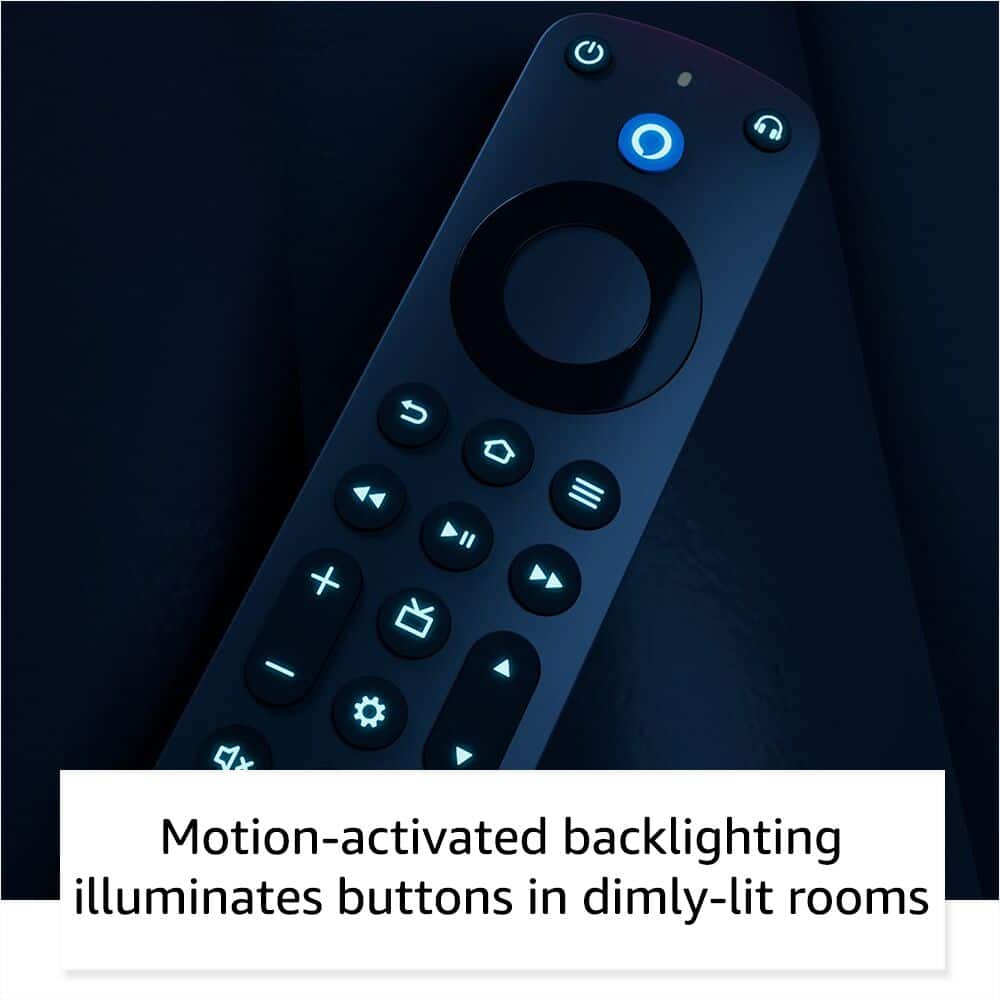
||Posted . Owned for 3 weeks when reviewed.This reviewer received promo considerations or sweepstakes entry for writing a review.Perfect. Exactly what is needed for late night searches in the bed with no lights
I would recommend this to a friendRated 5 out of 5 stars
Firestick pro remote
||Posted . Owned for 1 month when reviewed.This reviewer received promo considerations or sweepstakes entry for writing a review.Firestick pro Great remote i love it Shortcut keys are convenient!
I would recommend this to a friendRated 5 out of 5 stars
Fire stick
||Posted . Owned for 1 month when reviewed.This reviewer received promo considerations or sweepstakes entry for writing a review.Well design and easy to use mmmmmmmmmmmmmmmmmmmmmmmm
I would recommend this to a friendRated 5 out of 5 stars
Very very nice
||Posted . Owned for 1 month when reviewed.This reviewer received promo considerations or sweepstakes entry for writing a review.Very nice very nice very nice very nice very nice and very nice
I would recommend this to a friendRated 5 out of 5 stars
Best Upgrade
||Posted . Owned for 1 month when reviewed.This reviewer received promo considerations or sweepstakes entry for writing a review.Better improve remote with speaker for finding it.
I would recommend this to a friendRated 5 out of 5 stars
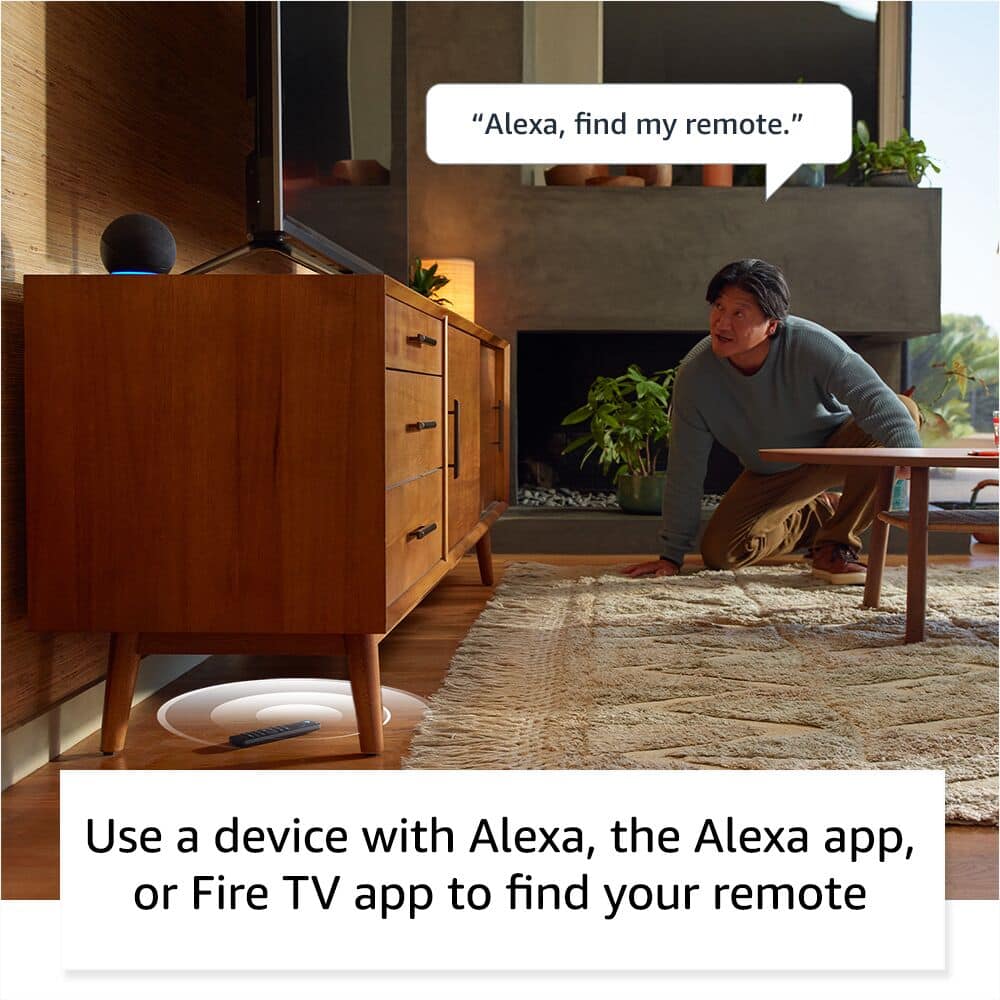
ALEXA FIND MY REMOTE !!
||Posted . Owned for 2 months when reviewed.This reviewer received promo considerations or sweepstakes entry for writing a review.I love being able to hear and locate my lost remote .
I would recommend this to a friendRated 5 out of 5 stars
Geat Remote replacement.
||Posted . Owned for 1 month when reviewed.This reviewer received promo considerations or sweepstakes entry for writing a review.The remote works great with my Fire TV. My TV even works faster now.
I would recommend this to a friendRated 4 out of 5 stars
Good to Use
||Posted . Owned for less than 1 week when reviewed.This reviewer received promo considerations or sweepstakes entry for writing a review.it gave me more channel for some reason don't know why
I would recommend this to a friendRated 5 out of 5 stars
Success
||Posted . Owned for 3 weeks when reviewed.This reviewer received promo considerations or sweepstakes entry for writing a review.Sales Team Member was on a break and still helped me
I would recommend this to a friendRated 5 out of 5 stars
Amazon remote
||Posted . Owned for 1 month when reviewed.This reviewer received promo considerations or sweepstakes entry for writing a review.Works great with my firestick Great replacement remote
I would recommend this to a friendRated 5 out of 5 stars
New controller
||Posted . Owned for 1 month when reviewed.This reviewer received promo considerations or sweepstakes entry for writing a review.What’s better than original, better features than old one
I would recommend this to a friendRated 4 out of 5 stars
Works fine
||Posted . Owned for 3 months when reviewed.This reviewer received promo considerations or sweepstakes entry for writing a review.Works fine. Because Best Buy techs said voice feature doesn't work well have never tried using it
I would recommend this to a friend