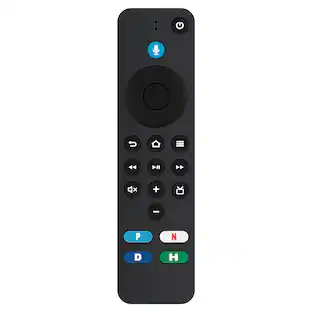
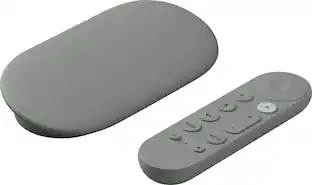
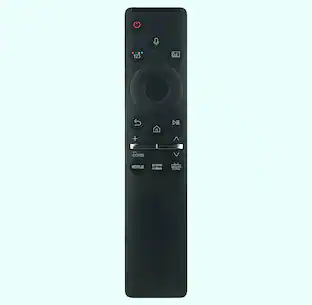
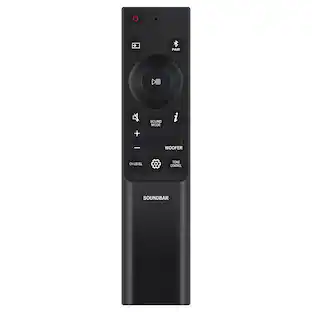
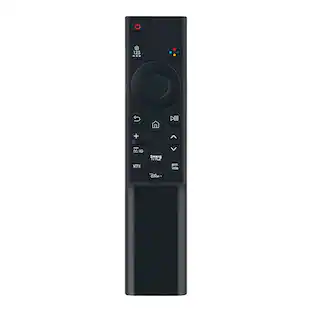
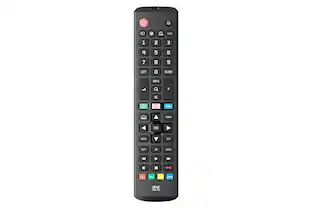
Amazon - Alexa Voice Remote Pro for Fire TV (does not include FireTV stick) with remote finder, TV controls, and backlit buttons - Black
Customers are saying
Customers have good things to say about the remote's backlit buttons, the convenient remote finder feature, and its overall ease of use. Users also appreciate the quick setup process and the reliable performance of the voice control and Bluetooth connectivity. While the device is well-regarded, some customers have expressed concerns regarding the battery life, the overall price point, and compatibility limitations.
Features
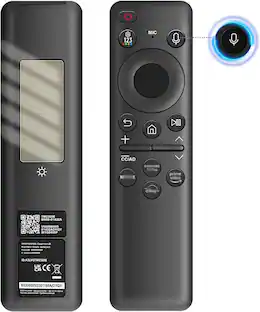
“Alexa, find my remote.”
Use a device with Alexa, the Alexa app or Fire TV app and Alexa Voice Remote Pro will emit a ring. No searching cushions.
Backlit for your convenience
Navigate movie night with motion-activated buttons that illuminate in dimly-lit rooms.
Two customizable buttons
Create your own shortcuts to favorite channels, apps, or many Alexa commands.
Dedicated headphone button
A new shortcut to the on-screen Bluetooth menu that lets you pair your wireless headphones fast.
Integrated TV controls
Control power, volume, plus surf live TV with dedicated channel buttons all from one remote.
Press and ask Alexa
Use your voice to find your shows, open apps, manage volume, and even control compatible smart home devices.
Compatibility
Compatible with most Fire TV streaming media players, Amazon Fire TV smart TVs, and Smart TVs with Fire TV built-in.*Web-based services and content require high-speed Internet service. Some services may require a subscription.
Non-Compatibility
Not compatible with Fire TV (1st and 2nd Gen), Fire TV Stick (1st Gen), Element Fire TV Edition, Insignia HD/Insignia FHD, Hisense U6HF 4K ULED Fire TV Series, or Echo show 15.
Specifications
- Remote Control TypeVoice control, ProgrammableRemote Control FeaturesVoice Activated, Backlit, Remote locatorNumber Of Devices Controlled2Works WithAmazon AlexaVoice Assistant Built-inNot Applicable
Reviews
Rating 4.8 out of 5 stars with 904 reviews
- Backlit Buttons (203)
- Remote Finder (192)
- Ease of use (147)
- Overall Performance (118)
- Connectivity (32)
- Battery Life (15)
- Price (10)
- Compatibility (8)
Customer Images
The vast majority of our reviews come from verified purchases. Reviews from customers may include My Best Buy members, employees, and Tech Insider Network members (as tagged). Select reviewers may receive discounted products, promotional considerations or entries into drawings for honest, helpful reviews.
Compare similar products
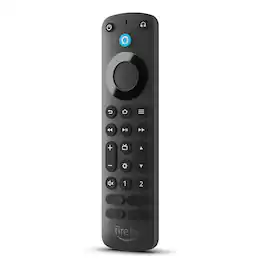
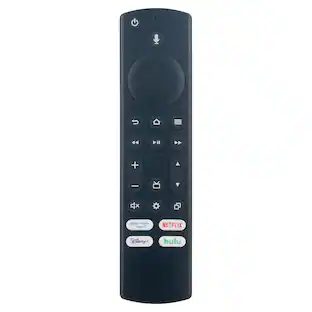
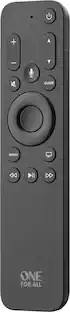
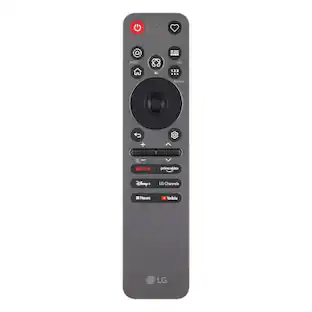
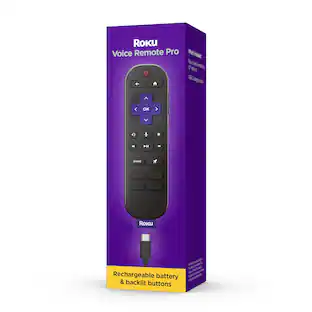
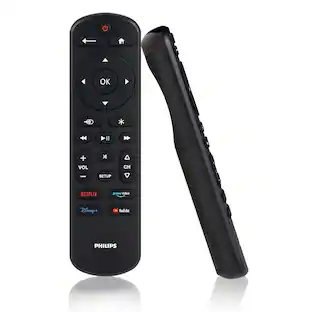
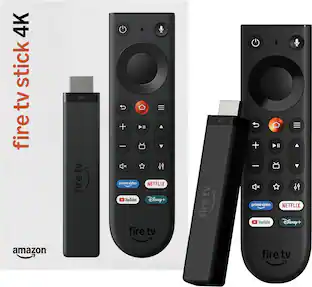
Remote only - requires a compatible FireTV streaming device. Upgrade your Fire TV remote with the Amazon Fire TV Remote Pro! The Fire TV Remote Pro includes upgraded features including a "find my remote" feature, backlit buttons, and two customizable buttons to create your own shortcuts to favorite channels, apps, or any Alexa commands. There is also a dedicated headphone button to take you to the on-screen Bluetooth menu that lets you pair your wireless headphones fast.The Fire TV Remote Pro also includes integrated TV controls. The Fire TV Remote Pro is compatible with most Fire TV streaming media players, Amazon Fire TV smart TVs, and smart TVs with Fire TV built-in. The Alexa Voice Remote Pro is not compatible with Fire TV (1st and 2nd Gen), Fire TV Stick (1st Gen), Element Fire TV Edition, Insignia HD/Insignia FHD, Hisense U6HF 4K ULED Fire TV Series, or Echo show 15.
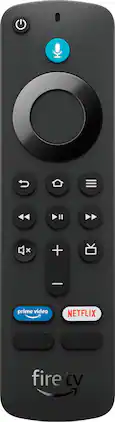
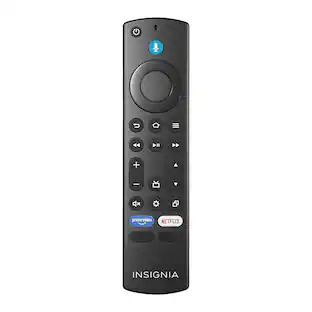
Remote Only - requires a compatible FireTV streaming device. This Alexa Voice Remote includes integrated TV controls. Control your compatible TV, soundbar, and receiver with dedicated power, volume, and mute buttons.

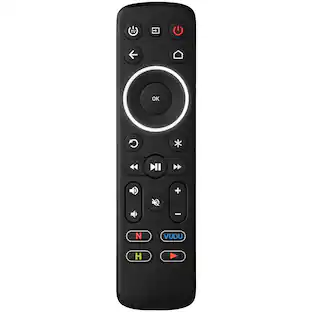
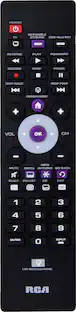
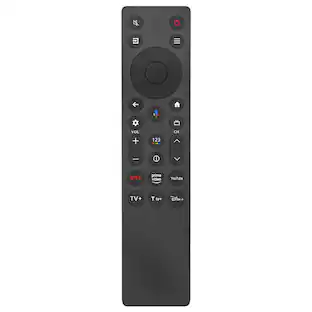
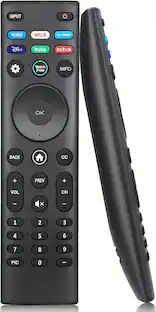
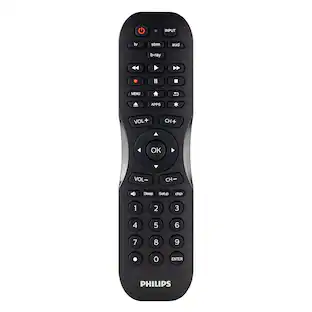
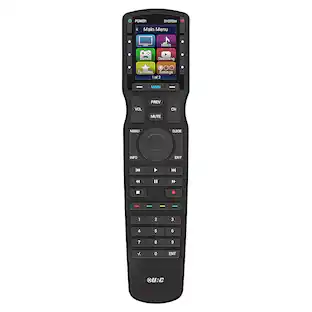
Losing or damaging your remote control can be a headache, but you can regain control of your TV and other devices with the Insignia NS-RMT3D21 3-Device Universal Remote. Our remote is compatible with nearly all major brands and offers easy preprogramming for an effortless pairing that won’t require any codes. And you can even set up your remote to adjust your soundbar volume without changing devices, giving you full control of your audio. Program the remote with your favorite apps, using it to open your most-used streaming services. If you still have your old remote, you can even teach your new remote its functions, guaranteeing that you’ll have access to everything right at your fingertips.

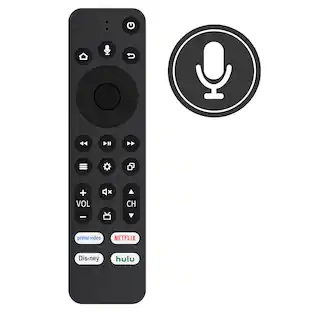
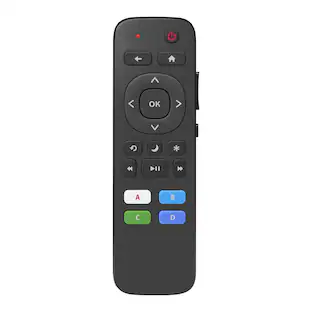
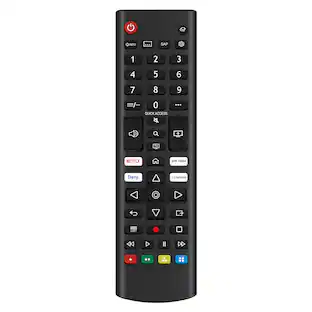
Losing or damaging the remote control to your TV is never ideal. Regain effortless control of your TV with the Insignia Fire TV Replacement Remote for Insignia-Toshiba-Pioneer. Maintain full voice control and all the benefits of your Fire TV by quickly and easily pairing this replacement remote. Compatible with existing Insignia, Toshiba Fire TV, and Pioneer Fire TV Televisions, this remote grants a comfortable feel and grip with a lightweight design. Bluetooth and infrared technology enable effective voice control. Remote requires two AAA batteries, which are not included. Never go through the headache of losing or damaging your TV remote again, simply replace it. Compatible Product(s): Toshiba Fire TV Televisions: 32LF221U19 32LF221U21 TF-32A710U21 43LF421U21 43LF421U19 43LF621U19 43LF621U21 43LF711U20 TF-43A810U21 49LF421U19 50LF621U19 50LF621U21 50LF711U20 TF-50A810U19 55LF621U19 55LF621U19 55LF711U20 55LF711U20 65LF711U20 Insignia Fire TV Televisions: NS-58DF620NA20 NS-55DF710NA21 NS-55DF710NA19 NS-50DF710NA19 NS-50DF711SE21 NS-50DF710NA21 NS-43DF710NA21 NS-43DF710NA19 NS-39DF510NA19 NS-39DF310NA21 NS-32DF310NA19 NS-24DF310NA19 NS-24DF311SE21 NS-24DF310NA21
| Pros for Amazon - Alexa Voice Remote Pro for Fire TV (does not include FireTV stick) with remote finder, TV controls, and backlit buttons - Black | |||
|---|---|---|---|
| Ease of use, Overall Performance, Connectivity, Backlit Buttons, Remote Finder | Overall Performance, Ease of Use, Design | Ease of use, Overall Performance, Compatibility, Price, Setup | Ease of use, Overall Performance, Compatibility, Connectivity, Remote |
| Cons for Amazon - Alexa Voice Remote Pro for Fire TV (does not include FireTV stick) with remote finder, TV controls, and backlit buttons - Black | |||
| Battery Life, Price, Compatibility | Connectivity | Button Layout, Battery Life, Voice Control, Instructions | Battery Life, Button Layout |
Specs
Customers often buy these together
 $14.49The price was $18.99
More to consider
 $279.99The price was $380.00