Customer Ratings & Reviews
- Model:
- B09RX4HKTD
- SKU:
- 6522378
Rating by feature
- Value
Rating 4.7 out of 5 stars
- Quality
Rating 4.8 out of 5 stars
- Ease of Use
Rating 4.8 out of 5 stars
Customers are saying
Customers appreciate the Alexa Voice Remote Pro for its helpful features such as the remote finder and backlit buttons. Users find it easy to use, with quick setup and reliable connectivity, and praise its overall performance as an upgrade. While the voice control is a liked feature, some customers have expressed concerns about the battery life and price point.
This summary was generated by AI based on customer reviews.
Decent of a product
||Posted . Owned for 1 year when reviewed.This reviewer received promo considerations or sweepstakes entry for writing a review.it does the job, definitely slow compared to the older model 4k firestick I use for my room and the voice remote pro in my guest room. buying for the more expensive one in my opinion is A. gonna be better & B. will be more reliable
I would recommend this to a friendTraTay
||Posted . Owned for 1 month when reviewed.This reviewer received promo considerations or sweepstakes entry for writing a review.works very well i like the voice activation very affordable
I would recommend this to a friend- Pros mentioned:Backlit buttons
Fire TV remote 2022
||Posted . Owned for less than 1 week when reviewed.This reviewer received promo considerations or sweepstakes entry for writing a review.This is the best Fire TV remote ever!! The backlighting along with 2 programmable buttons make this remote so usable!!
I would recommend this to a friend Needs to be redesigned.
||Posted . Owned for 2 months when reviewed.This reviewer received promo considerations or sweepstakes entry for writing a review.Voice activation button sticks often and does not hear commands at times. Very small remote.
No, I would not recommend this to a friendBrand response from Amazon Devices Customer Support
Posted .Hello RobertM! Thank you so much for taking the time to provide feedback on your experience as we are always trying to improve upon our customers' experiences through feedback like this. The voice activation button should not be sticking and may be an issue with the one you have. I would recommend contacting Amazon Customer Support at 888.280.4331 to troubleshoot and explore options. We are also always working to push software updates to address any potential bugs you may be experiencing. These updates will come through automatically after setup and many times that your Fire TV device receives an update. You will see onscreen instructions mentioning to not move your remote while it updates if this happens. Thanks again so much for your feedback and I do hope you have a super day!

- Cons mentioned:Battery life
Fire tv remote pro
||Posted . Owned for 3 months when reviewed.This reviewer received promo considerations or sweepstakes entry for writing a review.It’s a okay remote but it’s not awesome . Batteries go die in 2 month.
No, I would not recommend this to a friendBrand response from Amazon Devices Customer Support
Posted .Hello Joseph! I am sorry to hear about the issues you are having with the batteries in your Fire TV Remote Pro. The battery drain issue usually comes up if there is a software update pending. Please check for updates and install if any are pending. After the update, change the batteries and then observe if it resolves the issue. Steps to check the update for the Fire TV: 1. Select "Settings" from the Fire TV menu. 2. Open "My Fire TV," and then select "About." 3. Select "Check for Updates." If an update is available, it downloads automatically. 4. After the download is complete, select "Install System Update." Steps to check the update for remote: 1. Select "Settings" from the Fire TV menu. 2. Select "Controllers & Bluetooth Devices," and then "Amazon Fire TV Remotes." 3. Select your remote. If an update is available, press the "Select" button on your remote when prompted. 4. Select "Continue" to install the software update. I hope these steps work for you but if they don't, please contact Amazon customer service at 1-888-280-4331. Thanks and have a great day!
- Pros mentioned:Backlit buttons
Just wht I needed.
||Posted . Owned for 1 month when reviewed.This reviewer received promo considerations or sweepstakes entry for writing a review.Sturdy and well built. Love that it lights up when you use it in the dark.
I would recommend this to a friend The remote
||Posted . Owned for less than 1 week when reviewed.This reviewer received promo considerations or sweepstakes entry for writing a review.The remote is very hard to pair with the echo. I keep trying, and it still will not pair. You can use your finger for the remote that’s built-in, but it only limits you to do certain things.
No, I would not recommend this to a friendSoso
||Posted . Owned for 2 weeks when reviewed.This reviewer received promo considerations or sweepstakes entry for writing a review.Not enough features to make it worth it. Lower the price by 50%
No, I would not recommend this to a friendBrand response from Amazon Devices Customer Support
Posted .Hi Sieggry,
The Fire TV Remote Pro is not the same device as one of our Fire TV Sticks you may be thinking of. Fire TV Sticks give you access to download many apps and content of your choosing. Fire TV Sticks also have shortcut buttons for your favorite streaming!
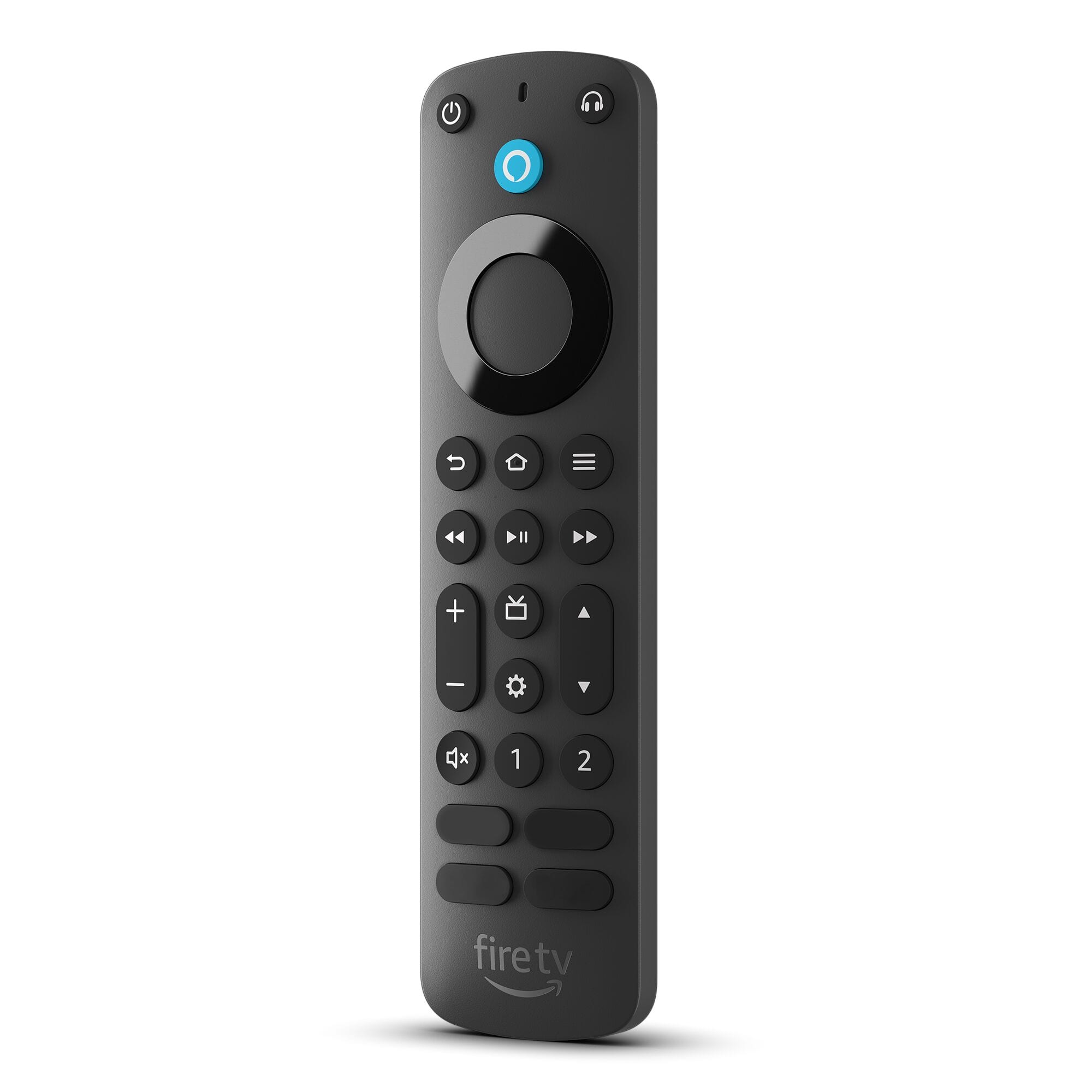
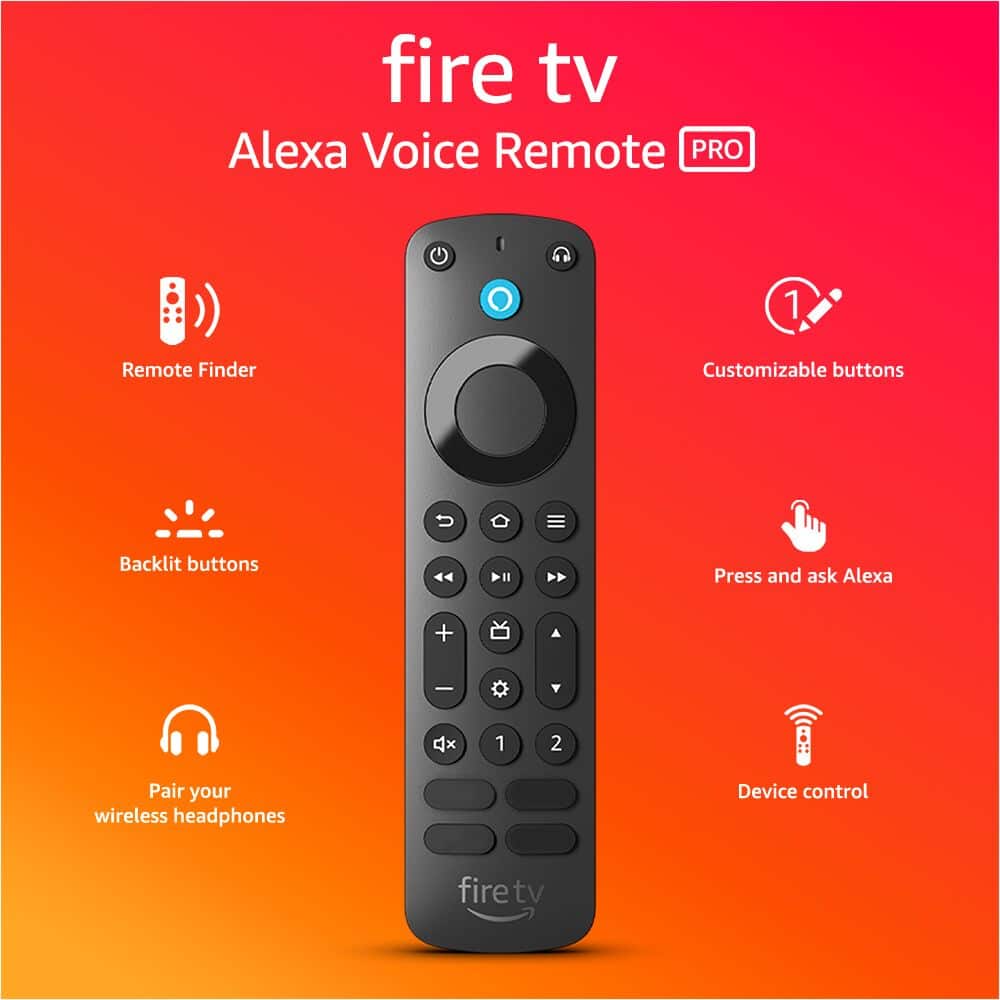
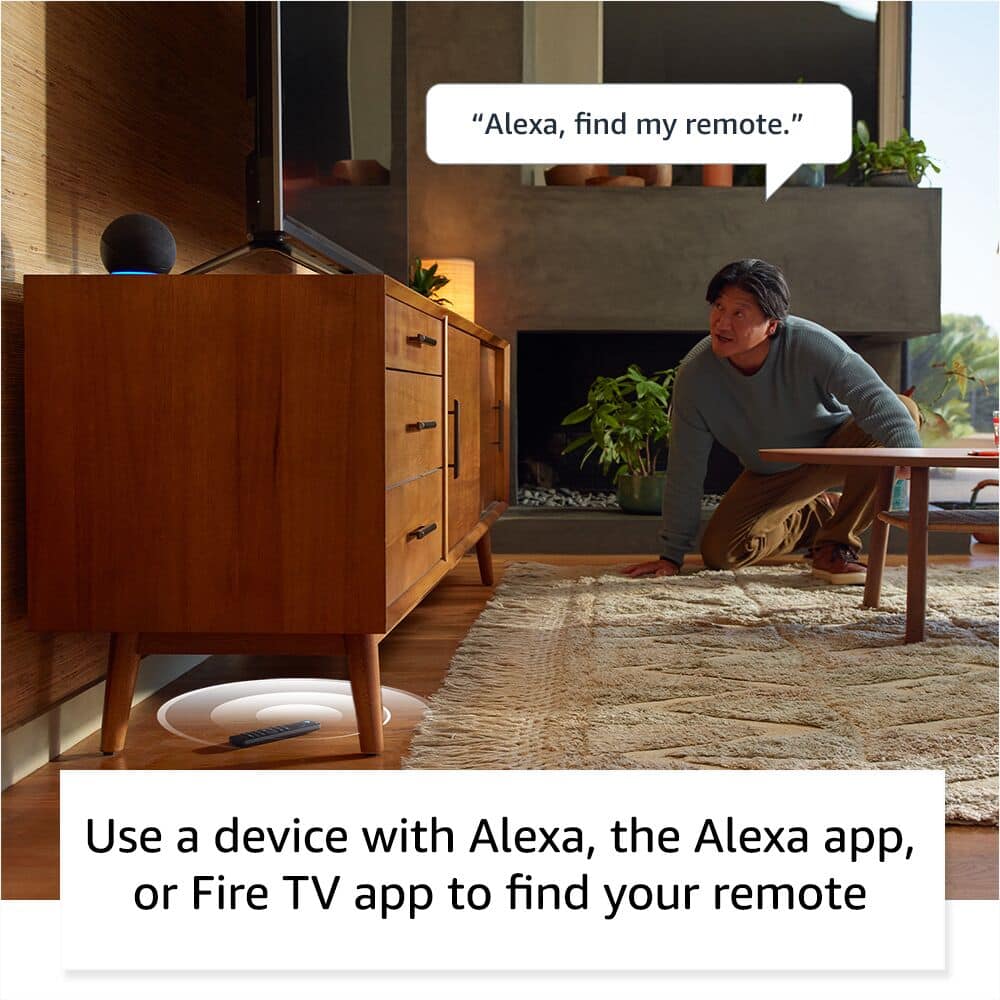
The Fire TV Remote Pro you mention does have the following features: -“Alexa, find my remote.” Use a device with Alexa, the Alexa app or Fire TV app and Alexa Voice Remote Pro will emit a ring. No searching cushions.
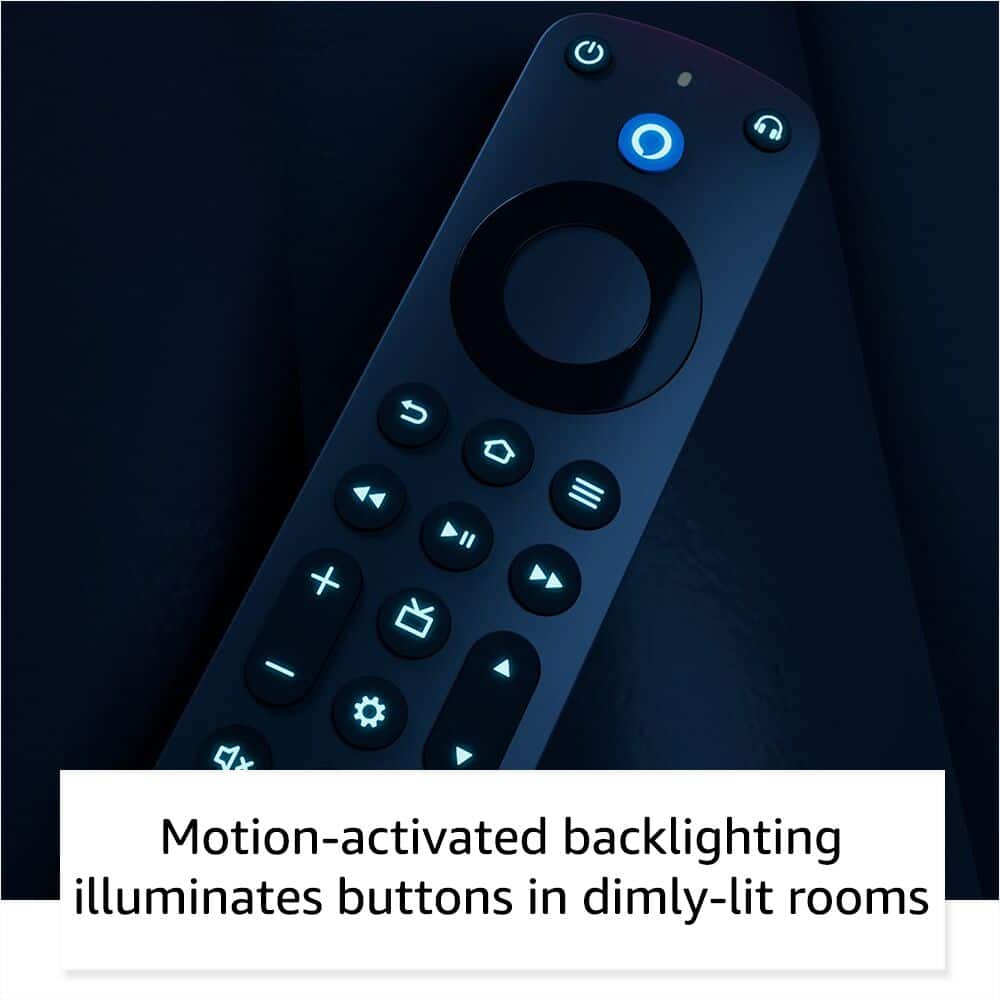
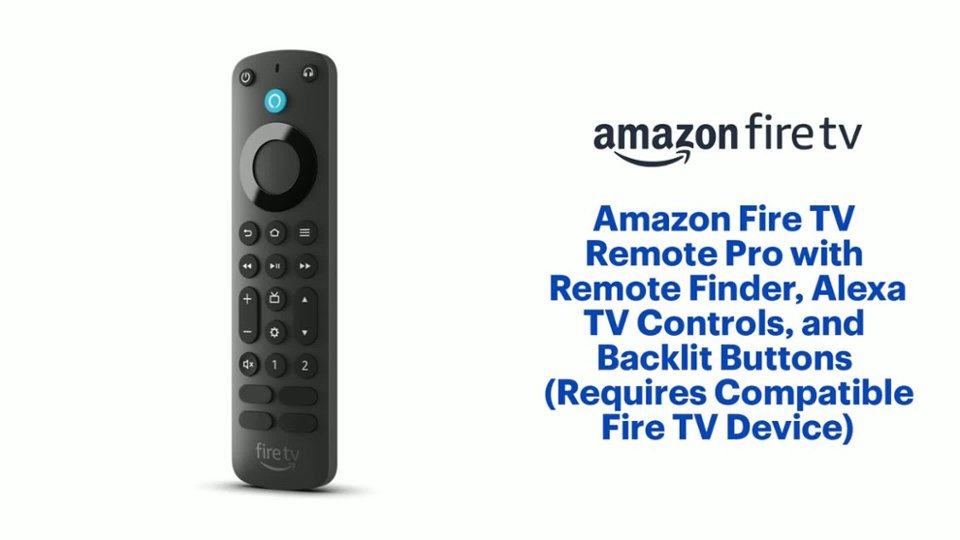
-Backlit for your convenience, so you can navigate movie night with a motion-activated backlight that illuminates buttons in dimly-lit rooms.
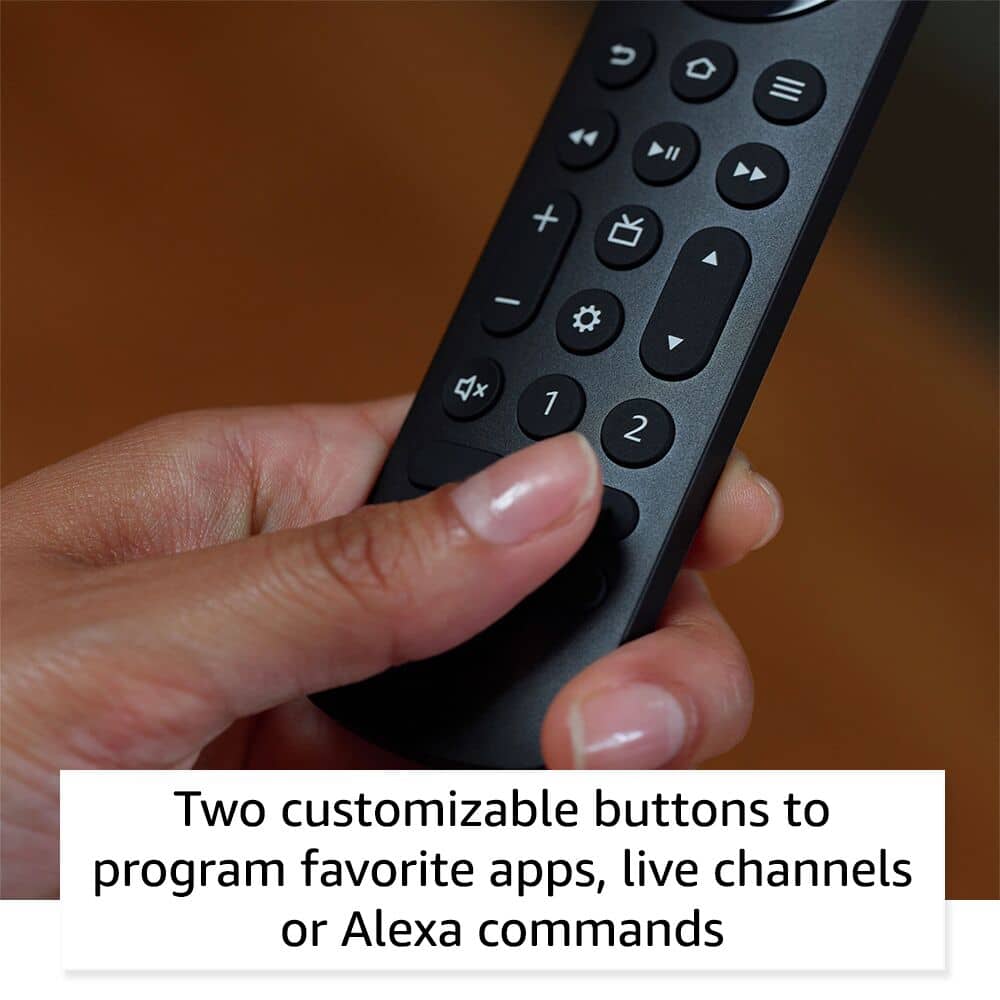
-Two customizable buttons to create your own shortcuts to favorite channels, apps, or any Alexa commands.
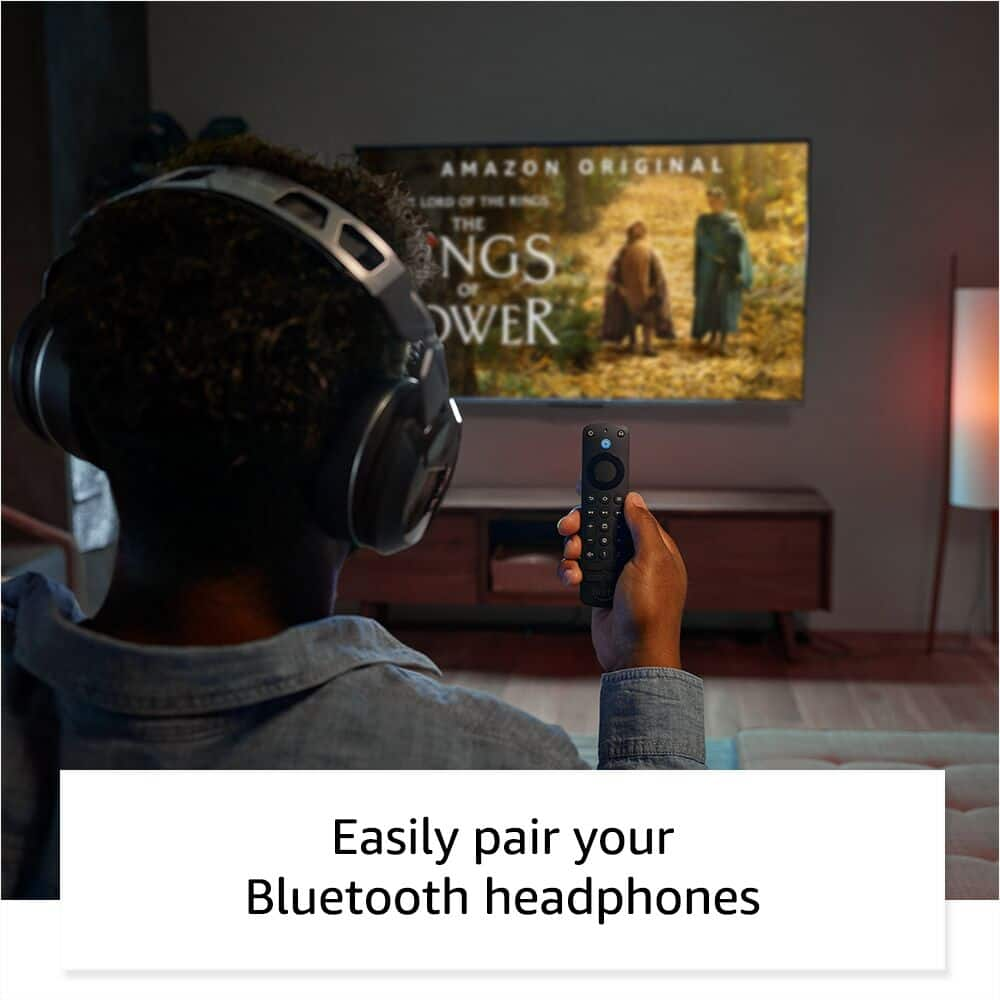
-Dedicated headphone button, and a new shortcut to the on-screen Bluetooth menu that lets you pair your wireless headphones fast.
-Integrated TV controls. This means you can control power, volume, plus surf live TV with dedicated channel buttons all from one remote.
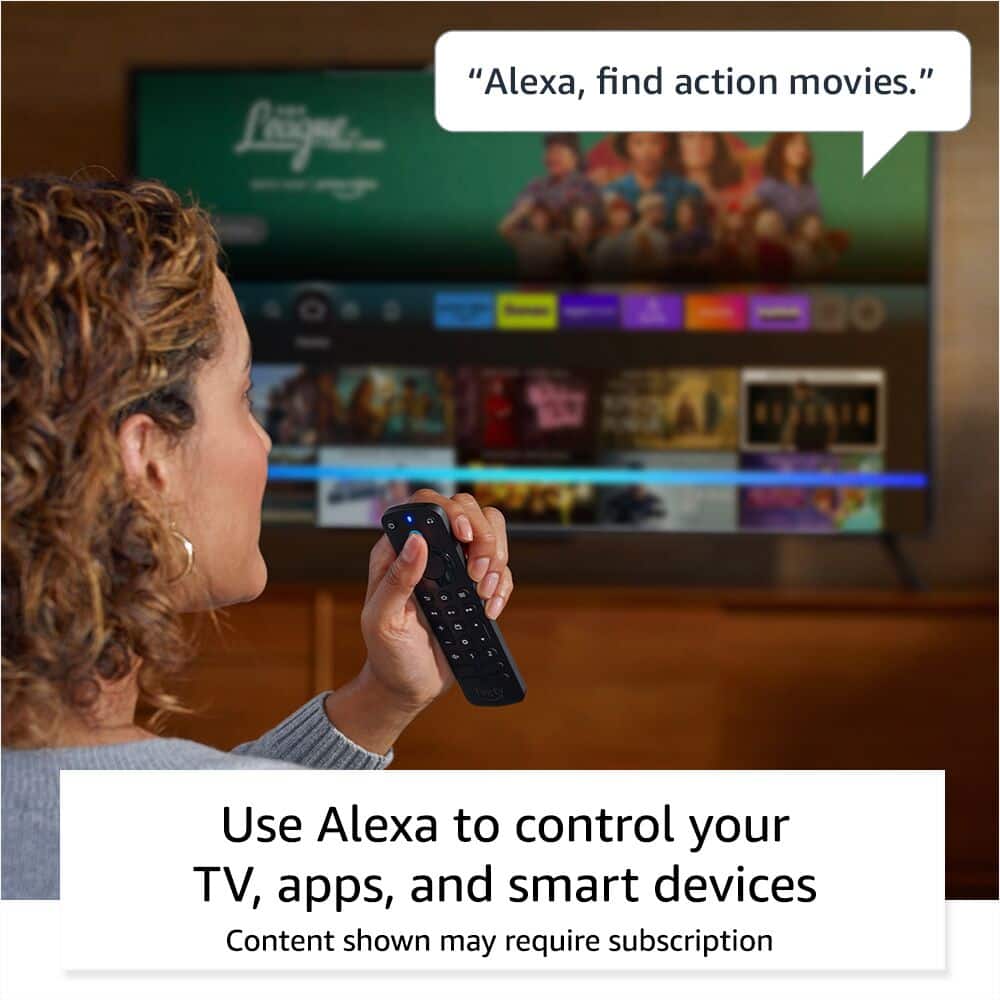
-Press and ask Alexa (the blue logo button on the top). Use your voice to find your shows, open apps, manage volume, and even control compatible smart home devices.
-Compatible with most Fire TV streaming media players, Amazon Fire TV smart TVs, and smart TVs with Fire TV built-in. Not compatible with Fire TV (1st and 2nd Gen), Fire TV Stick (1st Gen), Element Fire TV Edition, Insignia HD/Insignia FHD, Hisense U6HF 4K ULED Fire TV Series, or Echo show 15.
If you have further questions or concerns, don't hesitate to call us. You can call Amazon customer service, available 24/7 for assistance on the device. You can reach us at 1-888-280-4331!
Hope that helps!
Eh
||Posted .This reviewer received promo considerations or sweepstakes entry for writing a review.Keeps loosing connection............................
I would recommend this to a friendBrand response from Amazon Devices Customer Support
Posted .Hello Soundbar! I am so sorry you are having trouble keeping your remote connected. Depending on what type of device you are trying to keep this connected to, there could be a few different troubleshooting methods. The main 2 bits of advice I would give are to make sure that your Fire TV device is fully up to date which would then also trigger any remote updates you may have needed for your remote. Once you have done so, if the issue persists, you could contact Amazon Customer Support at 888.280.4331 to troubleshoot further. To check your software updates, go to Settings>Device and Software or My Fire TV>About>Check for Updates. This will then download and install any outstanding updates needed and if your remote has an update needed as well, it will then ask you to keep your remote still while it updates it as well. Hopefully this helps improve upon your experience and I thank you for taking the time to provide your feedback on your remote. Have a great day!
Not a good replacement
||Posted . Owned for 1 month when reviewed.This reviewer received promo considerations or sweepstakes entry for writing a review.Lost my original Fire stick and had to get one. For some reason, this one just does not seem to work as the old one. Not sure what it is and can't return anymore because it has passed the return date
No, I would not recommend this to a friendBrand response from Amazon Devices Customer Support
Posted .Hi shopmom, Thank you for your feedback on the Fire TV Remote Pro. I am sorry to hear you are having trouble. Here are some tips that might help.
Basic fixes first:
Remove and reinsert the batteries
Use fresh batteries
Make sure nothing is blocking the signal between remote and TV
Re-pair the remote:
Unplug your Fire TV device for 1 minute
Plug it back in
Once the home screen appears, press and hold the Home button for 10 seconds
Wait for the remote to reconnect
Force restart the remote:
Press and hold the Home + Menu + Back buttons together for about 12 seconds
Wait 5 seconds, then remove the batteries
Wait 30 seconds, reinsert batteries
Wait another 60 seconds for reconnection
Check for updates:
Go to Settings > My Fire TV > About
Select "Check for Updates"
If none of these work, you might need to:
Reset the remote completely by pressing the Left + Menu + Back buttons for 12 seconds
I hope this info helps. We always appreciate the feedback. Have a great day.
Need replacement
||Posted .This reviewer received promo considerations or sweepstakes entry for writing a review.It broke a few.weeks ago. Fell off coffee table onto carpet and cracked body and circle you press. Cant ise it and cant afford another.one.
No, I would not recommend this to a friendBrand response from Amazon Devices Customer Support
Posted .Hi User864943,
The Fire TV Remote Pro is made from 17% post consumer recycled plastic and is durable. It should not crack with one drop onto carpet. This device does have a 90 limited warranty. Please call us for further assistance. Amazon customer service is available 24/7 for assistance on the device. You can reach us at 1-888-280-4331.
Hope that helps!
Not worthy
||Posted . Owned for 1 month when reviewed.This reviewer received promo considerations or sweepstakes entry for writing a review.Substandard product it is just like 3rd party cheap remote control lee
No, I would not recommend this to a friendRemote only no stick
||Posted . Owned for less than 1 week when reviewed.This reviewer received promo considerations or sweepstakes entry for writing a review.Has just what I wanted but no stick, so I had to return.
No, I would not recommend this to a friendAmazon remote
||Posted . Owned for 1 month when reviewed.This reviewer received promo considerations or sweepstakes entry for writing a review.This product is not compatible with older products.
No, I would not recommend this to a friendVery disappointed.
||Posted . Owned for 2 months when reviewed.This reviewer received promo considerations or sweepstakes entry for writing a review.I would give this remote less stars if possible. I love Amazon products however this one fought me everyday till I found out it was the reason my tv was acting up. I attached it to my fire cube third gen when I hit the power button to turn off the tv it would always turn it right back on. Fought this since the day I bought it. Changed every setting and tried multiple of things and nothing worked. Went back to the original remote and boom it worked the right way every time. Bought the pro due to the upgrades and turned out to be a dud. Sorry Amazon.
No, I would not recommend this to a friendWon’t Work With Built In Amazon App on TV
||Posted . Owned for 1 month when reviewed.This reviewer received promo considerations or sweepstakes entry for writing a review.I am unable to use this remote because it will not pair with my Samsung 4K TV which has a built in Amazon Prime Video App, or any of my older Fire Sticks. So cannot recommend.
No, I would not recommend this to a friendBrand response from Amazon Devices Customer Support
Posted .Hello FresnoUser! Thank you so much for your feedback and time in sharing your review. This device is primarily meant for use only with the Fire Sticks/devices/TVs listed here: (Fire TV Cube (3rd Generation) Fire TV Cube (2nd Generation) Fire TV Cube (1st Generation) Fire TV Stick 4K Max (2nd Generation) Fire TV Stick 4K Max (1st Generation) Fire TV Stick 4K (2nd Generation) Fire TV Stick 4K (1st Generation) Fire TV Stick (3rd Generation) Fire TV Stick (2nd Generation) Fire TV Stick Lite Fire TV Stick HD Fire TV (3rd Generation, Pendant Design)), Echo Show 15 and 21, and most smart TVs that have Fire OS built in. This does not include TVs such as Samsung smart TVs that use their own operating system. We are constantly adding more compatibility through software updates to improve upon this list but are terribly sorry for any confusion on what this remote is compatible with. Thank you again for your time and I do hope you have an amazing day!
Dwborah
||Posted .This reviewer received promo considerations or sweepstakes entry for writing a review.This item was not the right item for my television, I had to return it for a refund, sorry.
I would recommend this to a friendBrand response from Amazon Devices Customer Support
Posted .Good Morning DeborahJ-
I am sorry to hear that the Fire TV Remote Pro was not compatible with your TV. While it is compatiple with:
Fire TV Stick (2nd gen and later),
Fire TV Stick 4K
Fire TV Stick 4K Max
Fire TV Stick Lite
Fire TV Cube (all generations)
Fire TV Omni Series
Fire TV 4-Series
Fire TV Smart TVs from various manufacturers
but It is not compatible with every TV model. Thanks for the feedback and giving it a try! Have a great day.
It sucks
||Posted . Owned for 1 month when reviewed.This reviewer received promo considerations or sweepstakes entry for writing a review.I would give it zero stars if that was an option. Remote only worked for 1 week.
No, I would not recommend this to a friendBrand response from Amazon Devices Customer Support
Posted .Hello JamieM,
I am sorry to hear your Fire TV Remote pro did not work after a week. Here are a few things to try: Reset the remote by pressing and holding the Left, Menu, and Back buttons simultaneously for 12 seconds. You may also need to unplug your Fire TV device and then plug it back in after waiting 60 seconds. If that doesn't work, try replacing the batteries and pairing the remote again by holding the Home button for 10 seconds. If these steps do not help and you are still experiencing issues, you can reach out to Amazon Customer Support 24/7 at 1-888-280-4331.
Typical Amazon junk
||Posted . Owned for 2 weeks when reviewed.This reviewer received promo considerations or sweepstakes entry for writing a review.The main reason I bought it was to use the find my remote feature which doesn't work with any of my echo devices. The only way I can make the sound go off is to go through the hassle of pairing my phone to the tv Everytime and manually activate it.
No, I would not recommend this to a friendBrand response from Amazon Devices Customer Support
Posted .Hello JeffreyT. Thank you for taking the time to share your experience with your device. I personally have this device and have had it since it launched and the Find my Remote feature has worked every time for me without needing to go through that hassle. I am so sorry for the trouble yours is giving you but I can attest that it should be giving you a much better experience than this. A couple of tips about this feature is that it does need to be paired with a compatible Fire TV device like certain Fire TV models and Fire TV Sticks/Cubes. If you are trying to use it with any other model it will not be fully functional with it. Next, you may need to follow the setup instructions in the Equipment and Devices area of your Settings on your TV to make sure that it is connected to it correctly. Lastly, your Fire TV/Stick/Cube and your Echo must all be logged in and used on the same Amazon account. You can make sure by going to the Alexa app on your smartphone and make sure that all of your devices are listed under the Devices tab. If none of this helps, I would recommend contacting Amazon Customer Support at 888.280.4331 to troubleshoot further. I hope this helps get you the experience you should be having with this device and that you have an awesome day!
Doesn't pair with all Amazon streaming devices
||Posted . Owned for 3 weeks when reviewed.This reviewer received promo considerations or sweepstakes entry for writing a review.This didn't work with my Fire Cube. It wouldn't pair at all. I hate to give it 1 star, but considering that was its purpose and it failed entirely...
No, I would not recommend this to a friend