Customer Ratings & Reviews


- Model:
- B09B8V1LZ3
- SKU:
- 6522258
Rating by feature
- Value
Rating 4.8 out of 5 stars
- Quality
Rating 4.8 out of 5 stars
- Ease of Use
Rating 4.8 out of 5 stars
to a friend
Customers are saying
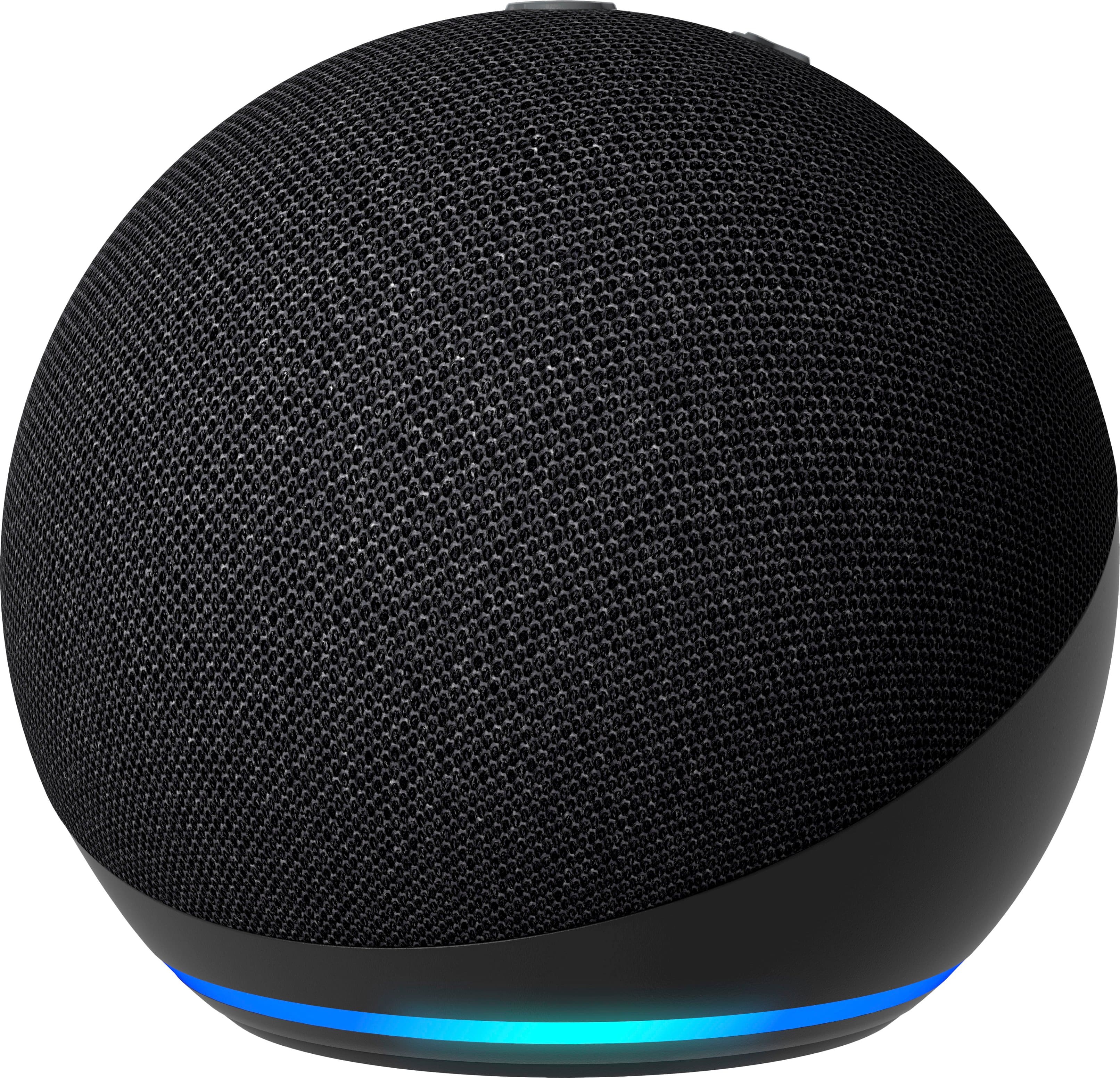
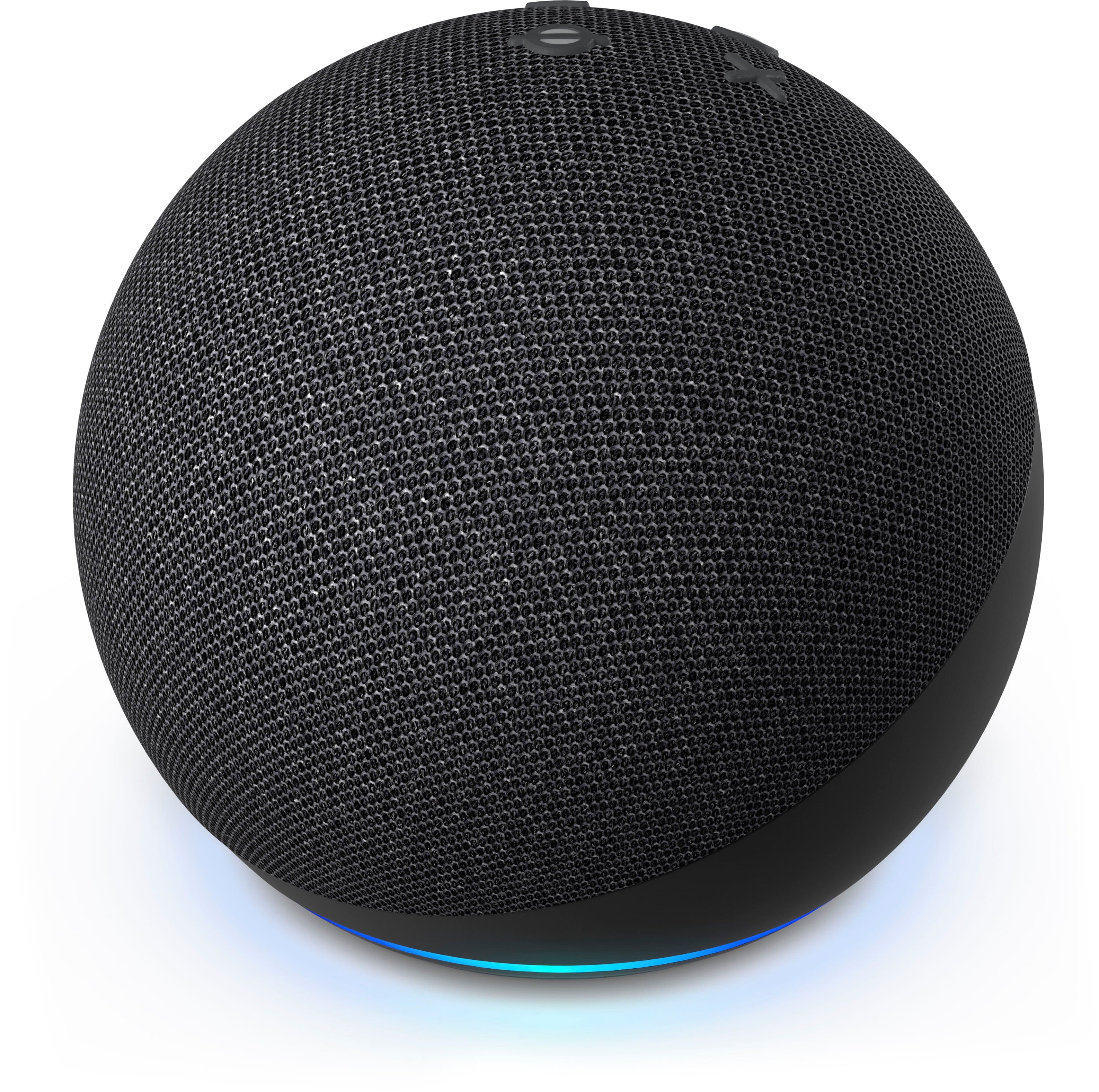
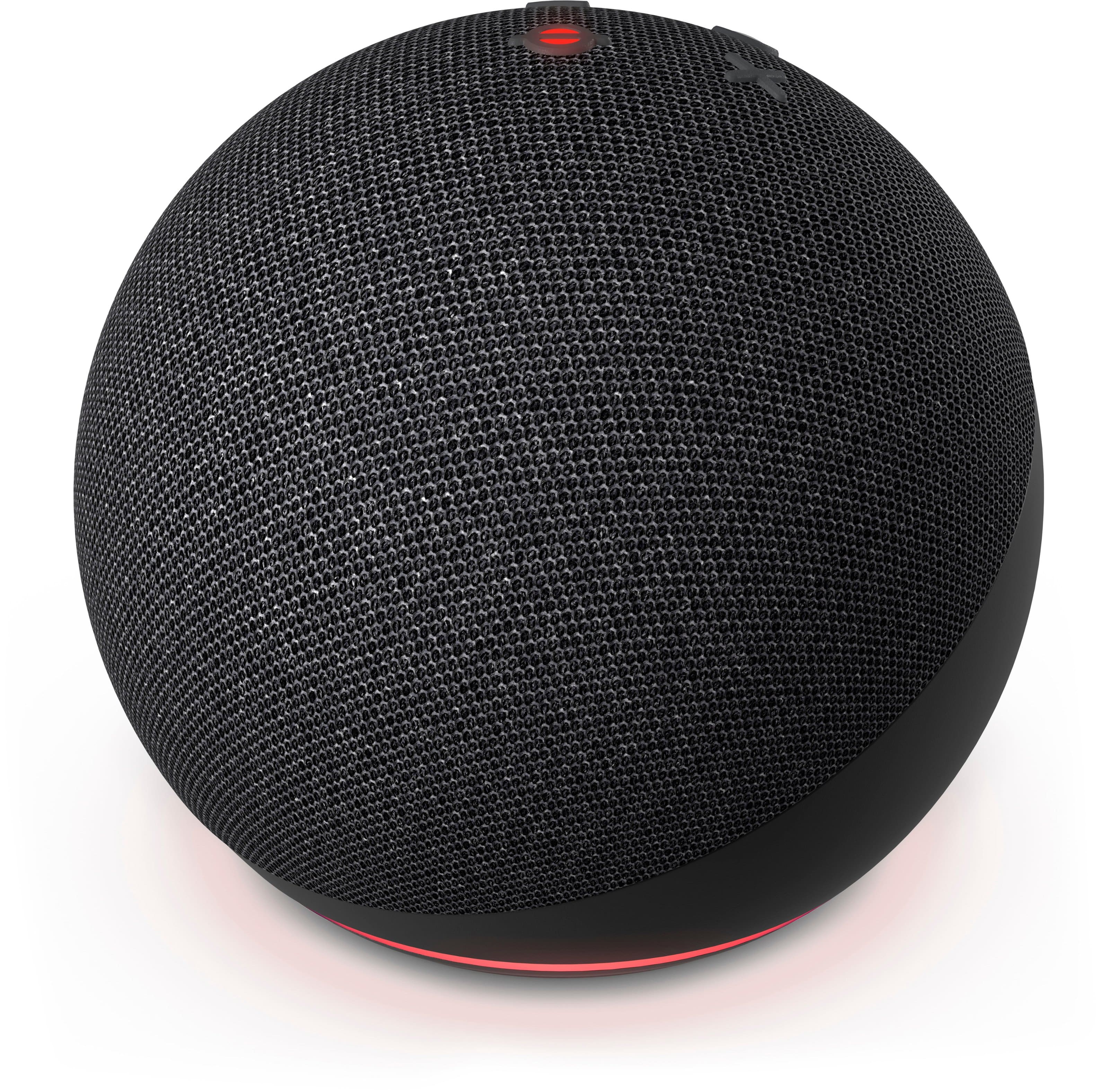
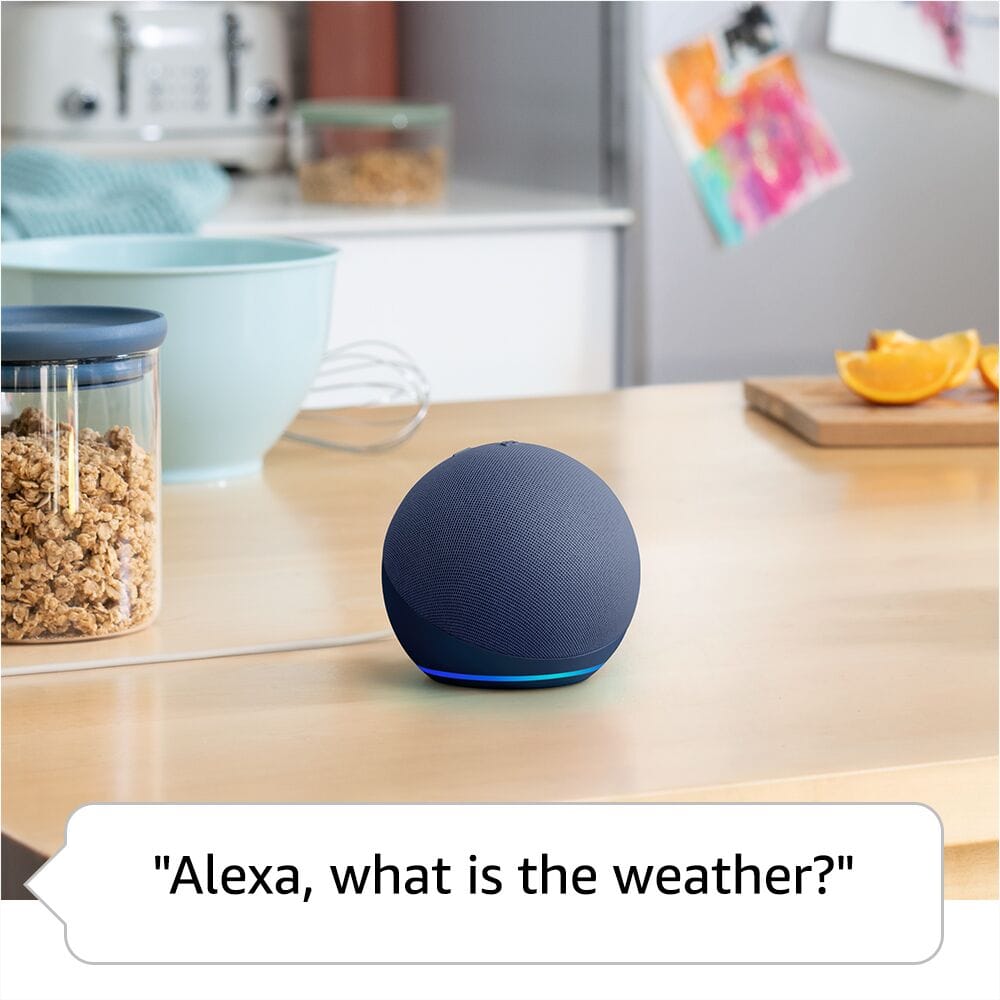
Customers admire the Echo Dot (5th Gen, 2022 Release) Smart Speaker with Alexa for its impressive sound quality, ease of use, and compact size. Many also appreciate its design, price, connectivity, and straightforward setup. However, some customers have expressed concerns about the volume, privacy, and lack of a display.
This summary was generated by AI based on customer reviews.
Dont waste your time on the Amazon Dot.
||Posted . Owned for 1 month when reviewed.This reviewer received promo considerations or sweepstakes entry for writing a review.Very difficult to set and seems imanle to comnected to Xfinity WiFi service, which makes this purchase problematic
No, I would not recommend this to a friendBrand response from Amazon Devices Customer Support
Posted .Hello! Thank you for your feedback on the Echo Dot. I'm sorry to hear about the setup difficulties and connectivity issues with your Xfinity WiFi service. To resolve the WiFi connection problems, ensure your Echo Dot is within 30 feet of your router and download the latest Alexa app. Plug in your device, wait for the orange light ring, then open the Alexa app, tap More, select Add Device, choose Amazon Echo, and follow the setup instructions. When connecting to Xfinity WiFi, use the 2.4GHz network if available, as Echo Dot works best with this band. If the network isn't detected, restart your router by unplugging it for 30 seconds, move your Echo Dot closer during setup, and check that Xfinity security settings aren't blocking the connection. If issues persist, reset your Echo Dot by holding the Action button for 25 seconds until the light turns orange, then try setup again. If these steps don't resolve the connectivity issues, Amazon Customer Support is available 24/7 at 1-888-280-4331 for advanced troubleshooting specific to your network configuration. I hope this helps get your Echo Dot connected successfully!

Amazon echo dot
||Posted . Owned for 3 weeks when reviewed.This reviewer received promo considerations or sweepstakes entry for writing a review.My alarm didn't work because the time keep on changing.
No, I would not recommend this to a friendMr. B
||Posted . Owned for 1 month when reviewed.This reviewer received promo considerations or sweepstakes entry for writing a review.its ok. I dont know if this is the best presentation of the Alexa products
No, I would not recommend this to a friendBrothers new toy
||Posted . Owned for 1 month when reviewed.This reviewer received promo considerations or sweepstakes entry for writing a review.Great my brother loves his echo. Great gift idea for anyone. My brother is blind abd and i want him to be more technical.
I would recommend this to a friendWorks
||Posted . Owned for 1 month when reviewed.This reviewer received promo considerations or sweepstakes entry for writing a review.Found divice woks but being on so many devices can compete with wifi on the modem
No, I would not recommend this to a friendTell me the weather
||Posted . Owned for 1 month when reviewed.This reviewer received promo considerations or sweepstakes entry for writing a review.I don’t know how to use it all the way, and does it sleet
I would recommend this to a friendAmazon echo dot
||Posted . Owned for 5 months when reviewed.This reviewer received promo considerations or sweepstakes entry for writing a review.most apps won't work due to regional restrictions.
No, I would not recommend this to a friendReturn already
||Posted .This reviewer received promo considerations or sweepstakes entry for writing a review.it is cool but keeping saying your Wi-Fi is not set and can’t set with my new idea pad
I would recommend this to a friendnice
||Posted . Owned for 5 months when reviewed.This reviewer received promo considerations or sweepstakes entry for writing a review.Purchased as a gift and turned out to be a hit with the family
I would recommend this to a friendGood
||Posted . Owned for less than 1 week when reviewed.This reviewer received promo considerations or sweepstakes entry for writing a review.It is okay. There is room for improvement. To make it less uncomfortable
No, I would not recommend this to a friendI like it
||Posted . Owned for 3 weeks when reviewed.This reviewer received promo considerations or sweepstakes entry for writing a review.Bummed to find out it only works while plugged in.
No, I would not recommend this to a friendMediocre is being nice to the speaker
||Posted . Owned for 1 month when reviewed.This reviewer received promo considerations or sweepstakes entry for writing a review.Alexa is not intelligent, ty he speaker is not intelligent. They try and fail.
No, I would not recommend this to a friendBrand response from Amazon Devices Customer Support
Posted .Hi FBestBuy,
We are sorry you are not enjoying the Echo Dot 5th Gen. This device is our best sounding Echo Dot yet. You can enjoy an improved audio experience compared to any previous Echo Dot with Alexa for clearer vocals, deeper bass, and vibrant sound in any room. Alexa is always happy to help- if you have questions about ways she can help and optimize your routines please call us! Amazon customer service is available 24/7 for assistance on the device. You can reach us at 1-888-280-4331!
Hope that helps!
Hope that helps!
Trash
||Posted . Owned for 3 weeks when reviewed.This reviewer received promo considerations or sweepstakes entry for writing a review.I bought this to basically be a speaker for me to play music in the house. Whenever I connect it to something it YELLS what it’s connecting to and there’s no way to stop it. Like if I wanna connect it to my phone late at night it’ll be like “CONNECTING TO IPHONE!” extremely loud and you can’t turn it off. Lot’s actually insane and I’ve been reading on online and apparently it’s been a problem for years and Amazon doesn’t care to fix. MI tossed the box but I’m gonna try to return it and if I can’t then I’ll sell it Smh.
No, I would not recommend this to a friendBrand response from Amazon Devices Customer Support
Posted .Hello SteveB,
I'm sorry to hear of the difficulty you have experienced with your Echo Dot. If you go to your Alexa app/Settings/and Select the device--you can set the Echo Dot to NOT respond with a follow up. It is listed in settings as 'Follow up mode'. If you toggle this setting to 'off' Alexa will no longer repeat back to you what you are trying to accomplish, she will just do it! You can also link your account with a supported music streaming provider in the Alexa app. Some music services may be subject to additional terms applicable to the respective service. To link your Apple Music subscription to Alexa, you must use Apple's two-factor authentication process. Here are steps to link other music streaming services to your Alexa account:
1. Open the Alexa app.
2. Open More and select Settings.
3. Select Music & Podcasts, and then Link New Service.
4. Select the music service provider and follow the on-screen instructions.
Linked music services are listed under Manage Services. I hope this information has been helpful, if you need further support you can reach Amazon Customer Service 24/7. The number you can dial is, 1-888-280-4331. Have a good day!
Echo Dot
||Posted .This reviewer received promo considerations or sweepstakes entry for writing a review.You have too reconnect all the time. It's a pain in the buttocks.
No, I would not recommend this to a friendBrand response from Amazon Devices Customer Support
Posted .Hi KatrinaP,
Thank you for choosing the Echo Dot (5th Gen, 2022 Release) and for sharing your feedback. We understand how frustrating it is to constantly reconnect your device—that definitely shouldn't be your everyday experience!
Frequent disconnection issues are often related to Wi-Fi connectivity or device settings. Here are some troubleshooting steps that should help:
Move your Echo Dot closer to your router: Walls and distance can weaken the Wi-Fi signal
Restart your router and Echo Dot: Unplug both devices for 30 seconds, then plug your router back in first, wait for it to fully restart, then plug in your Echo Dot
Check for interference: Other electronics, microwaves, or baby monitors can interfere with Wi-Fi signals
Forget and reconnect to Wi-Fi: In the Alexa app, go to Devices > Echo & Alexa > Your Echo Dot > Wi-Fi Network, and set up the connection fresh
Update your device: Ensure your Echo Dot has the latest software by checking Settings in the Alexa app
Switch to the 2.4GHz band: If your router has both 2.4GHz and 5GHz bands, try connecting to 2.4GHz as it has better range (though slightly slower speeds)
If the problem persists after trying these steps, there may be a hardware issue with your specific device. We'd recommend reaching out to our support team at 1 888-280-4331 so they can investigate further and explore replacement options if needed.
We appreciate you bringing this to our attention, and we want to make sure your Echo Dot works reliably without the constant reconnection hassle!
Love it
||Posted . Owned for 1 week when reviewed.This reviewer received promo considerations or sweepstakes entry for writing a review.Very convenient, use it for work and to help me get ready in the morning... nice to have if you like checking sports scores, like me.
I would recommend this to a friendAlexa
||Posted . Owned for 3 weeks when reviewed.This reviewer received promo considerations or sweepstakes entry for writing a review.My first experience with this type product, and I am very pleased ❣️I plan on purchasing another when $permits. I am very pleased❣️
I would recommend this to a friendQuality
||Posted . Owned for 1 week when reviewed.This reviewer received promo considerations or sweepstakes entry for writing a review.2nd Alexa . I bought the 1st one from Amazone year 2020
I would recommend this to a friendAlexa echo dot
||Posted . Owned for 1 week when reviewed.This reviewer received promo considerations or sweepstakes entry for writing a review.My order was delayed and it been five days. I haven’t received my order and and I can’t even track that tracking number cause it doesn’t work
I would recommend this to a friendExcelent
||Posted . Owned for 3 weeks when reviewed.This reviewer received promo considerations or sweepstakes entry for writing a review.Excellent product For my space personal, More for assistant Alexa.
I would recommend this to a friendBrand response from Amazon Devices Customer Support
Posted .Hello RodrigoG,
Thank you for your excellent review of the Amazon Echo Dot (5th Gen, 2022 Release) in Charcoal! We're thrilled to hear that you're enjoying your Echo Dot.
We're so glad the Echo Dot is working perfectly in your personal space and that Alexa is serving as a great assistant for you. The 5th Generation Echo Dot was designed to provide helpful voice assistance while fitting seamlessly into any room, and it sounds like it's doing exactly that for you.
We appreciate you taking the time to share your positive experience. We hope your Echo Dot continues to be a valuable assistant in your daily routine!
It gets better every time!
||Posted . Owned for 3 weeks when reviewed.This reviewer received promo considerations or sweepstakes entry for writing a review.This device gets better and better. I like how there’s a thermostat built in and tells you the temperature in your room.
I would recommend this to a friend