Customer Ratings & Reviews
- Model:
- B09WNK39JN
- |
- SKU:
- 6544302
Customer reviews
Rating 4.7 out of 5 stars with 2080 reviews
(2,080 customer reviews)Rating by feature
- Value4.8
Rating 4.8 out of 5 stars
- Quality4.8
Rating 4.8 out of 5 stars
- Ease of Use4.8
Rating 4.8 out of 5 stars
Customers are saying
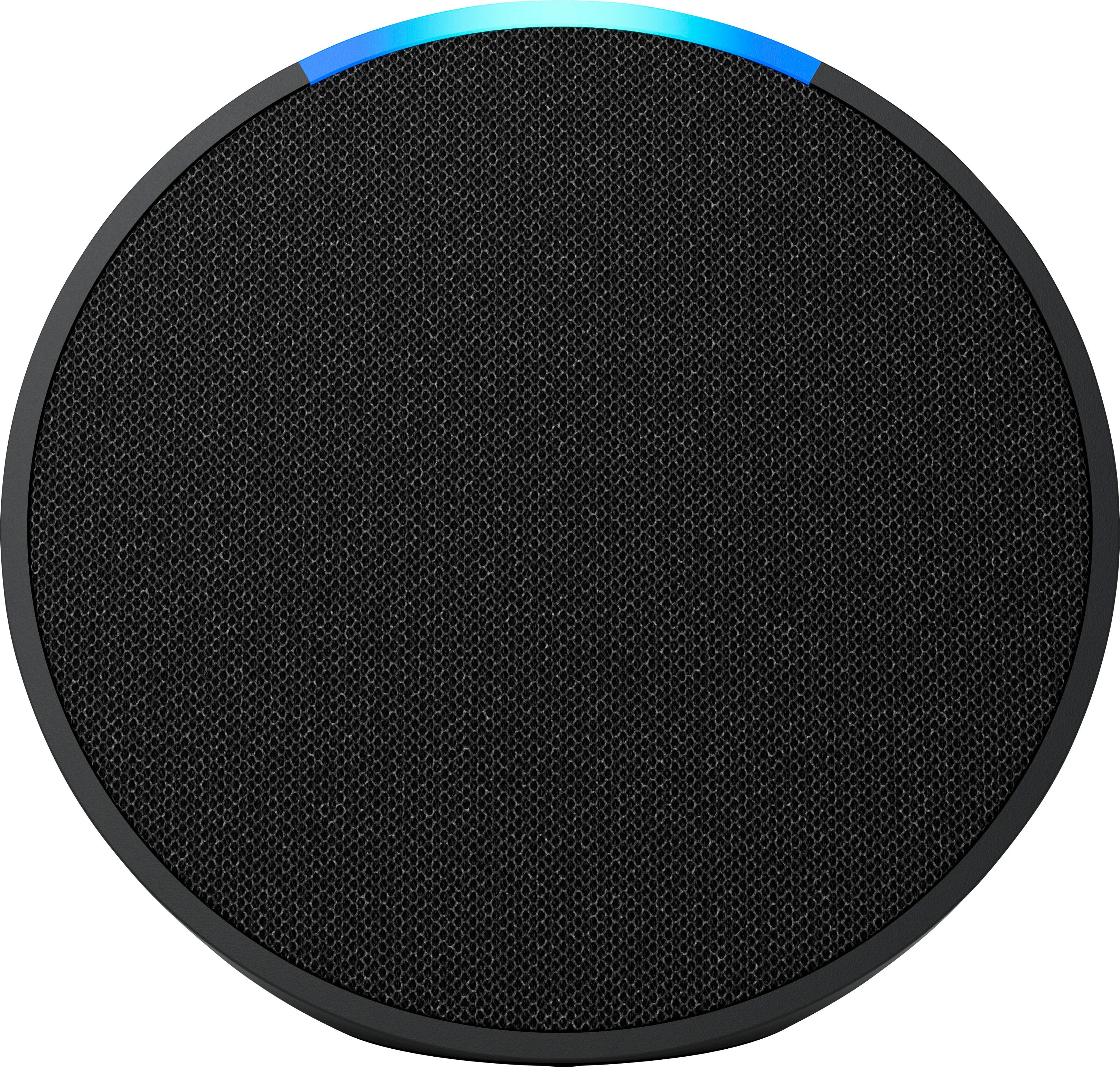
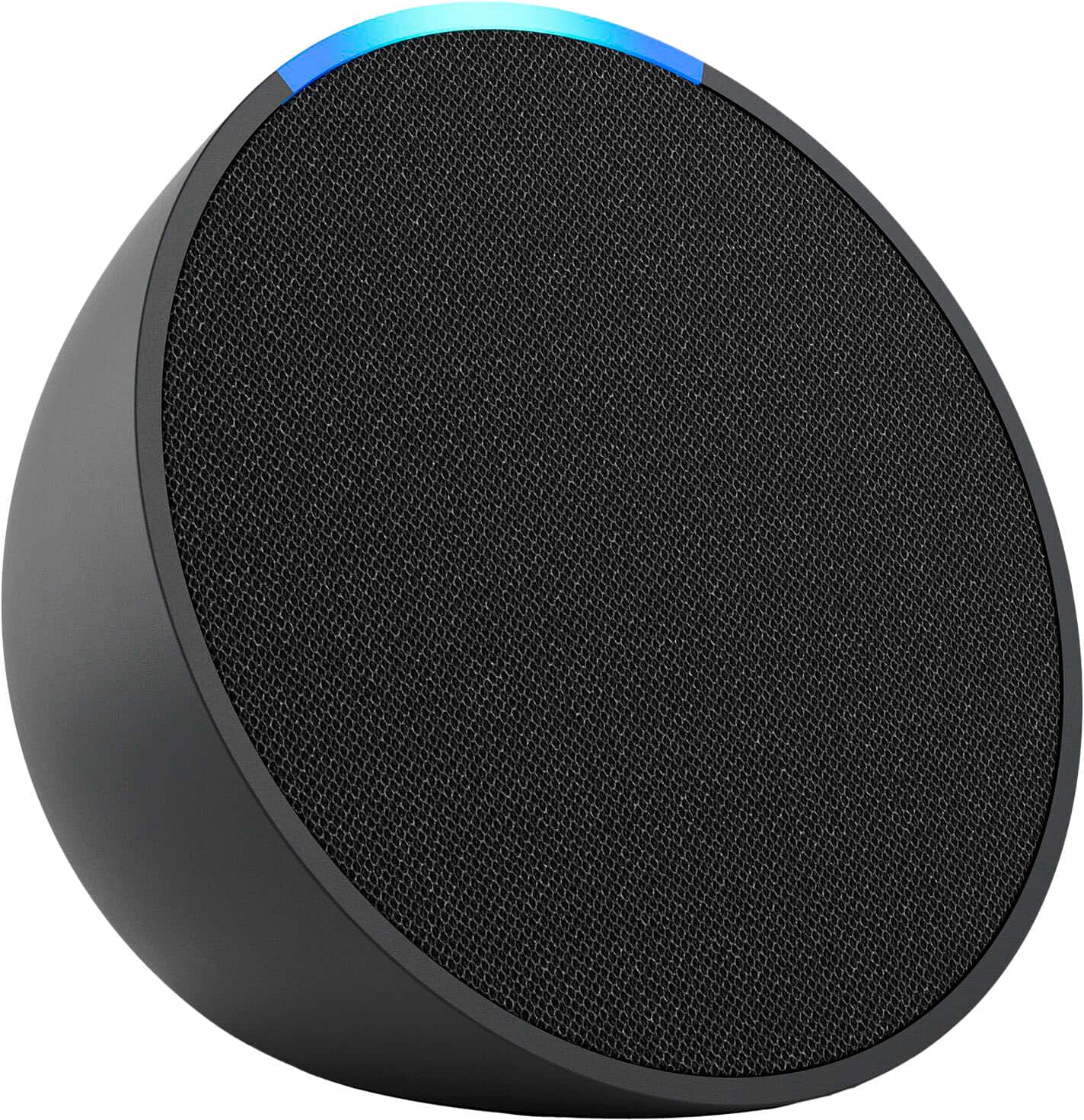
Customers consistently note the amazing sound quality and ease of use as major benefits of the Echo Pop. The size, design, and price are also appreciated by users. However, some customers have reported connectivity issues, and a few desire a rechargeable battery.
This summary was generated by AI based on customer reviews.
Rated 1 out of 5 stars
Echo Bust
||Posted . Owned for 11 months when reviewed.This reviewer received promo considerations or sweepstakes entry for writing a review.Never Used. Gave it Away after months of trying to sell it for a mere $10
No, I would not recommend this to a friend- Pros mentioned:Ease of use, Size
Rated 5 out of 5 stars
An inexpensive, compactful personal assistant.
|Posted .This reviewer received promo considerations or sweepstakes entry for writing a review.The Amazon Echo Pop is a really useful personal assistant that has been a rather significant desk upgrade at what would be a very minimal cost. For reference, I have added this Echo Pop to my office desk, with the intention to enhace my space and how I work. The Echo Pop is a very slim and nice looking speaker that takes up little to no space. Upon setting up the device with the Alexa app on the phone and tailoring it to my voice, I started realizing just how good this product might be for me. The Good: - The Alexa App. It is unbelievably intuitive and offers many different controls and ways for you to communicate with your smart home device. Including linking spotify which has made it quite a joy to listen to music or podcosts. - The speakers. For a $40MSRP device I was not sure what to expect. They are quite good for what they are. - Alexa....it is very nice to use Alexa to read my calendar, the news, etc. Alexa also learns and gets smarter over time which has been quite enjoyable. - Ordering products: This has been one of the best tools. Usually I order things for my office and being able to do it verbaly and continue on with work has increased work flow since I no longer have to waste time doing it on the website. - I can tailor what I want Alexa to listen to. Which gives me a peace of mind pertaining to privacy. - No screen means no distractions. Free listening and it disapears on my desk. Overall, I am very happy with the Echo Pop and it is a very good screen free alternative to others. I am planning on buying a few more and use them in other areas around my house and my office. I do recommend giving this product a go. You will not be dissapointed.
I would recommend this to a friend Rated 1 out of 5 stars
Mrs
||Posted . Owned for 3 weeks when reviewed.This reviewer received promo considerations or sweepstakes entry for writing a review.I was given this @ Best BUy Boulder, CO when I bought a tv. The instructions are terrible, I am over 50 and a widow and cannot get this thing to work.
No, I would not recommend this to a friendRated 1 out of 5 stars
Delivery sucks
||Posted . Owned for 11 months when reviewed.This reviewer received promo considerations or sweepstakes entry for writing a review.Never recieved item still waiting Best Buy delivery sucks
No, I would not recommend this to a friendRated 1 out of 5 stars
No thanks
||Posted . Owned for 3 weeks when reviewed.This reviewer received promo considerations or sweepstakes entry for writing a review.They mailed this to me for free when I bought a TV. I promptly threw it in the trash. There is no way I’m putting this in my house.
No, I would not recommend this to a friendBrand response from Amazon Devices Customer Support
Posted .Hello Joel,
Thank you for your feedback on the Echo Pop. I’m sorry to hear of your feelings on the device. For future reference, you can control what data is collected or how your personal data related to location, app usage, or device usage is used by managing your privacy settings. To update your privacy settings for your device, follow these few steps: 1. Go to Privacy Settings in Manage Your Content and Devices 2. Click Manage Settings 3.Review all available options to change yur privacy settings 4. Choose an action from the options available and confirm the updates. For more information on your privacy you can contact Amazon Customer service 24/7 at 1-888-280-4331. I hope this information helps, have a great day!
Rated 1 out of 5 stars
Lost Item
||Posted . Owned for 3 weeks when reviewed.This reviewer received promo considerations or sweepstakes entry for writing a review.My unit number was entered wrong and my delivery is lost. It should have been 303 instead of 203. I still havent got my product yet.
No, I would not recommend this to a friendRated 1 out of 5 stars
Don’t buy it
||Posted . Owned for less than 1 week when reviewed.This reviewer received promo considerations or sweepstakes entry for writing a review.-5 stars you can’t hook up Wi-Fi or Bluetooth to your phone to watch tv, play music n etc. you can ONLY use what’s on Alexa app !
No, I would not recommend this to a friend- Pros mentioned:Size, Sound quality
Rated 5 out of 5 stars
Great upgrade from the Amazon Echo speaker
|Posted .This reviewer received promo considerations or sweepstakes entry for writing a review.The Amazon Echo Pop is a compact smart speaker that packs a punch. The Echo Pop arrives in a small yet unassuming box. Opening the box reveals the new Amazon - Echo Pop Smart Speaker and immediately you will be amazed at just how small the speaker is. The build quality is great with a decent weighted base that allows the Echo Pop stay stable on a desk, dresser or kitchen counter. Taking the speaker out the box you will be greeted with an instruction pamphlet and power cord. Set the Echo Pop on a flat surface and plug in power. On your mobile phone, open the Alexa App and tap More. Once this opens up tap on Settings. Then tap on Device settings. You will see the + sign at the upper right of your screen. Tap on the + sign and Alexa will search for the Echo Pop. Once the Echo Pop is found, then next step is to connect it to your wireless network. Volume controls are on top of the speaker and very easy to adjust the volume to your liking. After its all said and done, you will enjoy very robust and spacious sound from such a tiny speaker. I am amazed everyday on just how compact and good the new Amazon Echo Pop sounds. I would garner to say I like the sound quality better then my old Echo speaker. If you want a affordable but very good smart speaker that packs fantastic audio into a tiny package, look no further than the new Amazon - Echo Pop Smart Speaker.
I would recommend this to a friend Rated 1 out of 5 stars
Just wasint enough
||Posted . Owned for 2 weeks when reviewed.This reviewer received promo considerations or sweepstakes entry for writing a review.I rwally hoped this would be better its hard to get that sound from amyone other then jbl or bose
No, I would not recommend this to a friend- Pros mentioned:Size, Sound quality
Rated 5 out of 5 stars
Small but powerfully good sounding !
|Posted .This reviewer received promo considerations or sweepstakes entry for writing a review.The relatively new Echo POP smart speaker offers a compact but rich sounding music output. It sounds surprisingly large and bass heavy for such a compact device. Sure, it wont pound like a dedicated subwoofer but you will be impressed by the sound. The device connects to your existing Alexa account very fast compared to the older Alexa speaker. With almost no effort my Alexa app on Android recognized the new POP and offrd to make it part of my existing account with my other Alexa speaker and Shows. It selected my WiFi and just connected without me having to input the password. The sound from the Echo Pop is much louder and enhanced in stereo so if you are able buy a second POP. Buy 2 and connect them as as a stereo pair in the same room. If you have an existing eero router the POP is compatible. eero built-in compatible Echo devices support up to 1,000 sq. ft. of additional coverage It's a nice way to double up both another speaker/microphone and extend your home wifi coverage. Highly recommended !
I would recommend this to a friend - Pros mentioned:Sound quality
Rated 5 out of 5 stars
This thing pops
|Posted .This reviewer received promo considerations or sweepstakes entry for writing a review.I've had all of the Echo devices and love how easy they are to use with such a small footprint. Most of my home devices are smart and I use Alexa a lot to control my lights, thermostat, etc. I was curious to try the new Echo Pop as the footprint looked sleeker than the current Dot. I was also curious why the two devices are co-existing, and after using the Pop, I'm not sure the Dot is needed any longer. Since I have a host of other Alexa devices, the setup for the Pop was a breeze. I put it on my kitchen ledge so it can be used in main part of my home. I found it odd that a black device came with a white power adapter, it would be nice if the two matched. It would also be great if it came with a USB power option as the power adapter is rather large. The mic is astounding, it's had zero issues hearing my requests, even with the kitchen exhaust and tv on, impressive. The sound was surprisingly really good! For such a tiny device, my music sounded clear and loud without sounding distorted. This isn't a replacement for a large speaker, but it's perfect in my kitchen and would be great in a bathroom or for kids. It sounds noticeably better than my Dots, which I will soon be replacing with more Pops. Another hit from Amazon!
I would recommend this to a friend Rated 1 out of 5 stars
Sucks
||Posted . Owned for 1 month when reviewed.This reviewer received promo considerations or sweepstakes entry for writing a review.When I got it worked fine then the microphone went off when it does that it means it doesn’t work
No, I would not recommend this to a friendBrand response from Amazon Devices Customer Support
Posted .Thank you for your feedback on the Echo Pop 1st Gen. I am sorry to hear of the issues you are having with your device. If Alexa is not responding to your questions and you are having issues with clarity you can try the following: -Make sure you're using the power adapter that was included with your device. -Make sure you have an active internet connection. -Check that your device isn't muted. The light indicator is red when your device is muted. -For devices without a screen: press the action button to see if your Echo device responds. (This is the button on the top with a small dot in the middle).-To make sure that Alexa hears you, move your device away from walls, other speakers, or background noise. -Speak naturally and clearly. -Try saying, "Did you hear me?" -Unplug your device and then plug it back in. -Alexa can adjust the volume your device is using if you ask her in numerical order, say “Alexa, volume 10 for loudest sound and volume one for lowest sound.” Also, to ensure your Echo device has the most current software version you can Say, "Check for software updates" to install software on your Echo device. If you are still having issues with the functionality of the Echo Pop, Amazon Customer service is available 24/7 for assistance on the device. You can reach them at 1-888-280-4331. I hope this information is helpful to get your device working properly for you. Thank you!
Rated 1 out of 5 stars
Useless
||Posted . Owned for 1 month when reviewed.This reviewer received promo considerations or sweepstakes entry for writing a review.Doesnt do much honestly just takes up space. Siri and iphone just make this useless to have.
No, I would not recommend this to a friendBrand response from Amazon Devices Customer Support
Posted .Hello Vincent! We appreciate and value any and all feedback on our devices. This device is our entry level product in our smart speaker lineup and is meant to be a great way to take advantage of having Alexa (our virtual assistant for handsfree voice enabled smart home features) while also having a speaker that you can use in any living space within range of an outlet with great audio quality in such a small form. You can use Alexa and the Echo Pop to link up to a wide range of smart home items like doorbells, thermostats, lights, etc. A big added value too is how it can be used to sync up with a Fire TV to allow you to control it hands free by simply asking Alexa to find something without the need for the remote! I hope this helps give some additional ways to utilize this device. Thanks again for your valued feedback and I do hope you have an amazing day!
Rated 1 out of 5 stars
Bad audio
||Posted . Owned for 1 month when reviewed.This reviewer received promo considerations or sweepstakes entry for writing a review.The volumen doesn’t work tried different ways but doesn’t work
No, I would not recommend this to a friendBrand response from Amazon Devices Customer Support
Posted .Hello BestieP! I am terribly sorry that your Echo Pop seems to be having audio issues. If you have tried unplugging it and plugging it back in and the buttons still do not work to adjust the volume, then you can try to exchange it at the location you purchased it at if you are within the exchange/return period or you can contact Amazon Customer Support at 888.280.4331 to see what options you have available to you and for additional troubleshooting. I hope this helps remedy your situation as soon as possible and that you have a better experience with your Echo Pop. Thanks for your feedback and I hope you have a tremendous day!
Rated 1 out of 5 stars
Dont buy or take even if its free.
||Posted . Owned for 3 weeks when reviewed.This reviewer received promo considerations or sweepstakes entry for writing a review.Garbage.... wont hook up to internet or phone. Wasted my time trying. And i can handle tech.
No, I would not recommend this to a friendBrand response from Amazon Devices Customer Support
Posted .Thank you for your feedback on the Echo Pop. I am sorry to hear of the issues you are having with the functionality of the device. Here are a few troubleshooting tips for you to try to resolve the issues: 1. Check that your device has a strong internet connection. 2. If your device set up uses the Alexa app, please check that you have the latest version of the app. 3. Restart your Echo device-Unplug it from power, wait 30 seconds, and then plug it back in. 4. If none of these steps help or if you are having problems registering the device, reset your Echo device to clear up most issues. If you are still having issues with the functionality of the Echo Pop, Amazon Customer service is available 24/7 for assistance on the device. You can reach them at 1-888-280-4331. I hope this information is helpful to get your device working properly for you. Thank you! Check that your device has a strong internet connection.
Rated 1 out of 5 stars
No Likey
||Posted . Owned for 1 month when reviewed.This reviewer received promo considerations or sweepstakes entry for writing a review.IT SUCKS. Dislike This ITEM. It was FREE. The OL' Adage, You get what you PAY for.
No, I would not recommend this to a friendBrand response from Amazon Devices Customer Support
Posted .Hello ScotF,
Thank you for the feedback on the Echo Pop. The Echo Pop was designed with a front facing speaker that delivers full sound. Alexa can play your favorite music, podcasts, audiobooks, or wind down with meditation and more. This device can also connect to your other Smart Home devices and assist with turning off lights, alarms, reminders and other misc. connected home helpful tips! If you need further assistance and would like to speak with Amazon Customer Service, they are available 24/7 at 1-888-280-4881. I hope this information helps, have a great day!
- Pros mentioned:Ease of use, Sound quality
Rated 5 out of 5 stars
Smart do it all speaker
|Posted .This reviewer received promo considerations or sweepstakes entry for writing a review.Amazons newest smart speaker called the Echo Pop looks ans sounds pretty good, especially For its price range. With a built-in Alexa, this smart speaker can do a lot of things well. it’s easy to use and easy to set up. These are perfect if you just want to have music throughout the house. They are not super loud or anything like that but they still sound good enough. Part of the charm of these devices is that you can connect multiple ones all throughout the house for seamless interactions, or just listening to music. you can do lots of things like turn on the lights of your house for example, turn up the air conditioning, you can make calls with it, ask it what the time is etc, literally thousands of “skills” Made of high-quality plastics, metal parts, and recycled materials, you get a lot here for its price, connecting it to the Internet is really easy and getting started is really easy too. These make great gifts, and pretty much everybody I know has some kind of Amazon smart speaker and they’re always a big hit.
I would recommend this to a friend Rated 1 out of 5 stars
Best Buy canceledThis order on me.
||Posted . Owned for 1 month when reviewed.This reviewer received promo considerations or sweepstakes entry for writing a review.Best Buy canceled this order on me. It was supposed to be included.
No, I would not recommend this to a friendRated 1 out of 5 stars
Disappointed
||Posted . Owned for 1 month when reviewed.This reviewer received promo considerations or sweepstakes entry for writing a review.Was never able to get it to connect to WiFi so I've never used it
No, I would not recommend this to a friendBrand response from Amazon Devices Customer Support
Posted .Thank you for your feedback on the Echo Pop. I am sorry to hear of the issues you are having with the functionality of the device. Here are a few troubleshooting tips for you to try to resolve the issues: 1. Check that your device has a strong internet connection. 2. If your device set up uses the Alexa app, please check that you have the latest version of the app. 3. Restart your Echo device-Unplug it from power, wait 30 seconds, and then plug it back in. 4. If none of these steps help or if you are having problems registering the device, reset your Echo device to clear up most issues. If you are still having issues with the functionality of the Echo Pop, Amazon Customer service is available 24/7 for assistance on the device. You can reach them at 1-888-280-4331. I hope this information is helpful to get your device working properly for you. Thank you! Check that your device has a strong internet connection.
- Pros mentioned:SizeCons mentioned:Battery life
Rated 3 out of 5 stars
Not much different than echo dot
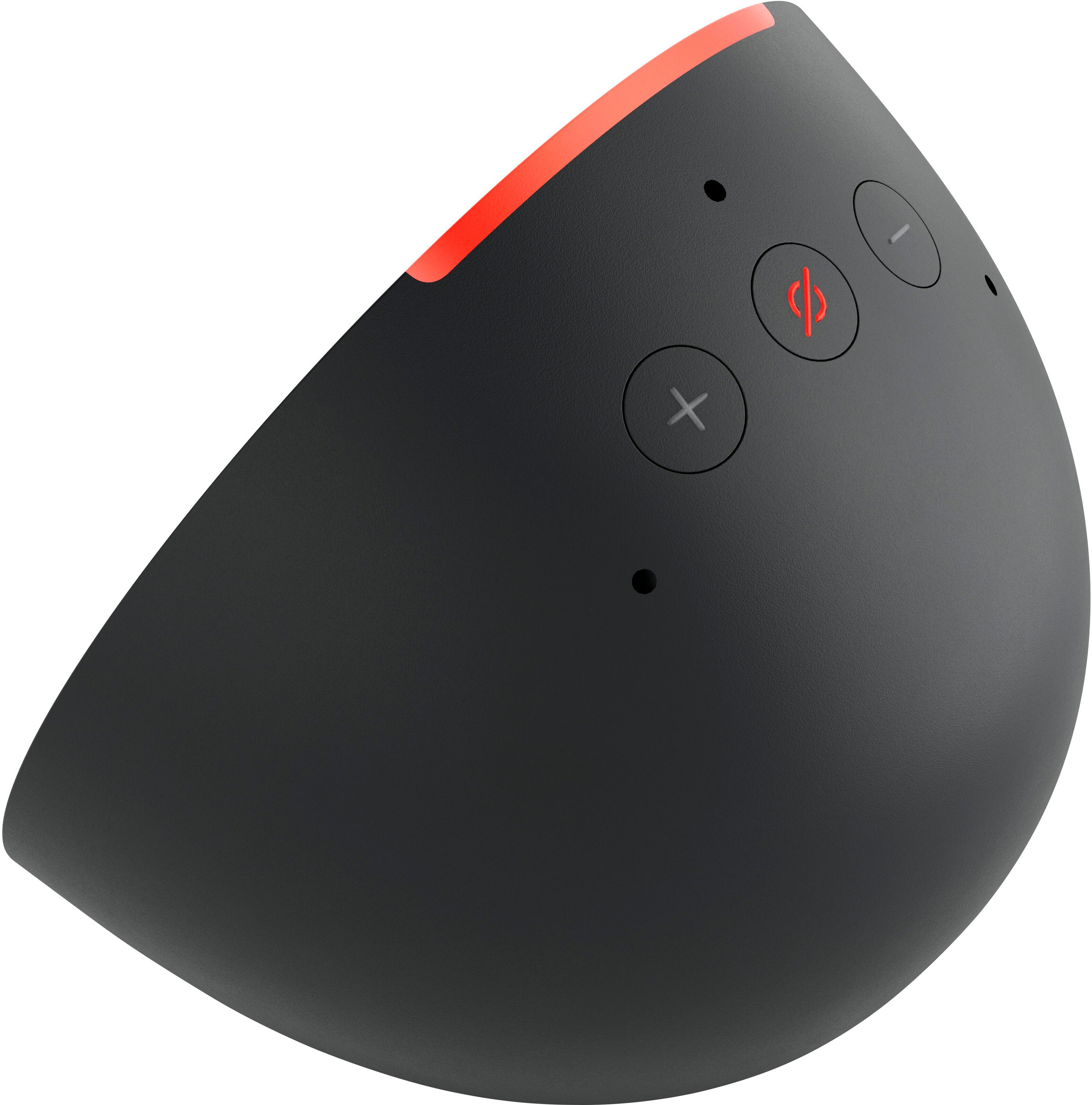
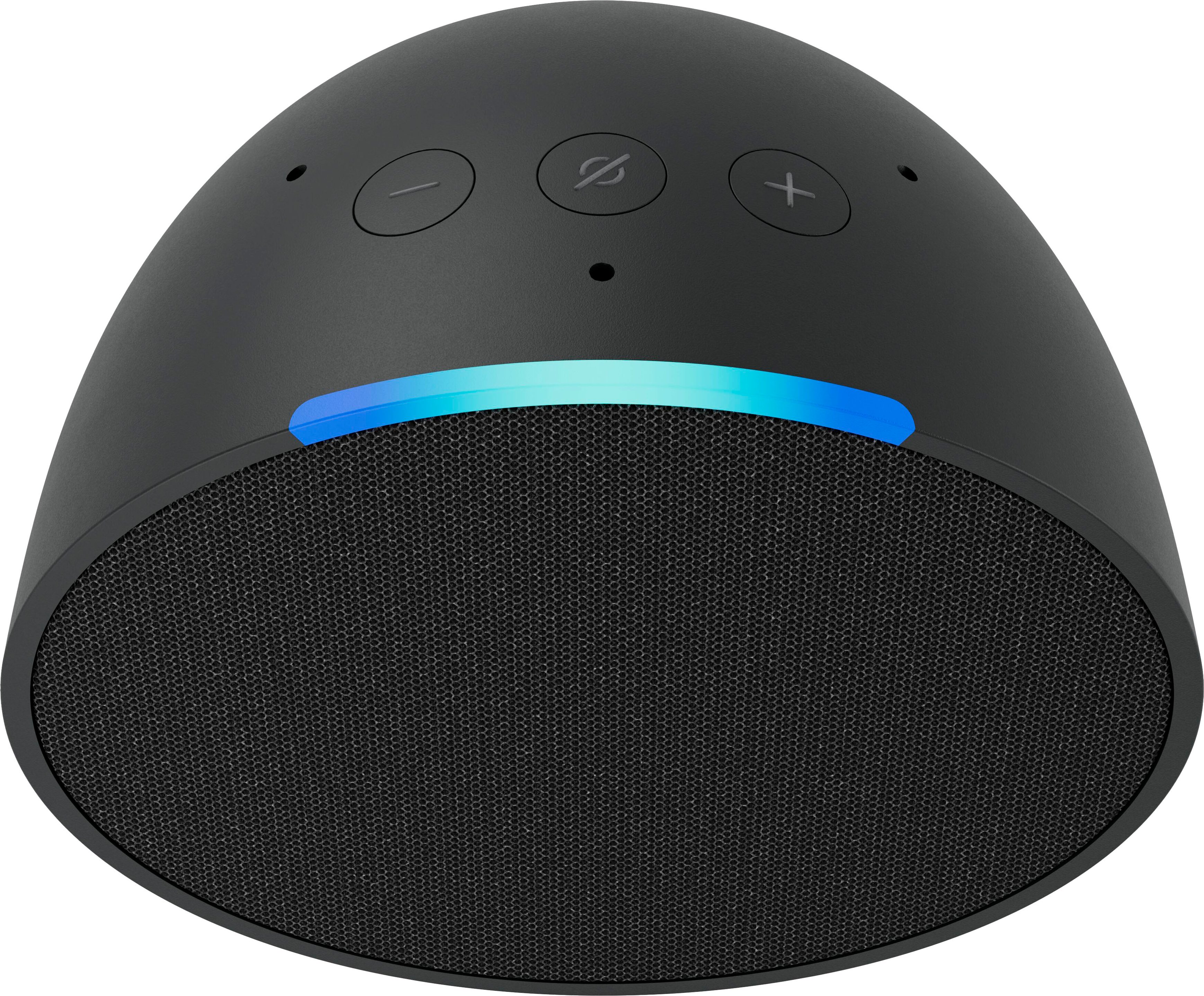
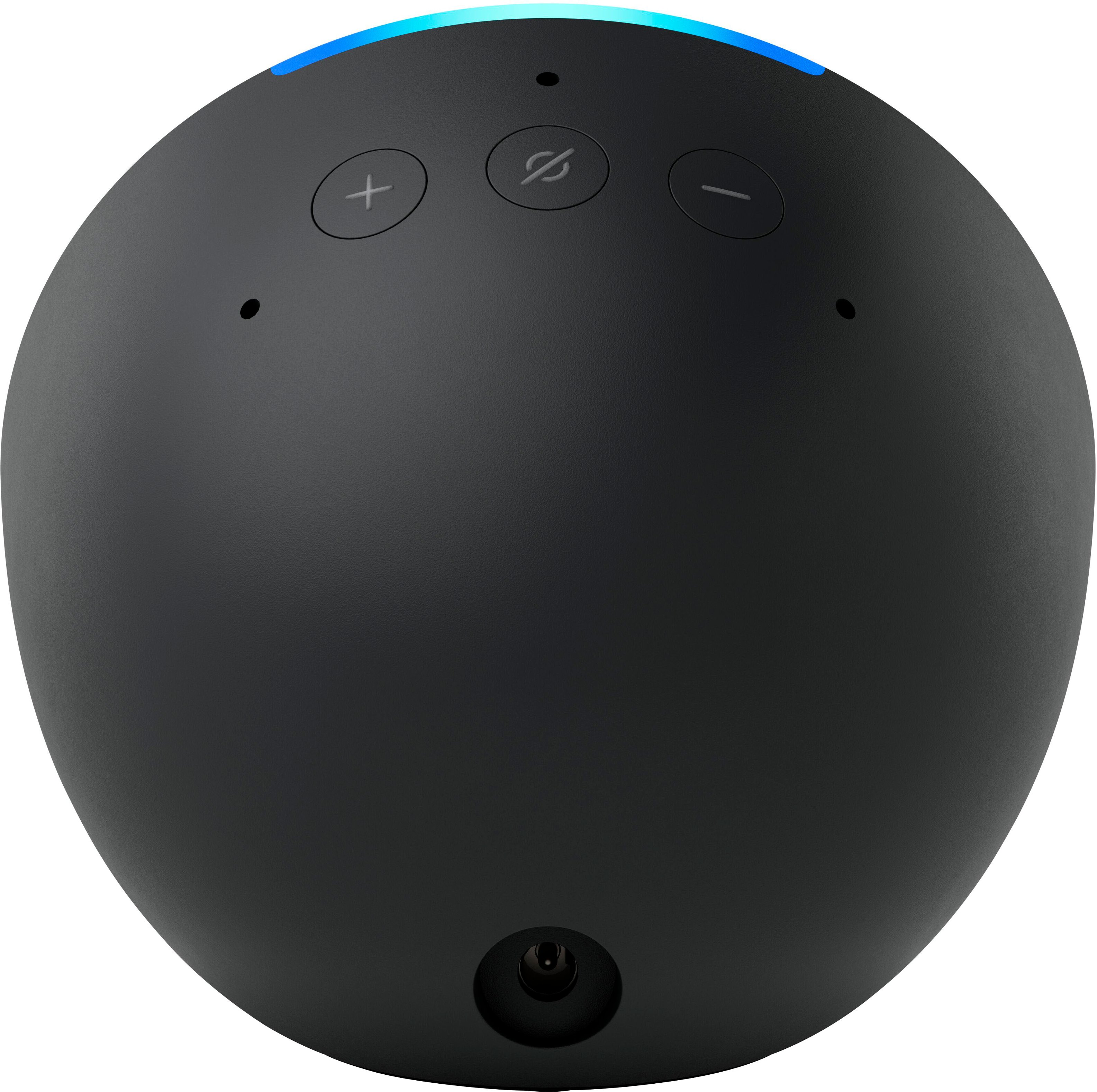
|Posted .This reviewer received promo considerations or sweepstakes entry for writing a review.There is not much difference as far as features go between this & Echo dot. The size is larger and it comes in different colors but other than that it’s very basic, just volume up, down & microphone. I set an alarm but turning it off requires holding volume up & down buttons at the same time. It has a flat bottom & is a bit compact, I have it sitting on a small stand. Set up was super fast & easy through the app & I was connected right away through Bluetooth. I do not have any Alexa devices as far as plugs or switches but I played music & the sound was ok, fairly loud for a small speaker. The power adapter is included but it has to be plugged in all the time. I was hoping that it could be charged & used without the plug so I could take it outside or in different rooms but you can’t do that. This would be great for college or a garage or a small room . It’ s a nice little speaker that sounds half decent but it doesn’t have any great features or options to make it an outstanding speaker.
No, I would not recommend this to a friend