Customer Ratings & Reviews



- Model:
- B09B2QTGFY
- SKU:
- 12006729
Rating by feature
- Value
Rating 4.7 out of 5 stars
- Quality
Rating 4.7 out of 5 stars
- Ease of Use
Rating 4.6 out of 5 stars
to a friend
Too Small, and confused with comands
||Posted . Owned for 2 months when reviewed.This reviewer received promo considerations or sweepstakes entry for writing a review.Doesnt work well with pandora and Spotify apps. Continuously trys to sell me amazon music app. Keeps showing me advertisements for Barbie movie i told it i didnt want to see anymore.
No, I would not recommend this to a friendGood not enough
||Posted . Owned for 11 months when reviewed.This reviewer received promo considerations or sweepstakes entry for writing a review.I really like the device but the fact that it does not have youtube build-in is a dealbreaker for me
I would recommend this to a friendNot special
||Posted . Owned for 1 month when reviewed.This reviewer received promo considerations or sweepstakes entry for writing a review.Not as big as I thought it would be I don’t see nothing special about it
No, I would not recommend this to a friendBrand response from Amazon Devices Customer Support
Posted .Thank you for your feedback RosenaC.

Echo Show
||Posted . Owned for 1 month when reviewed.This reviewer received promo considerations or sweepstakes entry for writing a review.I have 2 of these, 1 works awesome the other wont connect to my app, i think this is an App problem and not so much the device itself.
I would recommend this to a friendJon review
||Posted . Owned for 3 weeks when reviewed.This reviewer received promo considerations or sweepstakes entry for writing a review.Newest version of the of the echo doesn't always stop on command. Power connector is hard to get connected into the back of the device..
I would recommend this to a friendAlexa
||Posted . Owned for 1 month when reviewed.This reviewer received promo considerations or sweepstakes entry for writing a review.It was very slow I still had to touch the screen to get what I wanted to view
No, I would not recommend this to a friendProduct review
||Posted . Owned for 2 weeks when reviewed.This reviewer received promo considerations or sweepstakes entry for writing a review.It’s okay we just use it with the blink cam still learning how to work it it’s cute.
I would recommend this to a friendEcho speaker
||Posted . Owned for 3 weeks when reviewed.This reviewer received promo considerations or sweepstakes entry for writing a review.Doesn’t listen to good. And wajes up without saying Alexa.
I would recommend this to a friendDecent
||Posted . Owned for 1 month when reviewed.This reviewer received promo considerations or sweepstakes entry for writing a review.Pretty decent for this version than others that’s I’ve used
I would recommend this to a friendEcho Show Thoughts
||Posted . Owned for 2 weeks when reviewed.This reviewer received promo considerations or sweepstakes entry for writing a review.Not a bad item if this is the sort of thing you are looking for
I would recommend this to a friendFirst and last Alexa experience
||Posted . Owned for 2 weeks when reviewed.This reviewer received promo considerations or sweepstakes entry for writing a review.After several years using Insignia / Google speaker, i changed to this Alexa model because it was $30 dlls cheaper than google, Bad decision. Alarm ia hard to snooze/stop. And, why the ads?? I dont want to see shampoo advertising all day.
No, I would not recommend this to a friendBrand response from Amazon Devices Customer Support
Posted .Hello HektorHdz! Thank you so much for your feedback and review of your experience with your Echo Show 5. I am glad you were able to take advantage of our promotion for your purchase. To assist some in addressing the issues you mentioned in your review, here are a couple of tips to hopefully improve your experience some. First, for the alarm, you can snooze it by saying "Alexa, snooze the alarm." You can also do this by tapping the on screen snooze icon when it appears. As for the ads, the device is designed to offer recommendations based on your usage and Amazon activity. You are able to limit or customize what comes on your display by swiping down from the top of the screen, then tapping Settings, then Home Content. Here you can toggle on or off a plethora of suggestions and other subjects that come up on your home screen. I do hope these tips help improve your experience some. You can also get assistance with a number of topics in the device's Help Menu or you can call 888.280.4331 for Amazon Customer Support for additional assistance. Thank you again for your time and feedback and I hope you have a great day!

Constant product recommendations…
|Posted . Owned for 1 week when reviewed.This reviewer received promo considerations or sweepstakes entry for writing a review.I wanted to use this essentially as a desktop calendar with additional features as a bonus. Based on the product photos, I thought that was possible but it isn’t. Also, it displays “product recommendations (aka ads) every 15~30seconds, and when you’re not paying attention, it will even display as a notification so you will eventually check. I did not care for that at all.
No, I would not recommend this to a friendBrand response from Amazon Devices Customer Support
Posted .Hello Avgmillinialhousewife! Thank you so much for providing your feedback and review of your Echo Show 5! While this device does in fact have a number of calendar and reminder options available via voice with Alexa, the Alexa smartphone app, or even in the Settings of the device, it does not have a standalone calendar widget or screen that stays on display. Every other device moving up in size of screen has Alexa Widget functionality (the Show 5 has too small of a screen to take full use of this functionality at this time) which allows for a calendar widget to be displayed in case you were interested in exploring an upgrade. As for the product recommendations, you are also able to limit these quite a bit by navigating to Settings>Home Content and toggling off any of the items you would prefer not to see anymore. You can even customize some of the Display Face by going to Display Settings in the same Settings menu. I do hope this assists in improving your experience some with your device and that you have a terrific day!
Please, save your money.
||Posted . Owned for 5 months when reviewed.This reviewer received promo considerations or sweepstakes entry for writing a review.Horrible. Absolutely horrible. This device has constant glitches and no matter how many times you reboot it, factory reset it, or anything else Amazon support recommends, nothing fixes the horrid software it has installed on it. The performance is slow and laggy due to Amazon cheaping out on the processor, and its constant glitches make it next to unusable. I can’t say I’d recommend googles nest hub either, it’s missing a ton of features and is not as easy to use as the Amazon UI. As of current, there is no suitable Home Assistant device that has a screen, and that performs well. Save your money, buy a regular echo dot, or an echo clock.
No, I would not recommend this to a friendIt’s so so
||Posted . Owned for 3 weeks when reviewed.This reviewer received promo considerations or sweepstakes entry for writing a review.Sometimes it works good and sometimes it doesn’t..
No, I would not recommend this to a friendBad one
||Posted .This reviewer received promo considerations or sweepstakes entry for writing a review.This device is not working properly and very slow.
No, I would not recommend this to a friendBrand response from Amazon Devices Customer Support
Posted .Hello Kensper169! Thank you for your review and feedback on your new Show 5 device! I am so sorry to hear that it is not working properly for you. Of course, if it is within your exchange/return policy, you can bring it back to the store with a proof of purchase to swap it. However, if you are outside of the policy, we at Amazon would love the opportunity to troubleshoot further with you to see if we can resolve any issues you may be experiencing. Reach out to us directly at Amazon Customer Support at 888.280.4331 for assistance. Thank you so much for your time and I hope you have a fantastic day!
Its cool but not so good with blink doorbell
||Posted . Owned for less than 1 week when reviewed.This reviewer received promo considerations or sweepstakes entry for writing a review.I purchased this because worker said it works breat with the Blink doorbell setup.. and there is a known issue the devices dont communicate well and it wont load when bell is pushed.. but with phones it works perfect
I would recommend this to a friendBrand response from Amazon Devices Customer Support
Posted .Hi TheDude. Thank you for your feedback on the Echo Show 5. I am sorry to hear you are experiencing issues with the device connecting with your Blink Doorbell. Here are some steps to connect your Blink Doorbell with Alexa on the Echo Show 5: Before you enable the Blink SmartHome skill, you must link your Blink and Alexa accounts in the Blink app.
Open the Blink app and tap Settings .
Tap Account and Privacy .
Tap Link to Alexa.
Tap Open Alexa App.
On the Blink SmartHome screen, tap ENABLE TO USE.
On the Link Account screen, enter the email address and password associated with your Blink account. Then, tap Continue.
Enter the verification code sent to the mobile phone number associated with your Blink account. Then, tap Verify Code. If you do not receive a verification code within 2 minutes, tap Resend Code.
Tap Close. Alexa will automatically discover your Blink devices. If Alexa fails to discover your Blink devices automatically, you can connect your devices manually.
After Alexa discovers your Blink devices, you will be asked to create a 4-digit voice code. This code is used to disarm your Blink system. If you do not set up a voice code, you will not be able to use Alexa to disarm your Blink system. Learn more about setting up or changing your Alexa Voice Code. The voice code is also known as a personally identifiable number (PIN).
Now you are ready to monitor your Blink system, hands-free, with Alexa voice commands! If there is anything we can help with, Amazon Customer service is available 24/7 for assistance. You can reach them at 1-888-280-4331. I hope this information helps, have a great day!
Don't Buy
||Posted . Owned for 1 month when reviewed.This reviewer received promo considerations or sweepstakes entry for writing a review.was working great for about 2 week and the it stopped taking commands. Did everything that amazon tech support said todo and no results. The touch response is slow, to where you think you didn't click on something and you end up somewhere else in the mean and have to start over
No, I would not recommend this to a friendBrand response from Amazon Devices Customer Support
Posted .Hello Yahweh! I am so sorry to hear about the issues you are experiencing with your Echo Show 5. It appears you may have already worked with an Amazon Customer Support specialist on your issues but just in case you may have been working with someone from Best Buy instead, you can reach Amazon at 888.280.4331 to troubleshoot and explore what other options may be available to you. I do hope that we can resolve your issues and improve your experience or if you have a bad device and are within any exchange/return policy, hopefully you can replace it. Thank you for your time and feedback and I hope you have an amazing day!
Now lights dont work
||Posted . Owned for 2 months when reviewed.This reviewer received promo considerations or sweepstakes entry for writing a review.Bought this for kitchen and now all my Philips Bulbs are offline and will not reconnect. Tech or customer support. Ha Hahahahaha
No, I would not recommend this to a friendBrand response from Amazon Devices Customer Support
Posted .Hello DonaldM. Thanks so much for your feedback! I can completely understand why that would be frustrating as that isn't exactly the experience to expect. I cannot specifically troubleshoot your Phillips bulbs for you but I can provide the Amazon Customer Support number for you so that we can help troubleshoot what could be causing it from our end. The number is 888.280.4331. I hope it helps figure the problem out for you and that you have a great day!
Have to repeat requests
||Posted . Owned for 1 month when reviewed.This reviewer received promo considerations or sweepstakes entry for writing a review.Not as good at picking up on our requests as prior models. Often have to repeat requests. I may put the older model back in this room.
No, I would not recommend this to a friendBrand response from Amazon Devices Customer Support
Posted .Thank you for your feedback on the Echo Show 5. I am sorry to hear of the issues you are having with the functionality of the device. Here are a few troubleshooting tips for you to try to resolve the issues: 1. Check that your device has a strong internet connection. 2. If your device set up uses the Alexa app, please check that you have the latest version of the app. 3. Restart your Echo device-Unplug it from power, wait 30 seconds, and then plug it back in. 4. If none of these steps help or if you are having problems registering the device, reset your Echo device to clear up most issues. If you are still having issues with the functionality of the Echo Show 5, Amazon Customer service is available 24/7 for assistance on the device. You can reach them at 1-888-280-4331. I hope this information is helpful to get your device working properly for you. Thank you!

It's like a Echo Dot with screen but better
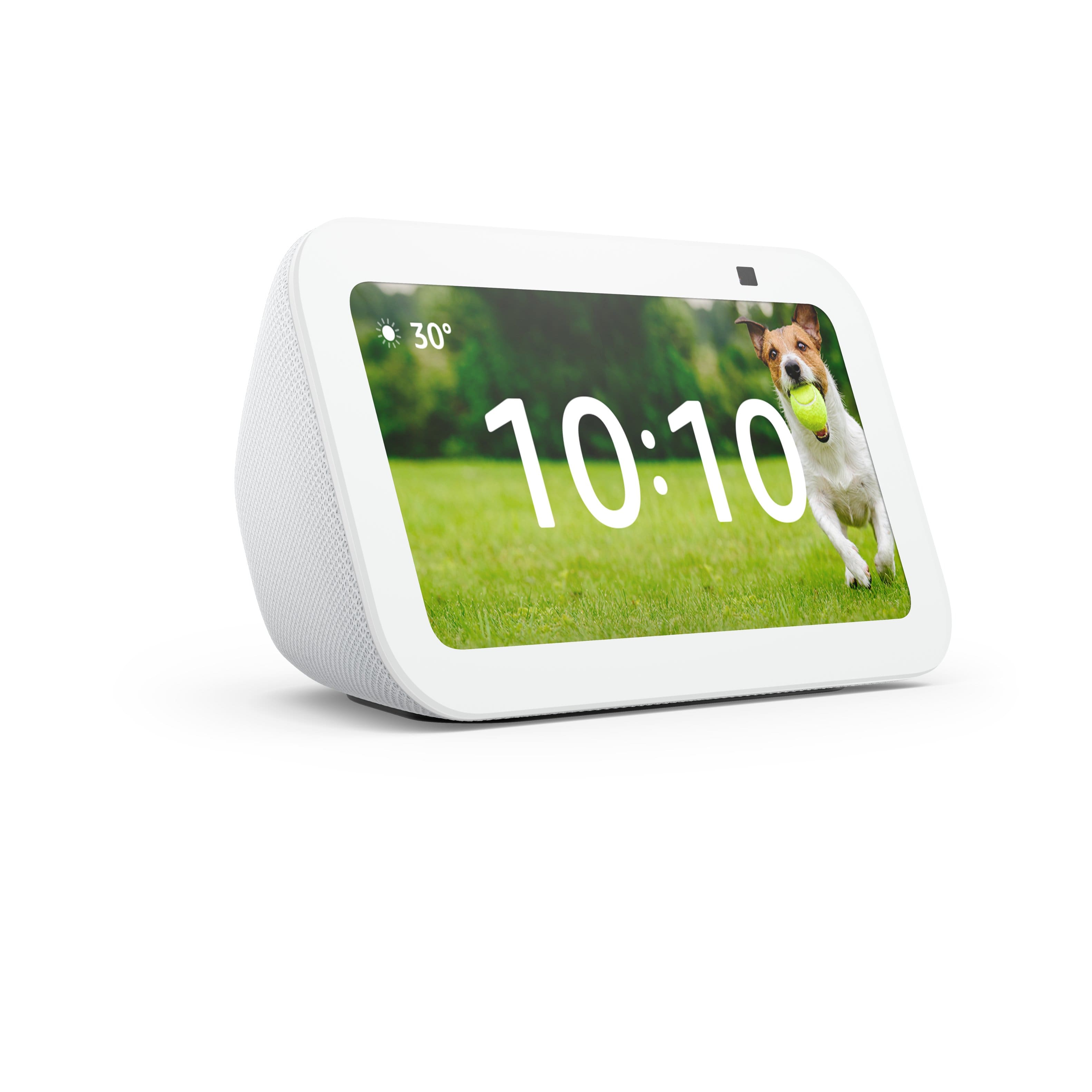
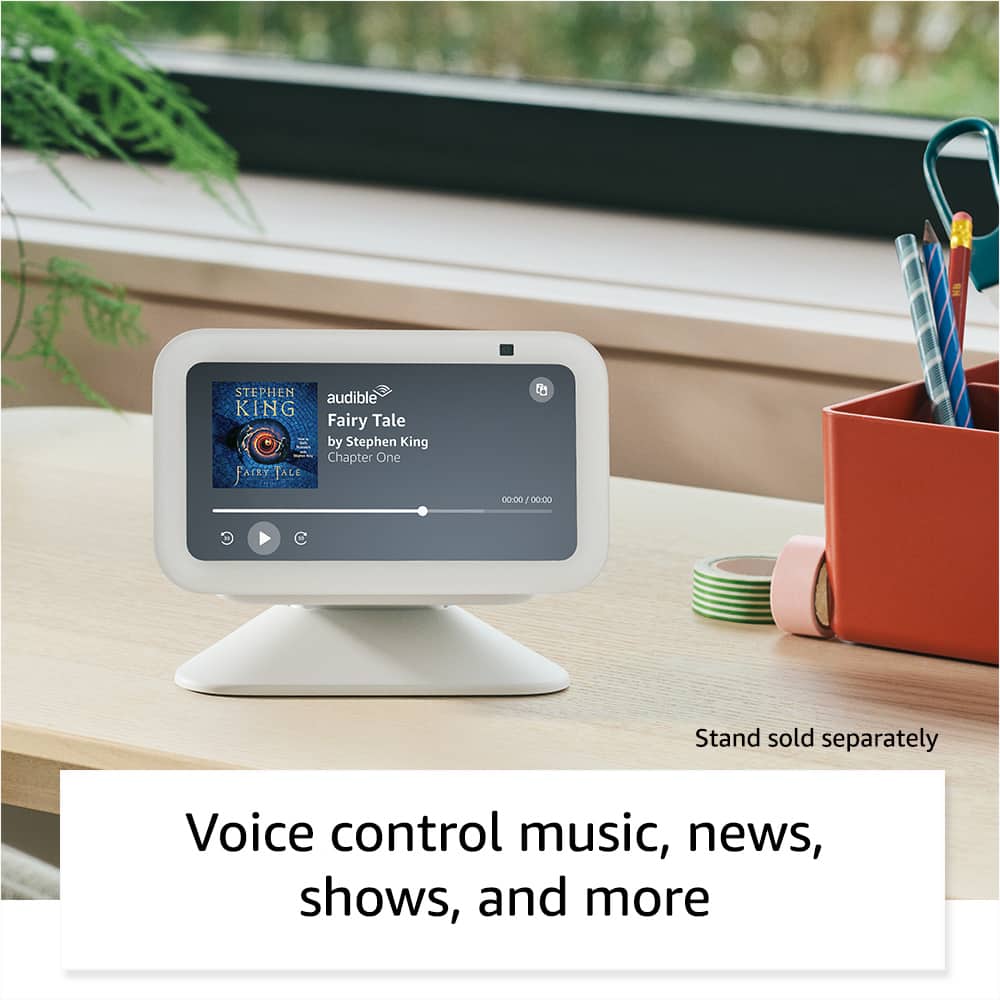
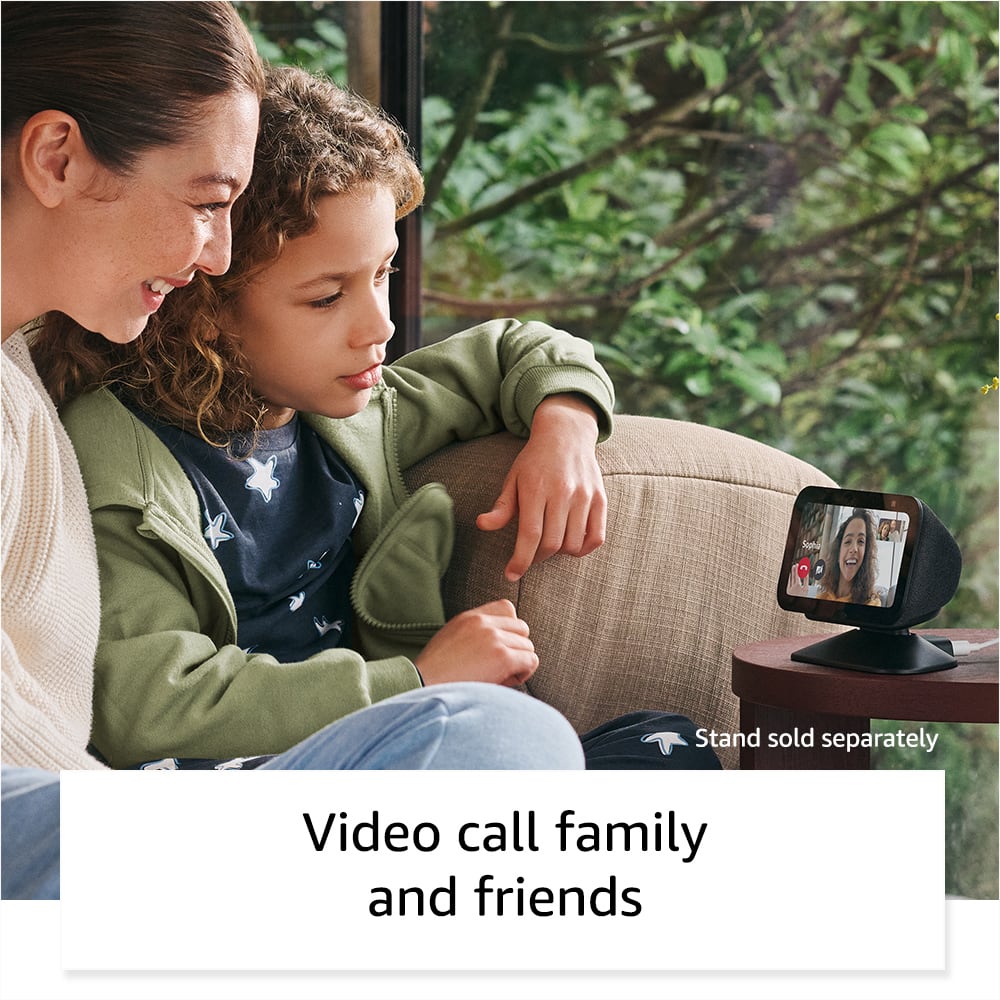
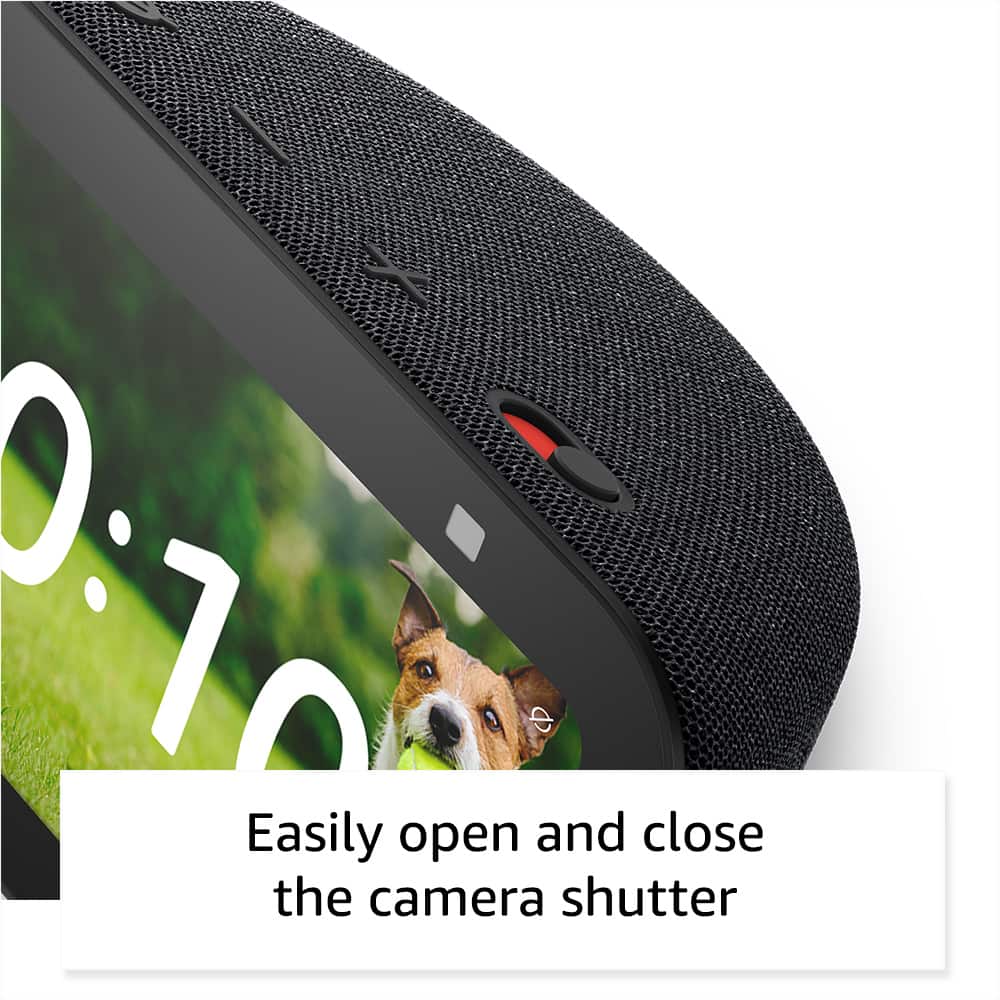
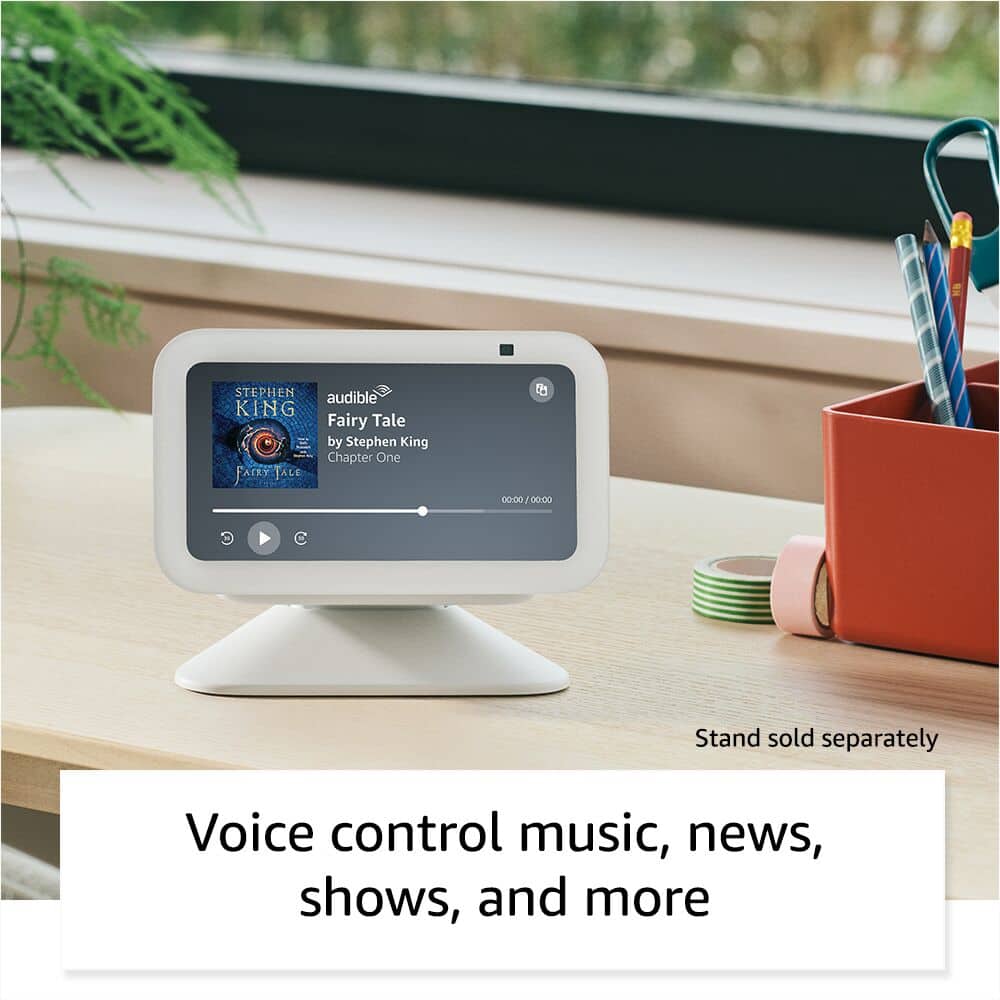
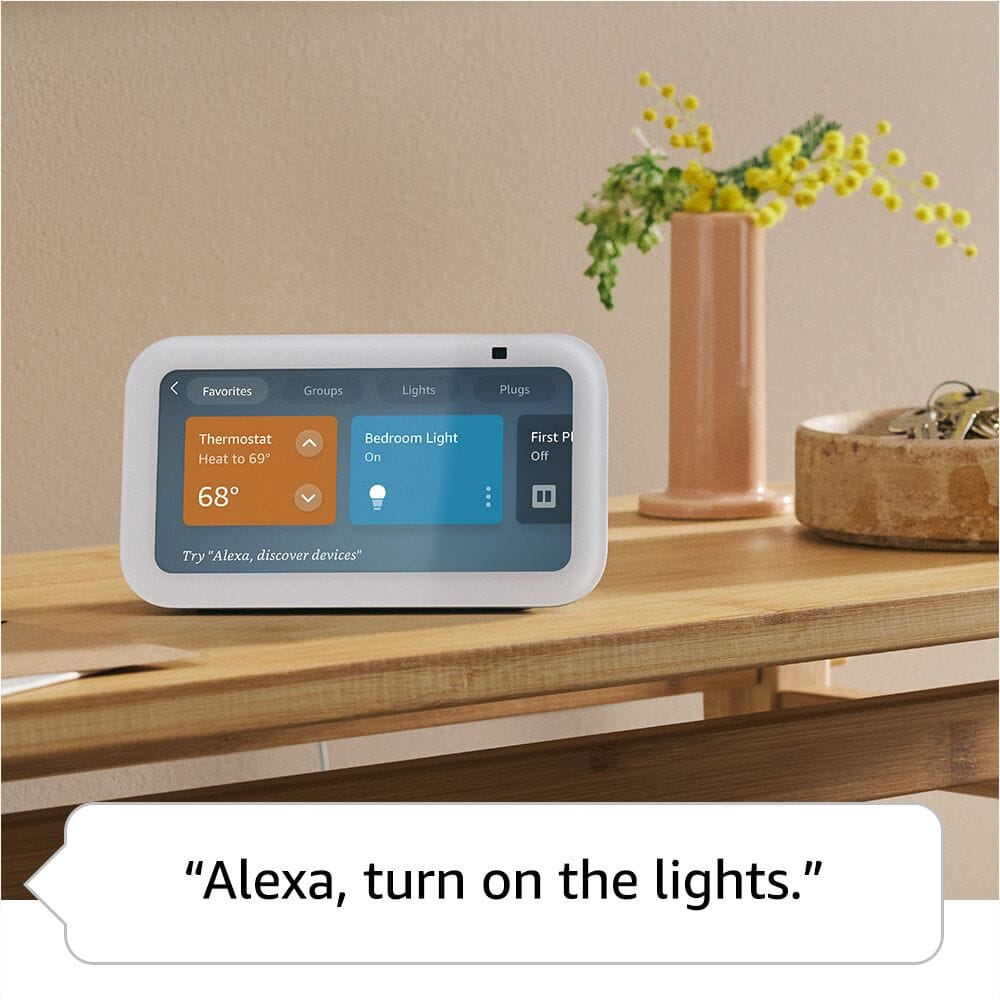
|Posted .This reviewer received promo considerations or sweepstakes entry for writing a review.This is my first Amazon Echo Show and I’m glad to finally make the move. I have a few Echo Dot’s of different generations so adding this to that group makes everything flow nicely. I am keeping this in the kitchen for now but considering getting a larger screen for the kitchen and brining this to my home office. It was very easy to set up and it was recognized by the app and I could start using it within minutes. It’s great to be able to communicate with Echo Dot’s in the house on each floor. It’s the size a small alarm clock and my Galaxy phone. You have option of turning off the microphone and camera when you want. Of course, we know you can listen to music from different apps on this just like the Echo Dot. But having this small screen is great. I also love it for looking at recipes. And a great way to start the day, it will play the weather, the news and my music each morning. It makes some daily tasks very convenient, which I use regularly for setting alarms, timers, reminders and even my shopping list! The sound levels is great too. The one negative thing I notice so far is the notification announcement each time the Ipad connects and disconnects. I imagine there’s a way to turn this off and just haven’t figured it out yet. Another great feature about this is the camera feature that I can also use as a security camera and talk to whoever is in the room or just see what’s happening around and check up on the dog if he’s left alone for a short time. What I like most about this camera option is that it sends a message to Echo Show saying that a household member is using your camera and you can choose to stop it if you need privacy. You can also turn off the camera and you’ll see that message that it’s off until you slide the switch back on. Overall, it works great for our family.
I would recommend this to a friend