Customer Ratings & Reviews

- Model:
- B0BHZT5S12
- SKU:
- 12375348
Rating by feature
- Battery Life
Rating 4.7 out of 5 stars
- Durability
Rating 4.7 out of 5 stars
- Display
Rating 4.8 out of 5 stars
to a friend
Wow. So slow!
||Posted . Owned for 1 month when reviewed.This reviewer received promo considerations or sweepstakes entry for writing a review.Shocking how insanely slow/laggy this is when using solely for browsing internet.
No, I would not recommend this to a friendBrand response from Amazon Devices Customer Support
Posted .Hi Florida8, thank you for providing feedback for the Amazon Fire HD 10 tablet. For slow browser performance, this could stem from the Wi-Fi or from storage. I would recommend checking your Wi-Fi for a strong signal first. Then I would clear the cache on the device. To do this,
1. Open the Settings menu.
2. Select Apps & Notifications.
3. Select Manage All Applications or See all... apps and choose the app you are having trouble with.
4. Select Storage, tap to Clear Data or Clear Storage, then Clear Cache. If these steps do not help and you are still experiencing issues, you can reach out to Amazon Customer Support 24/7 at 1-888-280-4331. Thank you again and Happy Holidays!
Not a good tablet
||Posted . Owned for 1 month when reviewed.This reviewer received promo considerations or sweepstakes entry for writing a review.Worst tablet doesn't support google apps and misguided by best buy customer representative.
No, I would not recommend this to a friendFire
||Posted . Owned for 1 month when reviewed.This reviewer received promo considerations or sweepstakes entry for writing a review.Great for some things. My daughter uses it for school.
I would recommend this to a friendBrand response from Amazon Devices Customer Support
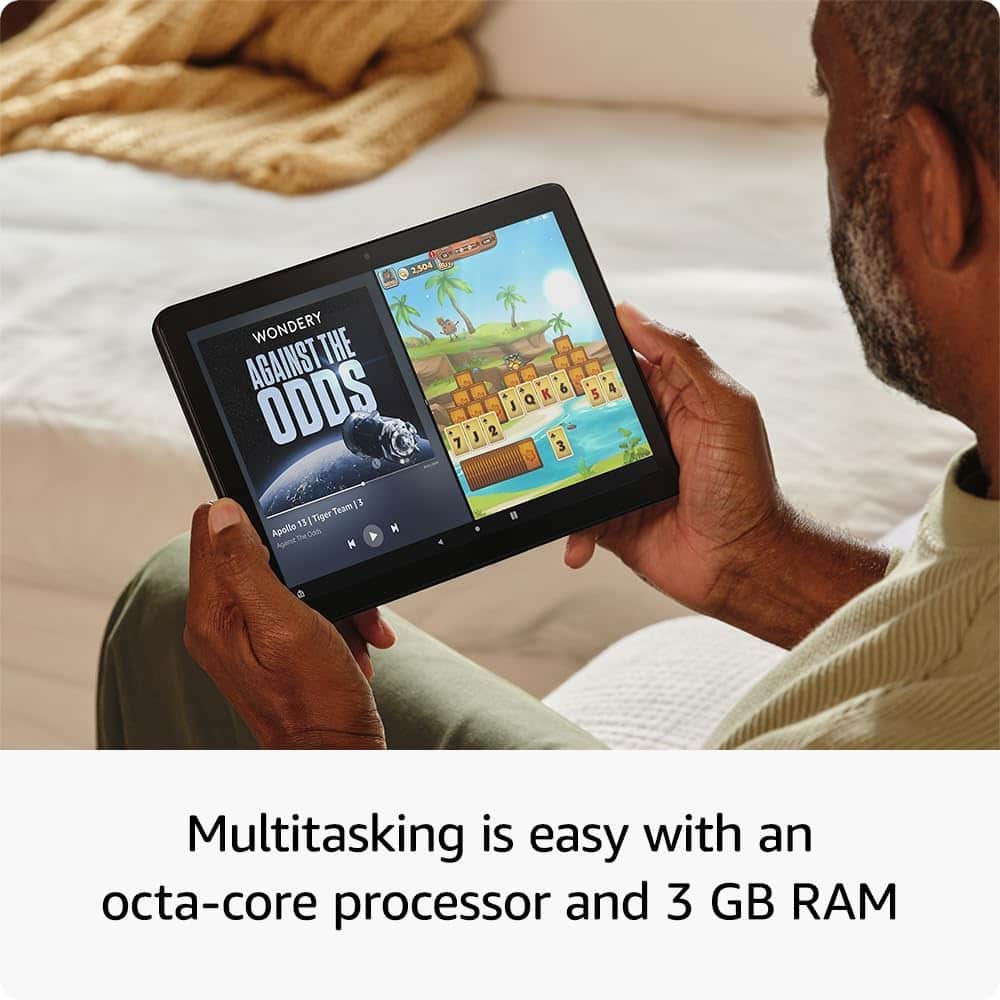
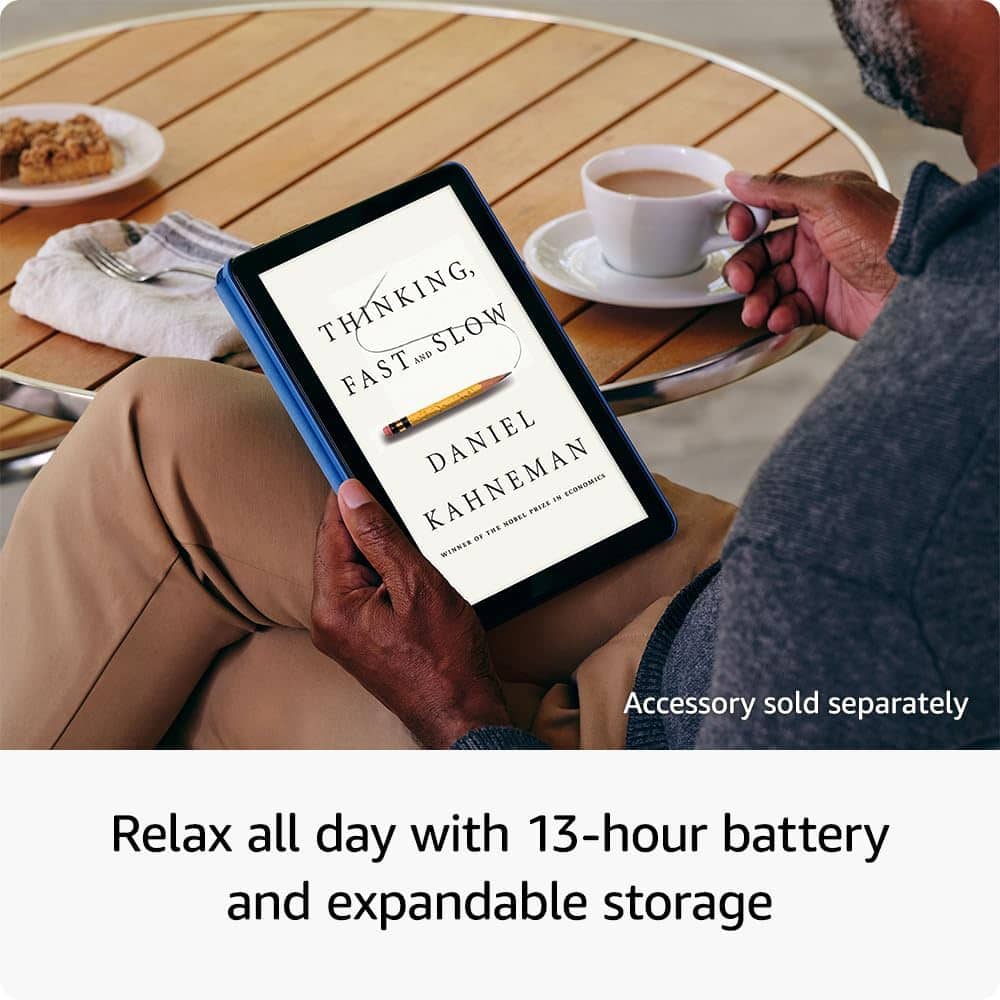
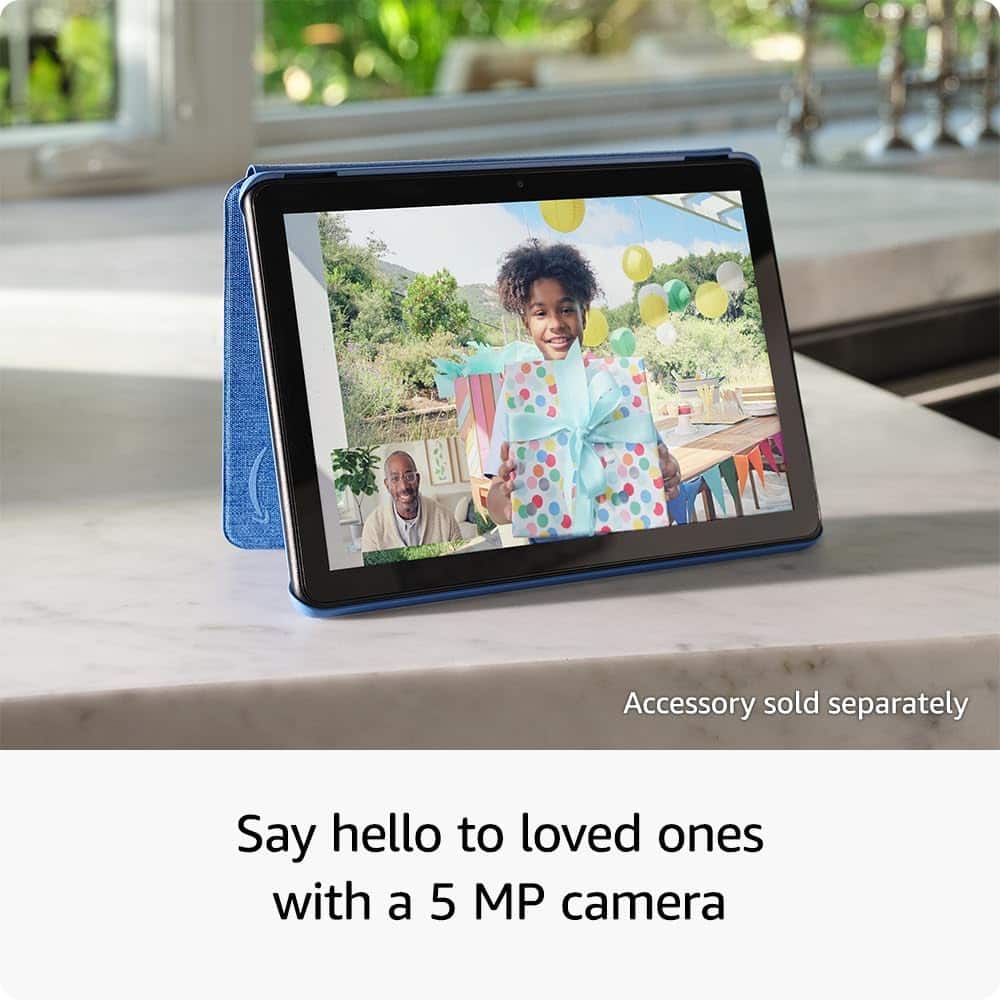
Posted .Hi JustineS, thank you for your feedback. I'm sorry to see that you are less than completely satisfied with the Fire HD 10. I agree that the device is a great solution for students. Additionally, the Fire 10 HD has 25% faster performance than the previous generation and 3 GB RAM are ideal for seamless streaming, reading, and gaming. A 10.1" 1080p Full HD display brings brilliant color to all your shows and games. Binge watch longer with 13-hour battery, 32 or 64 GB of storage, and up to 1 TB expandable storage with micro-SD card (sold separately). Use the 5 MP front-facing camera to Zoom with family and friends, or create content for social apps like Instagram and TikTok. I hope this information is useful. Have a wonderful day!
fire hd 10
||Posted . Owned for 3 weeks when reviewed.This reviewer received promo considerations or sweepstakes entry for writing a review.seems that there is some sort of virus in this tablet
No, I would not recommend this to a friendBrand response from Amazon Devices Customer Support
Posted .Hi AllenR!
Could you describe the issue on the tablet? Virus's and Malware come from downloaded apps outside the official store or through malicious ads leading to pop-ups, slowdowns and battery drain.
Sticking to the Amazon app store is recommended for desirable experience.
Hope this helps!
Fire 10 bustapp
||Posted . Owned for 2 weeks when reviewed.This reviewer received promo considerations or sweepstakes entry for writing a review.For 16 days after purchase the tablet was great. Then flashing warning VIRUSES INFECTED!!! Stripped it down started over. Happened again 2 days later. That was this AM.
No, I would not recommend this to a friendBrand response from Amazon Devices Customer Support
Posted .Hi JINX, I’m sorry to hear about the experience you’ve had with your Fire HD 10 Tablet. I understand how concerning it is to see repeated virus warnings. Fire tablets run on Fire OS, which is designed with built-in security to help protect against viruses, so those alerts are often caused by apps or pop-ups rather than an actual infection. I recommend restarting the device in Safe Mode and uninstalling any recently downloaded apps, then making sure the latest software updates are installed. If the warnings continue, please reach out to Amazon Customer Support at 1-888-280-4331 so we can assist with further troubleshooting. I appreciate the feedback and hope you have a great day!
Hard pass this one
||Posted .This reviewer received promo considerations or sweepstakes entry for writing a review.Very glitchy and laggy. This is the worst tablet I’ve owned.
No, I would not recommend this to a friendBrand response from Amazon Devices Customer Support
Posted .Hi RebeccaC,
Thank you for taking the time to share your feedback, and we sincerely apologize for the disappointing experience you've had with the Fire HD 10 tablet. We understand how frustrating it is to deal with glitchy and laggy performance—that's definitely not the experience we want any customer to have.
Performance issues like the ones you've described are unacceptable, especially when you're expecting a smooth and reliable tablet experience. We're truly sorry this has been the worst tablet you've owned, and we completely understand your frustration.
Your feedback is important to us and helps identify quality and performance issues that need to be addressed.
Thank you for bringing this to our attention, and we apologize again for the inconvenience.
maybe I got a lemon.
||Posted . Owned for 3 weeks when reviewed.This reviewer received promo considerations or sweepstakes entry for writing a review.My old Amazon Fire finally quit charging so I bought this one to replace it. It keeps freezing up. Thought it might be the internet connection, but I have another Amazon fire that I started using, and it works fine. Will be taking this one back.
No, I would not recommend this to a friendHD fire
||Posted .This reviewer received promo considerations or sweepstakes entry for writing a review.The display screen went out after using just a few times.
No, I would not recommend this to a friendBrand response from Amazon Devices Customer Support
Posted .Hello RichardB,
Thank you for your feedback on the Amazon Fire HD 10. I am sorry to hear the screen display is not working. The Fire HD 10 has a standard one year warranty with Amazon. Amazon Customer service is available 24/7, you can reach them at 1-888-280-4331. I hope this information is helpful to get your device working properly for you. Thank you!
Amazon ad made physical
||Posted . Owned for 3 weeks when reviewed.This reviewer received promo considerations or sweepstakes entry for writing a review.Do not get for school or adult purpose. A physical amazon ad that doesnt stop. Good for games.
No, I would not recommend this to a friendBrand response from Amazon Devices Customer Support
Posted .Hi ChelseaM,
Thank you for your feedback on the Amazon Fire HD. I am sorry to hear the Amazon ads pop up and do not stop. There is a way to stop pop ups from your devices, To stop pop-up ads on a Fire tablet, first uninstall recently downloaded apps that may contain adware, and then clear the browser cache and disable notifications from unknown sources. For lock screen ads, you can either pay a fee on Amazon's website to remove them permanently, or for in-app pop-ups, you can identify and remove the adware-infected apps. If these steps do not help and you are still experiencing issues, you can reach out to Amazon Customer Support 24/7 at 1-888-280-4331.
Amazon tablets are trash
||Posted . Owned for 1 month when reviewed.This reviewer received promo considerations or sweepstakes entry for writing a review.This tablet is a piece of crap. I only replaced it because i paid for a warranty. If it breaks again or software glitches its going straight to the trash.
No, I would not recommend this to a friendBrand response from Amazon Devices Customer Support
Posted .Hello JBoston1973. I am so sorry you are dissatisfied with your Fire tablet. We do appreciate any and all feedback that we can get on our products so that we can continue to iterate on them in software updates and future releases in order to be an excellent option between price and value for our customers. While we cannot troubleshoot with you through this forum, we would love the opportunity to assist in rectifying or enhancing your experience with your device by contacting Amazon Customer Support at 888.280.4331. Thanks again for your valued feedback and I hope you have a terrific day!
Sucks
||Posted . Owned for 2 months when reviewed.This reviewer received promo considerations or sweepstakes entry for writing a review.We have a charge on our credit card. Trying to find out what the charge is. There is no wheres on this site to find it.
No, I would not recommend this to a friendScreen cracked
||Posted . Owned for 1 month when reviewed.This reviewer received promo considerations or sweepstakes entry for writing a review.Not good quality screen cracked not even a month in
No, I would not recommend this to a friendDefective tablet.
||Posted . Owned for 2 months when reviewed.This reviewer received promo considerations or sweepstakes entry for writing a review.My tablet was defective. I was very disappointed because I live two hours away from the closest store so I haven’t been able to return it yet.
No, I would not recommend this to a friendBrand response from Amazon Devices Customer Support
Posted .Hello Ivygrey23! I am terribly sorry that you received a defective tablet. I would recommend reaching out to Amazon Customer Support at 888.280.4331 to troubleshoot further and explore what options are available to you. This may assist in resolving your problem with your tablet and save you that trip to the store potentially. I hope this helps so you can enjoy your purchase and I hope that you have an amazing day!
Too much clutter
||Posted . Owned for 2 weeks when reviewed.This reviewer received promo considerations or sweepstakes entry for writing a review.Love Amazon product and I have many but this just has way too many apps came pre installed without ability to hide or remove them. It made the device cluttered and hard to use. I had to return it.
No, I would not recommend this to a friendBrand response from Amazon Devices Customer Support
Posted .Hello Nick! Thank you so much for your valued feedback and for your time. While I do know that there are a number of apps that come predownloaded with some not being able to be removed for device cohesiveness and operations, you can definitely in fact move them to a folder to minimize the visibility of them so that you can free up much of the clutter you are experiencing. You can do this by tapping and holding the app in question and then dragging it over to a folder already created or over top of another app to create a new folder. I am sorry that we did not get back to you before returning this if you have already done so, but if not then I do hope you give this a shot to see if it addresses your concern and gets you back to enjoying our products! Thanks again so much for your time and I do hope that you have a fantastic day!
No ethernet
||Posted . Owned for 3 weeks when reviewed.This reviewer received promo considerations or sweepstakes entry for writing a review.Not Ethernet compatible....so I returned it! Wi fi can be sporadic in some places.
No, I would not recommend this to a friendBrand response from Amazon Devices Customer Support
Posted .Hi PeterC,
We are sorry about your experience. Amazon Fire 10 tablets are not directly compatible with Ethernet connections. They are designed to connect to the internet exclusively via Wi-Fi. You cannot use an Ethernet cable with a Fire tablet, even with an adapter.
We hope you found a solution that works for you!
Amazon iPad
||Posted . Owned for 1 month when reviewed.This reviewer received promo considerations or sweepstakes entry for writing a review.It’s very slow and even when using wifi it is still very slow
No, I would not recommend this to a friendBrand response from Amazon Devices Customer Support
Posted .Hello RehemaM,
I am sorry to hear your Amazon Fire 10 is working slowly. There are a few things to try to get it work faster. A slow Amazon Fire HD 10 can often be improved by clearing app cache, uninstalling unused apps, and ensuring the device has enough free storage space. Restarting the device and keeping Fire OS updated are also important steps to take. If these steps do not help and you are still experiencing issues, you can reach out to Amazon Customer Support 24/7 at 1-888-280-4331.
Tablet
||Posted . Owned for 1 month when reviewed.This reviewer received promo considerations or sweepstakes entry for writing a review.Good service kind workers a little slow on person to person contact
I would recommend this to a friendno show mode
||Posted .This reviewer received promo considerations or sweepstakes entry for writing a review.doesn't have show mode !! its nothing but a paper weight
No, I would not recommend this to a friendBrand response from Amazon Devices Customer Support
Posted .Hello EricJ! Thank you for taking the time to provide feedback and a review of your experience with the Fire HD 10. Show Mode was a feature that was dropped from generation to generation and in doing so, this model is actually lower in price than the last generation model of Fire HD 10. I do know that was a beloved feature for those that used it and we are constantly working diligently to improve upon our products and services based on feedback just like yours. So hopefully, it may be a returning feature at some point. In the meantime, your device does still have full access to the Amazon Appstore as well as your ecosystem of Amazon products and services such as Kindle, Audible, and the plethora of streaming services and games available to it. You also still have Alexa that can be used just like when in Show Mode by enabling her in the setup or settings and asking her questions just like you would a Show. Thanks again for your time and feedback and I hope you have a terrific day!
Bad for games
||Posted . Owned for 2 months when reviewed.This reviewer received promo considerations or sweepstakes entry for writing a review.Very slow at running games like Hearthstone. Only good for watching YouTube
No, I would not recommend this to a friendBrand response from Amazon Devices Customer Support
Posted .Hi Aritect,
We are sorry to hear you are not satisfied with your Fire 10.1 Tablet. You can do a few things to help your tablets speed.
First, Turn off your Fire tablet by holding down the power button.
When it's off, press the power and volume up buttons.
When you see the Amazon boot logo, let go of the volume button but keep holding the power button until you enter the recovery screen.
Then, on the recovery screen, scroll through the recovery menu using the volume buttons, select wipe cache partition, and press the power button to enter. Don't select the factory reset option. You're asked to confirm your choice. When you return to the recovery screen, scroll down and select power down. Finally, hold the power button again (without holding any volume buttons) to turn your tablet back on.
You can also ensure your wifi connection is strong and the modem and router you are connected to has an efficient amount of devices for the speeds you pay for monthly through your provider.
Hope that helps!
Trouble with tablet
||Posted . Owned for 11 months when reviewed.This reviewer received promo considerations or sweepstakes entry for writing a review.Having problems have a warranty how do I get it looked at runs them quits or jumps off
No, I would not recommend this to a friendBrand response from Amazon Devices Customer Support
Posted .Hello Rascal1030! I am so sorry to hear that you are experiencing this issue with your Fire tablet. If you have Best Buy's Total Tech membership or similar then I would recommend taking it into your nearest Best Buy to have Geek Squad and/or Customer Service take a look. If you are talking about Amazon's own manufacturer warranty then I would recommend calling Amazon Customer Support at 888.280.4331 to troubleshoot further and explore what options are available to you. I hope this helps get you the assistance you need to get back to enjoying your tablet. Have a tremendous day!