Last-Minute SavingsLimited quantities.Shop now

Skip to content
Gift Ideas
Main Content

Customer Ratings & Reviews
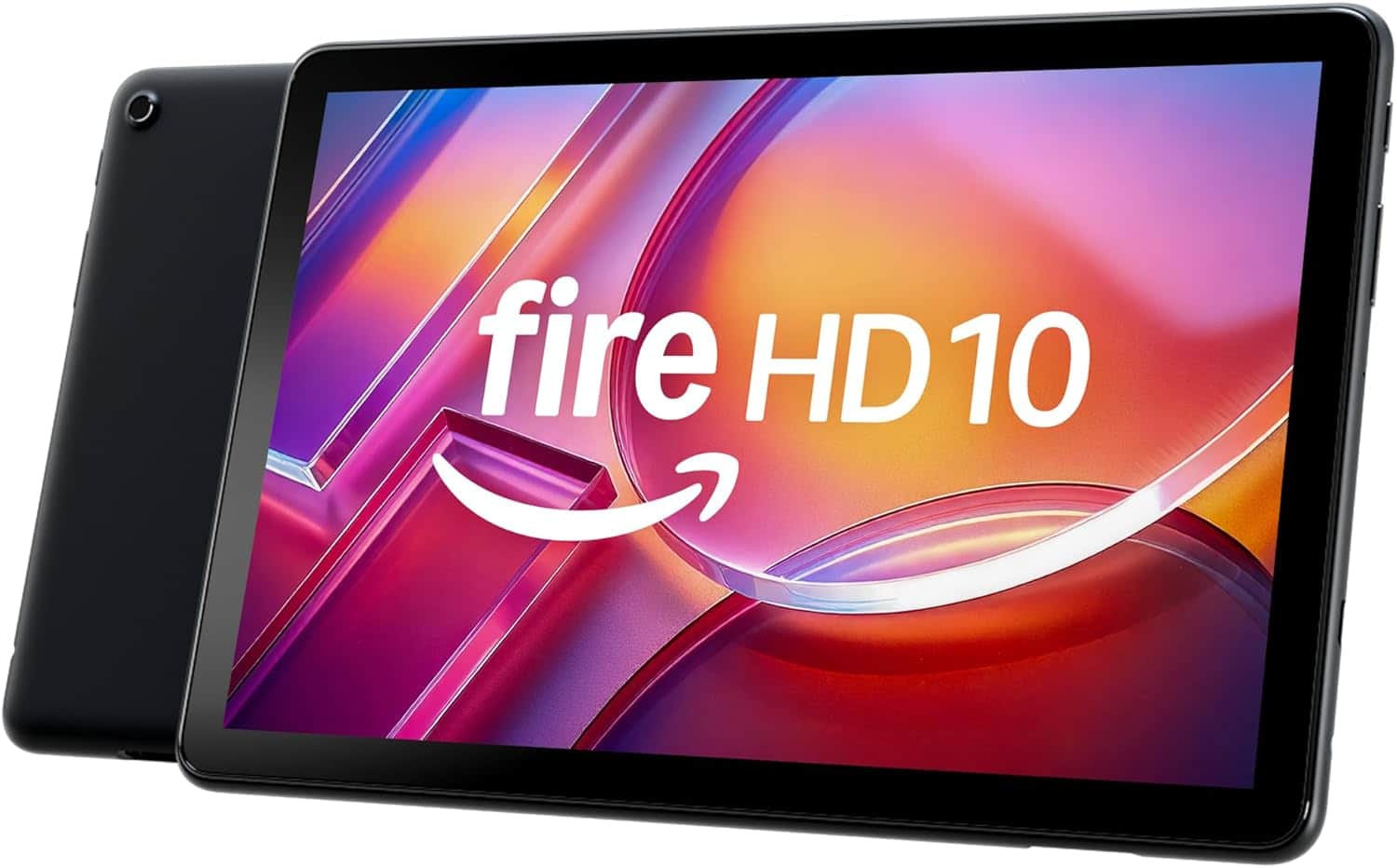
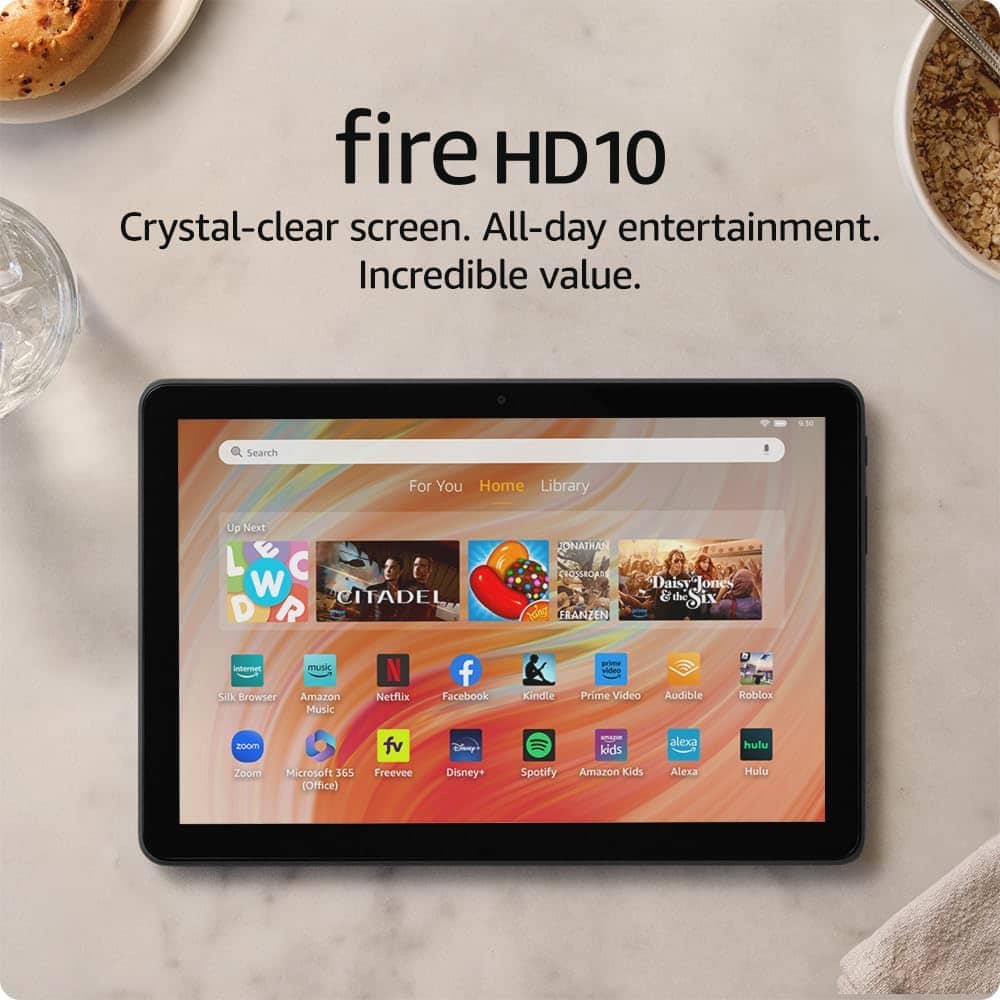
Your price for this item is $139.99

Customer reviews

Rating 4.7 out of 5 stars with 996 reviews

Rating Filter

Rating by feature

  • Battery Life

    Rating 4.7 out of 5 stars

  • Durability

    Rating 4.7 out of 5 stars

  • Display

    Rating 4.8 out of 5 stars

Pros mentioned filter

Cons mentioned filter

95%would recommend to a friend

Customers are saying

Customers consistently note the Fire HD 10 Tablet's well-received overall performance and ease of use. Many appreciate the screen size and satisfactory battery life. However, some customers have expressed concerns regarding app availability and connectivity issues.

This summary was generated by AI based on customer reviews.

The vast majority of our reviews come from verified purchases. Reviews from customers may include My Best Buy members, employees, and Tech Insider Network members (as tagged). Select reviewers may receive discounted products, promotional considerations or entries into drawings for honest, helpful reviews.
Page 48 Showing 941-960 of 996 reviews
  • Best Buy Employee

    Rated 1 out of 5 stars

    Slow

    |
    Best Buy Employee
    Posted . Owned for 6 months when reviewed.
    This reviewer received promo considerations or sweepstakes entry for writing a review.

    This tablet is slow, roblox makes it crash. If you are just using it to stream it would be okay. Not duriable at all.

    No, I would not recommend this to a friend
    • Brand response from Amazon Devices Customer Support
      Posted .

      Hello JoshuaR! Thank you so much for taking the time to provide feedback on your experience with your tablet. A couple of things you can do to ensure you are running the latest version of the device's software as well as of Roblox are as follows: 1. Search for Roblox in the Appstore and see if there is an update for it as this may cause it to crash if not. 2. Go to Settings, Device Options, System Updates to see if you are running the latest version. There will be an option to Update or Download Update if not. Lastly, you may also be running multiple apps in the background using up processing power making it run slower or even crash if you run a game like Roblox. You can tap the Multitask icon in the lower right of the screen to see what apps are still running and you can swipe up the ones you are not using to free up processing power before launching Roblox. I do hope that these tips help improve your experience and that you have a terrific day! AmazonDevices

  • Rated 1 out of 5 stars

    Amazon tablets are trash

    |
    |
    Posted . Owned for 1 month when reviewed.
    This reviewer received promo considerations or sweepstakes entry for writing a review.

    This tablet is a piece of crap. I only replaced it because i paid for a warranty. If it breaks again or software glitches its going straight to the trash.

    No, I would not recommend this to a friend
    • Brand response from Amazon Devices Customer Support
      Posted .

      Hello JBoston1973. I am so sorry you are dissatisfied with your Fire tablet. We do appreciate any and all feedback that we can get on our products so that we can continue to iterate on them in software updates and future releases in order to be an excellent option between price and value for our customers. While we cannot troubleshoot with you through this forum, we would love the opportunity to assist in rectifying or enhancing your experience with your device by contacting Amazon Customer Support at 888.280.4331. Thanks again for your valued feedback and I hope you have a terrific day! AmazonDevices

  • Rated 2 out of 5 stars

    Sucks

    |
    |
    Posted . Owned for 2 months when reviewed.
    This reviewer received promo considerations or sweepstakes entry for writing a review.

    We have a charge on our credit card. Trying to find out what the charge is. There is no wheres on this site to find it.

    No, I would not recommend this to a friend
  • Rated 1 out of 5 stars

    Defective tablet.

    |
    |
    Posted . Owned for 2 months when reviewed.
    This reviewer received promo considerations or sweepstakes entry for writing a review.

    My tablet was defective. I was very disappointed because I live two hours away from the closest store so I haven’t been able to return it yet.

    No, I would not recommend this to a friend
    • Brand response from Amazon Devices Customer Support
      Posted .

      Hello Ivygrey23! I am terribly sorry that you received a defective tablet. I would recommend reaching out to Amazon Customer Support at 888.280.4331 to troubleshoot further and explore what options are available to you. This may assist in resolving your problem with your tablet and save you that trip to the store potentially. I hope this helps so you can enjoy your purchase and I hope that you have an amazing day! AmazonDevices

  • Rated 1 out of 5 stars

    Too much clutter

    |
    |
    Posted . Owned for 2 weeks when reviewed.
    This reviewer received promo considerations or sweepstakes entry for writing a review.

    Love Amazon product and I have many but this just has way too many apps came pre installed without ability to hide or remove them. It made the device cluttered and hard to use. I had to return it.

    No, I would not recommend this to a friend
    • Brand response from Amazon Devices Customer Support
      Posted .

      Hello Nick! Thank you so much for your valued feedback and for your time. While I do know that there are a number of apps that come predownloaded with some not being able to be removed for device cohesiveness and operations, you can definitely in fact move them to a folder to minimize the visibility of them so that you can free up much of the clutter you are experiencing. You can do this by tapping and holding the app in question and then dragging it over to a folder already created or over top of another app to create a new folder. I am sorry that we did not get back to you before returning this if you have already done so, but if not then I do hope you give this a shot to see if it addresses your concern and gets you back to enjoying our products! Thanks again so much for your time and I do hope that you have a fantastic day! AmazonDevices

  • Rated 2 out of 5 stars

    Screen cracked

    |
    |
    Posted . Owned for 1 month when reviewed.
    This reviewer received promo considerations or sweepstakes entry for writing a review.

    Not good quality screen cracked not even a month in

    No, I would not recommend this to a friend
  • Rated 1 out of 5 stars

    no show mode

    |
    |
    Posted .
    This reviewer received promo considerations or sweepstakes entry for writing a review.

    doesn't have show mode !! its nothing but a paper weight

    No, I would not recommend this to a friend
    • Brand response from Amazon Devices Customer Support
      Posted .

      Hello EricJ! Thank you for taking the time to provide feedback and a review of your experience with the Fire HD 10. Show Mode was a feature that was dropped from generation to generation and in doing so, this model is actually lower in price than the last generation model of Fire HD 10. I do know that was a beloved feature for those that used it and we are constantly working diligently to improve upon our products and services based on feedback just like yours. So hopefully, it may be a returning feature at some point. In the meantime, your device does still have full access to the Amazon Appstore as well as your ecosystem of Amazon products and services such as Kindle, Audible, and the plethora of streaming services and games available to it. You also still have Alexa that can be used just like when in Show Mode by enabling her in the setup or settings and asking her questions just like you would a Show. Thanks again for your time and feedback and I hope you have a terrific day! AmazonDevices

  • Rated 2 out of 5 stars

    Error

    |
    |
    Posted . Owned for 1 month when reviewed.
    This reviewer received promo considerations or sweepstakes entry for writing a review.

    There's a mistake....I never purchased a tablet ever in my life.

    No, I would not recommend this to a friend
  • Rated 2 out of 5 stars

    Tablet

    |
    |
    Posted . Owned for 1 month when reviewed.
    This reviewer received promo considerations or sweepstakes entry for writing a review.

    Good service kind workers a little slow on person to person contact

    I would recommend this to a friend
  • Rated 1 out of 5 stars

    DumpAmazonFireTablet

    |
    |
    Posted . Owned for 2 months when reviewed.
    This reviewer received promo considerations or sweepstakes entry for writing a review.

    Amazon Fire limits acceptance of apps, especially when it comes to apps providing proof of adult age.

    No, I would not recommend this to a friend
  • Rated 1 out of 5 stars

    Wow. So slow!

    |
    |
    Posted . Owned for 1 month when reviewed.
    This reviewer received promo considerations or sweepstakes entry for writing a review.

    Shocking how insanely slow/laggy this is when using solely for browsing internet.

    No, I would not recommend this to a friend
    • Brand response from Amazon Devices Customer Support
      Posted .

      Hi Florida8, thank you for providing feedback for the Amazon Fire HD 10 tablet. For slow browser performance, this could stem from the Wi-Fi or from storage. I would recommend checking your Wi-Fi for a strong signal first. Then I would clear the cache on the device. To do this,
      1. Open the Settings menu.
      2. Select Apps & Notifications.
      3. Select Manage All Applications or See all... apps and choose the app you are having trouble with.
      4. Select Storage, tap to Clear Data or Clear Storage, then Clear Cache. If these steps do not help and you are still experiencing issues, you can reach out to Amazon Customer Support 24/7 at 1-888-280-4331. Thank you again and Happy Holidays! AmazonDevices

  • Rated 1 out of 5 stars

    Bad for games

    |
    |
    Posted . Owned for 2 months when reviewed.
    This reviewer received promo considerations or sweepstakes entry for writing a review.

    Very slow at running games like Hearthstone. Only good for watching YouTube

    No, I would not recommend this to a friend
    • Brand response from Amazon Devices Customer Support
      Posted .

      Hi Aritect,

      We are sorry to hear you are not satisfied with your Fire 10.1 Tablet. You can do a few things to help your tablets speed.

      First, Turn off your Fire tablet by holding down the power button.
      When it's off, press the power and volume up buttons.
      When you see the Amazon boot logo, let go of the volume button but keep holding the power button until you enter the recovery screen.

      Then, on the recovery screen, scroll through the recovery menu using the volume buttons, select wipe cache partition, and press the power button to enter. Don't select the factory reset option. You're asked to confirm your choice. When you return to the recovery screen, scroll down and select power down. Finally, hold the power button again (without holding any volume buttons) to turn your tablet back on.

      You can also ensure your wifi connection is strong and the modem and router you are connected to has an efficient amount of devices for the speeds you pay for monthly through your provider.

      Hope that helps! AmazonDevices

  • Rated 1 out of 5 stars

    Not a good tablet

    |
    |
    Posted . Owned for 1 month when reviewed.
    This reviewer received promo considerations or sweepstakes entry for writing a review.

    Worst tablet doesn't support google apps and misguided by best buy customer representative.

    No, I would not recommend this to a friend
  • Rated 1 out of 5 stars

    Trouble with tablet

    |
    |
    Posted . Owned for 11 months when reviewed.
    This reviewer received promo considerations or sweepstakes entry for writing a review.

    Having problems have a warranty how do I get it looked at runs them quits or jumps off

    No, I would not recommend this to a friend
    • Brand response from Amazon Devices Customer Support
      Posted .

      Hello Rascal1030! I am so sorry to hear that you are experiencing this issue with your Fire tablet. If you have Best Buy's Total Tech membership or similar then I would recommend taking it into your nearest Best Buy to have Geek Squad and/or Customer Service take a look. If you are talking about Amazon's own manufacturer warranty then I would recommend calling Amazon Customer Support at 888.280.4331 to troubleshoot further and explore what options are available to you. I hope this helps get you the assistance you need to get back to enjoying your tablet. Have a tremendous day! AmazonDevices

  • Rated 1 out of 5 stars

    Difficult to use

    |
    |
    Posted . Owned for 1 month when reviewed.
    This reviewer received promo considerations or sweepstakes entry for writing a review.

    Really difficult to use maybe it is just the one I have but returning it

    No, I would not recommend this to a friend
    • Brand response from Amazon Devices Customer Support
      Posted .

      Thank you for your feedback on the Fire HD 10 tablet. I am sorry to hear of the performance issues you are experiencing. Here are a few troubleshooting ideas to try to resolve performance issues in the future: 1. Check that your device has a strong internet connection. 2. Restart the tablet 3. Ensure the tablet is fully charged 4. Check to see what apps are running on the device and close any that are no longer in use. If these steps do not help, and you are still having functionality issues you can call Amazon customer service, available 24/7 for assistance on the device. You can reach them at 1-888-280-4331. I hope this information is helpful, thank you! AmazonDevices

  • Rated 1 out of 5 stars

    Do not work

    |
    |
    Posted . Owned for 3 weeks when reviewed.
    This reviewer received promo considerations or sweepstakes entry for writing a review.

    Will mot let my baby play any games or watch YouTube

    No, I would not recommend this to a friend
    • Brand response from Amazon Devices Customer Support
      Posted .

      Hi Seymone, I'm very sorry to hear about the experience you are having with the Fire HD 10 tablet. I can certainly understand how frustrating this must be. As it pertains specifically to YouTube, unfortunately, the YouTube app is currently not available in the Amazon app store for download. However, you are still able to access the YouTube website via the Silk Browser app. I hope that information is helpful for you. If you need any additional assistance, you can reach out to Amazon Customer Support 24/7 at 1-888-280-4331. Thank you for providing this feedback. I hope you have a wonderful day! AmazonDevices

  • Rated 1 out of 5 stars

    too big

    |
    |
    Posted . Owned for 3 weeks when reviewed.
    This reviewer received promo considerations or sweepstakes entry for writing a review.

    It was too large & I had trouble reading it in bed.

    No, I would not recommend this to a friend
  • Pros mentioned:
    Battery life

    Rated 5 out of 5 stars

    Xmas gift

    Posted .
    This reviewer received promo considerations or sweepstakes entry for writing a review.

    So far so good. Tablet's battery last forever. Was easy to set up. Kids are very happy

    I would recommend this to a friend
  • Pros mentioned:
    Battery life

    Rated 5 out of 5 stars

    Kid tablet for Christmas

    Posted .
    This reviewer received promo considerations or sweepstakes entry for writing a review.

    So far so good. Tablet's battery last forever. Was easy to set up. Kids are very happy

    I would recommend this to a friend
  • Pros mentioned:
    Screen size

    Rated 4 out of 5 stars

    Great gift

    Posted .
    This reviewer received promo considerations or sweepstakes entry for writing a review.

    This was a Christmas gift for my adult daughter. She really likes it. She uses it for the Kindle. Only thing she wished there wasn't so many ads on the beginning screen

    I would recommend this to a friend