Memorial Day SaleEnds 5/25. Limited quantities. No rainchecks.Shop now

Skip to contentGo to Product Search
Main Content

Customer Ratings & Reviews
$139.99

Customer reviews

Rating 4.7 out of 5 stars with 1133 reviews

Rating Filter

Rating by feature

  • Battery Life

    Rating 4.7 out of 5 stars

  • Durability

    Rating 4.7 out of 5 stars

  • Display

    Rating 4.8 out of 5 stars

Pros mentioned filter

Cons mentioned filter

95%would recommend to a friend

Customers are saying

Customers consistently note the Fire HD 10 Tablet's well-received overall performance and ease of use. Many appreciate the screen size and satisfactory battery life. However, some customers have expressed concerns regarding app availability and connectivity issues.

This summary was generated by AI based on customer reviews.

The vast majority of our reviews come from verified purchases. Reviews from customers may include My Best Buy members, employees, and Tech Insider Network members (as tagged). Select reviewers may receive discounted products, promotional considerations or entries into drawings for honest, helpful reviews.
Page 54 Showing 1,061-1,080 of 1,133 reviews
  • Rated 1 out of 5 stars

    Didn't work for me!

    |
    |
    Posted . Owned for 1 month when reviewed.
    This reviewer received promo considerations or sweepstakes entry for writing a review.

    I returned this device. I bought it for my mother. I couldn't even get it to cooperate with me. And I work on computers and other electronic devices everyday.

    No, I would not recommend this to a friend
    • Brand response from Amazon Devices Customer Support
      Posted .

      Hello Dance! Thank you for your feedback on the Fire HD 10 tablet. I'm sorry to hear about the difficulties you experienced with setup and that the device didn't cooperate as expected, especially given your technical background. Setup issues can be frustrating, particularly when a device should be straightforward to configure. Here are troubleshooting steps that may help: ensure the device is fully charged before setup, check for a strong Wi-Fi connection, verify correct Amazon account credentials, perform a soft reset by holding the power button for 40 seconds if unresponsive, try setup closer to your router, perform a factory reset if needed, ensure router firmware is updated, or try a different Wi-Fi network temporarily. Common barriers include parental controls, network firewall settings, outdated device software, or account verification issues. I hope that helps for future purchases and have a great day! AmazonDevices

  • Rated 1 out of 5 stars

    Shipping

    |
    |
    Posted .
    This reviewer received promo considerations or sweepstakes entry for writing a review.

    Bought it from Best Buy because they said that it would be at my house the next day, 3 days later it finally showed up. They wouldn’t let me cancel the order either so I could pick up from the store. The tablet is fine, camera sucks.

    I would recommend this to a friend
    • Brand response from Amazon Devices Customer Support
      Posted .

      Thank you for your feedback user431656. AmazonDevices

  • Rated 1 out of 5 stars

    Fraud scam

    |
    |
    Posted . Owned for 4 months when reviewed.
    This reviewer received promo considerations or sweepstakes entry for writing a review.

    I bought a warranty and protection for this plan. I took it back in and they say they don’t have it.

    I would recommend this to a friend
    • Brand response from Amazon Devices Customer Support
      Posted .

      Hi BestBuyisfraudscam,

      Thank you for sharing your experience, and I'm truly sorry to hear about the issue with your warranty and protection plan. Discovering that there's no record of a warranty you purchased is incredibly frustrating and understandably feels like a serious problem.

      This sounds like a documentation or system error that needs immediate attention. I'd recommend taking the following steps:

      First, gather any proof of purchase you have—your original receipt, email confirmation, or credit card statement showing the warranty charge. This documentation will be crucial in resolving the issue.

      Second, contact Best Buy's customer service directly at 1-888-237-8289 and ask to speak with a manager if the initial representative can't locate your warranty. If you purchased the Geek Squad protection plan, their dedicated line is 1-800-433-5778.

      Third, if Best Buy is unable to resolve this, you can also reach out to Amazon customer support at 1-888-280-4331 regarding the Fire HD 10 tablet itself, though the warranty issue will need to be addressed with Best Buy since that's where the protection plan was purchased.

      Your feedback about this experience is important, and I understand why you're frustrated. No customer should have to fight to access a warranty they paid for. AmazonDevices

  • Pros mentioned:
    Overall performance

    Rated 2 out of 5 stars

    Error

    |
    |
    Posted . Owned for 1 month when reviewed.
    This reviewer received promo considerations or sweepstakes entry for writing a review.

    There's a mistake....I never purchased a tablet ever in my life.

    No, I would not recommend this to a friend
  • Cons mentioned:
    App compatibility

    Rated 1 out of 5 stars

    DumpAmazonFireTablet

    |
    |
    Posted . Owned for 2 months when reviewed.
    This reviewer received promo considerations or sweepstakes entry for writing a review.

    Amazon Fire limits acceptance of apps, especially when it comes to apps providing proof of adult age.

    No, I would not recommend this to a friend
  • Rated 3 out of 5 stars

    Its fine

    |
    |
    Posted . Owned for 1 month when reviewed.
    This reviewer received promo considerations or sweepstakes entry for writing a review.

    Its an ok tablet my son likes it he can play games and watch YouTube

    I would recommend this to a friend
    • Brand response from Amazon Devices Customer Support
      Posted .

      Hi ShaquandalinD,

      We are happy to hear you are enjoying your Fire 10.1 Tablet! If there is anything you have questions on or want more information on the optimal use of your device please don't hesitate to give us a call at 1-888-280-4331.

      Hope that helps! AmazonDevices

  • Rated 1 out of 5 stars

    Quick break

    |
    |
    Posted . Owned for 1 month when reviewed.
    This reviewer received promo considerations or sweepstakes entry for writing a review.

    Look nice ,good price but malfunctioned in less than 30 days, I bought it for my mom who is 83 years old to exercise her brain ,she likes to play the match 3 games.However it started flashing on and off ,Thank goodness I bought the insurance, because unfortunately I didn't realize is was only a 15 day period for a refund!

    No, I would not recommend this to a friend
    • Brand response from Amazon Devices Customer Support
      Posted .

      Hi StacybM,

      We are sorry you are not having a positive experience with the Fire 10 tablet. The Fire 10.1 tablet has a lightweight, durable design and strengthened glass made from aluminosilicate glass. As measured in a tumble test, Fire HD 10 is 2.7 times as durable as the Samsung Galaxy Tab A8. If you are still having issues, please call us! You can call Amazon customer service, and we available 24/7 for assistance on the device. You can reach us at 1-888-280-4331!

      Hope that helps! AmazonDevices

  • Cons mentioned:
    Ads

    Rated 1 out of 5 stars

    To many ads

    |
    |
    Posted .
    This reviewer received promo considerations or sweepstakes entry for writing a review.

    My kid can’t use this cause there are so many ads. Wish yall would just take it back.

    No, I would not recommend this to a friend
    • Brand response from Amazon Devices Customer Support
      Posted .

      Hello, ThomasM. Thank you for taking the time to leave a review on the Fire HD 10. Amazon is able to offer some device models at a subsidized price by including personalized advertising on the device. You can remove the ads on the device by logging into your Amazon account. 1. Go to Manage Your Devices. 2. Select devices, then select your Kindle e-reader or Fire tablet. 3. Under Special Offers, click Remove offers. A pop-up window will then display the price to remove ads. 4. Select End Offers and Pay the Fee to proceed. If you have any questions or need help with the device, I recommend contacting Amazon Customer Support at 888-280-4331. Thank you again, have a great day! AmazonDevices

  • Rated 3 out of 5 stars

    Lock screen

    |
    |
    Posted . Owned for 1 month when reviewed.
    This reviewer received promo considerations or sweepstakes entry for writing a review.

    The tablet itself is fine but you can’t change the lock screen image

    No, I would not recommend this to a friend
  • Cons mentioned:
    App compatibility

    Rated 1 out of 5 stars

    Not a good tablet

    |
    |
    Posted . Owned for 1 month when reviewed.
    This reviewer received promo considerations or sweepstakes entry for writing a review.

    Worst tablet doesn't support google apps and misguided by best buy customer representative.

    No, I would not recommend this to a friend
  • Cons mentioned:
    Speed

    Rated 1 out of 5 stars

    Wow. So slow!

    |
    |
    Posted . Owned for 1 month when reviewed.
    This reviewer received promo considerations or sweepstakes entry for writing a review.

    Shocking how insanely slow/laggy this is when using solely for browsing internet.

    No, I would not recommend this to a friend
    • Brand response from Amazon Devices Customer Support
      Posted .

      Hi Florida8, thank you for providing feedback for the Amazon Fire HD 10 tablet. For slow browser performance, this could stem from the Wi-Fi or from storage. I would recommend checking your Wi-Fi for a strong signal first. Then I would clear the cache on the device. To do this,
      1. Open the Settings menu.
      2. Select Apps & Notifications.
      3. Select Manage All Applications or See all... apps and choose the app you are having trouble with.
      4. Select Storage, tap to Clear Data or Clear Storage, then Clear Cache. If these steps do not help and you are still experiencing issues, you can reach out to Amazon Customer Support 24/7 at 1-888-280-4331. Thank you again and Happy Holidays! AmazonDevices

  • Rated 3 out of 5 stars

    Fire

    |
    |
    Posted . Owned for 1 month when reviewed.
    This reviewer received promo considerations or sweepstakes entry for writing a review.

    Great for some things. My daughter uses it for school.

    I would recommend this to a friend
    • Brand response from Amazon Devices Customer Support
      Posted .

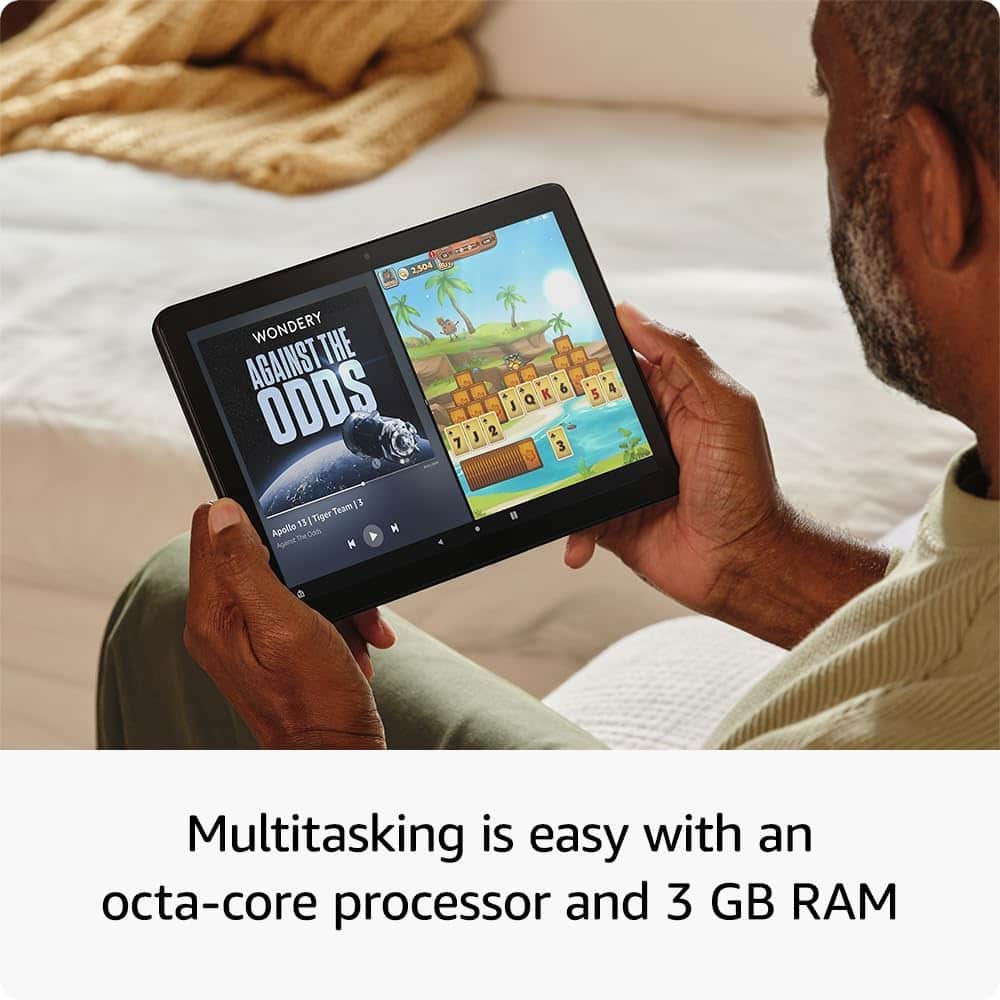
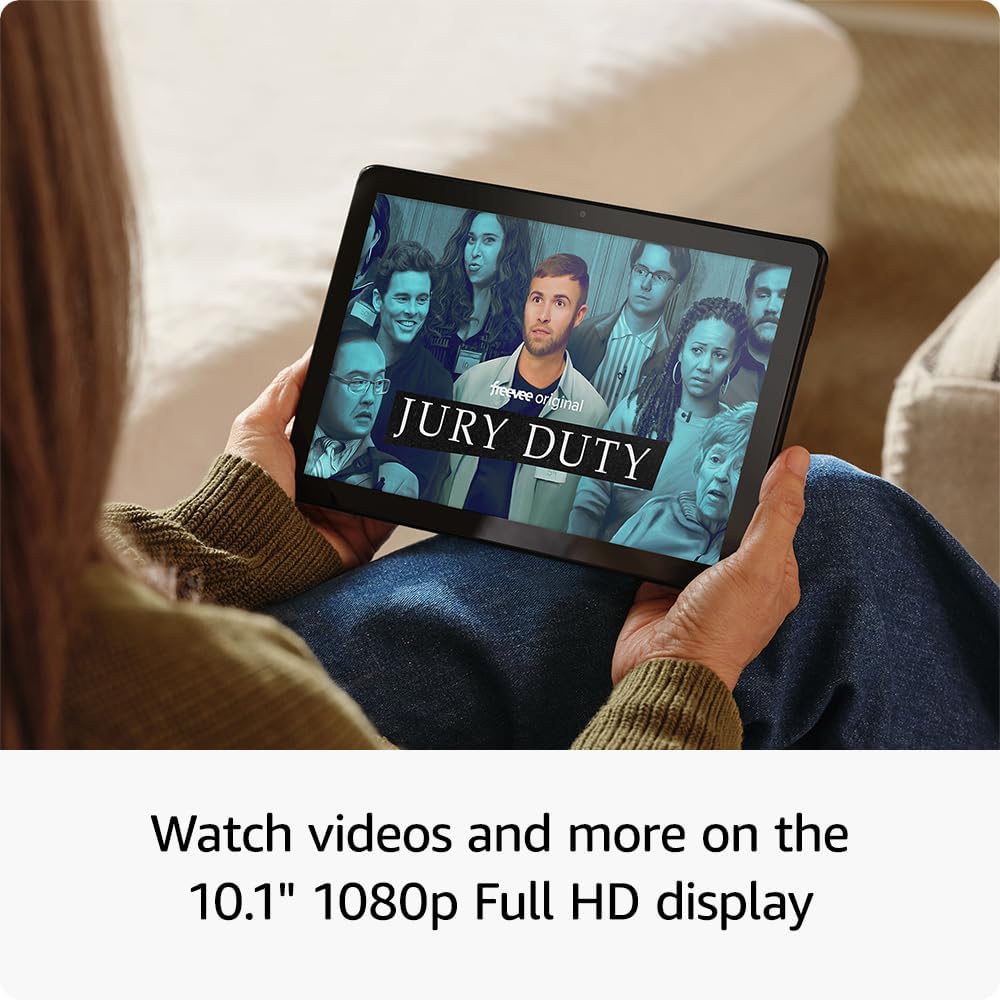
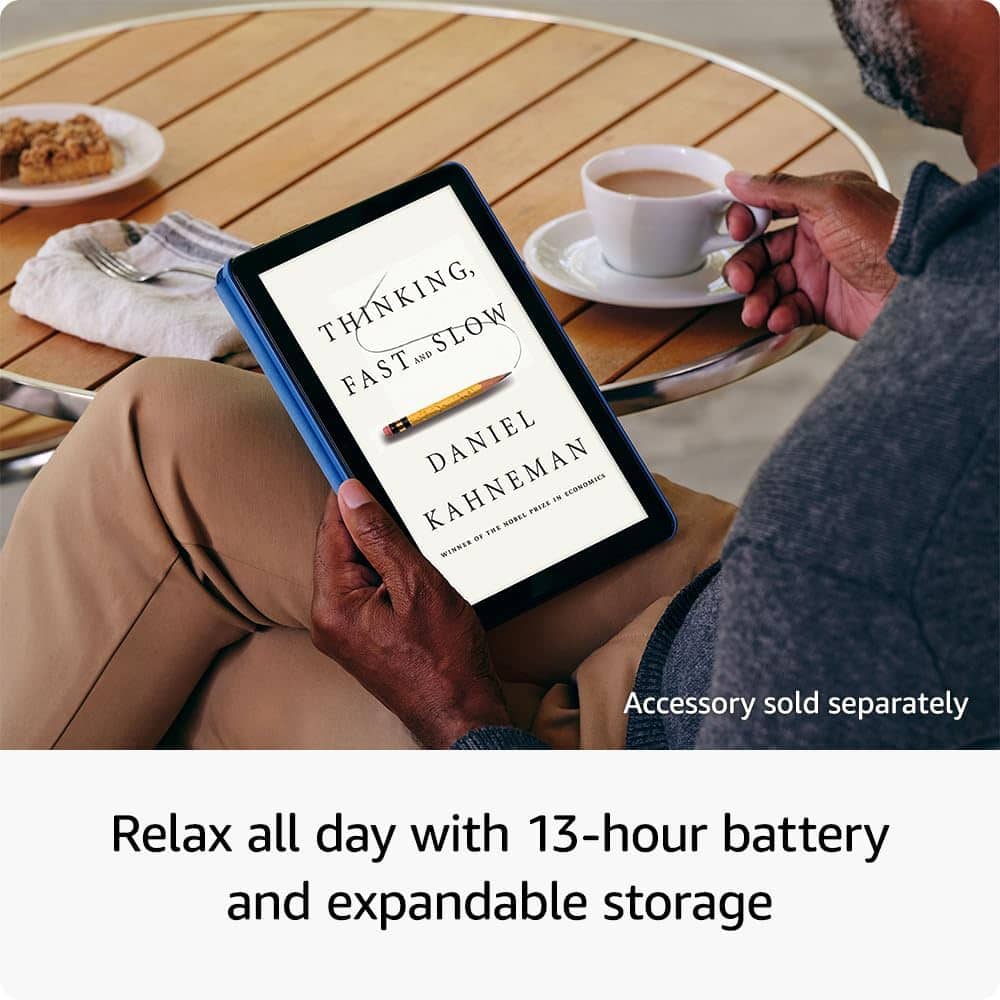
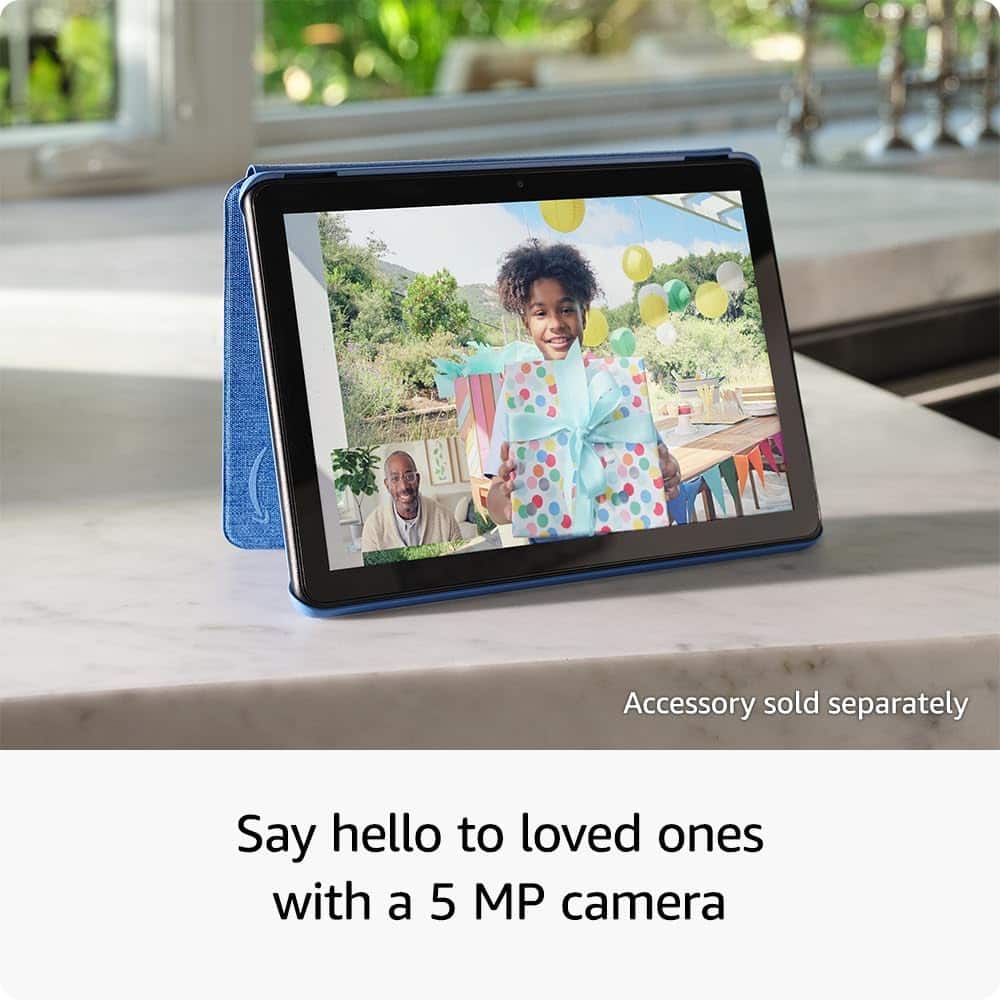
      Hi JustineS, thank you for your feedback. I'm sorry to see that you are less than completely satisfied with the Fire HD 10. I agree that the device is a great solution for students. Additionally, the Fire 10 HD has 25% faster performance than the previous generation and 3 GB RAM are ideal for seamless streaming, reading, and gaming. A 10.1" 1080p Full HD display brings brilliant color to all your shows and games. Binge watch longer with 13-hour battery, 32 or 64 GB of storage, and up to 1 TB expandable storage with micro-SD card (sold separately). Use the 5 MP front-facing camera to Zoom with family and friends, or create content for social apps like Instagram and TikTok. I hope this information is useful. Have a wonderful day! AmazonDevices

  • Rated 1 out of 5 stars

    amazon store

    |
    |
    Posted .
    This reviewer received promo considerations or sweepstakes entry for writing a review.

    Would not recommend lol frame rate doesn't have many apps only good for the amazon shopping your better off with a pc or your cellphone

    No, I would not recommend this to a friend
    • Brand response from Amazon Devices Customer Support
      Posted .

      Dear RobertS,

      Thank you for taking the time to share your feedback about the Fire HD 10 tablet. We appreciate your honest review and regret that the device didn't meet your expectations.

      We'd like to address some of the points you raised:

      Regarding apps: While the Amazon Appstore does have a different selection compared to other platforms, it offers thousands of popular apps including Netflix, Facebook, Spotify, and many games. However, we understand that specific apps you're looking for may not be available.

      Concerning frame rate issues: If you're experiencing performance problems, our technical support team would be happy to help troubleshoot these issues, as this isn't the typical experience with the Fire HD 10.

      The Fire HD 10 is designed to be a versatile tablet for:

      Entertainment (streaming, reading, gaming)
      Productivity tasks
      Web browsing
      And yes, shopping too

      However, we understand that different users have different needs, and a PC or smartphone might better suit your specific use case.

      If you'd like to improve your experience with the tablet, please contact our customer support team at 1 888 280-4331 for assistance. We're here to help! AmazonDevices

  • Rated 1 out of 5 stars

    maybe I got a lemon.

    |
    |
    Posted . Owned for 3 weeks when reviewed.
    This reviewer received promo considerations or sweepstakes entry for writing a review.

    My old Amazon Fire finally quit charging so I bought this one to replace it. It keeps freezing up. Thought it might be the internet connection, but I have another Amazon fire that I started using, and it works fine. Will be taking this one back.

    No, I would not recommend this to a friend
  • Rated 1 out of 5 stars

    Fire 10 bustapp

    |
    |
    Posted . Owned for 2 weeks when reviewed.
    This reviewer received promo considerations or sweepstakes entry for writing a review.

    For 16 days after purchase the tablet was great. Then flashing warning VIRUSES INFECTED!!! Stripped it down started over. Happened again 2 days later. That was this AM.

    No, I would not recommend this to a friend
    • Brand response from Amazon Devices Customer Support
      Posted .

      Hi JINX, I’m sorry to hear about the experience you’ve had with your Fire HD 10 Tablet. I understand how concerning it is to see repeated virus warnings. Fire tablets run on Fire OS, which is designed with built-in security to help protect against viruses, so those alerts are often caused by apps or pop-ups rather than an actual infection. I recommend restarting the device in Safe Mode and uninstalling any recently downloaded apps, then making sure the latest software updates are installed. If the warnings continue, please reach out to Amazon Customer Support at 1-888-280-4331 so we can assist with further troubleshooting. I appreciate the feedback and hope you have a great day! AmazonDevices

  • Rated 1 out of 5 stars

    fire hd 10

    |
    |
    Posted . Owned for 3 weeks when reviewed.
    This reviewer received promo considerations or sweepstakes entry for writing a review.

    seems that there is some sort of virus in this tablet

    No, I would not recommend this to a friend
    • Brand response from Amazon Devices Customer Support
      Posted .

      Hi AllenR!

      Could you describe the issue on the tablet? Virus's and Malware come from downloaded apps outside the official store or through malicious ads leading to pop-ups, slowdowns and battery drain.
      Sticking to the Amazon app store is recommended for desirable experience.

      Hope this helps! AmazonDevices

  • Rated 1 out of 5 stars

    Hard pass this one

    |
    |
    Posted .
    This reviewer received promo considerations or sweepstakes entry for writing a review.

    Very glitchy and laggy. This is the worst tablet I’ve owned.

    No, I would not recommend this to a friend
    • Brand response from Amazon Devices Customer Support
      Posted .

      Hi RebeccaC,

      Thank you for taking the time to share your feedback, and we sincerely apologize for the disappointing experience you've had with the Fire HD 10 tablet. We understand how frustrating it is to deal with glitchy and laggy performance—that's definitely not the experience we want any customer to have.

      Performance issues like the ones you've described are unacceptable, especially when you're expecting a smooth and reliable tablet experience. We're truly sorry this has been the worst tablet you've owned, and we completely understand your frustration.

      Your feedback is important to us and helps identify quality and performance issues that need to be addressed.

      Thank you for bringing this to our attention, and we apologize again for the inconvenience. AmazonDevices

  • Rated 1 out of 5 stars

    HD fire

    |
    |
    Posted .
    This reviewer received promo considerations or sweepstakes entry for writing a review.

    The display screen went out after using just a few times.

    No, I would not recommend this to a friend
    • Brand response from Amazon Devices Customer Support
      Posted .

      Hello RichardB,
      Thank you for your feedback on the Amazon Fire HD 10. I am sorry to hear the screen display is not working. The Fire HD 10 has a standard one year warranty with Amazon. Amazon Customer service is available 24/7, you can reach them at 1-888-280-4331. I hope this information is helpful to get your device working properly for you. Thank you! AmazonDevices

  • Rated 1 out of 5 stars

    Amazon tablets are trash

    |
    |
    Posted . Owned for 1 month when reviewed.
    This reviewer received promo considerations or sweepstakes entry for writing a review.

    This tablet is a piece of crap. I only replaced it because i paid for a warranty. If it breaks again or software glitches its going straight to the trash.

    No, I would not recommend this to a friend
    • Brand response from Amazon Devices Customer Support
      Posted .

      Hello JBoston1973. I am so sorry you are dissatisfied with your Fire tablet. We do appreciate any and all feedback that we can get on our products so that we can continue to iterate on them in software updates and future releases in order to be an excellent option between price and value for our customers. While we cannot troubleshoot with you through this forum, we would love the opportunity to assist in rectifying or enhancing your experience with your device by contacting Amazon Customer Support at 888.280.4331. Thanks again for your valued feedback and I hope you have a terrific day! AmazonDevices

  • Rated 2 out of 5 stars

    Sucks

    |
    |
    Posted . Owned for 2 months when reviewed.
    This reviewer received promo considerations or sweepstakes entry for writing a review.

    We have a charge on our credit card. Trying to find out what the charge is. There is no wheres on this site to find it.

    No, I would not recommend this to a friend