Customer Ratings & Reviews
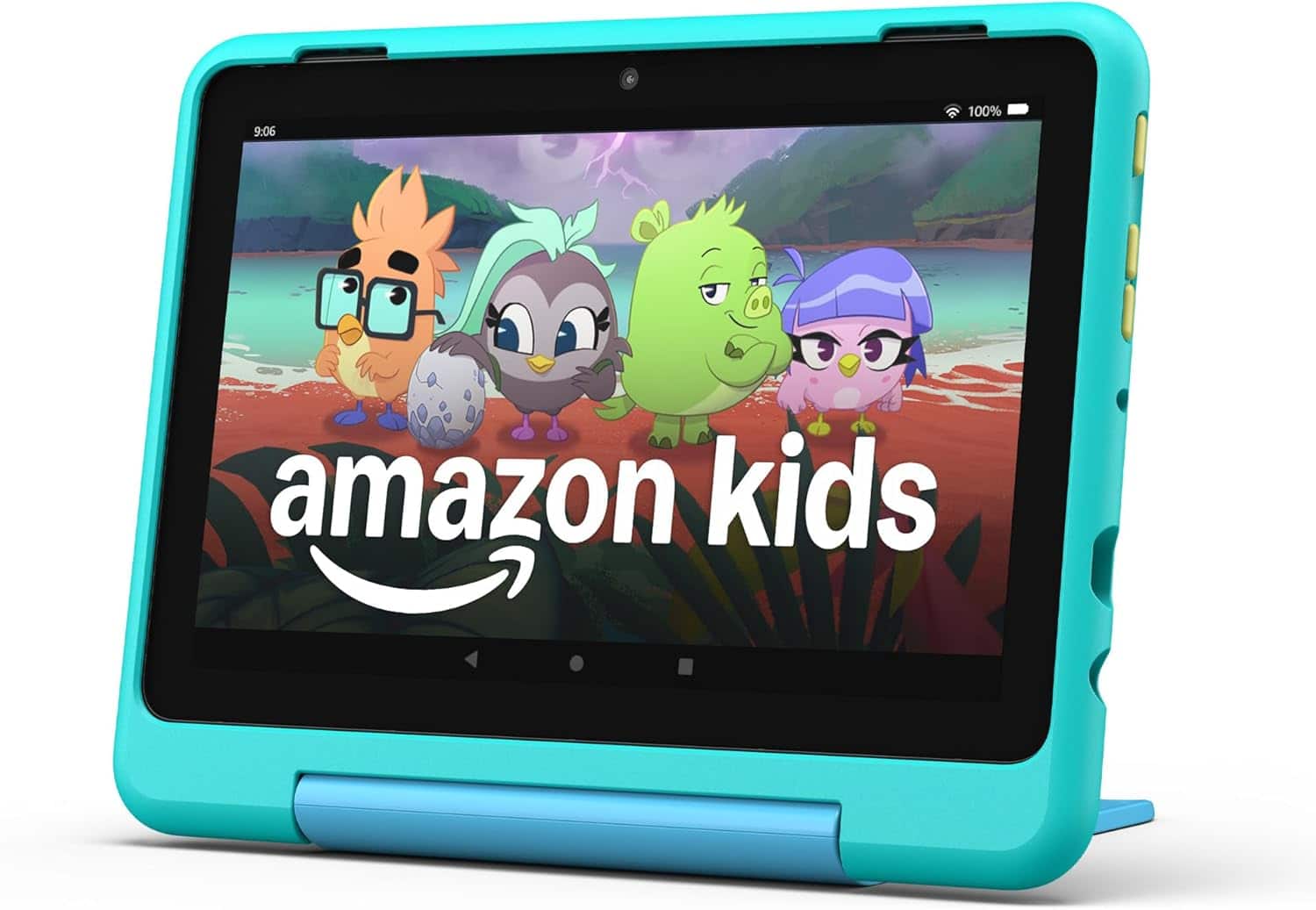
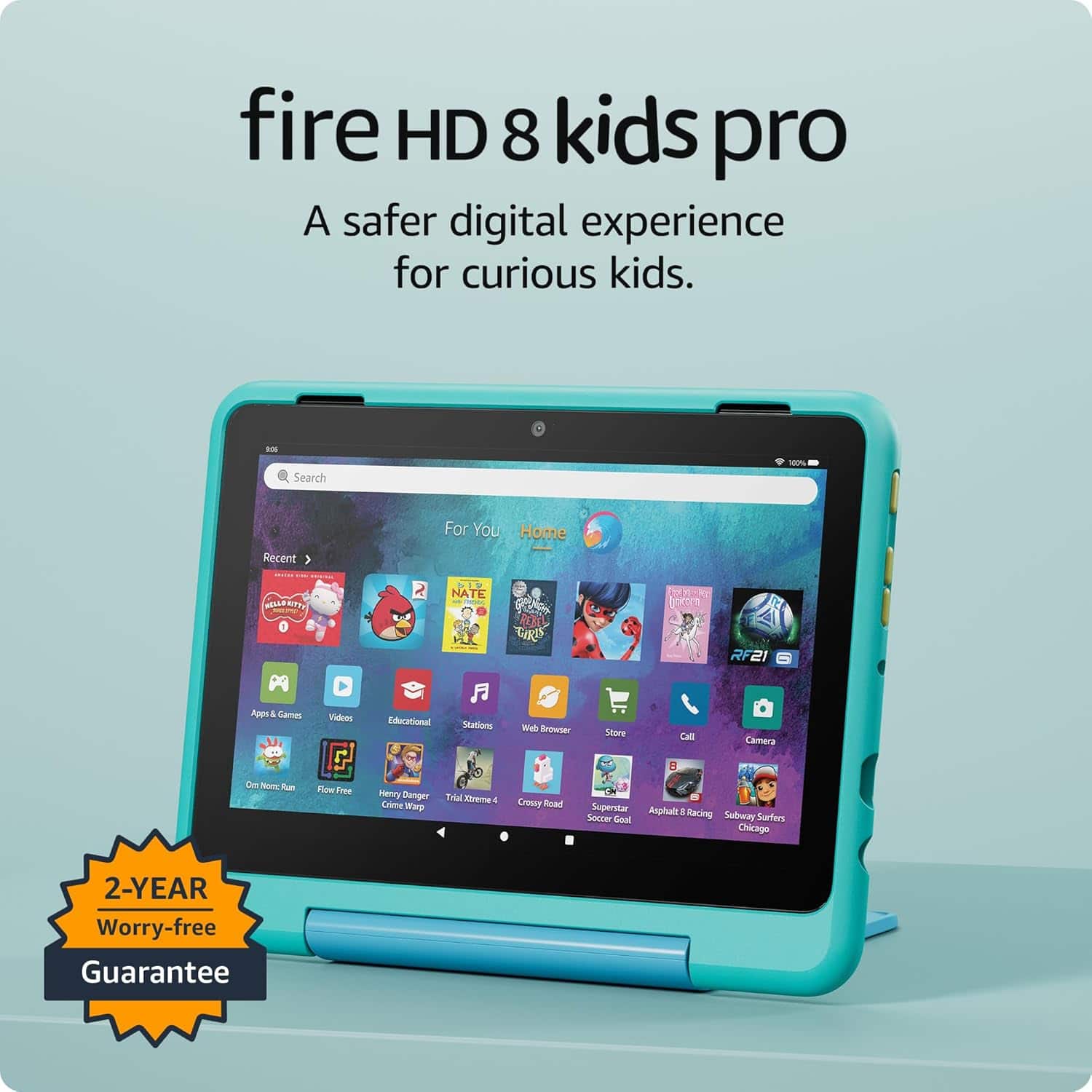
- Model:
- B0D1DMSV9G
- SKU:
- 12547840
Rating by feature
- Battery Life
Rating 4.7 out of 5 stars
- Durability
Rating 4.8 out of 5 stars
- Display
Rating 4.8 out of 5 stars
to a friend
Tablet
Posted .This reviewer received promo considerations or sweepstakes entry for writing a review.My son love's his tablet he was gifted for his birthday
I would recommend this to a friendNice tablet for my kid
Posted .This reviewer received promo considerations or sweepstakes entry for writing a review.I didnt open it yet cause is for chrismas but it looks good.
I would recommend this to a friendNot for graphic design!
Posted .This reviewer received promo considerations or sweepstakes entry for writing a review.Well, I guess the tablet decided I wasn’t cut out for graphic design and handed in its resignation—straight to my daughter! At least now it’s living its best life playing ABC games and keeping her entertained. Guess I’ll stick to fixing cars and leave the artistry to her.
I would recommend this to a friendTablet
Posted .This reviewer received promo considerations or sweepstakes entry for writing a review.Bought this as an early birthday girl for my son who is turning 4 years old this month he loves it. If you looking for a tablet for your toddler that’s not to expensive this is the one for you. Try it out
I would recommend this to a friendKids
Posted .This reviewer received promo considerations or sweepstakes entry for writing a review.My kid loves it! Has a lot of different things you can do. Lots of learning apps.
I would recommend this to a friendHate it
Posted .This reviewer received promo considerations or sweepstakes entry for writing a review.This has been one of the most disappointing purchases I've ever made. There are 3rd party ads integrated into apps like YouTube, that don't exist in the mobile form of the app. So even though I'm paying to have a YouTube experience without ads, Amazon thinks it's okay to force their ads into the margins. I bought this for my toddler, I don't want you advertising to my toddler. There is also this error symbol (circle with line through it) that appeared in the notification panel after some moths of use. However there is no information provided, and no way to select the error or tell where it is coming from. Even after looking through multiple help pages to troubleshoot what the issue could be, still no luck. The online pages say it shouldn't be a big issue, but the big issue to me is that you made a user interface that is absolute garbage.
No, I would not recommend this to a friendBrand response from Amazon Devices Customer Support
Posted .Hello Samm! Thank you so much for your time and review on your Fire HD 8 Kids Pro! Any ads that come through inside of apps and web pages are coming from those services directly. The YouTube app, for instance, may not look and appear the same as a YouTube app in your mobile phone because it's not the same app. YouTube on Fire tablets, is a web based option that allows for usage on our Fire tablets. Any ads that may appear on lock screens, however, are ads that come from Amazon directly and are there to allow for the discounted price you paid for this device. However, you can remove these apps by navigating to your Amazon Digital Services and Device Support profile on the Amazon website and clicking to remove Special Offers on your Fire tablet. There is a one time fee but this will remove these Special Offers from your device permanently. Lastly, the icon you are describing in your Notification area is the Mute icon or the Disable Alexa icon. If you see this icon, it means that Alexa is disabled on your device. You can enable her again by swiping down and tapping Alexa or going into the Settings of your device. I do hope this helps some and assists in improving your experience some and I thank you again for your time! Have a great day!
