Customer Ratings & Reviews

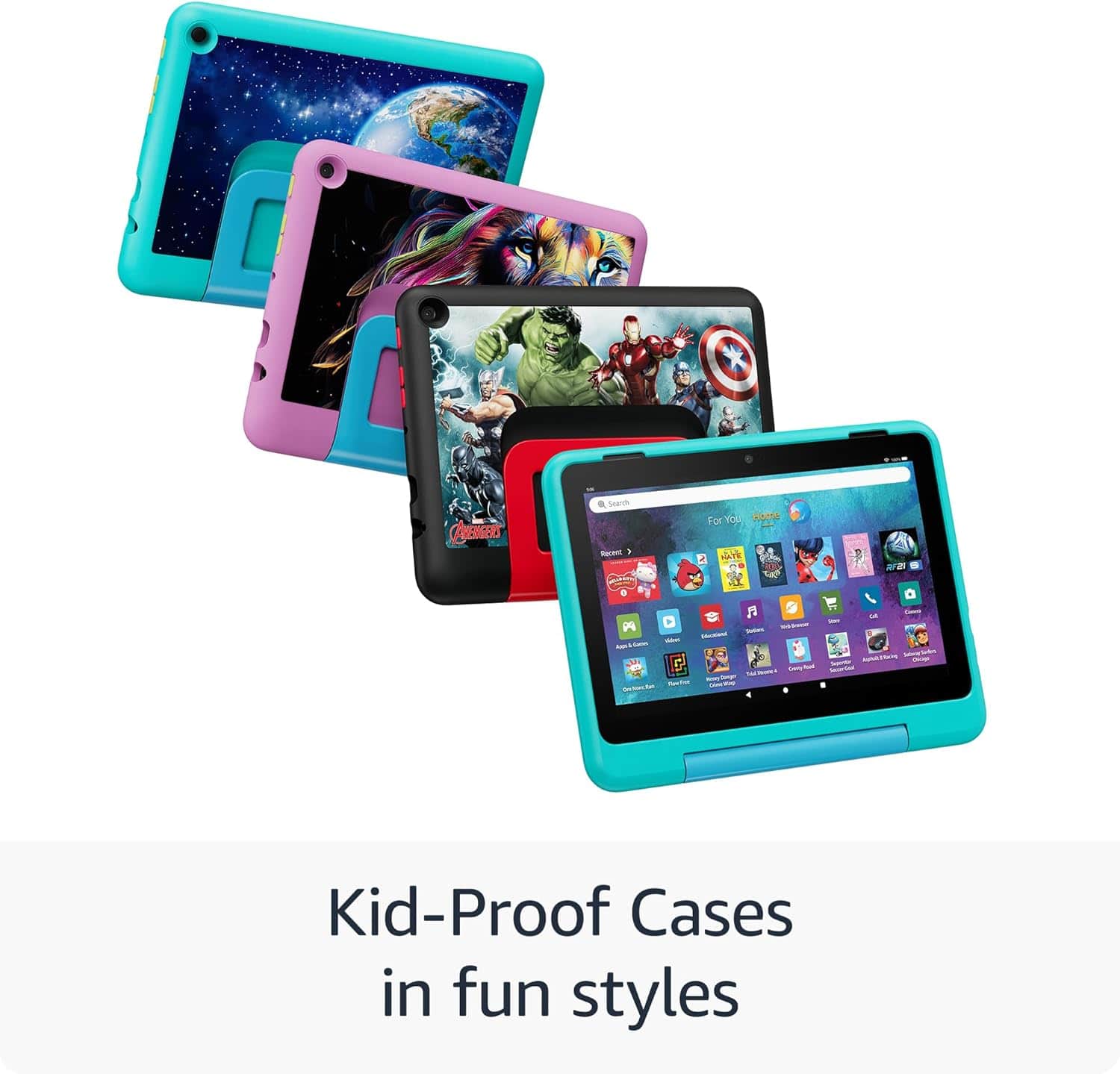
- Model:
- B0D1DMSV9G
- SKU:
- 6601648
Rating by feature
- Battery Life
Rating 4.7 out of 5 stars
- Durability
Rating 4.8 out of 5 stars
- Display
Rating 4.8 out of 5 stars
to a friend
Customers are saying
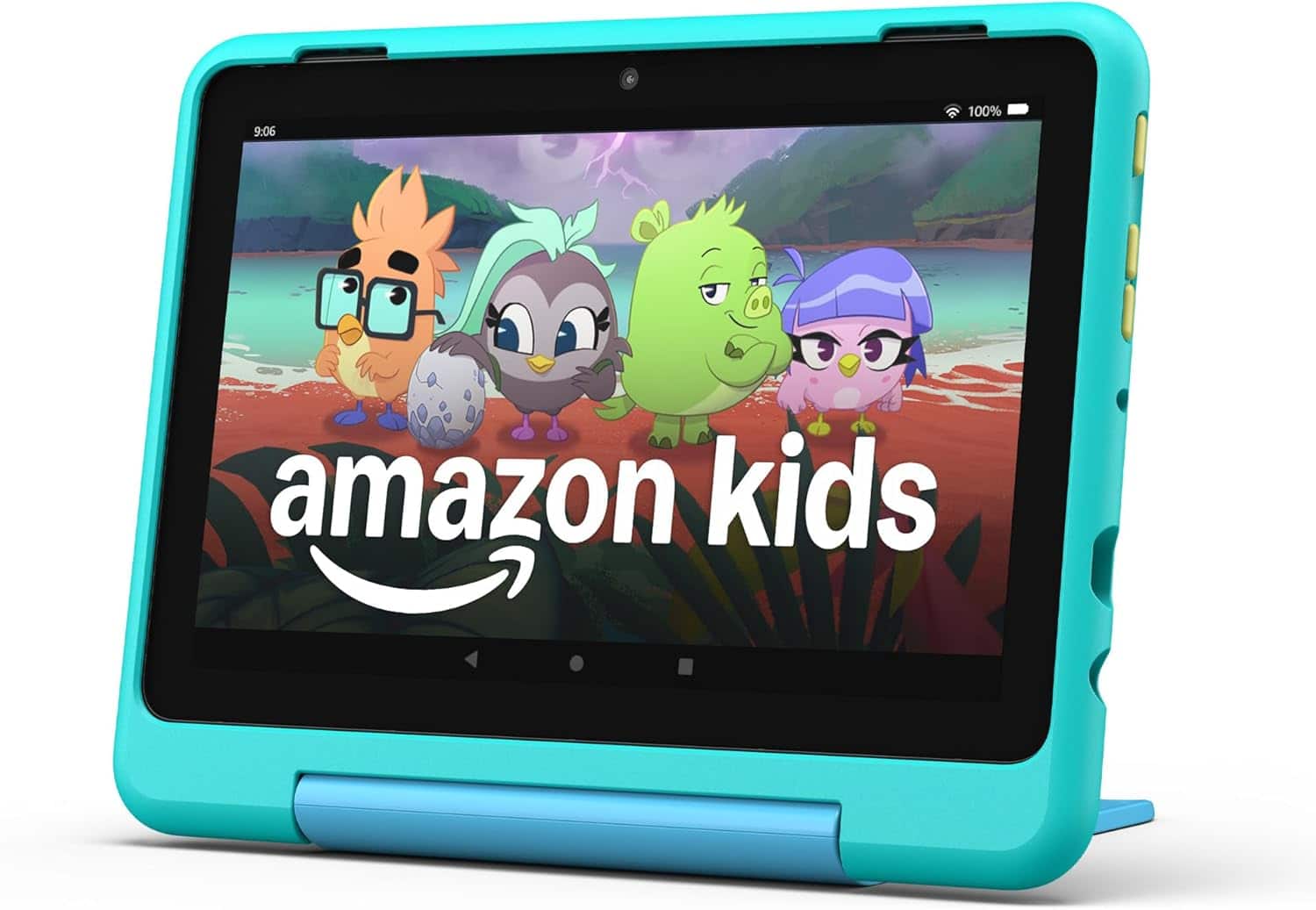
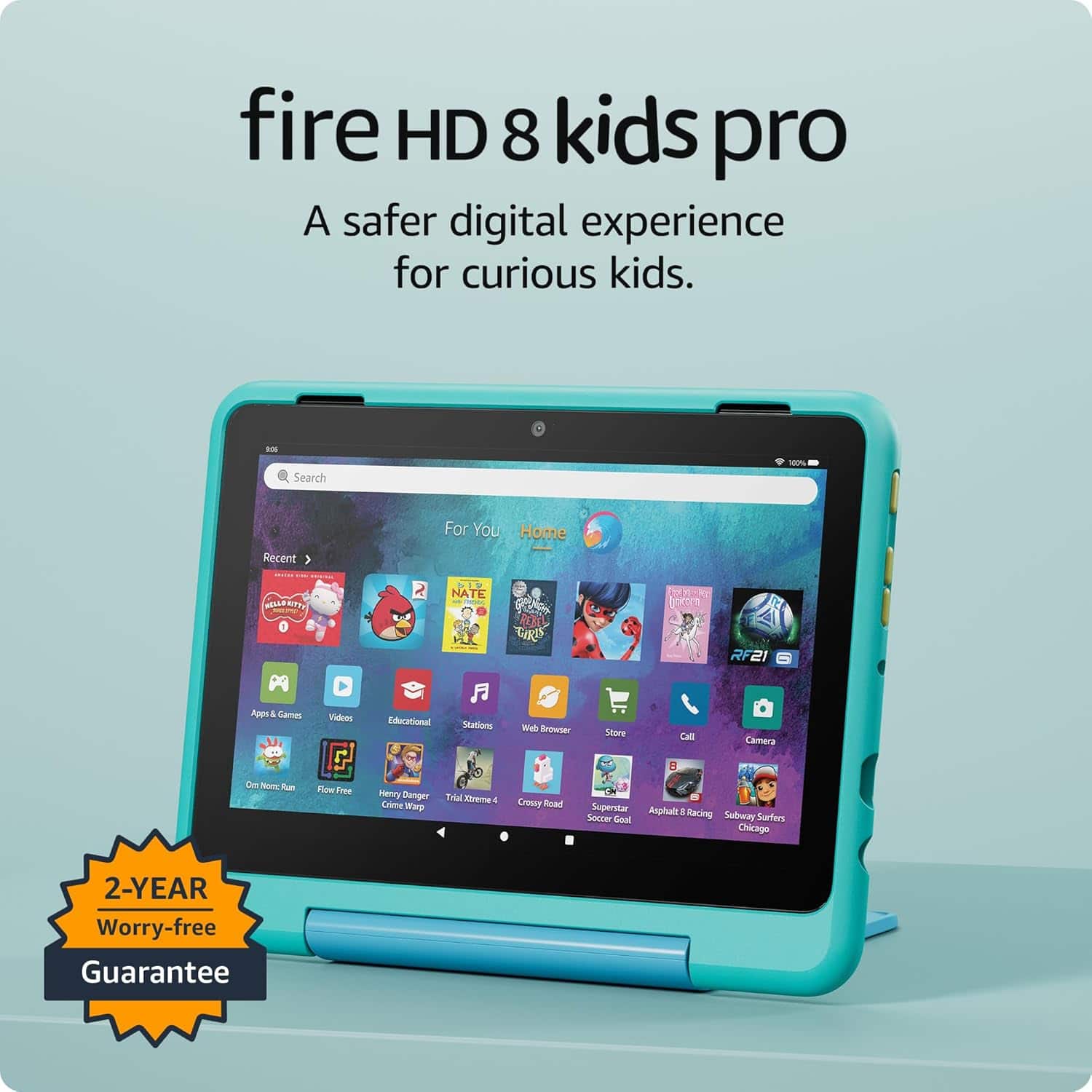
Customers value the Fire HD 8 Kids Pro tablet for its overall performance and ease of use. Users appreciate the long battery life and the screen size, which kids enjoy. The parental controls are also a well-received feature. Overall, it is considered a nice tablet for kids.
This summary was generated by AI based on customer reviews.
Car brought from the stone age
||Posted . Owned for 1 month when reviewed.This reviewer received promo considerations or sweepstakes entry for writing a review.I love the interface, makes my car feel modern! I’ll need to update my speakers accordingly
I would recommend this to a friendExelent tablet
||Posted . Owned for 2 weeks when reviewed.This reviewer received promo considerations or sweepstakes entry for writing a review.I Love it, my kids love it, everybody love's it..
I would recommend this to a friendGood tablet for kids
||Posted .This reviewer received promo considerations or sweepstakes entry for writing a review.My kid love it it has good safety features would by again
I would recommend this to a friendLisaB
||Posted . Owned for 2 weeks when reviewed.This reviewer received promo considerations or sweepstakes entry for writing a review.I had very good service at Best Buy when I picked my orders io
I would recommend this to a friendtablet
||Posted . Owned for 3 weeks when reviewed.This reviewer received promo considerations or sweepstakes entry for writing a review.nice tablet for my kids. I will recommend to my friends kids
I would recommend this to a friendMarc
||Posted . Owned for 1 month when reviewed.This reviewer received promo considerations or sweepstakes entry for writing a review.Bought this product for my grandson and he loves it.
I would recommend this to a friendTablet
||Posted . Owned for 3 weeks when reviewed.This reviewer received promo considerations or sweepstakes entry for writing a review.Good durability for a young one to use and learn on.
I would recommend this to a friendIt’s alright
||Posted . Owned for 3 weeks when reviewed.This reviewer received promo considerations or sweepstakes entry for writing a review.It’s ok not great for children screen does not lock so kids swipe and menu options come up
No, I would not recommend this to a friendBrand response from Amazon Devices Customer Support
Posted .Hello JAJR! Thank you so much for your time and valued feedback! What you are referring to is called App Pinning. This device does in fact have that functionality available in the Settings. You can access this by navigating to Settings>Profile and parental controls>App Pinning and then toggle it on. Then once toggled on, you will see instructions on how to pin an app and even have the ability to toggle on Disable Touch which prevents touch functionality while in a pinned app. I do hope this helps improve upon your experience with your new tablet and that you have a phenomenal day!

Fire tablets for the rich
||Posted . Owned for 1 year when reviewed.This reviewer received promo considerations or sweepstakes entry for writing a review.I love the tablet but I don’t like how easy it is for kids to purchase things even with all of the so called parental locks. You should be able to download stuff for free for children. It’s a money pit.
No, I would not recommend this to a friendBrand response from Amazon Devices Customer Support
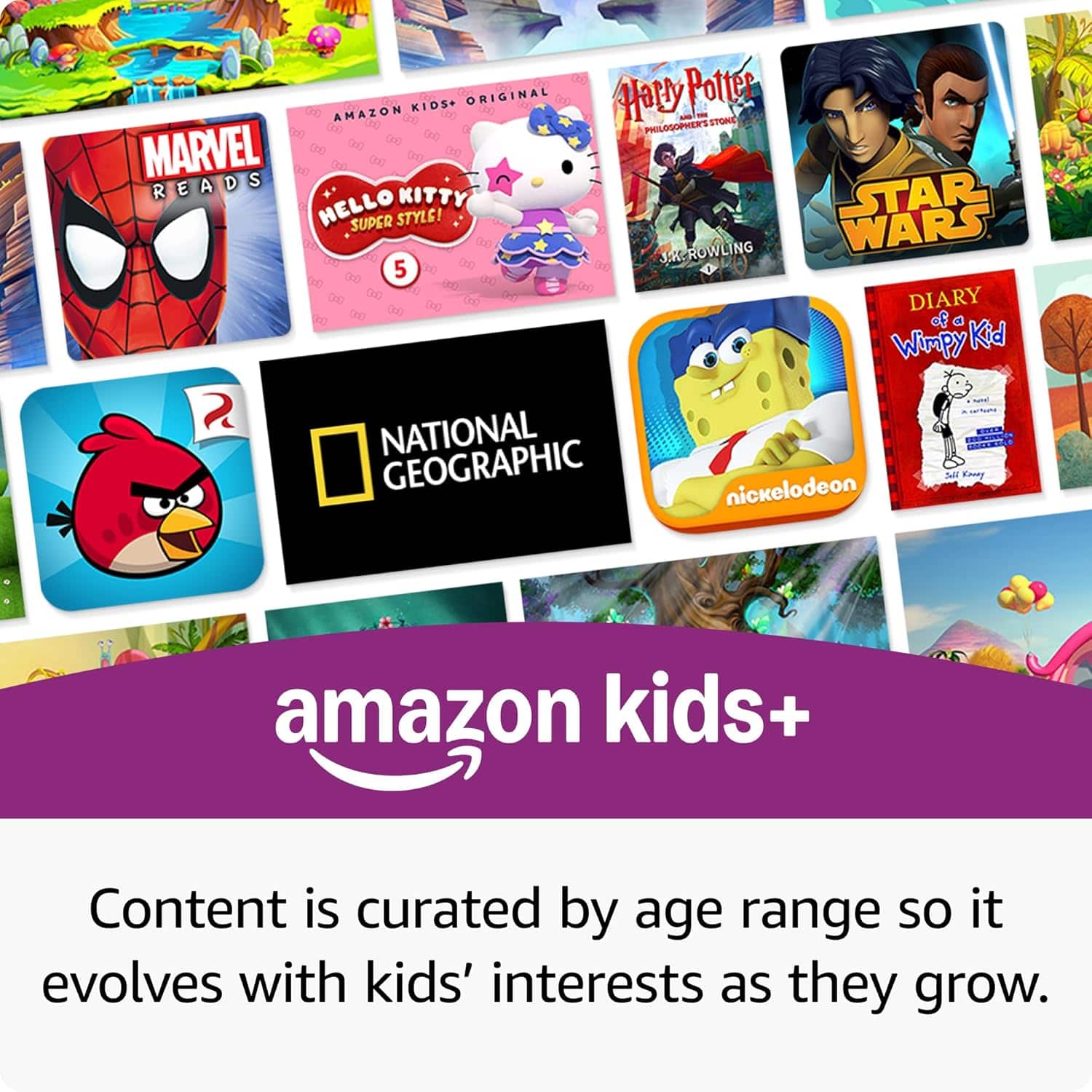
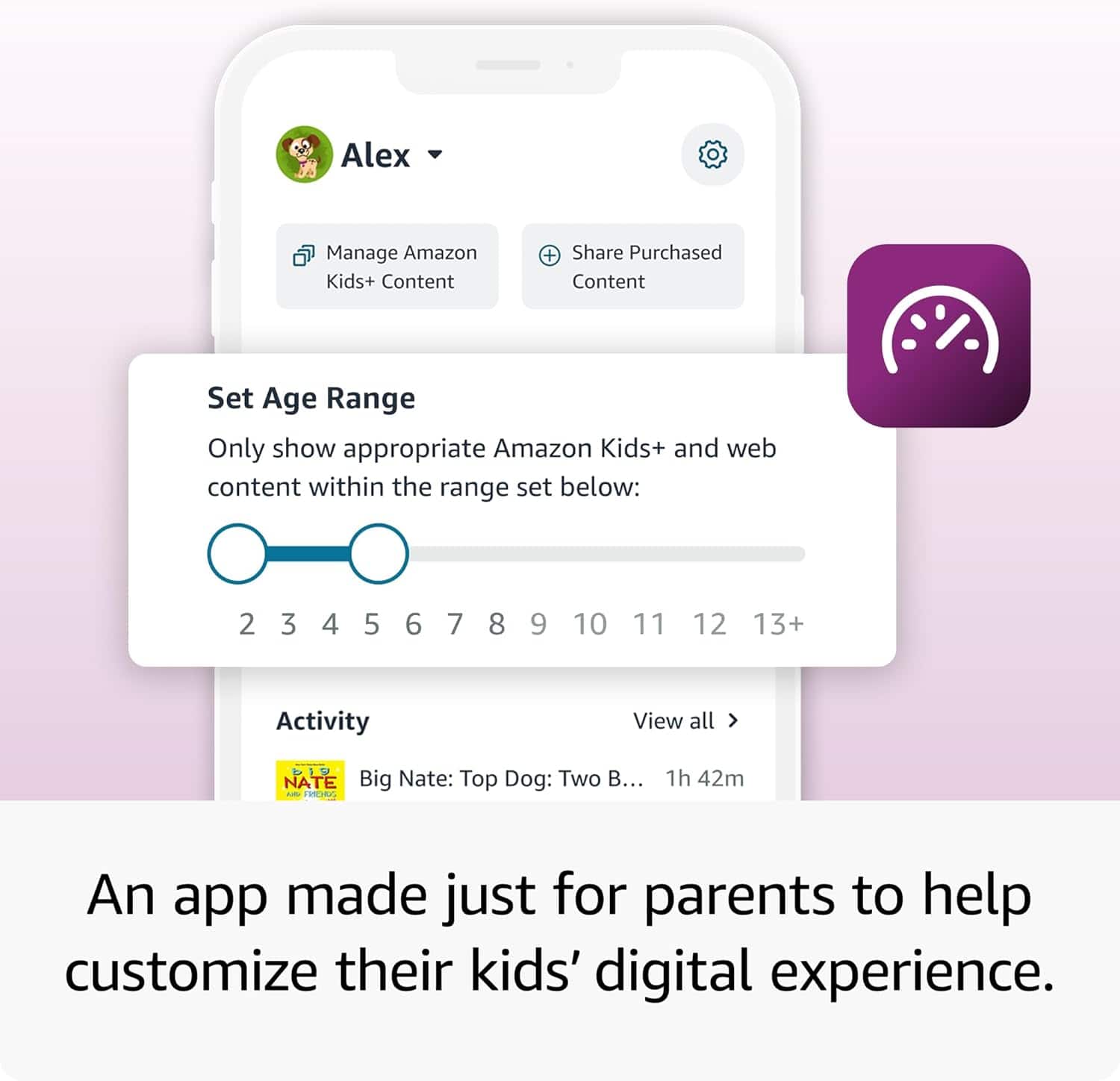
Posted .Hello StacyJ! Thank you so much for your feedback on the Fire HD 8 Kids Pro tablet — we truly hear your frustration, and it's completely understandable. As a parent, the last thing you want is to feel like your child's device is creating unexpected expenses, especially when you've taken steps to set up parental controls. To help ease those concerns, you can go to Settings > Parental Controls on the device to set a password, then visit parents.amazon.com to review and tighten your child's content and purchase settings — including limiting access to only explicitly approved content to prevent any Amazon Store browsing. The great news is that the tablet also comes with a 6-month Amazon Kids+ subscription for new subscribers, giving your child access to thousands of ad-free books, videos, and apps with no in-app purchases within that experience. Thank you, and we hope your family enjoys the tablet!
Amazon tablet
||Posted . Owned for 1 week when reviewed.This reviewer received promo considerations or sweepstakes entry for writing a review.A+++++++++++++++++++++++++++++++++++++++++++++++++
I would recommend this to a friendBuy something else
||Posted . Owned for 3 weeks when reviewed.This reviewer received promo considerations or sweepstakes entry for writing a review.Limits what you can setup for your child so many workarounds for certain apps and very limited library
No, I would not recommend this to a friendBrand response from Amazon Devices Customer Support
Posted .Hello Ae99! Thank you for your feedback on the Amazon Fire HD 8 Kids Pro tablet — we truly understand how frustrating it can be when a device feels too restrictive for your family's needs. Through the Amazon Parent Dashboard at parents.amazon.com, you can customize your child's profile to approve specific apps, adjust content by age, and expand access beyond the default library, which Amazon continues to grow. We appreciate your feedback, as it helps shape future improvements for families everywhere — thank you!
Good Product
||Posted . Owned for 3 weeks when reviewed.This reviewer received promo considerations or sweepstakes entry for writing a review.Nice and affordable but not intuitive to work. Kids don’t mind
I would recommend this to a friendServes its purpose
||Posted .This reviewer received promo considerations or sweepstakes entry for writing a review.My seven year old liked it.and that’s all that matters.
I would recommend this to a friendNot worth the money
||Posted . Owned for 2 weeks when reviewed.This reviewer received promo considerations or sweepstakes entry for writing a review.I bought this tablet for my 3 year old nephew unfortunately we are not allow to download YouTube kids in it so he does not like to use it.
No, I would not recommend this to a friendBrand response from Amazon Devices Customer Support
Posted .Hello, FatimaM. Thank you for taking the time to leave a review of the Fire HD 8 Kids Pro tablet. While YouTube Kids is not a downloadable app within the Amazon app store, you can still use YouTube Kids via the installed web browser called Silk. If you have any further questions, please call us. Amazon customer service is available 24/7 to assist you with the device. You can reach us at 1-888-280-4331. Again, thank you for your review, and have a great day!
My 5 yr doesn't care for it...
||Posted .This reviewer received promo considerations or sweepstakes entry for writing a review.No more free apps for kiddos -- this should be free
No, I would not recommend this to a friendBrand response from Amazon Devices Customer Support
Posted .Hi RichmondBill,
The purchase of Fire HD 8 Kids Pro does include 6 months of Amazon Kids+, a digital subscription that provides unlimited access to ad-free, age-appropriate content that kids love. This includes STEM content like Math Claw or books in different languages to help kids develop their skills. After 6 months , your subscription will automatically renew every month starting at just $5.99/month plus applicable tax. You may cancel any time by visiting the Amazon Parent Dashboard or contacting Customer Service.
If you have further questions, you can call Amazon customer service, available 24/7 for assistance on the device. You can reach us at 1-888-280-4331!
Hope that helps!
Wonderful
||Posted . Owned for 3 months when reviewed.This reviewer received promo considerations or sweepstakes entry for writing a review.Love the kids Tablet, very convenient and my daughter loves it, only con is that it lags a bit
I would recommend this to a friendBrand response from Amazon Devices Customer Support
Posted .Dear Danielleg,
Thank you for your review of the Fire HD 8 Kids Pro tablet! We're happy to hear that both you and your daughter are enjoying it, particularly its convenience. We appreciate your honest feedback about the occasional lag - this kind of specific feedback helps us improve our products.
To help with the lag, you might try:
Closing unused apps running in the background
Checking available storage space
Installing the latest system updates
If you'd like more tips for optimizing performance, our support team is happy to help!
Thank you for choosing Fire HD 8 Kids Pro and for your helpful feedback!
Tablet
||Posted . Owned for 1 month when reviewed.This reviewer received promo considerations or sweepstakes entry for writing a review.I do not know if I got a defective one or not but it at times does not open up apps and if the app does open it stays loading and nothing happens. All I do is restart the tablet, it did it since day 1 which was a Christmas gift, I gave it another day and it still does the same thing.
No, I would not recommend this to a friendBrand response from Amazon Devices Customer Support
Posted .Hello Ramon! Thank you for taking time to provide feedback on your experience with your Fire tablet. I am sorry to hear that you are having trouble with loading apps on your device. One thing you can try to do to troubleshoot it some is to check to see if you have a pending update that is held up and possibly causing these issues. You can do that by navigating to Settings>Device Options>System Updates>Check Now. If this is not the issue then I would recommend contacting Amazon Customer Support for further troubleshooting and to see options available to you. I do hope we are able to resolve this problem and it improves your experience with this tablet. Thank you so much for your time and I hope you have a terrific day!
Not for the elderly
||Posted . Owned for 2 weeks when reviewed.This reviewer received promo considerations or sweepstakes entry for writing a review.Going to return. Bought for my grandma, the salesmen Sade with the parental block I could fix it so she counted down load anything. Only way to do that is a monthly fee,
No, I would not recommend this to a friendBrand response from Amazon Devices Customer Support
Posted .Hello TraceyP. Thank you for your feedback on the Amazon Fire HD 8 Kids Pro tablet. I'm sorry to hear about the confusion regarding parental controls and subscription requirements. The basic parental control features, including the ability to restrict app downloads and manage content access, remain available on the device even after the included six-month Amazon Kids+ subscription expires, so you don't need to pay a monthly fee to maintain these restrictions. However, since this tablet is designed with a child-focused interface, a standard Fire HD 8 tablet would be more straightforward for your grandmother, as you could simply manage app installations through the device's built-in settings without dealing with the Kids+ interface. I hope this clarifies that you can restrict downloads without the monthly subscription. I hope that helps and have a great day!
Amazon kindle 8
||Posted .This reviewer received promo considerations or sweepstakes entry for writing a review.Very small wasnt big and not worth it for the size
I would recommend this to a friendBrand response from Amazon Devices Customer Support
Posted .Dear Kalicedaley25,
Thank you for your review of the Fire HD 8 Kids Pro tablet. I see your main concern is about the size. The "8" in Fire HD 8 actually refers to its 8-inch screen size, which is clearly stated in the product name and specifications. If you're looking for a larger tablet, we offer the Fire HD 10 Kids Pro with a 10.1-inch display.
For comparison:
Fire HD 8 Kids Pro: 8-inch display
Fire HD 10 Kids Pro: 10.1-inch display
If you're still within your return window, you can exchange it for the larger model at Best Buy or through Amazon directly. We want to make sure your child has the tablet size that works best for them.
Best regards,
Amazon Fire Tablet Team
Bad company
||Posted . Owned for 3 weeks when reviewed.This reviewer received promo considerations or sweepstakes entry for writing a review.Didn’t get it and Best Buy is terrible to deal with
No, I would not recommend this to a friendBrand response from Amazon Devices Customer Support
Posted .Hi Momwife4,
We are sorry you had a negative experience at Best Buy. If you have any further questions about the device, call us! You can call Amazon customer service, available 24/7 for assistance on the device. You can reach us at 1-888-280-4331.
Hope that helps!