Customer Ratings & Reviews


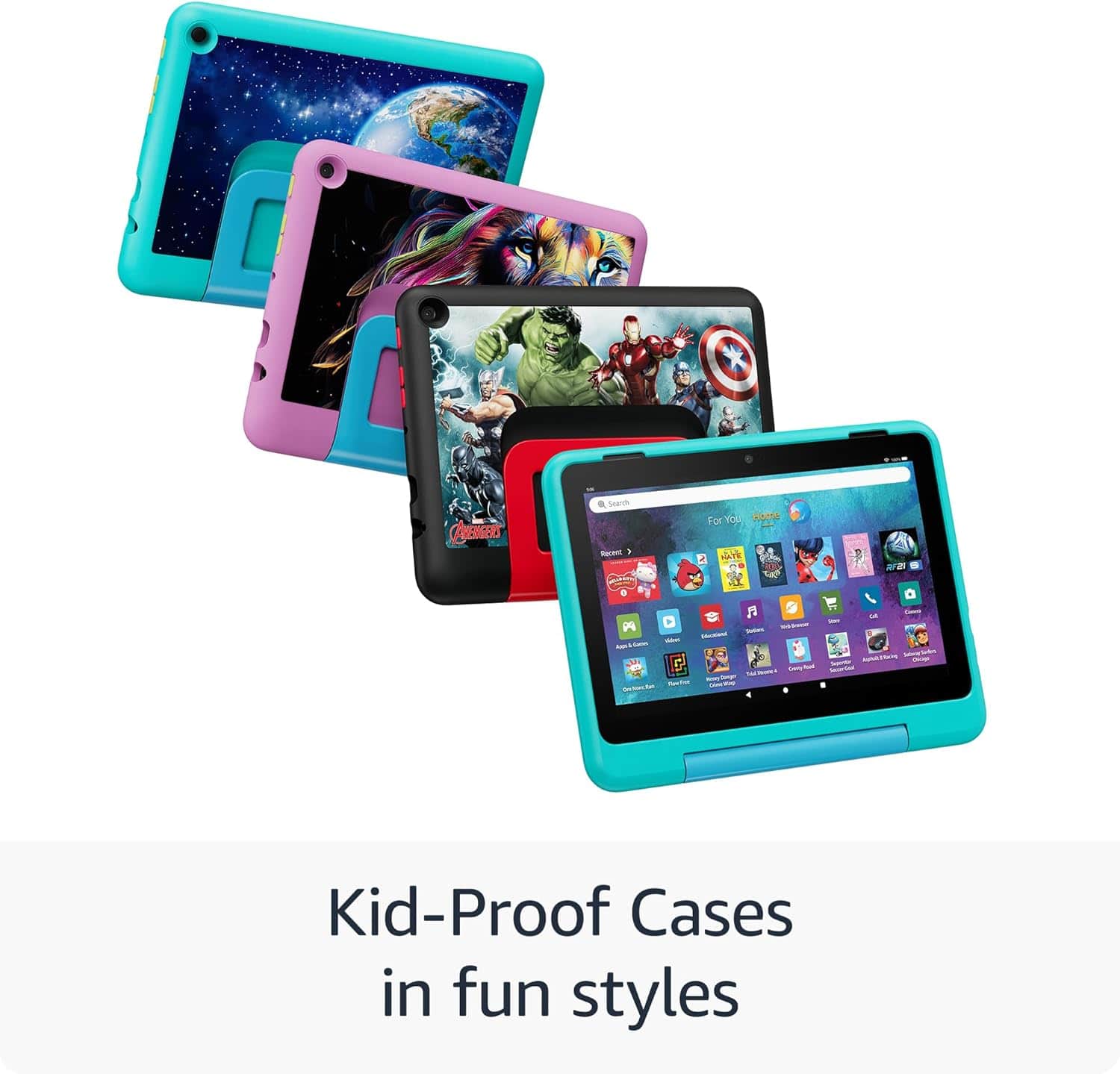
- Model:
- B0D38DHQG1
- SKU:
- 6601649
Rating by feature
- Battery Life
Rating 4.7 out of 5 stars
- Durability
Rating 4.8 out of 5 stars
- Display
Rating 4.8 out of 5 stars
to a friend
Customers are saying
Customers value the Fire HD 8 Kids Pro tablet for its overall performance and ease of use. Users appreciate the long battery life and the screen size, which kids enjoy. The parental controls are also a well-received feature. Overall, it is considered a nice tablet for kids.
This summary was generated by AI based on customer reviews.
Toddler Approved
||Posted . Owned for 2 months when reviewed.This reviewer received promo considerations or sweepstakes entry for writing a review.Perfect for my toddler you can customize his own porfile set screen time and he loves it! Easy to clean!
I would recommend this to a friendHD 8"
||Posted . Owned for 2 weeks when reviewed.This reviewer received promo considerations or sweepstakes entry for writing a review.My grandson loved it and is perfect for his age. Would recommend
I would recommend this to a friendHD fire tablet
||Posted . Owned for 3 weeks when reviewed.This reviewer received promo considerations or sweepstakes entry for writing a review.Very nice my grandkids love it nice screen love the color picture
I would recommend this to a friendKids HD 8 Tablet
||Posted .This reviewer received promo considerations or sweepstakes entry for writing a review.Hi. Granddaughter birthday present She loves it and she loves me
I would recommend this to a friendPerfect for our 6 year old!
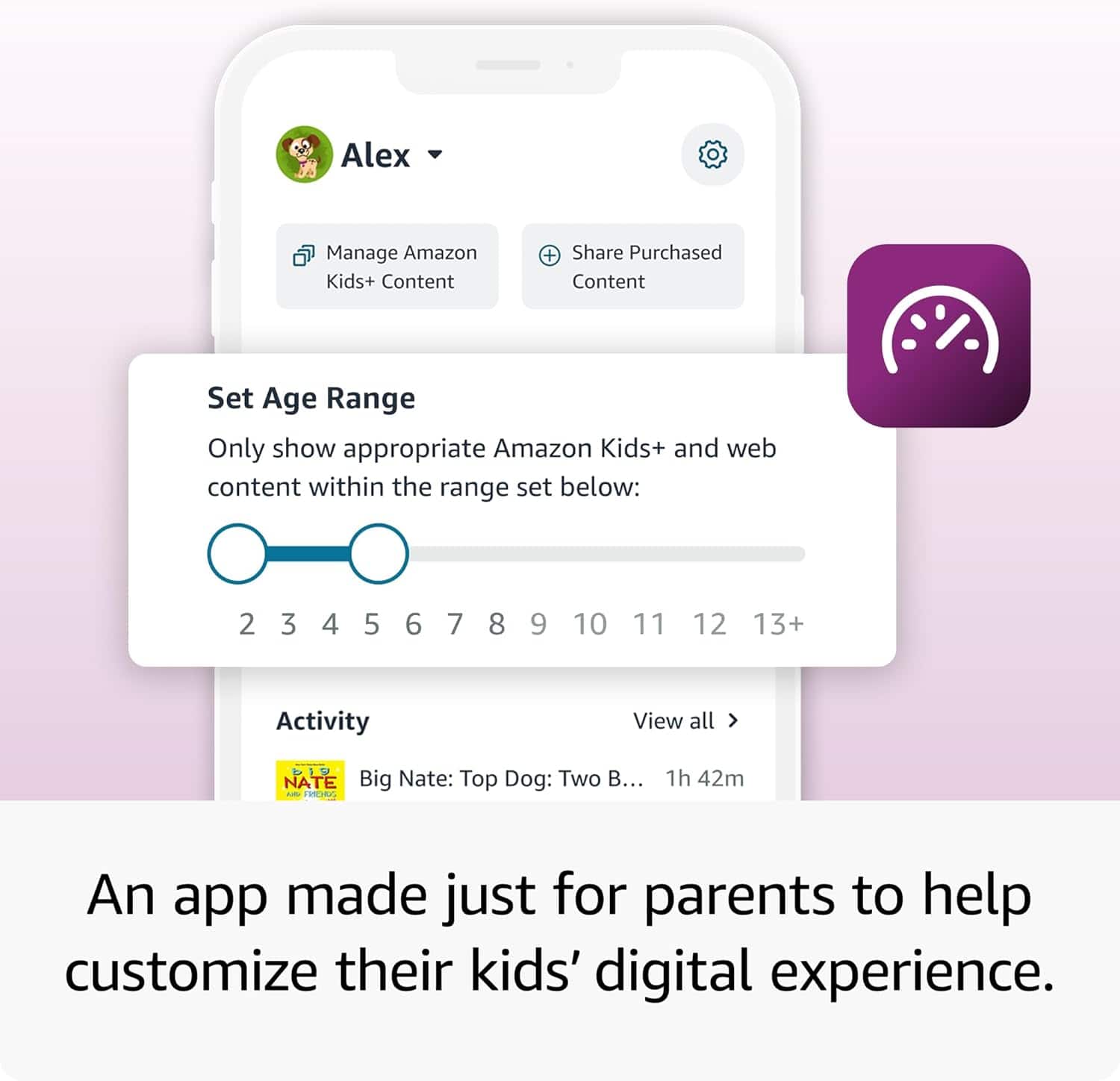
||Posted . Owned for 1 week when reviewed.This reviewer received promo considerations or sweepstakes entry for writing a review.My son absoluetly loves this! I was skeptical about letting my 6 year old get into having a tablet. We are a very big outdoor family but monitoring his useage with the app made it so simple!
I would recommend this to a friend$400
||Posted . Owned for 1 week when reviewed.This reviewer received promo considerations or sweepstakes entry for writing a review.Its hard to set up and i thought when i bought extended warranty it would start after manufacturer warranty but was told no i said so i got 2 warranty on it that expire same time i just paid extra for no reason i wanted extra warranty my daughter who is disabled love video stuff but with grandkids who might get it and brake it thought it would help to have extra warranty but guess not
No, I would not recommend this to a friendBrand response from Amazon Devices Customer Support
Posted .Hi TonyaB,
We are sorry for the confusion around the Fire HD8 Kids Pro Tablet. If you need more information on the extended warranty, you can call Amazon customer service, available 24/7 for assistance on the device. You can reach us at 1-888-280-4331!
Hope that helps!
Girft for my son
||Posted .This reviewer received promo considerations or sweepstakes entry for writing a review.Bought the tablet for my son to watch the Disney+ app on. Video looks good and audio sounds great
I would recommend this to a friendGood for little ones
||Posted . Owned for 9 months when reviewed.This reviewer received promo considerations or sweepstakes entry for writing a review.This are great but they eventually out grow this brand and model.
No, I would not recommend this to a friendGreat Birthday Gift
||Posted .This reviewer received promo considerations or sweepstakes entry for writing a review.Great product, easy set up and my son loves it. I recommend this product to any parent
I would recommend this to a friendOk device
||Posted . Owned for 1 month when reviewed.This reviewer received promo considerations or sweepstakes entry for writing a review.Decent device for a kid but the overall performance is lackluster. Heats up quickly and battery isn’t the best but for the price paid, it’s not to bad.
No, I would not recommend this to a friendBrand response from Amazon Devices Customer Support
Posted .Hello, JonathanD. Thank you for taking the time to leave a review on the Fire HD 8 Kids pro Tablet. To help improve these issues, here are some troubleshooting steps to try: (1) Check that your device has a strong internet connection, as poor connectivity can cause the processor to work harder, leading to increased heat and reduced performance. (2) Restart the tablet regularly by powering it off completely, waiting 30 seconds, then powering it back on to clear temporary files. (3) Ensure the tablet is fully charged, as battery performance can be affected by power-intensive apps running in the background. (4) Check what apps are running and close any that are no longer in use, since multiple apps can drain battery life faster and cause heating. (5) Keep the software updated with the latest system updates for performance improvements. (6) Avoid using the tablet while charging, as this contributes to heat generation. (7) Remove any protective case temporarily to help with heat dissipation. If these steps don't help and you continue experiencing issues, Amazon Customer Service is available 24/7 at 1-888-280-4331 for further assistance. Thank you again for your feedback, and I hope this information helps improve your experience with the device.
Love it
||Posted .This reviewer received promo considerations or sweepstakes entry for writing a review.Excellent for on the go travel to keep the little ones entertained. Great screen quality. I’m happy it came with a case instead of buying that separately.
I would recommend this to a friendGreat product
||Posted . Owned for 1 month when reviewed.This reviewer received promo considerations or sweepstakes entry for writing a review.Its screen is clear and case is solid for my kid.I can control through my phone what is being downloaded and it already has educational games.
I would recommend this to a friendA little extra...
||Posted . Owned for 3 weeks when reviewed.This reviewer received promo considerations or sweepstakes entry for writing a review.Would recommend getting a screen protector to it, to give a little extra protection as the hard case doesn't sit much above the screen for drops. But this is our 3rd one in 6 years. It use to come with a 1year membership now they dropped it to 6months.
I would recommend this to a friendAmazon Fire HD 8 Kids Pro Tablet
||Posted . Owned for 1 month when reviewed.This reviewer received promo considerations or sweepstakes entry for writing a review.a good piece to educate and entertain your kids with parental guide link.
I would recommend this to a friendRecommend
||Posted . Owned for 3 months when reviewed.This reviewer received promo considerations or sweepstakes entry for writing a review.Was a gift for my godson, he absolutely loves it and provides lots of child-friendly games
I would recommend this to a friendKids tablets
||Posted . Owned for 3 weeks when reviewed.This reviewer received promo considerations or sweepstakes entry for writing a review.My kids absolutely love these things download stuff and take them on the road
I would recommend this to a friendKid tablet
||Posted . Owned for 3 weeks when reviewed.This reviewer received promo considerations or sweepstakes entry for writing a review.I bought tablet for my kid he is so happy I would highly recommend it
I would recommend this to a friendUser friendly
||Posted .This reviewer received promo considerations or sweepstakes entry for writing a review.Very user friendly. Would highly recommend for all ages.b
I would recommend this to a friendGift for the Bday Boy
||Posted .This reviewer received promo considerations or sweepstakes entry for writing a review.Grandson loves it! Appropriate for a 4yr old. Will be well used.
I would recommend this to a friendCar brought from the stone age
||Posted . Owned for 1 month when reviewed.This reviewer received promo considerations or sweepstakes entry for writing a review.I love the interface, makes my car feel modern! I’ll need to update my speakers accordingly
I would recommend this to a friend