Customer Ratings & Reviews

- Model:
- B0D1DFS9ZQ
- SKU:
- 11927885
Rating by feature
- Battery Life
Rating 4.8 out of 5 stars
- Durability
Rating 4.9 out of 5 stars
- Display
Rating 4.8 out of 5 stars
Freya’s tablet
||Posted . Owned for 1 month when reviewed.This reviewer received promo considerations or sweepstakes entry for writing a review.My granddaughter is really enjoying the tablets fast works nice for her
I would recommend this to a friendAwesome
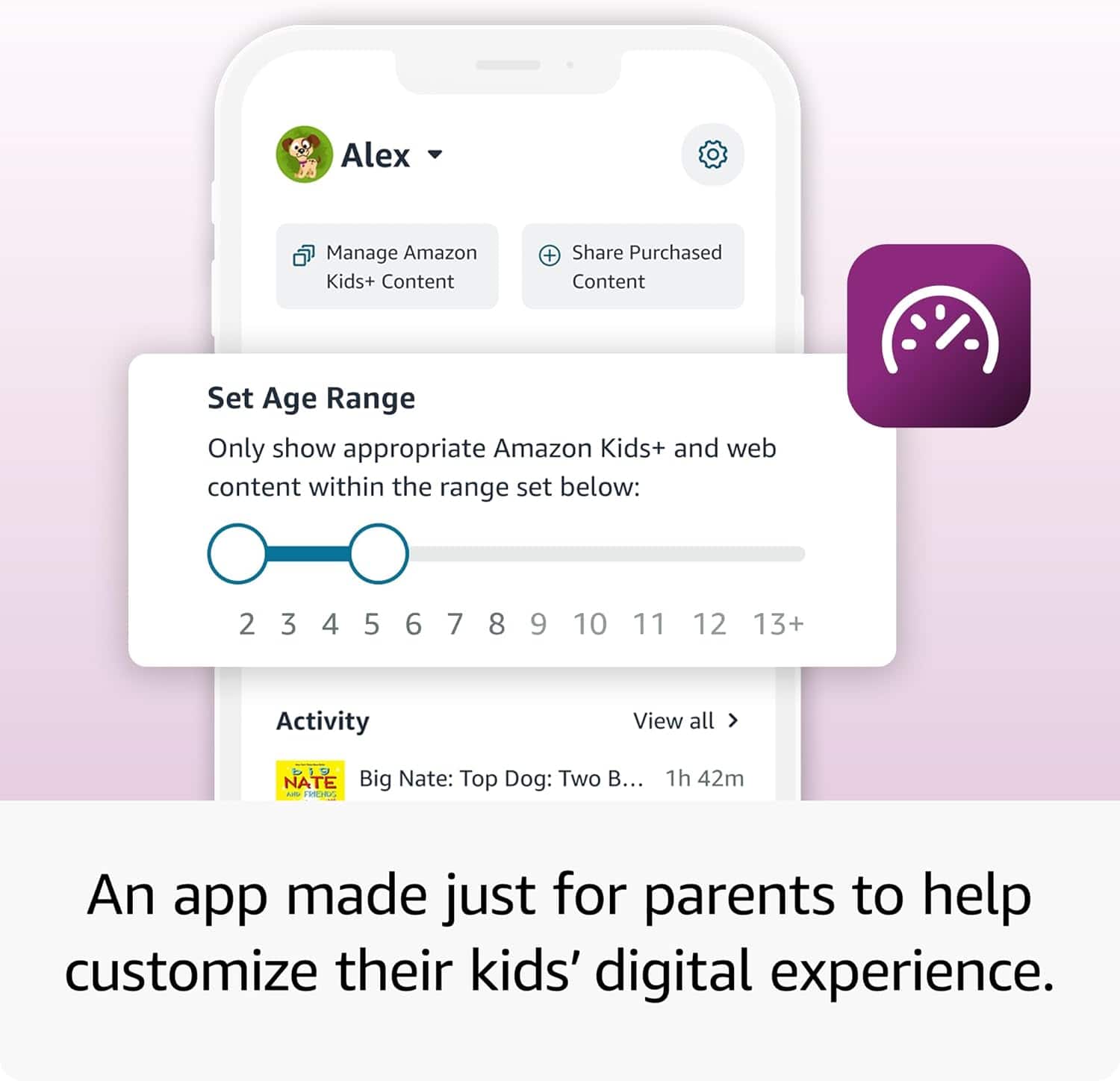
||Posted . Owned for 2 weeks when reviewed.This reviewer received promo considerations or sweepstakes entry for writing a review.Great for kids - safety and privacy features - parent phone app available
I would recommend this to a friendChristmas gift
||Posted . Owned for 1 month when reviewed.This reviewer received promo considerations or sweepstakes entry for writing a review.It's a Christmas gift, not opened yet! I'll come back after Christmas
I would recommend this to a friendTablet
||Posted . Owned for 3 weeks when reviewed.This reviewer received promo considerations or sweepstakes entry for writing a review.Is a good tablet for a child very nice and entertaining
I would recommend this to a friendGood product!
||Posted . Owned for less than 1 week when reviewed.This reviewer received promo considerations or sweepstakes entry for writing a review.Great item for little kids they can learn watch video!
I would recommend this to a friendLisaB
||Posted . Owned for 2 weeks when reviewed.This reviewer received promo considerations or sweepstakes entry for writing a review.Good product and i bought this item for a Christmas gift
I would recommend this to a friendNot impresses
||Posted . Owned for 2 weeks when reviewed.This reviewer received promo considerations or sweepstakes entry for writing a review.My son didn't like how slow this tablet was. The case was really nice but I'd never get another one of these devices.
No, I would not recommend this to a friendBrand response from Amazon Devices Customer Support
Posted .Hi melissa,
Thank you for your feedback on the Fire HD 8 Kids tablet. I am sorry to hear the tablet was slow. To fix a slow Amazon Fire HD 8 Kids tablet, immediately restart it, clear app cache, check for software updates, and delete unused apps. For severe lag, wipe the cache partition by holding the power and volume up buttons until the recovery menu appears, then clear storage to free up space. If these steps do not help and you are still experiencing issues, you can reach out to Amazon Customer Support 24/7 at 1-888-280-4331.
Good tv for the money
||Posted . Owned for 1 month when reviewed.This reviewer received promo considerations or sweepstakes entry for writing a review.It's a good tv so far only had a couple of months now. Ihave enjoyed it, really good picture and the sound is amazing.
I would recommend this to a friendAmazon tablet
||Posted . Owned for 1 month when reviewed.This reviewer received promo considerations or sweepstakes entry for writing a review.I bought two of these. One stopped working in less than a month. I was told to contact Amazon for support. They did send a replacement but it was a used tablet. I don’t think it’s right to buy brand new and it gets replaced with a used item
I would recommend this to a friendBrand response from Amazon Devices Customer Support
Posted .Hi Gray,
We are sorry about this issue. We are happy to assist with factory resetting this device. Please call us. Amazon customer service is available 24/7 for assistance on the device. You can reach us at 1-888-280-4331!
Hope that helps!
- Pros mentioned:Overall performance
Not bad
||Posted . Owned for 3 weeks when reviewed.This reviewer received promo considerations or sweepstakes entry for writing a review.A lil steep on the price,but not that bad. Very durable
I would recommend this to a friend PERFORMANCE
||Posted . Owned for 2 weeks when reviewed.This reviewer received promo considerations or sweepstakes entry for writing a review.NO TO GOOD FOR CHILDREN IN ADVANCE MODE OR FAST LEARNER.
No, I would not recommend this to a friendBrand response from Amazon Devices Customer Support
Posted .Hi! Thank you for your feedback about the Fire HD 8 Kids Edition. I'm sorry to hear you feel the tablet isn't well-suited for children who are advanced or fast learners. The Fire HD 8 Kids Edition comes with Amazon Kids+, which offers age-appropriate content, but you can customize the experience to better match your child's abilities. Access Parent Dashboard through the Amazon Parent Dashboard website or app to adjust age filters upward, allowing access to more advanced content that matches your child's learning level. Add educational apps and games designed for older age groups by browsing the Amazon Appstore and manually adding challenging content to your child's profile. Set up multiple child profiles with different age settings if you have children at various learning levels, and utilize the Learn First feature to prioritize educational content before entertainment. You can also supplement the built-in content by sideloading educational apps or using web browser access for advanced learning websites, and consider pairing the tablet with external educational subscriptions like Khan Academy Kids, ABCmouse, or other advanced learning platforms that offer apps compatible with Fire tablets.
If the content limitations remain a concern for your advanced learner, you might explore the standard Fire HD 8 (non-Kids Edition) with parental controls manually configured, which provides more flexibility in app selection and content access while still maintaining appropriate supervision. If you need further assistance customizing the tablet for advanced learners, contact Amazon Customer Support at 1-888-280-4331 (available 24/7). Thank you for sharing your experience.
Display blurry not much clear.
||Posted . Owned for 1 week when reviewed.This reviewer received promo considerations or sweepstakes entry for writing a review.Display is not clear, little blurry. Over protective cover is excellent.
No, I would not recommend this to a friendNot the best
||Posted .This reviewer received promo considerations or sweepstakes entry for writing a review.It’s okay but there’s stuff u can’t do like download YouTube Is the main one my daughter likes watching yt so she was not intrested in this at all
No, I would not recommend this to a friendBrand response from Amazon Devices Customer Support
Posted .Hello, JasmineG. Thank you for taking the time to leave a review on the Fire HD 8 Kids tablet. While YouTube is not a downloadable app within the Amazon Appstore, you can still use YouTube via the installed web browser called Silk. If you have any questions or need further assistance with the device, I recommend contacting Amazon Customer Support at 888-280-4331. Thank you again, have a great day!
Review
||Posted . Owned for 3 weeks when reviewed.This reviewer received promo considerations or sweepstakes entry for writing a review.Love this product would recommend to friends and family
I would recommend this to a friendtoo many subscriptions
||Posted . Owned for 3 months when reviewed.This reviewer received promo considerations or sweepstakes entry for writing a review.should automatically be part of parent prime account than being an additional subscription
No, I would not recommend this to a friendGood but the delivery
||Posted .This reviewer received promo considerations or sweepstakes entry for writing a review.Not deivered in a safe place The building door instead of the apartment door is not safe at all
I would recommend this to a friendTablet
||Posted . Owned for 3 weeks when reviewed.This reviewer received promo considerations or sweepstakes entry for writing a review.I dont like how it works .. it freezes too much and its very slow ..
No, I would not recommend this to a friendBrand response from Amazon Devices Customer Support
Posted .Hi Keishaw325! Thank you for your feedback on the Fire HD 8 Kids tablet. I'm sorry to hear about the freezing and slow performance issues you're experiencing. To help improve the tablet's performance, start by ensuring your device has a strong and stable internet connection, as connectivity issues can cause freezing and slow response times. Power off the device completely, wait 30 seconds, then power it back on to clear temporary memory. Make sure the tablet is fully charged, as low battery can affect processing speed. Check what apps are currently running and close any that are not in use, since multiple apps running simultaneously can cause freezing and slowdowns. Go to Settings > Apps & Notifications > Manage All Applications, select problematic apps, and clear their cache to free up memory. Check your available storage by going to Settings > Storage, and if storage is nearly full, remove unused apps, photos, or videos, or add an SD card for additional storage, as low storage is a common cause of freezing. Ensure your Fire tablet is running the latest software version by going to Settings > Device Options > System Updates. If the freezing persists, you can perform a factory reset to restore the tablet to its original state, though this will erase all data. If these troubleshooting steps don't resolve the performance issues, Amazon Customer Service is available 24/7 for assistance at 1-888-280-4331 for additional assistance. I hope this information helps improve your tablet's performance, and thank you for bringing this to our attention. Hope you have a great rest of your day!
sucks
||Posted . Owned for less than 1 week when reviewed.This reviewer received promo considerations or sweepstakes entry for writing a review.Amazon sucks , sorry the best buy sells this stuff another monopoly that Amazon has.
No, I would not recommend this to a friendBrand response from Amazon Devices Customer Support
Posted .Hi! Thank you for your feedback on the Fire HD 8 Kids tablet. I'm sorry to hear you're disappointed with your experience. If you encountered functionality issues, here are some troubleshooting steps that might help: ensure the device has a strong internet connection, restart the tablet by holding the power button, make sure the tablet is fully charged, and close any apps running in the background. If performance issues persist, you can check for software updates by going to Settings, then Device Options, and selecting System Updates, or reset the device to factory settings if needed. If you're still experiencing problems with the tablet, Amazon Customer Support is available 24/7 at 1-888-280-4331. I appreciate you taking the time to share your experience with us.
The tablet that ever was
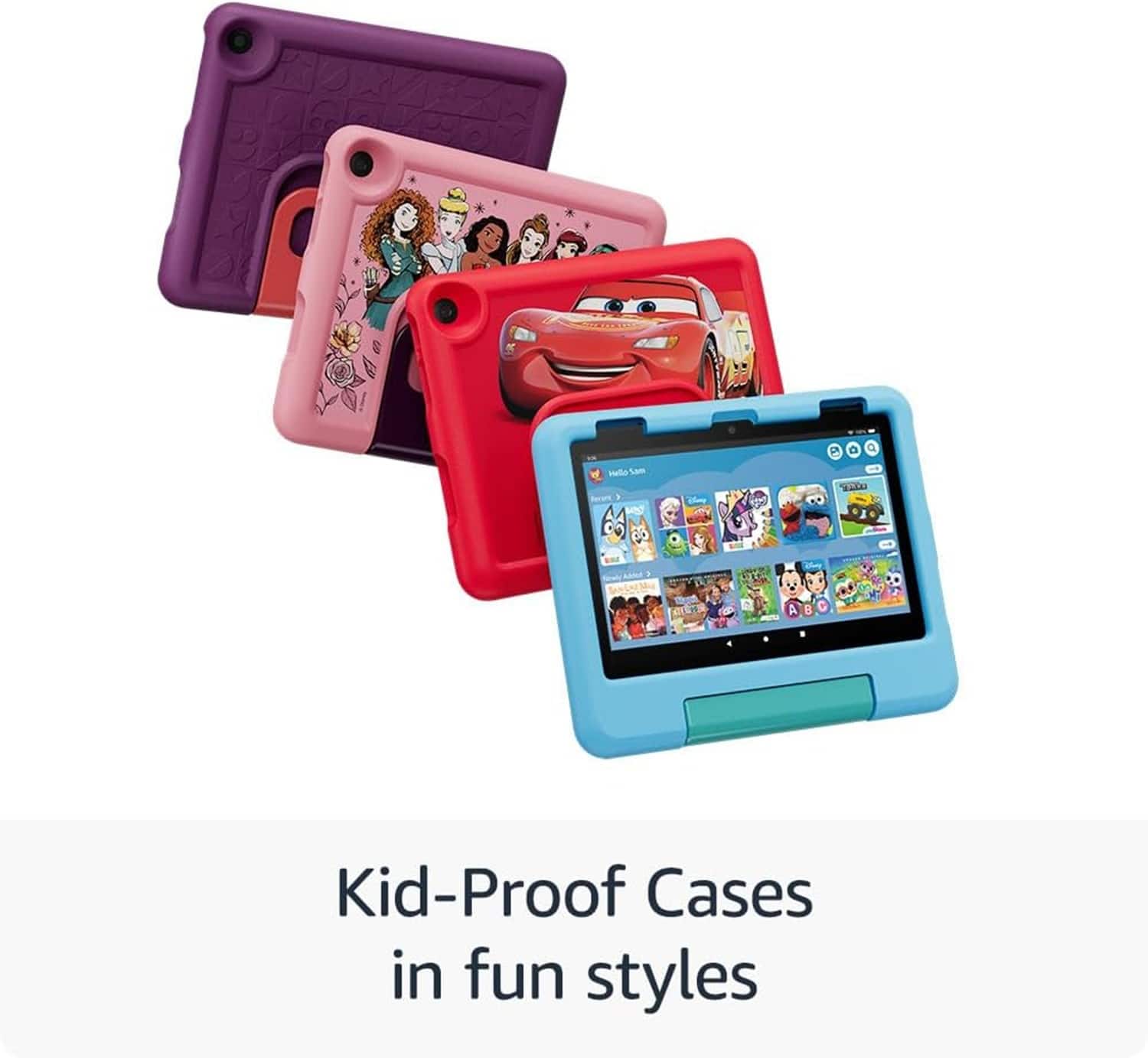
||Posted .This reviewer received promo considerations or sweepstakes entry for writing a review.This is just a super basic tablet with a cute foamy case.
No, I would not recommend this to a friendBrand response from Amazon Devices Customer Support
Posted .Hi there, RichardL! Thank you for your feedback about the Fire HD 8 Kids tablet. I’m sorry, but with the information you’ve given, I can't provide detailed troubleshooting or help. If you're facing any problems with your device, please reach out to Amazon's customer support directly at 1-888-280-4331. They are ready to assist you and ensure you enjoy using the tablet. Your satisfaction is important, and they can help solve any issues you might have. Thank you for understanding!
Speaker is terriable
||Posted . Owned for 1 month when reviewed.This reviewer received promo considerations or sweepstakes entry for writing a review.We bought this tablet and The speaker is terriable and very hard to hear.
No, I would not recommend this to a friendBrand response from Amazon Devices Customer Support
Posted .Hello Lacey,
Thank you for taking the time to share your feedback about the Fire HD 8 Kids tablet. I'm sorry to hear that you're experiencing issues with the speaker volume.
For the best audio experience, I recommend checking these quick solutions:
Make sure the volume is turned up using both the physical buttons and in-device settings
Check if any case or cover might be blocking the speaker
Verify that no debris is blocking the speaker openings
If you're still experiencing issues after trying these steps, please contact Amazon Customer Service at 1 888 280-4331 as this may not be typical performance for this tablet. They can help troubleshoot the sound quality.
Your feedback helps us improve our products for all customers.