Customer Ratings & Reviews




- Model:
- B0BQ89FPSR
- SKU:
- 6545986
Rating by feature
- Value
Rating 4.4 out of 5 stars
- Quality
Rating 4.4 out of 5 stars
- Ease of Use
Rating 4.5 out of 5 stars
Customers are saying
Customers appreciate the Fire Max 11 Stylus Pen for its ease of use, responsiveness, and compatibility with other USI2 tablets. The pen's weight and sleek design are also well-received, along with its magnetic attachment and the added functionality of a button. Users are satisfied with the expected battery life and find it offers good value for the price.
This summary was generated by AI based on customer reviews.
- Pros mentioned:Compatibility
Works with Chromebooks!
Posted .This reviewer received promo considerations or sweepstakes entry for writing a review.Works With Chromebooks! I was able to try this pen that says it's for Amazon Fire Max tablet on the box, but on the back it has the USI logo, which is the same standard Chromebooks have. Tried on the Lenovo Duet 3, 5, Asus 16" with 12th Gen i3, Acer Spin 714... it worked with EVERY single one! Means this pen is USI 2.0 so it's the PERFECT pen to buy with a compatible Chromebook too! Much cheaper than the previous Targus one that was $60 they removed
I would recommend this to a friend - Pros mentioned:Responsiveness

Nice accessory to the Fire Max 11
|Posted .This reviewer received promo considerations or sweepstakes entry for writing a review.I got the stylus, keyboard case and Fire Max 11 as a package deal. This review is on the stylus only. It is handy to use with the Fire Max 11" tablet, but it only seems to work with the Fire Max. not get it to work on any other stylus devices. There are no instructions with the stylus, however there is a tutorial on the tablet that shows you some of the basic functions on the stylus. It has a good feeling in the hand and I have used it with the sketch guru app. and it does offer a lot of functionality with the tablet. I have not been able to use it with notepad or any other apps. so to me it is not really a necessary accessory but it is nice to use as just a stylus when using the tablet. It is very responsive. It comes with 1 spare tip and a AAAA battery. Not sure how long battery life is. AAAA batteries are available at a reasonable price but I am not sure how long it will take me to use a 4 pack of them up as this is the only device I own that has AAAA batteries. It does attach to the side of the tablet with a magnet and stays on fairly well, but it will come off if jostled. Overall if you are a big stylus user I would recommend it, but it is not necessary in my opinion to have with the tablet
I would recommend this to a friend - Pros mentioned:Battery life
If you like to draw...
|Posted .This reviewer received promo considerations or sweepstakes entry for writing a review.I got this pen to pair with my new Fire Tablet and it does exactly what you would expect. It works wonderful for drawing apps and signing documents. It allows me to click on small links and icons on webpages that are not sized for tablets. It did not wow me in any of those though. The different pressure sensitivity wasn't highlighted well in the drawing programs I used. It didn't make my normal day to day tasks all that much easier. I can draw with my finger; I can sign and annotate documents with my finger. I can zoom in on a website to click a link if I need to. I did not try any high end paid apps. Maybe those apps would respond to the different pressure options the pen can do. Battery life was good for the time I used it. It does use a AAAA (4A/Quad A) battery so it is not rechargeable and I would end up having to order the batteries online as it is not something I'm going to find while I'm grocery shopping. Overall this pen is fine and that's why it got 4 stars, it's maybe not the pen but me.
No, I would not recommend this to a friend Decent Pen, Right Price, fine for the Max 11
|Posted .This reviewer received promo considerations or sweepstakes entry for writing a review.Summary: The 2023 Sytlus Pen for Amazon Fire Max 11 is controversial for its light weight, but I like it and it works great with the Max 11 and is priced right. Pros: - decent build, strong magnet attachment - sensitive tip, tracks well across the screen - directly connects to the tablet - decent value Cons: - limited 3rd party apps to take full advantage of it A Matter of Taste: - light weight I hate to be repetitious, but Amazon software continues to hold back its hardware products. This pen is no exception, judged on its own and the hardware it is more than decent. I like that it fits easily in my hand, isn't so heavy as to be distracting, and tracks across the screen well. Honestly, I can't ask too much more out of a pen than that. Except in the digital world, you are only as good as your software support. There just aren't any great drawing programs out there to take full advantage of it. For occasional note taking use it is fine. If you want a pen for your Max 11, this is the one to get.
I would recommend this to a friend- Pros mentioned:Ease of use
A MUST HAVE FOR THE AMAZON FIRE MAX 11 TABLET
|Posted .This reviewer received promo considerations or sweepstakes entry for writing a review.I am quite impressed with this Model ME-US1306 stylus pen for the Amazon Fire Max 11. It's quite simple to use and one of the neatest things is it's magnetic so just attaches itself to the side of the tablet for ease of use. Inside the box you'll find the pen, a Pincer, which is used to remove the stylus as an extra one is included and an AAAA battery. The 4A batteries are not expensive, even though I've never used them before in anything. All you need to do is unscrew the end piece from the main pen body and place the battery in properly. When you are setting up your tablet it asks if you would like to write with your pen. So I wrote some things and when you want to erase words you strikethrough or scribble over them. There is a button on the pen so to delete you hold it and tap to the right of the letter. Then you double tap to select a word or object. It was easily recognized by the tablet and according to the back of the box it has 4096 levels of sensitivity. This pen is only compatible with the Fire Max 11 tablet. Aside from really enjoying its usage there isn't a whole lot left to say except I feel it's a must have if you own the tablet. Great quality and it's very reasonably priced. I would recommend its purchase.
I would recommend this to a friend - Pros mentioned:Responsiveness
A Nice Pen, More Than A Stylus
|Posted .This reviewer received promo considerations or sweepstakes entry for writing a review.I got this to go along with the Amazon Fire tablet because I like to dabble with drawing but I'm not a professional and didn't want to invest in a professional setup. However, I was pleasantly surprised by the comfort and response of this pen. It fits naturally in my hand so it feels closer to an actual drawing pen instead of a digital one which seem to feel blocky. The precision is nice and suits my needs easily. I can draw lines without missing pixels (which seems to be an issue with a lot of styluses). The pressure sensitivity is great for my needs as well. Increasing and decreasing thickness is smooth and consistent. It takes a little getting used to instead of adjusting the head of a physical pen but I've noticed I still shift the angle as I adjust pressure so it has a natural progression. Yes, it still works as a standard stylus very well. If you want to keep your screen clean of finger prints or just have more precision than a finger (especially if you have big thick fingers like I do) then you've found the right tool. I can't even come up with a complaint and I've been using it for weeks. It's rare for me to not find some kind of flaw. If you need or want one, then I suggest getting this one.
I would recommend this to a friend Useful accessory
|Posted .This reviewer received promo considerations or sweepstakes entry for writing a review.The “productivity bundle” comes with a keyboard, cover, and stylus. I recommend to purchase that as it makes the tablet more user friendly. I was pleased to see that the stylus comes with a battery. That meant it ready to use right out of the box. The stylus didn’t need to be paired with the Amazon Fire Max 11 making it immediately usable as you initially set up the tablet. The stylus point was responsive and accurate. I didn’t use it for drawing, but I did a lot of tapping with it for games, choosing apps, and watching videos. On the downside: The stylus relies on magnetization to keep it to the side of the tablet. I frequently misplaced a stylus pen on another tablet and then finally lost if for good while traveling. If I do that again with this stylus, it will cost me $35 to replace it. I didn't like that there was no protection for the stylus point. If you travel with it in a bag or purse, it is bound to be jostled. Perhaps that is why the box contains a second tip. Keep that safe! FYI – If you own previous versions of Amazon tablets, this stylus is not compatible with any other Amazon tablets.
I would recommend this to a friend- Pros mentioned:Battery life
Stylus Pen for Amazon Fire Max 11
|Posted .This reviewer received promo considerations or sweepstakes entry for writing a review.This stylus pen is designed specifically for the Amazon Fire Max 11 2023 Tablet. Although most stylus pens are pretty universal as long as you are dealing a touch screen type device such as a laptop, tablet etc. I found using the stylus to be quite enjoyable while zipping around on the new Amazon Fire Max 11 2023 tablet. Pushing the stylus to the screen felt very nice and I was able to make gentle smooth motions onto the tablet. Charging the stylus was simple and efficient although the amount of time I was able to get out of the stylus felt very decent so I don't feel like I would need to charge it all the time. If you are not a stylus person then this may not apply to you but if you are looking for an easier way to interact with the Amazon Fire Max 11 2023 Edition tablet, then I think you will become a convert. Whether you are looking to get a drawing app and test your graphical abilities or if you just want to do some easy browsing on the tablet this stylus does not disappoint.
I would recommend this to a friend - Pros mentioned:Battery life
Works
Posted .This reviewer received promo considerations or sweepstakes entry for writing a review.Good price for a Stylus that works well. Have been using it on my First Max 11 with no issues. Battery life seems good. It must shut itself down when not in use since there is no on/off switch.
I would recommend this to a friend A great addition for the Fire HD 11
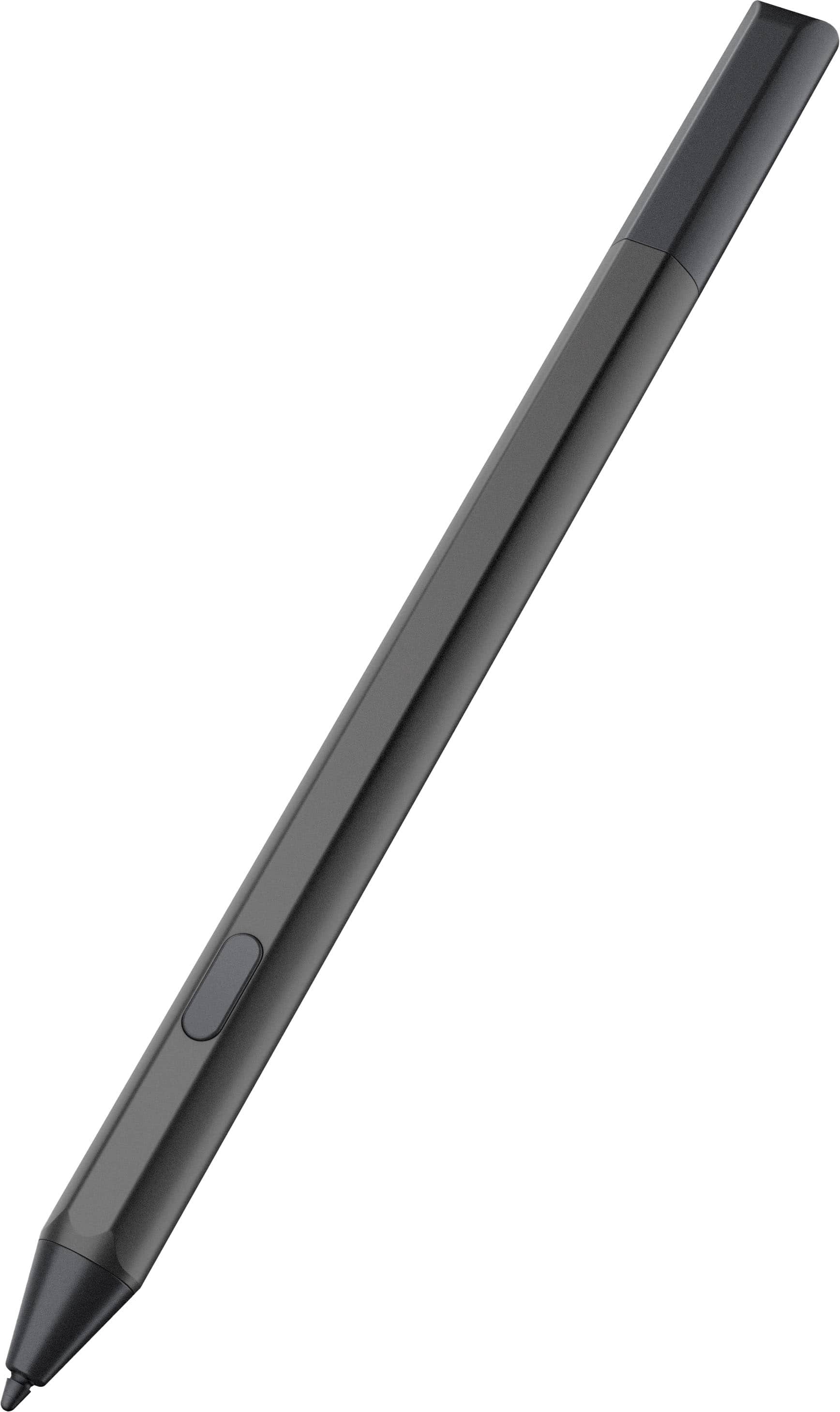
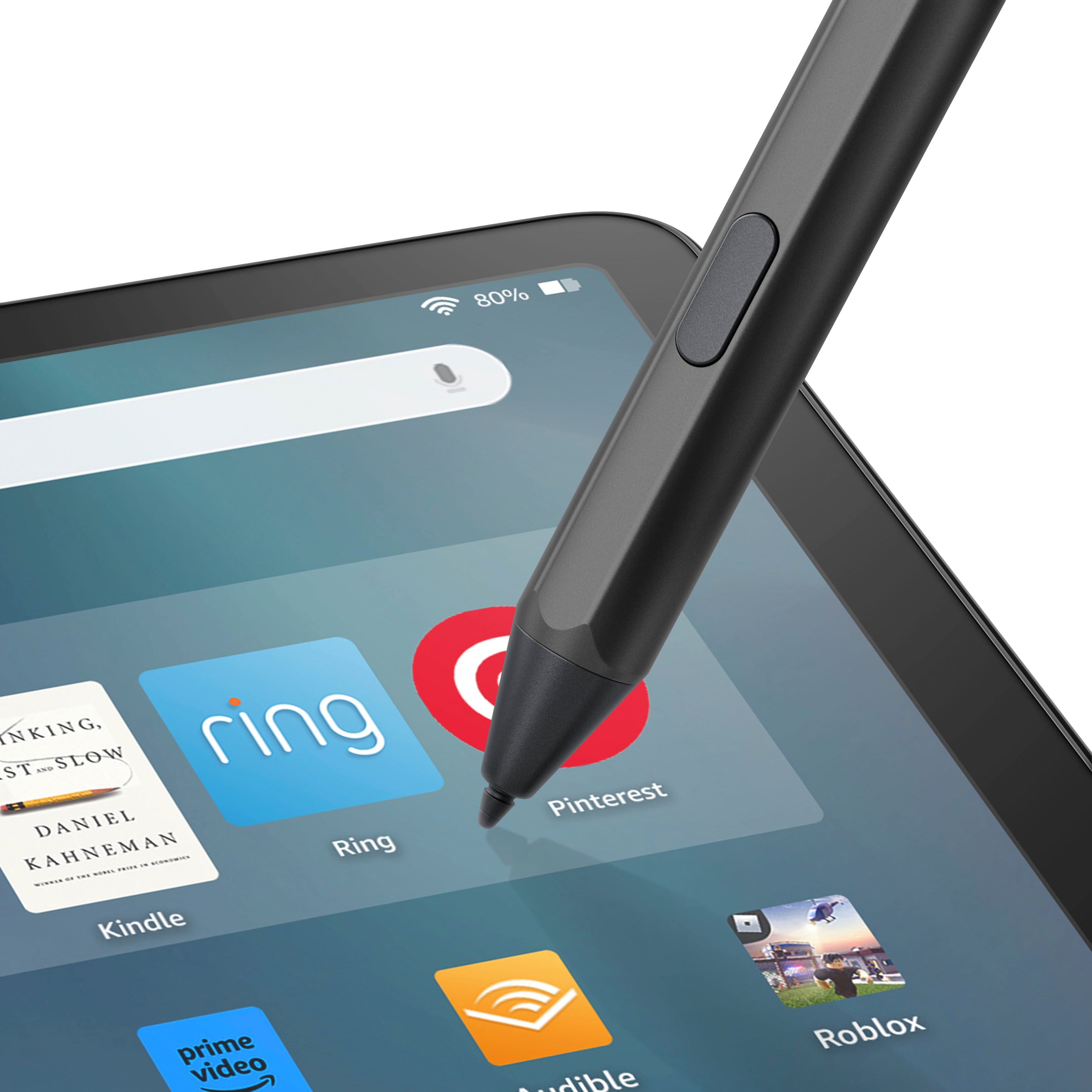
|Posted .This reviewer received promo considerations or sweepstakes entry for writing a review.Amazon's new Fire HD 11 is a solid, but budget, tablet. For the money it is an excellent purchase with great capabilities. To add to that, Amazon has released a Stylus Pen to give it an additional capability that really can help make this a really interesting buy for those who just can't spend a large amount of money for a capable tablet. The stylus is about the size and thickness as a competitor's pencil. Being about three and a half inches long, and pretty thick, it has a really good feel to it. It is dark grey to match the tablet and a somewhat slick feel to it. The nub (where it touches the tablet) is hard plastic that gives a great feeling that you are actually writing on paper. Response time with the screen of the tablet is very good. It has a button near the end of the stylus that can be assigned different actions with the tablet. The most used so far is using it to select words or rows of words. The stylus also magnetically attaches to the side (if the keyboard isn't attached) and the top. The biggest difference than other stylus pens out there, the Amazon stylus pen is powered by a AAA battery. Attaching it to the tablet provides no charge or power. Is it going to equal the feel of fruity competitors pens, obviously not; is it capable and adds functionality to a great overall (not wallet busting) tablet, absolutely! If you have or want to buy the Amazon Fire HD 11, the Stylus Pen is a very good and capable addition.
I would recommend this to a friendQuite a nice stylus; only works with Fire Max 11
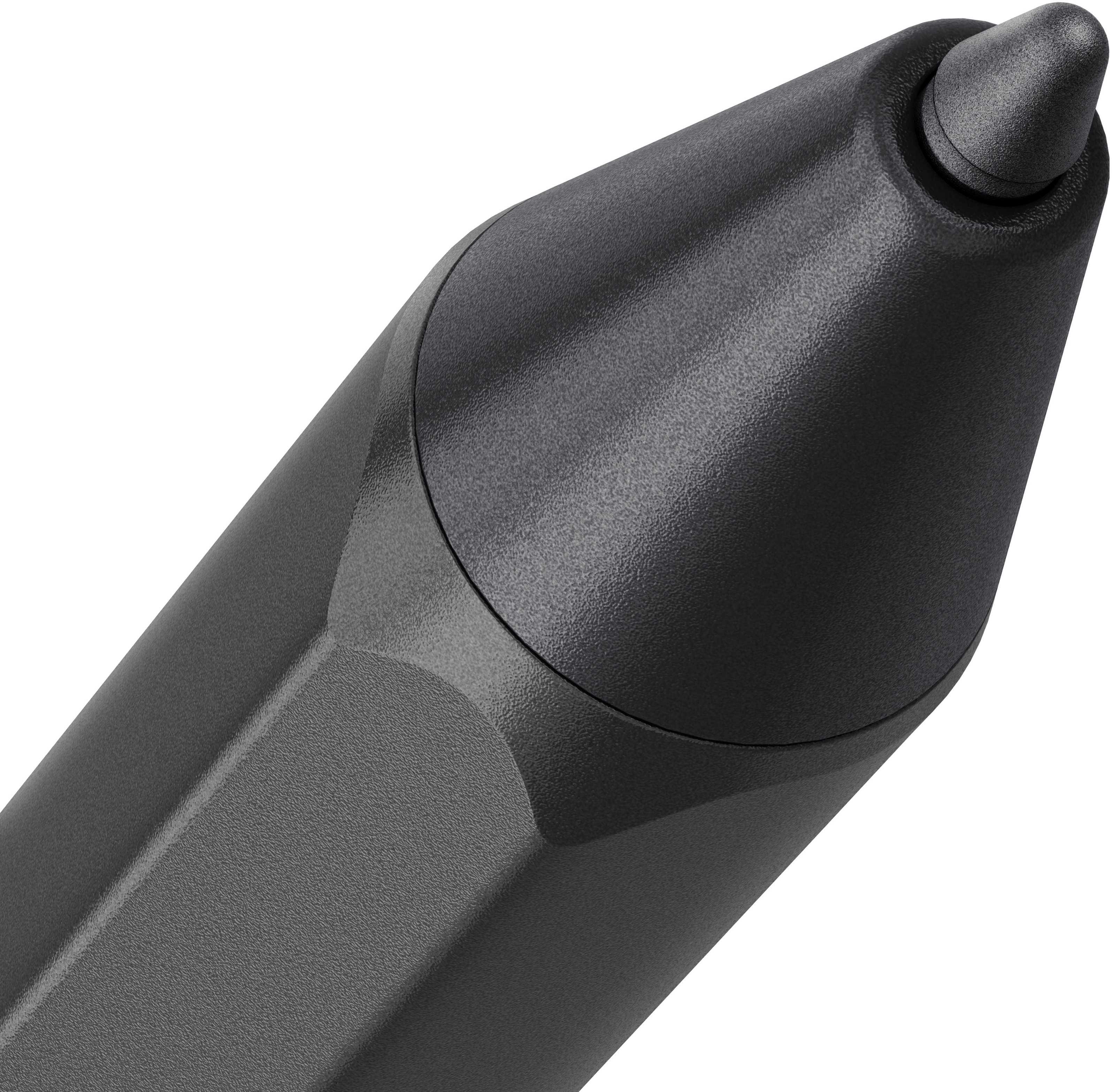
|Posted .This reviewer received promo considerations or sweepstakes entry for writing a review.This Stylus Pen for the Amazon Fire Max 11 is a high-quality product that adds some nice functionality to the latest Amazon tablet. The stylus was made for Amazon by the Maxeye company, which also makes styli for Microsoft Surface tablets and other devices. Unfortunately, there is no cross-compatibility here; this stylus only works with Fire Max 11. The stylus comes with a replaceable nib, a nib pulling tool, and a AAAA battery. Installation of the battery is quite simple and the stylus works immediately with the tablet. There is one magnet in the stylus, near the back end, which quite strongly grips onto the left side of the Fire Max tablet with the tip either pointed up or down. The placement here is fine, but it's on the left side (whereas the power and volume buttons are on the right), meaning righthanded people will have to reach over to the left side to grab the stylus, or do an awkward hand-to-hand shuffle movement to get the stylus into their dominant hand. There is no eraser function to be found by turning the stylus upside-down toward the screen, and the uses for the button on the stylus are also few and far between. I have used several sketchbook-style apps and not found one that takes advantage of the button. All-in-all, I'm quite pleased with the Max 11's stylus experience, but I do wish there was a bit more functionality.
I would recommend this to a friend- Pros mentioned:Responsiveness
Good enough pen. Limited use.
|Posted .This reviewer received promo considerations or sweepstakes entry for writing a review.I am generally not fond of digital pens. This pen was no worse than others I have used. It seemed responsive and comfortable to use. Nothing that stood out negatively. In this application with an Amazon tablet, I fail to see the need nor the reason why you'd have a digital pen. What am I going to use it for? Tried as I might, I didn't see anything that would require the use of the pen that I couldn't do with a finger. The screen is large enough to make the pen something I would not even think about using even as it clings magnetically to the side of the tablet/cover. The rub here with the Amazon tablet and those applicable to the pen is that there is a limited use case for either. The echo system is not one that allows a great application availability in the "store" from which to choose. And if there were things that a pen might work, because it is more difficult (or impossible) to share with a windows laptop or with an android phone, work done here is really work kept here and of little availability. Good enough pen. Limited use.
No, I would not recommend this to a friend - Pros mentioned:Ease of use
Touch screen pen review
Posted .This reviewer received promo considerations or sweepstakes entry for writing a review.It worked great and was very easy to carry. The pickup was easy and very user friendly, the customer service was friendly and very knowledgeable. I will definitely recommend.
I would recommend this to a friend Good to have
Posted .This reviewer received promo considerations or sweepstakes entry for writing a review.Good to have but you can live with out it. But if you buy this tablet Fire Max 11 and key board cover you should buy the pin.
I would recommend this to a friend- Pros mentioned:Compatibility
sty;us pen
Posted .This reviewer received promo considerations or sweepstakes entry for writing a review.It's a pen for the new fire. works fine It's just for the new fire
I would recommend this to a friend junk. do not buy. beware!
Posted .This reviewer received promo considerations or sweepstakes entry for writing a review.supposed to be USI 2.0 compatible - wanted to use it on my pixel 8 pro. took it out of the box and inserted the battery per the instructions on diagram. nothing...does not work on my pixel 8 pro. would not recommend and would definitely not purchase again. unfortunately don't think i can return it. not worth $35.
No, I would not recommend this to a friend