Customer Ratings & Reviews




- Model:
- VMC2040-100NAS
- SKU:
- 6455376
Rating by feature
- Value
Rating 4.4 out of 5 stars
- Quality
Rating 4.4 out of 5 stars
- Ease of Use
Rating 4.4 out of 5 stars
Customers are saying
Customers find value in the Essential Indoor Camera - VMC2040's high-quality images, ease of use, and included privacy features. Many appreciate the straightforward setup and the camera's affordability. However, some users experienced connectivity issues, and others noted limitations regarding battery life and compatibility with certain smart home systems. Overall, the positive feedback on image quality and ease of use outweighs the negative comments regarding connectivity and other minor drawbacks.
This summary was generated by AI based on customer reviews.
Not bad
||Posted .This reviewer received promo considerations or sweepstakes entry for writing a review.It gets the job done but what I don’t like is the shutter. Sometimes I wish I can just leave it open but there is no option.
No, I would not recommend this to a friendBought two returned one
||Posted . Owned for 3 weeks when reviewed.This reviewer received promo considerations or sweepstakes entry for writing a review.Does not work as I expected. My other Arlo’s do not notify me every time something moves. On this unit you can only turn of the notifications for 24 hours max.
No, I would not recommend this to a friendBrand response from Arlo Team
Posted .Hi Granny,
Thank you for sharing with us your Arlo experience. To help check your camera settings and ensure that they are configured for your system to work as expected, we recommend reaching out to Arlo Support Team at https://www.arlo.com/en-us/support/contact.aspx for assistance.
We look forward to hearing from you.
Regards,
Arlo Team
^RM
Very short life.
||Posted . Owned for 1 month when reviewed.This reviewer received promo considerations or sweepstakes entry for writing a review.Its dead (does not power on) after two months of use. Limited warranty.
No, I would not recommend this to a friendBrand response from Arlo Team
Posted .Hi James,
Thanks for sharing your review. We like to learn more about the camera being dead concerns you have shared above. Please reach out to our support team so they can further address your concerns and provide assistance by navigating to Settings > Support within the Arlo app to explore the support options available to you.
We appreciate your patience and understanding.
Best regards,
Arlo Team
Camera struggles to find home wifi signal
||Posted . Owned for 2 weeks when reviewed.This reviewer received promo considerations or sweepstakes entry for writing a review.The product literature gives the impression the camera can store video when set up with the Arlo cloud service, but so far we've been unable to achieve the hook up to the cloud service. So we can get alerts and a still image taken when the camera was triggered. Sometimes that give a clue as to what happened. Sometimes not. If one tries to zoom into the image to see what is happening, the image is erased and the camera jumps to live video. Without the subscription this camera is of very limited utility. The Arlo website in general is very confusing and the set up instructions leave a lot to be desired. After a number of attempts the camera's privacy shield finally opened--we have no idea why. One online customer theorizes that the camera sync button is very time sensitive and if it is held too long the camera starts a reset process (though this is unclear if it is actually happening or not). It can also be frustrating getting the camera to hook up to one's wifi. It is not clear why it has so much trouble, but the online support suggests that one has to be very very close to the router for set up. Or maybe we kept triggering the reset process unwittingly. Eventually it found the wifi. Then we moved it - and more frustration. I think there are better options out there and I'm not sure why online reviewers have been so positive.
No, I would not recommend this to a friendBrand response from Arlo Team
Posted .Hello RunnX,
Thanks for taking the time in sharing your feedback about your Arlo experience. We want to mention that you may setup local storage feature with this camera when connected to an Arlo SmartHub. To learn more, please check this link : https://kb.arlo.com/1146857/.
To help you address the other concerns you mentioned above, contact support here : https://www.arlo.com/en-us/support/contact.aspx.
Regards,
Arlo Team
^RM
- Cons mentioned:Connectivity
Cant connect ni matter what i do
||Posted . Owned for 2 weeks when reviewed.This reviewer received promo considerations or sweepstakes entry for writing a review.I'm so annoyed I've stood outside like an idiot with an extension cord with my phone and camera trying to get to to connect to the 2.4, I've went in to my router settings and turned off my 5ghz so that the wifi would only project 2.4 and STILL WONT CONNECT. I need my camera by Thursday. I'm putting it back in the box and returnig it now. So frustrated.
No, I would not recommend this to a friendBrand response from Arlo Team
Posted .Hi Lindsey,
Thank you for taking the time to share your feedback. Your feedback will be shared with the appropriate teams.
Best Regards,
Arlo Team
Never worked
||Posted . Owned for 1 month when reviewed.This reviewer received promo considerations or sweepstakes entry for writing a review.I couldn’t get it to connect to the app, had to return it
No, I would not recommend this to a friendworst camera
||Posted . Owned for 2 weeks when reviewed.This reviewer received promo considerations or sweepstakes entry for writing a review.worst camera. buy ring. this is a piece of crap please avoid
No, I would not recommend this to a friendUnable to get camera to work
||Posted . Owned for 1 month when reviewed.This reviewer received promo considerations or sweepstakes entry for writing a review.poor customer service through Arlo, can't get camera to work
No, I would not recommend this to a friendBrand response from Arlo Team
Posted .Hi,
We want to work with you to address the concern you shared about your camera and our support. Our team is available to help ensure you have an excellent experience with your Arlo camera. If you’d like help resolving the issue you are experiencing, please send us an e-mail at askarlo@arlo.com by including a screenshot of this review, your case number (if available), the email address associated with your Arlo account, and your phone number so that our team can follow up with you. We appreciate your understanding.
Best regards,
Arlo Team
Could not connect
||Posted . Owned for 3 months when reviewed.This reviewer received promo considerations or sweepstakes entry for writing a review.Tried everything through Arlo but for some reason the indoor camra doesnt like the wifi while the pro 4 does
No, I would not recommend this to a friendDon’t buy
||Posted . Owned for 2 months when reviewed.This reviewer received promo considerations or sweepstakes entry for writing a review.Terrible, only worked for one day. Waste of money.
No, I would not recommend this to a friendBrand response from Arlo Team
Posted .Hello
Thank you for taking the time to write your experience. Your feedback helps us to improve our services. We'll share your feedback to the relevant team. We appreciate your understanding.
Best regards,
Arlo Team
- Pros mentioned:Camera quality, Night vision

Arlo is wired for power
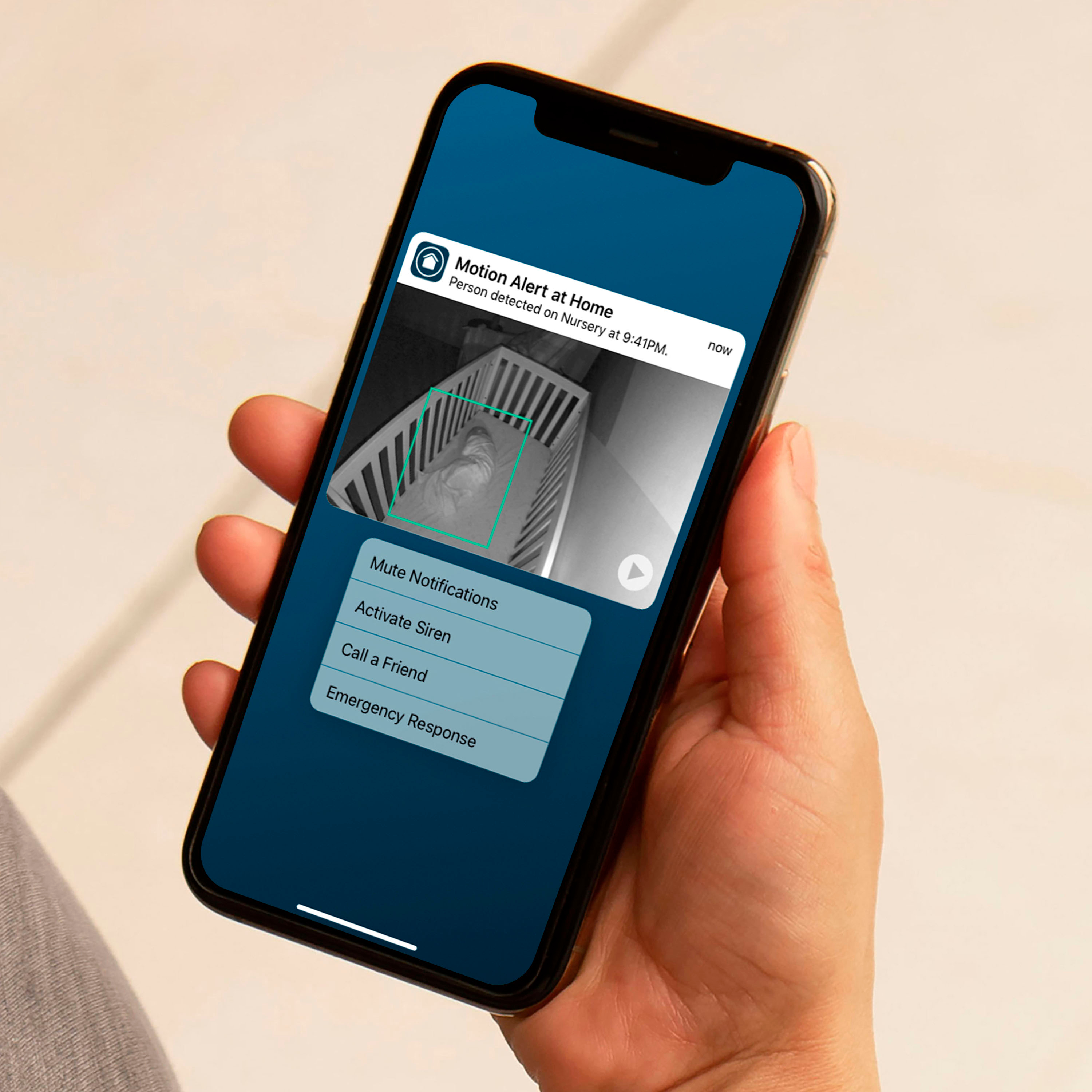
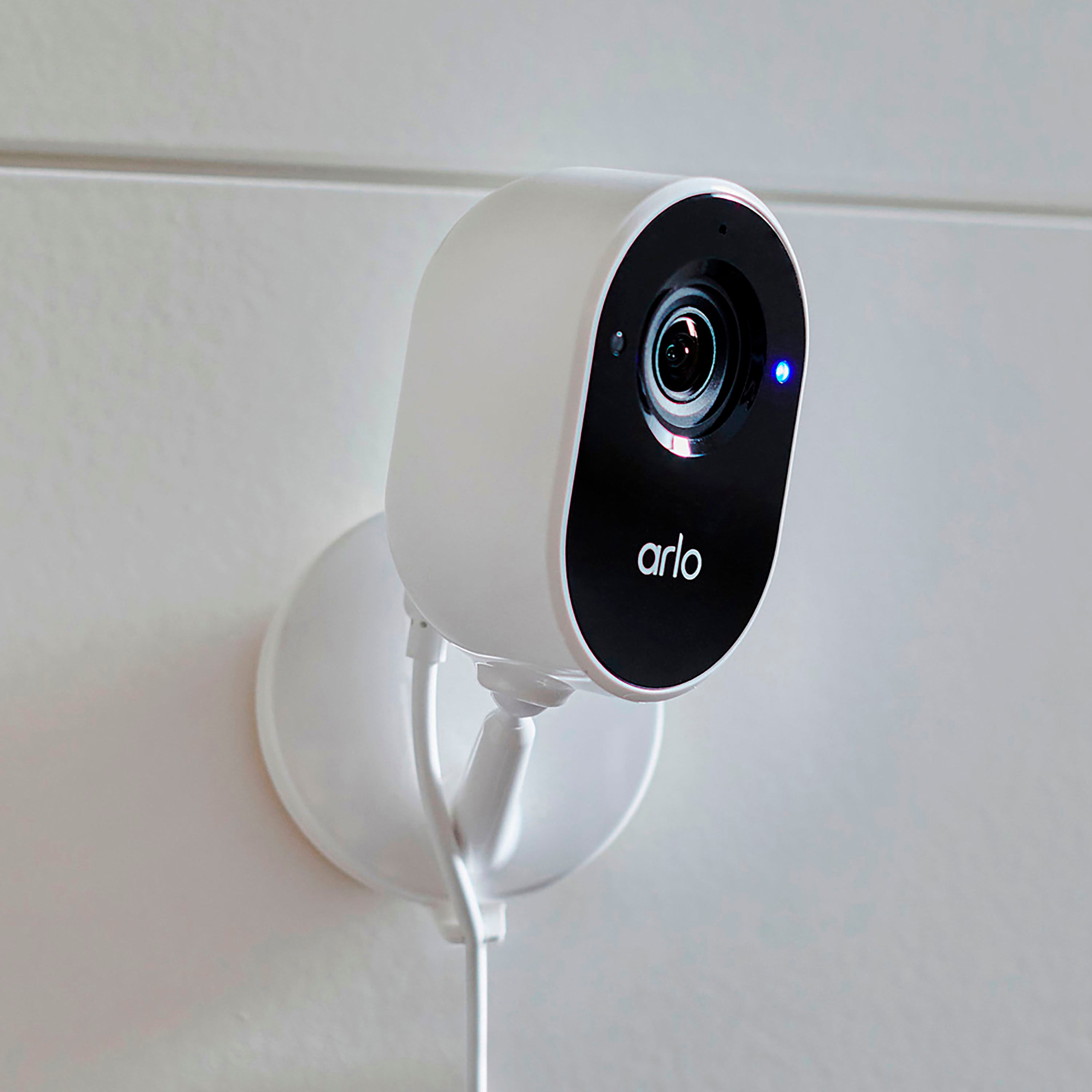
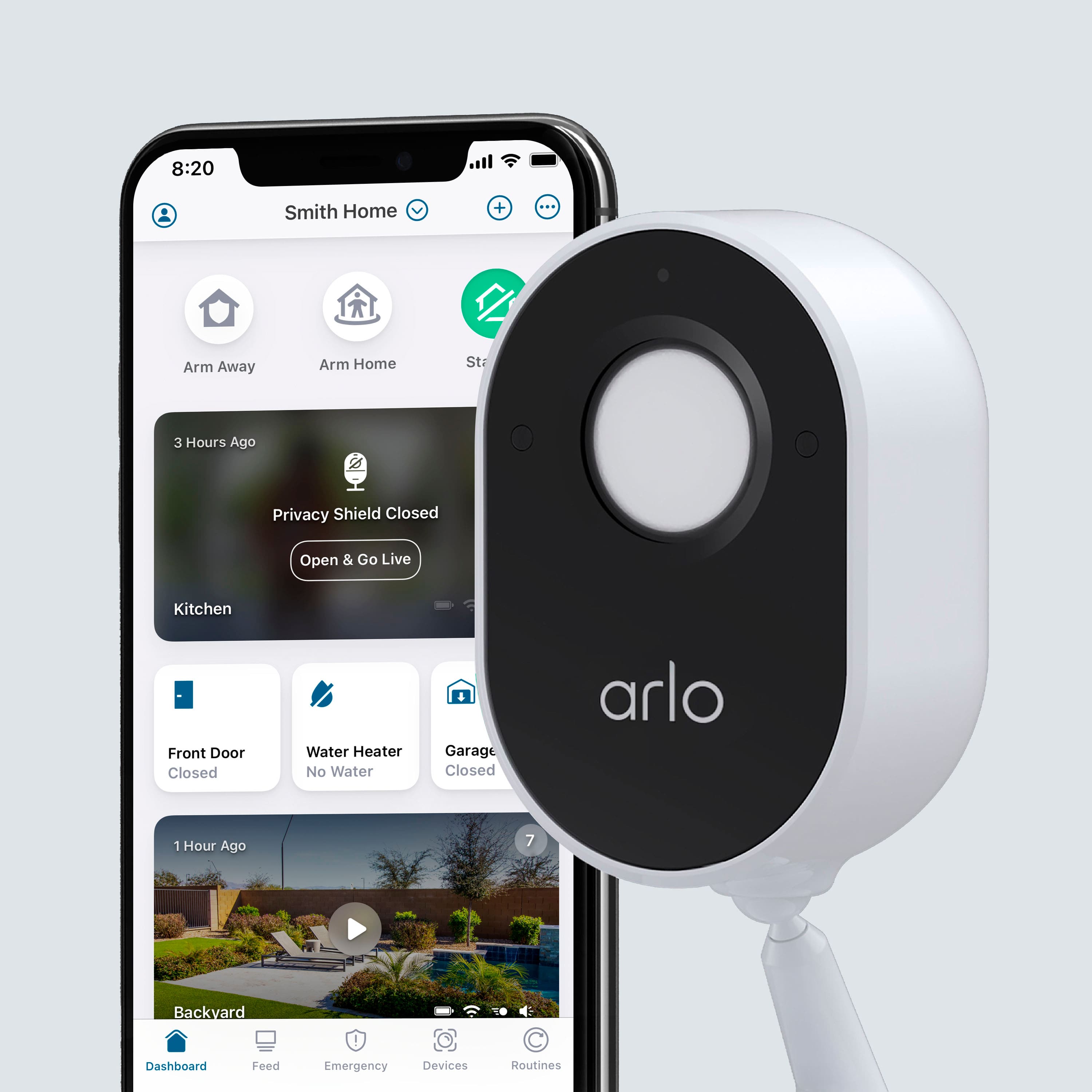
|Posted .This reviewer received promo considerations or sweepstakes entry for writing a review.Tl;dr: Arlo’s subscription AI is a valuable addition for home security. A Privacy shield ensures your interior surveillance is not intrusive. A strong app and backup local recording create long term value. Arlo has moved into competition with Nest and Ring with their always powered indoor wireless camera. Unlike some of their more famous brethren, this camera requires 110v all the time. There is no battery. It retains the night vision sensor and high resolution developed for Arlo’s battery powered cameras. It also retains the same app and dedicated wireless gateway. This means easy set up and no learning curve if you already have Arlo’s battery powered camera (which I do). Overall set up was pretty easy. Plug the camera in. Find it in the app. Rename the camera, then you’re in business! The hardest part was trying to decide where the camera would be located in the house. The video is very clear, even in lower light. Video switches to black-and-white when it’s too dark for color. This switch su supposed to be automatic. It’s fairleigh accurate, doesn’t always switch when it sould. My cat’s dawn antics were captured in black and white for the most part due to low light. Turning on a fixture would switch modes to color recording. Arlo offers multiple subscription options. While this base station has a spot for local storage, Arlo’s subscriptions bring significant value. There’s a $14.95 monthly plan which sends you alerts based on different types of activity (i.e. person, package, audio alert). Tapping the notification gives you a clip of what caused the alert. You also have the option to contact 911, initiate a siren, or talk back through the camera. Further, you can initiate a live view in 4K resolution across 170° field of view. Without the subscription, you will not have access to the camera or recordings outside of your home. You would only have access to videos stored locally in the base station. A three-month trial subscription is included in the initial purchase. The AI intelligently zooms in on the section of the frame where activity is occurring. An additional $9.95 monthly add-on provides continuous cloud video storage. While the specs on this camera set up are impressive, the software is what all pulls it together. Fortunately, Arlo knows this and has put significant effort into the app. If you already have an investment in the Arlo security family, this is a great addition and a no brainer.
I would recommend this to a friend - Cons mentioned:Connectivity
It’s essentially…
||Posted . Owned for 3 months when reviewed.This reviewer received promo considerations or sweepstakes entry for writing a review.A piece of crap. Worked two months and wouldn’t connect. I have several other Arlo cameras that never have a problem. Arlo support was no help. Kept asking stupid questions. Save your money on this one.
No, I would not recommend this to a friendBrand response from Arlo Team
Posted .Hello Bentley,
Thank you for taking the time to share your Arlo Essential Indoor Camera experience. Our team would appreciate the opportunity to work with you further to ensure your Arlo system is up and running as expected. Please send us an email at askarlo@arlo.com and include a screenshot of your Best Buy review, contact number, email address linked to your Arlo account, case number and details of what you are experiencing. We look forward to hearing back from you.
Regards,
Arlo Team
- Cons mentioned:Connectivity
Waste of money
||Posted . Owned for 3 months when reviewed.This reviewer received promo considerations or sweepstakes entry for writing a review.This camera is horrible DO NOT buy waste of money waste of money cant no longer return. I just bought not long ago and got disconnected no longer was to connect to internet and yes I do have the required internet.
No, I would not recommend this to a friendBrand response from Arlo Team
Posted .Hi Faith,
Thank you for your review.
If your Arlo Essential Camera was disconnected and you are unable to add your camera to your Base Station/SmartHub or router, read these articles: https://kb.arlo.com/000039094 or https://kb.arlo.com/000062406.
Otherwise, please navigate to Settings > Support in the Arlo App for service options available to you. We appreciate your patience and support.
Regards,
Arlo Team
Arlo inside camera
||Posted .This reviewer received promo considerations or sweepstakes entry for writing a review.Having trouble getting to work. Haven’t tried again
I would recommend this to a friendBrand response from Arlo Team
Posted .Hi Tazzy2,
Thank you for sharing your Essential Indoor Camera setup experience. Please send us an email at askarlo@arlo.com with the screenshot of your Best Buy review, serial number of of your Arlo Essential Indoor Camera and contact number including your time zone.
We look forward to hearing from you.
Best Regards,
Arlo Team
Did not work for me
||Posted . Owned for 1 week when reviewed.This reviewer received promo considerations or sweepstakes entry for writing a review.Not easy to connect to Wifi and not enough instructions
No, I would not recommend this to a friendBrand response from Arlo Team
Posted .Hi AnnaT,
Thanks for your feedback. Aside from the quick start up guide that your kit comes with, you may refer to the camera's manual here : https://www.arlo.com/en-us/images/documents/arloessential/Arlo_Essential_Indoor_UM_US_1.pdf for more details on how to setup your device.
Also, you may reach out to Arlo Support Team for further assistance : https://www.arlo.com/en-us/support/contact.aspx. We look forward to hearing from you.
Regards,
Arlo Team
^RM
- Cons mentioned:Connectivity
Does not connect
||Posted . Owned for less than 1 week when reviewed.This reviewer received promo considerations or sweepstakes entry for writing a review.This camera would not connect to my base or wifi. Yes I verified I was on 2.4 GHZ and still no luck! Returning this asap.
No, I would not recommend this to a friendBrand response from Arlo Team
Posted .Hi Carlos,
Thank you for your review.
If you're unable to add your camera to your Base Station/SmartHub or router, read these articles: https://kb.arlo.com/000039094 or https://kb.arlo.com/000062406.
Otherwise, please navigate to Settings > Support in the Arlo App for service options available to you. We appreciate your patience and support.
Regards,
Arlo Team
- Pros mentioned:Camera quality, Night vision
Nice, after its set up
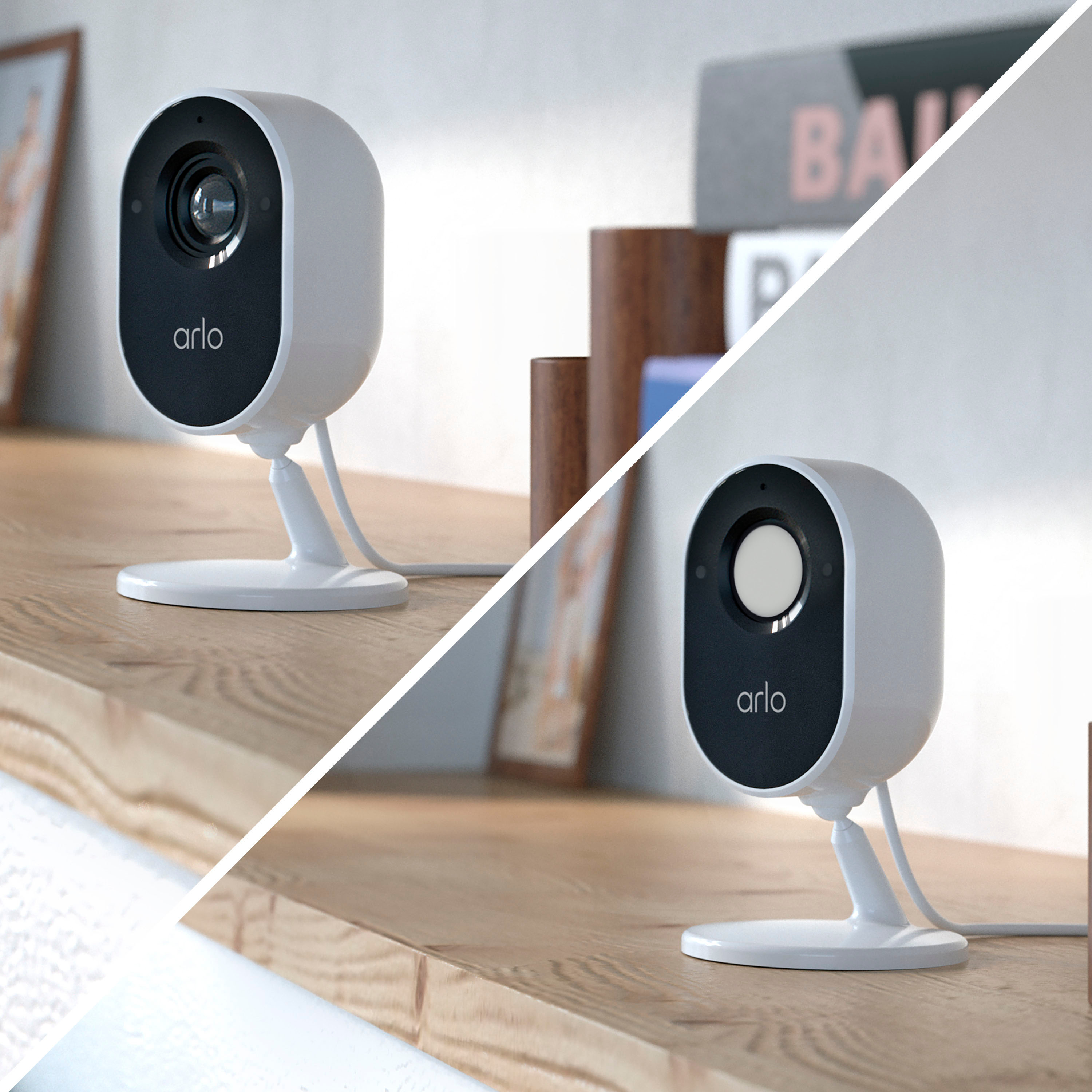
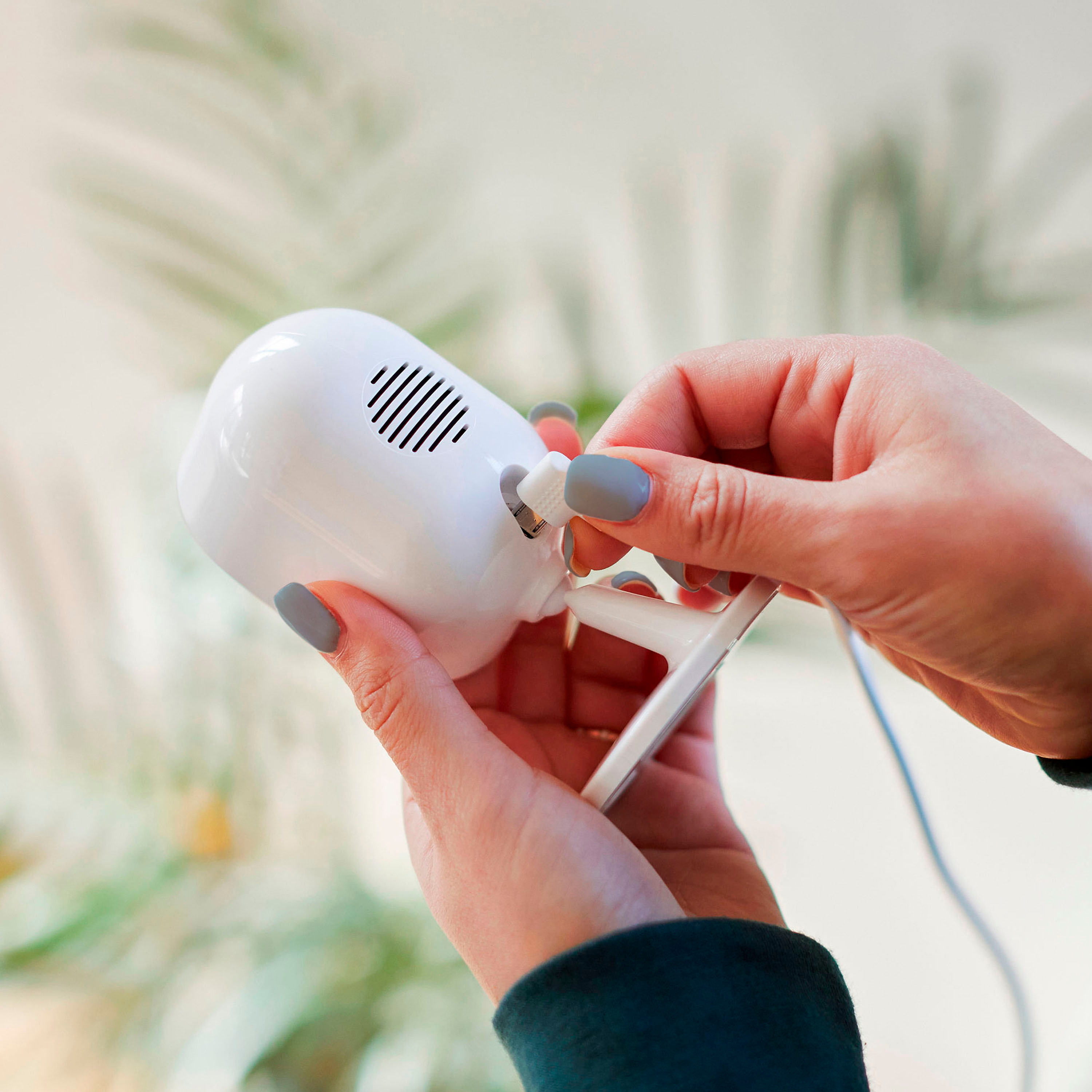
|Posted .This reviewer received promo considerations or sweepstakes entry for writing a review.This is a very nice WiFi security camera, we use it to monitor our dog and home while we are at work to ensure no one breaks in. It works incredibly well after the initial set up. The set up is fairly straight-forward, but you need to be able to switch to 2.4 GHz WiFi. I run a Linksys Velop mesh network that shows as one unified signal, making it nearly impossible to manually switch to 2.4 GHz. Instead I had to turn the wifi on my phone on and off in the hopes it wouldn't connect to the 5 GHz channels. This took about 15 minutes of moving around the house. Excluding that, the setup took about a minute in total. The video is clear, has IR night vision, the siren is quite loud and annoying (perfect deterrent for intruders!), and the privacy shutter is very reassuring! The voice response is slightly delayed, as to be expected with something having to go through the internet, but still very nice for quick messages to delivery drivers and guests. The camera is very easy to mount and comes with a detachable mounting plate. Overall, this is a very nice camera, after our initial setup woes. Not having the ability to use 5GHz WiFi is the only reason this get 4 instead of 5 stars.
I would recommend this to a friend Poor resolution
||Posted . Owned for 1 month when reviewed.This reviewer received promo considerations or sweepstakes entry for writing a review.This is my fourth Arlo product. I must say the resolution isn’t as sharp as the Arlo Q. They are discontinued and were more money. Sorta makes you wonder are these half the price in costs
No, I would not recommend this to a friendBrand response from Arlo Team
Posted .Hello,
Thank you for your review. Both the Arlo Q and the Arlo Essential Indoor Camera display 1080 resolution. To improve picture quality on your Arlo cameras, read here: https://kb.arlo.com/1179147. For further assistance, please navigate to Settings > Support in the Arlo App for service options available to you.
Thank you for your patience and understanding.
Best regards,
Arlo Team
- Cons mentioned:Connectivity
Did not work out
||Posted . Owned for 5 months when reviewed.This reviewer received promo considerations or sweepstakes entry for writing a review.Unit didn't work out. It wouldn't connect to my existing base station nor would it connect to my network.
No, I would not recommend this to a friendBrand response from Arlo Team
Posted .Hi rjzielin, Thank you for providing this feedback. Please make sure you have the latest version of the Arlo Mobile App and that your phone is on the same 2.4GHz network when connecting directly to your router during setup. Regards, Arlo Team
- Pros mentioned:Camera quality, Setup
Snazzy little camera
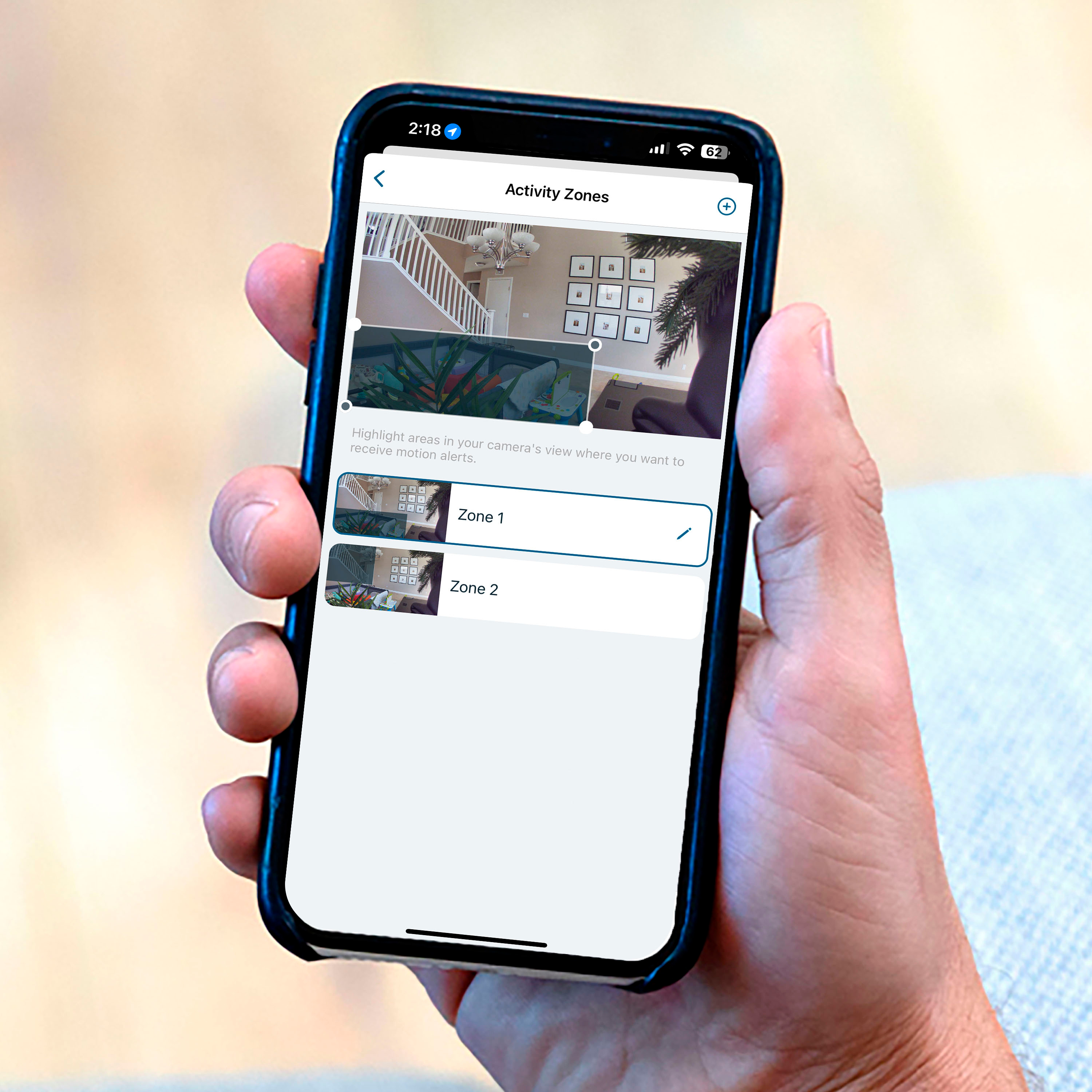
|Posted .This reviewer received promo considerations or sweepstakes entry for writing a review.This is a great little camera for the home. Never hurts to have multiple cameras around the house and this one work great for indoors. Setup is pretty simple. I had some issues with getting it setup out of the box but, once I reset the camera, I was able to successfully pair the camera to my phone app. I was also able to pair the camera up with Alexa as well which works great since I have a few devices from multiple manufacturers. The camera produces great video images as well as images. As with any camera, you can setup multiple notifications which is good. There are options for people, packages and even animals. I currently have this setup in one of my bedrooms however I’m probably going to wall mount it somewhere in my living room. There is a subscription for this however you get a 3 month free trial with the camera. Overall this is a great camera. My only gripe was that the cable included with the camera came up short for my needs. I’ll probably have to buy a longer cable to make it work but that’s not a huge thing.
I would recommend this to a friend