Customer Ratings & Reviews




- Model:
- VMS5350-1BYNAS
- SKU:
- 6642649
Rating by feature
- Value
Rating 4.5 out of 5 stars
- Quality
Rating 4.7 out of 5 stars
- Ease of Use
Rating 4.7 out of 5 stars
Customers are saying
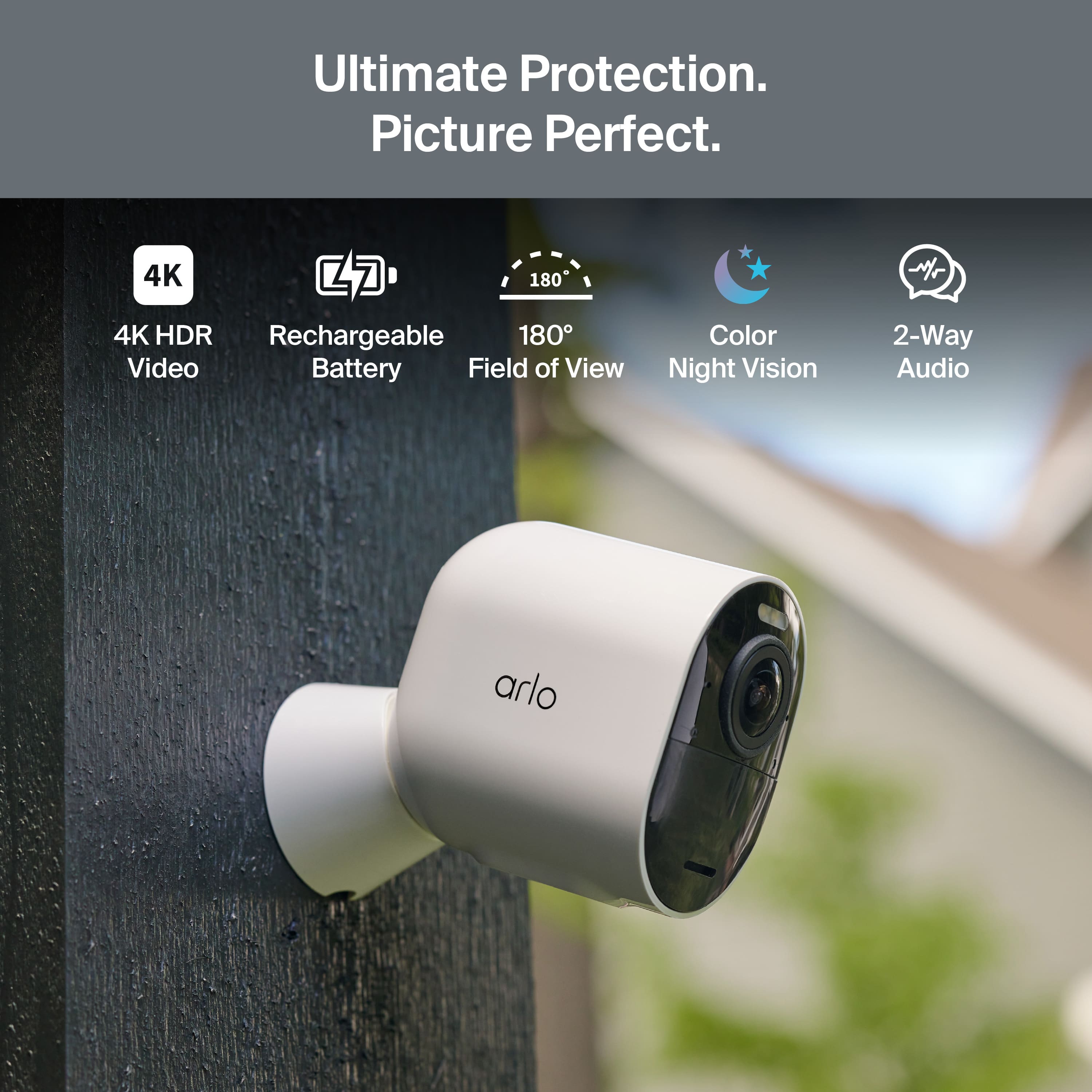
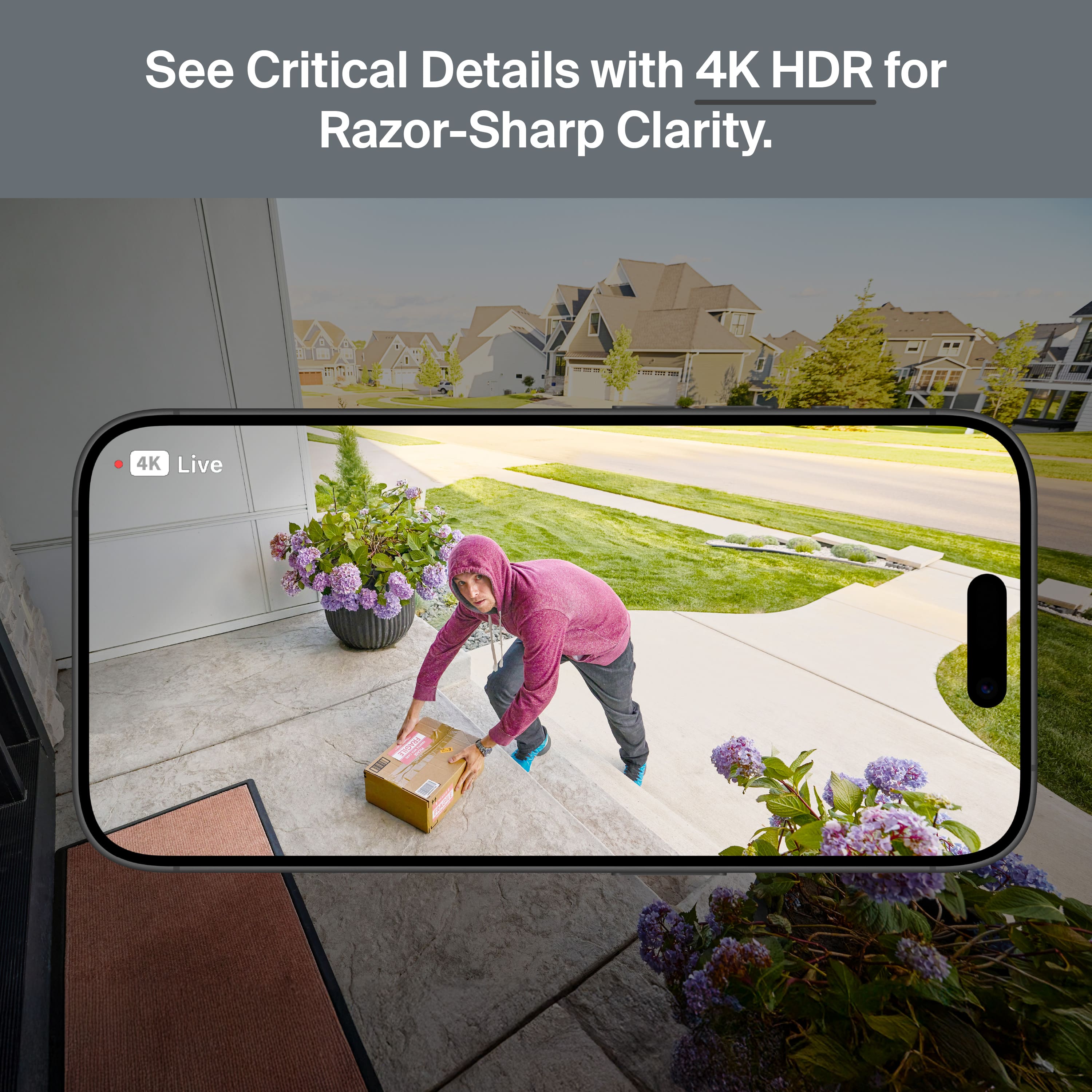
Customers consistently note the impeccable image quality and wide field of view of the Ultra Outdoor Security Camera. The easy setup and reliable connectivity are also appreciated. Users find the night vision and battery life to be great, and value the local storage option.
This summary was generated by AI based on customer reviews.
- Pros mentioned:Image quality
Greg’s input
||Posted . Owned for 3 weeks when reviewed.This reviewer received promo considerations or sweepstakes entry for writing a review.Very nice product. Magnetic mounts are very helpful for temporary placement for rodent control. Quality is real nice. Never new I had so many animals in my yard at night!
I would recommend this to a friend - Pros mentioned:Image quality
Love this security system
||Posted . Owned for 3 weeks when reviewed.This reviewer received promo considerations or sweepstakes entry for writing a review.This is a great system it has everything . And the picture is clear
I would recommend this to a friend Great cameras, but dislike going back to a hub.
||Posted . Owned for 2 weeks when reviewed.This reviewer received promo considerations or sweepstakes entry for writing a review.Have had Arlo cameras forever. These are a great addition to what I have. Easy setup and very clear. I still think they all could be better resolution. Only thing I don’t like is the hub. I like the WiFi direct versions. Would like to see high res WiFi in the future. So keeping them all in contact with the hub vs just WiFi is the biggest problem. Otherwise great!
I would recommend this to a friendGreat cameras
||Posted . Owned for 1 month when reviewed.This reviewer received promo considerations or sweepstakes entry for writing a review.Great camera system at a great price! App for cameras is user friendly.
I would recommend this to a friendSnazzy Camera System
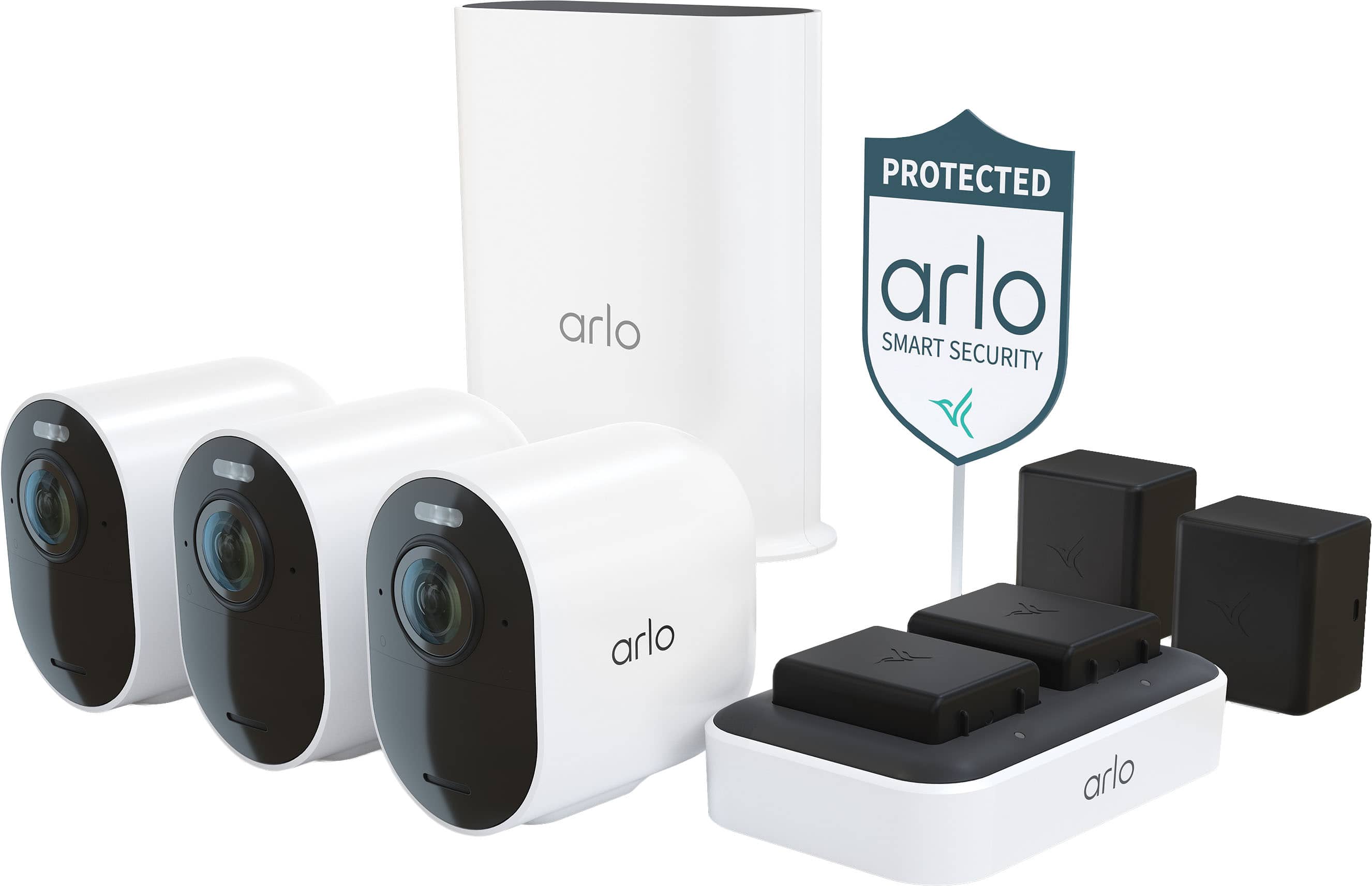
||Posted . Owned for 3 weeks when reviewed.This reviewer received promo considerations or sweepstakes entry for writing a review.They’re completely wireless so you don’t have to drill through your walls. The base was easy to setup and has an optional microSD card slot for local storage. This the two magnetic bases make the camera installation quite the breeze and allow easy tuning of the camera view. The whole system seems very expandable and I look forward to buying some more!
I would recommend this to a friendOutdoor camera
||Posted . Owned for 3 weeks when reviewed.This reviewer received promo considerations or sweepstakes entry for writing a review.Product works great and is easy to use. Parent friendly
I would recommend this to a friendVery nice security camera setup!
||Posted . Owned for 1 month when reviewed.This reviewer received promo considerations or sweepstakes entry for writing a review.I added three 5s Pro cameras to this setup for 6 cameras total, all connected to the provided hub. They work great together. I also connected them to Apple HomeKit which was a must have for me. The only thing that could be better is range from hub and to include solar panels for each camera (which I have added).
I would recommend this to a friendAlways on always charged
||Posted . Owned for 3 weeks when reviewed.This reviewer received promo considerations or sweepstakes entry for writing a review.I love this bundle because it allows me to have fully recharged batteries all the time, with one always charged and two charging spots it allows me to run my daily routine stress free of yet another smart device. So this is great!
I would recommend this to a friendGood Cameras - Not a Fan of the Subscription Model
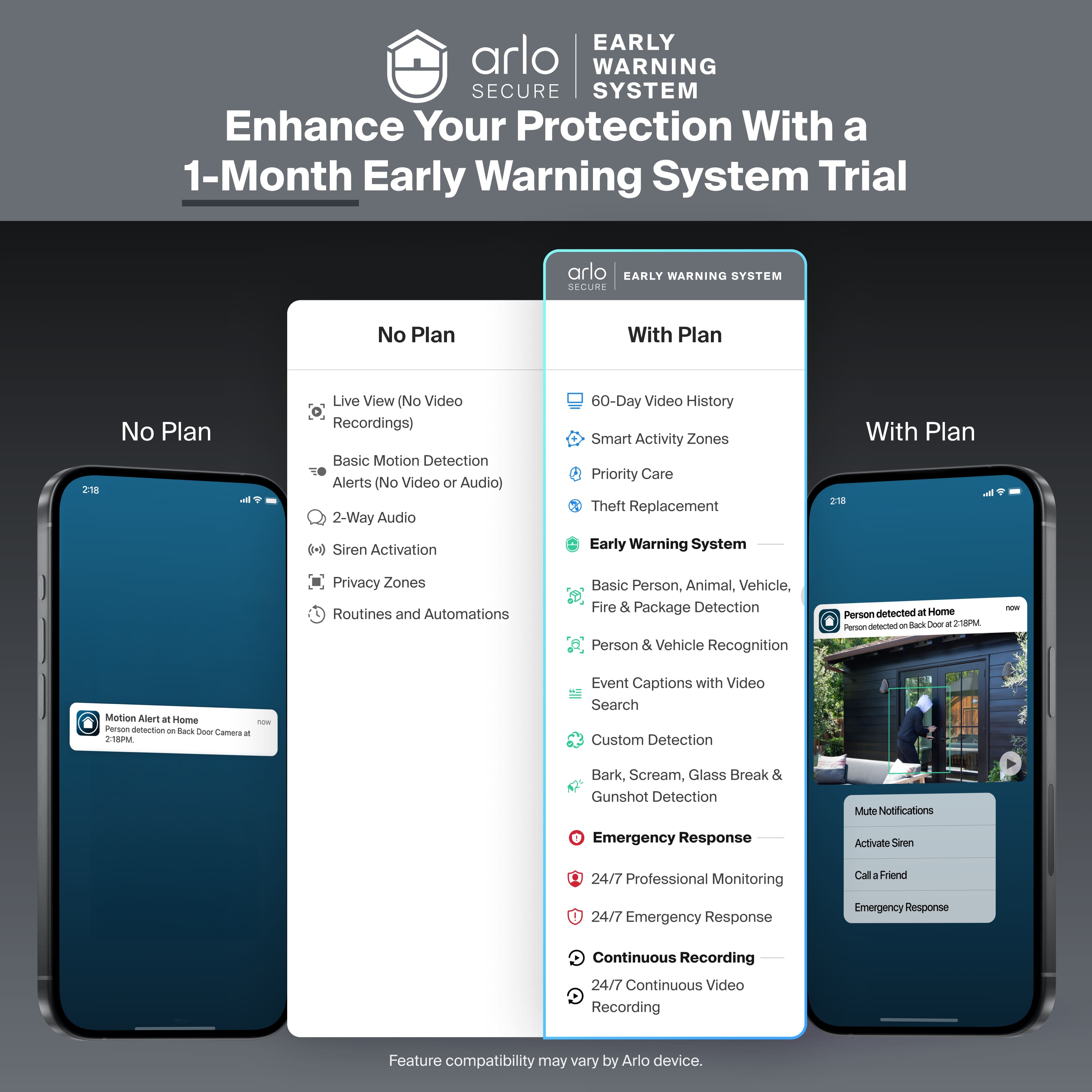
||Posted . Owned for 3 weeks when reviewed.This reviewer received promo considerations or sweepstakes entry for writing a review.I like the cameras. Not a big fan of Arlo’s subscription model. But I went ahead and signed up for a year anyway. The short version is at this time in my life, it was the fastest and easiest solution. I marked yes for would I recommend the cameras. But I would tell everyone of Arlo’s subscription model so they understand.
I would recommend this to a friend- Pros mentioned:Setup ease
Selen
||Posted .This reviewer received promo considerations or sweepstakes entry for writing a review.Amazing cameras. Easy to setup and use. Highly recommended
I would recommend this to a friend - Pros mentioned:Night vision
camara resolution
||Posted . Owned for 2 weeks when reviewed.This reviewer received promo considerations or sweepstakes entry for writing a review.Camara has excellent resolution especially the night vision.
I would recommend this to a friend cameras
||Posted . Owned for 3 weeks when reviewed.This reviewer received promo considerations or sweepstakes entry for writing a review.great product, i replaced an older arlo setup. The getting all the cams linked to the server and head unit was a little difficult but if you carefully follow the directions no problem.
I would recommend this to a friendBest working Camaras
||Posted .This reviewer received promo considerations or sweepstakes entry for writing a review.It is an amazing product, and it helps me so much with everything that happens outside the house. when im not close to home. It is a really good camera and i recommend to buy it cause it works fantastic
I would recommend this to a friendVery good product
||Posted . Owned for 2 weeks when reviewed.This reviewer received promo considerations or sweepstakes entry for writing a review.Love this product and will recommend it to everyone
I would recommend this to a friendCameras
||Posted . Owned for 1 month when reviewed.This reviewer received promo considerations or sweepstakes entry for writing a review.Great system, the app isnt the best but it has great image quality
I would recommend this to a friend- Pros mentioned:Battery life, Field of view, Image quality

Complete package. High quality. Great Value.
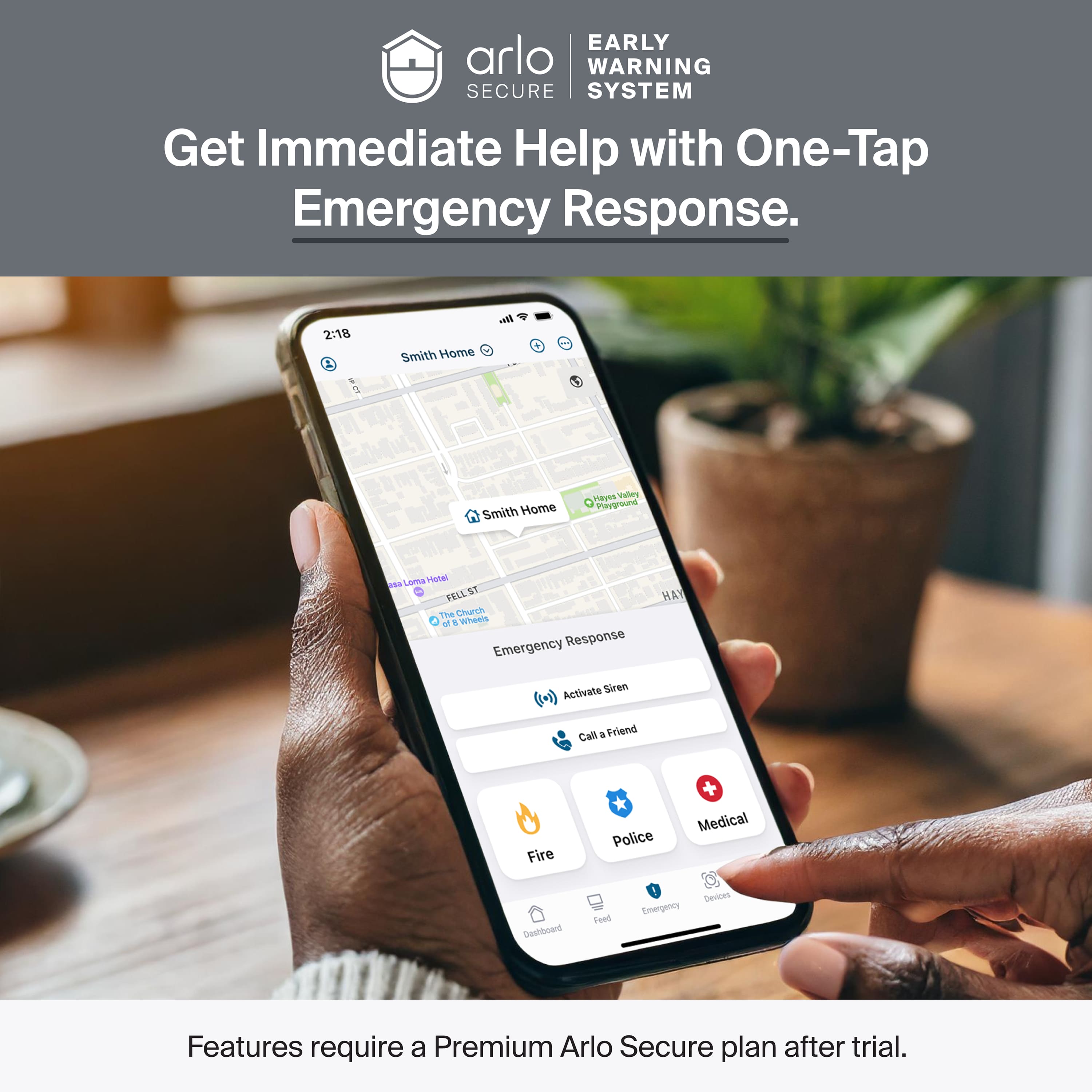
|Posted .This reviewer received promo considerations or sweepstakes entry for writing a review.Honestly, this set/system really surprised me. From set-up, to install, ease of use, and performance. Set-up was a simple process for me. More or less follow some instructions and you should not have any issues. At all. Installation was more of the same for me, but I suppose that will depend on your specific situation. Regardless, the provided hardware worked for me and I think will for most as well. The cameras themselves really impressed me. Fantastic quality, day or night (all color). A very detailed, nice, crisp, and clear picture with a wide field of view. They also come with a real nice set of options and features. As does the app. Two-way audio. Motion detection (very quick). Deterrence features (spotlight and siren). Alerts. Notifications. All of these things work well, consistently, and timely. All of this works in the app, but I really like that the cameras work with my Google Home set-up. It seems all of the major players work here. As for the build, well, I can’t really say yet, but time will tell. I am confident that this will not be an issue. Everything seems well-built. We shall see. Given these are battery based, which l love due to there being no wires, I was very excited to see a dedicated charging station. I have never had this before and I think it is a great quality of life improvement. I don’t expect battery life to be an issue, but it is just nice to kind of have this covered going forward. If I had one issue with this system, it is that a subscription is required to use some of the premium features. I get it, and frankly, for the utility it provides, the price is reasonable and I suppose it is a good value. It is just “one more subscription.” I guess I just wished they offered a bit more for those without a subscription. That said, in the end, this is a very good system, and I think it is a very good value for all that you get. I would say check your use case and what you are looking for from a system like this, but if that aligns, I do think this would be a good choice for most.
I would recommend this to a friend Arlo Buy
||Posted .This reviewer received promo considerations or sweepstakes entry for writing a review.This is the second set I have gotten. Loved the first one. Now the time to upgrade went with the same kind from Best Buy
I would recommend this to a friendGreat security system
||Posted . Owned for 1 month when reviewed.This reviewer received promo considerations or sweepstakes entry for writing a review.Little bit of a challenge to get base station to connect to my wifi but may have been an internet issue and not a product issue.
I would recommend this to a friendArlo upgrade
||Posted .This reviewer received promo considerations or sweepstakes entry for writing a review.I've been using Arlo since 2018 and love it! Just upgraded to gen 6 great system, even better then before
I would recommend this to a friendAwesome.
||Posted .This reviewer received promo considerations or sweepstakes entry for writing a review.Best wireless cameras on the market. Do everything I need them too and more.
I would recommend this to a friend