Customer Ratings & Reviews
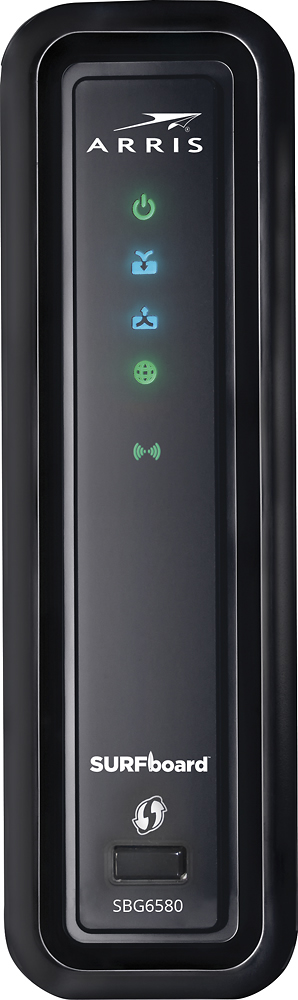
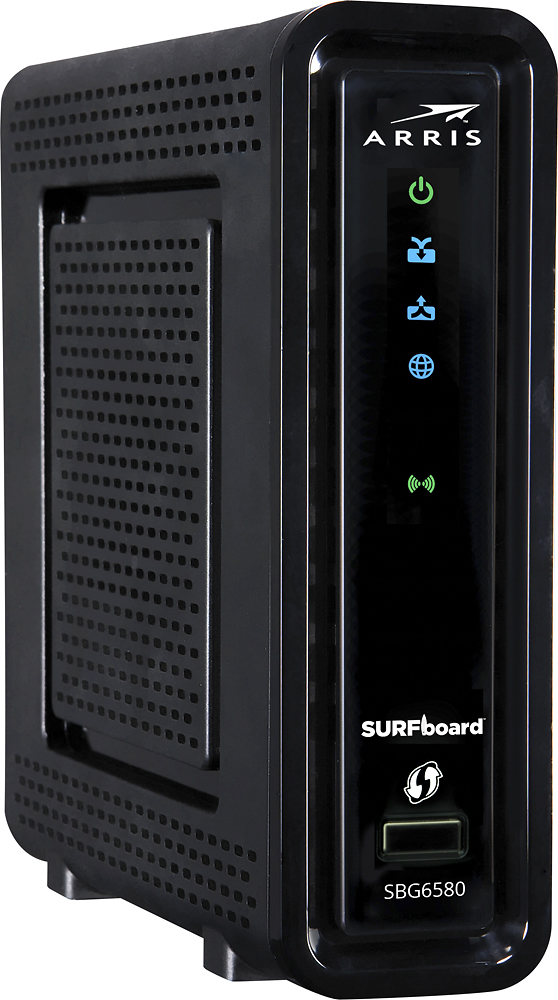
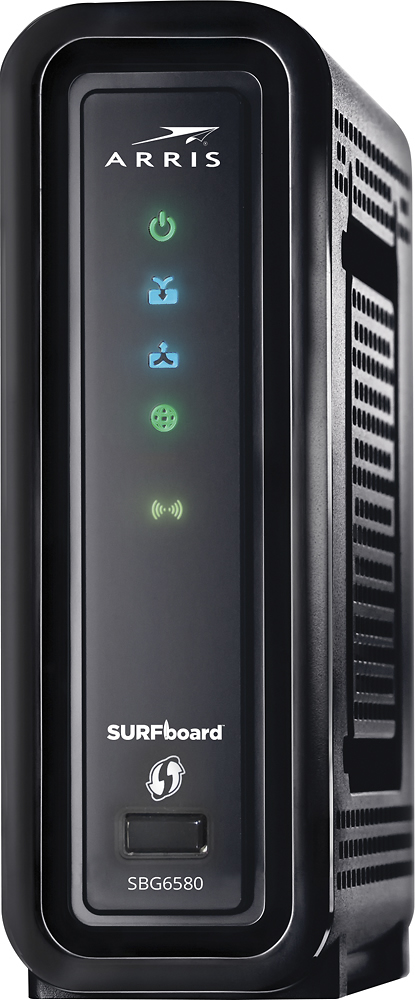
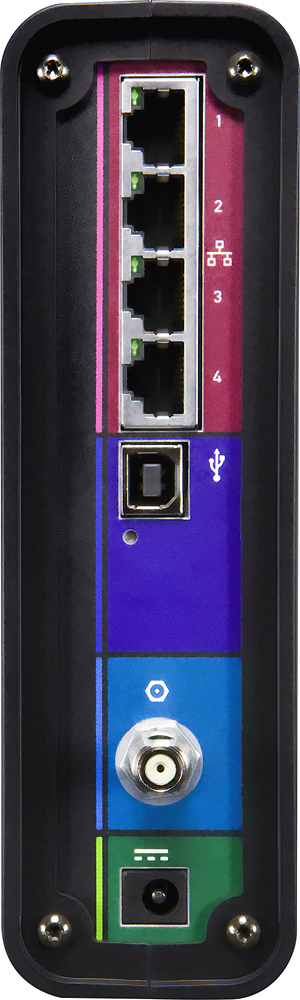
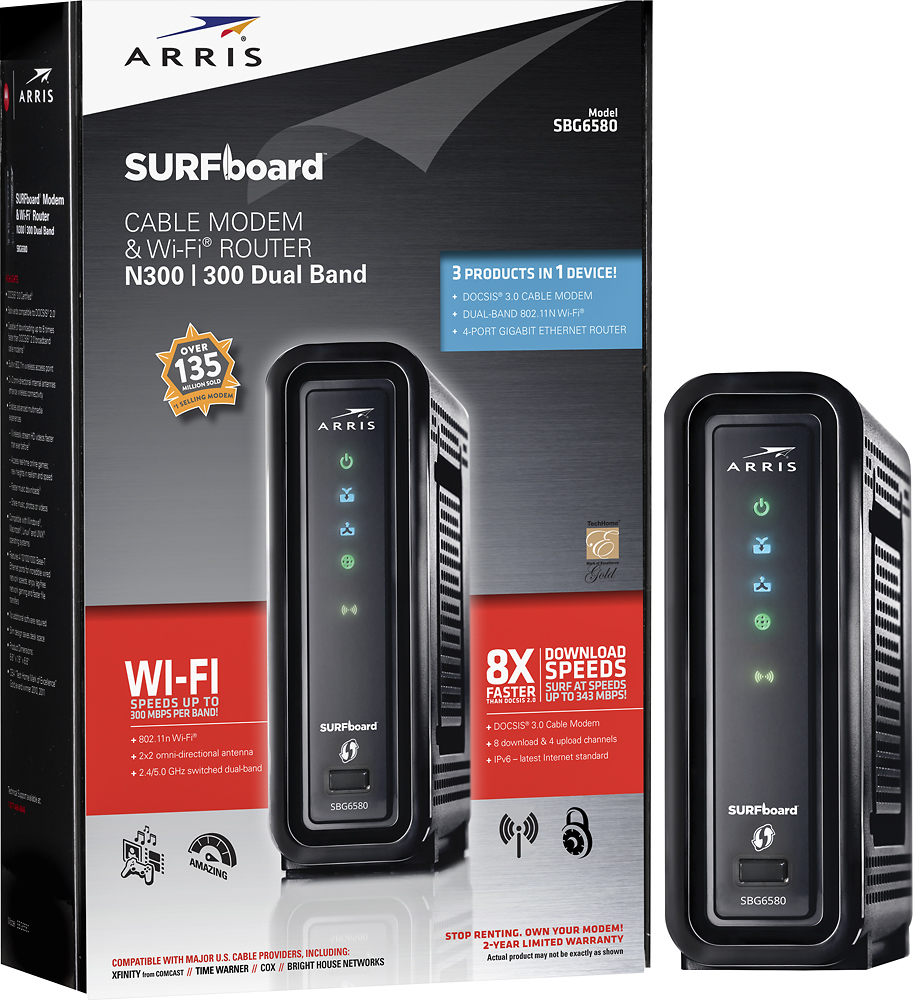
- Model:
- SBG6580
- |
- SKU:
- 9962417
Customer reviews
Rating 4.2 out of 5 stars with 4238 reviews
(4,238 customer reviews)Rating by feature
- Value4.5
Rating 4.5 out of 5 stars
- Quality4.3
Rating 4.3 out of 5 stars
- Ease of Use3.9
Rating 3.9 out of 5 stars
Customers are saying
Customers highly value the SURFboard eXtreme N300 Dual-Band Router with DOCSIS 3.0 Cable Modem for its ease of use, reliable performance, and straightforward setup. Many appreciate its reasonable price and compact size, along with its compatibility with various cable providers. Positive feedback also highlights the modem's functionality and decent range. While some users noted that the signal strength could be improved, the overall experience is largely positive.
This summary was generated by AI based on customer reviews.
- Pros mentioned:Speed
Rated 5 out of 5 stars
Excellent value - next generation DOCSIS 3.0
Posted .This reviewer received promo considerations or sweepstakes entry for writing a review.I purchased the SBG6580 several months ago from Best Buy and noticed it had a weak wireless signal. I didn’t think too much about this as I had placed the unit next to my home media server, another external hard drive, speakers and a sub woofer and finally the desktop computer itself, all within a foot or so of the SBG6580. All this electronic equipment was surely the cause of the weak signal, or so I told myself. Recently I moved the SBG6580 to another location. However the signal strength did not improve at all, still in the thirty percent signal strength range. So I called Motorola, explained my problem, changed the frequency channels per their instructions as their technician stood by on the phone. Result – no improvement. Then something strange happened. Motorola told me my problem was of “high priority” to them and that a ‘tier two” supervisor would call me shortly with a solution. The next day Motorola called and said they would send out a new unit, and that I should receive it within 5 to 7 days. It arrived three days later. I plugged the new unite in, changed a few settings, set up the security and now I’m happy to say I can receive a very strong signal everywhere in my house. However the most impressive aspect of working with Motorola support was the outstanding service provided. I would rate their response to my problem as a “10” out of 10. The Motorola SBG6580, even with the previous solved weak wireless signal, provided extremely fact access to my media files or when just surfing the web on my laptop. As a matter of fact when all three family laptops are in use at the same time there is no noticeable drop off in access speed or signal strength now. As for the Motorola SBG6580 itself it does everything it was designed to do, and fast. I have connected to it a Synology DS209 server. Also connected to the SBG6580 is the external hard drive. The SBG6580 can pull large 30 meg RAW photos for editing in Photoshop or viewing on my laptop as fast as my wired desktop. I have the 8 meg Express plan with Charter and this DOCSIS 3. unit consistently downloads in the 14 to 24 meg range. I would highly recommend the Motorola SBG6580, especially when backed up with their outstanding technical support.
I would recommend this to a friend - Pros mentioned:Speed
Rated 4 out of 5 stars
Great modem; don't understand the bad reviews
Posted .This reviewer received promo considerations or sweepstakes entry for writing a review.A huge improvement over my old Linksys pile of junk. Range is fine; works throughout the whole house. Speed is excellent. Only problem I had is that it took numerous phone calls with Time Warner SoCal until I found someone with the wherewithal to get it activated. Seems that it isn't on their approved modem list but can be activated by someone who knows what they're doing.
I would recommend this to a friend - Pros mentioned:Ease of use, Speed
Rated 4 out of 5 stars
Pretty good modem for the price
Posted .This reviewer received promo considerations or sweepstakes entry for writing a review.Set up was pretty easy and it delivers pretty good speeds, good range in the house too. Definitely user friendly item
I would recommend this to a friend - Pros mentioned:Speed
Rated 5 out of 5 stars
Ditch the cable company's modem
Posted .This reviewer received promo considerations or sweepstakes entry for writing a review.After finally getting frustrated with the modem provided by the cable company I decided to get my own. Of course they asked why since I wasn't paying to lease the one I had. Well their own speed tests confirmed I had throughput of about 9Mbps on a good day when I'm paying for 20Mbps service. I swapped out the old modem with the Motorola, called them with the MAC ID and was up and running in a matter of minutes. Of course the first thing was to perform a speed test, the same one that I used before the swap. 20.6Mbps! Not only is my internet connection substantially faster but the built in WiFi has a better reach than my previous router AND the home network runs faster since I've eliminated a piece of equipment; stand alone router. My home network is used quite extensively too; 3 cell phones, 2 ipads, two laptops, 1 desktop, 2 home servers, 2 gaming consoles, 4 Blu-ray players, 1 stereo and a security system. This router/modem hasn't missed a beat yet!
I would recommend this to a friend - Pros mentioned:Speed
Rated 5 out of 5 stars
quicker than my old modem
Posted .This reviewer received promo considerations or sweepstakes entry for writing a review.MY ROUTER WAS CUTTING OUT AND I HAD AN OLDER CABLE MODEM(ARRIS).WENT FOR JUST A NEW ROUTER BUT NEEDED TO GET ALL UPDATED EQUIPMENT.( LIKE BUYING A NEW PAIR OF SHOES AND USING OLD SHOE STRINGS). GLAD I UPDATED. WITH THE MODEM AND ROUTER TOGETHER I SAVED SPACE TOO.COMPUTER IS SO MUCH QUICKER PAGES LOAD FASTER TOO. I INSTALLED IT MYSELF AND HAD IT UP AND RUNNING WITHIN AN HR. INCLUDING 25 MIN ON PHONE WITH CABLE COMPANY. PUT CD IN BUT IT NEVER CONNECTED EVERYTHING . JUST WENT TO NETWORK AND SHARING AND KEYED IT ALL IN. ALL IMPORTANT INFO---SECURITY KEY-SSID NAME-- IS ON THE BACK OF INSTALLTION PAGE SO DONT THROW THAT AWAY....I KEPT WAITING ON THE CD TO TELL ME.. I DONT HAVE ALOT OF GADGETS THAT NEED A HIGH POWERED ROUTER. I HAVE ROKU,CELL PHONES, IPOD,AND TABLET BUT DONT USE THEM ALL AT ONCE EITHER. I AM PLEASED WITH MY PURCHASE.
I would recommend this to a friend - Pros mentioned:Performance
Rated 5 out of 5 stars
Motorola Surfboard
Posted .This reviewer received promo considerations or sweepstakes entry for writing a review.The equipment that I was renting from my internet provider was unreliable. I was losing the signal everyday. The company that I am with was very helpful, but the problem could not be resolved. I even received a discount due to the faulty equipment. After four technicians and two rented modems/routers later, I decided to purchase the motorola surfboard 6580. I am glad I made the purchase. So far the 6580 has been very reliable. The wifi is stable and fast. I have read some reviews that stated people were having issues with the unit. I may have lost connection one time for about one minute, but no other problems have happened. Before anyone makes this purchase, make sure your internet provider is capable of handling the docsis 3.0 cable modem. Also I was told to disable the ip flood feature in the firewalls tab when setting up the modem to help increase the speed and function of the motorola 6580. Hope this helps!
I would recommend this to a friend - Pros mentioned:Setup
Rated 4 out of 5 stars
Functions well overall.
Posted .This reviewer received promo considerations or sweepstakes entry for writing a review.Just make sure iinternet provider supports its use as modem. Mine did. Just hook up the unit and call provider. EASY installation. Secure and a great addition. Range is good. Goes from one end of our very long ranch to the other with only intermittent lapses. Have always had range trouble. Need boost probably. Has to penetrate "brick" wall from firepace in room to get to the other end. Im overall happy. A bit pricey for what I know other products sell for and probably preform the same.
I would recommend this to a friend - Pros mentioned:Ease of use
Rated 5 out of 5 stars
motorola SBG6580
Posted .This reviewer received promo considerations or sweepstakes entry for writing a review.i've read many reviews, from several various websites, regarding this all-in-one unit before i bought it. most reviewers praise the modem's performance, however, the consensus mostly agrees that the limited wireless range of the SBG6580 is something to consider before purchasing it. my place is small (less than 650 sq. ft.) and, so far, i have not experienced any problems with its wireless connectivity. the modem works very well. there are 4 ethernet ports which is plenty for most home users. and, the SBG6580 is also very easy to install......just plug & play. the cost is reasonable for an all-in-one unit. i looked into getting motorola's SB6141 (which has been getting very good reviews) and buying a separate wireless router. the cost for both units would've been approximately the same. besides, having an all-in-one unit saves a little more space and there's one less electrical plug to worry about. the only problem that i've noticed so far is that the unit does run hot when you're pushing it. so, be sure to keep it in a well ventilated area. i'd give the SBG6580 4.5 stars. but, got to round up and rate it with 5 stars.
I would recommend this to a friend - Pros mentioned:Speed
Rated 5 out of 5 stars
SUPER FAST!!!!!
Posted .This reviewer received promo considerations or sweepstakes entry for writing a review.Super easy to hook up with Comcast. Must hook it up through the Ethernet connection 1st. You CANNOT do wireless setup until its registered through Comcast. After you select "wired setup" it takes you to the Comcast website to finish the install. It registers the product through there website so you can use it. After its registered through Comcast, go to motorola's website 192.168.0.1 ----- User:admin ------ Password:motorola ----- to set up the wireless on your computer. hope this helps all who bought this. This is SUPER FAST!! Download speed are faster then Comcasts ratings with this modem.
I would recommend this to a friend - Pros mentioned:Ease of use, Speed
Rated 5 out of 5 stars
2 in 1.....um heck yes
Posted .This reviewer received promo considerations or sweepstakes entry for writing a review.Long story short I needed to upgrade my previous modem that I used for almost 10 years to match my speed from my internet carrier. I am the type of person that if it isn't broke, then there is no need to fix it, I was skeptical about going for another brand, but I am glad I made this choice. I like that it is a 2 for 1 modem/router combo. It saves me from having the buy a separate device with added cables/plugs. It was easy to set up, except for the info packet, which gave me the wrong username/password for my internet set up. I had to actually download the correct username/password from the Motorola website, but other than that it was a snap to set up.
I would recommend this to a friend - Pros mentioned:Speed
Rated 5 out of 5 stars
Works great and saves me money.
Posted .This reviewer received promo considerations or sweepstakes entry for writing a review.I bought this product so I would no longer have to pay the $5 a month lease to Comcast for the cable modem they provided. I almost went with the non wireless version after reading the reviews on here about poor range, but I have seen no such issues. The modem is downstairs and most of my wireless devices are upstairs. I get better signal stregth and data rates with this than the linksys n wireless I was using before this. I ran a speed test and I get 24Mbps both days I have tried it. I have the 15Mbps plan from Comcast, and my old modem tested at that speed so I am not sure how I am getting over that. I thought Comcast was limiting now based on the plan. Maybe they just misconfigured it to allow higher data rates than I am paying for. The only knock I have against it is that the wireless can only run on 2.4GHz or 5GHz adn not both at the same time. It is not a dual band like my old linksys wireless, but that wasn't a big deal for me.
I would recommend this to a friend - Pros mentioned:Speed
Rated 5 out of 5 stars
Significant speed increase
Posted .This reviewer received promo considerations or sweepstakes entry for writing a review.I upgraded from an SBG900 to the SBG6580. My speed test results showed 5x download speed increase (no joke, many samples taken at various times). Upload remained about the same as previous... 50% faster maybe. This modem/gateway/router/firewall is much more simple from a configuration standpoint. No firewall port knowledge is needed to configure it. If your ISP does their job right, all you have to do is plug in the cables and power it up. Then call your ISP and ask them to activate on their network... they will ask you for the HFC MAC and the customer serial number. Wireless setup was a breeze too... if you know anything about networks... and if you don't, then follow the page in the users manual, you will get all the security you will ever need as an average user. I give it thumbs up. Stability will have to be a longterm evaluation.
I would recommend this to a friend - Pros mentioned:Ease of use, Performance
Rated 2 out of 5 stars
Save your money - DOCSIS config problems
Posted .This reviewer received promo considerations or sweepstakes entry for writing a review.Pros: The equipment has been reliable, worked well and fairly easy to configure. Firewall, nat translation, wireless and guest networks, logging to a central server, etc. Cons: Your cable company and firmware upgrades will cause no end of fun with this equipment. Modem firmware updates are pushed out unannounced so expect modem reboots at random times. Awesome feature when used in a business setting. Some problems i've experienced with these updates have been lost static IPs and mach addresses. Yes your network may disappear at inopportune times. Random config changes, possibly a byproduct of default values being passed with the firmware. Most recently the admin password on the modem has changed. Couple this with having broken off the 'reset to factory defaults' button on the back will imply I now have to call the cable company for the password to restore config values entered manually. So in summary if you plan to plug the modem in, enable wireless and do nothing else with it the all-in-one equipment is good. If you plan on making firewall changes or adding satic IPs for servers and printers do yourself a favor -- buy a standalone modem and separate equipment to handle the rest. My modem will be going up for sale on ebay along with a lot of other 6580's with similar problems. There are a lot of colorful writeups on the web about this equipment.
No, I would not recommend this to a friend - Pros mentioned:Ease of use, Speed
Rated 5 out of 5 stars
Very Fast....
Posted .This reviewer received promo considerations or sweepstakes entry for writing a review.Purchased this to replace my DSL with integrated wireless modem. Wanted D3 cable modem and integrated wireless in small package. Very simple install and great support from Cox. Was impressed to experience 50Mbps+ in the downstream. Wireless coverage is as good as my previous modem. Been using this modem for 2 weeks with no issues.
I would recommend this to a friend Rated 4 out of 5 stars
Good so far, sometimes weak reaching 2nd fl
Posted .This reviewer received promo considerations or sweepstakes entry for writing a review.I have had this for at least 6 months. It has been good so far, but just recently have had issues with the signal to my laptop when working in office on 2nd floor. It has been fine before, so I may just need to reset. Not sure if it is modem or provider... ? It works good enough though. Happy with purchase vs paying monthly fee for Xfinity's modem. on "up to" 50mbs plan, usually getting about high 20's to 30's... but I think that has a lot of variables on why. This modem seems to handle it well enough.
I would recommend this to a friend- Cons mentioned:Signal strength
Rated 5 out of 5 stars
Great Cable Modem Gateway
Posted .This reviewer received promo considerations or sweepstakes entry for writing a review.I bought this cable modem because it features Docsis 3.0 capability and also acts as a wireless router / access point. I just moved into a home that has Charter as the provider of internet. While I initially was not happy about that due to previous terrible internet, I signed up for the package. I wanted to rule out any possibility of a sub-par modem so I purchased this one. When the service was first installed, I was only receiving around 2mb per second on the download. I signed up for their MAX service of 25mb per second, so I was very frustrated. Upon calling Charter they told me they did not support the firmware for this modem yet. I installed a Surfboard 5120 and the speed was spot on. Later, it kept re-syncing and would not hold a signal. They told me it was too high of a speed for the modem. So as a last resort, I provisioned this modem with them again and it worked great. I believe it is all in who you talk to there and what they know about their jobs. This modem WILL work with Charter. The wireless piece of the modem works excellent as well and is very easy to set up and use. The interface shows all the modem information you could ever need as far as signal strength etc, but with your router features on the same page. If you want the best / latest consumer cable modem right now, this is it.
I would recommend this to a friend - Cons mentioned:Signal strength
Rated 3 out of 5 stars
Resets annoying otherwise good product
Posted .This reviewer received promo considerations or sweepstakes entry for writing a review.Upgraded my Motorola SB5101U and Linksys router with this unit expecting some increase in performance, didn't happen. Signal fades in several areas of a 1740 sq ft home. First 30 days indicates the unit is going to require frequent resetting. Never did get the CD to run, got lucky, found sign-on and router set-up procedure online.
I would recommend this to a friend Rated 4 out of 5 stars
excellent as wired
Posted .This reviewer received promo considerations or sweepstakes entry for writing a review.It performed as advertised but started to lag with a 3-4mbps download on a 25 MBps subscription. Researched on internet and turned off WMM as some had done with great success. Did improve performance and got 25 - 30 Mbps but not consistent. Upon further internet research found that it is Wifi in general with all units that is sporadically slow. So use LAN and now get consistent download of 30 Mbps. Otherwise would give 5 star rating. Convenient space saving with router/modem combo
I would recommend this to a friend- Pros mentioned:Performance
Rated 4 out of 5 stars
Love it!
Posted .This reviewer received promo considerations or sweepstakes entry for writing a review.Have been using this for a few weeks now and it has been great! Bought one for my parents and my brother is buying one.
I would recommend this to a friend - Pros mentioned:Speed
Rated 4 out of 5 stars
Needs a complete manual. Great tech support!
Posted .This reviewer received promo considerations or sweepstakes entry for writing a review.First things first; if you can't get into your wireless settings, it's because there is a misprint in the QuickStart guide! The startup password is not "password" as it says; it is "motorola". I was able to get this installed on Cox' network with minimal issues. In the process I discovered that my primary computer was not working well with it. This customer support team was exemplary in their efforts to get my problem solved, and it turned out that in fact my computer's wireless card was not functioning properly. The problem has since been resolved, and my Internet speeds have improved tremendously! I was very pleased with customer support, and have found that this product is perfect for my needs, and very fast.
I would recommend this to a friend