Customer Ratings & Reviews
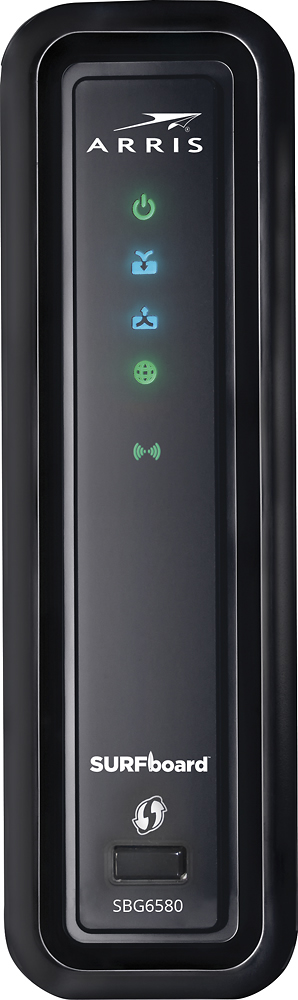
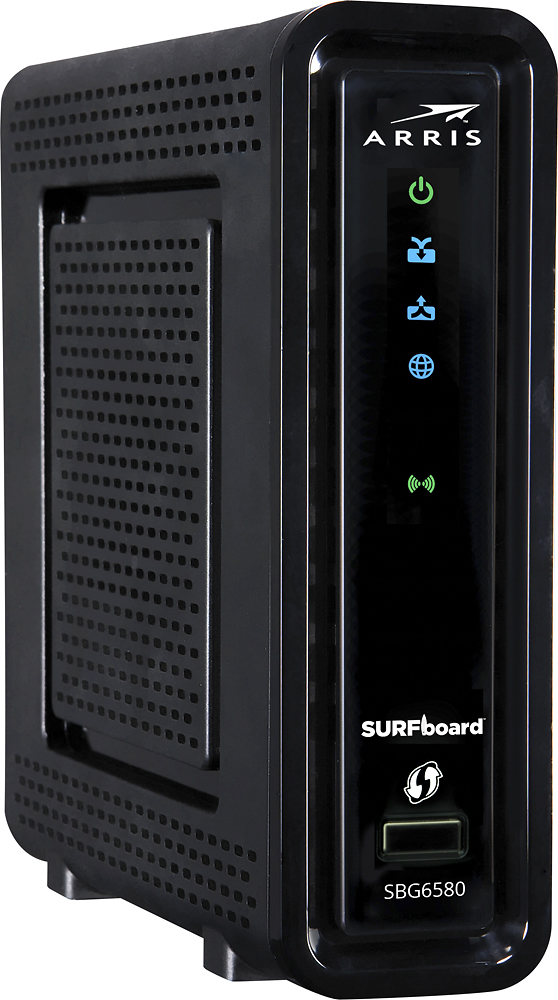
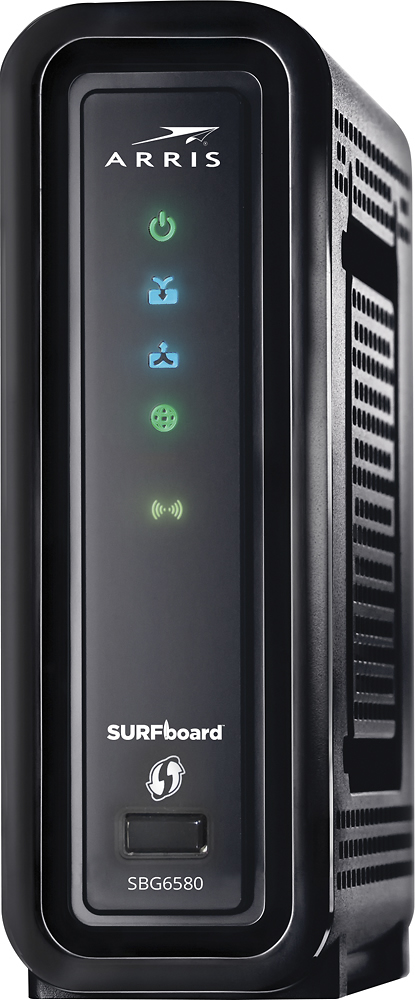
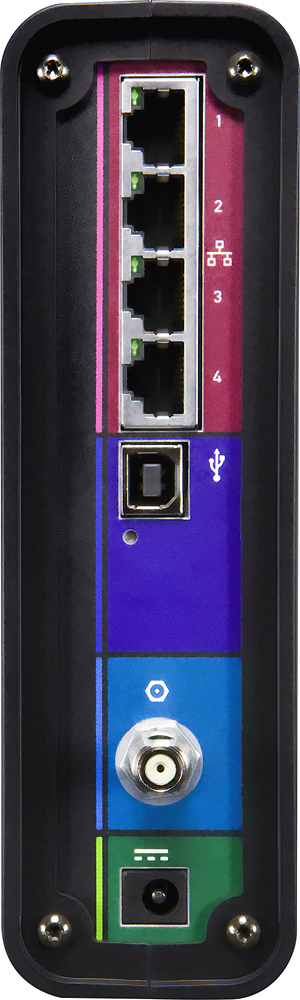
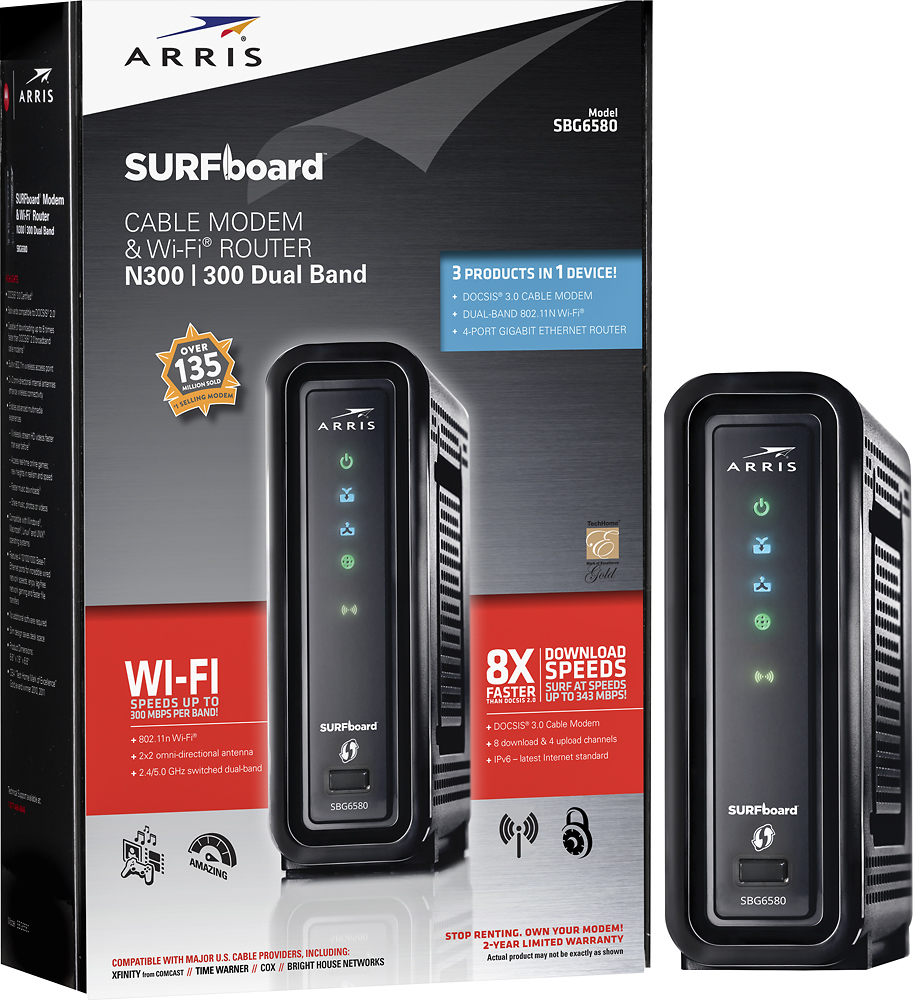
- Model:
- SBG6580
- |
- SKU:
- 9962417
Customer reviews
Rating 4.2 out of 5 stars with 4238 reviews
(4,238 customer reviews)Rating by feature
- Value4.5
Rating 4.5 out of 5 stars
- Quality4.3
Rating 4.3 out of 5 stars
- Ease of Use3.9
Rating 3.9 out of 5 stars
Customers are saying
Customers highly value the SURFboard eXtreme N300 Dual-Band Router with DOCSIS 3.0 Cable Modem for its ease of use, reliable performance, and straightforward setup. Many appreciate its reasonable price and compact size, along with its compatibility with various cable providers. Positive feedback also highlights the modem's functionality and decent range. While some users noted that the signal strength could be improved, the overall experience is largely positive.
This summary was generated by AI based on customer reviews.
- Pros mentioned:Ease of use, Speed
Rated 4 out of 5 stars
Easy to install, fast, and good range for the wifi
Posted .This reviewer received promo considerations or sweepstakes entry for writing a review.I brought the modem yesterday, and installed it today. The install was easy. The modem has great speed and the wireless range is a lot better than 802.11g. I do recommend this modem.
I would recommend this to a friend - Pros mentioned:Performance
Rated 5 out of 5 stars
Solved our Issues
Posted .This reviewer received promo considerations or sweepstakes entry for writing a review.This router solved the all of the issues we were having playing Netflix on the main floor. We still have some issues on the lower level, but it's so much better!
I would recommend this to a friend - Pros mentioned:Speed
Rated 5 out of 5 stars
Works Great
Posted .This reviewer received promo considerations or sweepstakes entry for writing a review.When home installed called cable company they did their thing so I could get on the internet with it. Downloads faster than the one I rented from WOW cable.
I would recommend this to a friend - Pros mentioned:Speed
Rated 5 out of 5 stars
Works great with Comcast
Posted .This reviewer received promo considerations or sweepstakes entry for writing a review.Recently got my Comcast Cable speeds upgraded to 50mpbs but my old Motorola modem was not compatible with the new DOCSIS 3.0 standard. Picked this bad boy up and called Comcast tech support right from the parking lot to register the modem (They will ask you for the model number, serial number and gateway mac ID. YOU MUST CALL YOUR PROVIDER BEFORE SETTING IT UP OR ELSE IT WONT WORK). I was on the phone with tech support for about 10 mins when they told me that it was ready to go. Got home and plugged everything in (This modem is replacing my old modem and my wireless G router) and within 5 minutes I was online. A speed test showed I was now connected at around 57mpbs (with my old modem I was capping out at 30mpbs) All in all it's a great modem/router combo, I only wish the WiFi range was a better than on my old modem but it isn't.
I would recommend this to a friend Rated 5 out of 5 stars
Rock Solid
Posted .This reviewer received promo considerations or sweepstakes entry for writing a review.I bought the SBG6580 a few months ago to replace an aging Linksys WCG200 gateway. The Linksys had been fine, and it got me addicted to the all-in-one concept, rather than having a separate modem and wireless router. I never had much trouble with the Linksys most of the time I had it. However, it did seem to be starting to "go," with more frequent reboots required toward the end. So, I checked my ISP's web site (Cox) to find out what wireless gateways were on their "good guy list" and I found the SBG6580 on it. I was very interested in upgrading from wireless G to N, and a quick search of Best Buy's site told me that my local store had the SBG6580 in stock. I found it very easy to set up, and I started running speed and ping tests on it to see if it was really "all that." The ping test revealed some issues, and after some quick research, I traced it to the "IP Flood Detection" checkbox on the Firewall page. I turned that off, and BOOM, I was off to the races! I just checked the Status page, and the gateway has been "up" for over 72 days without interruption. I heartily recommend this device.
I would recommend this to a friendRated 4 out of 5 stars
keep in mind about your IS company
Posted .This reviewer received promo considerations or sweepstakes entry for writing a review.its a great cable modem and wireless router all in one. the wireless gets pegged and with the modem being part of the router your cable company has access to your router and intranet. where as if you have a modem, and THEN a router they only have access to the modem and not your router.
I would recommend this to a friend- Pros mentioned:Ease of use
Rated 5 out of 5 stars
Great Item
Posted .This reviewer received promo considerations or sweepstakes entry for writing a review.Great Item, easy to use settings are a bit much for the average user at times as it has so many options but great product over all.
I would recommend this to a friend - Pros mentioned:Speed
Rated 5 out of 5 stars
It just works!
Posted .This reviewer received promo considerations or sweepstakes entry for writing a review.Replaced a cable modem plus separate wired/wireless G router for this all-in-one N-level cable modem/router. Great N range and speed. four wired connectors. full security choices available. been working flawlessly for a couple of weeks now. small, unobtrusive unit. no external antenna needed.
I would recommend this to a friend Rated 3 out of 5 stars
Good not great
Posted .This reviewer received promo considerations or sweepstakes entry for writing a review.I purchased this Modem/router about 8 months ago and did not have any issues at all until Comcast did a firmware update. My dashboard changed and so did my ability to make changes that I had before. With no support for IPv6 on this Router, my XBOX One will not allow me to play online games. I now have a strict NAT and no way to fix it using this router. Tech support for Comcast just told me to rent one from them and I wouldn't have any issues. It was on the approved hardware list so I purchased it. I enjoyed it while it lasted. I would recommend this Router but not if you are using Comcast or you need IPv6 support.
I would recommend this to a friend- Pros mentioned:Ease of use, Performance
Rated 3 out of 5 stars
Easy setup. Bad range.
Posted .This reviewer received promo considerations or sweepstakes entry for writing a review.Easy setup/hookup. Documentation is on CD. Good reliability with hard-wired connections as no issues from these. Wireless N has terrible range. Computers/iPads, etc. that worked in the house on the older cable modem/router combo worked without issue and great strengh. This unit does not have the best range for wireless as many others on the Internet are saying as well. Not sure if there is an antenna that can be purchased as I don't know where it would be hooked into. Will be moving it to a bridge and using my old router for wireless exposure.
I would recommend this to a friend - Cons mentioned:Signal strength
Rated 1 out of 5 stars
GOOD FOR 9 MONTHS
Posted .This reviewer received promo considerations or sweepstakes entry for writing a review.I used this product for about 6 months and it started to drop the signal. I called customer support and they changed some things. It worked fine for about 3 more months and then it began doing the same thing again. Only this time it is much worse. I have to reset my modem/router almost daily or it keeps dropping the WiFi signal and reconnecting. I called customer support asking for my money back because the router did not work anymore and it was still under warranty. Customer support said that they did not do that. I asked them what they could do and they said that all that they could do was change the channels and that was it. I have already changed the channels several times on my own and with tech support and it may work for a while, but then it doesn't. The router interface is very complicated and not for the novice. Although someone with IT skills may call it robust. So, to sum up, unreliable hardware, poor customer support, and a useless warranty. Do not purchase this. There are better products out there for less money.
No, I would not recommend this to a friend Rated 5 out of 5 stars
I wanted a wireless all in one cable modem/router
Posted .This reviewer received promo considerations or sweepstakes entry for writing a review.I been having this modem for over 2 year now.. i use cox high speed internet it nice to have one device not 2 with all the wire. if you trying to set up a network with wireless and Ethernet capabilities then i think this would be right for anyone. As long as the internet provider allowed you to use it on the network
I would recommend this to a friend- Pros mentioned:Setup
Rated 5 out of 5 stars
Great wireless cable modem.
Posted .This reviewer received promo considerations or sweepstakes entry for writing a review.WPS really simplifies the installation process if your wireless devices are so equipped. Adding all the wireless devices in my house was a breeze with the exception of one. My sons computer was using a Belkin USB wireless N adapter. For whatever reason the Surfboard could not connect to it. The activity light on the Belkin adapter would flash when the Surfboard was trying to connect, but it would fail to find the Belkin adapter. Since the computer is close to the modem I just ran the ethernet cable to the computer & called it a day.
I would recommend this to a friend - Pros mentioned:Speed
Rated 2 out of 5 stars
The reviews don't lie
Posted .This reviewer received promo considerations or sweepstakes entry for writing a review.I was really hoping this would work out for me and that past reviewers were just having trouble and clueless as to how to make it work for them. Here's my verdict: the product should work for you, not the other way around for the average consumer. This fails. I'm not a tech wiz or someone that claims he knows everything, but I am also fairly knowledgable and self-reliant in troubleshooting and solving my own problems. With this product I ended up getting frustrated in setting it up and making it for and stay working. I have Comcast and it was in the list of compatible modems. Called to activate it with no problem and it worked fine with my Mac mini that is connected through the ethernet cable. Worked fine for the first 10 minutes and did a speed test to see what I was getting, 19Mbps when my plan I pay for is up to 15Mbps that impressed me. But once I got my Laptop Macbook Pro connected via WiFi it worked for a minute or two then the webpages on any and all browsers would load really slowly or not at all. Same thing happened to the Mac mini even though it was connected with a cable. Called Comcast and they tried helping with no success, called Motorola's 800 number and the rep ended up telling me he found nothing wrong with it on his end and that he recommend I just return it as it may be a defective one. I guess a lot of people are getting defective units. Before returning it I decided to go online (through tethering on my phone) and seek help, tried everything from clearing out the cache, resetting all browsers by clearing out all data, removing preference settings on my mac and also modifying setting on the modem itself. Which of course didn't help. In the end I returned it and got the Zoom 5350 Wireless Cable modem which was an easy set up and activation as well but I have not had any issues with my internet, WiFi, slow down in speed or connectivity at all.
No, I would not recommend this to a friend - Pros mentioned:Speed
Rated 5 out of 5 stars
above average
Posted .This reviewer received promo considerations or sweepstakes entry for writing a review.if you are having a issue with this unit i strongly suggest you check your clients and/or your internet provider. my download speeds (speaking only towards wireless connections during this review) when using this Modem at first were constantly fluctuating, i had a strong feeling it was my laptop as other clients (smart phones, tablets) were keeping consistent download speeds, i searched and applied updated drivers which did not remedy my speed issues, and since my drivers/wlan card did not support a 5ghz network i decided to get a usb wifi adapter, best move i made could have made, my speed test do not budge from 34/6, straight through the speed test! does not drop!, and i pay for 30/5. i run my slingbox 500 from my bedroom cable box to my living room tv without even one glitch or buffer, while watching tv all day, this modem does not drop the speed!. I strongly recommend running this on the 5ghz network setting, which brings me to my only major gripe that this modem can not run 2.4 and 5 ghz simultaneously, which means older clients may have to be hardwired or other means of getting them connected.
I would recommend this to a friend - Pros mentioned:Speed
Rated 5 out of 5 stars
Good product
Posted .This reviewer received promo considerations or sweepstakes entry for writing a review.I purchased this to replace my Time Warner rental router. Works great and saved me rental fees of $13 a month.
I would recommend this to a friend - Pros mentioned:Setup
Rated 5 out of 5 stars
great cable modem
Posted .This reviewer received promo considerations or sweepstakes entry for writing a review.I was actually hoping to buy a Zyxel cable modem but I guess they don't produce it anymore.. So with zoom and motorola, I looked at some reviews and went this the motorola. so far so good. easy setup, easy setup screen. I did some nat and port forwarding. piece of cake. gives lots of info on your connection. wireless setup was very easy as well.
I would recommend this to a friend Rated 4 out of 5 stars
Great Combo router/modem
Posted .This reviewer received promo considerations or sweepstakes entry for writing a review.I have had this since the 25th of May when I returned my AC products(my computers just didn't have the ethernet power it was using the old 10/100) I purchased this and I intend on purchasing sku: 6263799 sometime as well to go along with it. This is literally the BEST modem currently out to go with Comcast and I do suggest it for any Comcast user. The distance isn't the best in the world but if you place it in the center of your home you will have plenty of distance range overall. An external router would do wonders in combination with this router and I plan to buy one next month.
I would recommend this to a friend- Pros mentioned:Ease of use, Performance
Rated 5 out of 5 stars
Great modem/router
Posted .This reviewer received promo considerations or sweepstakes entry for writing a review.This was pretty easy to set up and has been reliable. The only problem that I have is the lack of user preferences that the previous modem, also a Motorola, had.
I would recommend this to a friend - Pros mentioned:Performance
Rated 4 out of 5 stars
So far so good!
Posted .This reviewer received promo considerations or sweepstakes entry for writing a review.Ok, thanks TWC. After putting up with bad equipment for almost two years, I finally bought a modem/router combo. We were resetting TW's modem 6 to 8 times DAILY. Setting this one up was easy. Used the CD and it worked fine. Believe it or not I was only on the phone with TW for 45 mins. The DOCSIS 3 modem kinda' blew 'em outta' the water. The guy had to mess around awhile to get it right. But he was pleasant and did a good job. Well....24 hrs later and every time I fire up my laptop, the internet is there! The box is a bit pricey but hopefully I got what I paid for.
I would recommend this to a friend