Customer Ratings & Reviews
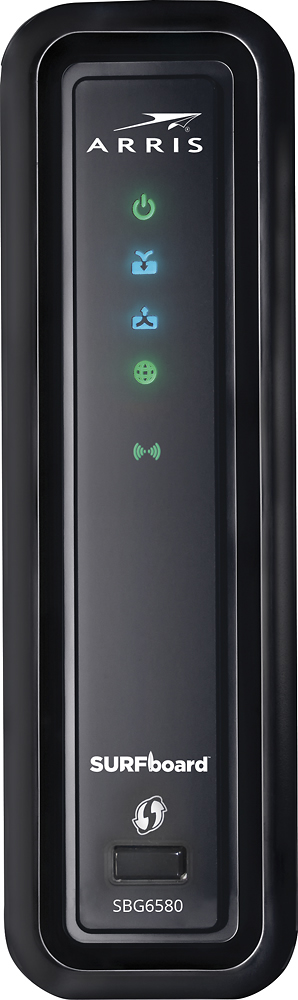
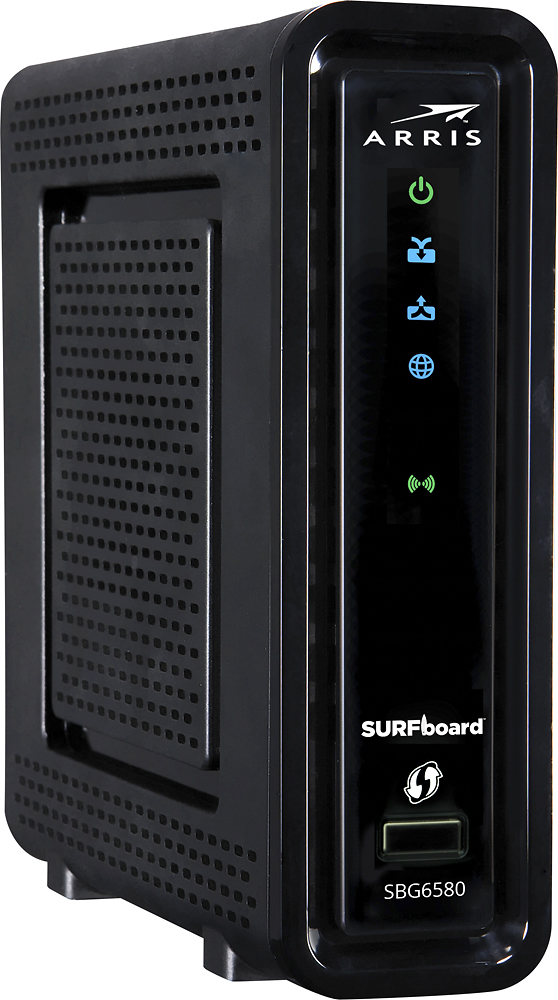
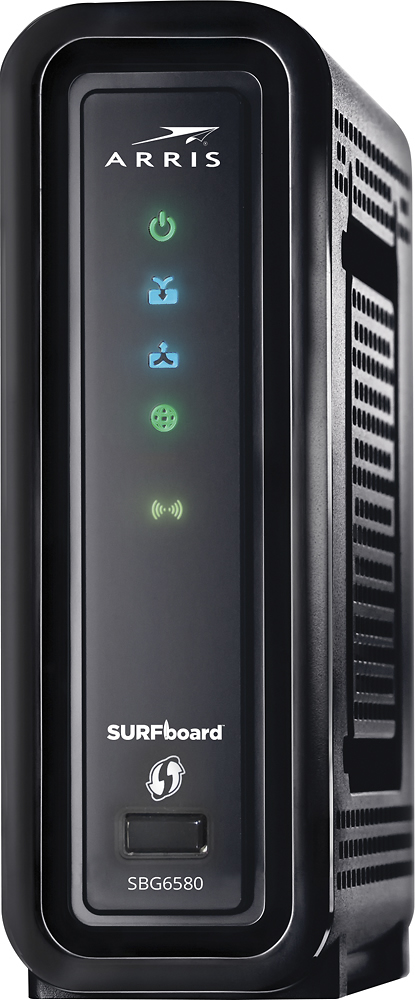
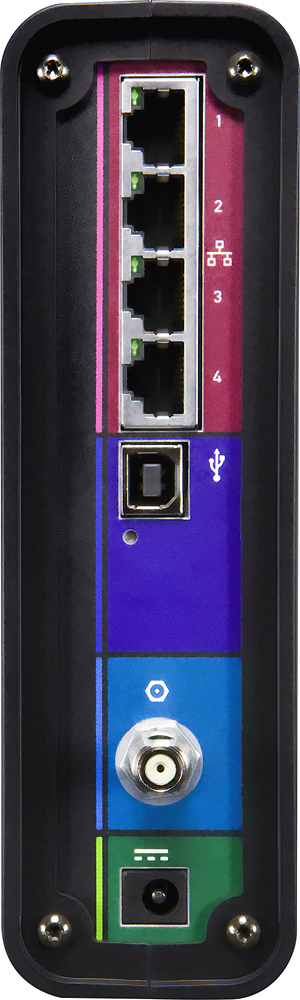
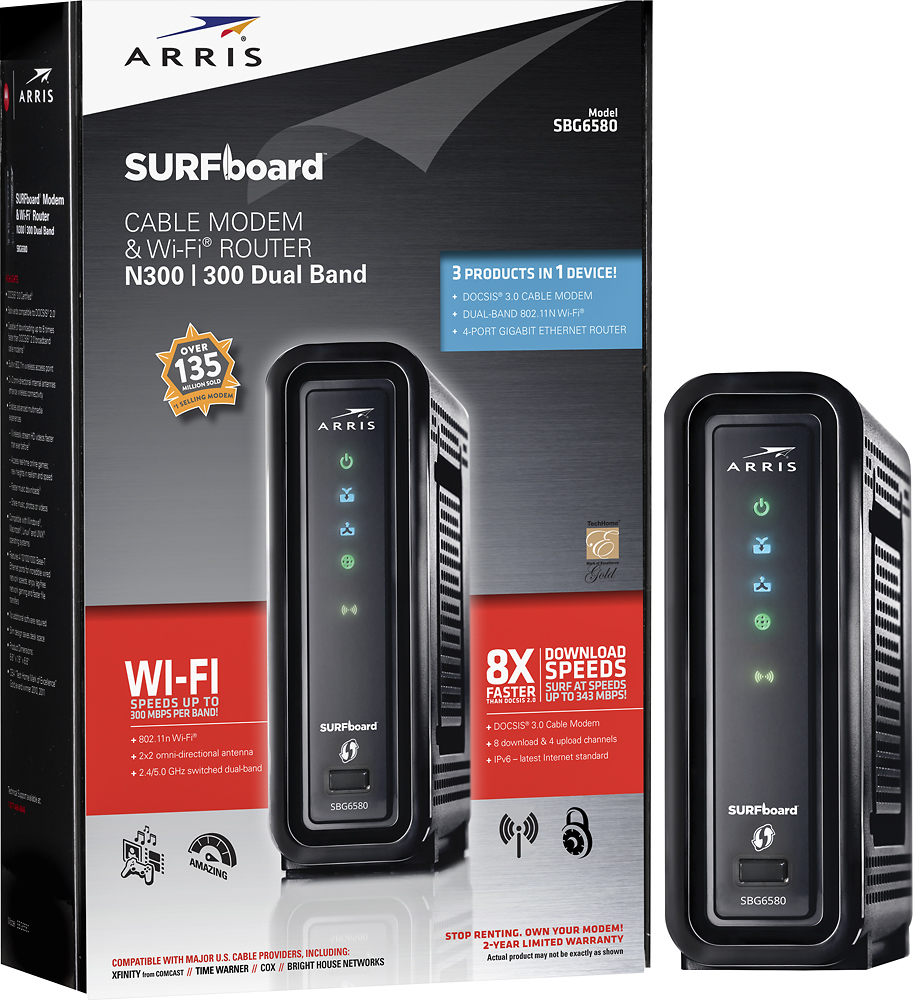
- Model:
- SBG6580
- SKU:
- 9962417
Rating by feature
- Value
Rating 4.5 out of 5 stars
- Quality
Rating 4.3 out of 5 stars
- Ease of Use
Rating 3.9 out of 5 stars
Customers are saying
Customers highly value the SURFboard eXtreme N300 Dual-Band Router with DOCSIS 3.0 Cable Modem for its ease of use, reliable performance, and straightforward setup. Many appreciate its reasonable price and compact size, along with its compatibility with various cable providers. Positive feedback also highlights the modem's functionality and decent range. While some users noted that the signal strength could be improved, the overall experience is largely positive.
This summary was generated by AI based on customer reviews.
- Pros mentioned:Speed
Issues with Slow WiFi
Posted .This reviewer received promo considerations or sweepstakes entry for writing a review.I bought a new one last week and it worked great for a day. I have 75meg internet service. I was watching TV the next day and it started buffering. I thought huh.. checked all my devices connected to WiFi and they were all getting 2meg !! I reset the Surfboard and everything started working fine. I can get 40meg on my phone according to speedtest.net. Then the next day.. same thing happened. I returned the unit for a new one. The new is dong the same thing. I looked online and there are a lot of folks over the last few years complaining about the same issue. There are several fixes. I turned off the WMM setting and it seemed to work, but then could only get 20meg on my phone. I though...well that's ok. It's still fast enough for me. I woke up this morning and my phone was less than 1meg. Returning the second today and going with a different brand or model. I paid a lot of money for this device. I don't mind having to tweak it a bit, but after seeing all the issues others had and that I am still having.. I will walk away from it. p.s. My PC is direct connected to the Surfboard and never had an issue. constant 75meg speed. even when the WiFi was slow.
No, I would not recommend this to a friendBrand response from Motorola Customer Care
Posted .Please contact ARRIS for assistance with routers and modems. http://www.surfboard.com/support/

Fixed Xbox Lag
Posted .This reviewer received promo considerations or sweepstakes entry for writing a review.There has been some negative reviews on this and i have to say i have not experienced any problems, i believe the settings and firmware have been updated in new ones like mine. Why i got it is pretty simple. I have Time Warner Cable turbo. The provided Ubee modem/router was horrible, it ran most devices ok with some delays streaming, but playing XBOX was impossible on UBEE router, horrible lag and disconnects from LIVE. You should know that you must call TWC or whoever you have and tell them the MAC of the new router, otherwise it will not work, they also send updates to the modem. I now run 3 computers wireless, xbox wired to port(now lag free!!!), and a couple Roku's. I was ready to spend $300 to do this right but it looks like this motorola will do the trick. I say don't be scared, try it. THE ONE THINg THAT IS NOT THE BEST IS RANGE, there are other routers with better range than this but the house im in does not require great range. It's not bad on range, just saying if you need big range, this might not be the answer but to get better your looking at at least $100-150 for a router. BOTTOM LINE: Great little package that almost seems to good to be true, solid hardwired gaming performance(zero LAG). Runs multiple wireless devices at once without affecting other devices and at very fast speeds. Easy to setup and hastle free connect with TWC tech support.
I would recommend this to a friend- Pros mentioned:Speed
Very nice product
Posted .This reviewer received promo considerations or sweepstakes entry for writing a review.Im very happy with this gateway router, I had the prevous model sbg900 and this is a step better in every area and finally more than one ethernet port. I dont understand what these other reviewers problems are but my downloading speeds have increased by a mb which was a pleasant supprise since I mainly just bought it for the extra ethernet ports and my prevous model had to be reset every day.
I would recommend this to a friend - Pros mentioned:Ease of use, Performance
Great Cable Gateway
Posted .This reviewer received promo considerations or sweepstakes entry for writing a review.This is a great cable gateway ... it's robust and reliable ... easy to install and configure ...
I would recommend this to a friend - Pros mentioned:Ease of use, Speed
Great Router/Modem
Posted .This reviewer received promo considerations or sweepstakes entry for writing a review.I bought this to replace the router/modem from Time Warner they were charging me to lease. Easy hook up & I was online in minutes. Works good & seems to be the same speed. Would recommend.
I would recommend this to a friend - Pros mentioned:Setup
Great in a Small House/Apt
Posted .This reviewer received promo considerations or sweepstakes entry for writing a review.So I went to Best Buy specifically looking for a modem/router combo to cut down on wires and upgrade from my 10-yr old Netgear router that is amazing but is no longer compatible with new modems. Nevertheless, I was VERY discouraged by both a Comcast rep and a Best Buy rep from purchasing this equip. I did so anyway and was thrilled with how easy it was to setup. The Comcast rep told me to put it on the 2nd floor of my 3-story (1750 sq ft) home to ensure connectivity throughout, so I did. Sadly, on the 1st and 3rd floors the speed lags tremendously and often I have no connectivity at all despite my devices saying that they are still connected to the network. Four diff devices, same problem. For the past two days I cannot get anything done unless I hang out on the 2nd floor practically right next to the equip. For $150 their is no way that I should not have the ability to move around my house freely. Soooo back to Best Buy I go...to return it...wish I could find a combo like this that works better. P.S.- compatibility with Comcast is great and setup a breeze, so Mr. Best Buy rep you were wrong about that one. Mr. Comcast rep you were dead on about the disconnection and range issue.
No, I would not recommend this to a friend - Pros mentioned:Ease of use
Good modem and router combo
Posted .This reviewer received promo considerations or sweepstakes entry for writing a review.Easy process to set up and Time Warner customer service was good in getting me online. I use DLink cameras for home security and tried to reserve DHCP IP's. Started losing wireless connection to all devices and researched Tom's Hardware for fix. Used these settings to get my cameras, PCs, laptops and PS4 back online. http://www.tomshardware.com/forum/35874-42-best-settings-sbg6580-docsis-modem
I would recommend this to a friend Solid Product
Posted .This reviewer received promo considerations or sweepstakes entry for writing a review.Purchased this to go along with my time warner internet. Computer and phones hookup to the wireless no problem. Haven't had any issues with this product.
I would recommend this to a friend- Pros mentioned:Setup, Speed
Great Upgrade
Posted .This reviewer received promo considerations or sweepstakes entry for writing a review.I used to have the SB5161 and this was a great upgrade. It was simple to install and up and running in a few minutes. I have noticed that downloads and streaming videos are faster.
I would recommend this to a friend - Pros mentioned:Speed
Caution...wireless range may be a problem
Posted .This reviewer received promo considerations or sweepstakes entry for writing a review.I bought this combo cable modem and router after reading the excellent reviews. After I got it home and played with it for a week....I soon discovered that the wireless range is a real problem for me. Previously, I had a much slower DSL connection with WIFI....but no range problems in my relatively small single level house. So far, I used the utility to change from AUTO to a manual channel 7....this helped but the signal attenuates rapidly after only about 30-40ft. I will keep playing with adjustments ... but I am thinking about returning this unit and go with a two piece cable modem plus wireless box. This range issue is especially noticeable since I have an excess of 50mbps cable download speed when net cable wired AND at close range wireless....but that speed goes down to 3mbps or less in a room less than 20 ft away with a couple of file cabinets in the way ... this did not happen with my previous DSL Wifi modem/router. This attenuation is despite the fact that I switched to a "clear" channel. There are numerous complaints online about this issue with this product. If I find a solution, I will post an update.
No, I would not recommend this to a friend - Pros mentioned:Speed
Arris isn't a good choice. Thumbs Down
Posted .This reviewer received promo considerations or sweepstakes entry for writing a review.The Arris SBG6580 Modem wasn’t certified by Comcast to work with IPV6. Funny, the Motorola Arris box said compatible with Comcast. After reading several posts from 2013 – 2015, People have had nothing but problems with the Arris SBG 6580. Since I purchased this unit in August of 2015, I have never been able to get speeds that I was paying for. The Wireless consistently crashed and also sometimes the LAN connections making me think it was my internal wiring or a bad switch feeding my TiVo’s. Amazingly a new firmware was updated to my Arris SBG 6580 modem last week that might have cured the Wifi issues. But can’t take it anymore. Yesterday I replaced everything with Netgear, and wow what a difference. 125mb download speed. And the wireless is so good with speeds around 50mb. I never will again recommend an Arris product.
No, I would not recommend this to a friend reduced lag time for online gaming
Posted .This reviewer received promo considerations or sweepstakes entry for writing a review.After I recived this I set it up right away and after reading the reviews hoped it would solve the lag problems of my husbands extream gaming. I followed the set-up disk and got it hooked up & set up in about 30 mins then called my cable company to get it set up on there end (A MUST DO) and was glad to see that I could change the SSID name and pass code for the router and then noticed that it would not let me hook up the xbox live systems up saying the NAT was not set up right so had to go back to the web site (192.168.0.1) to change the advance settings for the UPnP ( Universal Plug and Play) Enable section you need this ENABLED it is a group of open format(not OS specific)) protocols designed to make network connectivity easier. After that the lag has been reduced and or gone most of the time now buying a wireless range extender. JUST WISH THE RANGE WAS BETTER!!!!
I would recommend this to a friendNot ready for prime time
Posted .This reviewer received promo considerations or sweepstakes entry for writing a review.It is on the comcast approved list, but took 2 shots to activate it. The first tech I got was clueless, and failed. Wanted me to take the modem to a service center... Simply called back got another tech, who activated it w/o any further issues. In all fairness, I did not see any of the weak wireless N or other sporadic connectivity / performance issues other people complain about. It is pretty versatile in supporting wireless N, I get 300 Mbits from most of the diverse equipment I have supporting N. Supports either TKIP or AES, However: The modem lost connectivity after a few days, and had to be reset to factory defaults. Worked OK for another 3 days, then hard-hung, Could not connect to it from the NAT side, via wired. (All lights off, except power and wan). After a reboot, it is now working again. I notice, before it hung, I have seen dozens of event log messages about T3 ranging errors and the modem being unable to get TOD ( time of day) from the ISP, in a short span of a few minutes. Come to think of it, I have seen these messages coincident to the previous episode of lost connectivity. Some theories I have gathered from googling this problem: 1) Overheating. Some people claim to point a fan at it and get better reliability. 2) Modem shuts itself down because it is unable to communicate with ISP headend. ( ie. the Event log messages are a relevant clue) This theory implicates the ISP. 3) Buggy firmware. The hard hung state, to me points in this direction. E.g. if the firmware code has a memory leak, eventually it could hard-hang like I seen it do, to be cured by a reboot. It sounds really good to have one piece of equipment doing both cm and wireless, but for a fundamental piece of your home network, this level of flakiness is just plain unacceptable. Your cable modem should work flawlessly, each time, every time, no exceptions. I am keeping it for another few days to see the problem repeat and collect some more data, but as soon as it hangs again, I am ditching it. I am planning to give Motorola tech support a call and give them a chance to troubleshoot and gather some info, as I would like to see this product fixed and fulfill its potential. If you have the time and patience, by all means give it a shot, I had a better experience than many buyers who complain. You can always return it, and that creates pain for Motorola that will lead to them fixing the problems faster.
No, I would not recommend this to a friend- Pros mentioned:Price
Great Purchase
Posted .This reviewer received promo considerations or sweepstakes entry for writing a review.This was recommended on our visit when we purchased it, and we have not been disappointed. The new cable company we were switching to came and had trouble, but it turned out all on his end. However, before we discovered his error, we contacted the support phone number for this product and they were over and above anything we've encountered in a long time for help, even though it ended up the cable company's error. Great price and feel we can rely on it.
I would recommend this to a friend - Pros mentioned:Setup
Awesome combined unit
Posted .This reviewer received promo considerations or sweepstakes entry for writing a review.I cant believe how many low ratings have been given to this unit. Seem's to me those who have been rating this Motorola SBG6580 so low need to hire someone who has some expertise to set it up so the unit performs properly. I did not use the cd for setup. Rather I used the browser to access and setup this unit myself. Very simple and straight forward. The disconnect problem can be solved if you know how to setup this unit. My last modem/router combination disconnected frequently until I researched the web and found the settings to change to stop this from occuring. Give this unit a chance. Had this one for 2 weeks on Comcast and not a single glitch or timeout/disconnect.
I would recommend this to a friend - Pros mentioned:Speed
Be warned
Posted .This reviewer received promo considerations or sweepstakes entry for writing a review.After purchasing this to replace an older surfboard no longer supported by my ISP, Cox Communications out of New Orleans, LA, I found out the hard way exactly what the problems are. It is still too new of a system and Motorola has not solidified its firmware as of yet. After research, I have found that Cox, Comcast and Charter internet services, possibly others, are all having the same issues regarding these routers. It is extremely fast, but you WILL be frustrated by dropouts. Example, I had severe problems shortly after purchase, tech came out at a $50 charge, problems persisted for a few days and cleared. Now 2 weeks later I am incapable of streaming games or movies to the tune of 8 dropouts per hour for the last 3 hours or so. Be warned and informed as to whether this product is REALLY compatible with your ISP before buying or it is going to be a heartache. Unfortunately this review had to be written on my cell phone which is faster because it doesn't time-out on me...
No, I would not recommend this to a friend - Pros mentioned:Performance
Good size and easy to set up.
Posted .This reviewer received promo considerations or sweepstakes entry for writing a review.We purchased this after originally purchasing a modem on its own and realizing we needed a modem/router combo. The size is nice and small and so far it's working great!
I would recommend this to a friend - Pros mentioned:Speed
great
Posted .This reviewer received promo considerations or sweepstakes entry for writing a review.As long as you have a fast internet speed it works great. You can not blame this modem router for lack of performance. Remember that not all devices that connect to have the same capabilities as this device. You phone or computer might not be able to receive data as fast or have the highest band capability to receive the signal as well. So make sure you check the device you are using to see its performance maybe you need to up grade it as well. But other than that info this router works outstanding. If you have a slow device or weak signal try getting a new computer or wifi device that matches the routers speed.
No, I would not recommend this to a friend - Pros mentioned:Setup
After a month, this is a worthless router
Posted .This reviewer received promo considerations or sweepstakes entry for writing a review.I purchased this product about two months ago from my local Best Buy location. I admit I am very uneducated when it comes to routers, but I knew my old one had died and it needed replaced. The gentleman in the store told me that if I got this modem/router combo, I could return the modem from my local cable company and no longer have to worry about the monthly charge for it. I figured the extra money for the Motorola would end up saving me money in the long run. Boy, was I wrong! The product was easy enough to install (although I had to Google the user name and password to set up the security because it did not specify what it was ANYWHERE in the measly directions). For the first month all seemed well. The connection was fast and it was able to handle the multiple devices we have in our home. However, after about a month of use, the wireless connection began to drop. At first it was only once or twice a day and I thought it was perhaps the cable connection. So I hooked up my computer directly do the modem and had no problem, while I watched the wireless internet connection drop on my tablet. This proved that the wireless was the issue. Of course, this happens after I spend about $150 and it is past the return period!!!! I called Motorola and was told I would be charged $30 just to get one question answered. To me, this is ridiculous. I have researched online and found that this is apparently a very common problem with this modem/router. I would NEVER recommend this to ANYONE...EVER!!! I am so sorry I bought this and didn't just get a simple router. It would have saved me a lot of extra time, money, and stress. If I could give this hunk of junk zero stars, I would.
No, I would not recommend this to a friend - Pros mentioned:Performance
The worst WiFi I have ever seen
Posted .This reviewer received promo considerations or sweepstakes entry for writing a review.I work in IT, so I am not the average user. I bought this modem as I was moving to cable for my internet. I choose it because of the name over less expensive modems. BAD CHOICE. The Wifi cuts out, has incredibly poor throughput (2Mp down). Tech Support kept trying to blame it it the channel I was on or the signal from the ISP, but wired worked fine and the new LinkSys router I bought is having no trouble. DON't BUY THIS. By a simple modem and a seperate router, or at least a different brand.
No, I would not recommend this to a friend