Customer Ratings & Reviews
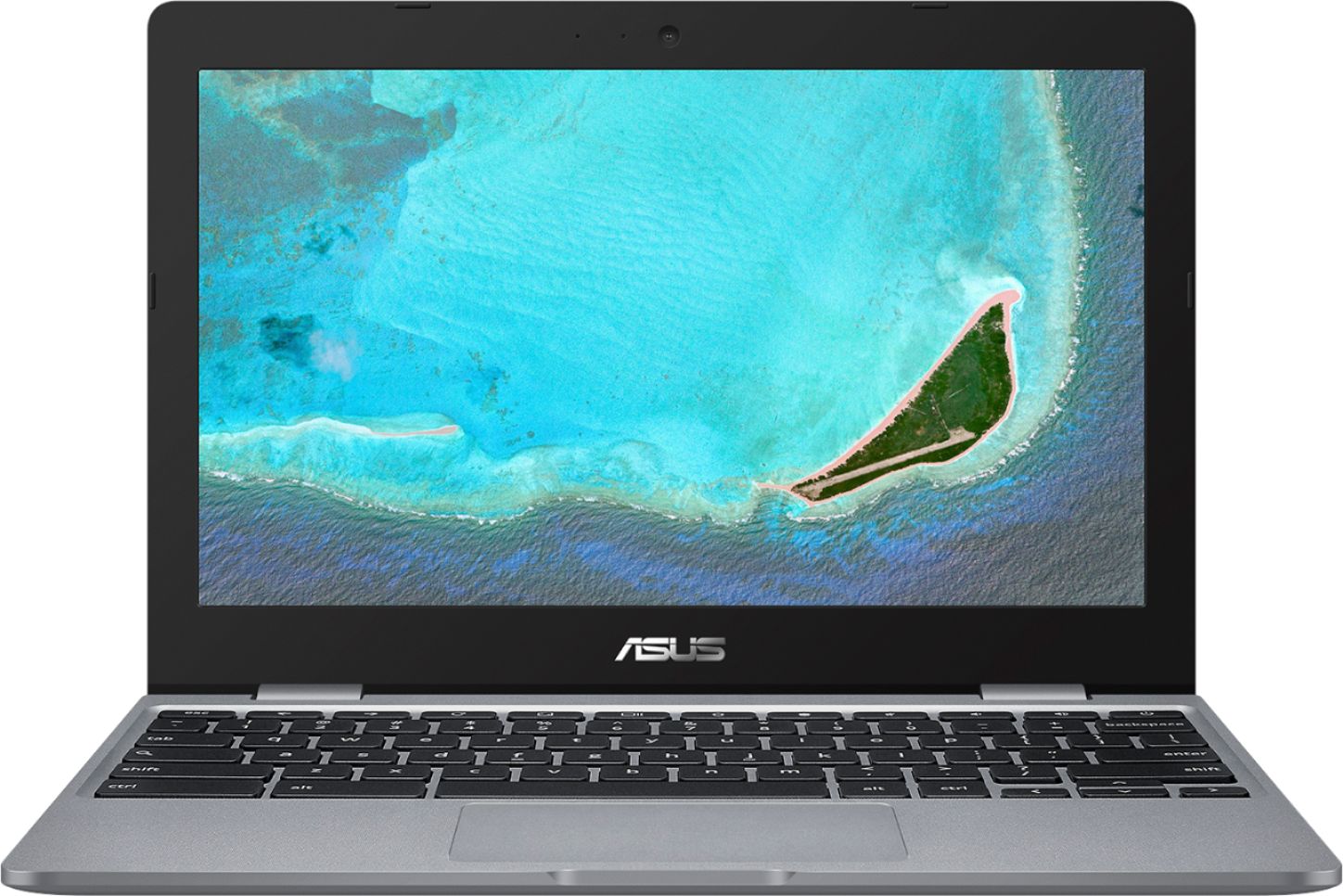
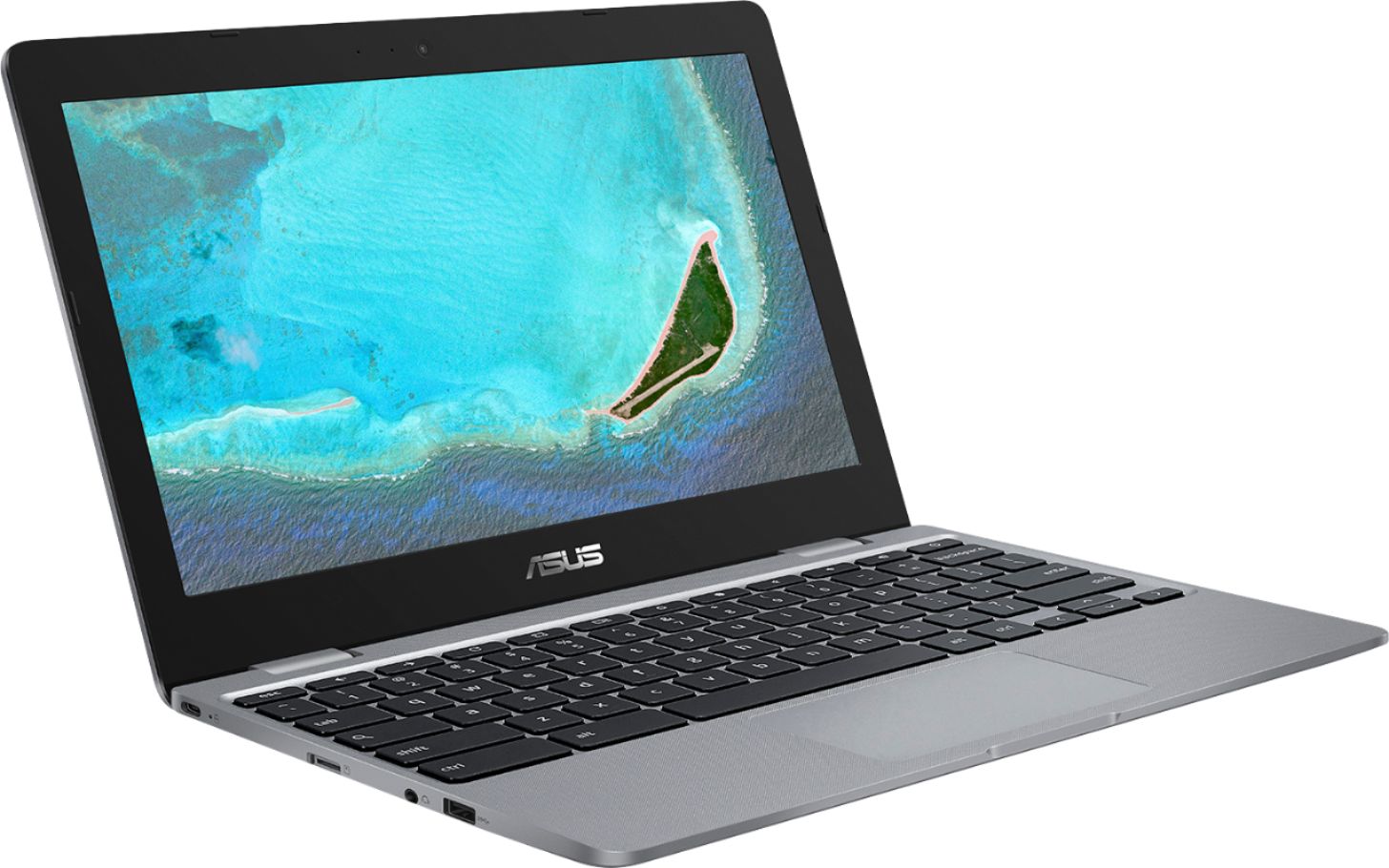
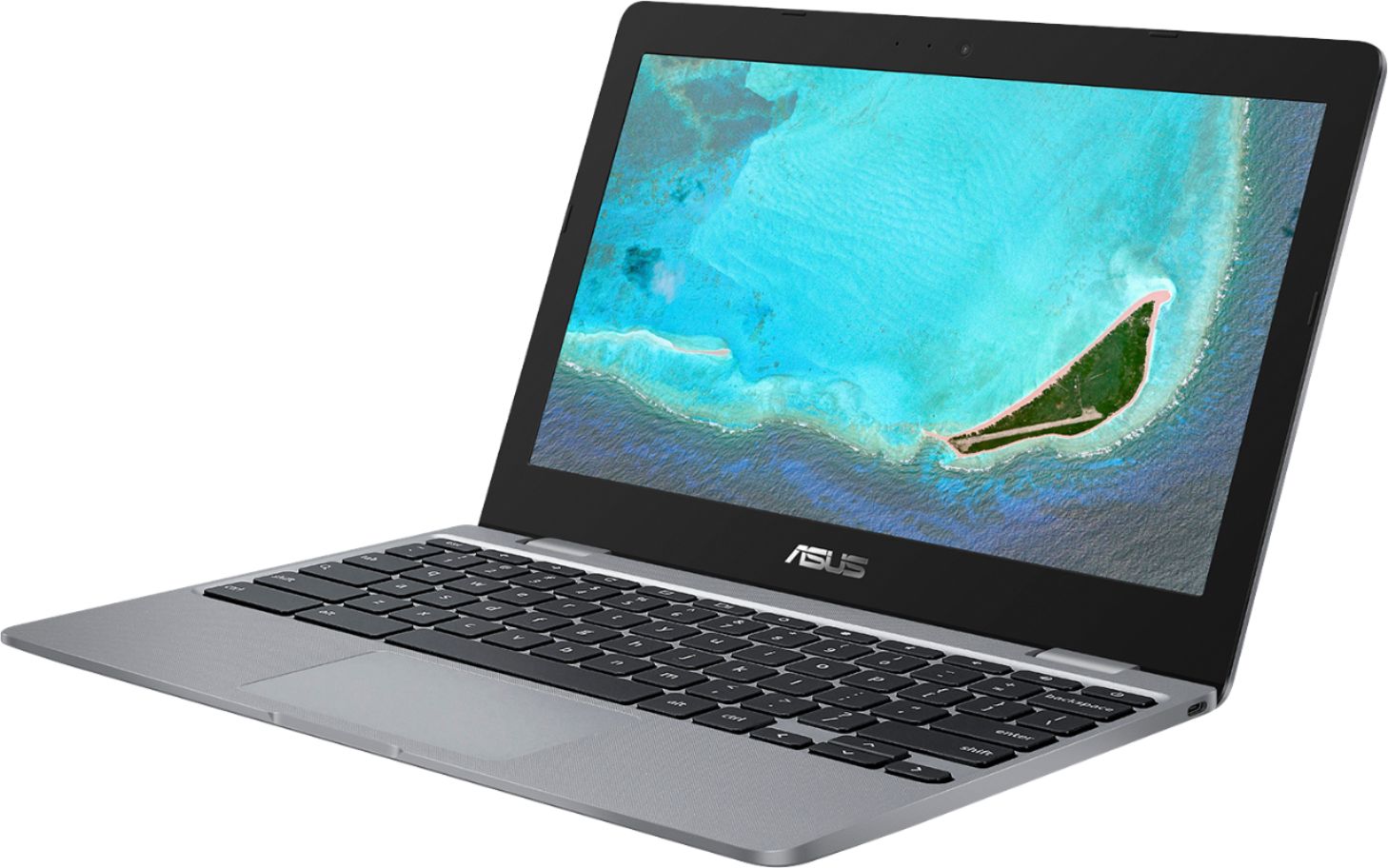
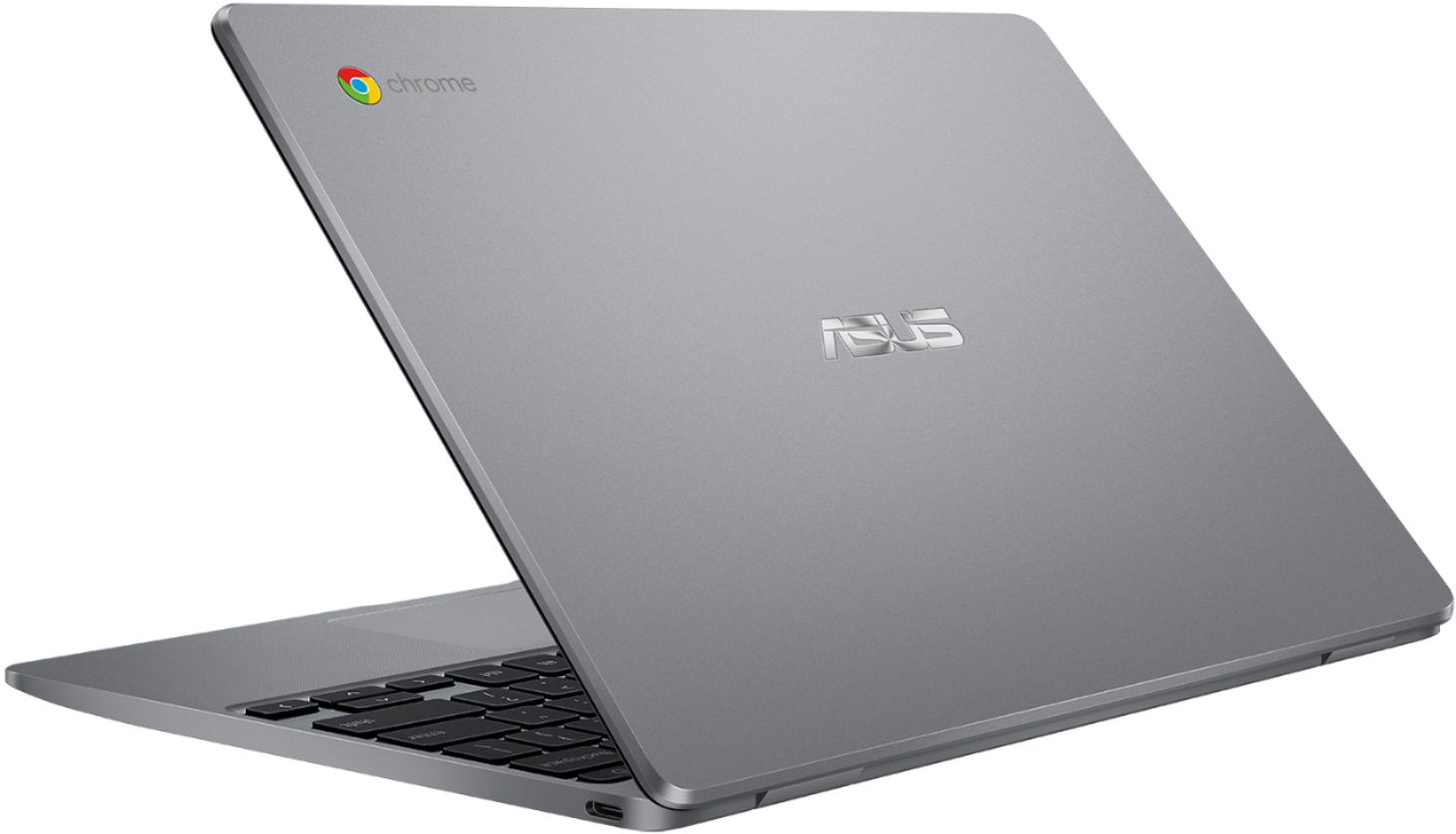


- Model:
- CX22NA-BCLN4
- SKU:
- 6403818
Rating by feature
- Battery Life
Rating 3.9 out of 5 stars
- Speed
Rating 4.0 out of 5 stars
- Display
Rating 4.0 out of 5 stars
Customers are saying
Customers love the ease of use, attractive price, and compact size of the 11.6" Chromebook. Many appreciate its lightweight design and long battery life, perfect for portability. However, some users note that performance could be improved, and there are limitations regarding memory and compatibility with certain applications. The screen's reliability has also been questioned by a few customers.
This summary was generated by AI based on customer reviews.
Dissatisfied customer
||Posted . Owned for 2 months when reviewed.This reviewer received promo considerations or sweepstakes entry for writing a review.I reviewed this as a 1 because after 2 weeks the speaker went out and my child can not hear for her zoom classes. Please she has been using headphones the whole time.
No, I would not recommend this to a friendBrand response from Asus_Answers
Posted .Dear Valued Customer,
It's regrettable to hear you've encountered issues with the speaker on zoom. Are you able to hear any sound outside of zoom like watching a Youtube video?
Most time, you might need to manually set sound options on zoom.
If you have attempted all those, you might need to perform a powerwash.
Ensure to backup all your data first and important documents
Steps to powerwash:
Sign out of your Chromebook.
Press and hold Ctrl + Alt + Shift + r.
Select Restart.
In the box that appears, select Powerwash and then Continue.
If you need further technical assistance, feel free to reach out to me at [email protected] and provide this link for reference.
I'm here to help you and all others with these issues, as our customer loyalty department is dedicated to bringing a resolution to all issues related to our products.
Thank you for choosing ASUS!
Best Regards,
Jamalie,
ASUS Customer Loyalty US Support
Extremely slow
||Posted . Owned for 3 weeks when reviewed.This reviewer received promo considerations or sweepstakes entry for writing a review.Bought this for my daughter for her school e-learning. Computer was super slow. Touchpad is really bad and disappears after a minute. Do not buy. I returned.
No, I would not recommend this to a friendBrand response from Asus_Answers
Posted .Dear Valued Customer,
It's regrettable to hear you've encountered issues with the unit moving slow and the touchpad. Our engineers do ensure to design the best units to suit our customers, rest assured that this feedback will not be unnoted and your information will be passed over to the relevant department.
If you have in mind to purchase another unit, I'm here to assist you with the specification that will suit your needs. I'll do my best to provide a quick resolution to your case. Your feedback is important as it helps with improvements to ASUS Support channels.
Thank you for choosing ASUS!
Best Regards,
Jamalie,
ASUS Customer Loyalty US Support
Big NO
||Posted . Owned for 4 months when reviewed.This reviewer received promo considerations or sweepstakes entry for writing a review.The worst chromebook I have ever owned. Please it you are looking for something good just save more money and get yourself something better
No, I would not recommend this to a friendBrand response from ASUS Answers
Posted .Dear Jenn,
Do understand your disappointment with the quality of the product and the inconvenience this may have caused you if it didn't meet your expectations.
On the contrary, lots of satisfied customers, having positive experience using the product, will agree with me that the unit is a decent system that is perfect for running basic and light computing applications, without compromising system stability and performance.
Should you need further assistance with the product, please email me at [email protected] and I will be more than happy to help. Or, call Product Support Hotline at: 1(888) 678-3688. Also, you can chat with an ASUS live support agent at http://bit.ly/AsusLiveChat.
Thank you for choosing an ASUS product.
Regards,
Rodel
ASUS Customer Loyalty
Really bad
||Posted . Owned for less than 1 week when reviewed.This reviewer received promo considerations or sweepstakes entry for writing a review.I had it for less than a day. All apps wouldn't load. Stalled on download for the rest. had to reset 3 times just to get any app to start.
No, I would not recommend this to a friendBrand response from Asus_Answers
Posted .Dear Haroldg,
The Chromebook comes with a web-based OS and it relies on a working internet connection.
Please verify if the laptop has access to a stable and a working high-speed internet service since poor internet connection or service will certainly cause system freeze or lockup, or performance issues.
Should you need further assistance with the product, please email me at [email protected] and I would be more than happy to help. Or, you can speak to an ASUS live support agent at http://bit.ly/AsusLiveChat.
Thank you for choosing an ASUS product.
Regards,
Rodel
ASUS Customer Loyalty
Touchpad broke 15 days after purchase.
||Posted . Owned for 1 month when reviewed.This reviewer received promo considerations or sweepstakes entry for writing a review.Terrible. Touchpad broke 15 days after purchase. 45 days later laptop stopped charging. Terrible. Best buy did nothing to assist.
No, I would not recommend this to a friendBrand response from Asus_Answers
Posted .Dear Valued Customer,
It's unfortunate to hear that the touchpad broke and the unit stopped charging. This is not the type of experience we want any of our customers to have. Please attempt these troubleshooting steps below.
If you wish to discuss further, feel free to reach out to me at [email protected] and provide this link for reference. I'll do my best to provide a quick resolution to your case. Your feedback is important as it helps with improvements to ASUS Support channels.
Thank you for choosing ASUS!
Best Regards,
Jamalie,
ASUS Customer Loyalty US Support
How to fix Chromebook cannot charge: https://www.asus.com/support/FAQ/1042761/
How to fix the problems of Touchpad not responding on Chromebook: https://www.asus.com/us/support/FAQ/1042788/
It’s cheap for kids.
||Posted . Owned for 1 month when reviewed.This reviewer received promo considerations or sweepstakes entry for writing a review.It runs slow. My connection is great. All other devices work great besides the chrome books for my daughters.
No, I would not recommend this to a friendBrand response from Asus_Answers
Posted .Dear DKelly,
Certainly understand your disappointment regarding the slow system performance of the unit. On the contrary, lots of satisfied customers, having positive experience using the product, will agree with me that the unit is a decent system that is perfect for running basic and light computing applications, without compromising system stability and performance.
Since this is a web-based computer and relies on an internet connection for system stability and performance, please verify if the Chromebook is getting an excellent signal from your wireless network. Also, by clearing browsing history and minimizing the number of opened browser tabs will help improve and maintain optimum system stability and performance. Make sure the unit is running with the most current OS update.
Should you need further assistance with the product, please email me at [email protected] and I would be more than happy to help. Or, you can speak to an ASUS live support agent at http://bit.ly/AsusLiveChat.
Thank you for choosing an ASUS product.
Regards,
Rodel
ASUS Customer Loyalty
this was a delayed item that was cancelled!
||Posted . Owned for 1 month when reviewed.This reviewer received promo considerations or sweepstakes entry for writing a review.This delayed item was cancelled, why does it says we purchased it when we never got the item. #1120224712075
No, I would not recommend this to a friendBrand response from ASUS Answers
Posted .Dear johnny,
We certainly understand your disappointment and the inconvenience this may have caused you. Have you already contacted your Place of Purchase for an exchange? Please provide me with more details on this situation so we can take the appropriate steps to get these issues straightened out. You can reach me at [email protected]. Your case for reference is N2011035911.
Thank you for choosing ASUS!
Best Regards,
Adrian
ASUS Customer Loyalty – US Support
Was horrible
||Posted .This reviewer received promo considerations or sweepstakes entry for writing a review.I ordered 2 of theses laptops and one of them didn’t even turn on and the other one was really slow
No, I would not recommend this to a friendBrand response from Asus_Answers
Posted .Dear Mimi.
Usually, the following can be performed if the Chromebook will not power on or boot up.
Please verify if the AC adapter is properly connected from the Chromebook to a known good, working surge protector or AC outlet. Try to connect it to another known good power source. If running it with battery only, please make sure the battery has an ample amount of charge. If this was tried to no avail, please try to disconnect the AC adapter and let the unit drain for 24 hours to clear the memory and reset the hardware to default settings. After doing this, please reconnect your AC adapter, do not power on the Chromebook until the battery was charged.
Since this is a web-based computer, poor internet connection will cause system stability and performance issue, please verify if the unit has access to a stable and a high-speed internet service. Also, by clearing browsing history and minimizing the number of opened browser tabs will help improve and maintain optimum system stability and performance. Make sure the unit is running with the most current OS update.
If you need further assistance with ASUS products, please email me at [email protected] and I will be more than happy to help. Or, call Product Support Hotline at: 1(888) 678-3688. Also, you can chat with an ASUS live support agent at http://bit.ly/AsusLiveChat.
Thank you for choosing an ASUS product.
Regards,
Rodel
ASUS Customer Loyalty
Turn Around
||Posted . Owned for 3 weeks when reviewed.This reviewer received promo considerations or sweepstakes entry for writing a review.Smh . Hot mess is the only thing that comes to mind. Literally it gets hot and stops charging.
No, I would not recommend this to a friendBrand response from ASUS Answers
Posted .Dear Valued Customer,
It's regrettable to hear you've encountered issues with the battery not charging, this must be frustrating. Please verify if the AC adapter is properly connected from the Chromebook to a known good, working surge protector or AC outlet. Try to connect it to another known good power source. If this was tried to no avail, please try to disconnect the AC adapter and let the unit drain for 24 hours to clear the memory and reset the hardware to default settings. After doing this, please reconnect your AC adapter, do not power on the Chromebook until the battery was charged. For further troubleshooting, feel free to reach out to me at [email protected] and provide this link for reference. I'll do my best to provide a quick resolution to your case. Your feedback is important as it helps with improvements to ASUS Support channels.
Thank you for choosing ASUS!
Best Regards,
Jamalie,
ASUS Customer Loyalty US Support
Meh
||Posted . Owned for 3 weeks when reviewed.This reviewer received promo considerations or sweepstakes entry for writing a review.Terrible. I didn't even leave the store with it. It was an open box item with no charger!
No, I would not recommend this to a friendBrand response from ASUS Answers
Posted .Dear Valued Customer,
We appreciate your feedback on this model. However some open box items may not include all the accessories that comes with the unit. For more information, you can reach out to us at our Official ASUS North America Support twitter at AsusHelpUS. We’ll do our best to provide a quick resolution to your case. Your feedback is important as it helps with improvements to ASUS Support channels. Please copy a link to this post as a reference.
Thank you for choosing ASUS.
Best Regards,
Joan
ASUS Customer Loyalty US Support
Awful
||Posted . Owned for 3 months when reviewed.This reviewer received promo considerations or sweepstakes entry for writing a review.Stopped turning on after just a few months of use...you get what you pay for I guess.
No, I would not recommend this to a friendBrand response from Asus_Answers
Posted .Dear Valued Customer,
It's unfortunate to hear that your unit is unable to turn on. This is not the type of experience we want any of our customers to have.
Please attempt the steps from the faq below and if you need further assistance, feel free to reach out to me at [email protected] and provide this link for reference. I'm here to help you and all others with these issues, as our customer loyalty department is dedicated to bringing a resolution to all issues related to our products.
Thank you for choosing ASUS!
Best Regards,
Jamalie,
ASUS Customer Loyalty US Support
How to fix Chromebook cannot power on – Troubleshooting: https://www.asus.com/support/FAQ/1042742/
Great chrome
||Posted . Owned for 2 weeks when reviewed.This reviewer received promo considerations or sweepstakes entry for writing a review.Very easy to operate for a non computer person. I would recommend it to my friends.
I would recommend this to a friendBrand response from Asus_Answers
Posted .Dear Peaches68,
I'm happy to hear that you are enjoying your new Chromebook. That is absolutely the kind of experience we want all of our customers to have! I noticed that you gave this unit a 1-Star rating however. Are you having any issues that would reflect that? If you have any general or technical questions, please email me at [email protected] and include case #N200735564 for reference.
Thank you for choosing ASUS!
Best regards,
Lane
ASUS Customer Loyalty – US Support
Device won't charge up at all. Only had this produ
||Posted . Owned for 3 weeks when reviewed.This reviewer received promo considerations or sweepstakes entry for writing a review.laptop doesn't seem to be worth a great deal. Having issues with charging.
No, I would not recommend this to a friendBrand response from Asus_Answers
Posted .Dear Valued Customer,
It's unfortunate to hear that your unit is unable to charge. This is not the type of experience we want any of our customers to have. Please attempt the steps within the faq below and if you need further assistance, feel free to reach out to me at [email protected] and provide this link for reference. I'm here to help you and all others with these issues, as our customer loyalty department dedicated to bringing a resolution to all issues related to our products.
Thank you for choosing ASUS!
Best Regards,
Jamalie,
ASUS Customer Loyalty US Support
[Chromebook] How to fix Chromebook cannot charge - Troubleshooting: https://www.asus.com/in/support/FAQ/1042761/
Great product
||Posted . Owned for 1 week when reviewed.This reviewer received promo considerations or sweepstakes entry for writing a review.I hate the computer and I don’t have enough space in the computer
No, I would not recommend this to a friendBrand response from Asus_Answers
Posted .Dear Valued Customer,
I'm truly sorry to hear that you are not satisfied with the space capacity. We are always known to satisfy our customers with the best quality and features. Rest assured that this feedback will not be unnoted. To put your mind at ease, you can attach an external drive/flash drive via the USB port. If you have any technical difficulties, feel free to reach out to me at [email protected] and provide this link for reference. We'll do our best to provide a quick resolution to your case. Your feedback is important as it helps with improvements to ASUS Support channels.
Best Regards,
Jamalie,
ASUS Customer Loyalty US Support
The pointer gets stuck
||Posted . Owned for 3 weeks when reviewed.This reviewer received promo considerations or sweepstakes entry for writing a review.Whenever I used it the pointer/mouse gets stuck or disappears
No, I would not recommend this to a friendBrand response from Asus_Answers
Posted .Dear Favy01,
To resolve the issue, if the touchpad disappearing, please verify if the unit has access to a stable and a high-speed internet service. Poor internet connection may cause the touchpad to disappear or be unresponsive and may cause performance issue. Also, it is a smart device, please allow some time to get use to the multi-touch function of the pad.
If the steps above didn't resolve the issue, please disconnect the AC adapter and fully-drained the battery, leave it unplug or at least 24 hours then power on the unit. Draining the battery clears the memory and reset the I/O devices, including the touchpad, to default settings.
If you need further assistance, please email me at [email protected] and I will be more than happy to help. Or, call Product Support Hotline at: 1(888) 678-3688. Also, you can chat with an ASUS live support agent at http://bit.ly/AsusLiveChat.
Thank you for choosing an ASUS product.
Regards,
Rodel
ASUS Customer Loyalty
- Pros mentioned:Price
2nd best Chromebook
Posted .This reviewer received promo considerations or sweepstakes entry for writing a review.I have bought many Chromebooks for business and gifts. So I have some experience. The Worst are Samsung and Dell...cheap keyborads and both had to be returned to factory...Samsung was a real pain. The Best...by far, is Acer. but this Asus is about 75% as good. I use an ACER every day that I bought 6 yrs ago. Still the best
I would recommend this to a friend - Pros mentioned:Speed
great laptop
Posted .This reviewer received promo considerations or sweepstakes entry for writing a review.the laptop works well and its so fast and its a well made laptop
I would recommend this to a friend Bad
Posted .This reviewer received promo considerations or sweepstakes entry for writing a review.Got this for my son and he says none of the buttons work. The sound doesn’t work can’t get it to go from dim to brighter. He says it’s awful so back it goes!
No, I would not recommend this to a friendBrand response from ASUS Answers
Posted .Dear Marj57,
We certainly understand your disappointment and the inconvenience this may have caused you.
All ASUS products undergo intensive quality control testing and inspections, this is a random problem. Normally, ASUS provides one year warranty coverage, if product was purchased brand-new, in order to fix or repair any hardware or, part that stop working prematurely under normal usage.
If you need more information or further assistance with the warranty for the product, please email me at [email protected] and I will be more than happy to help. Or, call Product Support Hotline at: 1(888) 678-3688. Also, you can chat with an ASUS live support agent at http://bit.ly/AsusLiveChat.
Thank you for choosing an ASUS product.
Regards,
Rodel
ASUS Customer Loyalty