Customer Ratings & Reviews
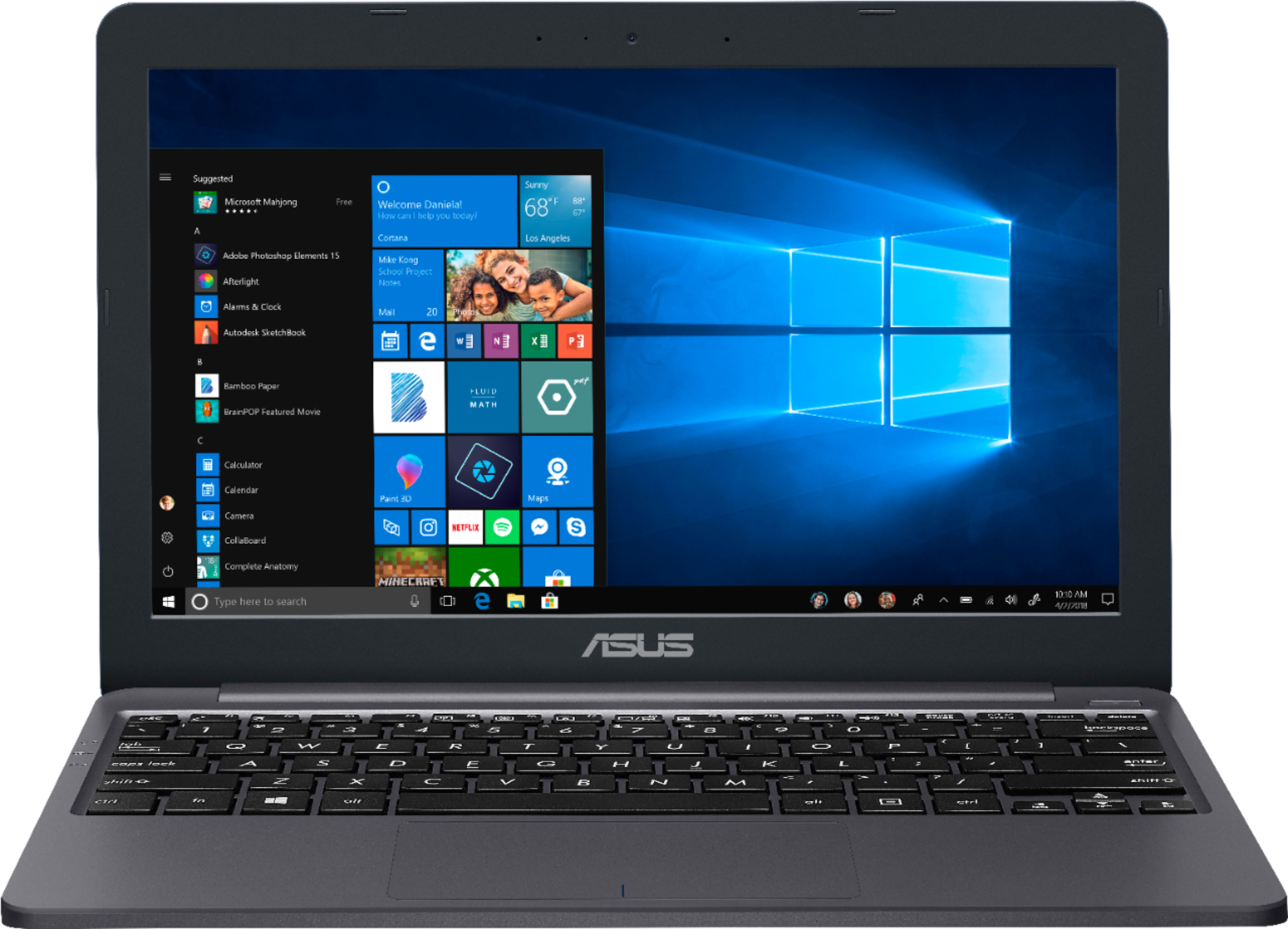
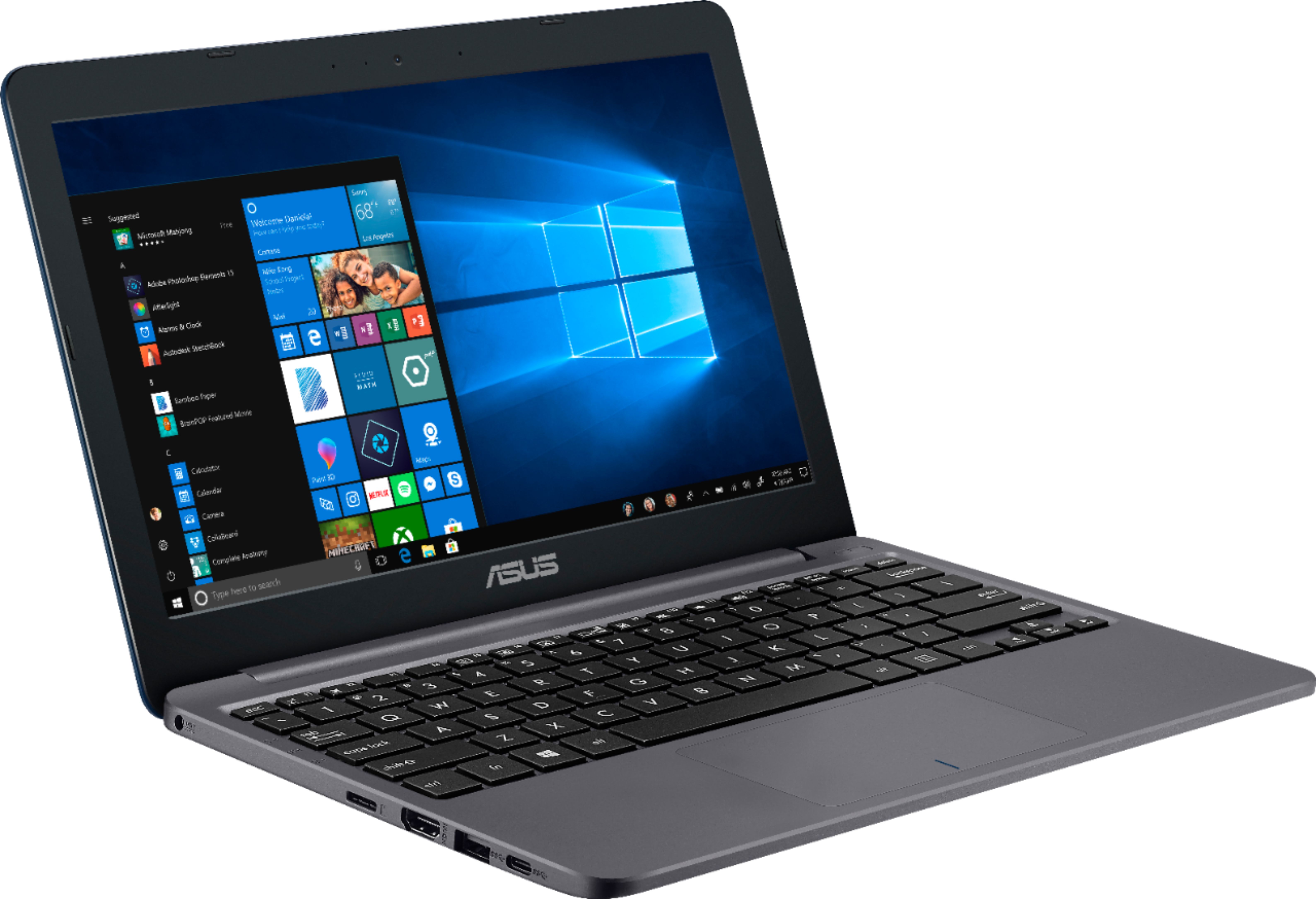
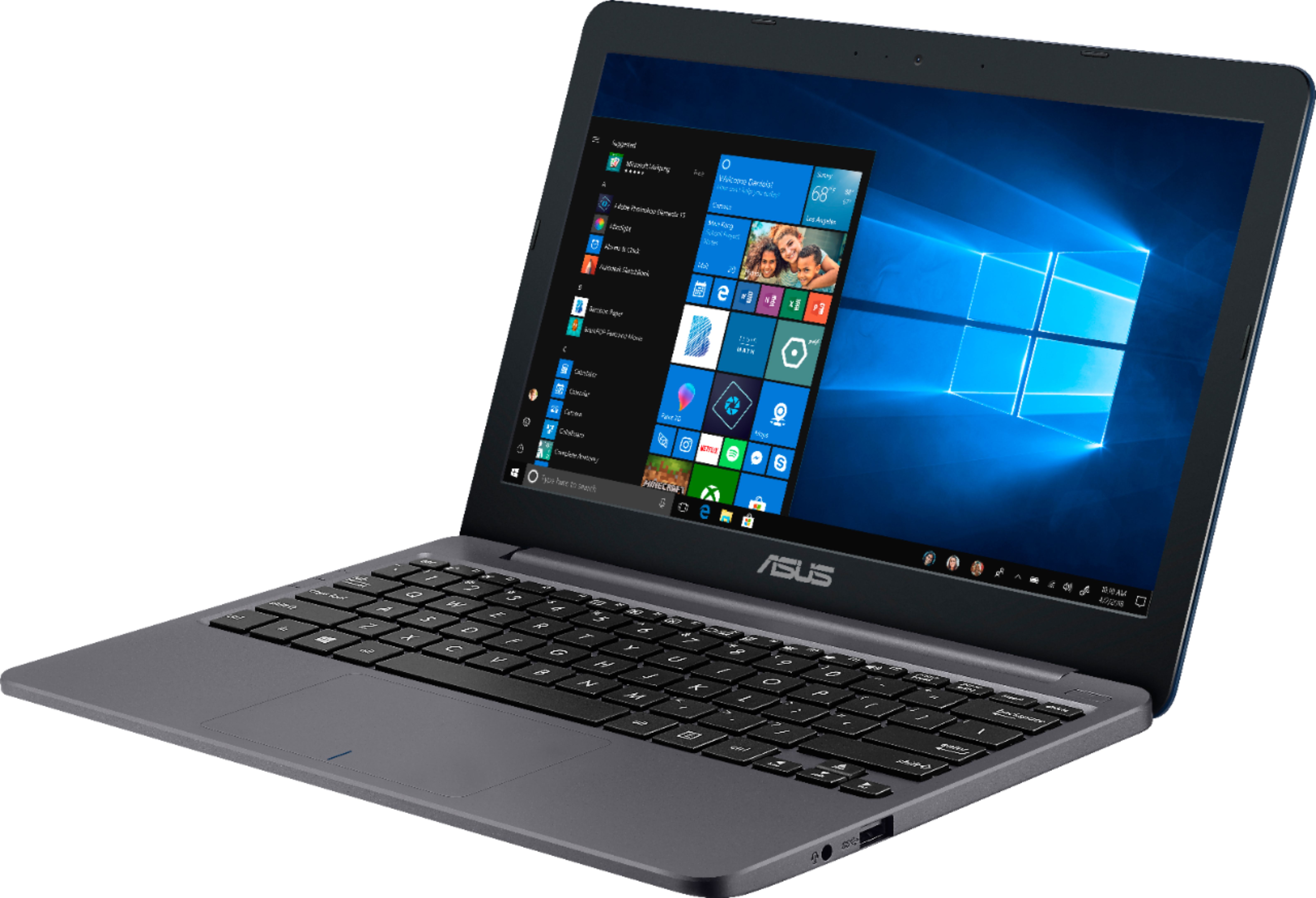
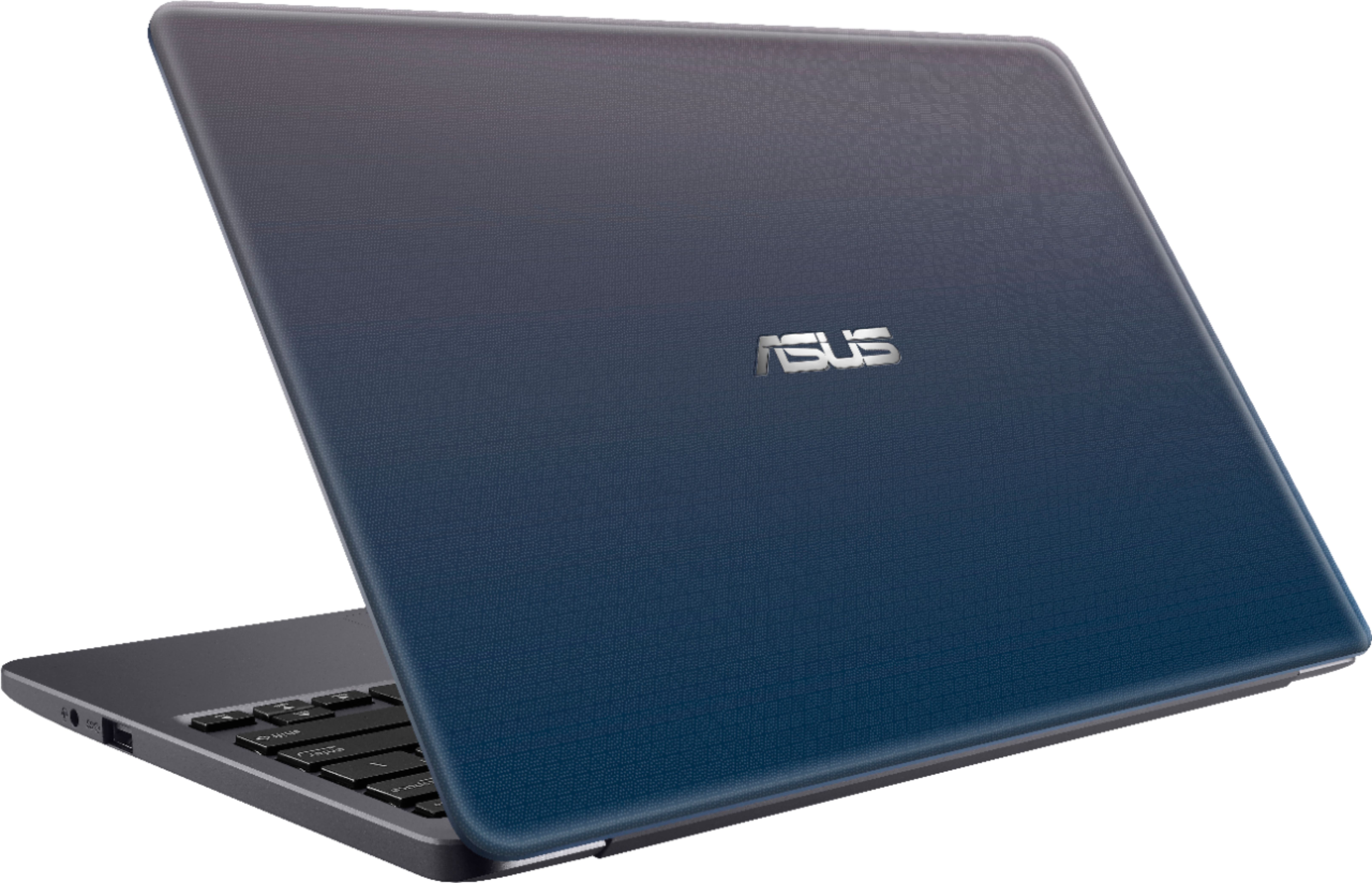

- Model:
- E203MA-TBCL432B
- SKU:
- 6266600
Rating by feature
- Battery Life
Rating 3.9 out of 5 stars
- Speed
Rating 3.5 out of 5 stars
- Display
Rating 3.9 out of 5 stars
Customers are saying
Customers value the portability, price, and fast performance of the 11.6" Laptop. They appreciate its compact size, light weight, and long battery life. However, some customers have concerns about the limited storage space, low memory, and uncomfortable keyboard.
This summary was generated by AI based on customer reviews.
For the price about what one would expect
||Posted .This reviewer received promo considerations or sweepstakes entry for writing a review.Just needs maybe 10 more gig internal memory and it would have been perfect
No, I would not recommend this to a friendNotebook Asus
||Posted . Owned for 7 months when reviewed.This reviewer received promo considerations or sweepstakes entry for writing a review.Has a Low space capacity. Needs more space........
No, I would not recommend this to a friend- Cons mentioned:Performance
Worst computer I have ever owned
||Posted .This reviewer received promo considerations or sweepstakes entry for writing a review.I bought this in December and I'm already having problems. The computer is at a tech shop to fix it and it's going to cost me over $100 and that's more then half of what I bought it for.
No, I would not recommend this to a friendBrand response from Asus_Answers
Posted .Dear RAAC2003,
I do understand your disappointment with the product and the inconvenience this may have caused you if you started experiencing performance or stability issues. In order to maintain optimum system stability and performance, cumulative WINDOWS Update needs to be installed periodically. If you are accessing web applications, please make sure the unit has access to an established router and internet service is working properly since this will definitely affect system speed and performance. Also, clearing internet cache or browsing history will improve system performance. Should you need further assistance with the product, please email me at cl-rodel@asus.com and I would be more than happy to help.
Thank you for choosing an ASUS product.
Regards,
Rodel
ASUS Customer Loyalty
My mother bought this
||Posted .This reviewer received promo considerations or sweepstakes entry for writing a review.She never really says anything good or bad about it, just that it works.
No, I would not recommend this to a friendIt's okay but nothing to write home about
||Posted .This reviewer received promo considerations or sweepstakes entry for writing a review.it's okay but nothing to write home about. Doesn't really suit my need
I would recommend this to a friendBrand response from Asus_Answers
Posted .Dear Randy,
We appreciate your feedback and we regret to hear about E203MA does not really suit your need. ASUS notebooks have variety of specs, we are sure you will find one that suits your need. Should you need further assistance with the technical questions or service issues, please speak to an ASUS live support agent 24/7 or contact me at cl-nina@asus.com. We would be more than happy to help you.
Thank you for choosing an ASUS product.
Regards,
Nina
ASUS Customer Loyalty
BEGINNER COMPUTER
||Posted .This reviewer received promo considerations or sweepstakes entry for writing a review.OK COMPUTER JUST A BASIC COMPUTER FOR KIDS ONLY SO SLOW FOR ADULTS.
No, I would not recommend this to a friendGood
||Posted .This reviewer received promo considerations or sweepstakes entry for writing a review.Starter labtop for kid so good for that. I would recommend
I would recommend this to a friendBrand response from Asus_Answers
Posted .Dear Natalie,
Thank you for taking the time to share your experience with us. We appreciate your kind remarks and we hope that the device will continue to operate within your expectations. For any concerns, questions or feedback please reach out to ASUS Support at: https://www.asus.com/us/support/CallUs/. For further inquiries please feel free to reach out to us at customerloyalty@asus.com and provide this link for reference. Our customer loyalty department is dedicated to bringing a resolution to all issues related to our products.
Thank you for choosing ASUS
Best Regards,
Clayon,
ASUS Customer Loyalty US Support
Laptop is okay.
||Posted .This reviewer received promo considerations or sweepstakes entry for writing a review.Laptop is okay but the cord stopped working after 15 days and Best Buy refused to do anything about it. Wanted $60 for a new cord (half the cost of the laptop) then they directed us to the place to fix it through it's manufacturer's warranty, who wouldn't fix it either.
No, I would not recommend this to a friendBrand response from Asus_Answers
Posted .Dear DontWant2BeAPie,
I certainly understand your disappointment and the inconvenience this may have caused you. All ASUS products undergo intensive quality control testing and inspections, this is a random problem. Normally, ASUS provides one year warranty coverage, if product was purchased brand-new, in order to fix or repair any hardware or, part that stop working prematurely under normal usage. If you need more information or further assistance with the warranty for the product, please email me at cl-rodel@asus.com and I would be more than happy to help.
Thank you for choosing an ASUS product.
Regards,
Rodel
ASUS Customer Loyalty
Starter laptop
||Posted .This reviewer received promo considerations or sweepstakes entry for writing a review.This is an great choice for someone who is a self starter
I would recommend this to a friend- Cons mentioned:Performance
Terrible
||Posted .This reviewer received promo considerations or sweepstakes entry for writing a review.Threw it away. Wouldn’t turn on after one week. Geek squad refused to fix it. I threw it away in the trash can outside of bestbuy. Useless item and warranty.
No, I would not recommend this to a friendBrand response from Asus_Answers
Posted .Dear PaulA,
Thank you for writing a comment for the product. I do understand your disappointment if the system will not power on or boot up or it black screen after a week of usage. Usually, you will do the following to resolve the issue. Try to do a power cycle a couple of times. Shut it down completely, wait for at least 10 seconds then power on. Please wait, if the system is applying updates in the System Registry, it will black screen temporarily. If it still black screen after a few minutes, at least 10 minutes, please repeat the power cycle process again. Please verify if the AC adapter was properly connected from the laptop to a working surge protector or AC outlet and the power button is being pressed all the way down to trigger a power on signal. Also, please try to disconnect the power cable and let the unit drain for 24 hours to clear the memory and reset the hardware to default settings. After doing this, please reconnect your AC adapter then power on the unit. If you need further assistance, please email me at cl-rodel@asus.com and I will be more than happy to help.
Thank you for choosing an ASUS product.
Regards,
Rodel
ASUS Customer Loyalty
Cheap laptop
||Posted .This reviewer received promo considerations or sweepstakes entry for writing a review.Yes sometime I have to try some other cheapest stuff.
I would recommend this to a friendWill not charge
||Posted . Owned for 6 months when reviewed.This reviewer received promo considerations or sweepstakes entry for writing a review.Laptop worked great for a few months! No complaints there. Had it turned off for a month, and came home and now it will not charge. When I plug it in there is enough power going to it to keep it on, however, no matter what I try it will not charge.
No, I would not recommend this to a friendBrand response from Asus_Answers
Posted .Dear Stuart,
Thank you for taking the time to post your feedback on this model, We appreciate it. We are terribly sorry that your device will not charge and the inconvenience this may have caused you. We understand your disappointment with the device and we will do our best to have the this resolve for you as soon as possible. We are recommending to uninstall and reinstall the battery driver. Please follow the steps provided: Right click on the start menu icon (bottom left corner) > Select "Device Manager" > Select "Battery" > Locate "Microsoft ACPI-Compliant Control Method Battery" and Microsoft AC adapter > Right click on it and select "Properties" > Select the "Driver" tab at the top > Select Uninstall at the bottom > Make sure the checkbox that says "Delete the driver software" is empty > Restart the device. We truly value your feedback. If the issue persist please feel free to reach out to us by email: customerloyalty@asus.com and Please use a link to this review as reference. We’re here to help you and all others with these issues,Our customer loyalty department is dedicated to bringing a resolution to all issues related to our products. Have an extraordinary day.
Thank you for choosing ASUS
Best Regards,
Lamoya
ASUS Customer Loyalty US Support
Very slow
||Posted .This reviewer received promo considerations or sweepstakes entry for writing a review.Bought this for my wife to do simple tasks like pay bills, email, and minimal word processing. It couldn't even run the bitdefender antivirus we have used for 5 years. Web pages were extremely slow and practically unusable. Returned it within 24 hours.
No, I would not recommend this to a friendBrand response from Asus_Answers
Posted .Dear Hooligan,
Thank you for the review. I certainly understand your dissatisfaction with the quality of the product and your concern regarding the slow system performance. E203MA was designed as an entry-level computer that runs basic and light computing applications like web-surfing, emailing and word-processing without compromising system stability and performance. Have you completed all the updates? In order to maintain optimum system stability and performance, please install Windows Update periodically. Bitdefender needs 2GB memory requirement. It can slow down the system while it is running in the background. Should you need further assistance, please email me at cl-nina@asus.com and I would be more than happy to assist you.
Thank you for choosing an ASUS product.
Regards,
Nina
ASUS Customer Loyalty
Started up and the whole thing froze
||Posted .This reviewer received promo considerations or sweepstakes entry for writing a review.I got this computer for light use and when I started it up it was fine and then it went through the mandatory updates and when it restarted the keyboard froze. I couldn’t use it at all and had to return it.
No, I would not recommend this to a friendBrand response from Asus_Answers
Posted .Dear Anthony,
Thank you for the review. I certainly understand your dissatisfaction with the quality of the product and your concern regarding the keyboard issue after installing windows update. All ASUS products undergo intensive quality control testing and inspections, and are built to last, this is considered to be a random problem. If you have any questions regarding technical issues and service, please contact me at cl-nina@asus.com or speak to an ASUS live support agent 24/7. We would be more than happy to assist you.
Regards,
Nina
ASUS Customer Loyalty
- Pros mentioned:Price
Thought it is good deal
||Posted .This reviewer received promo considerations or sweepstakes entry for writing a review.Excellent price with bundle with 1 year MS office 360, however, the hardware is way too slow, not even capable for MS Office basic work
No, I would not recommend this to a friendBrand response from Asus_Answers
Posted .Dear Bc1122,
Thank you for your review and we regret to hear about the experience that your machine runs slow. Please ensure that all Windows Updates are completed. You can check this by going into Settings> Update and Security> Windows Updates> Check for Updates. You can also try disabling any unnecessary programs and apps that are running in the background. Also, try restarting the notebook or check the disk space and make room if needed. In order to make room, you can uninstall any apps that you don't use or even empty your recycling bin. If the problem still persists, please speak to an ASUS live support agent 24/7 or contact me at cl-nina@asus.com. I would be more than happy to assist you.
Regards,
Nina
ASUS Customer Loyalty
- Cons mentioned:Low memory
Disappointed
||Posted . Owned for 11 months when reviewed.This reviewer received promo considerations or sweepstakes entry for writing a review.I wanted something portable to be able to take with me at any time. This machine didn't have enough memory to maintain its own system updates. HORRIBLE!!
No, I would not recommend this to a friendBrand response from Asus_Answers
Posted .Dear 123ABCMe,
Certainly understand your disappointment regarding the limited storage space in installing WINDOWS Updates.
There is an ample amount of storage space in order to run WINDOWS and popular software or applications efficiently. However, since cumulative WINDOWS Update is being released periodically, additional third-party software being installed, and the OS file size becomes bigger with files being added, the space available may be limited. This can easily be resolved by using a memory card for saving documents, photos or videos, and for installing third-party applications. The C drive will be mainly use for WINDOWS Update installation. For detailed instruction on how to do this, please go visit Microsoft's Knowledge Base.
Should you need further assistance with the product, please email me at cl-rodel@asus.com and I would be more than happy to help.
Thank you for choosing an ASUS product.
Regards,
Rodel
ASUS Customer Loyalty
Whirring noise
||Posted .This reviewer received promo considerations or sweepstakes entry for writing a review.Afraid I had to return this item. It was making a whirring noise from the drive -- much louder than normal (I hope!). The prob was unique to this particular machine, I believe.
No, I would not recommend this to a friendBrand response from Asus_Answers
Posted .Dear 4u2b,
I do understand the inconvenience and your concern about the hardrive noise being louder than normal. This will usually occur when the laptop is under heavy load when WINDOWS Update and antivirus scan, or malware are running in the background. To resolve the issue, try doing a full system scan using an internet security, or an antivirus software to get rid of malware, just in case the system was compromised. If WINDOWS Update or antivirus is running in the background, do not run any applications. Since these applications utilize lots of system resources, the laptop will become unresponsive or slow whiles are running. Also, please make sure cumulative WINDOWS Updates are being installed periodically in order to maintain optimum speed and performance. Should you need further assistance with the product, please email me at cl-rodel@asus.com and I would be more than happy to help.
Thank you for choosing an ASUS product.
Regards,
Rodel
ASUS Customer Loyalty
- Cons mentioned:Performance
very bad
||Posted .This reviewer received promo considerations or sweepstakes entry for writing a review.This laptop crashed in the middle of setup! Very disappointed
No, I would not recommend this to a friendBrand response from Asus_Answers
Posted .Dear PReutzel,
I certainly understand your disappointment and the inconvenience this may have caused you. All ASUS products undergo intensive quality control testing and inspections, this is a random problem. Please try to do a couple of power cycle to resolve the issue. If problem persisted, please do a PC Reset. Normally, ASUS provides one year warranty coverage, if product was purchased brand-new, in order to fix or repair any hardware or, part that stop working prematurely under normal usage. If you need further assistance with the product, please email me at cl-rodel@asus.com and I would be more than happy to help.
Thank you for choosing an ASUS product.
Regards,
Rodel
ASUS Customer Loyalty
- Cons mentioned:Low memory
Junk.
||Posted . Owned for more than 2 years when reviewed.This reviewer received promo considerations or sweepstakes entry for writing a review.Garbage. Not enough memory for anything. You can use an SD card. But it’s not good and was really slow
No, I would not recommend this to a friend Lasted minutes
||Posted .This reviewer received promo considerations or sweepstakes entry for writing a review.I purchased this computer after seeing good reviews. Unfortunately it only lasted me about 30 mins before crashing and not powering up again. Exchanged it for another one and the disk crashed. Computer just stayed on black screen. Bestbuy refunded me and ended up just buying a MacBook Air
No, I would not recommend this to a friendBrand response from Asus_Answers
Posted .Dear JNeto,
Thank you for writing a comment for the product. I do understand your disappointment if the system will not bootup or it black screen the next day and experiencing system crash. The system crash or performance issue is temporary during the initial WINDOWS setup and before installing cumulative WINDOWS Update, regardless what brand name of computer this may be. This may take a longer time depending on the network traffic from the update server and the stability of your high-speed internet service. Once initial setup and WINDOWS Update installation completed, system speed or performance will be optimized. Cumulative WINDOWS Update needs to be installed periodically in order to maintain optimum system stability and performance. Usually, you will do the following to resolve the no power on or no boot up issue. Try to do a power cycle a couple of times. Shut it down completely, wait for at least 10 seconds then power on. Please wait, if the system is applying updates in the System Registry, it will black screen temporarily. If it still black screen after a few minutes, at least 10 minutes, please repeat the power cycle process again. Please verify if the AC adapter was properly connected from the laptop to a working surge protector or AC outlet and the power button is being pressed all the way down to trigger a power on signal. Also, please try to disconnect the power cable and let the unit drain for 24 hours to clear the memory and reset the hardware to default settings. After doing this, please reconnect your AC adapter then power on the unit. If you need further assistance, please email me at cl-rodel@asus.com and I will be more than happy to help.
Thank you for choosing an ASUS product.
Regards,
Rodel
ASUS Customer Loyalty