Customer Ratings & Reviews
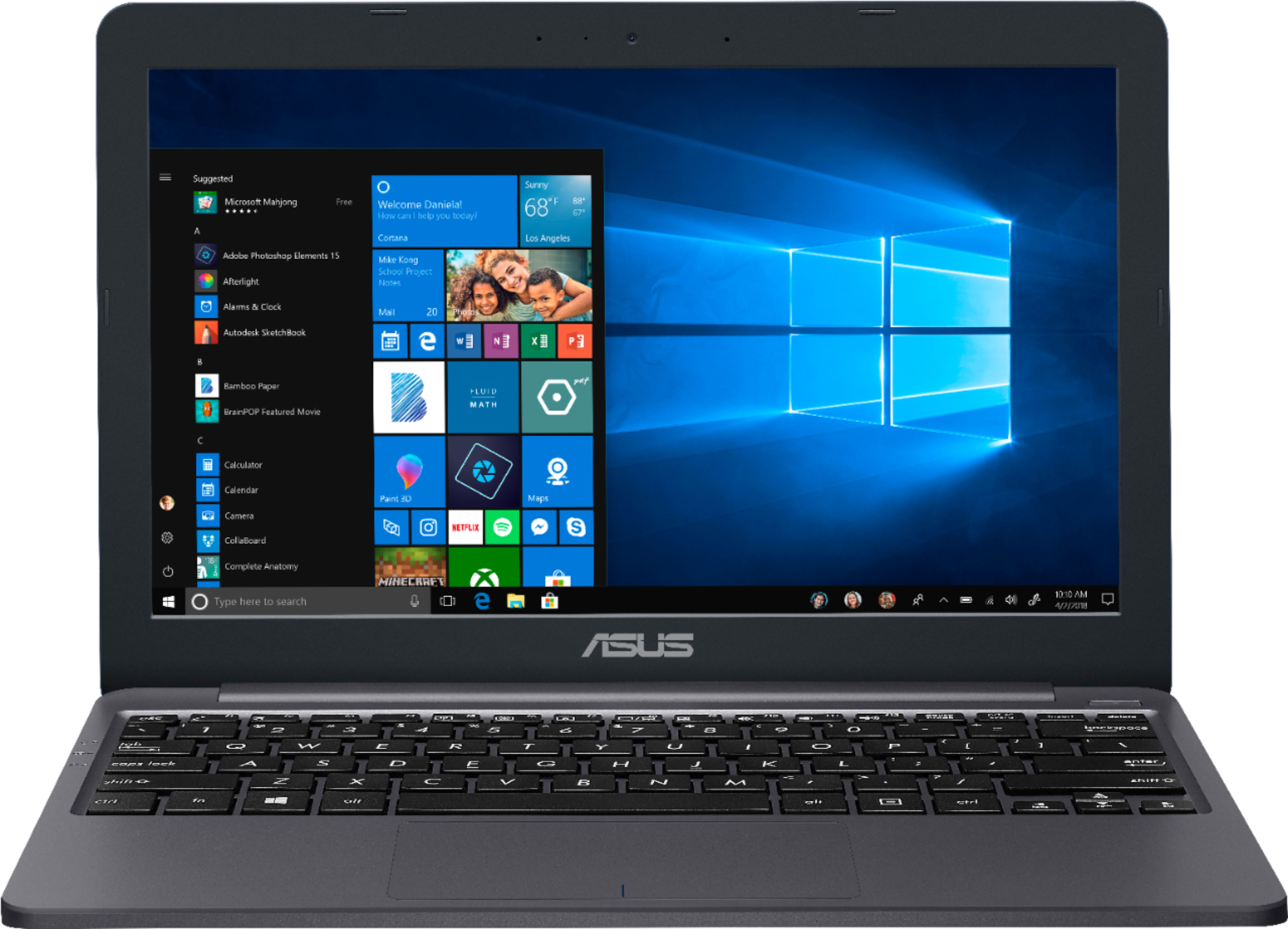
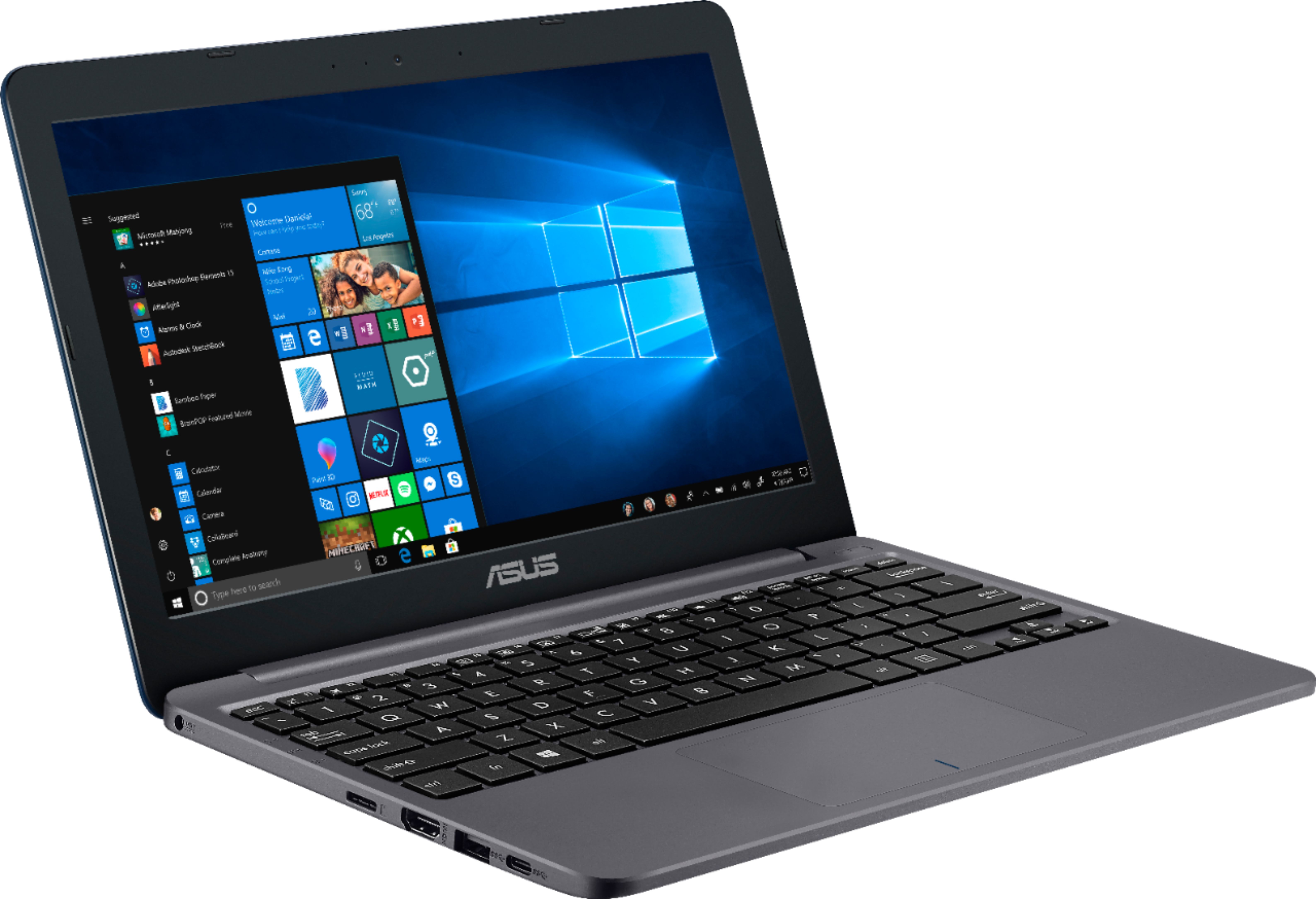
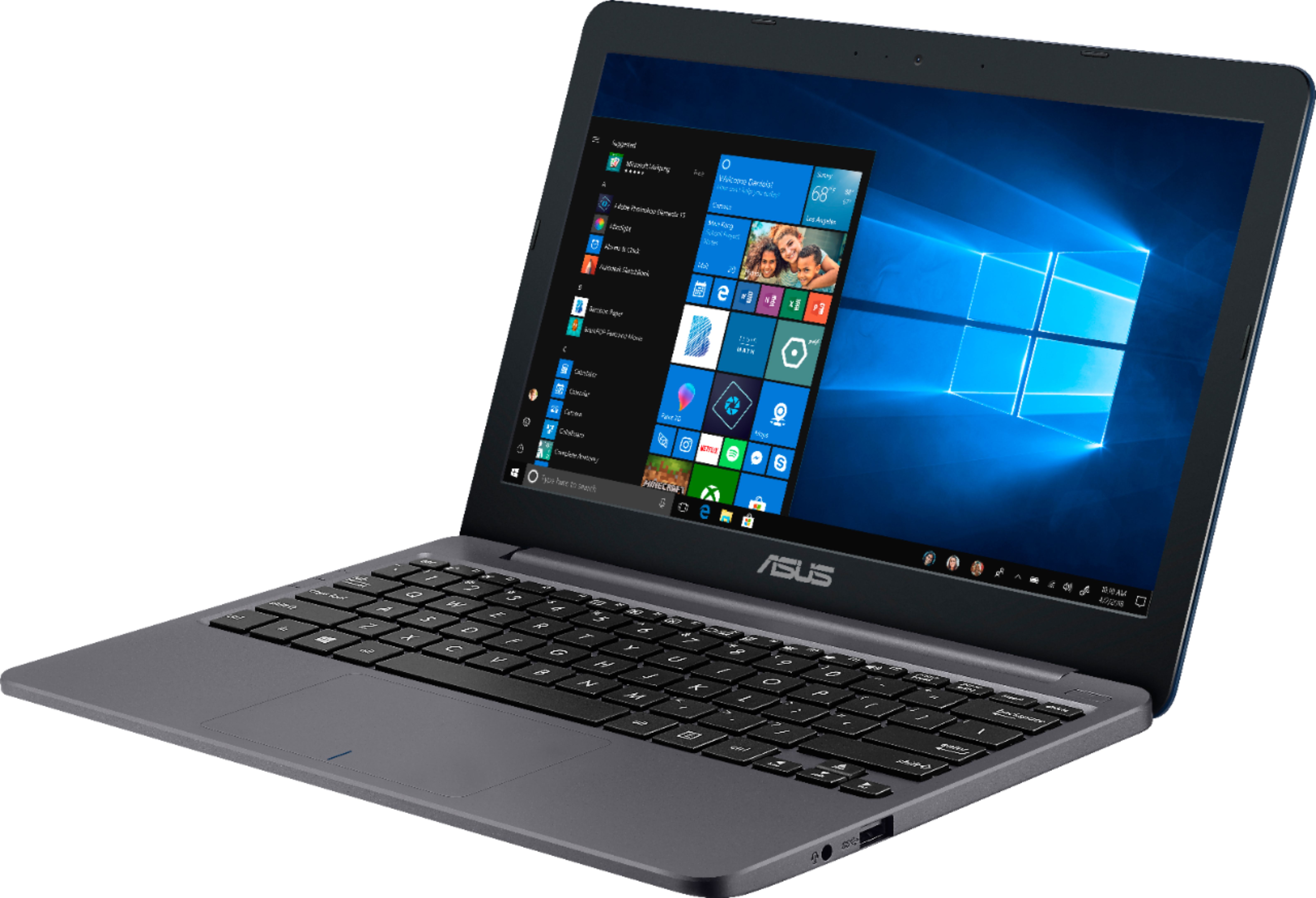
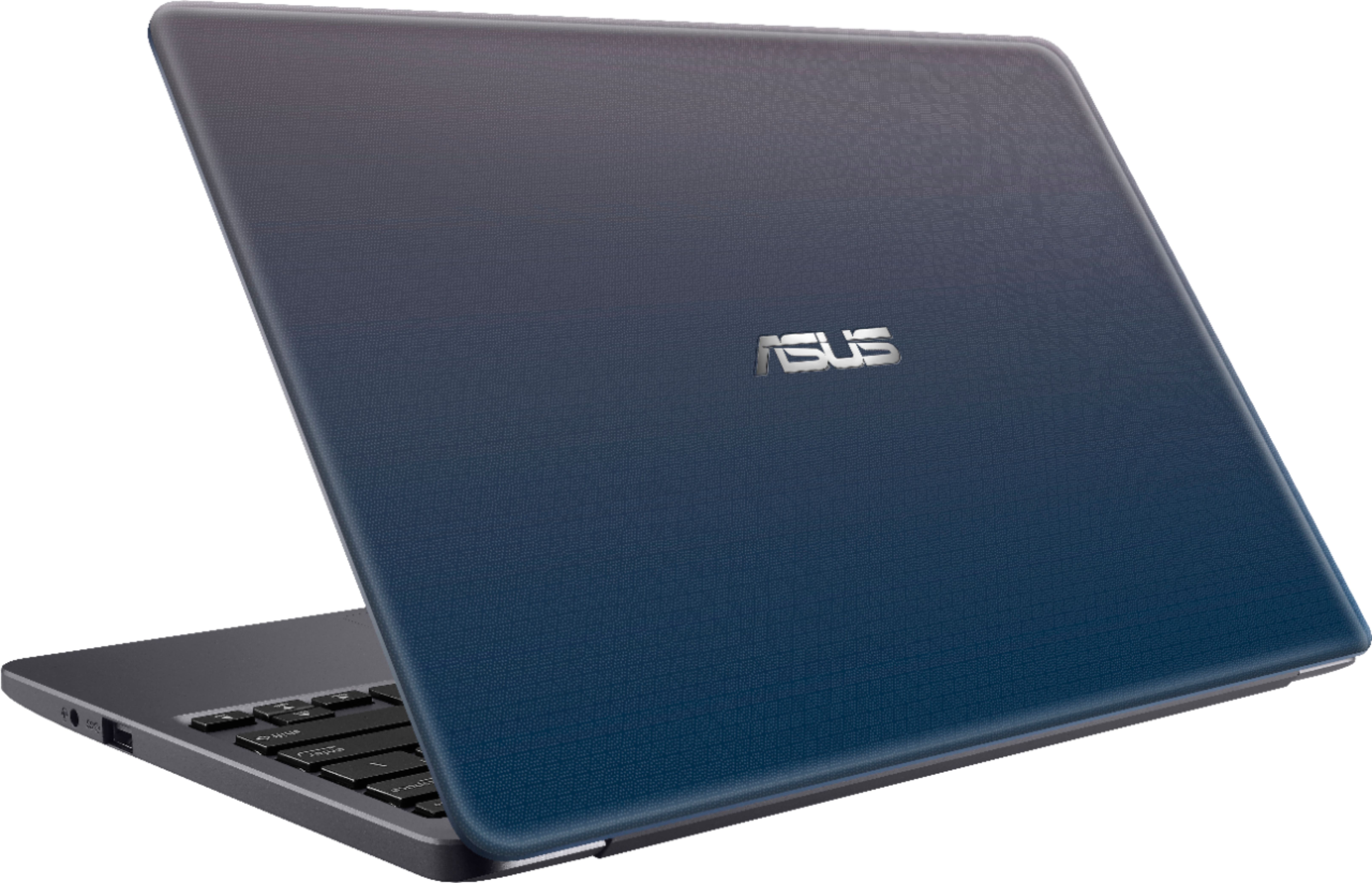
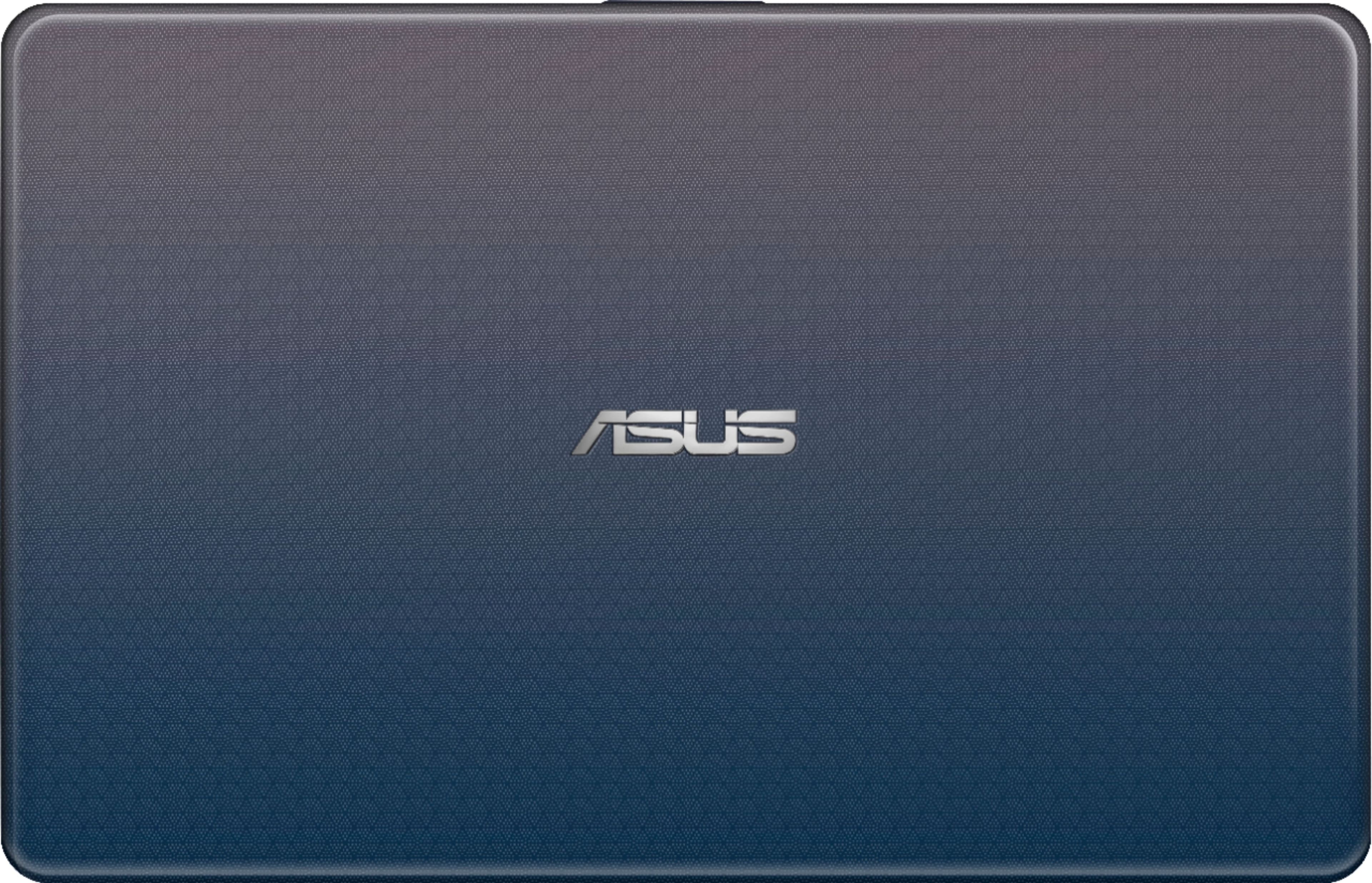

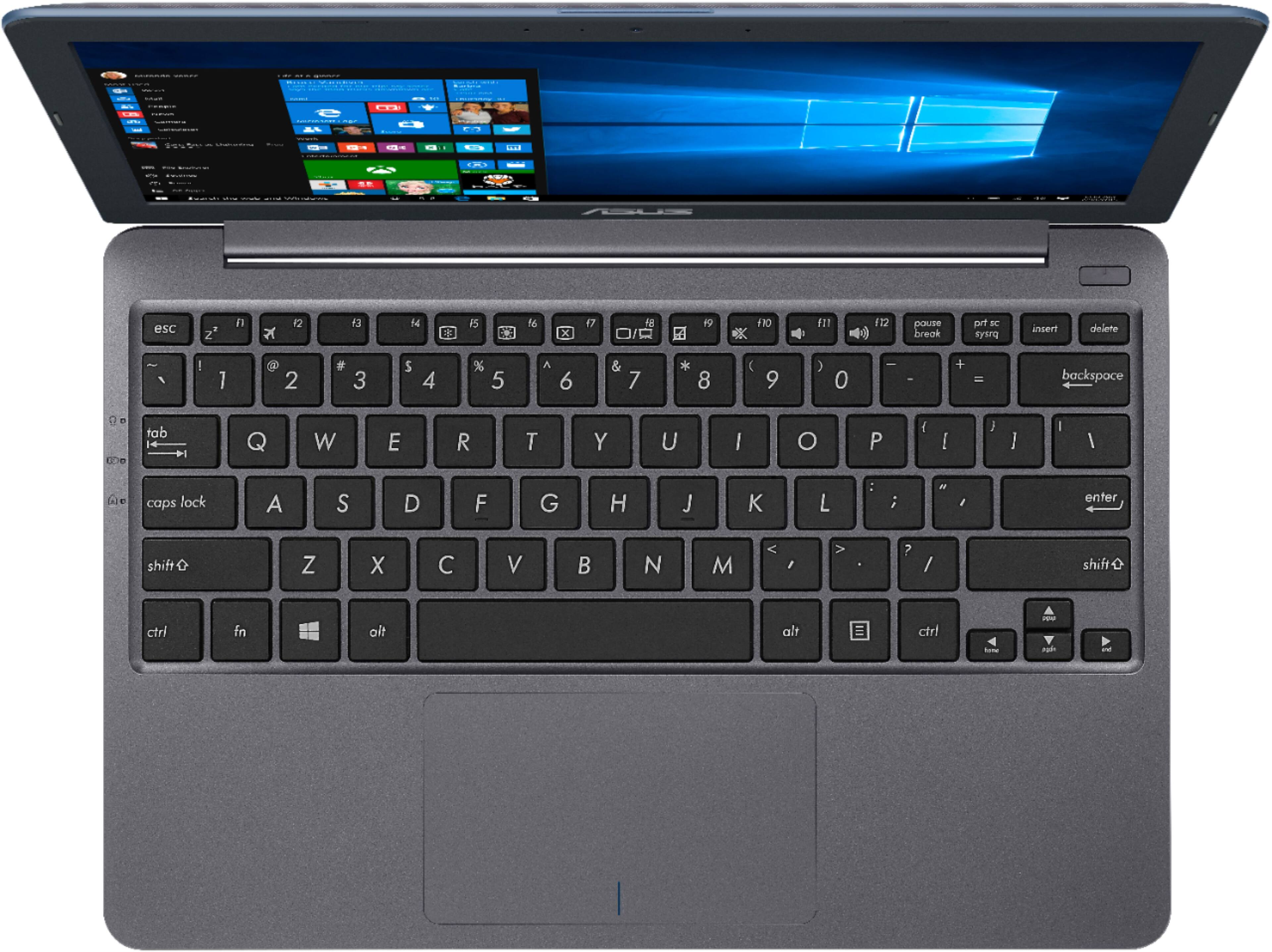
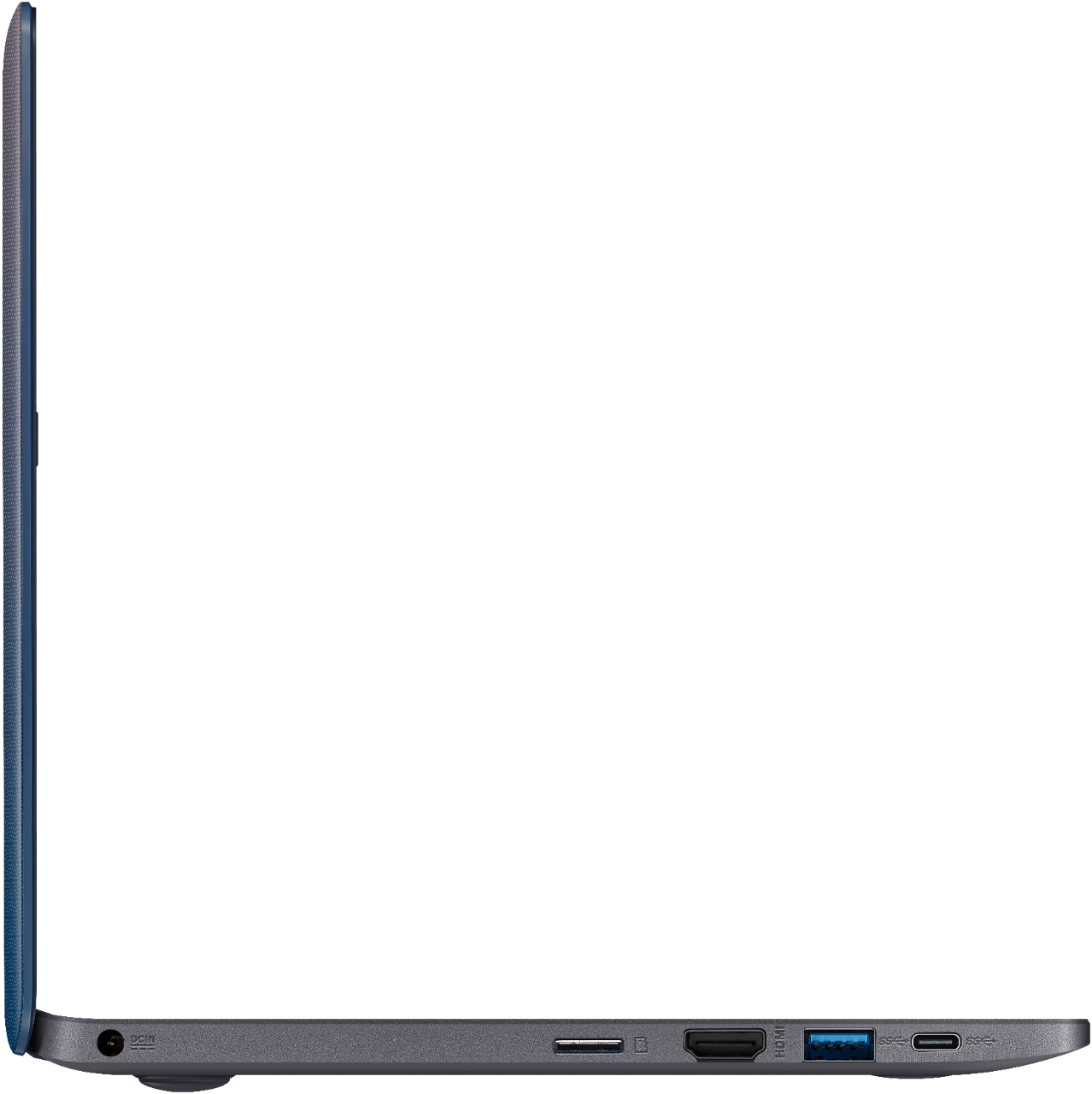
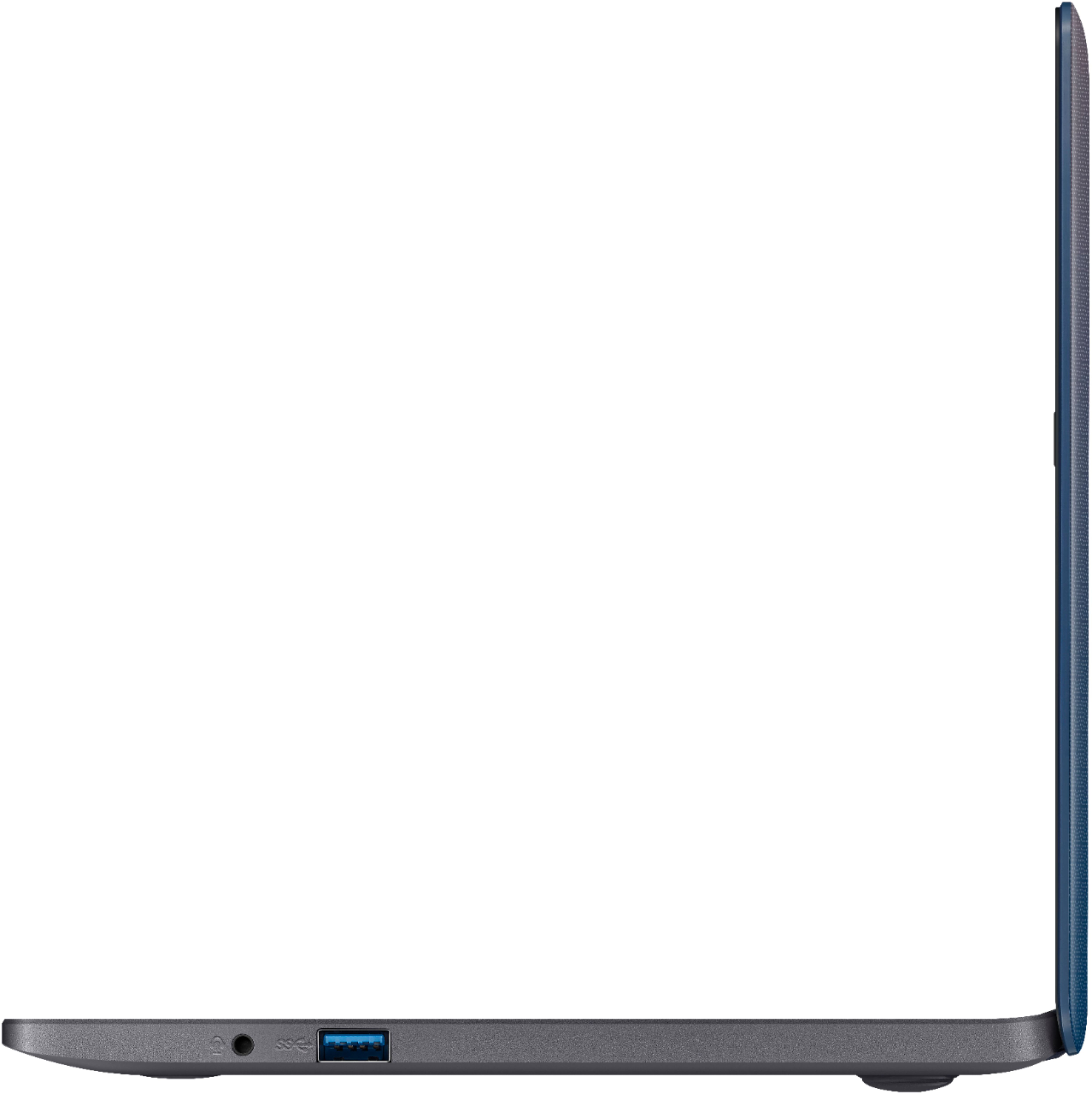
- Model:
- E203MA-TBCL432B
- SKU:
- 6266600
Rating by feature
- Battery Life
Rating 3.9 out of 5 stars
- Speed
Rating 3.5 out of 5 stars
- Display
Rating 3.9 out of 5 stars
Customers are saying
Customers value the portability, price, and fast performance of the 11.6" Laptop. They appreciate its compact size, light weight, and long battery life. However, some customers have concerns about the limited storage space, low memory, and uncomfortable keyboard.
This summary was generated by AI based on customer reviews.
Good Laptop
Posted .This reviewer received promo considerations or sweepstakes entry for writing a review.This is a very good laptop by the way it was very easy to setup I have had no problem with it
I would recommend this to a friend- Cons mentioned:Keyboard
DO NOT BUY!!
Posted .This reviewer received promo considerations or sweepstakes entry for writing a review.Terrible! The Laptop was defective right out of the box. Half the keys on the keyboard were not working!!! Now I have to haul it to BestBuy and try and get a refund. I ordered online so I wouldn't have to deal with the store. No more Laptops for me. They breakdown so easily and the chargers always stop working within a few months and the cost of replacing chargers every few months becomes expensive. It's a crime that these companies can keep pushing these inferior products on the public. What the heck is going on here????
No, I would not recommend this to a friendBrand response from Asus_Answers
Posted .Dear Beauty007,
I certainly understand your disappointment and the inconvenience this may have caused you. All ASUS products undergo intensive quality control testing and inspections, this is a random problem. Normally, ASUS provides one year warranty coverage, if product was purchased brand-new, in order to fix or repair any hardware or, part that stop working prematurely under normal usage. If you need more information or further assistance with the warranty for the product, please email me at cl-rodel@asus.com and I would be more than happy to help.
Thank you for choosing an ASUS product.
Regards,
Rodel
ASUS Customer Loyalty
Great for kids
Posted .This reviewer received promo considerations or sweepstakes entry for writing a review.Do not buy the laptop if you’re going to download anything... useful for light internet browsing or maybe YouTube watching. I opened the laptop and set it up, everything was fine. I went to download google chrome and as soon as I downloaded the application and ran it- the computer went to a black screen. I could move the mouse around and still see it, and I could open task manager still but it was just black. I waited maybe half an hour and nothing changed so I restarted it. When I rebooted the laptop it said something was wrong with the drivers or something and it needed repair so I let it run. When it was done it brought up the Windows 10 lock screen but as soon as I put in my password black screen again. This went on for about half an hour then the screen loaded and the computer worked. Every time I would turn it off then on again, I’d have to wait half an hour for the screen to load after logging in. Computer ran fine after the screen loaded, but I wasn’t about to waste almost $200 so I returned it.
No, I would not recommend this to a friendBrand response from Asus_Answers
Posted .Dear LNM159,
Absolutely, the laptop is great for kids and adults as well who are looking for an entry-level laptop that runs basic and light computing applications. I do understand the inconvenience if the laptop black screen or will not bootup after trying to install Google Chrome. Since the laptop comes with WINDOWS 10 S, only applications available at the Microsoft Store can installed. Should you need further assistance with the product, please email me at cl-rodel@asus.com and I would be more than happy to help.
Thank you for choosing an ASUS product.
Regards,
Rodel
ASUS Customer Loyalty
Don't buy
Posted .This reviewer received promo considerations or sweepstakes entry for writing a review.I purchased this on black Friday of 2018 as a new PC not refurbished and was excited to have it delivered. I charged it up and started testing out the features. I was quickly saddened though as I quickly realised that the keys were mixed up. Case in point is the @ key which is not where it's labelled, in addition to the double quotation marks " that's somewhere else too, plus the # £ \ ~ symbols to name a few. This is very frustrating and disappointing as the sole purpose of this PC was for word processing, and it is unable to do that well. Now I'm seriously doubtful this is a legitimate Asus PC. Please don't buy.
No, I would not recommend this to a friendgreat for browsing & light work
Posted .This reviewer received promo considerations or sweepstakes entry for writing a review.only had it for a week. so far so good. I would recommend!
I would recommend this to a friend- Cons mentioned:Performance
Died after a few weeks
Posted .This reviewer received promo considerations or sweepstakes entry for writing a review.You get what you paid for - the laptop was acceptable for the price as a portable secondary computer but it stopped charging after only 1 1/2 months. Now I have to figure out how to get my money back for this piece of junk (it wasn't much, but I did expect it to last longer than that). I haven't even taken it out of the house, it's hardly used at all.
No, I would not recommend this to a friendBrand response from Asus_Answers
Posted .Dear Alexis,
I certainly understand your disappointment with the product and the inconvenience this may have caused you. All ASUS products undergo intensive quality control testing and inspections, and are built to last, this is a random problem. If the battery will not charge or if the system will not power on, please verify if the AC adapter was properly connected from the laptop to a working surge protector or AC outlet. Also, please try to do a battery calibration manually, charge the battery without power on and being used. Once fully charged, use the unit without the AC adapter connected until it completely drained. If this is not possible, disconnect the AC adapter and fully-drained it, leave it unplug or at least 24 hours then charge it fully without the system power on and being used. Please repeat this process a couple of times. If you need more information or further assistance with the warranty for the product, please email me at cl-rodel@asus.com and I would be more than happy to help.
Thank you for choosing an ASUS product.
Regards,
Rodel
ASUS Customer Loyalty
- Cons mentioned:Performance
ASUS is making an unfunny joke
Posted .This reviewer received promo considerations or sweepstakes entry for writing a review.I can't tell whether this "computer" is working or not. Why? Because when it gets updates it apparently blacks out the screen. And because the processor is sooooooo slow, the updates could take 20 minutes or more. But then again, maybe it's simply failing to boot. Who knows? What a piece of garbage.
No, I would not recommend this to a friendBrand response from Asus_Answers
Posted .Dear Valued Customer,
Thank you for sharing your feedback with us and I am sorry to hear about the issue that you have encountered with the blank screen. I understand that this must be very frustrating and I apologize for the inconvenience that has been caused. I would recommend that if you have access to an external monitor that you try to connect it to get a display. Once you get a display you will be able to install Version V23.20.16.4936 of the Intel Graphics Driver from our online help-desk at the following link: https://www.asus.com/us/Laptops/ASUS-Laptop-E203MA/HelpDesk_Download/. After installing the driver you can restart the notebook and test to see if the screen issue is resolved. If you do not have access to a monitor to connect to you can try entering into safe mode with networking to update the drivers. You can see our link to the following FAQ for further assistance: https://www.asus.com/my/support/FAQ/1013356/. For further assistance you can email us at customerloyalty@asus.com and use the link to this review as a reference. Please have a wonderful day.
Thank you for choosing ASUS.
Best regards,
Abigail.
ASUS Customer Loyalty.
Terrible OS, poor performance, bad trackpad, BAD!
Posted .This reviewer received promo considerations or sweepstakes entry for writing a review.The thing is awful. One morning's use is enough for me. I'll be boxing this thing back up and returning this afternoon. Yes, I know it was $140, and I wasn't expecting anything great, but the speed is just terrible, everything is delayed, any loads, updates, or anything else takes forever. The Windows 10 OS is predictably terrible, but somehow manages to be even worse than you expect - nothing is intuitive, and despite generations of use, remains poorly designed. Doing anything takes more clicks, sub-menus, and obscure folders than is necessary. Mousing is terrible, constantly right clicking when you simply click the trackpad. AND the worst part, the computer is locked into safe mode! You can't install Chrome on the Chromebook!?! The currently store software will not allow you to switch this machine out of "S" - so you can only install Microsoft software, leaving you only the terrible "Edge" browser. I guess if you already suffer the indignity of using Windows 10, are in a hurry to do anything, and are okay with Microsoft's awful software , it might be okay, but for the rest of us, this machine is a $140 way to buy a bunch of frustration.
No, I would not recommend this to a friendBrand response from Asus_Answers
Posted .Dear RichardCheese,
I do understand your disappointment and the inconvenience if you are experiencing slow system speed or performance and issue with the touchpad. Certainly, the unit was designed as an entry-level computer that runs basic and light computing applications like web-surfing, emailing and word-processing without compromising system stability and performance. This issue is temporary during the initial WINDOWS setup and before installing cumulative WINDOWS Update, regardless what brand name of computer this may be. This may take a longer time depending on the network traffic from the update server and the stability of your high-speed internet service. Once initial setup and WINDOWS Update installation completed, system speed or performance will be optimized. In order to maintain optimum system stability and performance, cumulative WINDOWS Update needs to be installed periodically. If you are accessing web applications, please make sure the unit has access to an established router and internet service is working properly since this will definitely affect system speed and performance, and the responsiveness of the touchpad. It is a smart device, please allow some time to get use to the multi-touch function of the pad. Also, clearing internet cache or browsing history will improve system performance. If you need further assistance, please email me at cl-rodel@asus.com and I would be happy to help.
Thank you for choosing an ASUS product.
Regards,
Rodel
ASUS Customer Loyalty
Not worth the headache
Posted .This reviewer received promo considerations or sweepstakes entry for writing a review.Purchased on 13 March 2019. Tried weekly to register the warranty, kept getting an error message that the server was busy. A few hiccups: hesitant to power on sometimes, but had a great battery life; took two days to finally get it to connect to home WiFi. Now, eight weeks later, it will no longer power on. Can’t reach ASUS customer support, BestBuy won’t even look at it, and I’m frustrated.
No, I would not recommend this to a friendBrand response from Asus_Answers
Posted .Dear Eknox,
Thank you writing a comment for the product. I do understand your disappointment and the inconvenience if the system will not power on or boot up suddenly. ASUS product or customer support is available 24 x 7 at 1(888) 678-3688 or, you can chat to an ASUS live support agent 24/7 at http://bit.ly/AsusLiveChat. Usually, you will do the following to resolve the issue. Try to do a power cycle a couple of times. Shut it down completely, wait for at least 10 seconds then power on. Please wait, if the system is applying updates in the System Registry, it will black screen temporarily. If it still black screen after a few minutes, at least 10 minutes, please repeat the power cycle process again. Please verify if the AC adapter was properly connected from the laptop to a working surge protector or AC outlet and the power button is being pressed all the way down to trigger a power on signal. Also, please try to disconnect the power cable and let the unit drain for 24 hours to clear the memory and reset the hardware to default settings. After doing this, please reconnect your AC adapter then power on the unit. If you need further assistance, please email me at cl-rodel@asus.com and I will be more than happy to help.
Thank you for choosing an ASUS product.
Regards,
Rodel
ASUS Customer Loyalty
Eh So Far
Posted .This reviewer received promo considerations or sweepstakes entry for writing a review.this is only a first impression review as of right now and i will edit it when i have a full opinion. Computer started and set up quickly, it downloaded some updates and restarted then logged in and showed nothing but a black screen with the cursor. I got it to boot again i am assuming it was updating. Will update review after using it
No, I would not recommend this to a friendBrand response from Asus_Answers
Posted .Dear Daniel,
I do understand your disappointment with the product and the inconvenience if you are experiencing black screen with the cursor after downloading some updates. To resolve the issue, please try to press FN+F7 hotkeys to turn on the display or press FN+F6 to adjust the brightness of the LCD screen. Next, test the Notebook LCD in the System Setup (BIOS) by turning off the laptop and starting up the computer again and pressing and hold F2 to enter BIOS. If the problem still occurs, it is not an issue with the Operating System but a hardware issue. Please try connecting to an external monitor (user manual of Notebook shows you where to find the available external monitor ports) and connect the external monitor to the Notebook. Then, press FN+F8 hotkeys to toggles between Notebook LCD display and the external monitor. If the external monitor works, please update the latest Intel graphic or Nviida graphic or AMD graphic driver for another try. If the external monitor does not work or you did not have one to test with or the problem still occurs after you try all the steps, please email me at cl-nina@asus.com or speak to an ASUS live support agent 24/7. We would be more than happy to assist you.
Thank you for choosing ASUS!
Regards,
Nina
ASUS Customer Loyalty- US support
circular ring of heck/pain
Posted .This reviewer received promo considerations or sweepstakes entry for writing a review.Ooophta!! In order to install Chrome, one needs to get this thing out of S mode. To get it out of S mode, it tells me I need to update the Windows Store app (to run some sort of "get me out of S mode app). Windows Store doesn't seem to offer an update to itself. So, no way to get machine out of S mode. Maybe they'll fix that tomorrow, maybe never. I'm not going to wait long before I return to store. Nobody loves Best Buy more than me. Nobody loves their older Asus netbook more than me but this is presently a mess. Sad!!
No, I would not recommend this to a friendBrand response from Asus_Answers
Posted .Dear Valued Customer,
I do understand your disappointment and the inconvenience this may have caused you if you are unable to install Chrome. WINDOWS S is for simplicity, speed, and security. This is the reason why only applications from the Microsoft Store can installed into the OS. You can upgrade to WINDOWS 10 PRO if you are planning to install third-party applications. Should you need further assistance with the product, please email me at cl-rodel@asus.com and I would be more than happy to help.
Thank you for choosing an ASUS product.
Regards,
Rodel
ASUS Customer Loyalty
Buyer beware
Posted .This reviewer received promo considerations or sweepstakes entry for writing a review.Purchased 2 of these, both had to be sent back to ASUS for warranty repair. Hoping the repair will last longer than 1 year since the original notebooks did not.
No, I would not recommend this to a friendBrand response from Asus_Answers
Posted .Dear Valued Customer,
Thank you for reaching out to us with your feedback on this model. We're sorry for the inconvenience you encountered. Please allow us to make your experience with ASUS a better one. Can you please reach out to us with your RMA number so we can check on the repair status? We would love to have your issue resolved in a timely manner. For further assistance please feel free to reach out to us by email: customerloyalty@asus.com. Please use a link to this review as reference. I do look forward to your response. Have an extraordinary day.
Thank you for choosing ASUS.
Best Regards,
Joan
ASUS Customer Loyalty US Support
3 mos died
Posted .This reviewer received promo considerations or sweepstakes entry for writing a review.I saw the good reviews and thought it would be good enough to just pay bills and write email but in 3 months it has completely died with a black screen and won't boot nor show any applications at all. Just black screen of death. I am retired and this has been a complete waste of money
No, I would not recommend this to a friendBrand response from Asus_Answers
Posted .Dear Lori,
Certainly, a very good recommendation for basic and light computing needs like, online banking and emailing. I do understand your disappointment if the system will not boot up or it black screen after 3 months of usage. Usually, you will do the following to resolve the issue. Try to do a power cycle a couple of times. Shut it down completely, wait for at least 10 seconds then power on. Please wait, if the system is applying updates in the System Registry, it will black screen temporarily. If it still black screen after a few minutes, at least 10 minutes, please repeat the power cycle process again. Please verify if the AC adapter was properly connected from the laptop to a working surge protector or AC outlet and the power button is being pressed all the way down to trigger a power on signal. Also, please try to disconnect the power cable and let the unit drain for 24 hours to clear the memory and reset the hardware to default settings. After doing this, please reconnect your AC adapter then power on the unit. If you need further assistance, please email me at cl-rodel@asus.com and I will be more than happy to help.
Thank you for choosing an ASUS product.
Regards,
Rodel
ASUS Customer Loyalty
Worked good for a day
Posted .This reviewer received promo considerations or sweepstakes entry for writing a review.Set up the computer and I like it, but within 24 hours it started flickering and died.
No, I would not recommend this to a friendBrand response from Asus_Answers
Posted .Dear Wolf,
Thank you for the review. I certainly understand your dissatisfaction with the quality of the product and your concern regarding the laptop started flickering and died within 24 hours. All ASUS products undergo intensive quality control testing and inspections, and are built to last, this is considered to be a random problem. Was the unit black screen or completely died without lights on? Should you need further assistance with the device diagnosis and repair, please speak to an ASUS live support agent 24/7 or contact me at cl-nina@asus.com. We would be more than happy to help you.
Thank you for choosing an ASUS product.
Regards,
Nina
ASUS Customer Loyalty
Terrible!
Posted .This reviewer received promo considerations or sweepstakes entry for writing a review.This laptop sucks!!! Do not buy! Terrible purchase. Doesn’t hold charge and if not plugged in it turns off. Slow and buggy!
No, I would not recommend this to a friend