Customer Ratings & Reviews
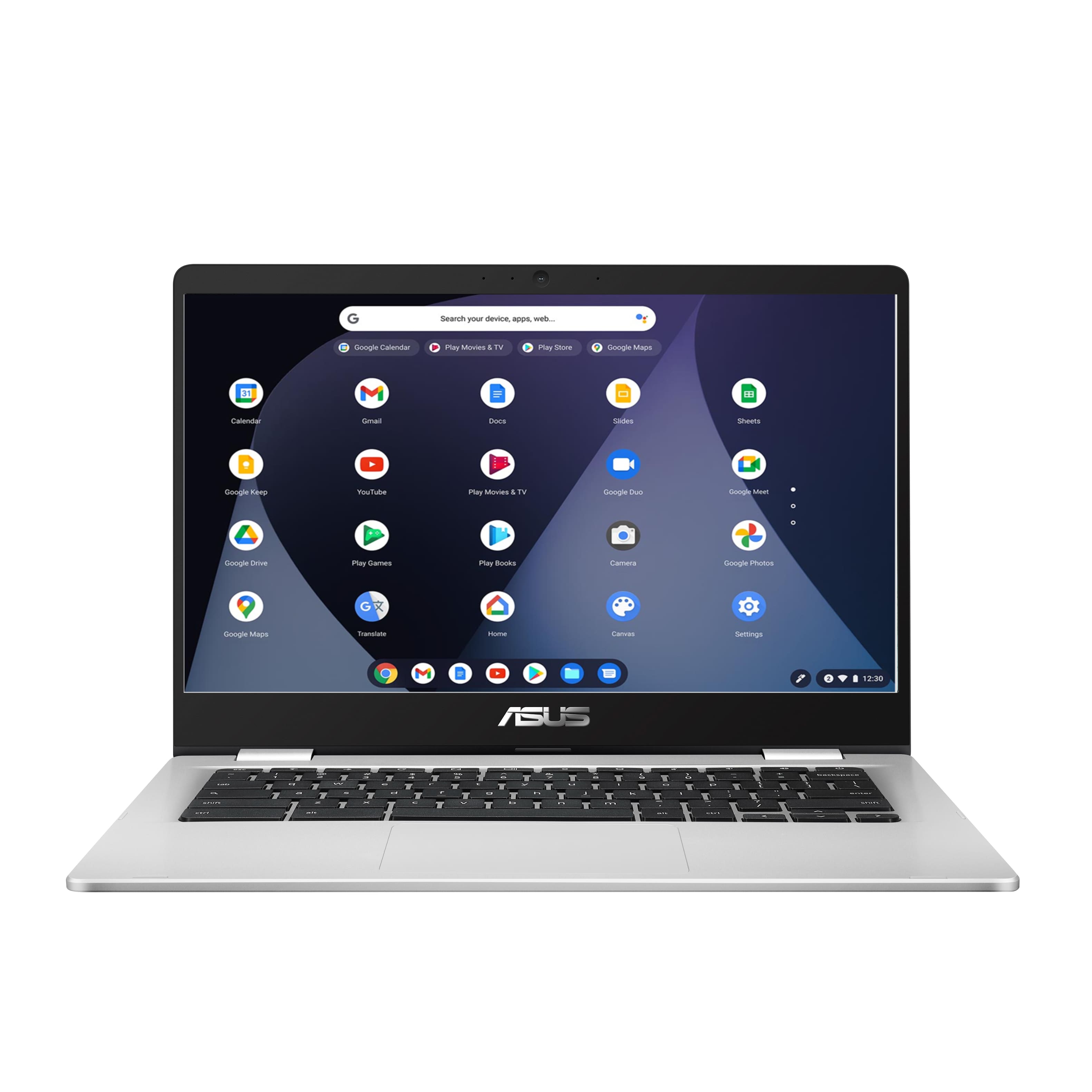



- Model:
- C423NA-BCLN6
- SKU:
- 6469578
Rating by feature
- Battery Life
Rating 4.4 out of 5 stars
- Speed
Rating 4.3 out of 5 stars
- Display
Rating 4.4 out of 5 stars
Customers are saying
Customers value the ease of use, affordability, and compact size of the 14" Chromebook. Positive feedback also highlights its performance and battery life, making it suitable for everyday tasks. However, some users experienced issues with screen quality and compatibility with certain programs. Concerns were also raised regarding the amount of RAM available.
This summary was generated by AI based on customer reviews.
Good for the basics
||Posted . Owned for 1 week when reviewed.This reviewer received promo considerations or sweepstakes entry for writing a review.Got this on sale good for checking emails and watching YouTube
I would recommend this to a friendGreat Laptop, Great Deal!
||Posted . Owned for 1 month when reviewed.This reviewer received promo considerations or sweepstakes entry for writing a review.Great laptop bought for my nephew for Christmas and he uses it all the time. Great price for the quality of the laptop. Will buy again!.
I would recommend this to a friend- Pros mentioned:Ease of use
Decent computer
||Posted . Owned for 3 weeks when reviewed.This reviewer received promo considerations or sweepstakes entry for writing a review.Basic computer easy to use good for beginners, all in all nice
I would recommend this to a friend - Pros mentioned:Ease of use
Not a good experience
||Posted .This reviewer received promo considerations or sweepstakes entry for writing a review.I had this for just over two months, and had probably used it less than a dozen times when it stopped turning on. I have no idea what happened, if the battery went or what. I assume it was just a lemon, but then it also took multiple weeks and conversations between Best Buy and the mfg to do anything about it. Eventually Best Buy gave me a store credit for the purchase price (which did not include the anti virus that apparently came “bundled” with the machine). Up until it died though, I liked it. I was just using it for browsing and general housekeeping. I wasn’t sure about doing a Chromebook, but it was getting the job done.
No, I would not recommend this to a friendBrand response from ASUS Answers
Posted .Dear LT85,
I'm sorry to hear about your experience with the Chromebook failing to turn on. This is not the kind of experience we want our customers to have. Have you tried a hard reset? Are you getting a charging light? You can attempt these steps below. For further troubleshooting, feel free to reach out to me at customerloyalty@asus.com and provide this link for reference. I'll do my best to give a quick resolution to your case. Your feedback is essential as it helps with improvements to ASUS Support channels.
Thank you for choosing ASUS!
Best Regards,
Jamalie,
ASUS Customer Loyalty US Support
Troubleshooting - https://www.asus.com/support/FAQ/1041638/
ASUS - 14.0" Chromebook
||Posted . Owned for 1 year when reviewed.This reviewer received promo considerations or sweepstakes entry for writing a review.It has been awhile since i got this for my sister she still using it till now without a single complaint from her.
I would recommend this to a friendChromebook is a must
||Posted . Owned for less than 1 week when reviewed.This reviewer received promo considerations or sweepstakes entry for writing a review.Chromebook is an excellent basic computer for searching the web and basic use.
I would recommend this to a friendA very adequate purchase
||Posted . Owned for less than 1 week when reviewed.This reviewer received promo considerations or sweepstakes entry for writing a review.Chromebook, compact, ideal for personal home use. Go paperless and pay bills on line, store pictures. Check emails and stream videos.
I would recommend this to a friendNice
||Posted . Owned for 7 months when reviewed.This reviewer received promo considerations or sweepstakes entry for writing a review.Had issues at first..had to get repaired..has worked fine since
I would recommend this to a friendAsus Chromebook
||Posted . Owned for 1 month when reviewed.This reviewer received promo considerations or sweepstakes entry for writing a review.Great for what i need it for. I just dont like the fack that it doesnt have the CD rom.
I would recommend this to a friendGood for elementary school kids
||Posted .This reviewer received promo considerations or sweepstakes entry for writing a review.This is a good laptop for elementary school kids, my kid is a 5th grader and she likes it.
I would recommend this to a friendAsus Chromebook
||Posted . Owned for 3 weeks when reviewed.This reviewer received promo considerations or sweepstakes entry for writing a review.Probably needs an IPS panel. No more comments. Buy a more expensive one if you can afford it.
No, I would not recommend this to a friendIt's true but seems too good to be true laptops
||Posted . Owned for 3 weeks when reviewed.This reviewer received promo considerations or sweepstakes entry for writing a review.I almost feel like I'm stealing get this tablet or computer for this Friday's is absolutely amazing I love Best Buy ROC
I would recommend this to a friendlove
||Posted . Owned for 6 months when reviewed.This reviewer received promo considerations or sweepstakes entry for writing a review.love love love love love love love love love love love love love love love love love love love love love
I would recommend this to a friendasus
||Posted . Owned for 2 months when reviewed.This reviewer received promo considerations or sweepstakes entry for writing a review.good for what i need ,just casual surfing and watching youtube
I would recommend this to a friendVery good resolution
||Posted . Owned for 6 months when reviewed.This reviewer received promo considerations or sweepstakes entry for writing a review.This has been a very nice Chromebook so far. I really like the resolution, which is why I chose this one.
I would recommend this to a friendGreat price and easy to use
||Posted . Owned for 1 month when reviewed.This reviewer received promo considerations or sweepstakes entry for writing a review.Perfect for a novice user with limited computer skills. Email and zoom calls are simple.
I would recommend this to a friendGreat value
||Posted . Owned for 3 weeks when reviewed.This reviewer received promo considerations or sweepstakes entry for writing a review.Serves the purpose service is excellent very knowledgeable
I would recommend this to a friendFast and ready for school
||Posted . Owned for 3 weeks when reviewed.This reviewer received promo considerations or sweepstakes entry for writing a review.We use this for my sons remote learning and he is able to use Zoom as well as access his courses with ease. I highly recommend this Chromebook.
I would recommend this to a friendGreat Laptop
||Posted . Owned for 5 months when reviewed.This reviewer received promo considerations or sweepstakes entry for writing a review.I love it truely. I just want certain games that I can only get with windows.
I would recommend this to a friend- Cons mentioned:Compatibility
Disappointing at Best
||Posted . Owned for 3 weeks when reviewed.This reviewer received promo considerations or sweepstakes entry for writing a review.Not really happy at all with this purchase. It doesnt come with anything which is ok but loading programs or even finding programs that are compatible is a chore and Bestbuy does NOT let you return it after 15 days. So there isnt much time to find out all it CANT do
No, I would not recommend this to a friendBrand response from ASUS Answers
Posted .Dear Valued Customer,
We're sorry to hear about the disappoint you're having with this model. We do value our customers and take negative customer service experience very seriously. This is not the quality of service expected from ASUS. We do stand behind our product and we continuously strive to improve our approach and processes in order to achieve customer service excellence.
For more information, you can reach out to us at our Official ASUS North America Support twitter at AsusHelpUS. We’ll do our best to provide a quick resolution to your case. Your feedback is important as it helps with improvements to ASUS Support channels. Please copy a link to this post as a reference.
Thank you for choosing ASUS.
Best Regards,
Joan
ASUS Customer Loyalty US Support