Customer Ratings & Reviews



- Model:
- FX505GT-BI5N7
- SKU:
- 6356774
Rating by feature
- Battery Life
Rating 3.9 out of 5 stars
- Speed
Rating 4.3 out of 5 stars
- Display
Rating 4.2 out of 5 stars
Customers are saying
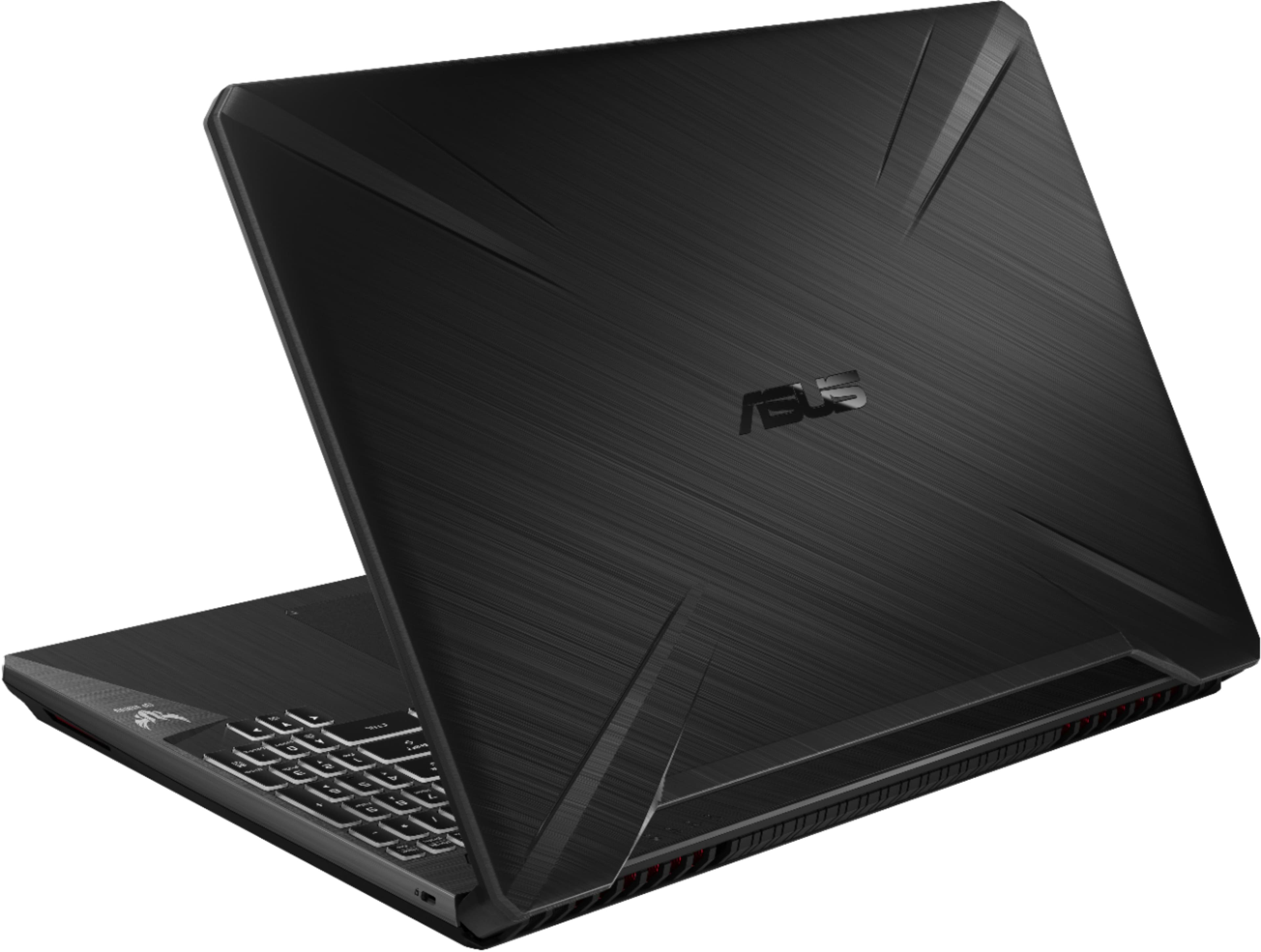
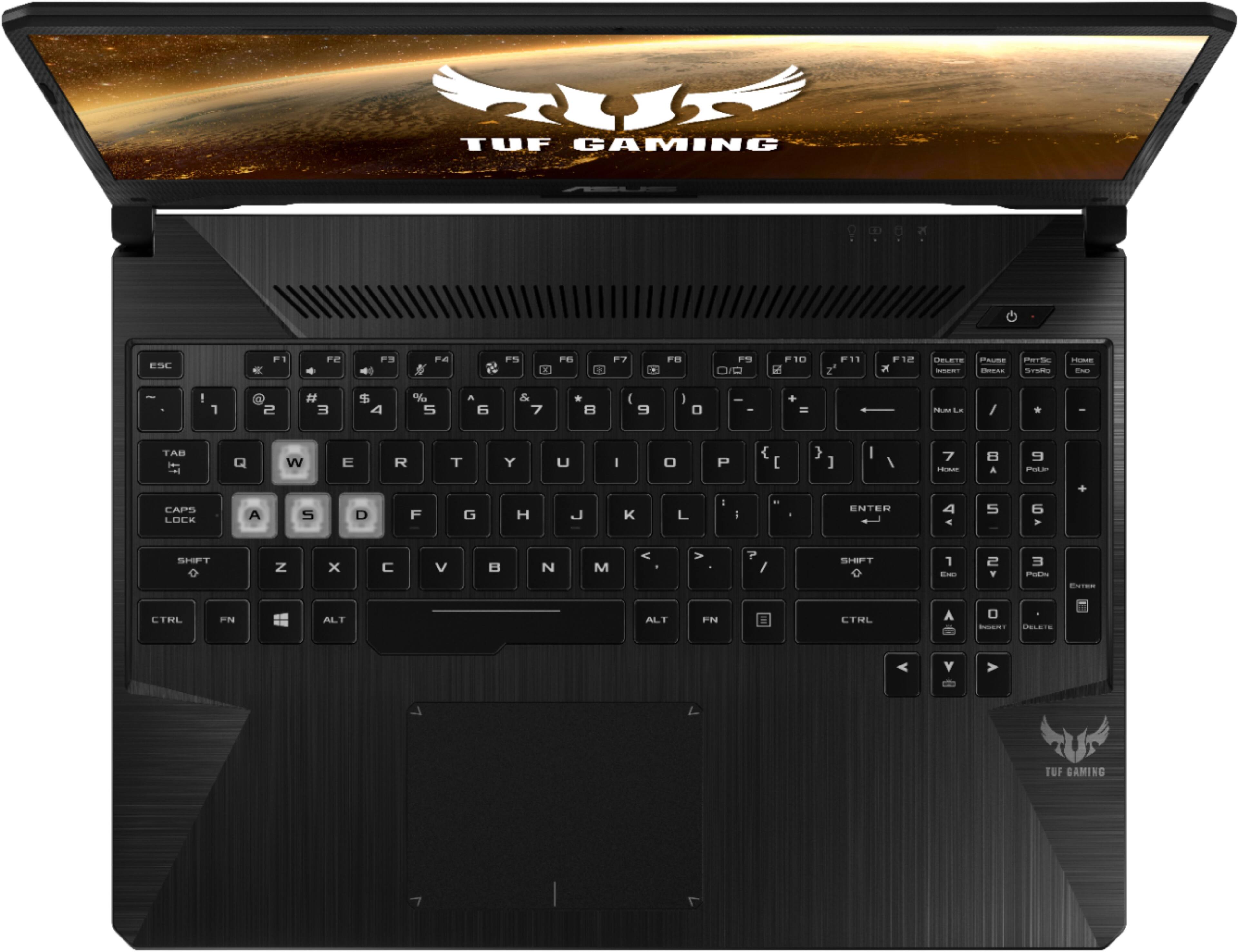
Customers are delighted by the gaming capabilities, affordable price, and fast performance of the 15.6" Gaming Laptop. They appreciate the color-changing keyboard and powerful machine they get for the price. However, some customers have concerns about the shorter battery life and louder fan noise over time.
This summary was generated by AI based on customer reviews.
Unacceptable display color
Posted .This reviewer received promo considerations or sweepstakes entry for writing a review.Bought the laptop before Thanks Giving. Overall, it is not bad until I was doing some photo viewing and editing. The display has only 6 bit depth, which is not usable for photo viewing or editing You have to use the external monitor for the photo work.
No, I would not recommend this to a friendBrand response from Asus_Answers
Posted .Dear Valued Customer,
Thank you for your review. I’m sorry to hear you had such a frustrating experience, but I really appreciate you bringing this issue to my attention. All ASUS products undergo intensive quality control, testing and inspections. What you've experienced was not intentional or representative of our brand. Rest assured that your feedback will reach the department concerned for us to improve the performance of our products. You can attempt to change the color depth below, however it will be at your own discretion.
Close all open programs.
You can either right click Start, and then click Control Panel or click on start and type Control Panel and click the icon that appears.
In the Control Panel window, click System, and then click Display.
Select the monitor you want to change, if more than one is connected to your PC.
Click the Display Adapter Properties link.
Select List All Modes.
Choose your resolution, color depth and refresh rate from the list and click on OK
Click OK again to exit the properties window.
If you need further technical assistance or if you wish to discuss this matter with me, feel free to reach us out at customerloyalty@asus.com and provide this link for reference. Our customer loyalty department is dedicated to bringing a resolution to all issues related to our products.
Thank you for choosing ASUS!
Best Regards,
Jamalie,
ASUS Customer Loyalty US Support
Black screen of death
Posted .This reviewer received promo considerations or sweepstakes entry for writing a review.Bought it November 10th and I got around 2 weeks of use before I woke up on day 1 of my Thanksgiving break to find the black screen of death upon powering up. Not sure what else to say, it's a good machine for the price, but I guess use caution when making the purchase. I'll be looking at other manufacturers for my replacement.
No, I would not recommend this to a friendBrand response from Asus_Answers
Posted .Dear Dave,
Thank you for sharing your experience with this model, we truly appreciate it. We are terribly sorry to hear that your laptop is crashing and the inconvenience this have caused you. ASUS products undergo intensive quality control testing and final inspections for both hardware and software before we send it out to the stores worldwide. ASUS provides warranty for the unit in order to fix or repair any isolated factory escape defect.
Rest assure this information will be passed on to our development team. We truly appreciate your feedback. For further inquiries please feel free to reach out to us at: customerloyalty@asus.com and provide this link for reference. Our customer loyalty department is dedicated to bringing a resolution to all issues related to our products. Have an extraordinary day.
Thank you for choosing ASUS
Best Regards,
Lamoya
ASUS Customer Loyalty US Support
Kinda upset with the laptop
Posted .This reviewer received promo considerations or sweepstakes entry for writing a review.I got this laptop on Black Friday, brought it home and not two hours later, I started having problems with the screen glitching in and out. And a couple days later it’s so bad I can’t do anything on it. So now after buying it I have to take it to geek squad and wait a couple more weeks. Would not recommend this.
No, I would not recommend this to a friendBrand response from Asus_Answers
Posted .Dear Valued Customer,
We appreciate you sharing your feedback on this model. We're sorry to hear about the issue you're having with the screen on this model. We do understand that you had to return the product back to Best Buy for servicing and we do hope that they are able to get this issue rectified in the best outcome possible so that you don't have any continued issues. We are truly sorry that has been your impression of the product, we hope this will not be a long term lasting impression as we are sure that you have chosen ASUS as a trusted brand for excellence.
For further inquiries please feel free to reach out to us at customerloyalty@asus.com and provide this link for reference. Our customer loyalty department is dedicated to bringing a resolution to all issues related to our products.
Thank you for choosing ASUS!
Best Regards,
Jamalie,
ASUS Customer Loyalty US Support
Hanging
Posted .This reviewer received promo considerations or sweepstakes entry for writing a review.I brought this Laptop on Black friday, I start using 2 days back, after using 15 minutes it hanged, this is serous issue with quality.
No, I would not recommend this to a friendBrand response from Asus_Answers
Posted .Dear Aavama,
Thank you for taking the time to post your feedback on this model, we truly appreciate it. We would like to extend our sincerest apologies for the device hanging and the inconvenience this may have caused you. ASUS products undergo intensive quality control testing and final inspections for both hardware and software before we send it out to the stores worldwide. ASUS provides warranty for the unit in order to fix or repair any isolated factory escape defect. Rest assure this information will be passed on to our development team. Please allow us to make your experience better. We are recommending to complete a system refresh on the device, please follow the steps below.
1. Turn the unit off then press and hold the F9 key.
2. Press the power button to turn the unit back on(keep F9 held down).
3. Once the menu comes up, let go of F9 and select "Troubleshoot”.
4. Select Reset this PC.
5. Select keep my files.
We truly appreciate your feedback. If you need any further assistance please don't hesitate to contact us via email: customerloyalty@asus.com and provide this link for reference or contact our general support at https://www.asus.com/us/support. Our customer loyalty department is dedicated to bringing a resolution for your device hanging.
Thank you for choosing ASUS!
Best Regards,
Lamoya
ASUS Customer Loyalty US Support