Customer Ratings & Reviews


- Model:
- X555QA-CBA12A
- SKU:
- 6319977
Rating by feature
- Battery Life
Rating 3.5 out of 5 stars
- Speed
Rating 3.5 out of 5 stars
- Display
Rating 4.2 out of 5 stars
Customers are saying
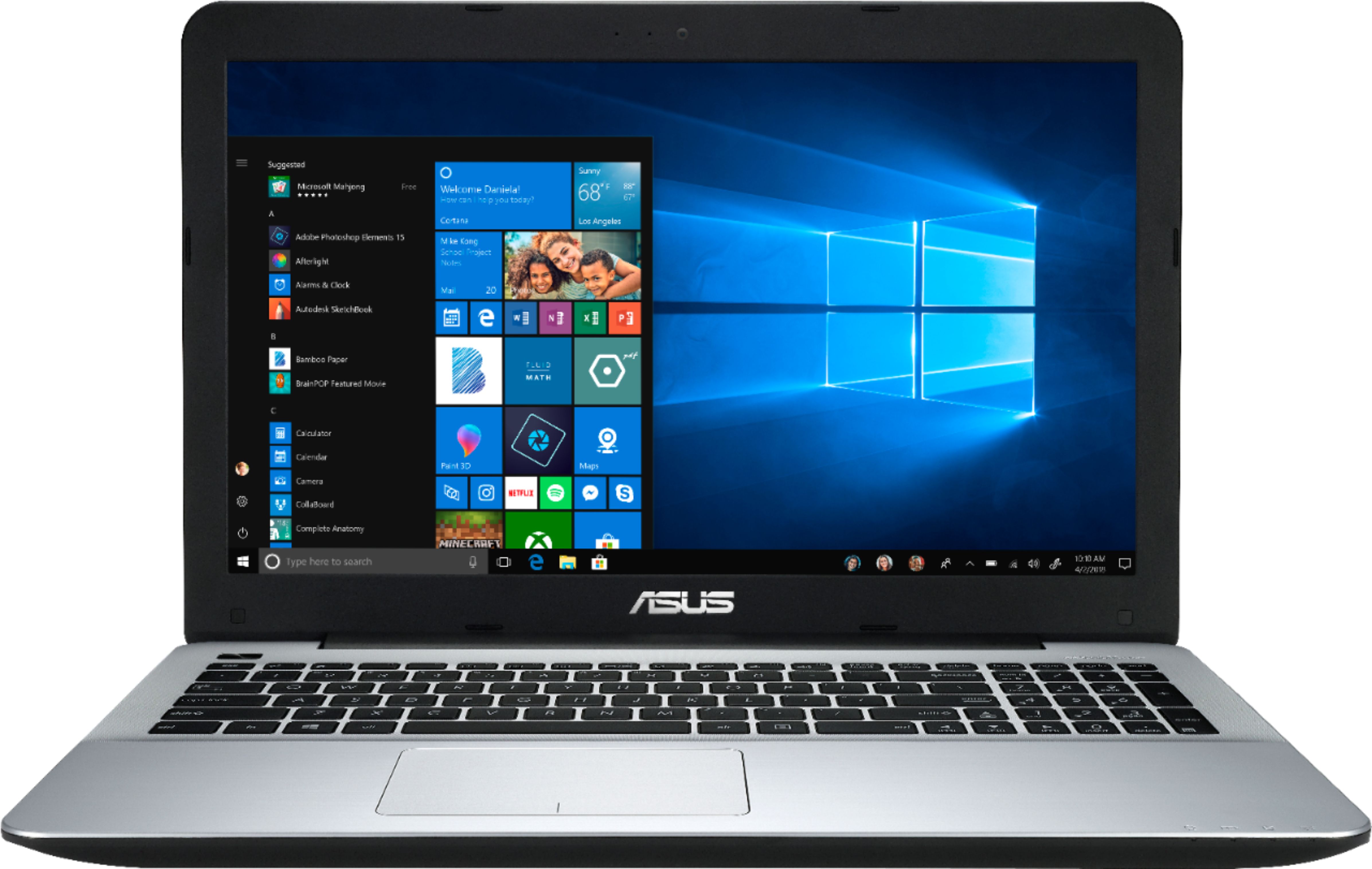
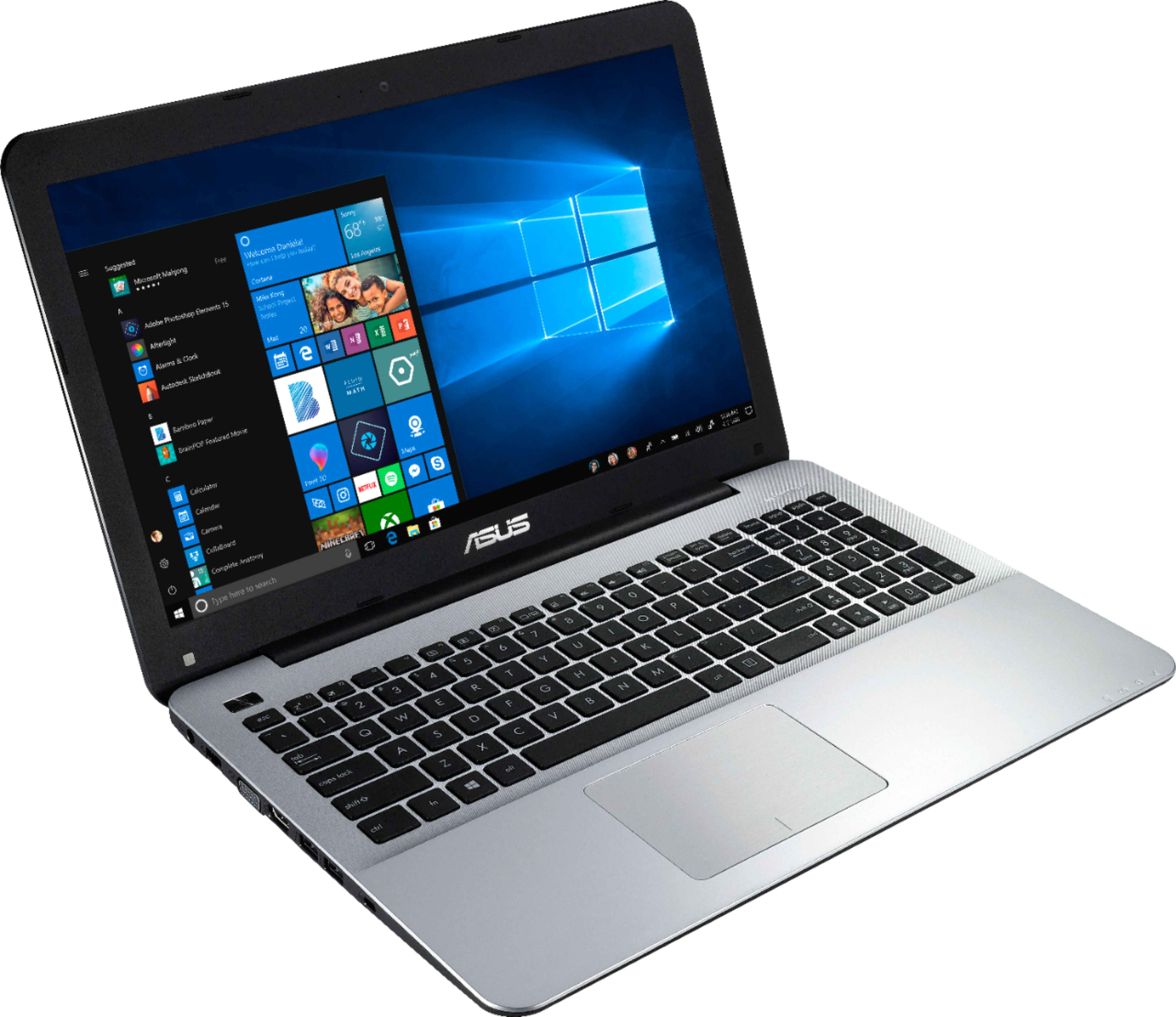
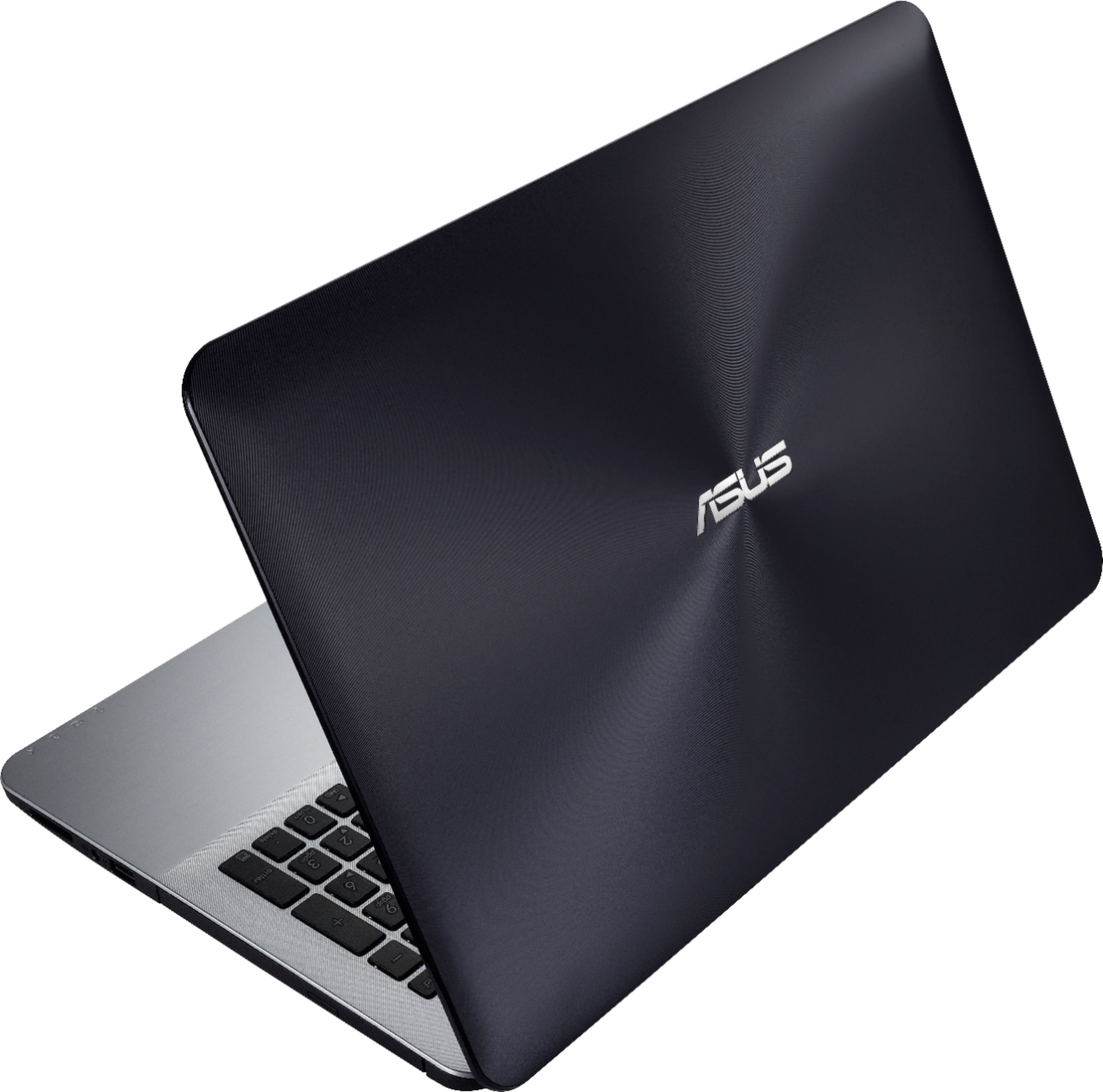
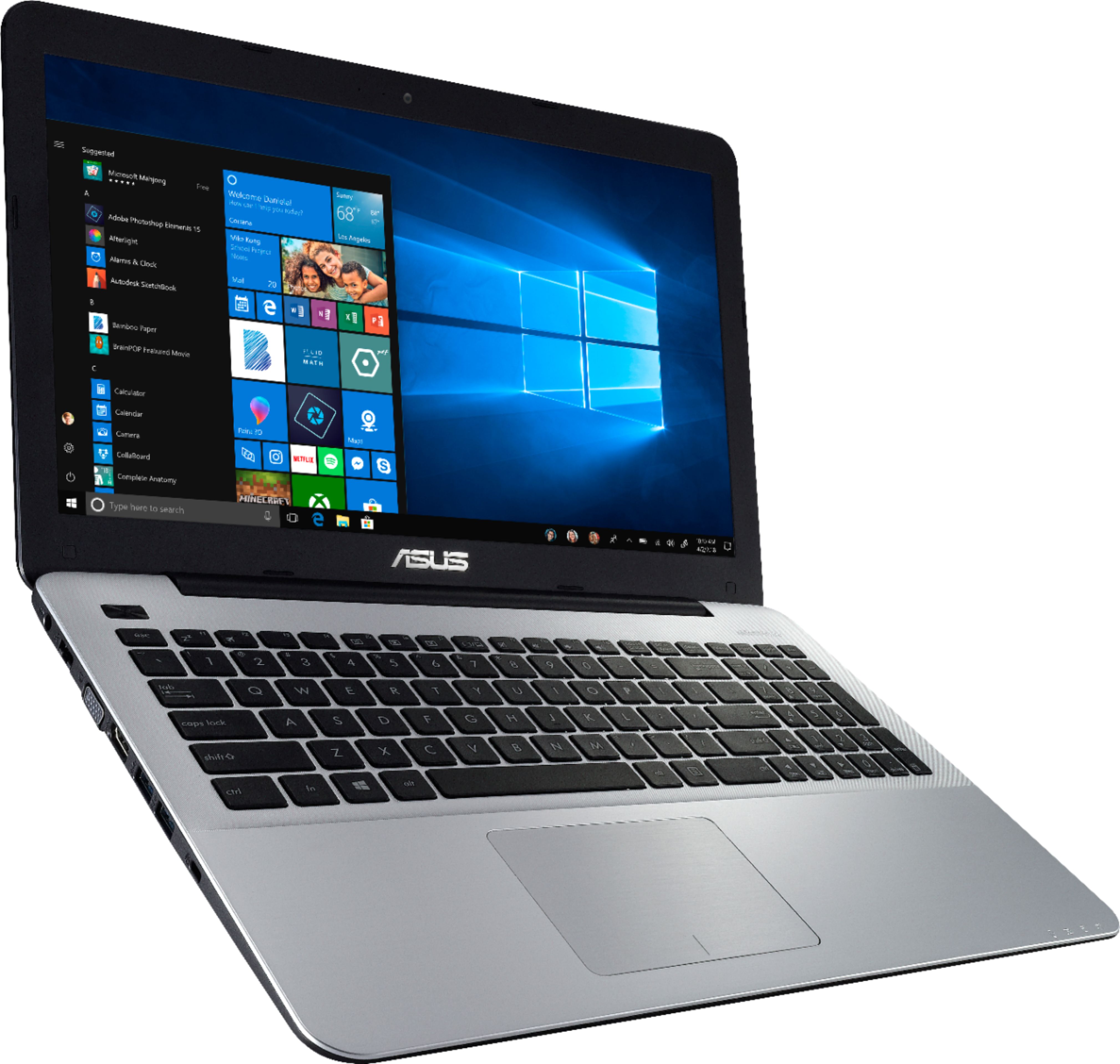
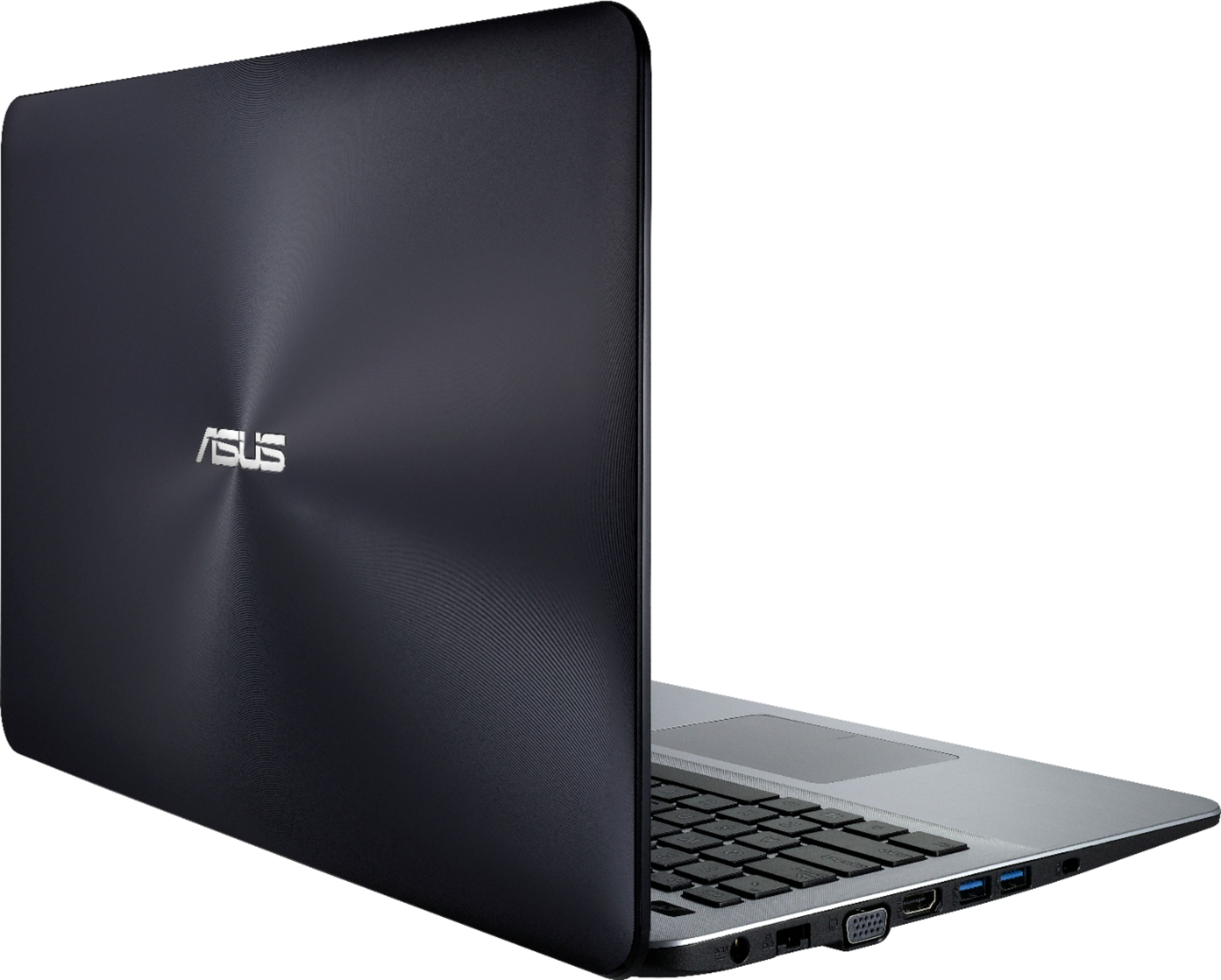
Customers express satisfaction with the price, ease of use, light weight, performance, gaming capabilities, SSD, and storage of the 15.6" Laptop - AMD A12-Series - 8GB Memory - AMD Radeon R7 - 128GB Solid State Drive. However, some customers have concerns about the battery life, keyboard, screen quality, Wi-Fi, and speakers.
This summary was generated by AI based on customer reviews.
worst laptop ive owned, nothing works right
Posted .This reviewer received promo considerations or sweepstakes entry for writing a review.The wireless display will not connect to any of my TVs, after days of updates and configurations its still wont work. My 2015 toshiba can do it and worked straight out of the box, but this more expensive better laptop cant. The HDMI blacks out every few minutes, and the SSD is barely faster than a regular hard drive.
No, I would not recommend this to a friendBrand response from Asus_Answers
Posted .Dear Valued Customer,
I do understand your disappointment and inconvenience if you are experiencing stability or performance issues and a random black screen with the laptop. These issues are temporary during the initial WINDOWS setup and before installing cumulative WINDOWS Update, regardless what brand name of computer this may be. The random black screen is common during the update, while changes are being applied to the System Registry. The WINDOWS Update may take a longer time depending on the network traffic from the update server and the stability of your high-speed internet service. Also, laptop will do several system reboot or restart during the update process. Once initial setup and WINDOWS Update installation completed, system speed or performance will be optimized. In order to maintain optimum system stability and performance, cumulative WINDOWS Update needs to be installed periodically. If you are accessing web applications, please make sure the unit has access to an established router and internet service is working properly since this will definitely affect system speed and performance. Also, clearing internet cache or browsing history will improve system performance. If you need further assistance, please email me at [email protected] and I would be happy to help.
Thank you for choosing an ASUS product.
Regards,
Rodel
ASUS Customer Loyalty
I would give this a zero if I could
Posted .This reviewer received promo considerations or sweepstakes entry for writing a review.I received this 6.24.19. I set up a few things including my Norton, email provider, isp of my choice. I did not get a chance to get back to it for a week. When I turned it on, black screen. I thought maybe the battery went dead, so I plugged it in. Black screen. Nothing, nada. I didn't even use this thing.
No, I would not recommend this to a friendBrand response from Asus_Answers
Posted .Dear Fred,
Thank you for writing a comment for the product. I do understand your disappointment if the system will not boot up or it black screen suddenly. Usually, you will do the following to resolve the issue. Try to do a power cycle a couple of times. Shut it down completely, wait for at least 10 seconds then power on. Please wait, if the system is applying updates in the System Registry, it will black screen temporarily. If it still black screen after a few minutes, at least 10 minutes, please repeat the power cycle process again. Please verify if the AC adapter was properly connected from the laptop to a working surge protector or AC outlet and the power button is being pressed all the way down to trigger a power on signal. Also, please try to disconnect the power cable and let the unit drain for 24 hours to clear the memory and reset the hardware to default settings. After doing this, please reconnect your AC adapter then power on the unit. If you need further assistance, please email me at [email protected] and I will be more than happy to help.
Thank you for choosing an ASUS product.
Regards,
Rodel
ASUS Customer Loyalty
Lasted one week
Posted .This reviewer received promo considerations or sweepstakes entry for writing a review.This PC lasted only one week, now, boots up, fan on at 100% then shuts down. Cannot use! Be very careful if you purchase laptops in the USA and then travel to outside USA, warranty most likely not honored for fix or replacement. Asus will not support since the laptop is in Argentina.
No, I would not recommend this to a friendBrand response from Asus_Answers
Posted .Dear Kent,
I certainly understand your disappointment and the inconvenience this may have caused you if the unit will auto-shutdown after a week of usage. In order to prevent this from occurring, sleep or hibernate mode needs to be disabled in the Control Panel, Power Options then Advanced Settings. For detailed instructions, please visit Microsoft's Knowledge Base. Also, if running with the battery only, please do not run any power-hungry software or application. Running these applications will cause auto-shutdown when battery life is running low. The laptop comes with a local warranty coverage, it is only valid from the country it was purchased from. If you need further assistance with the product, please email me at [email protected] and I would be more than happy to help.
Thank you for choosing an ASUS product.
Regards,
Rodel
ASUS Customer Loyalty