Customer Ratings & Reviews

- Model:
- C536EA-BI3T3
- SKU:
- 6449514
Rating by feature
- Battery Life
Rating 4.4 out of 5 stars
- Speed
Rating 4.6 out of 5 stars
- Display
Rating 4.5 out of 5 stars
Customers are saying
Customers are positive about the large screen size, touchscreen functionality, ease of use, and battery life of this 2-in-1 Chromebook. Many appreciate its performance and find it attractive for the price. However, customers are negative about the device's weight and some experienced excessive fan noise. The sleek design was also frequently praised.
This summary was generated by AI based on customer reviews.
- Pros mentioned:Ease of use
Works great for school!
||Posted . Owned for 3 weeks when reviewed.This reviewer received promo considerations or sweepstakes entry for writing a review.Everything has been great so far. I love how it syncs with my phone.. Smart Lock is really nice. I initially thought a chromebook wouldn't be sufficient but everything I do for school can be done through a browser.
I would recommend this to a friend A great premium Chromebook.
||Posted . Owned for 1 month when reviewed.This reviewer received promo considerations or sweepstakes entry for writing a review.This is an exceptional Chromebook. It feels premium and the speakers sound nice. If you are looking for a Chromebook, then get this one. The 11th gen i3 and 8GB is sufficient for all you will need on a Chromebook.
I would recommend this to a friend- Pros mentioned:Touchscreen
Content with my laptop
||Posted . Owned for 1 month when reviewed.This reviewer received promo considerations or sweepstakes entry for writing a review.I'm so happy with my laptop. I love the lights under the keys and the touchscreen. Had to get used to not using a windows format but since I have an Android, it was easy to adjust to the operating system.
I would recommend this to a friend - Pros mentioned:Screen size
Good price, good quality
||Posted . Owned for 1 month when reviewed.This reviewer received promo considerations or sweepstakes entry for writing a review.Great deal on it at the time of purchase. Alot of cool features like touch screen, although wish it had a bigger hard drive. But I guess that's why it's so cheap. Quality is good, a bit clunky.
I would recommend this to a friend - Pros mentioned:Touchscreen
very good. only problem is short battery life.
||Posted . Owned for 1 month when reviewed.This reviewer received promo considerations or sweepstakes entry for writing a review.great screen and touchscreen is terrific. keyboard is outstanding. battery life is a little short.
I would recommend this to a friend - Pros mentioned:Screen size
Asus Chromebook
||Posted . Owned for less than 1 week when reviewed.This reviewer received promo considerations or sweepstakes entry for writing a review.So far I am enjoying my new Chromebook. I am having fun figuring out all the features and set up was easier than I thought it would be. The speakers on this machine are pretty good and the picture is clear.
I would recommend this to a friend Great laptop for multiple purposes.
||Posted . Owned for 1 month when reviewed.This reviewer received promo considerations or sweepstakes entry for writing a review.This was exactly what I needed and meet my requirements for the purpose of using in my studio. I just used it for my other job and was very impressed with its performance.
I would recommend this to a friend- Pros mentioned:Battery life, Processor speed, Screen size

New CHROMEBOOK Easy Peazy 4 PC Users
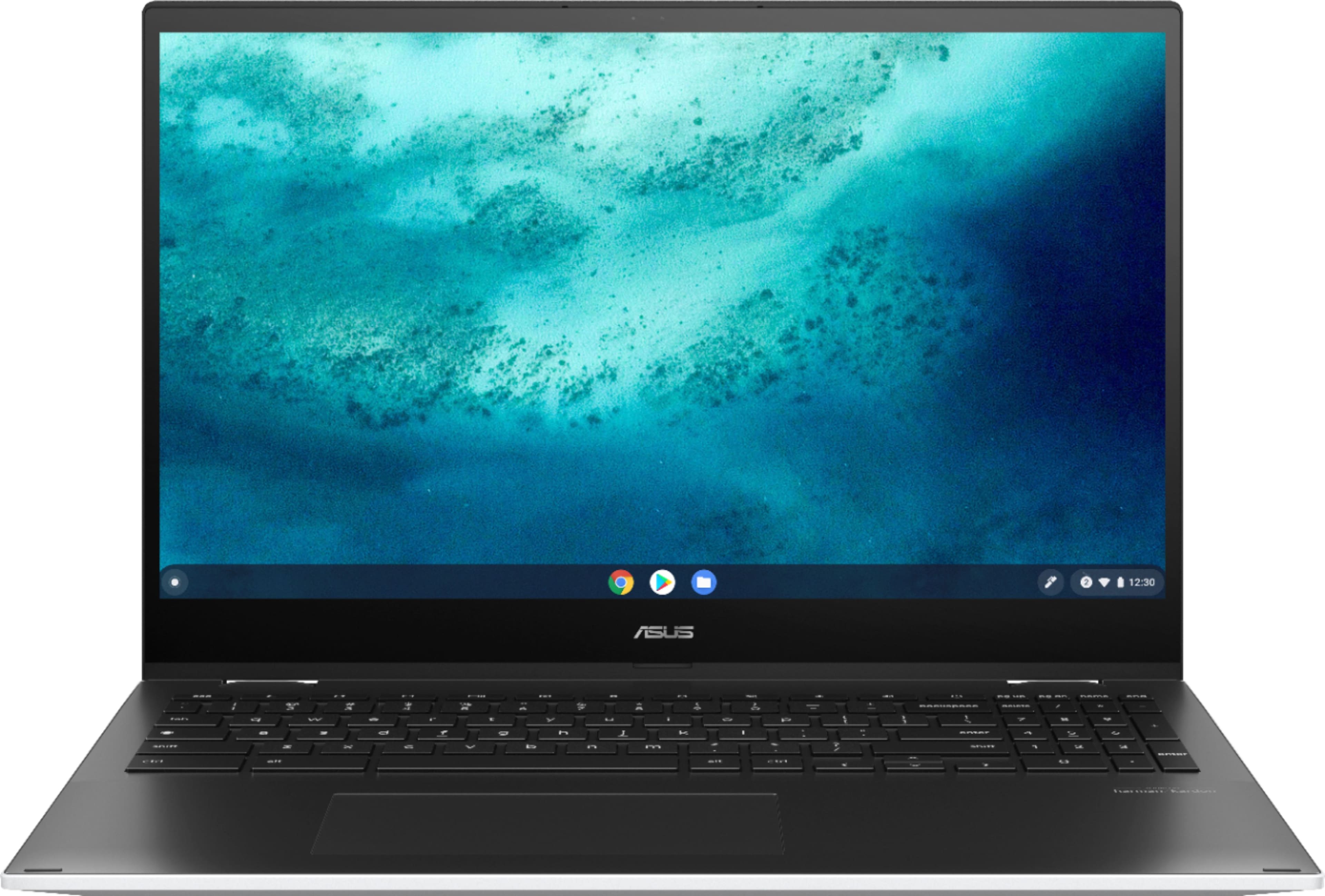
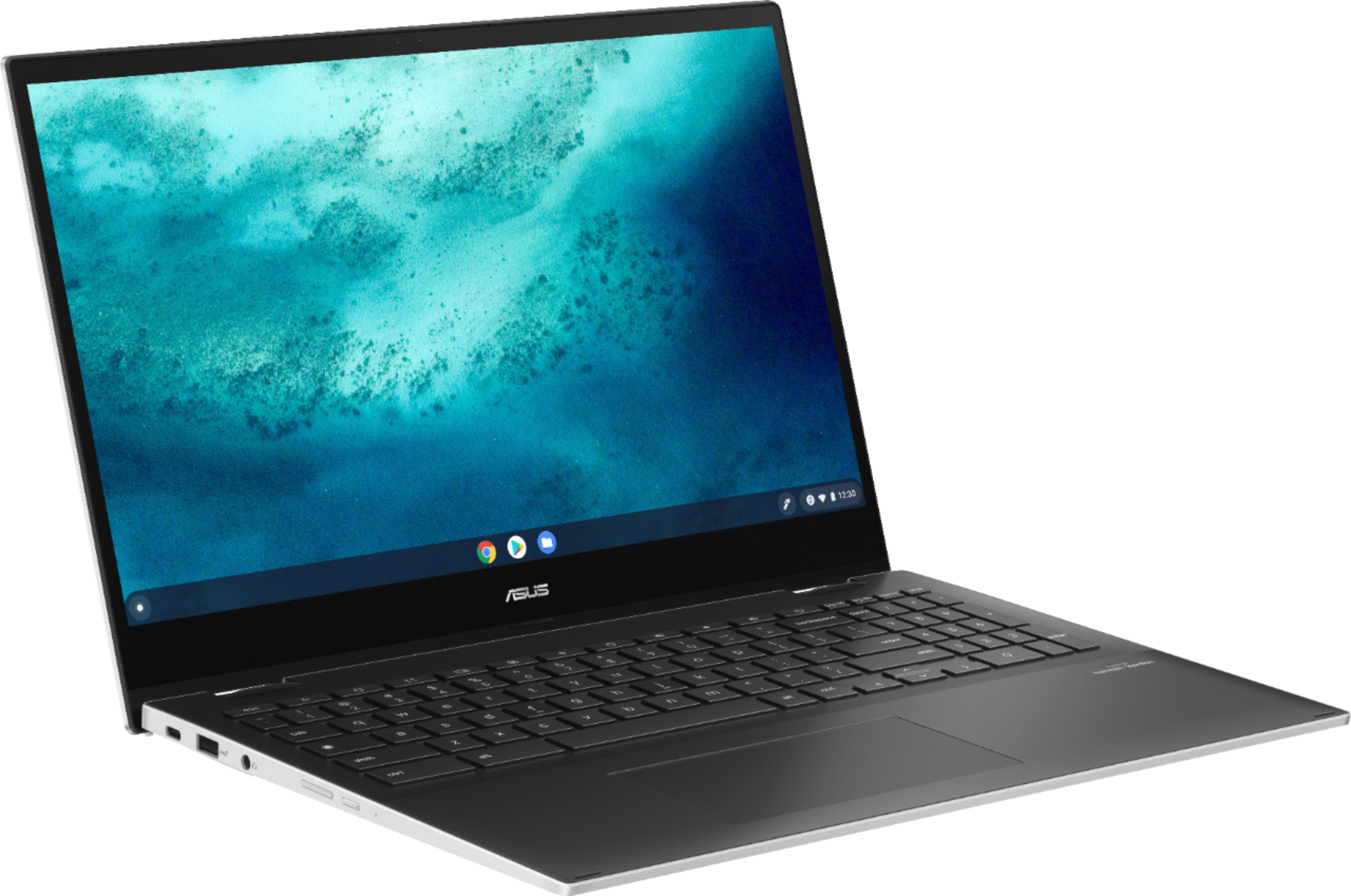
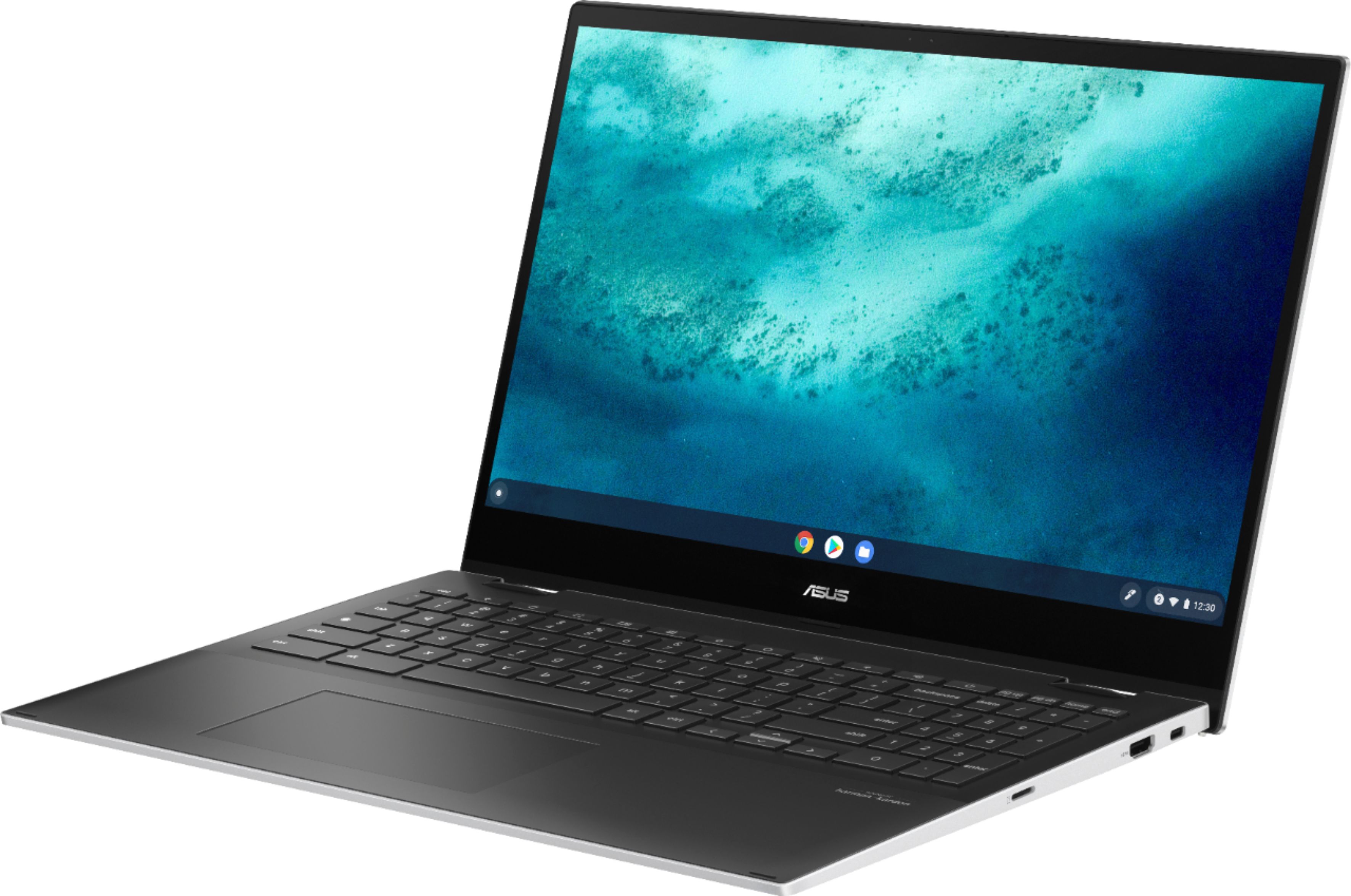
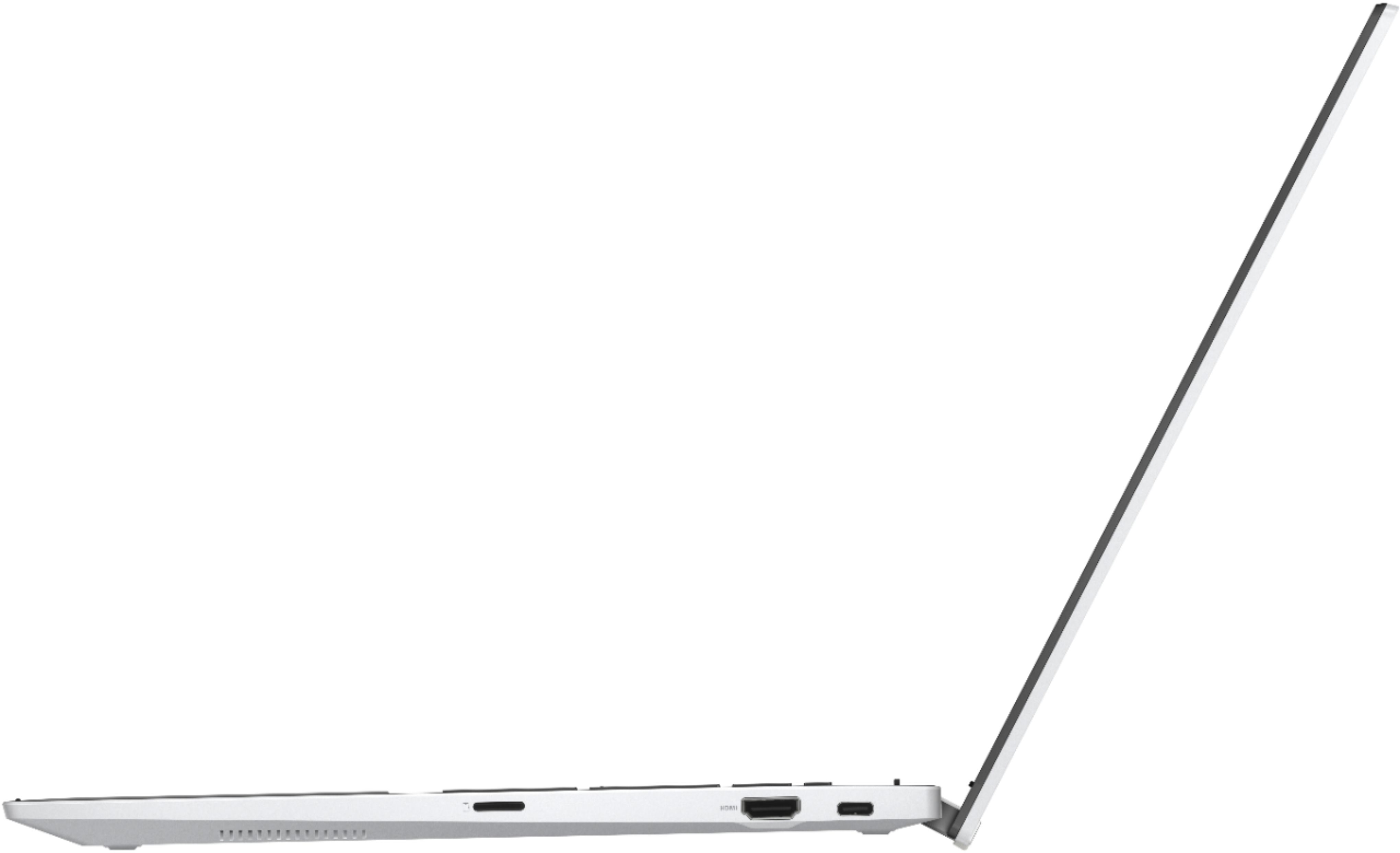
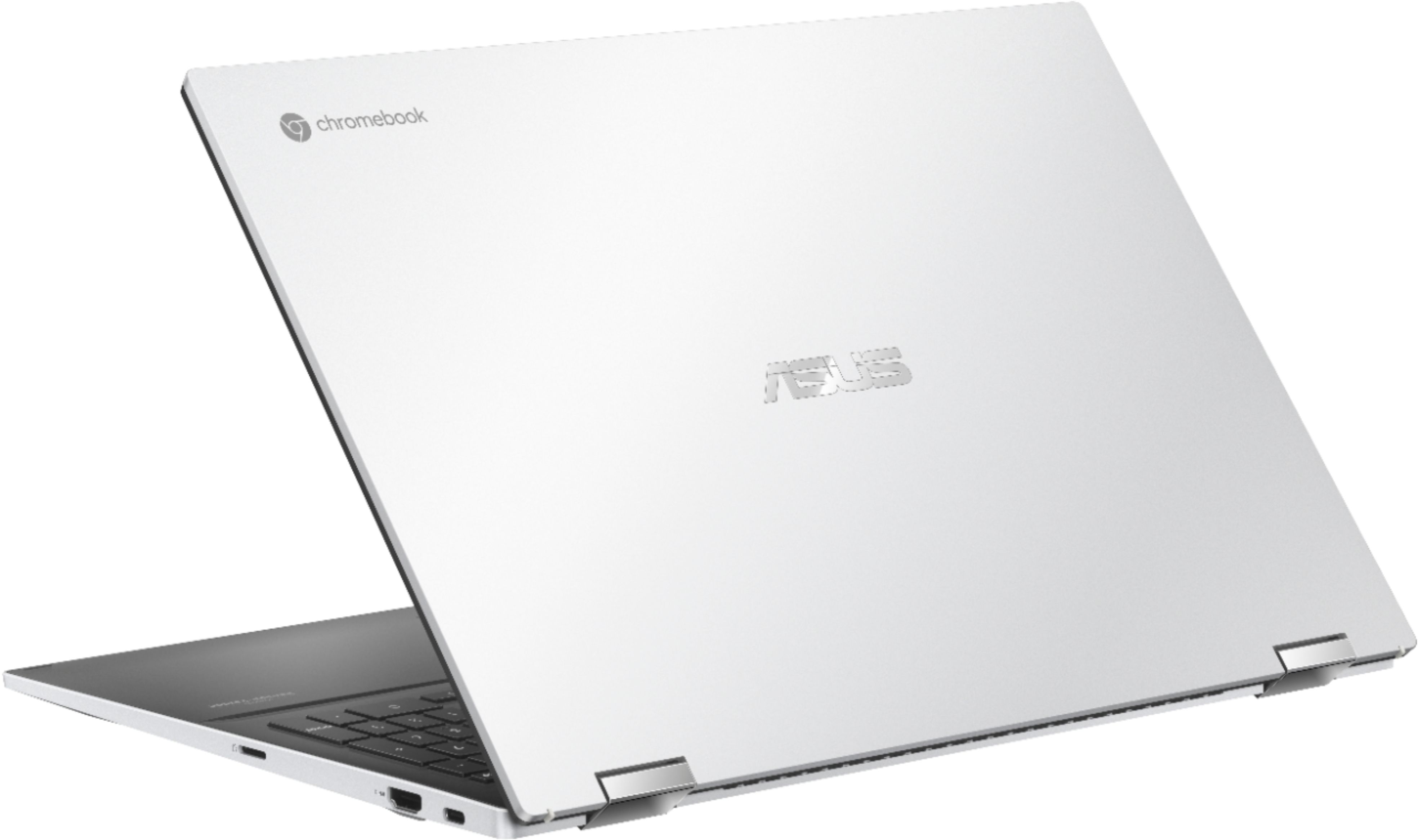
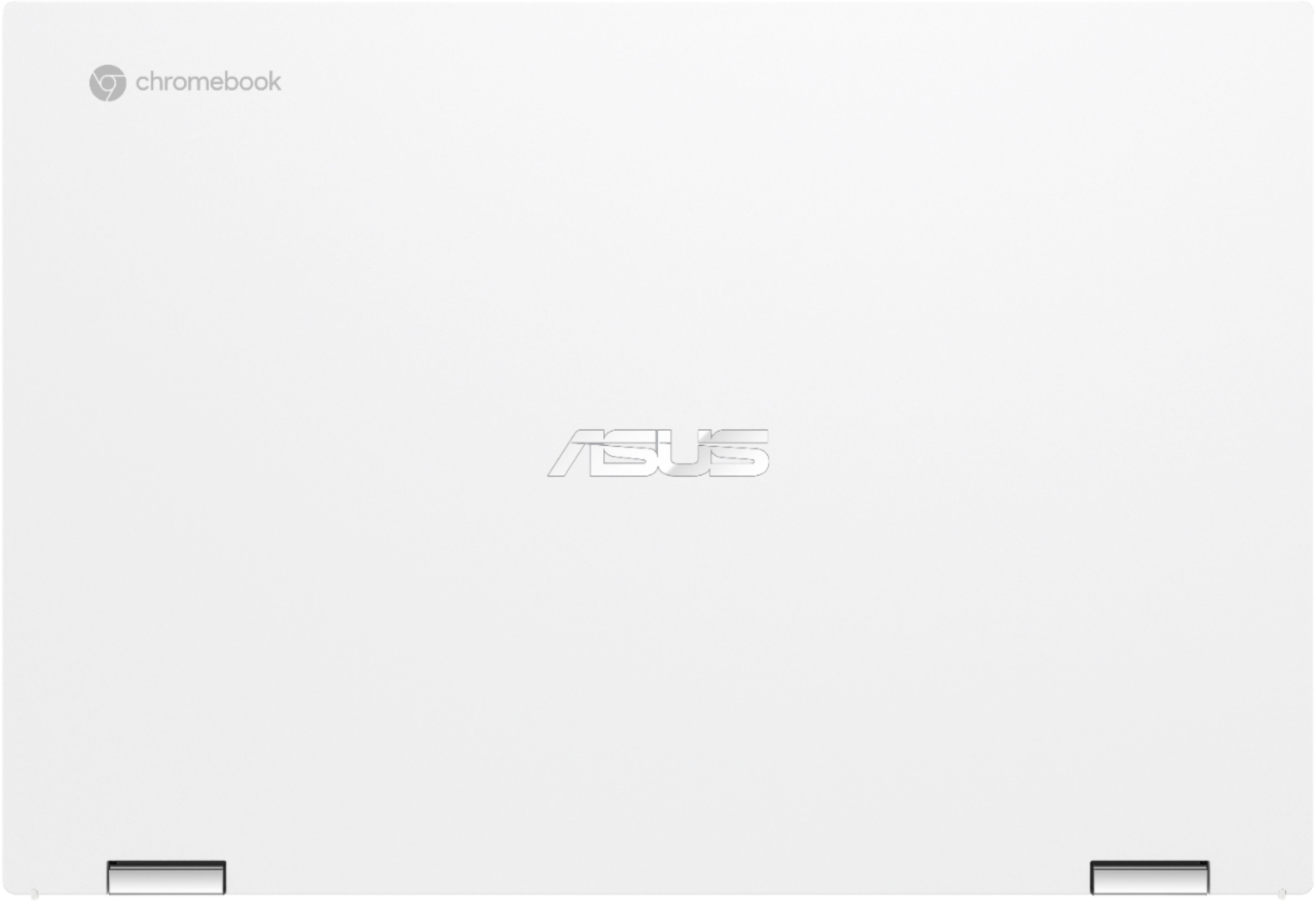
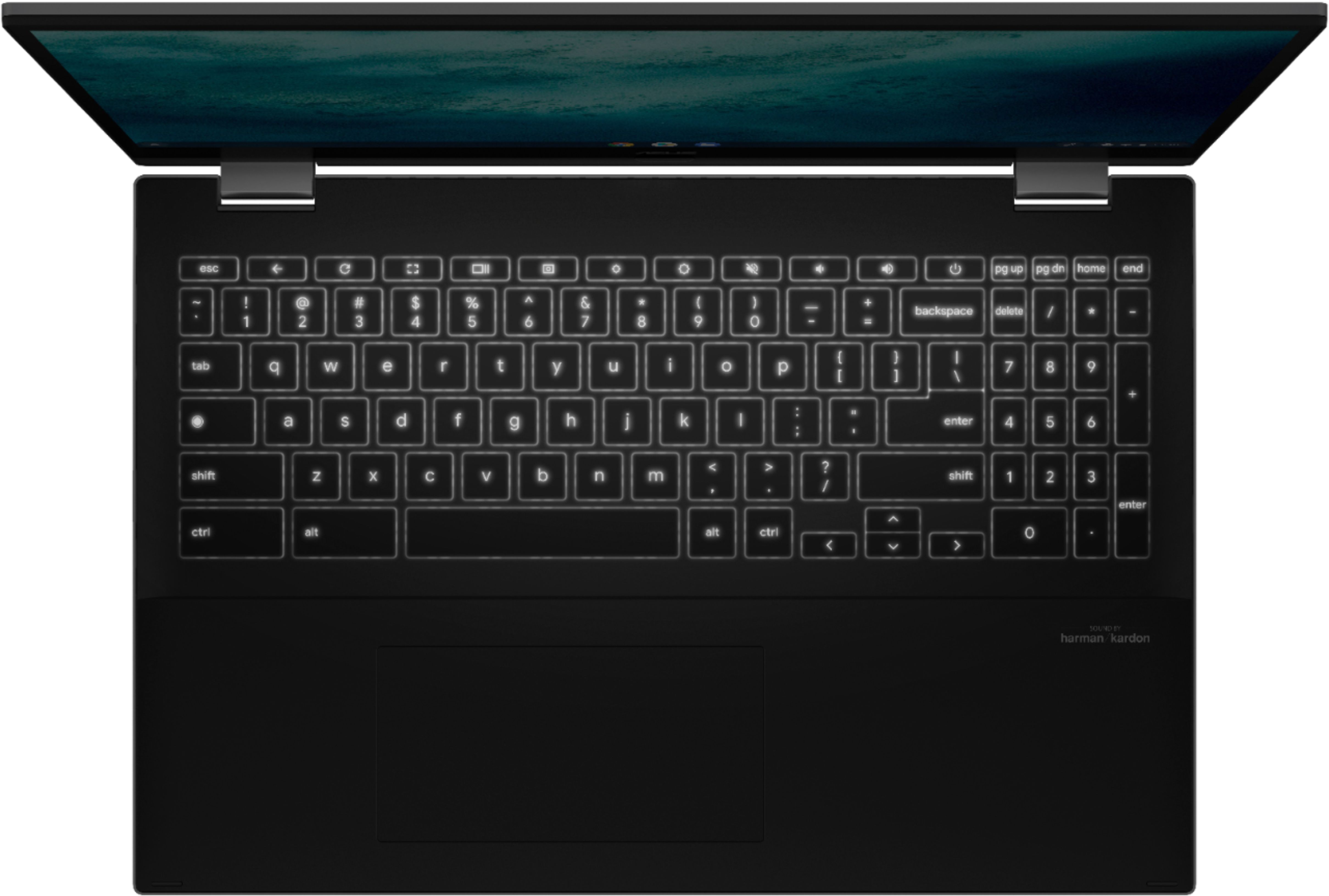
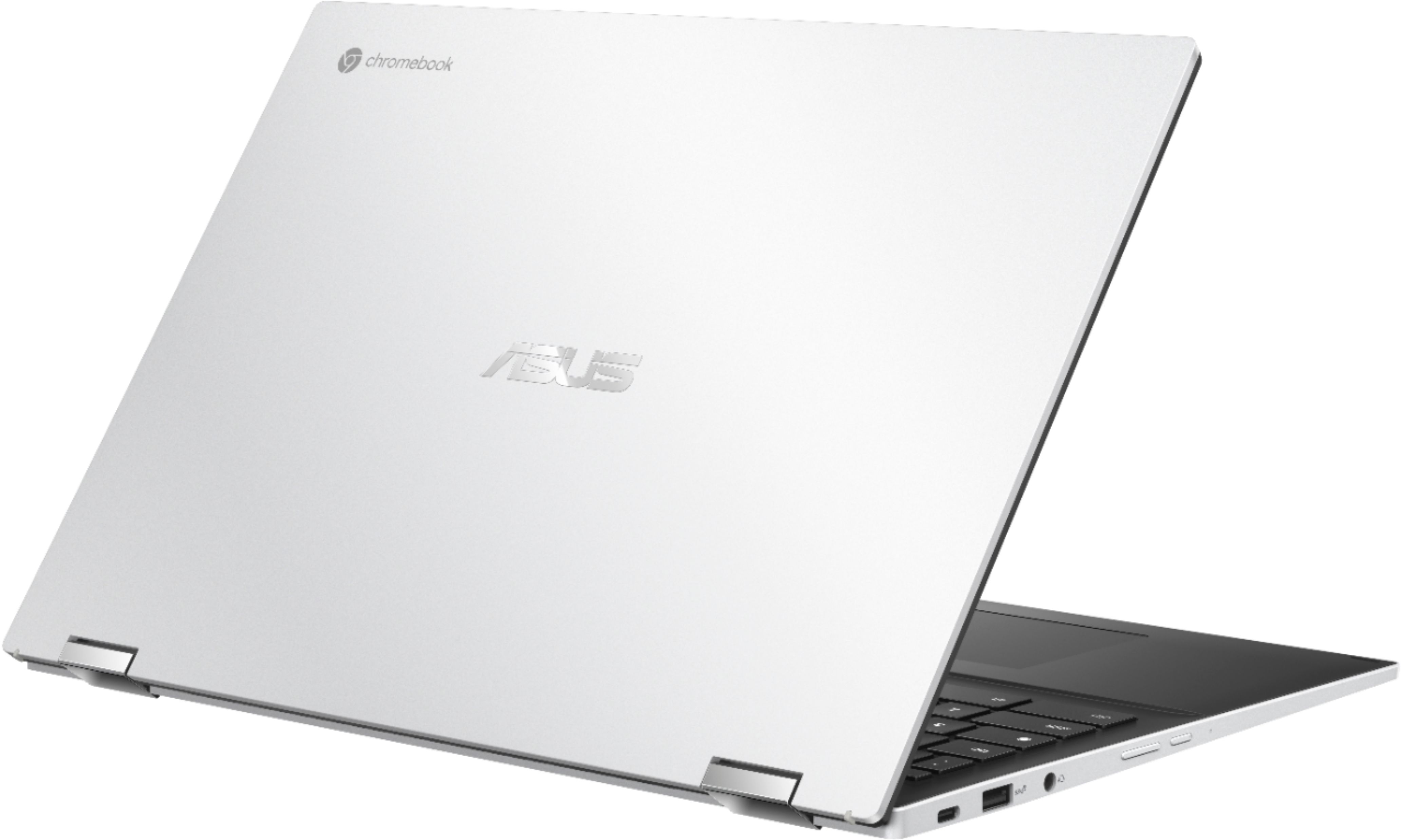
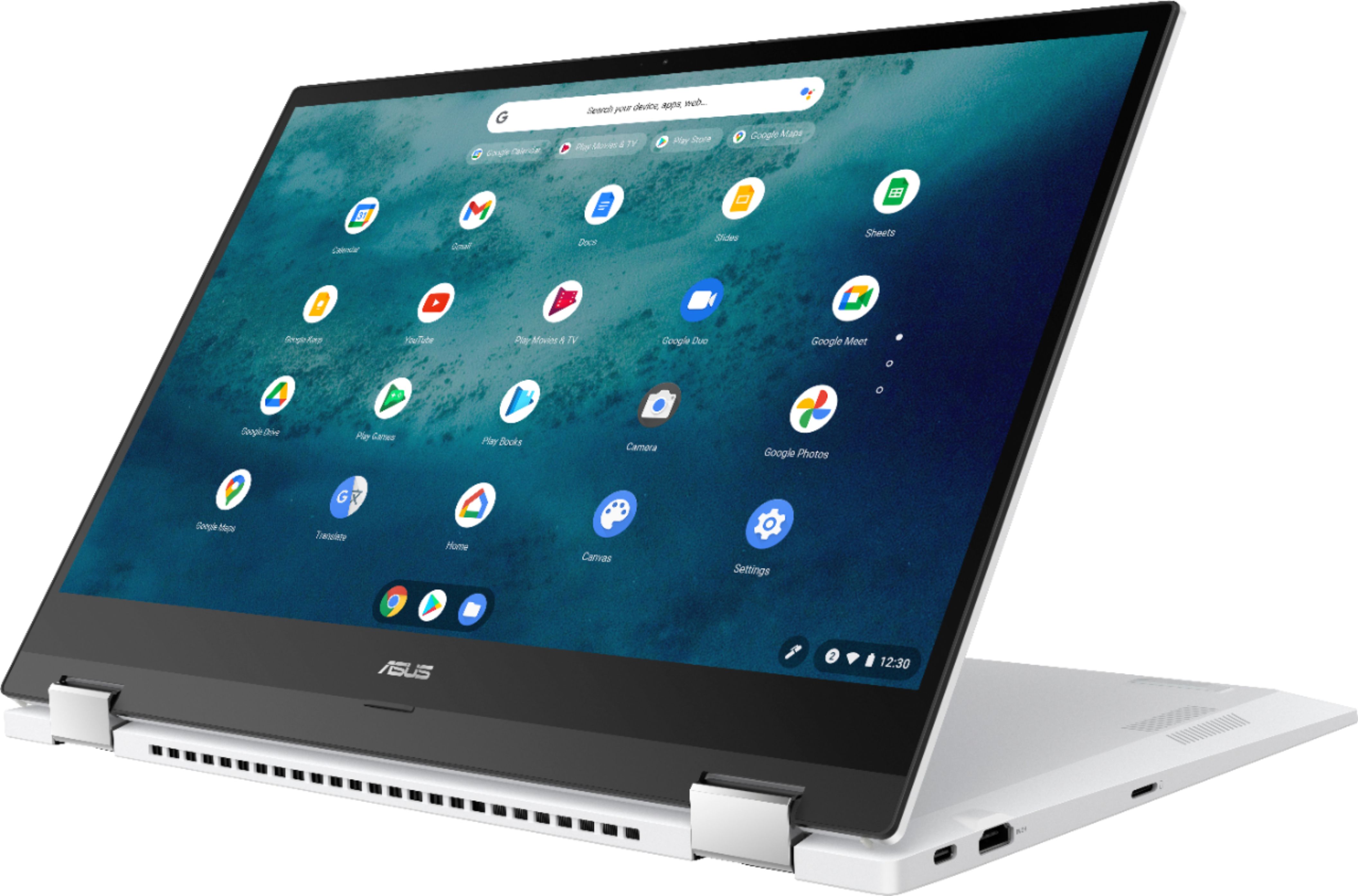
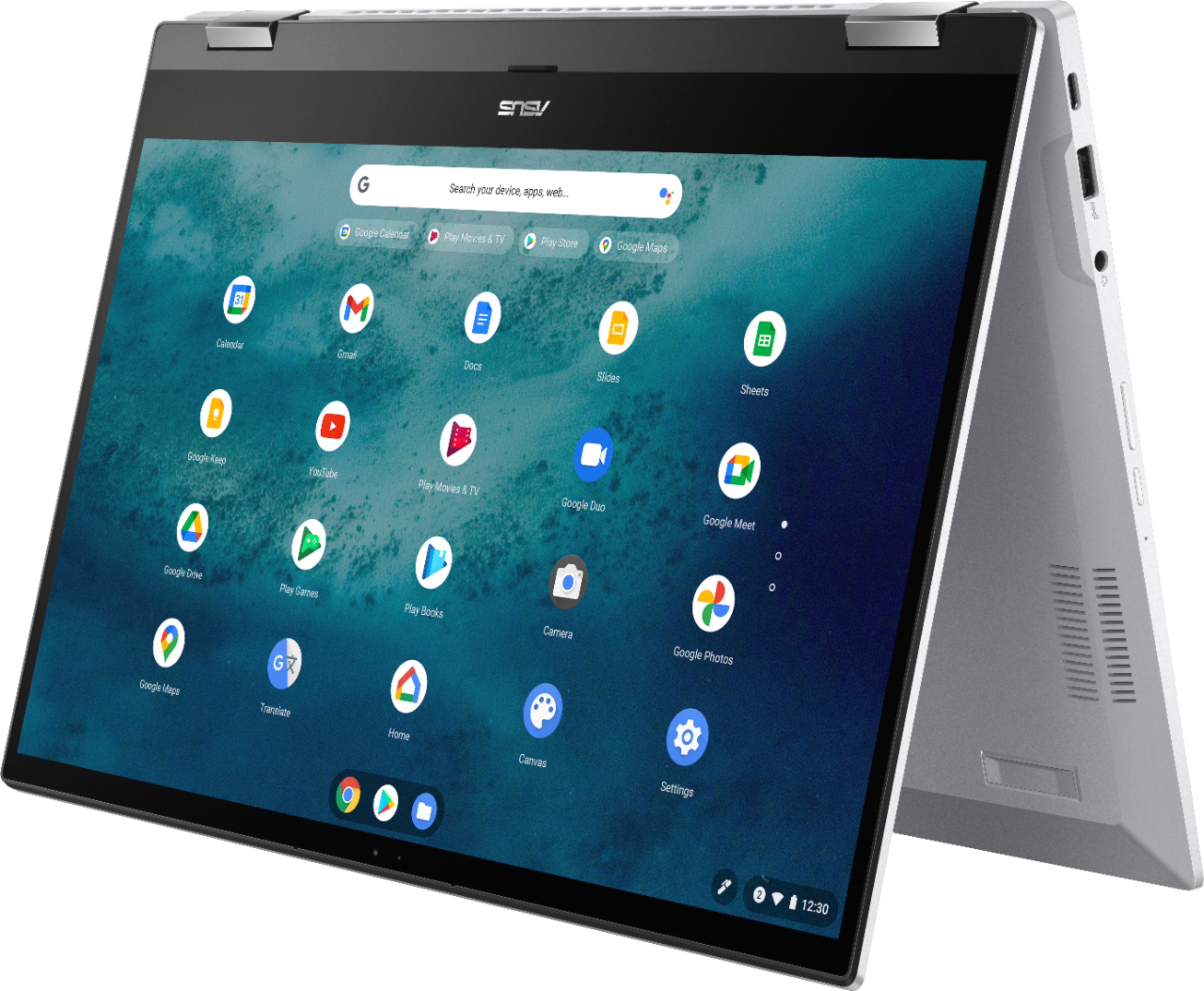
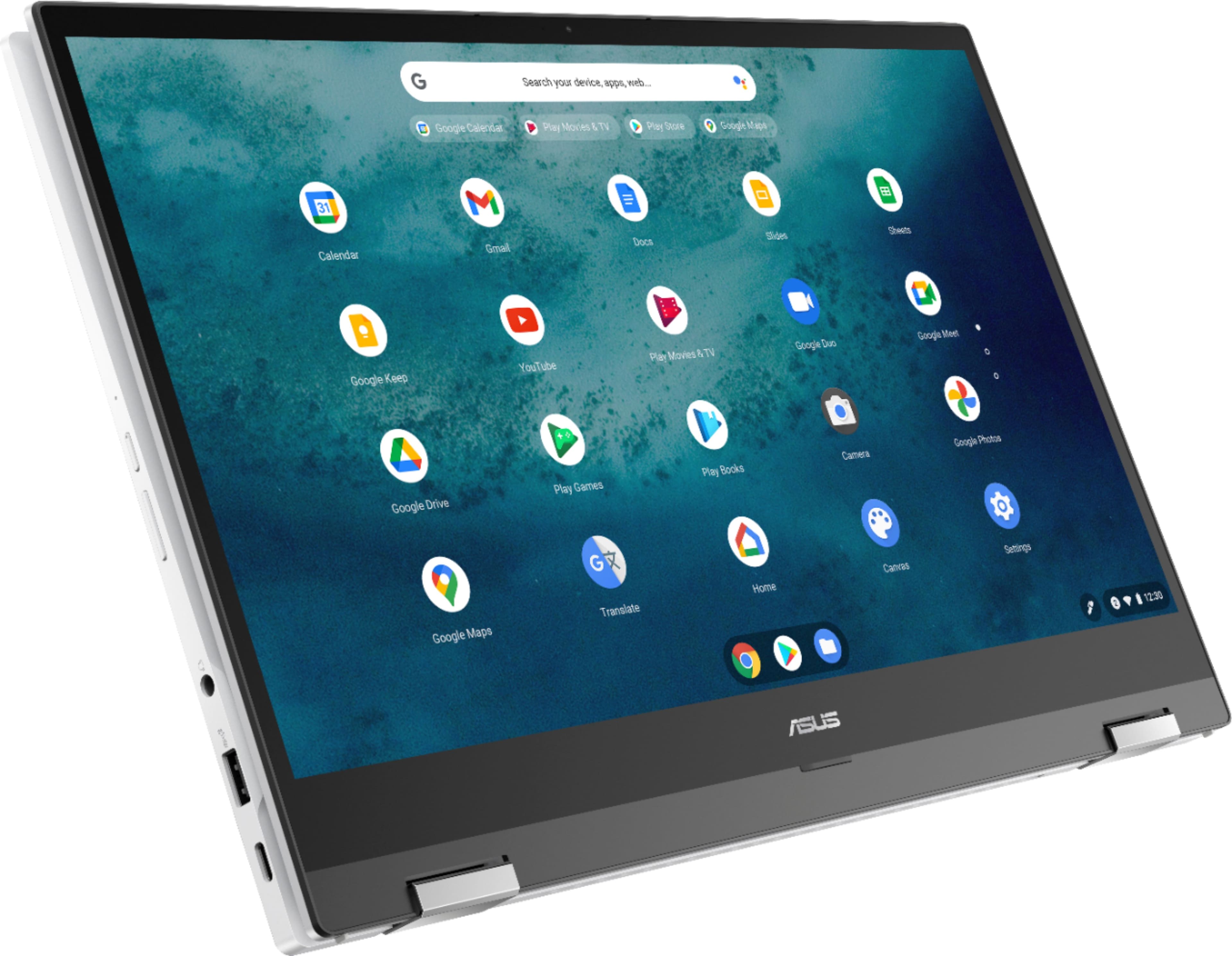
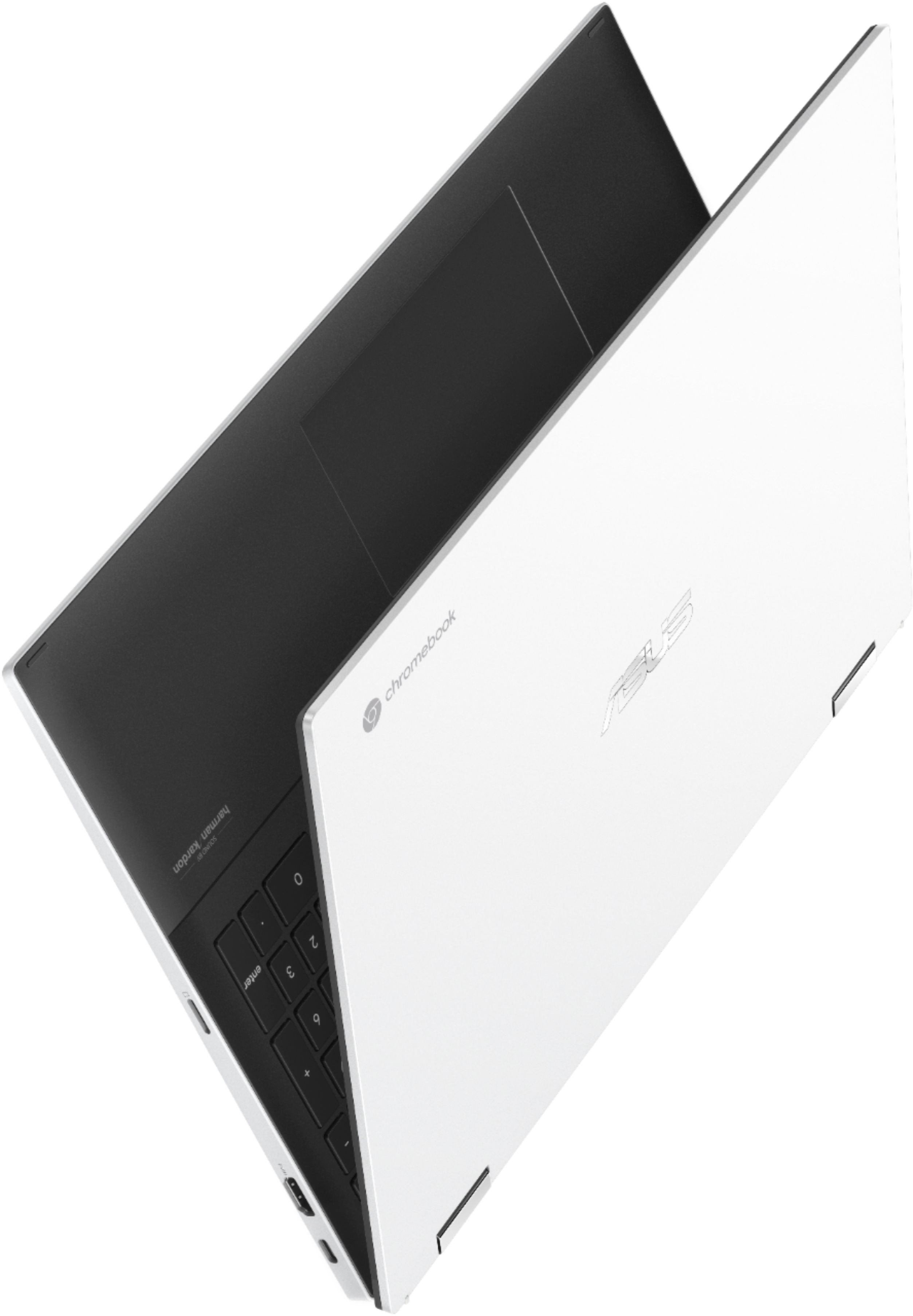
|Posted .This reviewer received promo considerations or sweepstakes entry for writing a review.Re: Model 536EA Since I had previous experience with an older CHROMEBOOK by another manufacturer, I have a basis for comparison. Out the box, GOOGLE handily populated my new unit with my Apps, so no work there. For CHROMEBOOK, gotta be tied into GOOGLE with your G Mail account for cloud bennies and multitude of APPS. I found the ASUS machine at over 4lbs slightly heavier than the previous version owned. But the charging adapter is much lighter and a fraction of the size of any laptop or cpu adapters I have had. To some, the orientation of the adapter when plugged into a surge protection strip might seem a small detail but important to me because it does not block two outlets. With the dearth of so many electronics in our lives that adjustment is great for outlet hungry consumers. The system is a snappy fast CORE i3 even with a long list of windows open and multiple apps running. And, battery affords over 5 hours of work, play and streaming capacity without range anxiety. Really important is the ENERGY STAR rating since its carbon footprint reduction time. A big plus is that the QWERTY layout now includes a NUMERICAL keypad which affords more expedited calculations than my previous model. The structural engineering of the system’s rugged exterior in a white high gloss with a flat black matte finished keyboard. Running fingers across the interior surface and touch pad is velvety smooth silence, no drag. Keys respond with backlighting only when touched, saving the battery. For anyone new to CHROMEBOOK and all of us new to an updated version, the manual is so thin since on opening the lid, a tutorial walks through the nooks and crannies of operation. A favorite feature of CHROMEBOOK is that TOUCH SCREEN is always on, no activation required. The most super versatile feature is the 360 degree flippable 15.6” display to be totally in landscape OR portrait for tablet mode, tent top or laptop mode. Unlike the less convenient PC, another CHROMEBOOK favorite is the option to manage sound levels via the keys across the top, especially handy when multi-tasking between the phone, youTube, Zooms, chores, et al And, since I alternate between a PC and CHROMEBOOK, I noticed some movement into an integrated standard platform. I used to shift my typing and scrolling habits respectively and would be nudged into the shift by a typing mistake when I would forget what system I was using. Now, in the ASUS system, I do not have to use two fingers to scroll...a big relief. Thankfully another design integration between PC and CHROMEBOOK is finding a DELETE key in a usually PC location on the QWERTY keyboard i.e. in the upper right-hand corner. But, if you are a PCer, a key combo for CAPS LOCK is still required. Having to monitor only one PC habit (that’s incompatible with CHROMEBOOK) out of three is still a great help. On the other hand, if you were not switching between the two systems, the above-described issues would be moot points, especially if all you know is CHROMEBOOK. Looks like to create space for a NUMERICAL KEYPAD, the ON/OFF and SIGN OUT keys were eliminated and became ICONS. Click the WIFI in the tray (bottom right side) for ON/OFF as well as a host of other TOOLS and the SETTINGS Gear. Great connection options: 1 HDMI Port, 1 USB Port, 1 SD Card Port, 1 Audio Headset Port and CHROMEBOOK’s “ambidextrous” CHARGE ports i.e. one on each side so reorienting the unit to plug in NOT required. Bottom-line, good deal for the money = 11th Gen i3, 8GB ram, 128GB SSD, 1920x1080 clarity plus Harman/Kardon sound. Hadn’t seen the PHONE HUB in CHROMEBOOK before, allowing notifications from PHONE to CHROMEBOOK, great for responding to TEXTS, etc Moreover, CHROMEBOOK=high security i.e. no malware, no viruses with low interference updates. AUE (Auto Update Expiration) not until June 2029…WoW!
I would recommend this to a friend - Pros mentioned:Screen size
Love this Chromebook
||Posted . Owned for 1 month when reviewed.This reviewer received promo considerations or sweepstakes entry for writing a review.So far I love everything about this chromebook. I like the white because it is different. I love having a touch screen, so convenient. The screen size is perfect for watching videos and email.
I would recommend this to a friend - Pros mentioned:Screen size
Okay not stellar
||Posted .This reviewer received promo considerations or sweepstakes entry for writing a review.Wish it would download apps from Google phone. Nice large screen. Need to charge often or keep plugged in.
I would recommend this to a friend - Pros mentioned:Processor speed, Screen size, Touchscreen
Fast and easy to use
|Posted .This reviewer received promo considerations or sweepstakes entry for writing a review.This Chromebook is a 2-in-1 laptop with a touchscreen that performed beautifully for my needs. This model takes the best Chromebook features and adds to it, making this a great choice for whatever your preference, school, work or just for fun. For a student, this is more than what most would need, but would hold up to a lot of use. Because it’s Google based, it allows the use of all of those features, such as apps through Google Play, the Chrome browser, Google Drive, and the cloud for storage and retrieval of files. It’s also web based, with the speed with that. So many of the features of this device are for speed—the Wifi is lightning fast, even when I moved to other rooms there was no diminishing of connectivity. Most Chromebooks I looked at have 4 GB of RAM; this one has 8 GB. The processor and SSD also are part of the fast response to multitasking with ease. The SSD is only 128 GB but unlike with other OS, it’s not filled up with other programs and files. The SSDs tend to run smaller than regular hard drives because they sacrifice some storage for speed in loading and running programs, while accessing files stored online for use across devices. It looks sleek from the outside, white with silver accents. This is a full sized device—15.6 inches, just over 4 pounds. Solidly built, it seems like it will hold up well over time. There is no optical drive, which helps to keep it thinner and lighter than it might be otherwise. The hinge prevents it from lying flat, allowing air to circulate underneath and keep it a little cooler. These hinges also allow the keyboard to be flipped back, using it as a stand or all the way back like a tablet, although this is larger than any tablet. I really like that option, having a nice large touchscreen to work from, and the capability of going right back to using the keyboard when I need it again. This is my first time using a glass TouchPad and I really liked the way it felt and responded. It's sensitive enough without being too sensitive. I've had to adjust the settings on most touchpads and this one didn't need that step starting out. Set up was a breeze, a few minutes. It was really just signing into my Google account. And it's also connected to my phone- I like that. I also enjoyed trying out some games that I would play on my phone or tablet. I can't wait to try a few new ones that I haven't yet because my phone screen is a little small for that. I connected it to my printer and scanner without issue, as well as transferring pictures from another device. Portability is an important feature while also performing a wide range of tasks quickly. I need something reliable and hadn't tried a Chromebook yet. I haven't really seen them as work computers, but there are more choices now that so many people have been doing work and school from home. I found that it runs programs seamlessly, allowing me to move from one app or window to the next and back without hesitation. After having tried this and then going back to my other laptop, I find that I prefer the Chromebook. It is larger than what I’ve been using and handles tasks faster. Currently my main focus is using this for working from home. I found this powerful enough for what I'm doing, which is mostly web based, making a Chromebook an ideal option for completing tasks. I didn't realize that Chromebooks don't need anti-virus software. The advantage to that is not having to constantly update that software while remaining secure from threats. I definitely recommend this Chromebook. It's attractive and functions better than expected, especially for working from home.
I would recommend this to a friend Short life
||Posted . Owned for 1 year when reviewed.This reviewer received promo considerations or sweepstakes entry for writing a review.I loved this laptop but it lasted only 13 months, in home office only. Asus then sent me to Geek Squad who said they could not service it out of warranty. I then called Asus who said I need to spend 89 plus shipping to get a diagnostic done. I have had over a dozen chrome devices and Asus is the only one I have ever had issues with. Disapointing.
No, I would not recommend this to a friend- Pros mentioned:Processor speed
Good deal!
||Posted . Owned for 3 weeks when reviewed.This reviewer received promo considerations or sweepstakes entry for writing a review.Takes some getting used to it not having windows. But I’m happy with its speed and will learn the new stuff.
I would recommend this to a friend - Pros mentioned:Ease of use
Asus Chromebook
||Posted . Owned for 3 weeks when reviewed.This reviewer received promo considerations or sweepstakes entry for writing a review.It's a lovely machine that handles the minimal things I need it for. I have a work laptop and only need this one for personal email, internet browsing, and fantasy sports.
I would recommend this to a friend Great computer, buy elsewhere!
||Posted . Owned for less than 1 week when reviewed.This reviewer received promo considerations or sweepstakes entry for writing a review.So far the Asus Chromoebook is performing really well. It appears well made. Much better quality case than my Lenovo 330 it replaced. Reason for 4 stars is Best Buy. This was the first purchase from BB in 30 yrs based on their old search the customers goods policy at checkout which I found insulting. I bought this computer from them based on a "next day" delivery that ended up being 4 days. Best Buy still remains a disappointment.
I would recommend this to a friend- Pros mentioned:Screen size
Wife loves it
||Posted . Owned for 9 months when reviewed.This reviewer received promo considerations or sweepstakes entry for writing a review.Excellent chromebook. Used similar version for work previously so I got this for my wife. She loves it and it does everything she needs.
I would recommend this to a friend - Pros mentioned:Processor speed
Great buy
||Posted . Owned for 1 week when reviewed.This reviewer received promo considerations or sweepstakes entry for writing a review.Excellent notebook, Feels well made and is very fast, but then again most all Chrome devices are fast. Touchpad has a little more click than I am used to but works fine.
I would recommend this to a friend - Pros mentioned:Processor speed
ASUS Chromebook
||Posted . Owned for 1 month when reviewed.This reviewer received promo considerations or sweepstakes entry for writing a review.Just learning my way around chromebook. love the speed and google drive so far
I would recommend this to a friend - Cons mentioned:Weight
Solid Value
||Posted . Owned for 1 month when reviewed.This reviewer received promo considerations or sweepstakes entry for writing a review.Solid chrome book in the >$500 class. A little heavy to transport.
I would recommend this to a friend - Pros mentioned:Processor speed
Great Asus Laptop
||Posted .This reviewer received promo considerations or sweepstakes entry for writing a review.I would recommend this laptop. Great speed, build, and graphics!
I would recommend this to a friend