Customer Ratings & Reviews






- Model:
- CX1405CKA-CL464
- SKU:
- 12153470
Rating by feature
- Battery Life
Rating 4.6 out of 5 stars
- Speed
Rating 4.5 out of 5 stars
- Display
Rating 4.6 out of 5 stars
Customers are saying
Customers value the product's overall performance, portability, and battery life. Many customers are also happy with the screen quality and processor speed. Some customers appreciate the number of ports and the weight of the product.
This summary was generated by AI based on customer reviews.
- Pros mentioned:Overall performance, Portability

Solid Chromebook
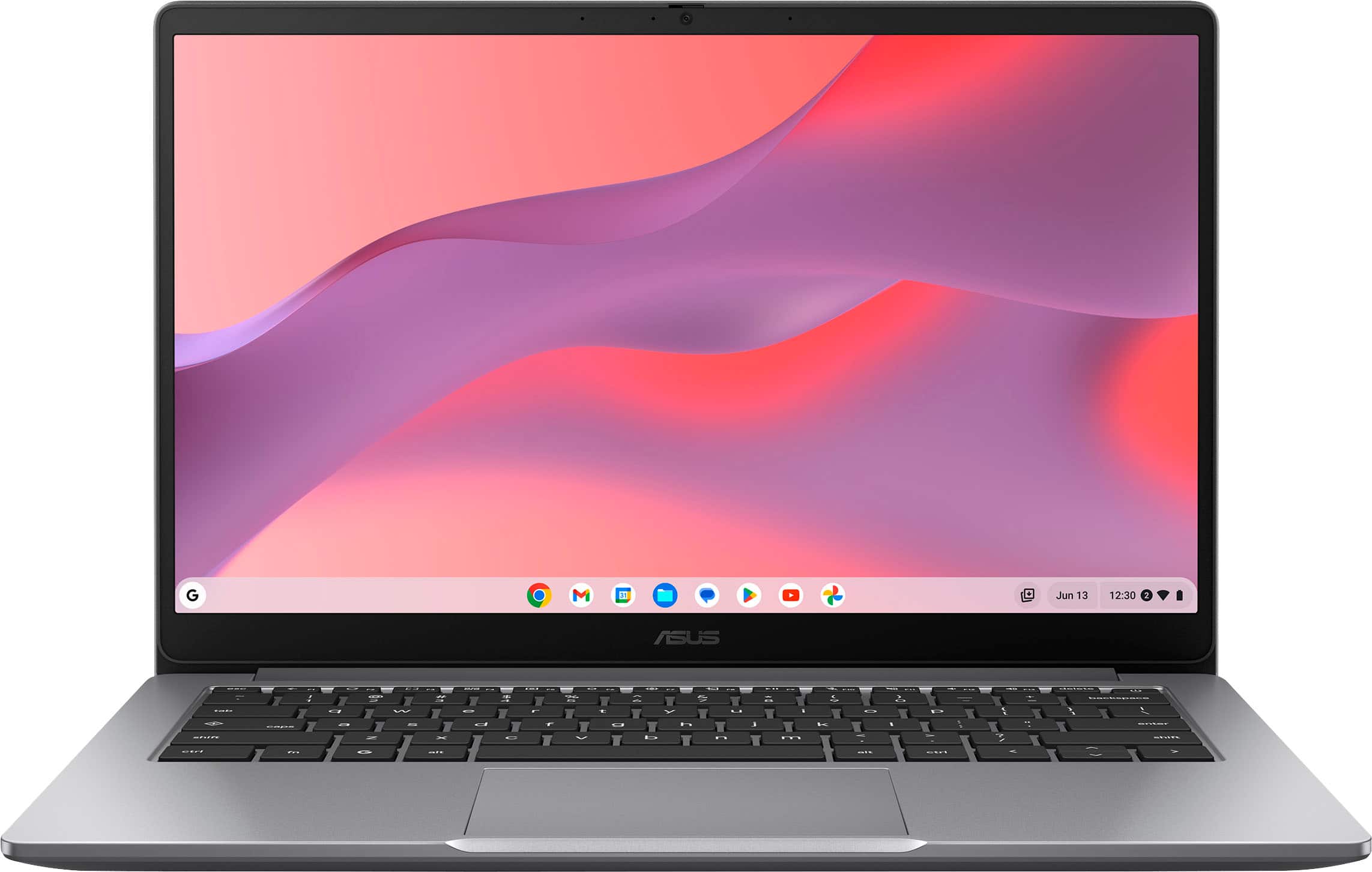
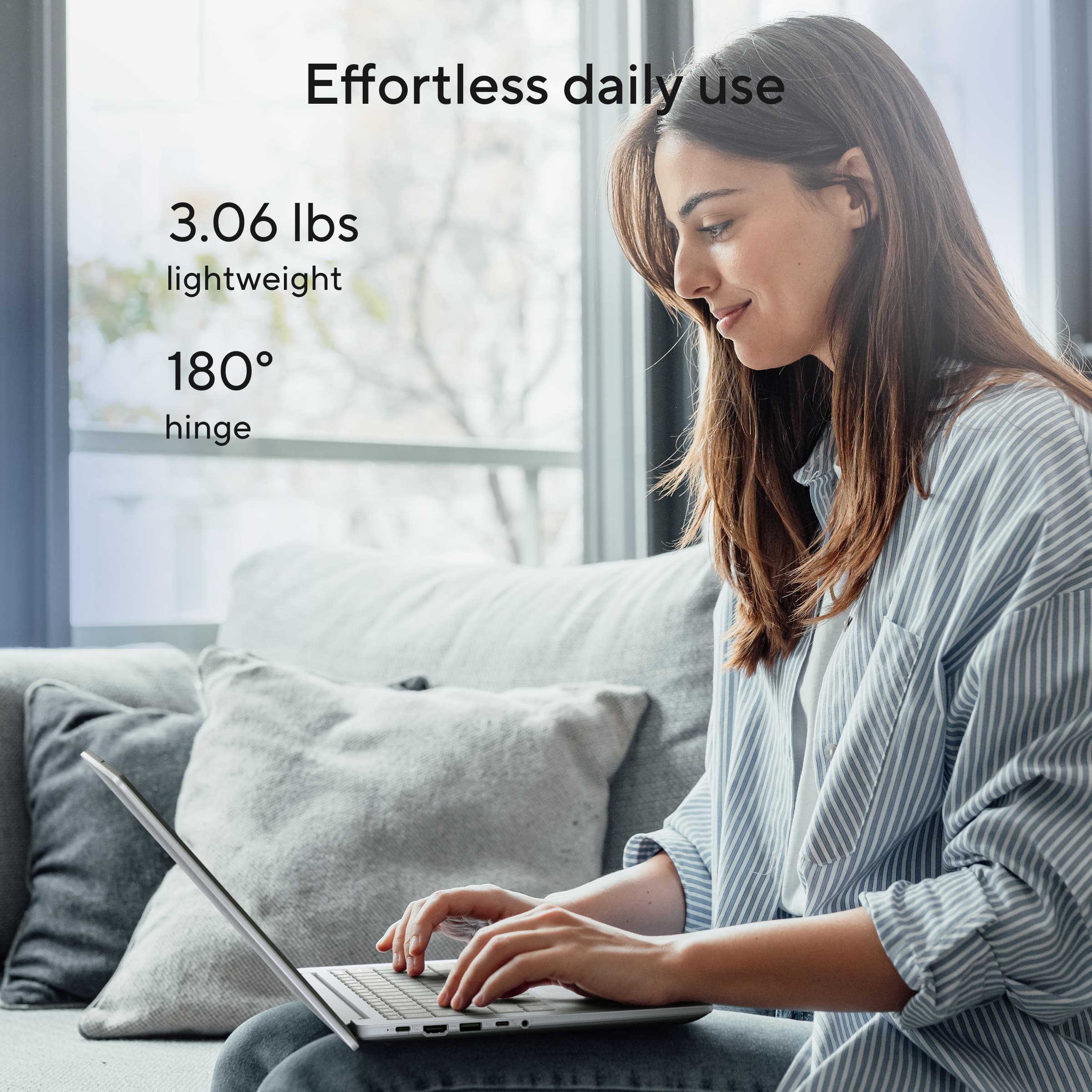
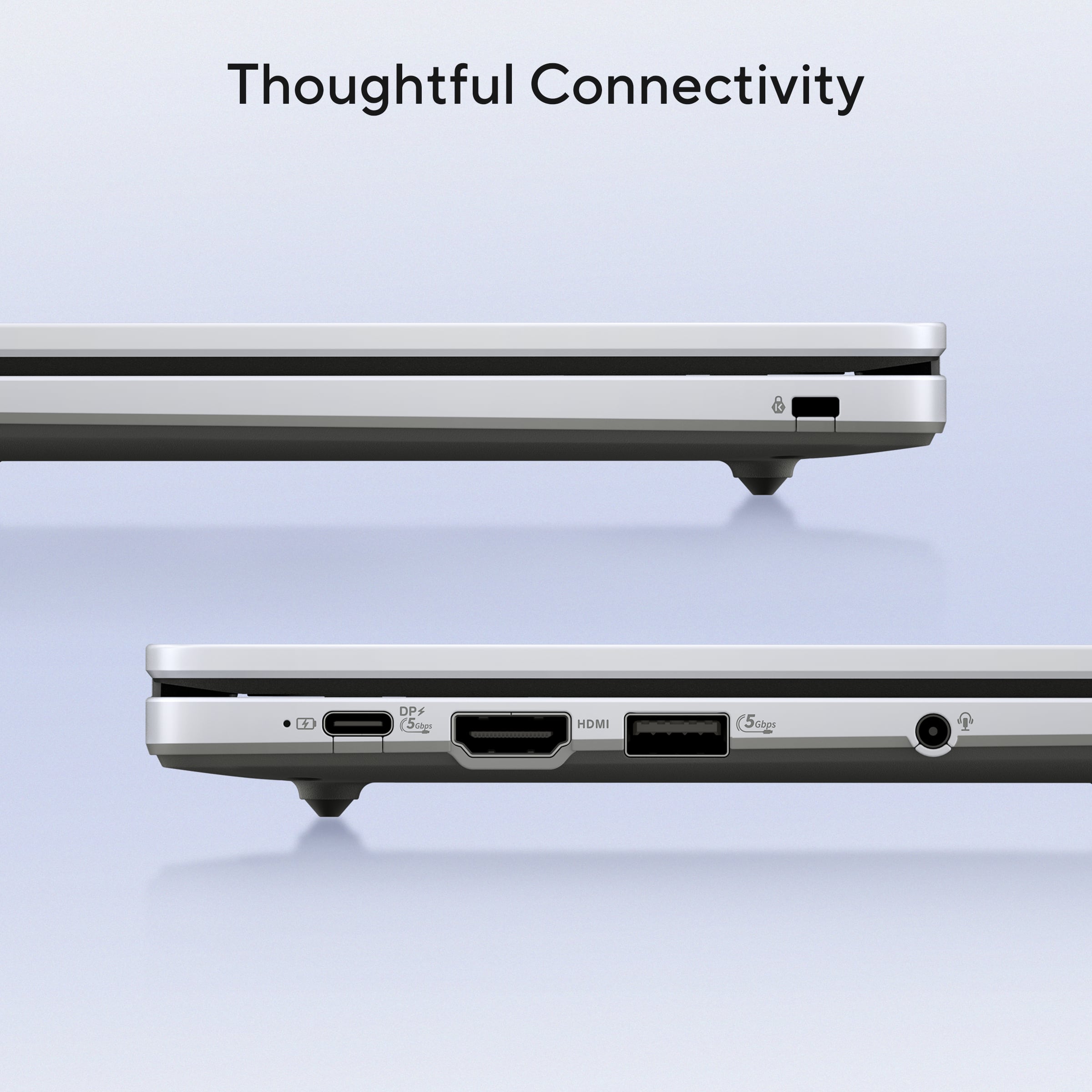
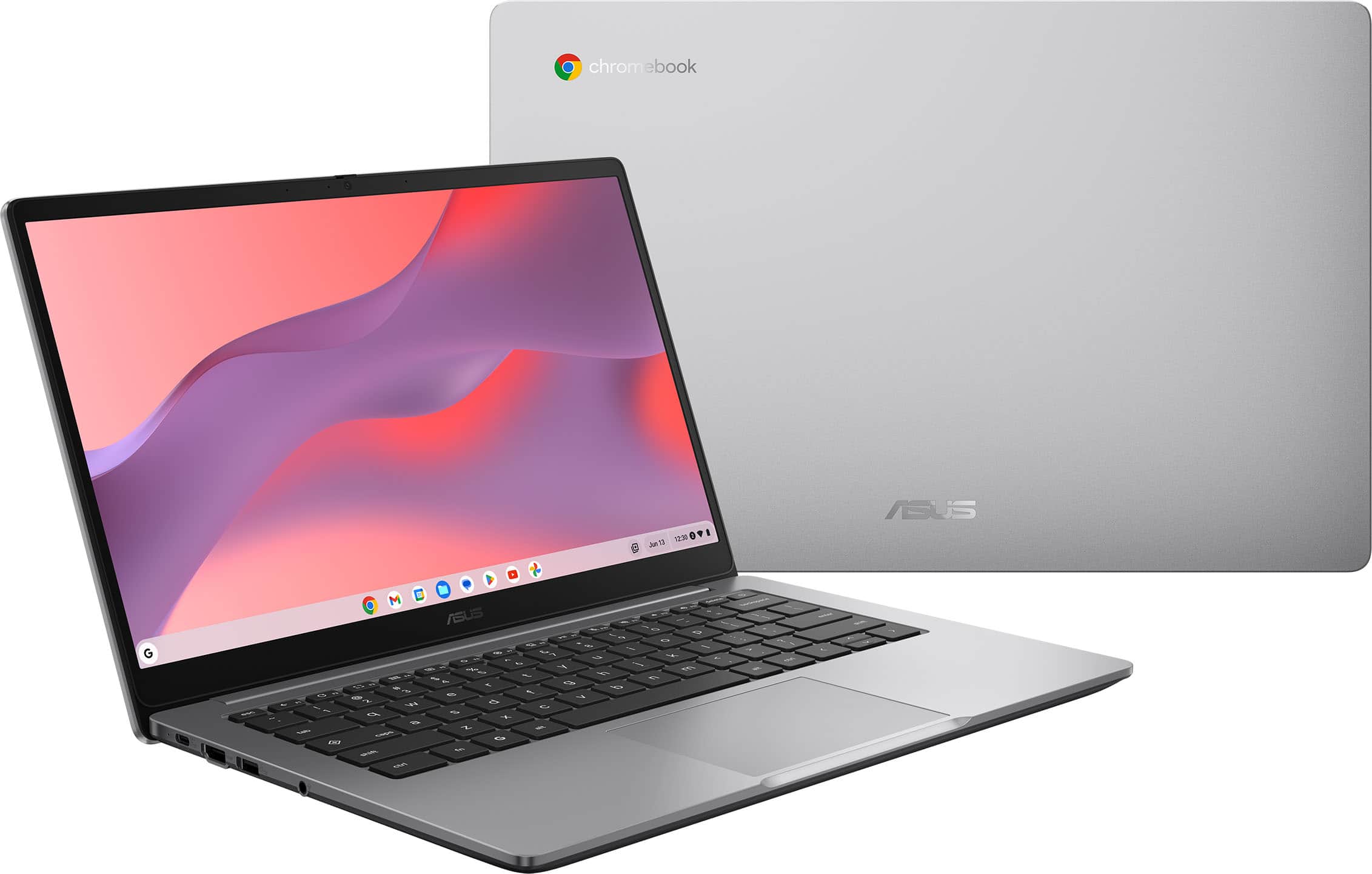
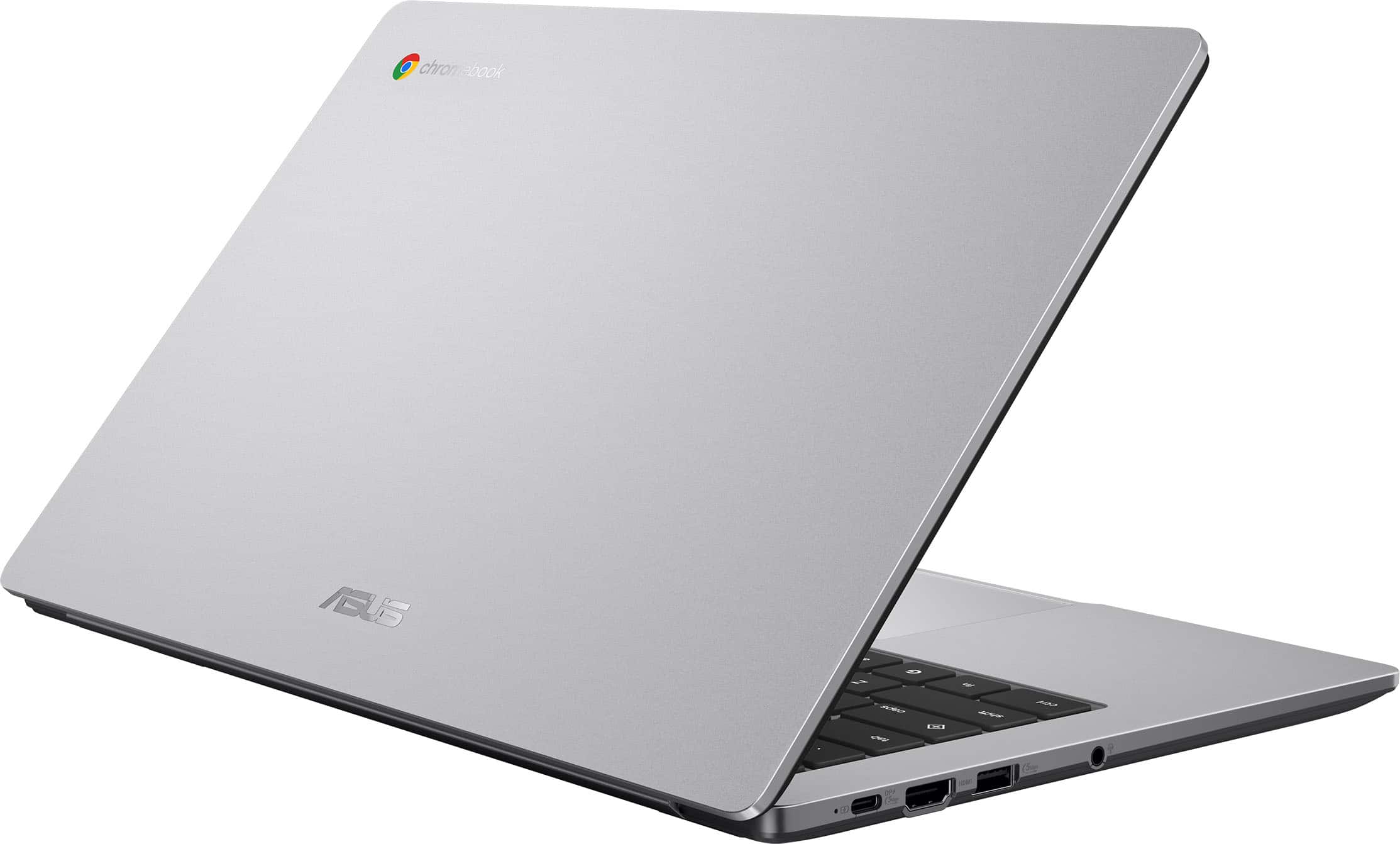
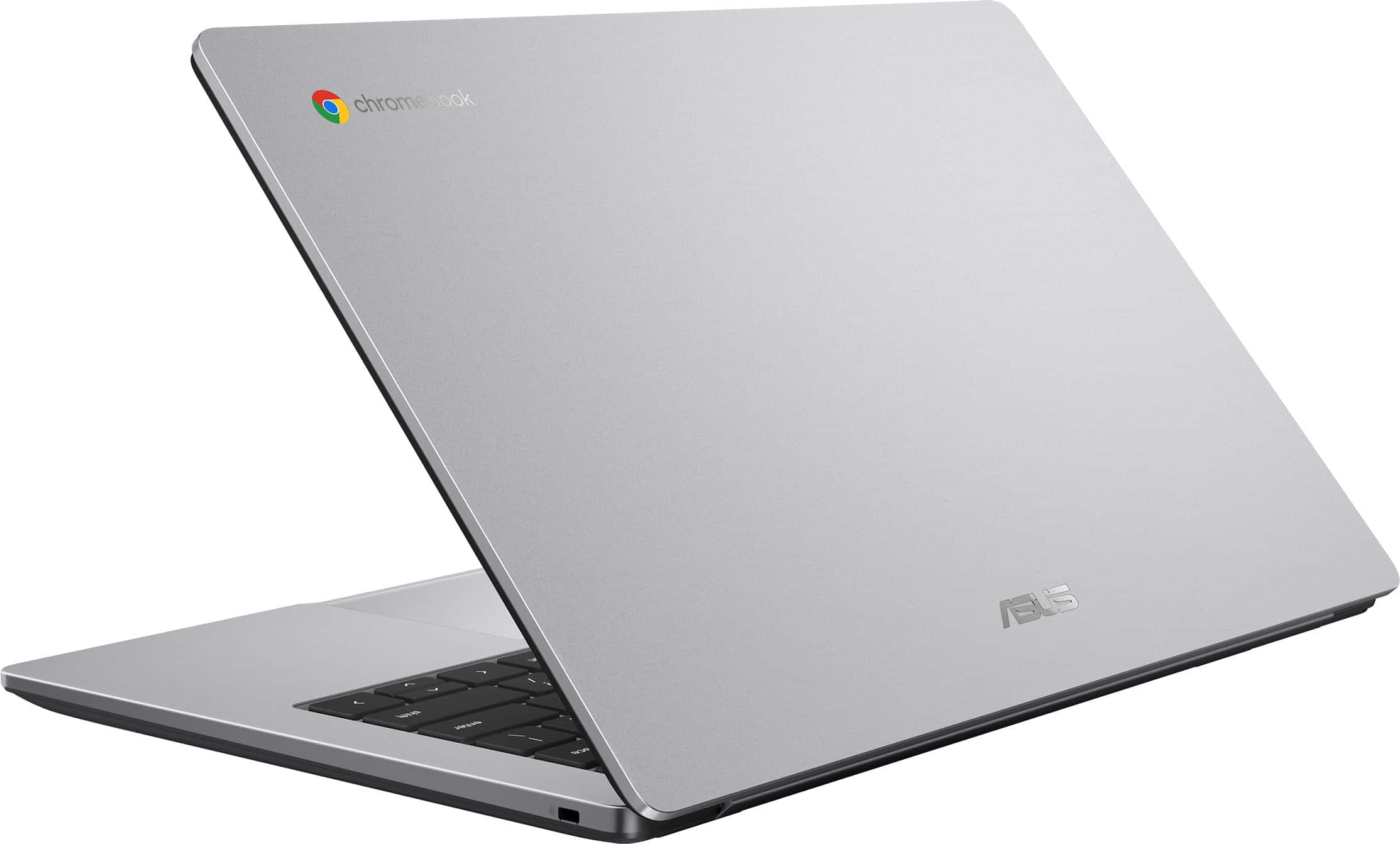
|Posted .This reviewer received promo considerations or sweepstakes entry for writing a review.If you or your child uses Chromebooks for school or work, this would be a great, affordable computer for you and certainly easy to use. It is very light weight- just over 3 pounds which would make it easy to carry to school or work. It uses a universal C-port charger which is great since I have several of those around the house already! I love when they use common chargers. There is also an HDMI port and a USB port. There is another opening on the right side with a K and a lock symbol. I had to google what this was but found out it is a Kensington Locking system. You can use a cable to lock your Chromebook to something with a cable to prevent theft. Never even knew this existed! Chromebooks thus far are virus free so you can use this with confidence. There is a front facing camera for meetings or classes. A couple of things I would like to see (but don't affect the computer- more "preferences"). I love a touch screen- just me- I am very used to touch screen laptops and find myself touching the screen to try and move the cursor or view. I also like a back lit keyboard. Again, just a personal preference but it is a small thing and does not affect the utility of this laptop at all. Overall, this Chromebook is zippy, has good graphics and is easy to set up and start using (especially if you already have a Chrome account).
I would recommend this to a friend - Pros mentioned:Battery life, Overall performance, Portability
Use google Chrome browser? You'll love Chromebook
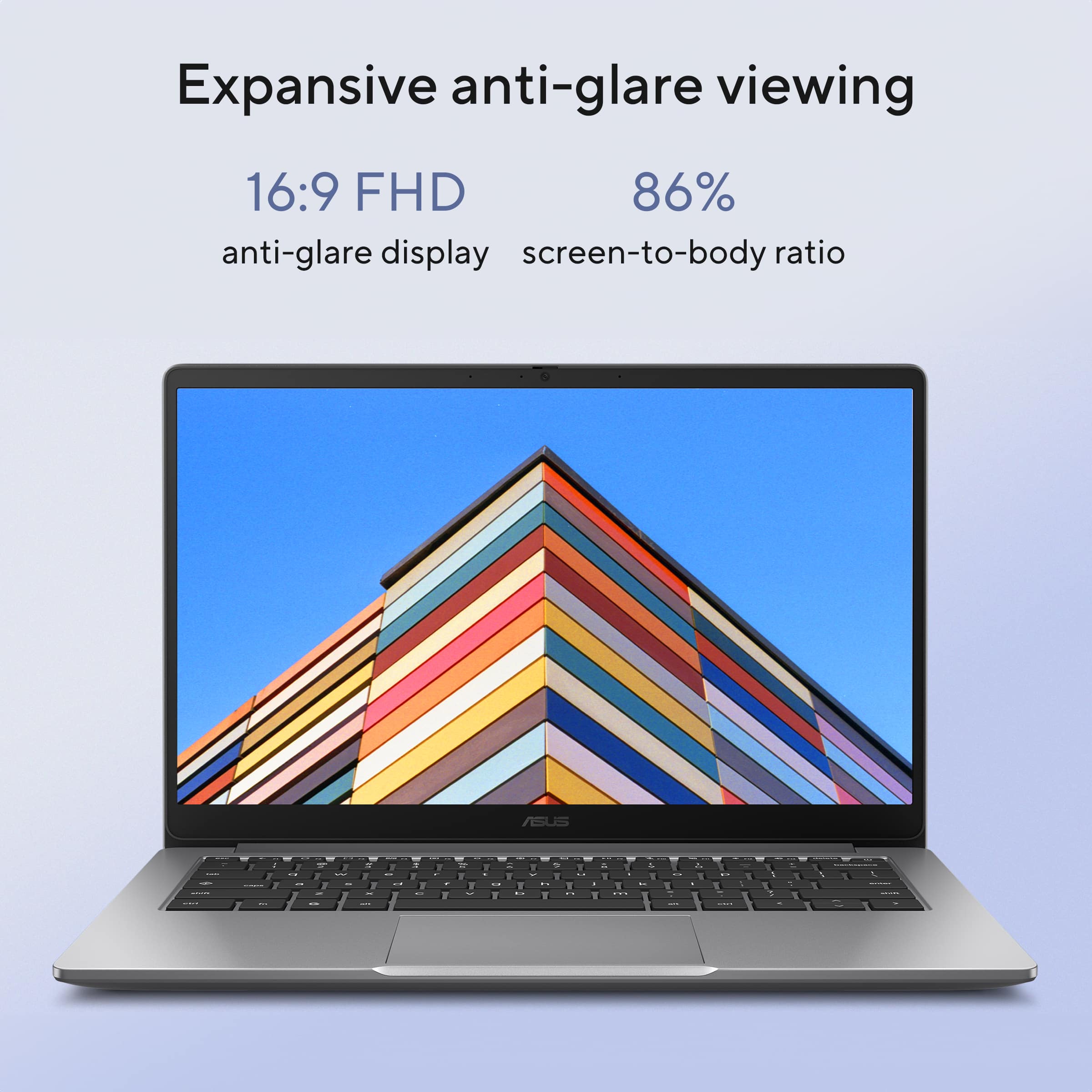
|Posted .This reviewer received promo considerations or sweepstakes entry for writing a review.ASUS - CX14 14" FHD Chromebook Laptop - Intel Celeron - 4GB Memory - 64GB eMMC - Misty Grey If you are a google Chrome browser user, you will be right at home with the ASUS 14-inch Chromebook Laptop. The clear anti-glare display has a refresh rate of 60-hertz, and a full 1920 x 1080 pixels, HD (high definition). The display produces a bright clear image (LCD 14.0FHD). As this is a nice low-end machine (not expensive), it's fine for watching our favorite streaming service, browsing web content and general email, TEAMS communications, etc. The graphics port is a HDMI for a second monitor or use as a projector connection. Thanks to the Intel N4500/BGA CPU, I get a full day's work or can enjoy online content and entertainment. Other connections available are headphone/speaker/microphone; USB-C which doubles as a power connector; standard USB 3.x; and though not a port, a security lock on the back right side of the laptop. Nothing on the back edge, but the hinge allows it to be laid flat, 180-degrees. Its smaller footprint and minimal weight make it easy to pack and carry. The Lithium-Ion battery lasts a full day. I now keep this near the comfy chair in my bedroom when in the mood to browse the web of check my emails, since it boots up quickly. Storage is sufficient, as Chromebooks can offload what isn’t needed. I had no issues with signing into my google account. I allowed it to sync and all my familiar apps were uploaded. Makes using my other devices seamless. I love the tactile feel of the keyboard. Not backlit, but the printed graphics on each is clear. Also quiet enough to be used in public without a clickety-clack sound annoying to (at least me) most people. A great alternative to Windows, or an even better companion.
I would recommend this to a friend - Pros mentioned:Screen quality
Shockingly good quality/performance for budget PC
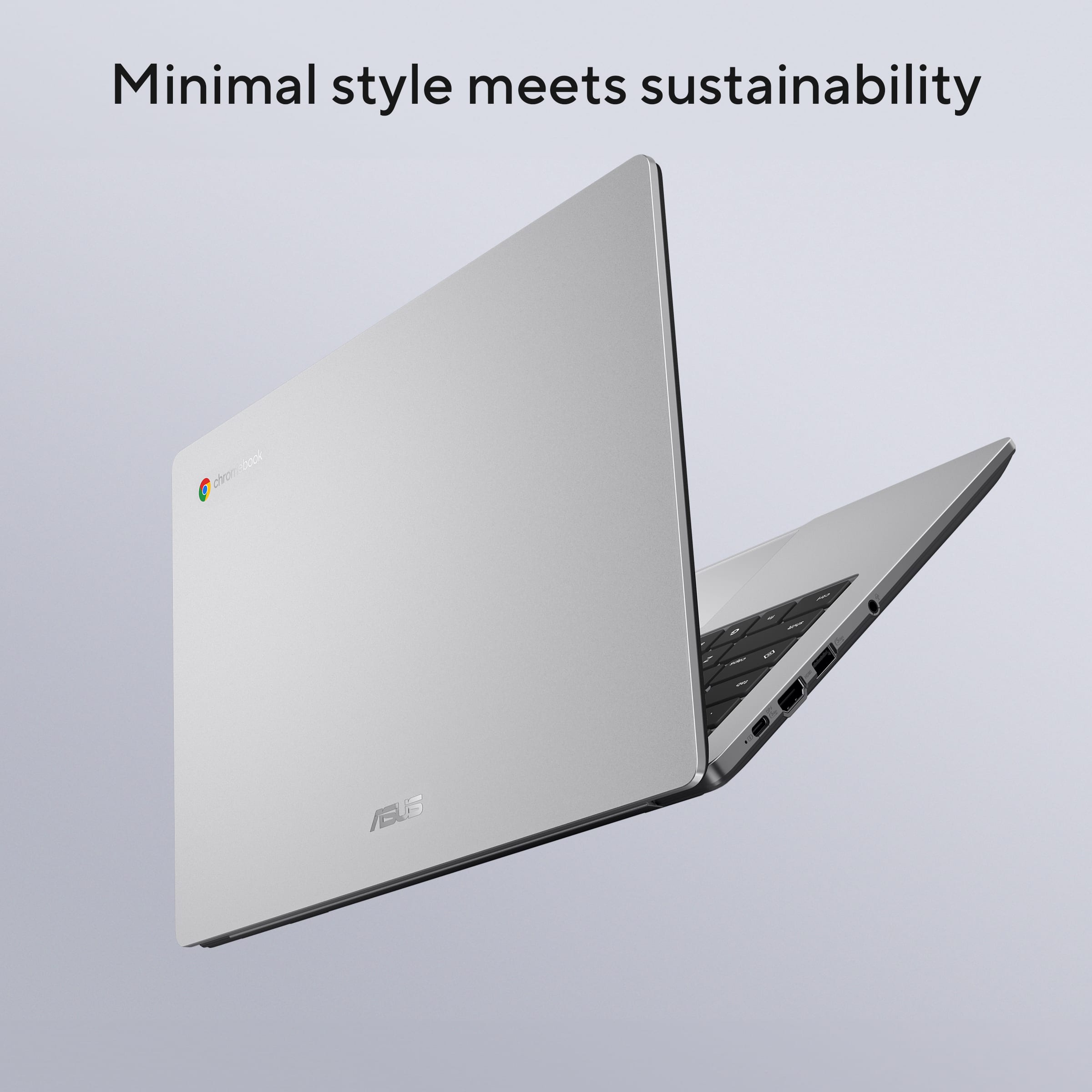
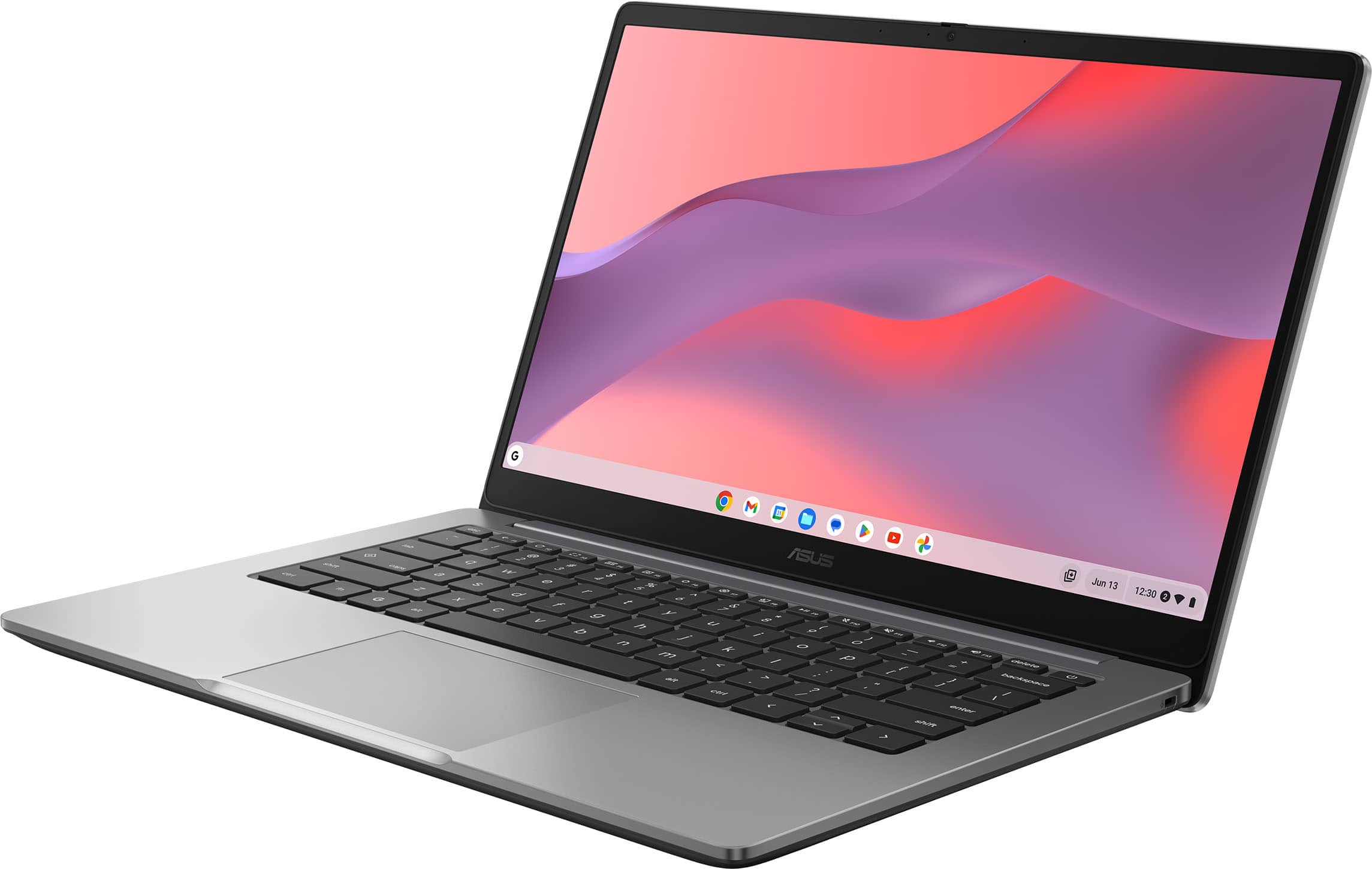
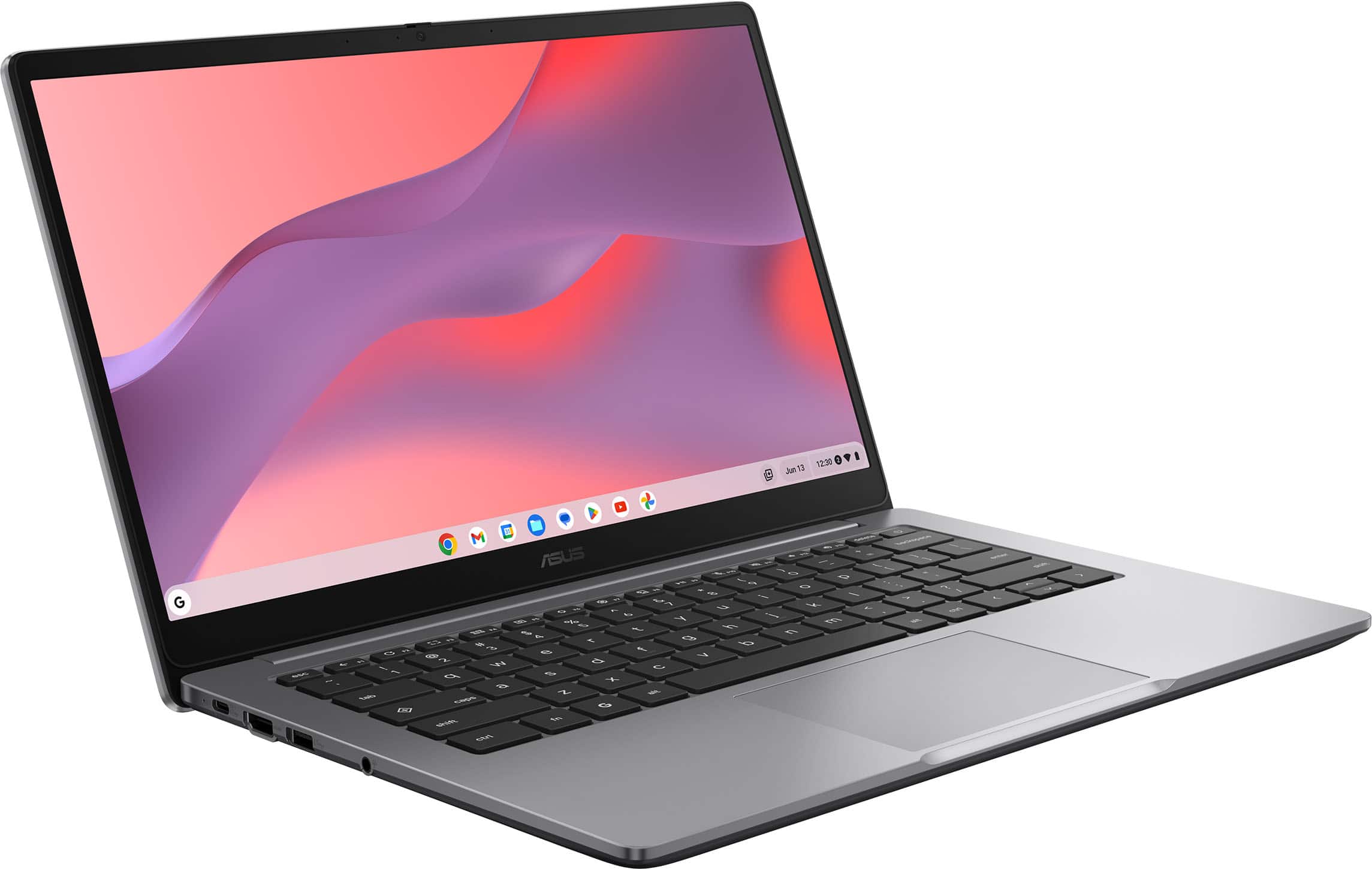
|Posted .This reviewer received promo considerations or sweepstakes entry for writing a review.If you’re in the market for a Chromebook, you probably already understand the requirement for an always-on Internet connection to do pretty much anything of consequence, so I won’t belabor that point by spending time summarizing how the Chrome OS works. Instead, I’m just going to focus on the hardware and user experience associated with this latest budget Chromebook from ASUS. Bottom line—is it worth your time and money? ABSOLUTELY! As a near-rock-bottom-priced Chromebook, I wasn’t necessarily expecting a lot from the CX14...it sports a Celeron processor, what seemed like a paltry sum of only 4GB of RAM, and a lowly 64GB eMMC drive that can only churn away at USB/SD-card-like speeds. But a Chromebook doesn’t necessarily need as much horsepower under the hood as a Windows device because the Chrome OS has so little overhead, and I quickly learned that ASUS managed to squeeze a shocking amount of performance out of a pretty humble array of hardware specifications. Starting with performance—I'm not sure how ASUS did it, but this little laptop is actually quite snappy, turning in a fluid and very responsive desktop-style computing experience that easily rivals that of an HP Chromebook I have on hand with nearly identical budget-level hardware. Yes, the physical build here is all plastic, but it’s not “plasticky” in that sense of holding wafer-thin plastic panels holding a bunch of cheap-feeling components together. Deck and keyboard flex is minimal while the mostly full-sized keys feel solid without that mushy, imprecise feeling that often accompanies chicklet-style keyboards like this one. The bottom shell in particular feels thick enough to take a bit of abuse in a backpack or overnight bag, though the screen’s plastic backing still flexes quite easily, so I’d be cautious about what you put on or next to the panel when it’s closed. The screen’s hinge runs almost the entire width of the laptop and offers enough resistance to keep it in place at any angle...it also lays fully flat at 180 degrees for tabletop screen sharing. The bottom bezel is thicker than the other three, but it’s not intrusive, and the top bezel is just slightly taller to accommodate the 720p webcam. I had already written off the webcam’s quality given its meager resolution, but I was surprised to find the image quality was better than just serviceable. Especially under decent lighting, the webcam’s image and video quality was remarkably clear and colorful and completely absent of the kind of low-resolution grain that tends to typify built-in webcams. Kudos to ASUS as well for including a sliding privacy shutter for the webcam. The screen itself sports full HD resolution (1920x1080), which is well matched for HD media streaming and light desktop productivity tasks. One could always want for more pixels, but at 14”, I dare say you’d be hard-pressed to notice the increased resolution during actual use. Colors, saturation, and brightness were also surprisingly good—overall screen performance and image quality reached almost the same level of vibrance and “pop” as my higher-priced ASUS Chromebook which has far more capable hardware onboard. However, the CX14’s screen has a gentle light-diffusing matte finish rather than a slick and glossy surface. This dramatically reduced distracting reflections, especially when using the laptop in bright/well-lit rooms. Note that the screen is not touch-capable, so you’ll be using the keyboard, trackpad, and external peripherals for all interface tasks. Sound quality was...good. I won’t say you can easily watch a movie with a bombastic and dynamic soundtrack and not feel like you’re missing something, but I found them to fare a bit better than your average, ultra-tinny, micro-sized laptop speakers. In a quiet room especially, these speakers did an admirable job of filling the space with sound that was perfectly listenable. Expansion ports are—let's just say they are “available” as opposed to plentiful. That said, you DO get some capable I/O options here with USB 3.2 Gen 1 USB-C and USB-A connections (the USB-C port gives you both power delivery and DP video while the USB-A port is also rated up to 5Gbps), a full-sized HDMI port, and one 3.5mm combo headphone/mic jack. A slot for a laptop lock/leash is the only feature on the right side of the laptop. ASUS claims this design choice maximizes room for a mouse and other peripherals, but that is only the case for those who mouse with their right hands. For the lefties out there, you have no other option (aside from going all wireless/Bluetooth) for cable/peripheral connection except cluttering up the left side of the laptop. If I were to pick nits with the ASUS CX14, there are only a few issues that come to mind. First, the memory and eMMC drive are all soldered to the motherboard; there appears to be no way to add more RAM or additional storage. At the very least, an SD card slot would have been nice for additional storage of larger downloads like videos or massive picture libraries. Second, the onboard WiFi card only supports 2.4/5Ghz signals. While I do appreciate that both antenna leads are used (which maximizes potential throughput), the WiFi card is not 6Ghz-ready. Given that a Chromebook’s performance is so tightly coupled to the speed of the Internet signal it rides on, having the option of using the new ultra-fast signal band would be more than welcome. That said, the WiFi card does appear to be in the industry standard-M.2 form factor, so it’s possible a low-cost DIY upgrade is workable down the road. Finally, the keyboard is (sadly) not backlit. In well-lighted environments, this is not a problem whatsoever as ASUS thankfully chose a very high-contrast white-on-black keycap color scheme. But use in low or dimily lit environments is likely going to be problematic. At this price point, one could easily make the case of keeping the CX14 as a “spare” laptop where maybe such considerations aren’t of great concern. But this Chromebook is capable enough that it could easily serve fulltime duty as a student, travel, or productivity laptop, in which case, the lack of keyboard backlighting might be something that matters to you. In the end, I believe the positives far outweigh the negatives, making the CX14 an incredible value for the asking price. It’s thin, ultra-lightweight, and because of the budget-oriented components in use, the laptop requires no active cooling, so you will NEVER hear any intrusive fan noise. Add to that a snappy interface and video/image quality that punches well above its weight class, and you’ve got a recipe for a top-notch budget laptop. DEFINITELY RECOMMENDED!
I would recommend this to a friend - Pros mentioned:Battery life, Overall performance, Portability
Excellent Laptop – Fast, Sleek, and Reliable!
||Posted .This reviewer received promo considerations or sweepstakes entry for writing a review.I recently got this laptop and it has exceeded my expectations. The performance is outstanding—it boots up quickly, handles multiple apps at once without slowing down, and makes everyday tasks feel effortless. The screen is crisp and vibrant, which makes streaming, studying, and even just browsing really enjoyable. The keyboard is comfortable for long typing sessions, and the trackpad is smooth and responsive. I also appreciate the lightweight design; it’s easy to carry around, which makes it perfect for school, work, or travel. Battery life is strong too—I can get through a full day without constantly reaching for the charger. Overall, this laptop is a great balance of speed, design, and practicality. I’m really happy with my purchase and would recommend it to anyone looking for a reliable upgrade.
I would recommend this to a friend - Pros mentioned:Battery life, Overall performance, Portability
Great value for the price
||Posted .This reviewer received promo considerations or sweepstakes entry for writing a review.I picked up this Chromebook for under $200, and I’m genuinely impressed with what it offers at this price point. The 14” Full HD screen is crisp and bright, making videos and web browsing really pleasant. It’s lightweight, slim, and perfect for everyday tasks like streaming, note-taking, or working in Google Docs. Performance-wise, it handles basic multitasking smoothly, perfect for students, remote work, or casual use. The battery life is surprisingly solid, lasting most of the day on a single charge. The keyboard feels comfortable, and the overall build quality looks sleek in the Misty Grey finish. If you need a reliable, budget-friendly laptop for school, work, or general browsing, this ASUS CX14 is a steal at under $200. Just keep in mind it’s not meant for heavy gaming or video editing, but for everyday use, it’s fantastic.
I would recommend this to a friend - Pros mentioned:Portability, Screen quality
A Practical Chromebook for Everyday Basics
|Posted .This reviewer received promo considerations or sweepstakes entry for writing a review.I’m not a huge fan of Chromebooks, but I do recognize that they serve a very specific market. They are great for students and people who just need a simple interface for cloud-based productivity apps. It’s not designed for heavy gaming or anything graphics intensive. It can, however, run some mobile games, and is great with productivity apps like Google Docs and Sheets. The first thing I want to state is that getting started with this Chromebook was super simple. I’ve set up several Windows laptops and this Chromebook was much easier. There wasn’t a lot of bloatware I had to work through. I just logged into my Google account and marked what I’d likely be using the laptop for. Then, it gave me the option to install different apps that went with those categories. The keyboard has very strong, mechanical feel to it. The keys aren’t ‘squishy’ at all and because the keys have a slight texture to them, it’s easy to tell when you’ve pressed them. I did a typing test to see how accurate/fast I was with it. I ended up with 65 WPM with 98% accuracy. My typical average is 73 WPM with 99% accuracy. So, while I might have been a little slower than normal, I still found the keyboard very easy to use and great for typing. The trackpad seems to be very responsive and I haven’t had any issues with speed or control of any inputs I’ve made with it. The screen is very clear bright. It’s resolution is 1080p (full HD), which is ideal for productivity tasks because it provides a high-quality viewing experience without bogging the system down. In addition to using the laptop for regular tasks, I also completed a Geekbench test on it. The single-core score was 457 and the multi-core score was 614. These scores are low by modern standards, but roughly in line for the CPU that is part of this Chromebook’s system. This Chromebook is a solid entry-level device best suited for students in elementary or middle school, casual users, seniors, or anyone needing a lightweight secondary computer. It handles basic tasks like web browsing, email, video streaming, and cloud-based work in Google Docs or Classroom easily and its lightweight design makes it ideal for portable work. With just 4GB of RAM, a dual-core Intel Celeron processor, and 64GB of eMMC storage, it’s not ideal for gaming, multitasking, or any demanding work like programming or video editing. For users with modest needs and a focus on simplicity and portability, it’s a practical, affordable option.
I would recommend this to a friend - Pros mentioned:Battery life, Screen quality
Asus Chromebook - Revenge of ChromeOS
|Posted .This reviewer received promo considerations or sweepstakes entry for writing a review.I think that we all know that Chromebooks have changed our electronic landscape. They are affordable and allow users to perform most of the things you would expect from a Windows PC or laptop, minus the hefty hardware needed to run it. Hence, the low price. But from one Chromebook maker to another, there can be staggering differences, even when they share similar CPUs or memory configurations. Asus knows how to make decent machines at the right price, and the CX14 is no exception. Let's begin this quick review with the hardware specifications. The CPU is an Intel Celeron with a limited amount of power. It's the N4500, which if you know your way around PC hardware, these processors are re-branded Atom CPUs, which have been used extensively in such laptops because of their low amount of power requirements. The memory on the CX14 I am using is limited to 4 gigs of LPDDR4X and a soldered on 64 gigs of eMMC (which is somewhat a very slow version of an SSD). That might seem a little light, but this isn't a PC and ChromeOS is perfectly fine with these limitations. The screen is a FHD IPS panel. The image is clean, crisp and has a good contrast. It's not a touchscreen though, but I would be the last person to complain about this missing "feature". You'll be able to watch streaming shows and such without a problem. The sound isn't great, but it does get the job done. The ports available fall a little short. Only one USB-A port, a HDMI port, a 3.5mm audio jack and a USB-C to charge the machine (a charger is included). The keyboard is comfortable to type on, there is a clear resistance which I personally appreciate. The trackpad is a different deal: it's just not very good. Mostly because it lacks precision and the clicks are sometimes random. If you are going to use this Chromebook to work, you'll want to get a compact mouse just to save yourself the trouble of messing with the trackpad. The battery life is - as you can expect - pretty high. I had it running for about 6-8 hours without a hitch, while only browsing and fixing some documents. I suppose that more intense use will probably lower these numbers but it's still very good. Charging is fast and I will add that I love that Asus relies on a USB-C charger and not a proprietary one. Other manufacturers could take a page out of Asus' playbook. Overall, this is a very nice, responsive, light and comfortable Chromebook. It won't win a race and the trackpad could definitely be better, but considering the price and the quality, I would absolutely recommend the CX14 over other brands with similar configurations. Well done, Asus!
I would recommend this to a friend - Pros mentioned:Battery life, Overall performance, Portability
Amazing!!
||Posted . Owned for 2 months when reviewed.This reviewer received promo considerations or sweepstakes entry for writing a review.Great value for the price! This Chromebook is fast, lightweight, and perfect for everyday tasks like browsing, streaming, and working online. The battery lasts all day, and the performance is smooth for basic use. Ideal for students or anyone needing a reliable and affordable laptop. Setup was quick and simple. Very satisfied with this purchase!
I would recommend this to a friend - Pros mentioned:Overall performance, Portability, Screen quality
Great laptop
||Posted . Owned for 3 weeks when reviewed.This reviewer received promo considerations or sweepstakes entry for writing a review.Fast easy to maneuver thru processes. It is slim and easy to care. It makes Internet searches easy. Performance is great. The screen is acceptable and fits great my carrying case. I would definitely recommend this product to all.
I would recommend this to a friend - Pros mentioned:Battery life, Overall performance, Portability
Best Chromebook ever
||Posted .This reviewer received promo considerations or sweepstakes entry for writing a review.I bought my Chromebook from Best Buy, and honestly, it’s been one of my smartest tech purchases. Setup was effortless right out of the box — it synced with my Google account in minutes, and the battery life has been a lifesaver for work, travel, and streaming. The staff at Best Buy helped me compare models without pressure, and they even walked me through a few features I didn’t know about. It’s lightweight, fast, and surprisingly powerful for how affordable it is. Highly recommend for anyone who wants something reliable and simple to use every day!
I would recommend this to a friend - Pros mentioned:Battery life, Overall performance, Screen quality
Add backlit keyboard
||Posted .This reviewer received promo considerations or sweepstakes entry for writing a review.The ASUS Chromebook is a solid device for everyday tasks like browsing the web, streaming videos, and schoolwork. It starts up quickly and runs smoothly for basic use, and the battery life is decent for getting through most of the day. The screen and performance are acceptable for the price, though not outstanding. One downside is that this model does not include a keyboard backlight, which makes typing in low-light environments difficult. Adding a backlit keyboard would greatly improve usability and make this Chromebook more convenient overall.
I would recommend this to a friendBrand response from ASUS Answers
Posted .Dear Melo,
Thank you for sharing your experience with the ASUS CX1405CKA Chromebook. We appreciate your feedback and are pleased to know the device has been reliable for everyday tasks such as browsing, streaming, and schoolwork. We are sorry to learn that the absence of a keyboard backlight has made typing in low‑light environments difficult, and we sincerely apologize for any inconvenience this has caused. Your feedback will be passed along to our product team for further review.
We stand behind our products and continuously strive to improve our products and processes to achieve customer service excellence. If you require any further assistance, please email us at customerloyalty@asus.com and include the case number "N2506006611-0018" as a reference. We will do our best to resolve your case quickly. Your feedback is very important to us, and it enables us to improve our support channels. Thank you for choosing ASUS.
Best Regards,
Chantae
ASUS Customer Loyalty US Support
- Pros mentioned:Battery life, Overall performance
ASUS Laptop
||Posted . Owned for 2 weeks when reviewed.This reviewer received promo considerations or sweepstakes entry for writing a review.I’ve been purchasing ASUS laptops for years, and they’ve never disappointed me. The performance is always fast and reliable, whether I’m using it for work, school, or everyday tasks. I love how sleek and modern the design looks, and the battery life holds up really well throughout the day. The laptops are durable, dependable, and worth every dollar. In my experience, ASUS consistently delivers quality, power, and great value. I wouldn’t choose any other brand.
I would recommend this to a friend - Pros mentioned:Overall performance, Portability, Screen quality
Lap top
||Posted . Owned for 2 weeks when reviewed.This reviewer received promo considerations or sweepstakes entry for writing a review.Works for what I need it for. Lightweight nice screen easy to carry in backpack.
I would recommend this to a friend - Pros mentioned:Overall performance
Asus is great
Posted .This reviewer received promo considerations or sweepstakes entry for writing a review.This laptop is an excellent school tool. It does everything you need and more!
I would recommend this to a friend - Pros mentioned:Battery life, Overall performance, Processor speed
Chromebook review
||Posted .This reviewer received promo considerations or sweepstakes entry for writing a review.Good product that does all that I need it to do without being too complicated. Still has a lot of fancy features, holds a battery, and is fast.
I would recommend this to a friend - Pros mentioned:Overall performance, Screen quality
Great Buy!!!
||Posted . Owned for 5 months when reviewed.This reviewer received promo considerations or sweepstakes entry for writing a review.Great purchase, it does what I need it to do! Soft keys, wonderful display, sometimes I forget it’s not touch screen. Great purchase overall.
I would recommend this to a friend - Pros mentioned:Portability, Processor speed
Great value for the price
||Posted .This reviewer received promo considerations or sweepstakes entry for writing a review.I bought this ASUS Chromebook for my three kids and have been really impressed with it so far. It’s very fast and reliable, and the setup was incredibly easy right out of the box. My kids picked it up quickly and enjoy using it, whether for schoolwork or everyday use. For the performance and ease of use, it’s an excellent value for the price.
I would recommend this to a friend - Pros mentioned:Overall performance, Processor speed
Great Laptop!
||Posted . Owned for 2 weeks when reviewed.This reviewer received promo considerations or sweepstakes entry for writing a review.Bought this laptop in a quick pinch online with no research cause i needed one for work. Simce the day i got it i find more new things each day. We absolutely love how easy it is and the proccessor is fantastic runs quick havent had lags.
I would recommend this to a friend - Pros mentioned:Overall performance, Processor speed
Amazing
||Posted . Owned for 7 months when reviewed.This reviewer received promo considerations or sweepstakes entry for writing a review.Great product overall with no issues. Runs quick and great for work
I would recommend this to a friend - Pros mentioned:Battery life, Processor speed
Great Price for a Solid Product
||Posted . Owned for 1 week when reviewed.This reviewer received promo considerations or sweepstakes entry for writing a review.So far this ASUS is great. Speed is fast and color display appears accurate and true on screen. I formerly had both HP and Acer and am impressed. Most of all I purchase on sale at great price and am so satisfied. It suits my basic needs plus some. In terms of battery life, I worked on it for 4 hours and it was still half charge without having to recharge. Very happy with my purchase.
I would recommend this to a friend