Customer Ratings & Reviews
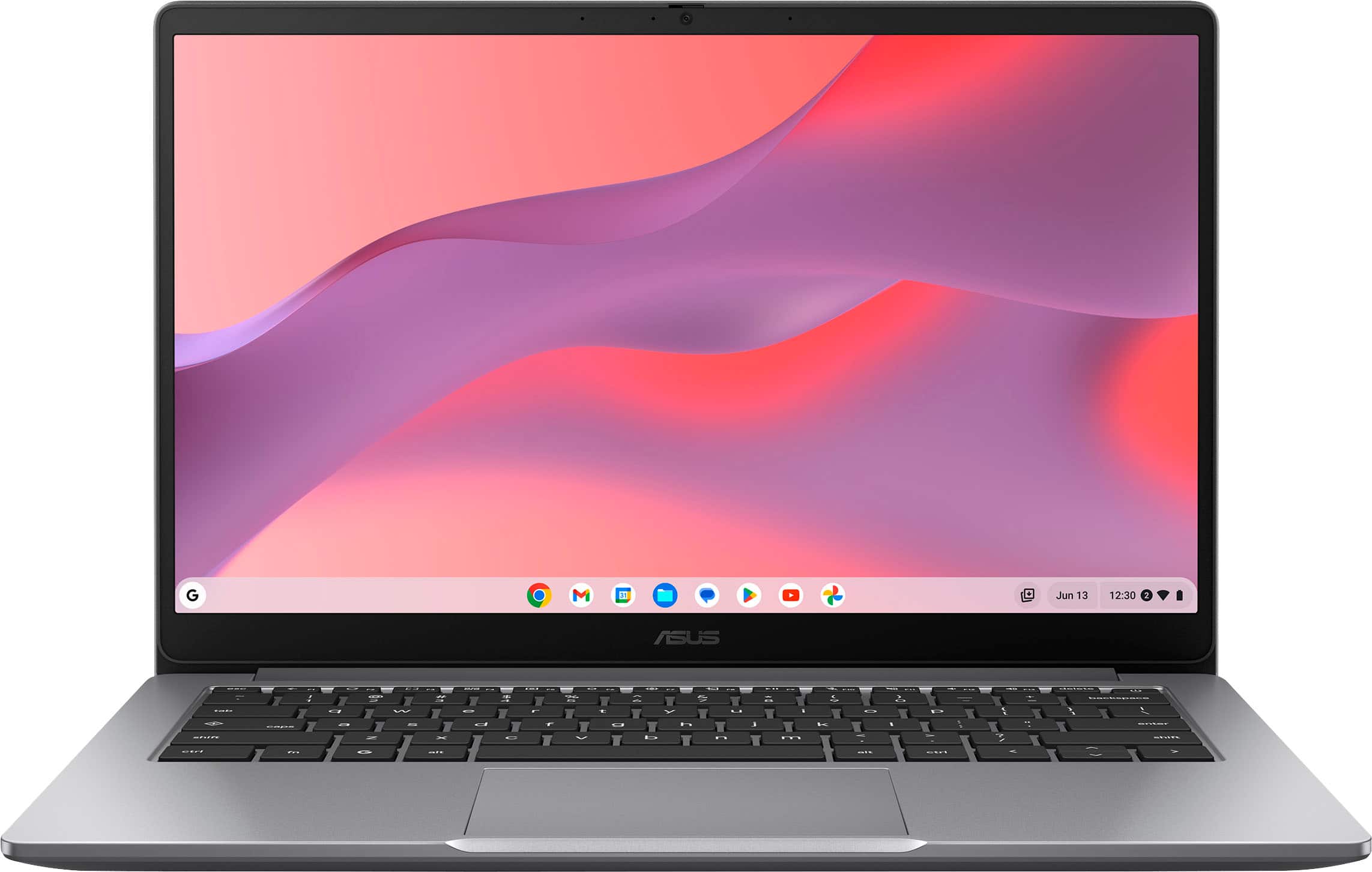
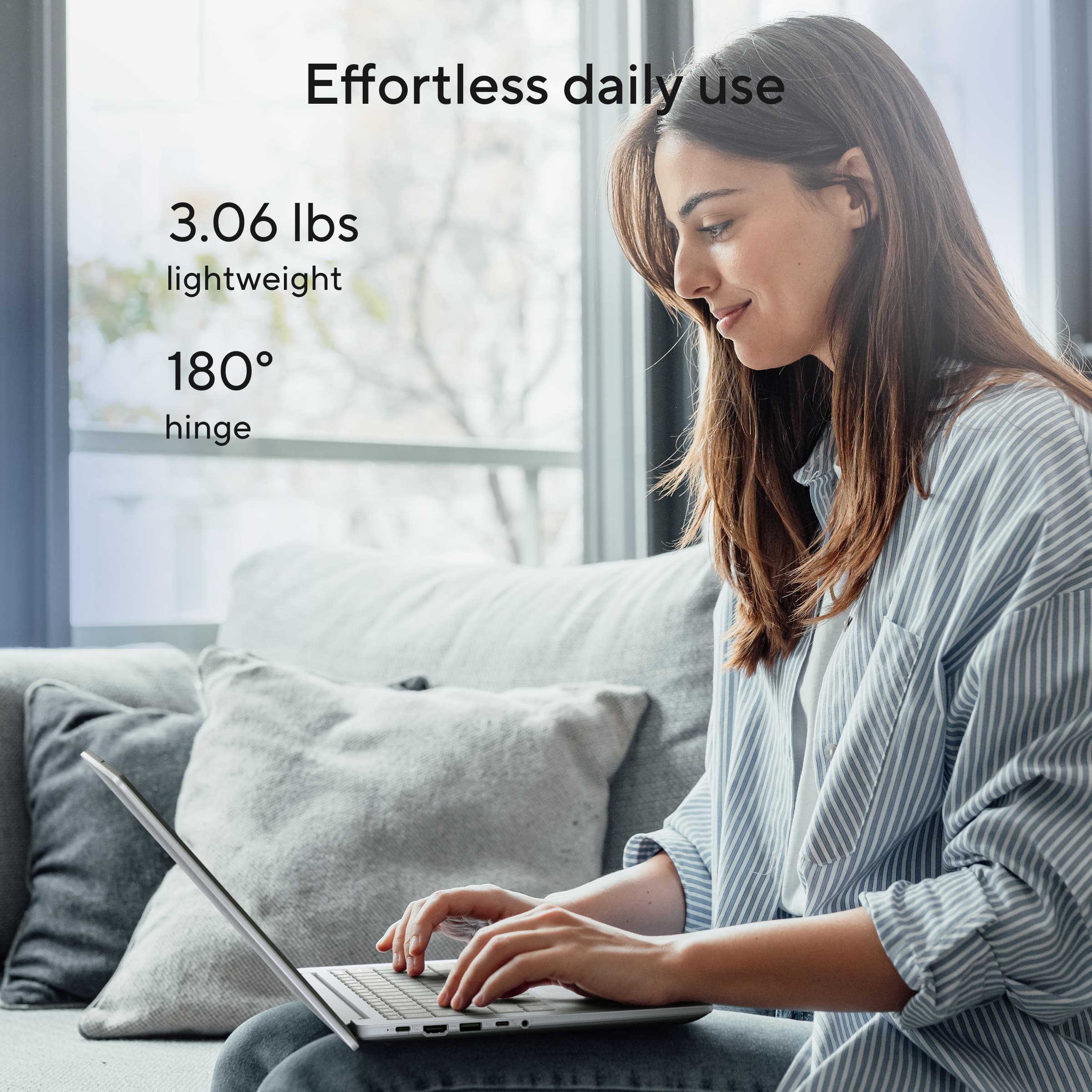
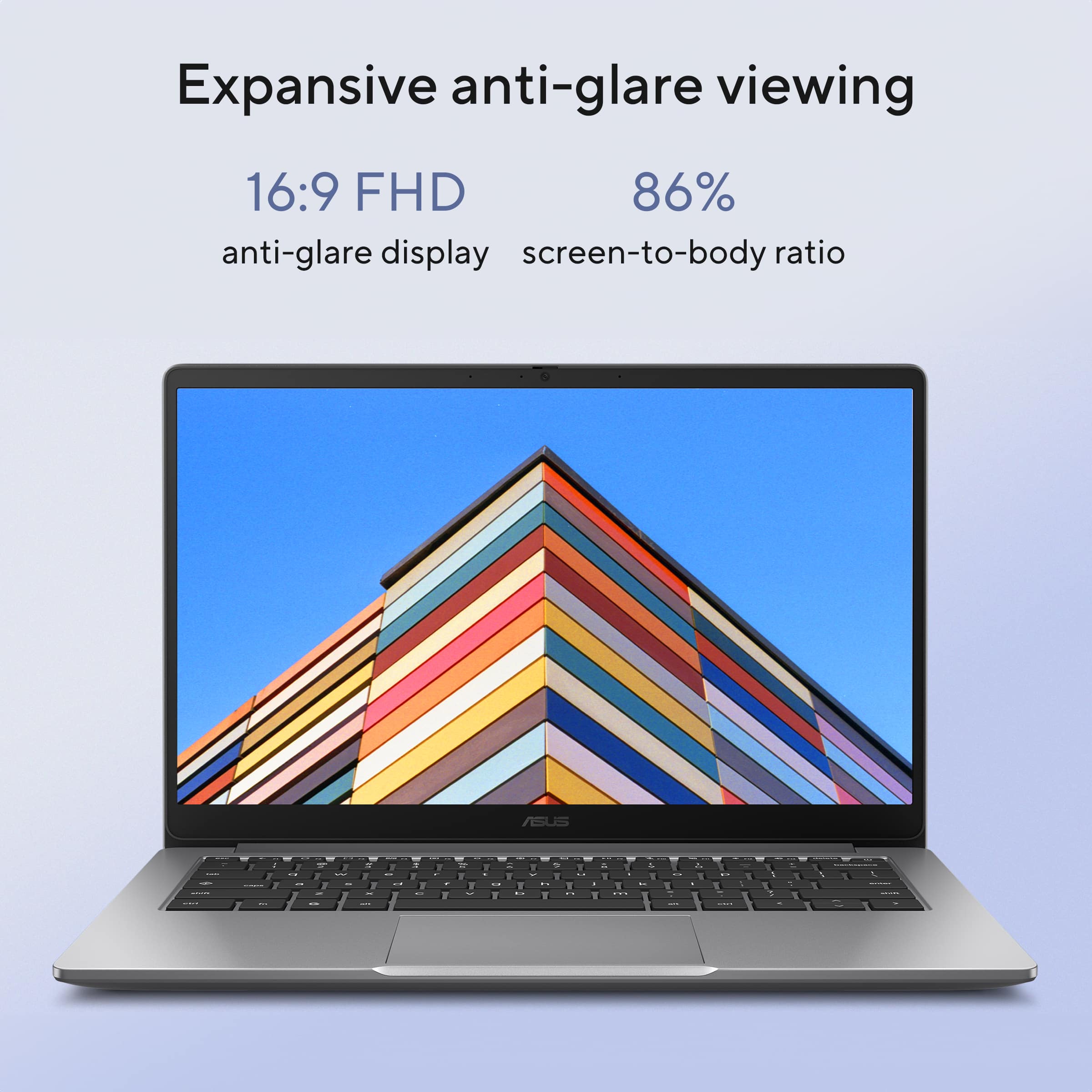
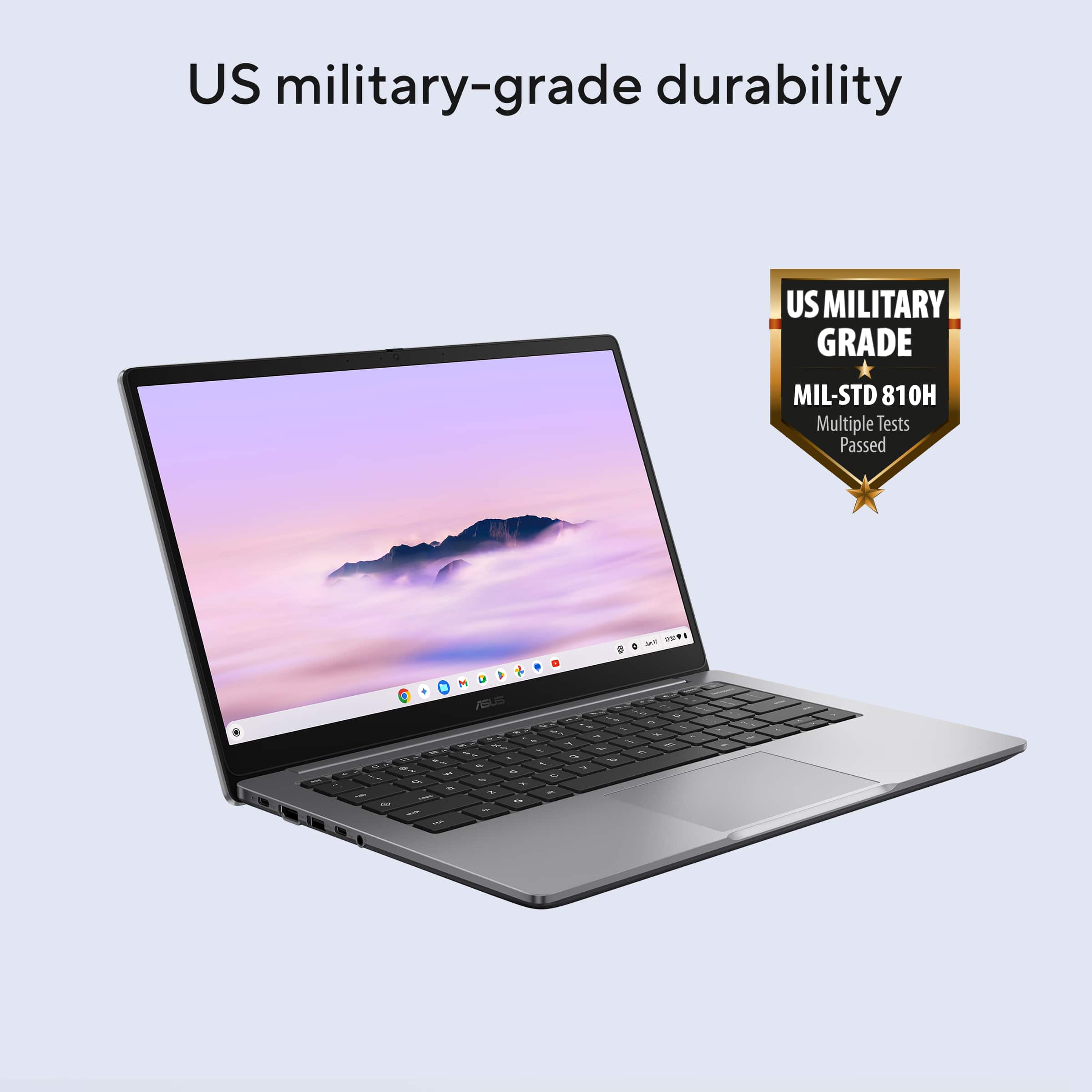






- Model:
- CX1405CKA-CL464
- SKU:
- 12153470
Rating by feature
- Battery Life
Rating 4.6 out of 5 stars
- Speed
Rating 4.5 out of 5 stars
- Display
Rating 4.6 out of 5 stars
to a friend
Customers are saying
Customers value the product's overall performance, portability, and battery life. Many customers are also happy with the screen quality and processor speed. Some customers appreciate the number of ports and the weight of the product.
This summary was generated by AI based on customer reviews.
Great
Posted .This reviewer received promo considerations or sweepstakes entry for writing a review.Works great. Awesome graphics. Terrible camera though
I would recommend this to a friendPoor purchase
Posted .This reviewer received promo considerations or sweepstakes entry for writing a review.It is always glitching I can't even watch a movie or switch in-between screens without it blinking black and white.
No, I would not recommend this to a friendBrand response from ASUS Answers
Posted .Dear MarlaS,
Thank you for sharing your experience with the ASUS CX1405CKA Chromebook. We sincerely apologize for the glitches you’ve encountered, including the screen blinking black and white when trying to watch movies or switch between screens. We regret the inconvenience this has caused.
To help troubleshoot the issue, we recommend following the steps outlined in our FAQ guide linked below. If the issue continues, please contact our support team at https://www.asus.com/us/support/CallUs so we can assist you further or arrange repair service if necessary.
We stand behind our products and continuously strive to improve our products and processes to achieve customer service excellence. For more information, email us at customerloyalty@asus.com and include the case number "N2507022218-0007" as a reference. We will do our best to resolve your case quickly. Your feedback is very important to us and enables us to improve our support channels. Thank you for choosing ASUS.
Best Regards,
Chantae
ASUS Customer Loyalty US Support
[Chromebook] Troubleshooting - How to fix Display issues with the built-in screen (primary display) of a Chromebook - https://www.asus.com/support/faq/1042772/