Customer Ratings & Reviews






- Model:
- CX1405CTA-I38128
- SKU:
- 12528819
Rating by feature
- Battery Life
Rating 4.6 out of 5 stars
- Speed
Rating 4.5 out of 5 stars
- Display
Rating 4.6 out of 5 stars
Customers are saying
Customers consistently note the product's strong overall performance, zippy processor speed, and reliable connectivity. Its portability, lightweight design, and ease of setup are also highly appreciated. Additionally, customers praise the excellent screen quality, impressive battery life, and solid port selection.
This summary was generated by AI based on customer reviews.
Great laptop, for a great price
||Posted . Owned for 1 week when reviewed.This reviewer received promo considerations or sweepstakes entry for writing a review.Great laptop at a great price. Very user-friendly.
I would recommend this to a friendMay get another one of these
||Posted . Owned for 1 week when reviewed.This reviewer received promo considerations or sweepstakes entry for writing a review.Wife got sick of Windows bloat and updates and has fallen in love with her new Chromebook.
I would recommend this to a friendComputers
||Posted .This reviewer received promo considerations or sweepstakes entry for writing a review.Great experience. The associate was very kind and helpful.
I would recommend this to a friend- Pros mentioned:Overall performance, Portability, Processor speed

Chromebook with a boost!
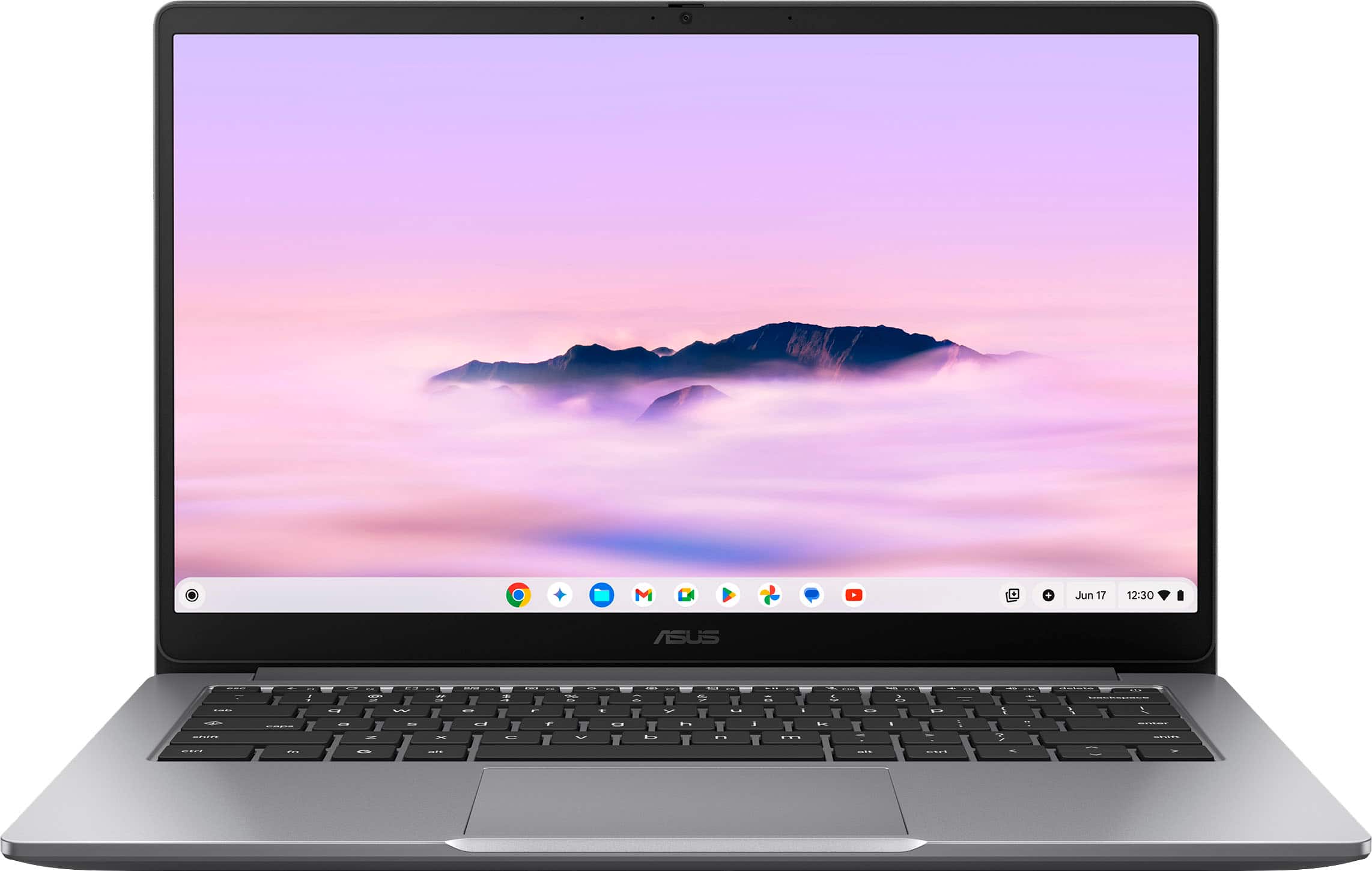
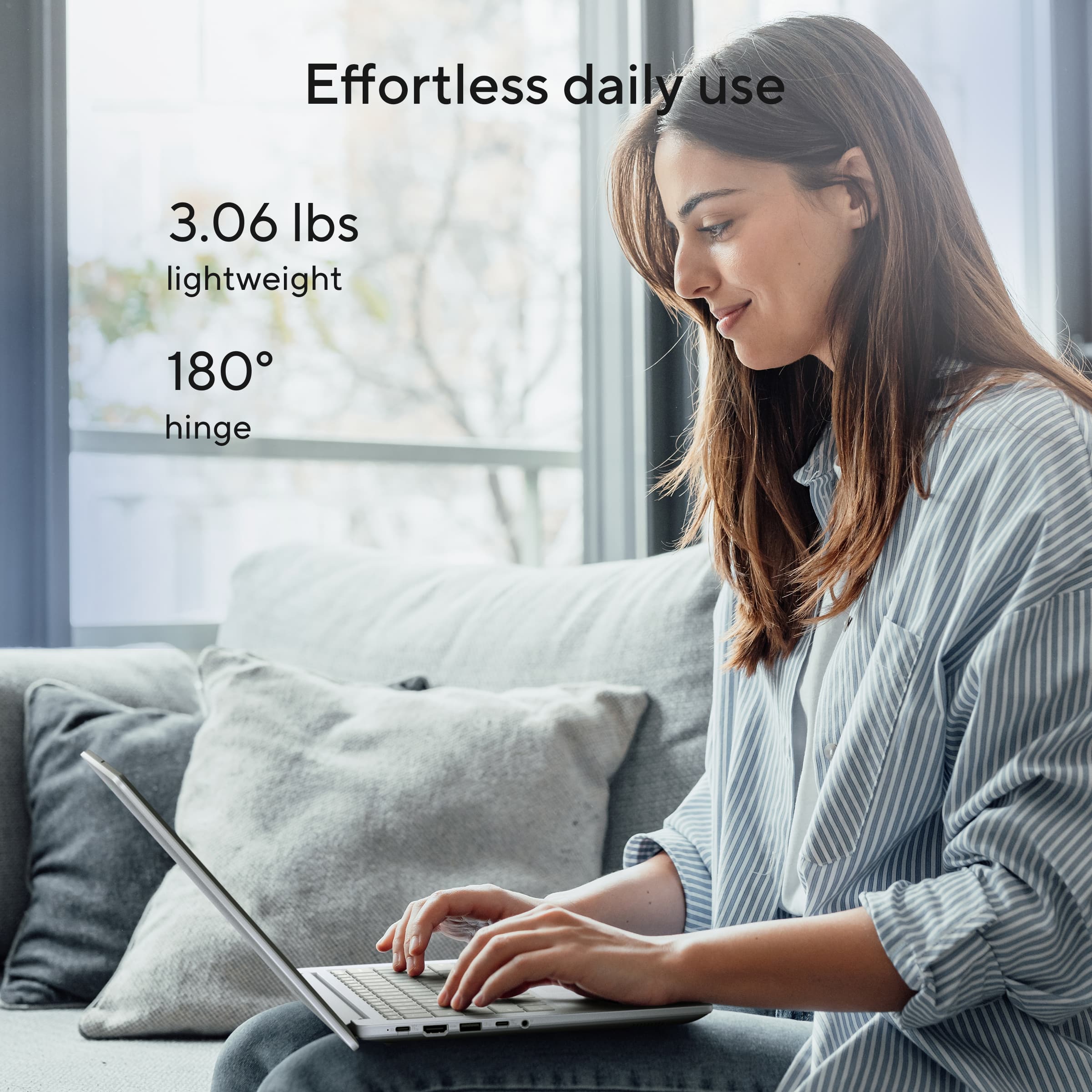
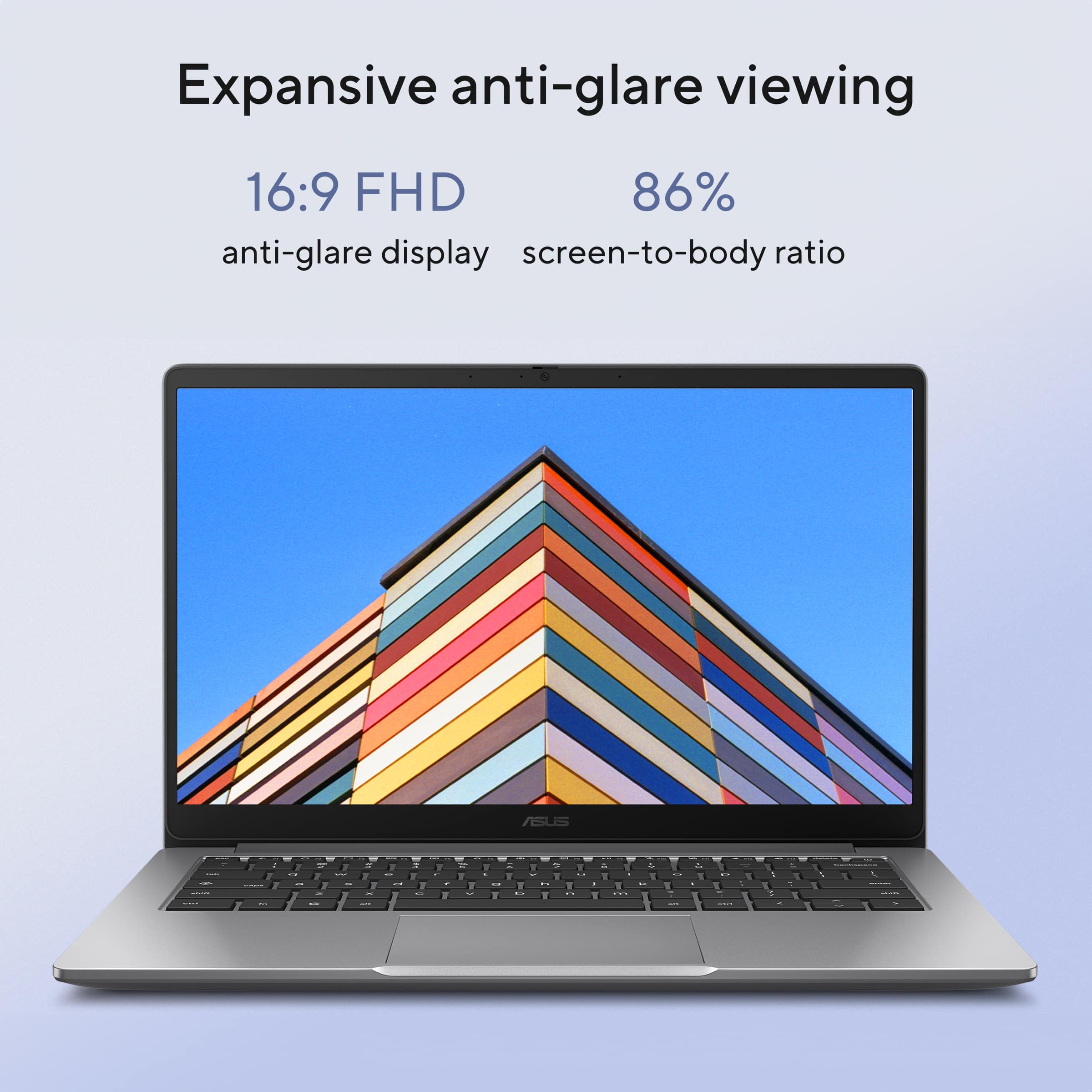
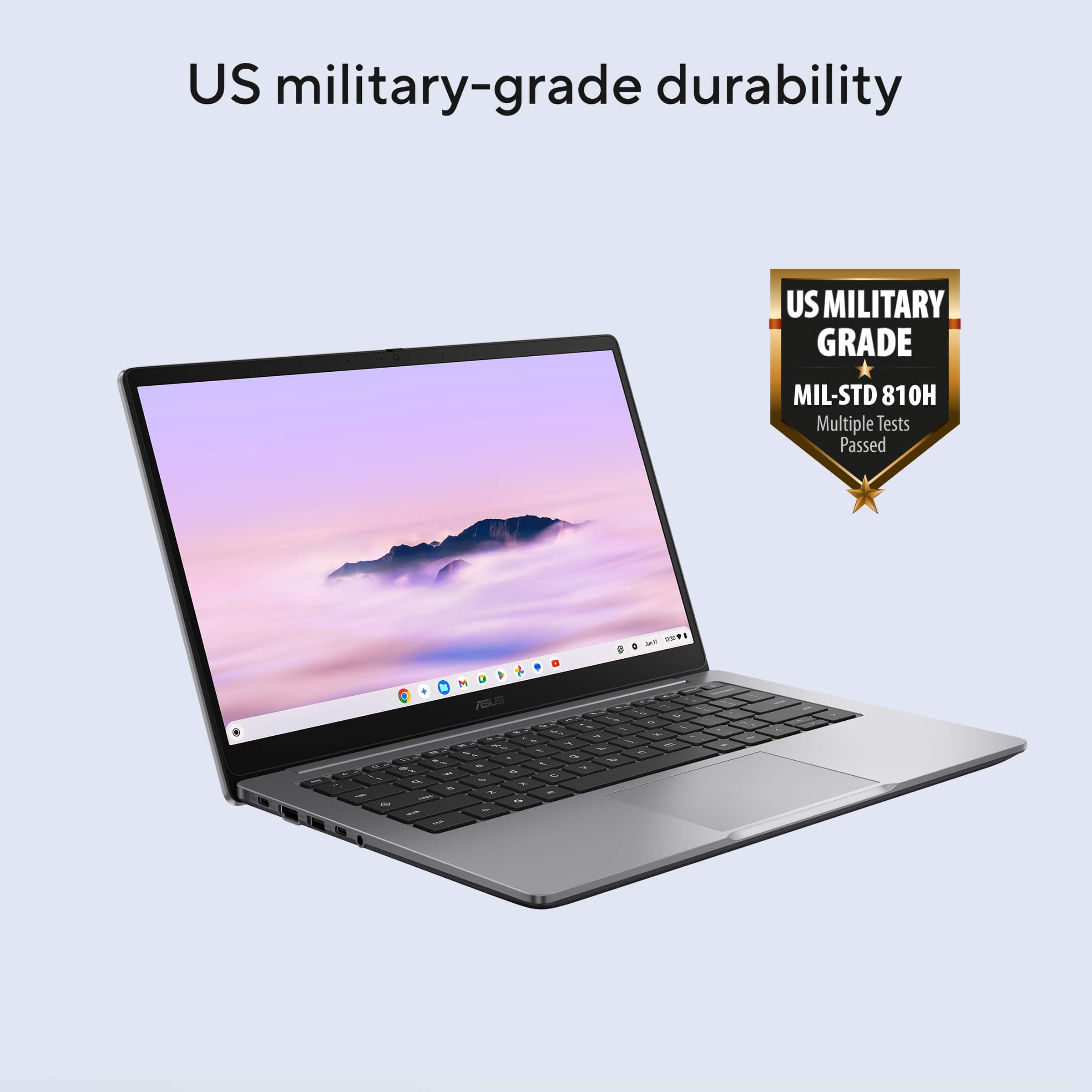
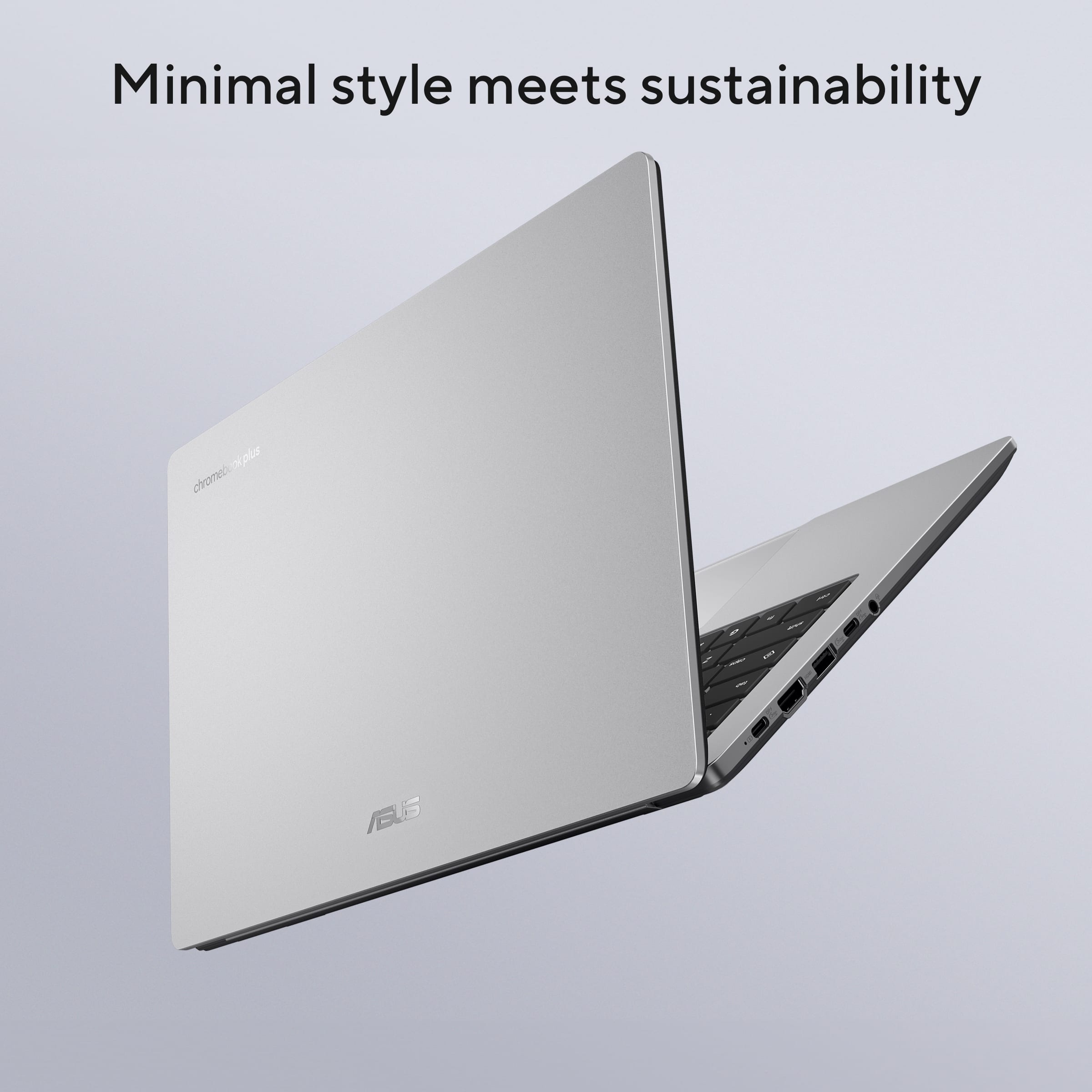
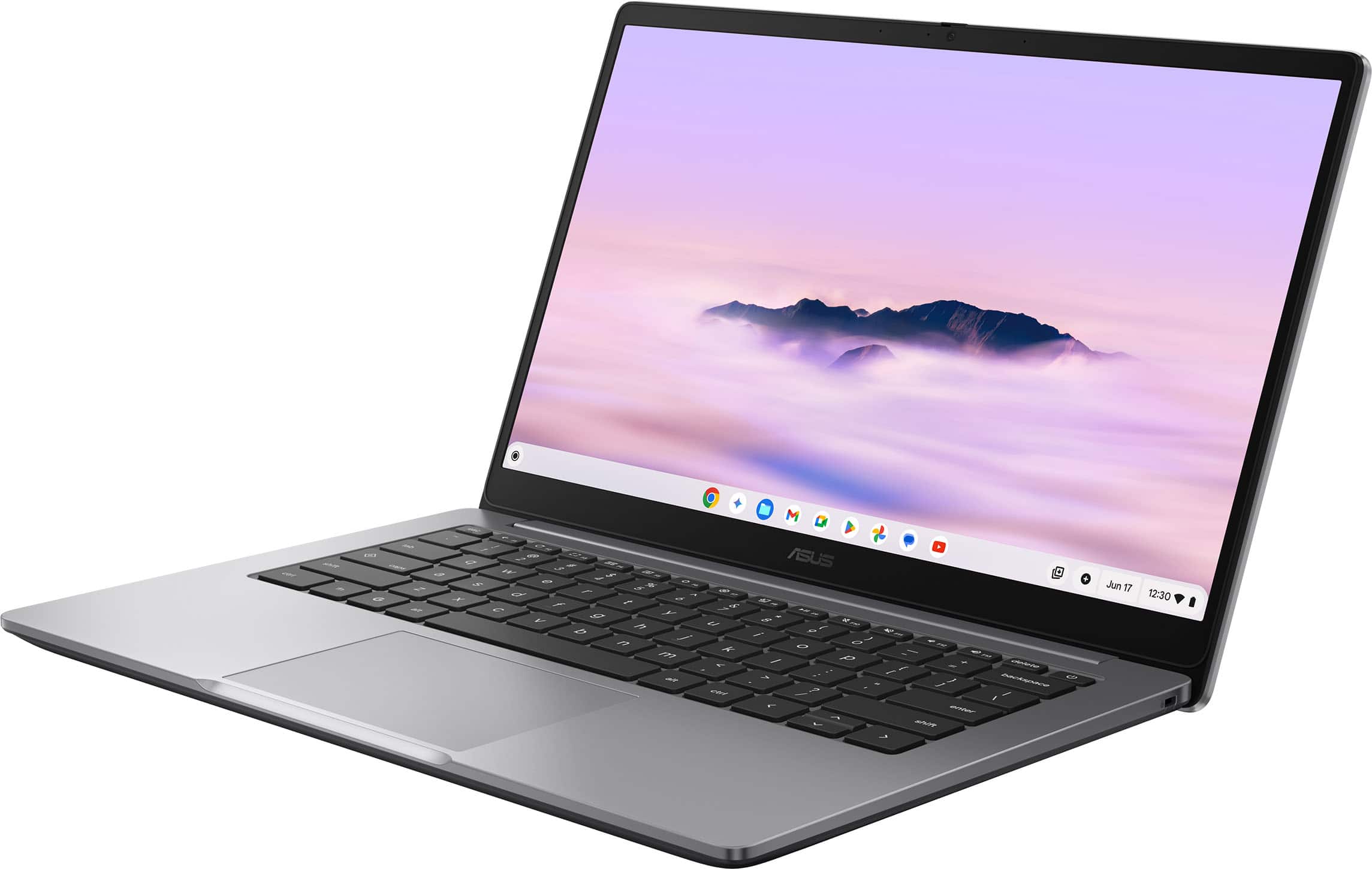
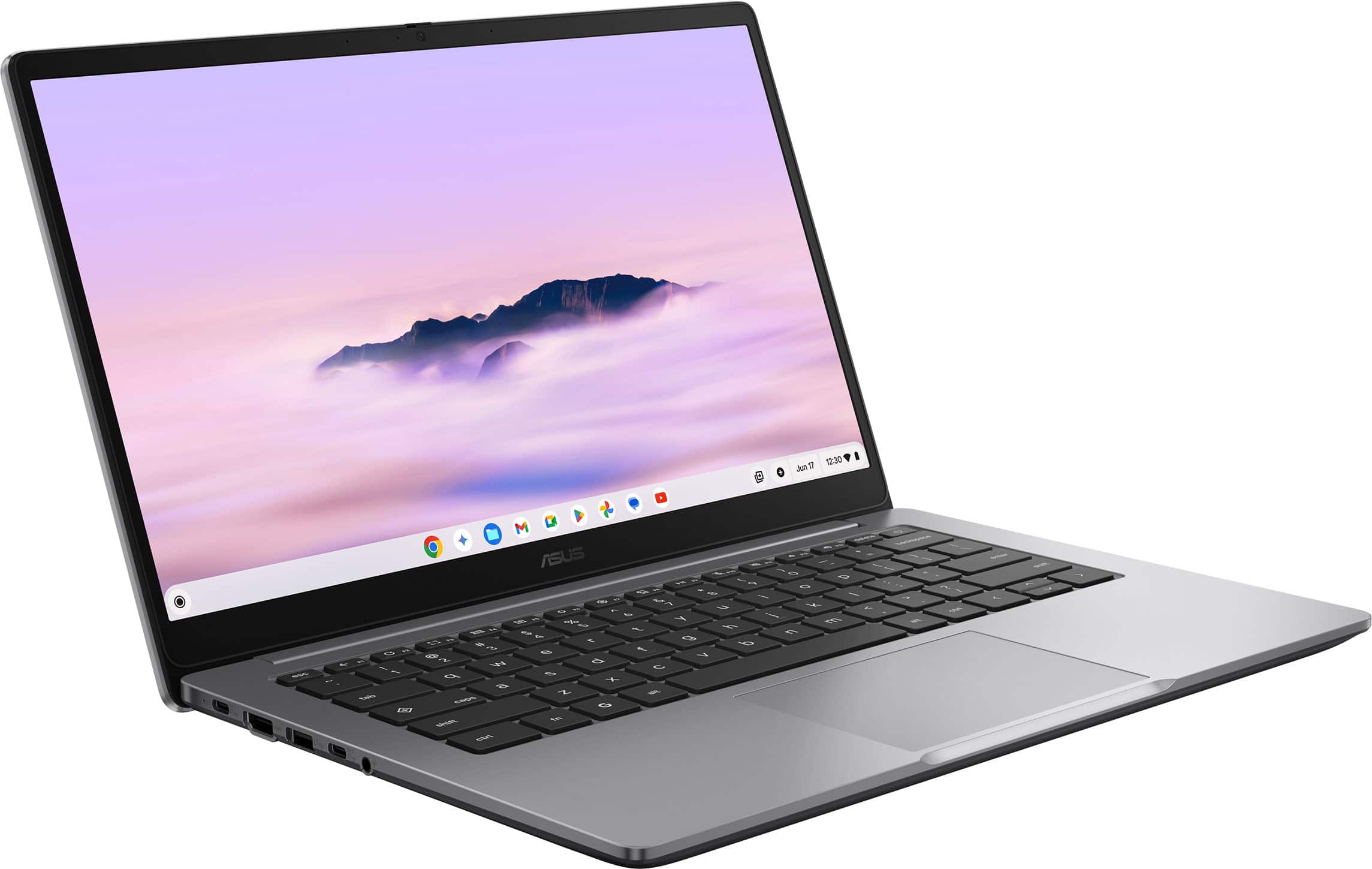
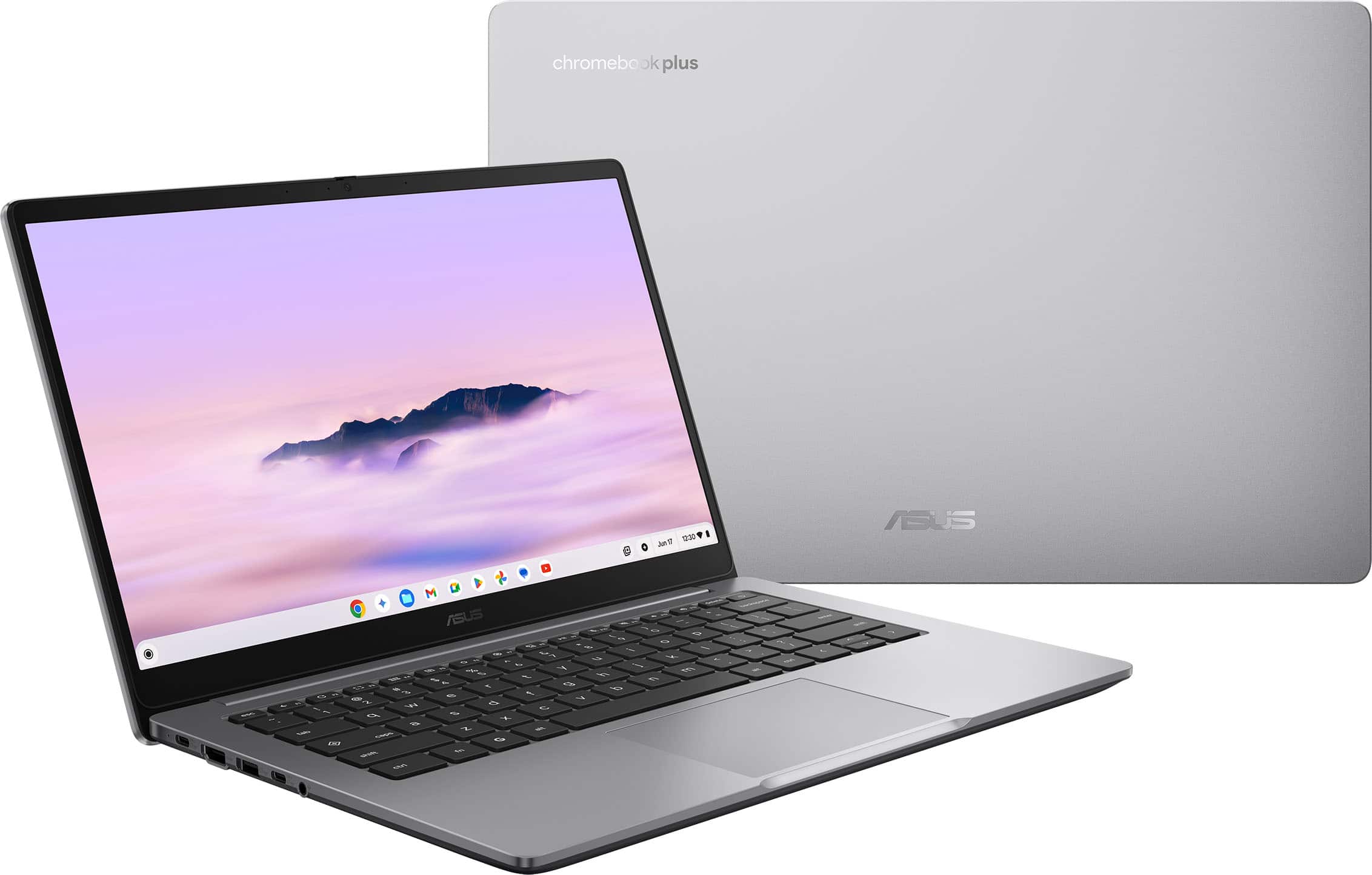
|Posted .This reviewer received promo considerations or sweepstakes entry for writing a review.I really like this little guy. Its as I would describe is a chromebook with a boost. It comes with a Intel I3 processor and 8GB memory and 128GB Storage. Giving it a nice perf bump for a chromebook. And its noticable! Allowing me to perform multible tasks at once for my web presence apps without the need of a full on bult laptop. It works fast and smooth to complete and run several apps at once. I didn't notice much slowdown at all. Which i would with other chromebooks. It will play standard games if you are wanting a break. But this machine is for work IMO or for the high school/College student needing for school. Screen size is nice at 14" and provided a nice bright layout and anti glare. Keyboard is nice and responsive and the unit comes in at 3 pounds. Making the unit portable yet giving a premium experience for daily use. The military grade durability on the casing will take a beating. Overall, nice unit. Definately a bump up from your standard chromebook. Built for everyday use!
I would recommend this to a friend Chrome book
||Posted . Owned for 1 week when reviewed.This reviewer received promo considerations or sweepstakes entry for writing a review.Great for my daughter’s school work and it’s a great size too
I would recommend this to a friendSolid Chromebook Plus
||Posted . Owned for 1 month when reviewed.This reviewer received promo considerations or sweepstakes entry for writing a review.Overall a great value for the money. Got on sale, so saved $100.
I would recommend this to a friendIt is a Chromebook
||Posted . Owned for 1 month when reviewed.This reviewer received promo considerations or sweepstakes entry for writing a review.This chromebook is great for the price but the Wifi and Internet conectivity stopped working within 6 months.
I would recommend this to a friendBrand response from ASUS Answers
Posted .Dear Gerardo,
Thank you for sharing your experience with the ASUS CX1405CTA Chromebook. We are pleased to hear that you found the device to be a great value for the price. However, we sincerely apologize for the inconvenience caused by the Wi‑Fi and internet connectivity issues you experienced within six months of use.
To assist with troubleshooting, we recommend following the steps outlined in our FAQ guide linked below. If the issue continues, please contact our support team at https://www.asus.com/us/support/CallUs so we can assist you further or arrange repair service if necessary.
We stand behind our products and continuously strive to improve our products and processes to achieve customer service excellence. For more information, email us at customerloyalty@asus.com and include the case number "N2506000487-0008" as a reference. We will do our best to resolve your case quickly. Your feedback is very important to us and enables us to improve our support channels. Thank you for choosing ASUS.
Best Regards,
Chantae
ASUS Customer Loyalty US Support
[Chromebook] Troubleshooting - Wireless Network Problems on Chromebook - https://www.asus.com/support/faq/1049943/
Disappointed
||Posted . Owned for 1 month when reviewed.This reviewer received promo considerations or sweepstakes entry for writing a review.As far as the computer goes, it's not bad. Basic needs are met, but I am more concerned with the salesman whose advice I trusted in making this purchase. Being a Chromebook, it doesn't run the programs I am used to running and I wasn't told this when I purchased the computer. I attempted to return the computer only to be told that I was over the time allotted in which to do so. So now I have a computer that cannot do what I need it to do and am stuck with it because of Best Buy's return policy, All in all, bad form on the part of the sales team, You did not meet my expectations and I will not be buying ANY products from Best Buy again.
No, I would not recommend this to a friendBrand response from ASUS Answers
Posted .Dear TimothyC,
Thank you for sharing your experience with the ASUS CX1405CTA Chromebook. We sincerely apologize that the device did not meet your expectations and that you were not informed about the limitations of running certain programs prior to purchase. We also regret the inconvenience you've faced when attempting to return the product due to Best Buy’s return policy.
Please be assured that your feedback will be forwarded to the appropriate internal teams for review.
We stand behind our products and continuously strive to improve our products and processes to achieve customer service excellence. If you require any further assistance, please email us at customerloyalty@asus.com and include the case number "N2511024530-0003" as a reference. We will do our best to resolve your case quickly. Your feedback is very important to us, and it enables us to improve our support channels. Thank you for choosing ASUS.
Best Regards,
Chantae
ASUS Customer Loyalty US Support
Chromebook
||Posted . Owned for 3 weeks when reviewed.This reviewer received promo considerations or sweepstakes entry for writing a review.Excellent product!! Service everything I was looking for.
I would recommend this to a friendGood Chromebook
||Posted . Owned for 1 week when reviewed.This reviewer received promo considerations or sweepstakes entry for writing a review.Unfortunately i returned the item for a smaller screen.
I would recommend this to a friendQuality for the Price
||Posted . Owned for 3 weeks when reviewed.This reviewer received promo considerations or sweepstakes entry for writing a review.Good Purchase. Not the Best Buy...but a quality buy.
I would recommend this to a friendGreat except for the battery life.
||Posted . Owned for 3 weeks when reviewed.This reviewer received promo considerations or sweepstakes entry for writing a review.I like everything so far but the battery life. Seems to run out faster than my old machine did.
I would recommend this to a friendBrand response from ASUS Answers
Posted .Dear JacobZ,
Thank you for sharing your experience with the ASUS CX1405CTA Chromebook. We are pleased to hear that you are enjoying many aspects of the device, and we sincerely apologize for the concern you’ve encountered with battery life.
To help optimize performance, we recommend following the steps outlined in our FAQ guide linked below. If the issue continues, please contact our support team at https://www.asus.com/us/support/CallUs so we can assist you further or arrange repair service if necessary.
We stand behind our products and continuously strive to improve our products and processes to achieve customer service excellence. For more information, email us at customerloyalty@asus.com and include the case number "N2506000487-0007" as a reference. We will do our best to resolve your case quickly. Your feedback is very important to us and enables us to improve our support channels. Thank you for choosing ASUS.
Best Regards,
Chantae
ASUS Customer Loyalty US Support
[Chromebook] Troubleshooting - Short Battery Life on Chromebook (Fast Battery Drain) - https://www.asus.com/us/support/faq/1050873/
Is this really a Chromebook pro?
||Posted . Owned for 2 weeks when reviewed.This reviewer received promo considerations or sweepstakes entry for writing a review.Its brand new but for some reason it lags. The primary reason people buy Chromebooks is for web browsing right???!?
No, I would not recommend this to a friendBrand response from ASUS Answers
Posted .Dear FedExguy,
Thank you for sharing your experience with the ASUS CX1405CTA Chromebook. We sincerely apologize for the system performance issue you’ve encountered and for the inconvenience this has caused.
To help address the problem, we recommend following the steps outlined in our FAQ guide linked below. If the issue continues, please contact our support team at https://www.asus.com/us/support/CallUs so we can assist you further.
We stand behind our products and continuously strive to improve our products and processes to achieve customer service excellence. For more information, email us at customerloyalty@asus.com and include the case number "N2508017879-0004" as a reference. We will do our best to resolve your case quickly. Your feedback is very important to us and enables us to improve our support channels. Thank you for choosing ASUS.
Best Regards,
Chantae
ASUS Customer Loyalty US Support
[Chromebook] Troubleshooting - Slow Performance on Chromebook: https://www.asus.com/support/faq/1049593/
- Pros mentioned:Battery life, Overall performance, Processor speed
More Than Just a Chromebook Laptop
|Posted .This reviewer received promo considerations or sweepstakes entry for writing a review.Since COVID in 2020, one of my younger daughters have used Chromebook laptops and to my amazement, she has always been able to do all of her school work on them. But she also uses it for her artwork as she is very talented in that regards. Until recently, I couldn't imagine being able to do as much as she can. However, other than playing games and editing videos, I currently can do most of my work using just a Chrome browser in any computer. And I'm talking about using Microsoft Word, Excel, and other tools as part of Office 365. What does that have to do with this laptop? If most of what you do in a computer is browsing the Internet, using Office or Google Docs, you may not need anything more powerful than this Asus Chromebook. Differently from my daughter's aging Chromebook which came with a Celeron CPU, this one comes with an Intel Core 3 which is very good for this type of laptop. The only downside is that it is mostly cloud based, but isn't most things you do in the clouds nowadays? And yes, it supports many apps offline. The 128GB SSD drive is not that much for some people, but most of us have access to online storage and will not need more than what it comes with. The resolution is only 1080p but in my opinion, it is adequate for a 14-inch screen. No complaints there. Performance is way superior to what my daughter had. Besides the 128GB eMMD drive which is four time as big, the RAM is double that at 8GB. As for battery, it lasted 3 whole mornings with a single charge and unplugged. It was impressive, even for a Chromebook. AI has become a major thing in our family and my wife and my daughter both love NotebookLLM to study school subjects and to learn new medical studies to keep up to speed with recent researches. I do use Gemini for work related tasks. So, an AI focused laptop only makes sense for us. Overall, I find it well built and an excellent value for the price. I gave it to my daughter and she is very happy. She also liked the size, camera, and overall look. While she prefers a tablet for her artwork now, she said that this is perfect for school and play. We all agree.
I would recommend this to a friend Nice Chromebook
||Posted . Owned for 1 week when reviewed.This reviewer received promo considerations or sweepstakes entry for writing a review.Nice chromebook.The sale price should be lower around 250-350 USD.Over Price
I would recommend this to a friendBrand response from ASUS Answers
Posted .Dear MubyBrown23,
Thank you for your feedback on the ASUS CX1405CTA Chromebook. We're glad to hear you find it a nice device. We understand that pricing is an important consideration, and we appreciate your input. Your comments will be shared with our product team for future evaluation.
We stand behind our products and continuously strive to improve our products and processes to achieve customer service excellence. If you require any further assistance, please email us at customerloyalty@asus.com and include the case number "N2506000487-0005" as a reference. We will do our best to resolve your case quickly. Your feedback is very important to us, and it enables us to improve our support channels. Thank you for choosing ASUS.
Best Regards,
Chantae
ASUS Customer Loyalty US Support
Cool Chromebook, Great Price, Faulty Keyboard
||Posted .This reviewer received promo considerations or sweepstakes entry for writing a review.The Chromebook was nice, but we got one with a keyboard problem. Best Buy took it back without hassle, so that's good, but I think with a product designed to be as lean as it can get, you're bound to have some that have issues. The paradigm of these Chromebooks is still really useful.
No, I would not recommend this to a friendBrand response from ASUS Answers
Posted .Dear Pricygoldnikes,
Thank you for your feedback
We certainly understand your disappointment with this Chromebook and the inconvenience this may have caused if you experienced a keyboard problem. All ASUS products undergo intensive quality control testing and inspections, and are built to last. The keyboard problem a random. ASUS provides warranty coverage for the product.
If you need further assistance with this Chromebook and other ASUS products, please email me at cl-rodel@asus.com and I would be more than happy to help. Or you are most welcome to call Product Support Hotline at: 1(888) 678-3688. Also, you can chat with an ASUS live support agent from the link: https://www.asus.com/us/support/article/1135/.
Thank you for choosing an ASUS product.
Regards,
Rodel
ASUS Customer Loyalty
- Pros mentioned:Battery life, Overall performance, Screen quality
Good value Chromebook in the mid-tier price range
|Posted .This reviewer received promo considerations or sweepstakes entry for writing a review.The ASUS CX14 builds on ASUS' previous successful Chromebooks. Out of the box, it doesn't break any molds or set any revolutionary standards. It maintains the sleek and compact modern design language. The build quality seems decent but truly only time will tell. I have had laptops that seem solid suddenly fall apart at the seams while ones that I were absolutely certain would fail have far outlasted their intended lifespans. In terms of specs, the CX14 is solid. It's got enough RAM and storage for the average person and especially on ChromeOS. The display is satisfactory. It is 1080p. The brightness is usable indoors without much sunlight but anything more and it struggles quite a bit. I think this does help its battery life. Battery life is rated at 10 hours. I was not quite getting that much but still fairly close which is fairly average in terms of battery life for a Chromebook. The port selection was solid. In addition to the USB-C, there is an USB-A and HDMI. As much as I do believe USB-C is the future, the transition seems to be taking a LONG time. In the interim, it's great to have the other ports. The ASUS CX14 Chromebook Plus is a good option if you are looking for a mid-tier priced Chromebook. It is a fairly crowded competition. Chromebooks have an interesting place in the market. I actually used to be a huge fan of Chromebooks in the past. They used to be dirt cheap. Chrome was a good browser back in the day. For people who really want just web browsing and basic productivity tasks that they were fine with using Google apps for and everything being cloud-based, then it made sense. Now there are Chromebook Plus lines that are meant to be more premium in terms of features, storage, processors, etc. with increased pricing while there are now budget laptops at similar prices with a more robust OS. Chrome has also fallen behind as a usable browser and limited extensions. If you are fine with ChromeOS and all its limitations, then the ASUS CX14 is a fine option.
I would recommend this to a friend - Pros mentioned:Battery life, Processor speed, Screen quality
Excellent Chromebook with Google AI!
|Posted .This reviewer received promo considerations or sweepstakes entry for writing a review.ASUS Chromebook CX14 is our second Chromebook and it came with very decent configuration of 8GB memory, 128GB eMMC, Intel Core processor and 14" FHD Chromebook Plus Laptop with Google AI. Setup is very easy and able to login with my google account. This laptop runs on ChromeOS which is fast and secure operating systems from Google with built-in applications like Gemini, Gmail, Google Docs, Photos, YouTube and much more from Google eco system. With 2X faster intel core processor and double the memory / storage, this Chromebook has much better configuration than my previous Chromebook which was slow while using applications. The battery life is really good and lasting up to 10 hours of usage. With Google AI Gemini, i was able to utilize AI features to compose emails, create content for websites and get many other contents with power of AI. I was able to get Gemini Advanced and 2TB of storage for 12 months at no cost due to Chromebook plus purchase. Also, it allowed me to sign up 3 months of YouTube Premium without any additional cost. This Chromebook is very lightweight and it is easy to carry around. The 14" FHD is perfect size and resolution to do most of the day to day tasks. It has many ports including 1 Audio Jack, 1 USB 3.2 Gen1 Type-C and 1 USB 3.2 Gen1 Type-A. There is nothing to worry about virus as Chromebooks have never had any sort of virus due to the tight security and privacy controls built-in with the operating system. I was able to install Microsoft O365, Adobe Photoshop for photo editing and able to play games without any issues. I can do most of the tasks in this Chromebook and really impressed with the build quality as well. This is one of the good Chromebook with AI features and really good configuration.
I would recommend this to a friend Cannot redeem the 12 month Google AI service
||Posted . Owned for 2 weeks when reviewed.This reviewer received promo considerations or sweepstakes entry for writing a review.Do not buy. It was advertised that you can get a free 12 month Google AI service, but actually cannot be redeemed.
No, I would not recommend this to a friendBrand response from ASUS Answers
Posted .Dear Kevin,
Thank you for your feedback.
We do understand your dissatisfaction with the quality your recent customer service experience and the inconvenience this may have caused if you cannot redeem the 12 months Google AI service. To redeem the offer, please do the following: Open the Explore App, click the Launcher, which is the circular icon in the bottom-left corner of the screen. Then, open the Explore app, which has a compass icon. Navigate to Perks in the Explore app's left-hand menu, click on Perks. Locate the AI Offer and find the card for "Google One AI Premium" or "Gemini Advanced" (12-month offer). Click "Get Perk": Follow the on-screen instructions, which will guide to the Google One website to verify eligibility. Set up a valid payment method is needed during sign-up. There will be no charges until the 12-month trial ends. This offer is only for new customers. The account cannot currently be part of a higher-tier Google One plan. The offer must be redeemed on the new ASUS CX1405CTA device. Used or refurbished devices are generally not eligible. This perk is limited to one redemption per Google account and per device. Offers are only available in specific countries.
If you need further assistance with the warranty service for the product, please email me at cl-rodel@asus.com and I will be more than happy to help. Or you are most welcome to call Product Support Hotline at: 1(888) 678-3688. Also, you can chat with an ASUS live support agent from the link: https://www.asus.com/us/support/article/1135/.
Thank you for choosing an ASUS product.
Regards,
Rodel
ASUS Customer Loyalty
- Pros mentioned:Processor speed, Screen quality
Fantastic value Chromebook, with AI Premium too
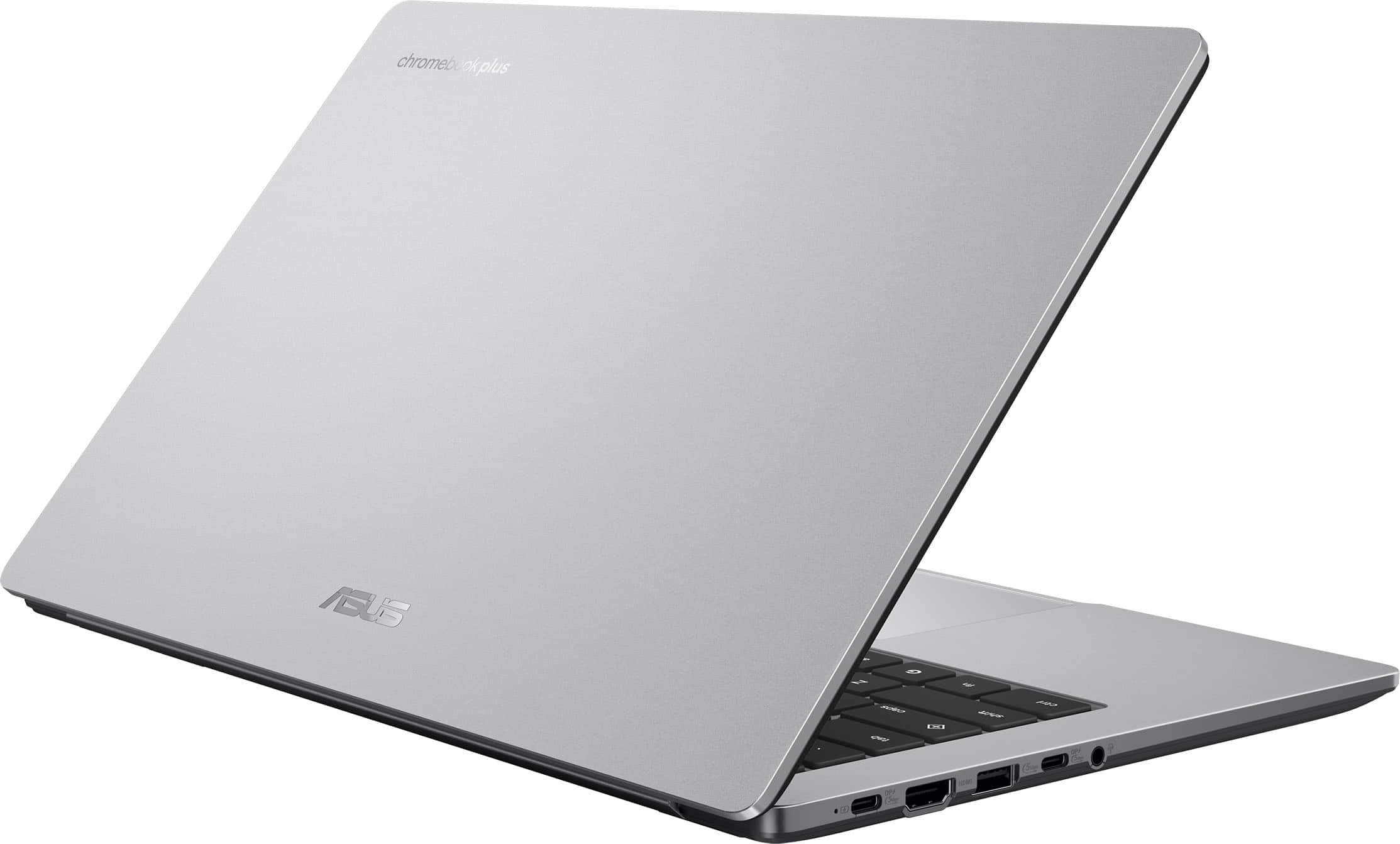
|Posted .This reviewer received promo considerations or sweepstakes entry for writing a review.The Asus CX14 Chromebook Plus is a great little laptop. I love Chromebooks in general, and this is not my first Chromebook from Asus, either. What sets the new CX14 apart from the previous models I've reviewed are the latest Intel Core 3 processor (the N355) and a 12 month subscription for Google AI Premium included. The cost for 12 months of AI premium is more than half the MSRP of this Chromebook, and the 2TB AI Premium subscription can be shared with all of the devices on your Google account so it kind of pays for itself from the get-go. #Unboxing# The Asus CX14 comes in a pretty standard laptop box. The only thing I found notable in the packaging of the device was the charger (a pretty standard USB-C 45W charger) was just kinda banging around in the side pocket of the box. Before I opened the box, I was a little concerned from the charger rattling around. Nothing was damaged though. Just a little odd that it wasn't better secured in the packaging. Otherwise, the CX14 feels like a step up from the extreme budget model laptops with decent fit and finish. It has an HDMI port, 2 USB-C ports with DP Alt-mode, a USB-A port, and a headset 3.5mm jack - all on one side of the device. The other side of the Chromebook has a kensington lock port. #Using the CX14# The Asus CX14 exceeds pretty much any expectation that someone might have for a budget laptop, though it might be better to say that it meets the expectations of a veteran Chromebook user. The big step up from cheaper devices is the quality of the display. This is 1080p/FHD display using a panel that's a step up from the standard TN panels you see on cheap windows laptops. I'm not sure whether it's IPS or VA, but it's got great viewing angles and gets more than bright enough for a well-lit indoor school/office environment. I'm not sure it would be bright enough for a day at the beach, but I wouldn't expect that from a device at this price point either. The performance is very good - it only has eMMC storage rather than a full speed NVMe SSD, but with Chrome OS you really don't need high performance storage. You're presented with the standard Perks screen after logging in the first time, so it was easy to take advantage of the 12 months of AI Premium 2TB for free. If you're already subscribed, it just pushes back your billing date by 12 months. If you're on a free trial already, it cancels the existing trial to put the new 12 month plan in place. Once you have AI Premium, you get access to Gemini 2.5 Flash and 2.5 Pro. You can get to them by clicking the Google key (same location as the windows key on a standard keyboard) and tapping Gemini. Flash is very fast and responsive and does a good job with most questions. It even wrote a 2 page story about my twin boys being a Jedi Padawan and ship engineer. Pro is used more for 'real' research and coding. Really the only quibble I have with the CX14 is the lack of a backlit keyboard. It's not advertised as having one, and I'm not sure I'd truly expect it at this price point, but honestly the rest of the laptop feels so nice that I was surprised that it didn't come with backlit keys. #Final thoughts# I'd recommend the Core 3 model of the CX14 to anyone looking for a step-up Chromebook for back to school season. It's priced well for the features it gives you, and the 12 month subscription to AI Premium with 2TB of cloud storage is a fantastic deal for users embedded in the Google ecosystem.
I would recommend this to a friend