Customer Ratings & Reviews




- Model:
- PA279CV
- SKU:
- 6450748
Rating by feature
- Display Quality
Rating 4.9 out of 5 stars
- Ease of Use
Rating 4.5 out of 5 stars
- Features
Rating 4.8 out of 5 stars
Customers are saying
Customers value the ProArt 27" monitor for its exceptional color accuracy and high resolution, which provides a crystal clear picture. The convenience of USB-C connectivity and sturdy build quality are also appreciated. Some customers find the built-in speakers to be lacking, and a few have noted the refresh rate is limited.
This summary was generated by AI based on customer reviews.
- Pros mentioned:Color accuracy
ASUS Pro Art 27" Monitors
Posted .This reviewer received promo considerations or sweepstakes entry for writing a review.Monitors seem to be functioning well after 3 weeks. Color looks good out of the box. Set up was not as simple as plug and play but not too involved. Helps if you read the instructions.
I would recommend this to a friend - Pros mentioned:Color accuracy

Solid well built monitor
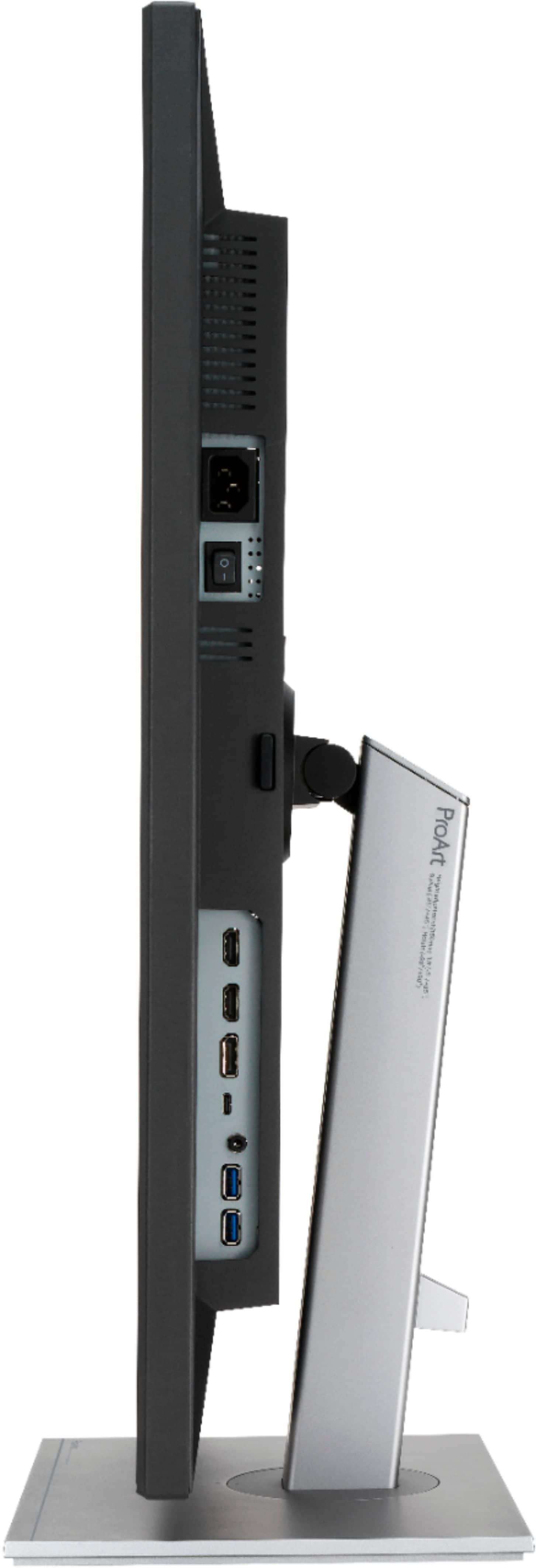
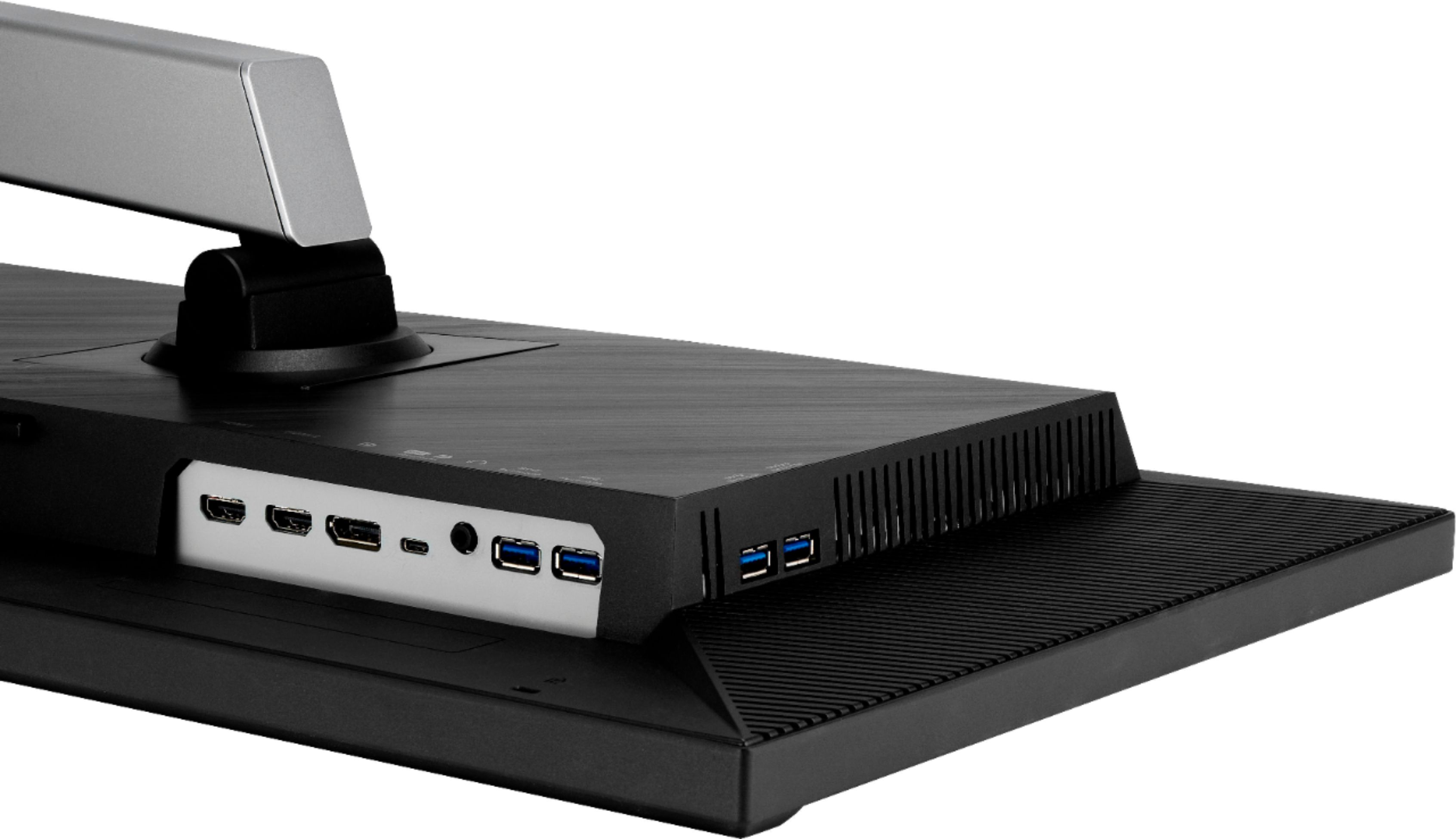
|Posted .This reviewer received promo considerations or sweepstakes entry for writing a review.This monitor has excellent color translation and brightness. I am using it on a monitor mount setup and made it the center of a 3 monitor console, all of which are Asus monitors. I find this monitor to have brighter whites than the other two Asus I have on my desk and it is the first model in my possession to feature a blue light filter. The buttons are small and located on the lower right of the monitor panel. They are easy to push, but are not really labeled which makes it difficult to easily choose the button for the setting you wish to adjust at a glance without looking closely. The functions for each button are shown on screen once pressed, but as someone who would rather press the correct button the first time, I find this aspect of the design a bit of a drawback. When I initially began using this monitor I found myself developing headaches by the end of the day, but this was greatly mitigated by enabling the blue light filter setting. As far as the blue light filter goes, I do not readily see a visual difference on settings 0-4 in terms of color calibration and definition, but when you set the blue light filter to 5, it definitely imparts a very yellow hue to the screen. The variety of digital inputs is excellent and the speakers are sufficient, but given that this monitor is geared toward high end graphics rather than audio output, the speakers offer average sound.
I would recommend this to a friend - Pros mentioned:Color accuracy
Purpose driven monitor
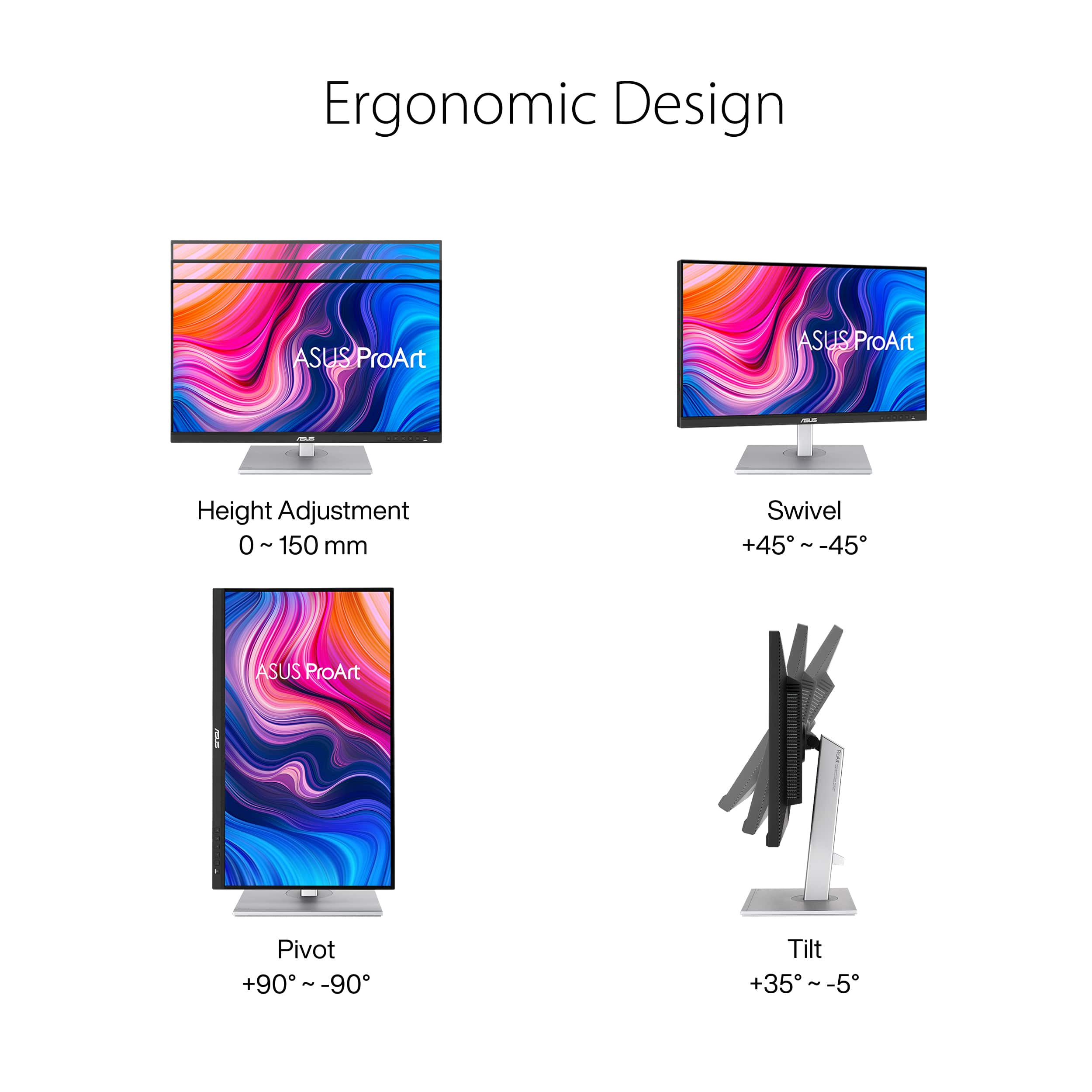
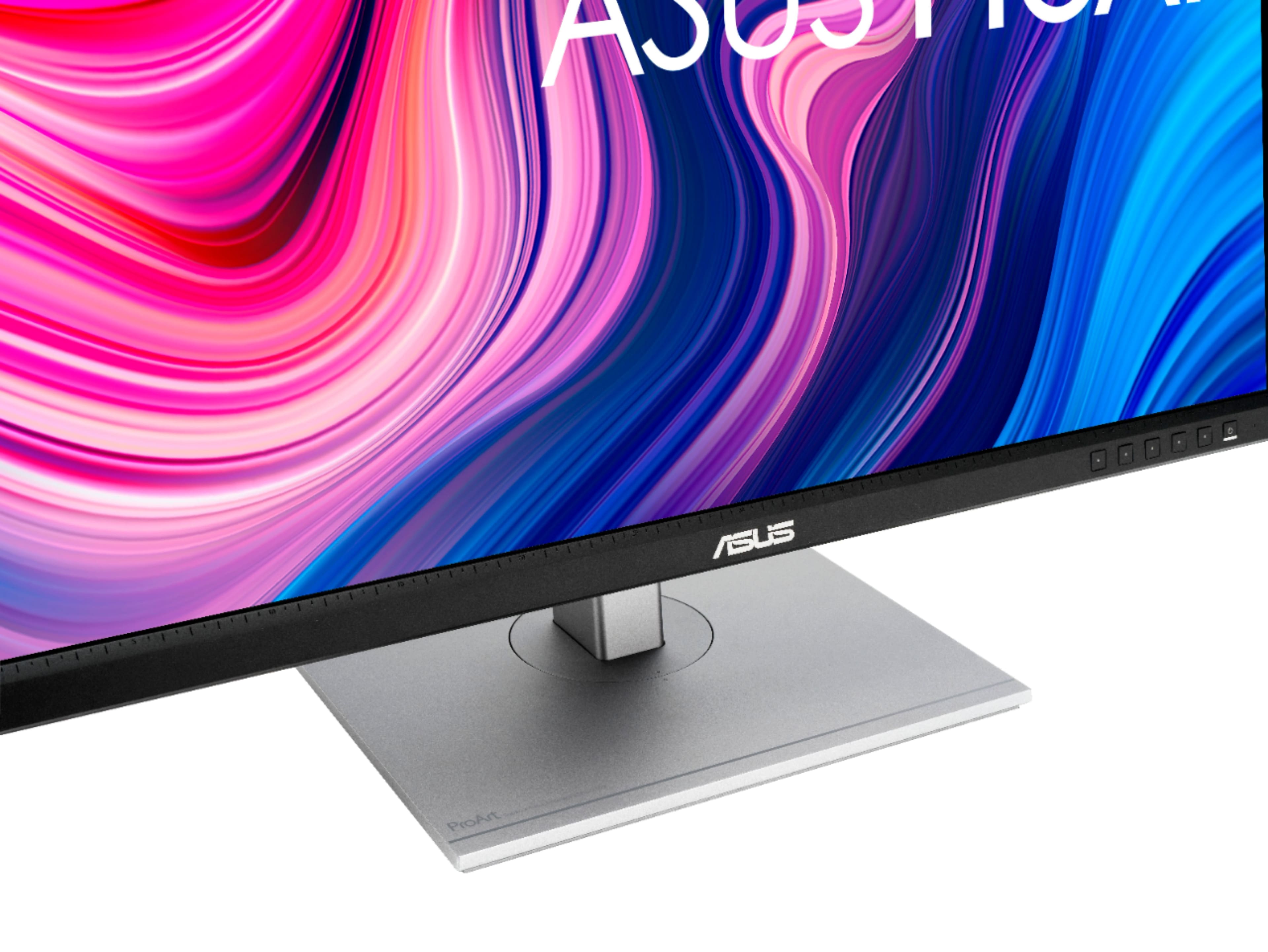
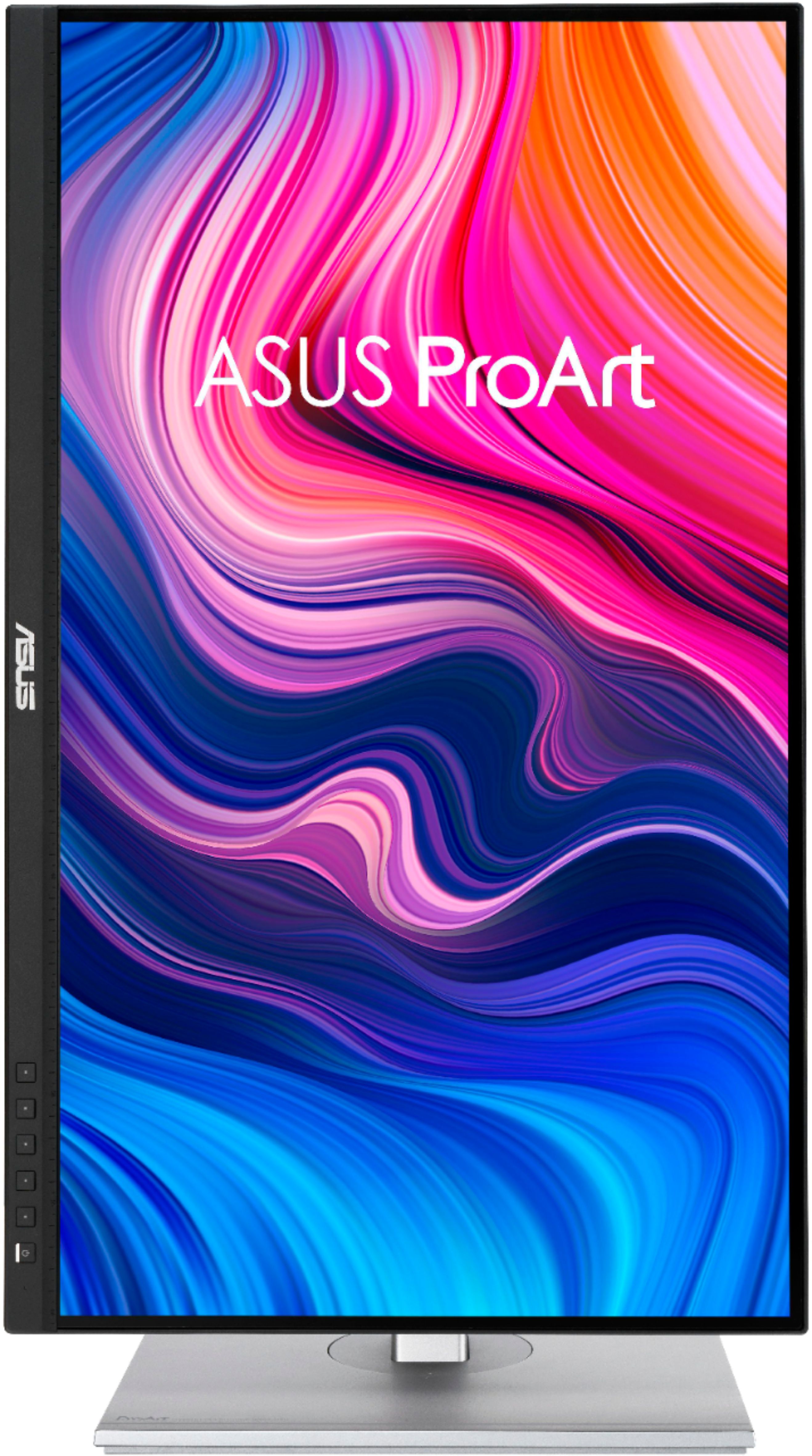
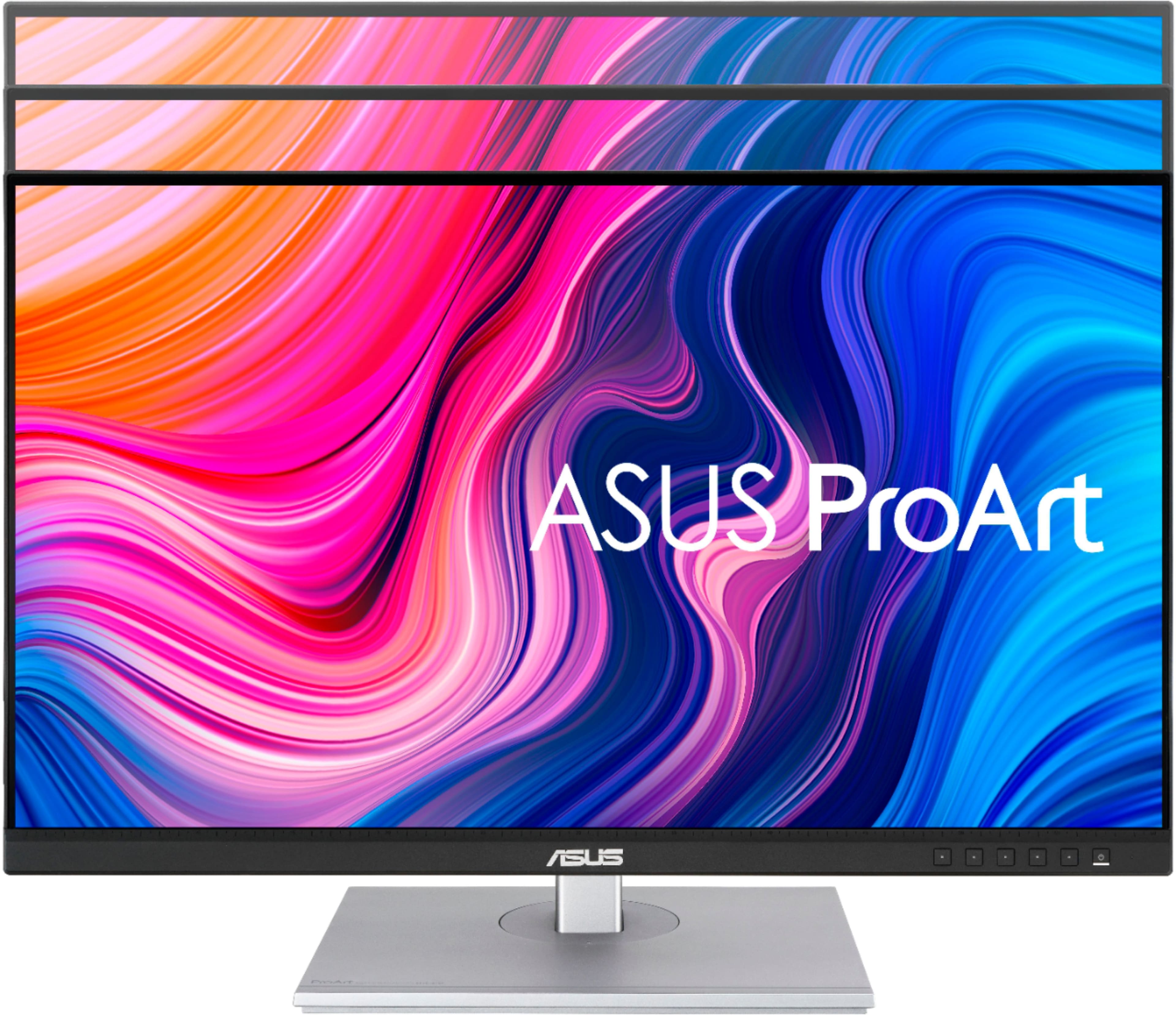
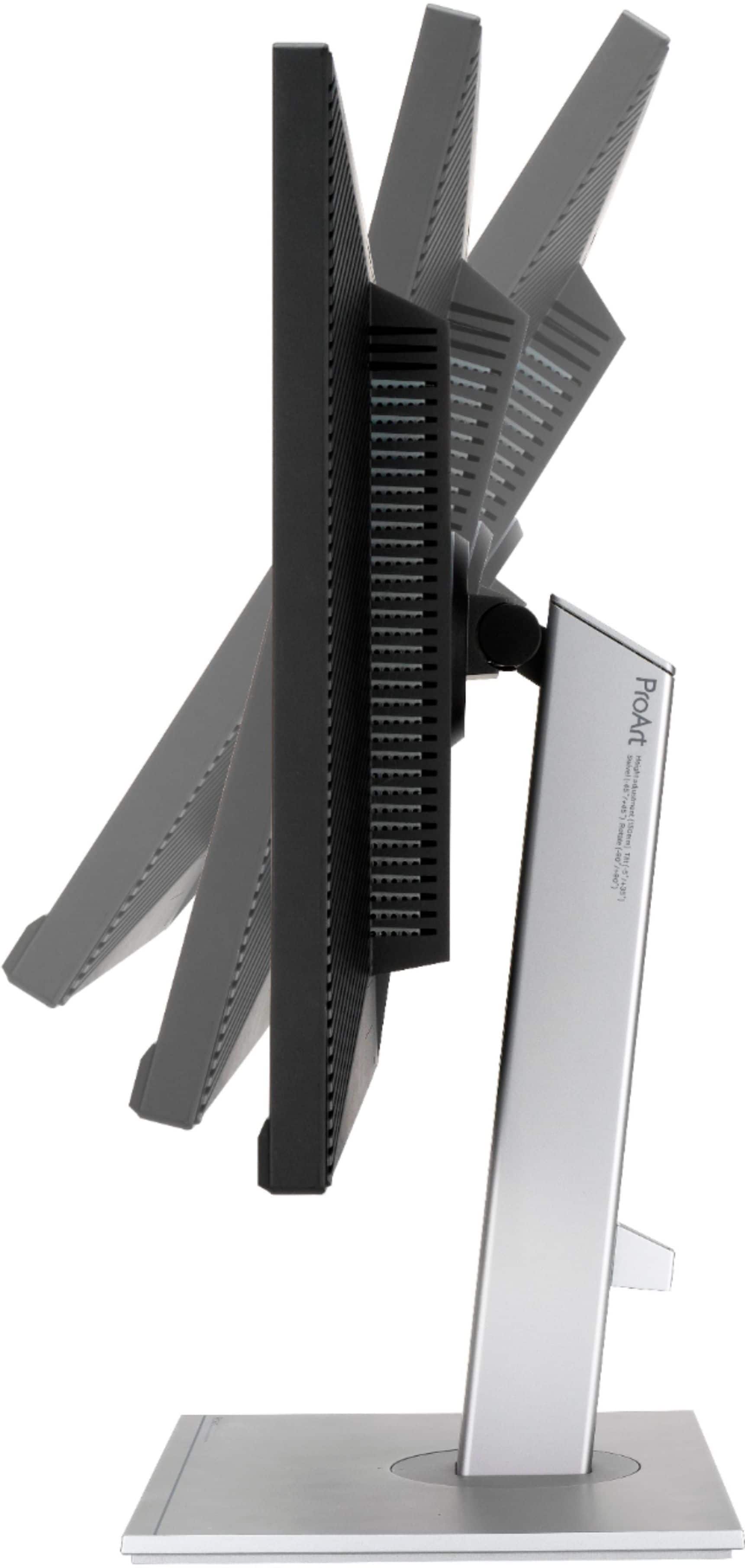
|Posted .This reviewer received promo considerations or sweepstakes entry for writing a review.The Asus ProArt 27 PA279CV has all the certifications you should expect from a monitor of this price. You are likely looking at this monitor if those things are important to you. While this can be a daily driver monitor for all your computing needs, this is far too nice of a monitor to not use for creative work. Personally, I use Adobe Premiere for video editing. This monitor has made it more fun and reassuring that I’m getting create color accuracy from my post-editing for color grading. When importing D-cinelike footage onto this monitor I’ve noticed a difference compared to my gaming monitor. When I started to color grade the footage, little adjustments were more obvious to me. This is my first dedicated creator monitor so these changes are starker to me. If you are looking for a great color grading monitor in this price range it would be hard to not purchase this one. It has a ton of extra features that other monitors might not. For example, it can rotate to 180 degrees, so you get a vertical perspective. I also think it’s cool that on the bottom bezel there is a ruler. I can imagine for maybe drawing or photo editing, it could prove useful. Overall, this is a great monitor that excels at the job it tries to do. I would highly recommend purchasing if you are a content creator.
I would recommend this to a friend - Pros mentioned:Color accuracy
Excellent monitor
|Posted .This reviewer received promo considerations or sweepstakes entry for writing a review.This is my first "pro" computer monitor and I am not disappointed. So many options to configure, you can get the look you are going for easily. Comes with a Calman verified calibration sheet and the specs are right on par for gamma and color accuracy. I like settings on the cool side so I dont follow the 6500k portion. Manually moving the settings is cumbersome at first, but you quickly adapt. I use DICOM mode on zero setting and slightly increase the brightness. Sharpness is amazing even when you used less than 4k settings. The stand went together in 2 minutes and is stable and moves up and down. Goes into standby mode and wakes up quickly when I start my computer (using as second monitor split off my laptop). This is an amazing monitor! Price is on the steep side but if you are a professional artist or designer, you will not be disappointed with this setup.
I would recommend this to a friend - Pros mentioned:Color accuracy
Wow, crushes it with the M1 Mac!
Posted .This reviewer received promo considerations or sweepstakes entry for writing a review.After trying two other monitors (a Dell and a BenQ) that were both epic fails (as in, will never buy those brands again), I tried this one and it is awesome! Right out of the box, it's literally plug and play, unless you want to dig into the settings for personal preferences but I'm relieved to have found a killer monitor. Looks fantastic!
I would recommend this to a friend - Pros mentioned:Color accuracy
Cleaned up workspace
Posted .This reviewer received promo considerations or sweepstakes entry for writing a review.Uncluttered workspace. With 2 HDMI ports and easy controls for switching between I am able to have my work PC and MacMini on my desktop and keep thing uncluttered. Image quality is great with plenty of room to have two applications open side by side.
I would recommend this to a friend - Pros mentioned:Color accuracy
Another satisfied customer
Posted .This reviewer received promo considerations or sweepstakes entry for writing a review.Perfect crisp color and worked immediately right out of the box with my multi monitor setup. Great Purchase!
I would recommend this to a friend Great For HDMI, Not USB C
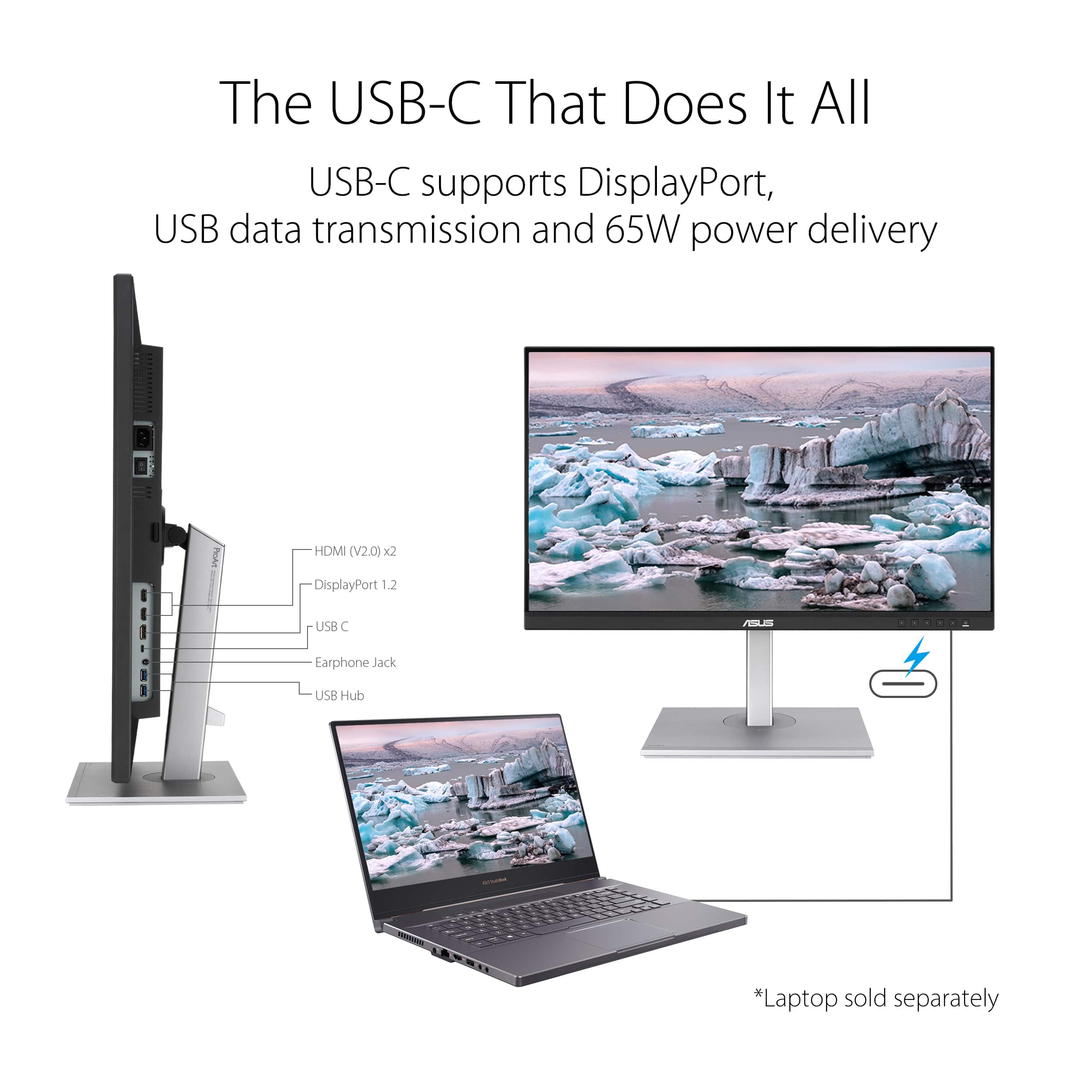
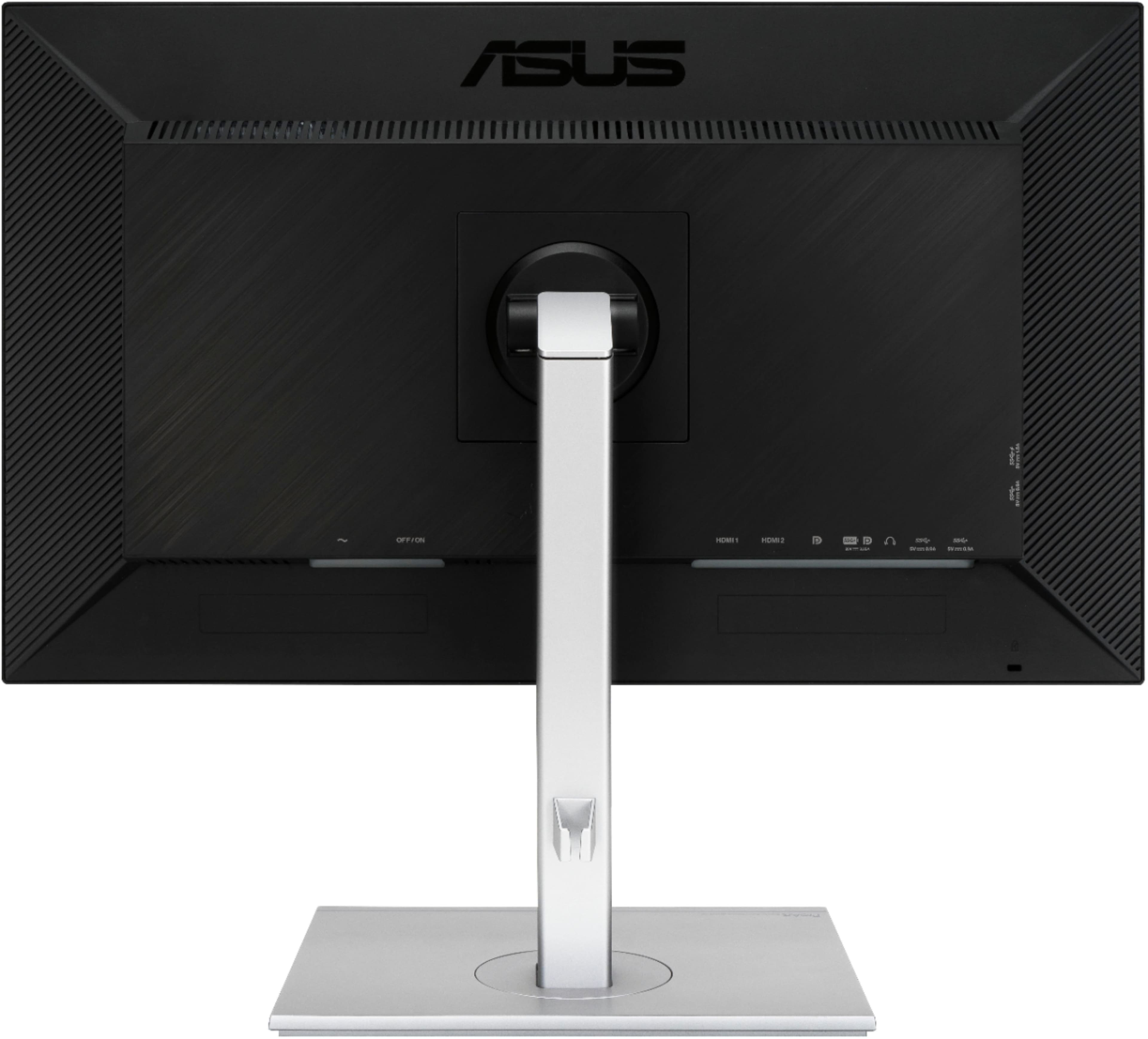
Posted .This reviewer received promo considerations or sweepstakes entry for writing a review.The ports being on the bottom of the back of the monitor made it really difficult to change cables when I needed to. Also this thing weighs as much as my childhood television. Consistently had issues connecting it to my MacBook Pro via the USB C, would work sometimes and then not work other times. Had to unplug the monitor from the wall outlet to get it to work. This is a great monitor if you're hooking it up HDMI and don't plan on touch it, but if you're more mobile, say moving your laptop around a lot from office to home, I would recommend something different. Also there is no simple volume control, you have to go through 4 clunky menu navigation screens just to turn up or down the sound.
No, I would not recommend this to a friendNew Pretty
Posted .This reviewer received promo considerations or sweepstakes entry for writing a review.Fabulous!!!!!!!!!!!!!!!!!!!!!!!!!!!!!!!!!!!!!!!!!!!!!!!!!!!!!!!!!!!!! Real happy
I would recommend this to a friend- Pros mentioned:Color accuracy
NOT AS GOOD AS THEY CLAIM
Posted .This reviewer received promo considerations or sweepstakes entry for writing a review.I replaced and iMac with a laptop and needed a quality monitor, and hoped not to pay $$ for a Mac monitor. This was billed as a good monitor for graphic design professionals. Images in Photoshop do look good, but small, bright text and icons have a glow/halo that is headache inducing. It's like the colors are out of register. (Those that deal with print design will know what I mean!) This makes working in InDesign and Illustrator difficult.
No, I would not recommend this to a friendBrand response from ASUS Answers
Posted .Dear JoyOfDesign,
We appreciate you sharing your feedback on this model. It's unfortunate that this model does not meet your expectations, this is absolutely not the experience we want you to have. We do value our customers and take negative customer service experience very seriously. For more information send us an email at customerloyalty@asus.com and provide the link of this review for reference. We’ll do our best to provide a quick resolution to your case. Your feedback is important as it helps with improvements to ASUS Support channels. Please refer to this case number (N2109041524-0002) for us to better assist you.
Thank you for choosing ASUS!
Best Regards,
Ramon,
ASUS Customer Loyalty US Support
USB-C Fail
Posted .This reviewer received promo considerations or sweepstakes entry for writing a review.The reason I bought this monitor was for the USB-C connection; it simply doesn't work. ASUS has a firmware upgrade on their website that also doesn't work. There are other decent aspects of this monitor, but the fact that the connection that was advertised and featured fails is why I want to warn people away from it if you are intending to use the connection or are excited about cable reduction or using this as a monitor+docking station.
No, I would not recommend this to a friendBrand response from ASUS Answers
Posted .Dear DonS,
We're sorry to hear about the unfortunate issues you're having with the USB-C connection on this model. We would recommend that you reach out to Best Buy so their team can look into this issue. We do value our customers and take negative customer service experience very seriously. This is not the quality of service expected from ASUS. We do stand behind our product and we continuously strive to improve our approach and processes in order to achieve customer service excellence.
For more information, you can reach out to us at our Official ASUS North America Support twitter at AsusHelpUS. We’ll do our best to provide a quick resolution to your case. Your feedback is important as it helps with improvements to ASUS Support channels. Please copy a link to this post as a reference.
Thank you for choosing ASUS.
Best Regards,
Joan
ASUS Customer Loyalty US Support