Customer Ratings & Reviews






















- Model:
- H7606WV-P16.R3704060
- SKU:
- 10937024
Rating by feature
- Battery Life
Rating 4.3 out of 5 stars
- Speed
Rating 4.6 out of 5 stars
- Display
Rating 4.7 out of 5 stars
BSOD in >2 months of use
||Posted . Owned for 2 months when reviewed.This reviewer received promo considerations or sweepstakes entry for writing a review.I bought this computer with the intention to use for my architecture/Design needs but sadly it didn’t pan out. This computer went blue screen on me within a month of use, just regular use at that, not even using anything serious like the Adobe suite or Rhino( hadn’t even downloaded them)!! When I brought it in to Best Buy after their attempts to fix it the excuse I was given, was that it was bad out of the box, I just got unlucky. We exchanged for ANOTHER BRAND NEW one. Fast forward another month or so and I’m again presented with a system error, a bit locker key page that was escalating into a BSOD situation. Luckily this happened 4 days before my return window was up and just decided to wash my hands of this device with a full refund. I loved the specs and details of this computer but sadly this model has some serious software issues for this to happen not once but TWICE on brand new computers, especially for the price of 2k+!! For warning for anyone looking to buy this! If it woks great but this is an issue others pointed out as well!!
No, I would not recommend this to a friendBrand response from ASUS Answers
Posted .Dear Mary,
We sincerely apologize for the issues you've faced with the ASUS ProArt P16 Laptop model and for the inconvenience caused. What you've experienced was not intentional or representative of our brand. Our top priority is providing our customers with high-quality products, and we'll forward your feedback to our team for review.
Although you returned the laptop, we stand behind our products and continuously strive to improve our products and processes to achieve customer service excellence. If you require any further assistance, please email us at customerloyalty@asus.com and include the case number "N2408027095-0021" as a reference. We will do our best to resolve your case quickly. Your feedback is very important to us, and it enables us to improve our support channels. Thank you for choosing ASUS.
Best Regards,
Chantae
ASUS Customer Loyalty US Support
Great deal
||Posted .This reviewer received promo considerations or sweepstakes entry for writing a review.Received in a good condition. Well done with packing. Asus user since 2009.
I would recommend this to a friendGreat for CapCut
||Posted . Owned for 3 weeks when reviewed.This reviewer received promo considerations or sweepstakes entry for writing a review.It’s a great laptop overall. The only thing I don’t like is too big for my liking.
I would recommend this to a friendASUS - ProArt P16 16" 4K
||Posted . Owned for 3 months when reviewed.This reviewer received promo considerations or sweepstakes entry for writing a review.So far, so... very good! On all counts, as far as I am concerned and the use I make of it. Thank you!
I would recommend this to a friendPerfect for graphic designers
||Posted . Owned for 4 months when reviewed.This reviewer received promo considerations or sweepstakes entry for writing a review.The color and everything is Absolutely amazing, it really upped my game for my digital design
I would recommend this to a friendDisappointed.
||Posted . Owned for 1 year when reviewed.This reviewer received promo considerations or sweepstakes entry for writing a review.I have always loved Asus PCs. I've used Apple for the last 15 years or so because I'm a photographer, but I wanted to switch due to how expensive they are. I went back to Asus, and unfortunately, I'm disappointed. This computer is a year ol,d and the hard drive just died on it. For how expensive this laptop is, that shouldn't happen.
No, I would not recommend this to a friendBrand response from ASUS Answers
Posted .Dear MalorieD,
Thank you for sharing your experience with the ASUS H7606WV laptop. We truly appreciate your loyalty to ASUS and regret to hear about the hard drive issue you've encountered. We sincerely apologize for the inconvenience.
To help resolve the issue, we recommend reviewing the steps in the troubleshooting guide linked below. If the issue continues, please contact our support team at https://www.asus.com/us/support/CallUs so we can assist you further or arrange repair service if necessary.
We stand behind our products and continuously strive to improve our products and processes to achieve customer service excellence. For more information, email us at customerloyalty@asus.com and include the case number ""N2412036247-0011 as a reference. We will do our best to resolve your case quickly. Your feedback is very important to us and enables us to improve our support channels. Thank you for choosing ASUS.
Best Regards,
Chantae
ASUS Customer Loyalty US Support
[Windows 11/10] Troubleshooting - Hard Disk Drive (HDD) problems - https://www.asus.com/support/faq/1042991/
Defective unit
||Posted . Owned for 1 month when reviewed.This reviewer received promo considerations or sweepstakes entry for writing a review.Very very nice laptop. Loved the look and sleekness. I'm not sure if I got a bad copy or not, but it kept shutting down/going to black screen on me when I was running editing programs so I returned it.
I would recommend this to a friendBrand response from ASUS Answers
Posted .Dear Katharine A,
We sincerely apologize for the issues you've faced with the ASUS ProArt P16 Laptop and for the inconvenience caused. What you've experienced was not intentional or representative of our brand. Having returned the notebook, we hope that you were able to obtain a functional replacement.
We stand behind our products and continuously strive to improve our products and processes to achieve customer service excellence. If you require any further assistance, please email us at customerloyalty@asus.com and include the case number "N2408009287-0005" as a reference. We will do our best to resolve your case quickly. Your feedback is very important to us, and it enables us to improve our support channels. Thank you for choosing ASUS.
Best Regards,
Chantae
ASUS Customer Loyalty US Support
You take your chances
||Posted . Owned for 3 weeks when reviewed.This reviewer received promo considerations or sweepstakes entry for writing a review.The screen display is incredible, but the laptop went back. No sound. Nada. Nothing. Even with ASUS technical troubleshooting and downloading of software. About that ASUS support...the first two calls to them resulted in my being hung up on. The third call resulted in a technician who knew what to do. Having read about others having difficulty with customer support, I'm glad to have gotten rid of it.
No, I would not recommend this to a friendBrand response from ASUS Answers
Posted .Dear Minimalist,
We regret to hear about the audio issue you've experienced with the ASUS ProArt P16 Laptop, and we apologize for the difficulties you have encountered with our support team. We understand the impression this may have created and we hope this will not be a long-term lasting impression as you have chosen ASUS as a trusted brand for excellence. Your feedback is greatly appreciated and will be passed to our team for review.
Having returned the laptop, we hope that you were able to obtain a functional replacement.
We stand behind our products and continuously strive to improve our products and processes to achieve customer service excellence. If you require any further assistance, please email us at customerloyalty@asus.com and include the case number "N2412036247-0004" as a reference. We will do our best to resolve your case quickly. Your feedback is very important to us, and it enables us to improve our support channels. Thank you for choosing ASUS.
Best Regards,
Chantae
ASUS Customer Loyalty US Support
Not at all recommended
||Posted . Owned for 2 weeks when reviewed.This reviewer received promo considerations or sweepstakes entry for writing a review.Not recommended. Saw some negative reviews about bluescreeen error befor i purchase. But i still i bought thinking that is a rare error. But 2nd day of my purchase it started asking for recovery key and on my 8th day it broke completely. I lost all my dat. Tried resetting 50 times atleast for 2 days. At last i could login with Administration login. Then i gave it for return. Thank god it happened in my return period. Dont waste your time buying it
No, I would not recommend this to a friendBrand response from ASUS Answers
Posted .Dear KarthikreddyP,
Thank you for your comment.
We certainly understand your disappointment and the inconvenience this may have caused if Windows is booting up in recovery mode. All ASUS products undergo intensive quality control testing and inspections, this is a random problem. Typically, this problem can either be a harwdware or a software related. ASUS provides warranty coverage for the product. We recommend you send the product in for service if you are experiencing hardware issue so this may be resolved immediately. A RMA number is required to send it in for service. For RMA details, please go to: https://www.asus.com/us/support/article/818/. If you need more information or further assistance with the warranty for the product, please email me at cl-rodel@asus.com and I would be more than happy to help. Or, you are most welcome to call Product Support Hotline at: 1(888) 678-3688. Also, you can chat with an ASUS live support agent from the link: https://www.asus.com/us/support/article/1135/.
Thank you for choosing an ASUS product.
Regards,
Rodel
ASUS Customer Loyalty
Nice asus proart16 laptop
||Posted . Owned for 1 week when reviewed.This reviewer received promo considerations or sweepstakes entry for writing a review.Very happy with new Asus laptop. Appears to be working well. Took a while to update all the software and install programs but working well now.
I would recommend this to a friendVery nice
||Posted . Owned for 1 week when reviewed.This reviewer received promo considerations or sweepstakes entry for writing a review.Very good laptop. It's rare to see a nice oled, 4k, with a dedicated gfx card and a touchscreen all bundle up! Throw in a ryzen 9, and It's a winning combo!
I would recommend this to a friendFrustration right out of box!
||Posted . Owned for 1 month when reviewed.This reviewer received promo considerations or sweepstakes entry for writing a review.Punctuation marks and special characters on keyboard are barely visible. No start up instructions on box—spent hours on start up due to difficulty with touchscreen and keyboard interactions. Awkward finding steps to download and start up operating system.
No, I would not recommend this to a friendBrand response from ASUS Answers
Posted .Dear Donjuan,
Thank you for your comment.
We do understand your disappointment with this laptop and the inconvenience this may have caused if you are experiencing difficulty using the keyboard and the touchscreen. Please allow some time to get use to the keyboard layout. You can download the User's Manual from the Product Support page at: https://www.asus.com/us/laptops/for-creators/proart/proart-p16-h7606/helpdesk_manual?model2Name=H7606WV . If the touchscreen is unresponsive, ensure the chipset, graphics, ASUS System Control Interface drivers are installed. Drivers are posted at: https://www.asus.com/us/laptops/for-creators/proart/proart-p16-h7606/helpdesk_download?model2Name=H7606WV . Additionally, ensure Windows is up to date.
Should you need further assistance with the product, please email me at cl-rodel@asus.com and I would be more than happy to help. Or, you are most welcome to call Product Support Hotline at: 1(888) 678-3688. Also, you can chat with an ASUS live support agent from the link: https://www.asus.com/us/support/article/1135/.
Thank you for choosing an ASUS product.
Regards,
Rodel
ASUS Customer Loyalty
Blue screen after 3 days, losing everything
||Posted . Owned for 1 week when reviewed.This reviewer received promo considerations or sweepstakes entry for writing a review.2 hours of battery life unplugged, fully charged just using Adobe Illustrator. System folders open slow (My Documents, Pictures etc), sometimes it wont even start when you try to wake it from sleep without holding the power button to shut it down then start it back up. Lastly only 3 days after owning it, I get greeted with a blue screen :). Losing everything that was transferred from my old PC. Needless to say I will not own an Asus product again. Just beware if you buy one, I thought the 1 star reviews were just people that don't use computers before or just have bad luck.
No, I would not recommend this to a friendBrand response from ASUS Answers
Posted .Dear Devin K,
We sincerely apologize for the issues you've faced with the notebook and for the inconvenience caused. This is not the kind of quality to expect from our products and it's not the norm. We understand the impression this may have created and we hope this will not be a long-term lasting impression as you have chosen ASUS as a trusted brand for excellence. Your feedback is greatly appreciated and will be passed to our Product Team for review.
If you are still within the return window, we recommend contacting the place of purchase for an exchange or return. Please rest assured that if you cannot gain resolution when contacting the place of purchase, we will be glad to provide further assistance.
We do stand behind our products and we continuously strive to improve our products and processes to achieve customer service excellence. For more information, email us at customerloyalty@asus.com and include the case number "N2408027095-0008" as a reference. We will do our best to resolve your case quickly. Your feedback is very important to us, and it enables us to improve our support channels. Thank you for choosing ASUS.
Best Regards,
Chantae
ASUS Customer Loyalty US Support
Great laptop option
||Posted . Owned for 3 weeks when reviewed.This reviewer received promo considerations or sweepstakes entry for writing a review.The laptop is amazing I got it for college but i can also enjoy playing high speed and graphic games. It was all i wanted in a laptop
I would recommend this to a friendAsus ProArt P16
||Posted . Owned for 1 month when reviewed.This reviewer received promo considerations or sweepstakes entry for writing a review.It is a good laptop, with plenty of memory for editing video on vacations
I would recommend this to a friendAsus
||Posted .This reviewer received promo considerations or sweepstakes entry for writing a review.Love everything about this Laptop! Speakers sound big also.
I would recommend this to a friendGood laptop
||Posted . Owned for 2 months when reviewed.This reviewer received promo considerations or sweepstakes entry for writing a review.Its good i ended up using for gaming but i want something powerful
I would recommend this to a friendDisappointed
||Posted . Owned for 1 month when reviewed.This reviewer received promo considerations or sweepstakes entry for writing a review.Not impressed. Over hearts. Not as fast as it should be for a 32GB Ram
No, I would not recommend this to a friendBrand response from ASUS Answers
Posted .Dear Gia B,
We’re sorry to hear about the issues you’re experiencing with your ASUS ProArt P16 H7606WV Laptop. This is not the level of performance we aim to deliver. To help resolve the overheating and slow performance, we recommend reviewing the steps in our troubleshooting guide linked below. If the issue continues, please contact our support team at https://www.asus.com/us/support/CallUs so we can assist you further or arrange repair service if necessary.
We stand behind our products and continuously strive to improve our products and processes to achieve customer service excellence. For more information, email us at customerloyalty@asus.com and include the case number "N2408009287-0017" as a reference. We will do our best to resolve your case quickly. Your feedback is very important to us and enables us to improve our support channels. Thank you for choosing ASUS.
Best Regards,
Chantae
ASUS Customer Loyalty US Support
[Windows 11/10] Troubleshooting - Overheating and Fan issues - https://www.asus.com/support/faq/1015064/
[Windows 11/10] Troubleshooting - System is running slowly - https://www.asus.com/support/faq/1042398/
- Pros mentioned:Battery life, Screen quality

Powerful and long-lasting! Wished it was 120 Hz.
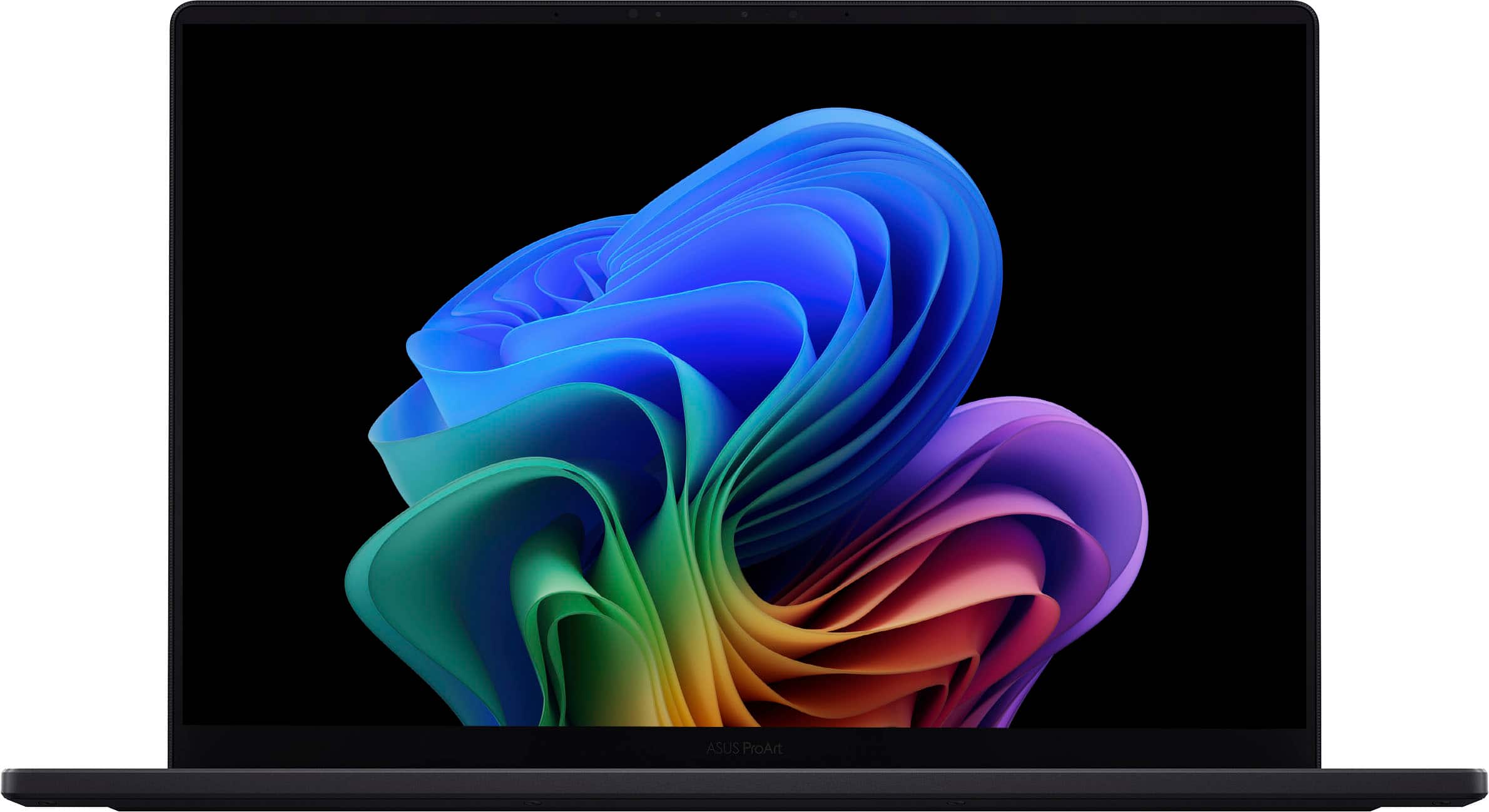
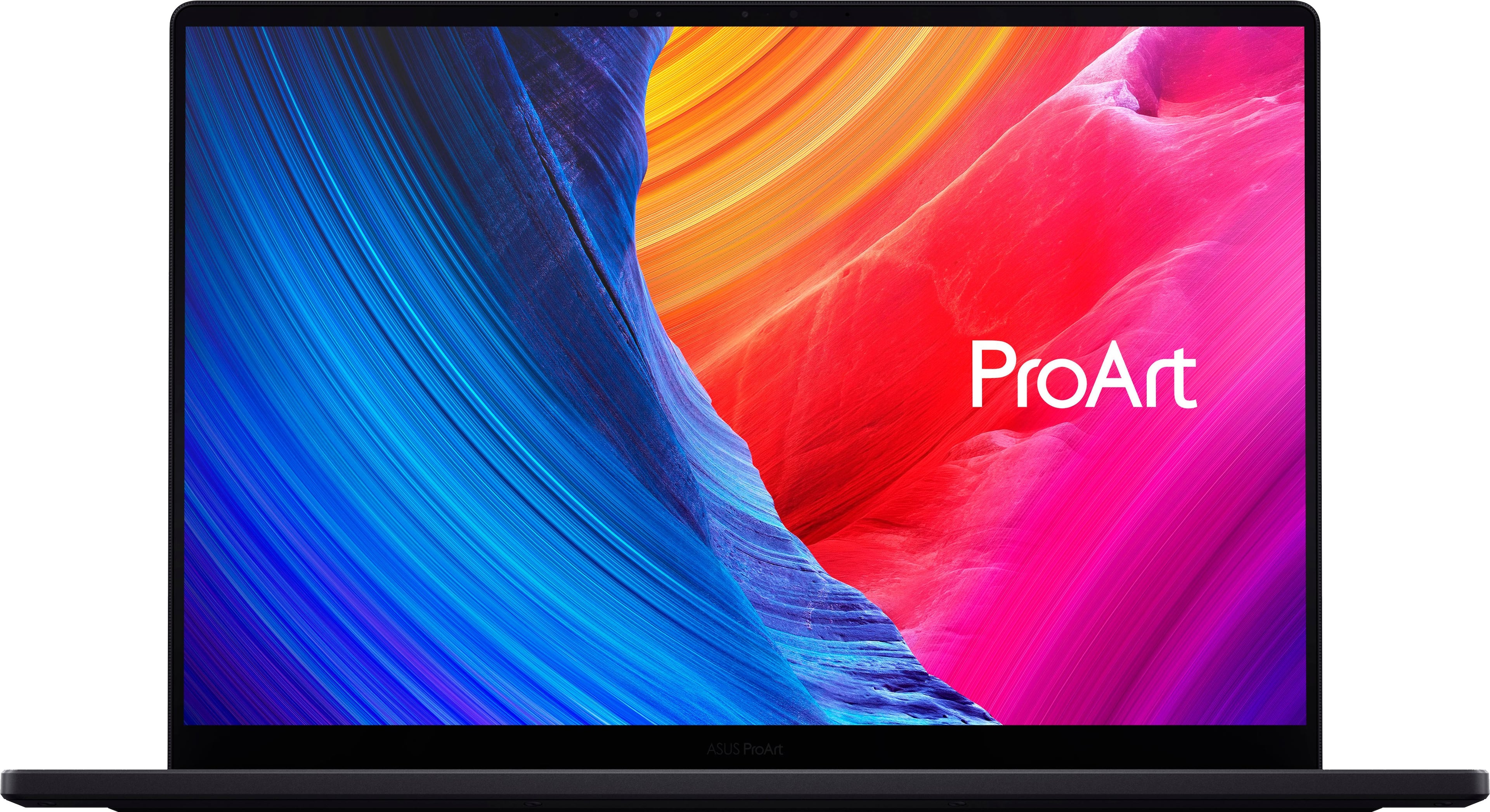
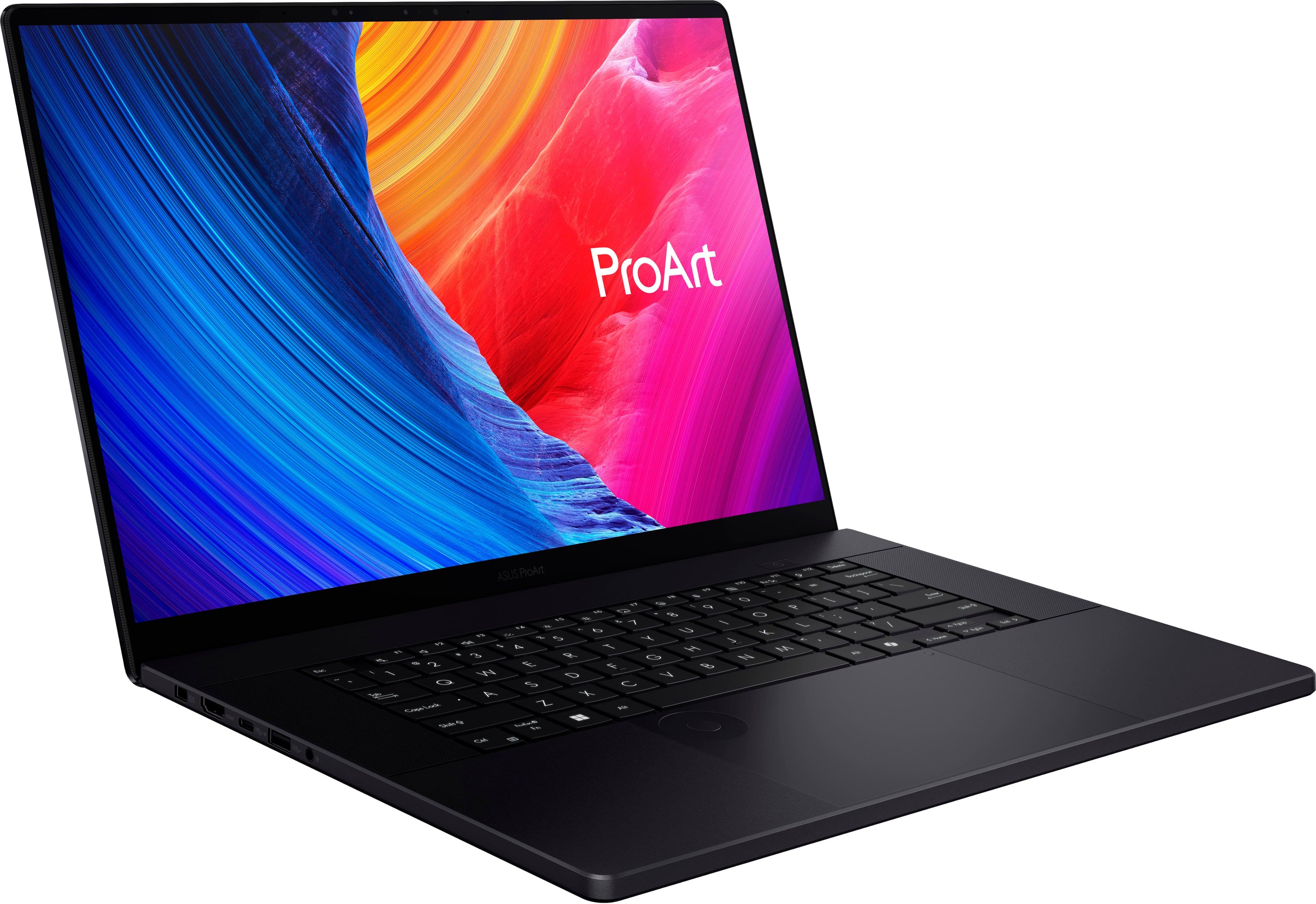
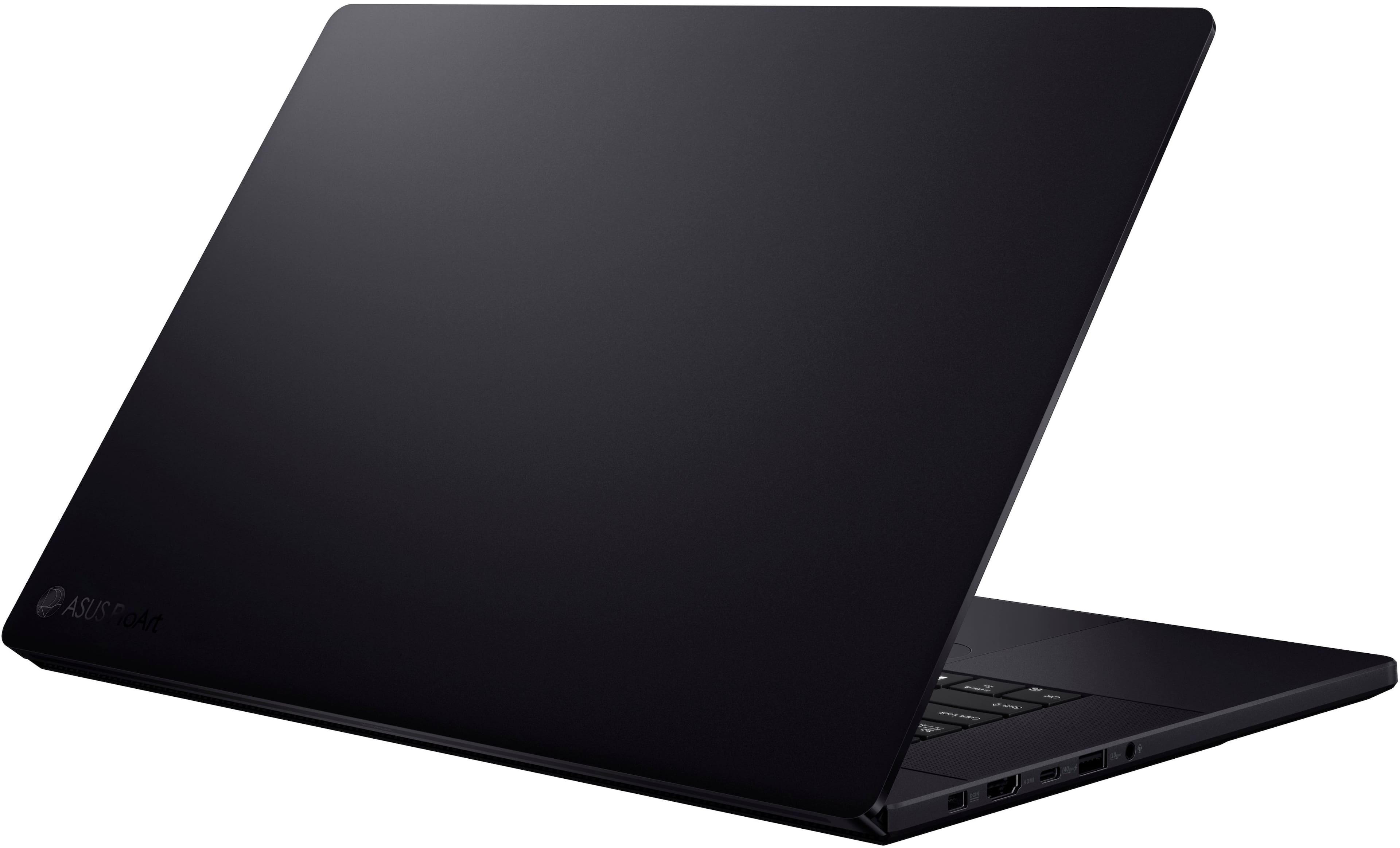
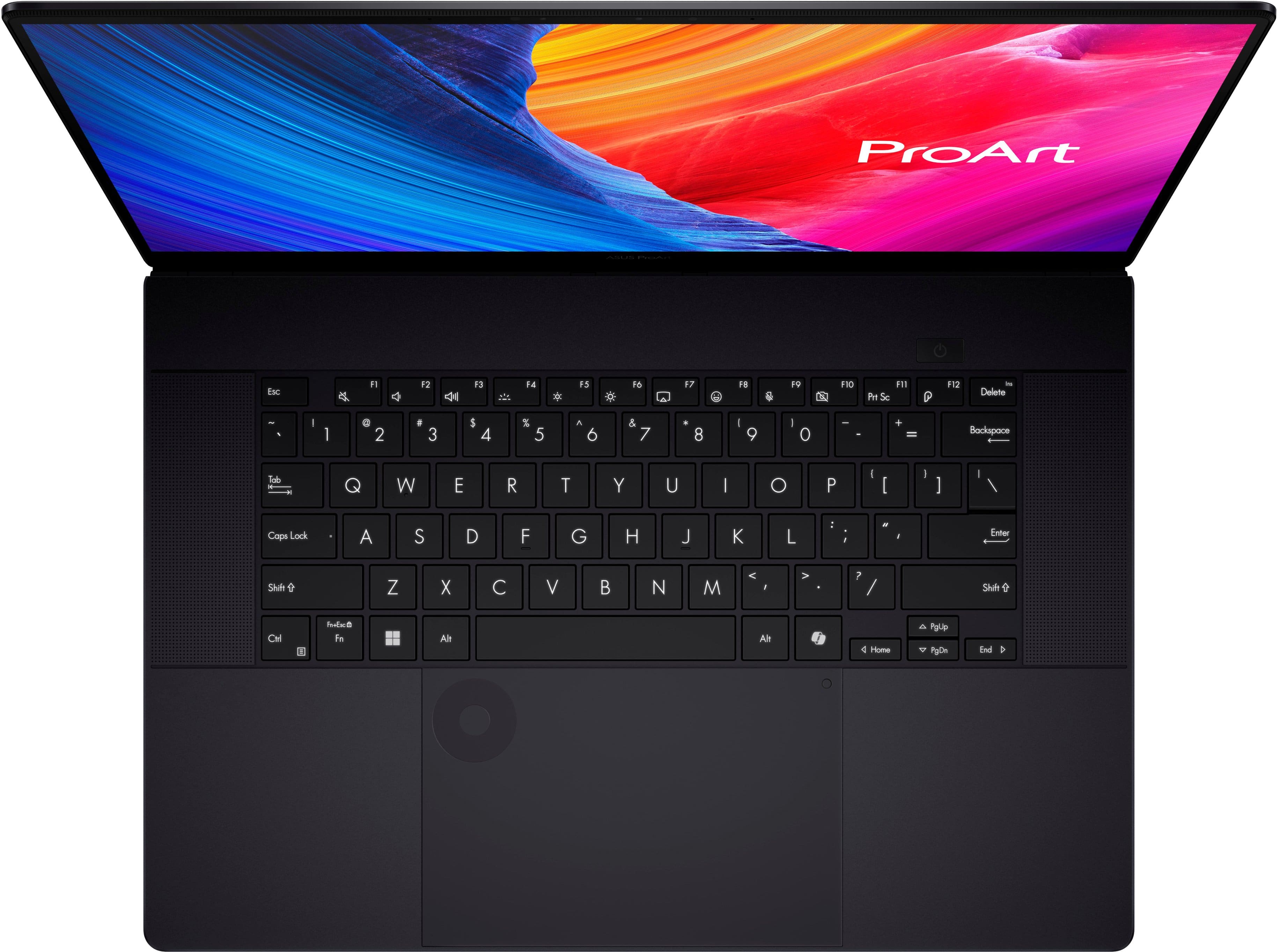
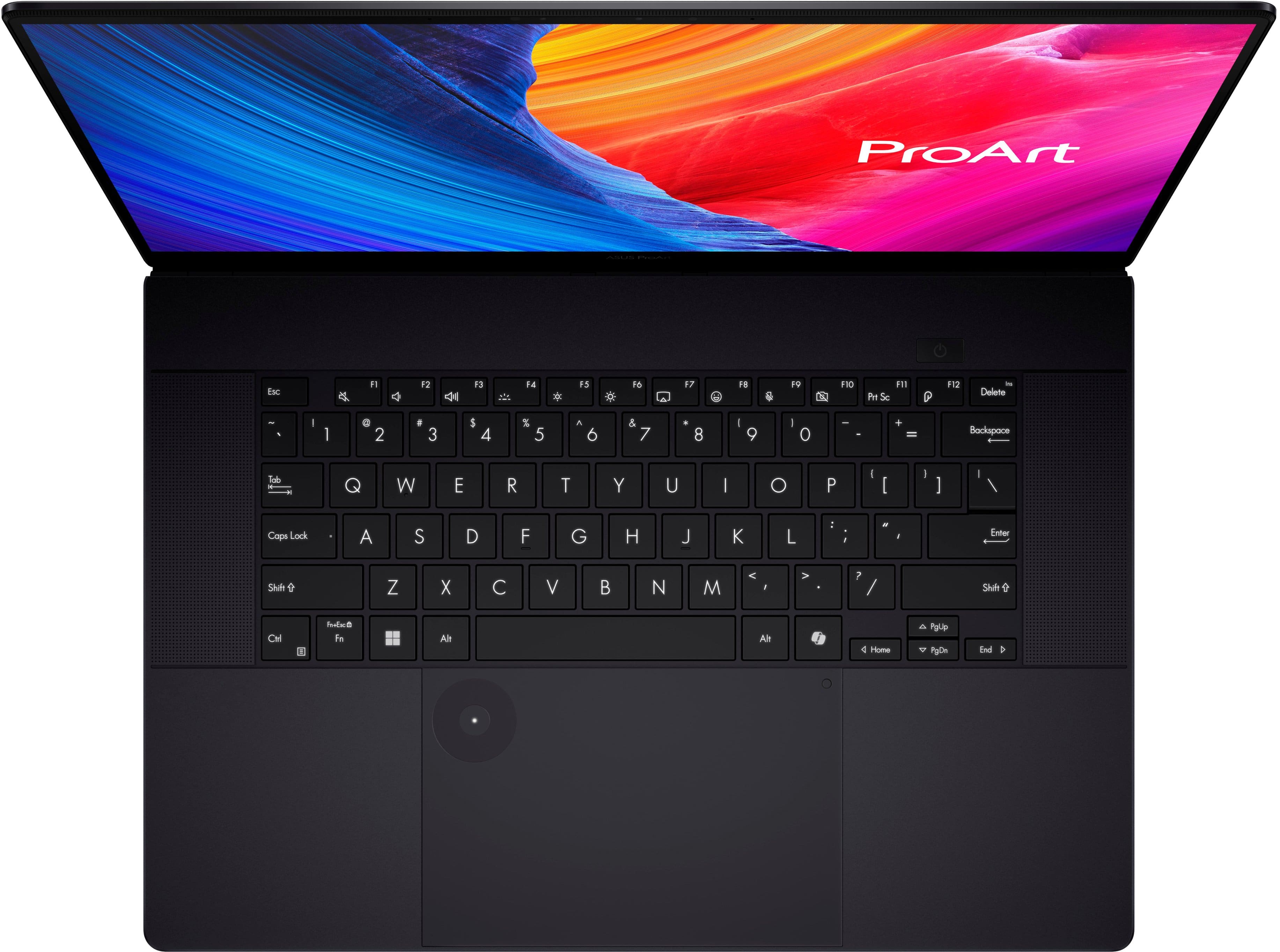
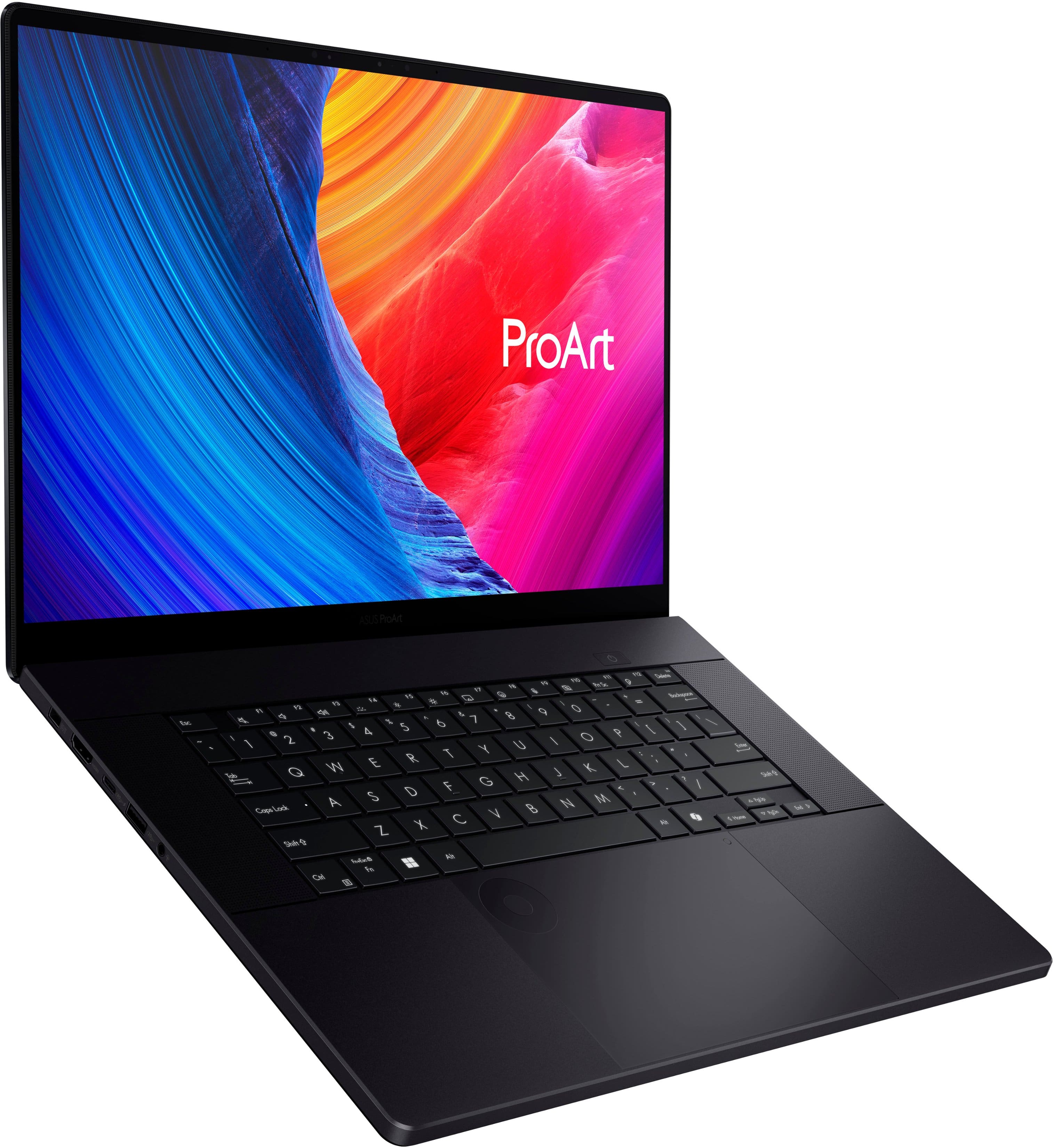
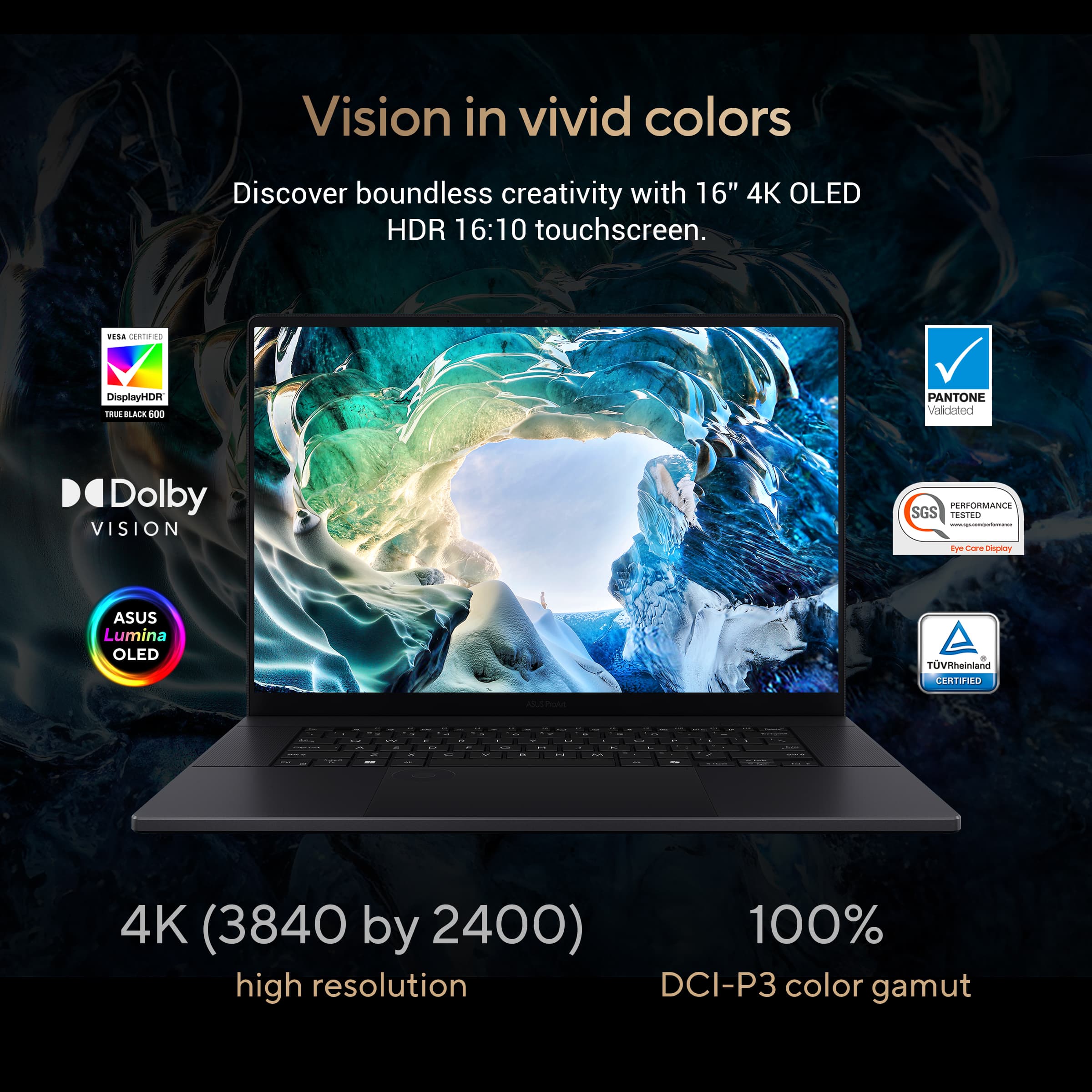
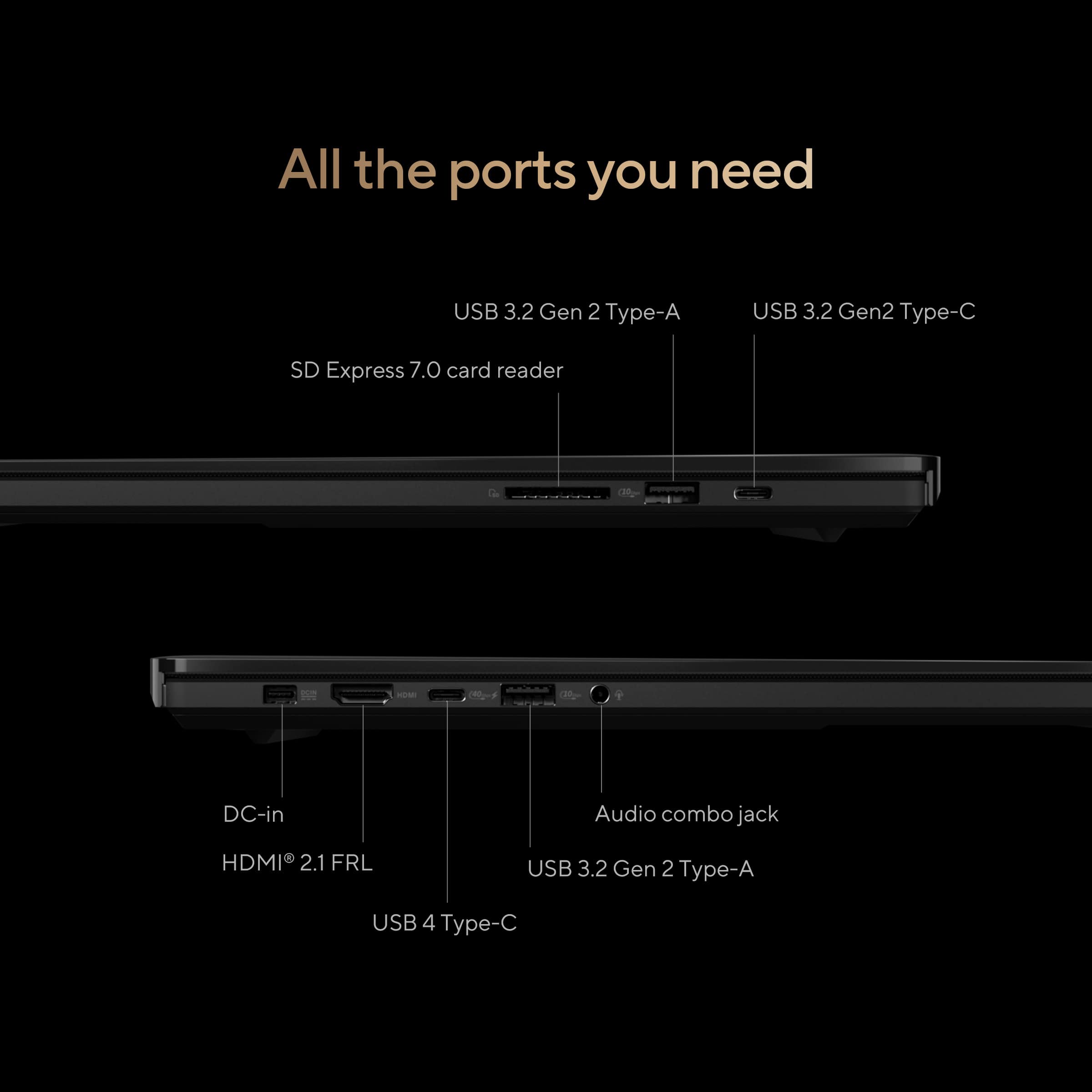
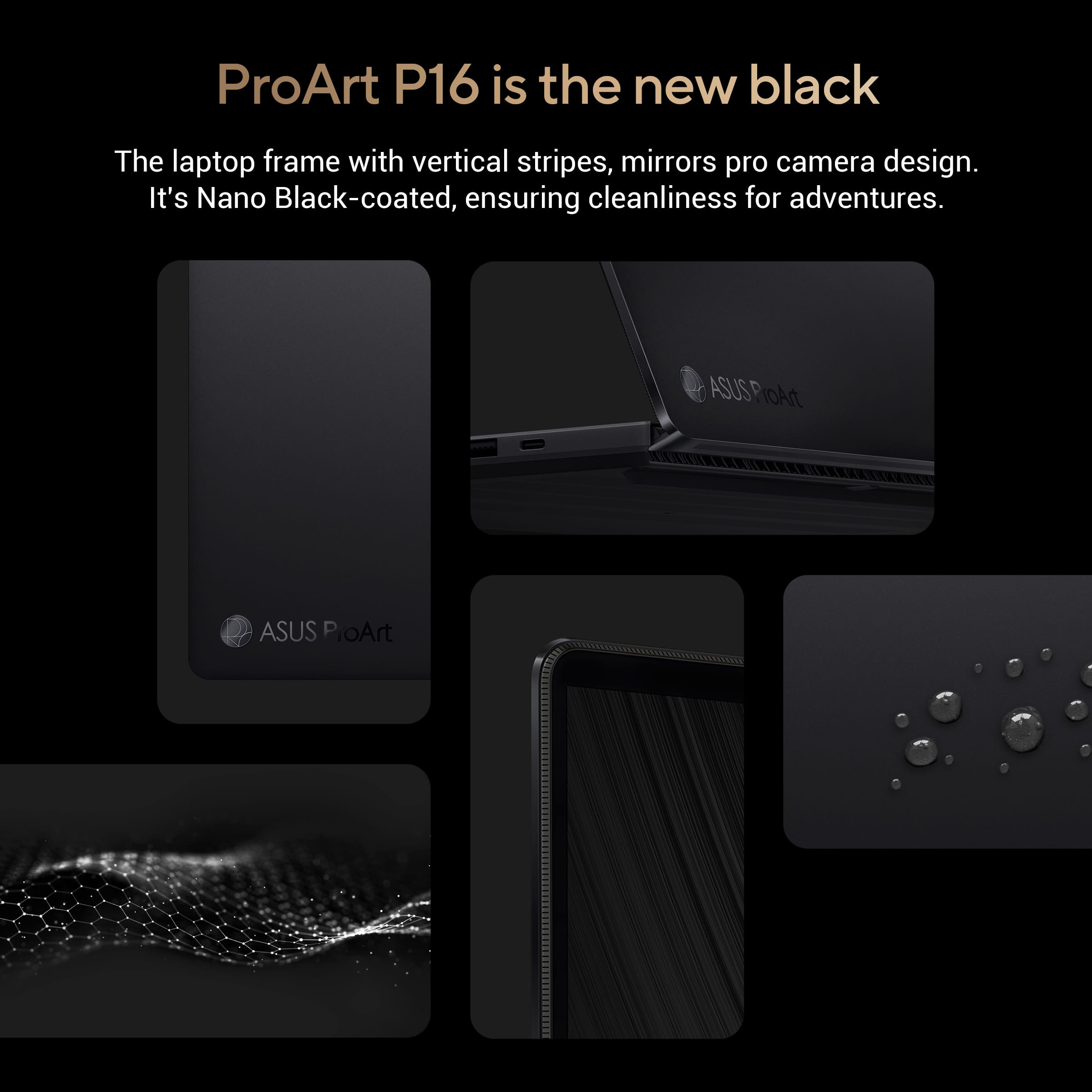
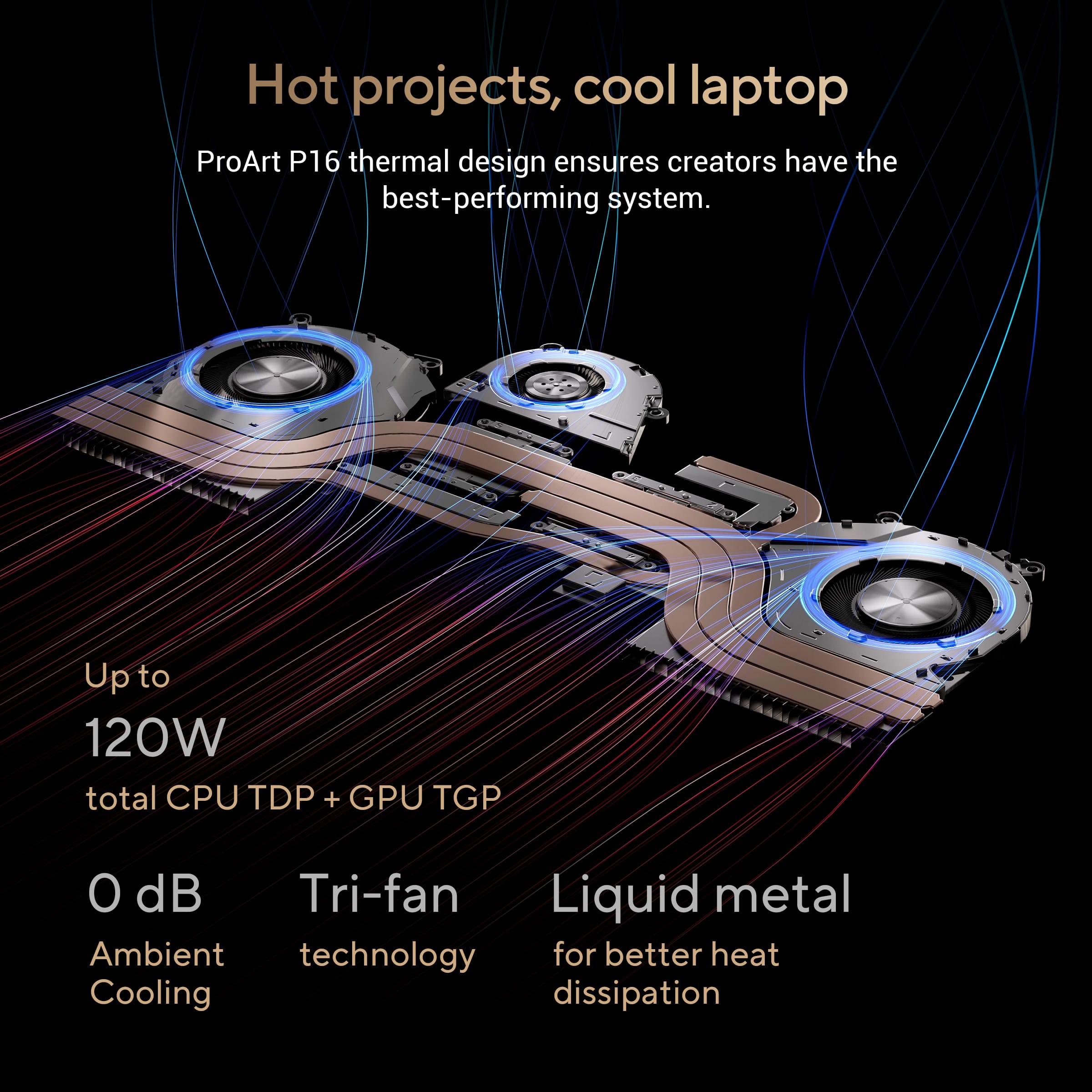
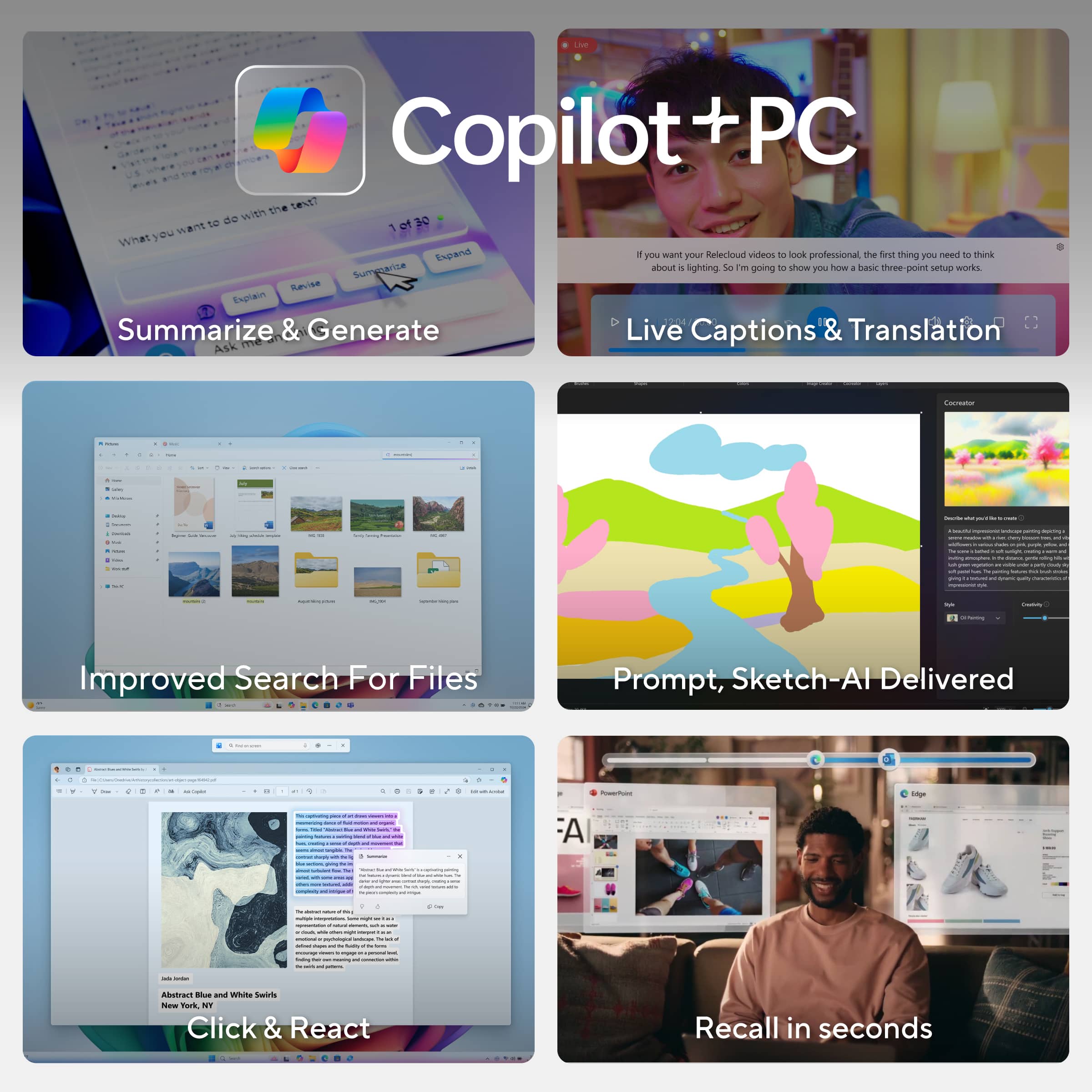
|Posted .This reviewer received promo considerations or sweepstakes entry for writing a review.*Design* Made from an aluminum body, it’s lightweight, but feels solid and durable, with no creaking or flexing under normal use. Its black finish is attractive and fingerprint resistant. It doesn’t feel metallic and feels comfortable on the skin, soft and silky smooth. Aside from the usual OEM stickers found on Windows laptops, the branding on it is very unassuming and professional. Status lights are curiously found on the back of the laptop and hidden by the hinge when the display is folded open. It only seems to be useful while the laptop isn’t in use. The keyboard is backlit with 3 levels of brightness and the option to turn the backlight off. However, I found the minimum setting for the backlight to be too bright. The backlight also doesn’t illuminate the Shift function labels on the keys. The keyboard itself has considerably more travel than other ultra slim laptops, while still being silent. There is no numpad, but this allows for front-firing speakers on the sides of the keyboard as well as the touchpad in a centered position, to prevent accidental input while typing while looking straight on to the screen. The P16 comes with an infrared camera compatible with Windows Hello for facial recognition login, which works in the dark, and more convenient than fingerprint login. *Display* The display is a glossy touch screen OLED with slim bezels and measures 15.8” diagonally. It’s pretty reflective, so it’s not ideal for use opposite a window or light source. Its native resolution is 3840x2400, which is a 16:10 aspect ratio. It’ll produce black bars for 16:9 presentations, but the extra vertical space makes it better for content creation, giving you a larger workspace. Because it’s a 4k display against a 16” display, you won’t spot individual pixels (or at all) at 150% scale or higher. The display has a refresh rate of 60 Hz which is acceptable for content creation, which is what the laptop was designed for. However, I find it a very curious decision that ASUS chose a touch panel over 120 Hz since it doesn’t really leverage touch input very well, while at the same time, proves to be very capable of 120 Hz for gaming. Feels like a misstep to me. I don’t have a protractor, but if I had to guess, the hinge looks like it only goes as far back as 30°. There’s also some wobble when the display is touched. It also does not come with a stylus. I’m not aware if it even supports one. When I tried using my Samsung phone’s S-pen, it wouldn’t work. I found the touch display best for making quick selections in editing programs with buttons like Photoshop, and keep the touchpad in my editing workspace. Since the hinge doesn’t fold flat to 180° or 360°, the P16 doesn’t work well for drawing with touch input. I didn’t notice any text fringing. The display is Dolby Vision certified, and is able to play Dolby Vision content. For a model aimed at content creators, I was surprised that its default color profile was oversaturated. This seems to be a popular configuration marketed for casual users because of its vivid exaggerated colors that makes images pop. But creators looking for accurate colors will want to switch to a different profile such as sRGB, which is great for web content, or Display P3, which is great for graphics and video editing. *Inputs* Left side: -proprietary 200W power port -full sized HDMI 2.1 port -USB 4 Type-C port -USB 3.2 Type-A port -3.5mm audio jack Right side: -USB 3.2 Type-C port -USB 3.2 Type-A port -full sized SD card slot Charging is done from the left side of the laptop, and the only way to take advantage of the P16 at full power is using the stock 200W power adapter. The USB 4 port only charges at up to 100W, which will cap the CPU and GPU. The cap isn’t as bad as it sounds because it’s still a powerful laptop even with the cap. You just won’t be able to take full advantage of the hardware’s capability. Other laptops in the market come standard with 2 Thunderbolt 4 ports. Due to this being a Ryzen laptop, one of its USB-C ports is only USB 4 and not a Thunderbolt port. ASUS also skimps out compared to the competition by making its other USB-C port 3.2. This USB 3.2 Type-C port on the right side has power delivery, but isn’t capable of charging the laptop, which is a shame. It would’ve been nice to be able to charge the laptop from either side of the laptop had they included 2 USB 4 ports instead. Thankfully the P16 comes with a full sized SD card slot, which most professional cameras use. This avoids you using a USB reader, which would protrude from the laptop. You can always use a full sized SD card adapter with a microSD card. *Connectivity* It comes with WiFi 7 but unfortunately maxes out at 2882MB/s up&down. I've seen others do 5000MB/s. It also has Bluetooth 5.4, which is the latest version. *Performance* When set to Performance mode, which can only be run while plugged in using the stock 200W charger, the P16 is impressively powerful, but the fans blare non-stop, making it a pretty noisy laptop. It’s not a high-pitched sound or anything offensive, but it’s a noticeably aggressive sound of fans spinning. The laptop doesn’t get too hot as long as the vents on the bottom of the laptop aren’t blocked. It’s best used on a flat desk and not recommended on a bed while in Performance mode. While in Performance mode, I was able to play Shadow of the Tomb Raider in max Custom settings, which is more demanding than its preset Ultra settings in native 3840x2400 resolution and get a stable 60fps. In 1080p with those same maxed out settings, I could get 144fps. Sadly, the display is only a 60 Hz panel. The P16 would’ve easily been capable of 120 Hz gaming. Since the P16 was designed for content creation, 60 Hz is more than fine. Movies and videos usually top out at 60 fps. 120 Hz would mostly benefit for mouse movement and scrolling but the benefits are negligible to most users, and the hit it takes on the battery lessens its worth. When running on battery, the P16 caps its CPU and GPU and probably not by choice. Unlike some other laptops that hard caps the hardware to prevent overheating the P16 appears to do no such thing. It will go as far as its power source is willing to take it. For comparison, the following are the Cinebench 2024 scores while plugged in vs on battery: Plugged in Battery GPU: 10123 7642 CPU (multi core): 1209 835 CPU (single core): 114 100 I didn’t experience any thermal throttling. However, the laptop does throttle when the battery is at 5%. Other than Performance mode, the laptop runs cool and very silent, especially in Whisper mode, where the fan never seems to go off. Through the MyASUS app, your hardware configuration is customizable. You can run on the integrated graphics card exclusively for longer battery life. It’s also nice that the integrated graphics is a Radeon variant, while the discrete GPU is a Geforce RTX 4060, particularly for software that has benefits for one type over the other. The SSD is speedy with a 5048 MB/s sequential read, 3638 MB/s sequential write. It has a random read of 55 MB/s and random write of 124 MB/s. *Battery* Using the 200W stock power adapter, it takes 1 hour and 45 minutes to charge from 0% to 100%, though it hits around the 90% mark after around 1 hour. Using a 100W USB-C charger, took about 4 hours to charge from 0% to 100% but hit around 90% after around 1 hour and 30 minutes. The battery life itself varies greatly depending on the mode you use and what you’re doing but otherwise excellent when you need it to be without the laptop feeling sluggish. When streaming video non-stop at 76% brightness and 50% volume I got about 9 hours of battery life. When gaming in 4K using the discrete GPU with HDR on and no caps (Windows mode; Best Performance power plan) it lasted only 1 hour. *Sound* The sound out of the box sounded terrible to me. It sounded too isolated. But this was the sound profile for its “Music” setting. When I switched it to “Dynamic”, the sound was amazing. It utilizes Dolby Atmos, which gives the audio depth without sacrificing detail. The speakers also get very loud without any distortion. The microphone on the other hand isn’t very impressive. My recorded voice sounds too processed and unnatural. It does do a good job with noise cancellation though, eliminating sounds like an air conditioner. *Touchpad* The touchpad is very responsive but unfortunately lacks haptic feedback. Taps can be done anywhere on the touchpad, but physical button clicks can only be done on the bottom portion. The touchpad is very responsive and feels smooth to touch. It has a unique DialPad touch feature built in to the top-left portion of the touchpad that needs to activated via a simple drag from the top-right corner of the touchpad gesture. I have never accidentally triggered this gesture personally, although perhaps your mileage may vary. When the DialPad is turned on, it gives you a touch dial that comes with preset functions for specific apps like Photoshop and Word, while also allowing you to customize the dial with functions and apps that you assign on your own. This gives your shortcut access to commonly used functions via the DialPad. *AI* AI on computers feels like a work-in-progress beta at this point in time. Although Windows Copilot+ is available on the P16, it doesn’t appear to be fully implemented. For example, Live captions is present. When you enable it, it makes you go through the setup process as if it’s working and will auto-translate foreign language audio when it hears any. It even goes as far as downloading and installing a translation pack. But it never translates anything. Microsoft’s Cocreator & ASUS’s Musetree are more of a novelty than something of practical use, especially for a digital artist that’s looking to create their own thing. AI adheres to a style that makes it look obvious that it’s AI. We'll have to wait for practically useful NPU software.
I would recommend this to a friend Lenovo laptop
||Posted . Owned for 1 month when reviewed.This reviewer received promo considerations or sweepstakes entry for writing a review.Great graphics super fast I lot five stars all around
I would recommend this to a friend