Customer Ratings & Reviews
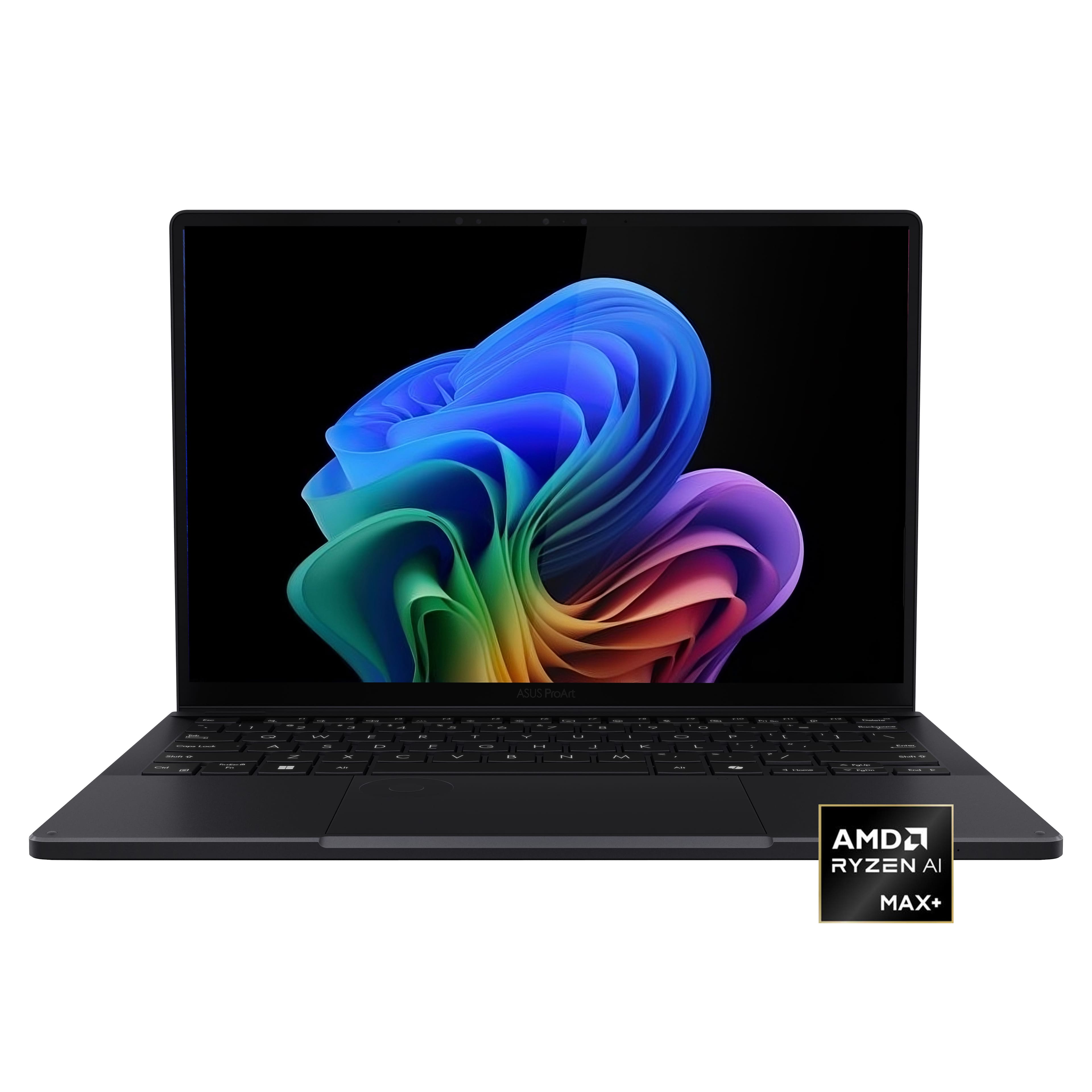







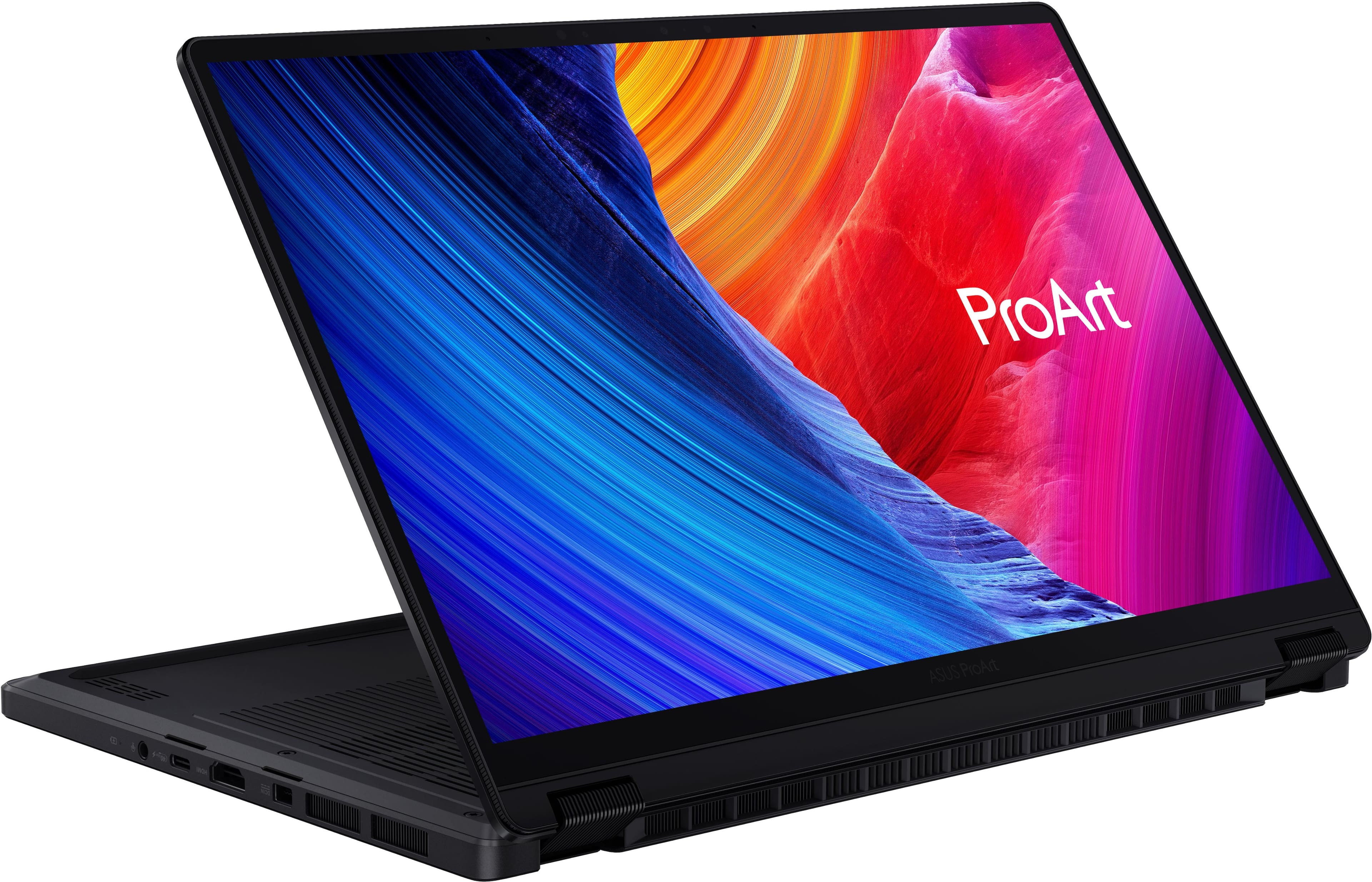
![ProArt Esc 4 11 4 12 13 14 15 16 F7 F8 F9 F10 F11 PH Se F12 1 Delete 2 I 1 e 2 . 3 5 4 % 5 A 6 & 7 8 I 9 - 0 - ee + = Backspace Tab Q W E R T Y U | O P [ I ] - / Caps Lock A S D F G H J K L : 1 - I Enter Shift 0 Z X C V B N M < I > ? / Shift CH - hnslw Fe Alt Alt 4 Home PgUp PgDn End D](https://pisces.bbystatic.com/image2/BestBuy_US/images/products/68811ad2-a4b5-4491-9ae8-bf0885fccbb7.jpg)

- Model:
- HN7306EA-PA/PX13_90
- SKU:
- 6671013
to a friend
- Cons mentioned:Refresh rate

Beautiful 3K screen!
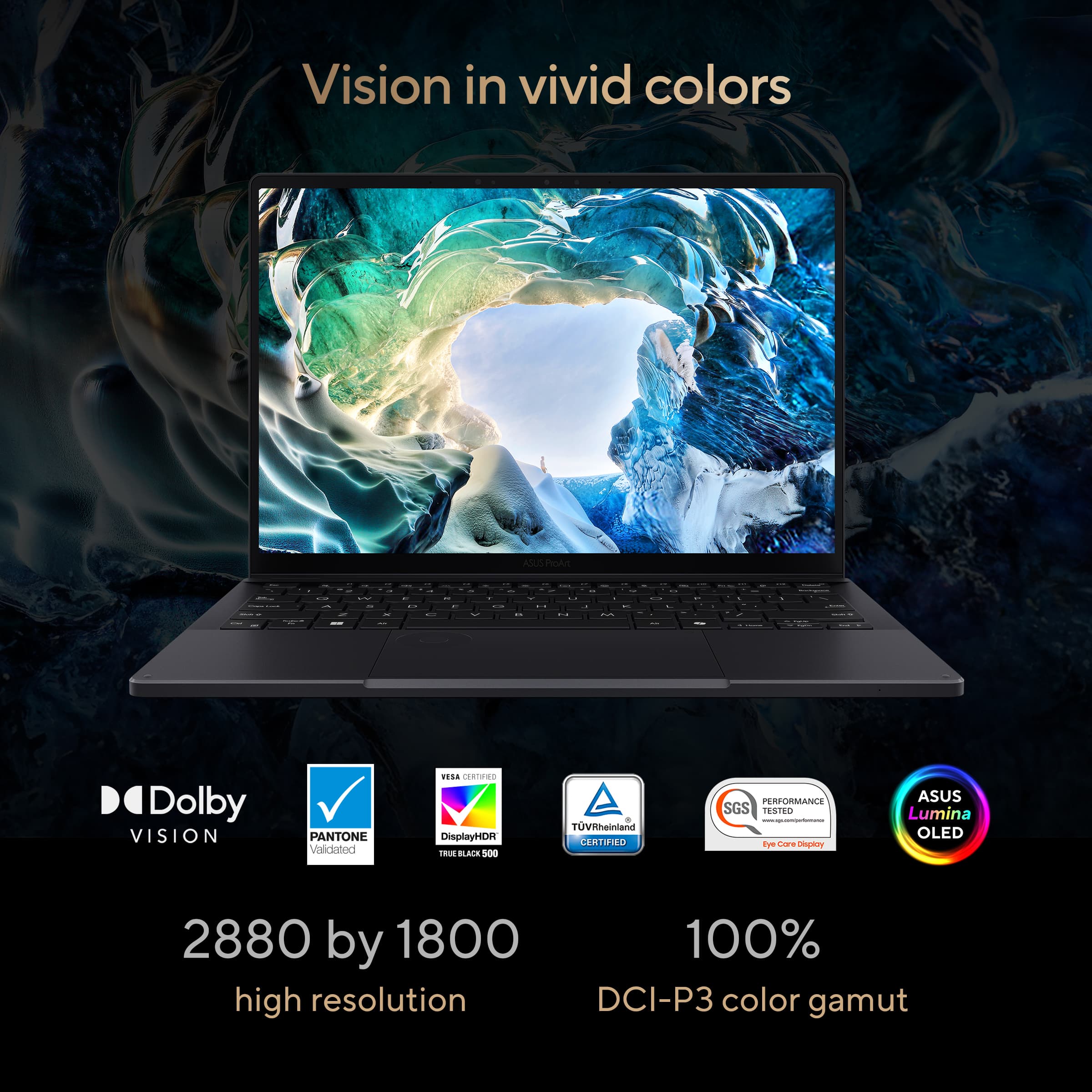
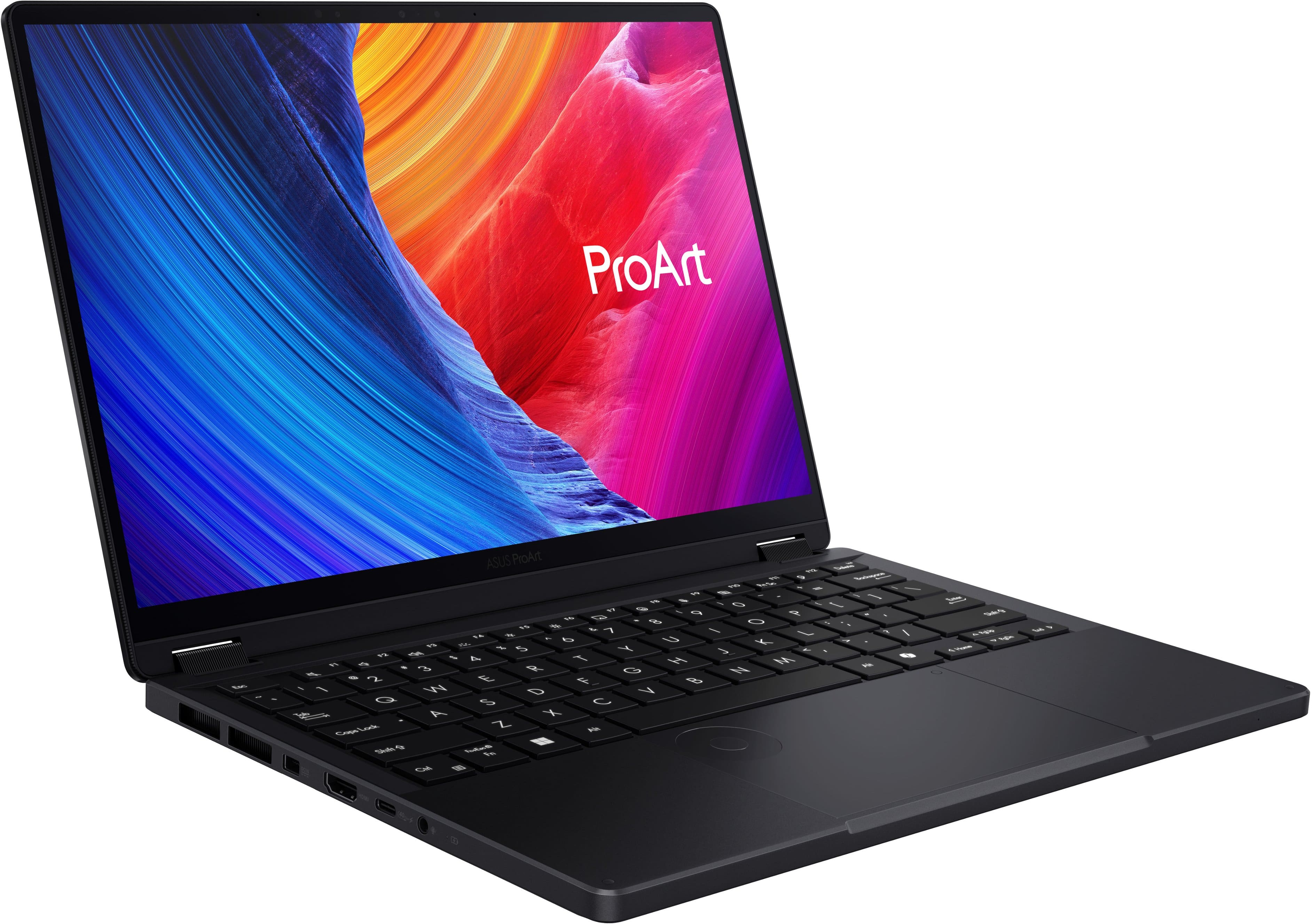
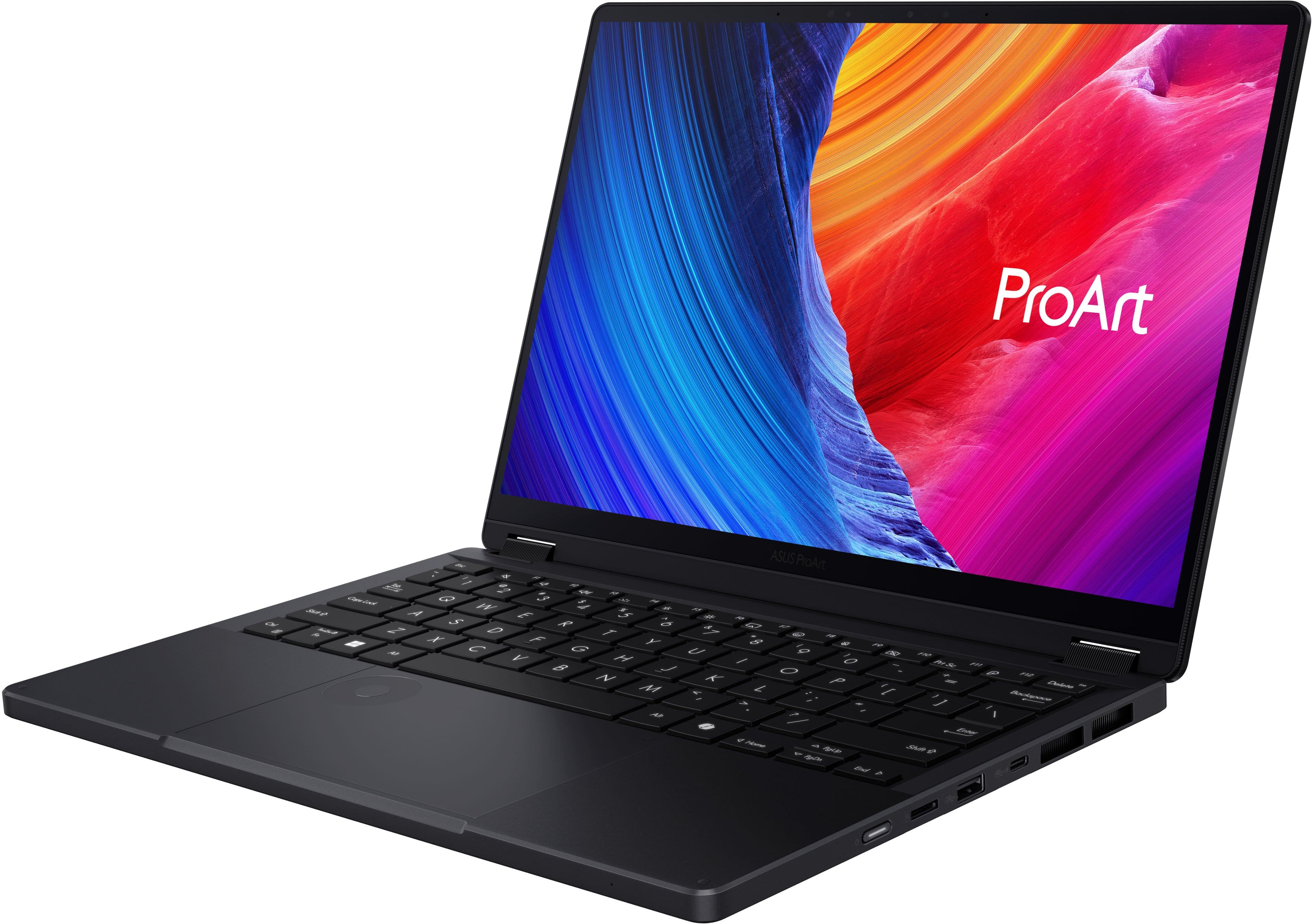
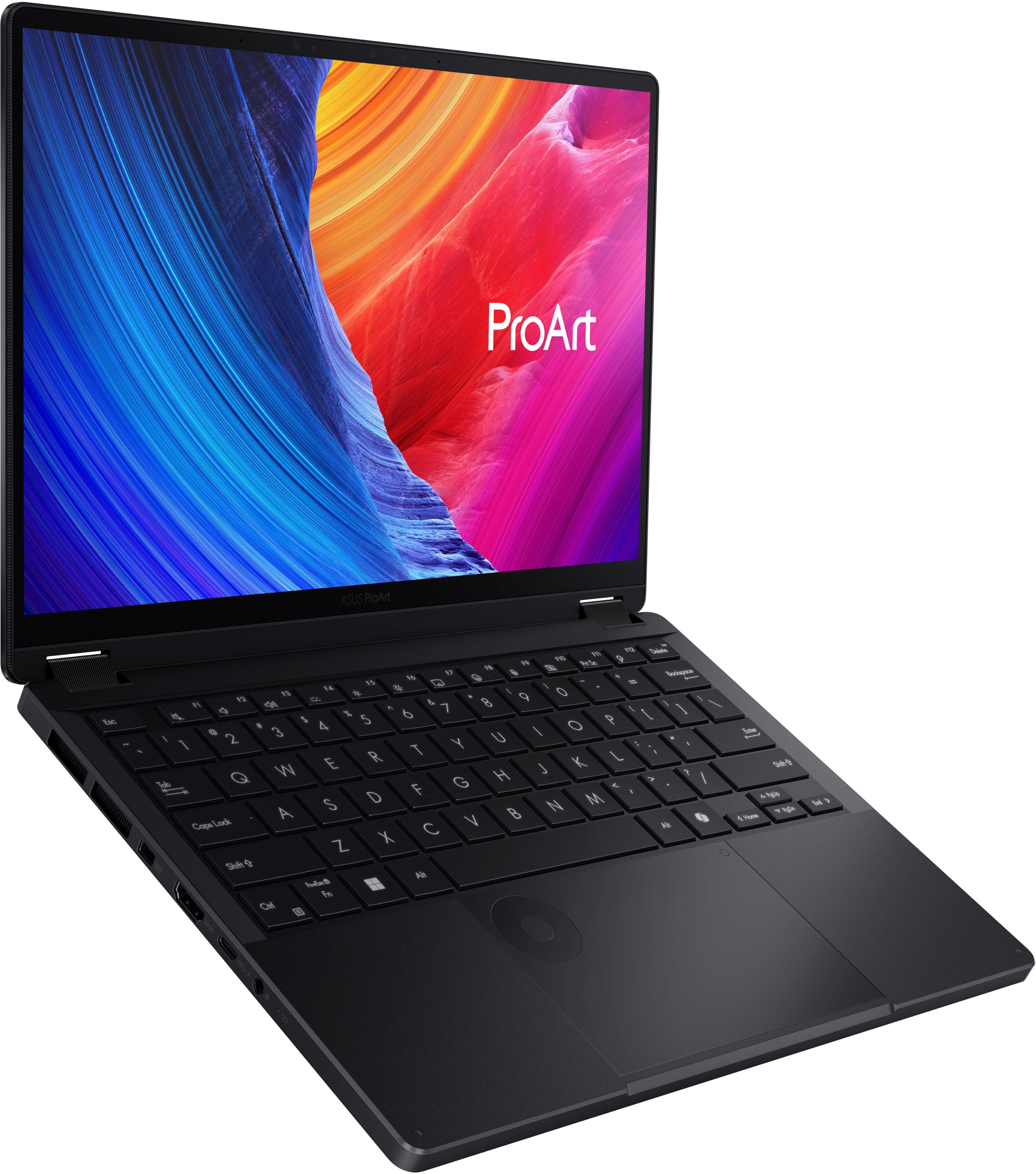
|Posted .This reviewer received promo considerations or sweepstakes entry for writing a review.The ASUS ProArt PX13 is a compact 2-in-1 that packs an incredible amount of processing power into a portable 13-inch frame. Here is the quick breakdown of where it shines and where it falls a bit short. The Screen: Beautiful but at that Basic Speed The Good: The 3K OLED display looks incredible. The colors are vibrant, the blacks are deep, and everything looks razor-sharp. The Bad: It is locked at a 60Hz refresh rate. It’s okay for normal tasks, but it’s not great. If you are used to the smooth scrolling of a 120Hz phone or premium monitor, you'll definitely notice that it lacks that next-level fluidity. Performance: Ryzen AI Max & Unified RAM The internals are where this machine really steps away from traditional ultraportables. The AI Processor: Powered by the AMD Ryzen AI Max+ 388, this chip features a dedicated NPU pushing 50 TOPS of AI processing power. For localized AI tools, background tasks, and future-proofing Copilot+ features, it handles workloads effortlessly without breaking a sweat or tanking your battery. Unified RAM Management: With 32GB of ultra-fast LPDDR5X unified memory running at a blistering 8000 MHz, the system architecture allows the CPU and the massive integrated Radeon graphics to share the same memory pool dynamically. It makes multi-layer video editing and heavy multitasking smooth, with virtually zero bottlenecking. Trackpad & ASUS DialPad: A Real Workflow Booster The trackpad is large and responsive, but the real star is the virtual DialPad built right into the glass surface. You just swipe to activate a glowing, tactile wheel on the corner of the trackpad. It lets you spin through video timelines, change brush sizes in editing software, or just tweak volume and brightness without hunting for menus or shortcuts. Once you get used to it, it makes working on a laptop feel a lot faster and more intuitive. The Bottom Line It’s a fantastic, high-performing portable workstation with next-gen processing brains. If you don't mind a standard 60Hz screen speed, the killer combination of the Ryzen AI Max chip, smart memory layout, and the clever trackpad dial make it an absolute beast for creation on the go.
I would recommend this to a friend A "Pro" Level Machine for Windows Prosumers
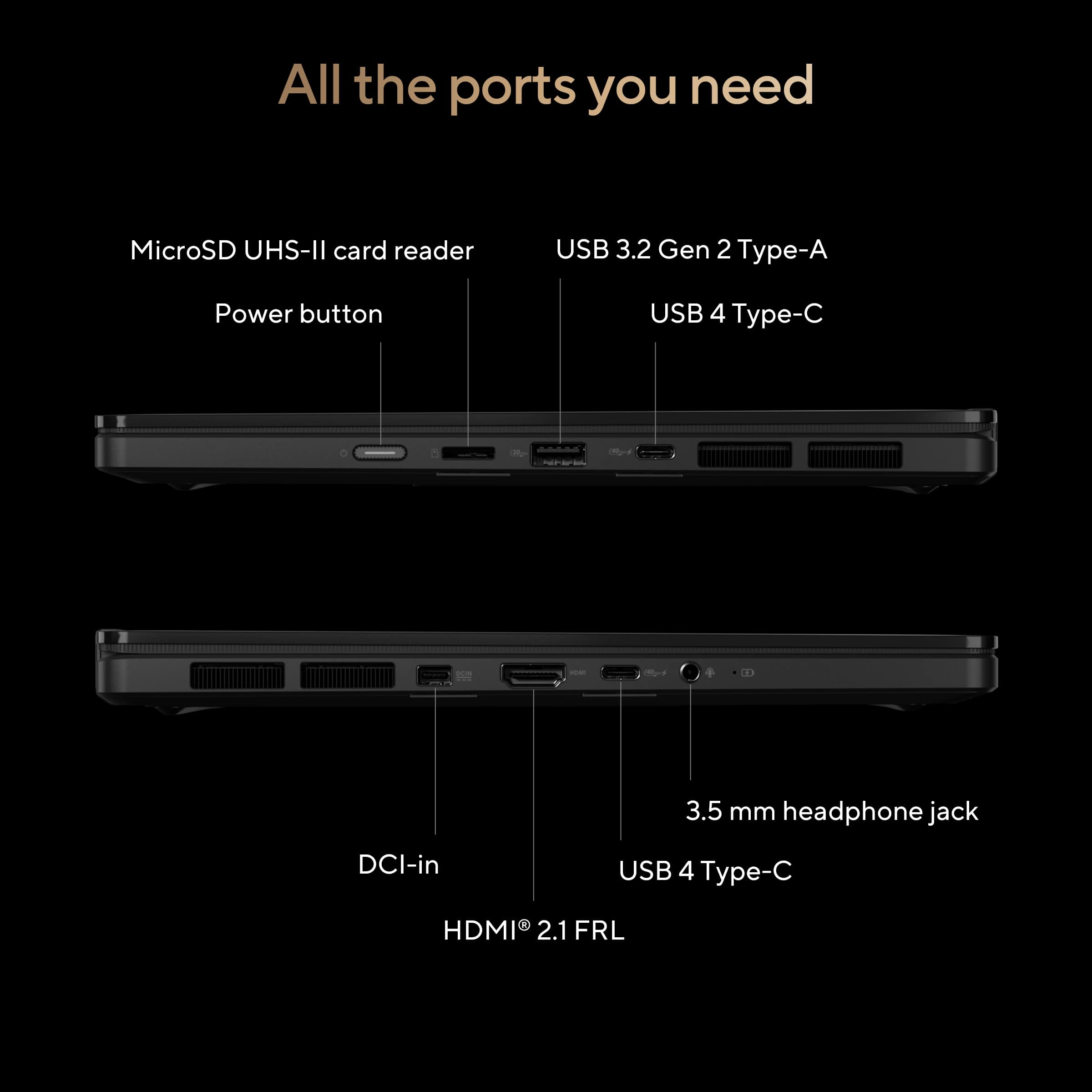
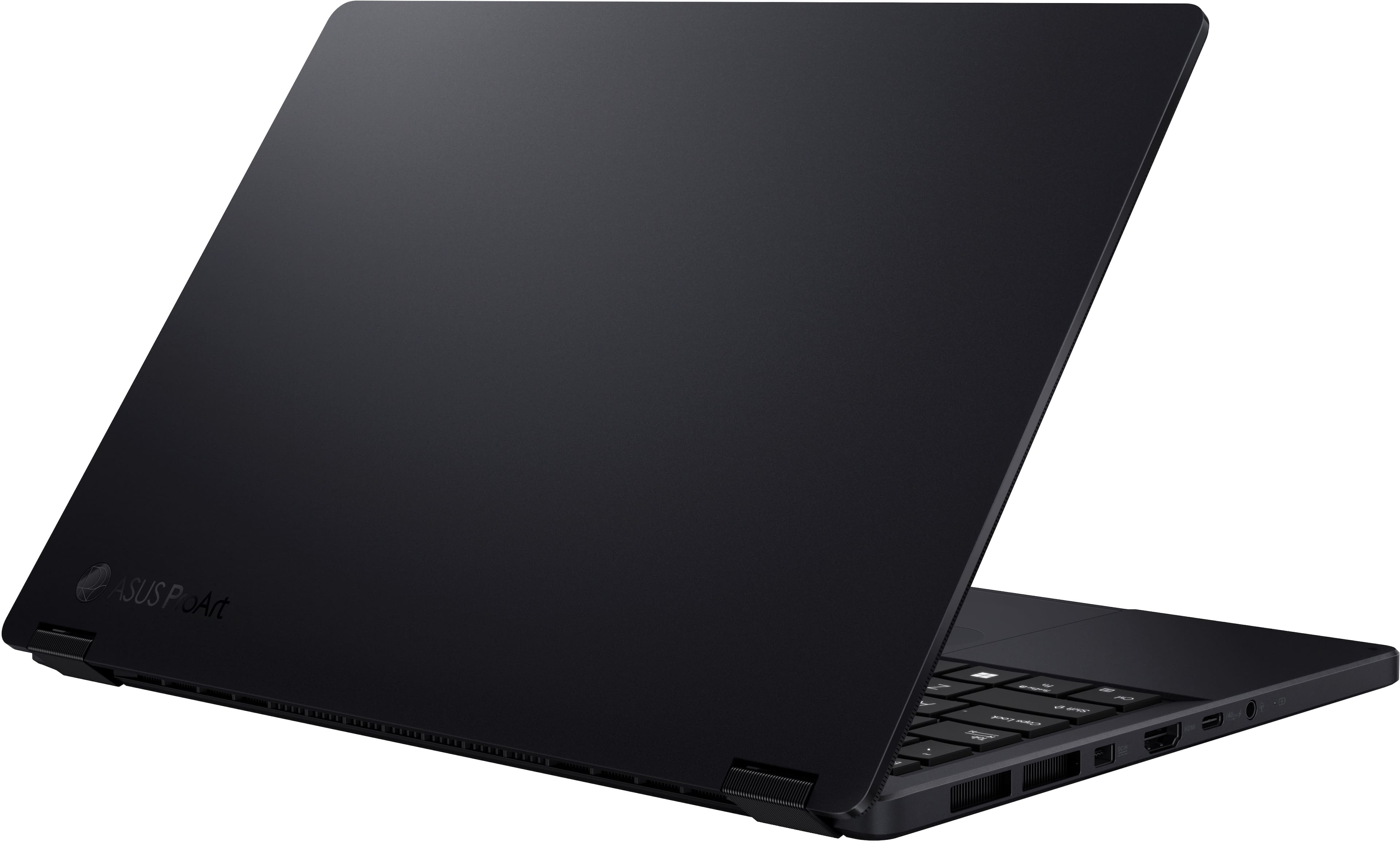
|Posted .This reviewer received promo considerations or sweepstakes entry for writing a review.As someone who’s always valued both performance and portability without wanting to sacrifice either, I’m elated by the resurgence of the 13-inch laptop category and the recent trend of building machines around top-end-performing hardware. While dedicated graphics chips are still a rarity in this form factor, system-on-a-chip (SoC) designs have come a long way over the last few years as silicon fabricators push meager power envelopes further than ever before. ASUS has already worked magic in this space, putting AMD’s most powerful SoC solution in a gaming tablet hybrid, and now are taking the lessons learned from the cutting edge and bringing it to a broader audience through “prosumer” grade devices. The ASUS ProArt PX13 is the latest such offering, taking AMD’s newest revision of the popular AI MAX 300 series and putting it in a more traditional form factor alongside a brilliant OLED screen. I came away very impressed with this thing, and for the demanding creative professional (or indeed, even a gamer shopping a price class below the enthusiast end) that needs CPU and GPU power in a portable form factor, the PX13 is an excellent contender. A quick disclaimer - as of writing this review (May 2026), retail computers and hardware are experiencing rapid price increases due to immense demand from the commercial sector, resulting in supply shortages. I’ve attempted to review this machine objectively, but retail prices versus prior models cannot be used as a fair point of comparison. - Unboxing and Impressions Following in ASUS’ recent trend towards premium unboxings, the ProArt PX13 ships in minimalist packaging that puts the power brick in a separate shipping compartment from the well-protected laptop. With very little in the way for physical documentation, most of the setup and tutorial experiences are on-device, and are kept to a reasonable minimum for what ASUS correctly assumes will be prosumer-level users. Besides warranty registration information, there are few OEM intrusions into the familiar Windows 11 setup process, and I’m pleased to report workarounds for setting up without a Microsoft account are still possible. The PX13 is a delightfully compact device with a great range of standard connectivity. Mercifully, “legacy” ports including a proper USB-A, microSD card slot, full size HDMI, and 3.5mm headphone-microphone combo jack leave me wanting for little besides (and I’m being nitpicky here) a second USB-A port. Both USB-C ports are proper USB4 SuperSpeed 40Gbps spec, allowing docking stations, high-end portable SSDs, external displays and more to take full advantage of that massive bandwidth. - Performance & Thermals The Ryzen AI MAX 388+ processor at the core of the PX13 is one of AMD’s latest and arguably most balanced mobile offerings, using the same Zen 5 core architecture seen on the flagship 395+, pared back to 8 cores and 16 threads with the same power envelope, using the same LPDDR5X memory bus, and keeping the absolutely monstrous Radeon 8060S integrated graphics solution. The end result of all this is pure desktop power on the go with little compromise - CPU performance is comparable to a desktop-grade Ryzen 9700X, and graphics performance lands somewhere north of a Radeon 7600XT while incorporating all of its advanced features such as FSR for gaming, and ROCm for graphics compute in creative and professional workloads. While not a gaming-focused machine, I quickly loaded up some graphically-intense games that ran with aplomb on ASUS’ own ROG Flow Z13 (powered by the aforementioned 395+ the 16-core, 32-thread version of the same chip in the PX13) and the results were within margin of error. You could argue this is a thin-and-light gaming laptop, and with 32GB of RAM on tap there’s plenty of room for both system RAM and video memory to coexist. Additionally, the PX13 can dynamically allocate system memory to VRAM in Windows, so a fixed memory setting in the BIOS isn’t necessary to have more VRAM available while cutting into available system RAM. For professional and creative workflows, I took both Adobe Photoshop and DaVinci Resolve for a spin. Working with large format poster graphics in the former, the PX13 churned through layers and effects with the same speed and snappiness as my dedicated desktop, never lagging or spending inordinately long applying filters. Editing some 4K gaming footage with the latter, scrubbing through the timeline was responsive and rendering took full advantage of the 8060S to accelerate generating h.265 video to upload to video sharing sites, though the system fans had to work overtime to keep the laptop cool and it took a bit longer than I expected to finish up, even with the system in its full power mode. One area where the PX13 may fall a little short for demanding professionals is in its thermal management. While the fans on the ProArt aren’t as loud as some other thin and light laptops packing high-power chips, they tend to run frequently even in the laptop’s “Whisper” (lowest-power) setting. There’s also some noticeable coil whine in certain circumstances which I found annoying in a quiet room. In “Normal” and “Performance” modes, the Ryzen 388+ runs with much higher power envelopes, and the fans will run at higher speed to try and keep the laptop cool. I did notice that the keyboard gets warm with extended use on Performance even with the fans running full blast, but with a bottom intake and both side and rear (towards the screen hinge) exhaust, the PX13 never felt concerningly hot. You probably won’t be able to use this on your lap, however, and in tablet mode you may encounter some thermal throttling and performance limitations since the intake will be sandwiched between the screen and the chassis. - Screen, Sound & Video, Battery The star of the show for the ProArt PX13 is the OLED display. The high resolution for a smaller screen and great color calibration out of the box yield impressive results, made all the more tantalizing with the true blacks that OLED screens provide. It supports HDR and gets decently bright for a 13 inch display, with Windows reporting a peak brightness of 616 nits. Sadly the screen only supports a 60Hz refresh rate, but given the target audience for this machine it’s not a dealbreaker, and the display’s response time is pretty good with little ghosting in fast motion. For both media consumption and creation, it’s a fantastic screen that rivals some other brands’ displays that get marketed with words like “Cinema” and “Retina.” Sound quality is better than I was expecting for a laptop of this caliber, with Dolby Atmos processing and some other trickery to make the (downward-firing) speakers seem louder. They’re very bright-sounding with just a little bit of perceivable bass, but they do get loud enough to hear speech clearly in a moderately noisy environment - in other words, fine for video conferencing. Similarly, the webcam is plenty solid; not amazing but good enough for purpose here. A lack of physical shutter is a bummer for the privacy-concerned, though. Battery life seems about par for course for 13-inch Windows laptops. On the “Whisper” performance mode I got a little over 6 hours from full charge to a 20% low battery warning while doing light work at about half screen brightness, and just squeezed past 7 hours before hitting the 10% warning. The laptop can charge from either its dedicated power brick and port or via USB-C power delivery, though the battery will still slowly run down in higher power modes using the latter. Still, it’s quite convenient to charge via USB-C PD and only need to carry one charging brick with me, lightening up my bag. - Design & Build Quality What sticks out to me most about the ProArt PX13 is how nice it feels on the whole. It’s not at the highest echelons of build and material quality you see from the brand with dedicated stores and their version of the Geek Squad, but the plastics and alloys used on the PX13 give it an air of high-quality and sophistication that some brands have struggled to match. The hinge in particular feels extremely smooth and fluid, and the chiclet-style keyboard has great feel to the keycaps while exhibiting no flex in the keyboard tray. The touchpad falls just short of greatness, depressing a bit more than I would like when clicking but still feeling very polished. The command dial is a neat touch that’s easy to enable or disable from the corner of the touchpad with a diagonal swipe. The only area I’m a little disappointed here is in the 2-in-1 nature of the laptop. The PX13 simply isn’t comfortable to hold as a tablet, with the edges of the screen lid and keyboard tray being antithetical to the tablet purpose. While it works in a pinch, it feels like the 2-in-1 nature of the PX13 was more of an afterthought as it’s an extremely competent laptop otherwise. The AI bloatware doesn’t add any value here, but it’s easy enough to ignore and uninstall. - Bottom Line While I found a few minor annoyances with the ASUS ProArt PX13, I feel that “perfection is the enemy of greatness,” and none of these things are detractors from what’s an overall excellent machine for creatives and power users alike. The Ryzen AI MAX 388+ is a powerhouse chip, with the integrated graphics pushing close to dedicated GPU territory for accelerated workloads. The fit and finish are appropriately high-end, the screen is gorgeous, and while the battery could last longer it’s a reasonable compromise for a thin and light machine where raw power is needed on-the-go. The ProArt PX13 may be a bit pricey compared to its peers, but the overall package and build quality is a winner. Recommended!
I would recommend this to a friendPremium OLED Powerhouse
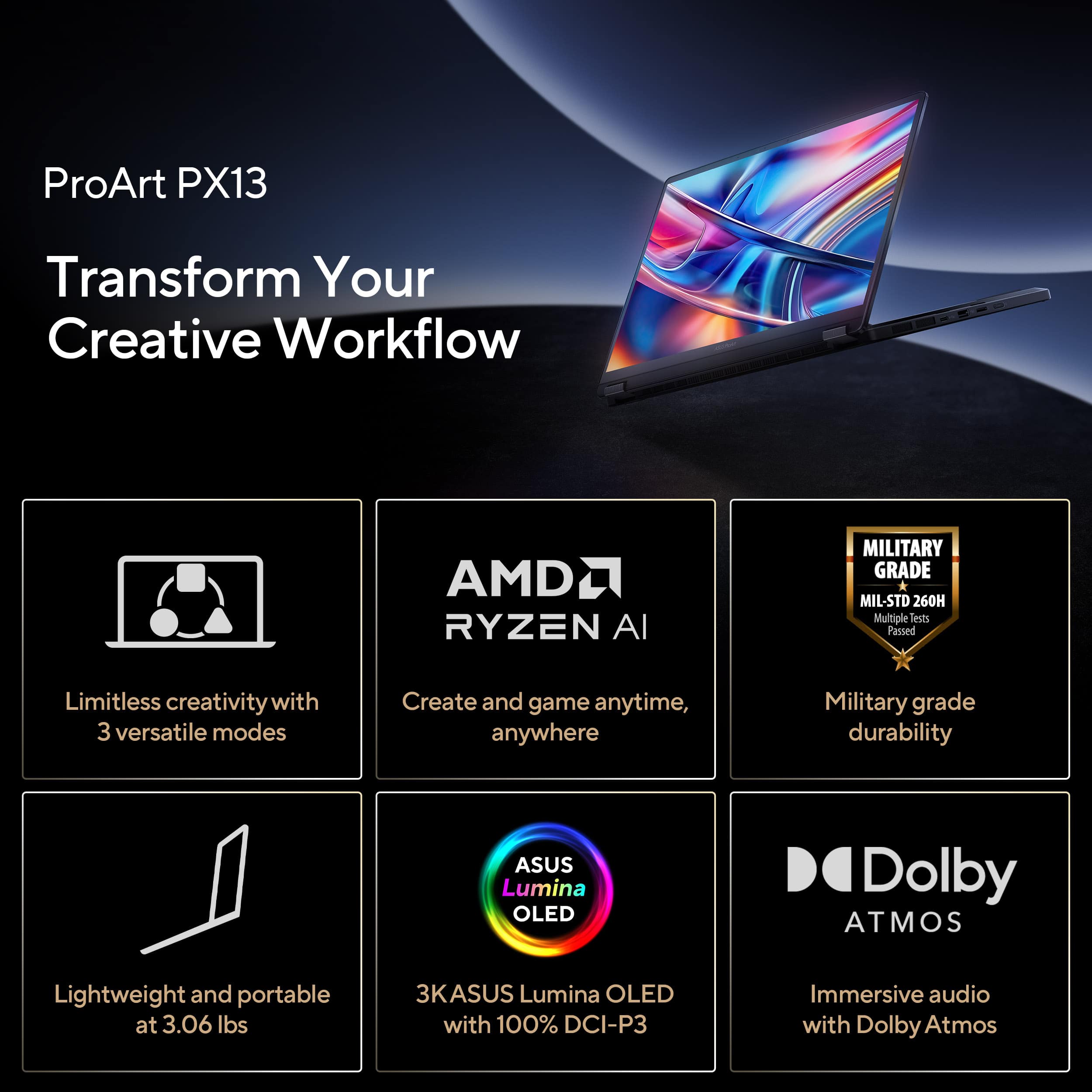
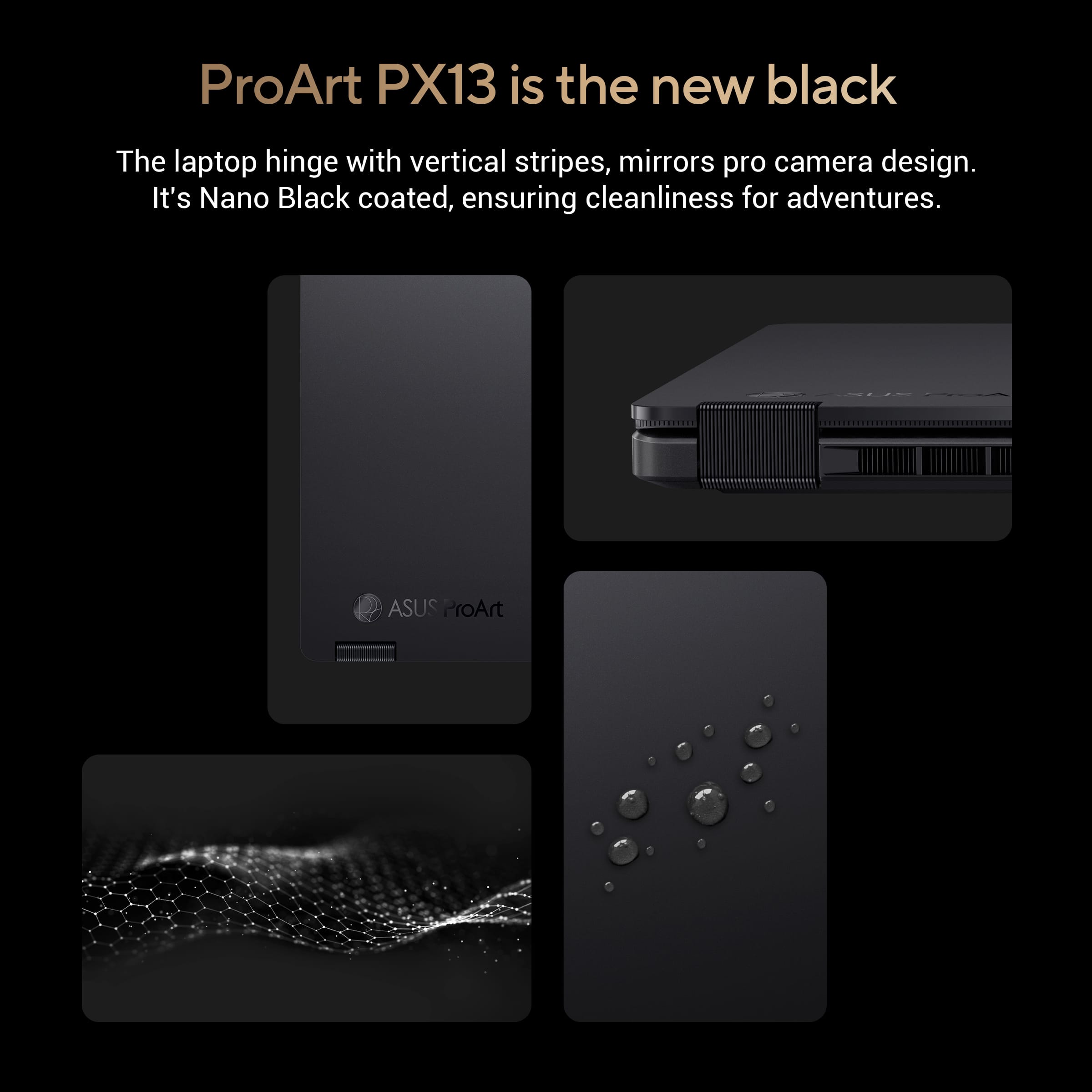
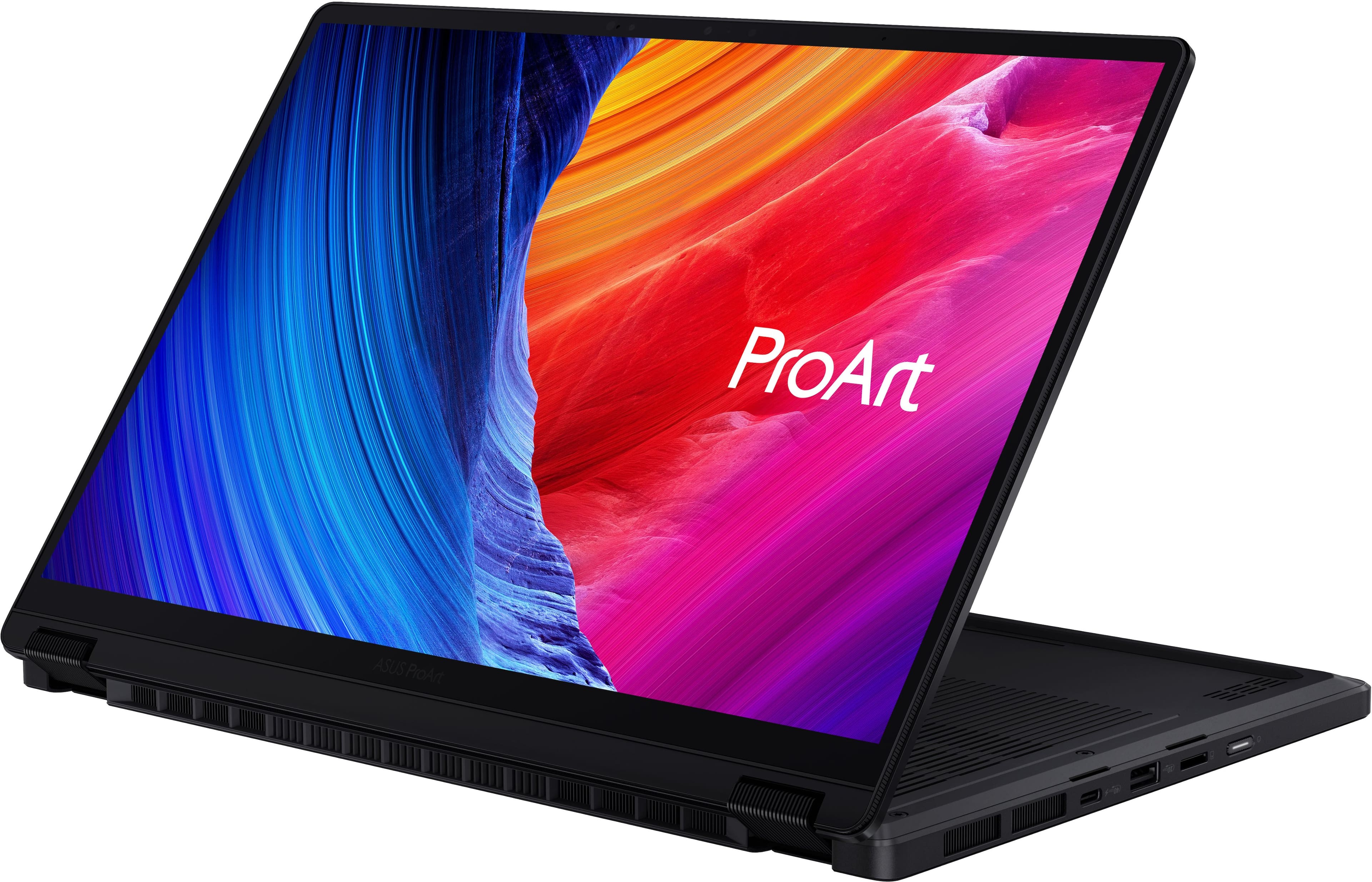
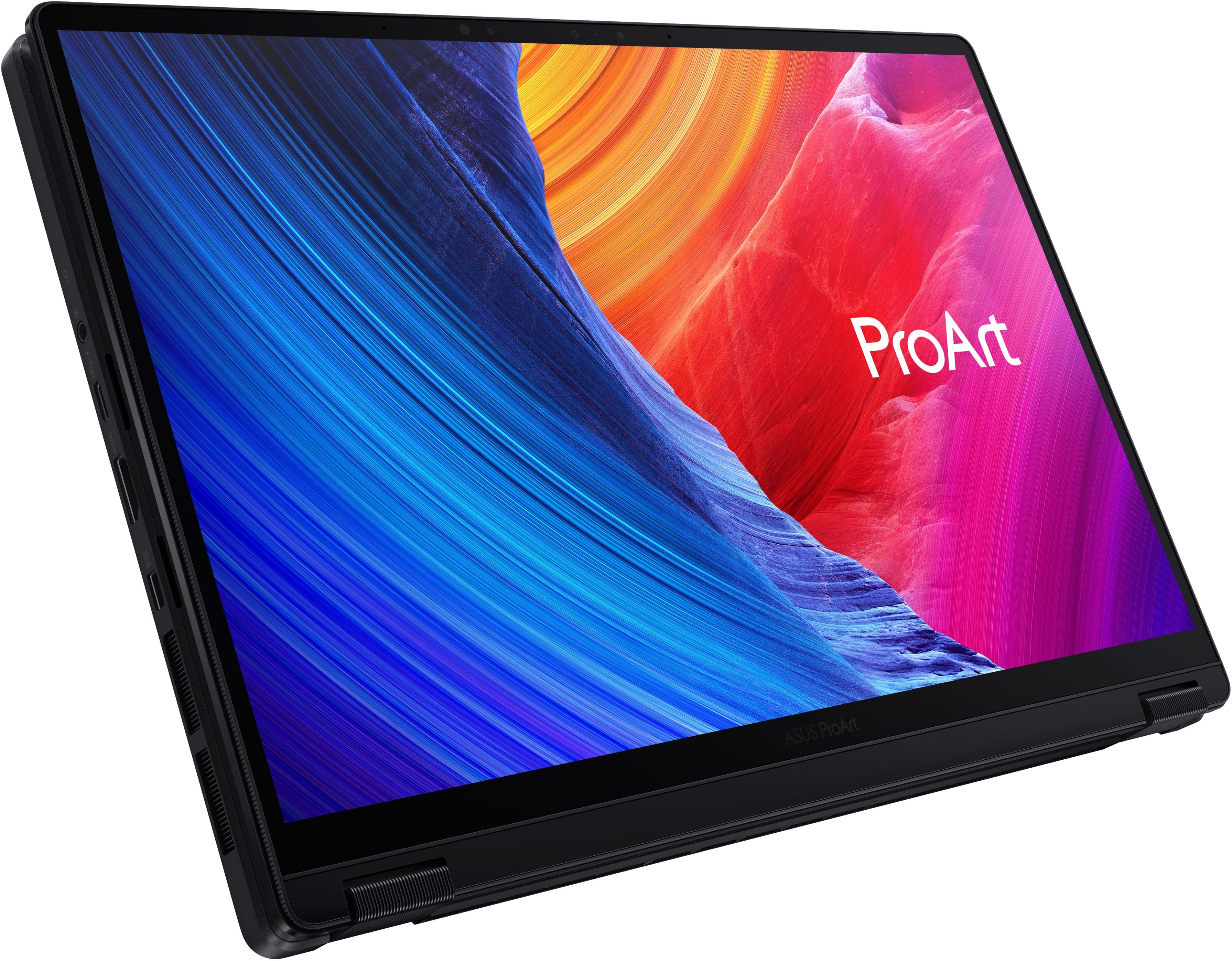
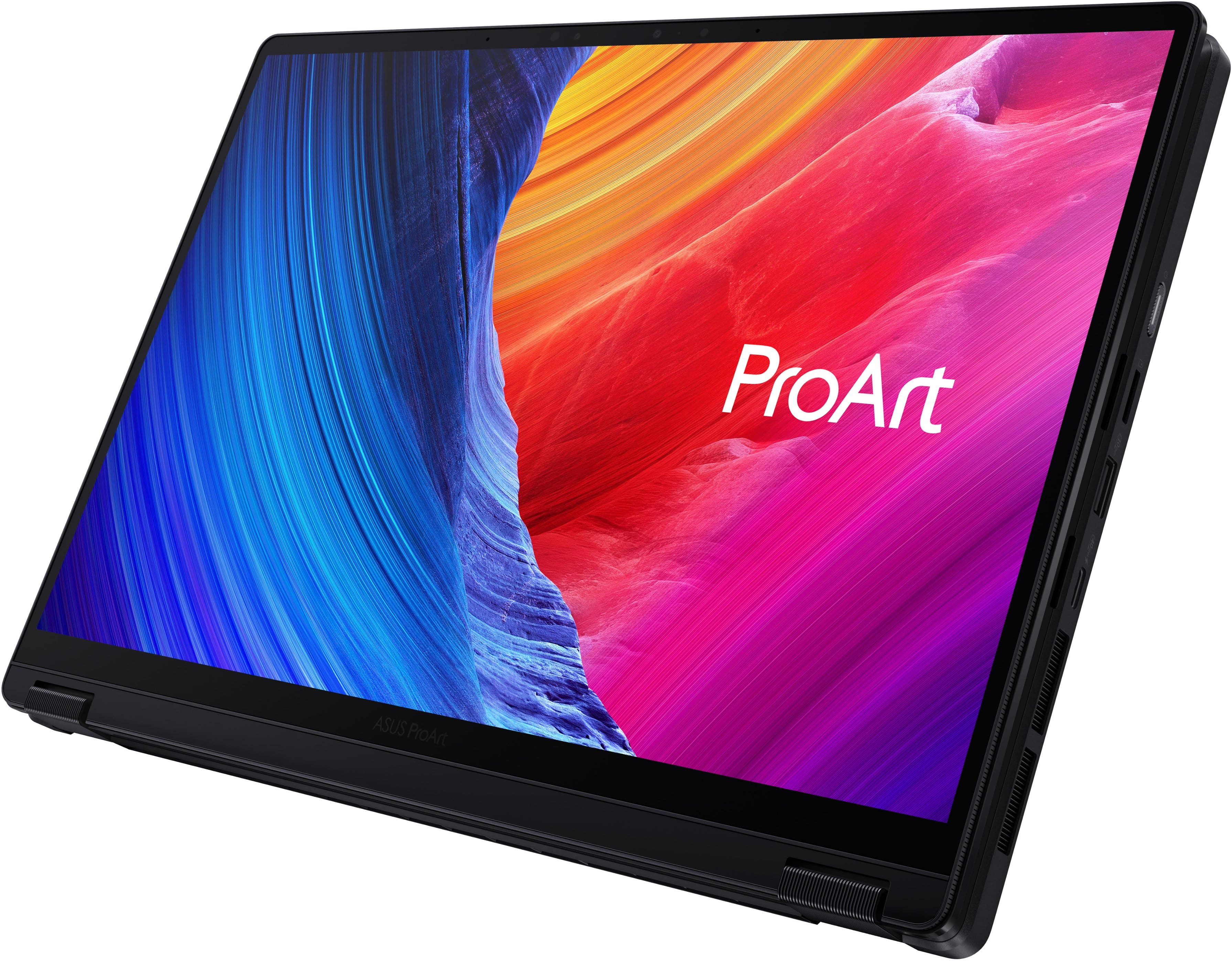
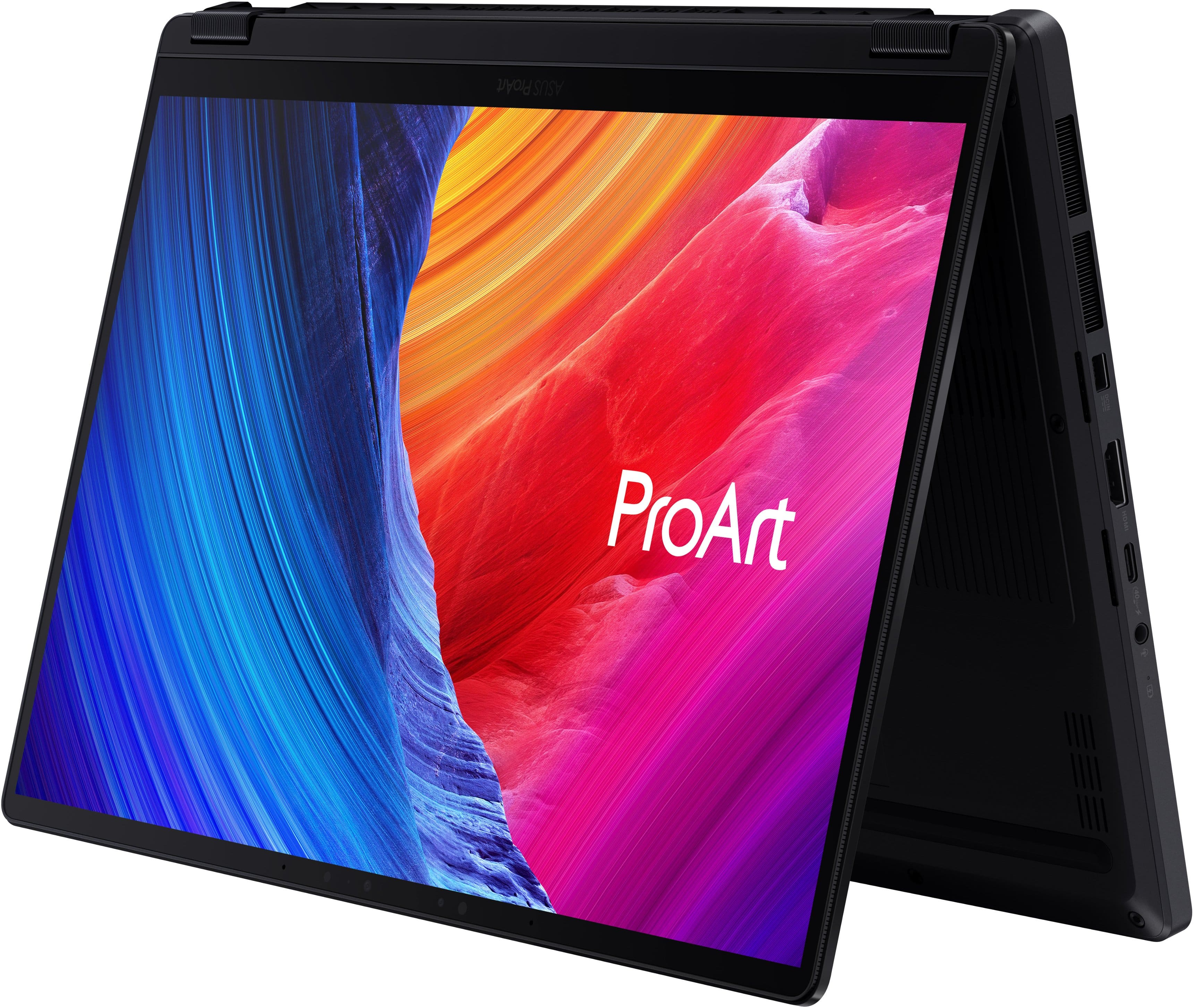
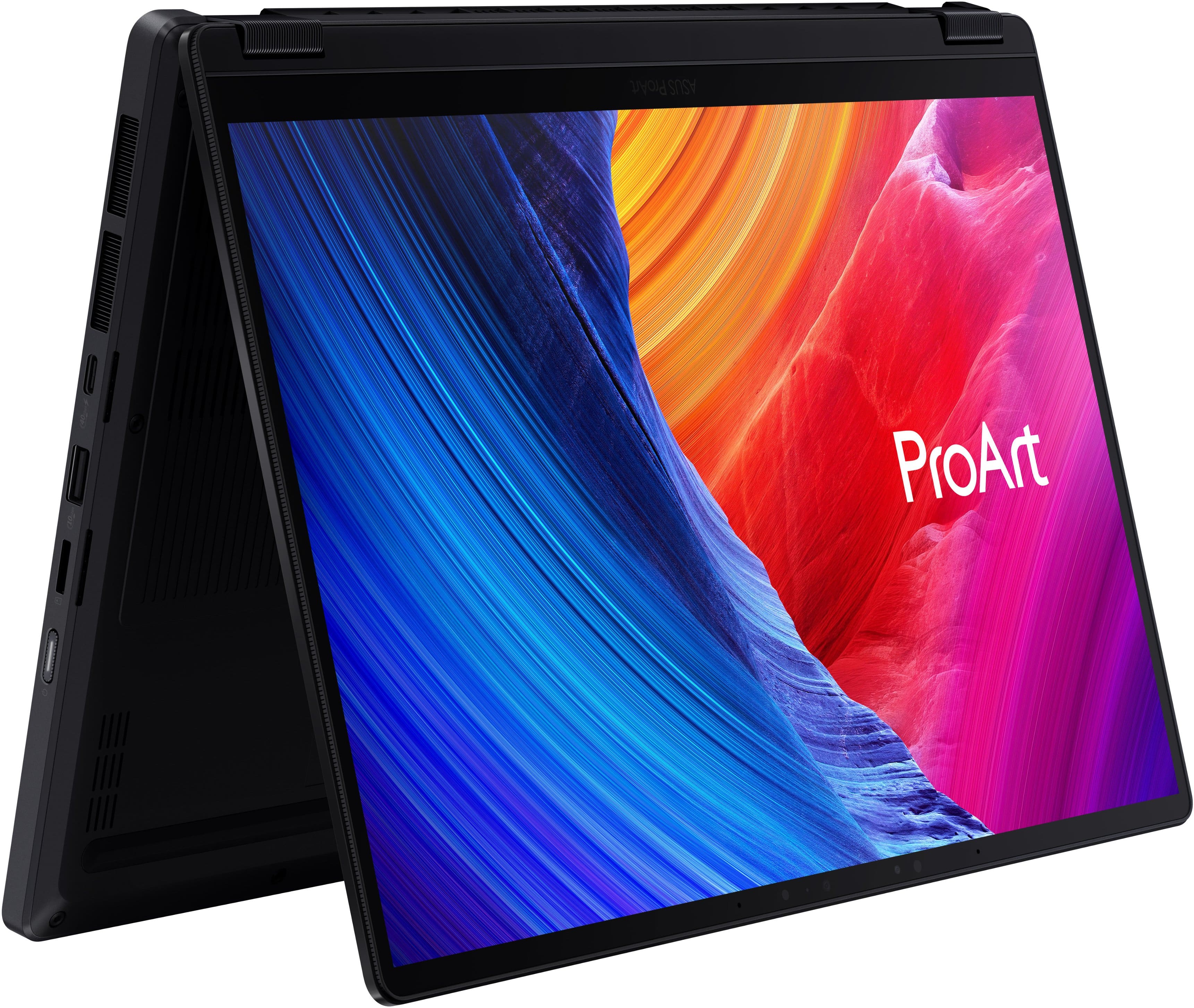
|Posted .This reviewer received promo considerations or sweepstakes entry for writing a review.After spending significant time putting this laptop through its paces, I can confidently say it’s one of the most impressive compact machines on the market. I have used a multitude of different laptops over the years for both work and personal use, and this one is easily the best I have ever owned. If you are looking for a laptop that offers serious creative and multitasking power without being a bulky burden to carry around, this is it. Right out of the box, the first thing you notice is the look. It’s finished in a sleek "Nano Black" that feels incredibly premium, professional, and understated. There is a really cool design touch with subtle vertical striping on the hinges that mirrors the look and texture of a high end camera lens. The rugged and tactile style gives it a very unique aesthetic that feels perfect for a home office, professional studio, or out on the road. I must say with all the laptops I`ve used and even seen the past couple years this one definitely stands apart. At just about 3 pounds and under an inch thick, it’s remarkably lightweight. However, the slim profile doesn`t deter from the build quality as it feels incredibly sturdy. It's the kind of laptop you can confidently toss into a backpack for a coffee shop run or a flight without worrying about extra padding. The standout feature here is definitely the 3K OLED touchscreen. If you haven't used an OLED screen before on a laptop, it is an absolute game changer. The colors are incredibly rich, vibrant, and highly accurate, while the blacks are completely deep rather than looking washed out or gray. Whether you are editing photos, streaming a movie, or just browsing the web, everything looks stunningly sharp and crisp. When my friends and colleagues ask for laptop recommendations an OLED screen is an absolute must anymore! I`ve always been a fan of the 360 degree flip design like this model has. You can use it as a traditional laptop, fold it into "tent" mode to watch videos, or flip it all the way around into a tablet. For taking notes, sketching, or marking up documents with a stylus, the tablet mode feels totally natural. There is also a unique feature built right into the glass touchpad that they call a virtual "Dialpad." It allows you to customize shortcuts and scroll through tools smoothly, which I actually found to be a fantastic workflow booster predominantly for zooming and scrolling in my case. Under the hood, this machine has all the bells and whistles as it is lightning fast. It pairs a next generation AMD Ryzen AI Max 388 processor with a massive 32GB of memory. This specific hardware combination strikes a near perfect balance between high performance and smooth efficiency. In everyday terms, that means the laptop essentially refuses to slow down. You can have dozens of internet tabs open, a video playing in the background, and heavy editing software running all at once, and it switches between them instantly without a hiccup. No matter what I throw at it everything feels incredibly snappy and responsive. Despite all that power, I was surprised with how well the battery life holds up as I usually get through a normal workday without issue. When I was on the go and needed to top off the battery it also charged up much quicker than traditional laptops I`ve used in the past. You also have to talk about the selection of ports, as it isn`t just your “minimal” USB-C connection because it includes a multitude of ports including a built-in MicroSD card reader, so you don't have to carry around a bunch of annoying adapters. Overall, ASUS has checked all the boxes here you could ask for in a laptop because it perfectly bridges the gap between ultra portable daily laptops and heavy duty workstations. It gives you that premium look, feels extremely durable, and handles anything you throw at it with ease. This is definitely one of those cases where you most certainly get what you pay for as the cost is clearly seen throughout the entire laptop. So if you want a top tier premium laptop that can handle both serious work and everyday entertainment seamlessly, I would highly recommend it.
I would recommend this to a friendPortable, Premium, Powerhouse
|Posted .This reviewer received promo considerations or sweepstakes entry for writing a review.This has been a powerful tool with plenty of horsepower and features like a color-accurate display which has made it a joy to use as a digital creator on the go. The display is outstanding with stunning colors, tons of contrast, and being plenty bright. Colors are vibrant without looking oversaturated. With its claimed Pantone-validated color accuracy, I can actually color grade videos and photos not just on the go but also in general since my external display isn’t as accurate. Everything just pops on this display and I think it may be a combination of the rich colors and deep contrast. The display is quite glossy though and it’s easy to see reflections however it hasn't affected productivity. The 3K resolution is well-suited for this size of laptop. It’s super crisp and you can squeeze a lot on the display at native resolution but I tend to have it around 150% scaling which still offers plenty of real estate. Using the touch display is intuitive and natural whether in laptop mode or in tablet mode. They also did a good job with the keyboard and touchpad. Touches and swipes are natural but depressing the touchpad is a little stiff for my liking. I don’t usually press down on the touchpad though where I usually just use a short tap to select which works flawlessly. The keyboard is responsive with a good key feel and travel. It’s essentially a silent keyboard which may be good for public places. It’s nice to see they start at 32GB of memory but from what I understand the RAM is soldered on to the board and isn’t replaceable, however with my tasks such as video editing, Photoshop, as well as Lightroom, I haven’t noticed any bottlenecks even with multiple 4K clips on a Premiere Pro timeline and rendering time is also fast. For a video creator, this configuration was more than capable for everything I threw at it. The hard drive is apparently replaceable though which is nice to know there’s room for expansion. This 512GB model had 346 GB available after performing the initial Windows updates. Speaker sound is in the acceptable department. It’s crisp but doesn't have much on the low end and can also sound tinny. What’s interesting is that it sounds better to me in tablet mode with the display vertical and sounds more tinny in standard laptop mode. I'm not sure if this has anything to do with how the display folds over the back but it sounds different in different configurations. I’d still use external headphones anyways when it comes to any sort of editing or music playback and thankfully it also has a headphone jack. But the speakers are probably one of the weak areas of this otherwise great laptop. Ports are-a-plenty with (2) USB C, (1) USB A, an HDMI, and micro SD card slot. A nice selection overall and doesn’t skimp on USBs but I would have loved to have had a standard SD card slot which would make more sense for a pro-level creator. For everything this packs inside, it’s all housed in a compact and fairly lightweight package - heavier than most standard 13” laptops but I’m happy to have the tablet versatility with a little more weight. A dedicated 13” laptop and a separate tablet could together weigh even more so it’s nice to have everything all in one. I’m also VERY impressed with build quality - it’s premium and super solid. The main chassis has little to no flex, the hinges are robust, and even the display itself doesn’t have much flex to it. Converting it to a tablet is smooth with a satisfying amount of resistance. This simply has an incredible build to it all around. This has been a great laptop and I think they came pretty close to nailing it. My only gripes are the lack of a full-sized SD card slot and sound, but other than that, this is a powerful, capable, and color-accurate on-the-go tool for creators.
I would recommend this to a friendGreat form factor
|Posted .This reviewer received promo considerations or sweepstakes entry for writing a review.The Asus ProArt PX13 is Asus’ latest ultimate workstation laptop that touts an efficient yet powerful experience. The ProArt PX13 is for those who want to work, create, and play without compromising performance. With a current price point of $1,899.99 does it offer enough to warrant the heavier price tag? The unboxing experience wasn’t anything overly spectacular. The box had a nice touch and feel to it compared to some other competitors in the same price point. It was more than just a brown cardboard box. The computer and all the accessories were safely bundled together. There is no need to worry about having additional input adapters as this computer has everything one would need. I am genuinely impressed with the amount of inputs Asus was able to stick into this device. It has 1x USB-A 3.2 port, 2x USB-C ports, MicroSD card slot, headphone jack, and HDMI 2.1. Asus listened to their customer base by ensuring that there were plenty of ports available. I like how simplistic the computer is. It has a very sleek and modern look. It isn’t flashy at all. It is a tool to get a job done. The computer feels solid to hold and doesn’t feel flimsy while handling. I am generally not a huge fan of convertible screens so I did not test that much aside from the single time I did it. The display felt tight and did not feel flimsy. It has a very solid feeling motion of the display and it holds in place well. I am very opinionated on textures. The computer doesn’t have an aggressive texture to it nor is it too slippery which I like. The trackpad is distinguishable from the palm rests. I am not sure about how the keycaps will wear. They are slightly textured, but in a pleasant way. The computer uses AMD’s Ryzen platform which delivers wonderful performance for any work that you may throw at it. I was able to do some light photo editing with it and was able to do it using the included Adobe Creative Cloud 3 month trial that is included with purchase. With 32GB of RAM it is able to do plenty of multitasking. With that said, I did notice that the fan noise was notable during use. If you are purchasing this computer for any AAA title gaming that you may want to look elsewhere as this computer is not built for serious gaming. The onboard graphics will not suffice. If you are in to some 8-bit indie games then you could do that with ease. The display is quite nice and I would hope so since this is Asus’ ProArt line up. Each display is shipped to provide the most accurate of colors.I did find that when I used it outdoors that it wasn’t as bright as I would have liked it to be. I did not test the Wi-Fi 7 capabilities of this computer yet. I have not switched over to the newer protocol. On my Wi-Fi 6 (802.11ax) network I did not observe any issues related to the computer. The computer is really nice. I believe that if you are looking for a computer for work this would be a really good contender. Only qualm I have is that the fans were noisy at times.
I would recommend this to a friendTiny 2-in-1 creator/workstation workhorse
|Posted .This reviewer received promo considerations or sweepstakes entry for writing a review.Setup: Unboxing was easy. The packaging was very premium, and the experience definitely fit the price point of the laptop. Use: The initial setup was fast and simple. The 3k OLED display was the first thing I noticed since it was very bright and color accurate. Easiest way to check is to pull up an item you have in your pantry or house and compare the colors on screen with the actual item. This matched perfectly. Then I tested it, processing some raw photos and the response was fast. There was no delay. The export was equally as fast as my gaming laptop that has a dedicated gpu. I do wish the small 512gb ssd was bigger. With 32GB of ram this thing just took all the chrome tabs and Adobe Lightroom among other programs running at the same time without slowdown. When gaming I was able to get smooth gameplay on medium settings for most games after the first few matches which I assume some indexing and learning takes place because after it was very playable at around 60fps which is all I need for such a portable system. The 2-in-1 capabilities made it a breeze to edit the graphics I needed to work on. Included is a nice 200w power brick which makes sense being that the cpu is a larger wattage vs the typical ones that are installed in other 2 in 1 laptop. There are plenty of useful ports, but I do wish there was a full size sd card slot vs the micro sd. My biggest issue so far is the 512GB ssd it’s a bit too small I think for a creator laptop but it’s manageable enough for now. Also, it would be nice for the price point if the pen was included.
I would recommend this to a friend