Customer Ratings & Reviews







- Model:
- G700TF-U5F5060
- SKU:
- 6613425
Rating by feature
- Value
Rating 4.7 out of 5 stars
- Quality
Rating 4.7 out of 5 stars
- Ease of Use
Rating 4.8 out of 5 stars
Customers are saying
Customers are impressed with the ROG G700 Gaming Desktop's overall performance, quiet operation, connectivity, design, and airflow. However, some customers expressed concerns about the 8GB of VRAM. Overall, the desktop seems to be well-received, particularly for its performance.
This summary was generated by AI based on customer reviews.
Gaming pc
||Posted . Owned for 1 week when reviewed.This reviewer received promo considerations or sweepstakes entry for writing a review.Bought it as a gift for our son comes out of the box ready to go
I would recommend this to a friendGreat christmas gift
||Posted .This reviewer received promo considerations or sweepstakes entry for writing a review.My daughter is very pleased with this she has been glued to it
I would recommend this to a friendSuch a disappointing experience
||Posted . Owned for 6 months when reviewed.This reviewer received promo considerations or sweepstakes entry for writing a review.So many issues with this computer. Had to buy a new high powered antenna to get it to connect to wi-fi (all other computers in the same area have no issues connecting to the wi-fi, so definitely specific to this computer). The computer will randomly shut down in the middle of using it. Sometimes it just goes to a black screen and the only way to get it to come back on is to push the power button to shut it down. When I turn it back on after shutting down via the power button, it doesn't recognize my printers and external drives, so I then have to do a restart. At that point it usually works fine for a while. The shut down feature doesn't always work, the sleep feature rarely works. I am beyond disappointed in this machine.
No, I would not recommend this to a friendBrand response from ASUS Answers
Posted .Dear Lisag,
Thank you for your comment.
We do understand your disappointment with the Desktop PC and the inconvenience this may have caused if you are experiencing multiple issues. The external antenna that came with the PC is a standard dipole antenna. It is decent and works well for most typical home setups. To improve wireless signal, ensure the PC is within range to your router, avoid placing it near metal objects, electronic devices. The Desktop PC will do several system reboots, black screen temporarily or restart during the update process. Once the initial setup and WINDOWS, drivers, applications and BIOS update completed, system speed or performance will be optimized. Updates for the PC are posted at: https://rog.asus.com/us/desktops/full-tower/rog-g700-2025-g700/helpdesk_download/ . Keeping the laptop updated will maintain optimum system stability and performance. Additionally, while accessing web applications, ensure the unit has access to an established router and internet service is working properly since poor and unstable internet connection will definitely affect system speed and performance. Also, clearing internet cache or browsing history will improve system performance. If these steps were performed to no avail, please try to run a diagnostics or optimization test using the "My ASUS" utility software or application. If this is not pre-installed on the laptop, please download the application at the Microsoft Store. For details on how to use "My ASUS", please go to: https://www.asus.com/support/FAQ/1041686/.
Should you need further assistance with the product, please email me at cl-rodel@asus.com and I would be more than happy to help. Or, you are most welcome to call Product Support Hotline at: 1(888) 678-3688. Also, you can chat with an ASUS live support agent from the link: https://www.asus.com/us/support/article/1135/.
Thank you for choosing an ASUS product.
Regards,
Rodel
ASUS Customer Loyalty
Pc game
||Posted .This reviewer received promo considerations or sweepstakes entry for writing a review.Gaming pc very good condition My son he very love this pc
I would recommend this to a friendWorks great!
||Posted .This reviewer received promo considerations or sweepstakes entry for writing a review.Was easy to set up. My son absolutely loves it. :)
I would recommend this to a friendGO AHEAD AND BUY
||Posted . Owned for 1 week when reviewed.This reviewer received promo considerations or sweepstakes entry for writing a review.Purchased as a Christmas gift for my son. He loves it!!!
I would recommend this to a friendGood system
||Posted . Owned for 1 week when reviewed.This reviewer received promo considerations or sweepstakes entry for writing a review.Runs great, been playing the games i want to play w/o issue
I would recommend this to a friendFortnite pc
||Posted .This reviewer received promo considerations or sweepstakes entry for writing a review.I bought it for Christmas switch from console to pc
I would recommend this to a friendGood system, some issues
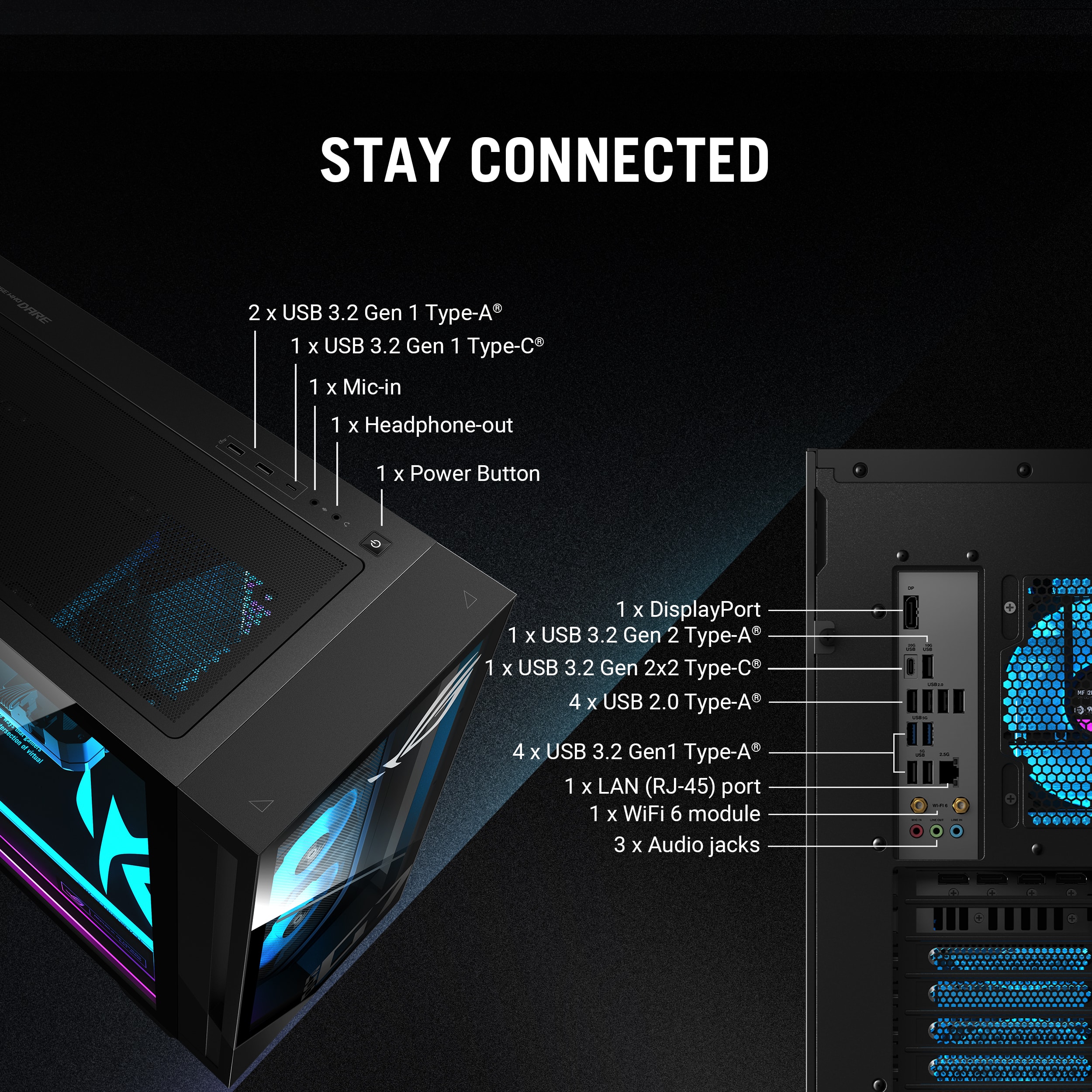
||Posted .This reviewer received promo considerations or sweepstakes entry for writing a review.Listed specs are incorrect, it only has one HDMI port. Also, two of the m.2 slots are used so you only have one for expansion. Do note, if you're planning on installing an m.2 SSD there is no screw included on the standoff on the motherboard, so you'll have to buy or find one. ASUS saved pennies on a screw so I had to spend ten bucks to order a pack that I'll never use more than one of, and it meant I had to wait a few days to get my system set up how I wanted. PC works fine, but the missing HDMI port and screw really annoyed me.
I would recommend this to a friendBrand response from ASUS Answers
Posted .Dear Oliver,
Thank you for sharing your experience with the ROG G700TF Gaming Desktop. We sincerely apologize for the inconvenience caused by the HDMI port discrepancy and the missing M.2 screw. We understand how frustrating it can be when setup is delayed due to unexpected hardware limitations. Your feedback is important and will be shared with our product team to help improve future packaging and listings.
We stand behind our products and continuously strive to improve our products and processes to achieve customer service excellence. If you require any further assistance, please email us at customerloyalty@asus.com and include the case number "N2507002513-0004" as a reference. We will do our best to resolve your case quickly. Your feedback is very important to us, and it enables us to improve our support channels. Thank you for choosing ASUS.
Best Regards,
Chantae
ASUS Customer Loyalty US Support
Good prebuilt for the price
||Posted .This reviewer received promo considerations or sweepstakes entry for writing a review.Reliable and capable system. Would recommend upgrading ram and storage out the box
I would recommend this to a friendEasy setup
||Posted . Owned for 1 week when reviewed.This reviewer received promo considerations or sweepstakes entry for writing a review.Pretty good it\nWas easy to set up an easy to use pretty easy out of the box as well
I would recommend this to a friendDecent
||Posted . Owned for 5 months when reviewed.This reviewer received promo considerations or sweepstakes entry for writing a review.Not bad wish it would come with more than one stick of ram tho
I would recommend this to a friendBrand response from ASUS Answers
Posted .Dear AntonioR,
Thank you for sharing your feedback on the ASUS G700TF Gaming Desktop. We’re glad to hear you’re satisfied with the system overall, and we sincerely apologize that the single RAM stick configuration did not fully meet your expectations. Your input is very important to us, and we will ensure it is passed along to our product team for review.
We stand behind our products and continuously strive to improve our products and processes to achieve customer service excellence. If you require any further assistance, please email us at customerloyalty@asus.com and include the case number "N2507002513-0012" as a reference. We will do our best to resolve your case quickly. Your feedback is very valuable to us, and it enables us to improve our support channels. Thank you for choosing ASUS.
Best Regards,
Chantae
ASUS Customer Loyalty US Support
- Pros mentioned:Cooling system, Noise level, Overall performanceCons mentioned:Memory capacity

Good Mid range Gaming Desktop with room to grow
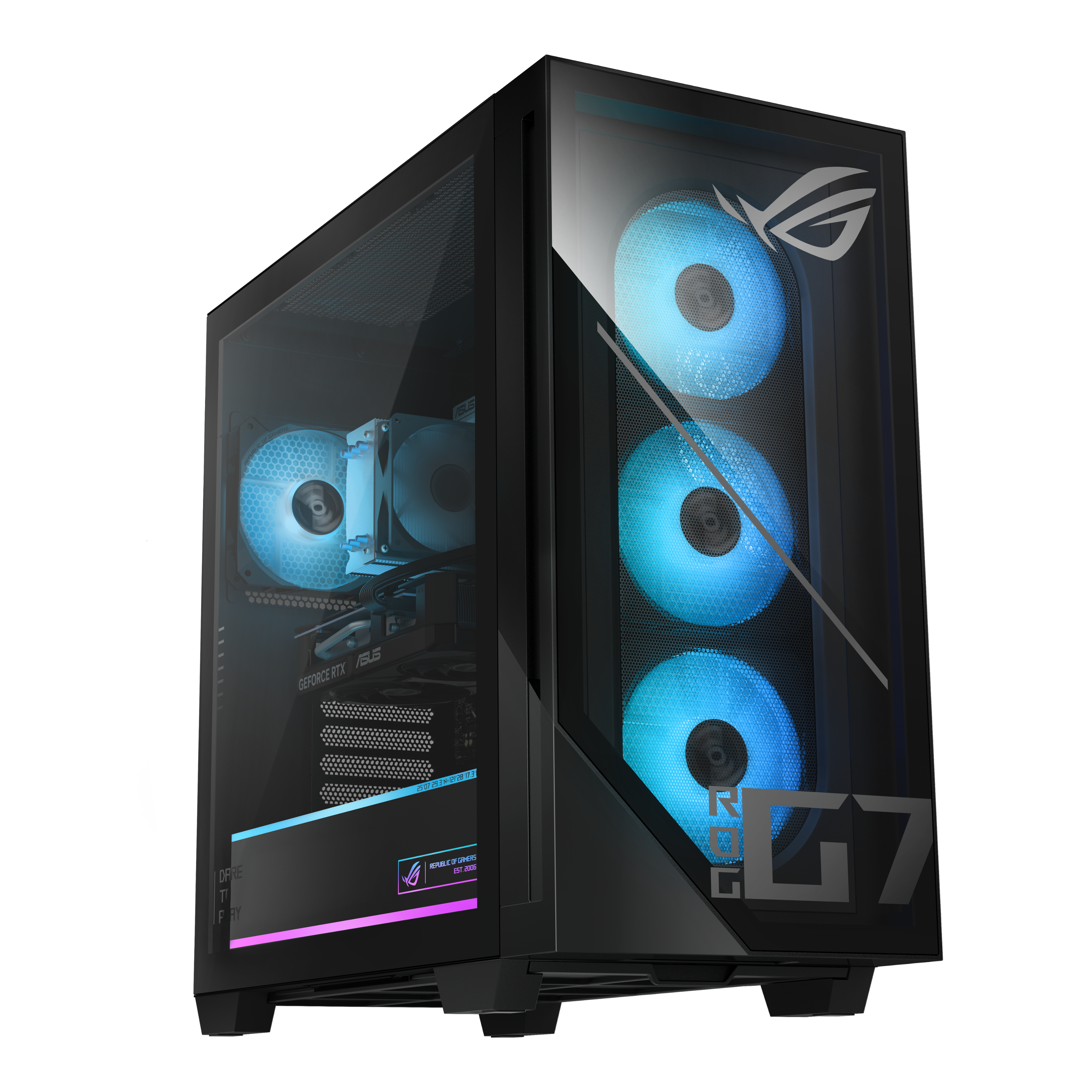
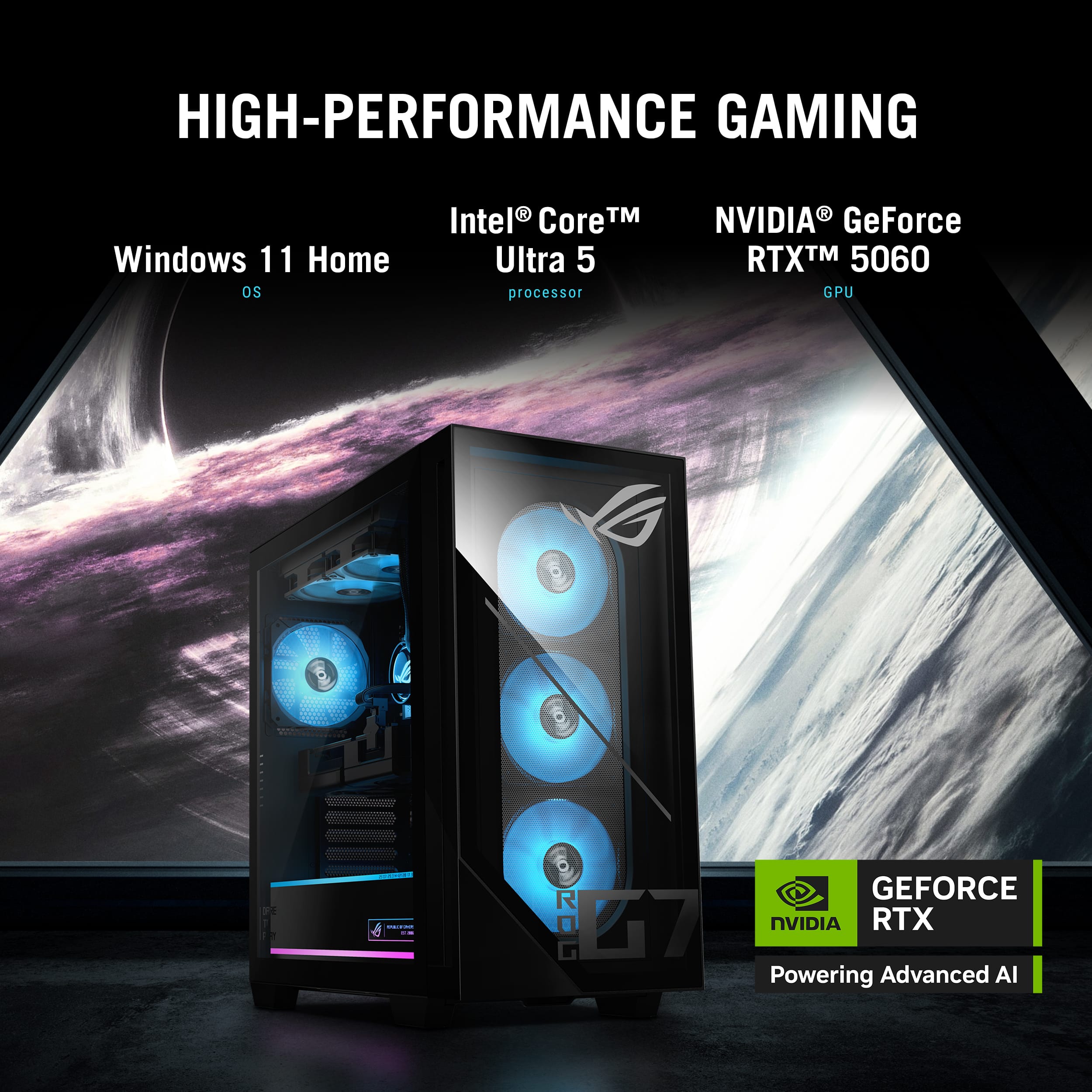
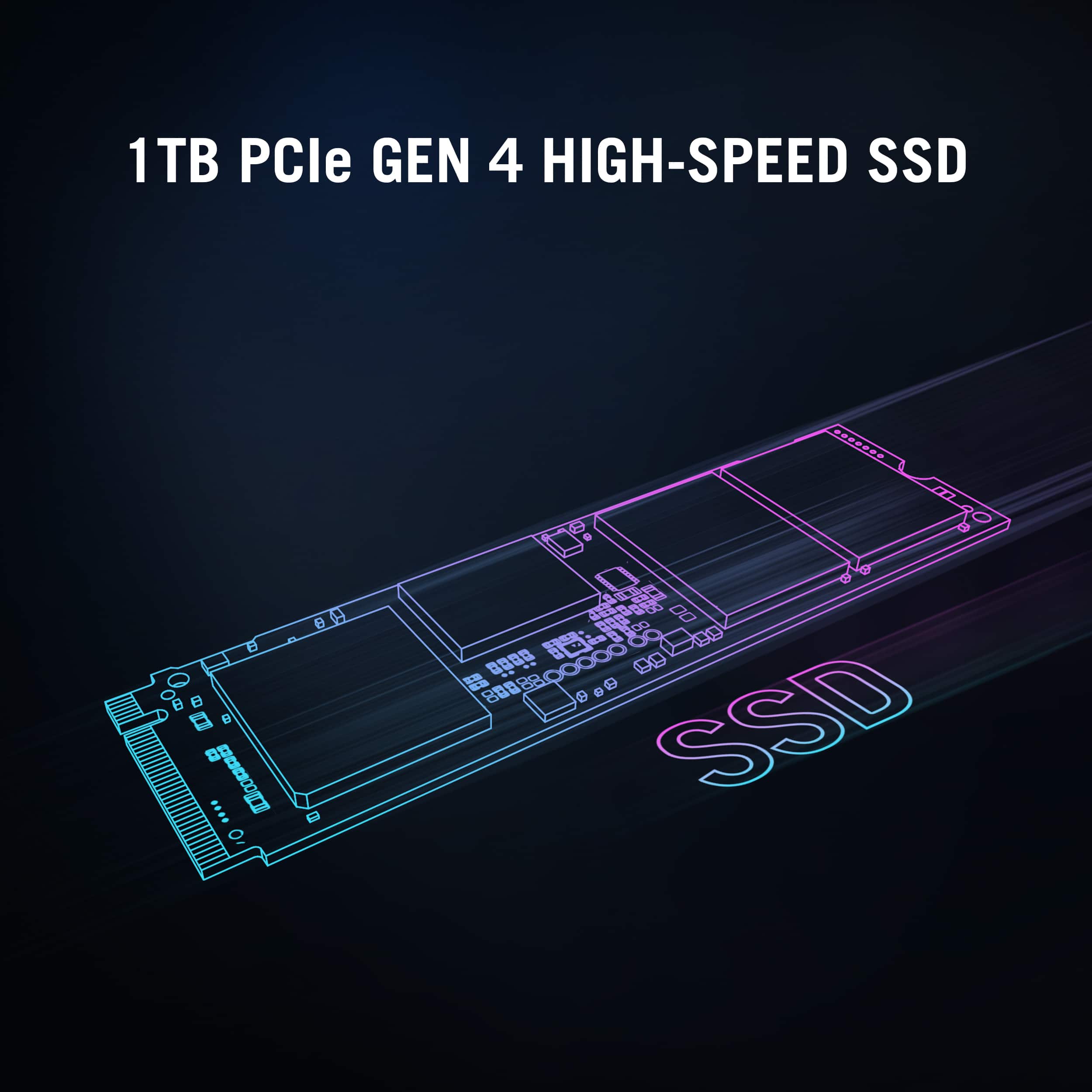
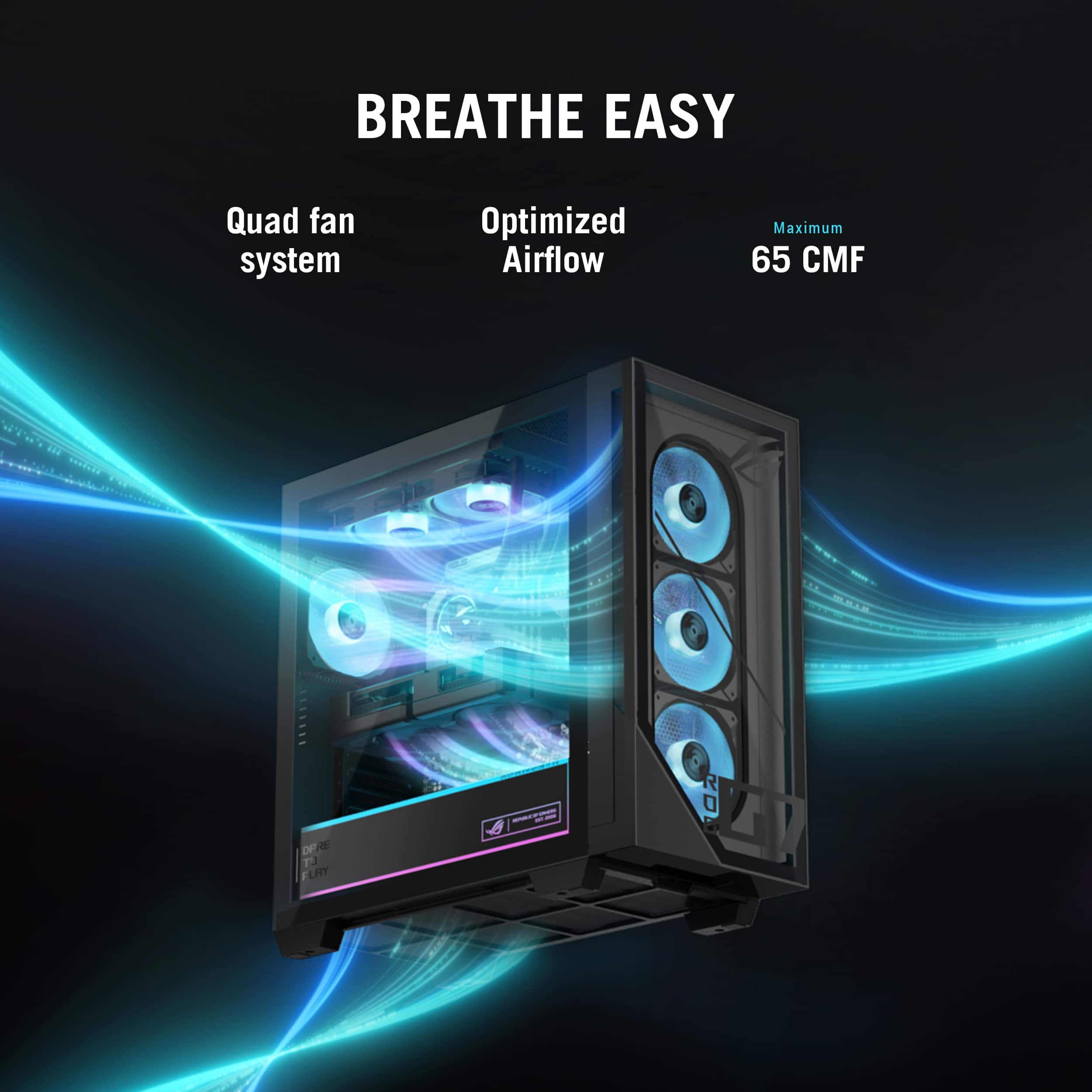
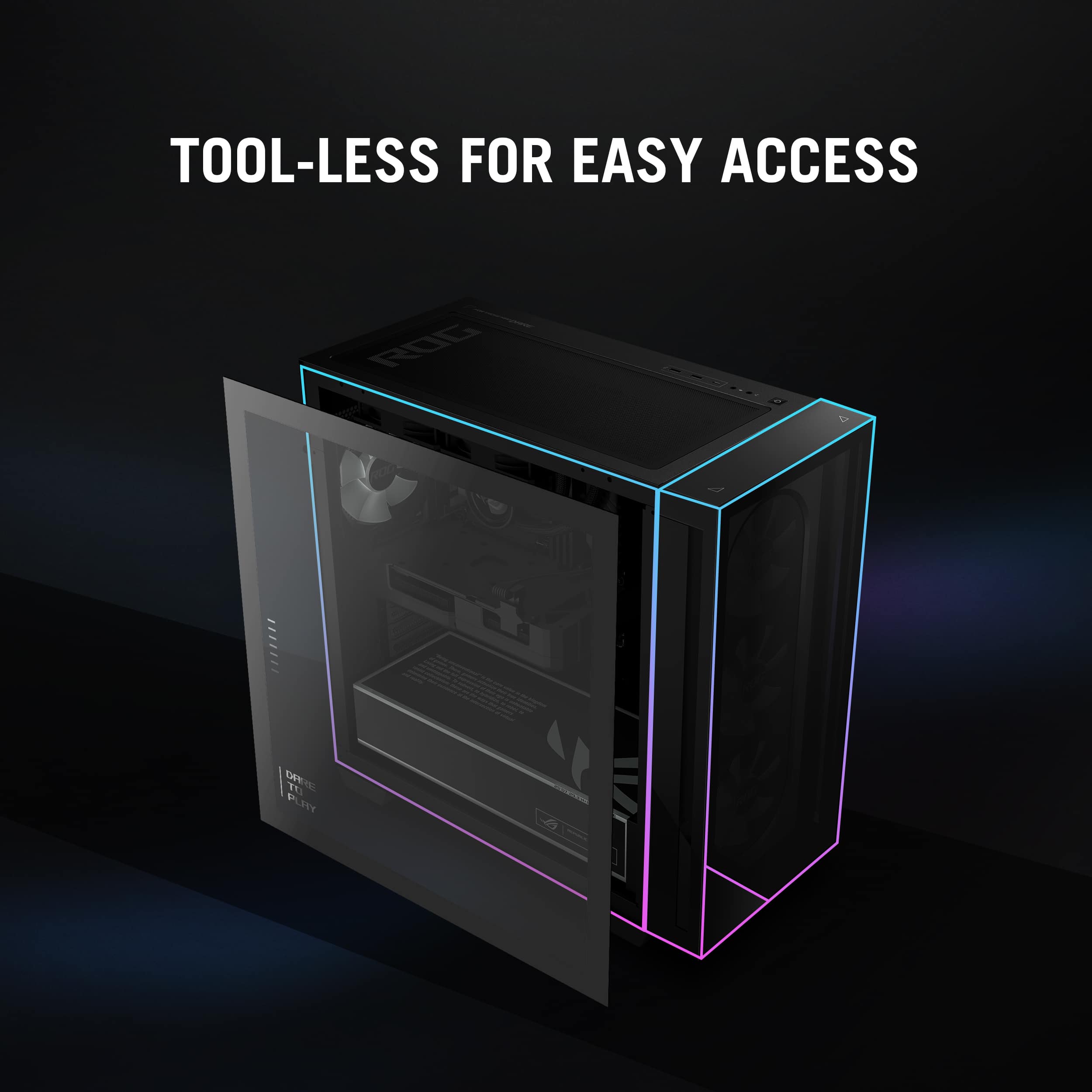
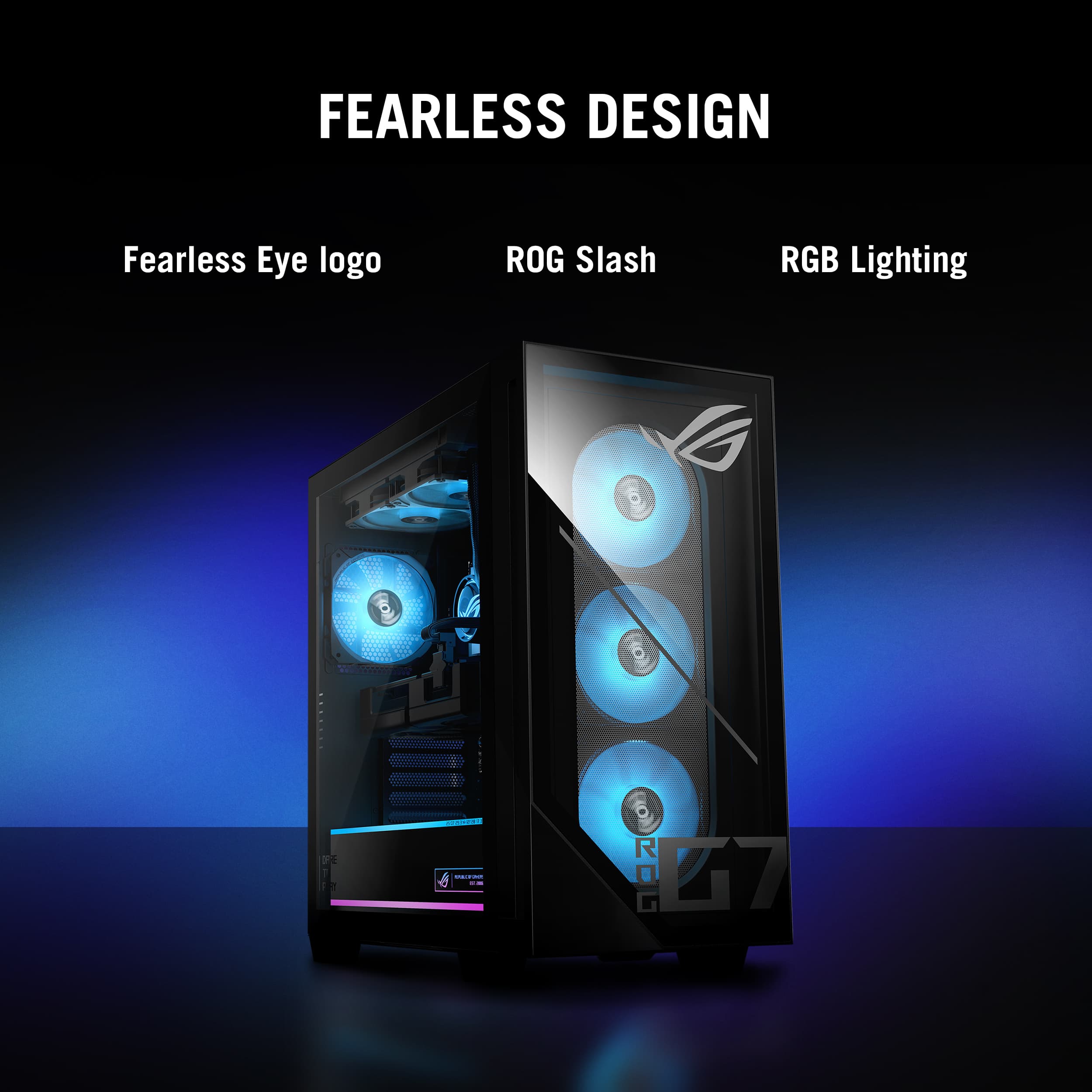
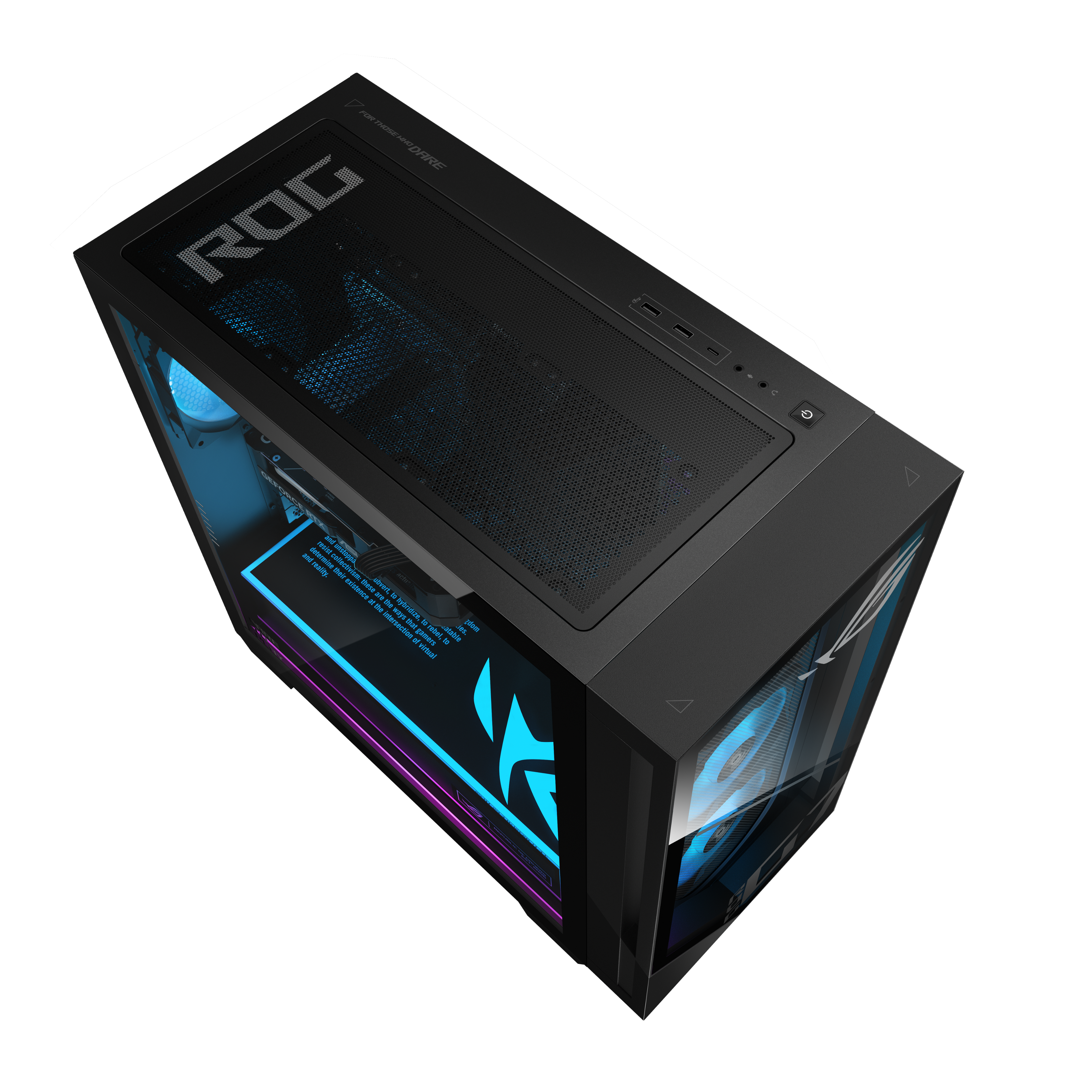
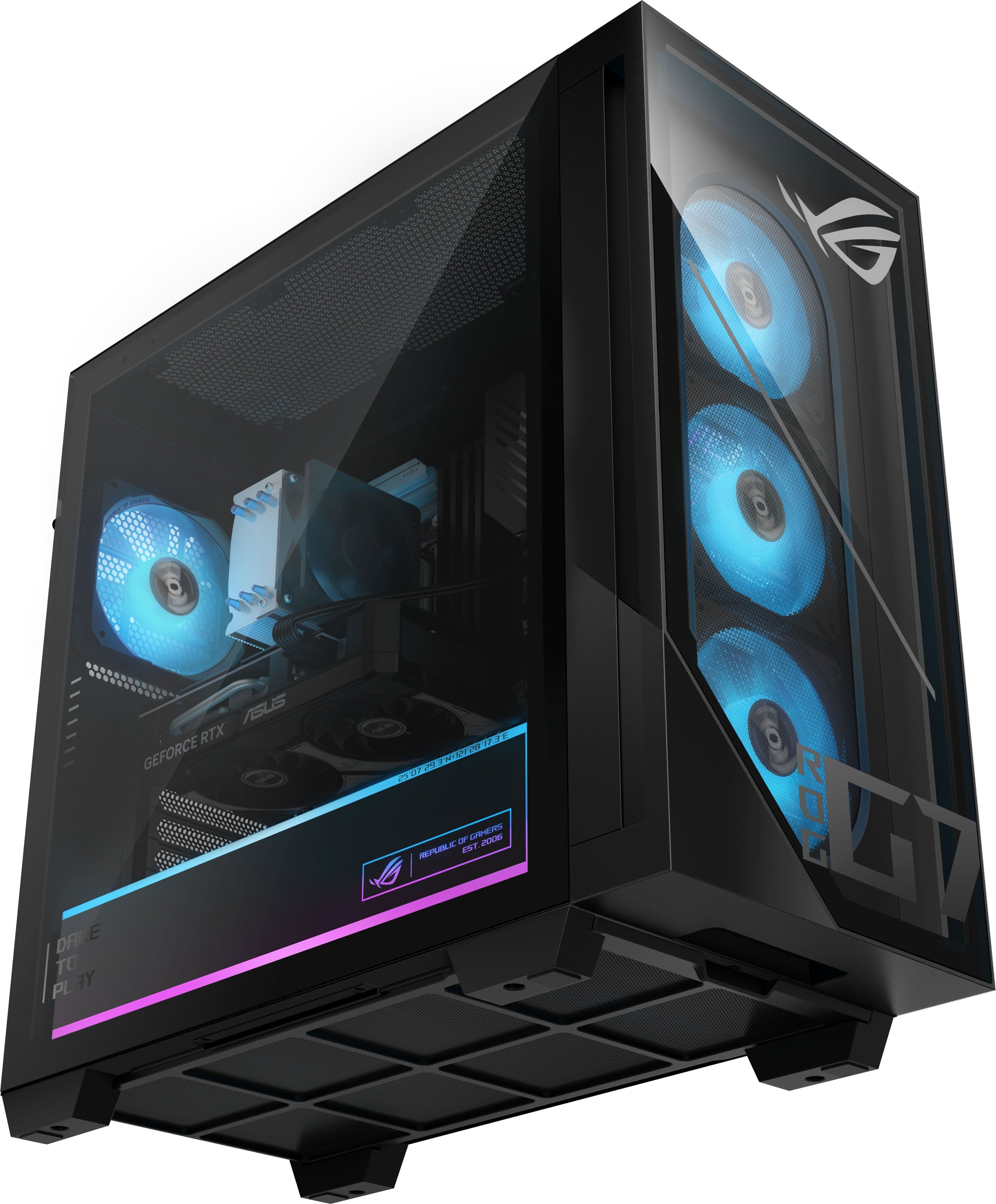
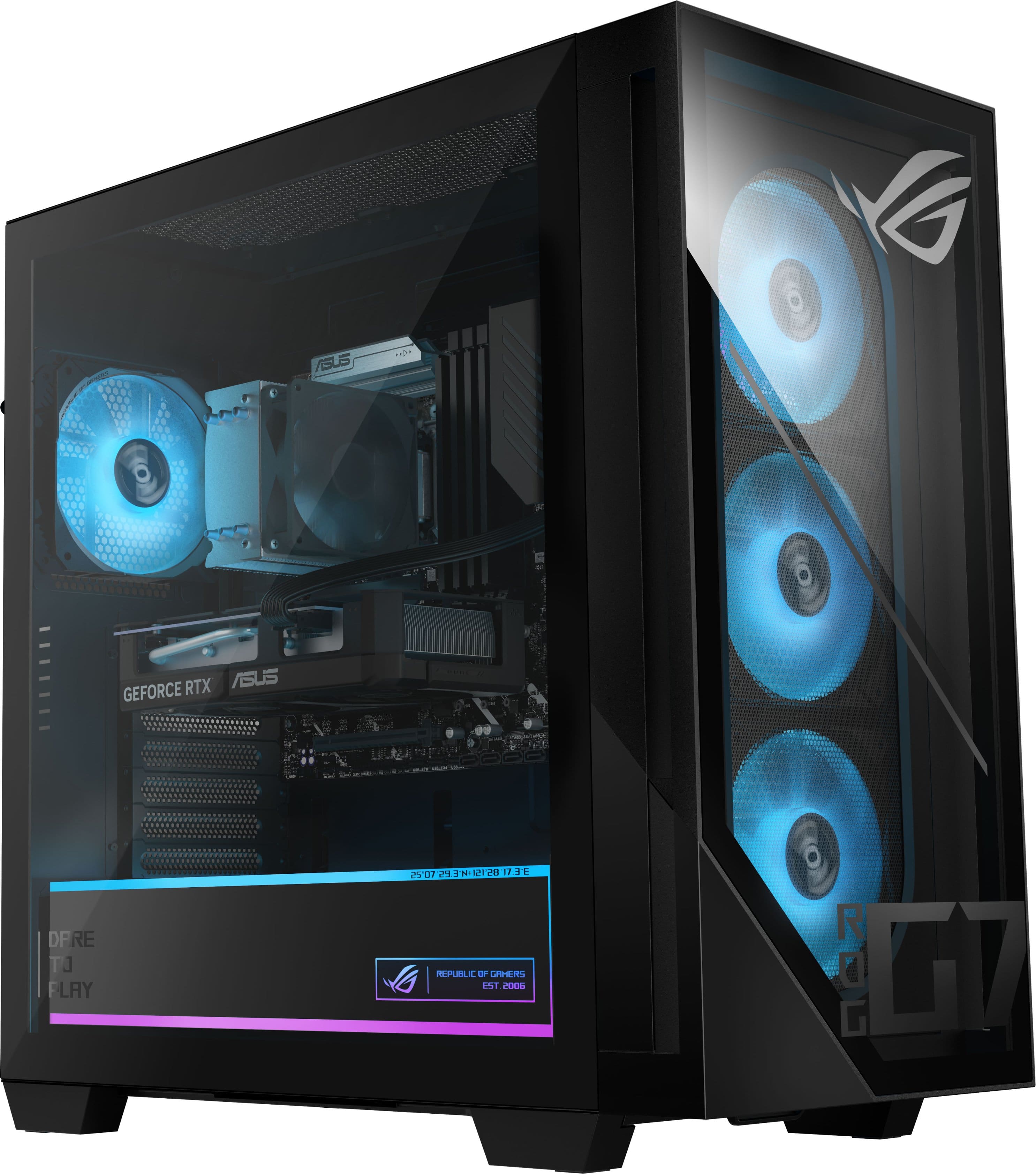
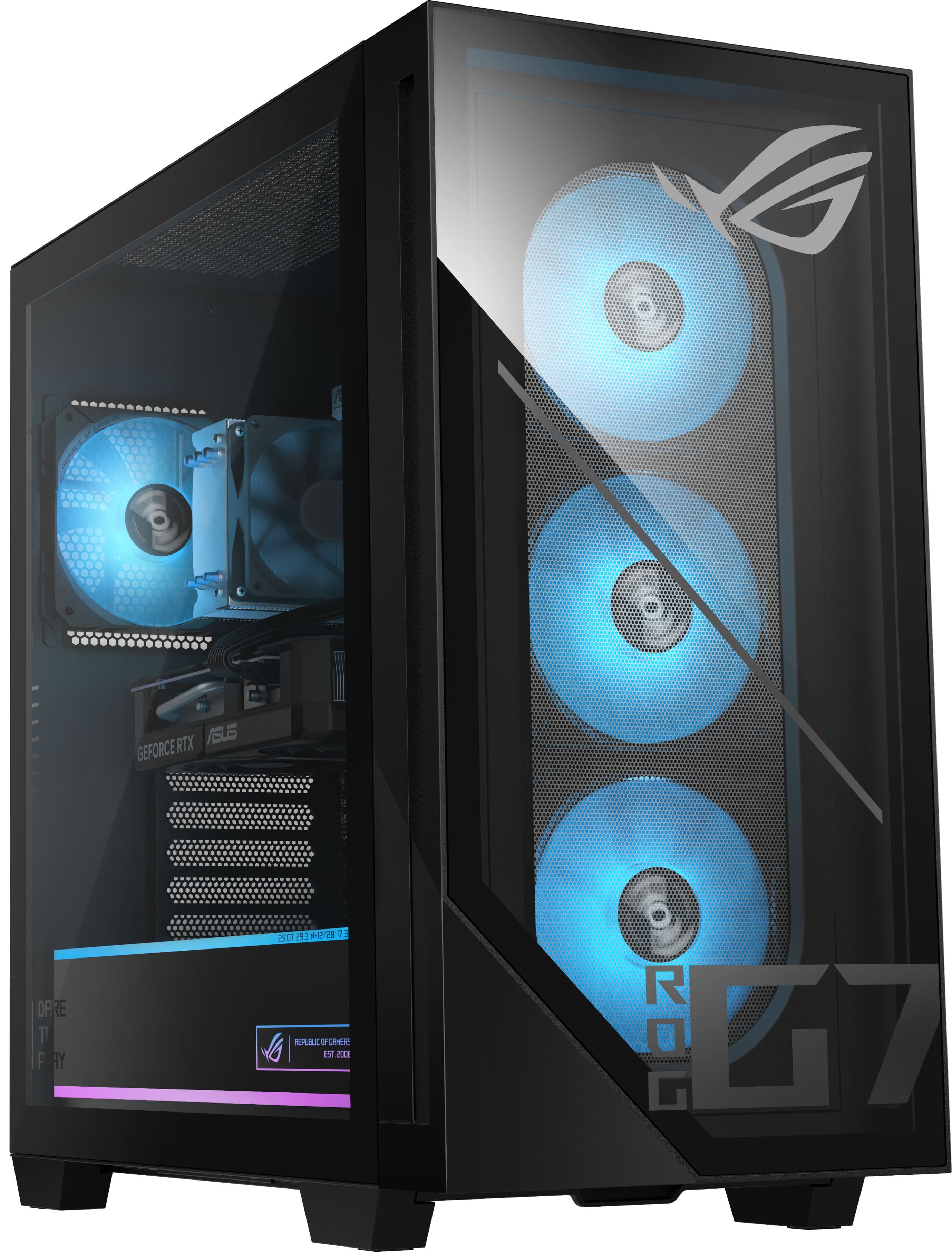
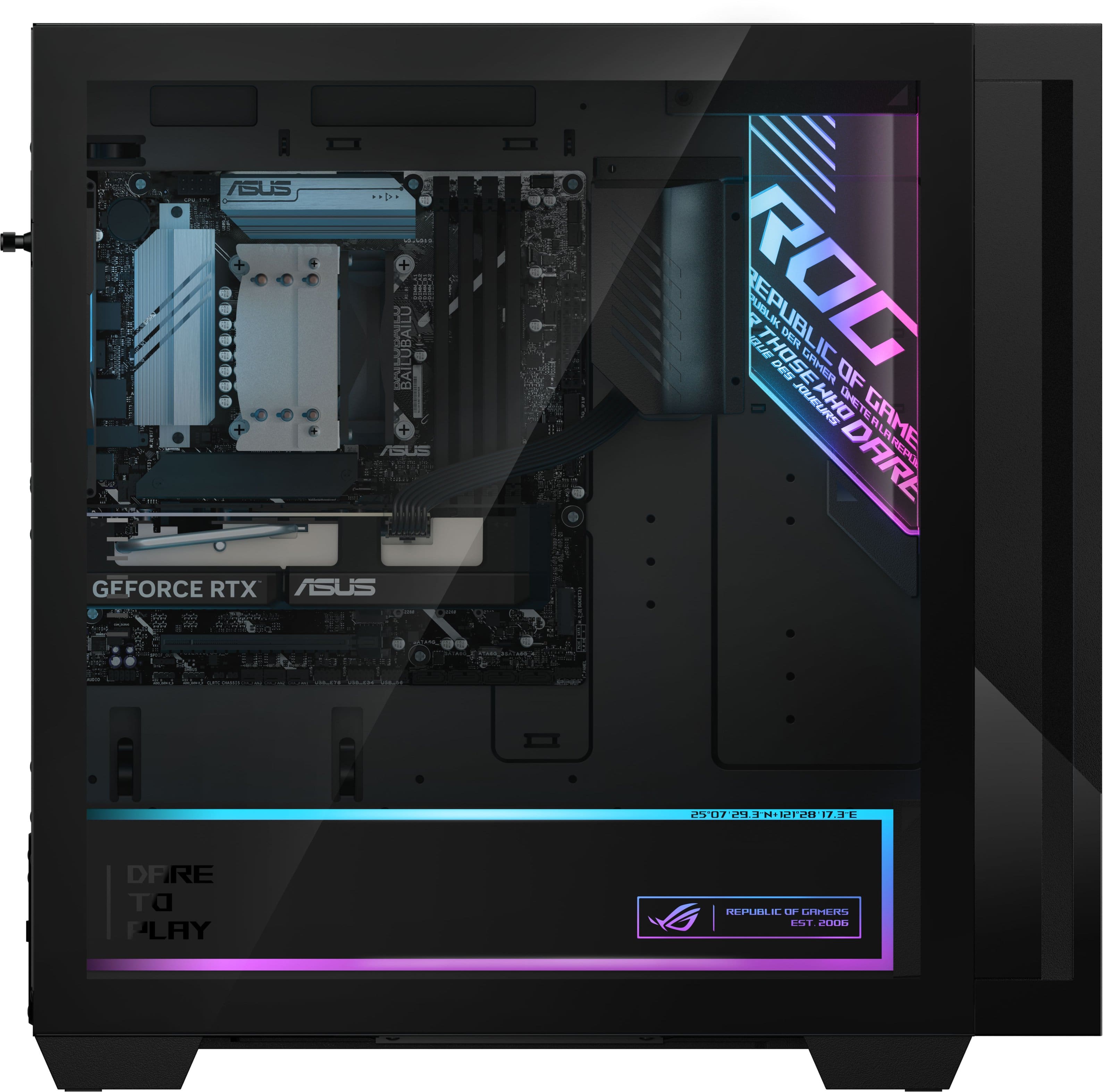
|Posted .This reviewer received promo considerations or sweepstakes entry for writing a review.The ASUS ROG G700 is a mid-range gaming desktop aimed at users who want a well-built, preconfigured system from a trusted brand without stepping into high-end pricing. This configuration includes an Intel Core Ultra 5 225F, NVIDIA GeForce RTX 5060 with 8 GB of VRAM, 16 GB of DDR5 memory, and a 1 TB PCIe Gen 4 SSD. Build quality is solid, which is typical for ASUS ROG systems. The chassis feels sturdy, airflow is well designed, and the overall look is clean without being overly flashy. The case keyboard and mouse have RGB LED that enhance the look of the black base color. The internal layout is neat and makes upgrades easy, which is important given some of the component choices in this configuration. CPU: The Core Ultra 5 225F performs well for everyday use and gaming. General responsiveness is good, and the system remains stable under load. That said, this is clearly a mid-range processor. For heavier CPU-bound workloads like video encoding or demanding multitasking, it doesn’t offer the same headroom as higher-end Core Ultra or Ryzen 7 chips. GPU: The RTX 5060 with 8 GB of VRAM is well suited for 1080p gaming and can handle 1440p with reasonable settings adjustments. Most modern games run smoothly, especially with DLSS enabled. Ray tracing is usable but best kept at moderate settings. The 8 GB VRAM works today but may feel limiting as newer titles become more demanding. Memory: The system comes with 16 GB of DDR5 RAM, which is adequate for gaming and daily use but feels light at this price. Users who multitask heavily or use creative software will likely want to upgrade to 32 GB. Fortunately, expanding the memory is simple. Storage: The 1 TB PCIe Gen 4 NVMe SSD delivers fast boot times and quick game loads, with enough space for a solid game library. Additional storage can be added easily, which helps extend the system’s usefulness over time. Cooling and Noise: Cooling performance is good. The system stays quiet during normal use, and while fans become more noticeable during extended gaming sessions, noise levels remain reasonable. Temperatures stay under control, which reflects well on the case design and airflow. Overall, the ASUS ROG G700 is a capable and well-built desktop, but it doesn’t stand out in terms of value unless purchased on sale. The combination of a mid-range CPU, an RTX 5060 with 8 GB of VRAM, and 16 GB of RAM makes the system feel somewhat constrained for the price. Still, for buyers who want a reliable prebuilt system with clean design and easy upgrade paths, it delivers consistent performance. Pros Solid build quality and clean internal layout Good cooling with reasonable noise levels RTX 5060 performs well for 1080p gaming Easy RAM and storage upgrades Cons 8 GB VRAM limits long-term GPU headroom Only 16 GB RAM at this price CPU performance is good but not great Bottom Line: A dependable mid-range gaming desktop that performs as expected. Best suited for buyers who value ASUS build quality and plan to upgrade over time.
No, I would not recommend this to a friend Disappointed
||Posted . Owned for 2 weeks when reviewed.This reviewer received promo considerations or sweepstakes entry for writing a review.Was sold an okay system and addon ons that were not needed since the MB supported additional drives and m2 drives. Also was told to buy the membership for price matching but sales person did not add it, so in 15 days when the price dropped over 200$ I was told get bent, no matching.. last bestbuy purchase.. would suggests avoiding bestbuy if you want to have a quality buying experience and work with staff that actually know the products :(
No, I would not recommend this to a friendBrand response from ASUS Answers
Posted .Dear Daniel,
Thank you for your feedback.
We do understand your dissatisfaction with the quality your recent customer service experience with your vendor and the inconvenience this may have caused.
If you need further assistance with the warranty service for the product, please email me at cl-rodel@asus.com and I will be more than happy to help. Or you are most welcome to call Product Support Hotline at: 1(888) 678-3688. Also, you can chat with an ASUS live support agent from the link: https://www.asus.com/us/support/article/1135/.
Thank you for choosing an ASUS product.
Regards,
Rodel
ASUS Customer Loyalty
Okayish
||Posted . Owned for 1 month when reviewed.This reviewer received promo considerations or sweepstakes entry for writing a review.The built-in wifi module and Bluetooth didn’t seem to work properly
I would recommend this to a friendBrand response from ASUS Answers
Posted .Dear Aarat,
We sincerely apologize that the built‑in Wi‑Fi and Bluetooth on your ASUS ROG G700TF Gaming Desktop are not functioning properly, and we regret the inconvenience this has caused.
To assist with troubleshooting, we recommend following the steps outlined in our FAQ guide linked below. If the issue persists after completing these steps, please contact our support team directly at https://www.asus.com/us/support/callus/ so we can assist with further diagnostics or provide warranty service if necessary.
We stand behind our products and continuously strive to improve our products and processes to achieve customer service excellence. For more information, email us at customerloyalty@asus.com and include the case number "N2507002513-0008" as a reference. We will do our best to resolve your case quickly. Your feedback is very important to us and enables us to improve our support channels. Thank you for choosing ASUS.
Best Regards,
Chantae
ASUS Customer Loyalty US Support
[Windows 11/10] Troubleshooting - Wireless Network (Wi-Fi) Issues: https://www.asus.com/support/faq/1015073/
[Windows 11/10] Troubleshooting - Bluetooth Functionality Anomaly Issue: https://www.asus.com/support/faq/1042394/
Product MEH
||Posted .This reviewer received promo considerations or sweepstakes entry for writing a review.Case states ROG but no ROG hardware include, board is generic Asus prime, fans are cool master. Little disappointed in the quality of the product but the price was not that bad (on sale).
No, I would not recommend this to a friendBrand response from ASUS Answers
Posted .Dear Joey,
Thank you for sharing your experience with the ASUS G700TF Gaming Desktop. We apologize for any disappointment regarding the use of non-ROG components inside the system despite the case branding. We understand how important product consistency and quality are to our customers.
Your feedback about the hardware configuration and overall product quality will be forwarded to our product team for review.
We stand behind our products and continuously strive to improve our products and processes to achieve customer service excellence. If you require any further assistance, please email us at customerloyalty@asus.com and include the case number "N2507002513-0005" as a reference. We will do our best to resolve your case quickly. Your feedback is very important to us, and it enables us to improve our support channels. Thank you for choosing ASUS.
Best Regards,
Chantae
ASUS Customer Loyalty US Support
Great PC bad graphics card
||Posted .This reviewer received promo considerations or sweepstakes entry for writing a review.Great pre build by Asus super sturdy and strong just the 5060 8GB is no good
I would recommend this to a friend- Pros mentioned:Cooling system, Overall performanceCons mentioned:Case size, Memory capacity
Entry Gaming Computer with a First-Class Case
|Posted .This reviewer received promo considerations or sweepstakes entry for writing a review.The Case is outstanding, lovingly crafted for the ROG fan. The same general case is used for the whole G7 line, and it is a banger. It is huge, so you will need to have some space set aside for its enormous height, width, and depth. It has an interior cover with an inscription over the whole bottom, covering the Power Supply, which is a 600-watt class power supply. As far as case fans, It has three fans stacked in the front and one in the back, they are all RGB capable. There are no fans included in the ceiling, but there is plenty of space for them. The gaming keyboard and mouse that come with the computer are RGB, and basic (mouse is severely light for a gaming mouse), but serviceable to start out with, will probably be the first things swapped out for most users. A short list of pros and cons, some of these cons and pros I consider maybe nitpicky, but here goes: Pros: 600 ish watt PS is good for an entry level Gaming Computer, should be able to handle an upgrade to 5060ti or 5070 only though. New gen Core Ultra 5 is fine for Entry Level. 1TB stick drive is good. There is one easily found spot for an extra stick drive below and to the right of the hard drive. Cooling is very good, RGB light control is very good. Runs most games very good at 1440p with mid to high settings and almost all games great at 1080p with high to ultra settings. Motherboard can handle fairly high speed system memory (comes with one single stick of DDR5 6000 at 16GB. DLSS helps a lot with the limited hardware specs on the 5060 video card, perfectly understandable for a entry level gaming computer. Cons: 8 Gigs of VRAM on the 5060 will limited gaming headroom on ultra settings and getting into widescreen territory or north of 1440p. Comes with a single stick of 16GB RAM. This is the biggest negative. It is very hard to get a single stick of RAM at retail anymore, they basically only sell them in kits. And the with the price of DDR5 RAM as of right now (late Nov 2025), you really should not plan on upgrading the RAM yourself right away, because the price is not worth it. Buy the Prebuilt with the RAM you want to end up with already in it. I upgraded to 32GB (2x16GB) of DDR5 6400 and it is a noticeable improvement, as it should be from a single stick of slower RAM, but I already had the RAM on hand from an earlier swap out on another machine. I would recommend this for someone who wants an entry level gaming computer with a very fancy case, i.e. a budding ROG fan. Remember, after you are done with any BIOS upgrades, and/or upgrading the RAM, be sure to go into the BIOS at bootup and turn on XMP. Its simple and on the home page of the BIOS, that way you get the most out of your memory module's speed capabilities.
I would recommend this to a friend Didn't last two months
||Posted . Owned for 2 months when reviewed.This reviewer received promo considerations or sweepstakes entry for writing a review.Less than 60 days after my purchase, my display monitor, mouse, and keyboard all stopped working. The computer will power on lights and all, but it's now basically a $1300 paperweight. I use this computer only for music editing software. I don't even come close to pushing this PC's limits, and for the price, I would have expected more than a few weeks out of this.
No, I would not recommend this to a friendBrand response from ASUS Answers
Posted .Dear Jeff,
We are really sorry to hear about the boot issue you are experiencing with your new ASUS desktop PC, this is definitely not the norm and is not the kind of experience we want our customers to have with any of our products. Please troubleshoot the issue by following the steps in the FAQ linked below.
We do stand behind our product and we continuously strive to improve our products and processes in order to achieve customer service excellence. For more information send us an email at customerloyalty@asus.com and provide the case number "N2605023905-0001" for reference. We’ll do our best to provide a quick resolution to your case. Your feedback is important as it helps with improvements to ASUS Support channels. Thank you for choosing ASUS.
Best Regards,
Leonardo
ASUS Customer Loyalty US Support
No Display Upon Power On, but Power Indicator Light is On - https://www.asus.com/us/support/faq/1050298/
disappointed
||Posted . Owned for 2 weeks when reviewed.This reviewer received promo considerations or sweepstakes entry for writing a review.had the pc for not even 2 weeks only been playing arc raiders and Fortnite and now out of nowhere all my games don't work everything else is fine like I'm the web rn and can use pandora but idk not what I was expecting for a 1000$ gaming pc games also laggy
No, I would not recommend this to a friendBrand response from ASUS Answers
Posted .Dear DAVIDc,
We are sorry to hear about the issues you've encountered with your ASUS G700TF Gaming Desktop, where after less than two weeks of use, games such as Arc Raiders and Fortnite stopped working and began running with noticeable lag. We sincerely apologize for the inconvenience this has caused.
To assist with troubleshooting, we recommend following the steps outlined in our FAQ guide linked below. If the issue persists after completing these steps, please contact our support team directly at https://www.asus.com/us/support/callus/ so we can assist with further diagnostics or provide warranty service if necessary.
We stand behind our products and continuously strive to improve our products and processes to achieve customer service excellence. For more information, email us at customerloyalty@asus.com and include the case number "N2508008677-0003" as a reference. We will do our best to resolve your case quickly. Your feedback is very important to us and enables us to improve our support channels. Thank you for choosing ASUS.
Best Regards,
Chantae
ASUS Customer Loyalty US Support
[Windows 11/10] How to optimize your gaming experience: https://www.asus.com/support/faq/1046445/