Customer Ratings & Reviews
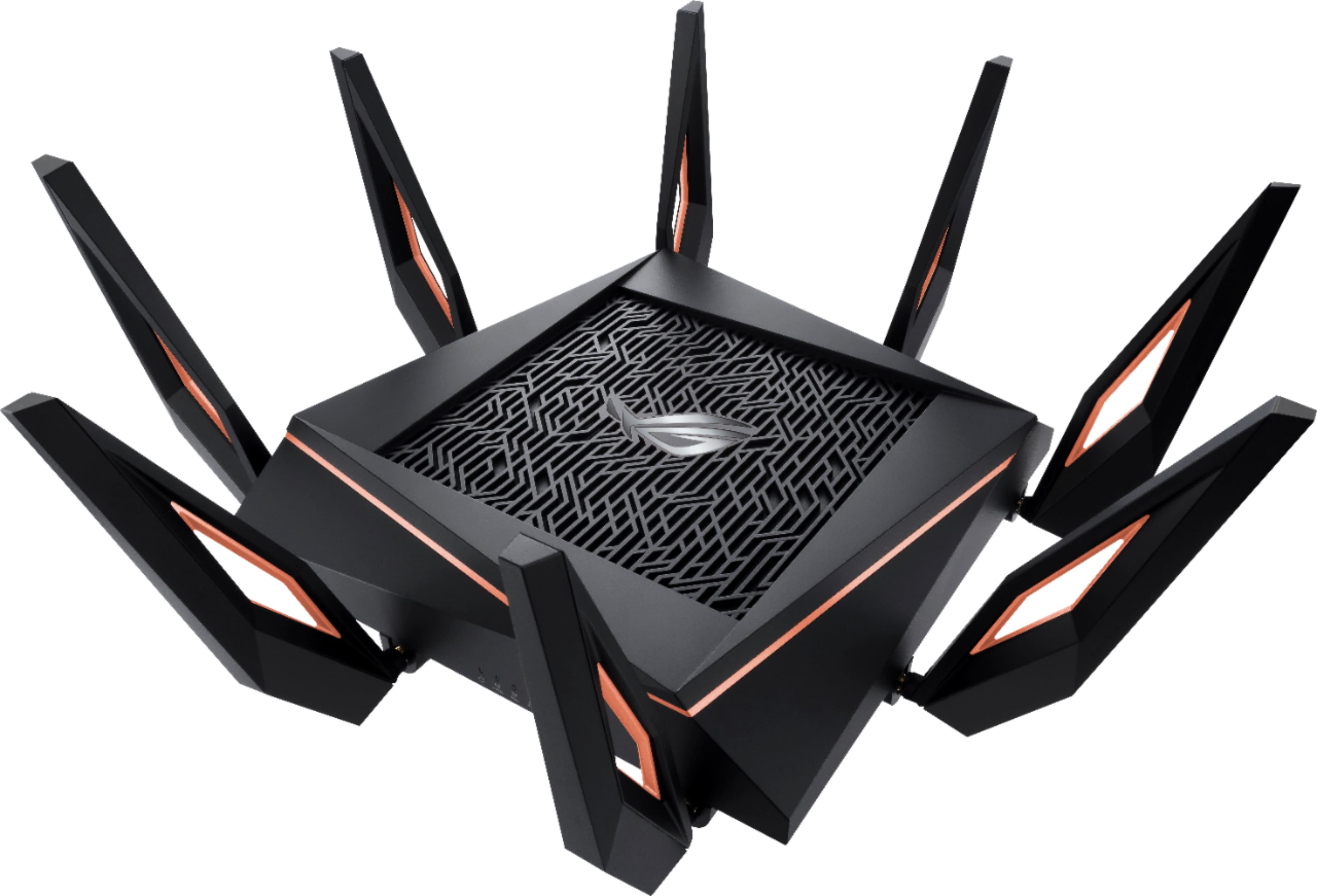
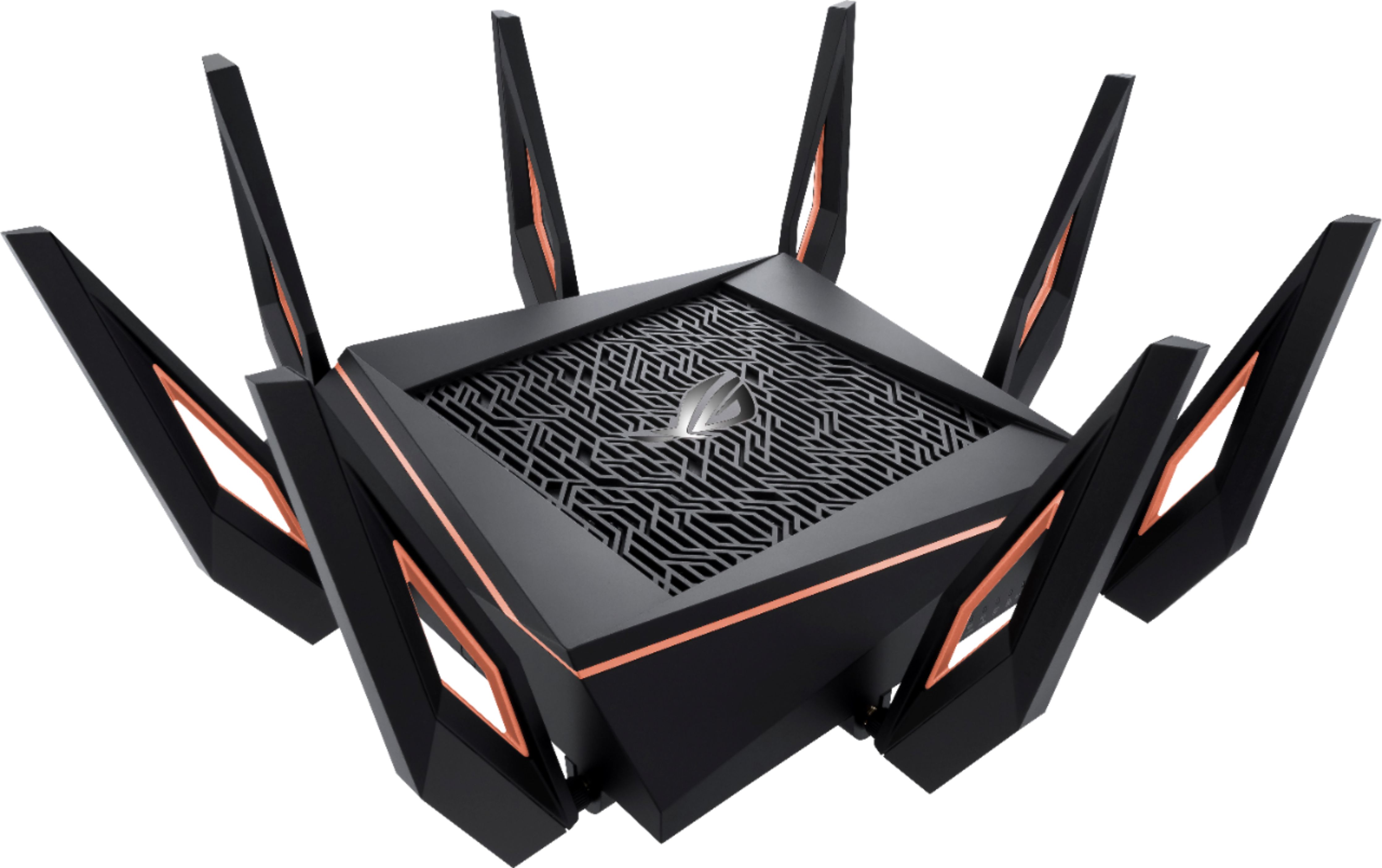
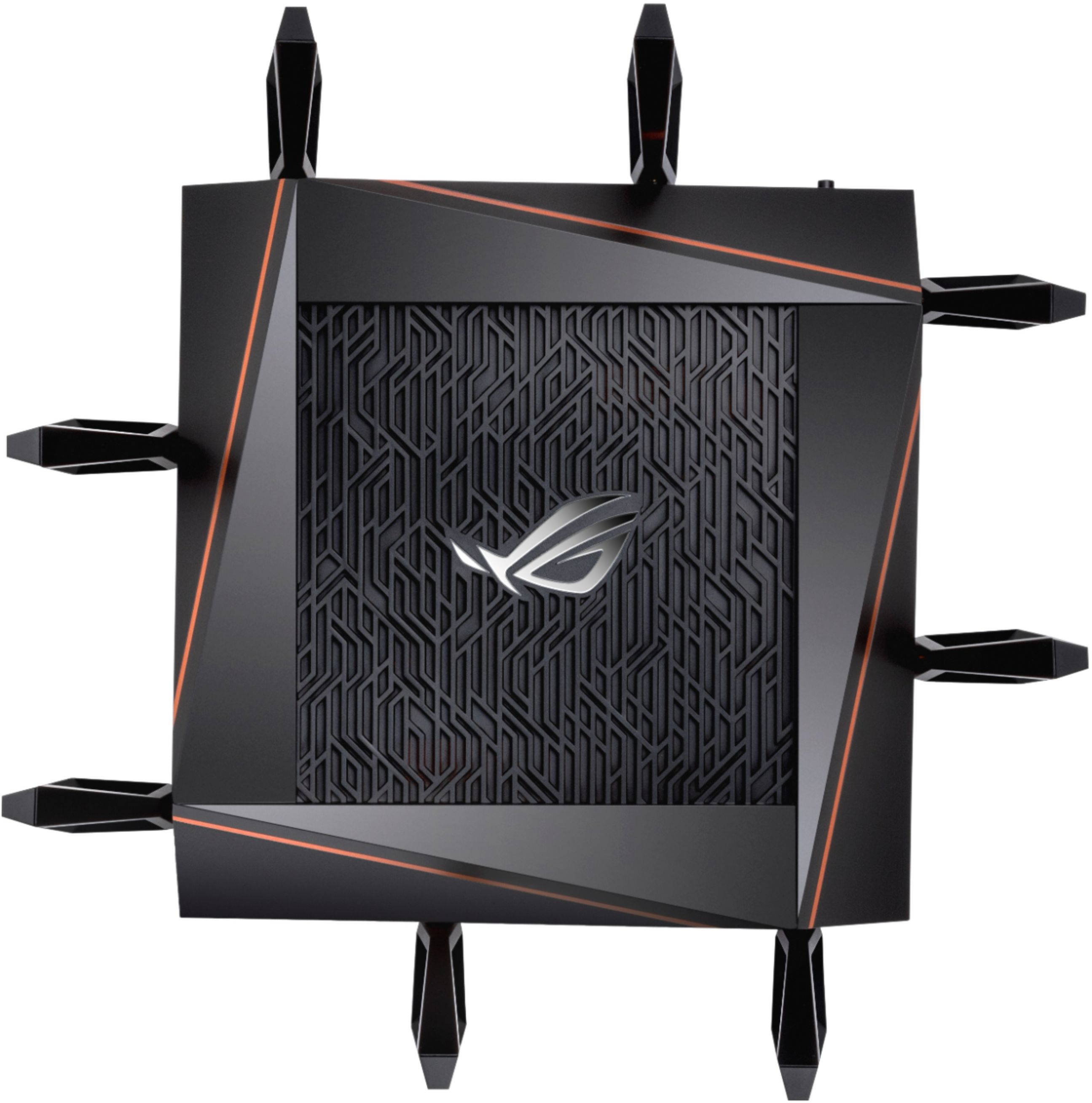
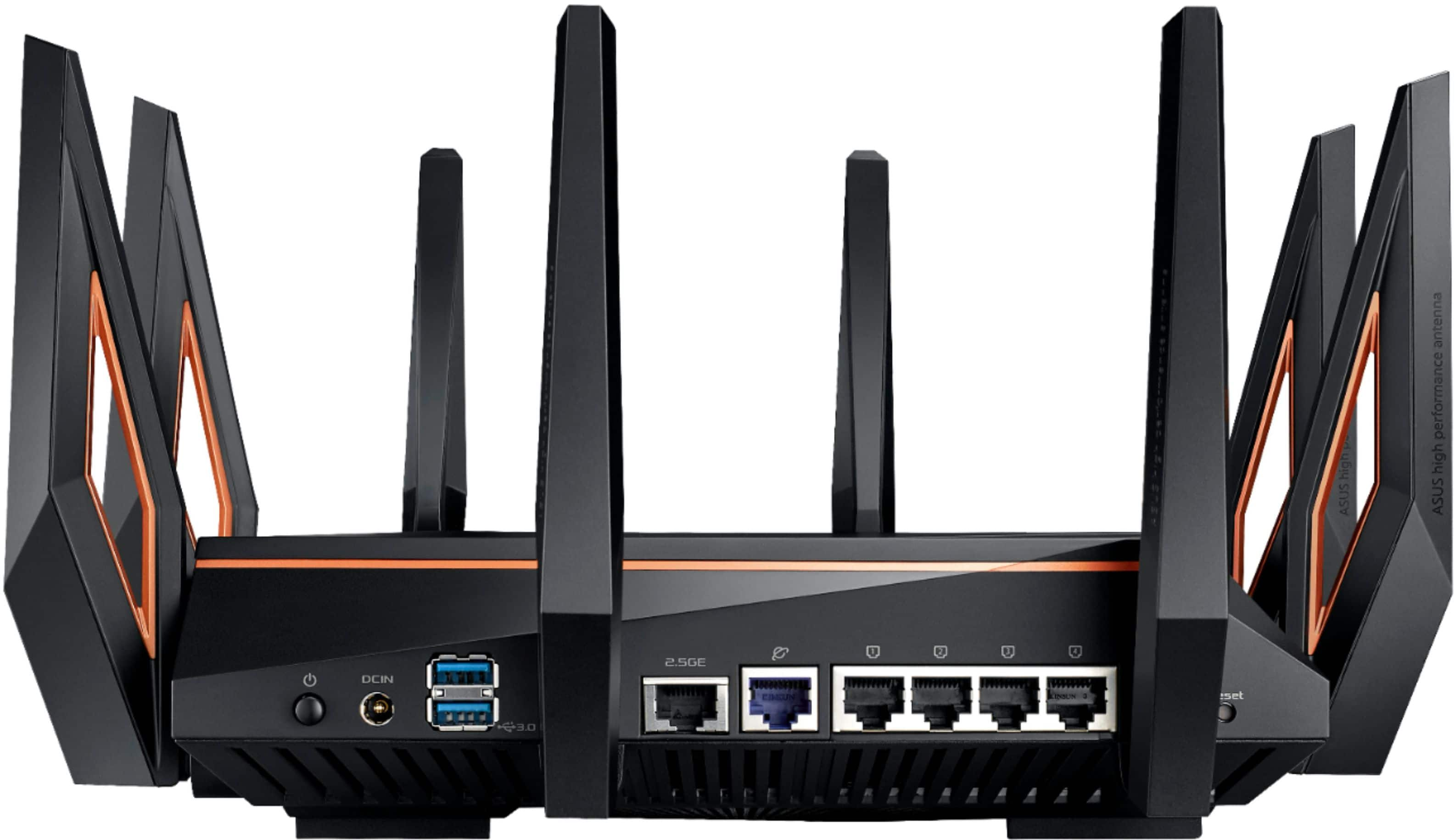

- Model:
- GT-AX11000
- SKU:
- 6321917
Rating by feature
- Setup
Rating 4.6 out of 5 stars
- Range
Rating 4.6 out of 5 stars
- Signal Strength
Rating 4.6 out of 5 stars
Customers are saying
Customers appreciate the ROG Rapture GT-AX11000's extensive range, strong performance, and ease of setup. Many found the improved signal strength and WiFi 6 capabilities beneficial, while some noted the router's large size and high price point as drawbacks. A few users experienced issues with firmware and the number of Ethernet ports. Overall, the positive feedback on performance and range outweighs the negative comments regarding size and cost.
This summary was generated by AI based on customer reviews.
- Pros mentioned:Speed
Software Still not ready
Posted .This reviewer received promo considerations or sweepstakes entry for writing a review.TLDR: The router must be rebooted every few days as 2.4 drops connection. I bought this router about 12 days ago and read many reviews of it before deciding to buy. I wanted a router that would cover a 2 story house that would also work for an upcoming house. The current house is 2400sqft and new one would be larger. All of the reviews make you think this thing can handle these sizes. Don’t be fooled. It can’t. The 2.4GHz will reach many places and did work downstairs including Into the garage but with speeds very poor (like 2.4Mb p/s) and the 5GHz did not reach. The speed would work for basic internet in the garage but unfortunately the 2.4 would drop out every few days leaving all connections in limbo. The good news is the 5.0 would stay on and actually works very strong. In the same room I would get speeds on my phone of 700+ Mb p/s where as with the old mesh router would only do 70 - 100. The room below the router would do about 500+. Awesome speeds for those channels (two 5GHz). The router has many cool features including 160hz channels and 2.5GB Ethernet if that makes a difference to you and has a plethora of awesome things you can control. Overall I wish this was a better choice than our current setup but alas 3 reboots in 10 days was too much and it had to be returned. I have not picked up a new router as I am waiting for a good (and cheaper) ax mesh with 11000 it seems. Best of luck to you in your search and I hope this was helpful. ;)
No, I would not recommend this to a friendBrand response from Asus_Answers
Posted .Dear Valued Customer,
We understand your disappointment with us, and we are sorry to hear that you had so many issues with the router that you had to have it returned.
ASUS ensures all products are manufactured with materials that comply with industry's quality standard and each one undergoes intensive quality control testing and inspections, this is a random problem.
Thanks for taking the time to bring this to our attention. We will use the feedback to make us better and to improve our future models.
For further assistance please feel free to visit the ASUS Support webpage. Please use a link to this review as reference. Looking forward to your response in the future. Have an extraordinary day from ASUS.
Thank you for choosing ASUS.
Best Regards,
Stephanie
ASUS Customer Loyalty US Support
You Choose SECURITY or PERFORMANCE?
Posted .This reviewer received promo considerations or sweepstakes entry for writing a review.I will Rather choose SECURITY. Performance is good, but not that great. When you buy something now days you should extremely look for security in a product, since there are lot of hacking these days. You should read and ask the company who sale the product about that. SECURITY FIXED in 2021 1. FTP WAN Exposure FIXED!! But need FTPS and FTP for each clients. 2. WAN DNS security FIXED!! Need a lot More Improvement SECURITY NOT FIXED since 2005 or before 1. SMB V1(Very Old) to SMB V3 2. Administrator password too SHORT. 3. Aicloud features and SECURITY NOT update Since 2005 or before. 4. OpenVPN Security should be update Regularly. 5. Do NOT mention OS Version. It always run on a old OS. A Serious security concern. 6. All UPCOMING NEW Router comes with all of these BAD thing. PERFORMANCE and UPDATES 1. Every 4-7 Month updates 2. Does Not Update its Features at all. 3. Very Good Hardware Running on a VERY Old OS. 4. USB Port Extremely SLOW. Write Speed 1.2mb/second. That is Horrible! 5. NO USB-C connectivity 6. SUPER BASIC firewall. NO Features Provided 7. Can NOT Block HTTPS. 8. All UPCOMING NEW Router comes with all of these BAD thing. 9. PRICE is TOO HIGH for all the comments provided in this review.
No, I would not recommend this to a friendBrand response from ASUS Answers
Posted .Dear Valued Customer,
We certainly understand your concen, security is utmost important in a network system.
The ROG Rapture GT-AX11000 router features a cutting edge security technology, AiProtection Pro, powered by Trend Micro. It is to defend your network from external attacks and threats by neutralizing them before they can reach your devices. Even if your PC's security software isn't turned on, AiProtection Pro still protects your network from attacks and intrusions, giving you added peace of mind.
Should you need further assistance with the router or other ASUS products, please email me at cl-rodel@asus.com and I would be more than happy to help. Or, you are most welcome to call Product Support Hotline at: 1(888) 678-3688. Also, you can chat with an ASUS live support agent at: http://bit.ly/AsusLiveChat.
Thank you for choosing an ASUS product.
Regards,
Rodel
ASUS Customer Loyalty
None
Posted .This reviewer received promo considerations or sweepstakes entry for writing a review.Covers our 3000 sq ft house just fine spend just a little more on this router you won’t be sorry
I would recommend this to a friendHope your're an expert to set it up
Posted .This reviewer received promo considerations or sweepstakes entry for writing a review.1) Within few minutes of receiving it, while attaching one of the eight antennas to the unit, one antenna split into two pieces. The wire disconnected from the piece that screws into the router. This should have never happened. It's a serious design flaw. I figured I'd call the ASUS help number that was in the box that says "Having Trouble - "Please do not return the product to the store before calling." I suppose in my dreams, I'd imagine ASUS saying that "Sure they could send me a $5 replacement antenna." But no, as soon I explained it to them they said return it to the store. The Router works with 7 out of 8 antennas (with some other exceptions below) so I'd rather not mail it back to Best Buy and have no Internet for a week. 2 ) My computer that I use for gaming can't connect to the 2nd 5 GHZ WIFI connection. While all my other devices (iphones, laptops, etc.) can. No idea as to why. (I updated firmware, drivers, etc.) This problem kind of defeats the purpose of buying a gaming router. Very limited documentation came in the box. So I can't find where to look it up. So I'd recommend that you become an expert in Network Hardware and Software for best results.
No, I would not recommend this to a friendBrand response from Asus_Answers
Posted .Dear Valued Customer,
We appreciate your feedback, please accept our apology for the poor experience. This review serves as an update as it relates to the antenna issue. This appears to be an isolated issue with the GT-AX11000 as we have not received other reports of this. Please provide us with the serial number for your router so that we can provide you with a replacement and an improved experience. You can email us at customerloyalty@asus.com and provide this link for reference. Our customer loyalty department is dedicated to bringing a resolution to all issues related to our products.
Thank you for choosing ASUS.
Best Regards,
Clayon.
ASUS Customer Loyalty US Support
Love it
Posted .This reviewer received promo considerations or sweepstakes entry for writing a review.Great Router, removed several blind spots the previous router had in the house.
I would recommend this to a friendNot good for smart home - Also forgets settings
Posted .This reviewer received promo considerations or sweepstakes entry for writing a review.This router was supposed to be top of the line when I bought it in 2020. The signal has been decent, but it has been plagued with problems that progressively get worse over time. One feature I liked was being able to use the parental time block feature to shut the router off at specific times of the day on the kids devices. It worked like a champ for a few months and then randomly deleted all the ip addresses for the kids devices (which were many!) After re-adding all the devices for the 3rd time, they deleted again. After that stranger things began happening. When I would log into the router from my computer or phone, etc. everything turned into japanese. I don't know japanese, so I had to follow some screenshots to turn it back to english. Fast forward another month, the router turned off completely. I restarted it and all our smart devices (50+) are working with the unit. however now when I try to log into the router, not only am I being japanese again, it doesn't recognize my login anymore. I tried the factory login and still nothing. I called Asus, and after waiting on hold for 20+minutes, they tell me it is out of warranty, so they told me to go to their website and use the chat feature. I used the chat feature, and they proceed to tell me I need to do a factory reset. Which means I have to set up a whole new network SSID and reprogram 50+ devices to work with the router again! There is no guarantee this won't happen again. so I am on the fence about restarting the modem since things are still working. I just can't access the settings in the modem. If I must reset, I will purchase a new modem and throw this one away as no one should have to use this piece of garbage! I only bought this modem for the gaming reliability for one of the kids. I should have stuck with my old reliable Apple router literally the most reliable router I have ever owned. I have also owned netgear. other than the constant connection issues with it I never had a settings issue. Don't even get me started on the ASUS laptop I bought a few years ago! Asus sucks.
No, I would not recommend this to a friendBrand response from ASUS Answers
Posted .Dear Sojosf,
We're sorry to hear about the unfortunate experience you encoutered with this model. Based on the issue you described, we would recommend resetting this model. This should be able to resolve this issue. We do value our customers and take negative customer service experience very seriously. This is not the quality of service expected from ASUS. We do stand behind our product and we continuously strive to improve our approach and processes in order to achieve customer service excellence.
For more information send us an email at customerloyalty@asus.com and provide the link of this review for reference. Also, we would recommend that you use the Asus Router App, go to "Settings", "System Settings" then "Feedback" and send feedback to us. We’ll do our best to provide a quick resolution to your case. Your feedback is important as it helps with improvements to ASUS Support channels. Please copy a link to this post as a reference.
Thank you for choosing ASUS.
Best Regards,
Joan
ASUS Customer Loyalty US Support
Dont buy
Posted .This reviewer received promo considerations or sweepstakes entry for writing a review.Issues after issues from the beginning. What a big waste of money. Run far far away.
No, I would not recommend this to a friendDON'T BUY WILL STOP WORKING!!!
Posted .This reviewer received promo considerations or sweepstakes entry for writing a review.Stopped working right after warranty expired terrible product. Do not buy!! I warned you.
No, I would not recommend this to a friendBrand response from ASUS Answers
Posted .Dear Pericos1974,
We are sorry to hear that your router stopped working. Can you please provide us with more details on the issues you're having? We would love to have your issues resolved in a timely manner. We do value our customers and take negative customer service experience very seriously. This is not the quality of service expected from ASUS. We do stand behind our product and we continuously strive to improve our approach and processes in order to achieve customer service excellence.
For more information send us an email at customerloyalty@asus.com and provide the link of this review for reference. Also, we would recommend that you use the Asus Router App, go to "Settings", "System Settings" then "Feedback" and send feedback to us. We’ll do our best to provide a quick resolution to your case. Your feedback is important as it helps with improvements to ASUS Support channels. Please copy a link to this post as a reference.
Thank you for choosing ASUS.
Best Regards,
Joan
ASUS Customer Loyalty US Support
- Pros mentioned:Range
What Range
Posted .This reviewer received promo considerations or sweepstakes entry for writing a review.What Range...20 feet out and can find either 5g. My old ASUS router had better range and less issues
No, I would not recommend this to a friend Does not work
Posted .This reviewer received promo considerations or sweepstakes entry for writing a review.Does not work out of the box. I have tried two separate copies of this router but can not get the thing to allow me to access it through a hard connection to set it up. All it does is power on and that is it, tried through multiple browser but nothing. Will be returning, hopefully they improve and fix whatever problems are preventing me from setting this thing up on the next iteration.
No, I would not recommend this to a friendBrand response from Asus_Answers
Posted .Dear Chris,
I'm sorry to hear you've encountered issues with your router. For easy step-by-step installation please download ASUS router APP*. You can also try manually updating your firmware to version 3.0.0.4.384.6436**, for more detail please refer to the link provided***. If the issues persist, feel free to contact me if you have any technical or general questions. You can reach me at cl-adrian@asus.com. Your case for reference is N200130639.
Thank you for choosing ASUS!
Best Regards,
Adrian
ASUS Customer Loyalty – US Support
*ASUS router APP:
https://www.asus.com/us/ASUS-Router-App/
**Firmware version 3.0.0.4.384.6436:
https://www.asus.com/us/Networking/ROG-Rapture-GT-AX11000/HelpDesk_Download/
***Instructions:
https://www.asus.com/support/FAQ/1008000/
Doesn’t work
Posted . Owned for less than 1 week when reviewed.This reviewer received promo considerations or sweepstakes entry for writing a review.I ordered this router and paid the extra money to get it in two days. Followed all the set up instructions and out of the box it didn’t work. I called ASUS tech support to help me out and they had me try several things none of which worked. Finally tech support told me to return it to Best Buy because it’s inoperative.
No, I would not recommend this to a friendLan
Posted .This reviewer received promo considerations or sweepstakes entry for writing a review.It doesn’t use lan, only WAN?!?! Complete waste of my time I can’t even use it my modem is downstairs and I can’t connect it from there and the router WONT WORK?!?!?! And the only way that this router will work for you is if it’s 1 foot away from your modem. Trash
No, I would not recommend this to a friendBrand response from Asus_Answers
Posted .Dear Valued Customer,
It's unfortunate to hear about your issue with the router. Our specification shows that it comes with a LAN port. Is it that when you connect the ethernet cable it doesn't work? Did you perform any recent firmware update? If you wish for us to assist you, please visit our ASUS Support Webpage. We are here to help you and all others with these issues, as our customer loyalty department dedicated to bringing a resolution to all issues related to our products.
Thank you for choosing ASUS!
Best Regards,
Jamalie,
ASUS Customer Loyalty US Support