Customer Ratings & Reviews
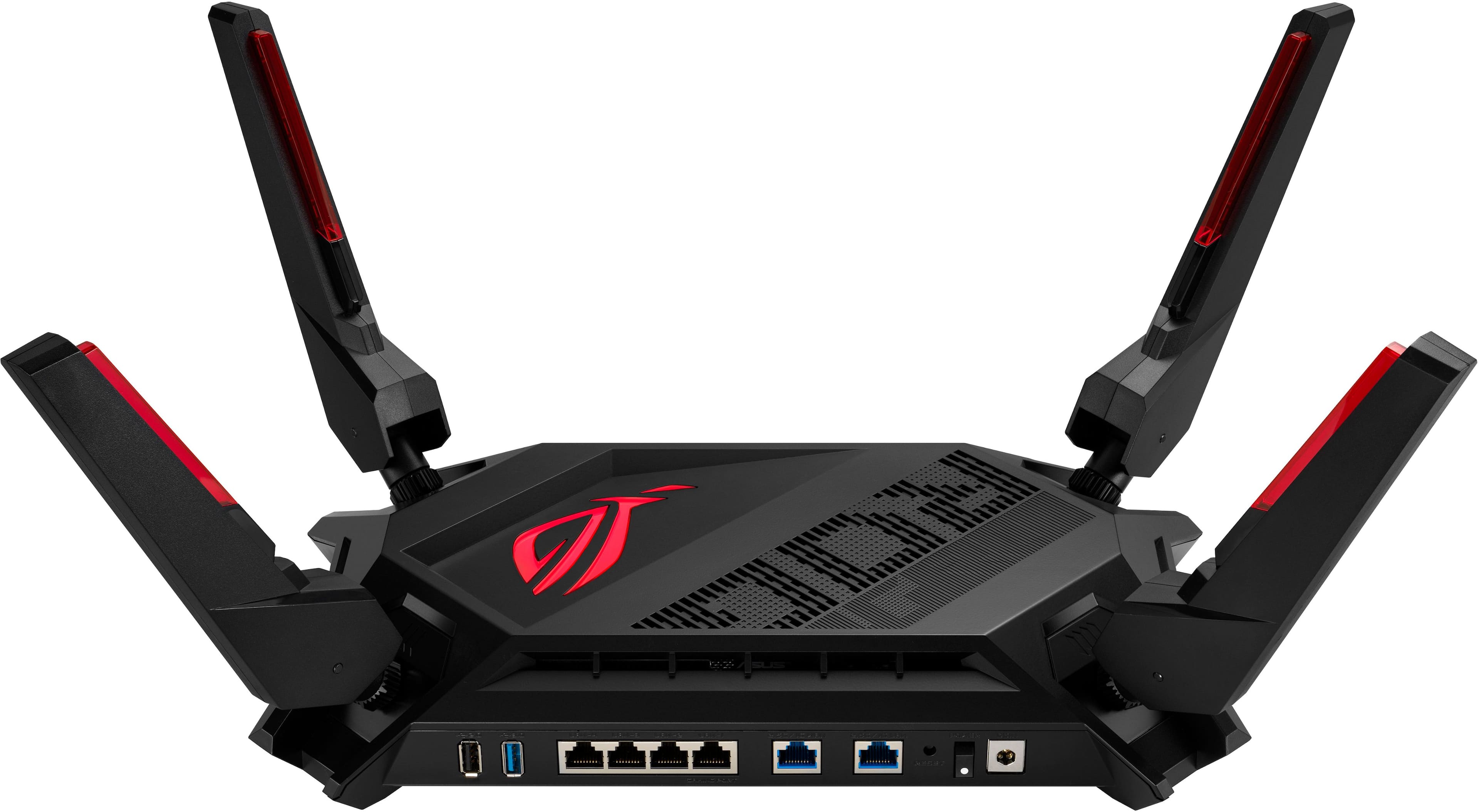
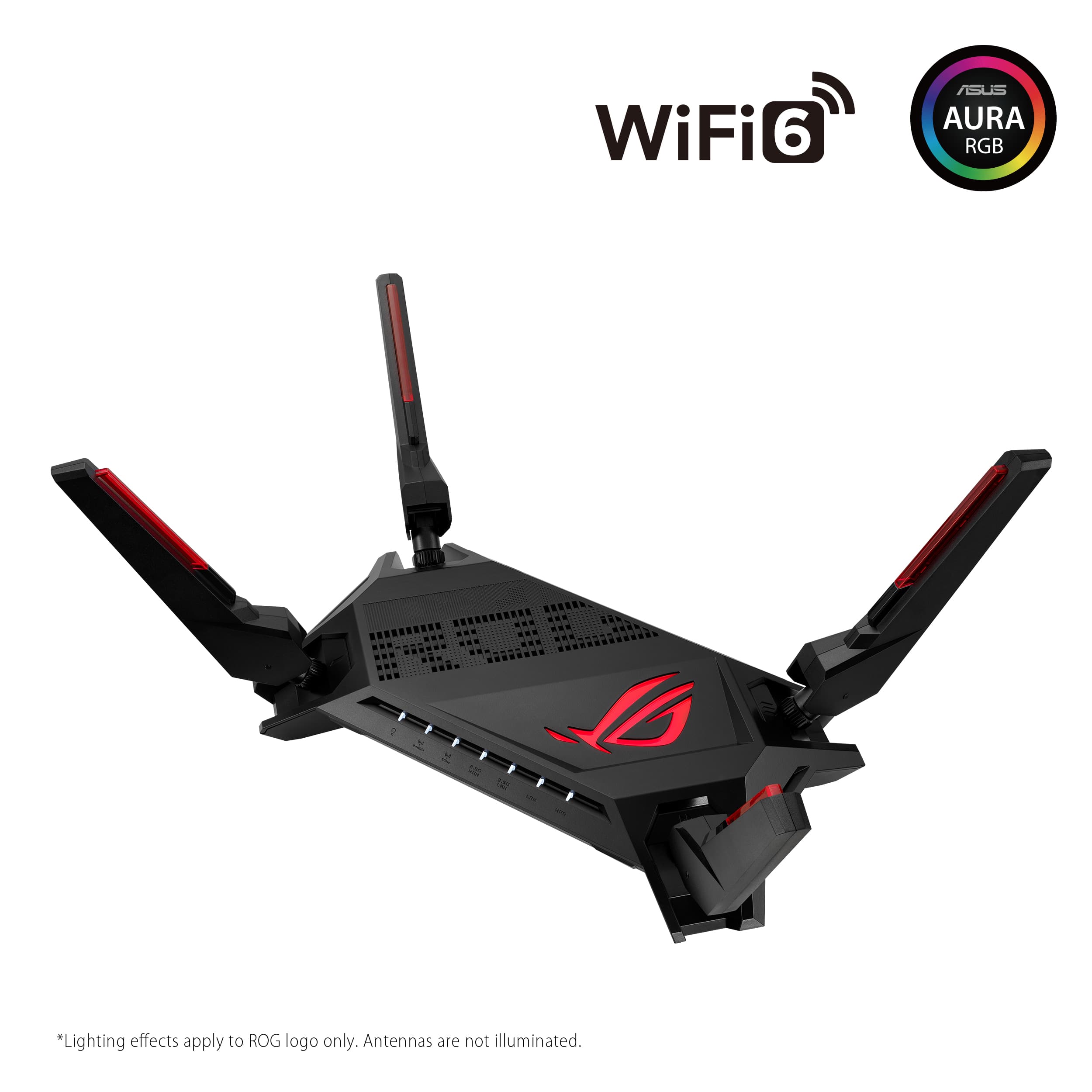
- Model:
- GT-AX6000
- SKU:
- 6501381
Rating by feature
- Setup
Rating 4.7 out of 5 stars
- Range
Rating 4.7 out of 5 stars
- Signal Strength
Rating 4.7 out of 5 stars
Customers are saying
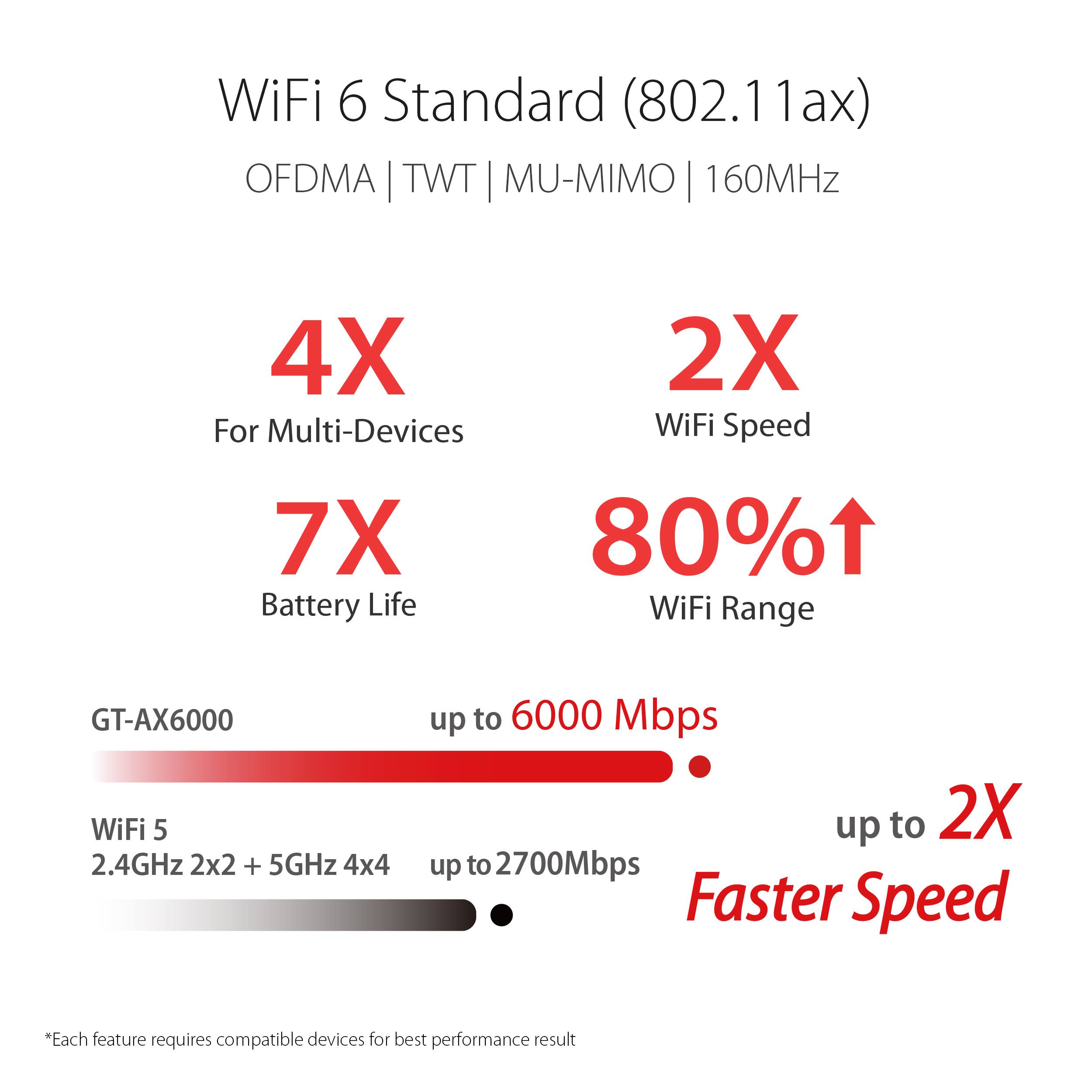
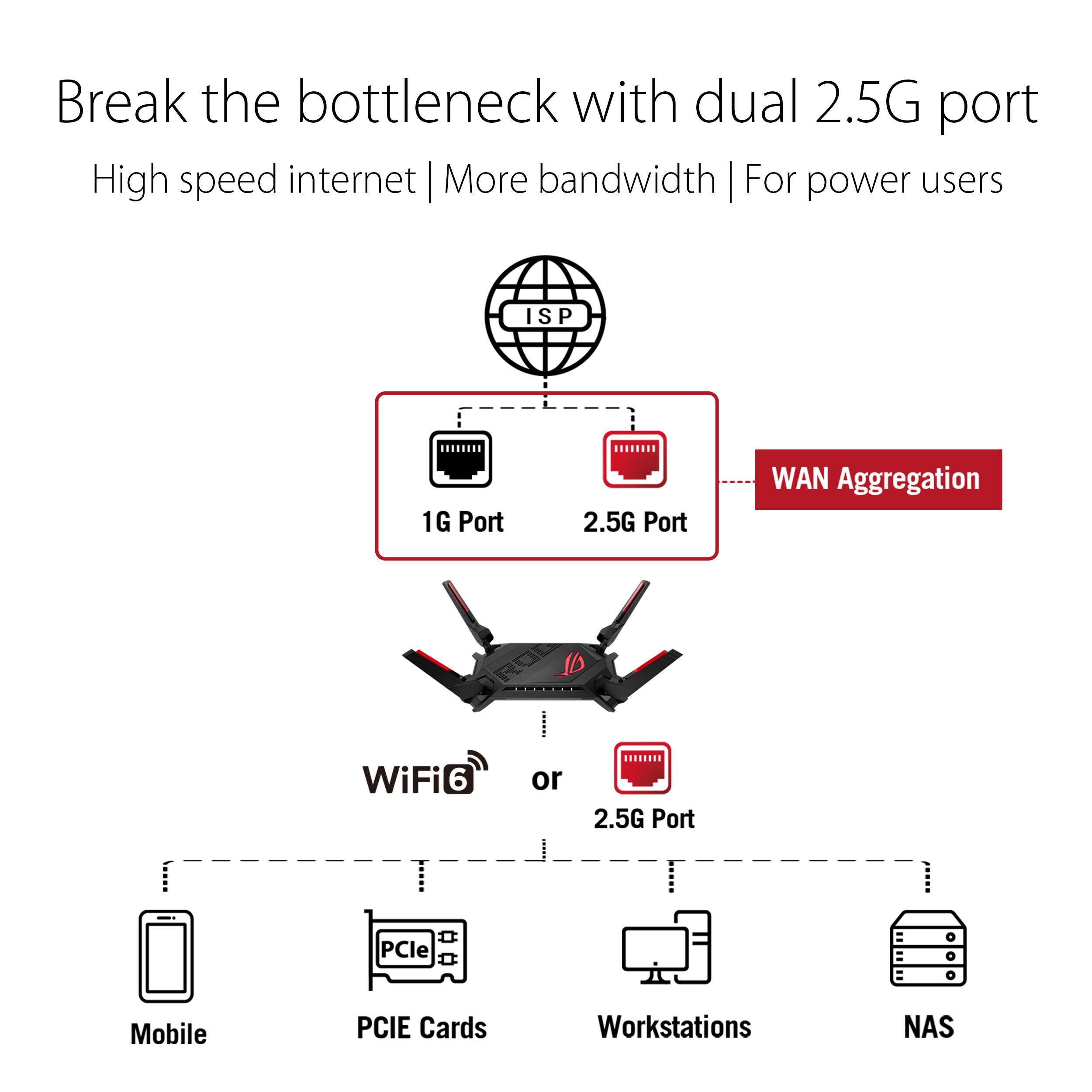
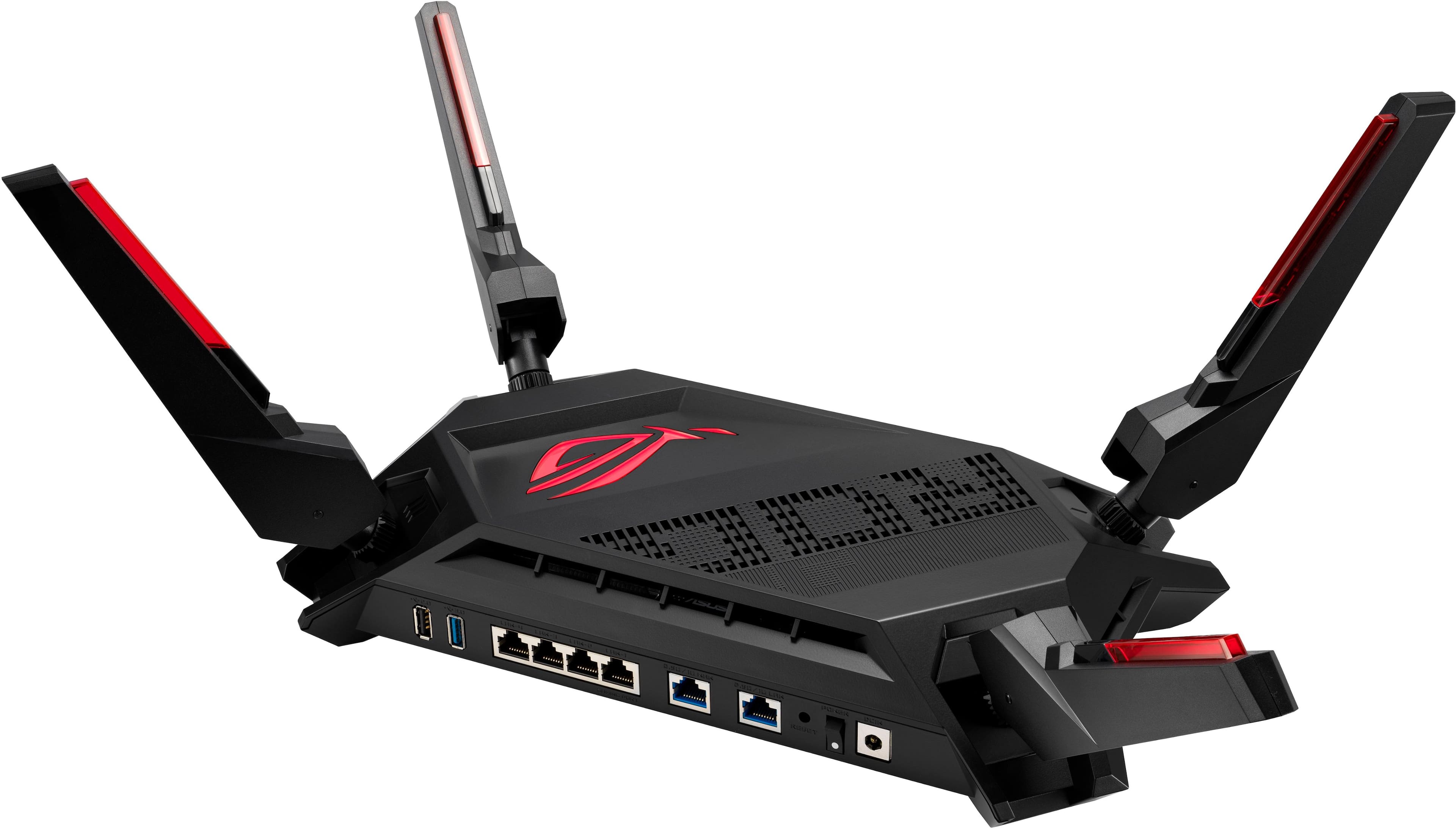
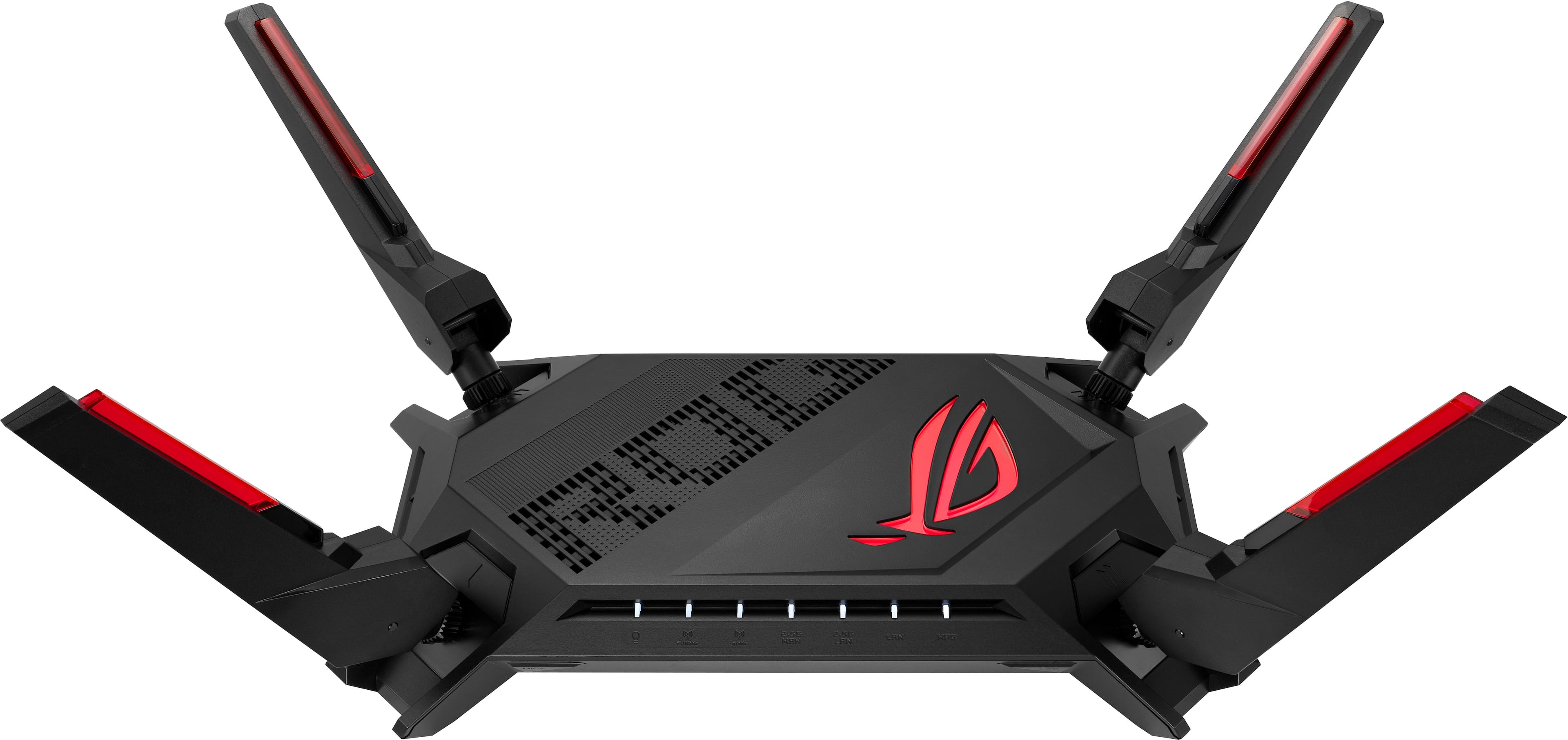
Customers appreciate the ROG Rapture GT-AX6000 Dual-Band Wi-Fi 6 Gaming Router for its exceptional speed, extensive range, and consistent performance, making it ideal for gaming. Users also find the setup process straightforward and the interface user-friendly. The router's strong signal strength and wide coverage are well-received, along with its fast connectivity and inclusion of 2.5G ports.
This summary was generated by AI based on customer reviews.
- Pros mentioned:Speed
Good to go
Posted .This reviewer received promo considerations or sweepstakes entry for writing a review.Nice upgrade. Very good router. Functions properly so far. I have had many Asus products and lately mostly routers. I have some several years old all still working well. This one has the security speed and some game extras.
I would recommend this to a friend Awesome Dual Band Router
Posted .This reviewer received promo considerations or sweepstakes entry for writing a review.This is a awesome router ,very easy to set up and connect all devices too,love it
I would recommend this to a friend- Pros mentioned:Performance
Good router for a price.
Posted .This reviewer received promo considerations or sweepstakes entry for writing a review.It looks nice. It works for all the features as advertised.
I would recommend this to a friend ASSus
Posted .This reviewer received promo considerations or sweepstakes entry for writing a review.I had nothing but troubles with this $200+ dollar router. The first one I got abruptly stopped working a few months after I bought it. I called ASUS customer support (their supplier center seems like it's in the heart of India), and troubleshot my router with a rep for over an hour. He deemed it defective and said I had to mail it back for them to refurbish it. This was still in warranty. Got the refurbished router back, and low and behold had issues months down the road to the point (now) the router is almost useless. It drops internet signal every 5 minutes or less. This has lead me on a "cat chasing his own tail" ordeal, involving calling my ISP (Spectrum Internet) to come out and check my connection. They said everything was OK with the signal coming in the house, and that the problem likely lies in the ASSus router. Called customer support, they had me tweak some channel settings which did not making anything better. I call back saying that didn't fix the issue, and now their proposal is to mail back the defective router AGAIN (except this time, it's on my dime for the shipping and handling lol) or to buy a new ASSus router. I asked to speak to the supervisor since the quality of service I have received from both the product itself and the Asus representatives have been total crap. The supervisor was another man that barely spoke English, and told me the exact same things as his subordinates. Just save your money and buy a router from a reputable brand like Linksys, Cisco, Or Eero. ASSus (intentionally misspelled) is a joke of a company with terrible products, backed by "support" from reps literally on the other side of the planet who don't care if the problem is fixed or not. They read from a script and provide 0 level of personability, genuity or any ability to speak English.
No, I would not recommend this to a friendBrand response from ASUS Answers
Posted .Dear Brack,
Thank you for your feedback.
We do understand your dissatisfaction with the quality of the product and your recent customer service experience and the inconvenience this may have caused. To resolve the connection problem, place the router in the center of the area you want to cover, avoid placing the router near metal objects, electronic devices or direct sunlight, position the router on a flat, hard surface and halfway between the floor and ceiling. Additionally, dense building materials, such as gypsum, concrete walls and planks can affect Wi-Fi signal penetration. Furthermore, double-check the router settings matches the credentials of your ISP's modem and check the status light or LED on your ISP's modem when the router cannot establish an internet connection. The light will indicate where the problem is coming from. Additionally, we recommend updating the router's firmware if it is running with an older version. Firmware is available for download at: https://rog.asus.com/us/networking/rog-rapture-gt-ax6000-model/helpdesk_bios/ .
We do value our customers and take negative customer service experience very seriously. This is not the quality of service expected from ASUS. We do support and stand behind our products, and we continuously strive to improve our approach and processes in order to achieve customer service excellence. If you need further assistance, please email me at cl-rodel@asus.com and I would be more than happy to help. Or you are most welcome to call Product Support Hotline at: 1(888) 678-3688. Also, you can chat with an ASUS live support agent from the link: https://www.asus.com/us/support/article/1135/.
Thank you for choosing an ASUS product.
Regards,
Rodel
ASUS Customer Loyalty