Customer Ratings & Reviews




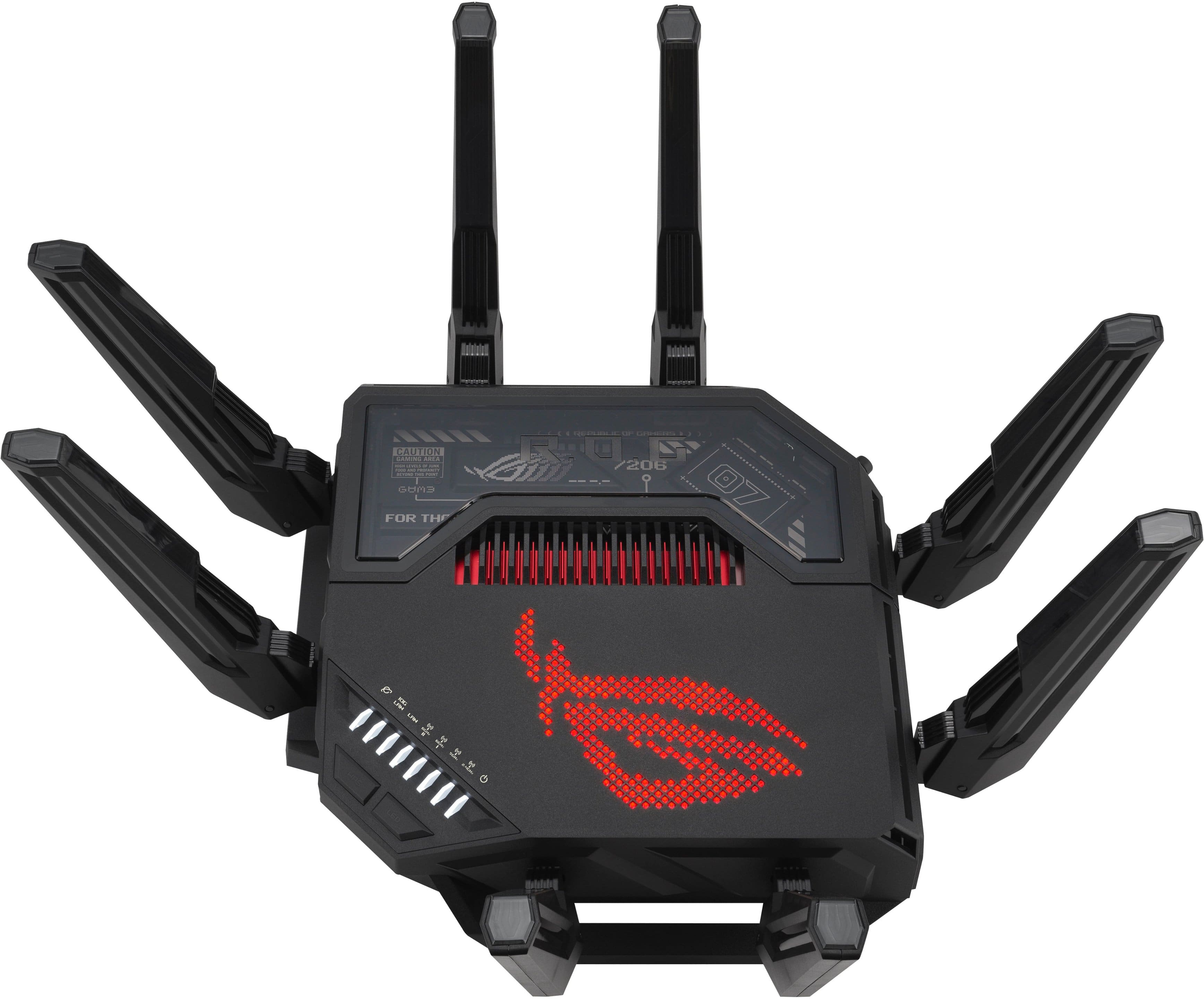
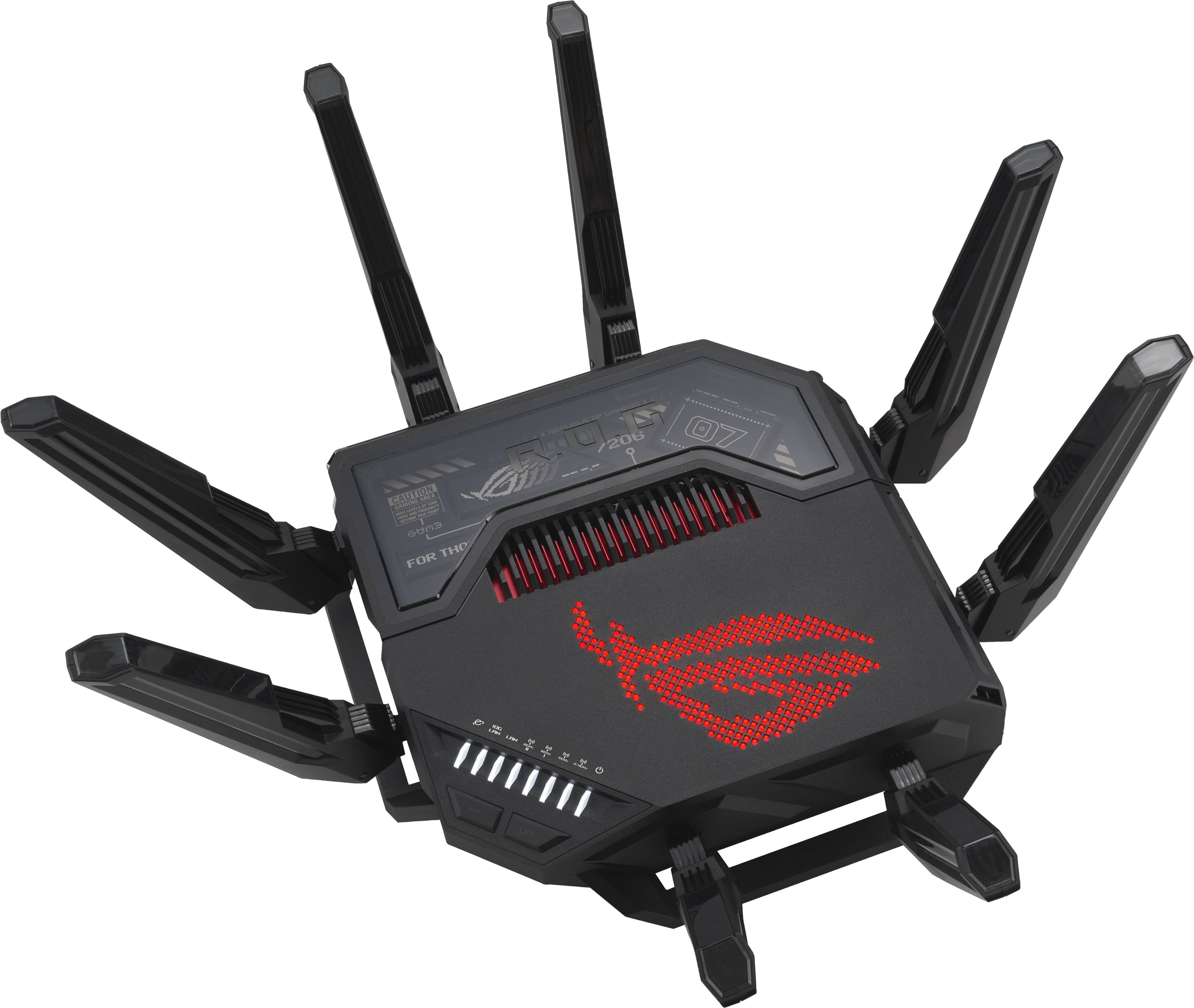
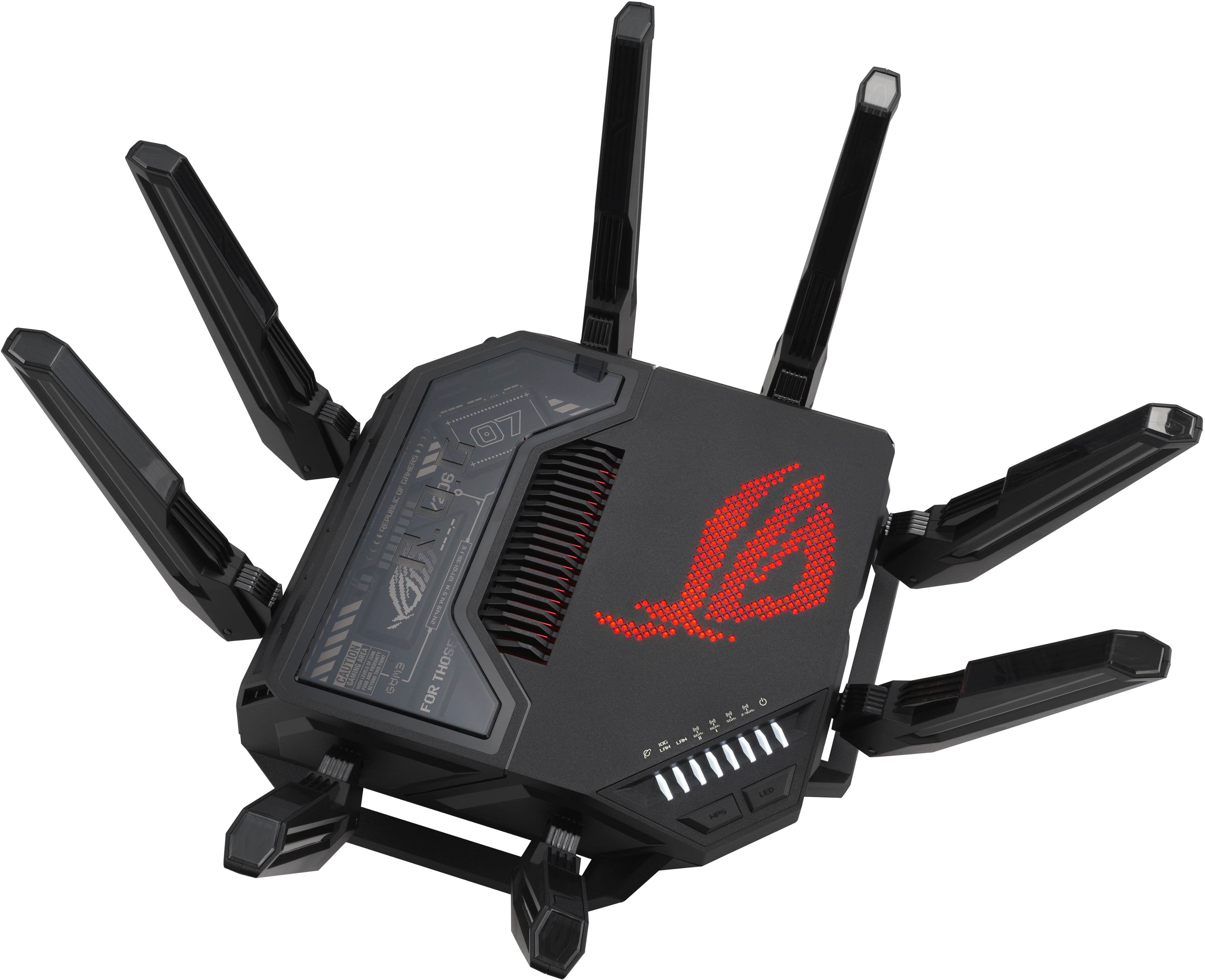
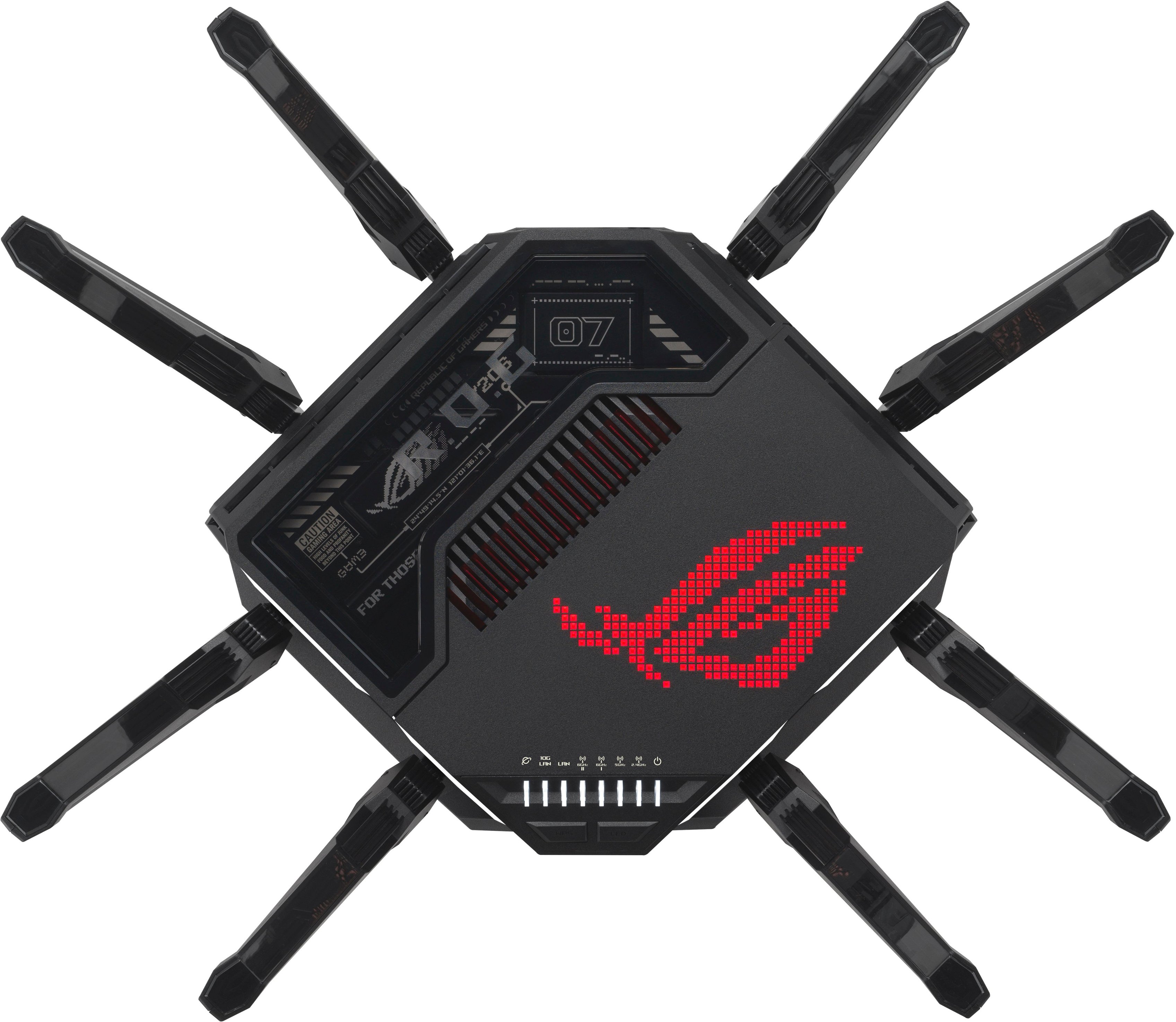
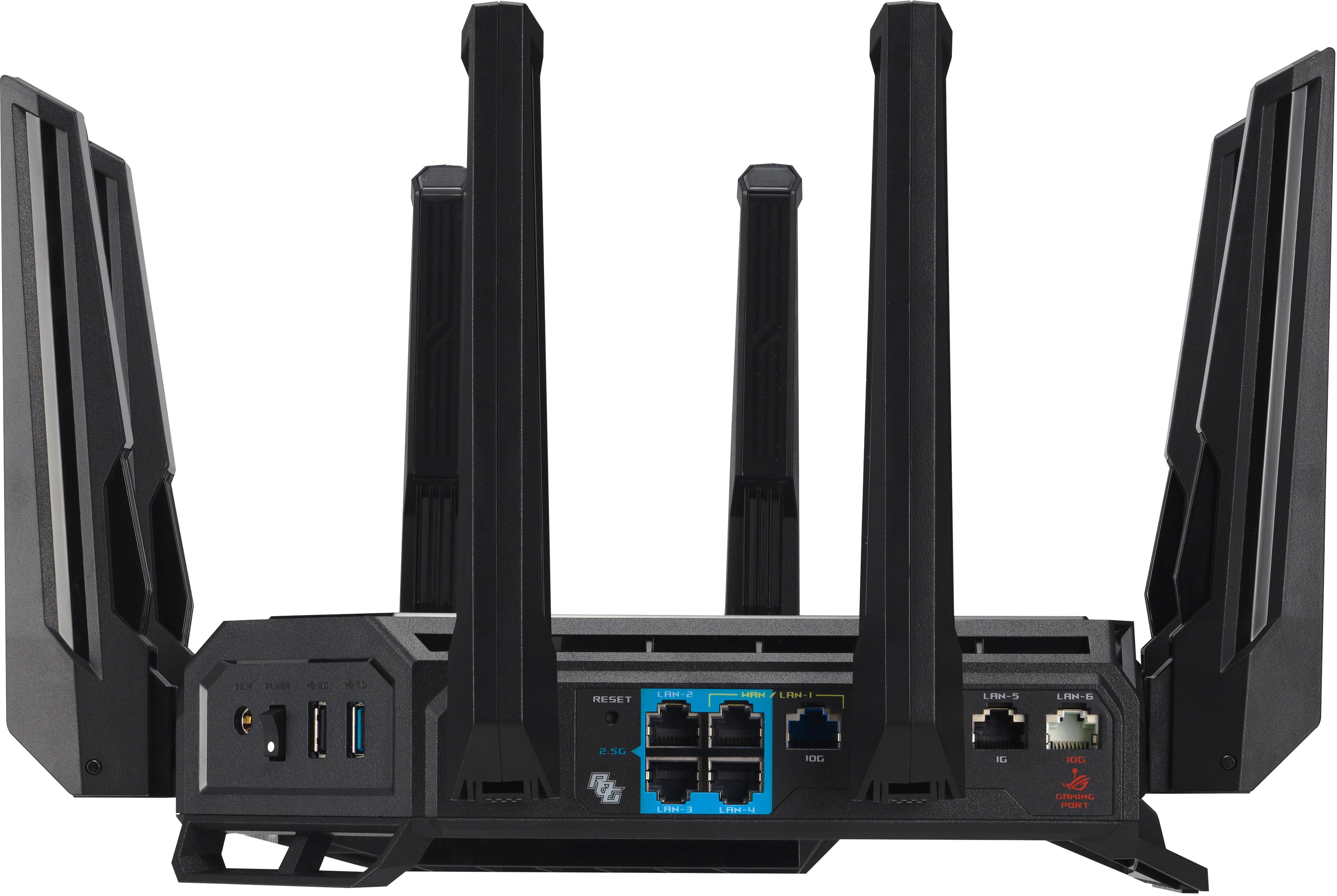
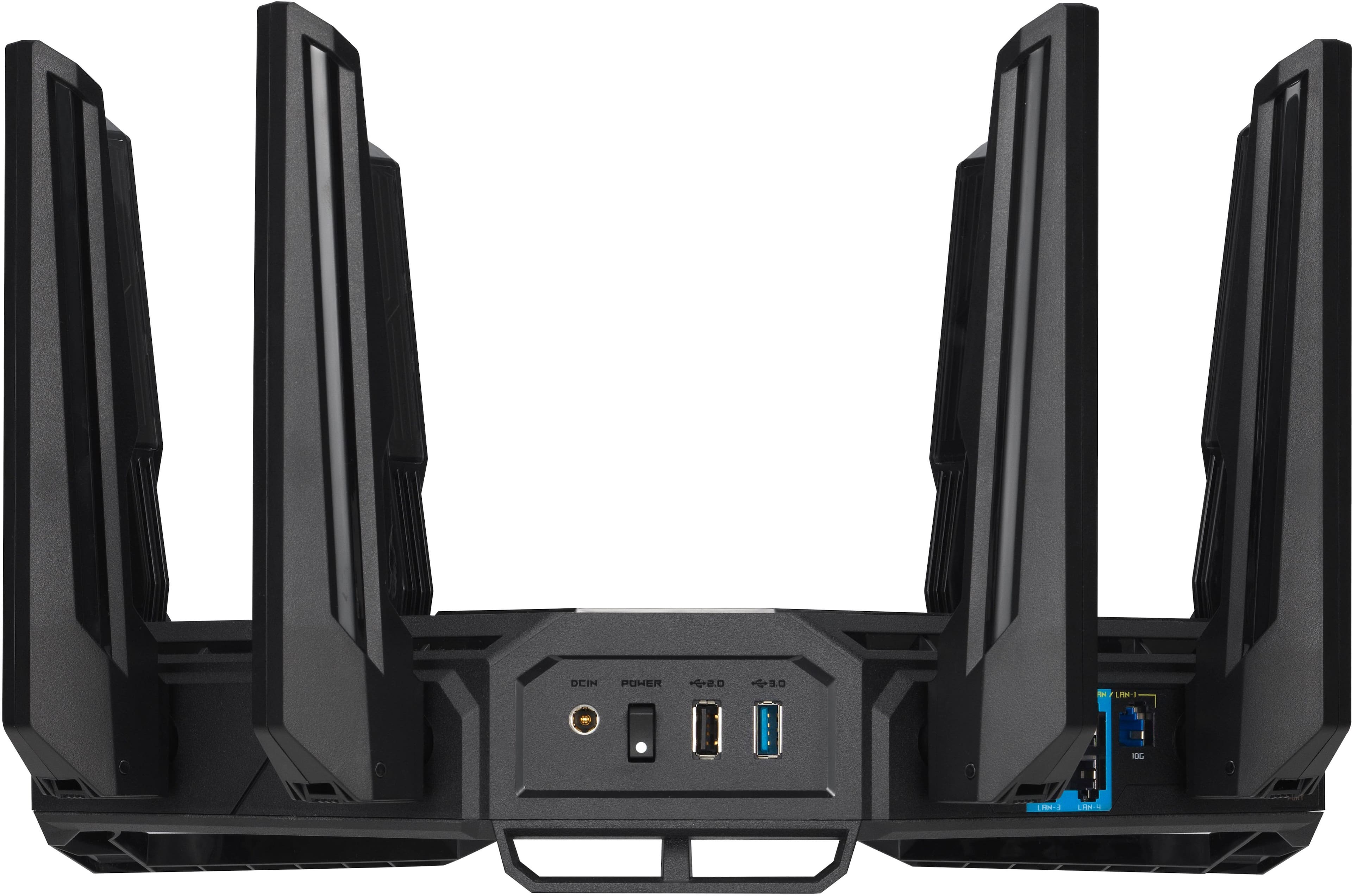
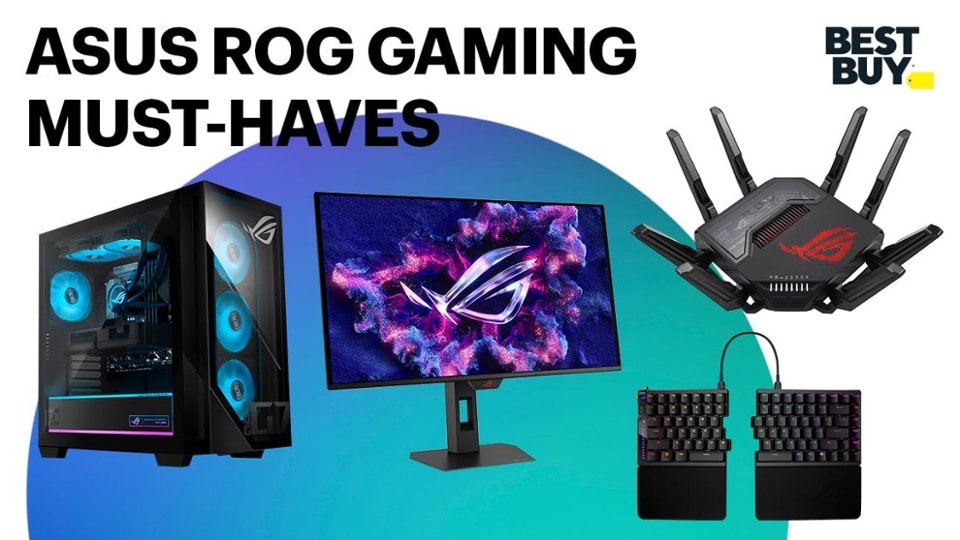
- Model:
- GT-BE98 PRO
- SKU:
- 10927301
Rating by feature
- Setup
Rating 4.7 out of 5 stars
- Range
Rating 4.6 out of 5 stars
- Signal Strength
Rating 4.7 out of 5 stars
- Pros mentioned:Speed
Fast Router
||Posted . Owned for 1 week when reviewed.This reviewer received promo considerations or sweepstakes entry for writing a review.It is fast and stable router. Easy to set up. Highly recommended.
I would recommend this to a friend Don't Delay...Gotta Have One!
||Posted . Owned for less than 1 week when reviewed.This reviewer received promo considerations or sweepstakes entry for writing a review.Upgraded from previous router....kept the old one and use it as a AiMesh Mode....Wi-Fi Speeds now is great in the house and outside!
I would recommend this to a friendi love it
||Posted .This reviewer received promo considerations or sweepstakes entry for writing a review.this router is a beast. all the parental controls are included in the price. App is easy to navigate. this is simple the best of the best of routers.
I would recommend this to a friendNot the Upgrade I Expect’d—Weak Signal
||Posted . Owned for 2 weeks when reviewed.This reviewer received promo considerations or sweepstakes entry for writing a review.I debated buying this router for a long time and watched countless online reviews before finally deciding to purchase it. Nearly everything I saw was overwhelmingly positive, with only a few mentions of 2.4 GHz signal drop issues. I’m not sure if I ran into the same problem, but my connections kept dropping, and the Wi-Fi signal on my phone consistently fell by one or two bars. This was noticeably worse compared to my other tri-band Wi-Fi 7 router. I updated the firmware and explored nearly every feature to try to optimize performance, but the issues persisted. It’s possible that my unit was defective, but for now, I’ve decided to return it and go back to my previous tri-band Wi-Fi 7 router
No, I would not recommend this to a friendBrand response from ASUS Answers
Posted .Dear PrinceJC,
Thank you for your comment.
We do understand your disappointment with the product and the inconvenience this may have caused if you are experiencing weak wireless signal. To resolve the weak signal, place the router in the center of the area you want to cover, avoid placing the router near metal objects, electronic devices or direct sunlight, position the router on a flat, hard surface and halfway between the floor and ceiling. Additionally, dense building materials, such as gypsum, concrete walls and planks can affect Wi-Fi signal penetration. Also, we recommend updating router's firmware if it is running with an older version. Firmware is available for download at: https://rog.asus.com/networking/rog-rapture-gt-be98-pro/helpdesk_bios/. Furthermore, legacy devices may not work properly with WIFI-7, check updates for these devices. Also, try to disable "Smart Connect" and try connecting these devices manually to either 2.4GHz or 5GHz.
Should you need further assistance with the product, please email me at cl-rodel@asus.com and I would be more than happy to help. Or you are most welcome to call Product Support Hotline at: 1(888) 678-3688. Also, you can chat with an ASUS live support agent from the link: https://www.asus.com/us/support/article/1135/.
Thank you for choosing an ASUS product.
Regards,
Rodel
ASUS Customer Loyalty
Review of ASUS ROG GT-BE98
||Posted . Owned for 1 month when reviewed.This reviewer received promo considerations or sweepstakes entry for writing a review.So far this is the best router I've ever had.Also setup is easy
I would recommend this to a friendDisappointed
||Posted . Owned for 1 month when reviewed.This reviewer received promo considerations or sweepstakes entry for writing a review.This is my second wireless router from Asus. My first was purchased sometime prior to 2018 and that one is still being used for some things do to this new version not keeping a connection to some electronics. It is extremly finicky and a huge disappointment. Also customer service on this item is awful!!! Can't say I can keep my loyalty to this brand any longer. For the price of this item it should be better and the range also stinks.
No, I would not recommend this to a friendBrand response from ASUS Answers
Posted .Dear James,
Thank you for sharing your experience with the ASUS GT-BE98 PRO router. We regret to hear about the connection issues, range concerns, and the difficulties you’ve faced with customer service, and we sincerely apologize for the disappointment this has caused.
For troubleshooting assistance, we recommend following the steps outlined in our FAQ guide linked below. If the issue continues after completing these steps, please email us at customerloyalty@asus.com and reference case number "N2509004695-0003" so we can investigate further and ensure your concerns are properly addressed.
We stand behind our products and continuously strive to improve our products and processes to achieve customer service excellence. We will do our best to resolve your case quickly. Your feedback is very important to us, and it enables us to improve our support channels. Thank you for choosing ASUS.
Best Regards,
Chantae
ASUS Customer Loyalty US Support
[Troubleshooting] WiFi signal is often disconnected: https://www.asus.com/support/faq/1030641/
- Pros mentioned:Speed
Stopped working after a couple of months in use
||Posted . Owned for 2 months when reviewed.This reviewer received promo considerations or sweepstakes entry for writing a review.At first loved the router, it worked well and was extremely fast. After 2 1/2 months roughly it stopped working. Contacted ASUS about resovling this issue and it has been the most painful experience with customer support in my life. Potentially will be charged for repairs on the device even though its still under warrenty is just ridiculous. If i could go back and choose a different product I would. If the product works for you consistently then it would be a great purchase but in my experience I can’t recommend this product to anyone.
No, I would not recommend this to a friendBrand response from ASUS Answers
Posted .Dear Andrew,
We regret to hear that the router stopped working and we apologize for the difficulties you have encountered with our support team. We understand the impression this may have created and we hope this will not be a long-term lasting impression as you have chosen ASUS as a trusted brand for excellence. We would like to make your experience with us a better one.
Please send us an email at customerloyalty@asus.com and include the case number " N2409030645-0003" as a reference so that we can further investigate this issue. Maintaining a functioning unit is an urgent matter, and we are committed to helping you.
We stand behind our products and continuously strive to improve our products and processes to achieve customer service excellence. We will do our best to resolve your case quickly. Your feedback is very important to us, and it enables us to improve our support channels. Thank you for choosing ASUS.
Best Regards,
Chantae
ASUS Customer Loyalty US Support
Horrible Range
||Posted . Owned for 4 months when reviewed.This reviewer received promo considerations or sweepstakes entry for writing a review.I really wanted to love this router after having some issues out of my last Orbi, but this has been nothing but a pain since I set it up. The range is ATROCIOUS. As in, in my 1800 square foot home, my signal on my phone drops from 3 to 2 bars when I'm in any of the exterior rooms, and it hardly reaches the exterior of the home at all. The WiFi 7 mode doesnt work at all, which may be my devices, I'm not sure. Regardless, I had to disable the WiFi 7 mode entirely. Then, the band steering does not work for several of my legacy devices, and I will NOT manage separate SSIDs.
No, I would not recommend this to a friendBrand response from ASUS Answers
Posted .Dear Cwilli40,
Thank you for your comment.
We do understand your disappointment with the product and the inconvenience this may have caused if you are experiencing weak signal strength. Typically, the coverage of this router is up to 2500 sq. ft. To resolve the weak signal, place the router in the center of the area you want to cover, avoid placing the router near metal objects, electronic devices or direct sunlight, position the router on a flat, hard surface and halfway between the floor and ceiling. Additionally, dense building materials, such as gypsum, concrete walls and planks can affect Wi-Fi signal penetration. Also, we recommend updating the Mesh router firmware if it is running with an older version. Firmware is available for download at: https://rog.asus.com/networking/rog-rapture-gt-be98-pro/helpdesk_bios/. Legacy devices may not work properly with WIFI-7, check updates for these devices. Also, try to disable "Smart Connect" and try connecting this manually to either 2.4GHz or 5GHz. Furthermore, try resetting the router and reconfigure or set up the devices.
Should you need further assistance with the product, please email me at cl-rodel@asus.com and I would be more than happy to help. Or you are most welcome to call Product Support Hotline at: 1(888) 678-3688. Also, you can chat with an ASUS live support agent from the link: https://www.asus.com/us/support/article/1135/.
Thank you for choosing an ASUS product.
Rodel
ASUS Customer Loyalty
Best router
||Posted . Owned for 1 month when reviewed.This reviewer received promo considerations or sweepstakes entry for writing a review.Best router you can get. No network issues both internet and things that i have running on the internal network as well
I would recommend this to a friendBeast mode
||Posted .This reviewer received promo considerations or sweepstakes entry for writing a review.More than enough power once i figured out the lot network then it was wasy
I would recommend this to a friendAsus GT-BE98 Pro
||Posted . Owned for 3 weeks when reviewed.This reviewer received promo considerations or sweepstakes entry for writing a review.A great value in the high end , its like getting a switch for free with all the ports on it ..
I would recommend this to a friendJoe r
||Posted . Owned for 3 weeks when reviewed.This reviewer received promo considerations or sweepstakes entry for writing a review.Great router! Lots of gaming options and looks amazing! A true center piece!
I would recommend this to a friendcost triple price No major improvement
||Posted .This reviewer received promo considerations or sweepstakes entry for writing a review.WiFi range did not increase, nor did it speed up my WiFi faster than my old router. It took me 2-3 days to adjust the antennas to get coverage in my whole house.
No, I would not recommend this to a friendBrand response from ASUS Answers
Posted .Dear BigTou,
We regret to learn that you are experiencing connectivity issues. To troubleshoot this issue, we recommend following the steps in the FAQ below. Should the issue persist, please contact our support team at https://www.asus.com/us/support/CallUs to further investigate the problem or assist with repairing the device.
We stand behind our products and continuously strive to improve our products and processes to achieve customer service excellence. For more information, email us at customerloyalty@asus.com and include the case number "N2510005431-0001" as a reference. We will do our best to resolve your case quickly. Your feedback is very important to us and enables us to improve our support channels. Thank you for choosing ASUS.
Best Regards,
Schottky
ASUS Customer Loyalty US Support
FAQ-[Wireless Router] How to improve Wi-Fi Connection https://www.asus.com/us/support/faq/1047919/
Absolute BEAST!
||Posted . Owned for 2 weeks when reviewed.This reviewer received promo considerations or sweepstakes entry for writing a review.Absolutely the BEST! This router has more features than you’ll ever use… but their there in case I need them is what I tell the wife!
I would recommend this to a friendAmazing router
||Posted .This reviewer received promo considerations or sweepstakes entry for writing a review.If you have a house full of gamers this is a must have.
I would recommend this to a friendA step forward
||Posted . Owned for less than 1 week when reviewed.This reviewer received promo considerations or sweepstakes entry for writing a review.Great Router with the latest Wi-Fi 7 capabilities. Offers great flexibility for advanced users.
I would recommend this to a friendBest Router for Gaming
||Posted .This reviewer received promo considerations or sweepstakes entry for writing a review.Great router. Easy set up. Powerful and consistent.
I would recommend this to a friendHome
||Posted . Owned for 2 weeks when reviewed.This reviewer received promo considerations or sweepstakes entry for writing a review.Great for gaming but needed while home coverage mesh was in my cards
I would recommend this to a friendBugs render it overpriced
||Posted . Owned for 1 month when reviewed.This reviewer received promo considerations or sweepstakes entry for writing a review.Not ready for prime time. I expect better from ROG. Having MLO enable introduces connection issues. Can't even use all the features of this bulky powerful router.
No, I would not recommend this to a friendBrand response from ASUS Answers
Posted .Dear Rayban,
We are sorry to hear about the difficulties you’ve experienced with your ASUS GT-BE98 PRO router, particularly the connection issues when enabling MLO and the inability to fully utilize the router’s features. We sincerely apologize for the inconvenience this has caused.
To assist with troubleshooting, we recommend following the steps outlined in our FAQ guide linked below. If the issue persists after completing these steps, please contact our support team directly at https://www.asus.com/us/support/callus/ so we can assist with further diagnostics or provide warranty service if necessary.
We stand behind our products and continuously strive to improve our products and processes to achieve customer service excellence. For more information, email us at customerloyalty@asus.com and include the case number "N2509004695-0004" as a reference. We will do our best to resolve your case quickly. Your feedback is very important to us and enables us to improve our support channels. Thank you for choosing ASUS.
Best Regards,
Chantae
ASUS Customer Loyalty US Support
[Troubleshooting] WiFi signal is often disconnected: https://www.asus.com/support/faq/1030641/
Connection failures
||Posted . Owned for 1 week when reviewed.This reviewer received promo considerations or sweepstakes entry for writing a review.It’s okay have to return to exchange for another one this one isn’t connecting to my modem
I would recommend this to a friendBrand response from ASUS Answers
Posted .Dear GabeE,
Thank you for sharing your experience with the ASUS GT-BE98 PRO router. We sincerely apologize for the inconvenience you've encountered with the device not connecting to your modem. We understand how frustrating setup issues can be, especially with a new product. We understand that you have returned the router, and we truly hope the replacement unit functions normally and delivers the expected performance.
We stand behind our products and continuously strive to improve our products and processes to achieve customer service excellence. If you require any further assistance, please email us at customerloyalty@asus.com and include the case number "N2504024088-0005" as a reference. We will do our best to resolve your case quickly. Your feedback is very important to us, and it enables us to improve our support channels. Thank you for choosing ASUS.
Best Regards,
Chantae
ASUS Customer Loyalty US Support