Customer Ratings & Reviews
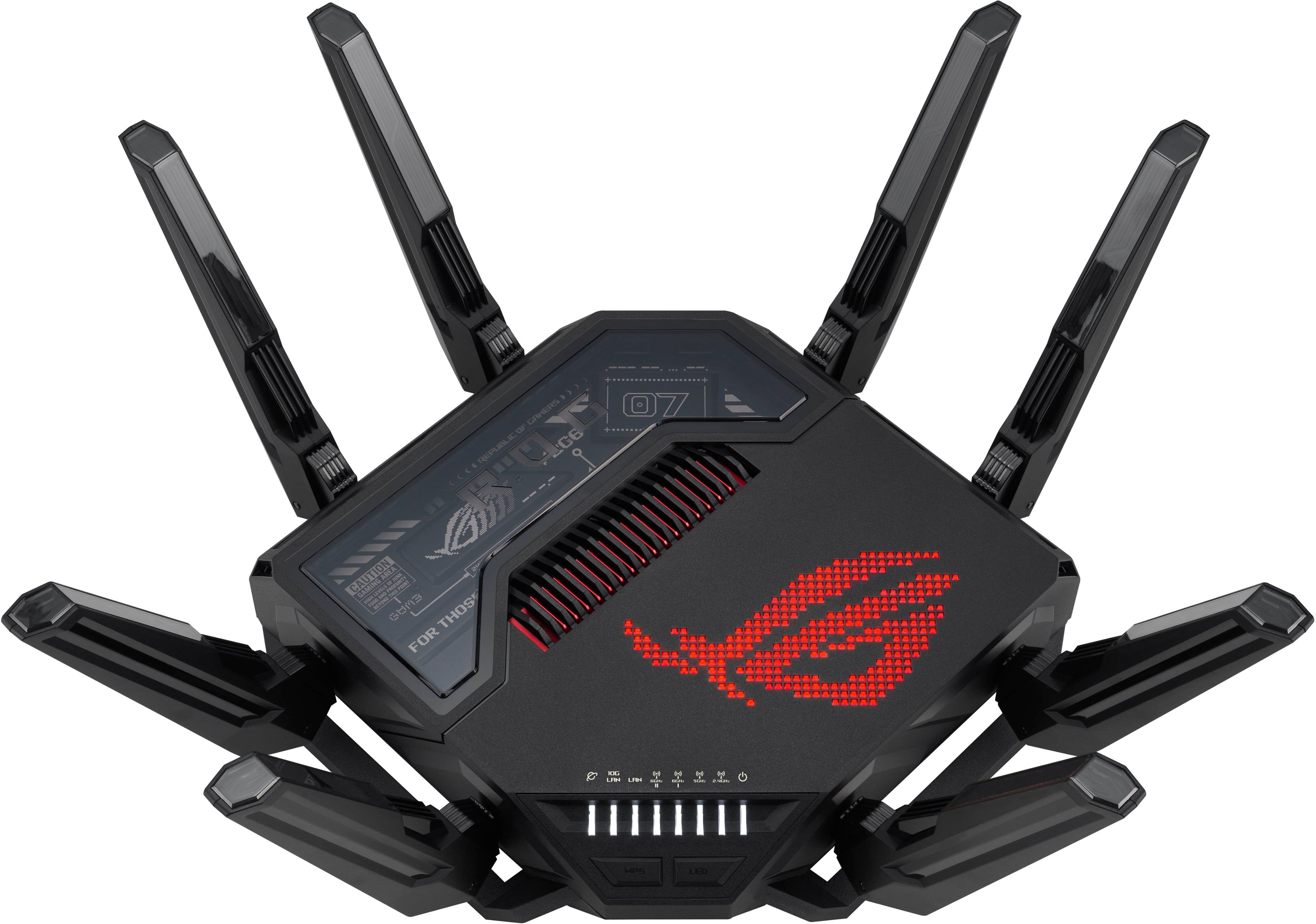
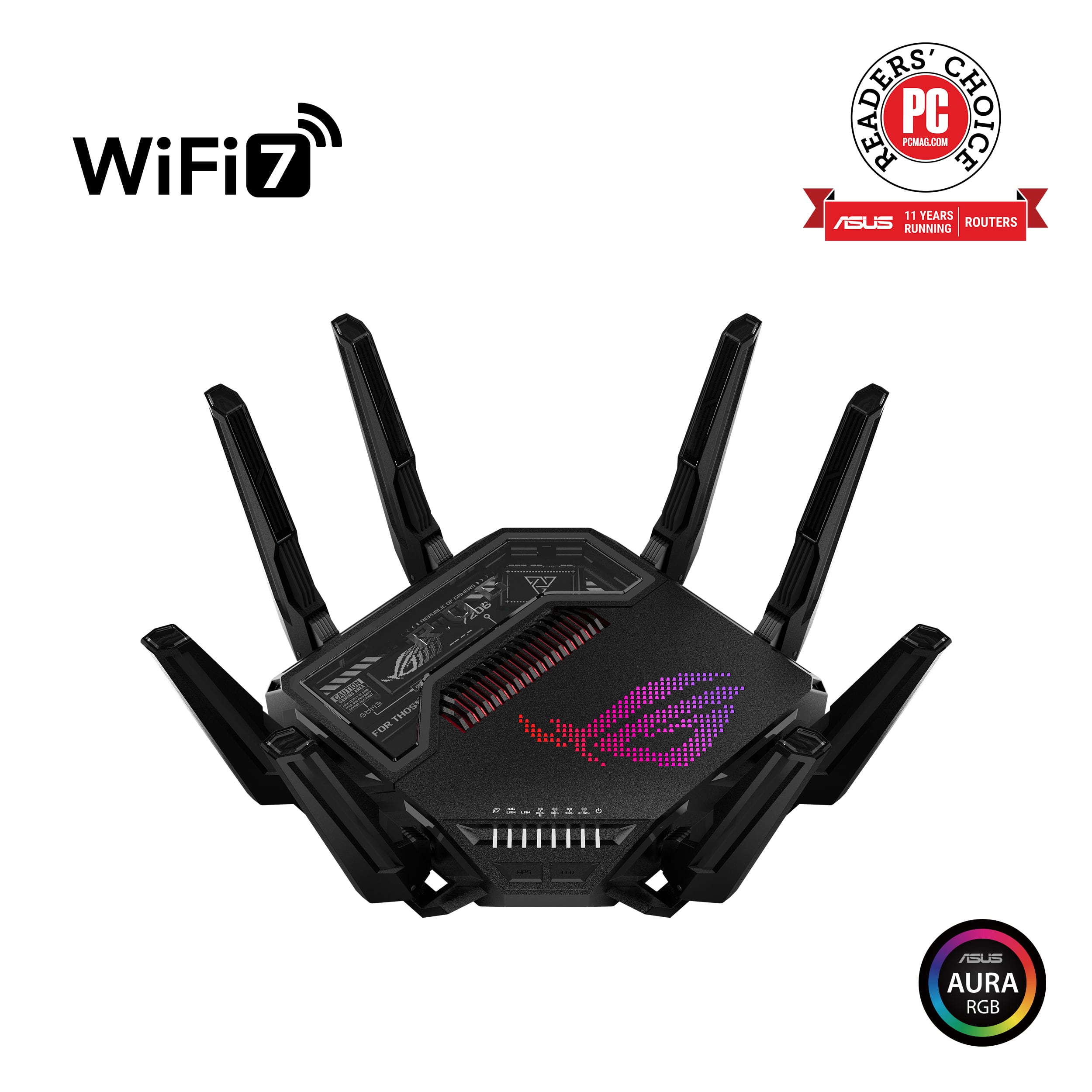




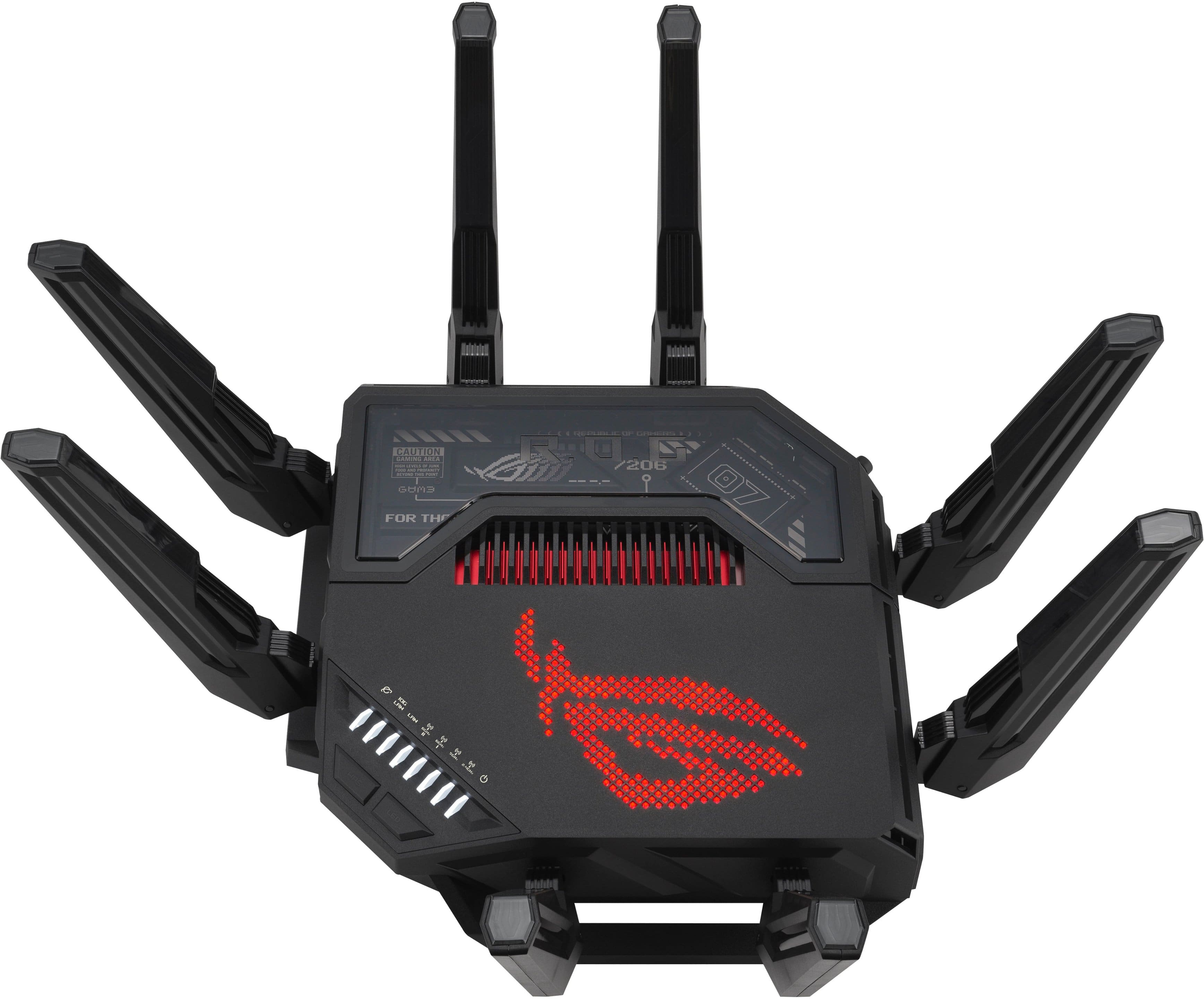
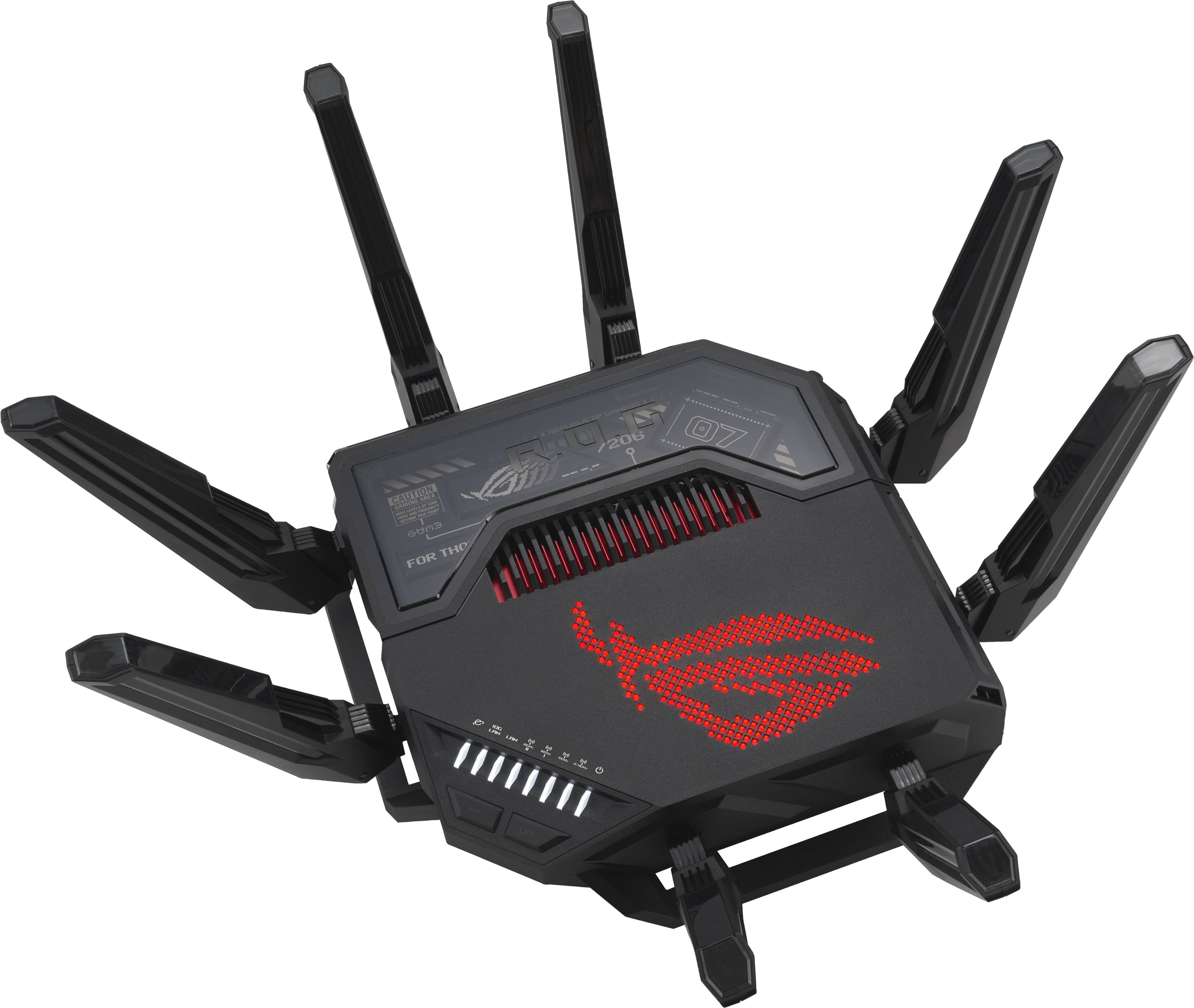
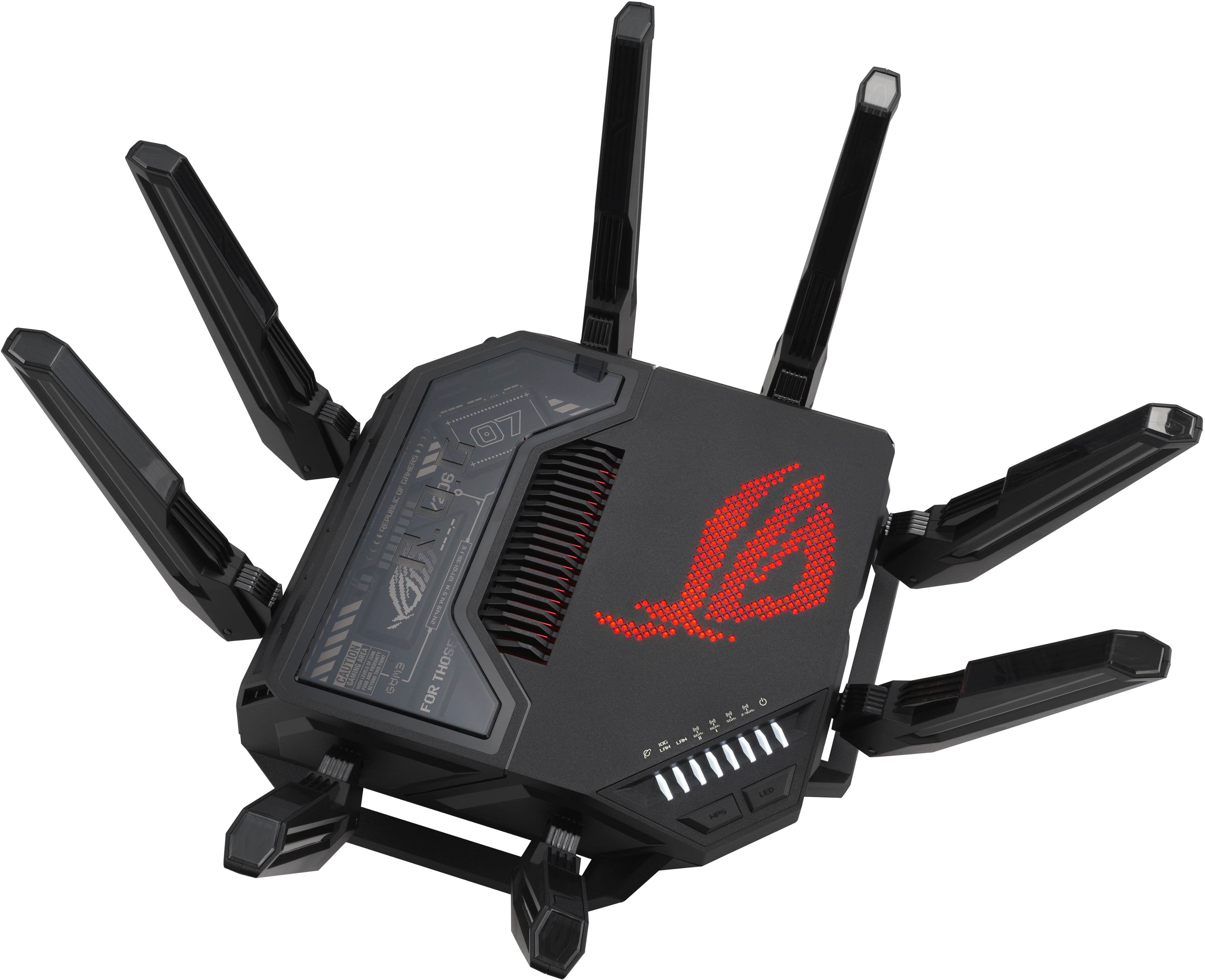
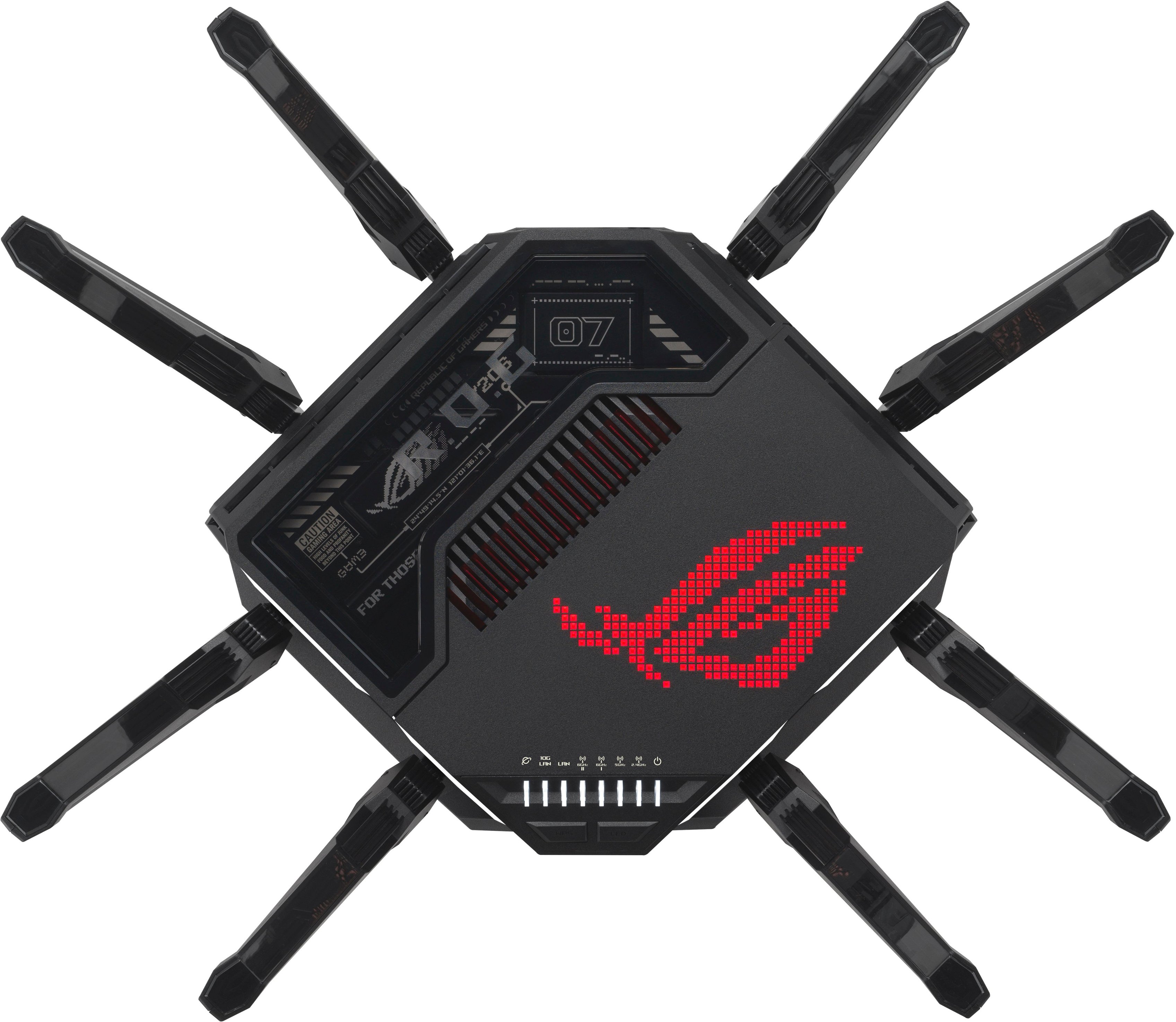
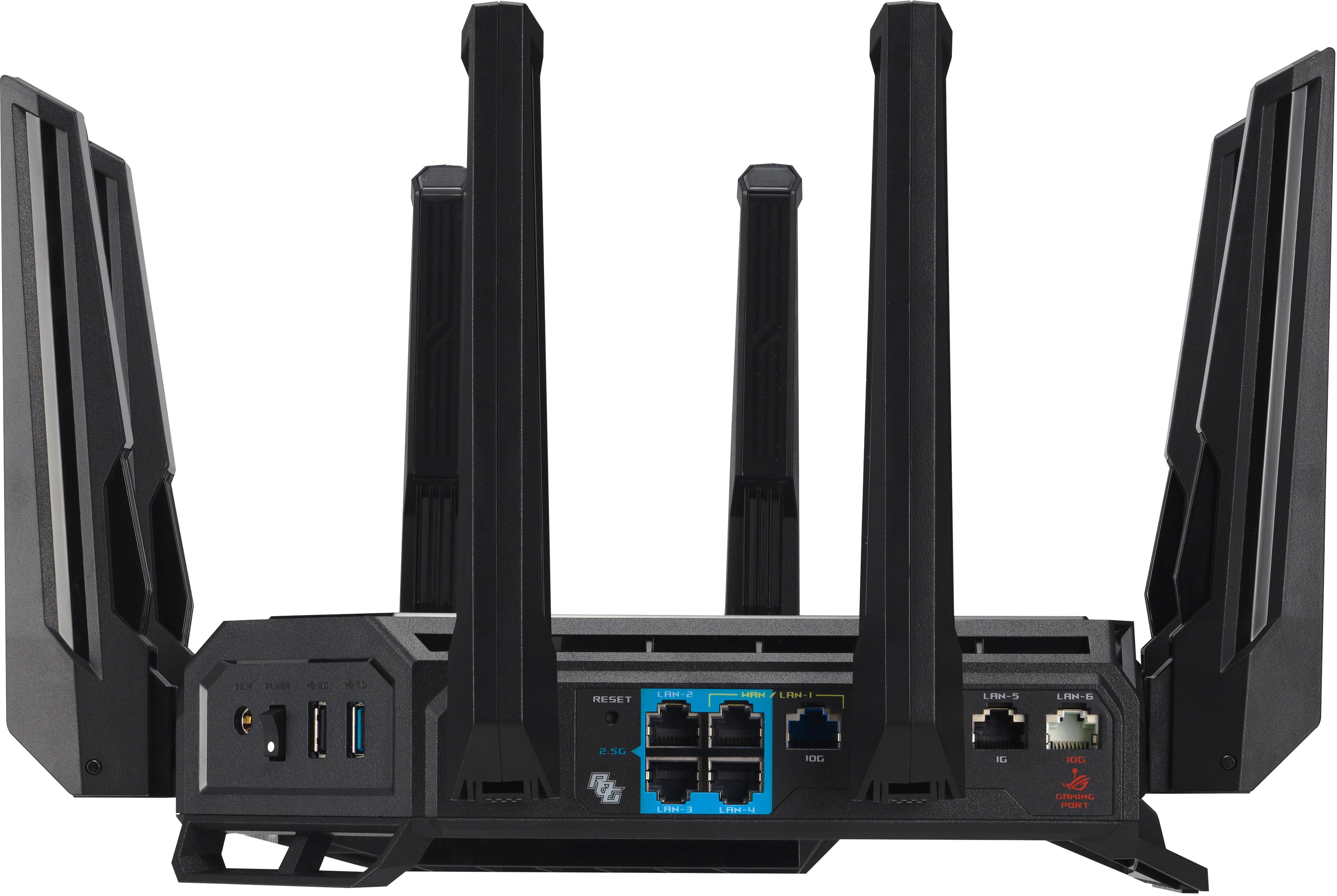
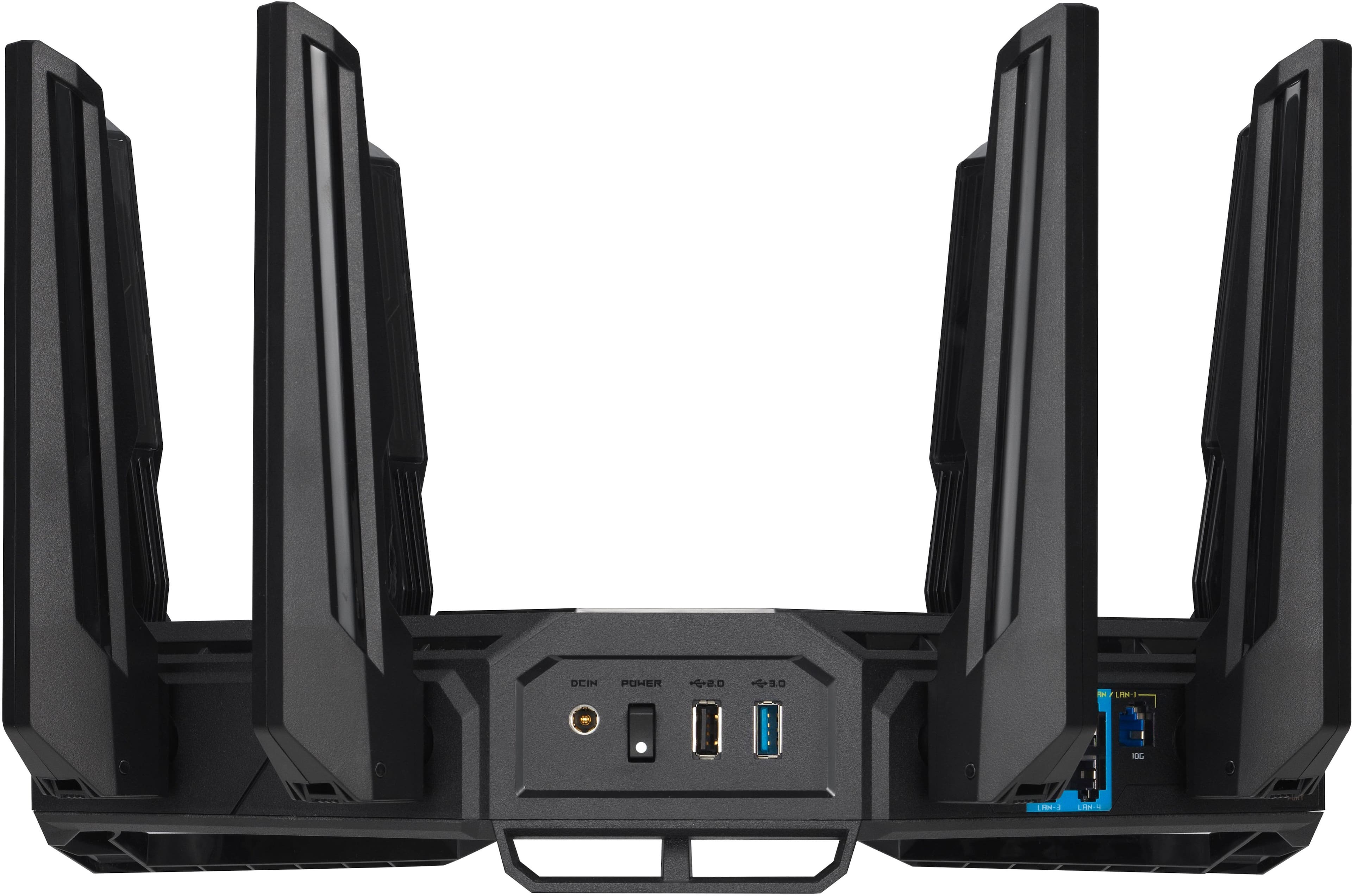
- Model:
- GT-BE98 PRO
- SKU:
- 10927301
Rating by feature
- Setup
Rating 4.7 out of 5 stars
- Range
Rating 4.6 out of 5 stars
- Signal Strength
Rating 4.7 out of 5 stars
- Pros mentioned:Speed
Rog Rapture
||Posted .This reviewer received promo considerations or sweepstakes entry for writing a review.Phenomenal router, super easy setup and amazing speeds with fiber internet
I would recommend this to a friend - Pros mentioned:Overall performance
The Beast Unleashed
||Posted . Owned for 2 weeks when reviewed.This reviewer received promo considerations or sweepstakes entry for writing a review.Fast And Unbeatable Performance And Now Affordable
I would recommend this to a friend - Pros mentioned:Overall performance
Great product
||Posted . Owned for 7 months when reviewed.This reviewer received promo considerations or sweepstakes entry for writing a review.Was a little hard to get setup but now works great
I would recommend this to a friend - Pros mentioned:Overall performance
Router
||Posted .This reviewer received promo considerations or sweepstakes entry for writing a review.In a league of its own! Best there is available. You want the best? Be prepared to pay for it.
I would recommend this to a friend Great router
||Posted . Owned for 1 month when reviewed.This reviewer received promo considerations or sweepstakes entry for writing a review.This router has worked great for us. It can handle multiple TV's computers, phones and etc and we haven't had any issues.
I would recommend this to a friend- Pros mentioned:Overall performance
Internet
||Posted .This reviewer received promo considerations or sweepstakes entry for writing a review.Works amazing and no problems with internet anymore
I would recommend this to a friend Gaming
||Posted . Owned for 1 year when reviewed.This reviewer received promo considerations or sweepstakes entry for writing a review.Perfect for gaming a little pricy compared to others but definitely worth it
I would recommend this to a friend- Pros mentioned:Coverage
Router
||Posted . Owned for 2 months when reviewed.This reviewer received promo considerations or sweepstakes entry for writing a review.Love this device. I have a 6000sqft home and everything is working great.
I would recommend this to a friend Great router
||Posted . Owned for 3 weeks when reviewed.This reviewer received promo considerations or sweepstakes entry for writing a review.Great router, but had to have some customer service help to set it up
I would recommend this to a friendabandonded broken features a year after release
||Posted . Owned for less than 1 week when reviewed.This reviewer received promo considerations or sweepstakes entry for writing a review.The router seems to work fine. Setup was smooth, internet stability and latency seem really good, with some exceptions: I noticed that QoS does not work correctly. After updating firmware with the same issue and doing some research, it turns out Asus has just decided... not to fix it and hope nobody notices. To this day adaptive QoS, arguably an essential feature, on their most expensive flagship router is unsolved, a year later - and that's almost hilariously negligent by any reasonable measure. It makes me wonder what other features are being outright ignored that may not function correctly and seriously cuts my trust of the company. I am not buying a flagship router that has broken features a year after release, and for all i know will not ever be fixed, or firmware that will stop being updated in 2 or 3 years given the current negligence. I will almost 100% be returning this. Asus routers used to be good - I used them forever, but these days companies cant seem to commit to sustaining anything that works out well, so always research that the TOP performers are before buying, forget brand loyalty.
No, I would not recommend this to a friendBrand response from ASUS Answers
Posted .Dear Bidu,
We're sorry to hear that the QoS feature on the ASUS ROG Rapture GT-BE98 Pro Router is not working, and we apologize for the inconvenience this may have caused you. We understand the impression this may have created and we hope this will not be a long-term lasting impression as you have chosen ASUS as a trusted brand for excellence. We would like to make your experience with us a better one.
Please email us at customerloyalty@asus.com and include the case number "N2504024088-0001" as a reference so that we can investigate this issue further. We know that maintaining a functioning unit is an urgent matter, and we are committed to helping you.
We stand behind our products and continuously strive to improve our products and processes to achieve customer service excellence. We will do our best to resolve your case quickly. Your feedback is very important to us, and it enables us to improve our support channels. Thank you for choosing ASUS.
Best Regards,
Chantae
ASUS Customer Loyalty US Support
- Cons mentioned:Firmware
Very cool router!
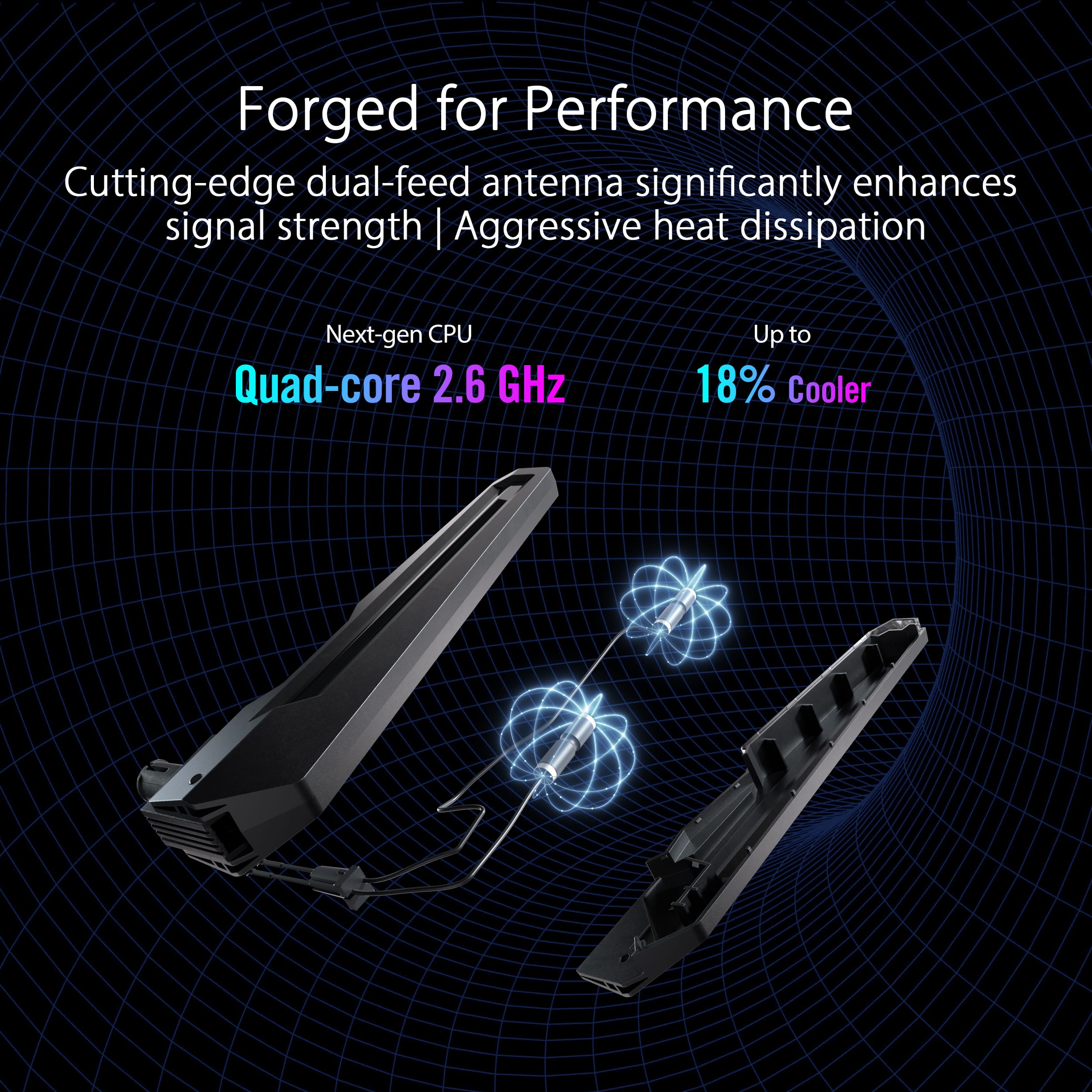
||Posted . Owned for less than 1 week when reviewed.This reviewer received promo considerations or sweepstakes entry for writing a review.This is the possibly the coolest router I have ever worked with, literally. It barely gets warm to the touch at all even under a heavy workload. The firmware is a little flaky, especially with the MLO, but it is definitely a great router despite the ridiculously high price.
I would recommend this to a friend Perfect!
||Posted . Owned for 2 months when reviewed.This reviewer received promo considerations or sweepstakes entry for writing a review.Works great! Actually can use all of my internet i pay for and easily use the AI mesh.
I would recommend this to a friend- Pros mentioned:Connectivity, Speed
Best router to date!
||Posted . Owned for 3 weeks when reviewed.This reviewer received promo considerations or sweepstakes entry for writing a review.Awesome router very fast and great connectivity! Easy setup!
I would recommend this to a friend - Pros mentioned:Overall performance
Good coverage
||Posted . Owned for 3 weeks when reviewed.This reviewer received promo considerations or sweepstakes entry for writing a review.Works pretty good after firmware update. WiFi coverage is better than the ax11000 upgraded from.
I would recommend this to a friend - Pros mentioned:Overall performance
Router of all routers
||Posted . Owned for 3 weeks when reviewed.This reviewer received promo considerations or sweepstakes entry for writing a review.Still do not understand all the features. It is amazing piece of technology. Really works
I would recommend this to a friend - Pros mentioned:Overall performance
Great Gaming Router
||Posted . Owned for 1 month when reviewed.This reviewer received promo considerations or sweepstakes entry for writing a review.So happy I purchased this. It works great. I would definitely recommend this gaming router.
I would recommend this to a friend - Pros mentioned:Connectivity
Beefy quadband for a WIFI GURU
||Posted .This reviewer received promo considerations or sweepstakes entry for writing a review.Powerful Quadband for a WIFI GURU who recently retired. He likes it very much! It is a beast rock solid stability and performance-wise.
I would recommend this to a friend Winderful
||Posted . Owned for 2 weeks when reviewed.This reviewer received promo considerations or sweepstakes entry for writing a review.Really great router. I set up my old asus as a mesh in my kids room. Bothvwork great.
I would recommend this to a friendGreat router
||Posted . Owned for 2 weeks when reviewed.This reviewer received promo considerations or sweepstakes entry for writing a review.No issues with this router at all and I use in a mesh system would recommend.
I would recommend this to a friend- Pros mentioned:Overall performance
Best Router around
||Posted .This reviewer received promo considerations or sweepstakes entry for writing a review.This thing is a beast of a power house of routers. It can handle everything I throw at it. I have over 60 devices connected to it without any issues!
I would recommend this to a friend