Customer Ratings & Reviews




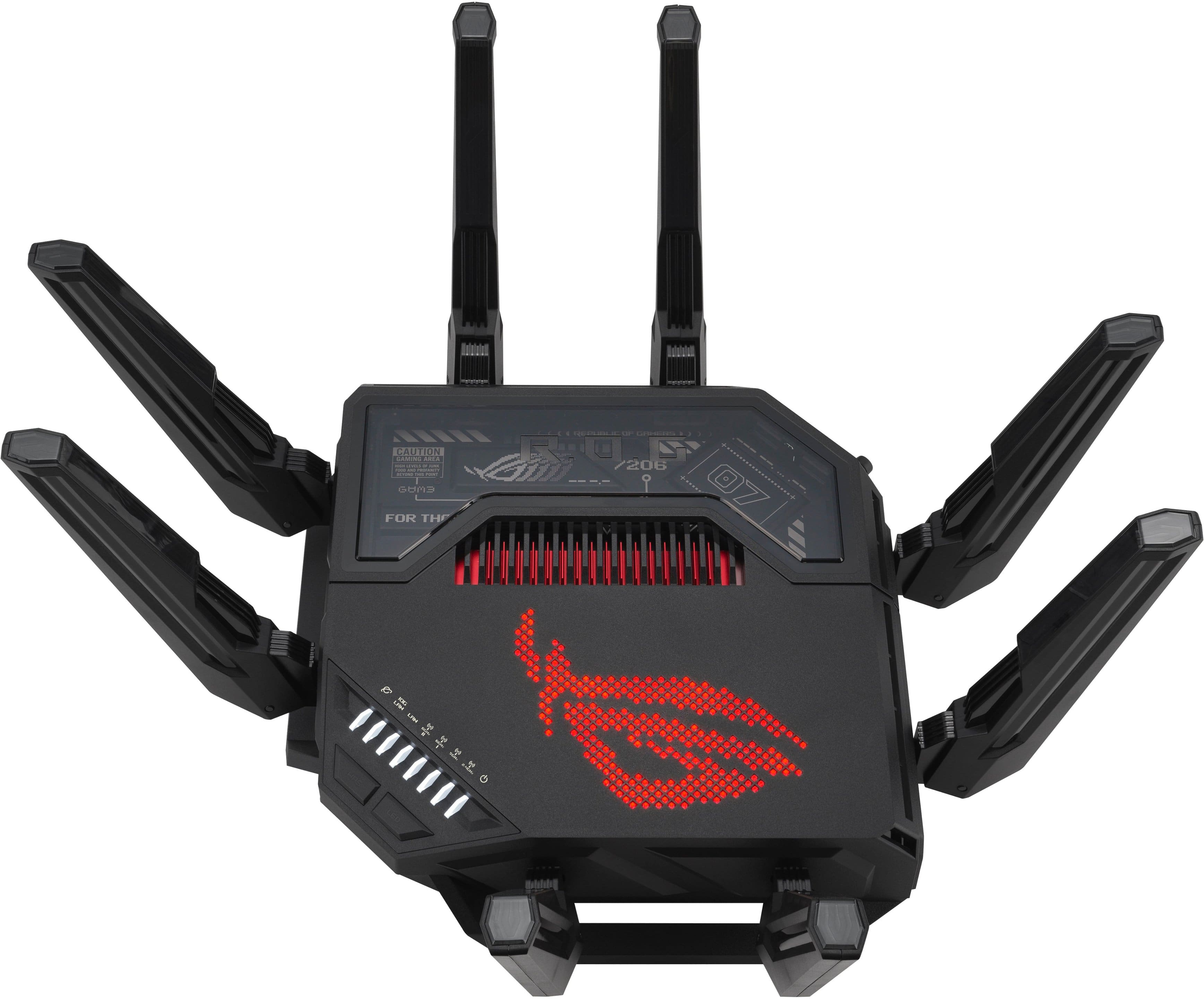
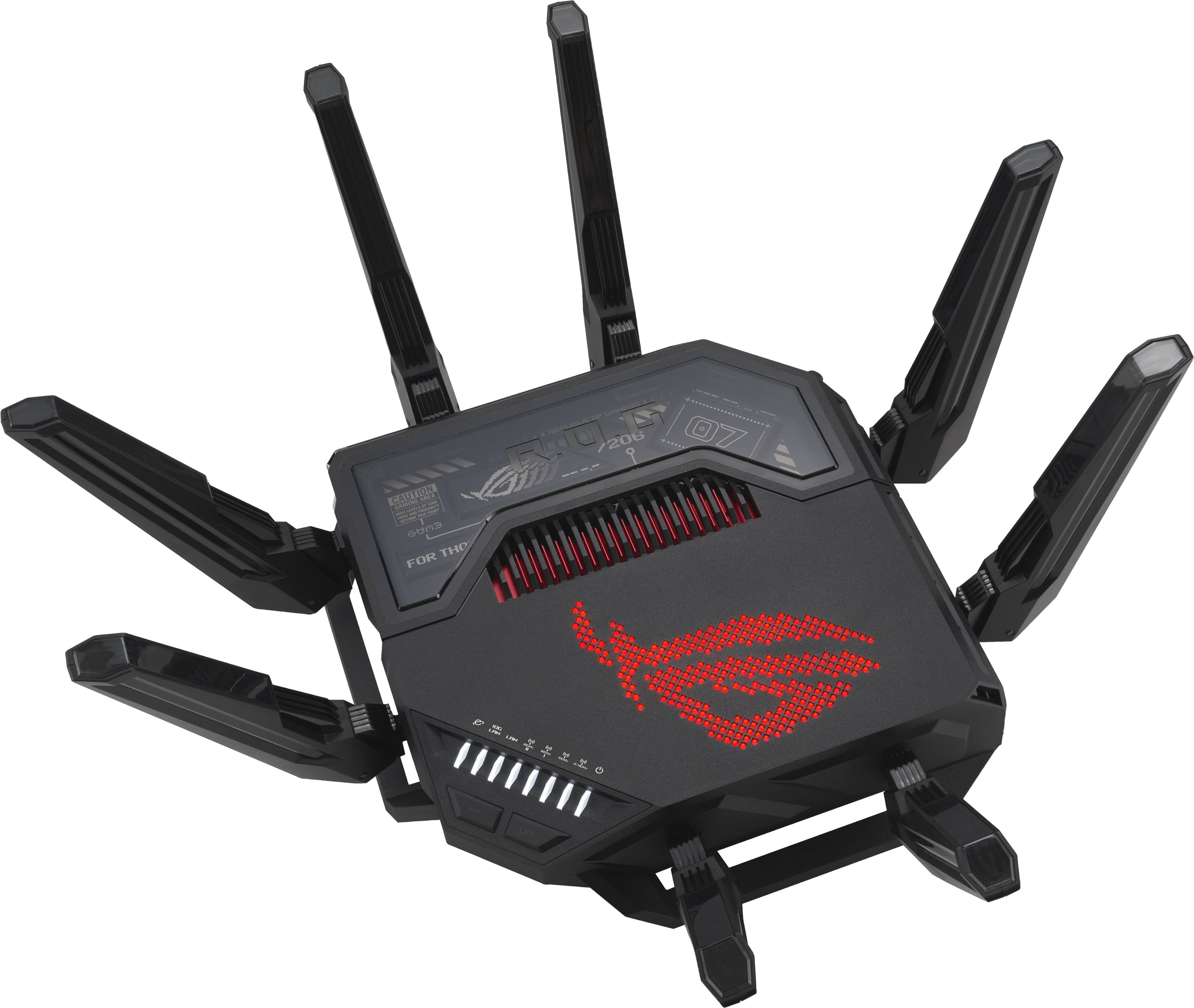
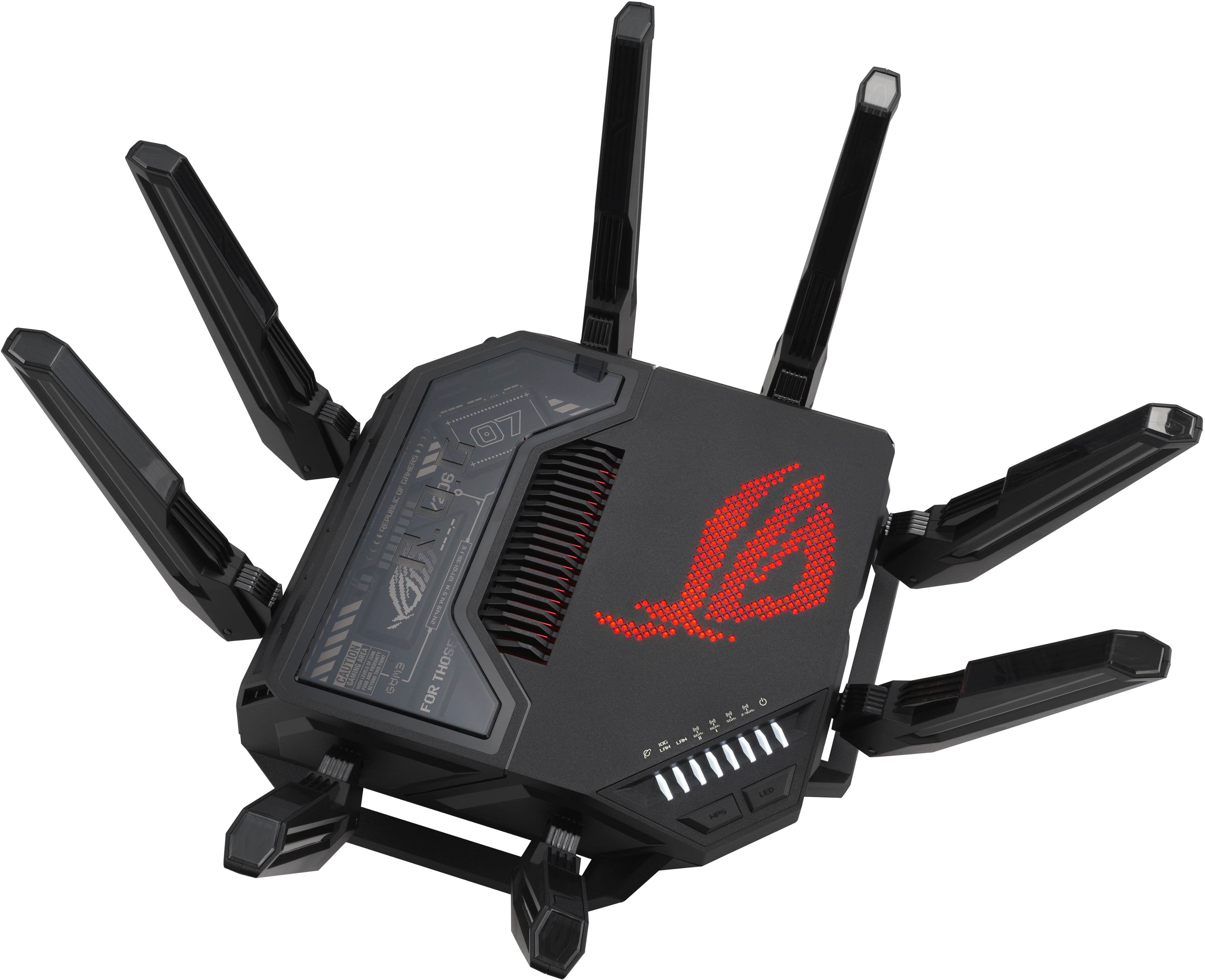
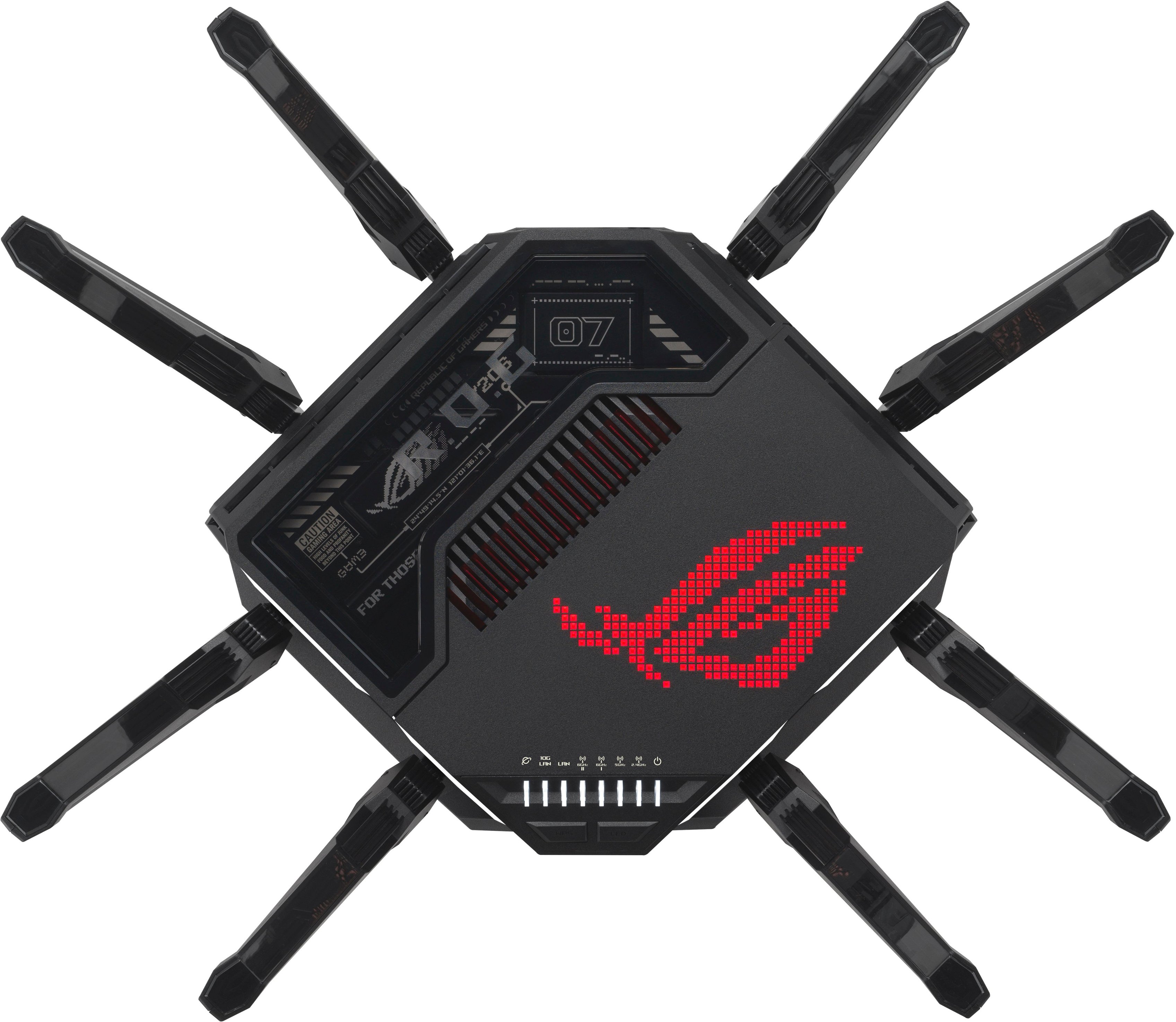

- Model:
- GT-BE98 PRO
- SKU:
- 6578391
Rating by feature
- Setup
Rating 4.7 out of 5 stars
- Range
Rating 4.6 out of 5 stars
- Signal Strength
Rating 4.7 out of 5 stars
Customers are saying
Customers are impressed with the ROG Rapture GT-BE98 Pro's speed and overall performance, with many reporting significant improvements. The router also receives positive feedback for its coverage, connectivity, signal strength, and range. Some users find the router to be large, and a few have noted that the firmware could be improved.
This summary was generated by AI based on customer reviews.
- Pros mentioned:Speed
Great router and upgrade!
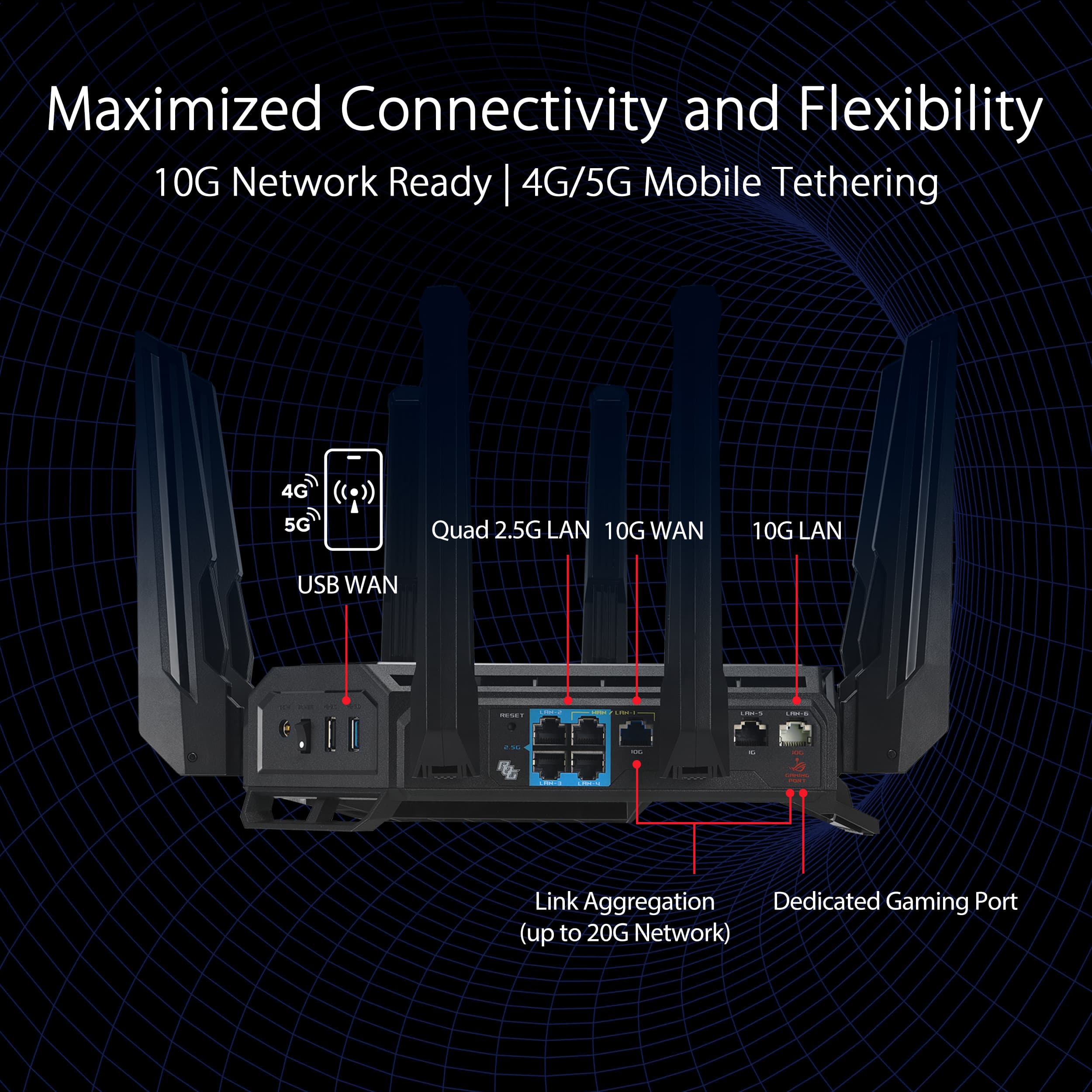
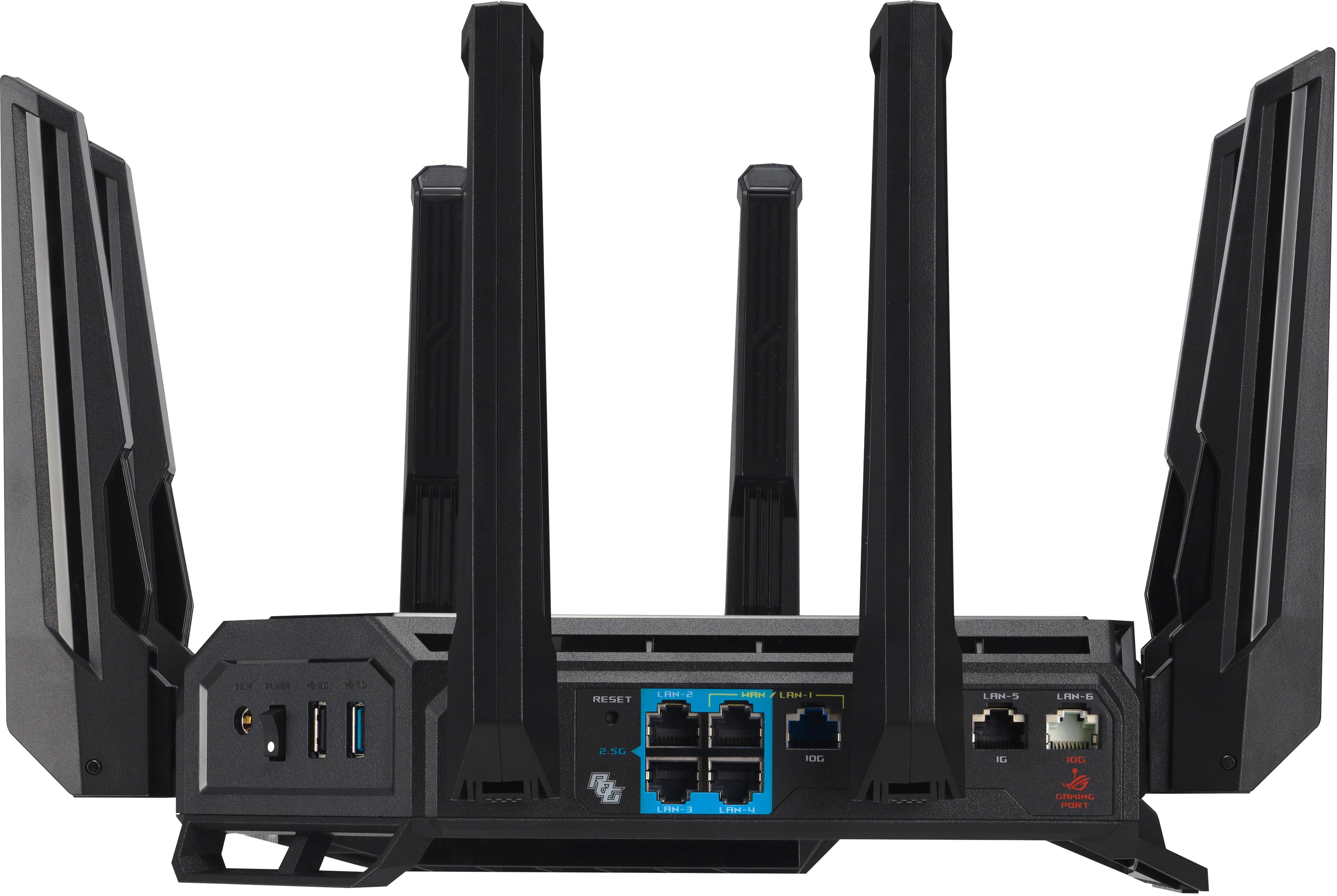
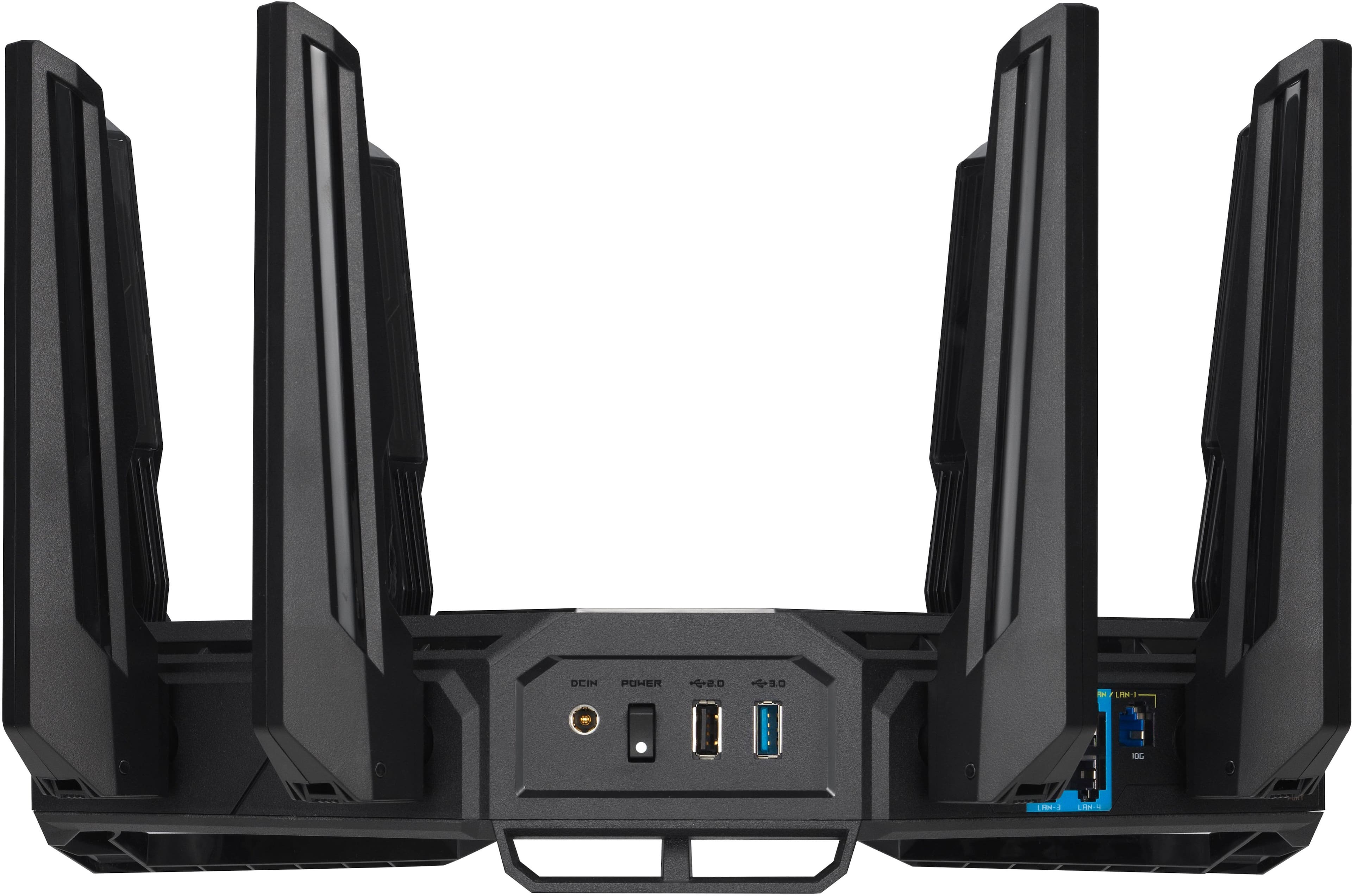
Posted .This reviewer received promo considerations or sweepstakes entry for writing a review.Replaced my asus gt axe-11,000 and definitely seen an improvement in overall network speeds for both wired and wireless. I have 1200 gig down and 35 up from xfinity here in atlanta. The router is getting approximately 1500 gig on the download and 40-45 mbps upload. My current setup is an arris s33 connected to the 98 pro via the 2.5 gb wan/lan port. I then have all my enter center devices wired into a 2.5 gb switch which connects back into one of the 2.5 gig lan ports on the 98 pro. My synology DS923+ is connected via a 10 gbe ethernet port into one one the 98 pro’s 10 gb ports. My macbook pro which I usually dock is connected via wired 2.5 gb and I’ll typically get 2.2 gig on the download. When on wifi my macbook will get 1 gig on the download. I then setup my old axe 11,000 as a mesh node via a moca adaptor. All devices are getting the max wifi speeds. Speed tests were tested with the on board router speed test under “QoS” in the router settings, speedtest.net, and fast.com.
I would recommend this to a friend - Pros mentioned:Connectivity
Recommended Buy!
Posted .This reviewer received promo considerations or sweepstakes entry for writing a review.Amazing router. Keeps connection to all my devices, even the ones downstairs furthest away from it.
I would recommend this to a friend - Pros mentioned:Connectivity
Love it!
Posted .This reviewer received promo considerations or sweepstakes entry for writing a review.This router has incredible throughput allowing 3 of us in the house to play intensive games all at the same time. The price is crazy high but worth it in the end to not have lag, zero percent lost packets and low latency.
I would recommend this to a friend Buy it!
Posted .This reviewer received promo considerations or sweepstakes entry for writing a review.Awesome router. Speeds are much faster than the ax10000 and all devices connect without issue. Previous router kept failing to keep connection of devices to internet
I would recommend this to a friendPaid 1 Star reviewers
Posted .This reviewer received promo considerations or sweepstakes entry for writing a review.Dont bother with reading the 1 Star reviews. These are paid actors. The router works as intended. I gave it 4Stars because of the greedy price but other than that i got no complains.
I would recommend this to a friendREAD BEFORE BUY
Posted .This reviewer received promo considerations or sweepstakes entry for writing a review.1) ASUS DO NOT MENTION OS VERSION. UNSTABLE OS SOFTWARE , NEVER UPDATE IT FEATURES. DO NOT WORK. FOR INSTANCE FTP HAS BUG, AICLOUD HAS BUG AND PARENTAL CONTROL AS WELL AND OTHERS FEATURES TOO. 2) NEVER MENTION USB SPEED. SUPER SLOW USB SPEED DATA TRANSFER. ALL ROUTERS HAVE UNSTABLE WIFI CONNECTION. 2GB OF MEMORY WOW SUPER LOW ON MEMORY AND MEMORY SPEED SHOULD BE DD5. YOU WILL ALWAYS SUFFER FROM ROUTER AUTO REBOOTING AND DISCONNECTION. REMEMBER WHEN A COMPUTER IS LOW ON MEMORY IT WILL FREEZE AND DO OTHE BAD BEHAVIOR THE SAME HAPPENS WITH ALL THESE WIFI ROUTERS. THEY ARE CHEATING ON THE CUSTOMER FOR SELLING SOMETHING THAT DO NOT WORK CORRECTLY. IF YOU WANT TRY IT AND YOU WILL SEE. 3) CUSTOMER SUPPORT DOES NOT HELP AT ALL. YOU ARE ON YOUR ON. 4) NEED BETTER SECURITY LIKE DEVICE CONNECTION 2 FACTOR AUTHENTICATION
No, I would not recommend this to a friendBrand response from ASUS Answers
Posted .Dear Valued Customer,
We do understand your disappointment if you are experiencing stability and slow speed or performance issue with the router.
To resolve the issues, please verify devices connecting to the router are working properly and within range to the router, the router is within 30 feet to the ISP's modem, if not wired by a network cable, and ISP's internet service or connection is working properly or stable. When the internet speed slows down, how many devices are accessing the internet? Usually, most ISP will throttle down speed or connection becomes unstable when more than 5 devices are accessing internet simultaneously. How far is the router from the ISP's modem? What is the router's LED color and the status light on the ISP's modem when internet speed slows down? Firmware updates are only available if a known issues do exist with the router. For the latest firmware version, please check at: https://rog.asus.com/us/networking/rog-rapture-gt-be98-pro/helpdesk_bios/.
If you need further assistance, please email me at cl-rodel@asus.com and I will be more than happy to help. Or, you are most welcome to call Product Support Hotline at: 1(888) 678-3688. Also, you can chat with an ASUS live support agent from the link: https://www.asus.com/us/support/article/1135/.
Thank you for choosing an ASUS product.
Regards,
Rodel
ASUS Customer Loyalty
Number of connected devices is 200?
Posted .This reviewer received promo considerations or sweepstakes entry for writing a review.Number of connected devices is 200? Where does that information come from? Asus does not include that information in their documentation. Please provide basis and I will update or remove this review.
I would recommend this to a friendBest of the best
Posted .This reviewer received promo considerations or sweepstakes entry for writing a review.This router is arguably the best router you can get. It has all the bells and whistles you can find and massively fast ethernet ports. I was getting the fastest speeds I evet had in my 3 story townhome on all floors. It’s definitely overkill but if you want the best this is it.
I would recommend this to a friendAbsoulute trash out of the box.
Posted .This reviewer received promo considerations or sweepstakes entry for writing a review.Just bought online with my wifes account and picked it up at our local Best Buy. Bring it home and start setting it up. I am following the directions word for word, and there is no signal to the WAN/LAN 10G port specified in the directions. I tried everything, including a hard reset, and still nothing. I even took the ethernet cable and plugged it into my old router, and the signal is just fine. Plug it back into the Asus router and no signal. I messed around with the thing for a couple of hours and can't get it to work. Should be plugged and played, but it's not. There has to be faulty firmware from the factory. Asus needs to test their products better before shipping because stuff like this should never happen, especially when customers are shelling out this much money for a product like this. This product will be going back to the store.
No, I would not recommend this to a friendBrand response from ASUS Answers
Posted .Dear Callis87,
Thank you for reaching out.
We do understand your disappointment with the product and the inconvenience this may have caused if you are unable to establish an internet connection. All routers are not plug and play, you still need to configure the security credentials. To resolve this issue, check if the router's security credentials matches with your ISP's modem/gateway. Additionally, check if the PC or device connecting to the router is working properly and within range to the router. Furthermore, if you are connecting legacy devices, these may not work properly with WIFI07, please check updates for these devices. Also, try connecting this manually to either 2.4GHz or 5GHz. Also, we recommend updating the Mesh router firmware if it is running with an older version. Firmware is available for download at: https://rog.asus.com/networking/rog-rapture-gt-be98-pro/helpdesk_bios/. Should you need further assistance with the product, please email me at cl-rodel@asus.com and I would be more than happy to help. Or, you are most welcome to call Product Support Hotline at: 1(888) 678-3688. Also, you can chat with an ASUS live support agent from the link: https://www.asus.com/us/support/article/1135/.
Thank you for choosing an ASUS product.
Regards,
Rodel
ASUS Customer Loyalty