Customer Ratings & Reviews

- Model:
- XG27UCSR
- SKU:
- 6668646
to a friend
Customers are saying
Customers often highlight the impressive 160 Hz refresh rate and excellent build quality of the product. Many also appreciate its brightness, versatile connectivity, flawless performance, and 4K resolution, which enhances movie content and offers HDR gaming. However, a common concern is that the black levels do not achieve true depth, appearing more gray.
This summary was generated by AI based on customer reviews.
- Pros mentioned:Build quality, Performance, Refresh rate

Perfect for work and play
|Posted .This reviewer received promo considerations or sweepstakes entry for writing a review.I really like this monitor especially for gaming. I feel like it's got the best of both worlds with the super high refresh rate at 4k and a ludicrous refresh rate, if you just want to game in HD which I am fine with. The build quality is really good and I'm amazed what you can get for your dollar these days. I don't mind that it's an IPS LCD panel and not an OLED display because I wouldn't want to risk the burn in with the static images like scoreboards, or static character status that stays on the screen. If they stay on long enough, you will get burn in. And I know o l e d's have gotten better, but theyre not fool proof yet and gaming risks the most for possible burn in. The refresh rate makes gaming buttery smooth and almost uncanny. It makes my games feel responsive and perfectly immersive with no stutters to take you out of your suspension of disbelief while playing. I appreciate the vertical viewing adjustability and sturdy desk stand that keeps it rock solid on my standing desk. The monitor is perfect for work as well and double duties as such for me.
I would recommend this to a friend - Pros mentioned:Brightness, Build quality, Connectivity
High end monitor
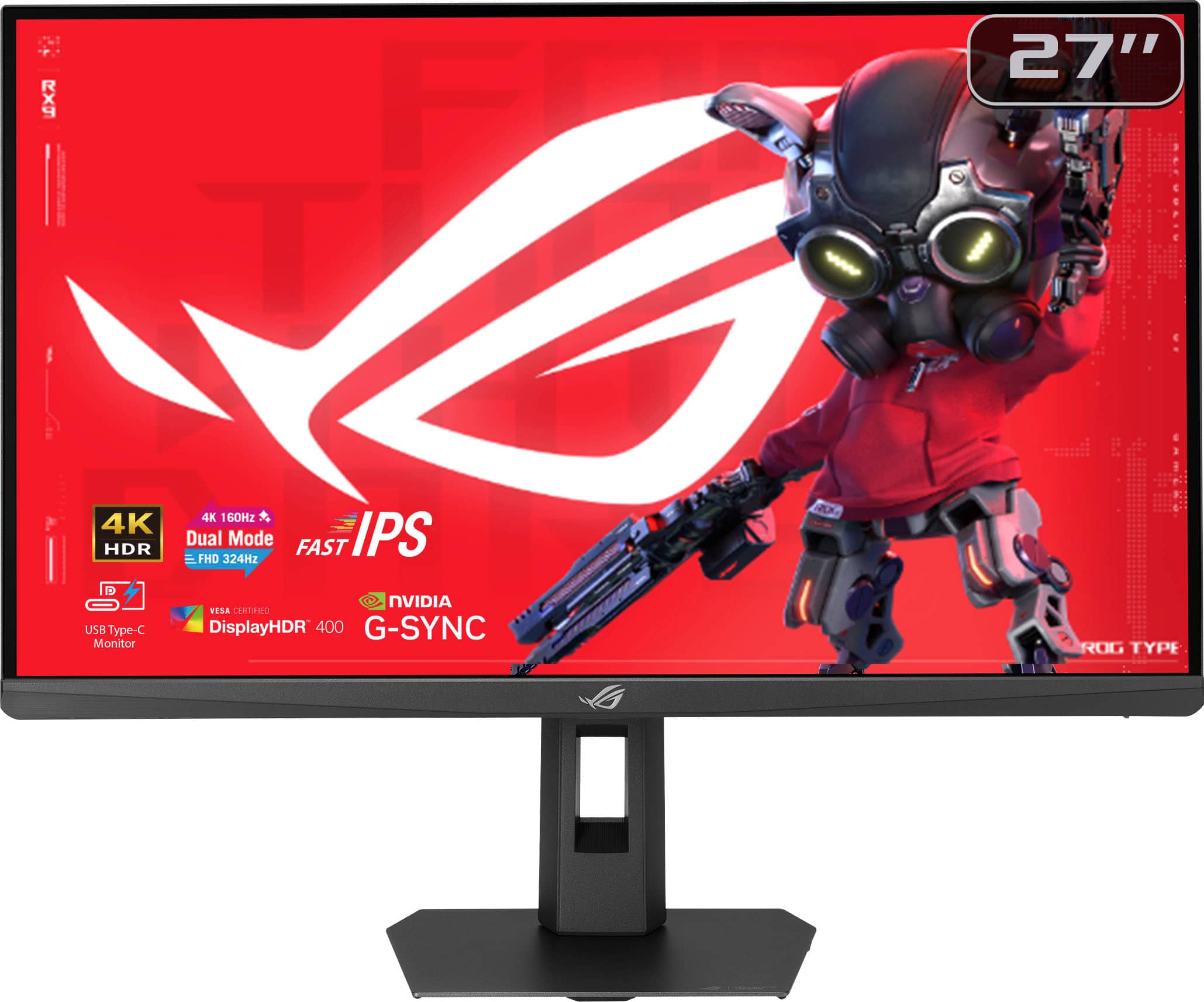
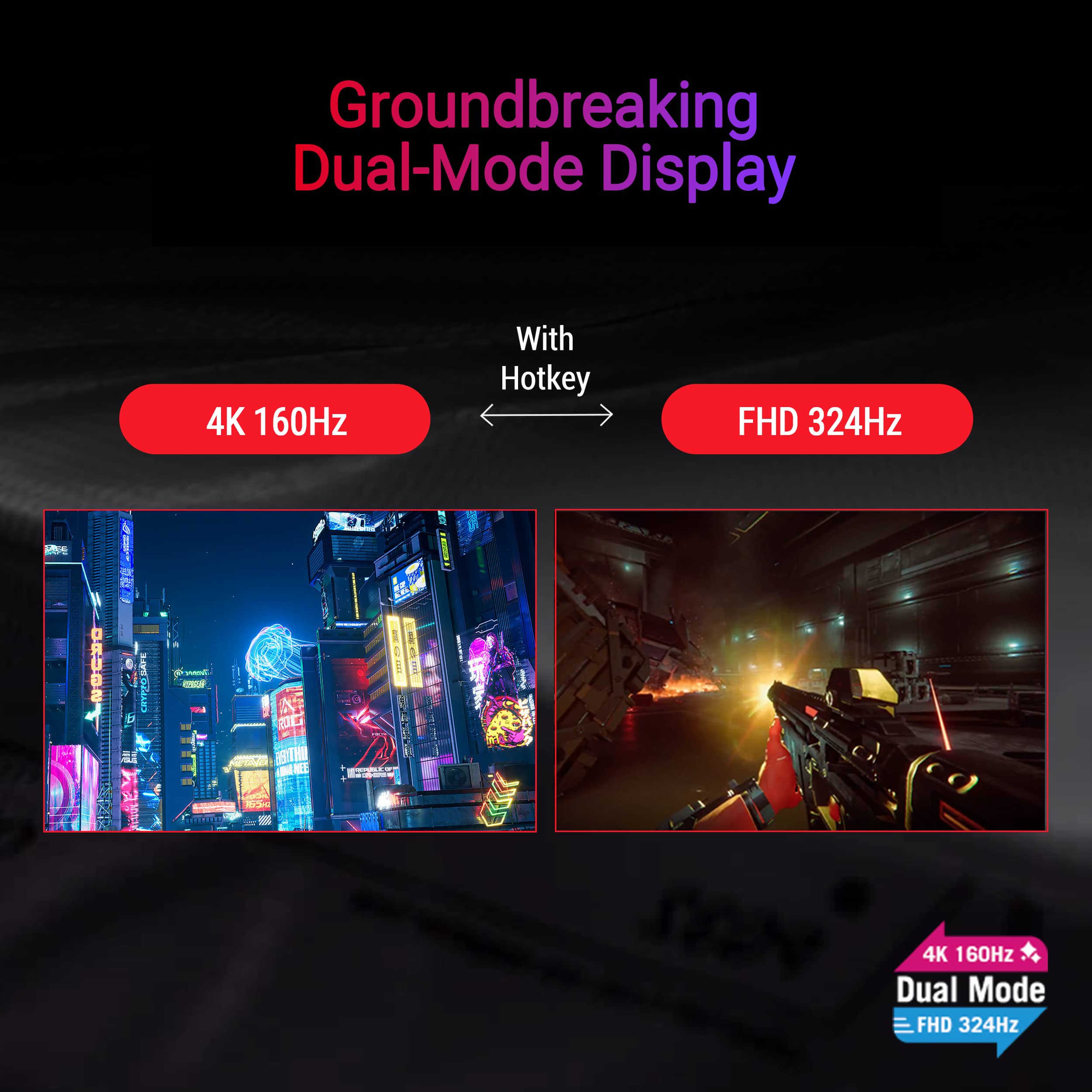
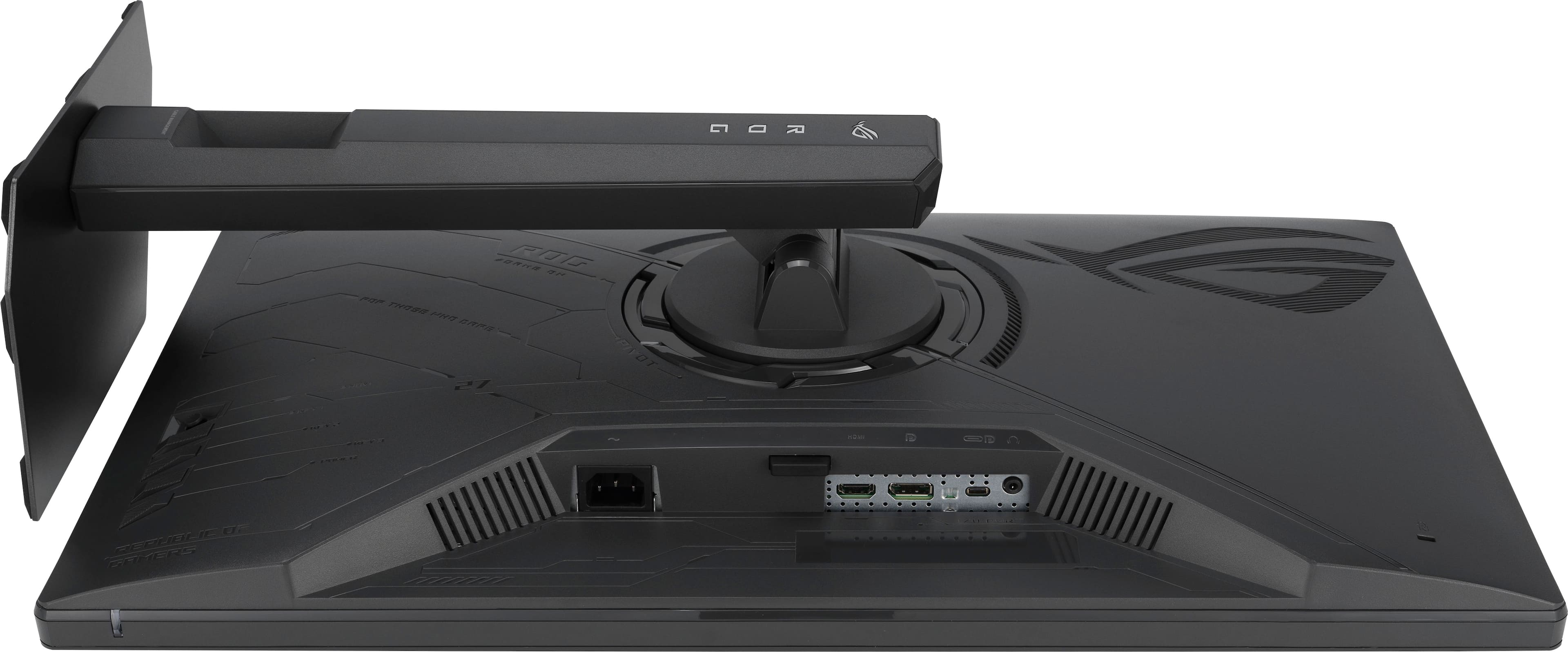
|Posted .This reviewer received promo considerations or sweepstakes entry for writing a review.The ASUS ROG Strix 27" Dual Mode is a great monitor for competitive gaming and digital media with a lot of great and amazing features. I really like the fact that this comes with a DisplayPort, an HDMI 2.1 port, and also a USB-C port for connecting to other devices. Secondly, the ability to switch from 4K to 1080p with a push of a button is so nice. I can go from editing videos or watching a movie to playing CS2 easily. I love the brightness of this monitor too. On Starfield, I felt like I was actually looking at the Sun. Now of course it’s not blindingly bright but for a monitor it's still amazing. There are some downsides of course. The local dimming zones aren’t exactly the best but maybe with some tweaking around in the software that could improve. Ergonomically, I like that it doesn't take up a lot of space for a 27 inch monitor and the build is very sturdy. Overall, I am very impressed with the quality of this ASUS dual mode monitor. If you’re in need for a dual use monitor for a high end rig, I would highly recommend this ASUS monitor!
I would recommend this to a friend - Pros mentioned:Brightness, Build quality, Performance
Great monitor and perfect addition to my setup!
|Posted .This reviewer received promo considerations or sweepstakes entry for writing a review.This was packaged perfectly and was super easy and fast to put screen onto the stand. Hooked everything up and turned it on started trying it out. 4k color was great and bright, and the price point is a great deal for this size for this quality of monitor. I've tried the DisplayPort and HDMI and both give great performance and are very smooth with no fading and super quick response. Every game I've played on it the monitor has performed flawlessly with 0 issues. Blacks are dark and the bright are bright. I've also started trying this out as an additional work monitor and I've been very happy with it as an additional screen for my MacBook, text quality is clear, brightness is fantastic, . Display is super clear and crisp and I'm impressed at the build quality of this for the price. I see myself keeping this at my desk for dual use-work and play! Ill keep using it primarily for my gaming setup and also keep it on my desk for an additional screen for my work day and use it full time for both since it performs so well!
I would recommend this to a friend - Pros mentioned:BrightnessCons mentioned:Black levels
Balanced and practical 4K monitor
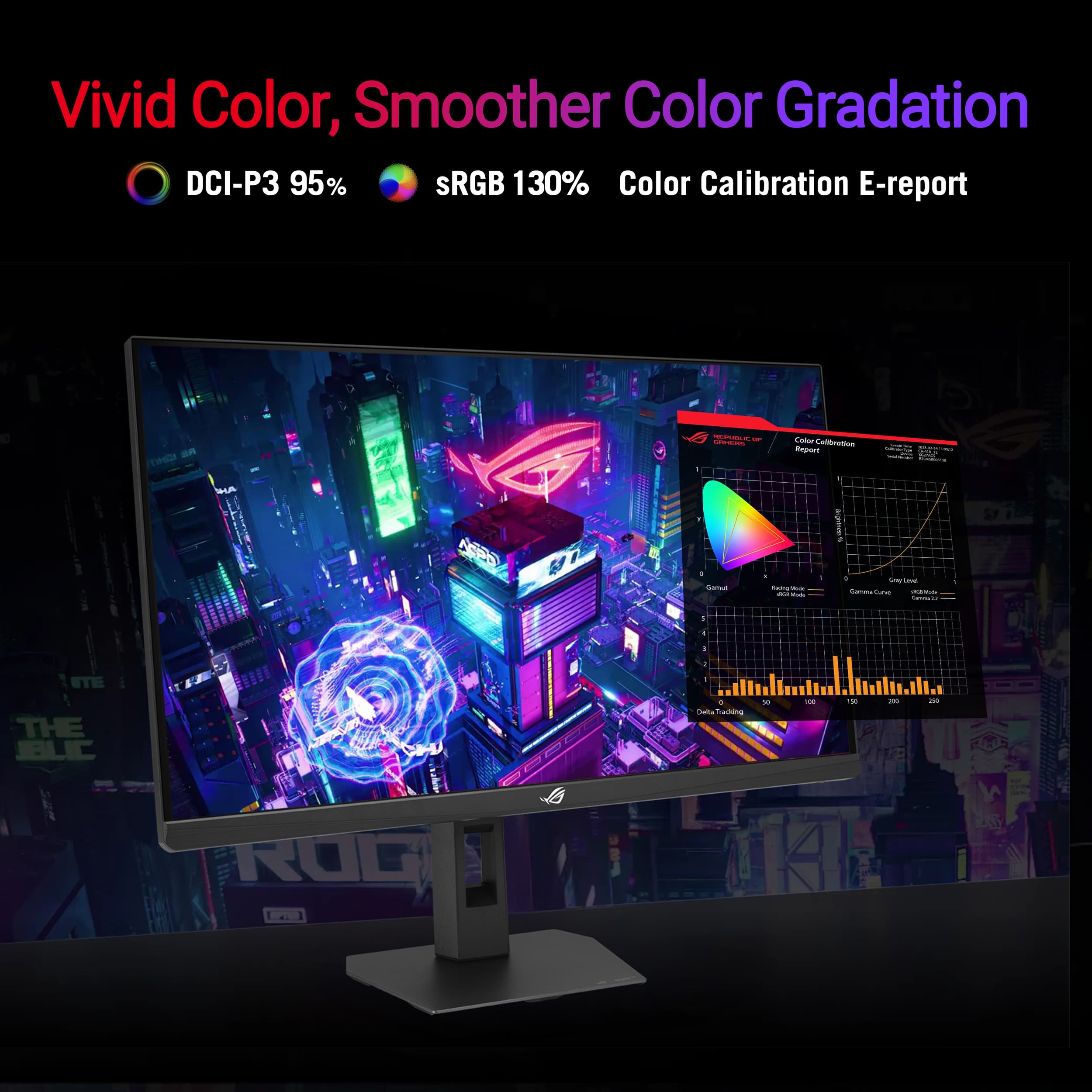
|Posted .This reviewer received promo considerations or sweepstakes entry for writing a review.The ASUS ROG Strix XG27 is one of those monitors that makes a strong first impression not by trying to compete directly with OLED, but by leaning into what a well-tuned 4K IPS panel can do in a real-world setup. After spending time with it, the overall experience feels balanced and practical, especially for someone who splits time between productivity and gaming. It does not feel overly flashy or experimental. Instead, it comes across as a monitor that is trying to quietly do a lot of things well at a reasonable price. Rating is closer to 4.5 stars, for reference. Use case and room placement may be the biggest factor in if this is the right monitor for you. Build quality lands in a solid but unremarkable place. It feels sturdy enough on the desk, and the stand does its job without issue, but it does not quite deliver the premium feel you might expect at this price point. The matte screen finish is a definite plus and plays a big role in everyday usability, especially in brighter environments. It cuts reflections effectively without introducing any noticeable grain or haze, which helps the image stay clean and easy to work with for long periods. Where the monitor starts to separate itself a bit is in color performance. Colors come across as accurate and well-balanced right out of the box, and in a mixed lighting environment, they can actually look more natural than some OLED panels. That might sound counterintuitive, but it aligns with how IPS panels handle brightness and color consistency in real spaces. There is a clarity and neutrality to the image that makes it feel dependable whether you are editing, browsing, or gaming. It does not have the exaggerated pop that some displays push, but it feels honest, which is often more useful day to day. Sharpness in 4K is another highlight and likely the reason it makes sense to stay in that mode for most use cases. Text and UI elements look crisp, and the overall desktop experience feels refined. There is, however, a slight fringe or softness on text that becomes noticeable if you are paying close attention. It is not severe enough to disrupt normal use, but it is there, and once you see it, it is hard to completely ignore. This seems to be a minor processing or scaling quirk rather than a fundamental flaw, but it does stand out given how sharp everything else looks. The biggest drawback, and the one that shows up immediately if you have used OLED, is contrast and black levels. This is where the limitations of IPS are fully exposed. Blacks do not reach true depth and instead appear more gray, particularly in darker rooms or high contrast scenes. HDR support does little to change that, so while the image is bright and colorful, it lacks the sense of depth and richness that OLED or strong Mini LED panels can provide. This ends up being the defining tradeoff of the monitor. They’re passable here, but this is the biggest shortcoming of this monitor to me. Viewing angles are generally good and consistent with what you would expect from IPS. Colors and brightness hold up well even when viewed slightly off center, making it comfortable for shared viewing or multi-position setups. There is some minor washout at more extreme angles, but nothing that feels out of the ordinary for this type of panel. The dual mode feature is one of the more interesting aspects on paper, allowing you to switch between 4K and a high refresh 1080p mode. In practice, it works as advertised and can be useful for competitive gaming, but it does not feel like something you will use regularly unless that is a specific priority. The 1080p mode introduces a bit of softness due to scaling, and the overall experience just feels less refined compared to native 4K. It ends up being a nice option to have rather than a core part of the experience. Taking everything together, the XG27feels like a monitor that excels in everyday usability while making a few clear compromises. It delivers strong color accuracy, a clean matte presentation, and excellent 4K sharpness that make it easy to recommend for mixed use. At the same time, the weaker contrast and slight text fringing keep it from feeling truly high-end. It is a very capable all-around display that performs best in well-lit environments and productivity-focused setups, but it will not fully satisfy someone chasing the depth and visual impact of OLED.
I would recommend this to a friend - Pros mentioned:Connectivity
Excellent Monitor
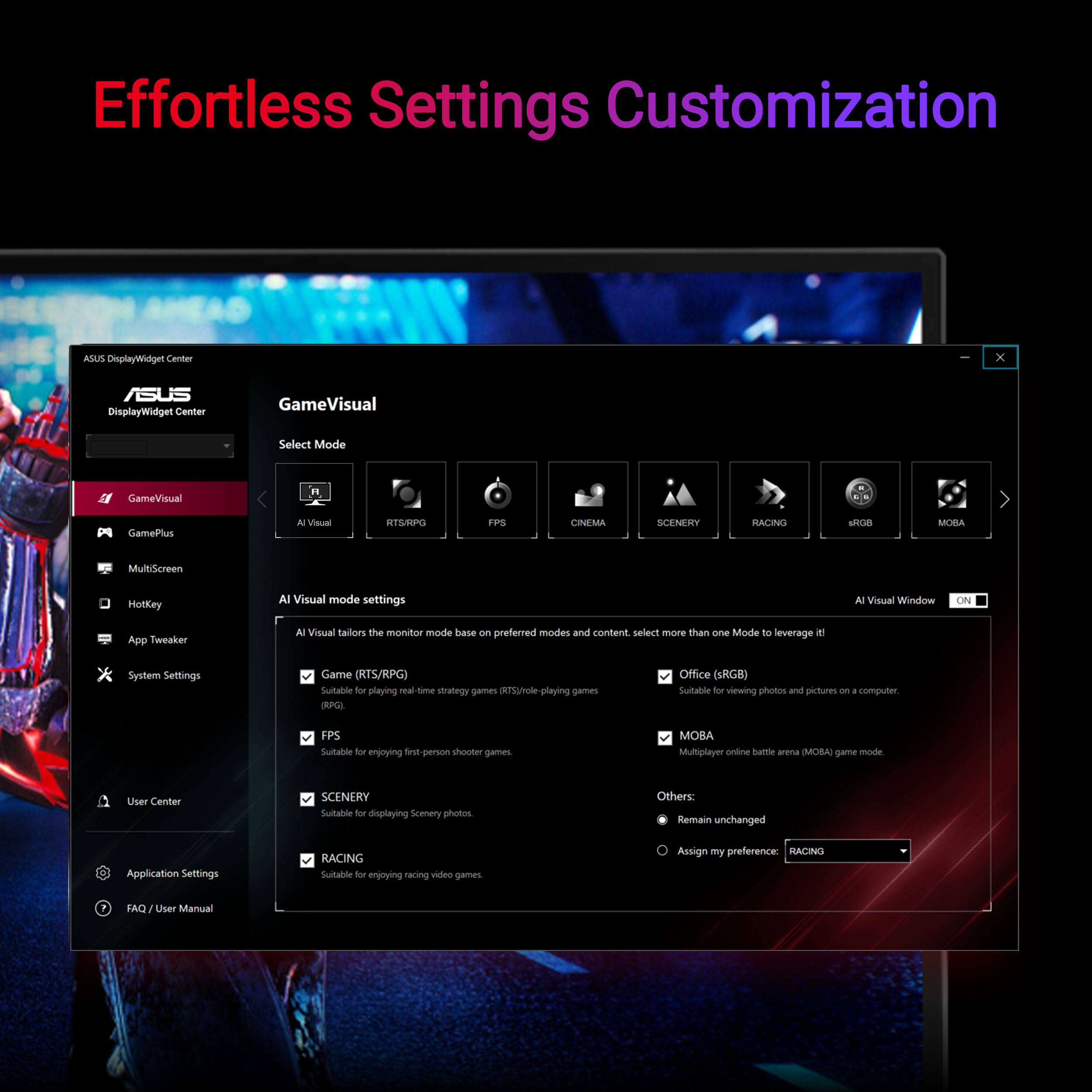
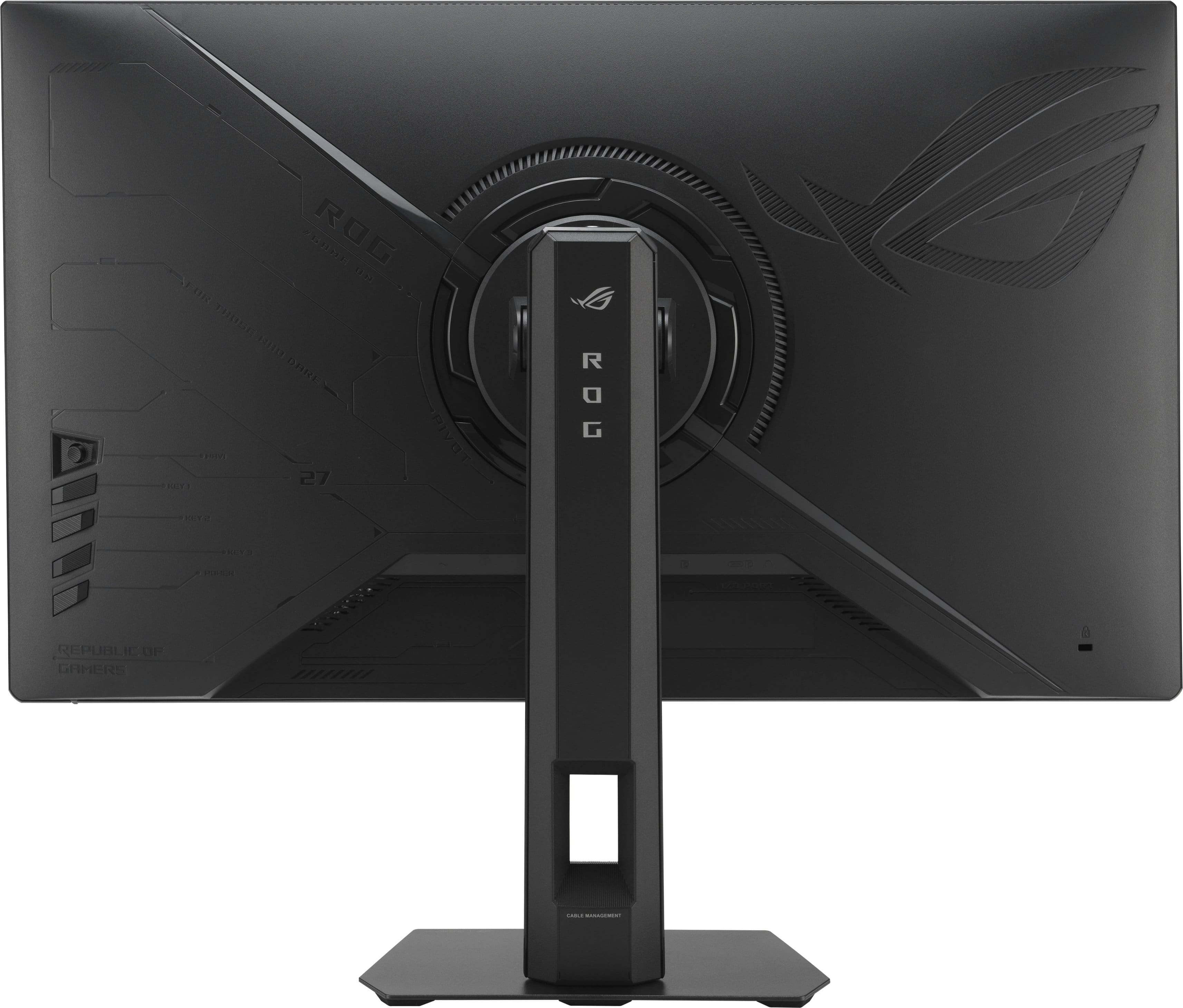
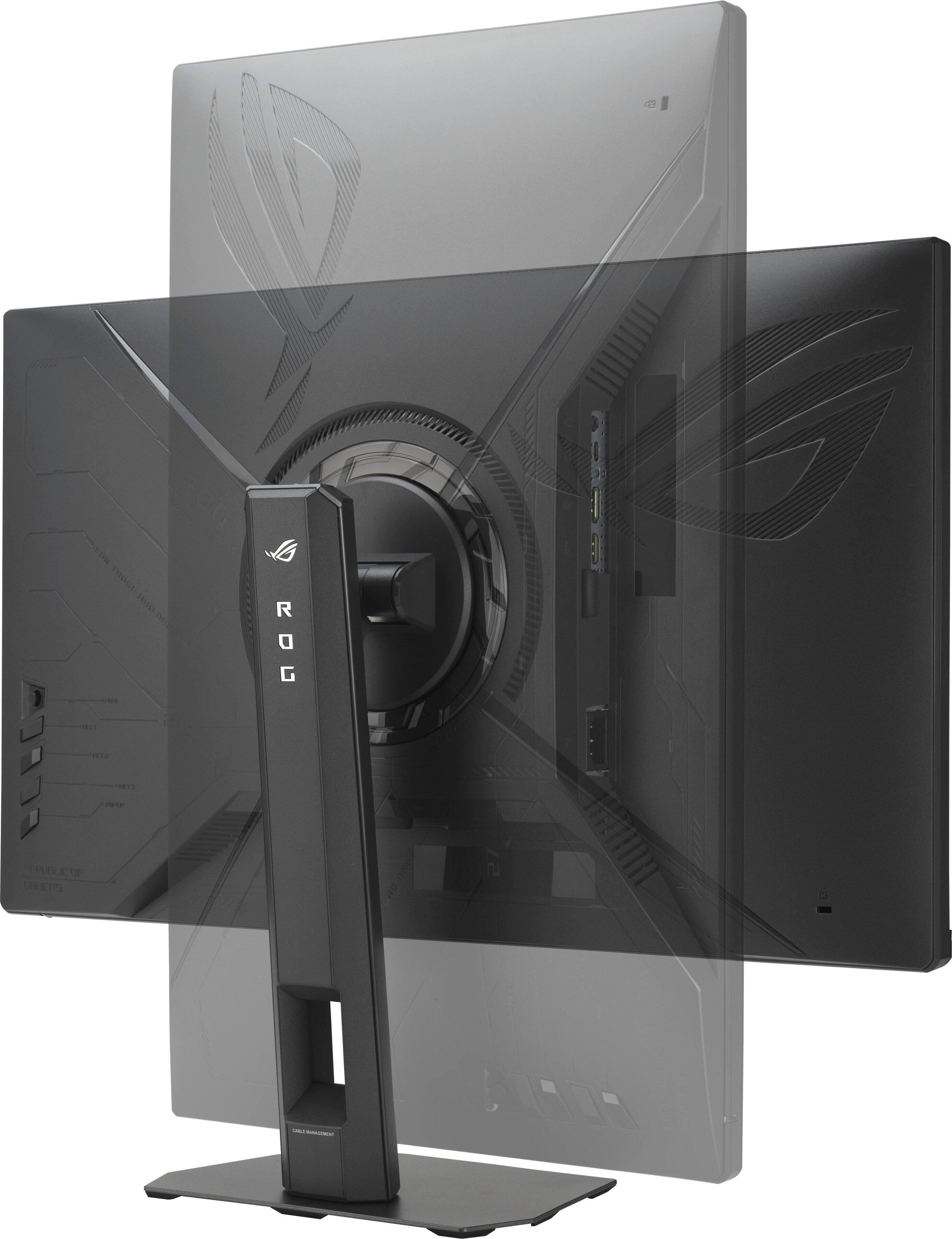
|Posted .This reviewer received promo considerations or sweepstakes entry for writing a review.Very few reviews point these things out, so I am going to start off with the controls. They are on the right side of the monitor. This important to know if you are planning a multi-monitor setup. While the Display Widget Center allows you to make changes, I often forget the software is there. Using the physical buttons are consistent. They have a good feel and are easy to navigate. The key fact, they are on the right side of the monitor, not under the monitor. This will force this monitor into being a right hand side of your viewing setup. Just something that is important to note. I really appreciate the effort that has been put in to make the assembly of this monitor very easy. The adjustments of the monitor from landscape to portrait is well done. Too many monitors you have to tilt the screen to rotate to portrait mode. Little things like this show the attention to detail Asus has shown with the Strix line. The screen is gorgeous and has excellent response rates. You have 3 options to connect to the monitor. DP, HDMI and USB C. I tested the USB C with my phone and it worked really well. I was able to use desktop mode on my phone with no issues. The monitor really shines in the gaming department. Dropping to 1080 is not bad with the enhanced refresh rate. However, I only found one game that that really made a difference with. I don't blame the monitor, more likely than not it is my game catalog. Overall, this is a great monitor. The controls on the right is the only warning I would give if you are doing multimonitor setup.
I would recommend this to a friend - Pros mentioned:Brightness, Refresh rate
Versatile for Gamers and Reasonably Priced
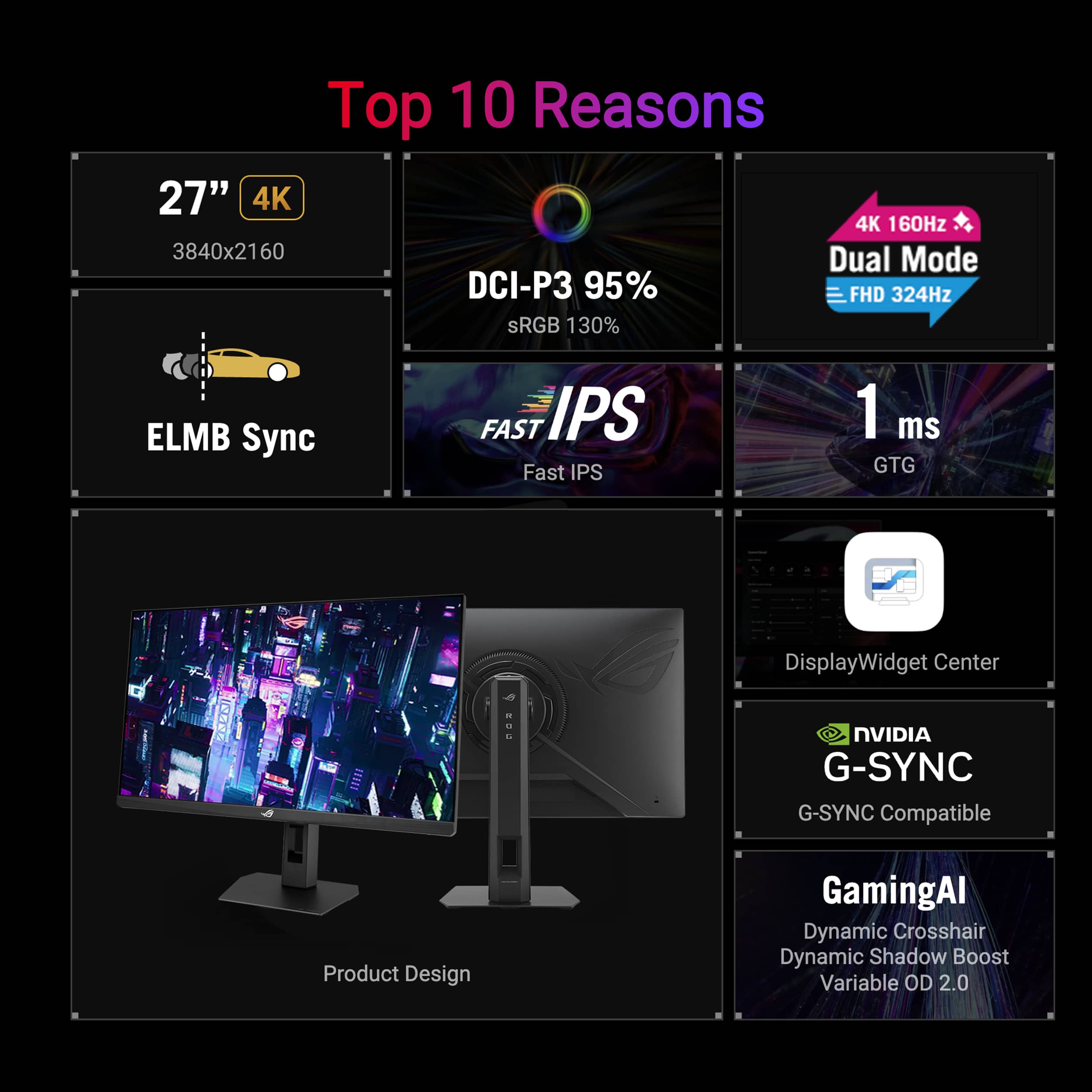
|Posted .This reviewer received promo considerations or sweepstakes entry for writing a review.The ASUS ROG STRIX XG27UCSR is a high quality, 27 inch dual mode monitor that is great for gaming and also for general purpose use. I have used several high quality monitors over the years but they have either been high resolution (i.e. 4K) or high refresh rate. The ROG STRIX XG27UCSR is a dual mode monitor that allows me to easily switch with a hotkey between 4K with a 160Hz refresh rate to 1080p mode with a refresh rate of 324Hz. This allows me to play AAA first person shooters like Counter Strike 2 and more visual RPGs with my RTX5080 at their best. Although the panel is not OLED, it is a bright and crisp fast IPS display with a response time of 0.3ms minimum and a typical brightness of 350 nits and a HDR peak brightness of 500 nits. It also handles motion well utilizing Extreme Low Motion Blur (ELMB) and Variable Refresh Rate (VRR) to eliminate ghosting and tearing. For those using consoles, in addition to working with a PC, it also is console ready. In summary, I highly recommend the STRIX XG27UCSR to anyone who wants to get the most out of first person shooters and RPG games on a single monitor. Although it is not OLED, at its current price point, there is no other monitor with its flexibility.
I would recommend this to a friend - Pros mentioned:Build quality
Really good - almost great
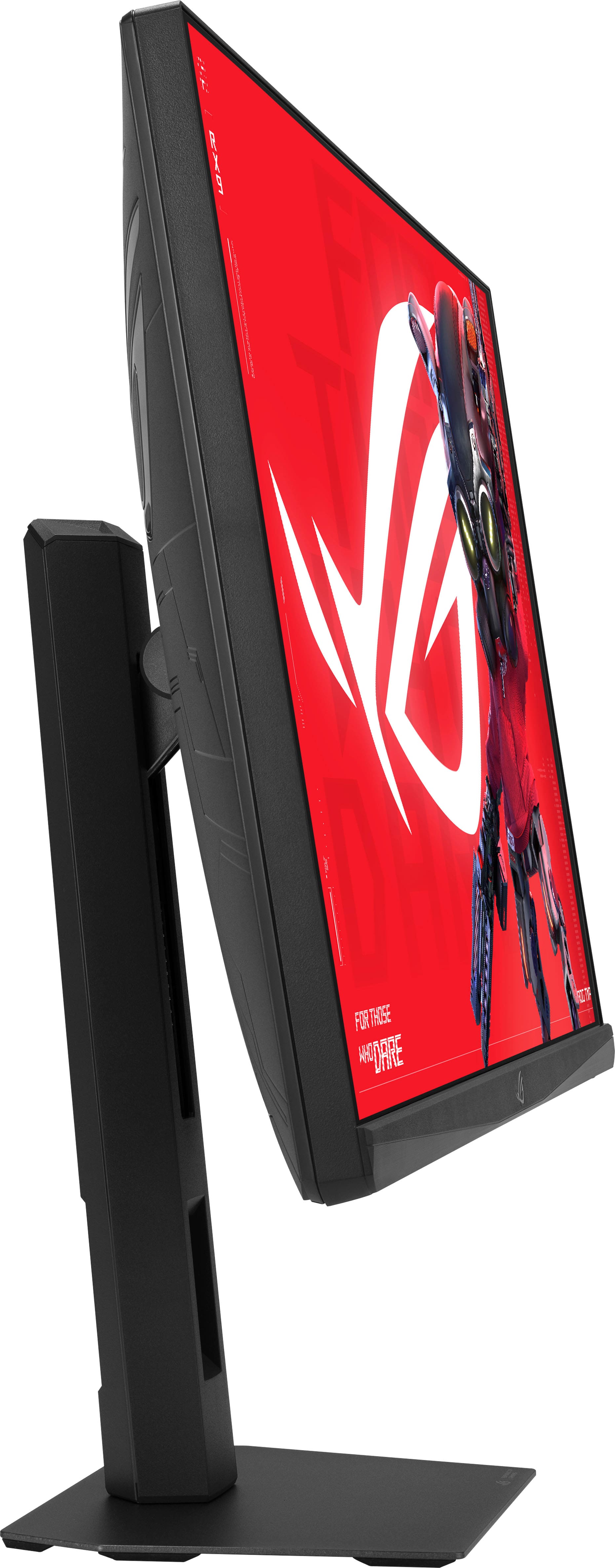
|Posted .This reviewer received promo considerations or sweepstakes entry for writing a review.Overall – This is a really solid gaming monitor with a lot of flexibility. The dual-mode is the standout feature and works great – for me, using it as a gaming and then everyday use – saving some desktop space. Picture quality is exactly what I would expect from a premium monitor. The biggest drawback for me is the lack of HDMI ports — only having one makes it tough if you want multiple devices connected at the same time. The USB-C and DisplayPort are great, but 2 HDMI would have been nice. Packaging – The unit is packaged very well. Everything was protected, and there was no damage during shipping. While the box was bigger than it seemed to be needed, ASUS keeps things simple and organized. One note — like most monitors, it’s easier if you lay the box flat when removing and assembling. Assembly – Assembly is quick and easy. No tools required, and everything locks into place securely. The stand attaches fast and feels solid once assembled. From the box to the desk only takes a few minutes. Touch and feel – This has the typical ASUS gaming look. Build quality feels solid, and the stand is sturdy on the desk. The monitor has height, tilt, and swivel adjustments so it’s easy to get it positioned where you want it. Side bezels are thin, so I could see using them in a dual monitor setup. Setup & Functionality – Setup was straightforward, and inputs were recognized without any issues. The dual-mode feature is really the highlight here. Being able to switch was a real plus. That said, not sure if you already have multiple monitors, but if it's a great benefit, as I said earlier, if you're new and looking to save desktop space, it would be great. Motion is extremely smooth, and I noticed no lag or jitter even when flipping between sources. The panel looks good with solid brightness and good viewing angles. Colors looked good out of the box, so I didn’t really tweak them; however, there are the usual settings there if you need them. As for HDR, I'm not a big fan, but it does have support and does a decent job. Again, the biggest drawback for me is only one HDMI port. This is a great monitor, and the dual-mode feature makes it very versatile. If you are in the market and buy your first monitor or need to conserve desk space, or if you need a new high-end gaming monitor, then I’d recommend this; however, if you already have one set up, I’d hold off until you need to get a new monitor
I would recommend this to a friend - Pros mentioned:Refresh rate
Great Gaming Monitor!!!
|Posted .This reviewer received promo considerations or sweepstakes entry for writing a review.I’m genuinely impressed with the ASUS ROG Strix 27” Dual Mode gaming monitor. The ability to switch between razor-sharp 4K at 160Hz and ultra-fast FHD at 324Hz is a game-changer, making it perfect for both cinematic single-player titles and competitive esports. In 4K mode, the IPS panel delivers crisp detail, rich color accuracy, and excellent viewing angles, while the high refresh rate keeps gameplay incredibly smooth. Switching to Full HD instantly boosts responsiveness, giving fast-paced shooters a serious edge. The 1ms response time and FreeSync Premium work beautifully together to eliminate blur, tearing, and stutter, creating fluid motion even in the most intense moments. HDR support adds extra depth to highlights and shadows, making games look more immersive and vibrant. Build quality is exactly what you’d expect from ROG—premium, sturdy, and stylish without being overdone. The stand feels solid and offers great ergonomic adjustment, which makes long gaming sessions comfortable. Connectivity is also excellent with both DisplayPort and HDMI, making it easy to hook up a PC and console at the same time. What really stands out is how versatile this monitor feels: it’s like having a high-end 4K content display and a dedicated esports monitor in one device. For gamers who want flexibility without sacrificing image quality or speed, this is an outstanding choice and absolutely worth the investment. It exceeded expectations and makes every gaming session feel truly premium.!!!
I would recommend this to a friend - Pros mentioned:Refresh rate
Best Gaming Monitor Ever!
|Posted .This reviewer received promo considerations or sweepstakes entry for writing a review.I love this Rog Strix XG27UCSR! It is the best gaming monitor I have ever owned. It is much larger than my previous one and comes with electrical outlet and HDMI cord. It was so easy to set up and get started. There is a Display wizard that maximizes the monitors potential. I had a blast using this. The DisplayWidget really makes a difference in the monitors abilities to perform far beyond "normal". It customizes the monitor settings. It has an intuitive user interface, as well as OLED protection. I scanned the QR code on packaging to get the DisplayWizard. This is my first screen that is OLED and I must tell you it really makes a huge difference in the color of the game on the screen as well as NO fuzzy words. Wow! It was such a huge upgrade. The refresh rate is amazing and it does not even slow down my game nor does it get fuzzy. The motion within my game was so smooth. I felt like I was there, in the game. I love that! The monitor itself is flat not curved. It slides up and down on the included stand as well as tilts to make it more comfortable. I am so short that I was able to adjust it to my liking. My husband is really tall and we could adjust it to his comfort and liking. He loved how it was so smooth with his fast paced games. I tend to play slower paced games that he does. I have nothing bad to say about this monitor.
Solid Monitor, Great for Gaming
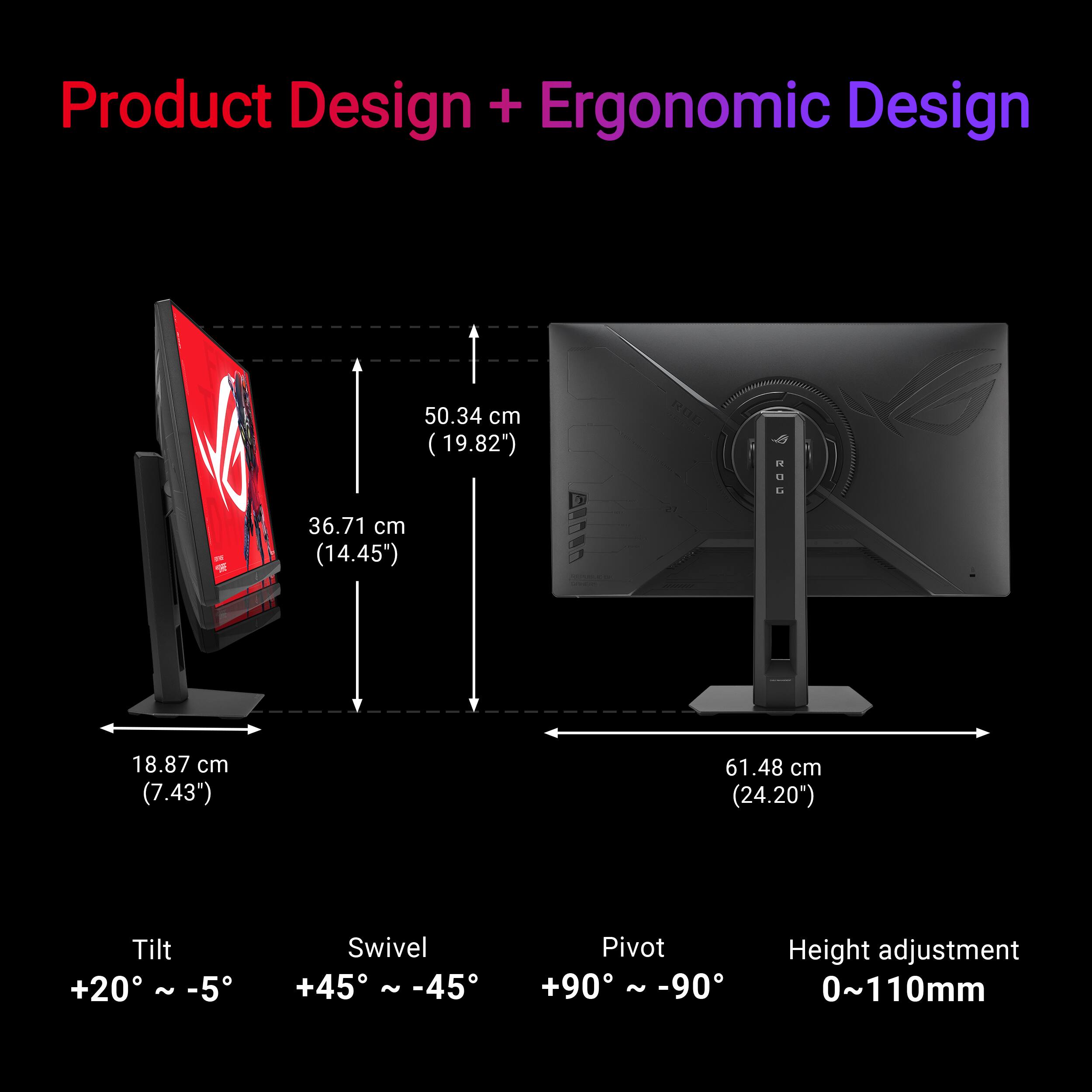
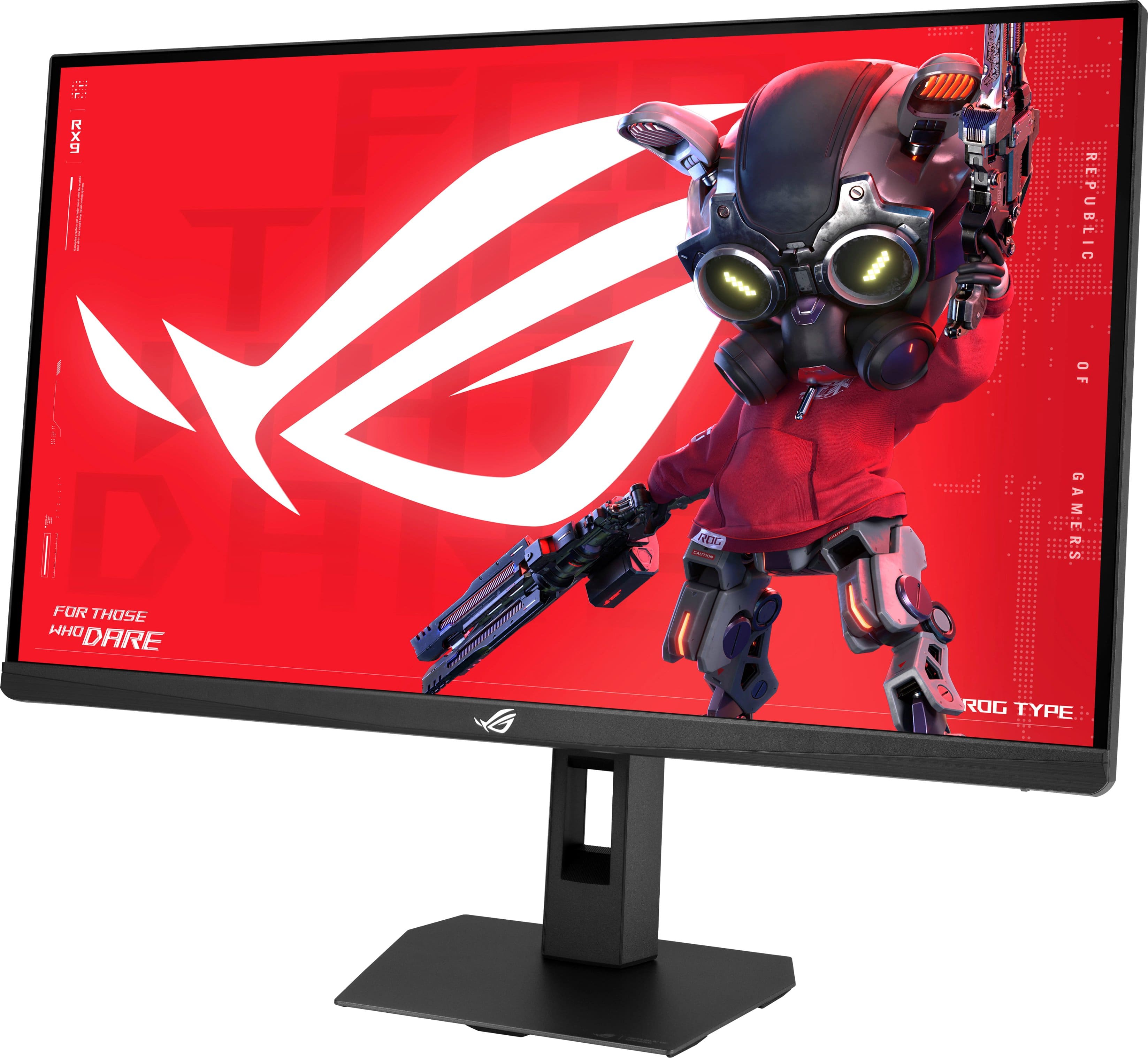
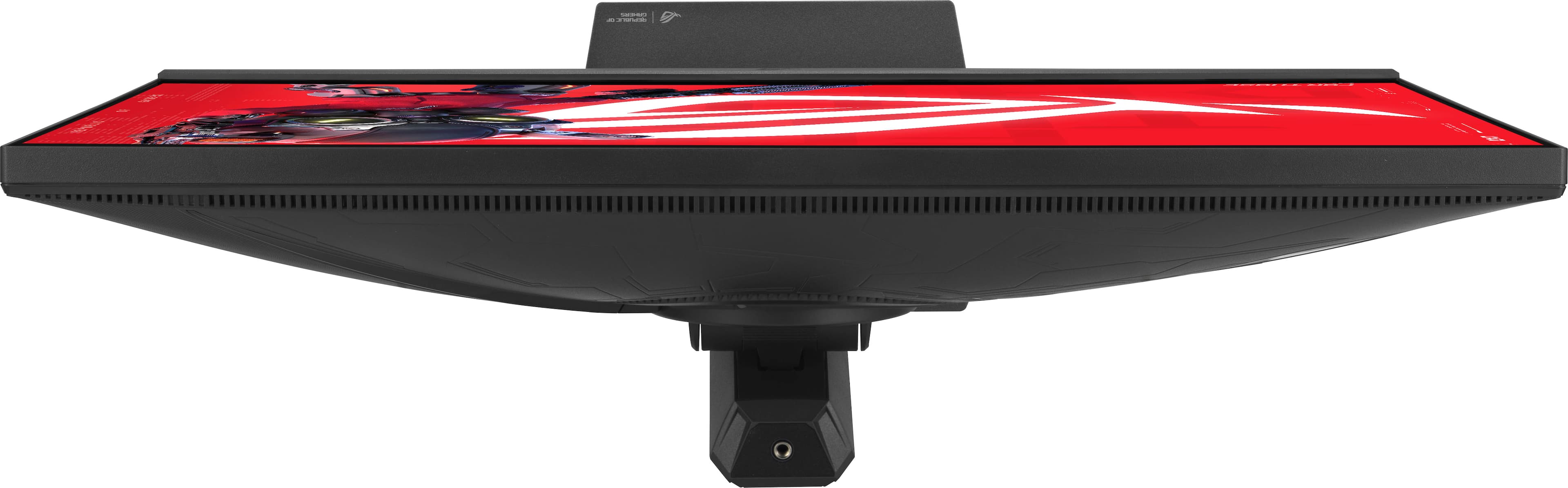
|Posted .This reviewer received promo considerations or sweepstakes entry for writing a review.I’ve owned many ASUS ROG gaming devices - laptops, a desktop PC, monitors, earphones/earbuds, and even a gaming handheld system - all are awesome. It is rare when an ASUS product fails to live up to my expectations. This Strix 27” gaming monitor proved to be just as great in quality and performance. Setup was pretty straightforward. A simple easy-to-follow user guide is included, as well as, stickers. The stand is really sturdy. The screen can be slid up and down, vertically, along the stand. You can tilt the display to suit the angle of your choice, and you can even swivel/turn the screen to change the display orientation from landscape to a portrait position. There’s also a handy cable management opening on the lower part of the stand. The underside of the base itself has ‘grippy’ rubberized “feet” which help keep the monitor stable on your desk’s surface. I connected the monitor to my ASUS ROG gaming laptop just to test it out initially. While my gaming laptop is able to handle high display resolution, I was pleasantly pleased to find that this monitor looked really amazing at its maximum resolution of 3840x2160. Colors were sharp and bright; true to life. And I could definitely see the difference from that promised 1ms response time in-game mode. Although the 27” screen size might seem on the smaller size, it’s a good enough for me. At least for now. Now, you are able to use this monitor right out of the box without needing to install any additional software on your computer. There’s a ‘toggle button’ on the lower right back side of the monitor with which you can access “on board” customizable display settings. However, for even more detailed customizations (along with other tools), you can download the ASUS DisplayWidget Center. I plan on not bothering with it, as I have plenty of gaming related software already. Do I recommend this ASUS ROG Strix 27” gaming monitor? Absolutely, yes! The price is more than fair given the monitor’s build quality and performance. Just gauge whether the 27” display screen size will work for you, or if you might want/need to go for something a bit larger. ASUS makes those too!
I would recommend this to a friend