Customer Ratings & Reviews
- Model:
- GS-BE18000
- SKU:
- 6618204
Rating by feature
- Setup
Rating 4.4 out of 5 stars
- Range
Rating 4.5 out of 5 stars
- Signal Strength
Rating 4.6 out of 5 stars
Customers are saying
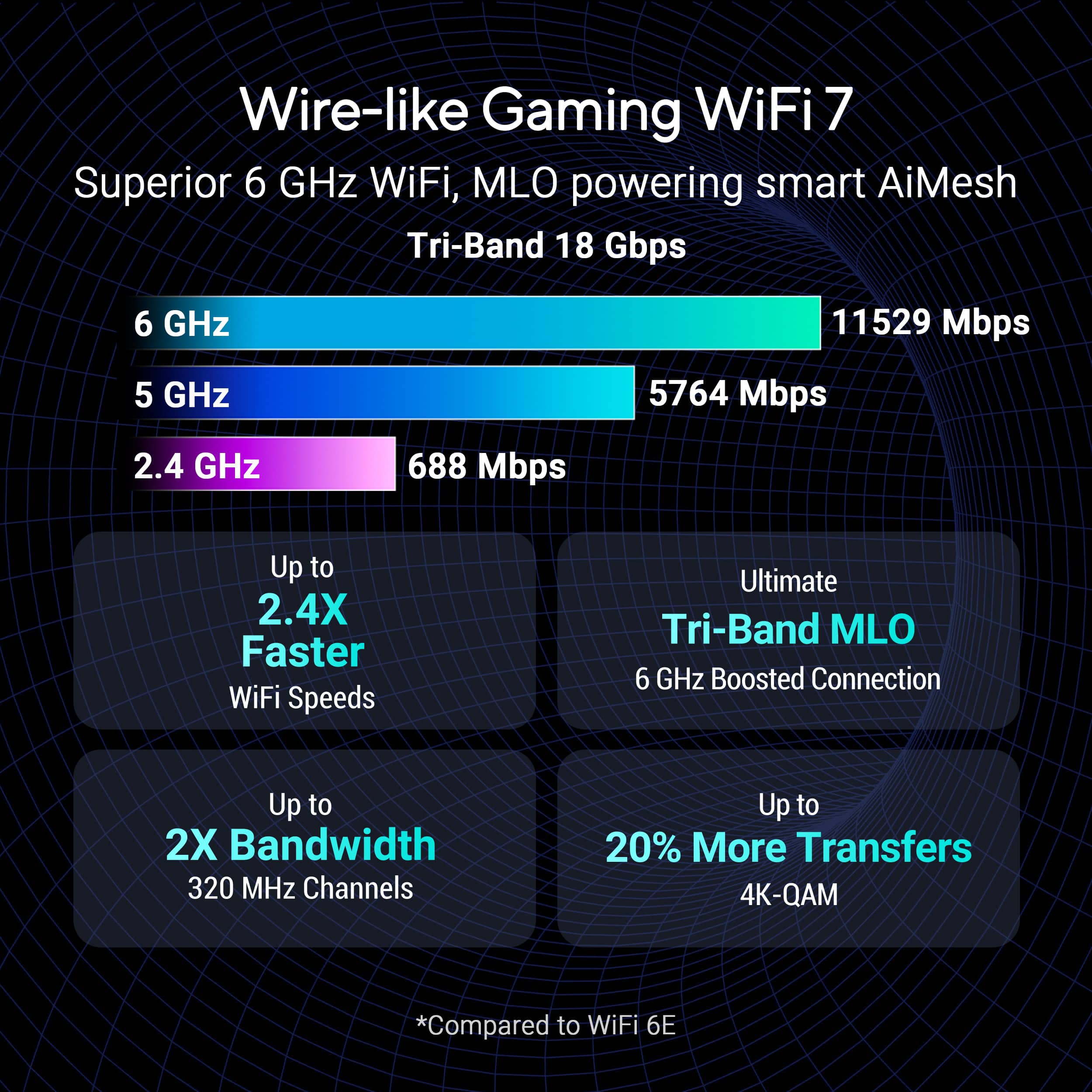
Customers commend the ROG Strix GS-BE18000 for its exceptional connectivity, overall performance, and cool design. Users appreciate the great speeds and the generous number of ports available. Furthermore, the router's signal strength, built-in security features, range, and coverage are well-received, with some customers also expressing satisfaction with its size.
This summary was generated by AI based on customer reviews.
- Pros mentioned:Connectivity

A great router...once it's setup
|Posted .This reviewer received promo considerations or sweepstakes entry for writing a review.As a gamer, having the top speeds, low latency, is absolutely necessary. Not too bad to have fast speeds when streaming via multiple devices in the house, either. With that said, I was excited to test out the ASUS - ROG Strix GS-BE18000 Tri-Band Wi-Fi 7 Gaming Router, and after using it for about a week, I can strongly say it's a great router...once it's setup. I've read a couple reviews regarding this router as I was wondering if others were having the same issues I was. My previous mesh system is ASUS as well, and I had issues connecting that with my Spectrum internet service. It wasn't plug and play at all. Router, adjustments, resets, disconnect, reconnect...even a call to Spectrum...I can't exactly tell you what the magic button was to get this router to work with my service...but it took time. Once it did work however...sky was the limit! To be fair, my previous mesh system has been giving me pretty solid results, so I'm accustom to getting solid speeds...however, disconnecting the other system and opting to go with the ASUS - ROG Strix GS-BE18000 dropped my latency by 50% on average, while still getting similar speeds at distance. This may have been just from converting from a mesh system...but I was able to do this while still keeping my speeds across my 2 bedroom house, which for me is a big enough win. Maybe my setup issues were due to me using Spectrum internet...still, for that alone I have to deduct 1 point from an overall rockstar router which I would strongly recommend. Even those who come across the setup hiccups I did would still find it worth it once connected.
I would recommend this to a friend - Pros mentioned:Connectivity
Best Router out there!
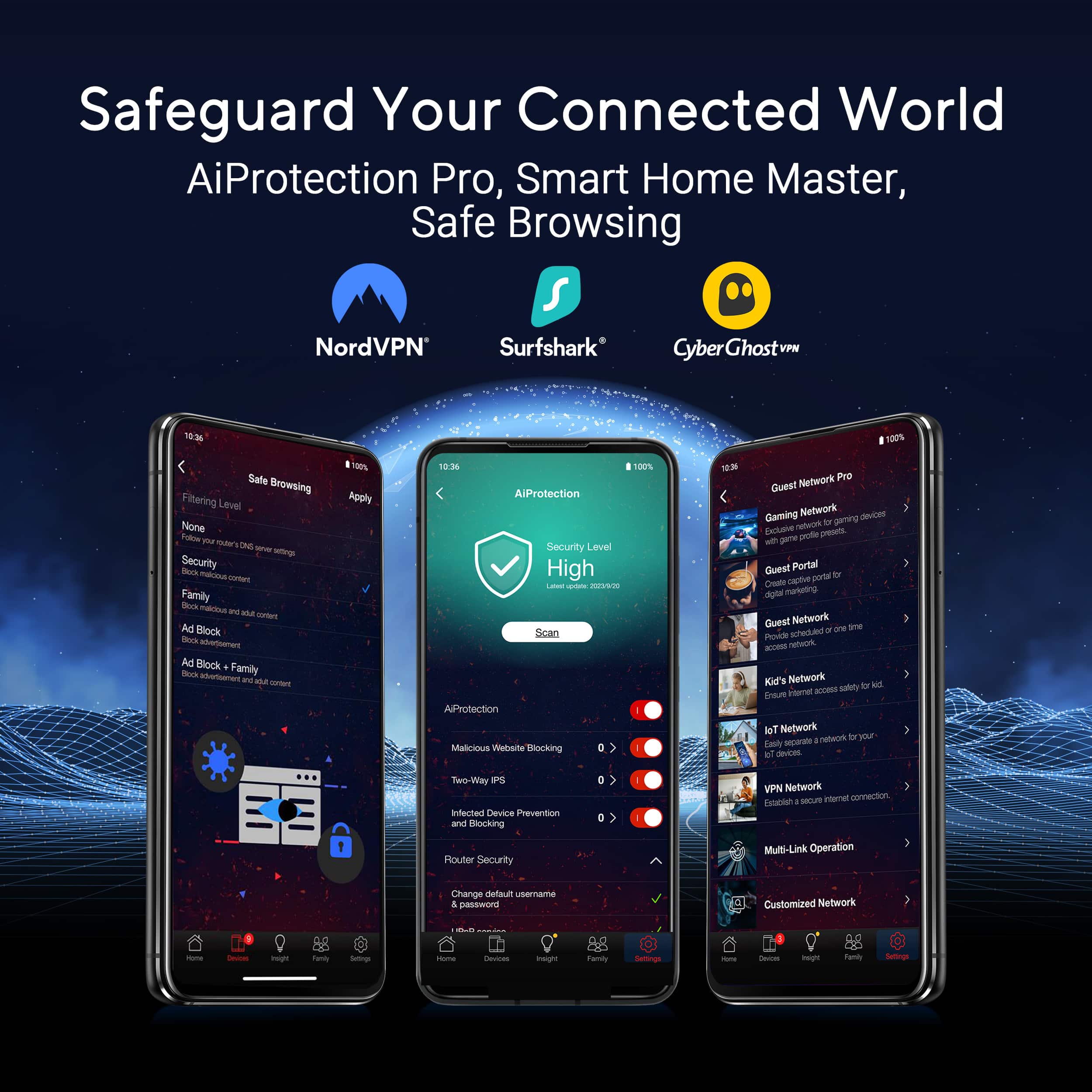
|Posted .This reviewer received promo considerations or sweepstakes entry for writing a review.The Asus ROG Strix Router is amazing to say the least. After three different Wi-Fi routers in the house, none of which could produce over 500 Mbps download for Wi-Fi, this one was able to produce no less than 800 Mbps. Keep in mind, I am running over 40 separate devices, which include several computers, multiple personal devices, and several smart devices. This router has not failed me yet. The gaming experience has been flawless. My kids and I have gamed using the PC and our consoles at the same time, and it's been a wonderful gaming experience. I cannot say the same for other routers that I have owned that have been name brand and have also advertised themselves as being "Gaming routers." This one, by far, has the others beat. Another wonderful plus side is that if you have the ZenWifi nodes from ASUS, they also work with this router, which means phenomenal Wi-Fi speeds throughout the entire house. I would recommend this router to anyone. Oh yeah, and it has some amazing other features as well, such as parental controls, also device controls for when your kids don't do their chores, just shut off the wi-fi to their device (It's kind of fun to hear them yell when their device doesn't work). You're also able to do a lot of the same things from the web user interface as you can from the phone application as well.
I would recommend this to a friend ASUS ROG STRIX BE18000 Gaming Router
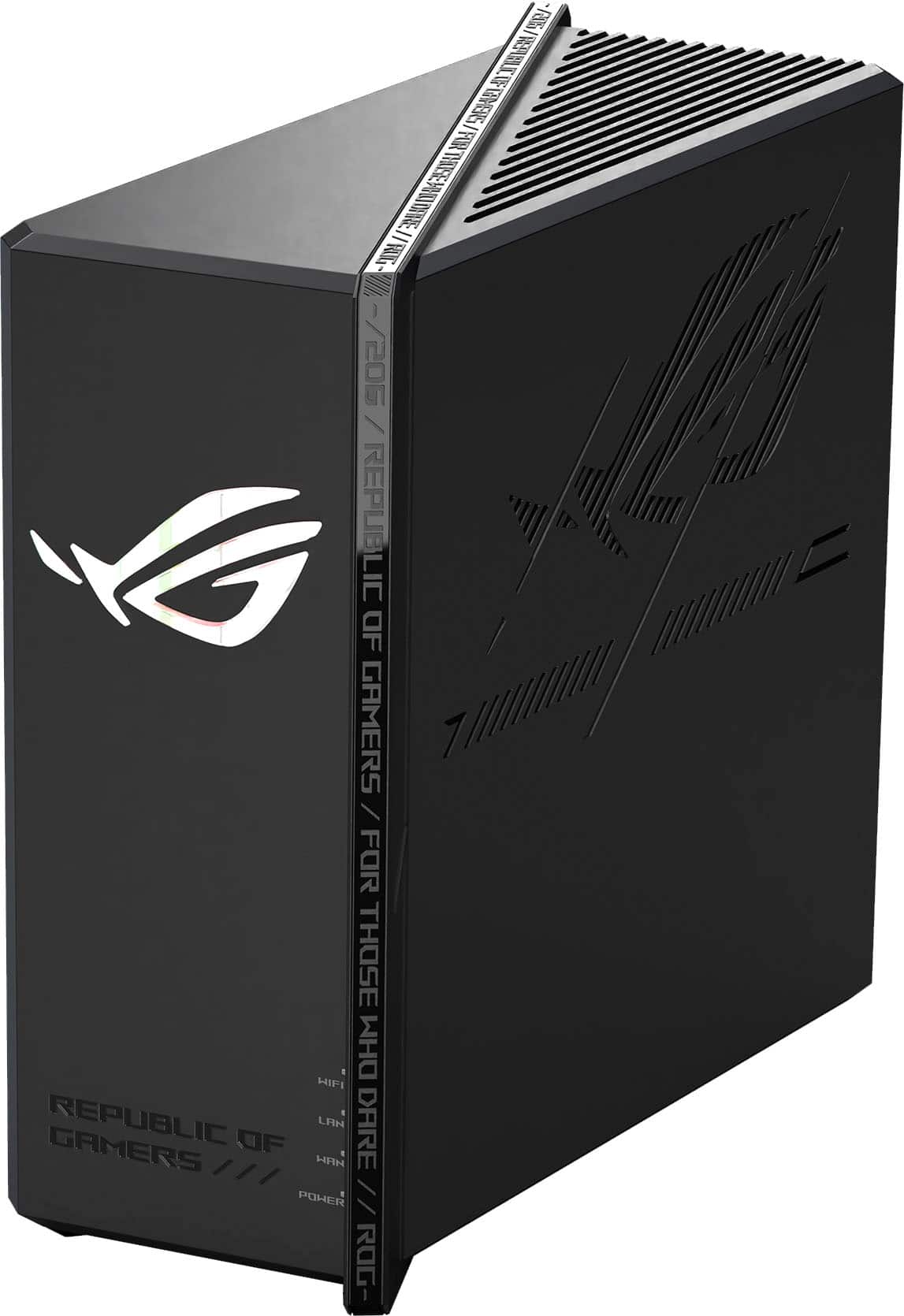
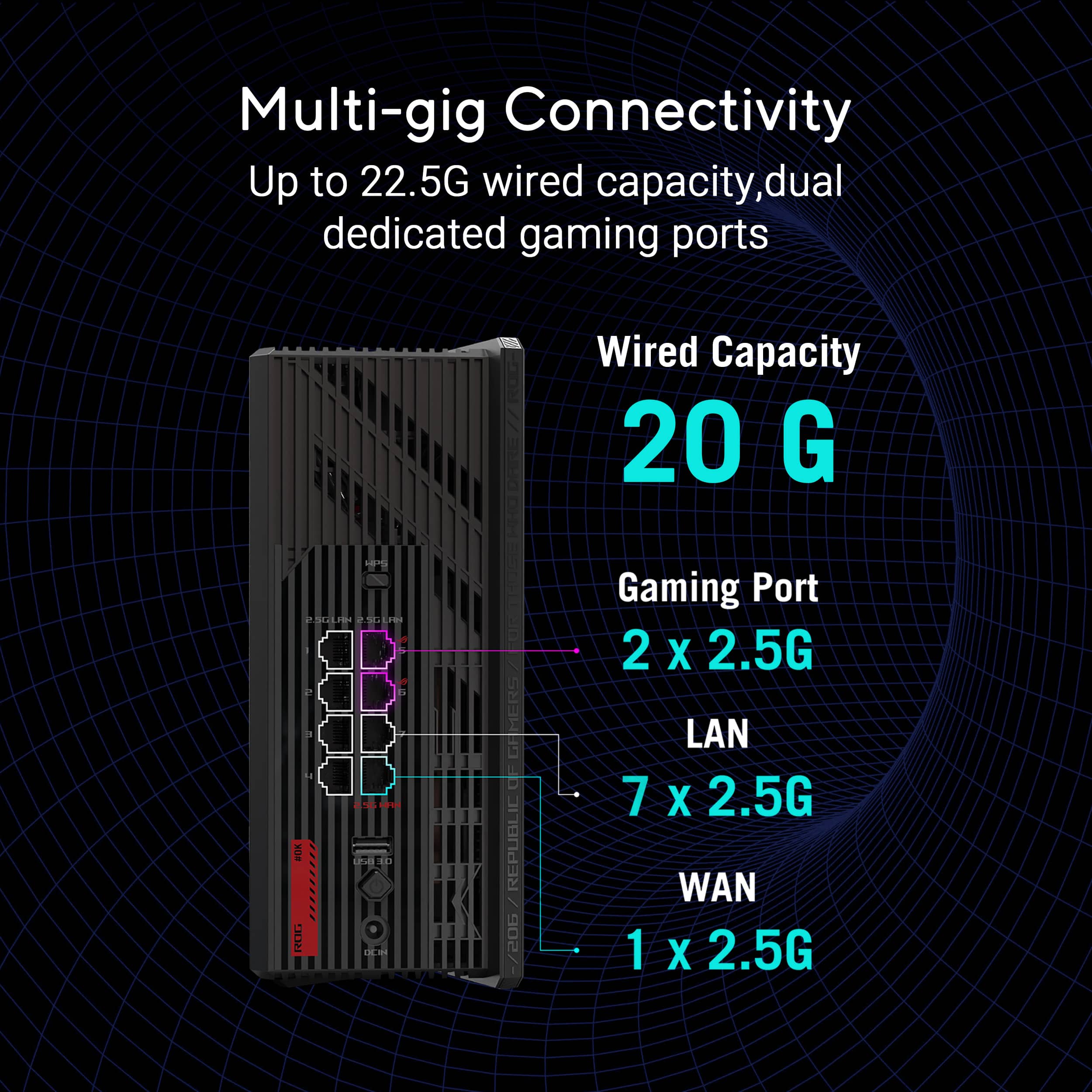
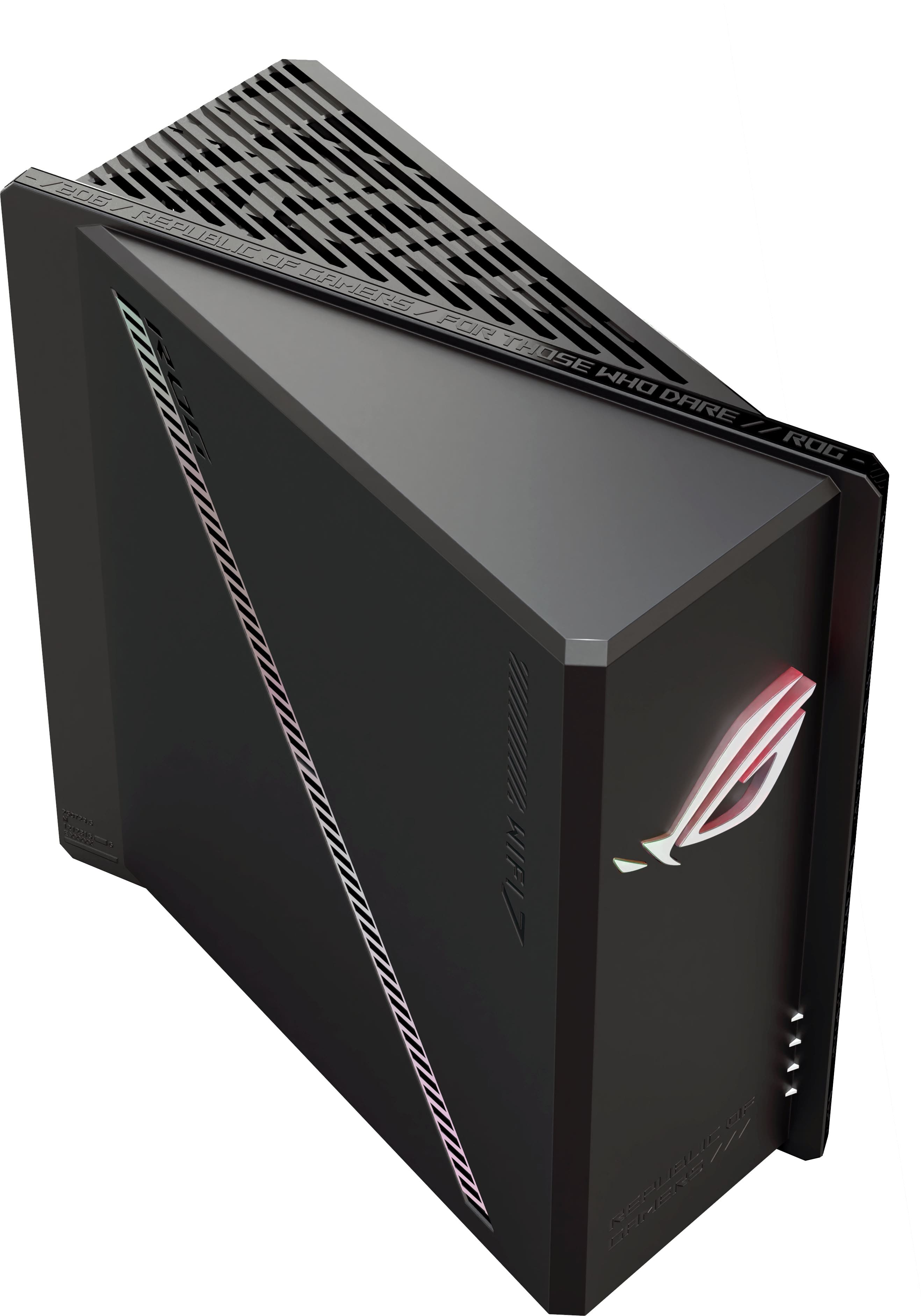
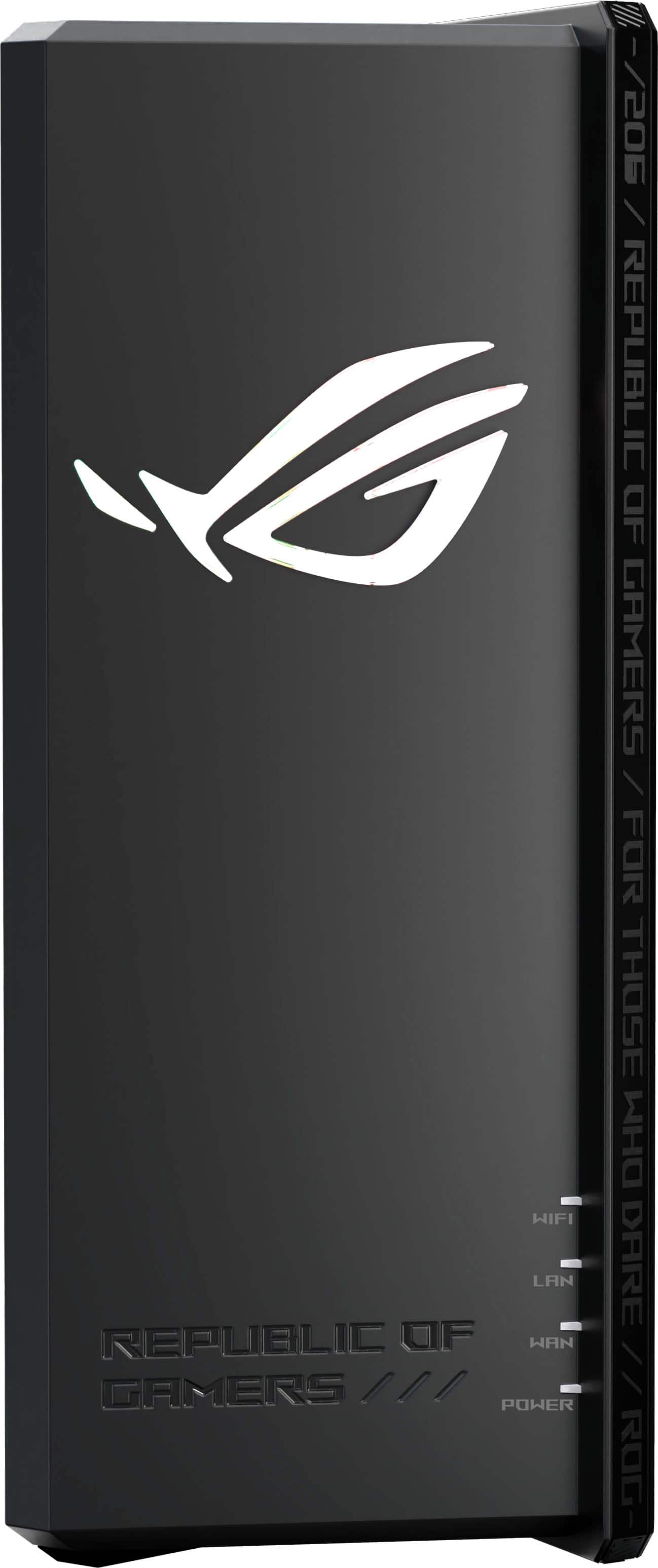
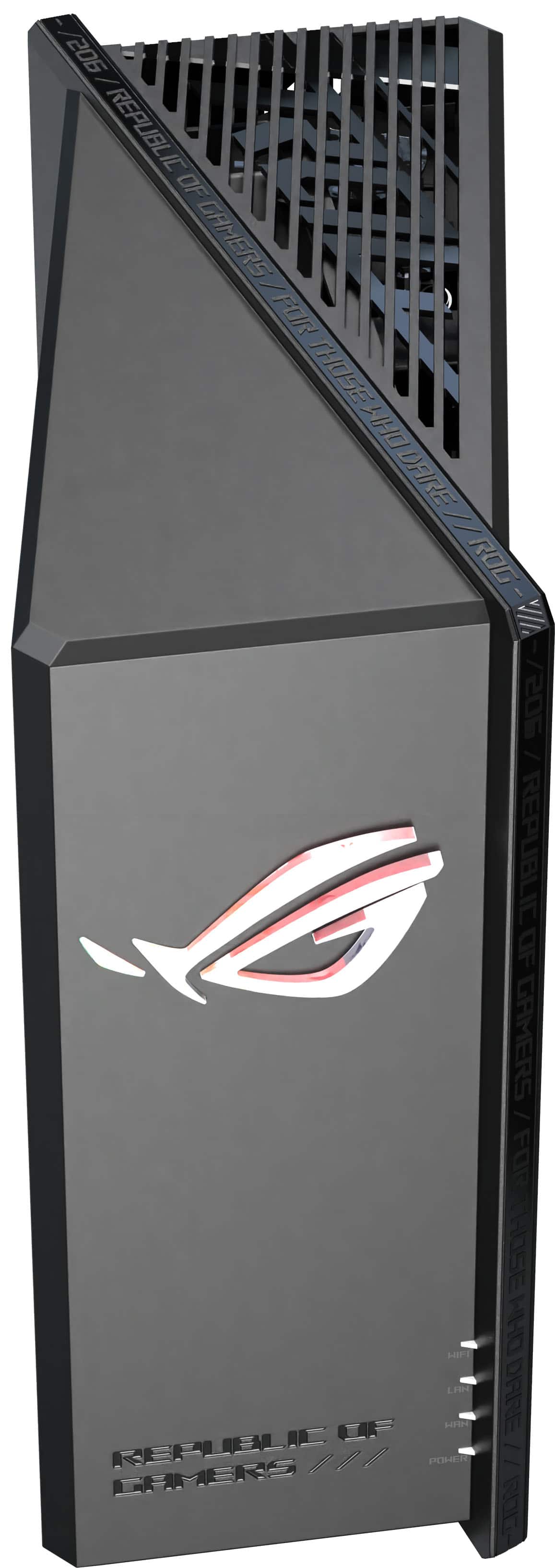
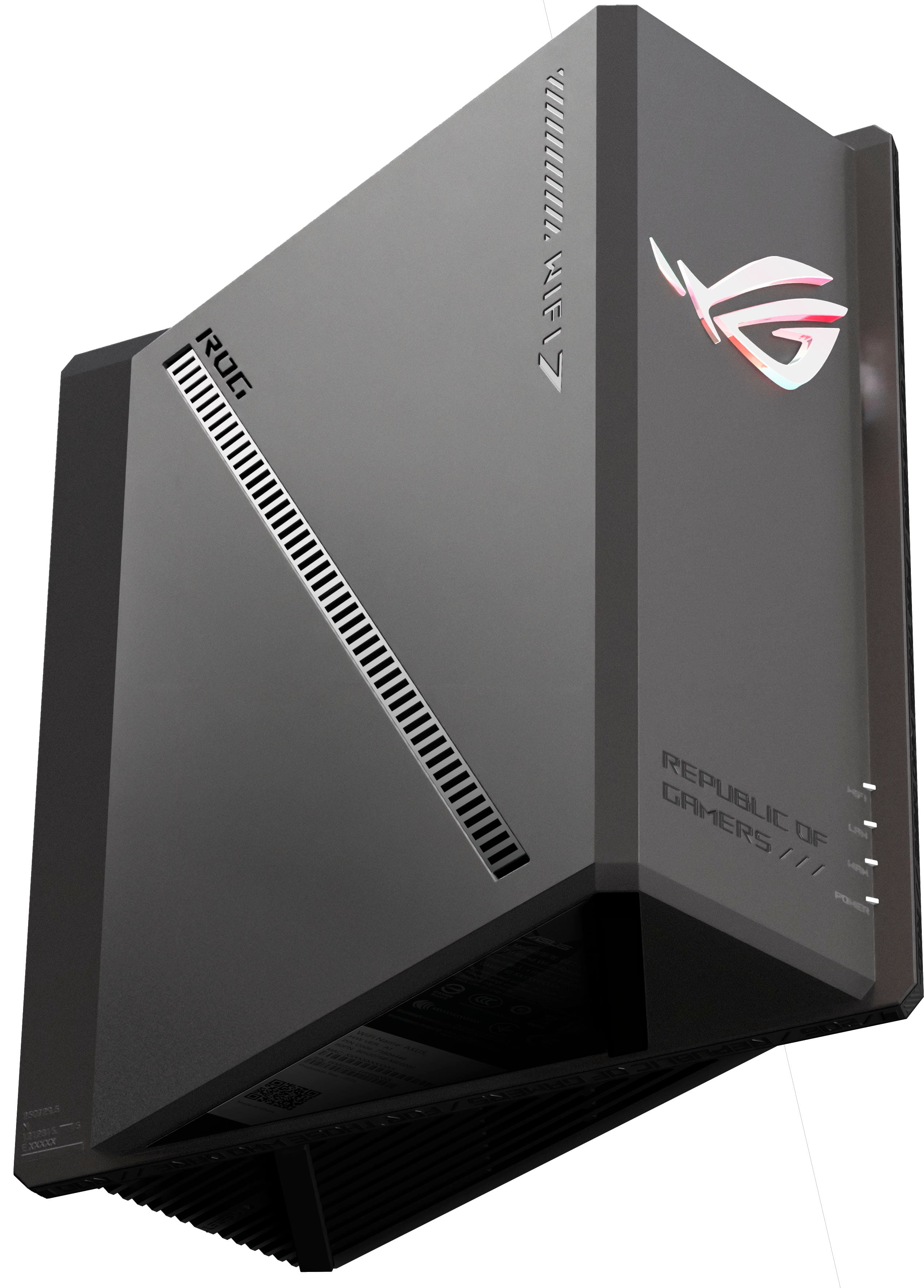
|Posted .This reviewer received promo considerations or sweepstakes entry for writing a review.Ok so I just received my ASUS ROG STRIX GS-BE18000 gaming router a few days ago and have been putting it through its paces. First, if you know the name ASUS, you know they usually put out a great line of products, mostly if not all, geared towards the gaming industry. So going into this setup that was what I've come to expect from ASUS as I've tried several of their gaming laptops before as well as a desktop. First off, unpacking this router was fairly simple. Just open the box and you're presented with the ASUS ROG STRIX BE18000 gaming router, power adapter, and an ethernet cord. Also included in the package is user documentation. On the front of this router is the logo everyone knows and love. This logo can be tweaked once inside the settings as to how your want to show off the RGB effects (static, breathing, rainbow, etc.). The back of this router has 8 2.5GB ports as well as a USB port and the power adapter port. Now to get started simply download the ASUS Router app from the App Store for iOS or Google Play Store for Android and follow along for the setup process. Now this is where I started to have some issues. The app setup has a very clunky feel to it. Plus the red and blue background screen colors kinda take away from the user experience the app. Its kinda distracting. A simple while background and/or dark mode would suffice without the weird color scheme. So during the setup process, I see where some others may have been having issues getting connected because it took me several times and about 30 minutes or so before the router was recognized. I unplugged and replugged everything back and forth and also did hard resets until finally it came through. Which the next best thing to do was to immediately upgraded the firmware on the router. After the firmware was downloaded and installed, everything else started to work as it should. Now I didn't go too hard on making tweaks and whatnot due to the issues that it initially had just going through the setup process but once it rebooted and everything started reconnecting I did feel like everything seem a bit faster than my previous router. So far its been a very decent router and its allowed us to create 3 different band networks inside the house allowing our devices to determine which one best suits. The amazing thing is that so far there has not been any lags whatsoever because we tend to have a ton of connected devices running simultaneously throughout the day. Overall I think its a pretty decent router, I still feel that even though its been stable over the last few days that it may still have a few quirks about it. But I think ASUS needs to focus a little more on that ASUS Router app as well and really gut a lot of junk and make the app more streamlined and user friendly without the weird coloring and clunkiness of it.
I would recommend this to a friendThe One Router to Rule All Gamers
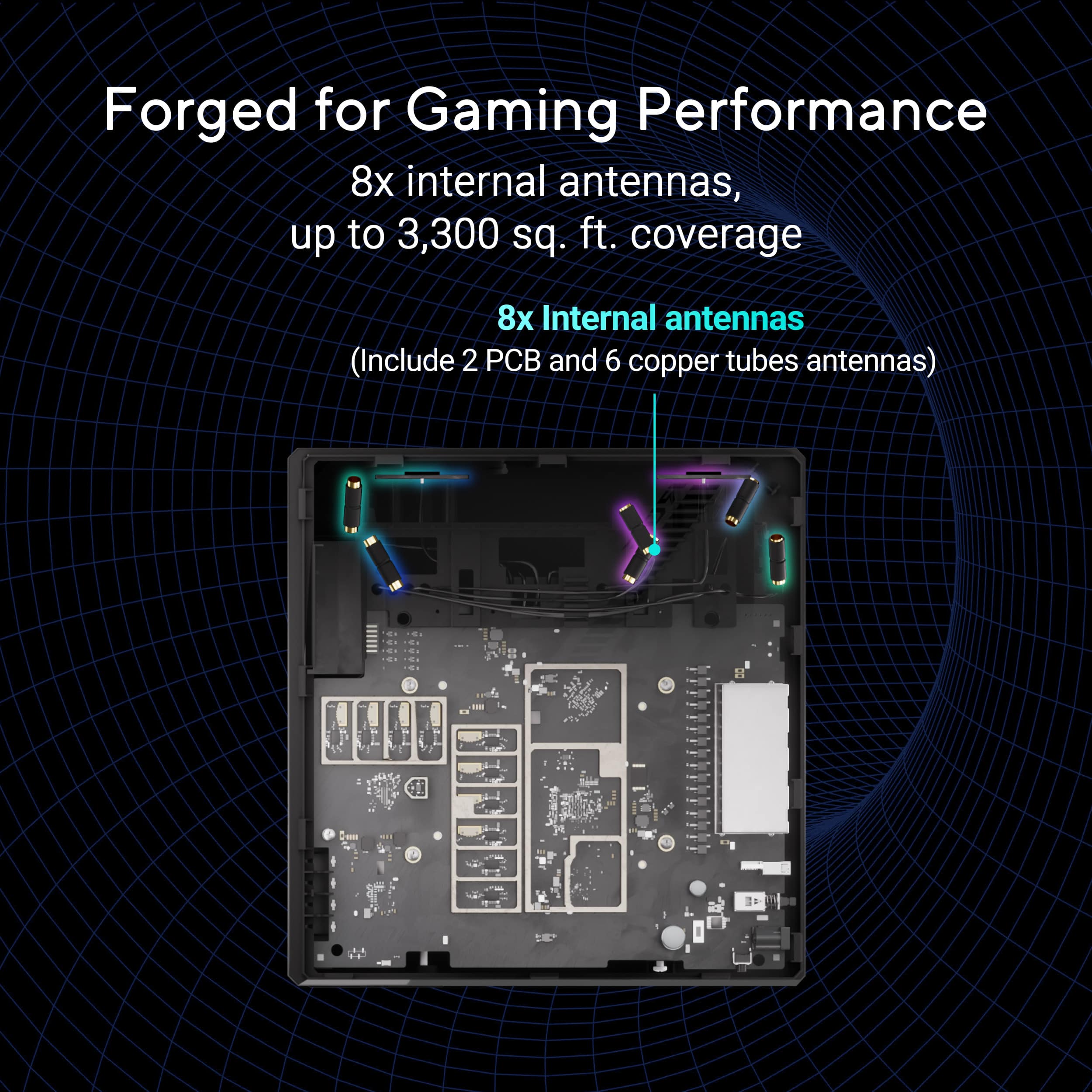
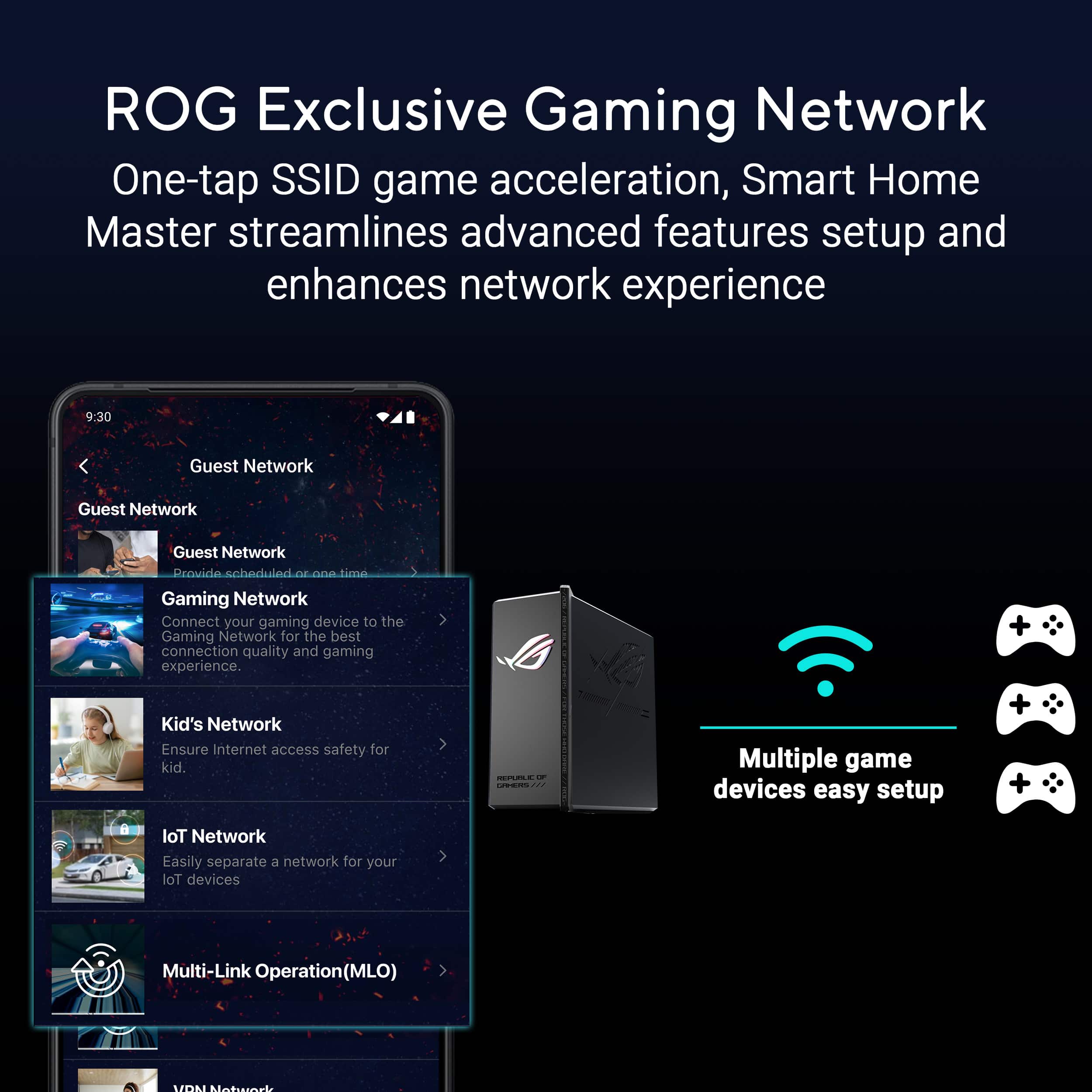
|Posted .This reviewer received promo considerations or sweepstakes entry for writing a review.I needed a router and while I was initially a little scared based on reviews, I decided to go with it as I read more recent reviews saying that firmware issues had been fixed by ASUS and that now it’s an incredible router. They weren’t lying, I LOVE this router! My house must have weird walls or something because despite it being “only” 1000sqft, networks struggle to make it to the opposite side of the house from the router. While the 6G band doesn’t quite hit the opposite side of the house, the 5G band works beautifully. I have 5 different networks coming from this device and it’s exactly what I want. I have the standard 2.4G, 5G, and 6G bands for general use around the house. I then have a specific 2.4/5G band for IoT (internet of things) devices as I have many smart devices at home that I want to keep separate from the main network. Lastly I have a 5G band as a dedicated gaming network with settings that go a long way in helping me play online. It feels like overkill, and while for a lot of people it definitely is, it’s exactly what I’ve been wanting from a router for a while. There have been zero issues that older reviews mentioned, so clearly ASUS has done the work to get this working again. It has 8 internal antennas but I do wonder if performance would be even better, especially for the 6G band, if it did have them. A fix though is that you can use any modern ASUS router to create a mesh network with this device. I might try that and see how that goes, although likely with something a little cheaper than this one. It is a great deal for all the features packed into it, you just want to make sure that you’ll want all these features. As you can see by the pros and cons list below, I have a lot that I love about this router and very little that I don’t like. If you are a gamer with top-tier internet that plays online regularly, I think there are few other options as good as this one. With launch issues cleared up, this is a no-brainer if you like the features! Pros: Blazing fast Tri-Band performance Easy, fast setup 6G hits 900mbps on my Gig plan Optional dedicated IoT network and gaming network Can be expanded to mesh with outer ASUS routers Easy to use App with parental controls WPA3 security support RGB on front if that’s your thing 7 ethernet ports Cons: 6G has very limited range, does not make it to opposite corner of 1000sqft house No external antennas
I would recommend this to a friend- Pros mentioned:Overall performance
Asus router
Posted .This reviewer received promo considerations or sweepstakes entry for writing a review.Best triband router i have ever had i recommend it
I would recommend this to a friend Top Level Router
Posted .This reviewer received promo considerations or sweepstakes entry for writing a review.Great router very strong speeds and reliable so far.
I would recommend this to a friendWorked OK for about 15 minutes
Posted .This reviewer received promo considerations or sweepstakes entry for writing a review.After that it would continuually reboot. Tried to bounce it and the modem, but no change. Unit seems dead after workinging briefly.
No, I would not recommend this to a friendBrand response from ASUS Answers
Posted .Dear Valued Customer,
We're sorry to hear that the ASUS ROG Strix GS-BE18000 Gaming Router stopped working, and we apologize for any inconvenience this may have caused you. To troubleshoot the issue described, we recommend following the steps in the FAQ below. Should the issue persist, please contact our support team at https://www.asus.com/us/support/CallUs to further investigate the problem or assist with repairing the device.
We stand behind our products and continuously strive to improve our products and processes to achieve customer service excellence. For more information, email us at customerloyalty@asus.com and include the case number "N2506004086-0001" as a reference. We will do our best to resolve your case quickly. Your feedback is very important to us and enables us to improve our support channels. Thank you for choosing ASUS.
Best Regards,
Chantae
ASUS Customer Loyalty US Support
[Troubleshooting] ASUS router or adapter is No Power/No Boot/Power LED is not ON - https://www.asus.com/support/faq/1050634/
Go with a different model
Posted .This reviewer received promo considerations or sweepstakes entry for writing a review.So many software bugs , router bricked itself when i changed some settings, cant even recover it using the pinhole reset
No, I would not recommend this to a friendBrand response from ASUS Answers
Posted .Dear Rick,
We sincerely apologize for the issues you've faced with the ASUS ROG Strix GS-BE18000 Gaming Router and for the inconvenience this has caused you. This is not the kind of quality to expect from our products and it's not the norm. To troubleshoot the issue described, we recommend following the steps in the FAQ below. Should the issue persist, please contact our support team at https://www.asus.com/us/support/CallUs to further investigate the problem or assist with repairing the device.
We stand behind our products and continuously strive to improve our products and processes to achieve customer service excellence. For more information, email us at customerloyalty@asus.com and include the case number "N2506004086-0002" as a reference. We will do our best to resolve your case quickly. Your feedback is very important to us and enables us to improve our support channels. Thank you for choosing ASUS.
Best Regards,
Chantae
ASUS Customer Loyalty US Support
[Troubleshooting] ASUS router or adapter is No Power/No Boot/Power LED is not ON - https://www.asus.com/support/faq/1050634/
[Wireless Router] How to reset the router to factory default setting? - https://www.asus.com/support/faq/1000925/