Customer Ratings & Reviews
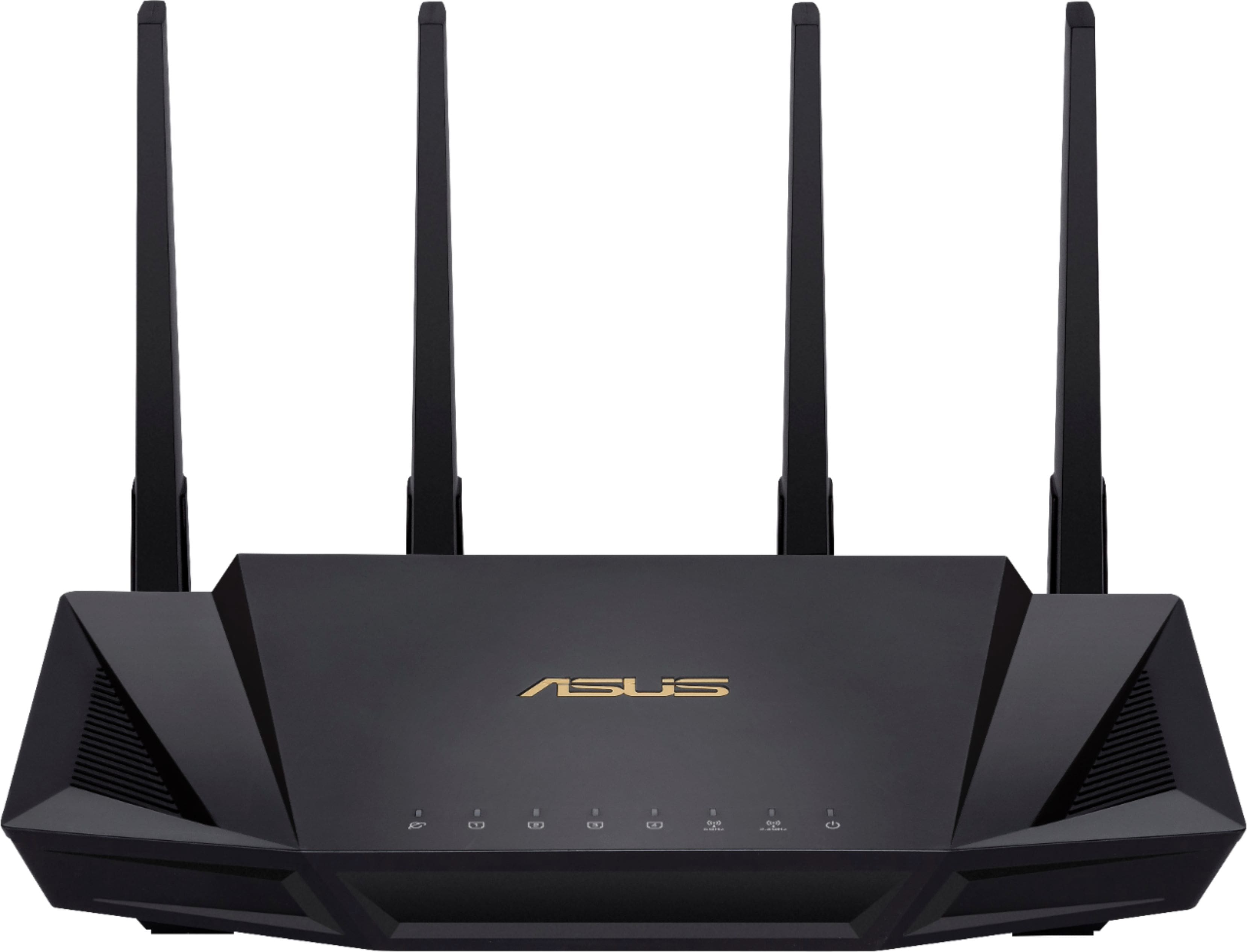
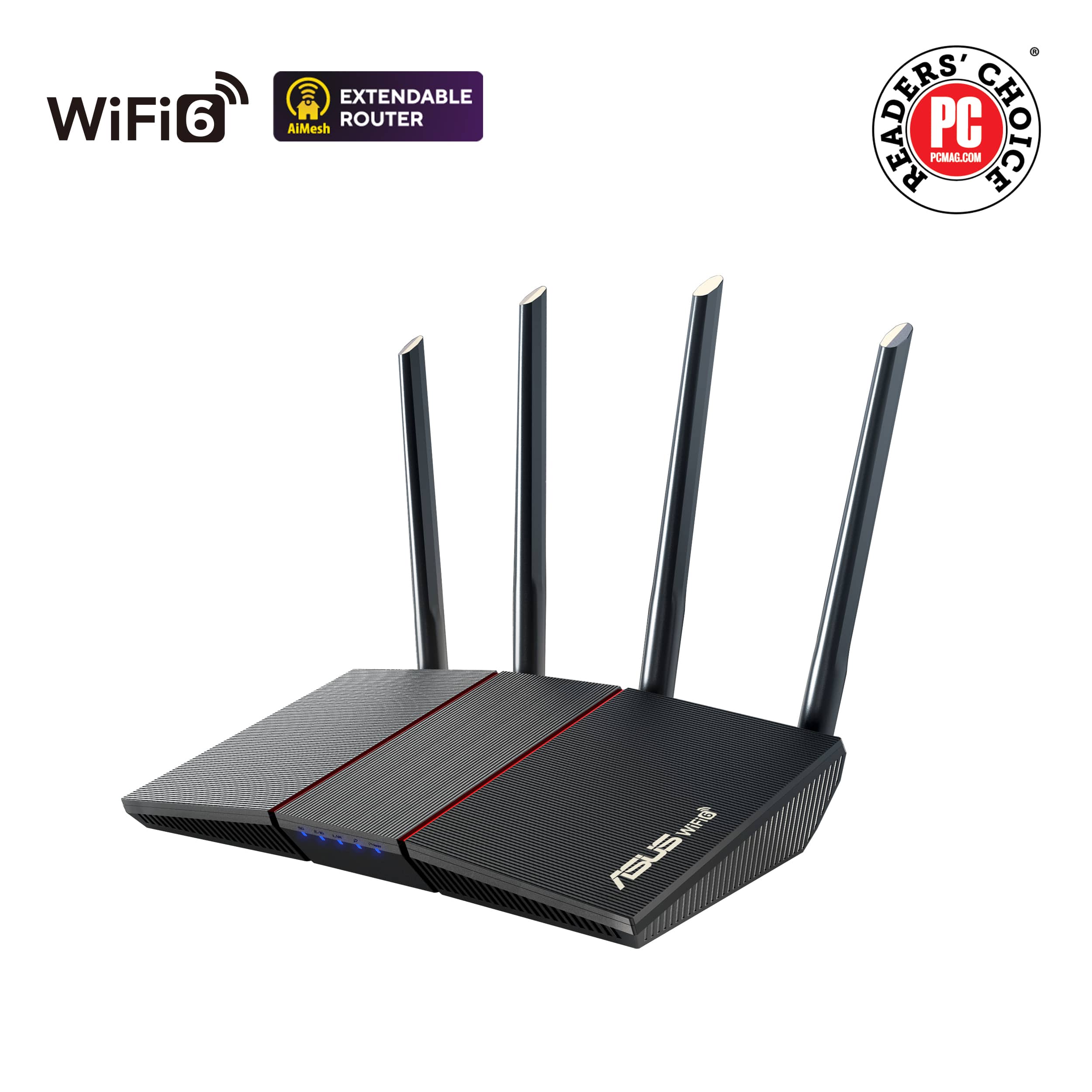
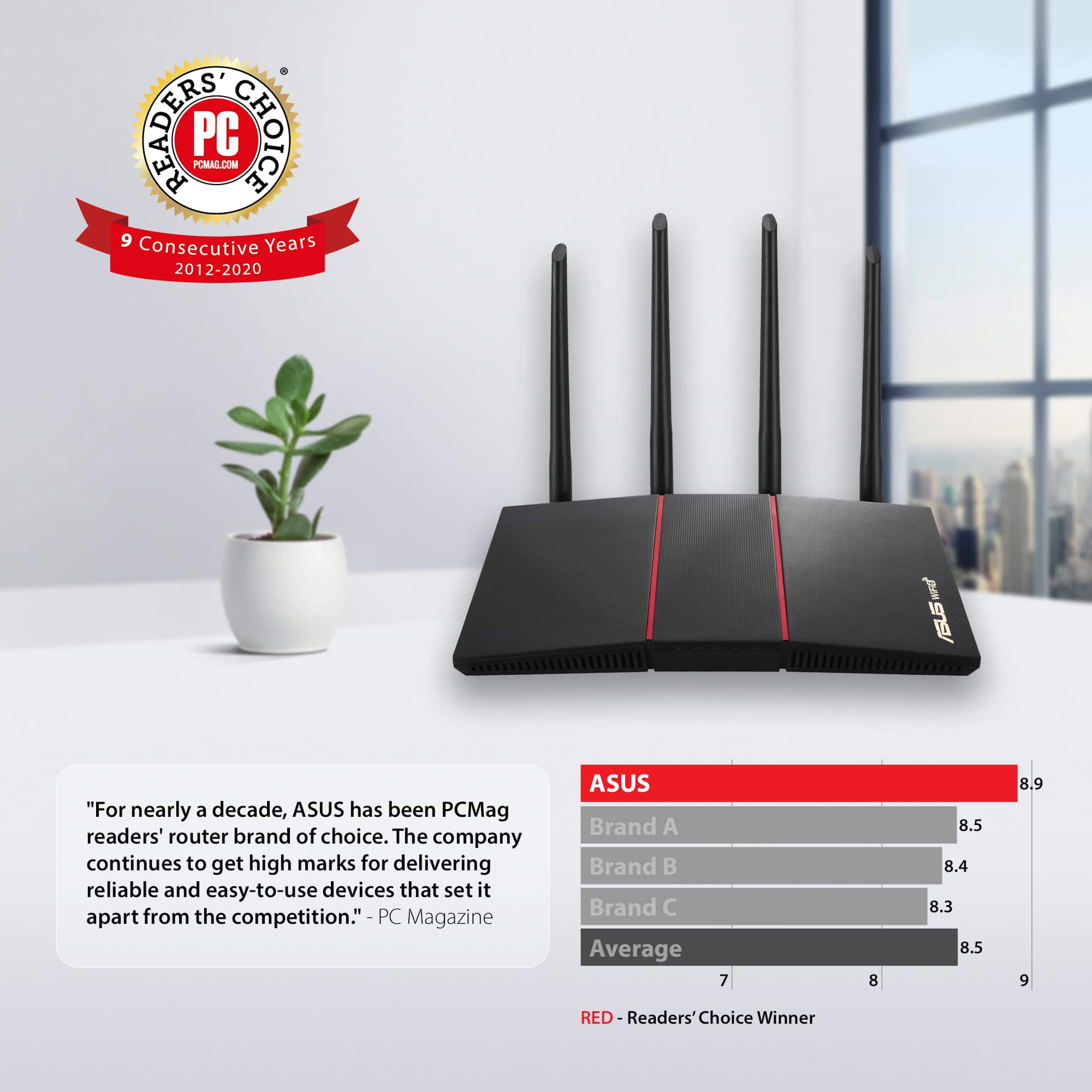
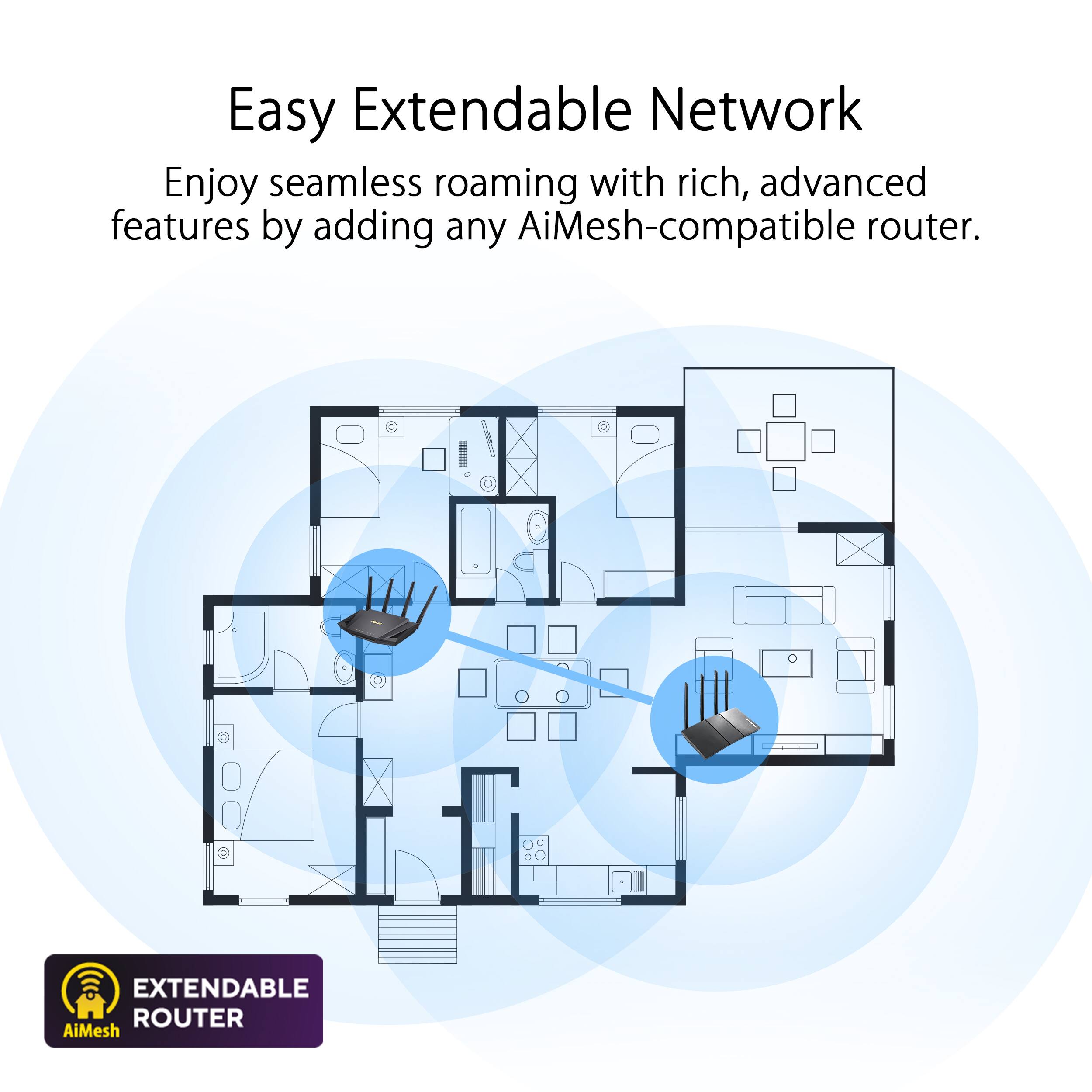
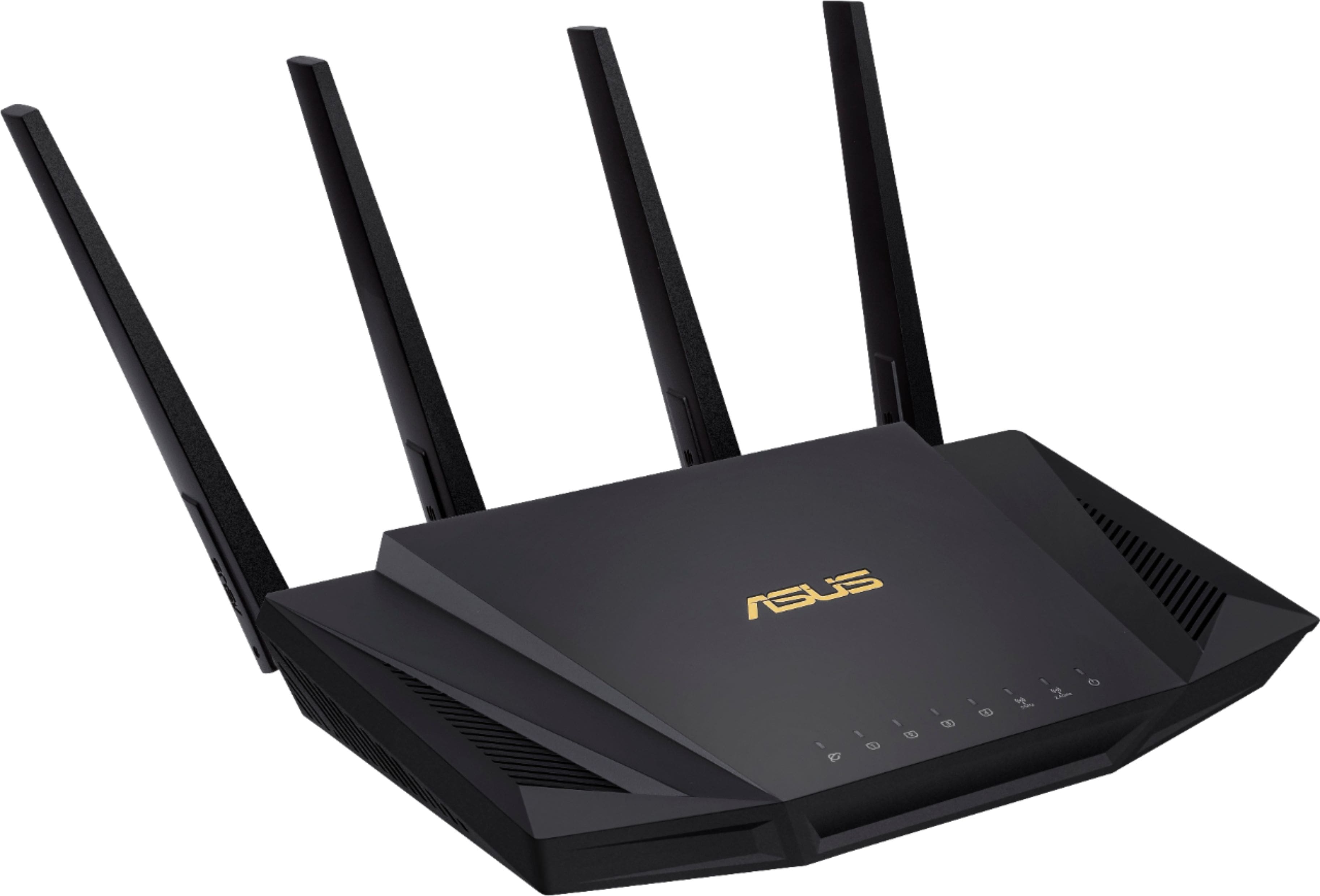
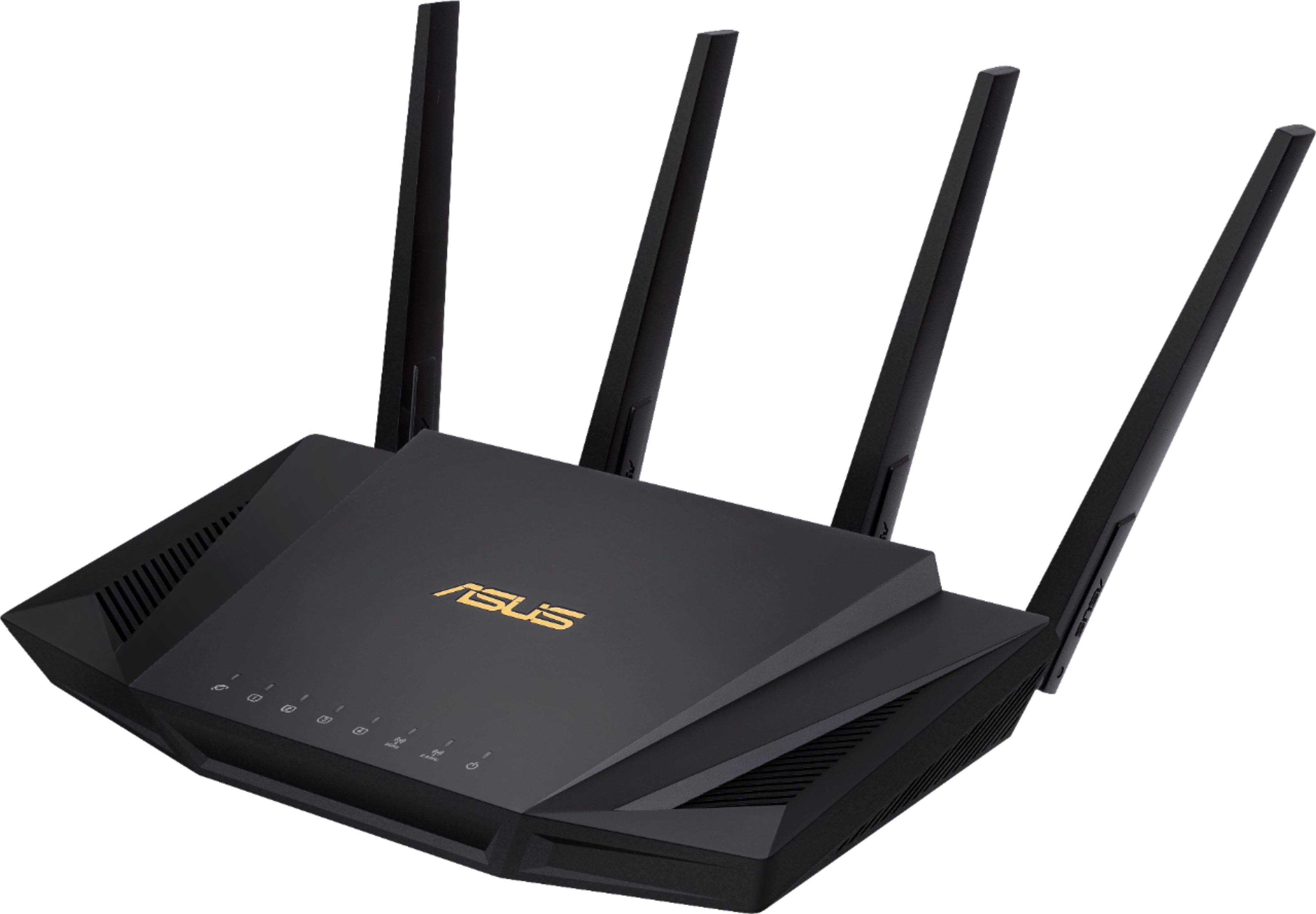
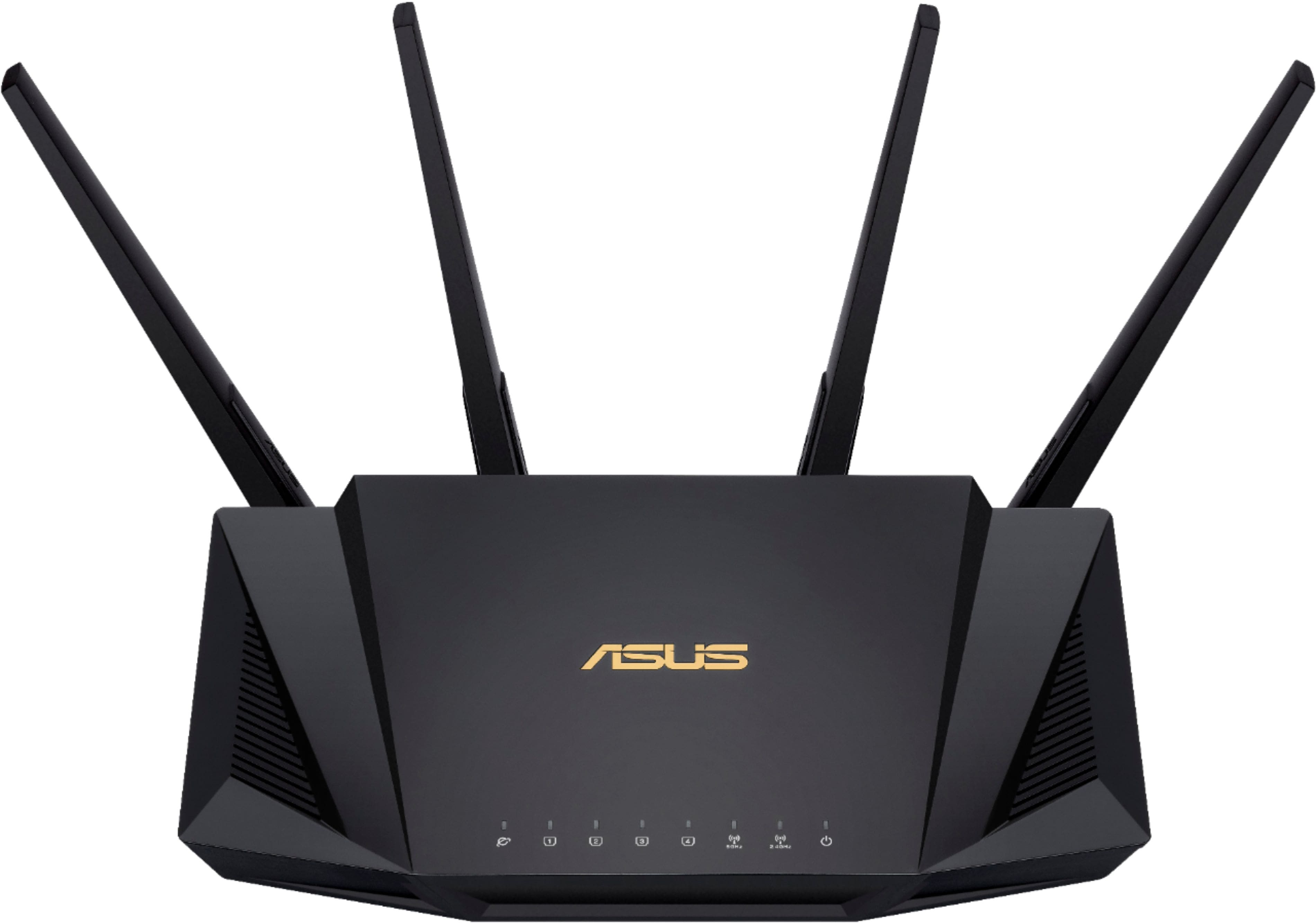
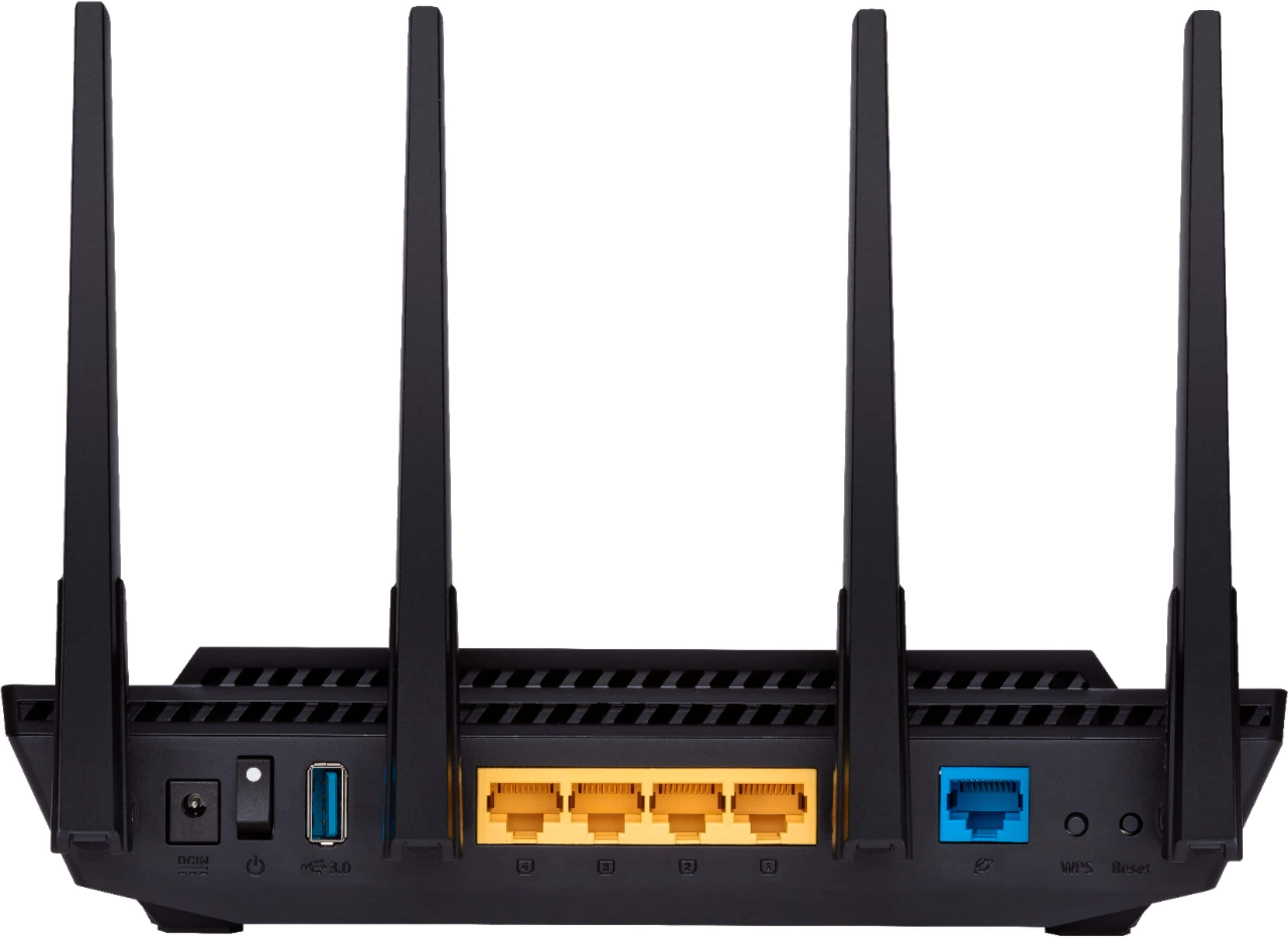
- Model:
- RT-AX58U
- SKU:
- 6377908
Rating by feature
- Setup
Rating 4.7 out of 5 stars
- Range
Rating 4.7 out of 5 stars
- Signal Strength
Rating 4.7 out of 5 stars
Customers are saying
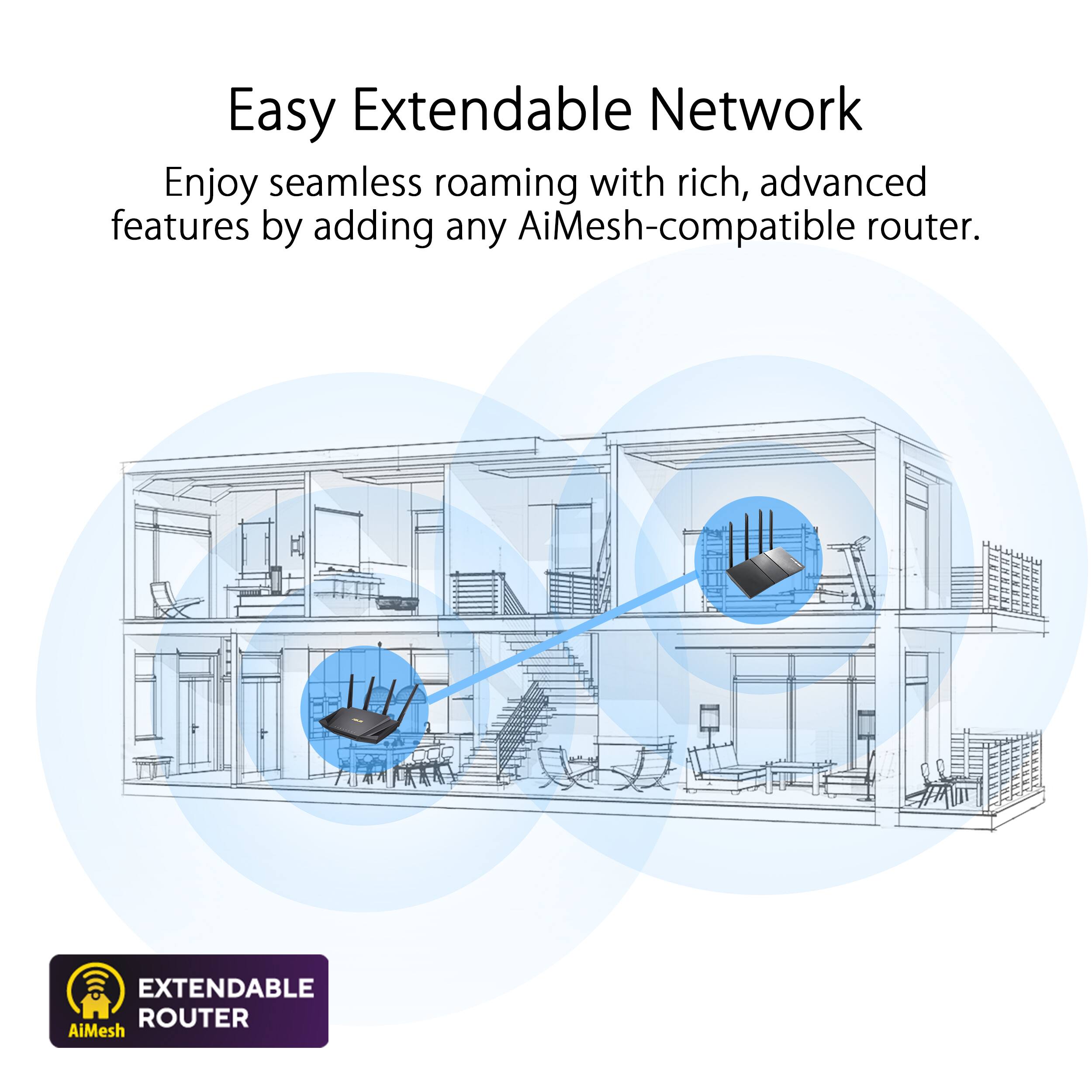
Customers often highlight the ease of use, impressive range, and strong performance of the AX3000 router. Many appreciate the straightforward setup and reliable signal strength, resulting in excellent coverage throughout their homes. Positive feedback also mentions the benefits of WiFi 6 technology and the included lifetime internet security. While some users experienced connection issues, the majority reported positive experiences with minimal buffering or lag.
This summary was generated by AI based on customer reviews.
No good
||Posted . Owned for 3 weeks when reviewed.This reviewer received promo considerations or sweepstakes entry for writing a review.Wouldn't connect couldn't keep a signal. Best buy is not taking returns so I'm stuck with the router that does not work for me I just bought it.
No, I would not recommend this to a friendCould have been better
||Posted . Owned for 6 months when reviewed.This reviewer received promo considerations or sweepstakes entry for writing a review.It did not make a difference on WiFi power. Some stuff wouldn't hook up.
No, I would not recommend this to a friendBrand response from ASUS Answers
Posted .Dear Devin W,
We regret to learn that the product didn't meet your full expectations and that the issues you've experienced. We apologize for the inconvenience this may have caused you. This is not the kind of quality to expect from ASUS products and it's not the norm. All ASUS products undergo intensive quality control, testing, and inspections. What you've experienced was not intentional or representative of our brand. Customer satisfaction is our top priority, and we strive to make every purchase enjoyable.
Please allow us to make your experience with ASUS a better one. We recommend following the steps in the FAQ below to troubleshoot the issue.
We stand behind our products and continuously strive to improve our products and processes to achieve customer service excellence. If you require further assistance, please email us at customerloyalty@asus.com and include the case number "N2105047131-0033" as a reference. We will do our best to resolve your case quickly. Your feedback is very important to us and enables us to improve our support channels. Thank you for choosing ASUS.
Best Regards,
Chantae
ASUS Customer Loyalty US Support
https://www.asus.com/support/FAQ/1048876/
Just Okay!!!
||Posted . Owned for 3 months when reviewed.This reviewer received promo considerations or sweepstakes entry for writing a review.Was expecting a significant boost for the wifi range with this router but wound up extremely disappointed. Would skip this one if your are looking for a router.
No, I would not recommend this to a friendBrand response from ASUS Answers
Posted .Dear Valued Customer,
It's unfortunate to hear that you are disappointment with the router. Please ensure to keep the firmware up to update. Please review the FAQ below. For further troubleshooting, feel free to reach out to me at customerloyalty@asus.com and provide this link for reference. I'll do my best to provide a quick resolution to your case. Your feedback is important as it helps with improvements to ASUS Support channels.
Thank you for choosing ASUS!
Best Regards,
Jamalie,
ASUS Customer Loyalty US Support
Troubleshooting - https://www.asus.com/support/FAQ/1030608/
Didn't work for me
||Posted . Owned for 11 months when reviewed.This reviewer received promo considerations or sweepstakes entry for writing a review.Could not get it to "mesh" with my wifi6 setup. My two other routers mesh fine, this one would not work with them.
No, I would not recommend this to a friendBrand response from ASUS Answers
Posted .Dear ChrisB808,
It's unfortunate to hear that you are having issues with setting up mesh system. This is not the quality of service expected from ASUS. Are the other routers Asus routers supporting AiMesh? If yes, please follow the steps in the FAQ below.
For more information send us an email at customerloyalty@asus.com and provide the link of this review for reference. We’ll do our best to provide a quick resolution to your case. Your feedback is important as it helps with improvements to ASUS Support channels. Please refer to this case number (N2105047131-0017) for us to better assist you.
Thank you for choosing ASUS.
Best Regards,
Ramon
ASUS Customer Loyalty US Support
Troubleshooting - https://www.asus.com/us/support/FAQ/1035087/
Routers USB drive? Forget about it!
||Posted . Owned for 3 weeks when reviewed.This reviewer received promo considerations or sweepstakes entry for writing a review.I purchased this router for use with using a USB memory stick on its USB port. It took several days to find something that would work to allow accessing that USB memory stick on each of my three PCs. The published information that came with the router did not work with Windows 11. At all. I finally found something that worked somewhat OK in you tube. Setting up everything else on this router was quite simple, as it should be.
I would recommend this to a friendBrand response from ASUS Answers
Posted .Dear Kyleservicetech,
We're sorry to hear about the unfortunate experience you're having with this model. We do value our customers and take negative customer service experience very seriously. This is not the quality of service expected from ASUS. We do stand behind our product and we continuously strive to improve our approach and processes in order to achieve customer service excellence.
For more information send us an email at customerloyalty@asus.com and provide the link of this review for reference. We’ll do our best to provide a quick resolution to your case. Your feedback is important as it helps with improvements to ASUS Support channels. Please copy a link to this post as a reference.
Thank you for choosing ASUS.
Best Regards,
Joan
ASUS Customer Loyalty US Support
Speeds are Pretty Appalling
||Posted .This reviewer received promo considerations or sweepstakes entry for writing a review.This router doesn’t even hit 1/4 of the internet speed I pay for on 2.4GHz (I am supposed to get 200 Mbps with Spectrum). My old router usually got 220 Mbps on 5GHz, and around 150 Mbps on 2.4GHz, but this is a whole lot worse. Even tried using it with multiple WiFi 6 devices with WiFi 6 turned on, still getting the same results. Disappointing considering how expensive it is compared to a normal router which could probably outperform this. However, it did lower my ping just a bit.
No, I would not recommend this to a friendBrand response from ASUS Answers
Posted .Dear Ateh,
We are truly sorry the device speed is slow and for the inconvenience this has caused you. ASUS products undergo intensive quality control testing and final inspections for both hardware and software before we send them out to the stores worldwide. ASUS provides a warranty for the unit in order to fix or repair any isolated factory escape defect. This information will be passed on to our development team. We would be very happy to assist you. For the best wireless signal transmission between the wireless router and the network devices connected to it, ensure that you:
1. Place the wireless router in a centralized area for maximum wireless coverage for the network devices.
2. Keep the device away from metal obstructions and away from direct sunlight.
3. Keep the device away from 0 .11g or 0MHz only Wi-Fi devices, . GHz computer peripherals, Bluetooth devices, cordless phones, transformers, heavy-duty motors, fluorescent lights, microwave ovens, refrigerators, and other industrial equipment to prevent signal interference or loss.
4. Adjust the antennas on the router. Try adjusting the antennas to achieve the best performance of your 2.4GHz and 5GHz networks.
5. You can change the Channel bandwidth and Control Channel to boost the frequency of each band of 2.4 GHz to 20 MHz and control channel of 1, 6, or 11. For 5GHz Channel Bandwidth, please select 60MHz or 80MHz then control channel, please select 161 or 165 and hit Apply. Try each of the channels first and observe for at least a day if there is an improvement in your connections with that channel. You can also do the speed test for each, try and observe all of the channels first until you get the best connection for your location.
We truly appreciate your feedback. If you need any further assistance, please don't hesitate to contact us via email: customerloyalty@asus.com and provide this link for reference or contact our general support at https://www.asus.com/us/support. Our customer loyalty department is dedicated to bringing a resolution to all issues related to our products.
Thank you for choosing ASUS!
Best Regards,
Lamoya
ASUS Customer Loyalty US Support
Went downhill couple weeks after setup.
||Posted . Owned for 1 week when reviewed.This reviewer received promo considerations or sweepstakes entry for writing a review.First week had no issues. After, I've already had wifi stop broadcasting, so not able to connect until I restarted the router. Now it seems like if my desktop is using all my internet bandwidth, wifi doesn't transmit any data to my phone or laptop. And the web interface is just garbage.
No, I would not recommend this to a friendBrand response from ASUS Answers
Posted .Dear Brock W,
We sincerely apologize for the connectivity issues you've faced with the router and the inconvenience caused. This is not the kind of quality to expect from ASUS products and it's not the norm. All ASUS products undergo intensive quality control, testing, and inspections. What you've experienced was not intentional or representative of our brand. Customer satisfaction is our top priority, and we strive to make every purchase enjoyable.
Please allow us to make your experience with ASUS a better one. We recommend following the steps in the FAQ below to troubleshoot the issue. In the event the issue persists, feel free to contact our support team at https://www.asus.com/us/support/CallUs to investigate further the problem.
We stand behind our products and continuously strive to improve our products and processes to achieve customer service excellence. If you require further assistance, please email us at customerloyalty@asus.com and include the case number "N200268504-0047" as a reference. We will do our best to resolve your case quickly. Your feedback is very important to us and enables us to improve our support channels. Thank you for choosing ASUS.
Best Regards,
Chantae
ASUS Customer Loyalty US Support
https://www.asus.com/support/FAQ/1030641
The "meh" in AIMESH with WiFi 6
||Posted . Owned for less than 1 week when reviewed.This reviewer received promo considerations or sweepstakes entry for writing a review.I thought moving from an ASUS-RT-AC86U to the RT-AX58U WiFi6 enabled device would improve speed to my Iphone 12, Amazon Fire TV, and Dell XPS with WiFi 6. Unfortunately, even though my AIMESH devices are WiFi 6 compatable, there was no improvement in speed or performance, and yes I did enable the WiFi6 in setup. Comcast Ethernet speed 900mg/sec MESH WiFi with AC86U 220 mg/sec with AX58U 225 mg/sec. Not worth the cost or effort.
No, I would not recommend this to a friendBrand response from ASUS Answers
Posted .Dear Valued Customer,
It's unfortunate to hear that you didn't see a speed improvement. Certainly, WIFI 6 is much faster than the other versions. Please ensure that your device is not connected to an older version, have you checked to see if they are connected on the 5Ghz frequency band? Usually, this provides a much faster speed without any interference or channel overlapping. If you have any concerns, feel free to reach out to me at customerloyalty@asus.com and provide this link for reference. I'll do my best to provide a quick resolution to your case. Your feedback is important as it helps with improvements to ASUS Support channels.
Thank you for choosing ASUS!
Best Regards,
Jamalie,
ASUS Customer Loyalty US Support
It was good but disappointing
||Posted . Owned for 3 weeks when reviewed.This reviewer received promo considerations or sweepstakes entry for writing a review.It was really good in the first week, no disconnect and stable then after that it become really annoying because it keeps disconnected and always saying the website is not secured randomly. I am not expert in networking I just followed the instructions from the manual, enabled AiProtection and copy the MAC address from my ISP (AT&T) now my wife was mad because of that and it so disappointing for a first time asus router buyer. If I am still able to return the item I will.
No, I would not recommend this to a friendBrand response from Asus_Answers
Posted .Dear Valued Customer,
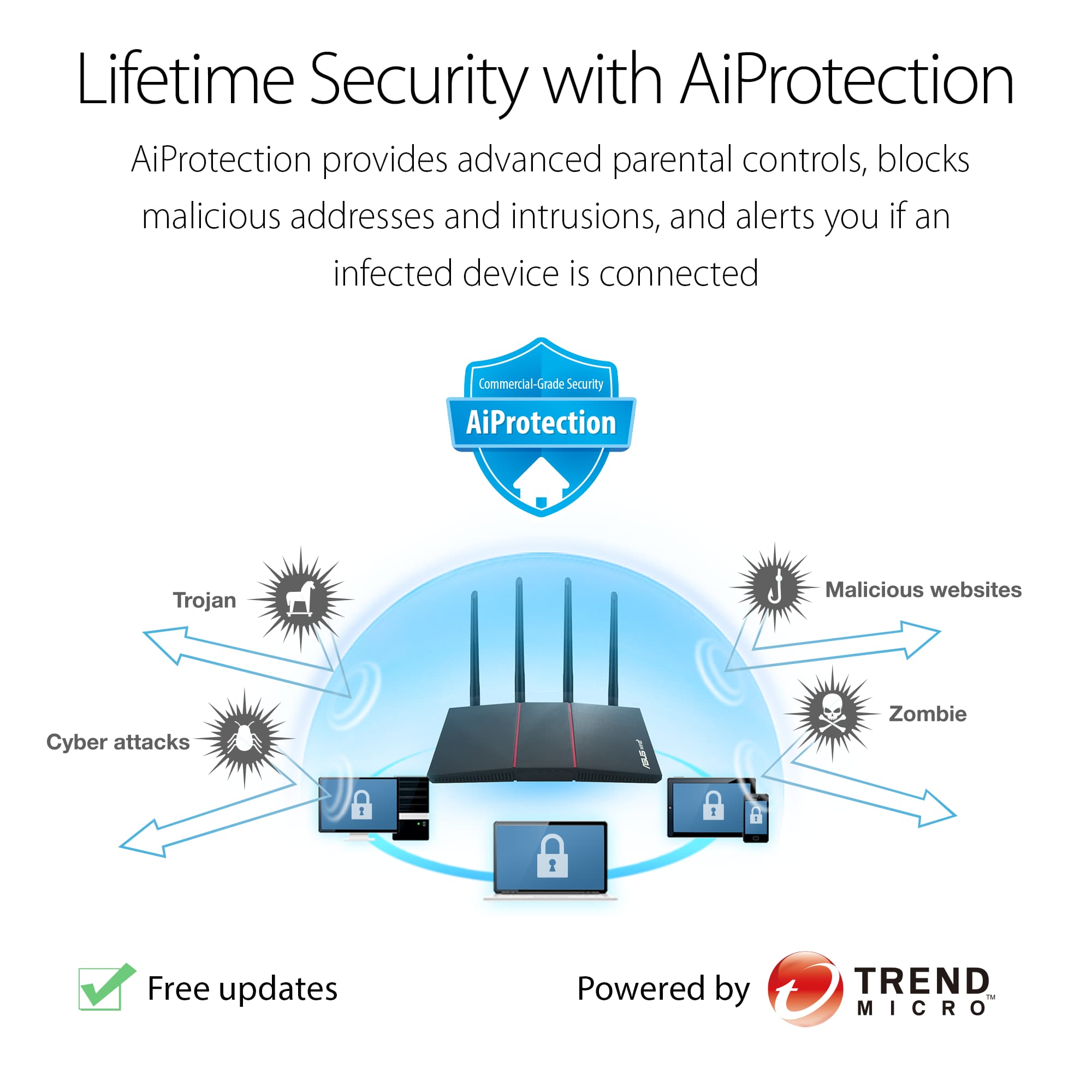
It's unfortunate to hear that your connection disconnects. This must be frustrating, we value your privacy/data. AIProtection uses real-time network monitoring to detect malware, viruses and other intrusions before it reaches your PC or connected devices which database provided by Trend Micro. Also, you can schedule times that a connected device is able to access the Internet. You can also restrict unwanted websites and apps.
You can refer to FAQ below to learn more about our software, if you need technical assistance, feel free to reach out to me at customerloyalty@asus.com and provide this link for reference. I'm here to help you and all others with these issues, as our customer loyalty department is dedicated to bringing a resolution to all issues related to our products.
Thank you for choosing ASUS!
Best Regards,
Jamalie,
ASUS Customer Loyalty US Support
AiProtection - https://www.asus.com/support/FAQ/1008719/
Setup issues
||Posted . Owned for less than 1 week when reviewed.This reviewer received promo considerations or sweepstakes entry for writing a review.Setting this router up has been a pain. I still have not gotten the router setup the way I want. I have a request in for help from support.
No, I would not recommend this to a friendBrand response from ASUS Answers
Posted .Dear Valued Customer,
I'm truly sorry to hear that you are having difficulties setting up the router. This is absolutely not the kind of experience we want any of our customers to have. For detailed understanding about the features, please refer to our user manual below. Seen that you request support, feel free to send us a tweet or direct message to our Official ASUS North America Support Twitter at AsusHelpUS. We’ll do our best to provide a quick resolution to your case. Your feedback is important as it helps with improvements to ASUS Support channels. Please copy a link to this post for reference.
Thank you for choosing ASUS!
Best Regards,
Jamalie,
ASUS Customer Loyalty US Support
Getting better...
||Posted . Owned for 6 months when reviewed.This reviewer received promo considerations or sweepstakes entry for writing a review.If it would stop randomly dropping connections, it would be a great router. It has gotten better with updates, but still occurs every now and then.
No, I would not recommend this to a friendSpotty
||Posted . Owned for 7 months when reviewed.This reviewer received promo considerations or sweepstakes entry for writing a review.This router sometimes has spotty service and must be reset on a regularly basis.
No, I would not recommend this to a friendAbsolute basura.
||Posted .This reviewer received promo considerations or sweepstakes entry for writing a review.Download bandwidth is inexplicably permanently halved on some wireless devices. High jitter and packet loss on WiFi. Wireless Devices also randomly will lose access to WAN and will only reconnect if you restart the router itself. Very poor coverage. It's just insane how bad the WiFi radio is on this thing. Adaptive QoS uses SQF which is not a great SQM but better than nothing. Unfortunately, it doesn't work. Will not detect gaming/VoIP traffic and if it does, then the router does nothing to mitigate bufferbloat. Only way I was able to score anything higher than an "F" on the benchmark was by limiting up/down bandwidth by about 10%. Same issues to be had even with Merlin's firmware, so sadly it won't save this router for you. It has DNS caching and USB printing that actually work. So that's a plus, I guess. I owned this router for about a week and can honestly say that the rt-ax58u is in an alpha state at the moment. It is that bad. Who knows when Asus will patch out all the serious issues. If you're still buying this model, then good luck and Godspeed.
No, I would not recommend this to a friendBrand response from ASUS Answers
Posted .Dear Valued Customer,
Thank you for sharing your feedback on this model. We're sorry to hear about the unfortunate experience you had with this model. Rest assured we will have this information passed on to our team for a review.
For more information send a tweet or direct message to our Official ASUS North America Support twitter at AsusHelpUS. Also, we would recommend that you use the Asus Router App, go to "Settings", "System Settings" then "Feedback" and send feedback to us. We’ll do our best to provide a quick resolution to your case. Your feedback is important as it helps with improvements to ASUS Support channels. Please copy a link to this post as a reference.
Thank you for choosing ASUS.
Best Regards,
Joan
ASUS Customer Loyalty US Support
Not powerful enough.
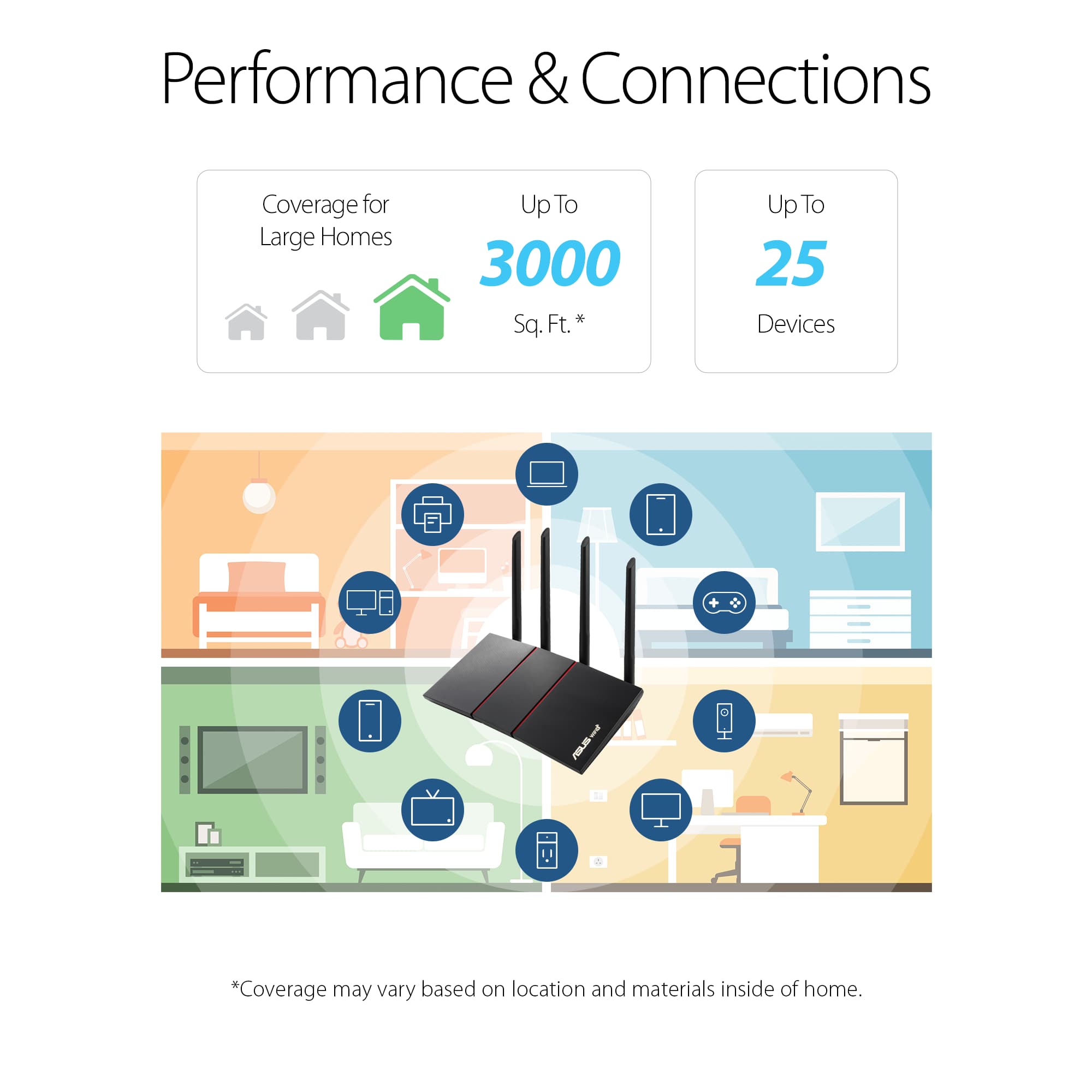
||Posted . Owned for 1 week when reviewed.This reviewer received promo considerations or sweepstakes entry for writing a review.Worked OK but was too week and slow for my 1200 sq ft house. Had to upgrade.
I would recommend this to a friendBrand response from ASUS Answers
Posted .Dear arty,
We regret to learn that you are experiencing weak connection , We do stand behind our product and we continuously strive to improve our approach and processes in order to achieve customer service excellence. Please follow the troubleshooting steps below, If all steps have been completed, please reach out to us by email at customerloyalty@asus.com . and provide the link of this review for reference. We’ll do our best to provide a quick resolution to your case. Your feedback is important as it helps with improvements to ASUS Support channels. Please refer to this case number (N2105047131-0024)Thank you for choosing ASUS.
Best Regards,
Schottky
ASUS Customer Loyalty US Support
https://www.asus.com/support/FAQ/1047919/#:~:text=The%20issue%20might%20be%20also,also%20works%20on%20other%20devices.&text=There%20are%20many%20factors%20that,the%20problem%20of%20network%20itself.
Phone Support Sketchy
||Posted . Owned for 1 week when reviewed.This reviewer received promo considerations or sweepstakes entry for writing a review.Router is working fine. The one big issue I have is with the company's support. They are not available 24/7 for phone support and when you do get them they have a robo switchboard which repeats itself several times. You have to be lucky if you can get them to pick up no matter what button you press. Its very frustrating to deal with this.
No, I would not recommend this to a friendIt’s a decent router
||Posted . Owned for 7 months when reviewed.This reviewer received promo considerations or sweepstakes entry for writing a review.Router is a little spotty but needed a replacement for the one that the internet company provided that has VPN built in
I would recommend this to a friendBrand response from ASUS Answers
Posted .Dear Valued Customer,
It's unfortunate to hear that the router is a bit spotty. This is not the kind of experience we want any of our customers to have. Please attempt the steps below to improve your signal reception. If you have any concerns, feel free to reach out to me at customerloyalty@asus.com and provide this link for reference. I'll do my best to provide a quick resolution to your case. Your feedback is important as it helps with improvements to ASUS Support channels.
Thank you for choosing ASUS!
Best Regards,
Jamalie,
ASUS Customer Loyalty US Support
Troubleshooting - https://www.asus.com/support/FAQ/1030608/
Losr
||Posted . Owned for 1 year when reviewed.This reviewer received promo considerations or sweepstakes entry for writing a review.We lose WiFy way to often with this device and that is disappointing. Upgraded to the newest technology but not so sure it was worth it.
No, I would not recommend this to a friendExpected more
||Posted . Owned for 3 weeks when reviewed.This reviewer received promo considerations or sweepstakes entry for writing a review.Not as expected, weak signal! Did not get more signaling strength
No, I would not recommend this to a friendBrand response from ASUS Answers
Posted .Dear YvonneL,
We regret to learn that you are having connectivity issues, We do stand behind our product and we continuously strive to improve our approach and processes in order to achieve customer service excellence. Please follow the troubleshooting steps in our FAQ, below. If all steps have been completed, please reach out to us by email at customerloyalty@asus.com . and provide the link of this review for reference. We’ll do our best to provide a quick resolution to your case. Your feedback is important as it helps with improvements to ASUS Support channels. Please refer to this case number (N2105047131-0027)Thank you for choosing ASUS.
Best Regards,
Schottky
ASUS Customer Loyalty US Support
Two defective routers from ASUS
||Posted . Owned for less than 1 week when reviewed.This reviewer received promo considerations or sweepstakes entry for writing a review.Garbage. The first one would not load the firmware update, no matter what was done. Without it, the router reboots every day at 8 pm. I take classes and we have Bible study online. Each class overlaps at 8 pm. Took it back to BestBuy for a replacement. The replacement would not connect to the Internet. Once I checked the line directly on my laptop (through a docking station), I found that the line was fine, but the router was defective. Returned it for a refund. This is very frustrating, as I am now paying Verizon for a router that is not as functional (can't hang my USB hard drive off of it). First Netgear router stopped broadcasting, and now this garbage from ASUS. I am not pleased to have to get a less functional router or have to pay Verizon monthly.
No, I would not recommend this to a friendBrand response from ASUS Answers
Posted .Dear Valid Customers,
We're sorry to hear about the unfortunate experience you had with both your routers and that you had to return it. Rest assured we will make a note of this review and have it passed on to our team for a review. We do value our customers and take negative customer service experience very seriously. This is not the quality of service expected from ASUS. We do stand behind our product and we continuously strive to improve our approach and processes in order to achieve customer service excellence.
For more information send us an email at customerloyalty@asus.com and provide the link of this review for reference. We’ll do our best to provide a quick resolution to your case. Your feedback is important as it helps with improvements to ASUS Support channels. Please refer to this case number (N2208005815-0001) for us to better assist you.
Thank you for choosing ASUS.
Best Regards,
Ramon
ASUS Customer Loyalty US Support
Didn’t work for us doesn’t mean it won’t for you
||Posted . Owned for 1 month when reviewed.This reviewer received promo considerations or sweepstakes entry for writing a review.Unfortunately, this did not work the way we hoped. Signal was not strong enough for online classes. But it had to go through several walls
I would recommend this to a friend