Customer Ratings & Reviews
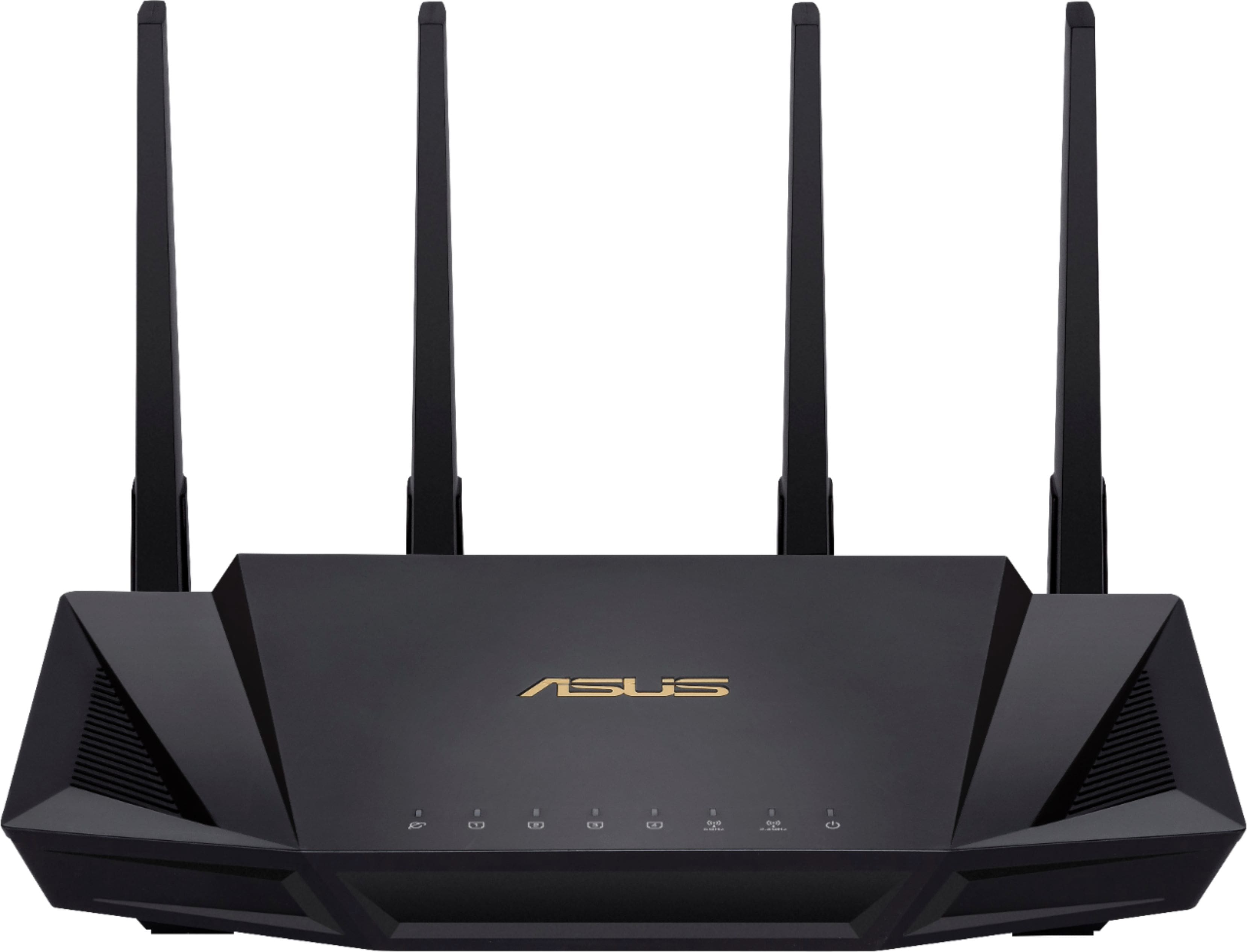
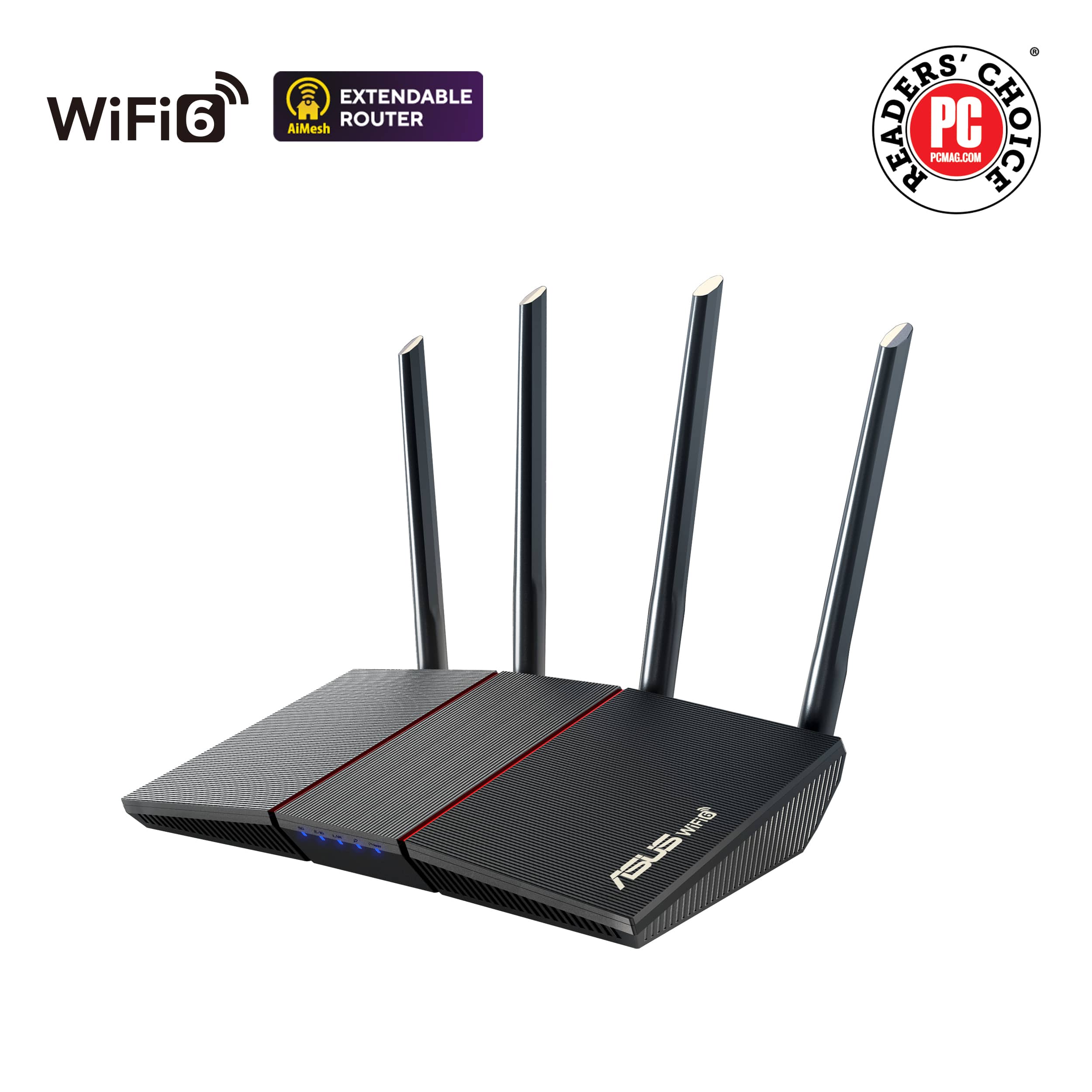

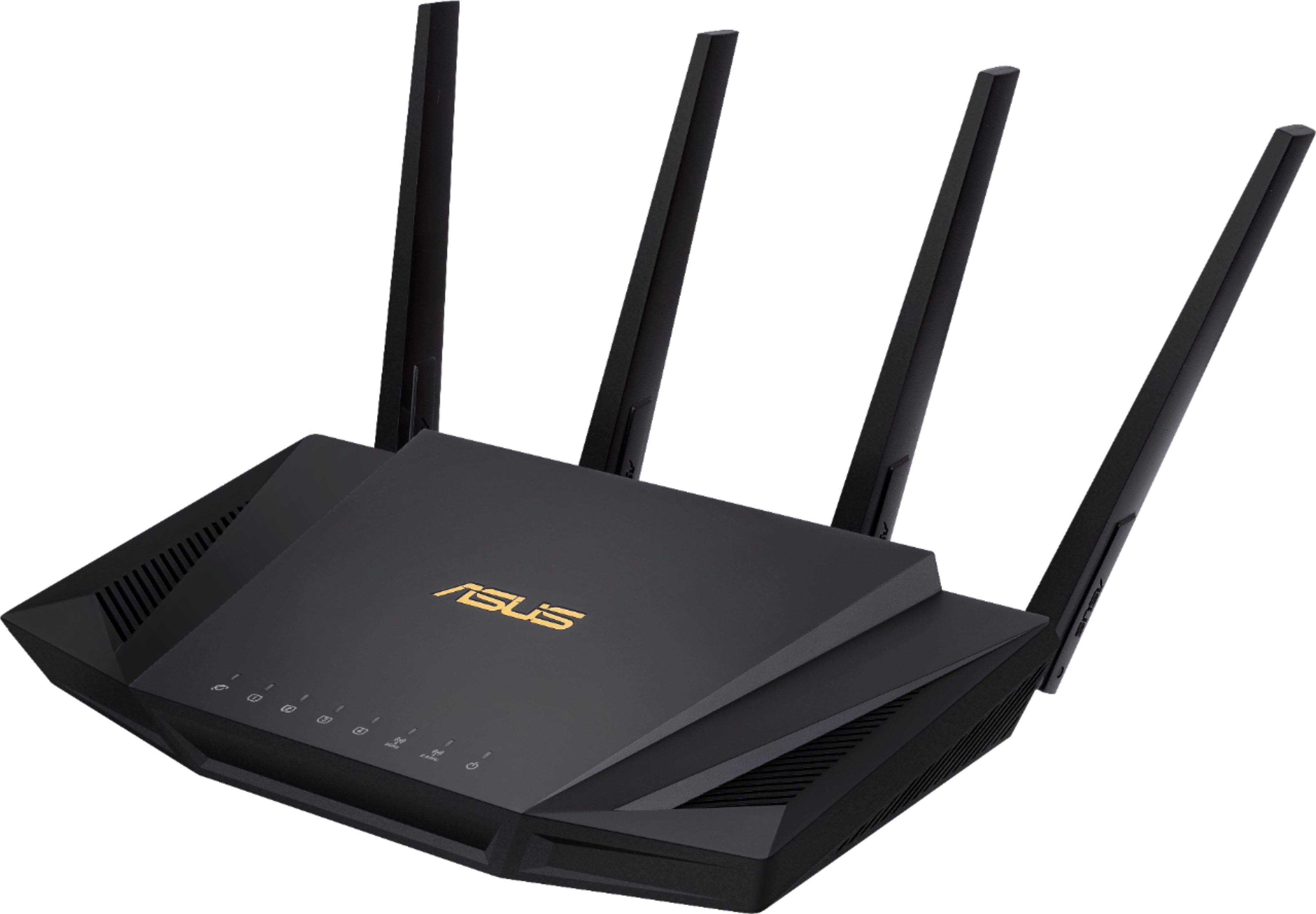
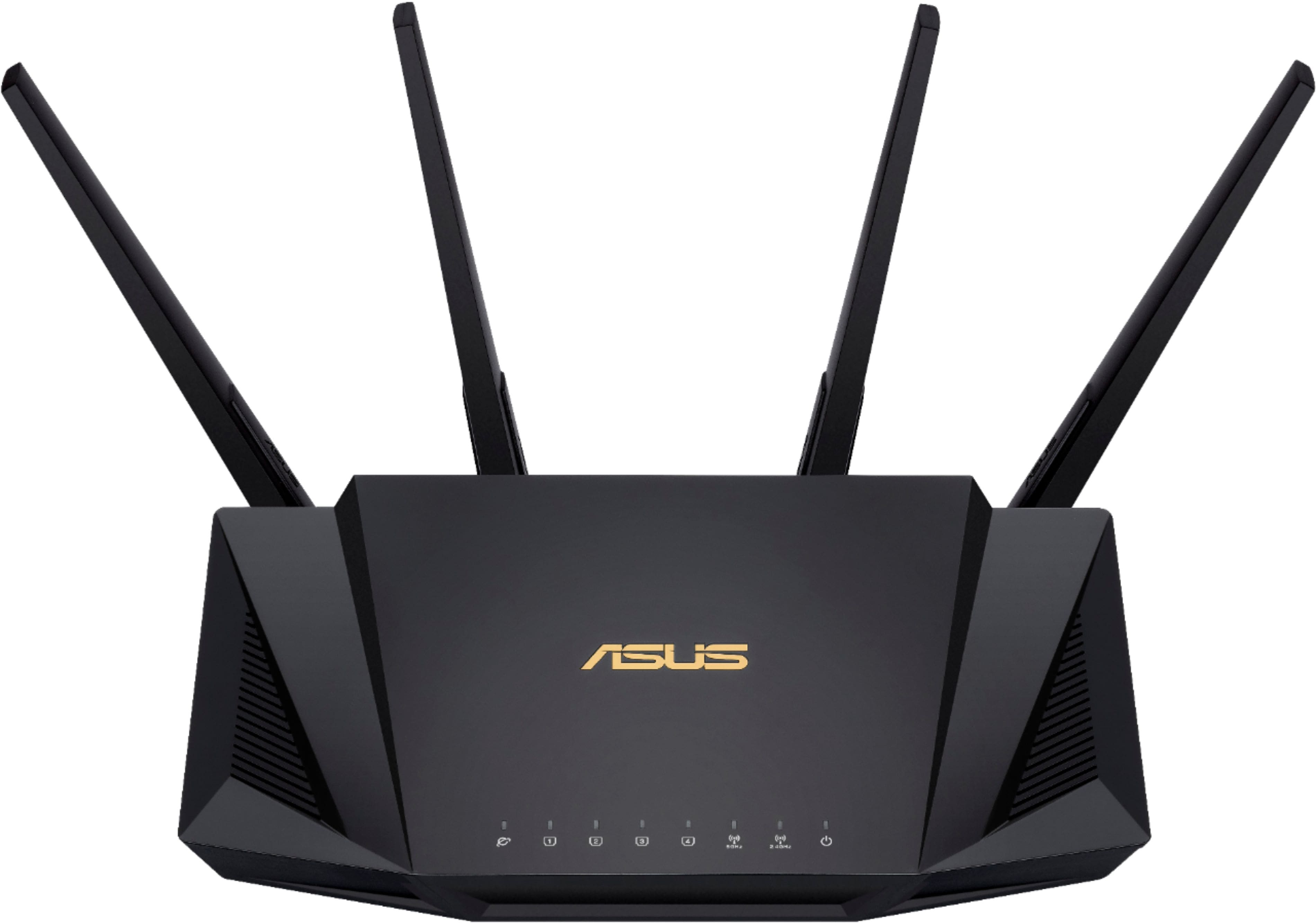
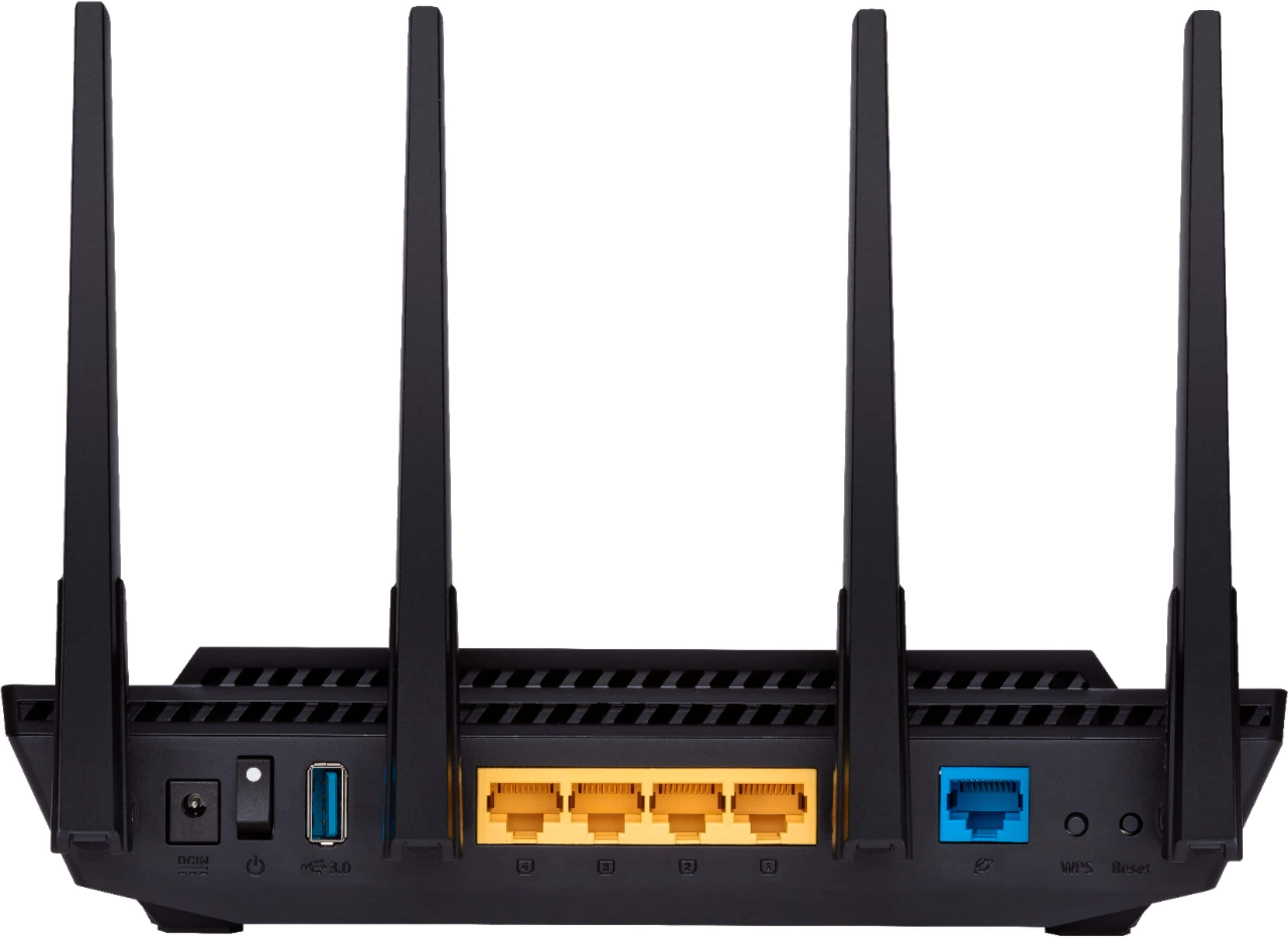
- Model:
- RT-AX58U
- SKU:
- 6377908
Rating by feature
- Setup
Rating 4.7 out of 5 stars
- Range
Rating 4.7 out of 5 stars
- Signal Strength
Rating 4.7 out of 5 stars
Customers are saying
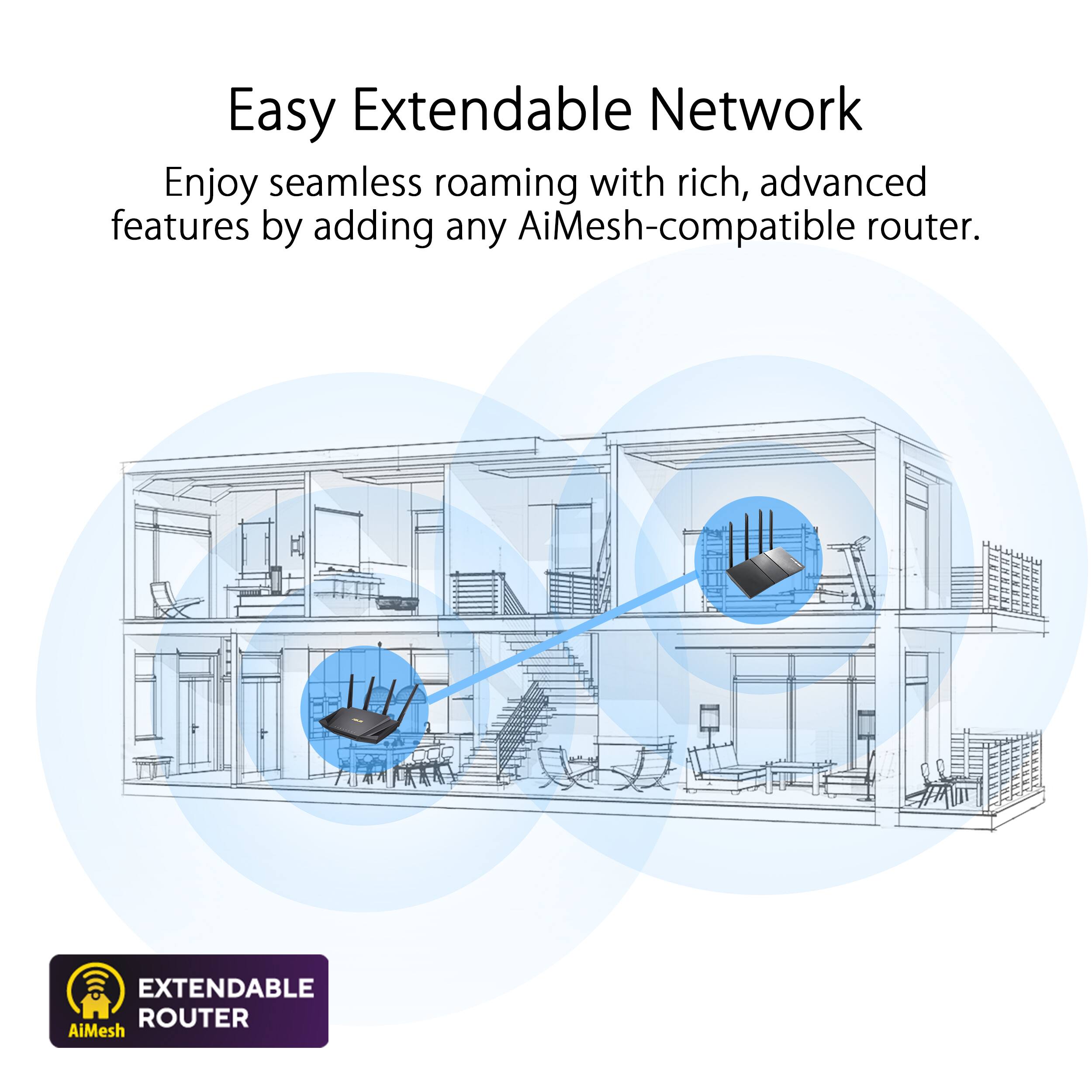
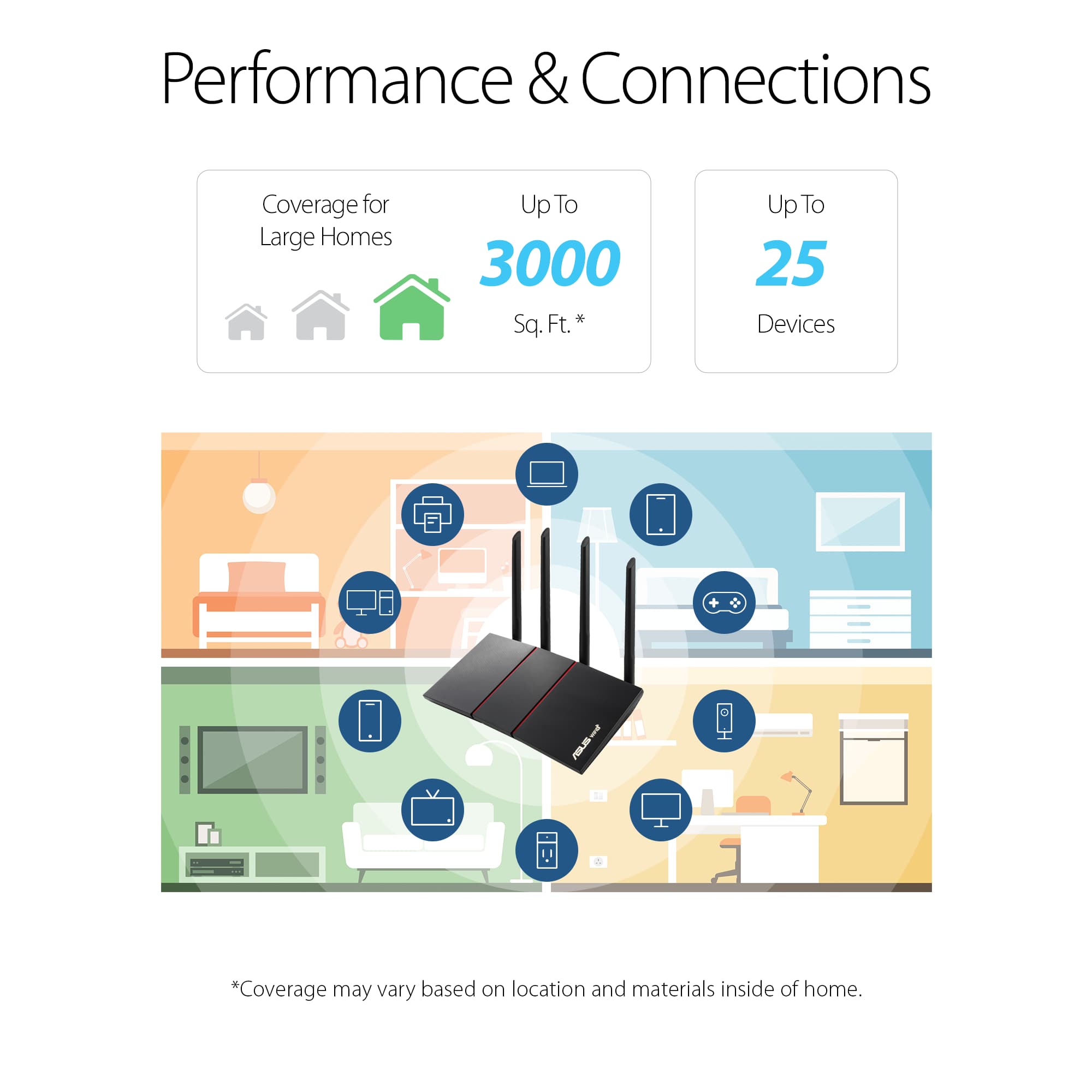
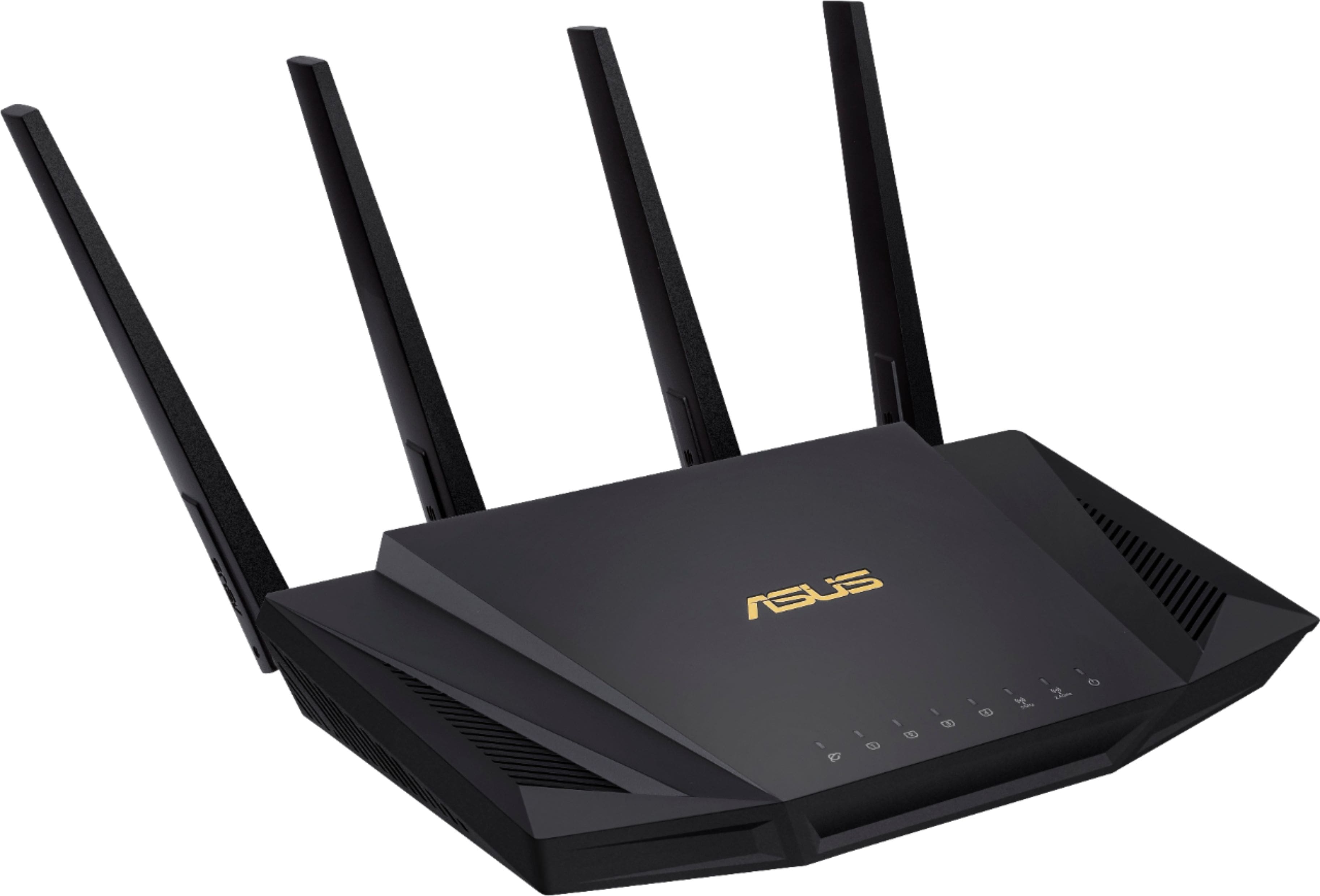
Customers often highlight the ease of use, impressive range, and strong performance of the AX3000 router. Many appreciate the straightforward setup and reliable signal strength, resulting in excellent coverage throughout their homes. Positive feedback also mentions the benefits of WiFi 6 technology and the included lifetime internet security. While some users experienced connection issues, the majority reported positive experiences with minimal buffering or lag.
This summary was generated by AI based on customer reviews.
Hard to set up. Not reliable.
||Posted . Owned for 2 weeks when reviewed.This reviewer received promo considerations or sweepstakes entry for writing a review.I spent the better part of 2days settingitup. It had a problem with finding the DHCP for my cable provider. When it workedotwasfine. After about 5 days we had a power outage and it couldn't get the internet again. I finally returned it.
No, I would not recommend this to a friendBrand response from ASUS Answers
Posted .Dear Valued Customer,
We are terribly sorry for the experience you've had with the device and for the inconvenience, this had caused you. ASUS products undergo intensive quality control testing and final inspections for both hardware and software before we send them out to the stores worldwide. ASUS provides a warranty for the unit in order to fix or repair any isolated factory escape defect. This information will be passed on to our development team.
We truly appreciate your feedback. If you need any assistance, please don't hesitate to contact us via email: customerloyalty@asus.com and provide this link for reference or contact our general support at https://www.asus.com/us/support. Our customer loyalty department is dedicated to bringing a resolution to all issues related to our products.
Thank you for choosing ASUS!
Best Regards,
Lamoya
ASUS Customer Loyalty US Support
Fell apart
||Posted . Owned for 2 months when reviewed.This reviewer received promo considerations or sweepstakes entry for writing a review.Two months after buying it, the antenna spontaneously broke off while adjusting it. I am gentle with my electronics and live in a child and pet free home. The thing was literally just sitting on the table and the antenna broke off after I touched it. Best buy would not replace it, and after calling Asus they said that they were going to charge me to fix it. It's pretty crazy that a manufacturer and retailer can sell a product that falls apart after less than 3 months and then tell you to take a hike when you ask for a replacement.
No, I would not recommend this to a friendBrand response from ASUS Answers
Posted .Dear Jmthomp07,
We certainly understand your disappointment with the quality of the product you received and the inconvenience this may have caused.
All ASUS products undergo intensive quality control testing and inspections, this is a random problem. Normally, ASUS provides warranty coverage, if product was purchased brand-new, in order to fix or repair any hardware or part that stop working prematurely under normal usage.
If you need more information or further assistance with the warranty for the product, please email me at cl-rodel@asus.com and I would be more than happy to help. Or, you are most welcome to call Product Support Hotline at: 1(888) 678-3688. Also, you can chat with an ASUS live support agent at: http://bit.ly/AsusLiveChat.
Thank you for choosing an ASUS product.
Regards,
Rodel
ASUS Customer Loyalty
Ok
||Posted . Owned for 1 month when reviewed.This reviewer received promo considerations or sweepstakes entry for writing a review.My Internet is running great as it ever has been thank you best buy
I would recommend this to a friendBrand response from ASUS Answers
Posted .Dear Valued Customer,
Thank you so much for the honest feedback, If you have any technical issues, feel free to reach out to me at customerloyalty@asus.com and provide this link for reference. I'll do my best to provide a quick resolution to your case. Your feedback is important as it helps with improvements to ASUS Support channels.
Thank you for choosing ASUS!
Best Regards,
Jamalie,
ASUS Customer Loyalty US Support
Frustrated.
||Posted . Owned for 2 weeks when reviewed.This reviewer received promo considerations or sweepstakes entry for writing a review.Owned for about a week and half and the router would disconnect three times. Not recommended for Sonos either as it would not hold a wireless connection and the same for any devices that were previously setup. It may be a compatibility issue with the WIFI 6 so I am giving a fair rating.
No, I would not recommend this to a friendBrand response from ASUS Answers
Posted .Dear Valued Customer,
We are terribly sorry to hear that the device is disconnecting and for the inconvenience this has caused you. ASUS products undergo intensive quality control testing and final inspections for both hardware and software before we send them out to the stores worldwide. ASUS provides a warranty for the unit in order to fix or repair any isolated factory escape defect. This information will be passed on to our development team. We would be very happy to assist you. We are recommending completing a hard reset on the router.
1. Turn the router power off.
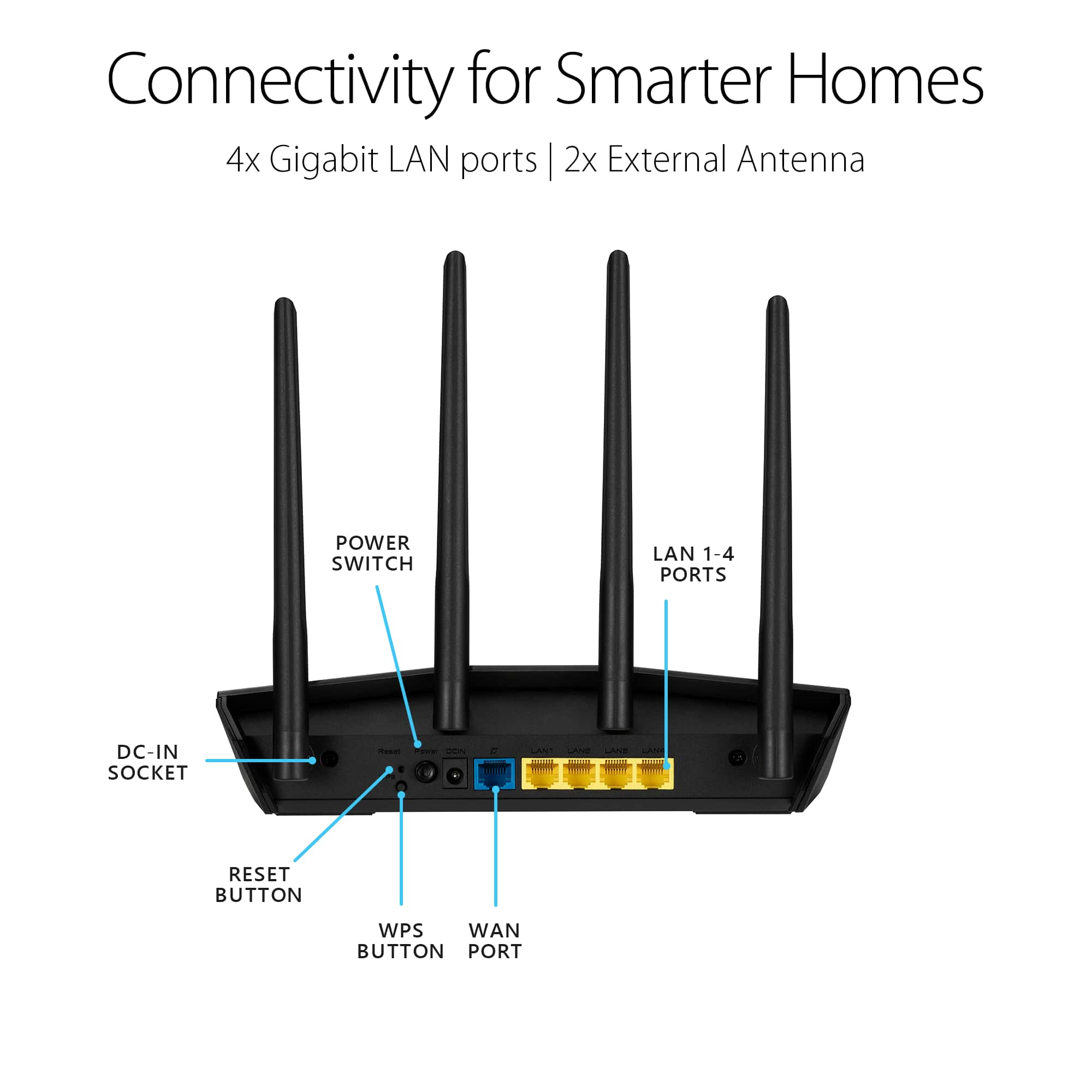
2. Press and hold the "WPS" button and turn the router on.
3. Power light is on (keep holding the WPS button).
4. Power light starts flashing for about 5 seconds.
5. Keep holding until the power light stops flashing and the router will automatically reboot.
Please ensure the router is running the latest firmware version. We truly appreciate your feedback. If you need any further assistance, please don't hesitate to contact us via email at (Customer loyalty @ Asus .com) Please remove the spaces and please use this link as a reference. Our customer loyalty department is dedicated to bringing a resolution to all issues related to our products.
Thank you for choosing ASUS!
Best Regards,
Lamoya
ASUS Customer Loyalty US Support
Lasted 6 weeks
||Posted . Owned for 1 month when reviewed.This reviewer received promo considerations or sweepstakes entry for writing a review.Very disappointed 2 weeks after the return date the NAS stopped working. Even after factory resets and trying different SSD drives the problem still persists. It will pop up on the TV but when I try to access it it fails and disappears. Should have heeded the bad reviews. I have a 10 year old Asus that doesn't give me this issue. It is old and I figured I'd "upgrade". Big mistake on my part. So now I have a router that doesn't fit my needs sitting in a box. Very disappointed in myself people heed the warning but a different model!!!
No, I would not recommend this to a friendBrand response from ASUS Answers
Posted .Dear Wolfu11,
We are sorry to hear about the connectivity issue that you have been experiencing with your ASUS router. This is definitely not the norm and is not the type of quality to expect from ASUS products. Please follow the steps in this FAQ to troubleshoot the issue: [Troubleshooting] Failed Internet access through router - https://www.asus.com/support/FAQ/1030645/
We do stand behind our product and we continuously strive to improve our products and processes in order to achieve customer service excellence. For more information send us an email at customerloyalty@asus.com and provide the case number "N200268504-0037" for reference. We’ll do our best to provide a quick resolution to your case. Your feedback is important as it helps with improvements to ASUS Support channels. Thank you for choosing ASUS.
Best Regards,
Leonardo
ASUS Customer Loyalty US Support
couldn't get it to work
||Posted . Owned for 1 month when reviewed.This reviewer received promo considerations or sweepstakes entry for writing a review.had to call the cable company and they hooked it up with theire equipment
I would recommend this to a friendFirst and last Asus product.
||Posted . Owned for 1 year when reviewed.This reviewer received promo considerations or sweepstakes entry for writing a review.I rarely ever write product reviews but the way Asus handled my issue is unacceptable. The antennas broke off while I was adjusting them to get better range in my home, at which point one of them broke off. The plastic is very cheap and brittle that regardless of how careful you are they will eventually break off. I emailed them to file a warranty claim and they refuse to repair because of physical damage. Yes, the damage is physical caused by poor workmanship. The antennas are built in and they want me to pay for the repair and be without WiFi during that time. I will never purchase another Asus product again.
No, I would not recommend this to a friendBrand response from ASUS Answers
Posted .Dear OllieG,
We're sorry to hear about the disappoint you're having with this model Can you please provide us with your case number so we can have our team look into this issue. For more information send us an email at customerloyalty@asus.com and provide the link of this review for reference. We’ll do our best to provide a quick resolution to your case. Your feedback is important as it helps with improvements to ASUS Support channels. Please copy a link to this post as a reference.
Thank you for choosing ASUS.
Best Regards,
Joan
ASUS Customer Loyalty US Support
Works alright
||Posted . Owned for 3 months when reviewed.This reviewer received promo considerations or sweepstakes entry for writing a review.It's a little buggy, especially with Intel wifi 6 cards
No, I would not recommend this to a friendBrand response from ASUS Answers
Posted .Dear Valued Customer,
Thank you so much for the feedback, we truly appreciate it. Please ensure to keep the firmware up to date. You can refer to the FAQ below. If you have any technical concerns, feel free to reach out to me at customerloyalty@asus.com and provide this link for reference. I'll do my best to provide a quick resolution to your case. Your feedback is important as it helps with improvements to ASUS Support channels.
Thank you for choosing ASUS!
Best Regards,
Jamalie,
ASUS Customer Loyalty US Support
Troubleshooting - https://www.asus.com/support/FAQ/1008000/
So so
||Posted . Owned for 3 weeks when reviewed.This reviewer received promo considerations or sweepstakes entry for writing a review.So so, I think good but so so Valve too high, but I will not buy
No, I would not recommend this to a friendTime scheduling
||Posted . Owned for 3 weeks when reviewed.This reviewer received promo considerations or sweepstakes entry for writing a review.The parental time scheduling is difficult to understand.
No, I would not recommend this to a friendBrand response from ASUS Answers
Posted .Dear Valued Customer,
I'm truly sorry to hear that the time scheduling is hard to understand. Please attempt these steps:
1. GUI > Network Map > AiProtection > Parental Controls
2. Web & Apps Filters = On
3. Select the client from the list, Click the + sign to expand the content
4. Click the check box to select the content category, Click the + sign to add, Click Apply
5. Click Time Scheduling, Enable Time Scheduling = On
6. Select the client from the list, Click the + sign to add, Click the pencil sign to edit
7. Use drag and select to set the timetable
8. Click OK to Save
For further troubleshooting, feel free to reach out to me at customerloyalty@asus.com and provide this link for reference. I'll do my best to provide a quick resolution to your case. Your feedback is important as it helps with improvements to ASUS Support channels.
Thank you for choosing ASUS!
Best Regards,
Jamalie,
ASUS Customer Loyalty US Support
Decent
||Posted . Owned for 7 months when reviewed.This reviewer received promo considerations or sweepstakes entry for writing a review.Lasted about a year and a half before needing to be replaced
No, I would not recommend this to a friendMeh
||Posted . Owned for 1 month when reviewed.This reviewer received promo considerations or sweepstakes entry for writing a review.Great looking router. I can’t say it helped my speeds compared to my standard internet provider’s router but it looks nice
No, I would not recommend this to a friendBrand response from ASUS Answers
Posted .Dear Valued Customer,
Thank you for sharing your experience with the router, and we apologize for the problems you've encountered. At ASUS, we take quality control, testing, and inspections seriously to ensure our products meet high standards. What you've experienced was not intentional. Customer satisfaction is our top priority, and we strive to make every purchase enjoyable. Our goal is to ensure that our customers receive the best products and services when it comes to making their purchase decisions. Please allow us to make your experience with ASUS a better one.
To troubleshoot the issue described, we recommend following the steps in the FAQ below. Should the issue persist, please contact our support team at https://www.asus.com/us/support/CallUs to investigate the problem further or assistance with getting the device repaired.
We do stand behind our products and continuously strive to improve our products and processes to achieve customer service excellence. For more information, email us at customerloyalty@asus.com and include the case number "N2104019978-0024" as a reference. We will do our best to resolve your case quickly. Your feedback is very important to us and enables us to improve our support channels. Thank you for choosing ASUS.
Best Regards,
Chantae
ASUS Customer Loyalty US Support
https://www.asus.com/support/faq/1047919/
- Cons mentioned:Connection
Failing router. Disconnects several times a day.
||Posted . Owned for 1 year when reviewed.This reviewer received promo considerations or sweepstakes entry for writing a review.Router is already failing and bought after Christmas. Losses connection to modem multiple times a day and needs to be reset. Will be hesitant to buy in the future.
No, I would not recommend this to a friendBrand response from ASUS Answers
Posted .Dear Aaron,
It's unfortunate to hear that your device is losing connection. This is not the kind of experience we want any of our customers to have. Have you updated the firmware? Please attempt the steps from the FAQ below. For further troubleshooting, feel free to reach out to me at customerloyalty@asus.com and provide this link for reference. I'll do my best to provide a quick resolution to your case. Your feedback is important as it helps with improvements to ASUS Support channels.
Thank you for choosing ASUS!
Best Regards,
Jamalie,
ASUS Customer Loyalty US Support
Troubleshooting - https://www.asus.com/support/FAQ/1030608/
Disappointing Router
||Posted . Owned for less than 1 week when reviewed.This reviewer received promo considerations or sweepstakes entry for writing a review.I bought this router in July and didn't even have it 24 hrs. The ethernet port wouldn't recognize the internet coming from my modem. Very disappointed in this product. Not to mention, the online website wasn't always available.
No, I would not recommend this to a friendBrand response from ASUS Answers
Posted .Dear Potter,
We appreciate you sharing your feedback on this model. We're sorry to hear about the unfortunate experience you're having with this model. Please allow us to make your experience with ASUS a better one. Have you tried using another Ethernet cable? If not, we would recommend that you do so. We do value our customers and take negative customer service experience very seriously. This is not the quality of service expected from ASUS. We do stand behind our product and we continuously strive to improve our approach and processes in order to achieve customer service excellence.
For more information, you can reach out to us at our Official ASUS North America Support twitter at AsusHelpUS. We’ll do our best to provide a quick resolution to your case. Your feedback is important as it helps with improvements to ASUS Support channels. Please copy a link to this post as a reference.
Thank you for choosing ASUS.
Best Regards,
Joan
ASUS Customer Loyalty US Support
Ok for a one floor house
||Posted . Owned for 3 months when reviewed.This reviewer received promo considerations or sweepstakes entry for writing a review.The feature set is nice and coverage is great but settings out of the box is difficult to work through to fine tune the performance. Support isn’t any better. Going back to net gear nighthawks
No, I would not recommend this to a friendBrand response from ASUS Answers
Posted .Dear Valued Customer,
We appreciate you sharing your feedback on this model. We're sorry to hear about the unfortunate experience you're having with the connection issue on this model. Please allow us to make your experience with ASUS a better one. We would recommend that you try changing the channel bandwidth of each band of 2.4 GHz to 20 MHz, and for 5GHz please select 60MHz. Test each of the channels first for improved stability. You can also do the speed test for each. If you’re still experiencing issues, please send any feedback via ASUSWRT(ASUS router Web UI), or ASUS Router App, or send a tweet or direct message to our Official ASUS North America Support twitter at AsusHelpUS. We’ll do our best to provide a quick resolution to your case. Your feedback is important as it helps with improvements to ASUS Support channels. Please copy a link to this post as a reference.
Thank you for choosing ASUS.
Best Regards,
Joan
ASUS Customer Loyalty US Support
Great while it lasted...
||Posted . Owned for 1 year when reviewed.This reviewer received promo considerations or sweepstakes entry for writing a review.Purchased 10/2/2022 and it has just officially kicked the bucket. Wasn't a bad router while it lasted.
No, I would not recommend this to a friendBrand response from ASUS Answers
Posted .Dear Jolee M,
Thank you for sharing your experience with the router, and we apologize for the problems you've encountered. At ASUS, we take quality control, testing, and inspections seriously to ensure our products meet high standards. Customer satisfaction is our top priority, and we strive to make every purchase enjoyable. We understand that purchases can be an important decision and we want to ensure that our customers are receiving the best products and services.
Please allow us to make your experience with ASUS a better one. Based on the issue described, we recommend getting the device repaired. For assistance with the repair process, please contact our support team at https://www.asus.com/us/support/CallUs.
We do stand behind our product and we continuously strive to improve our products and processes to achieve customer service excellence. For more information send us an email at customerloyalty@asus.com and provide the case number "N2104019978-0025" for reference. We’ll do our best to provide a quick resolution to your case. Your feedback is important as it helps with improvements to ASUS Support channels. Thank you for choosing ASUS.
Best Regards,
Chantae
ASUS Customer Loyalty US Support
Great features, poor performance
||Posted . Owned for 3 weeks when reviewed.This reviewer received promo considerations or sweepstakes entry for writing a review.Tried using this monitor with factory and latest firmware. Wireless AX mode slower than my Wireless AC router. High latency in video games regardless of it being advertised as having low latency. Tp link x20 performs better than this.
No, I would not recommend this to a friendBrand response from Asus_Answers
Posted .Dear Valued Customer,
It's unfortunate to hear that the frequency band is moving very slow. This is capable of very fast speeds, non-overlapping channels, and better efficiency.
You can submit feedback for our team to review, please use the Asus Router App, go to "Settings" > "System Settings" > "Feedback" > and send a Feedback mail to us. We'll do our best to provide a quick resolution to your case. Your feedback is important as it helps with improvements to ASUS Support channels.
Thank you for choosing ASUS!
Best Regards,
Jamalie,
ASUS Customer Loyalty US Support
sucks
||Posted . Owned for more than 2 years when reviewed.This reviewer received promo considerations or sweepstakes entry for writing a review.was not happy with this router i had so many issues always dropping signal and would not work well with boosters.
No, I would not recommend this to a friendBrand response from ASUS Answers
Posted .Dear Valued Customer,
Our sincere apologies for the connectivity problems you have had with the router and the inconvenience this has caused you. This is not the kind of quality to expect from ASUS products and it's not the norm. All ASUS products undergo intensive quality control, testing, and inspections. What you've experienced was not intentional or representative of our brand. Customer satisfaction is our top priority, and we strive to make every purchase enjoyable.
Please allow us to make your experience with ASUS a better one. We recommend following the steps in the FAQ below to troubleshoot the issue.
We stand behind our products and continuously strive to improve our products and processes to achieve customer service excellence. If you require further assistance, please email us at customerloyalty@asus.com and include the case number "N2104019978-0021" as a reference. We will do our best to resolve your case quickly. Your feedback is very important to us and enables us to improve our support channels. Thank you for choosing ASUS.
Best Regards,
Chantae
ASUS Customer Loyalty US Support
https://www.asus.com/support/FAQ/1030641
- Pros mentioned:Performance
Poor tech support
||Posted . Owned for 3 weeks when reviewed.This reviewer received promo considerations or sweepstakes entry for writing a review.Works great. However if you ever need support from Asus, it is very difficult to get it and also understand what they want you to do to fix it.
No, I would not recommend this to a friendBrand response from ASUS Answers
Posted .Dear Chumly,
We're sorry to hear about the unfortunate experience you had with our technical support team. Can you please provide us with your case number so we can have our team look into this issue? We do value our customers and take negative customer service experience very seriously. This is not the quality of service expected from ASUS. We do stand behind our product and we continuously strive to improve our approach and processes in order to achieve customer service excellence.
For more information send us an email at customerloyalty@asus.com and provide the link of this review for reference. We’ll do our best to provide a quick resolution to your case. Your feedback is important as it helps with improvements to ASUS Support channels. Please copy a link to this post as a reference.
Thank you for choosing ASUS.
Best Regards,
Joan
ASUS Customer Loyalty US Support
Couldn't get it to work
||Posted . Owned for 1 month when reviewed.This reviewer received promo considerations or sweepstakes entry for writing a review.Maybe my problems were unique, but I can't recommend this router. I owned an older version of this router for several years. I started to have some problems with it, so I decided to simply replace it with this newer version. I could not get internet to work through WiFi connections, although it worked when connecting through ethernet. I tried everything I could, including calls to Asus (which were fairly helpful), but could not get it to work. I returned it and bought a Netgear router recommended by a Best Buy associate, and had it setup and working within 30 minutes.
No, I would not recommend this to a friendBrand response from ASUS Answers
Posted .Dear Valued Customer,
It's unfortunate to hear that you were unable to get internet connection via Wi-Fi and you had to return it. All ASUS products undergo intensive quality control, testing, and inspections. What you've experienced was not intentional and this was a random case. If you have any concerns about another model, feel free to reach out to me at customerloyalty@asus.com and provide this link for reference. I'll do my best to provide a quick resolution to your case. Your feedback is important as it helps with improvements to ASUS Support channels.
Thank you for choosing ASUS!
Best Regards,
Jamalie,
ASUS Customer Loyalty US Support