Customer Ratings & Reviews
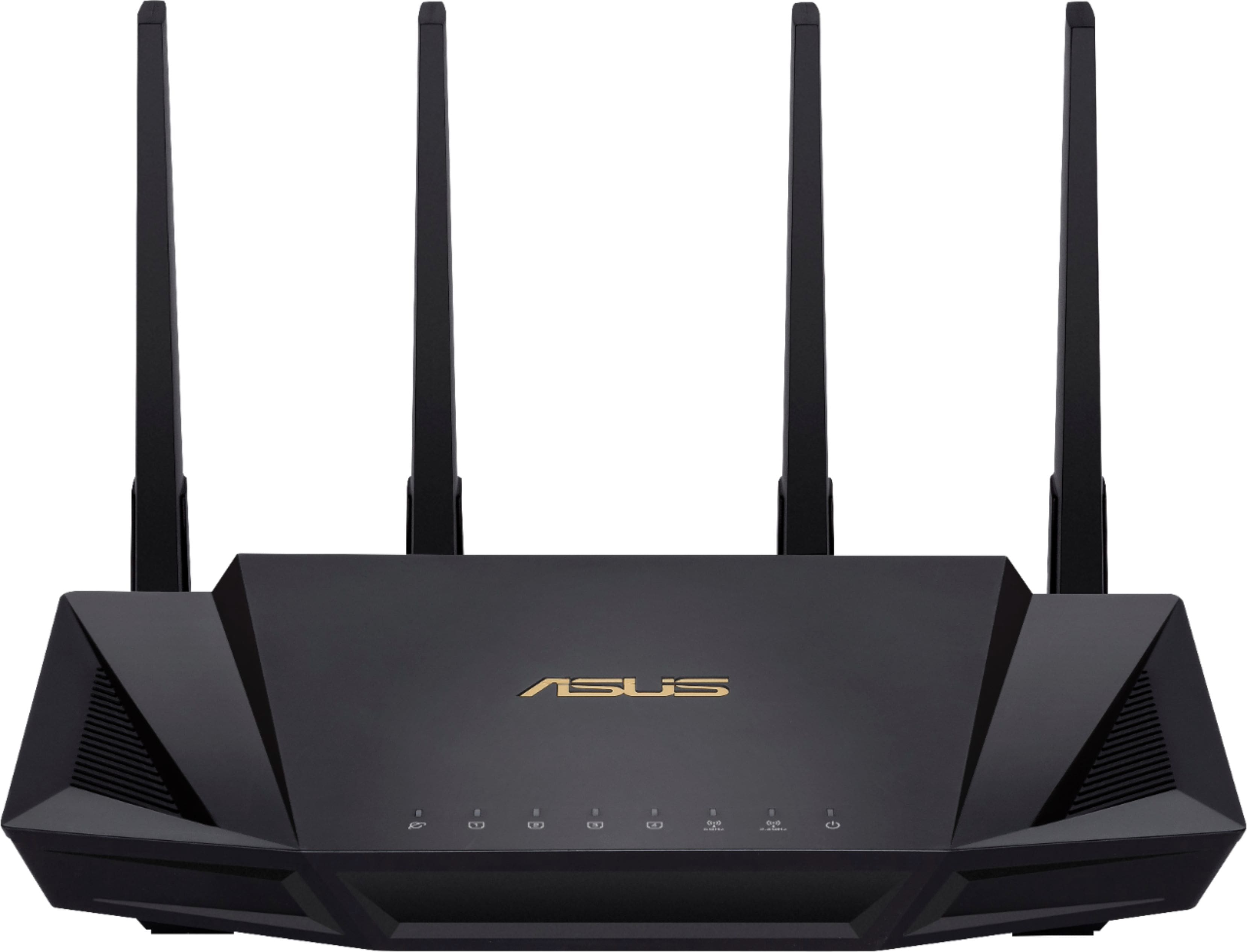
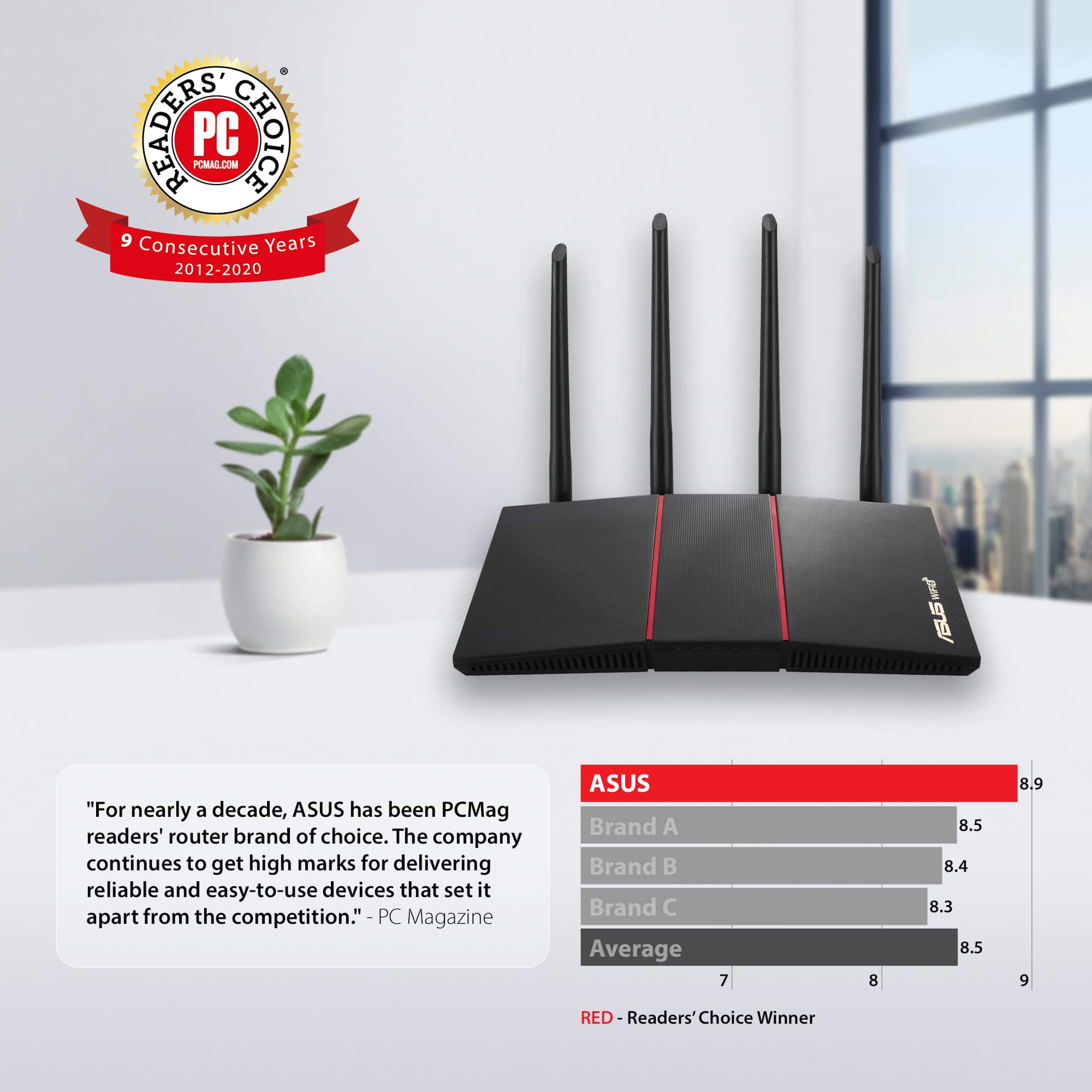

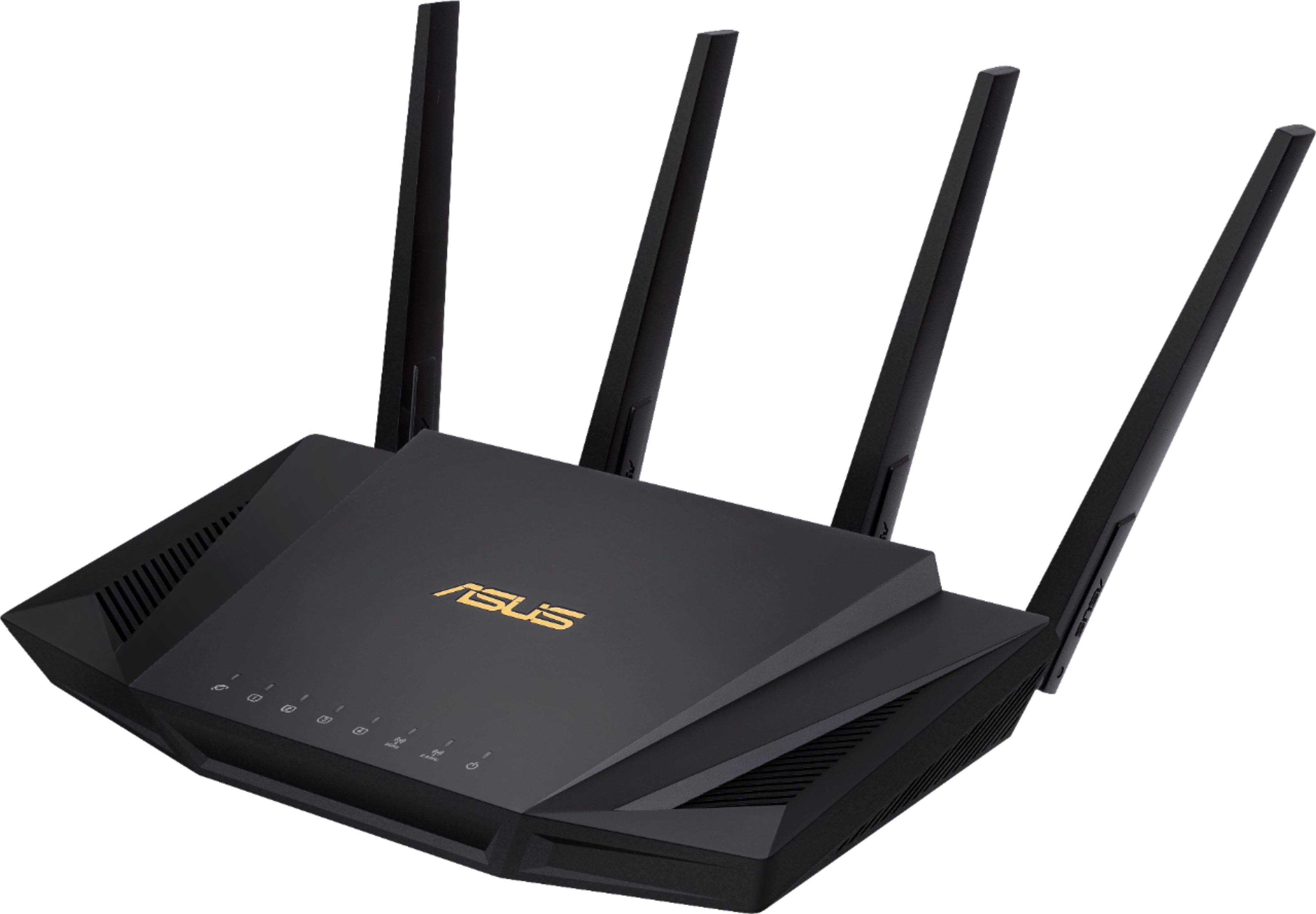
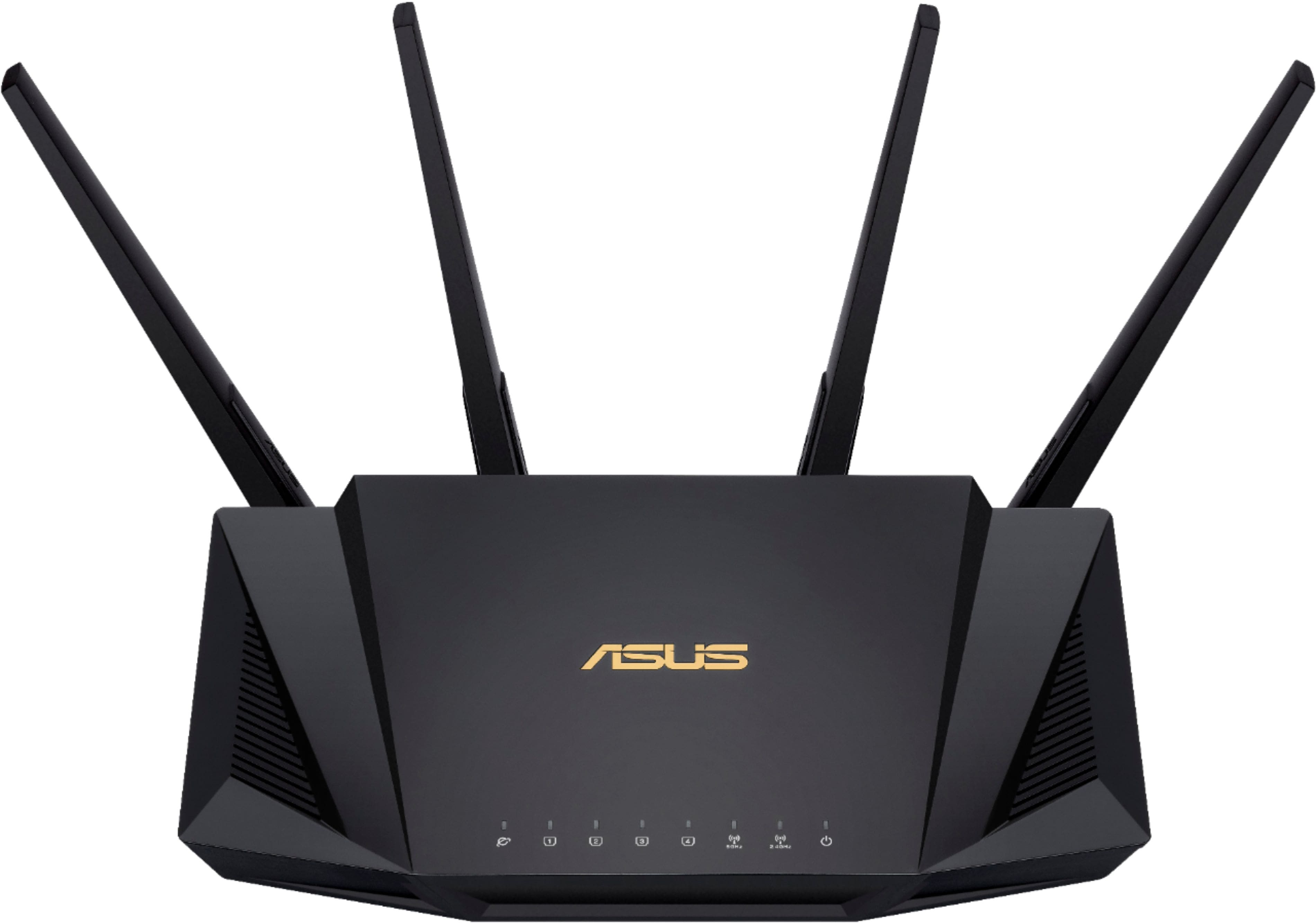
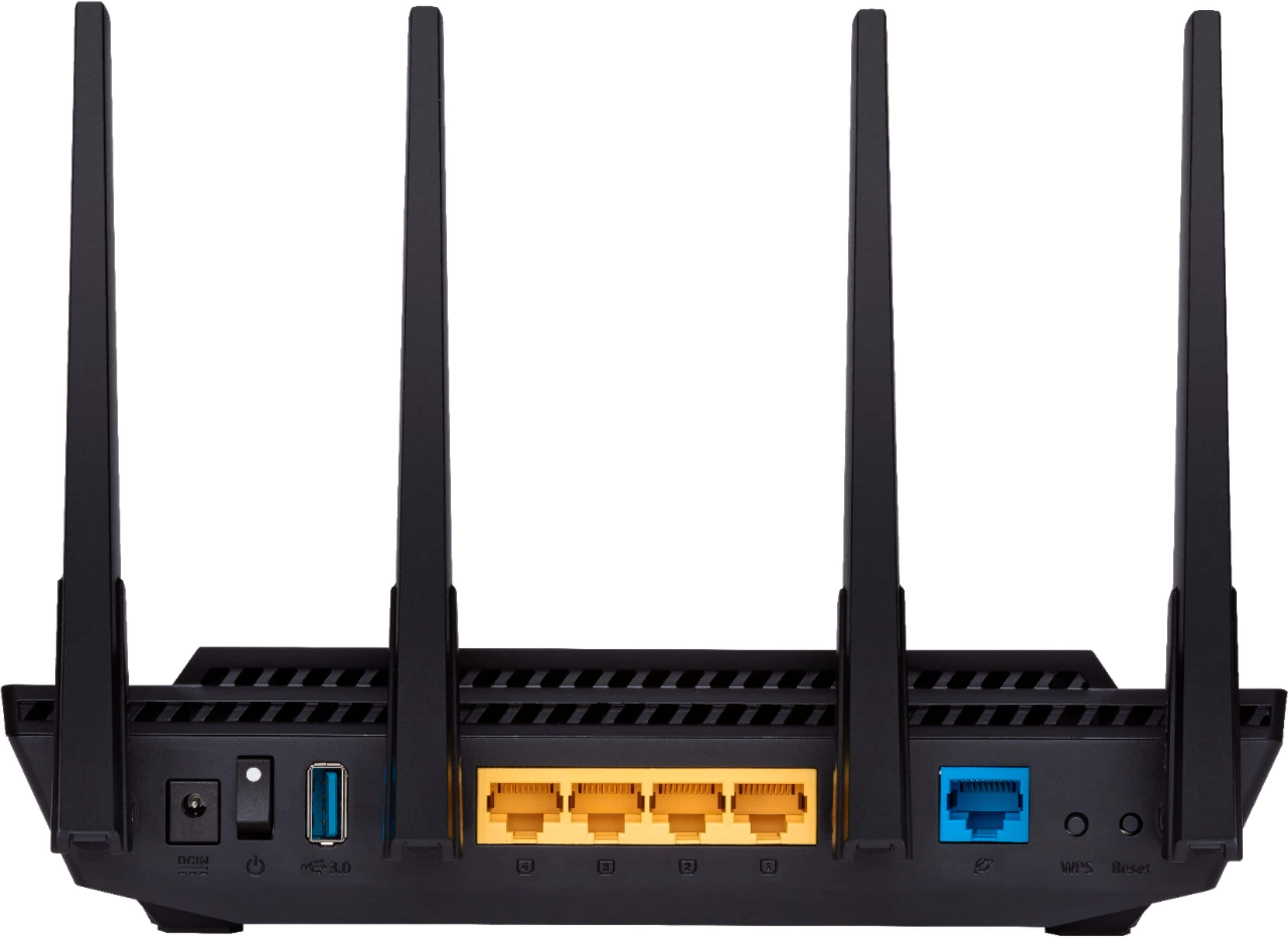
- Model:
- RT-AX58U
- SKU:
- 6377908
Rating by feature
- Setup
Rating 4.7 out of 5 stars
- Range
Rating 4.7 out of 5 stars
- Signal Strength
Rating 4.7 out of 5 stars
Customers are saying
Customers often highlight the ease of use, impressive range, and strong performance of the AX3000 router. Many appreciate the straightforward setup and reliable signal strength, resulting in excellent coverage throughout their homes. Positive feedback also mentions the benefits of WiFi 6 technology and the included lifetime internet security. While some users experienced connection issues, the majority reported positive experiences with minimal buffering or lag.
This summary was generated by AI based on customer reviews.
Slow, does not support OpenVPN like Asus claims
Posted .This reviewer received promo considerations or sweepstakes entry for writing a review.I purchased this router specifically because it offers VPN, beam steering as well as WiFi 6. This router is slower than my Fios router. With WiFi 6 enabled, I was seeing download speeds of less than 100 Mbps. On my Fios router, I was experiencing 300-400 Mbps. In addition, I could not get the Open VPN to work - the router will not store ovpn files. Asus said they will look into it. Why advertise and release a product if it does not work? ExpressVPN said they might add that feature in the future... Waste of money.
No, I would not recommend this to a friendBrand response from Asus_Answers
Posted .Dear Valued Customer,
I’m sorry to hear you had such a frustrating experience with the open VPN feature. This is absolutely not the kind of experience we want any of our customers to have. We always aim to develop great products. We are gutted when we miss the mark. If you wish to collaborate this issue to a solution, feel free to reach out to me at customerloyalty@asus.com and provide this link for reference. I'm here to help you and all others with these issues, as our customer loyalty department dedicated to bringing a resolution to all issues related to our products.
Thank you for choosing ASUS!
Best Regards,
Jamalie,
ASUS Customer Loyalty US Support
Ai-Mesh does not work
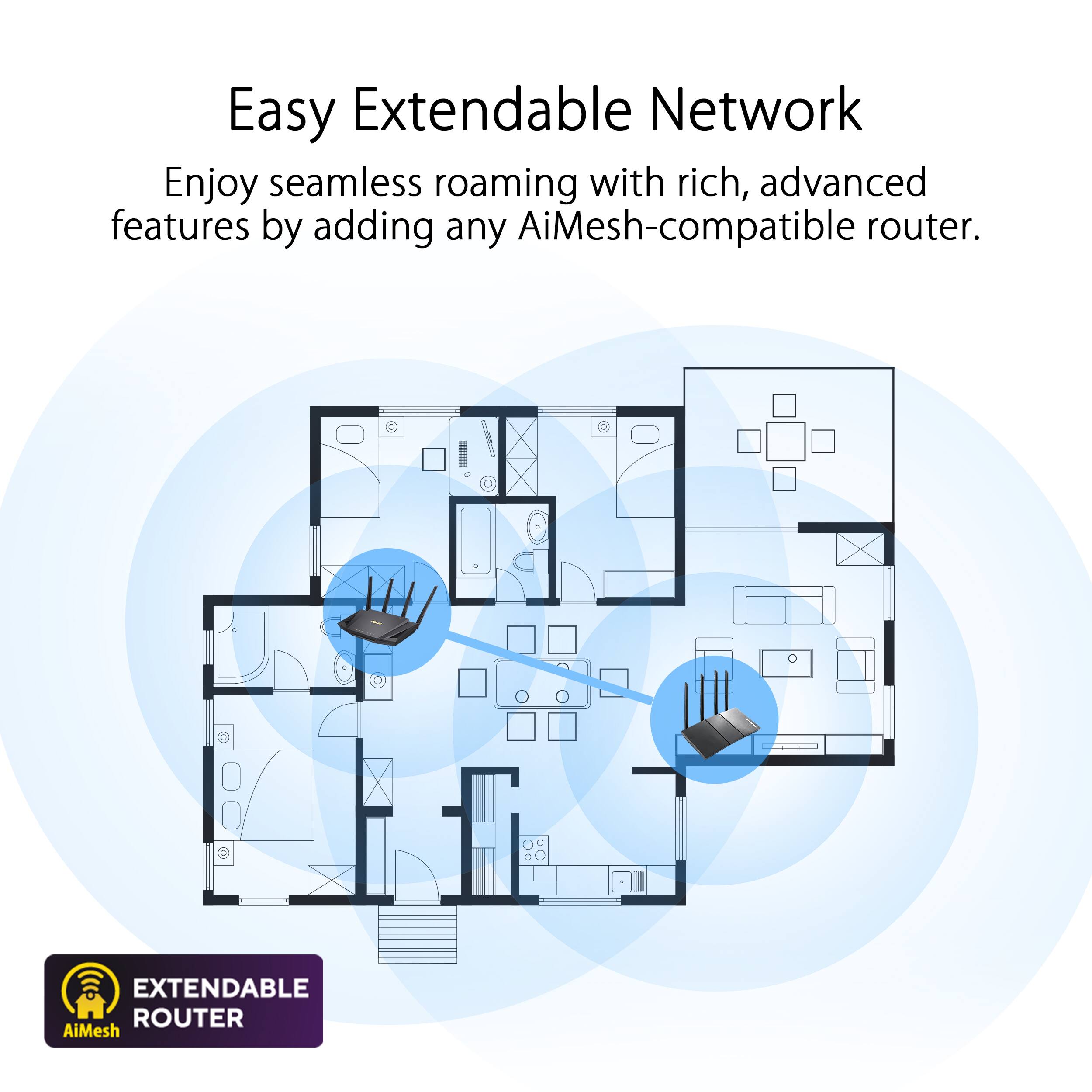
Posted .This reviewer received promo considerations or sweepstakes entry for writing a review.Decided to buy this new unit from Asus. I currently own the AX-11000 and the GT-AC5300 in Ai-Mesh mode and works great. I was hoping to add the AX-58U into the Mesh network. To my surprise this unit would not connect to my Ai-Mesh network and I tried using the AX-11000 web method and the Asus app. All of which eventually came back saying it could not transfer any of my network information. At the time of writing Asus had not posted any new FW to update to. I returned the router and will wait until they release newer FW so that I can update the Ai-Mesh on the AX-58U
No, I would not recommend this to a friendBrand response from Asus_Answers
Posted .Dear TechWizard,
Thank you for posting your feedback on this model, we truly appreciate it. We are truly sorry to hear that the device could not connect to you Ai-Mesh network and the inconvenience this have caused you. ASUS products undergo intensive quality control testing and final inspections for both hardware and software before we send it out to the stores worldwide. ASUS provides warranty for the unit in order to fix or repair any isolated factory escape defect. Rest assure this information will be passed on to our development team. We truly appreciate your feedback. For further inquiries please feel free to reach out to us at: customerloyalty@asus.com and provide this link for reference. Our customer loyalty department is dedicated to bringing a resolution to all issues related to our products. Have an extraordinary day.
Thank you for choosing ASUS
Best Regards,
Lamoya
ASUS Customer Loyalty US Support
USB for LTE fails
Posted .This reviewer received promo considerations or sweepstakes entry for writing a review.When I try to us the USB to tether it will not connect. I cannot get my M1 modem to connect through usb either. The settings will not stick when I pick at&t Broadband they always revert to the first thing that they list. If you want to sue this router in this way I don't recommend it, as a router with normal internet through Xfinity, ect it would do well for you, unfortunately I cannot get real internet where I live. The router would good otherwise so this review is for those like me that can't get normal internet and have to rely on LTE
I would recommend this to a friendBrand response from Asus_Answers
Posted .Dear Valued Customer,
Please accept our sincere apologies for the issue you’re experiencing, connecting your USB for tethering. All ASUS products undergo intensive quality control, testing and inspections. What you've experienced was not intentional or representative of our brand. I would appreciate another chance to earn your business. If you wish to collaborate this issue to a solution, feel free to reach out to me at customerloyalty@asus.com and provide this link for reference. I'm here to help you and all others with these issues, as our customer loyalty department dedicated to bringing a resolution to all issues related to our products.
Thank you for choosing ASUS!
Best Regards,
Jamalie,
ASUS Customer Loyalty US Support
Unreliable firmware
Posted .This reviewer received promo considerations or sweepstakes entry for writing a review.At one week old with the latest firmware, all wireless connections drop and cannot be fixed without rebooting the router at least once per day. OpenVPN works, IPSEC VPN does not. When it IS working it works well, but it has only marginally more range than an ancient Netgear R7000. Unless ASUS support has a magic spell this one has to go back, which is a massive pain. That would be easy to do, except their Service chat app doesn't work either. I'm still looking for a router that has reliable firmware. So far Asus is not it.
No, I would not recommend this to a friendBrand response from Asus_Answers
Posted .Dear Valued Customer,
I'm sorry to hear that the IPSEC VPN is unable to work. Please ensure that you are on the latest firmware and refer to the following faq below. If you need further assistance, feel free to reach out to me at customerloyalty@asus.com and provide this link for reference. I'm here to help you and all others with these issues, as our customer loyalty department dedicated to bringing a resolution to all issues related to our products.
Thank you for choosing ASUS!
Best Regards,
Jamalie,
ASUS Customer Loyalty US Support
[VPN] IPSec VPN setup on Windows: [VPN] IPSec VPN setup on Windows
[VPN] IPSec VPN setup on Mac: https://www.asus.com/support/FAQ/1033575/
How to do a firmware update on ASUS wireless router? (ASUSWRT): https://www.asus.com/support/FAQ/1005484/
Your mileage may very.
Posted .This reviewer received promo considerations or sweepstakes entry for writing a review.What had promised to be a wonderful replacement for our old and reasonably faithful networking components, turned into a nightmare. The AX3000 was easy to wire-up and turn on. It began to fail shortly thereafter by unceremoniously switching between no internet, 3G and 5G bands switching without notice and everything stop altogether. Best Buy staff was excellent and offered some suggestions for not a in-like replacement, but an upgrade at minimal cost. They reimbursed the full price of the. AX-3000. Your mileage may very, as it did install nicely and showed some potential.
No, I would not recommend this to a friendBrand response from ASUS Answers
Posted .Dear 1Buk,
We sincerely apologize for the issues you've faced with the router and for the inconvenience caused. This is not the kind of quality to expect from ASUS products and it's not the norm. At ASUS, we take quality control, testing, and inspections seriously to ensure our products meet high standards. We understand the impression this may have created and we hope this will not be a long-term lasting impression as you have chosen ASUS as a trusted brand for excellence.
Having returned the router, we hope that you were able to obtain a functional replacement.
We do stand behind our products and we continuously strive to improve our products and processes to achieve customer service excellence. If you require any further assistance, please send us an email at customerloyalty@asus.com and include the case number "N200268504-0059" as a reference. We will do our best to resolve your case quickly. Your feedback is very important to us, and it enables us to improve our support channels. Thank you for choosing ASUS.
Best Regards,
Chantae
ASUS Customer Loyalty US Support
Router
Posted .This reviewer received promo considerations or sweepstakes entry for writing a review.S'all good in the hood with the new wireless internet router
I would recommend this to a friendGreat while it worked.
Posted .This reviewer received promo considerations or sweepstakes entry for writing a review.I had this for about less than a month and the ethernet ports died but the Wi-Fi was still going Asus is becoming a unreliable brand especially with its warranty's stay away from Asus products.
No, I would not recommend this to a friendBrand response from ASUS Answers
Posted .Dear Rob0976,
We sincerely apologize for the issues you've faced with the router and the inconvenience caused. This is not the kind of quality to expect from ASUS products and it's not the norm. At ASUS, we take quality control, testing, and inspections seriously to ensure our products meet high standards. What you've experienced was not intentional or representative of our brand. The decision to make a purchase can be important, and we want to ensure that our customers receive the best products and services. We understand the impression this may have created and we hope this will not be a long-term lasting impression as you have chosen ASUS as a trusted brand for excellence. Providing our customers with a high level of satisfaction is our top priority, and we'll forward your feedback to our Product Team for review.
Please allow us to make your experience with ASUS a better one. To further investigate the problems you're experiencing or obtain assistance with getting the device repaired, we recommend contacting our support team at https://www.asus.com/us/support/CallUs.
We stand behind our products and continuously strive to improve our products and processes to achieve customer service excellence. For more information, email us at customerloyalty@asus.com and include the case number "N2104019978-0026" as a reference. We will do our best to resolve your case quickly. Your feedback is very important to us and enables us to improve our support channels. Thank you for choosing ASUS.
Best Regards,
Chantae
ASUS Customer Loyalty US Support
DO NOT BUY NETGEAR
Posted .This reviewer received promo considerations or sweepstakes entry for writing a review.Netgear products and their support are horrible. I purchased this router and it refused to connect to my laptop. I recently purchased the laptop due to its WiFi6 connectivity and its high ranking for a gaming machine. The router allowed OLDER phones to connect but NOT my WiFi6 laptop. I have never had connection issues of any kind on this laptop (Asus ROG Zephyrus). I installed the updated firmware on the router and still nothing. I called tech support and the person barely spoke english and I could not understand anything except your laptop broke. I took the router back to the store along with my laptop and the techs there tested the Wifi on the laptop and it was running and connecting perfectly. Thank You to the Best Buy team for the quick assistance and patience. I purchased another router from Best Buy and it worked as soon as I plugged it in.
No, I would not recommend this to a friendBrand response from ASUS Answers
Posted .Dear LannesL,
We sincerely apologize for the poor experience you have had with this ASUS router. Please allow us the opportunity to make your experience with ASUS a better one. Please note that Netgear is not affiliated with ASUS. If you're still experiencing the issue please follow the steps in the FAQ linked below to help troubleshoot the issue. We do value our customers and take negative customer service experiences very seriously. We do stand behind our product and we continuously strive to improve our products and processes in order to achieve customer service excellence. For more information send us an email at customerloyalty@asus.com and provide the case number "N2211003975-0001" for reference. We’ll do our best to provide a quick resolution to your case. Your feedback is important as it helps with improvements to ASUS Support channels. Thank you for choosing ASUS.
Best Regards,
Leonardo
ASUS Customer Loyalty US Support
[Wireless Router] Troubleshooting - Computer cannot find the wireless router: https://www.asus.com/us/support/FAQ/1030638/
PROPS TO BESTBUY TO ALLOW US TO SHARE
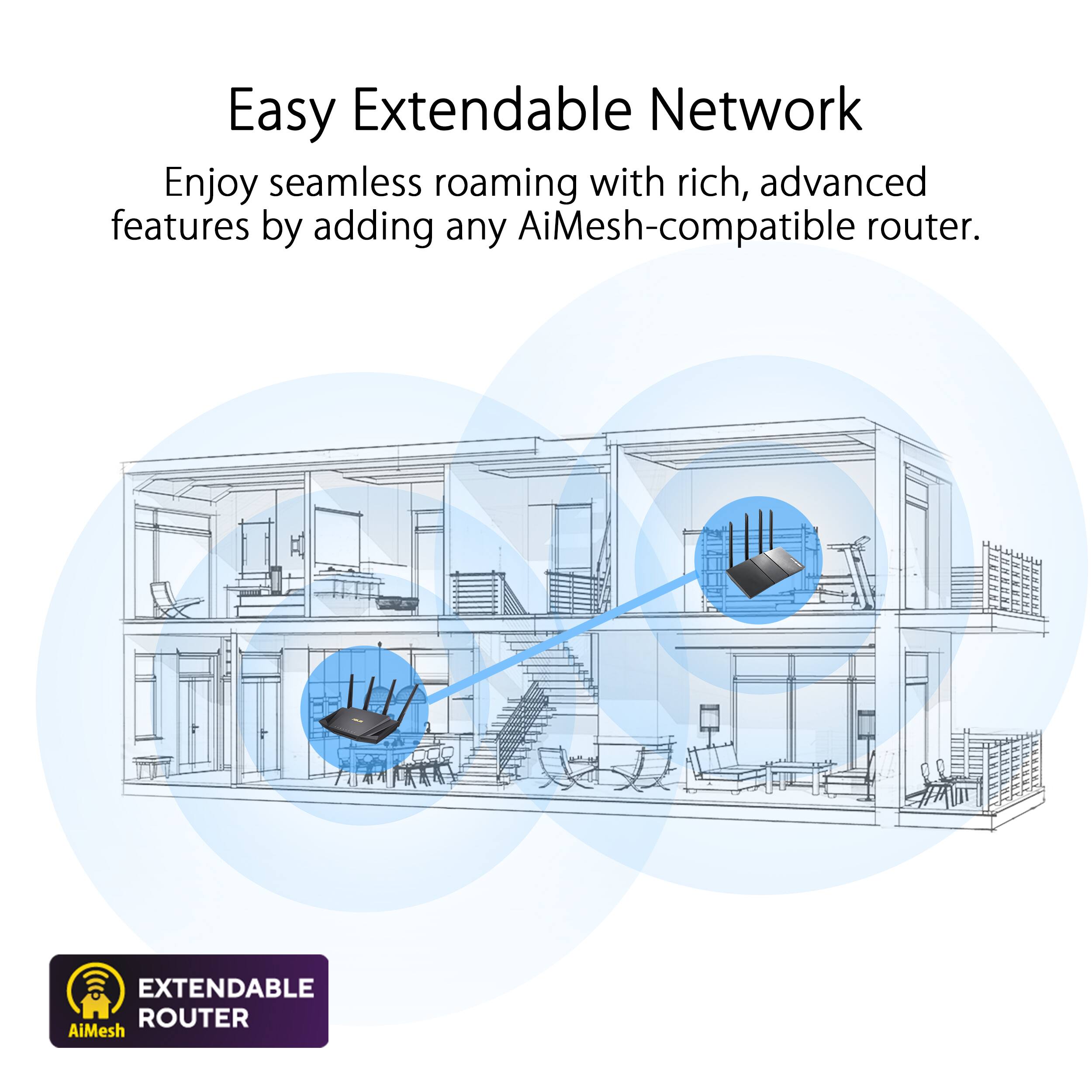
Posted .This reviewer received promo considerations or sweepstakes entry for writing a review.I WANT TO GIVE BEST BUY CREDIT FOR POSTING THIS. AS WITH ALL STORES, THEY CARRY A WIDE VARIETY OF ITEMS AND THE BUYERS HELP WEED OUT THE BAD ITEMS. THIS ROUTER MAY NOT BE TOTALLY BAD, I JUST HAD IT FOR A 1 DAY I BOUGHT 3 TO SET UP AIMESH ONE CONNECTED TO MY PC AND THE OTHER 2 USED AS NODES, MY SON CAME IN YELLING AT ME THAT THE INTERNET WAS DOWN THE LITTLE APPLE OF HIS OWN EYE, DOES WORK AT HOME, I TOLD HIM MY PC IS FINE, SO IT SEEMS THE AIMESH NODES DROPPED OUT AND THE SYSTEM DIDNT LET ME KNOW, SO I CAN NOT SAYING IN SINGLE USE, USE IT'S BAD BUT IT SEEMS IN AIMESH NODE IT DROPS. ONCE AGAIN PROPS TO BESTBUY TO ALLOW US TO SHARE PRODUCT KNOWLEDGE WITH EACH OTHER.ACTUALLY WHEN I READ A POOR BAD REVIEW I END UP BUYING MORE EXPENSIVE!!!
No, I would not recommend this to a friendBrand response from ASUS Answers
Posted .Dear PROPS.,
It's unfortunate to hear that the WIFI is disconnecting. All our products do go through an intensive quality control testing process to ensure that customers get units that are in proper working condition, what you've experienced was not intentional and this was a random case. Have you tried updating the firmware? Please attempt the steps from the FAQ below. For further troubleshooting send us an email at customerloyalty@asus.com and provide the link of this review for reference. We’ll do our best to provide a quick resolution to your case. Your feedback is important as it helps with improvements to ASUS Support channels. Please refer to this case number (N200268504-0022) for us to better assist you.
Thank you for choosing ASUS!
Best Regards,
Ramon,
ASUS Customer Loyalty US Support
Troubleshooting - https://www.asus.com/support/FAQ/1030641/
Router had manufacturer issues
Posted .This reviewer received promo considerations or sweepstakes entry for writing a review.Router had firmware and hardware issues after 2.5 weeks i could not print and it would not connect to the internet. It was still under warranty and Best Buy would not take it back because of their 15 day return policy! ASUS gave me a link for a RMA form that would not accept the serial number for the router. I will not buy another ASUS product and have a headache from being on the phone talking to their tech support.
No, I would not recommend this to a friendBrand response from ASUS Answers
Posted .Dear Randy W,
We sincerely apologize for the issues you've faced with the router and the inconvenience caused. This is not the kind of quality to expect from ASUS products and it is not the norm. At ASUS, we take quality control, testing, and inspections seriously to ensure our products meet high standards. In addition, we apologize for the difficulty in getting the product fixed. Allow us to make your experience with ASUS a better one.
Please send us an email at customerloyalty@asus.com and include the case number "N200268504-0046" as a reference so that we can further assist with providing a Return Material Authorization number (RMA) to get the device repaired as soon as possible. We want to assure you that we can help you resolve this issue.
We stand behind our products and continuously strive to improve our products and processes to achieve customer service excellence. We will do our best to resolve your case quickly. Your feedback is very important to us, and it enables us to improve our support channels. Thank you for choosing ASUS.
Best Regards,
Chantae
ASUS Customer Loyalty US Support
disappointed
Posted .This reviewer received promo considerations or sweepstakes entry for writing a review.Wanted to upgrade my router after a few years so I thought I'd spend a bit more money and try out this one. While the wired was great, the wifi was awful. Instantly ran into issues with every device that I normally would use on wifi. For my laptops the speed and range was far slower and worse than the cheap $40 router I had been using. In addtion my phone could not connect at all, and neither could my smart devices
No, I would not recommend this to a friendBrand response from ASUS Answers
Posted .Dear Rafael,
We regret to learn that your Wi-Fi not working properly on the router ,We do stand behind our product and we continuously strive to improve our approach and processes in order to achieve customer service excellence. Please follow the troubleshooting steps in our FAQ: [Wireless Router] How to improve wireless speed by setting Channel Bandwidth in Wireless Router? - https://www.asus.com/support/FAQ/1011431 If all steps have been completed, please reach out to us by email at customerloyalty@asus.com . and provide the link of this review for reference. We’ll do our best to provide a quick resolution to your case. Your feedback is important as it helps with improvements to ASUS Support channels. Please refer to this case number (N200268504-0033)Thank you for choosing ASUS.
Best Regards,
Schottky
ASUS Customer Loyalty US Support
It was great while it lasted
Posted .This reviewer received promo considerations or sweepstakes entry for writing a review.Ive had this router for almost two years now it has to be rebooted daily for the internet to work. The router constantly has a red light on the wan even though it has working internet.
No, I would not recommend this to a friendBrand response from ASUS Answers
Posted .Dear Valued Customer,
Certainly, we understand your disappointment with the red light on the WAN. This is not the kind of experience we want any of our customers to have. Have you updated the firmware? Please refer to the FAQ below. For further troubleshooting, feel free to reach out to me at customerloyalty@asus.com and provide this link for reference. I'll do my best to provide a quick resolution to your case. Your feedback is important as it helps with improvements to ASUS Support channels.
Thank you for choosing ASUS!
Best Regards,
Jamalie,
ASUS Customer Loyalty US Support
Link: https://www.asus.com/support/FAQ/1008000/
Doesn't work.
Posted .This reviewer received promo considerations or sweepstakes entry for writing a review.Wifi connected OK as did lan, at first, whenever any of the wired connected devices were restarted they would not have internet access, had to restart the router every time. Tried tech support and they started leading me down a rabbit hole checking things other than the router, all of which were working fine prior to installing this router. Returning, never buying an ASUS product again. Trash.
No, I would not recommend this to a friendRouter
Posted .This reviewer received promo considerations or sweepstakes entry for writing a review.It would make my WiFi go even more slower when I had it connected
No, I would not recommend this to a friendBrand response from ASUS Answers
Posted .Dear MelidaM,
Thank you for your comment.
We do understand your disappointment with the product and the inconvenience this may have caused if you are experiencing slow speed. To resolve this issue, place the router in the center of the area you want to cover, avoid placing the router near metal objects, electronic devices or direct sunlight, position the router on a flat, hard surface and halfway between the floor and ceiling. Additionally, dense building materials, such as gypsum, concrete walls and planks can affect Wi-Fi signal penetration. Also, we recommend updating the Mesh router firmware if it is running with an older version. Firmware is available for download at: https://www.asus.com/us/networking-iot-servers/wifi-routers/asus-wifi-routers/rt-ax58u/helpdesk_bios?model2Name=RT-AX58U . Also, check if the PC or device connecting to the router is working properly and within range to the router, the router is within 30 feet to the ISP's modem, if not wired with a network cable, and ISP's internet service or connection is working properly or stable. Furthermore, check if the router's security credentials matches with your ISP' modem credentials. Should you need further assistance with the product, please email me at cl-rodel@asus.com and I would be more than happy to help. Or you are most welcome to call Product Support Hotline at: 1(888) 678-3688. Also, you can chat with an ASUS live support agent from the link: https://www.asus.com/us/support/article/1135/.
Thank you for choosing an ASUS product.
Regards,
Rodel
ASUS Customer Loyalty
Keeps dropping 5G broadcast
Posted .This reviewer received promo considerations or sweepstakes entry for writing a review.After 2 years the radio began dying. Sporadically the 5G radio stops broadcasting internet. Switch over to 2G and everything works as expected. Hard reset and it comes back. Pretty crappy that a $200 router dies RIGHT after warranty stops.
No, I would not recommend this to a friendBrand response from ASUS Answers
Posted .Dear Valued Customer,
It's unfortunate to hear that the 5Ghz frequency is not broadcasting the internet connection. This is not the kind of experience we want any of our customers to have. Are you currently on the latest firmware? If not, please refer to the FAQ below. For further troubleshooting, feel free to reach out to me at customerloyalty@asus.com and provide this link for reference. I'll do my best to provide a quick resolution to your case. Your feedback is important as it helps with improvements to ASUS Support channels.
Thank you for choosing ASUS!
Best Regards,
Jamalie,
ASUS Customer Loyalty US Support
Link: https://www.asus.com/support/FAQ/1008000/
Asus what junk
Posted .This reviewer received promo considerations or sweepstakes entry for writing a review.Would give this product a zero if possible, bought one took it home and it was bad out of the box exchanged it and guess what another one bad out of the box. I will be returning the second one and NEVER buying an asus product ever again. Run away as fast as you can from this junk
No, I would not recommend this to a friendBrand response from Asus_Answers
Posted .Dear Valued Customer,
It's regrettable to hear you've encountered issues with both units from out of the box. If possible, give me a detailed description of any specifics regarding your situation so we can collaborate towards a resolution. Feel free to reach out to me at customerloyalty@asus.com and provide this link for reference. I'm here to help you and all others with these issues, as our customer loyalty department dedicated to bringing a resolution to all issues related to our products.
Thank you for choosing ASUS!
Best Regards,
Jamalie,
ASUS Customer Loyalty US Support
Misinformation
Posted .This reviewer received promo considerations or sweepstakes entry for writing a review.Bought this since the specs listed it as have an integrated modem. But when installing it learned quickly that it does not.
No, I would not recommend this to a friendBrand response from ASUS Answers
Posted .Dear GarretO,
We certainly understand your disappointment and the inconvenience this may have caused.
This specific router doesn't have a modem function, it was not advertised as router/modem. Should you need further assistance with the product, please email me at cl-rodel@asus.com and I would be more than happy to help. Or, you are most welcome to call Product Support Hotline at: 1(888) 678-3688. Also, you can chat with an ASUS live support agent from the link: https://www.asus.com/us/support/article/1135/.
Thank you for choosing an ASUS product.
Regards,
Rodel
ASUS Customer Loyalty
Will Fail!
Posted .This reviewer received promo considerations or sweepstakes entry for writing a review.Will fail suddenly. No technical support received. Avoid wasting your money.
No, I would not recommend this to a friendBrand response from ASUS Answers
Posted .Dear Mohammad N,
Please accept our sincere apologies for the problems you've encountered with the router and our support team, as well as the inconvenience. This is not the experience we want our customers to have with ASUS products and services. We understand how frustrating this must be for you and we will do everything we can to make it right. Customer satisfaction is our top priority, and we strive to make every purchase an enjoyable experience. Allow us to make your experience with ASUS a better one.
Please send us an email at customerloyalty@asus.com and include the case number "N200268504-0054" as a reference so that we can further investigate the problem. We understand how urgent it is to get your unit back in working order, and we want to assure you that we can assist you with the issue.
We stand behind our products and continuously strive to improve our products and processes to achieve customer service excellence. We will do our best to resolve your case quickly. Your feedback is very important to us and enables us to improve our support channels. Thank you for choosing ASUS.
Best Regards,
Chantae
ASUS Customer Loyalty US Support
Bad
Posted .This reviewer received promo considerations or sweepstakes entry for writing a review.Still not able to get to work suckssssssssssssssssss
No, I would not recommend this to a friendBrand response from ASUS Answers
Posted .Dear User,
We're sorry to hear that you're having issues getting this unit to work for you. Can you please provide us with more details on the issues you're having? Is it that the router is not powering on? We would love to have your issues resolved in a timely manner. We do value our customers and take negative customer service experience very seriously. This is not the quality of service expected from ASUS. We do stand behind our product and we continuously strive to improve our approach and processes in order to achieve customer service excellence.
For more information send us an email at customerloyalty@asus.com and provide the link of this review for reference. We’ll do our best to provide a quick resolution to your case. Your feedback is important as it helps with improvements to ASUS Support channels. Please copy a link to this post as a reference.
Thank you for choosing ASUS.
Best Regards,
Joan
ASUS Customer Loyalty US Support